







Free worldwide shipping
Free returns
Carbon neutral
Secure payments
| Connectivity Technology | HDMI |
|---|---|
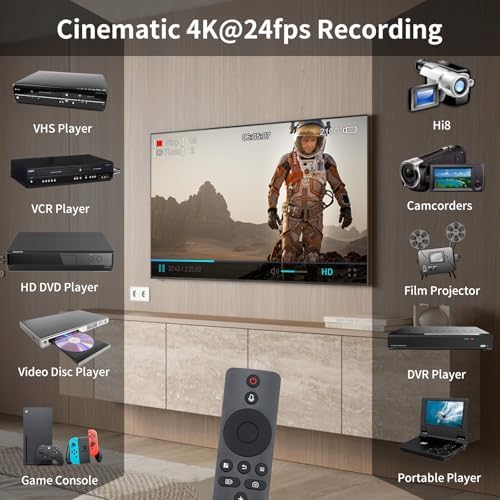
| Compatible Devices | DVD, DVR, Hi8, VCR, VHS |
| Number of Channels | 1 |
| Media Format Digital Video | TF Card |
| Video Input | HDMI |
| Item Weight | 0.49 kg |
| Model Number | HDMI+CVBS Recorder |
| UPC | 617395412020 |
| Unit Count | 1 Count |
| Manufacturer | Zowietek |
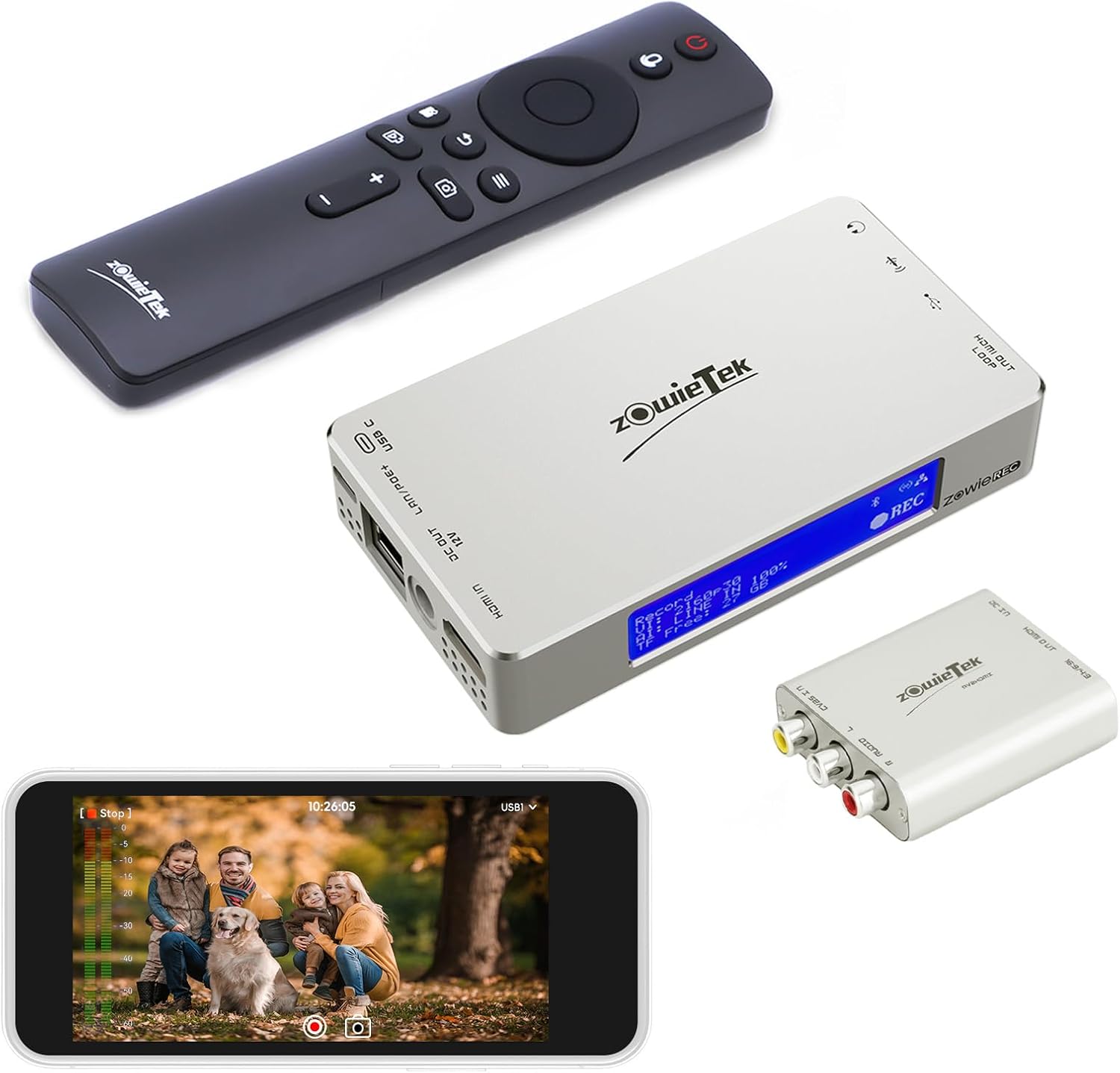
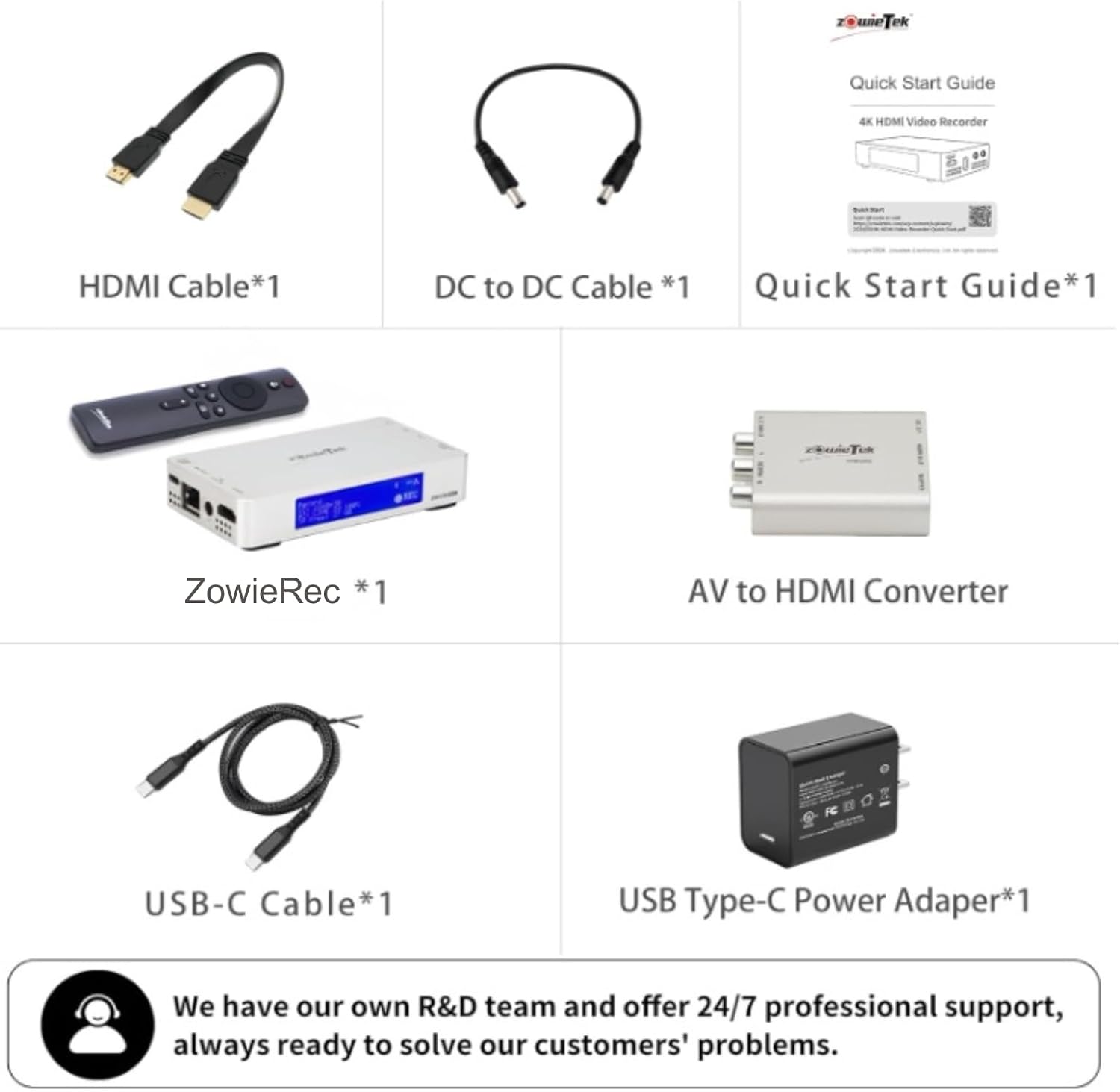
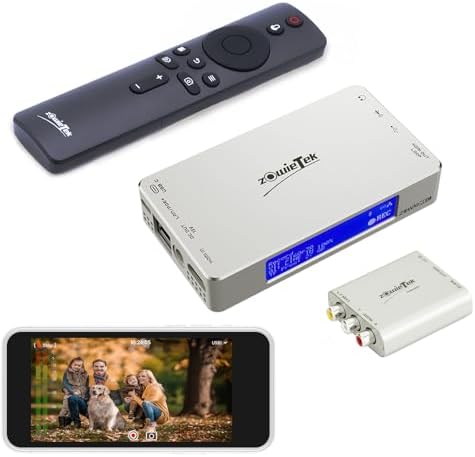
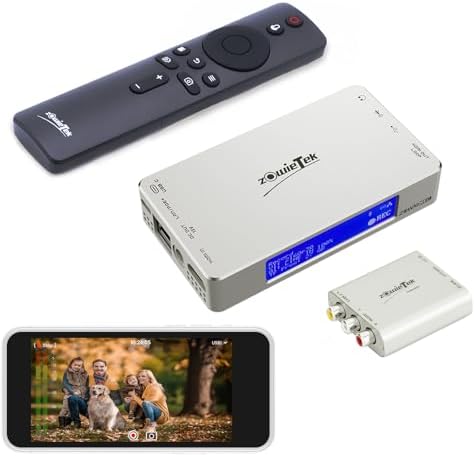
| Built-In Media | Recorder, Remote Controller, AV to HDMI Adapter, DC to DC Cable, HDMI Cable, Type-C Power Adapter only for U.S, Type-C Cable, Quick Start Guide |
| Warranty Description | 1 Year Manufacture Hardware Warranty, Lifetime Software Support |
| Number Of Channels | 1 |
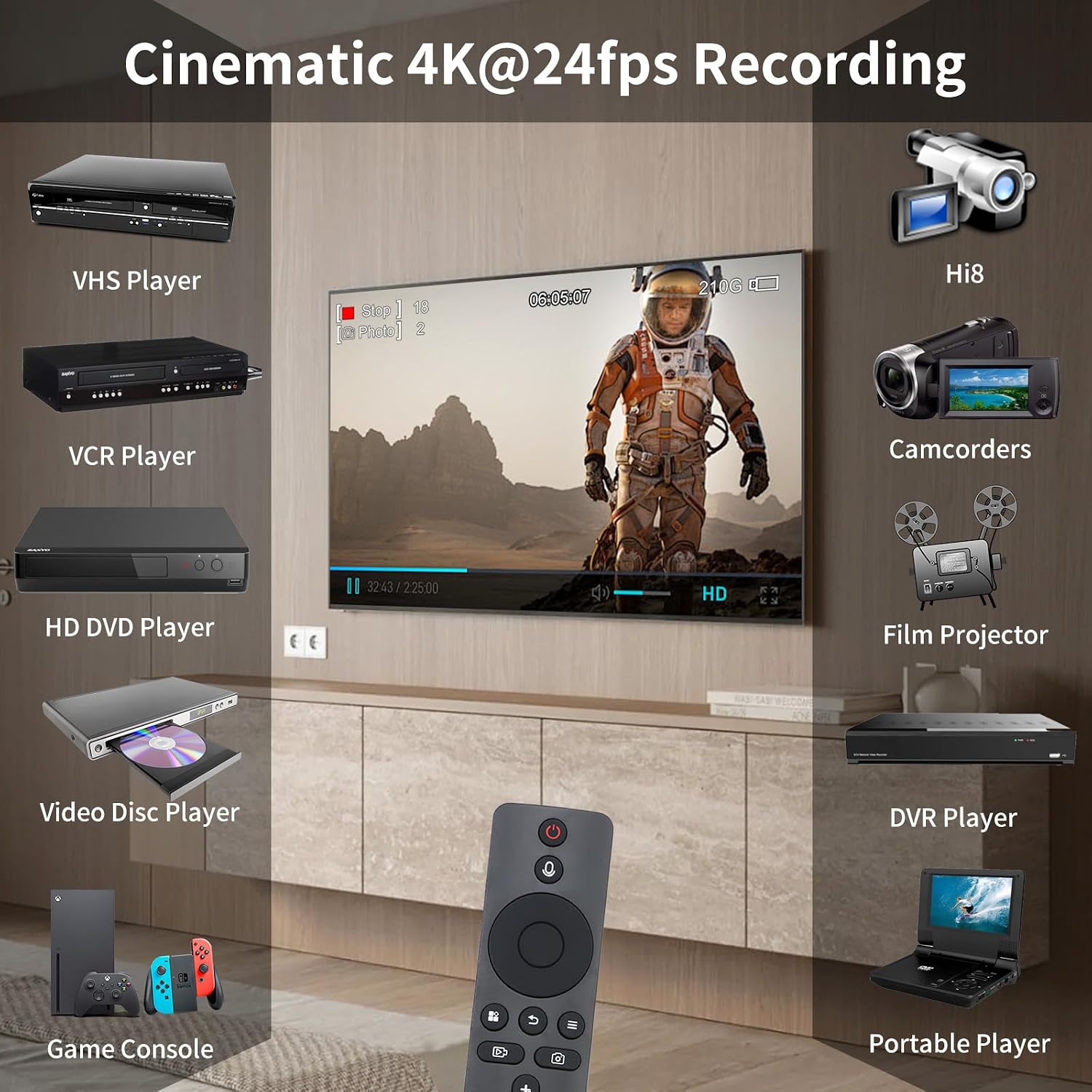
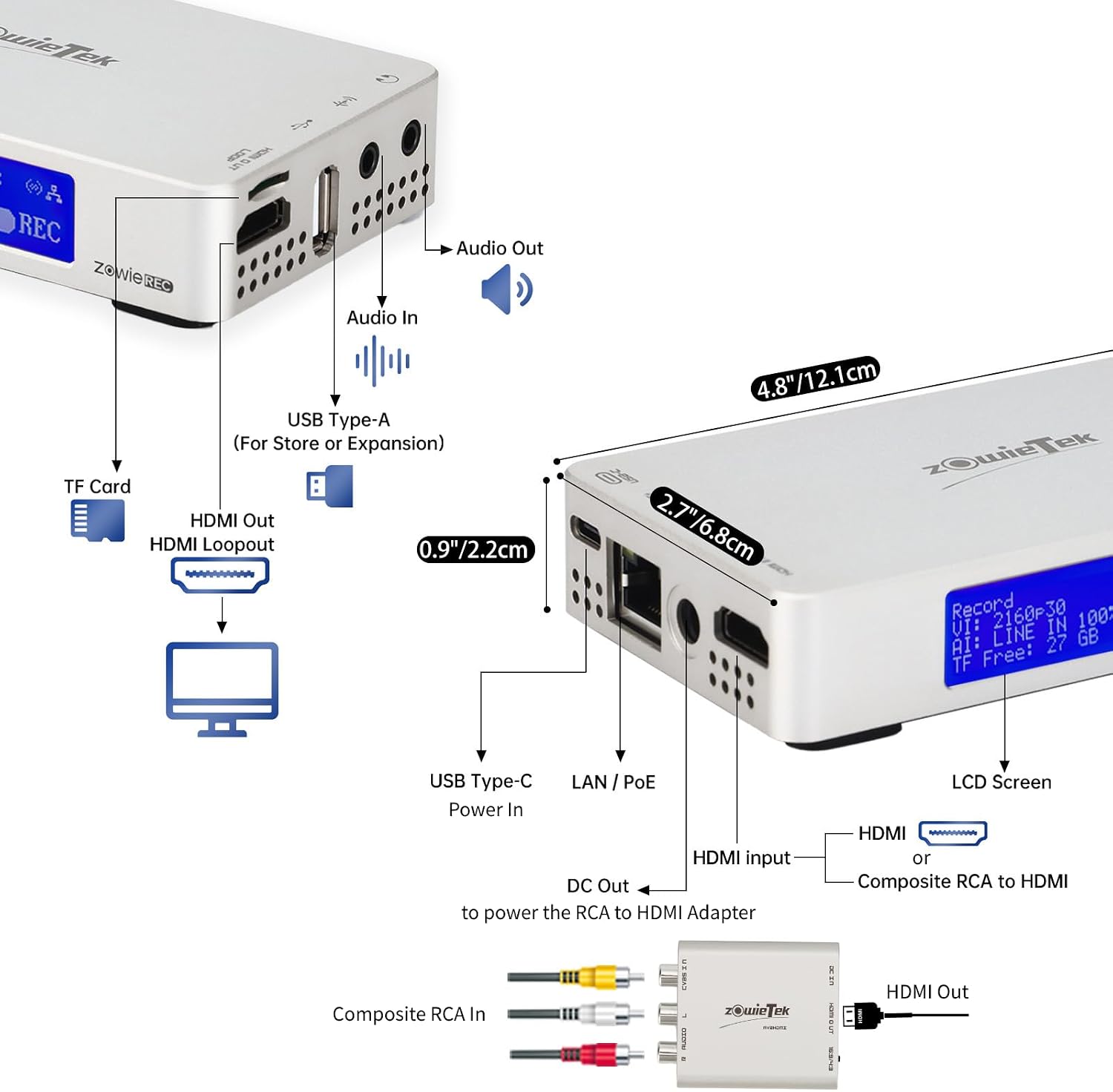
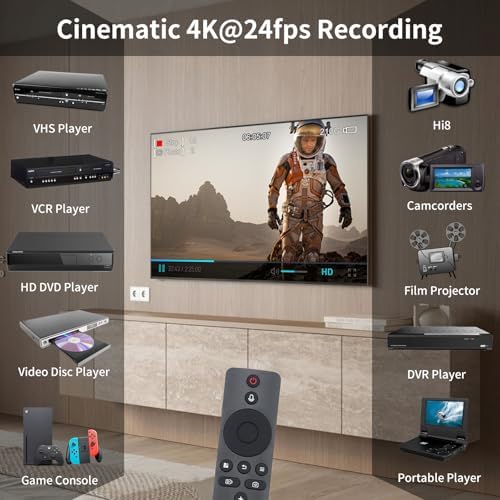
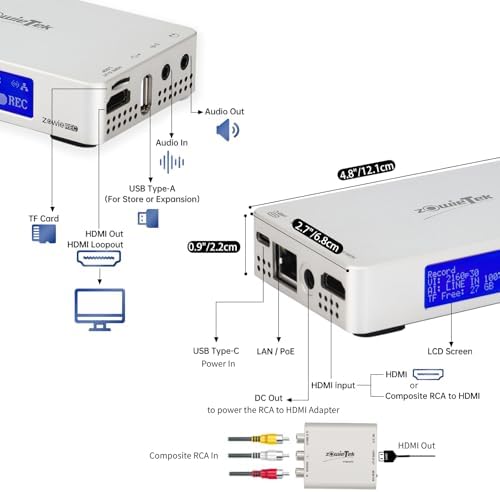
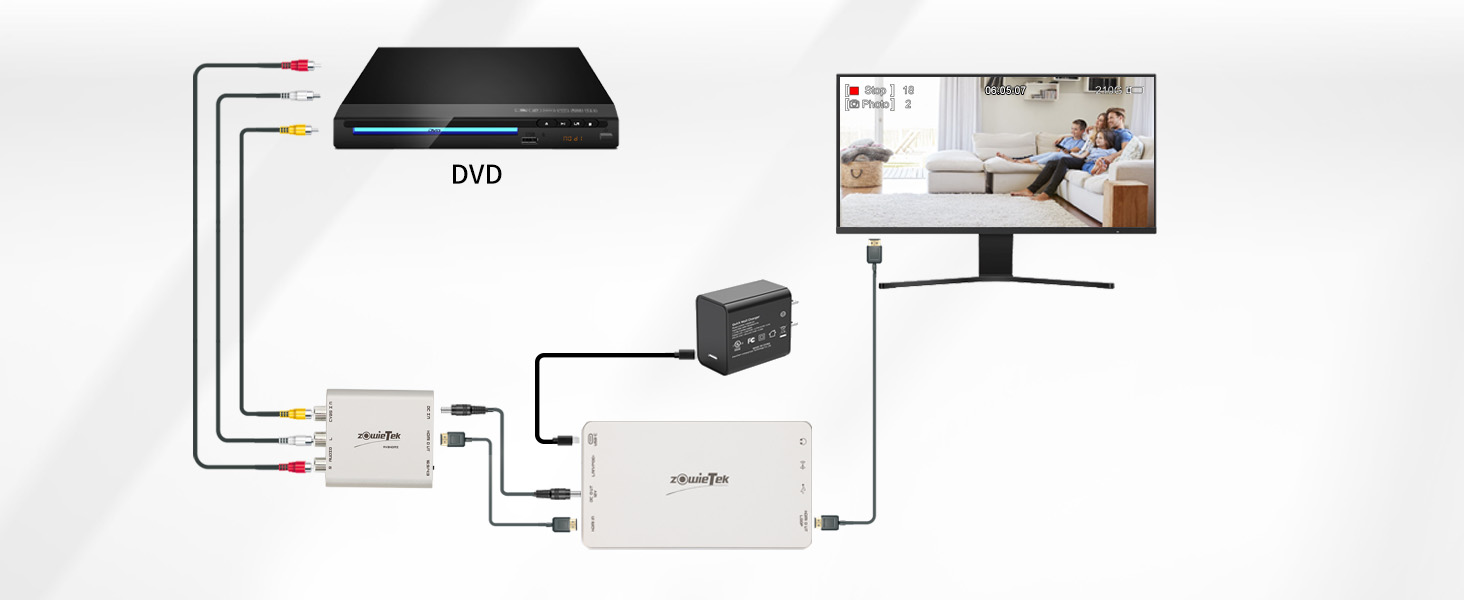
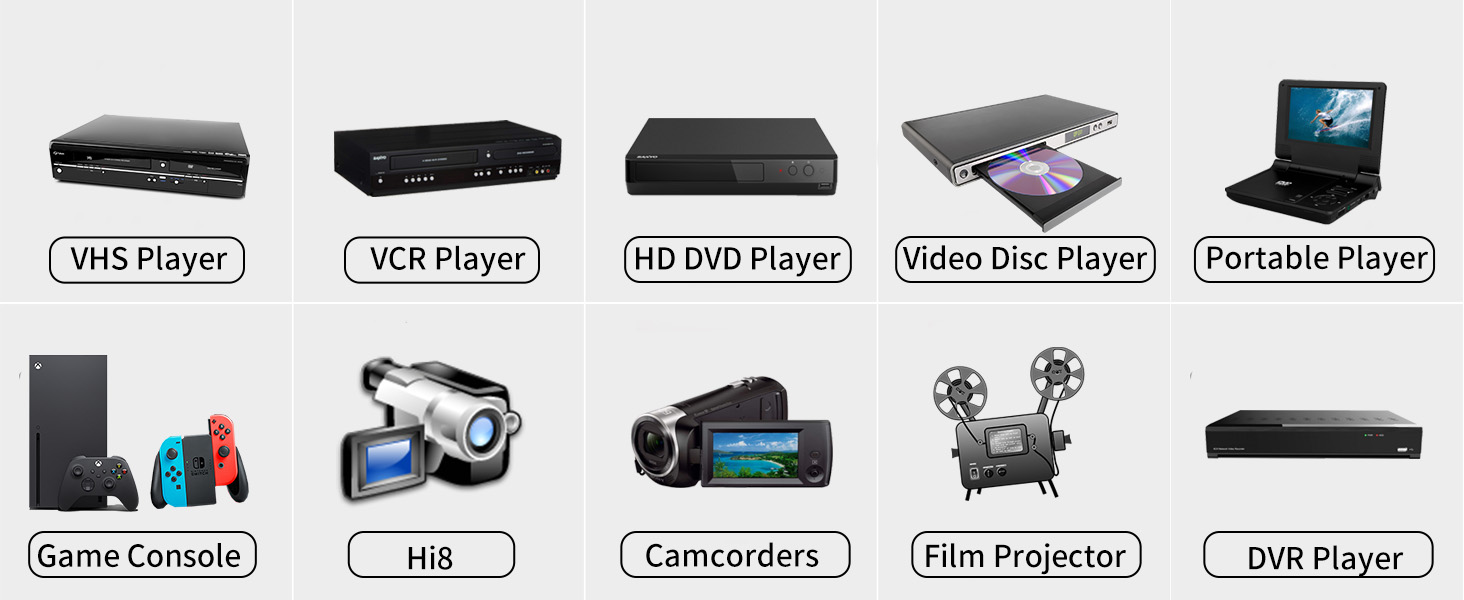
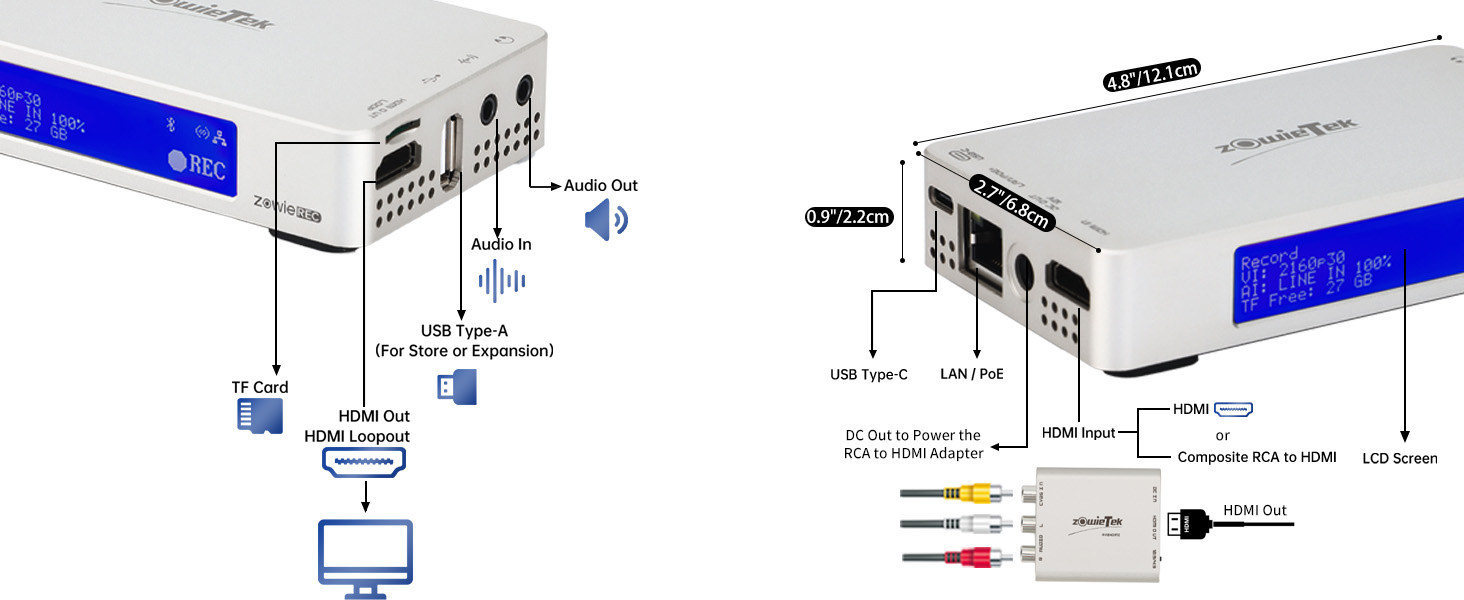
The included AV to HDMI converter turns RCA/composite signals from VHS, VCR, DVR, DVD, Hi8, Mini DV, and more into 4K HDMI video. ZowieREC powers it via the DC cable. Connect them with HDMI to record in 16:9 or 4:3 aspect ratio.
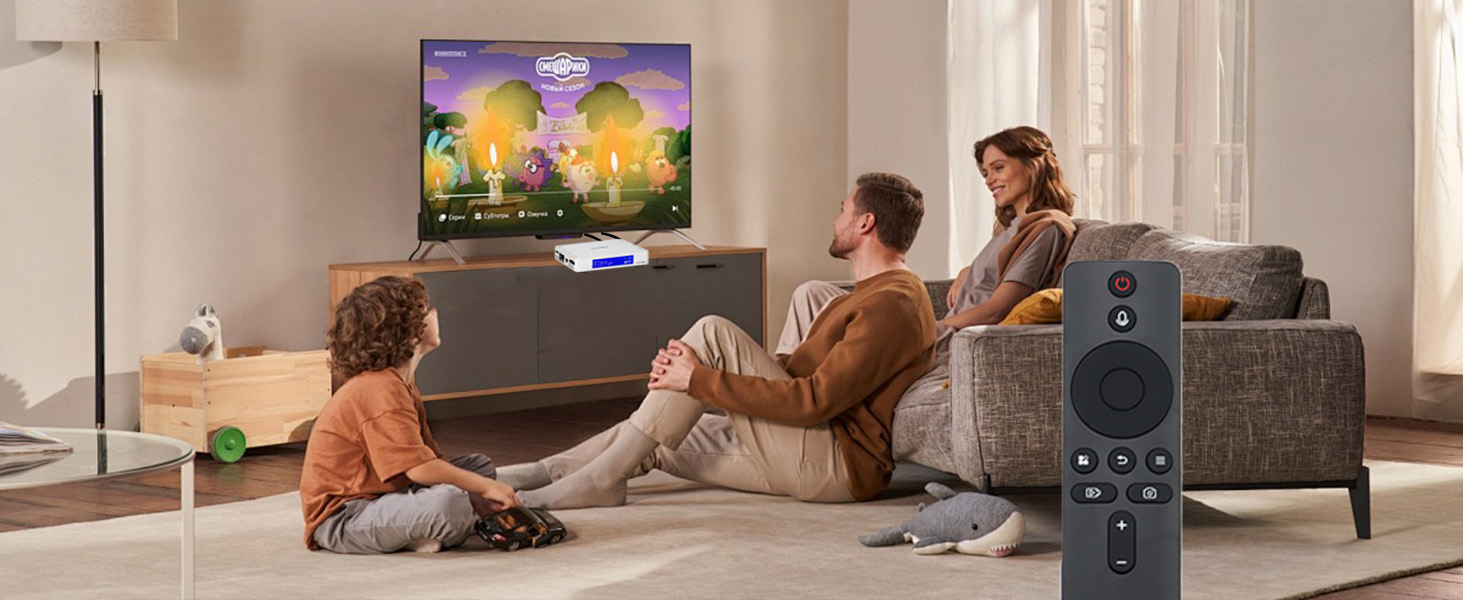
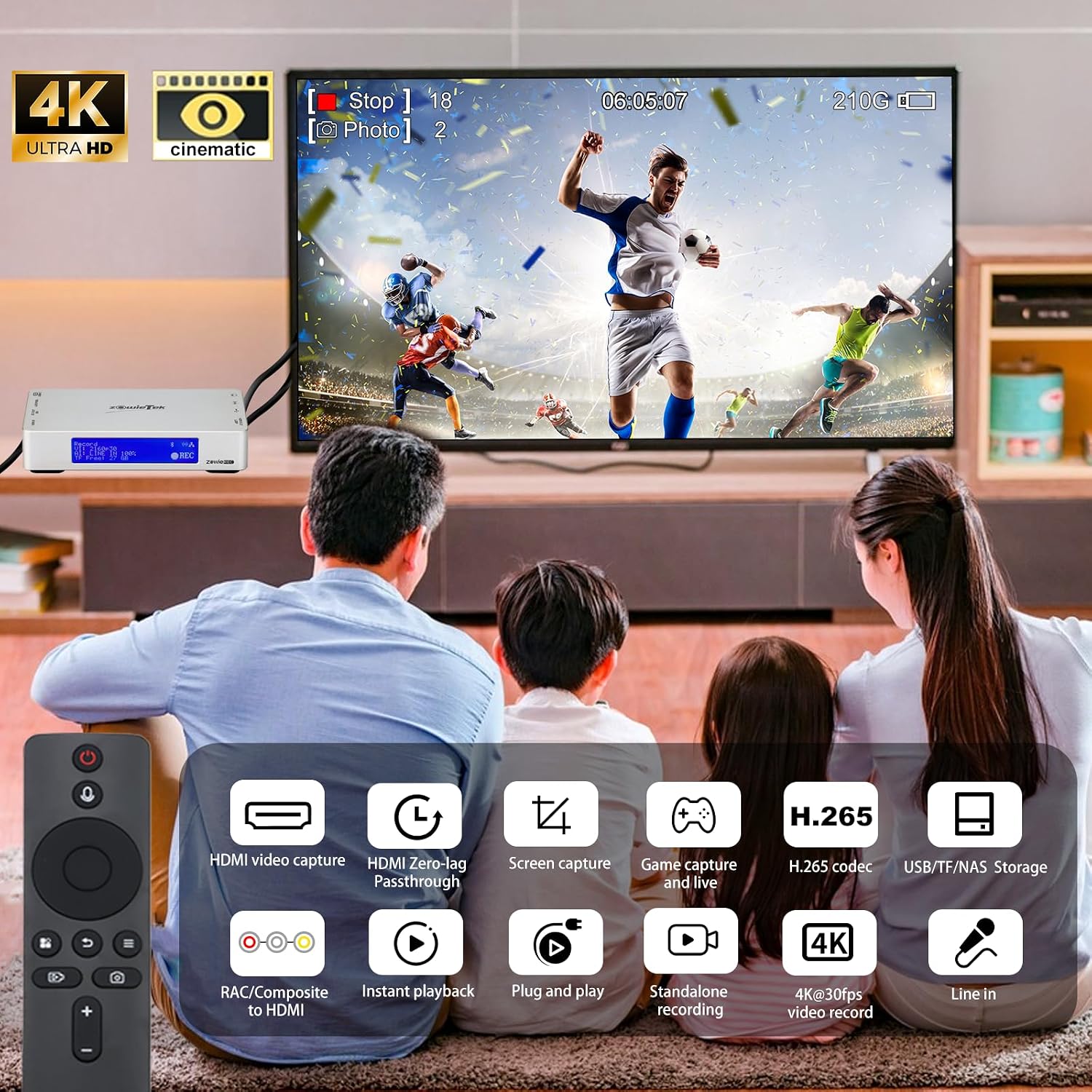
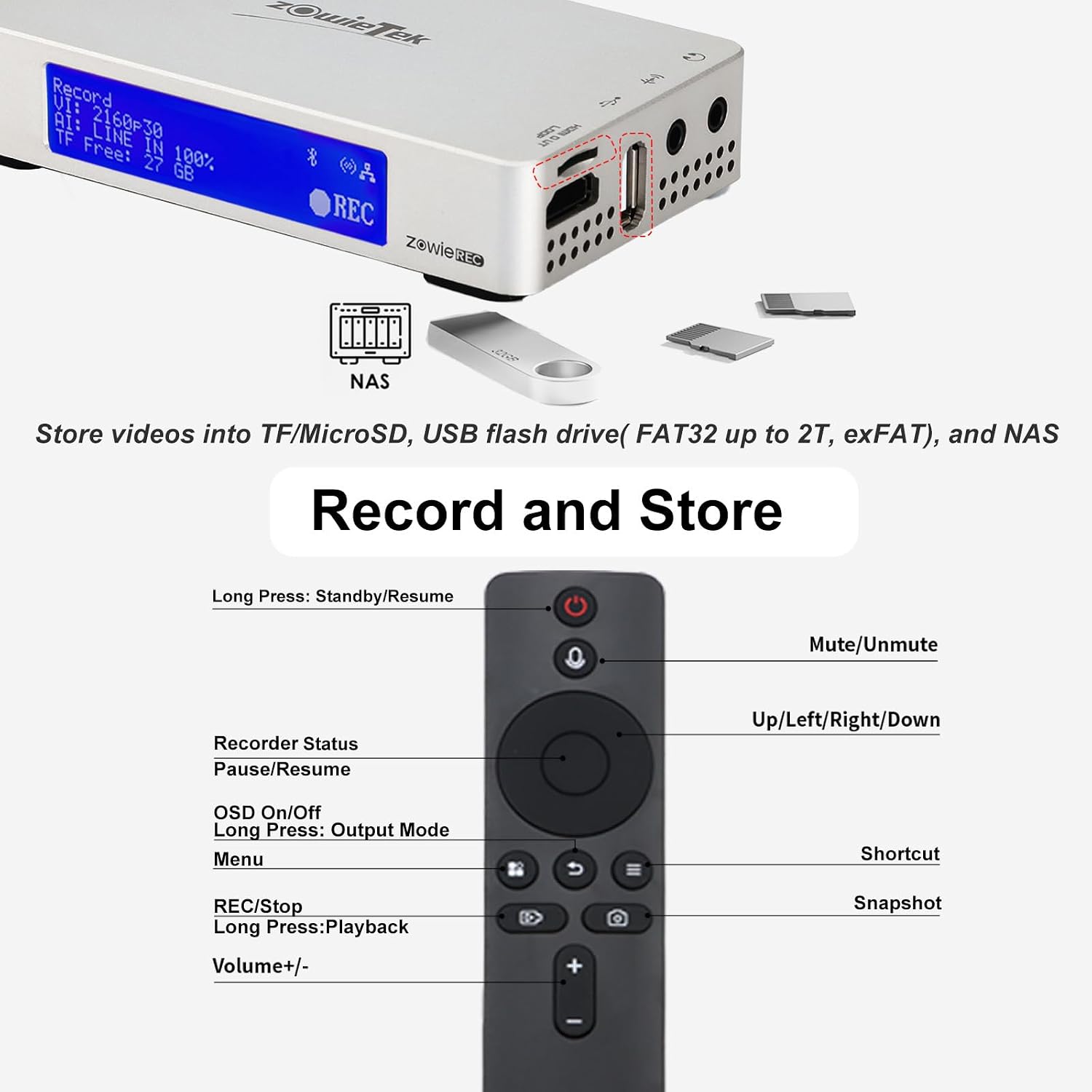
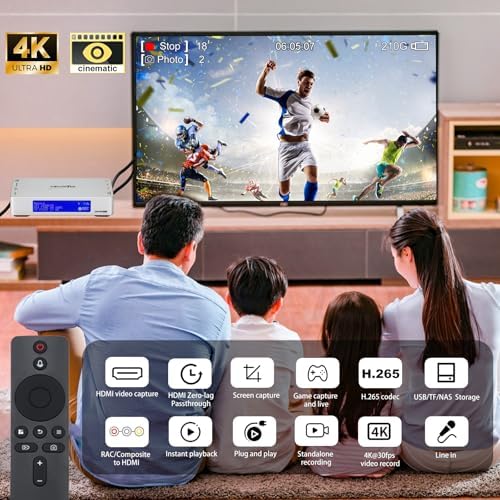
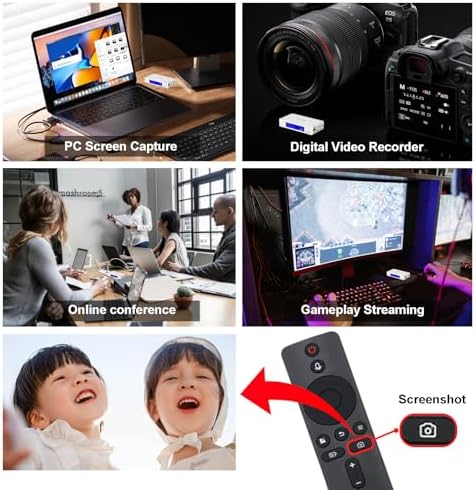
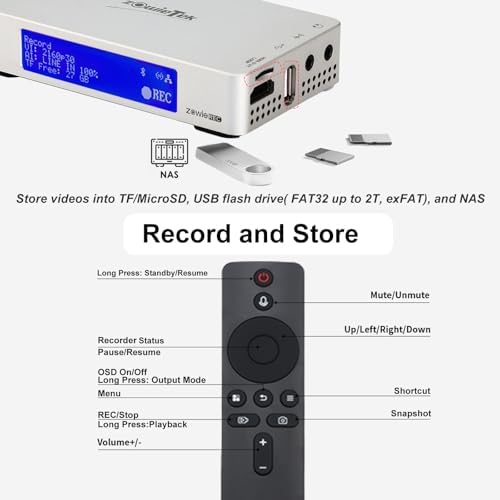
Record, playback, and screenshot 4K Ultra-HD video with one remote click—no PC needed! Enjoy seamless, high-quality 4K video recording and review with ultimate ease and efficiency!
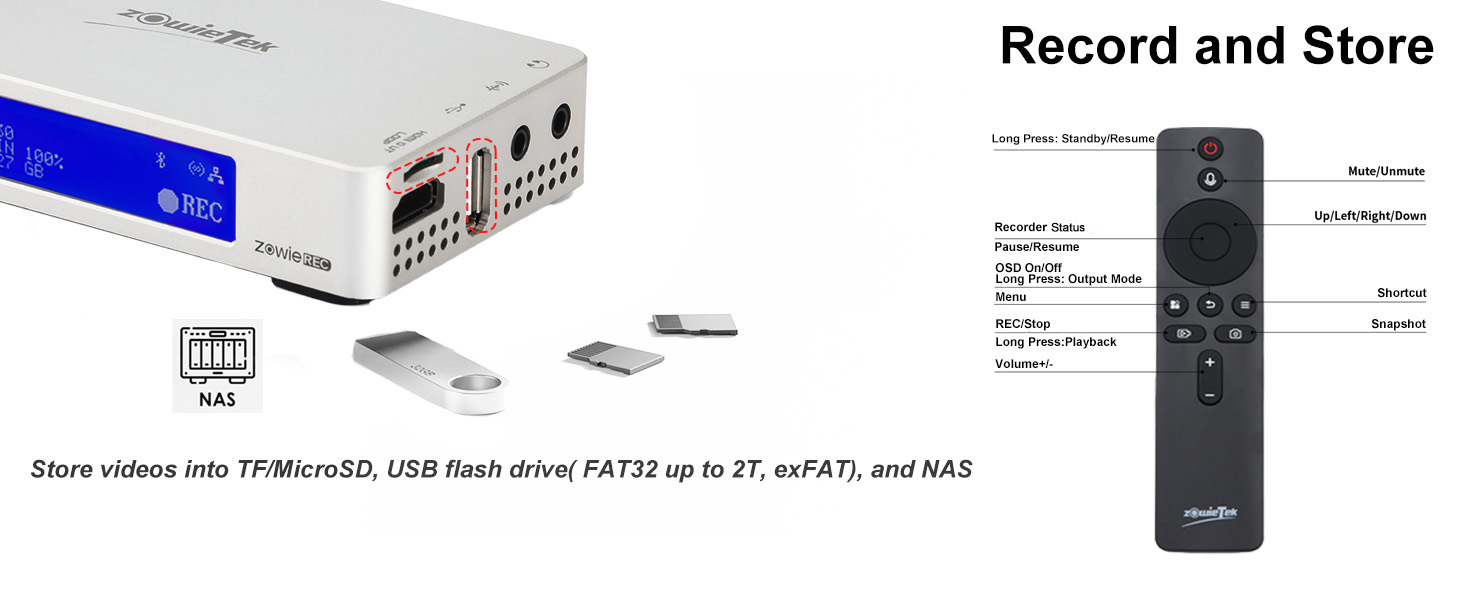
Set standby mode, mute mode, one-click recording, pause, playback, screenshot, volume adjustment and many other functions!
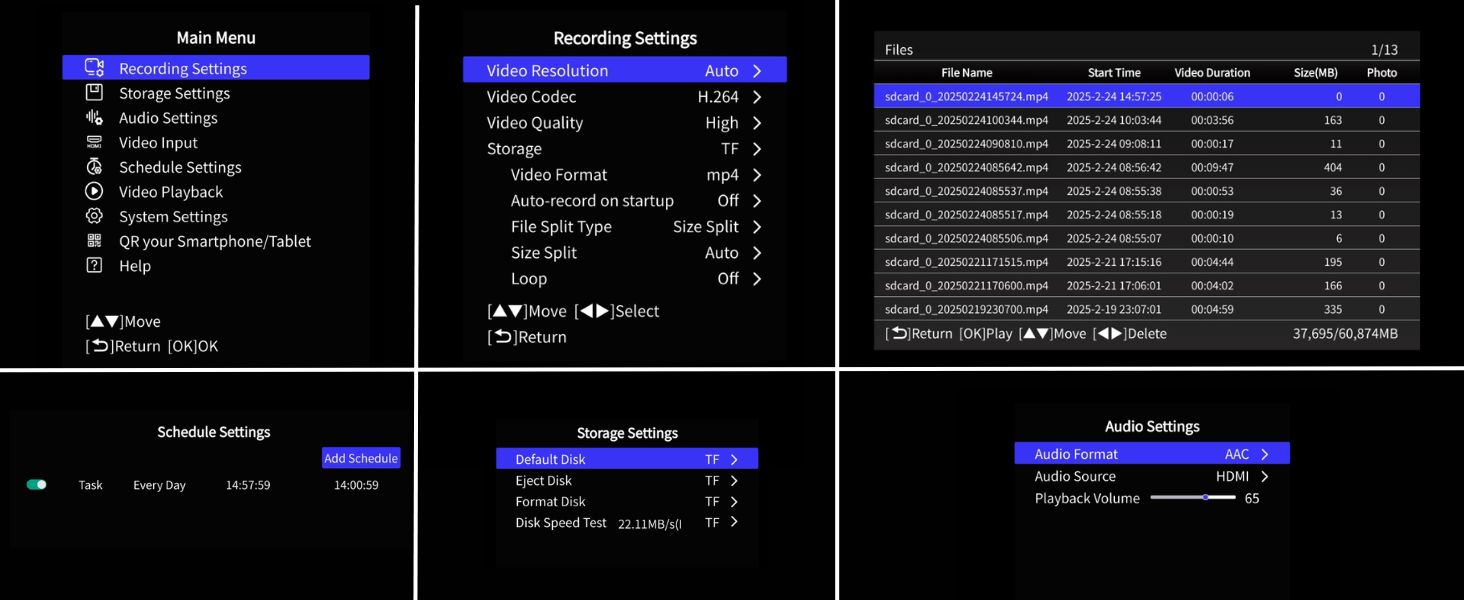
Interactive OSD menu setup seamlessly accessible on your TV screen using a remote control.
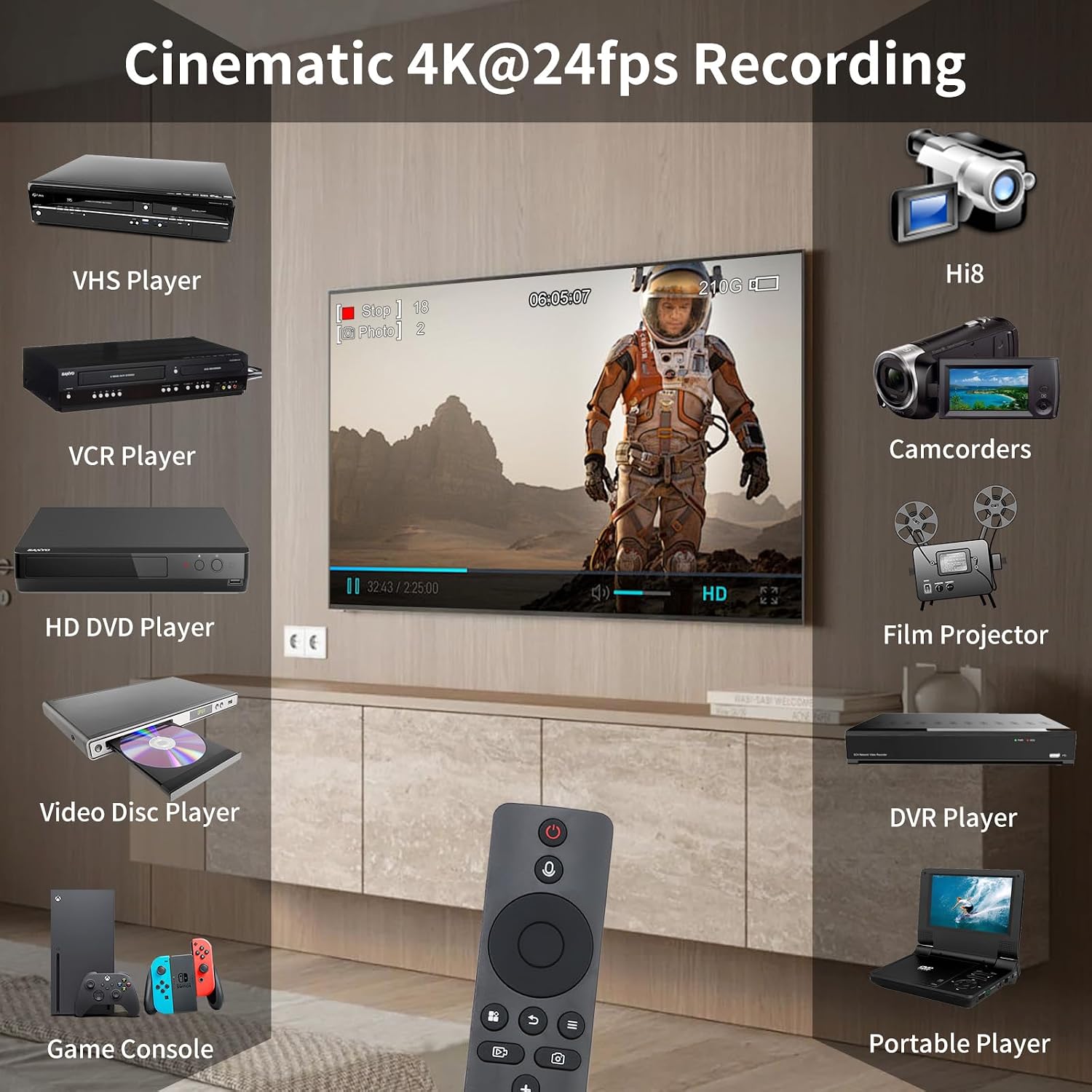
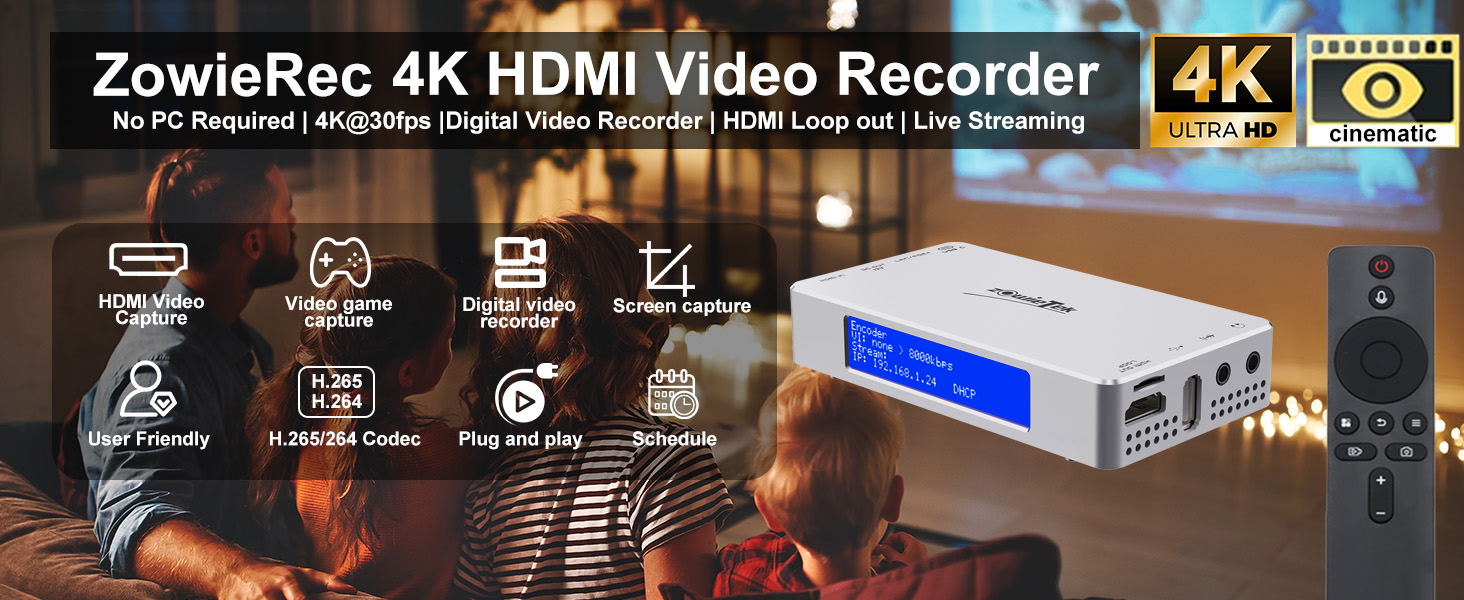
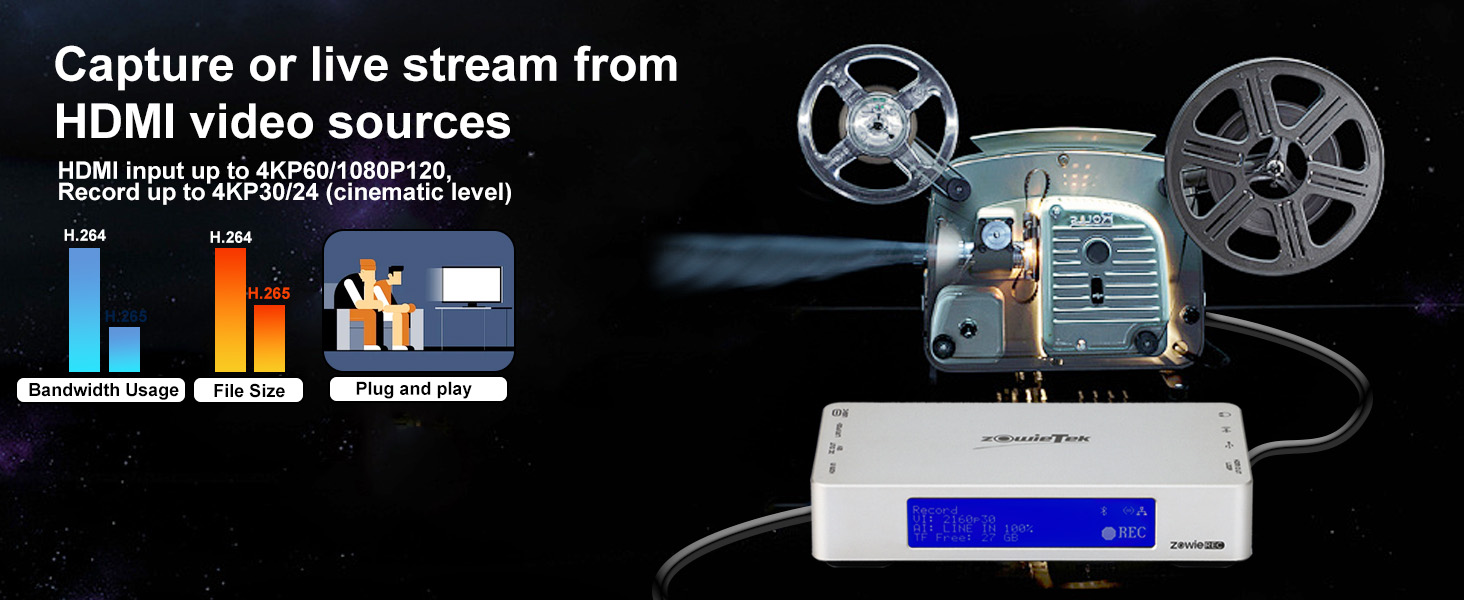
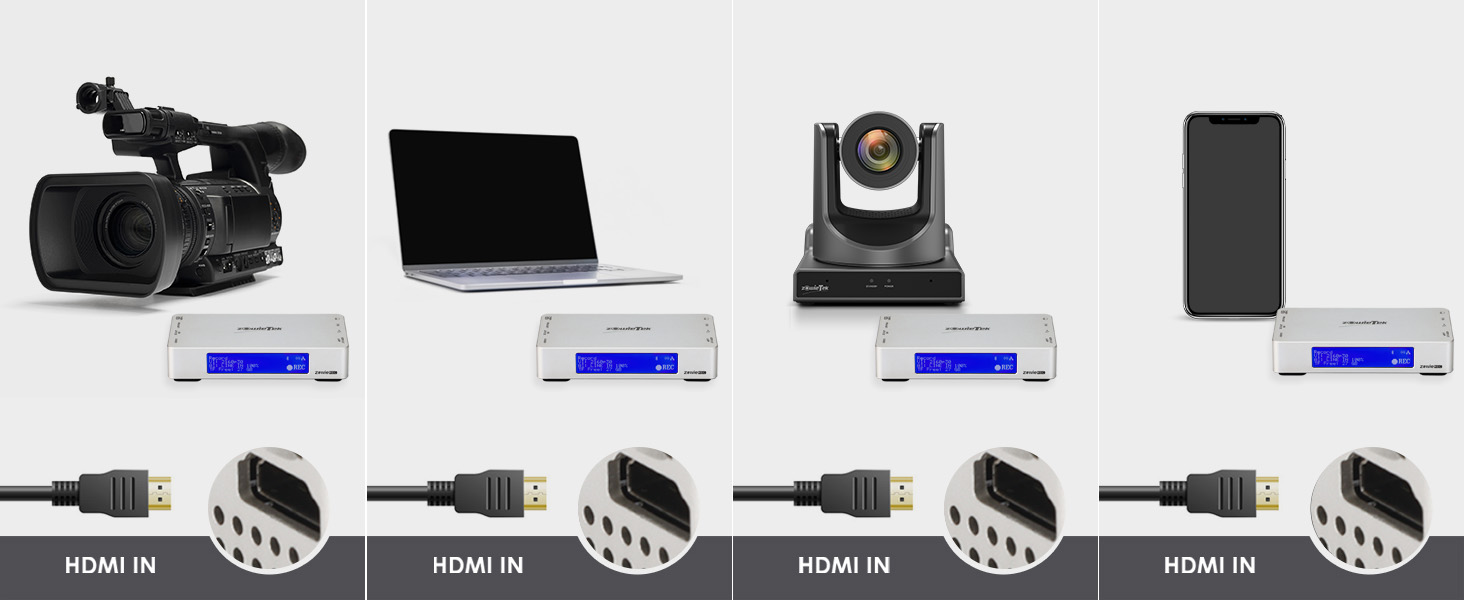
ZowieREC offers up to 4K 30fps recording with cinematic frame rates. It records video from HDMI sources and can record RCA/Composite video via an AV to HDMI converter. It features easy one-click record and plug-and-play simplicity—perfect for all ages!
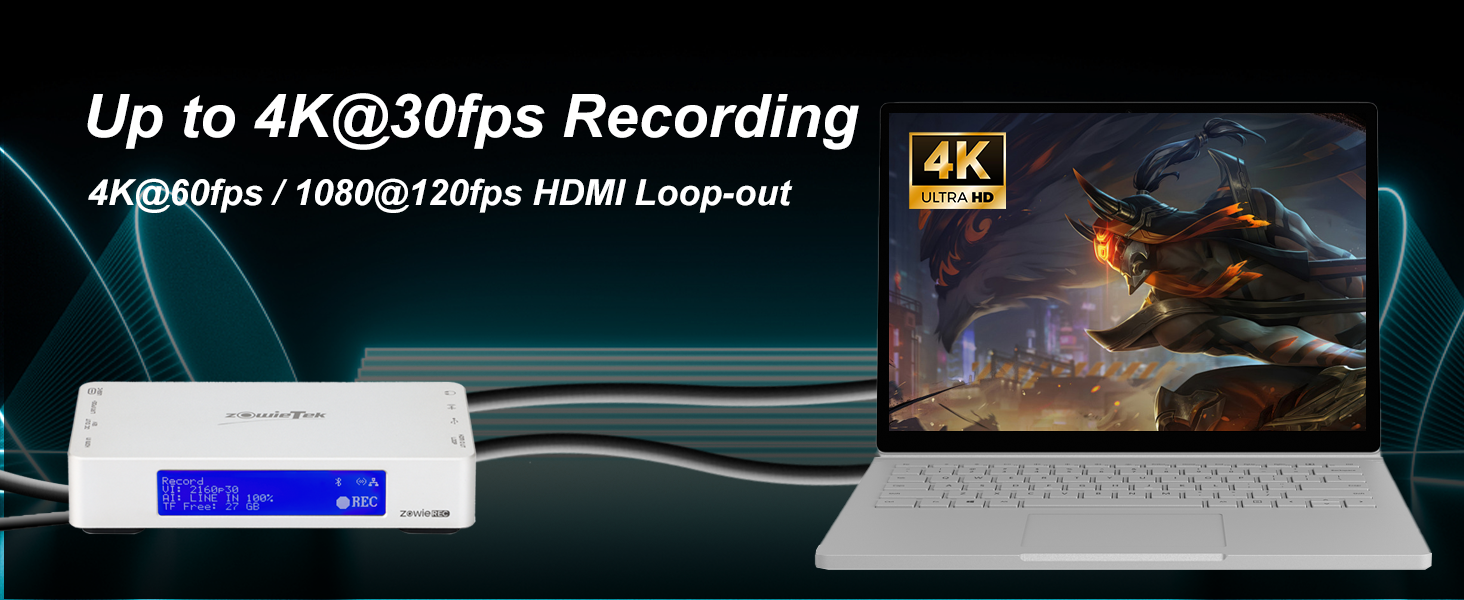
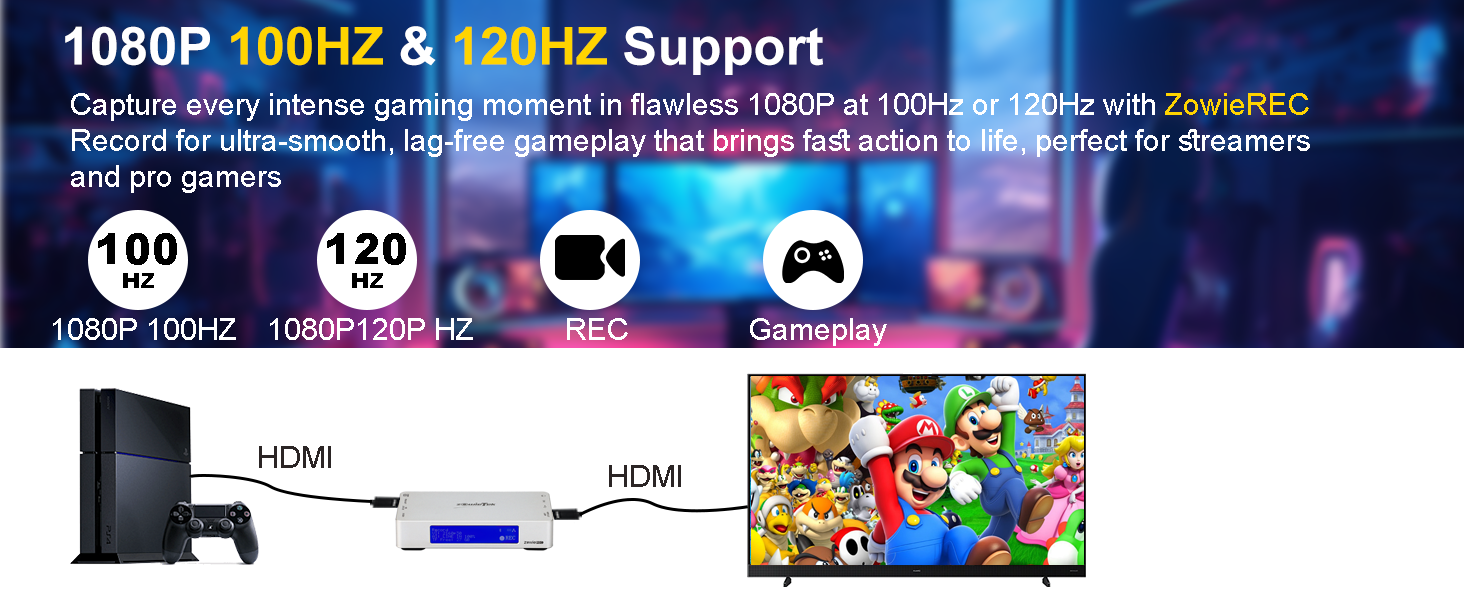
Record at 4Kp30 or 1080p60, including 4K24 cinematic formats!
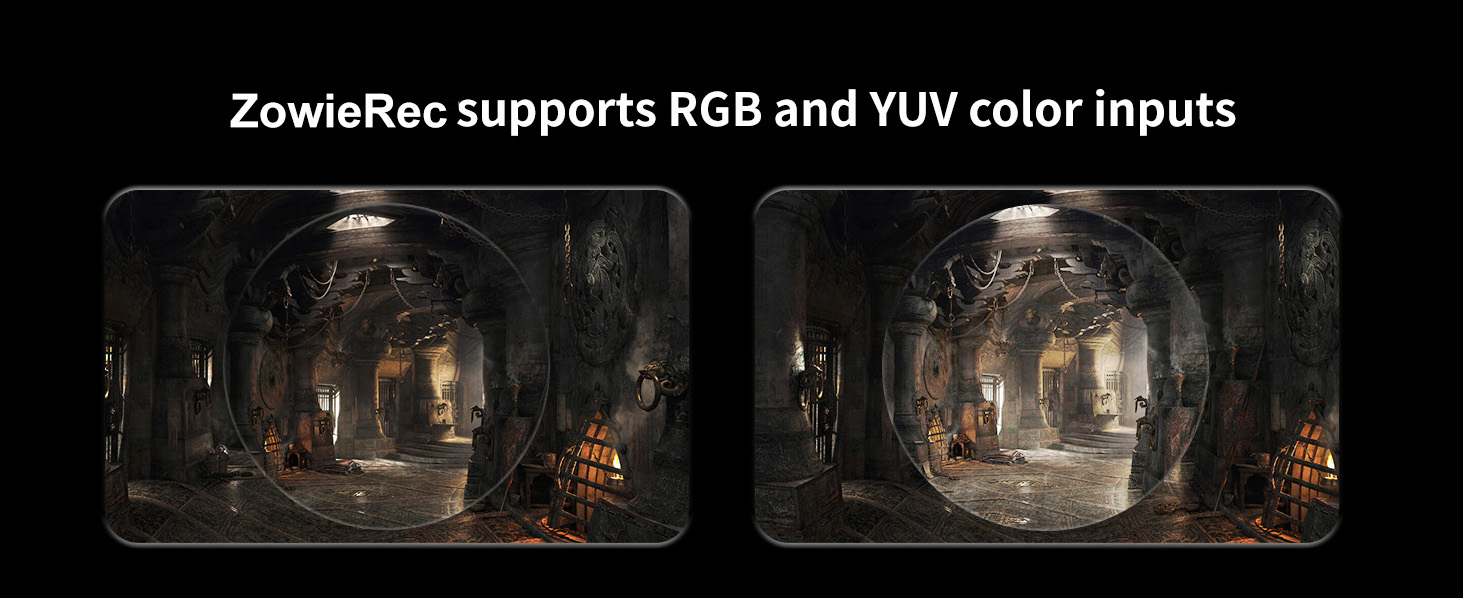
Ensuring superior compatibility and color accuracy for diverse video content.
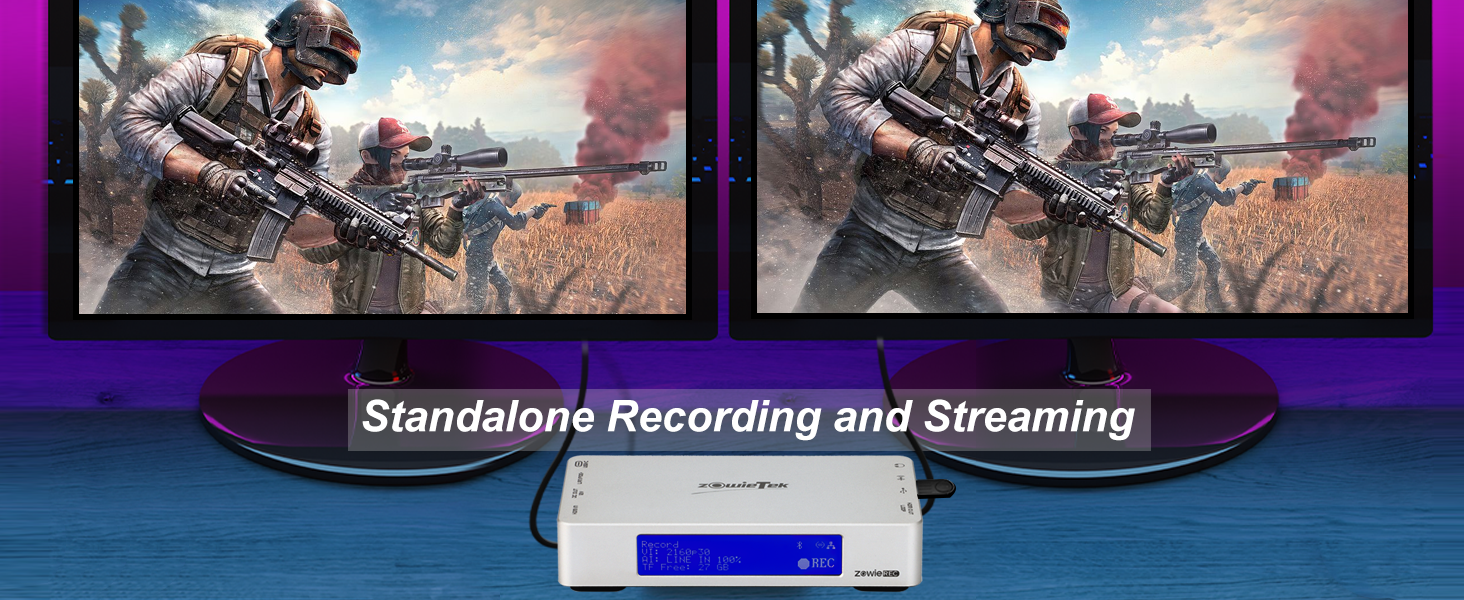
Not affecting high-standard PC, Xbox, PS 4/5 and other gaming experience at all!
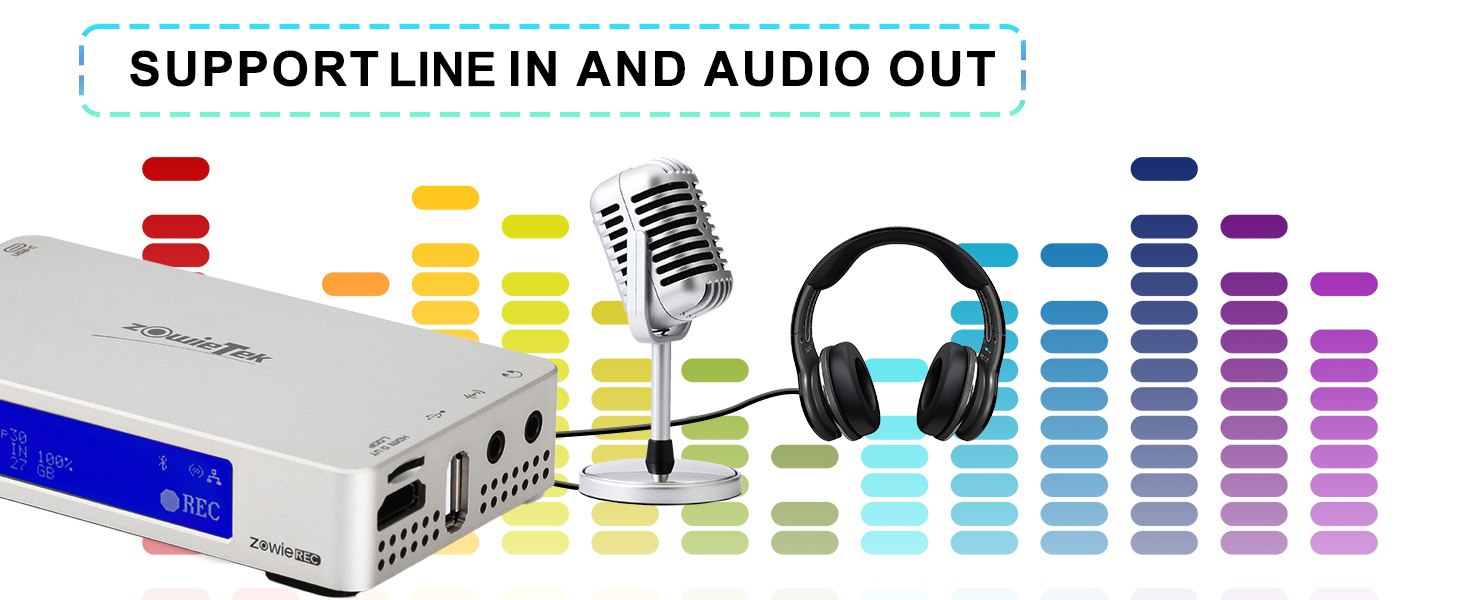
Note: only support active Microphone.

Enjoy 24/7 fast, hassle-free solutions. Our dedicated team is always here to resolve any issue quickly, ensuring your complete satisfaction every step of the way.
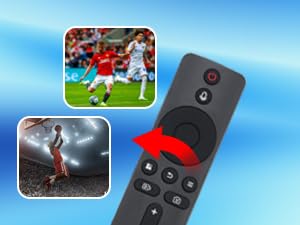
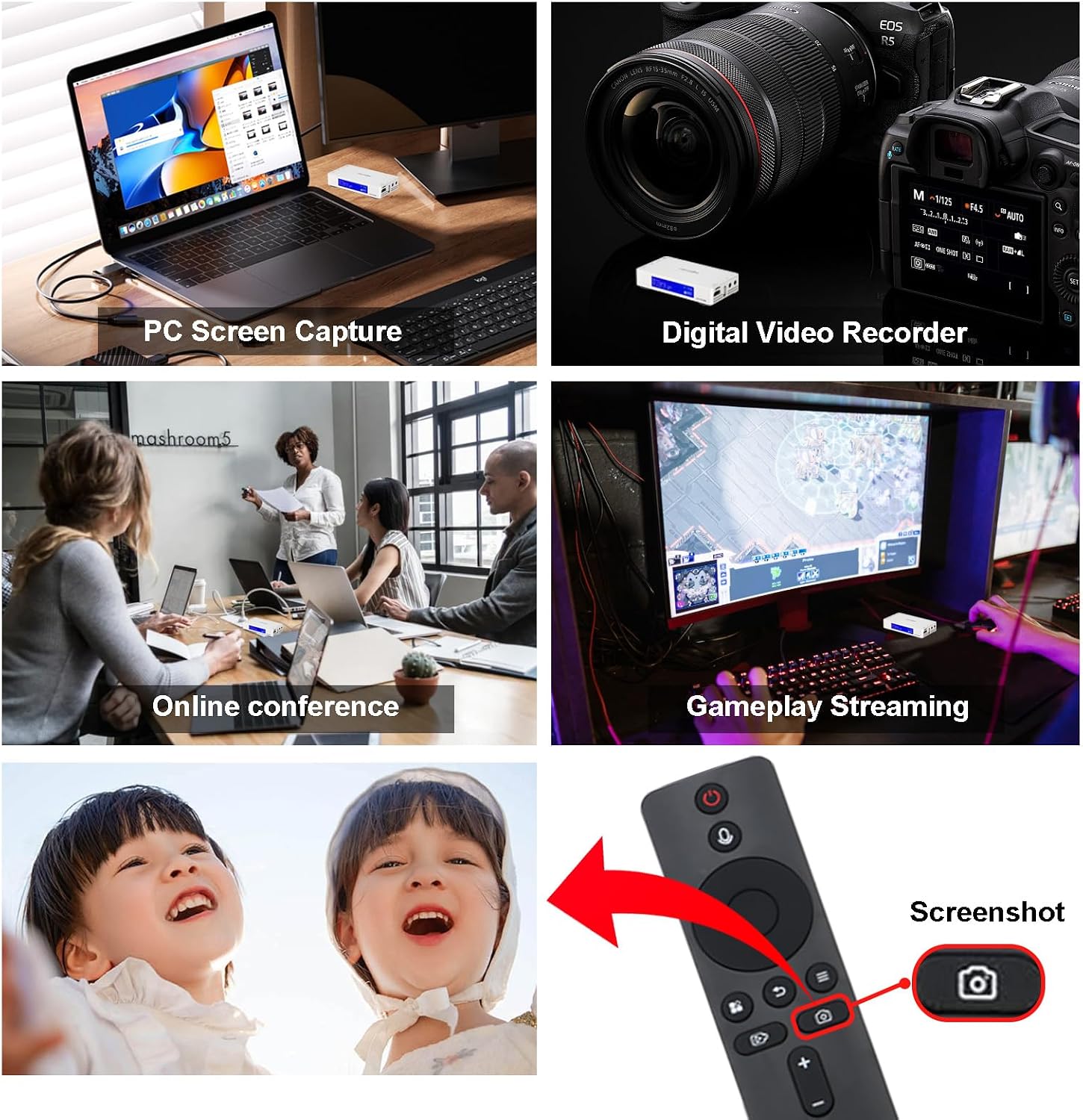
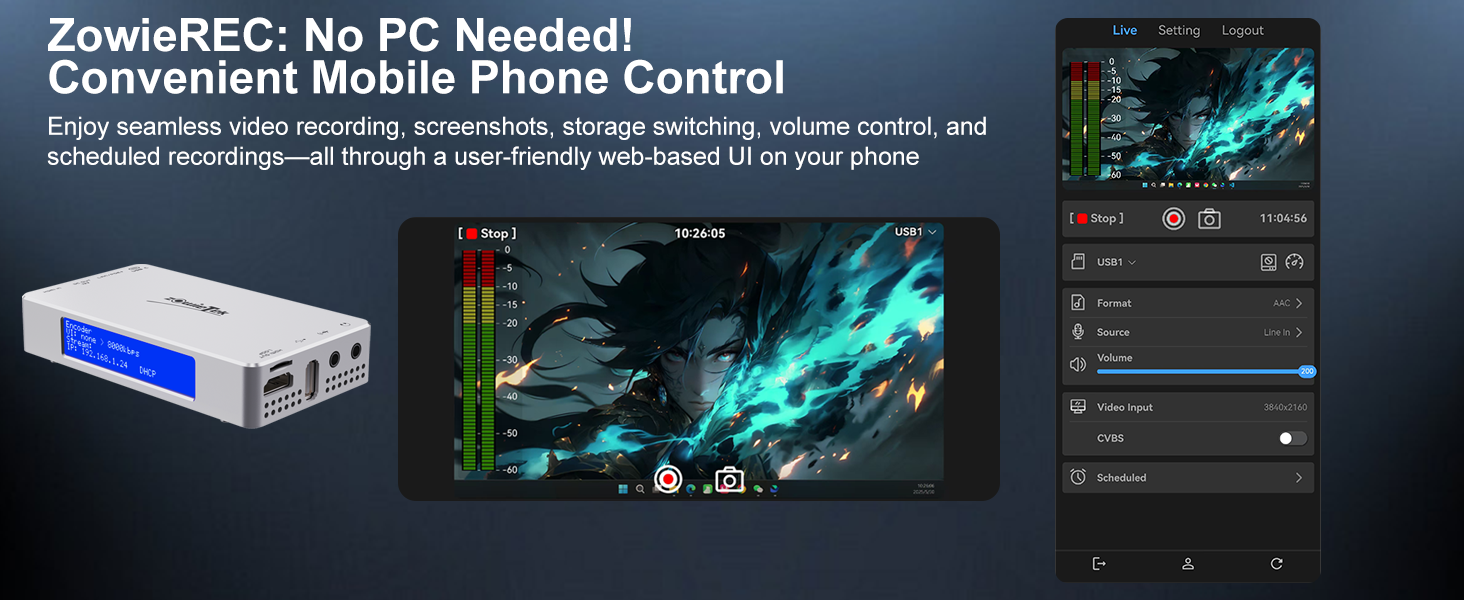
Record amazing or hilarious moments instantly with just one press of a button. No need to wait for a camera—just one press does it all!
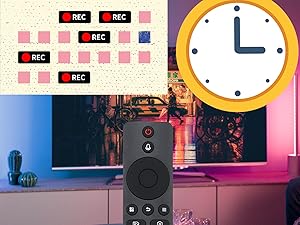
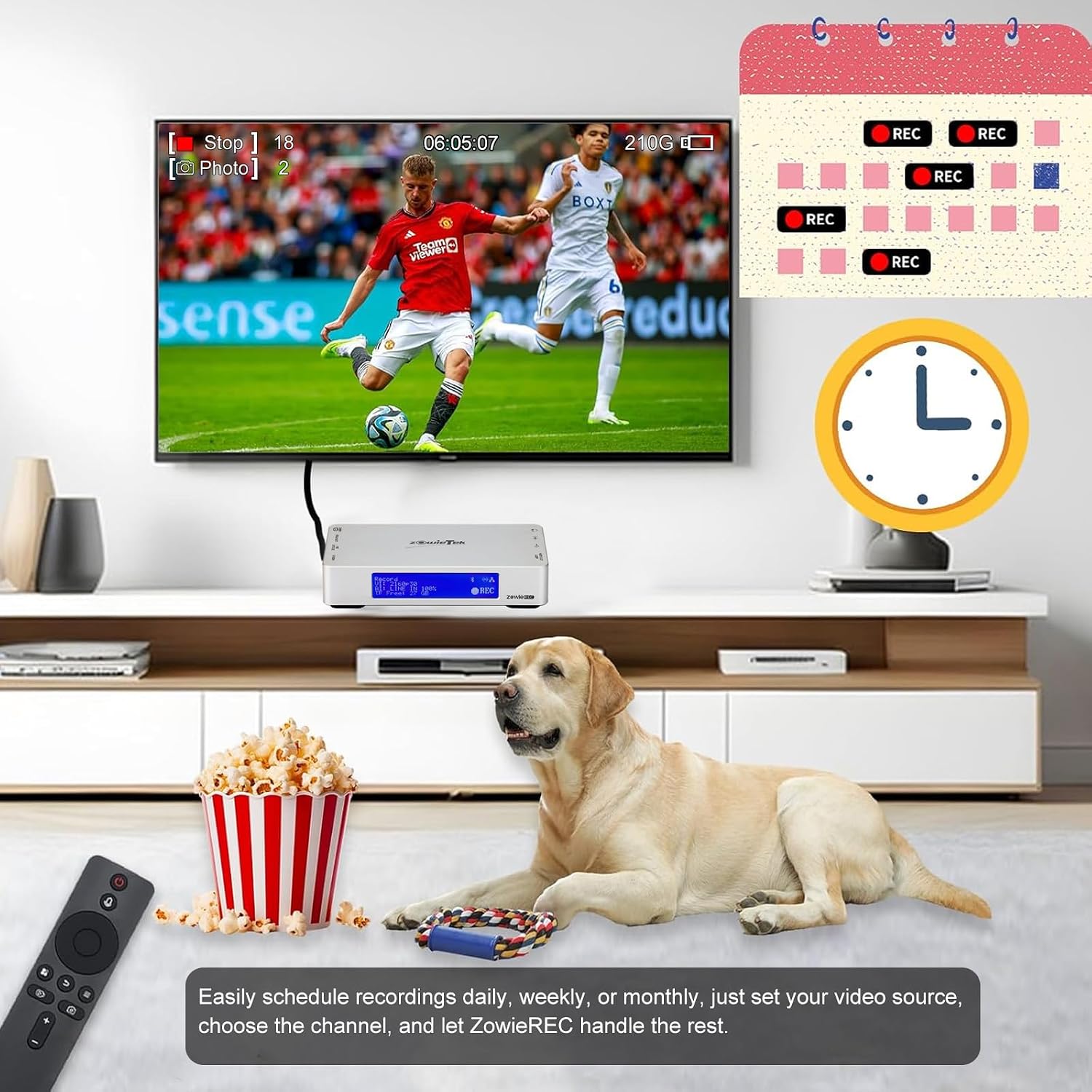
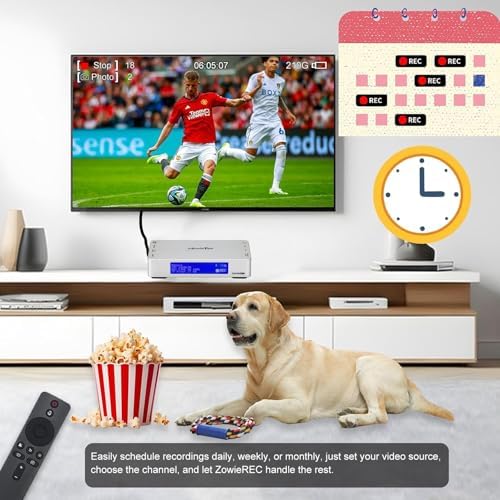
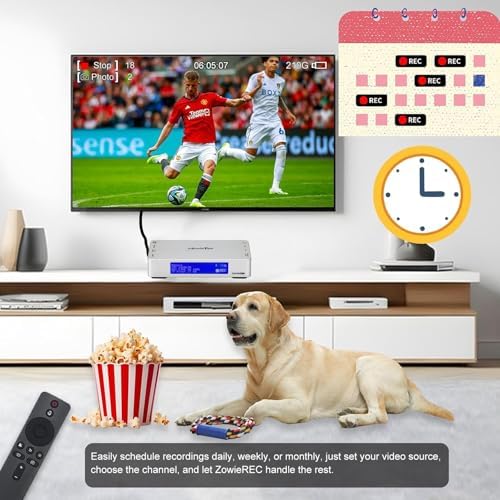
Easily schedule recordings daily, weekly, monthly or specific times. Just set your video source, choose the channel, and let ZowieREC handle the rest.
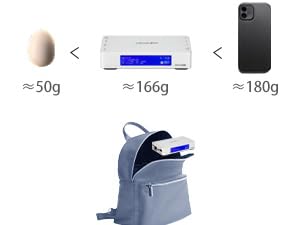
Only 166g(5.9oz) and 123 x 68 x 22mm. It is smaller than phones and can be carried easily.
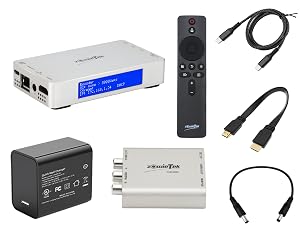
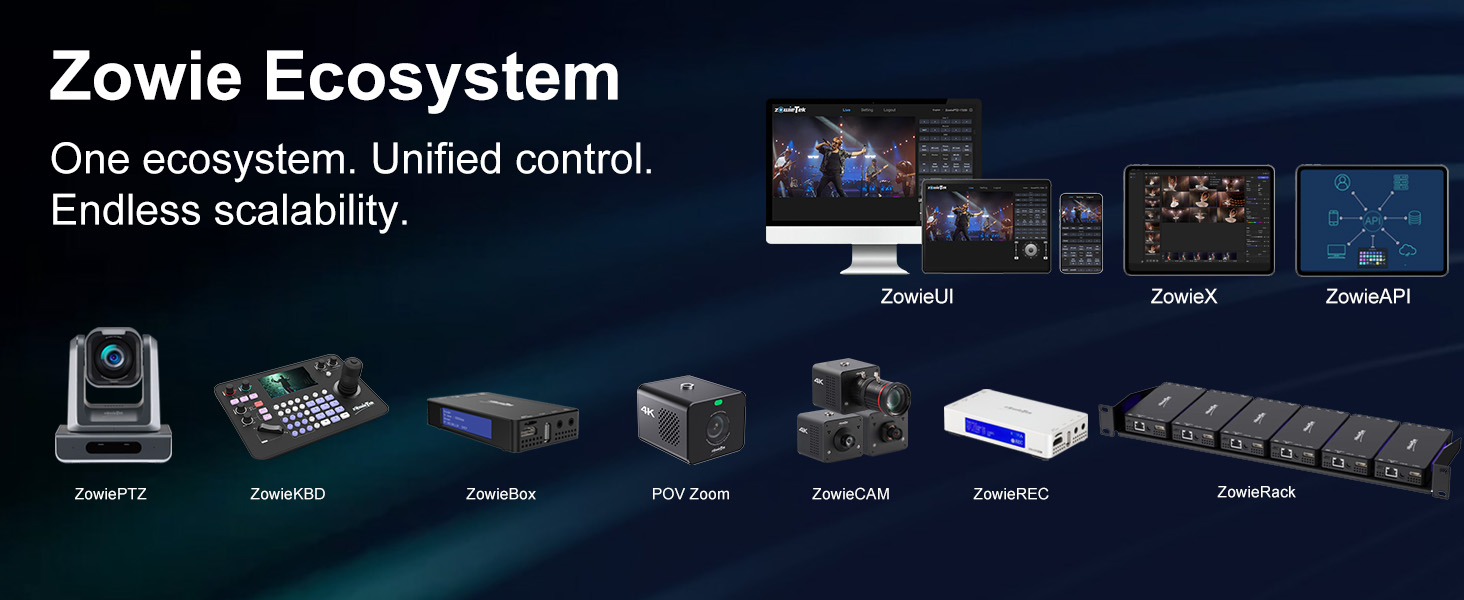
Recorder, Remoter, AV to HDMI Converter, HDMI Cable, DC to DC Cable, USB-Type C Power Adapter, USB-Type-C Cable, Quick Start Guide
| Power | Input: USB-C or PoE+802.3at(44-57V), CAT5e above; DC Output to AV to HDMI Adapter: 12V 1A DC Max |
| Video Encoding format | H.265 MP, H.264 HP/MP/BP |
| Resolution | 4K2160p25/30/60, 1080p25/30/50/60/120, 720p50/60 |
| Bit Rate | Max. 50mbits/s, adjustable |
| Recorder | mp4, mov, ts |
| HDMI In | 1.4b/2.0b, RGB/YCbCr 444/422/420 |
| HDMI Loop out | 2.0, up to 4K60 |
| HDMI Out | 1.4b, up to 4K30 |
| Analog Video Input Resolution | RCA/Composite Input: 480i(NTSC)/576i(PAL). |
| Recording Aspect Ratio | 16:9; 4:3 |
| Storage | MicroSD/TF, USB( FAT32 up to 2T, exFAT), NAS |
| Certification | CE, FCC |
| Features | 4KP30/24 cinamic recording, one-click recording, schedual recording, pause/resume, playback, screenshot, standby mode, mute mode, DVR, RCA/Composite (CVBS) compatible, PS5/4, Xbox/Nitendo Switch compatible |
How to record RCA/Composite (CVBS) input after ZowieREC and the remote are powered?
1. Insert a USB drive or TF card.
2. Connect video source: DC Out (ZowieREC) → DC In (Converter); RCA → CVBS, HDMI Out (Converter) → HDMI In (ZowieREC).
3. ZowieREC HDMI Out to a TV/monitor and enable CVBS in via the menu.
4. Press REC on the remote.
Does it support HDCP?
Sorry, when connected to an HDCP (Content Protection) source, it will output an error message or nothing. This does not indicate a defect. It is just designed for content protection.
Can it record 4K60 or 1080P120?
It supports 4K60 and 1080P120 input and loop-out, but recording will be downgraded to 1080P60.
Can I pause my recording and restart when I want to take a break?
Yes, it supports pausing and restarting the recording process for unlimited times and durations.
loading
