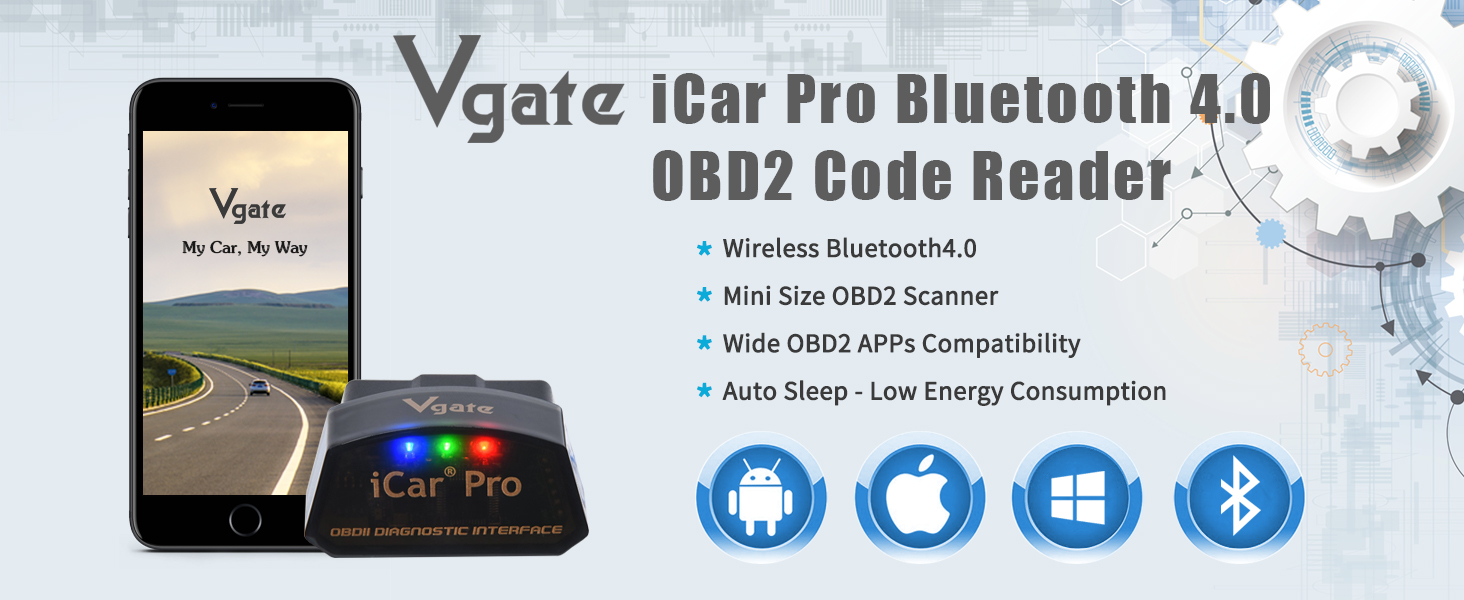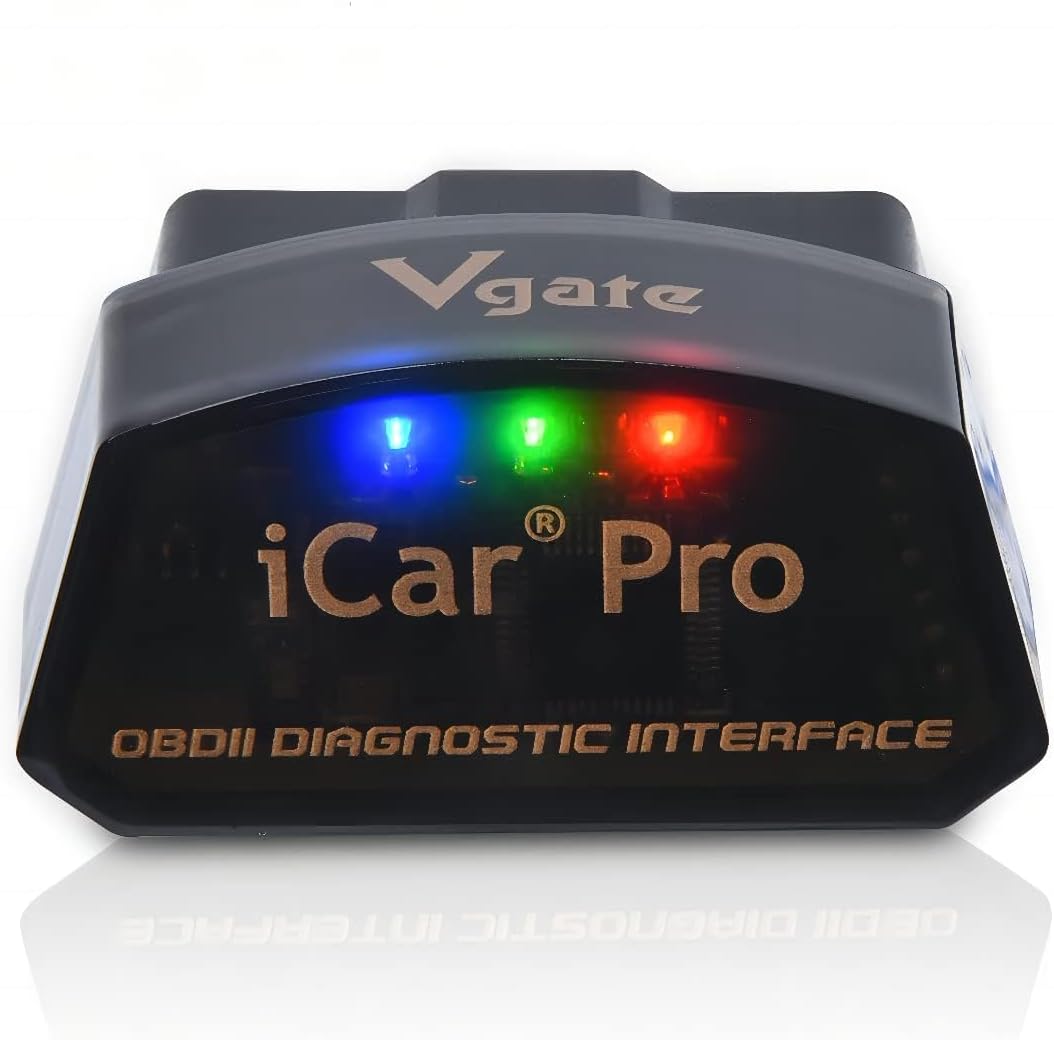

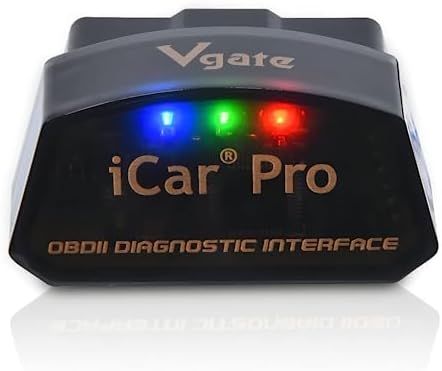
Vgate iCar Pro Bluetooth 4.0 (BLE) OBD2 Fault Code Reader OBDII Code Scanner Car Check Engine Light for iOS/Android

$15.75 USD
Shipping fees will be calculated at checkout.
Size
  • Free worldwide shipping

  • Free returns

  • Carbon neutral

  • Secure payments

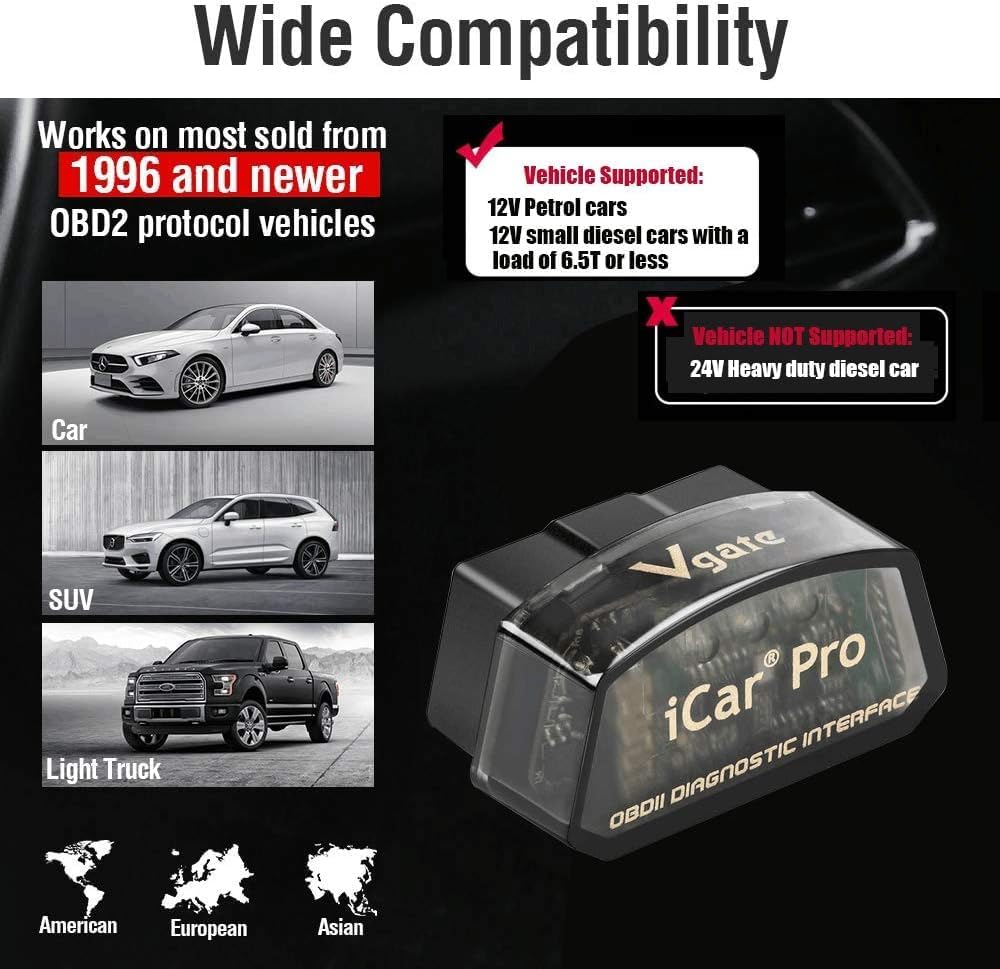
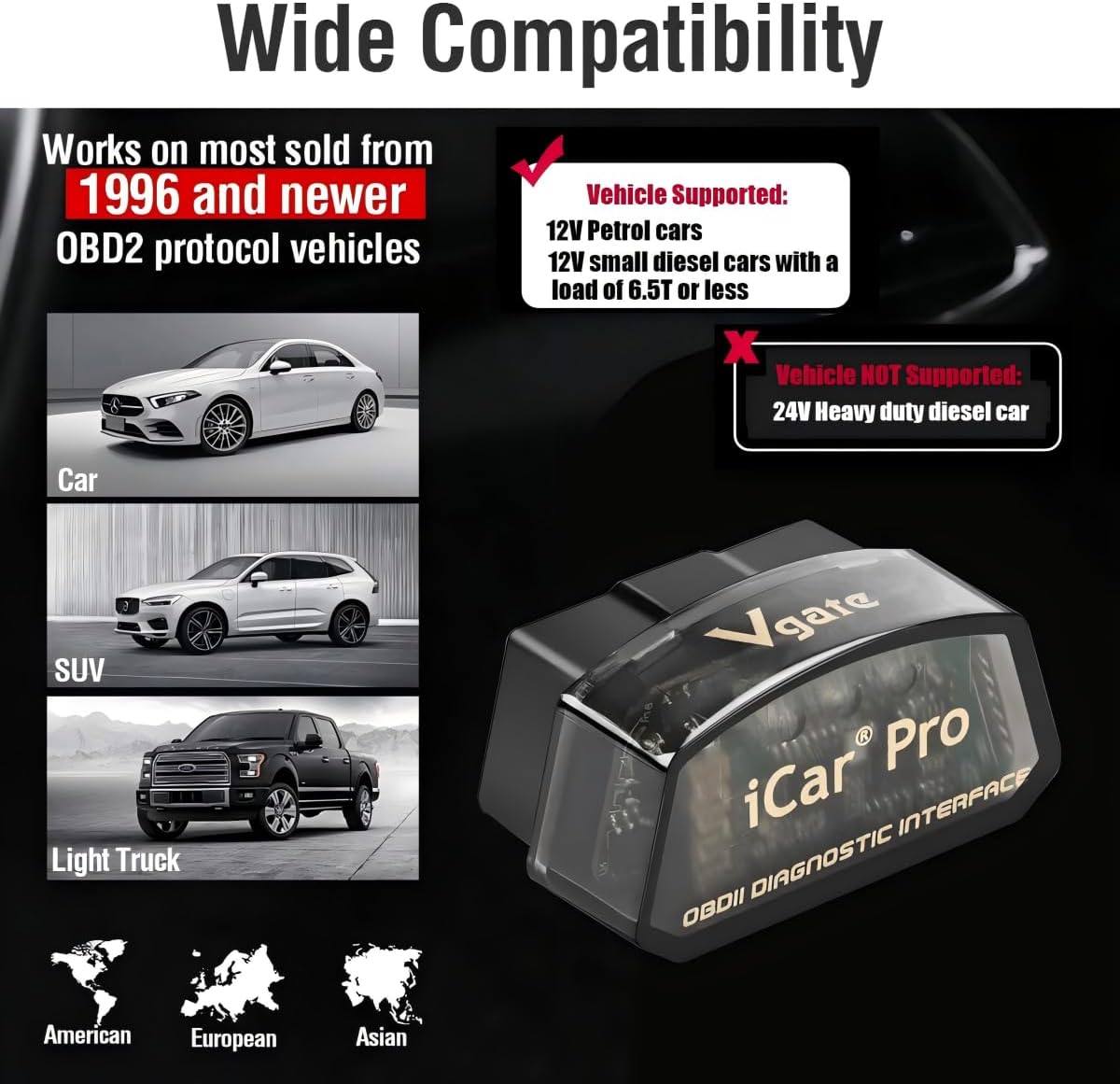
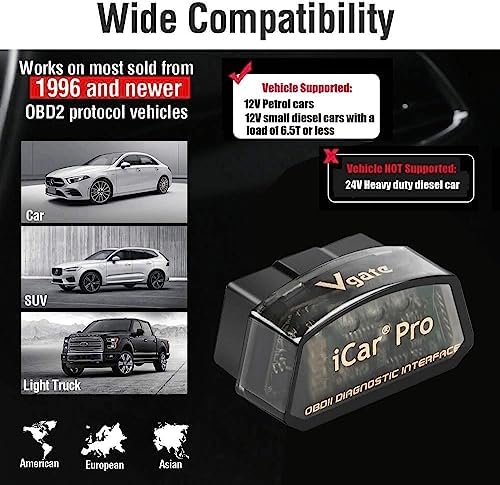
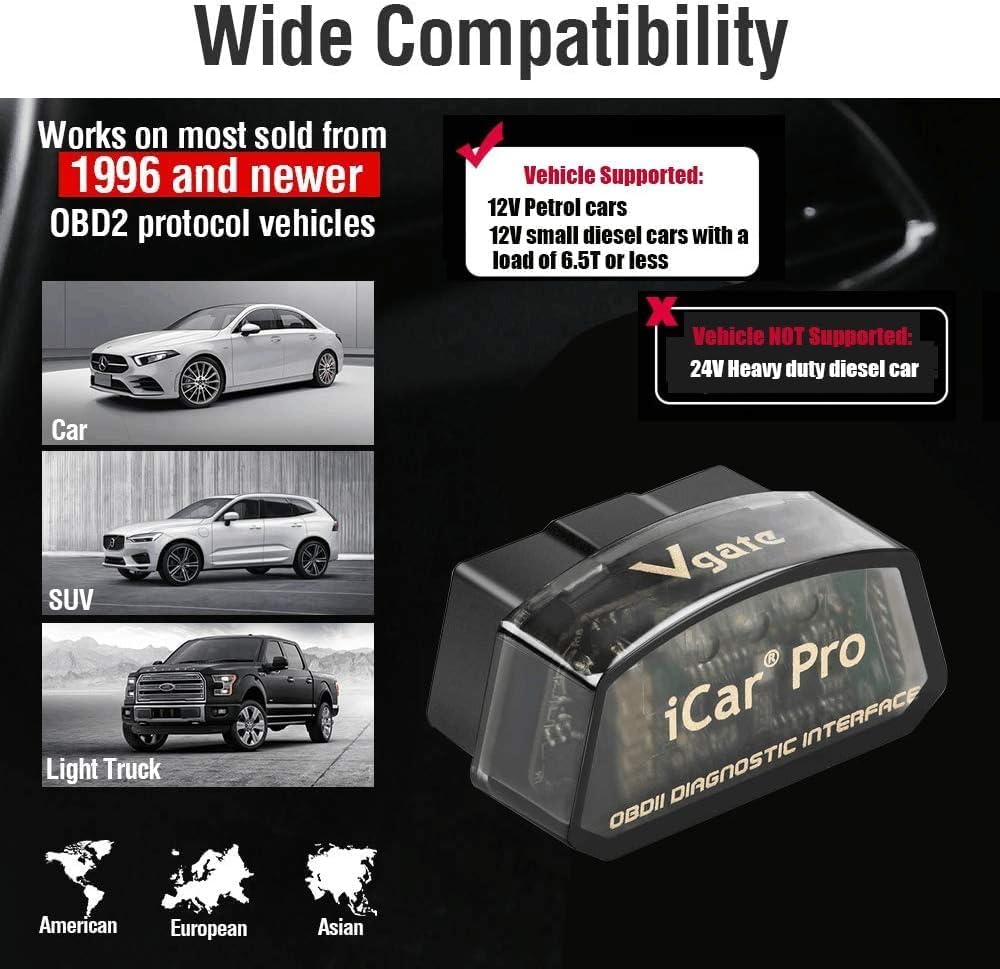
  • - VEHICLE COMPATIBILITY - Designed for 12V gasoline vehicles manufactured after 1996 with standard OBD2 support. Also compatible with light-duty diesel vehicles (6.5 tons or less) from 1996 onward. Not suitable for 24V diesel vehicles
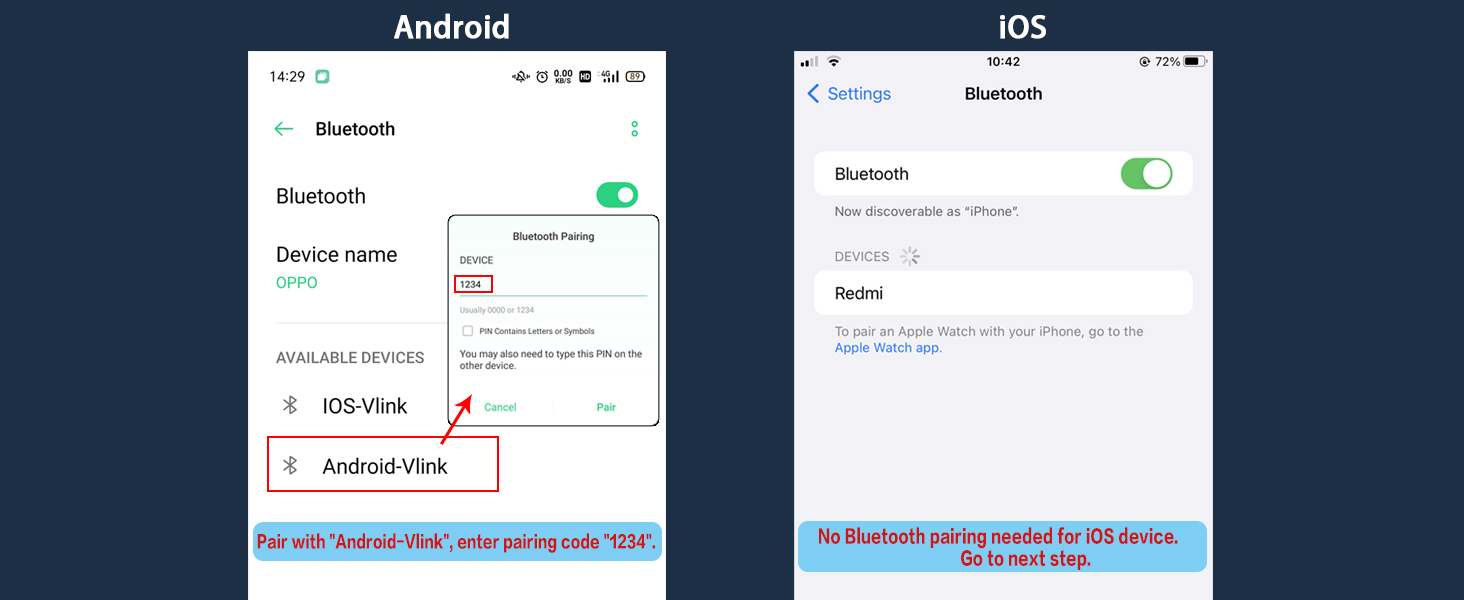
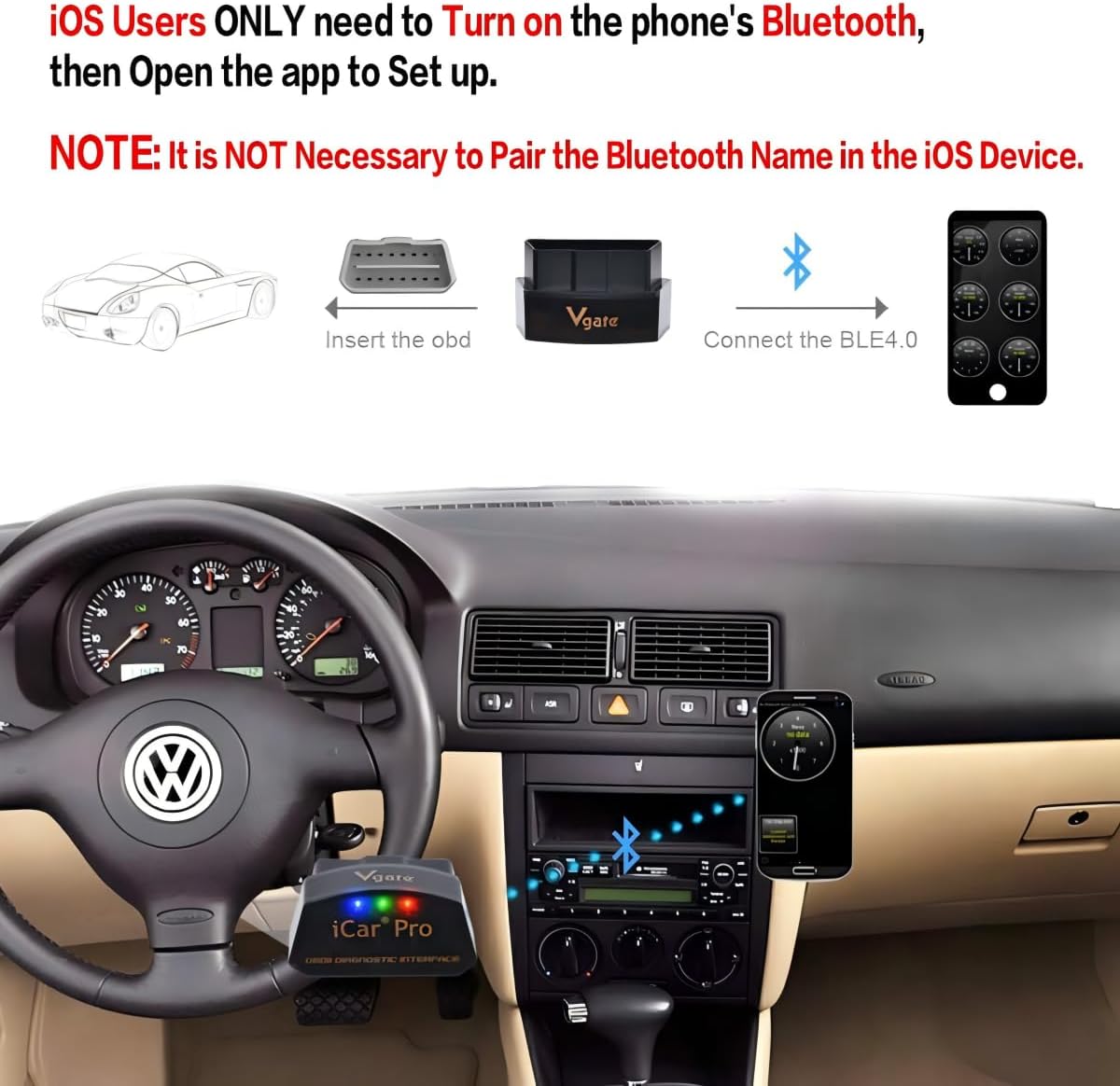
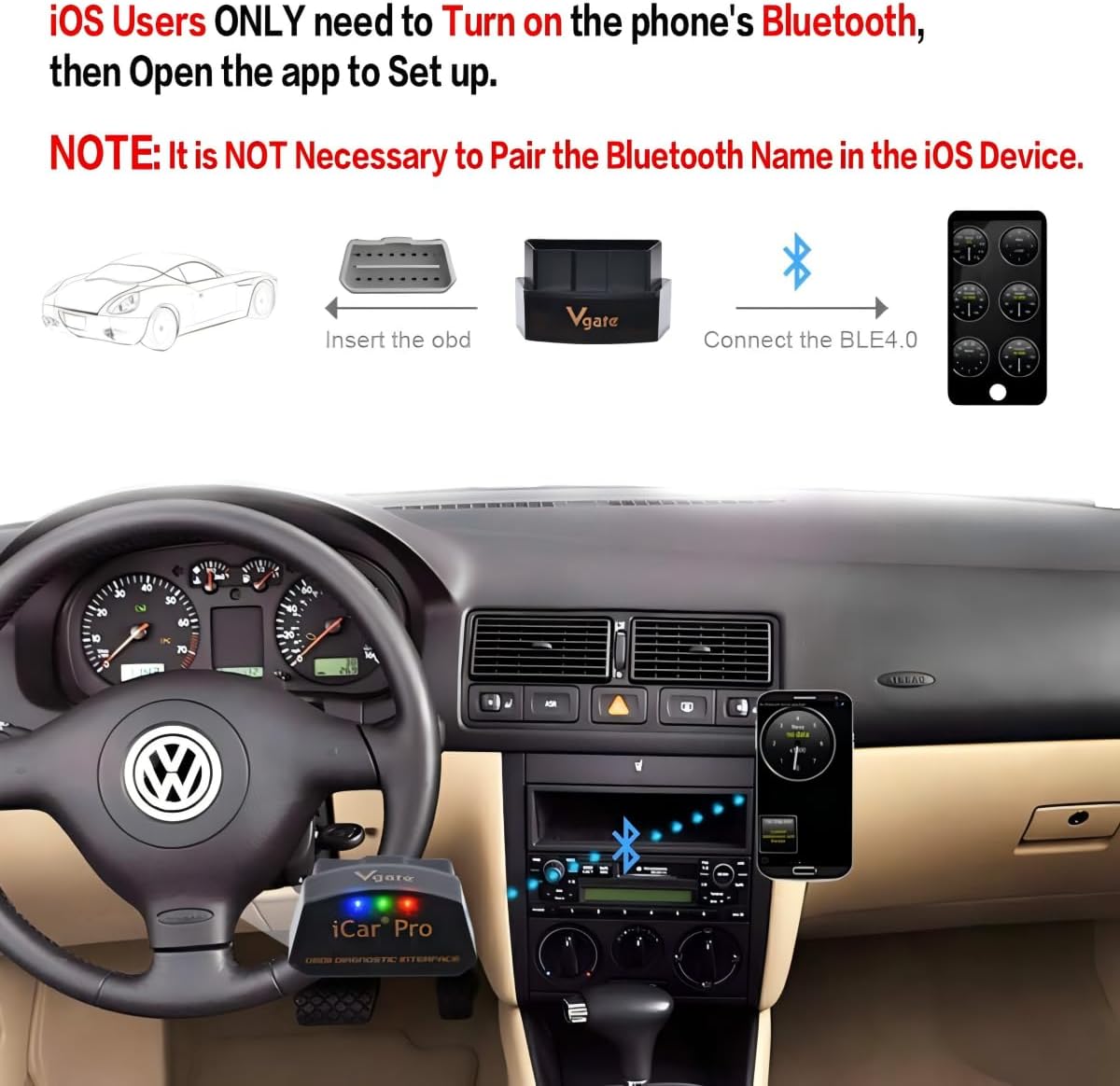
  • - SIMPLE OPERATION - Works with iOS and Android devices. Requires Bluetooth to be enabled on your phone. For iOS: no manual pairing required—connect directly through the OBD2 app. For Android: pair with "Android-Vlink" using PIN 1234. No complex setup, lower power consumption than Wi-Fi OBD2 readers, and no interference with other apps' internet access
  • - LOW POWER CONSUMPTION - Vgate iCar Pro Bluetooth 4.0 adapter features auto-sleep and auto-wake functionality, drawing as little as 3mA in sleep mode to help preserve vehicle battery. Note: auto-wake may not work on electric or hybrid vehicles—reinsertion may be required to reactivate
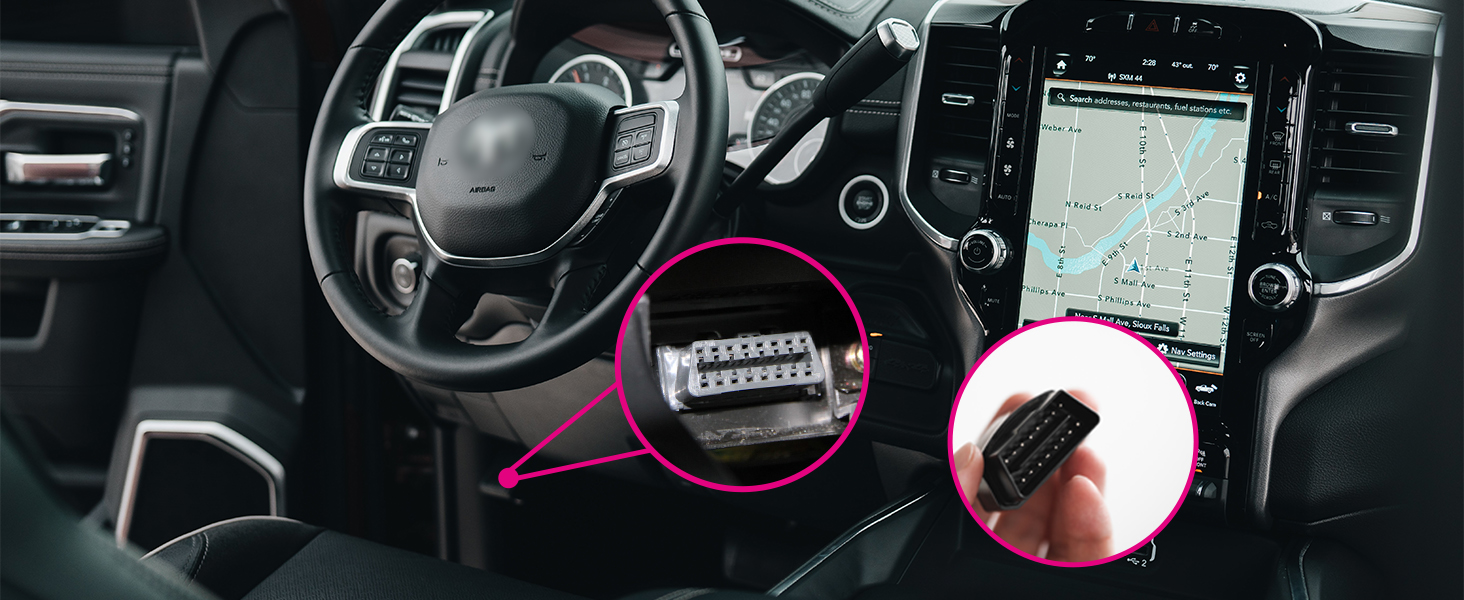
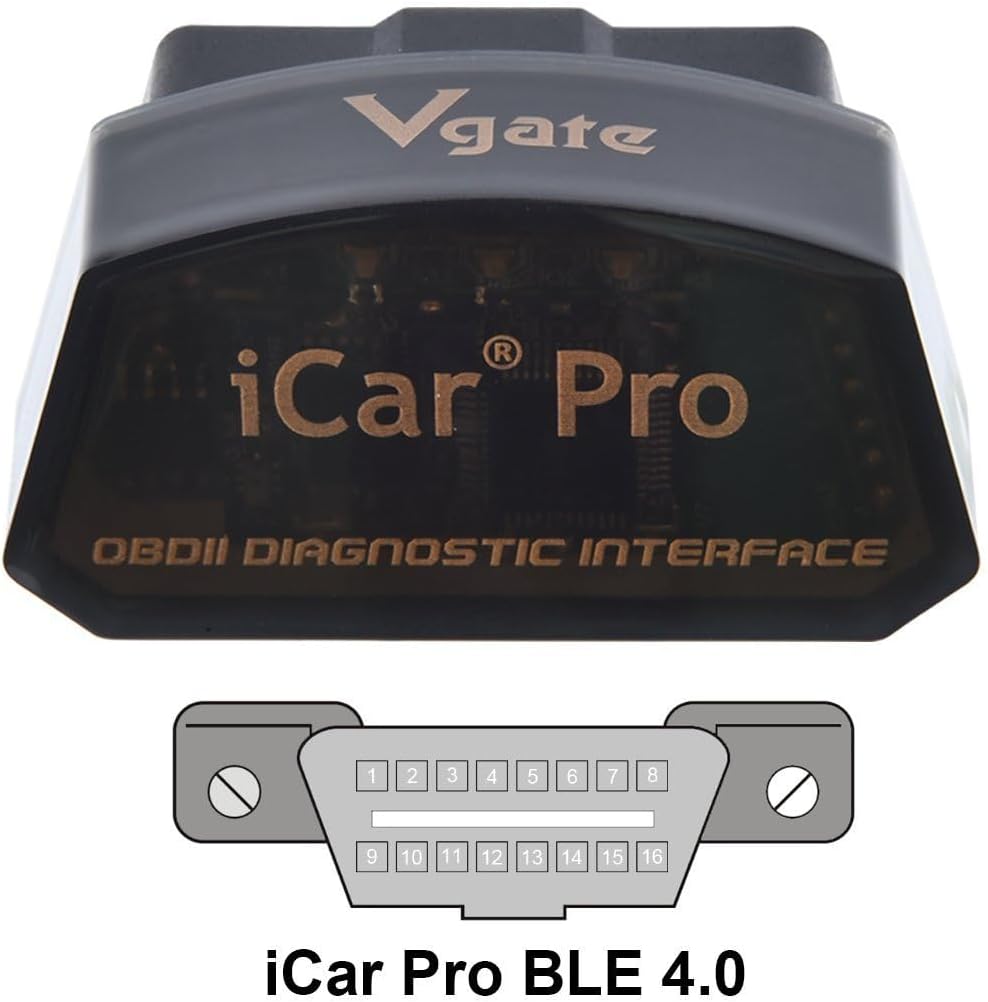
  • - COMPACT & PLUG-AND-PLAY DESIGN - Compact and lightweight, designed for easy insertion and removal from the OBD2 port. Most cars from the last two decades have an OBD2 port—simply locate it and plug in the Vgate iCar Pro Bluetooth 4.0
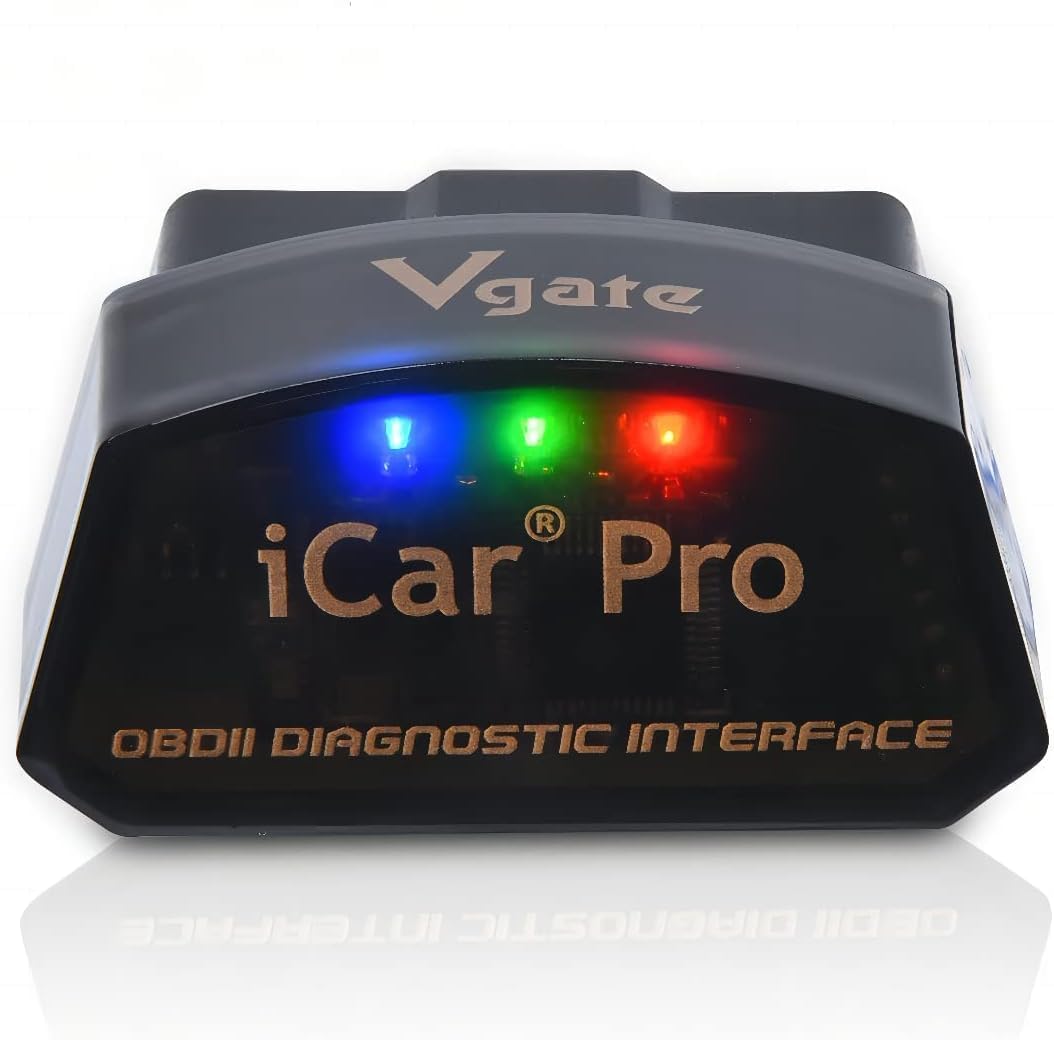
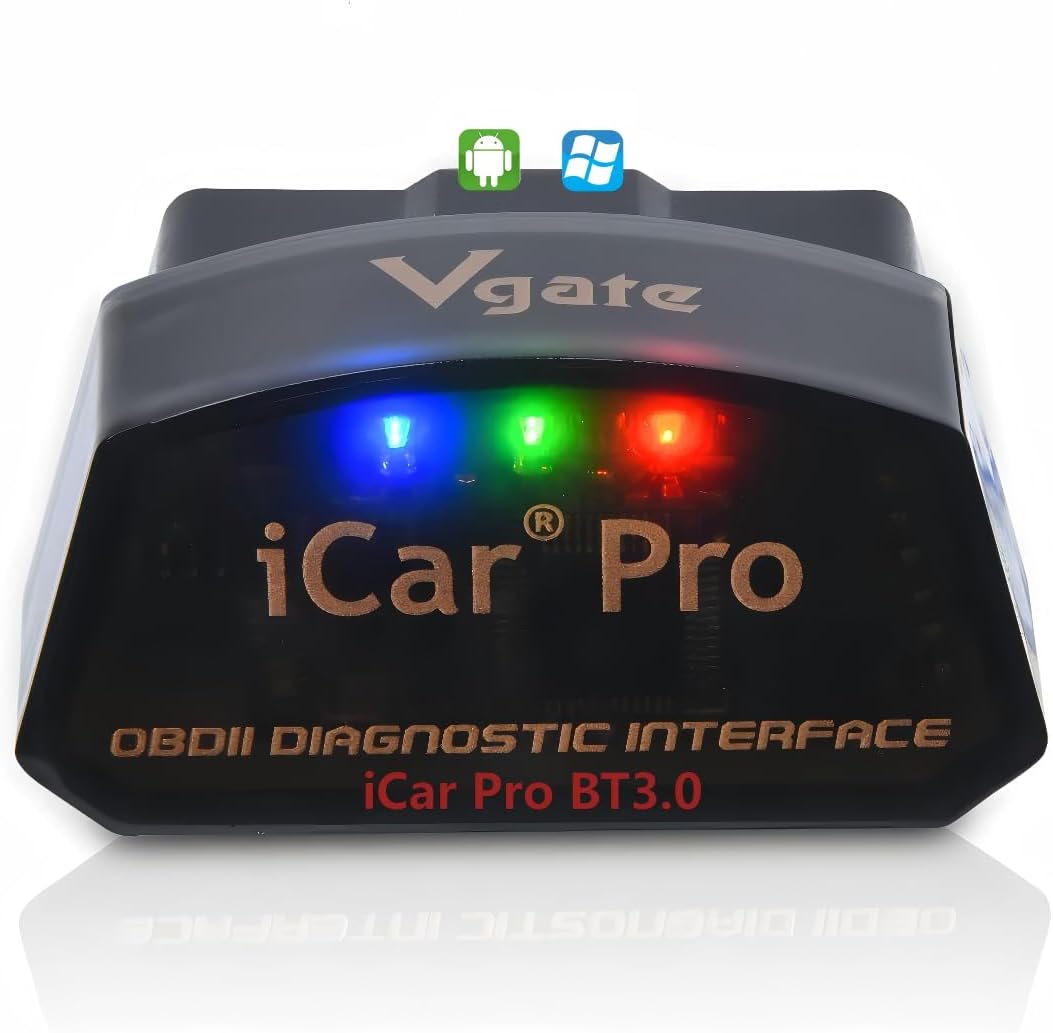
  • - LED INDICATORS - When plugged into the OBD2 port: red light stays on, green light on for 1 second, blue light on for 3 seconds then off. During Bluetooth connection: blue light flashes (stops when paired). When connected to an app and reading data: red light remains on, blue and green lights flash simultaneously
  • - FIRMWARE UPGRADE SUPPORT - Supports firmware updates via smartphone official app (VgateFwUpdater) and Windows PCs, ensuring long-term compatibility and performance improvements
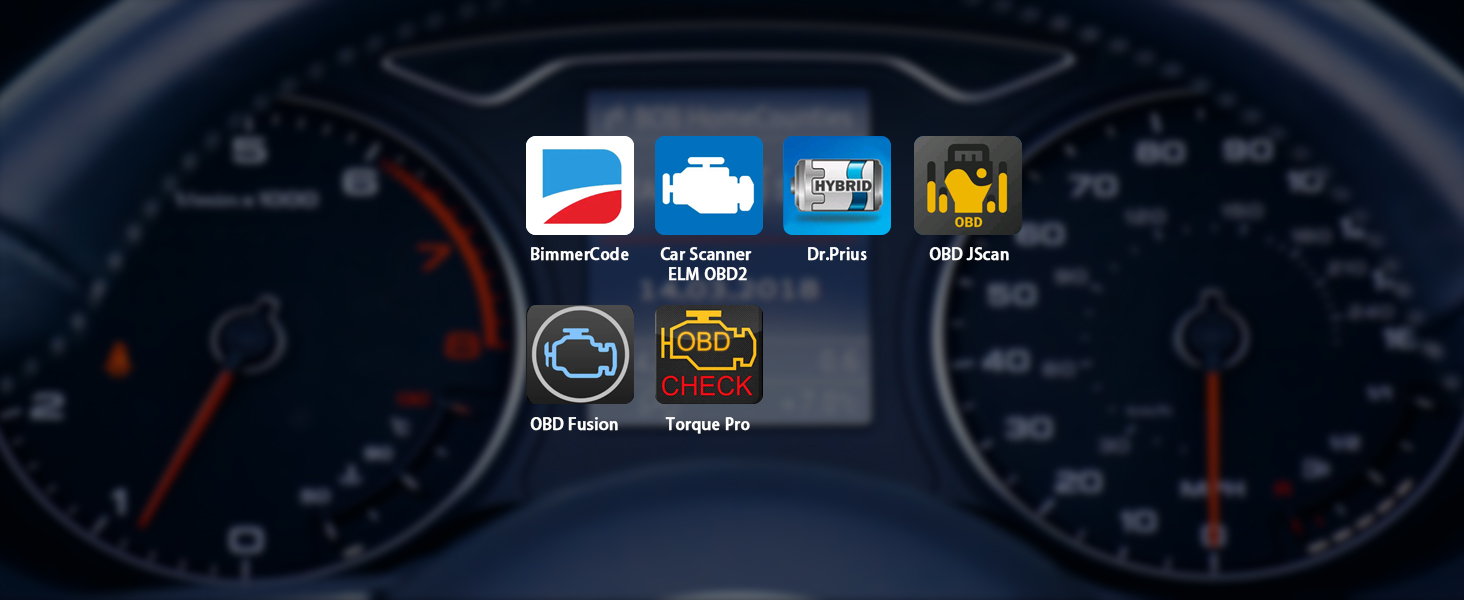
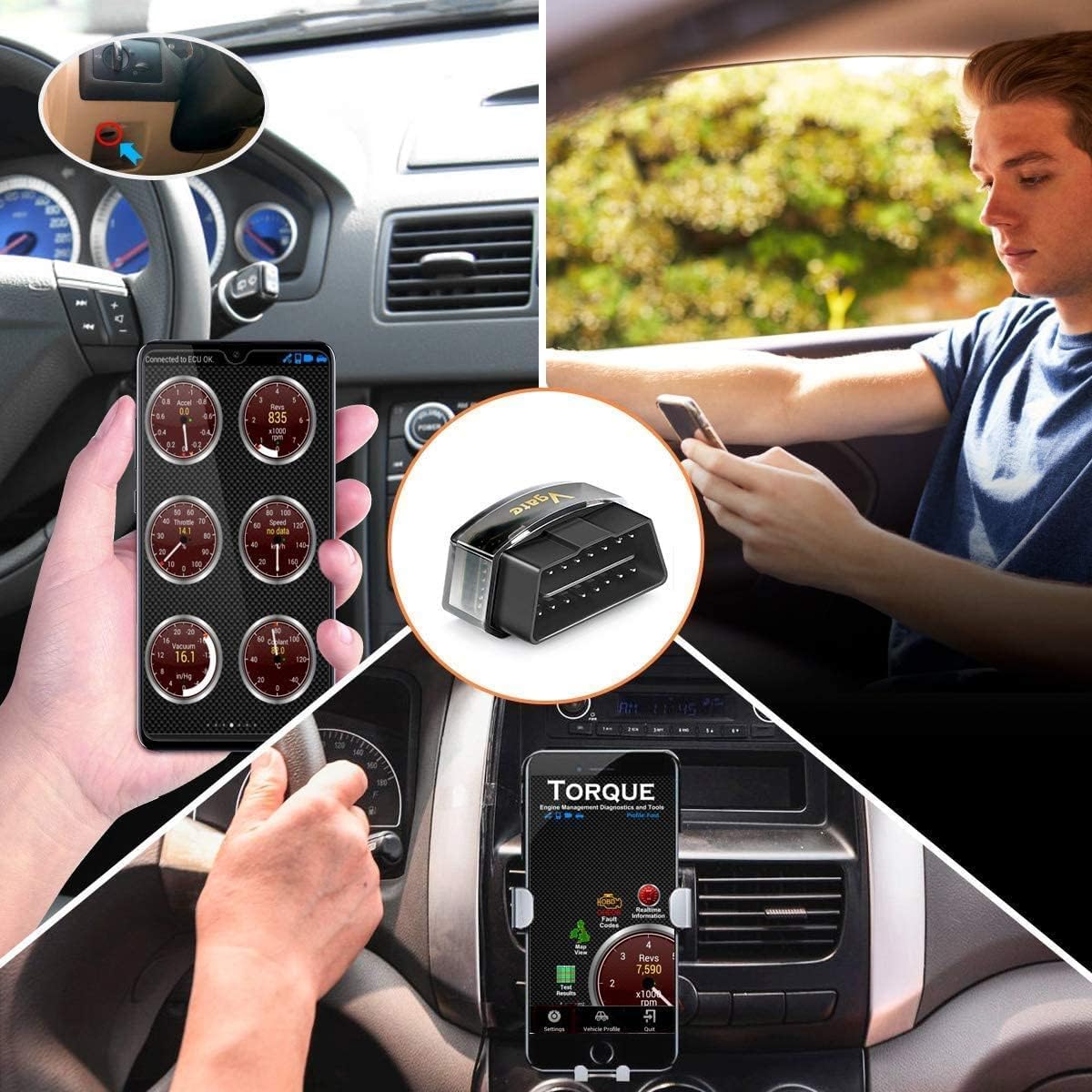
  • - COMPATIBLE WITH POPULAR OBD2 APPS - Compatible with popular OBD2 apps such as Torque, Car Scanner ELM327, OBD Fusion, OBD JScan, Dr. Prius, and more—turning your iPhone or Android device into a powerful diagnostic tool. Some advanced features may require in-app purchases
  • - FEATURE LIMITATIONS - Supports standard OBD2 functions only. Advanced features (ABS, SRS, TPMS, etc.) are not supported by this device and may require specific vehicle models and third-party tools. MS-CAN protocol is not supported. Some extended functions may be available through in-app purchases
UPC611536698410
Display2.8 inches
LanguageSpanish
Item Weight0.06 kg
Screen Size2.8 inches
ManufacturerVgatemall
Model Number8542040060
Power SourceVehicle
Item Type NameOBD2 diagnostic code reader
Operating SystemAndroid, iOS & Windows
Power Source TypeVehicle
Automotive Fit TypeUniversal Fit
Item Length Width Height1.85"L x 0.94"W x 1.06"H
Manufacturer Part NumberBLE 4.0
Item Dimensions L x W x H1.85"L x 0.94"W x 1.06"H
Manufacturer Warranty Description2 Year

[OBD APP MUST BE PURCHASED SEPARATELY]

vgatemall icar pro WiFi android ios

  • Avoid unofficial or modified versions of apps like Torque or Car Scanner, as they may not work with this device.

[OBD APP MUST BE PURCHASED SEPARATELY]

vgate icar pro bluetooth4.0 - OBD2 BLUETOOTH

  • Vgate iCar Pro Bluetooth 4.0 OBD2 Code Reader Diagnostic Tool for iOS/Android
  • Avoid unofficial or modified versions of apps like Torque or Car Scanner, as they may not work with this device.
  • IN-APP PURCHASES • PRICES VARY

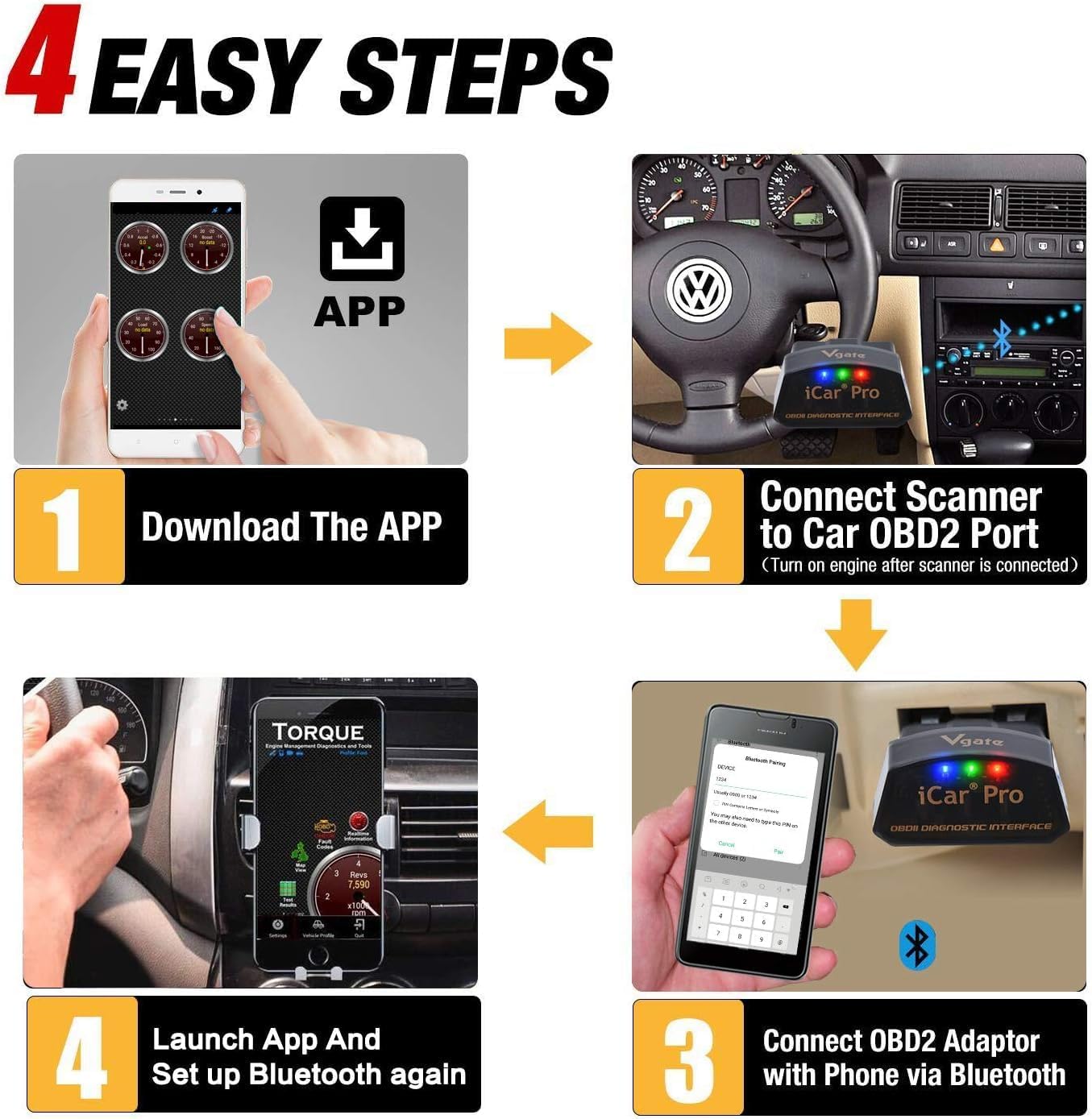
5 EASY STEPS

Previous page
  1. Vgate iCar Pro Bluetooth 3.0 Only Android, NOT for iOS

    1. INSTALL THE APPS

    • Android: Torque, Dr.Prius, etc
    • iOS: OBD JScan, OBD Fusion, etc
    • Note: On BMW E/R models (2008 or earlier), BimmerCode's Android app supports these (and all models), but the iOS version does not.

  2. Vgate iCar Pro Bluetooth 3.0 Only Android, NOT for iOS

    2. INSERT OBD2 PORT

    • Locate the OBD2 port and install firmly.
    • MS-CAN not supported. See Vgate comparison table below for compatibility.
    • Recommended: Vgate vLinker MC+ Bluetooth 4.0.
    • Click button to learn more about MC+.

  3. Vgate iCar Pro Bluetooth 3.0 Only Android, NOT for iOS

    3. IGNITION ON

    • Refer to car manual for detailed operation.
    • No auto wake-up for electric/hybrid vehicles—manual only via re-plug.
    • Recommended: Vgate iCar Pro 2S Bluetooth OBD2 (B0CYZRMCK9).
    • Click to learn more.

  4. vgate icar pro bluetooth4.0 - Bluetooth

    4. TURN ON BLUETOOTH

    • Android & iOS differ in Bluetooth setup:
    • Android pairs with "Android-Vlink" in settings;
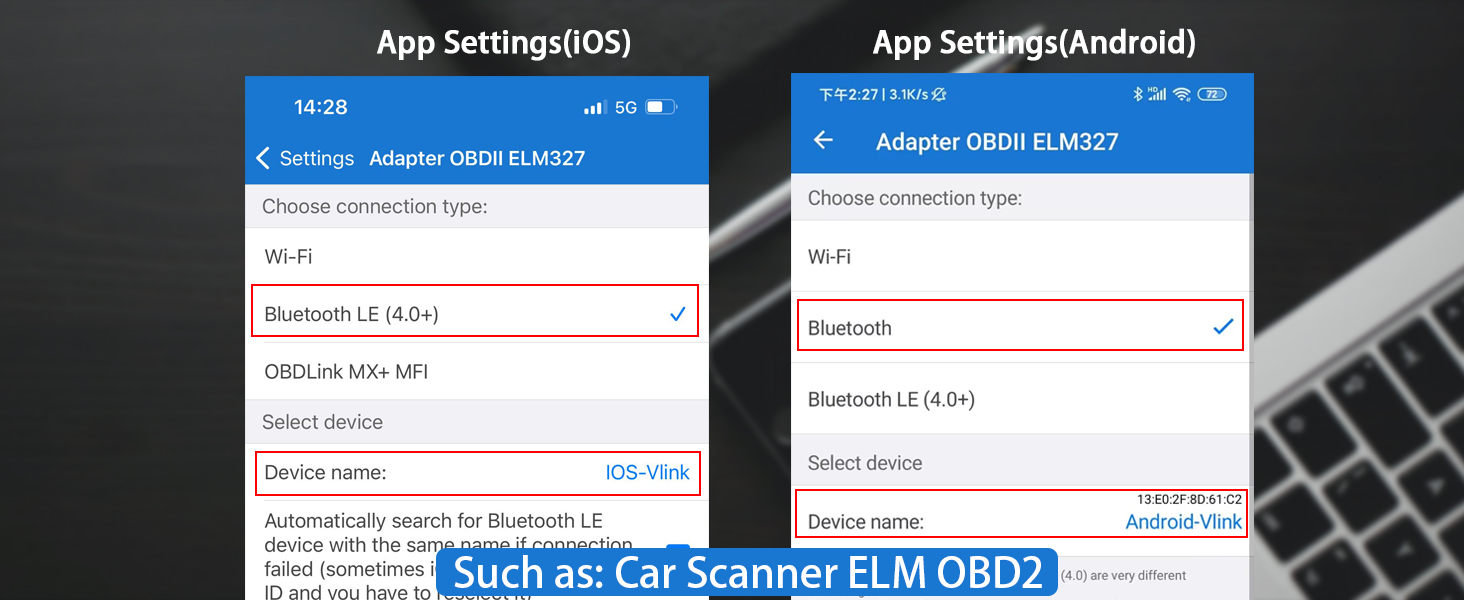
    • iOS needs No pairing—enable Bluetooth, open OBD app, and connect in app settings.

  5. vgate icar pro 2S bluetooth5.2 android ios icar pro bluetooth 4.0 - OBD2 BLUETOOTH

    5. RUB THE ELM327 OBD2 APPS

    • Vgate iCar Pro Bluetooth4.0 works with most popular ELM327 OBD2 apps.
    • IN-APP PURCHASES • PRICES VARY
    • Avoid unofficial or modified versions of apps.
    • Please set the connection according to the app.

Next page

  • LED INDICATORS

  1. When plugged into the OBD2 port: red light stays on, green light on for 1s, blue light on for 3s then off.
  2. During Bluetooth connection: blue light flashes (stops when paired).
  3. When connected to an app and reading data: red light remains on, blue and green lights flash simultaneously.

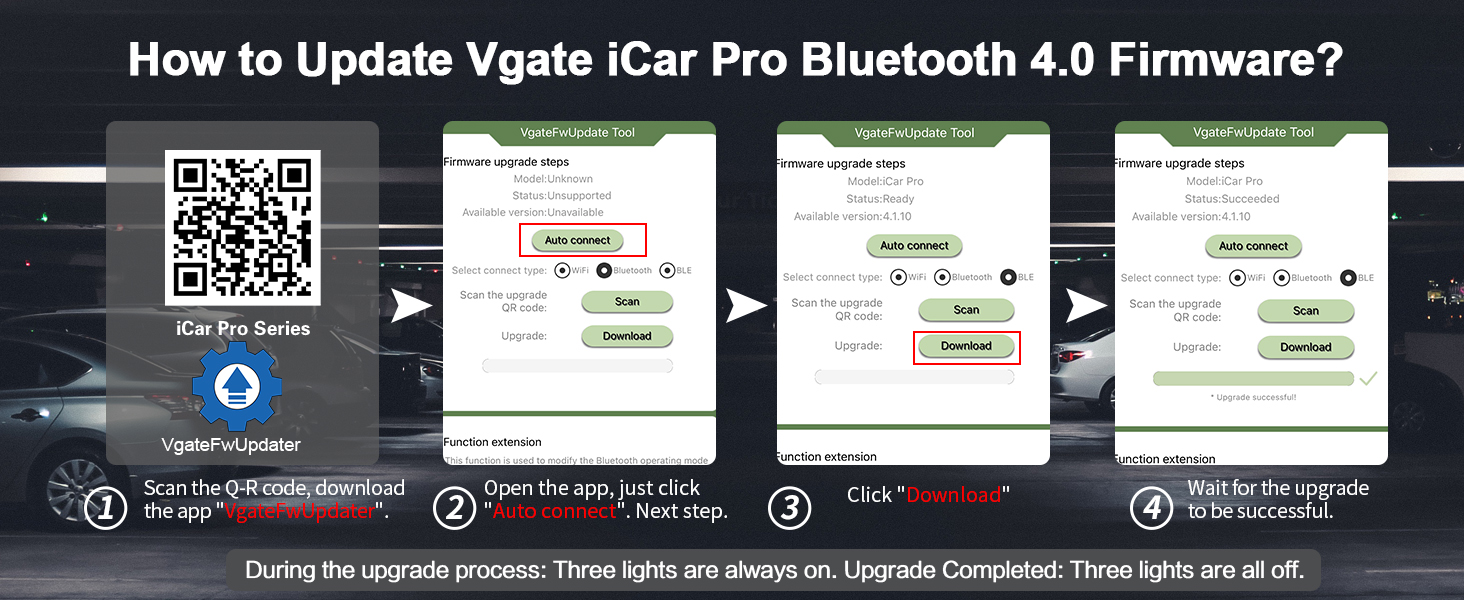
HOW TO UPGRADE THE FIRMWARE - Vgate iCar Pro Bluetooth 4.0 OBD2 ADAPTER

vgate icar pro bluetooth 4.0 - UPGRADE

  • Please try to use the Q-R code reader that comes with your phone to scan.
  • Pre-installed with latest firmware; updates rarely needed.
  • Complete any upgrade once started—an incomplete update may disable the device.
  • If update fails (app connection lost), unplug, replug, reconnect to phone, and retry.

  • Could not pair with Android?

    Turn off Bluetooth and turn it back on (a few times); restart your phone; clear Bluetooth cache/storage.

    Search for the Bluetooth device name "Android-Vlink" and enter the pairing code "1234".

  • Could not pair with iOS device?

    NOTE: DO NOT Need to pair Bluetooth Name on iOS device.

    Just Enable Bluetooth on the iOS device.

    Then configure Bluetooth device name in the OBD app setting.

  • Why can't Vgate iCar Pro Bluetooth 4.0 OBD2 Scan Tool be automatically woken up after going to sleep?

    Vgate iCar Pro automatically sleeps 20–30 mins after car ignition off. For electric/hybrid vehicles, it does not support auto wake-up—only manual wake-up by re-plugging. For this feature, we recommend the Vgate iCar Pro 2S Bluetooth (B0CYZRMCK9).

  • What kind of apps does Vgate iCar Pro Bluetooth 4.0 OBD2 Code Reader support?

    Vgate iCar Pro Bluetooth 4.0 is ELM327-compatible, works with OBD2 apps like Torque, Car Scanner ELM327 OBD2, OBD Fusion, OBD JScan, Dr. Prius, etc. It reads DTCs and live data, but does not support advanced adjustments or control unit updates.

  • How to use phone to upgrade firmware? What if fails/interrupted?

    Scan the box's Q-R code with your phone to download the Upgrade app and upgrade the product. Product comes with up-to-date firmware. Rarely need to upgrade. If update fails(fail to connect to the app), unplug & replug, connect to phone and try again.

The video showcases the product in use.The video guides you through product setup.The video shows the product being unpacked.

Vgate iCar Pro Series

My Car, My Way

Vgate iCar Pro Bluetooth 4.0 OBD2 Car Code Reader


  • Vgate iCar Pro Bluetooth 4.0 OBD2 Car Scanner works with most popular OBD2 APPs.
  • Ideal for reading diagnostic trouble codes and live data. It does not support advanced system adjustments or control unit updates.

  1. When plugged into the OBD2 port: red light stays on, green light on for 1s, blue light on for 3s then off.
  2. During Bluetooth connection: blue light flashes (stops when paired).
  3. When connected to an app and reading data: red light remains on, blue and green lights flash simultaneously.

Example title

Recently viewed

Cart

loading