




Free worldwide shipping
Free returns
Carbon neutral
Secure payments
| Connectivity Technology | HDMI, USB |
|---|---|
| Compatible Devices | Camera, Desktop, Laptop, Television |
| Memory Storage Capacity | 8 TB |
| Wattage | 10 watts |
| Number of Channels | 4 |
| Media Format Digital Video | HDD |
| Audio Input | Microphone |
| Total Usb Ports | 1 |
| Video Input | HDMI, USB |
| Item Dimensions L x W x H | 4.6"L x 4.6"W x 1.1"H |
| Item Weight | 1.4 pounds |
| Model Number | CA-989UP |
| Manufacturer | ClonerAlliance |
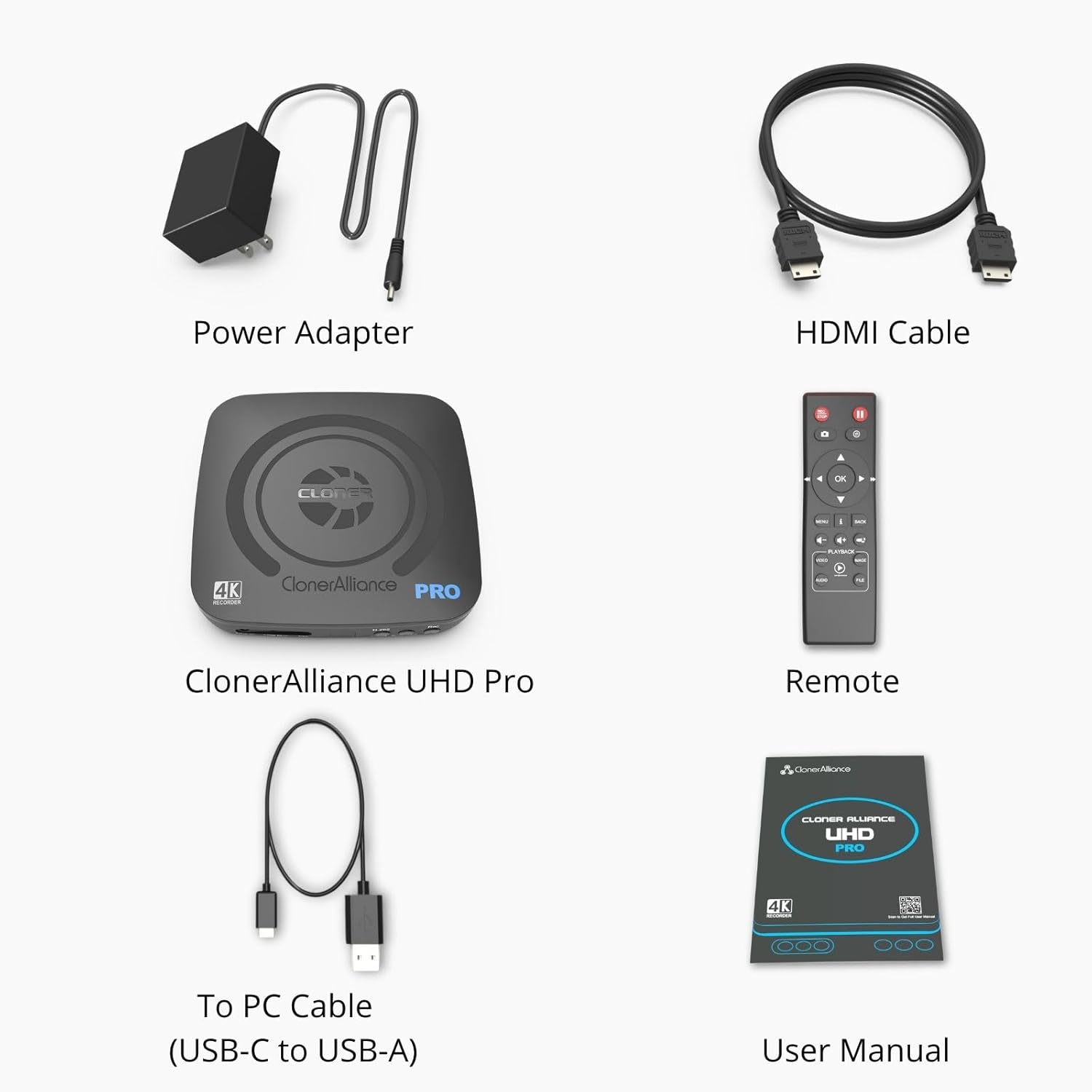
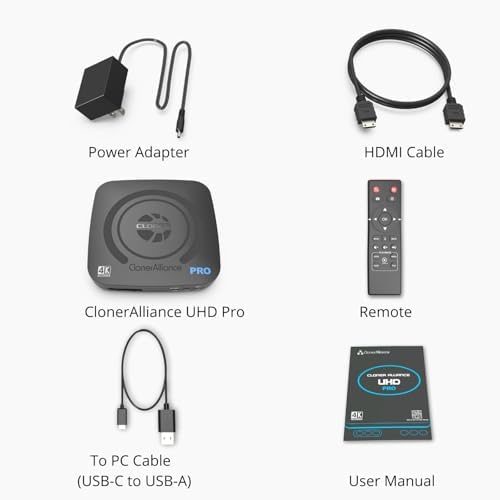
| Built-In Media | Capture Card, Remote |
| Mfr Part Number | CA-989UP |
| Warranty Description | 90-Day No Hassle Return (at our cost) and 2-Year replacement Service. |
| Item Length Width Height | 4.6"L x 4.6"W x 1.1"H |
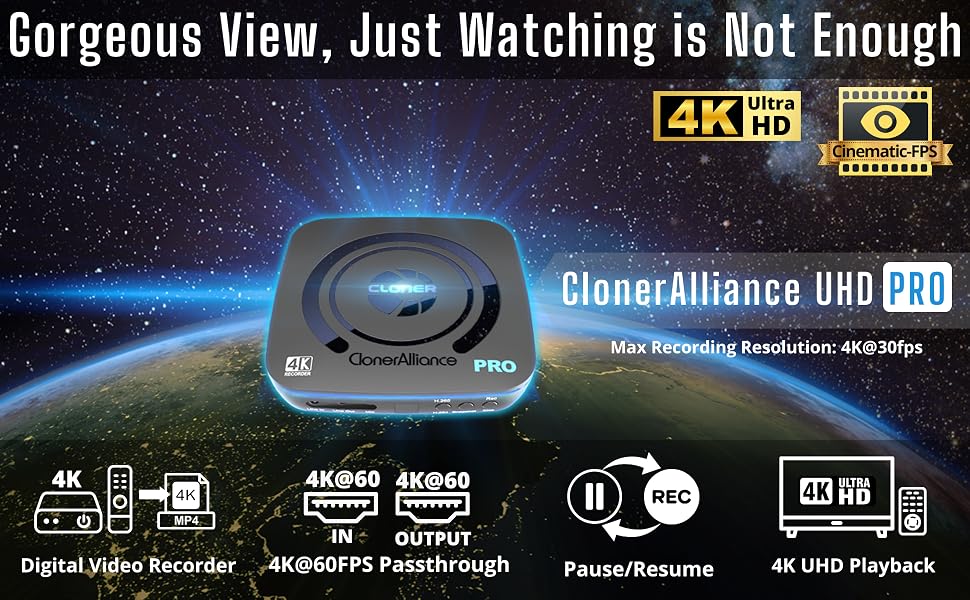
Ultra-HD video is absolutely breathtaking. Have you ever thought about making them truly yours for a long time?
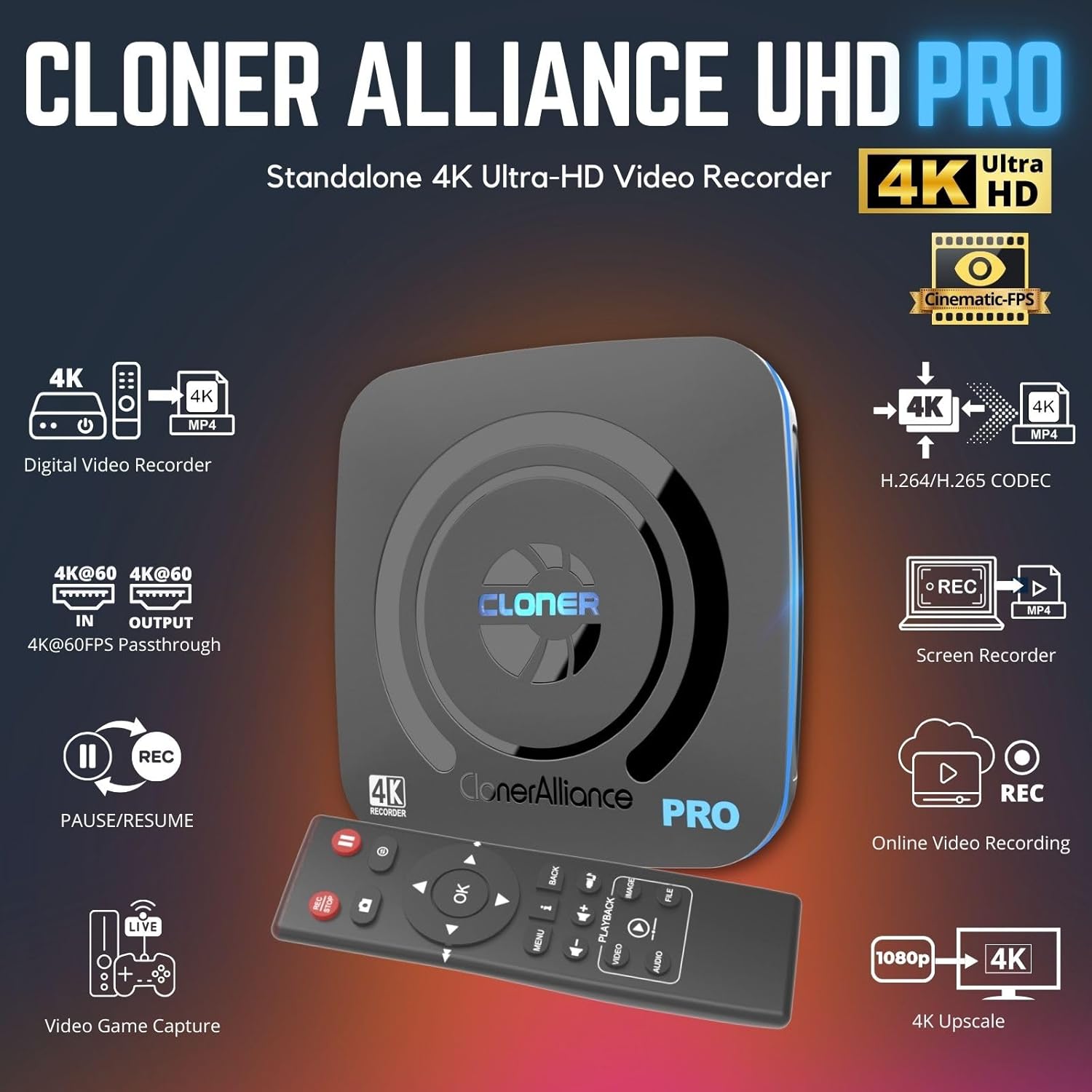
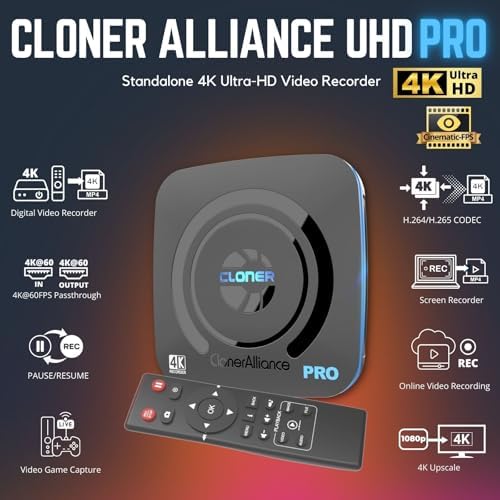
Standalone 4K UHD Digital Video Recorder
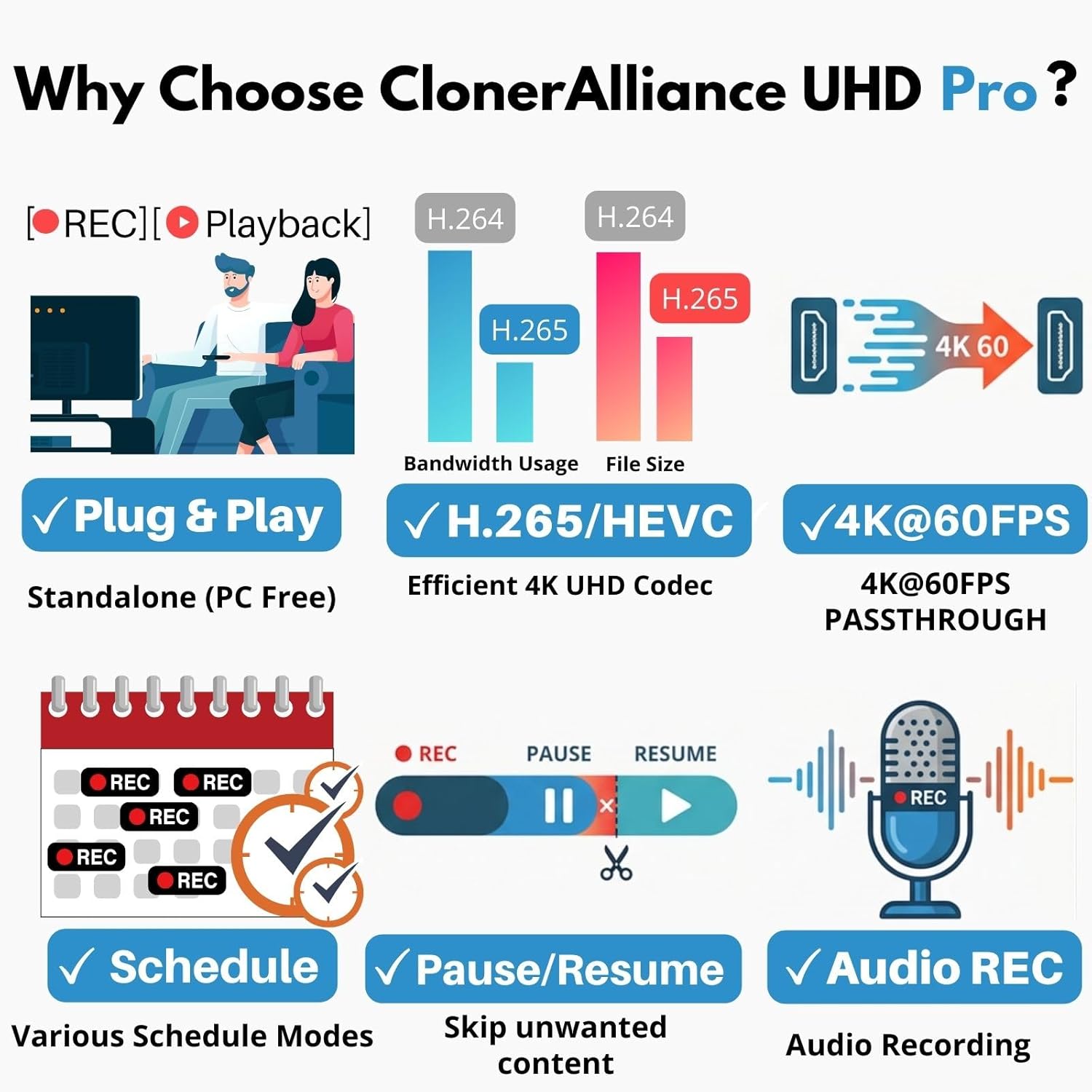
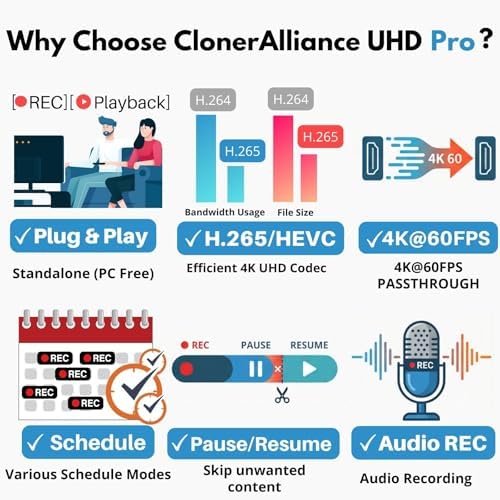
Supports both H.264 and H.265 Codec
Instant Playback 4K Ultra-HD on Your TV
Easy to use for everyone
Storing digital video on physical material, including Optical Discs, Flash drives, HDDs, SSDs, etc., is the most reliable method of preservation(even over 100 years without damage). Every Ultra-HD frame with vivid colors and sharp details is worth saving in the way.
Use 4K to make your videos more attractive and get more value. Using ClonerAlliance UHD Pro to collect Ultra-HD footage will make you do more with less.

You can carry the 4K videos wherever you travel, whether in the vehicle, at a party, or camping. No need for internet and no more telecom bills for watching your own 4K.
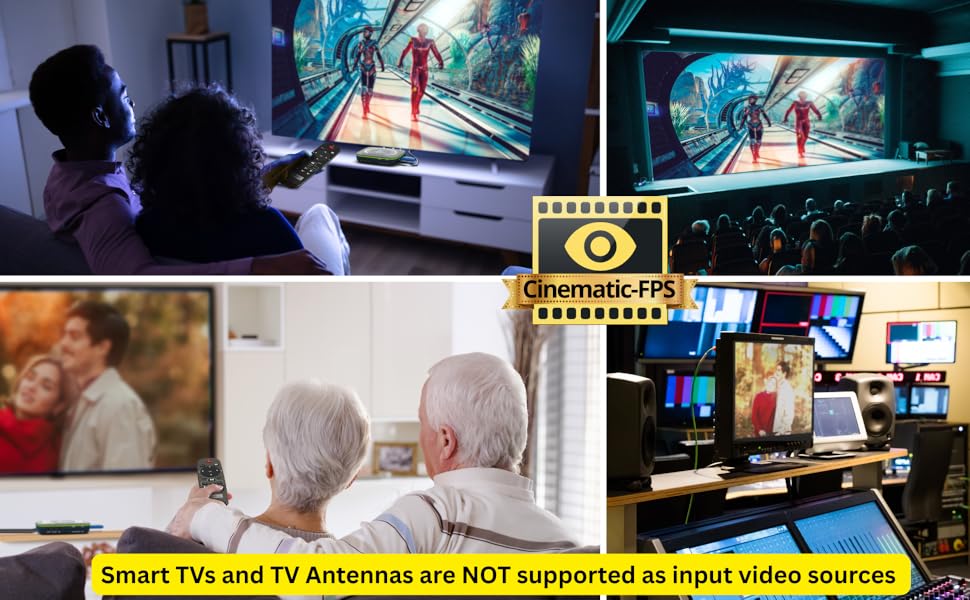
The 24fps is called Cinematic-FPS frame rates. The filmmakers believe the 24fps is oriented to allow enough motion blur to resemble as close to the natural way the human brain processes moving objects. 24fps is the standard for playing the film in cinemas. ClonerAlliance UHD Pro gives you the same experience in your living room as in the cinemas.
Most television broadcasts use 24fps to achieve a more cinematic look. Actually, 24fps is a more realistic frame rate for TV broadcasting. ClonerAlliance UHD Pro records 4K videos at the frame rate of the original TV broadcast signal, allowing you to see the videos as it is.
Unlock true-to-life motion with the exclusive Cinematic-FPS feature, engineered for perfect 24fps capture. For a smooth, glitch-free experience, always set your video source output to 'Auto-match video source' (or 24Hz/欧洲站改为25Hz). Do not force a 4K@60Hz output for 24fps contents, as mismatched frame rates will lead to visual jitter.
Improve the utilization of USB storage capacity. With 4K@24fps encoding, you can record video twice as long as with 4K@60fps encoding. And the viewing experience is almost exactly the same.
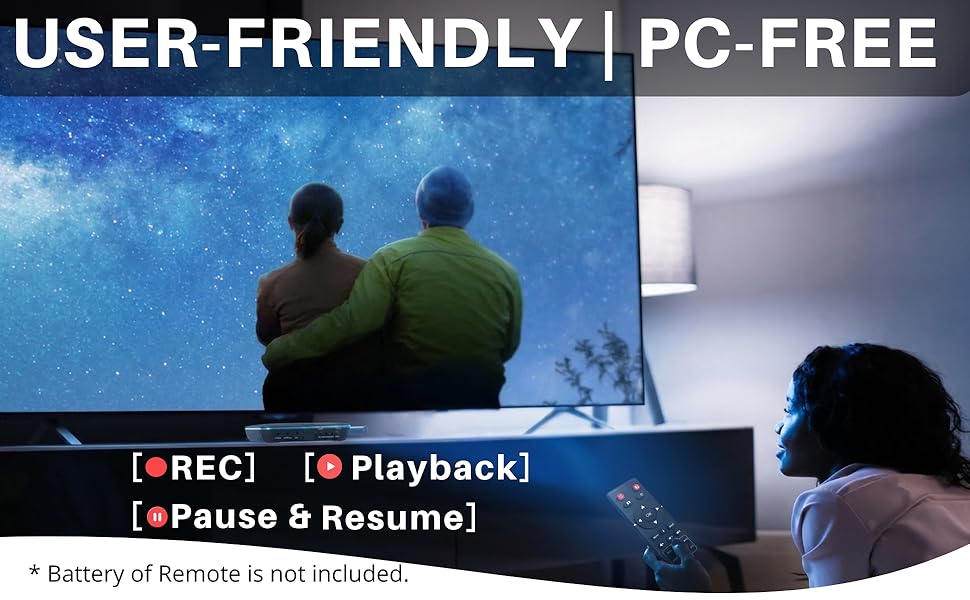
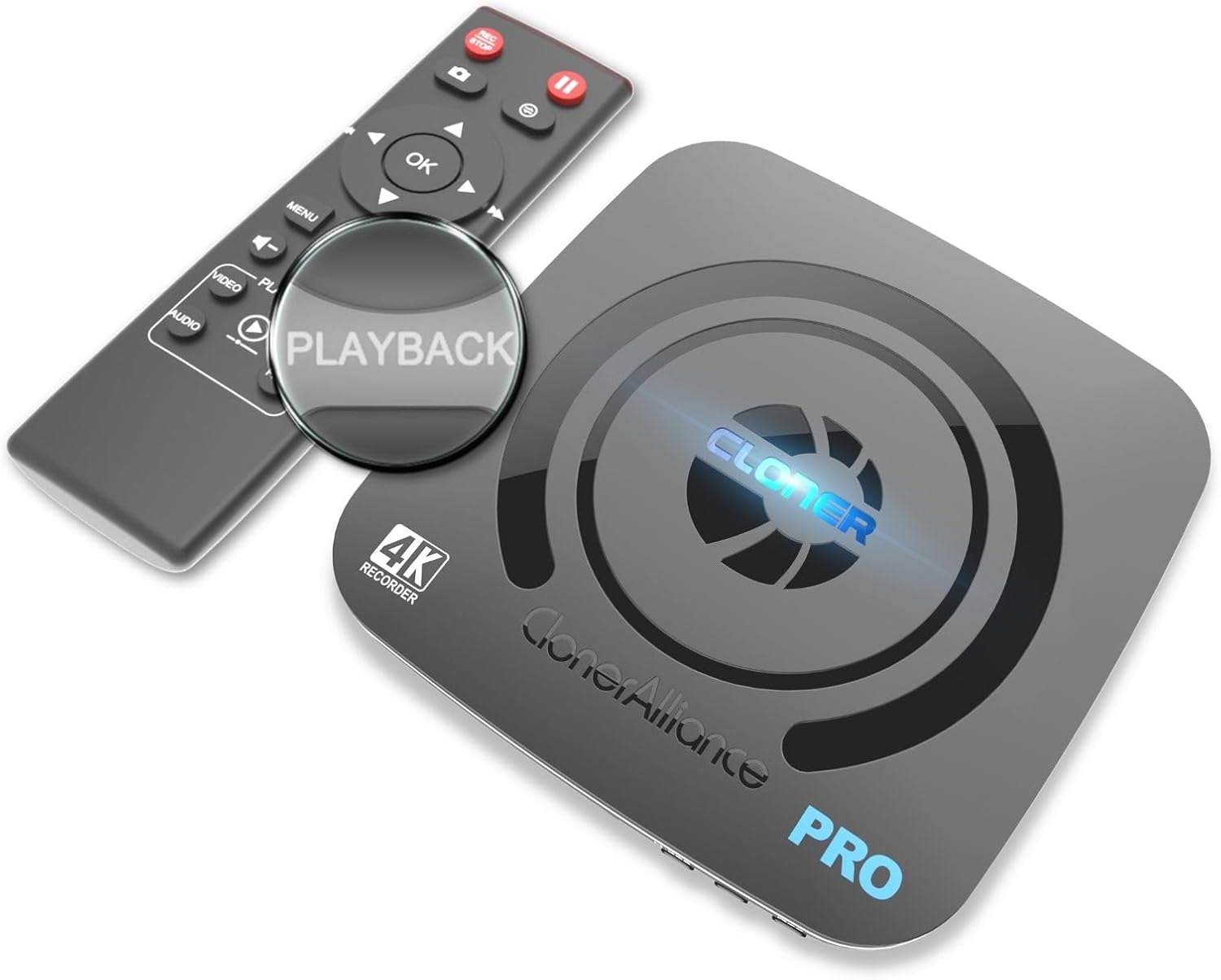
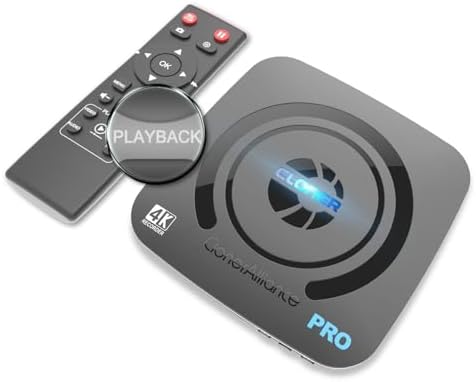
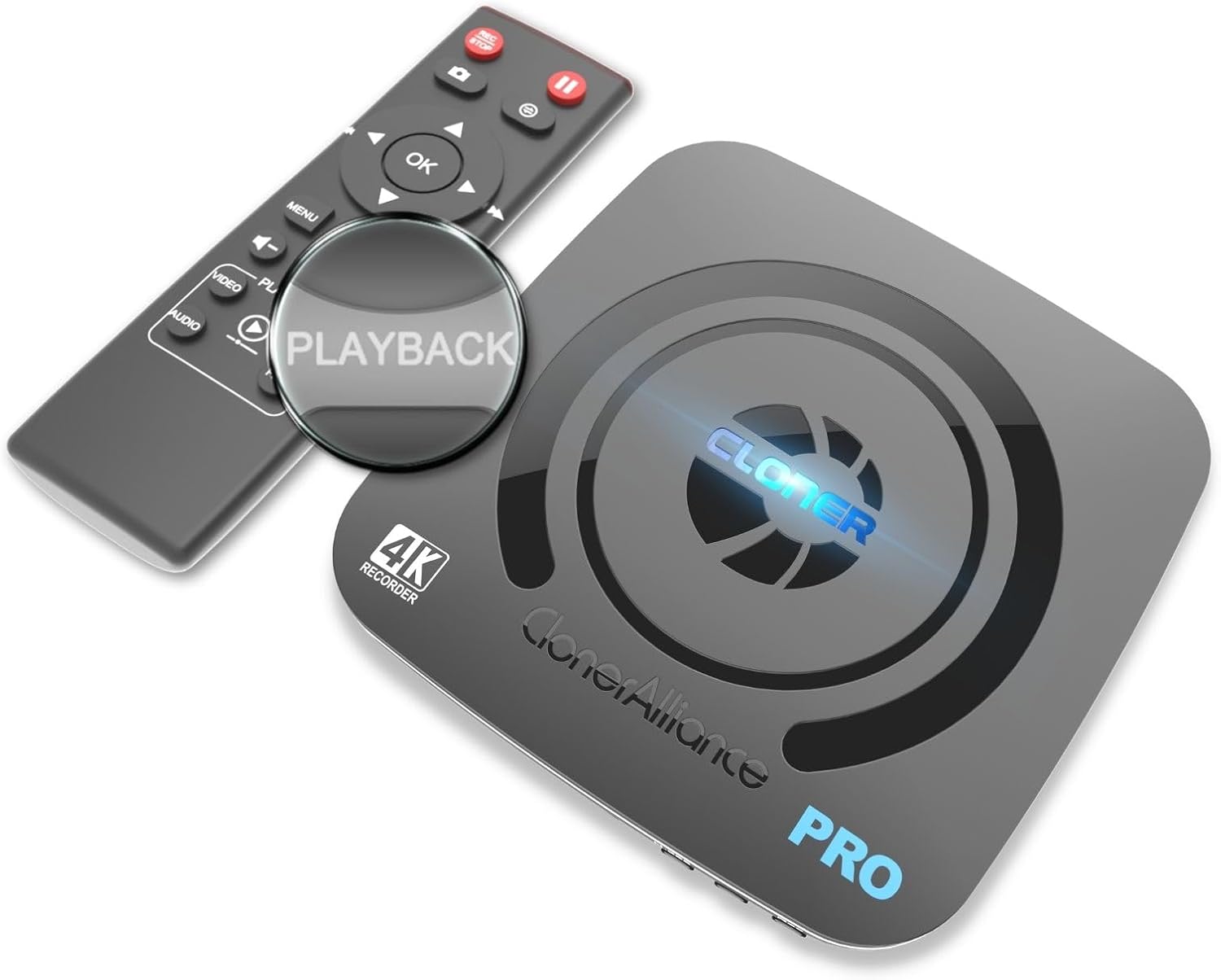
ClonerAlliance UHD Pro is the next must-have next to your large UHD TV. When you want to record the stories touching you, with just one press, ClonerAlliance UHD Pro can keep the 4K videos forever. With the one-press Playback, you can relive the memories anytime.
Best practice for Cinematic-FPS:
1. For recording Cinematic-FPS:
2. For watching Cinematic-FPS on the smart TVs:
Note:
This device does not support HDR input. Please disable HDR from your video source to ensure correct brightness and contrast.
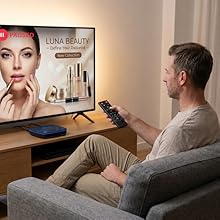
Skip unwanted content with one press. No post-editing required.
While recording, you can easily pause and resume at any time to skip commercials or unwanted segments. This feature helps you save storage space and creates a seamless video file, so you can enjoy your favorite stories without any interruptions.
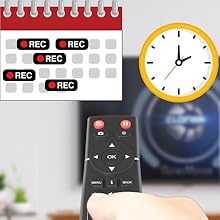
Schedule recording at your convenience.
Schedule your recording tasks on ClonerAlliance UHD Pro and simply ensure your HDMI source device is switched to the desired channel before the set time. ClonerAlliance UHD Pro will handle the rest automatically.
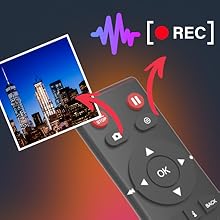
Press one button to take a screenshot as a JPG file.
Amazing or hilarious moments while watching videos won’t wait your camera to capture.
Just one press can make it. Stores them into a folder so as to browse them anytime. Or save this image as wallpaper on your mobile phone or PC.
Supports independent audio recording for versatile content creation.
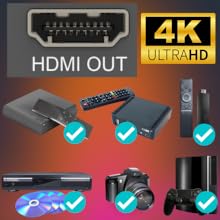
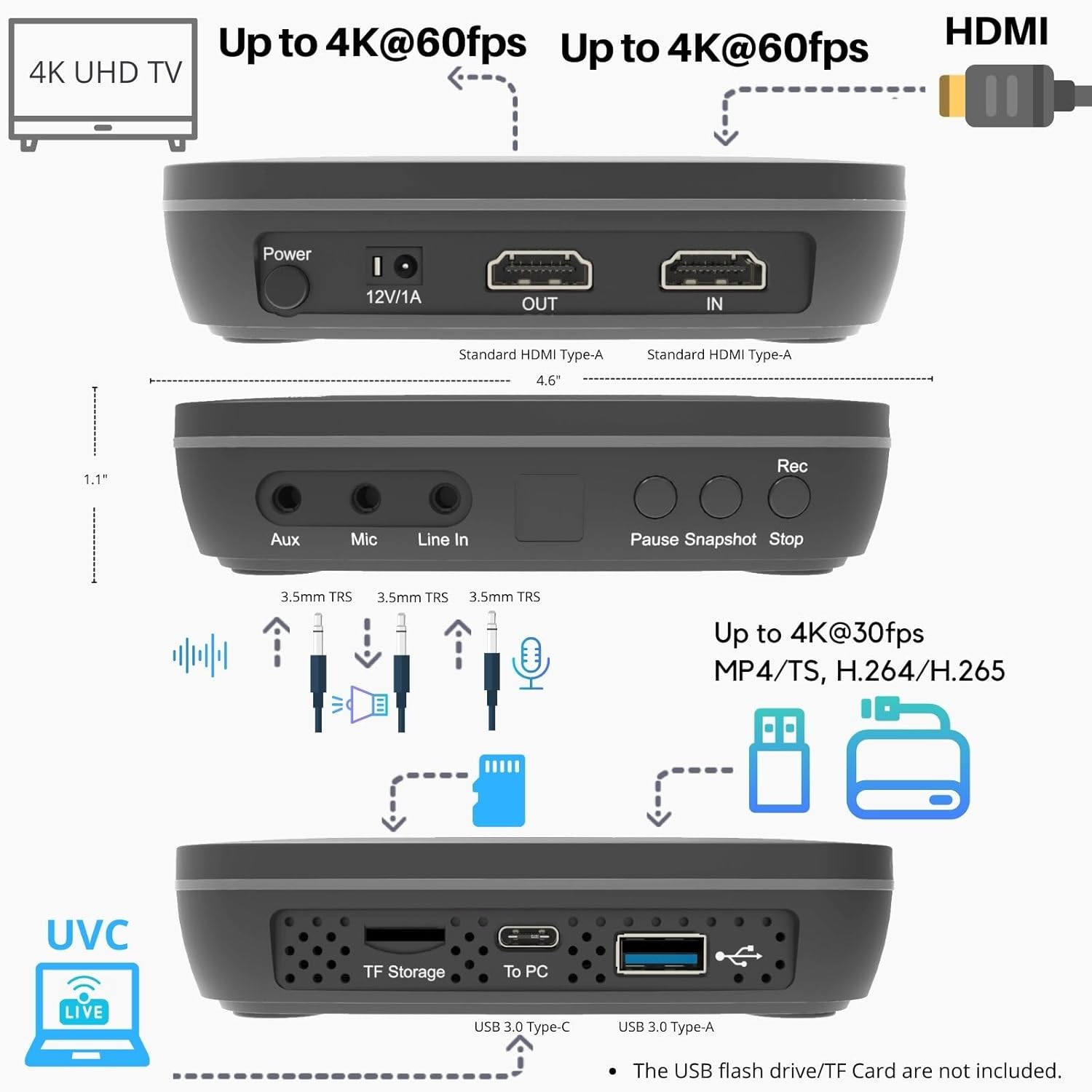
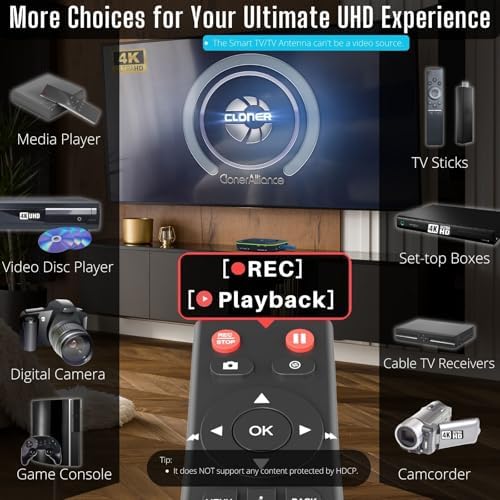
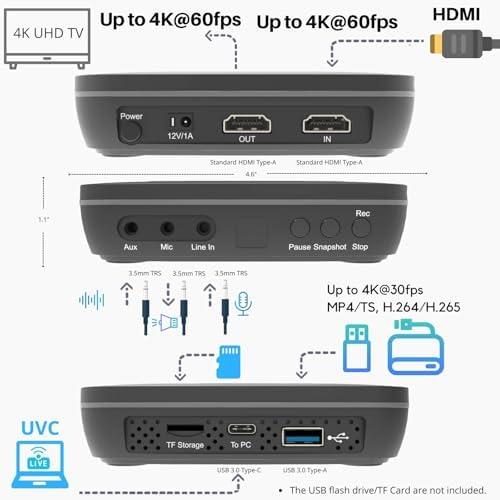
ClonerAlliance UHD Pro is compatible with video sources with a standard HDMI (Type-A) output port.
For the Mini-HDMI(TYPE-C) or Micro-HDMI(TYPE-D) port, a To TYPE-A adapter is required (Not included).

Everyone can easily get started with PC MODE.
Based on the features of UVC standard and driver-free, ClonerAlliance UHD Pro can capture videos or live games/videos on YouTube/Twitch/Facebook via desktops/laptops running Windows, Mac or Linux.
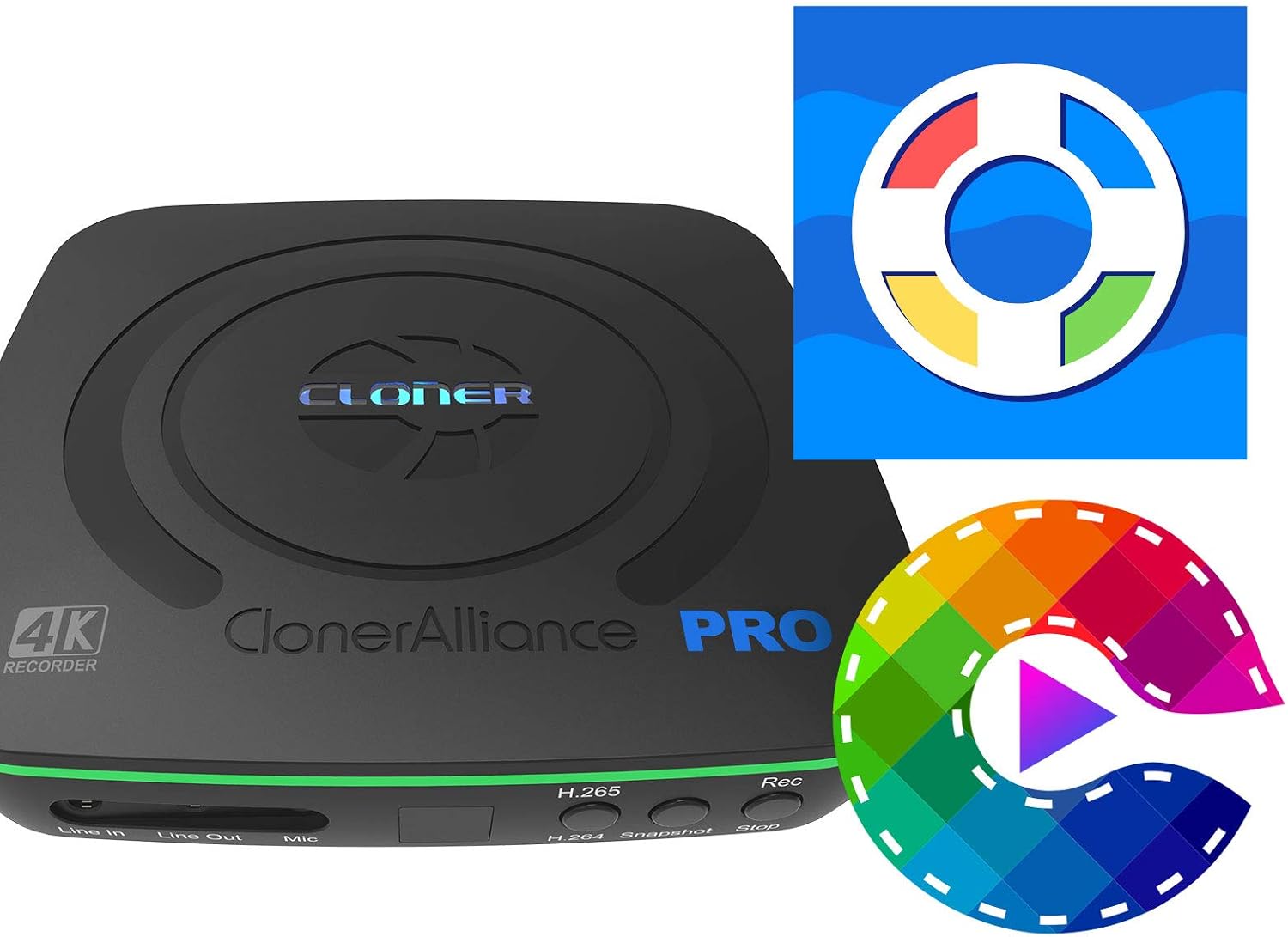
Please use OBS Studio or ClonerAlliance Helper on Windows systems.
For Mac and Linux systems, please use OBS Studio.
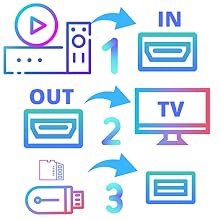
All set and enjoy!
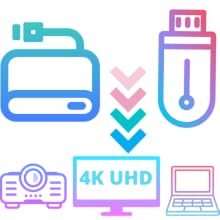
Not only is it compatible with GPT and MBR partition structures, it can also write MP4 files to exFAT, NTFS, FAT/FAT32 file systems. Whether you are using a projector, 4K UHD TV or a PC system (Windows, Mac OS, Android, Linux), the recorded 4K MP4 video files can be played and safely saved forever.

We provide 90-Day No Hassle Return (at our cost) and 2-Year Service.
A longer service period gives you more peace of mind while using our products.
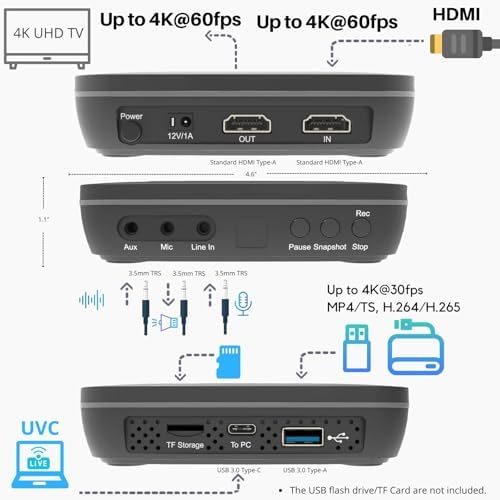
| HDMI Input/Output Resolution | Up to 3840 x 2160@60fps |
| Cinematic-FPS Recording | Supported at 3840 x 2160@24fps |
| Maximum Recording Resolution | 3840 x 2160@30fps |
| Video Encoding Bitrate | Up to 50Mbps |
| Audio Encoding Bitrate | Up to 320kbps |
| Passthrough Latency | Less than 90ms |
| Encode Formats | H.265/H.264 |
| HDMI Output Resolution | Max up to 3840 x 2160@60fps |
| Max Encoding Bitrate | 50Mbps |
| File Format | MP4, TS |
| Storage Media | USB Flash Drive, USB Hard Drive, TF Card(MicroSD) |
| Maximum Storage Capacity | 512GB for USB flash drive, 8TB for External Hard drive |
| To PC mode | UVC, USB-C 3.0. Windows, Mac OS, Linux are Supported. |
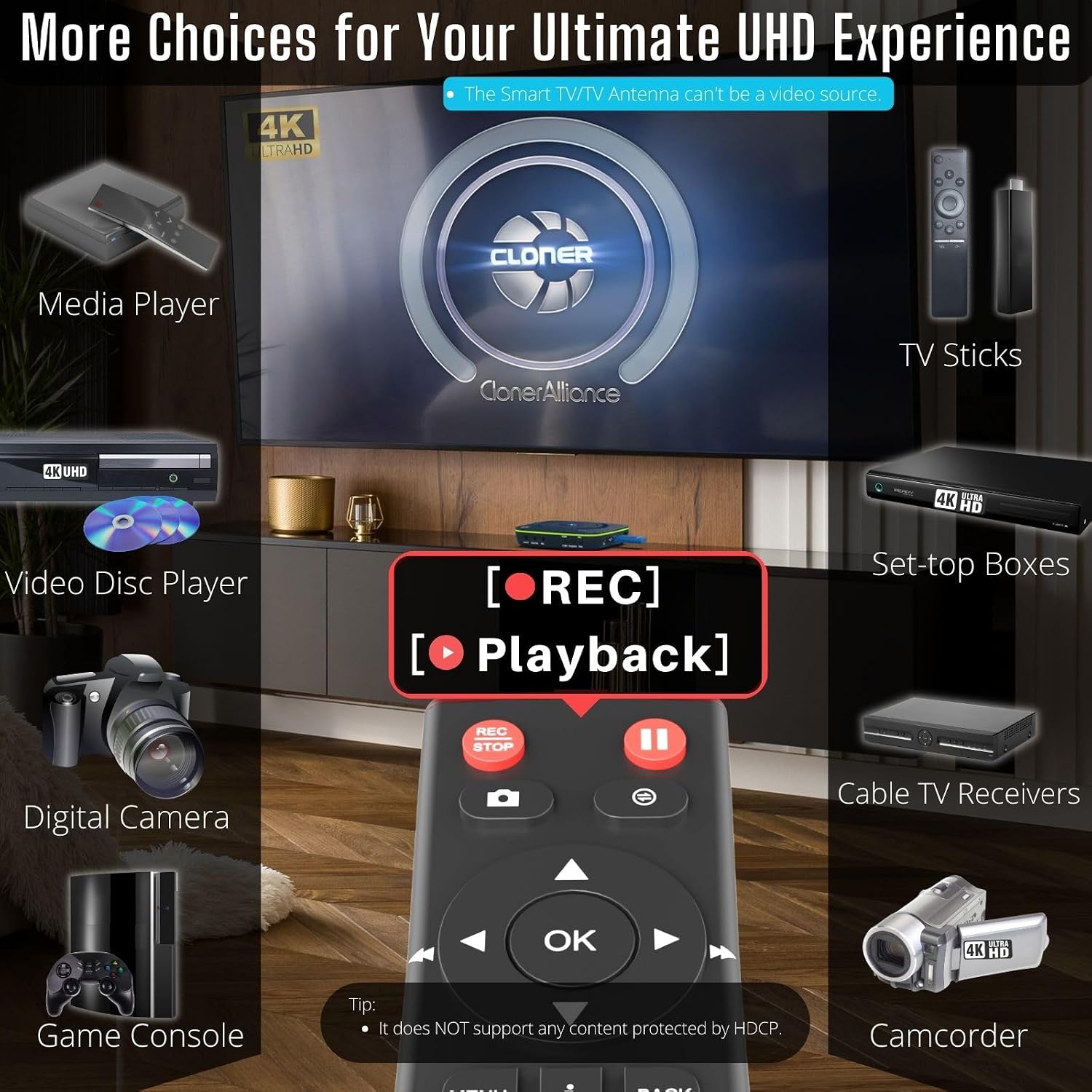
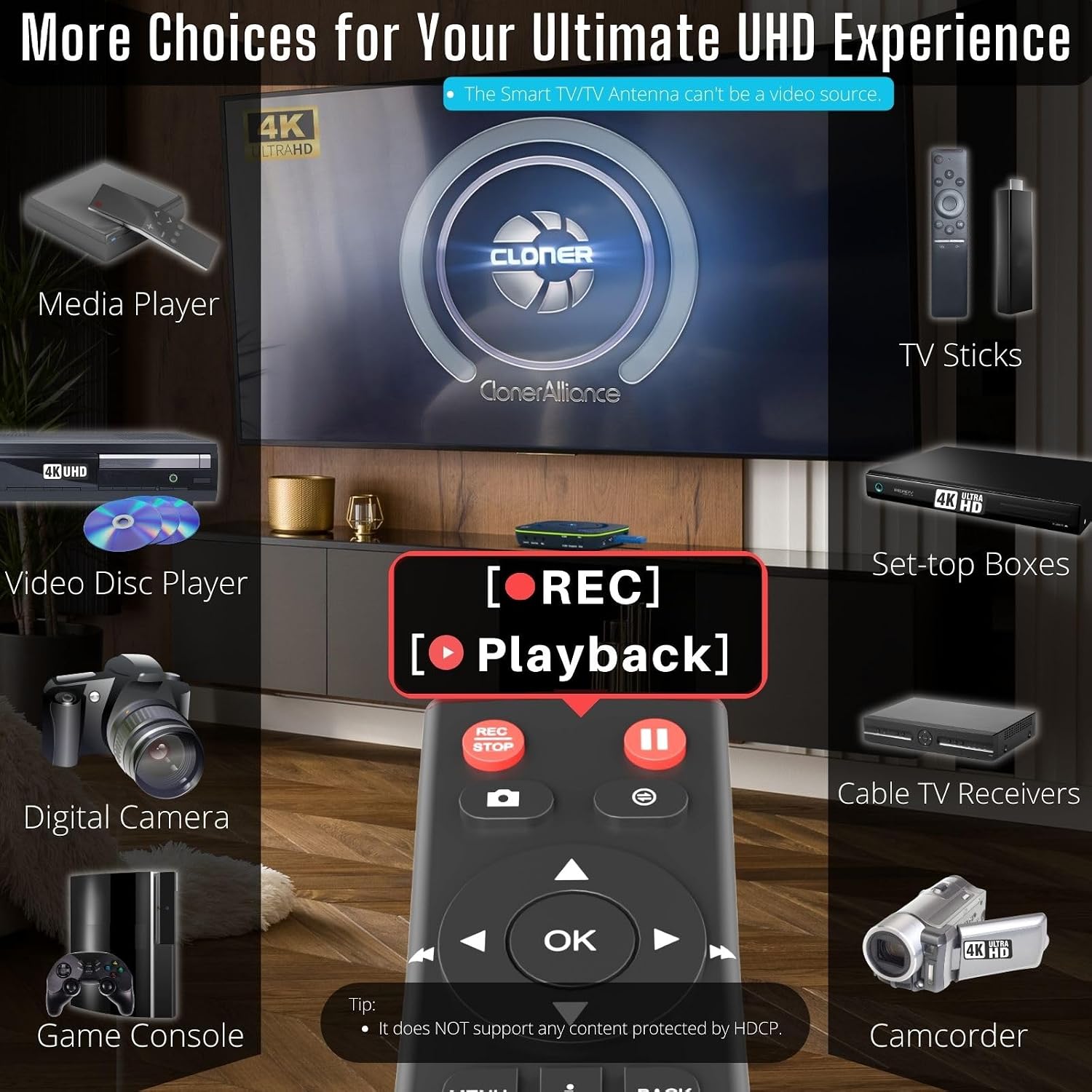
| Compatible Video Sources | DVRs, Set top Boxes, Cable TV Receivers, Satellite Receivers, Over-the-air TV receivers, TV Tuners, DSLRs, Camcorders, DVD Players, Media players, TV Sticks, Endoscopes, Surgery Microscopes, Game Consoles, Laptops with HDMI OUT |
| Not supported sources | Smart TVs and TV Antennas are NOT supported as input video sources. |
loading
