
















































Free worldwide shipping
Free returns
Carbon neutral
Secure payments
| Color | Black |
|---|---|
| Style | Contemporary |
| Theme | Minimalist |
| Language | English |
| Generation | 1st Generation |
| Model Name | 2.4G Wireless Keyboard |
| Style Name | Contemporary |
| Unit Count | 1 Count |
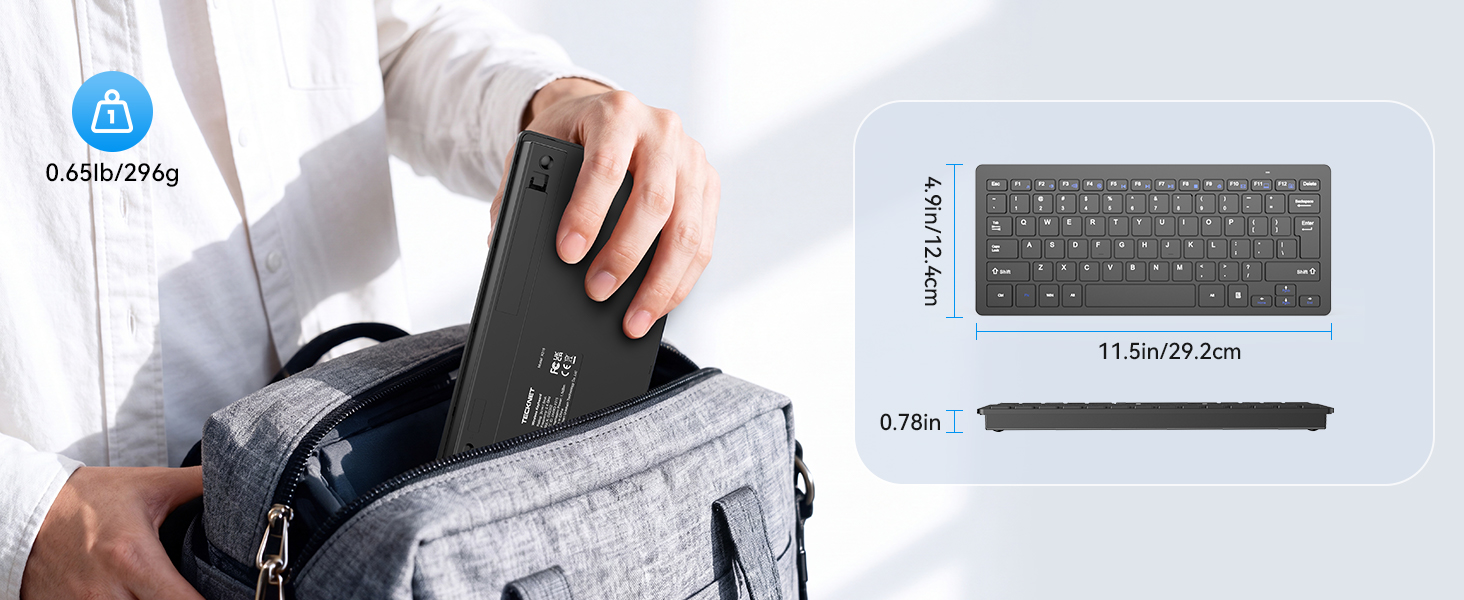
| Item Weight | 188.7 g |
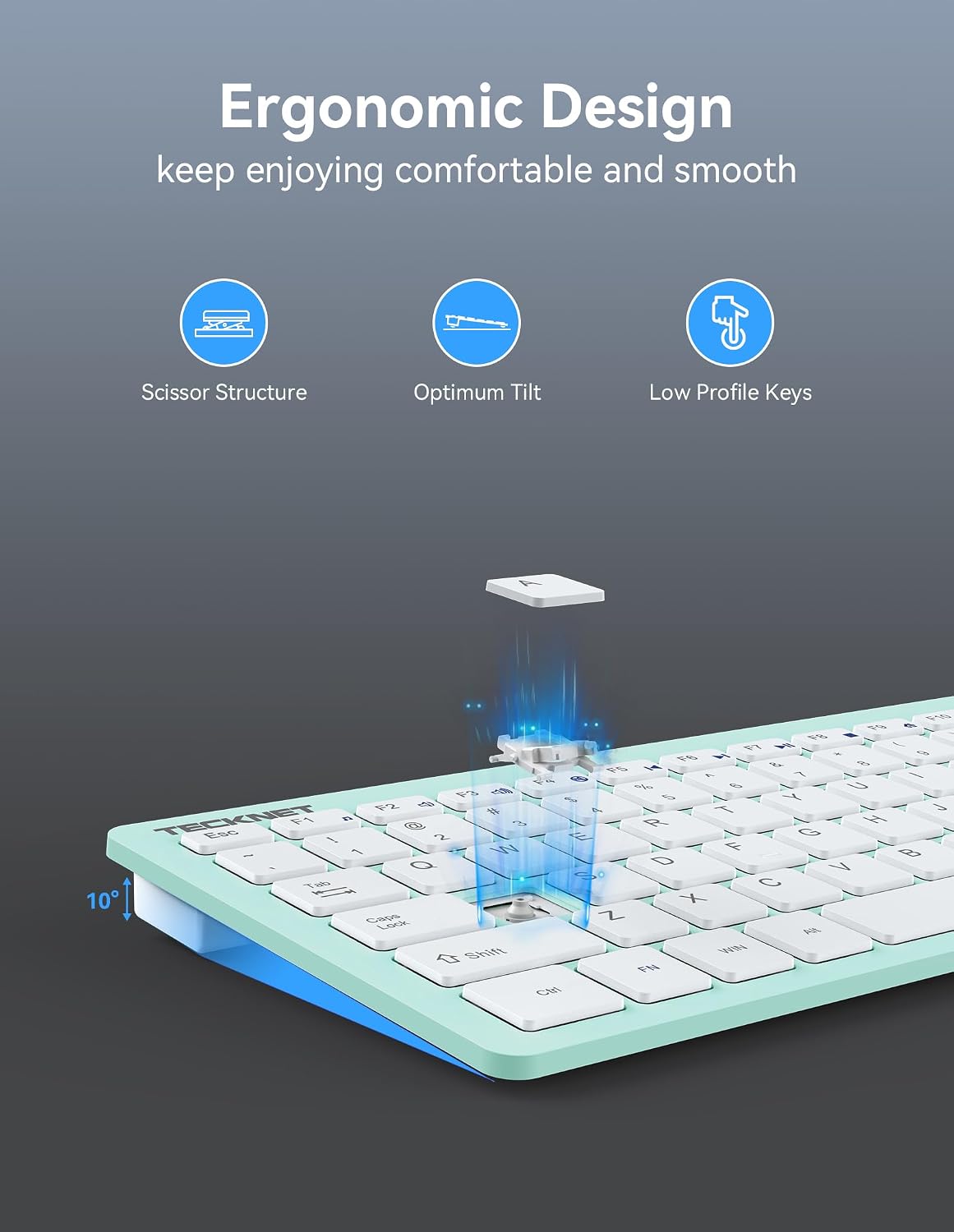
| Switch Type | Scissor-switch X structure |
| Manufacturer | TECKNET |
| Model Number | EKB005-Black |
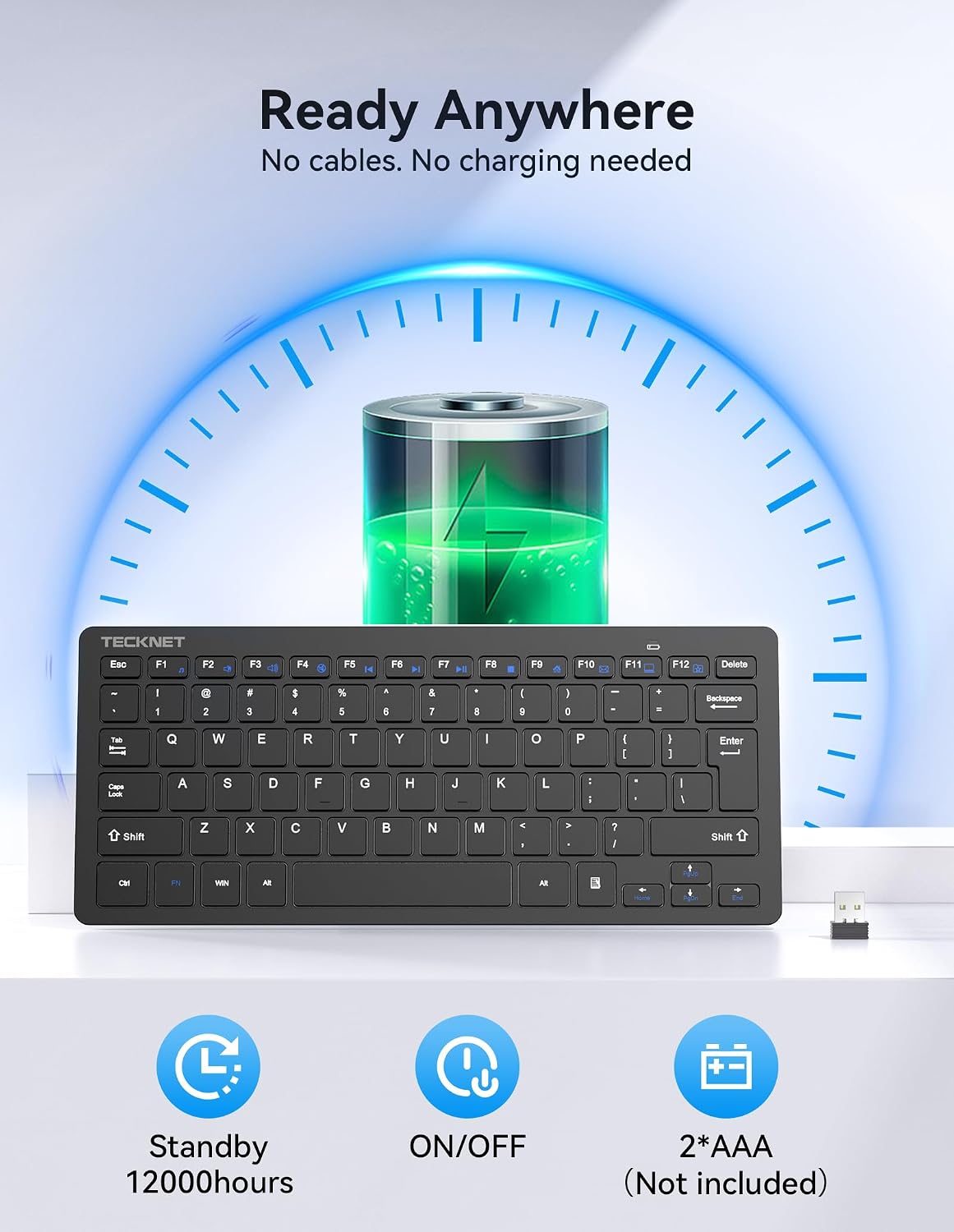
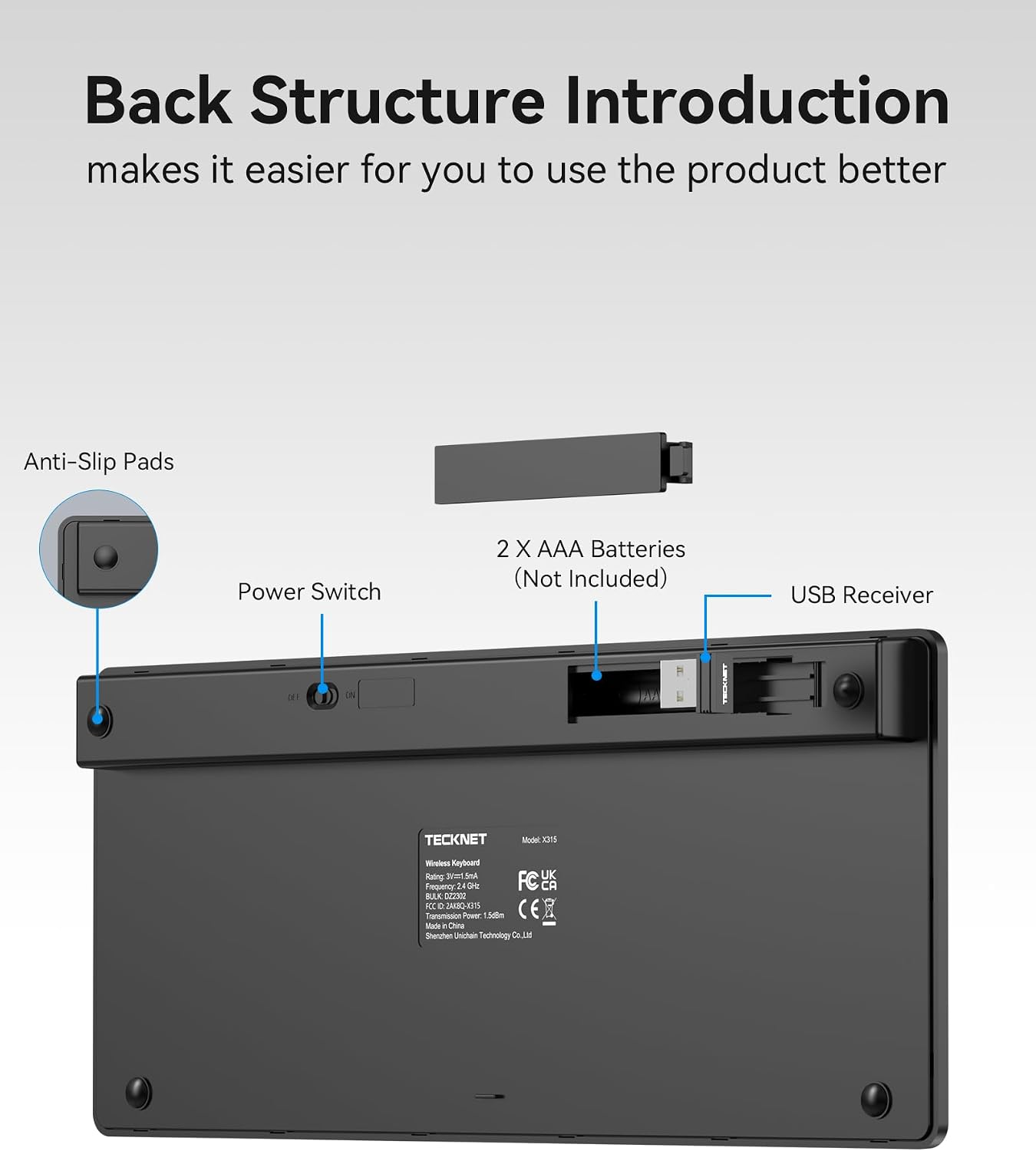
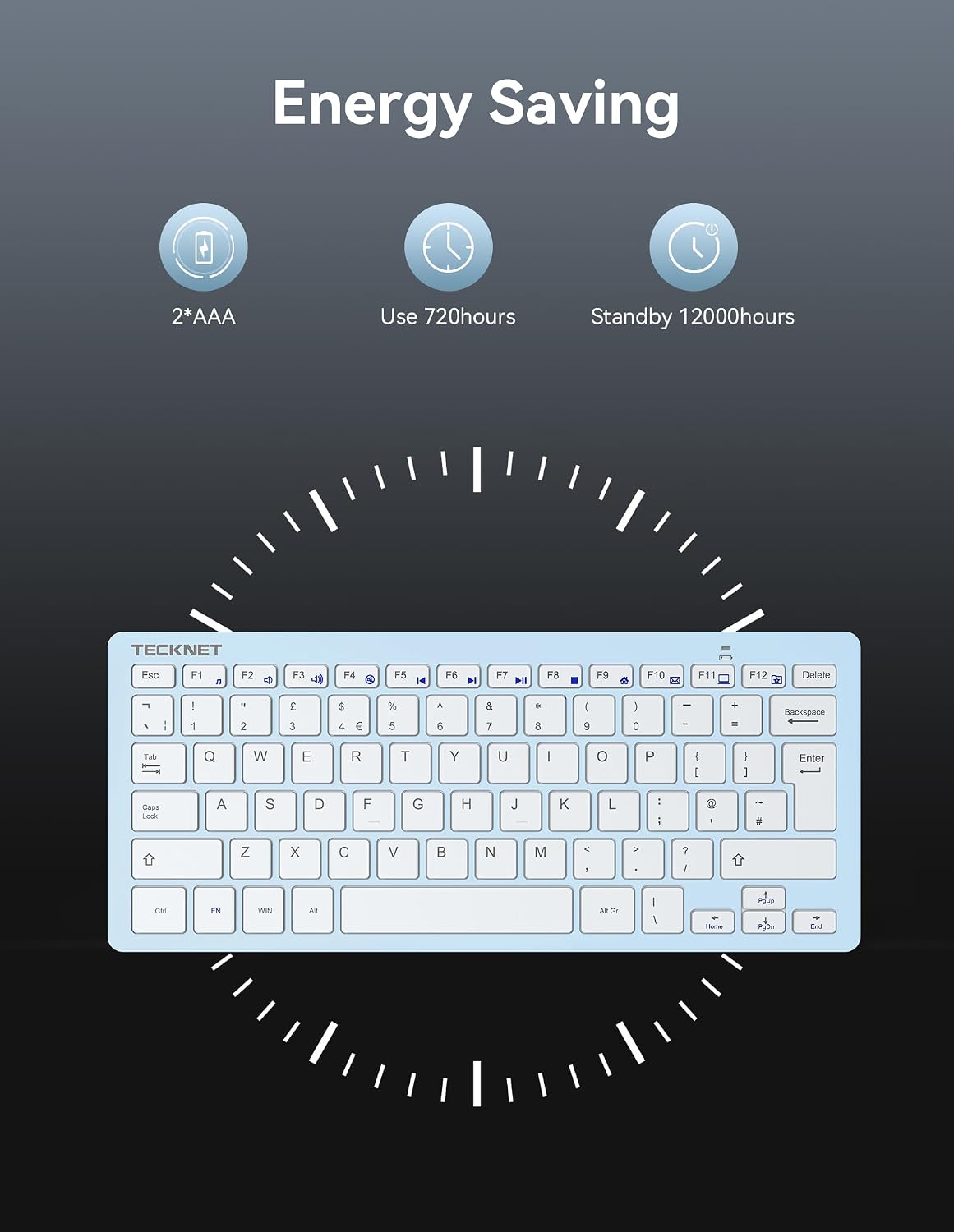
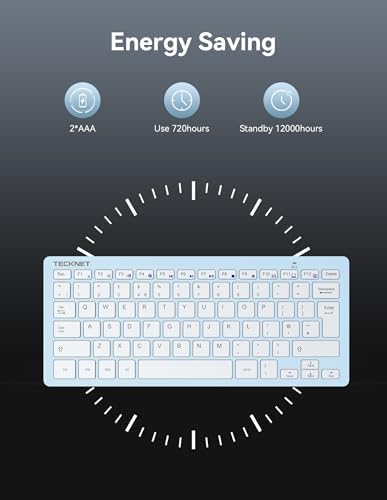
| Power Source | Battery Powered |
| Series Number | 315 |
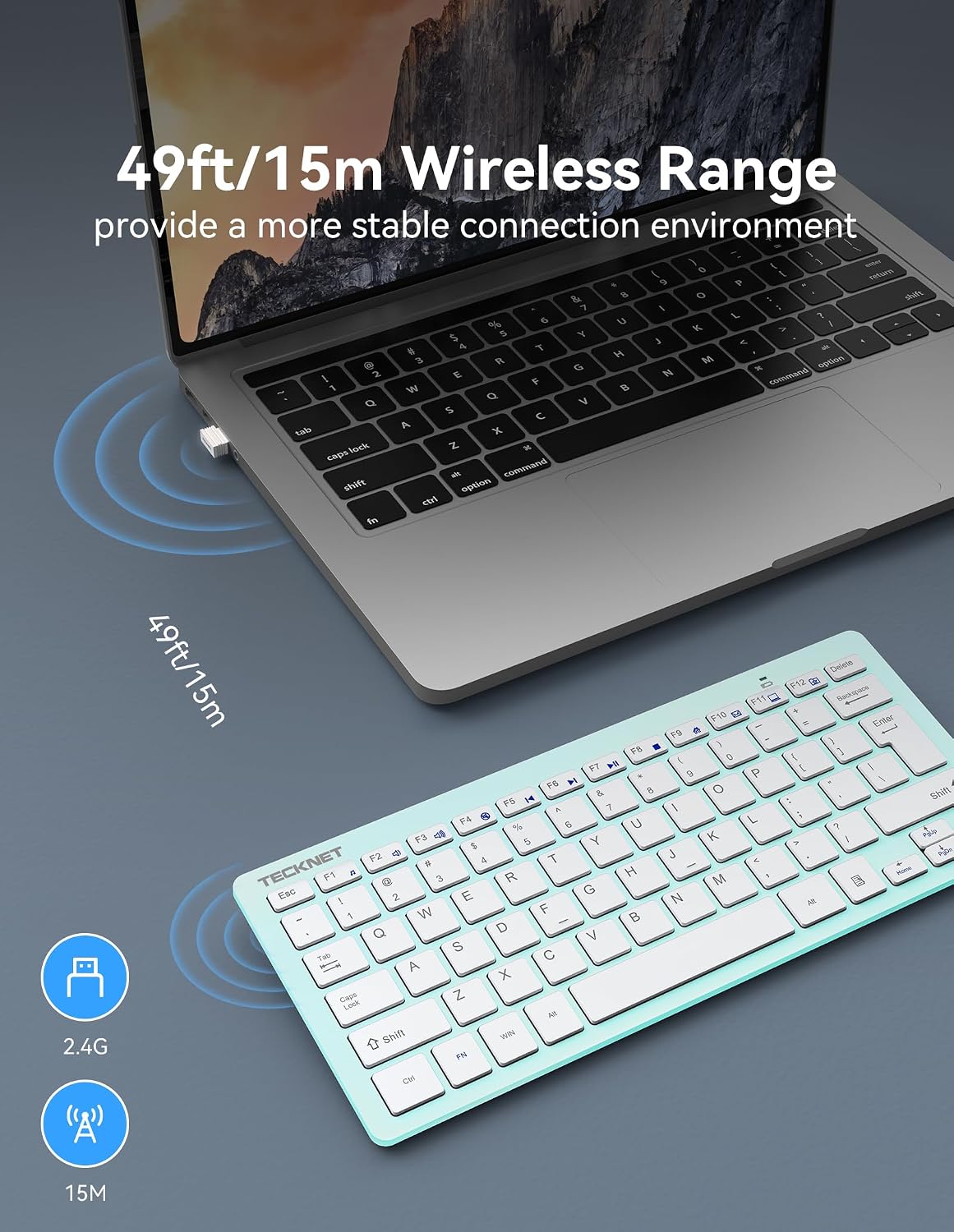
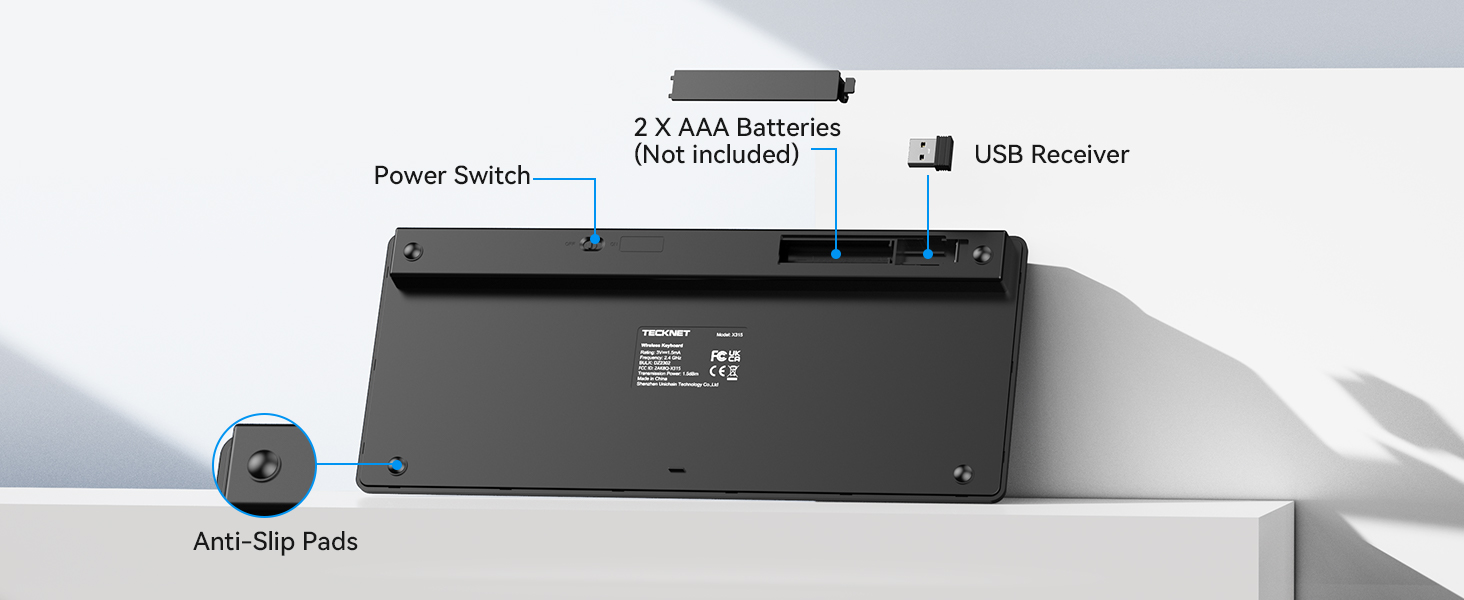
| Built-In Media | 2.4 GHz Nano USB receiver, TECKNET wireless keyboard, user guide |
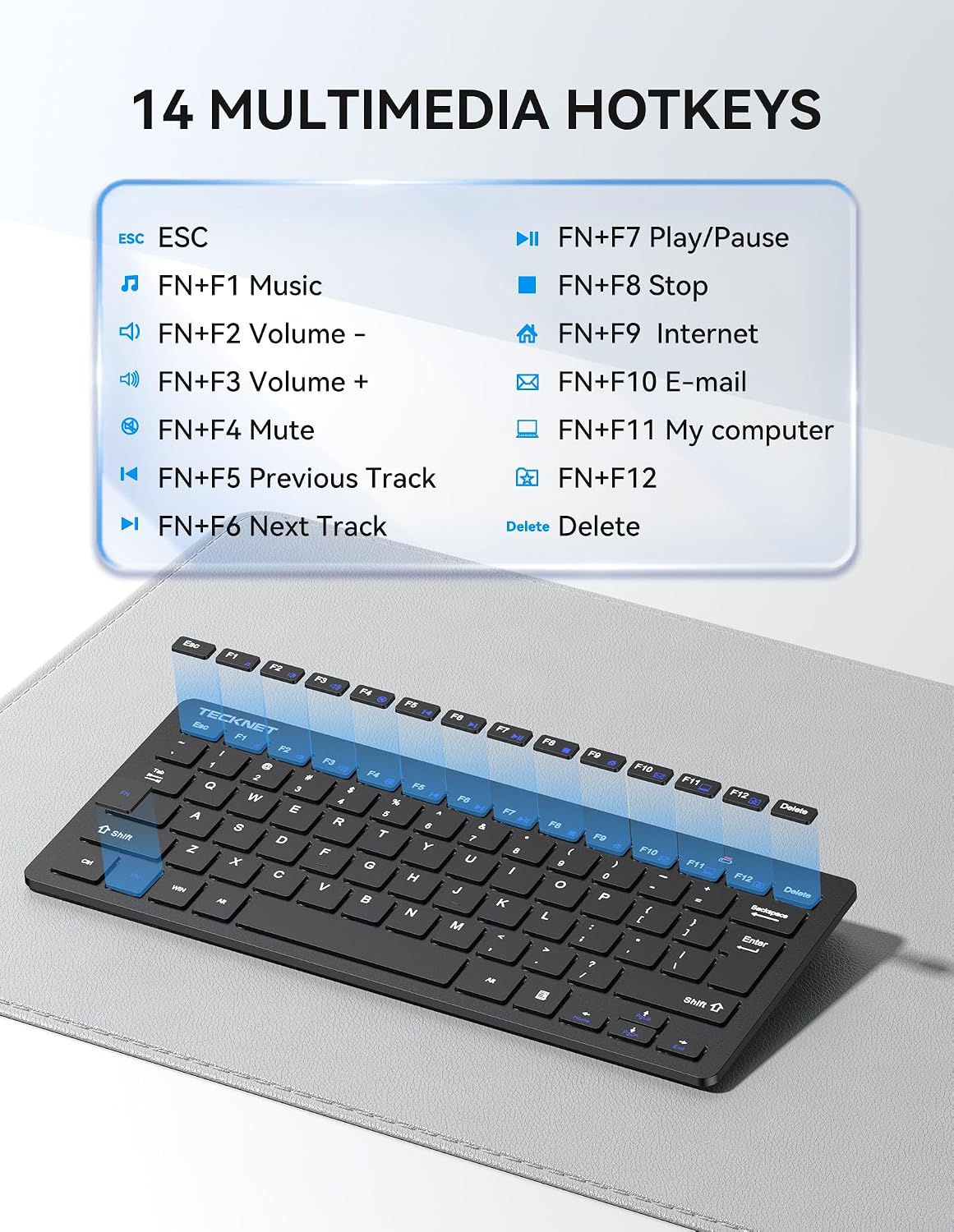
| Number of Keys | 78 |
| Button Quantity | 74 |
| Keyboard Layout | QWERTY |
| Mfr Part Number | 70553 |
| Special Feature | Ergonomic, Lightweight, Low-Profile Key |
| Antenna Location | Office |
| Hand Orientation | Ambidextrous |
| Compatible Devices | PC |
| Enclosure Material | Acrylonitrile Butadiene Styrene |
| Number of Sections | 1 |
| Additional Features | Ergonomic, Lightweight, Low-Profile Key |
| Keyboard Description | Multi Functional |
| Warranty Description | 36 |
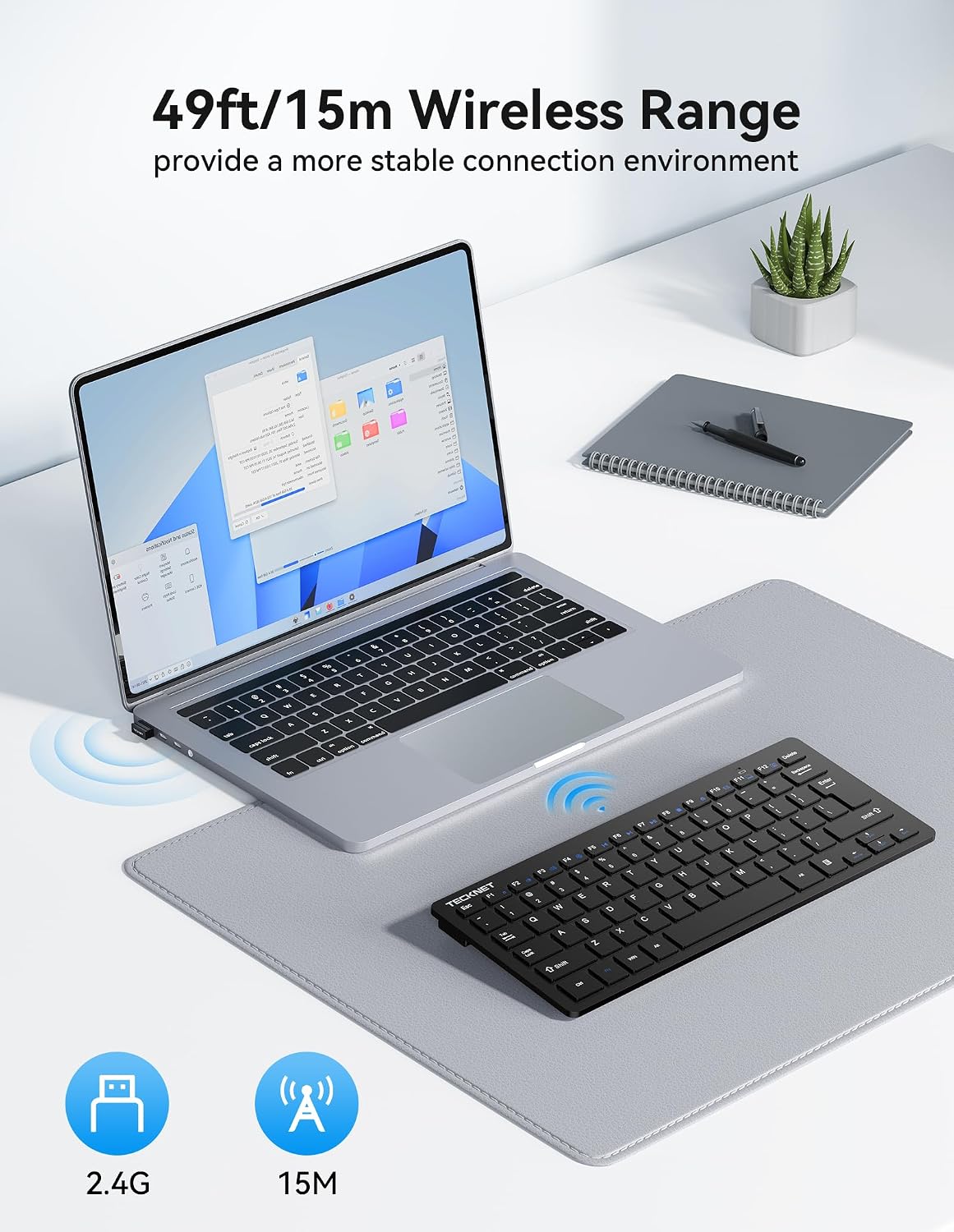
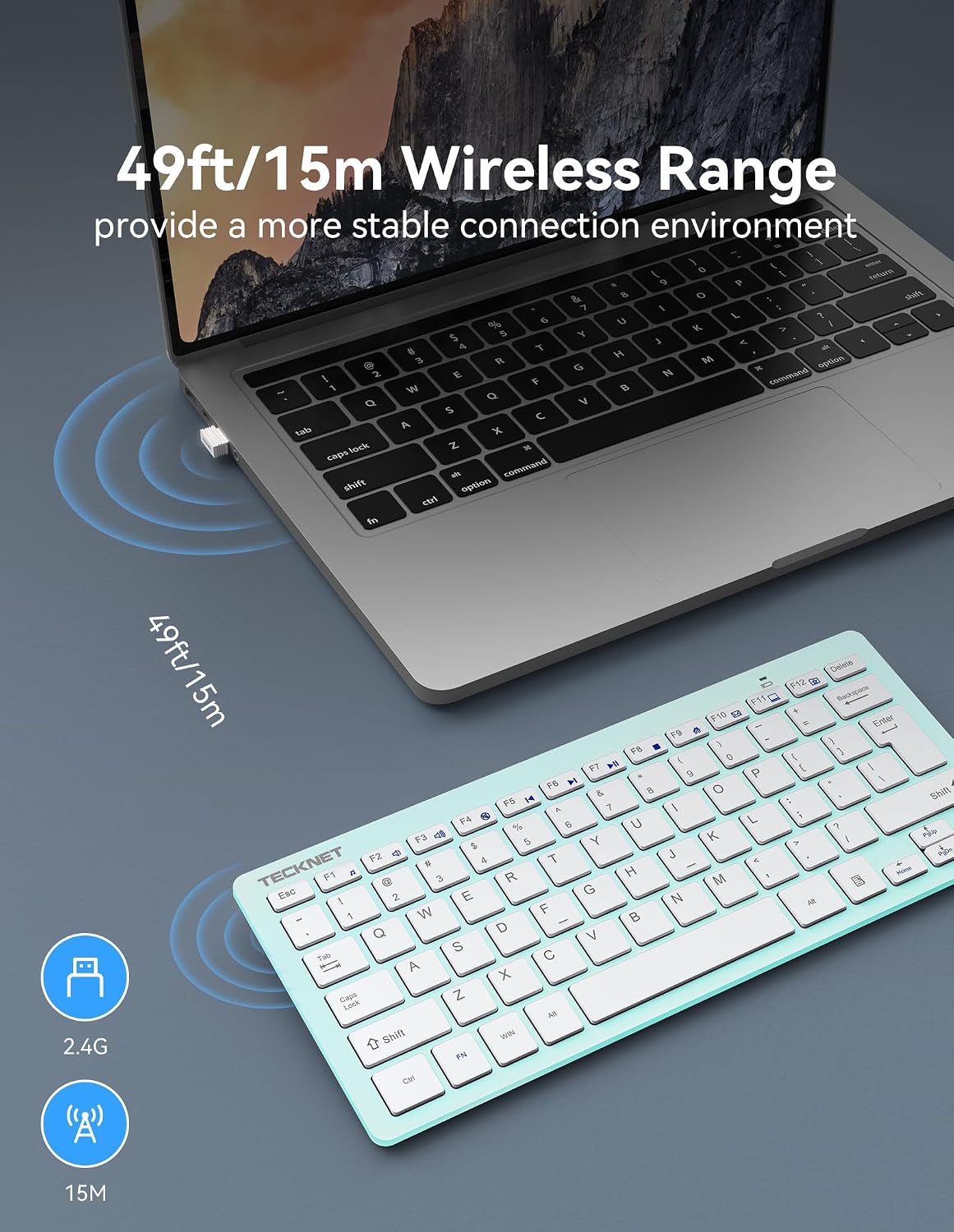
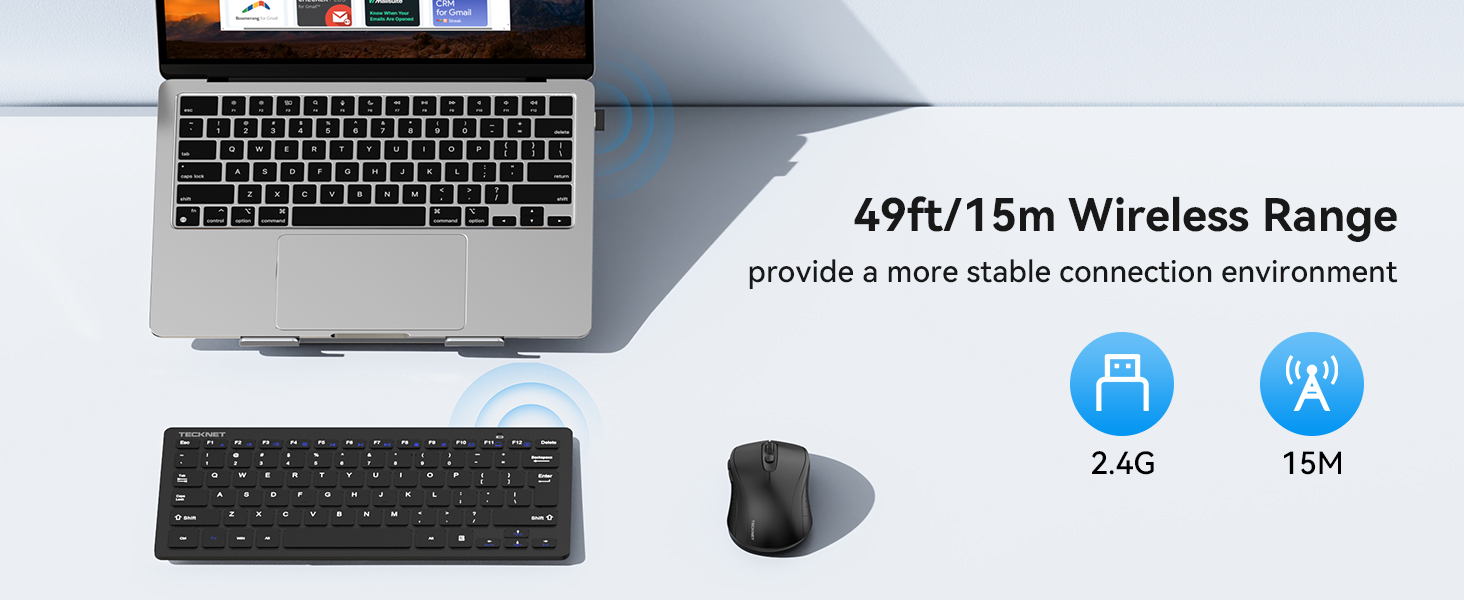
| Connectivity Technology | USB Wireless |
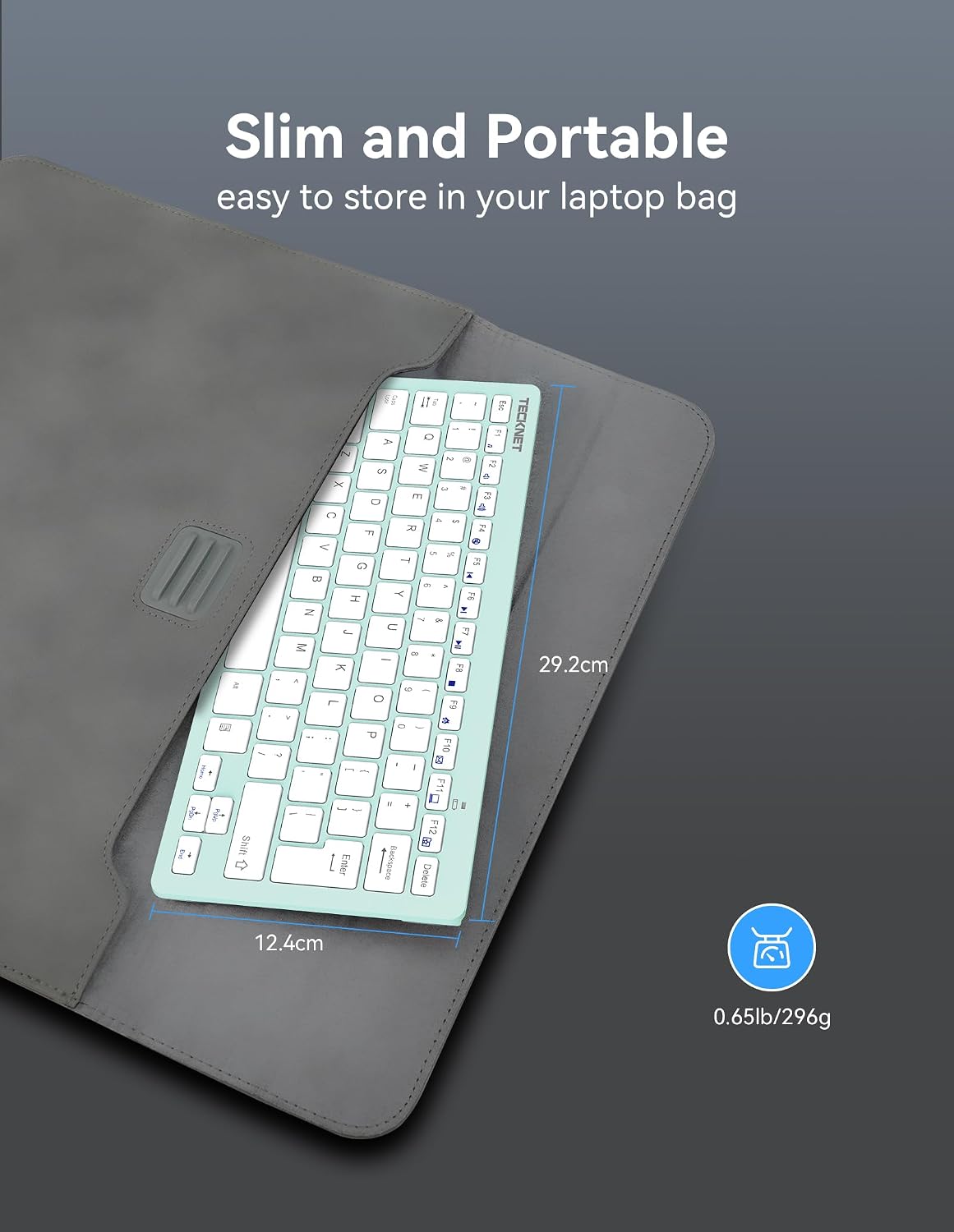
| Item Length Width Height | 4.72"L x 0.83"W x 11.22"H |
| Item Dimensions L x W x H | 4.72"L x 0.83"W x 11.22"H |
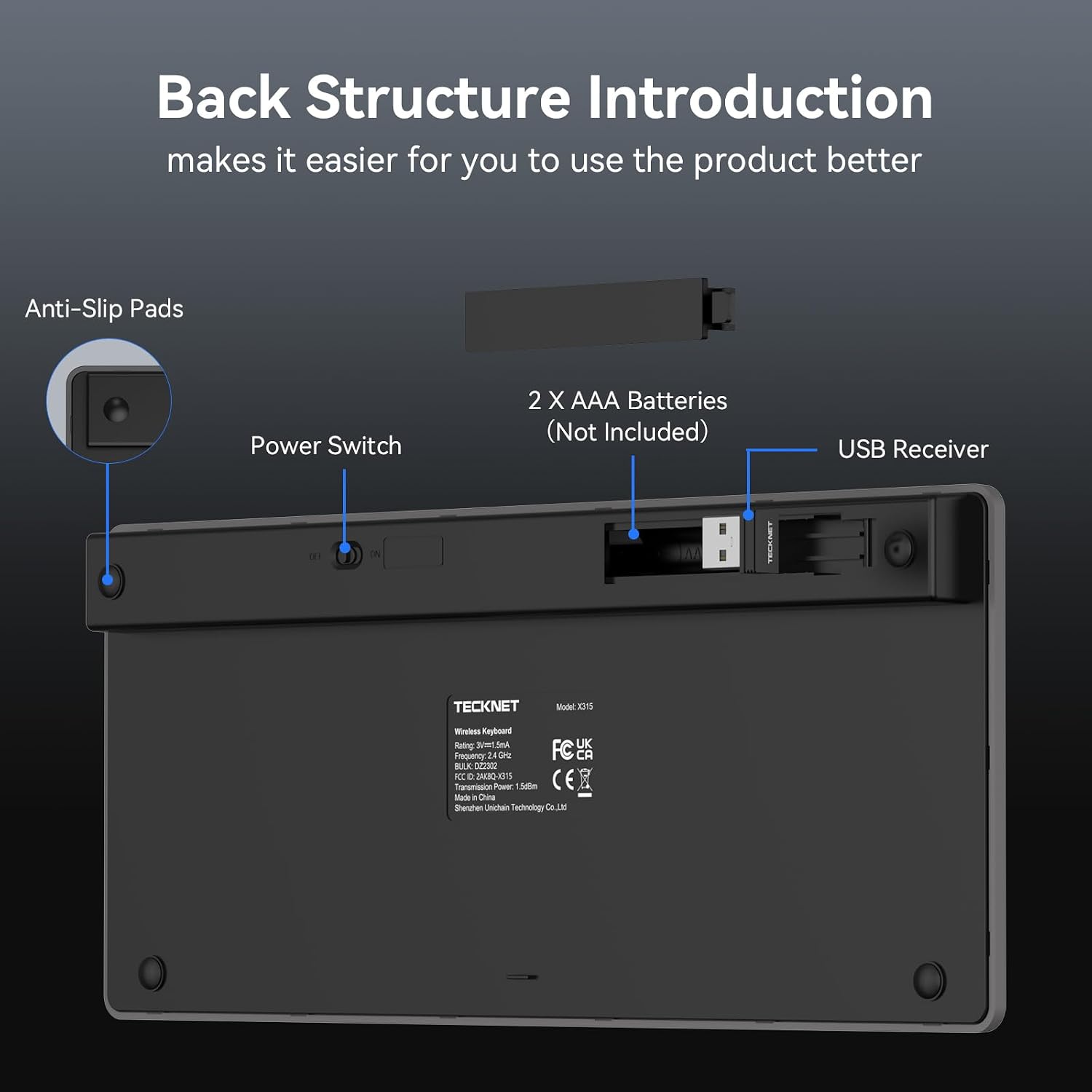
| Number of Batteries Required | 2 |
| Recommended Uses For Product | Office |
| Mechanical Keyboard Switch Model | Scissor-switch X structure |
| Compatible Tablet Computer Models | AAUB P30 |
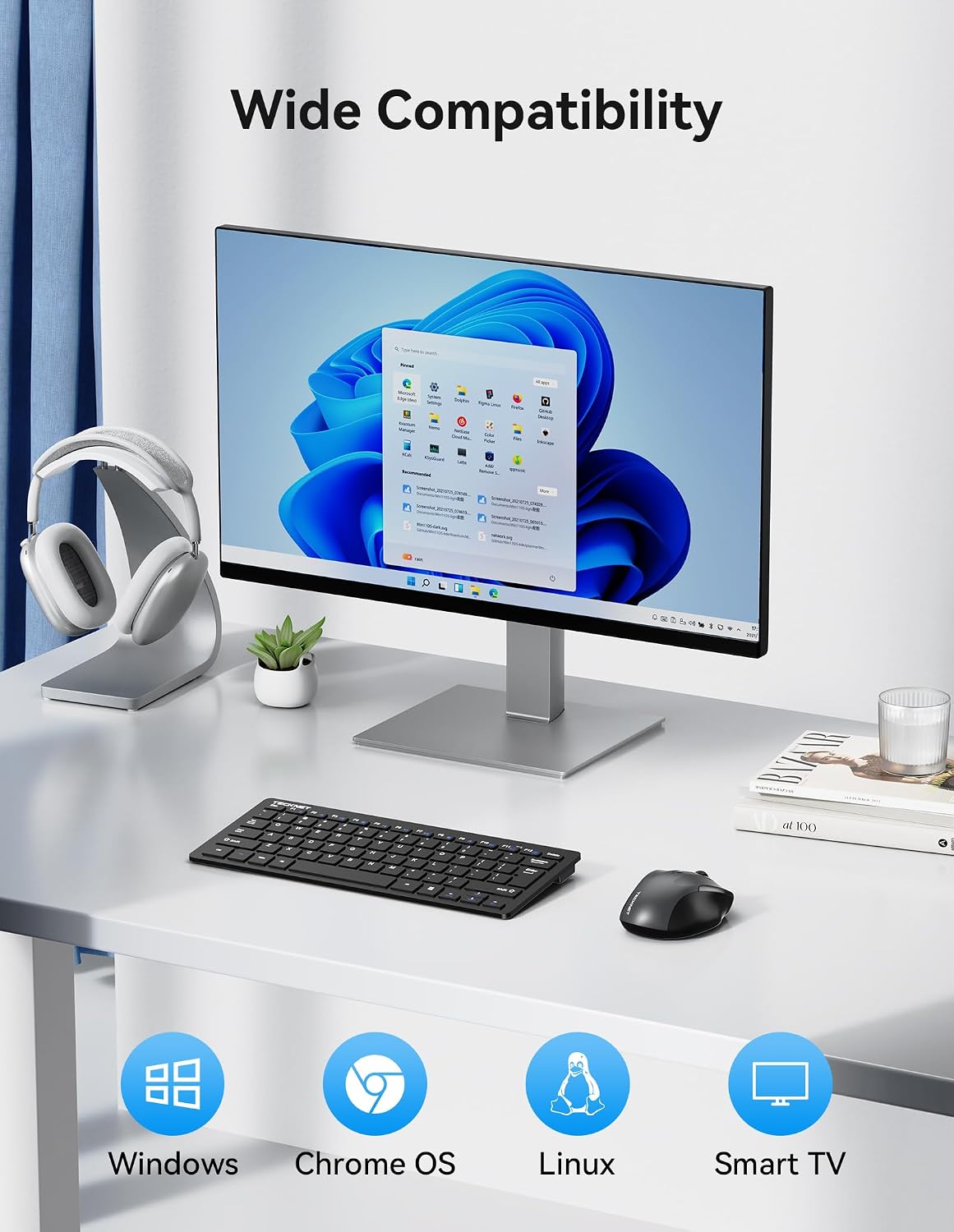
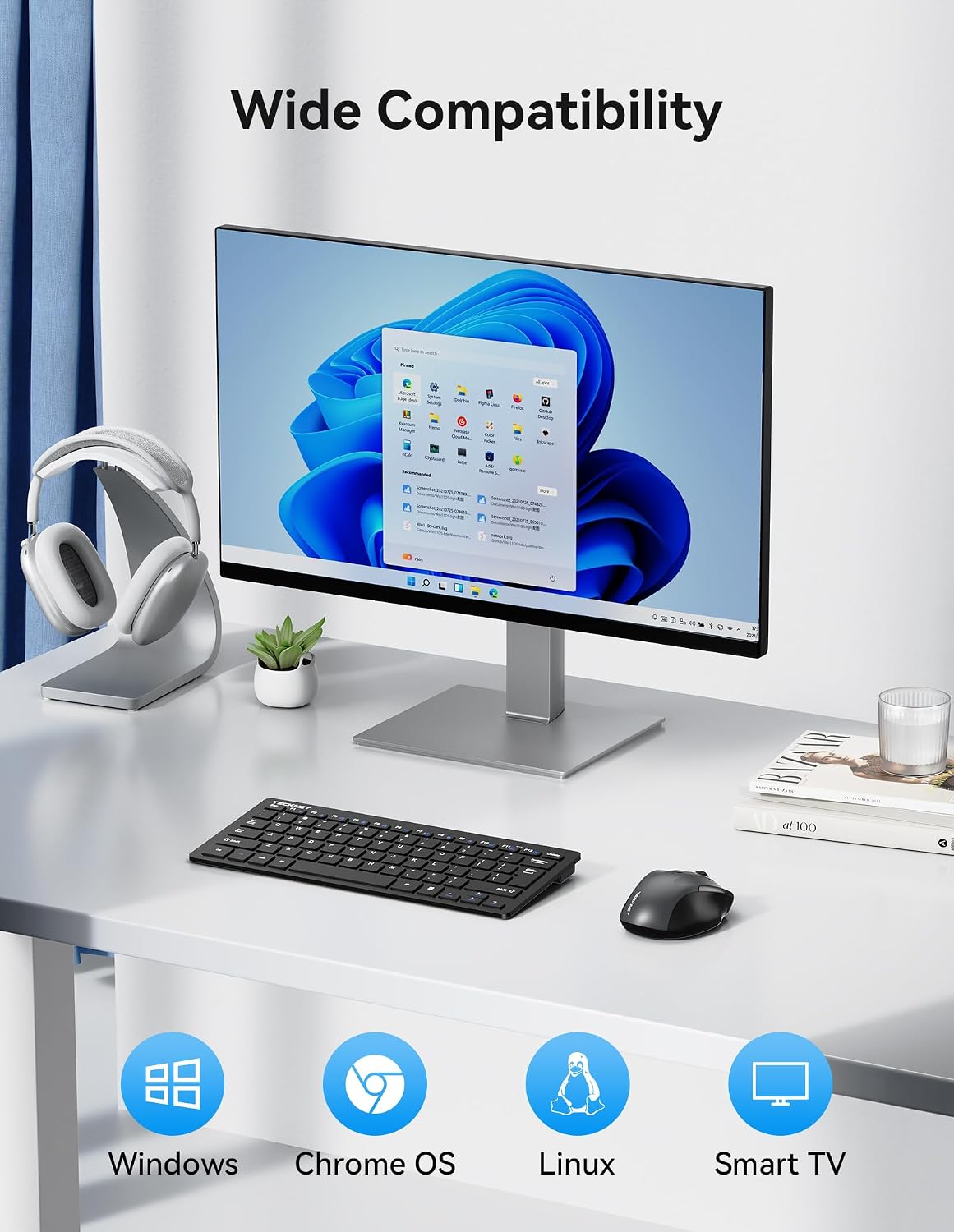
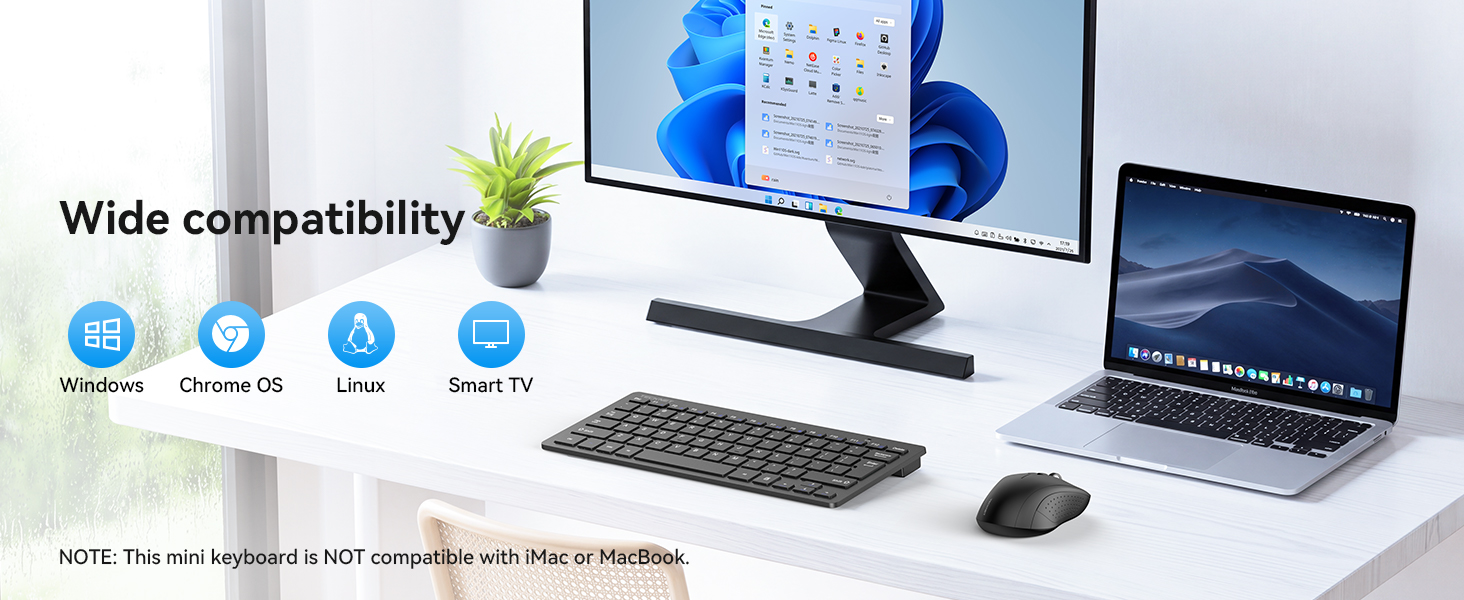
| Compatible Operating System Family | ChromeOS, Linux, MacOS, Windows |
| Keyboard Backlighting Color Support | Single Color |
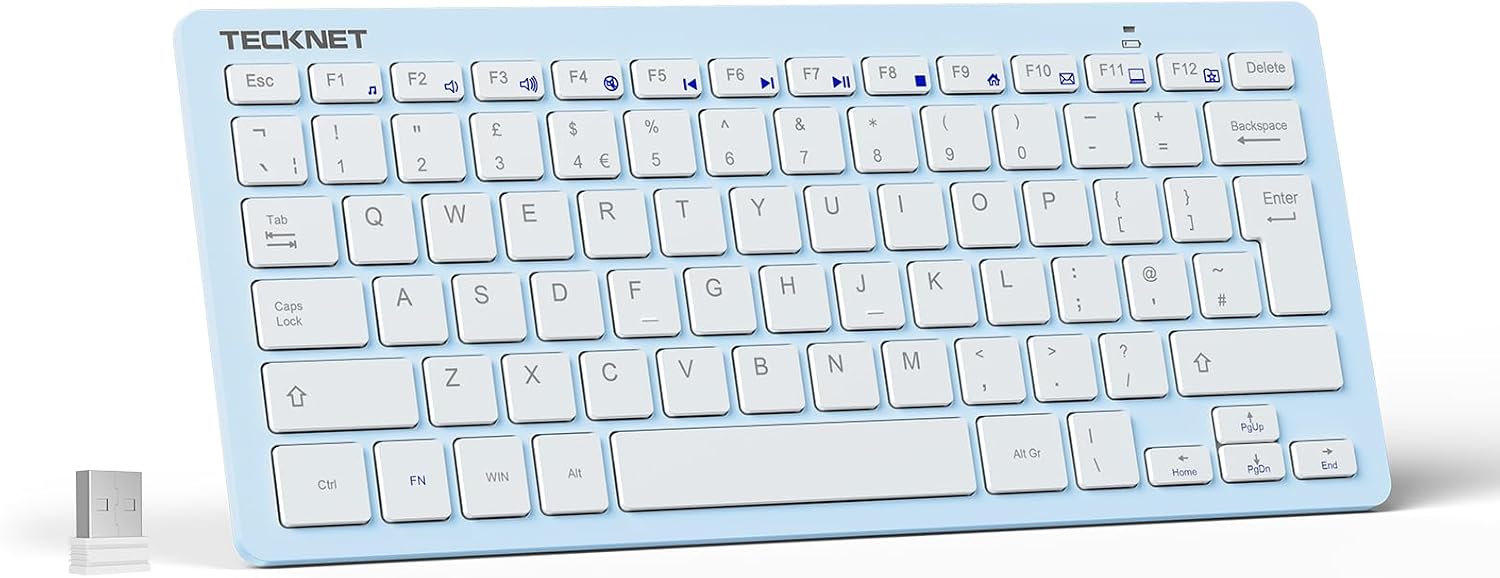
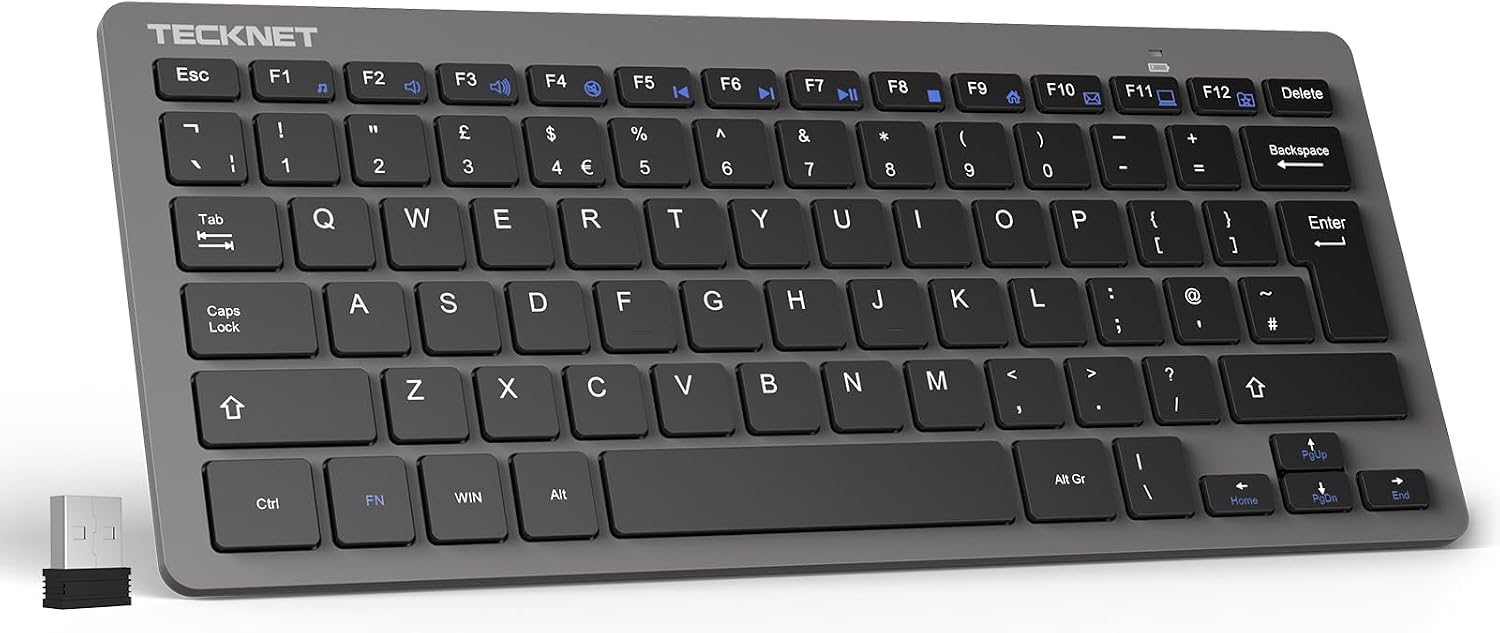
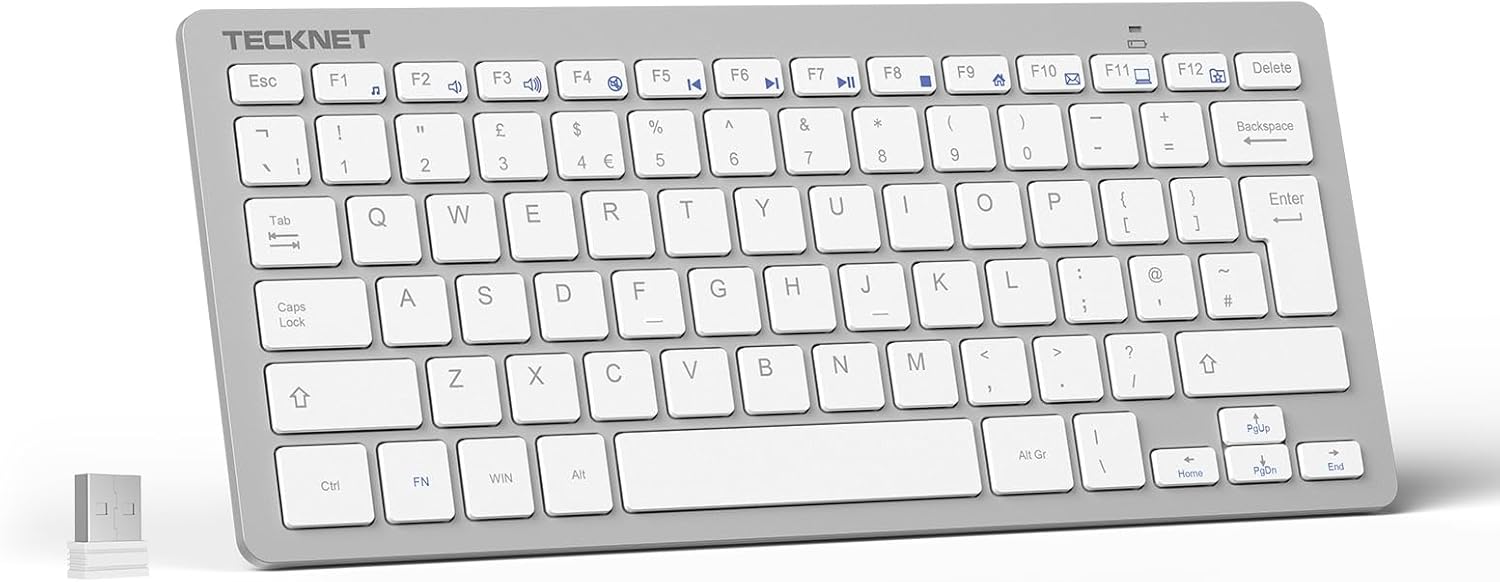
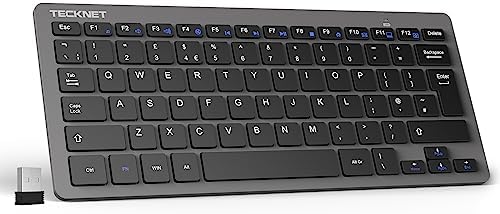
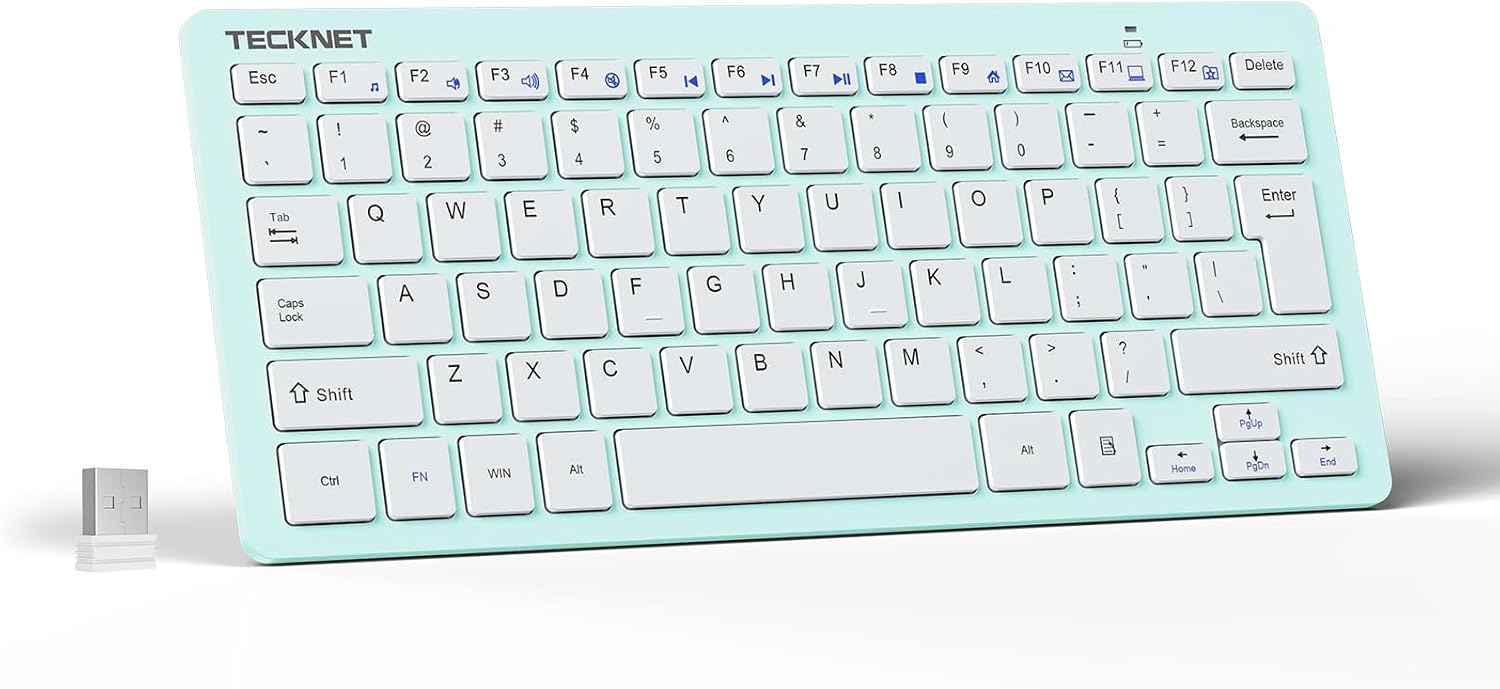
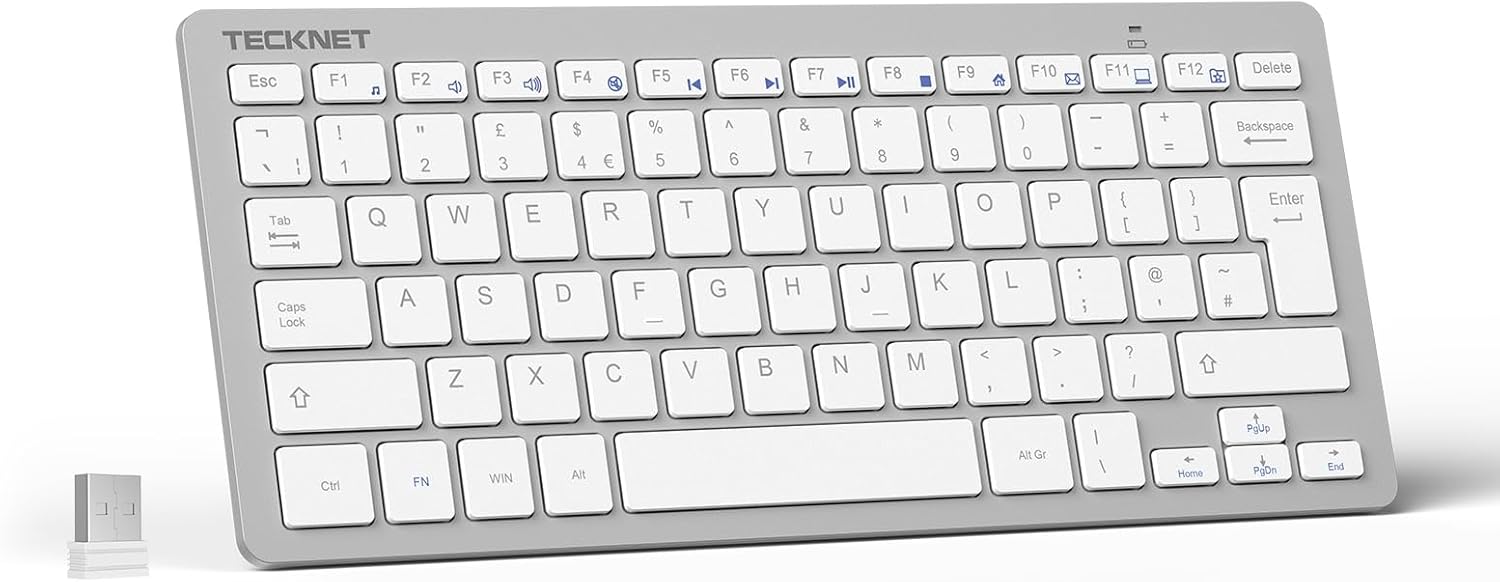
Mini Wireless Keyboard · X315-Black
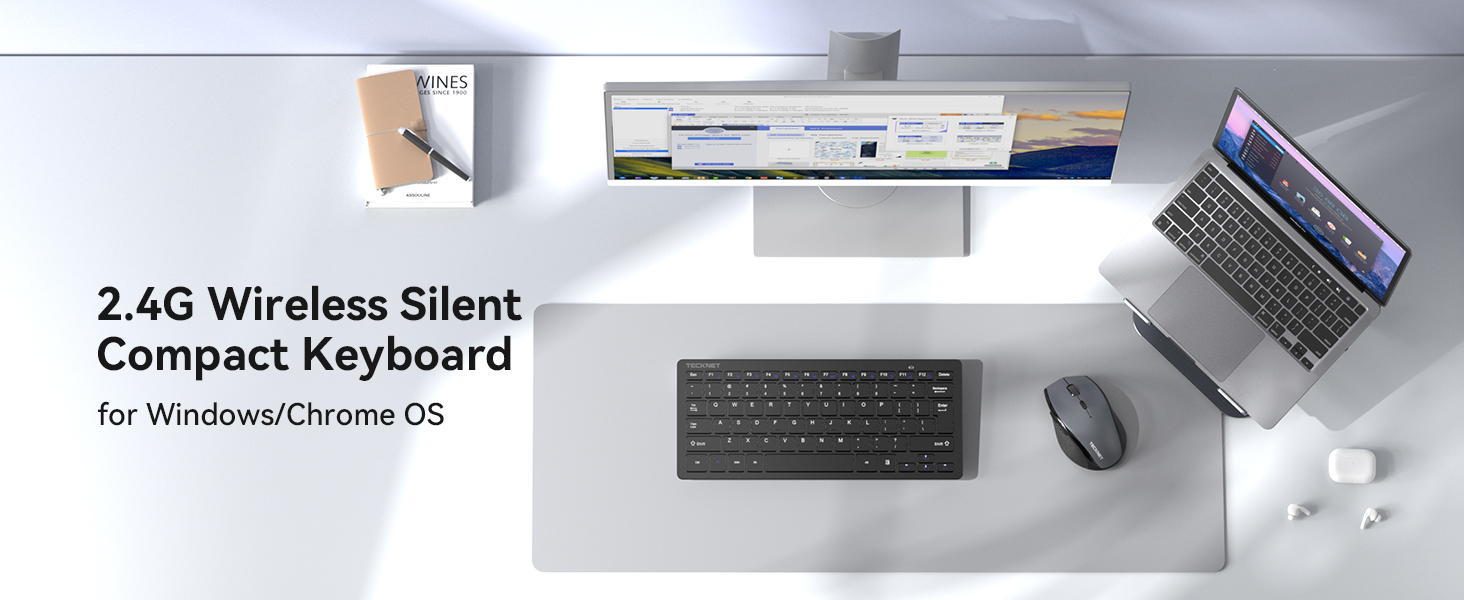
Good Companion for Your Work
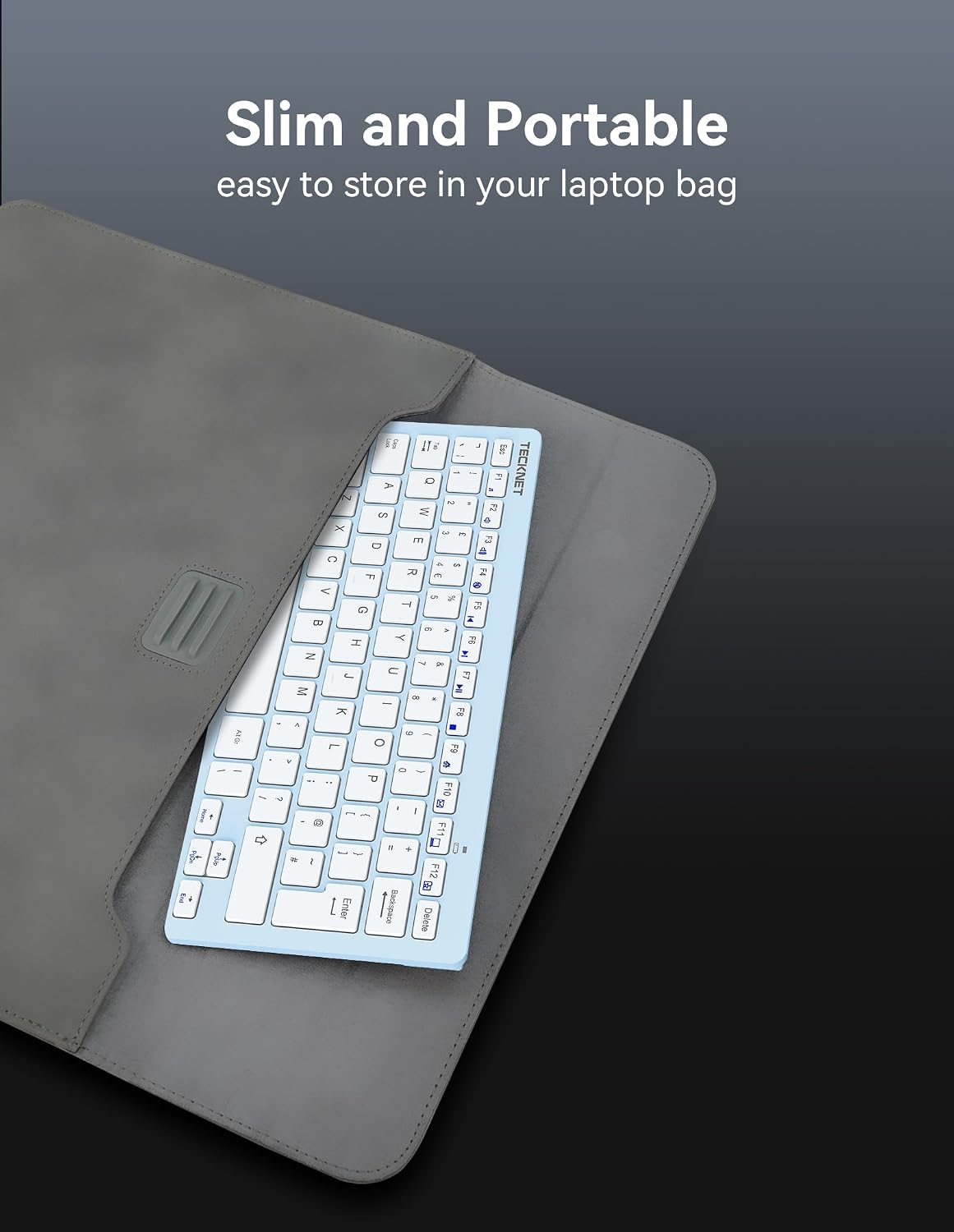
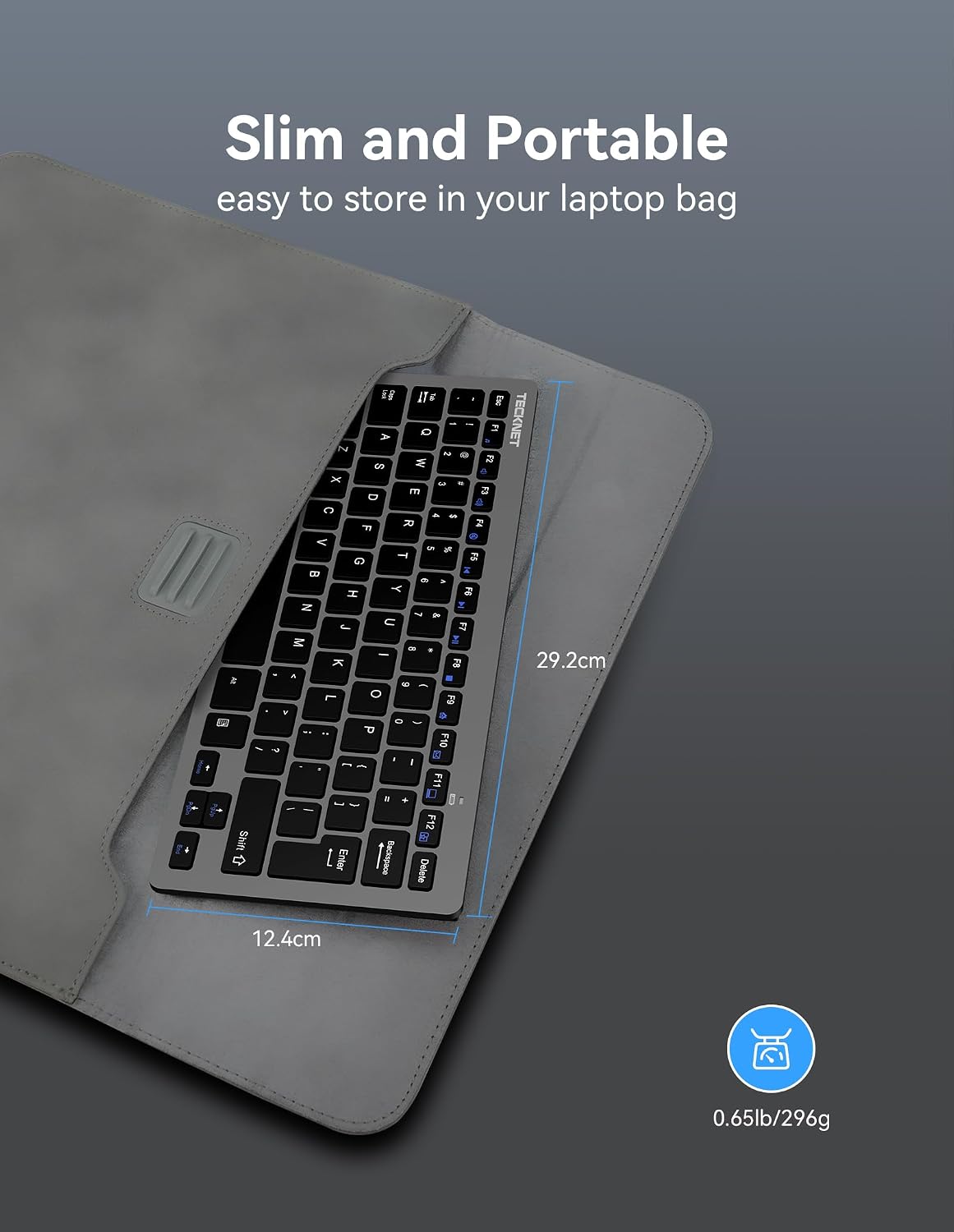
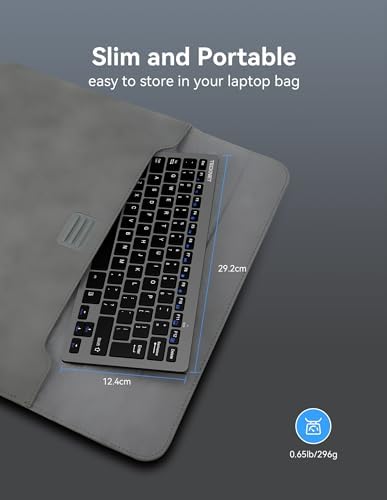
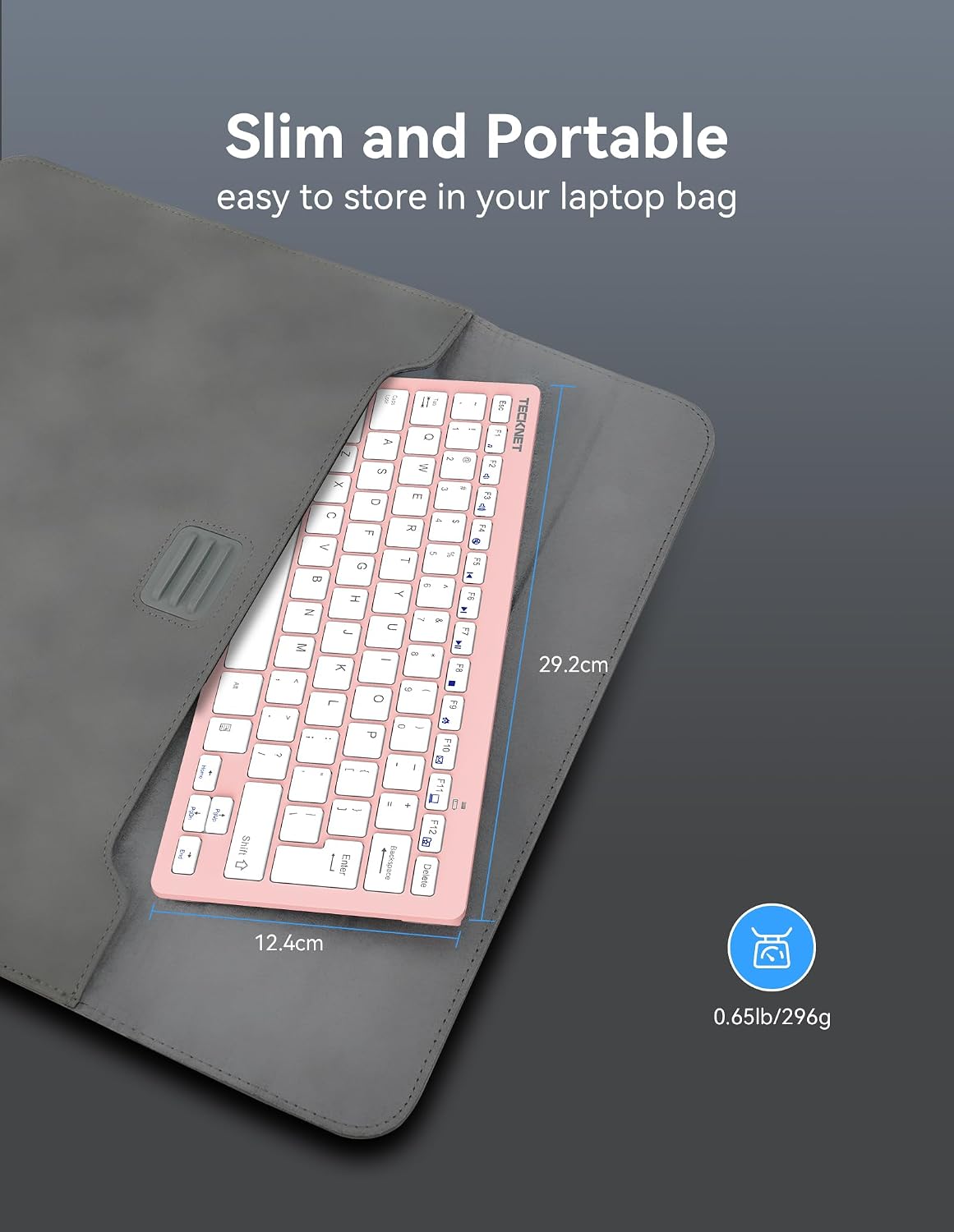
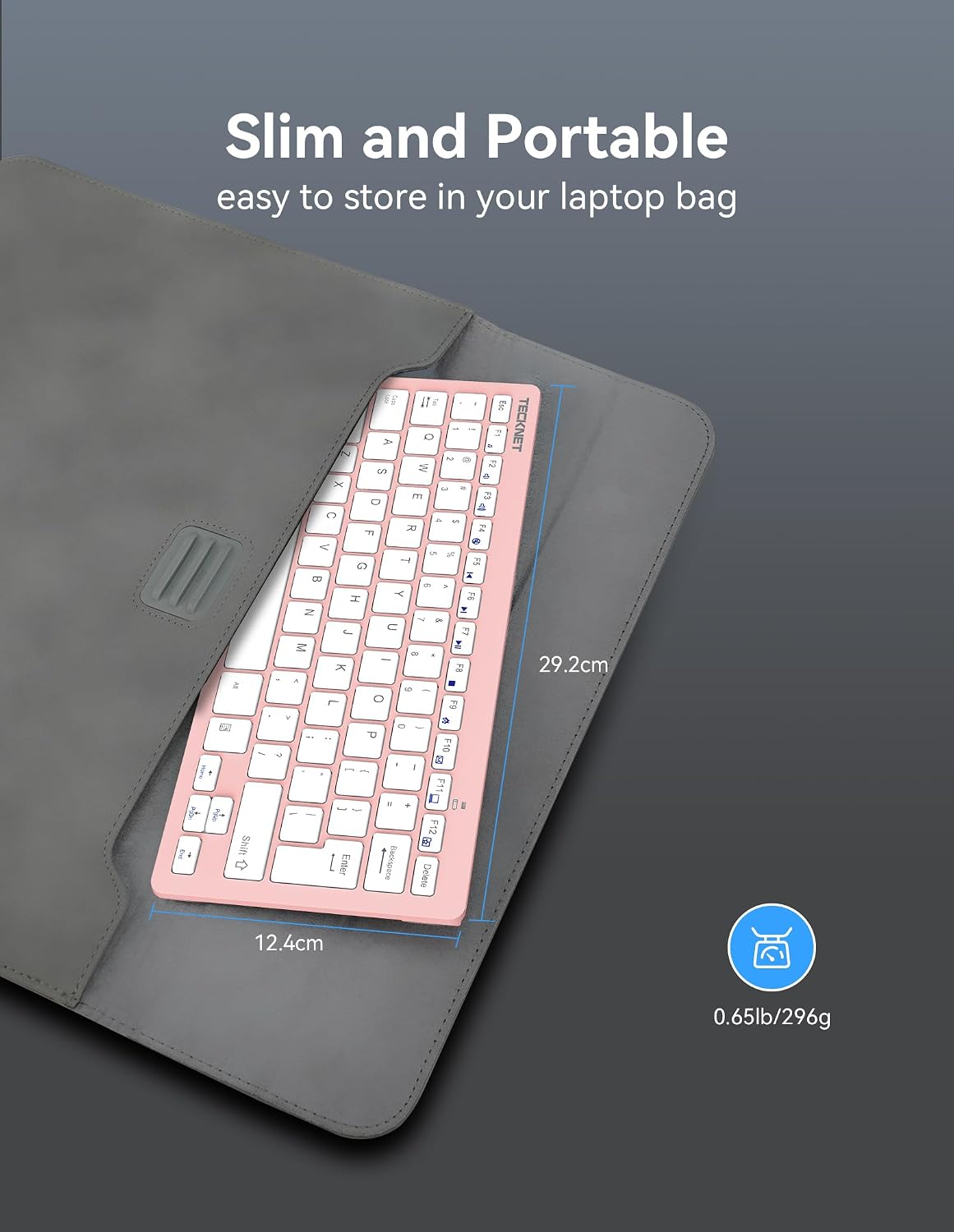
Ultra-thin & Portable Design
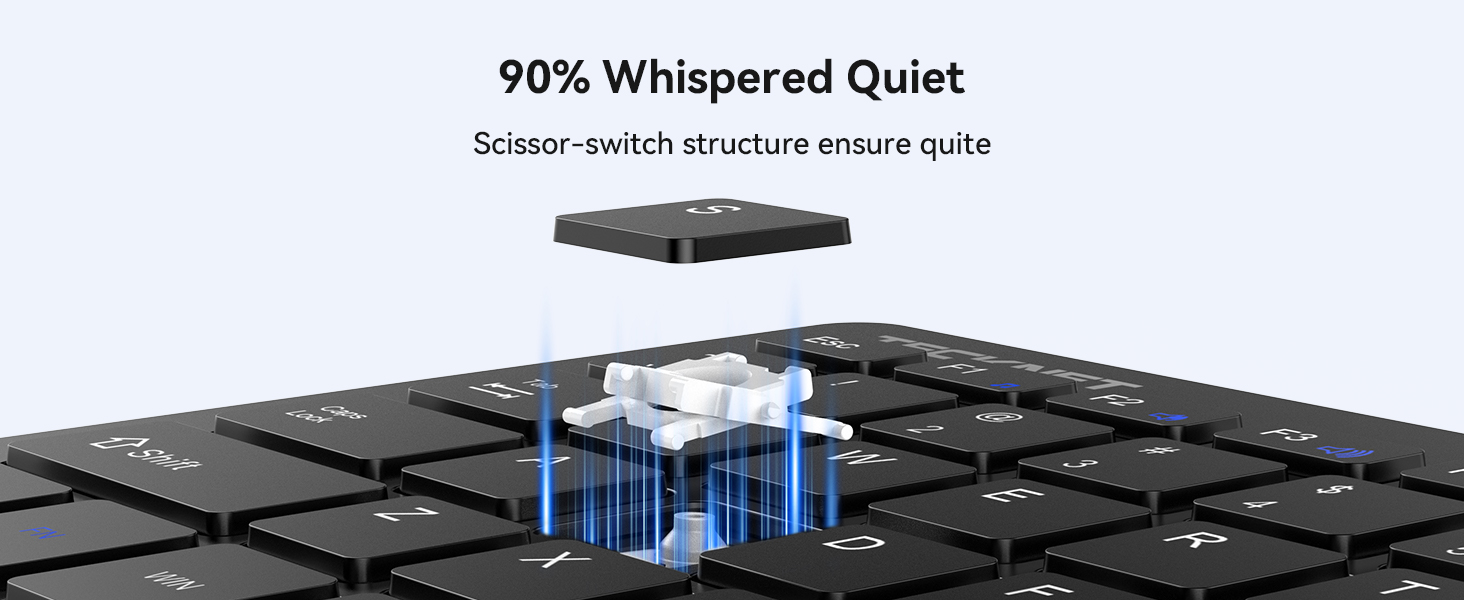
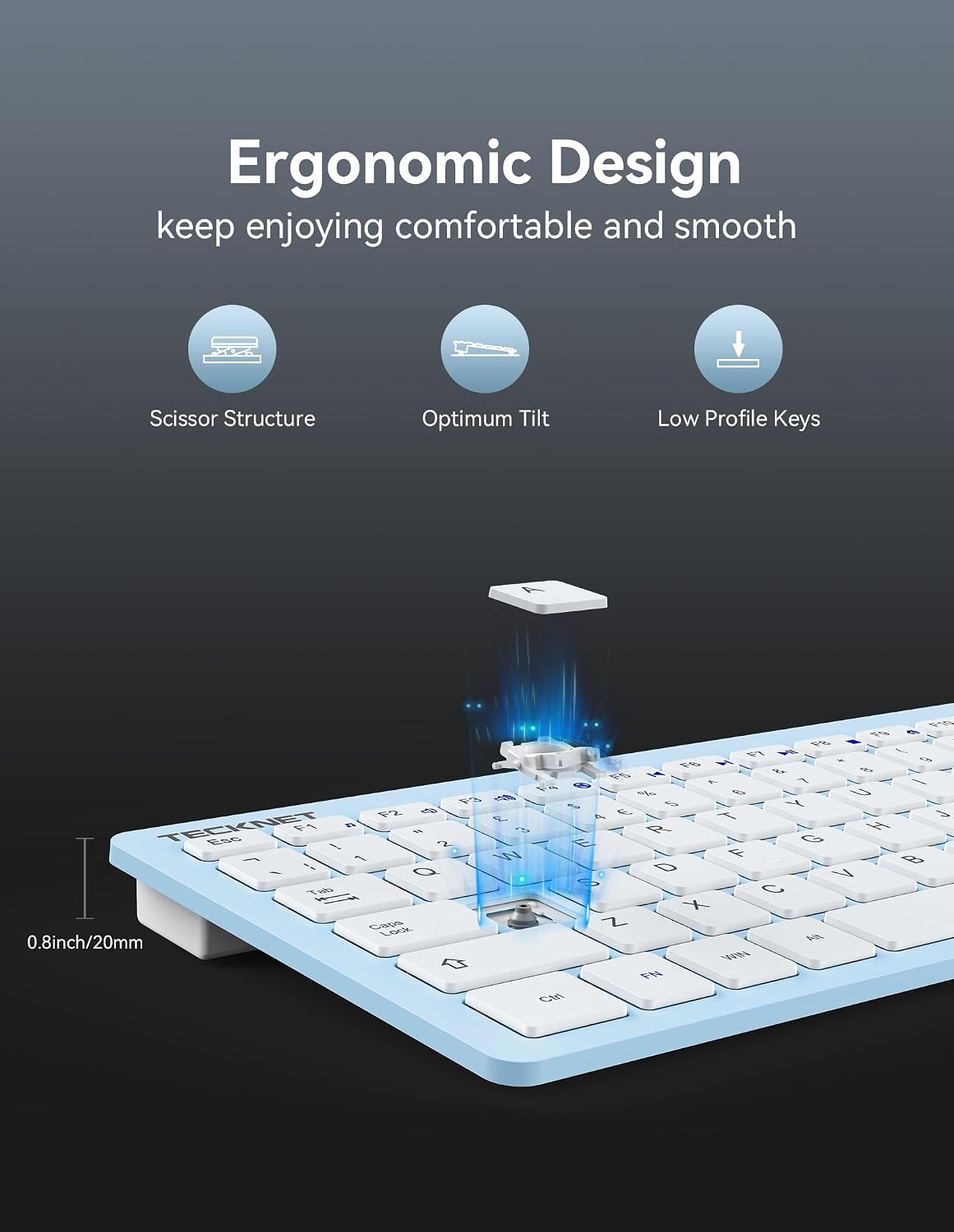
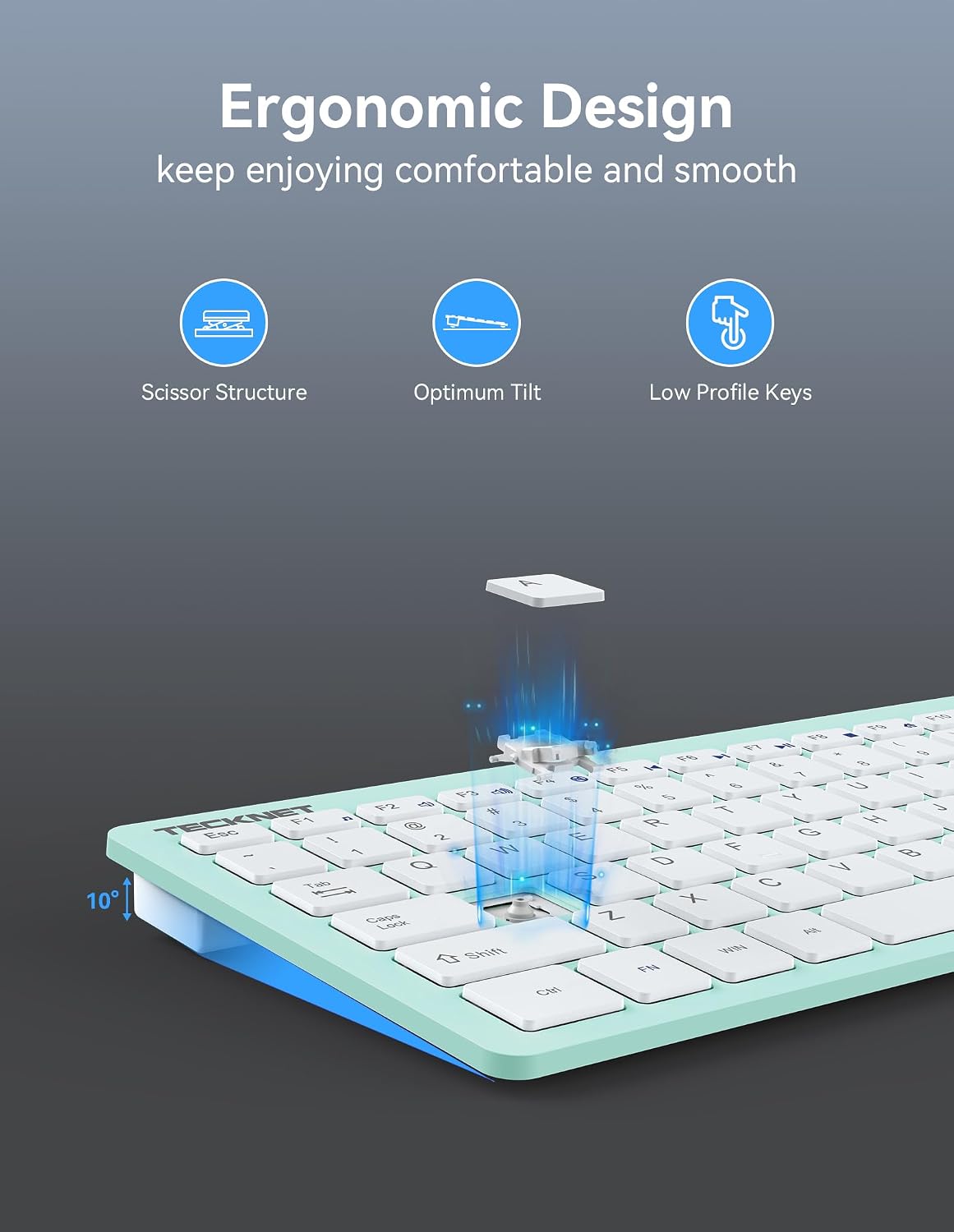
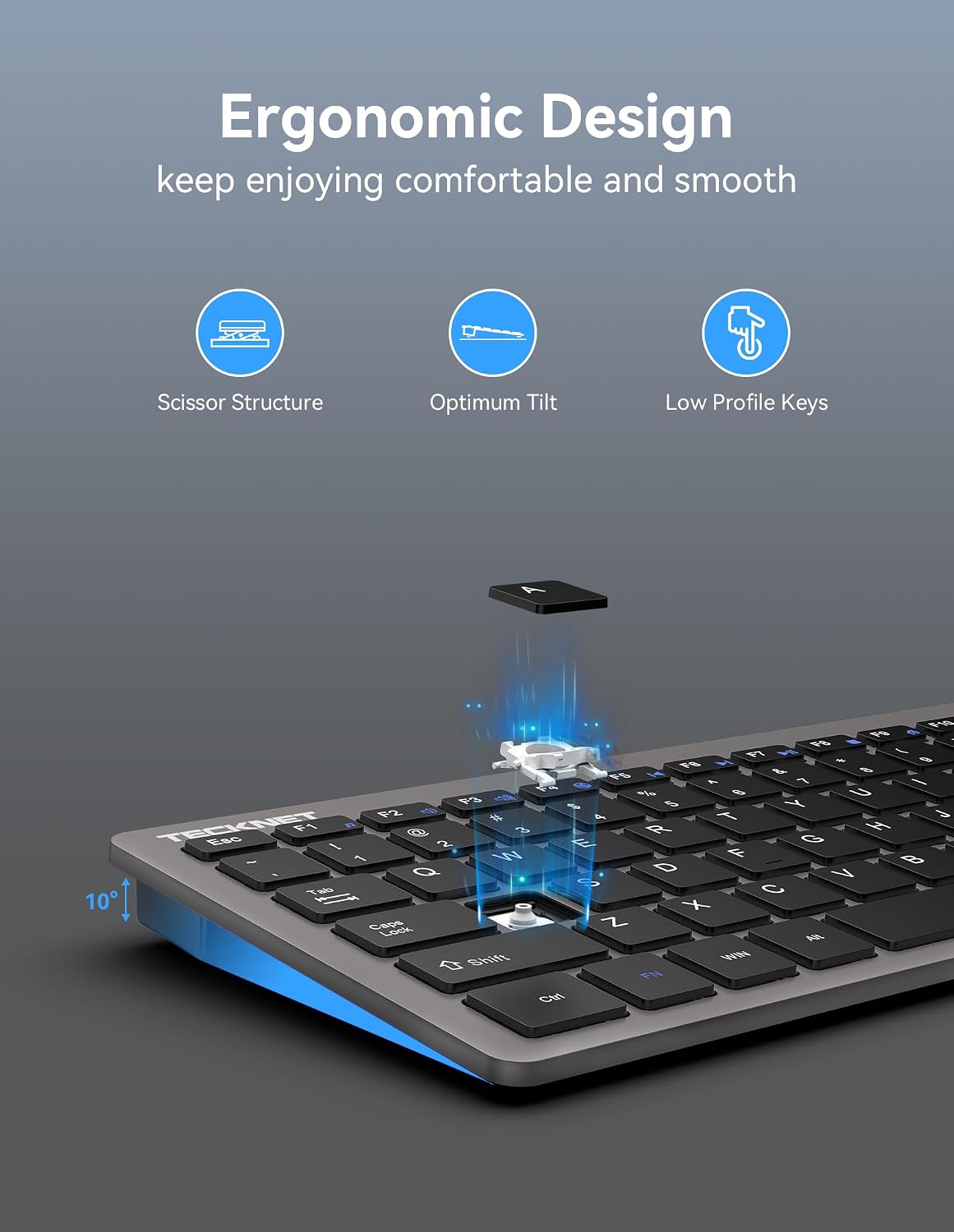
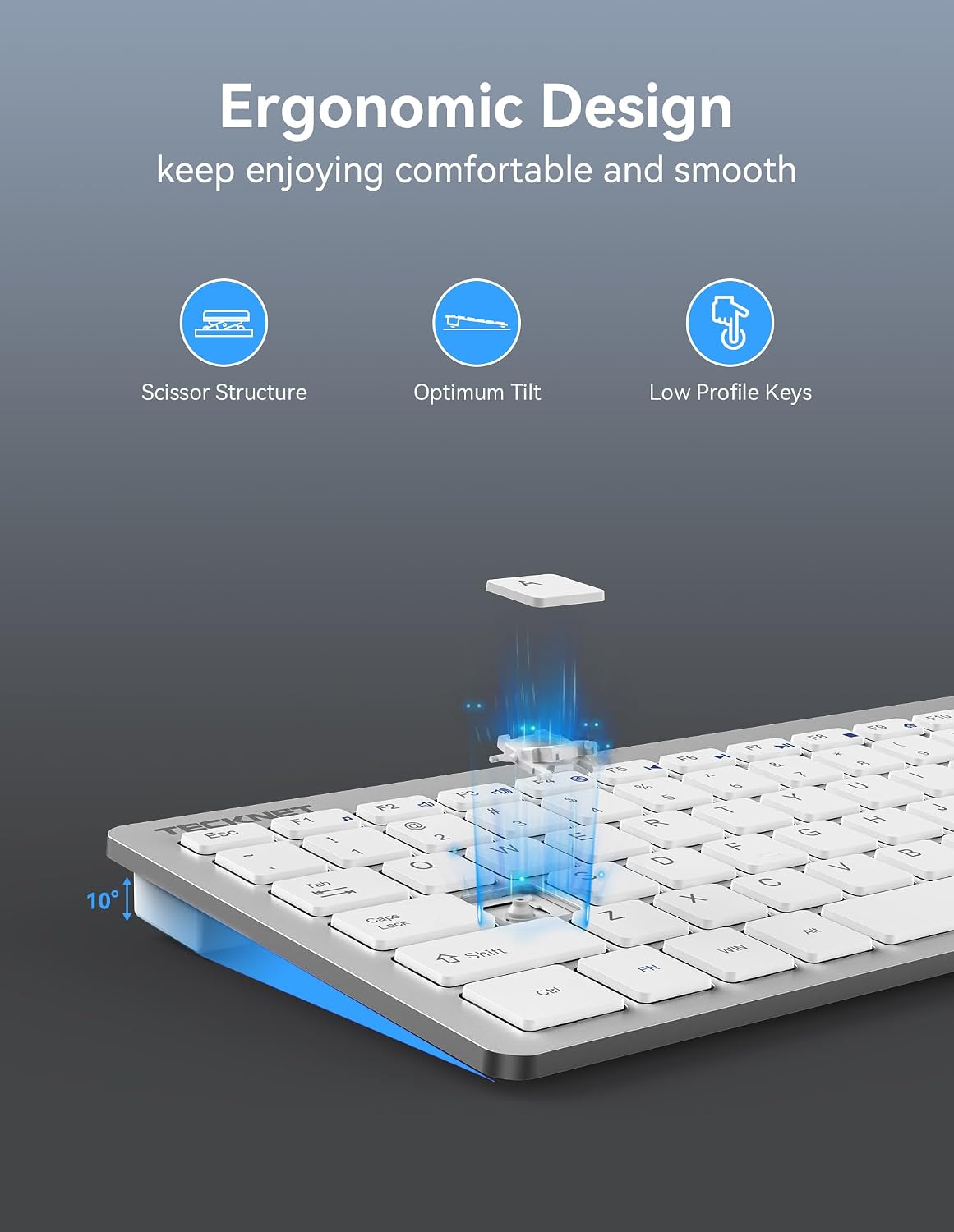
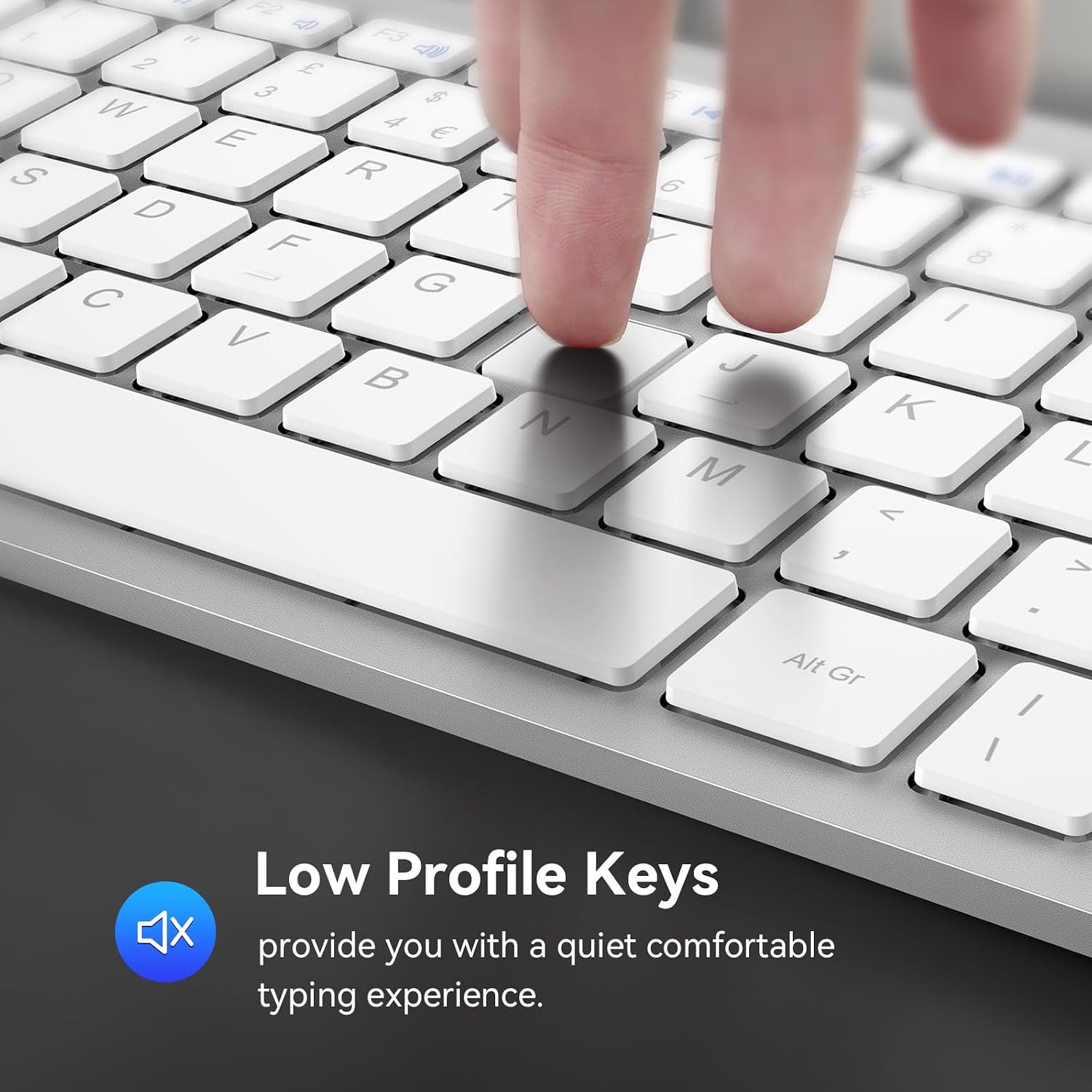
Wireless Keyboard Scissor Design Makes keys Lighter and Reduces Noise

Work without disturbing others

Less noise and smooth typing- the keyboard's noise reduced keys and the silent click of the mouse will allow you to do your works of quiet environment

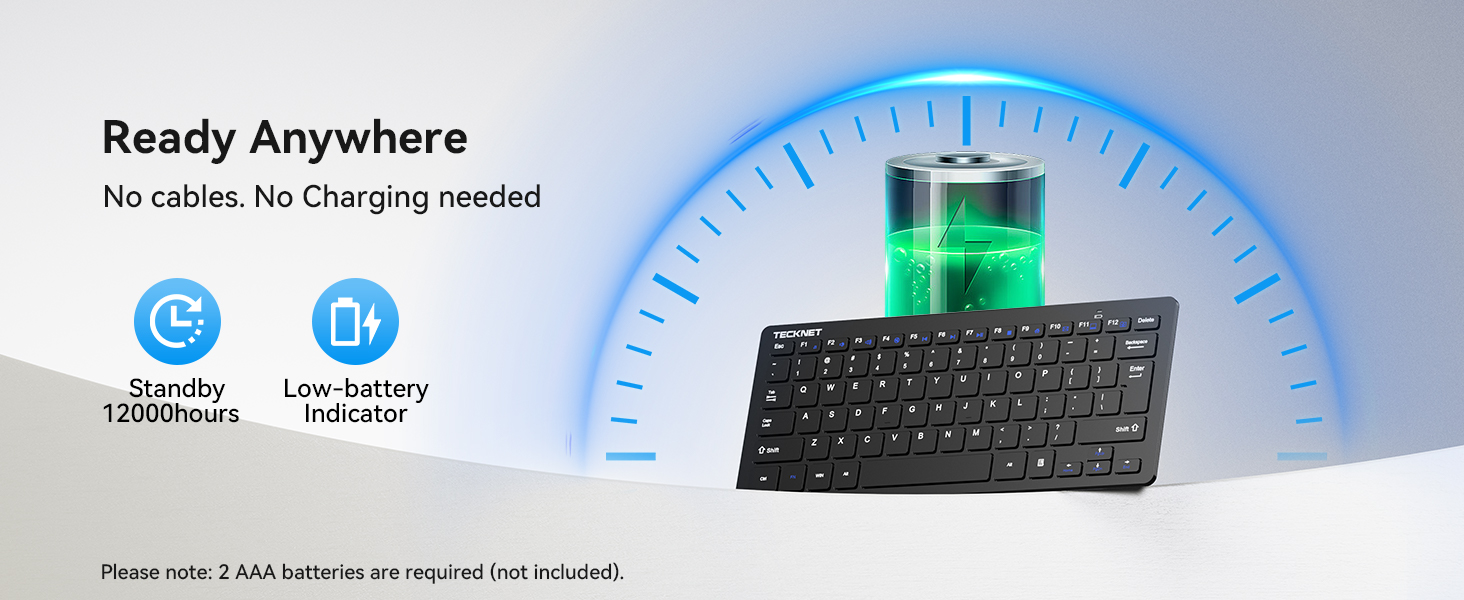
Stay focused and productive
Why does the indicator light show red low battery after I change the battery?
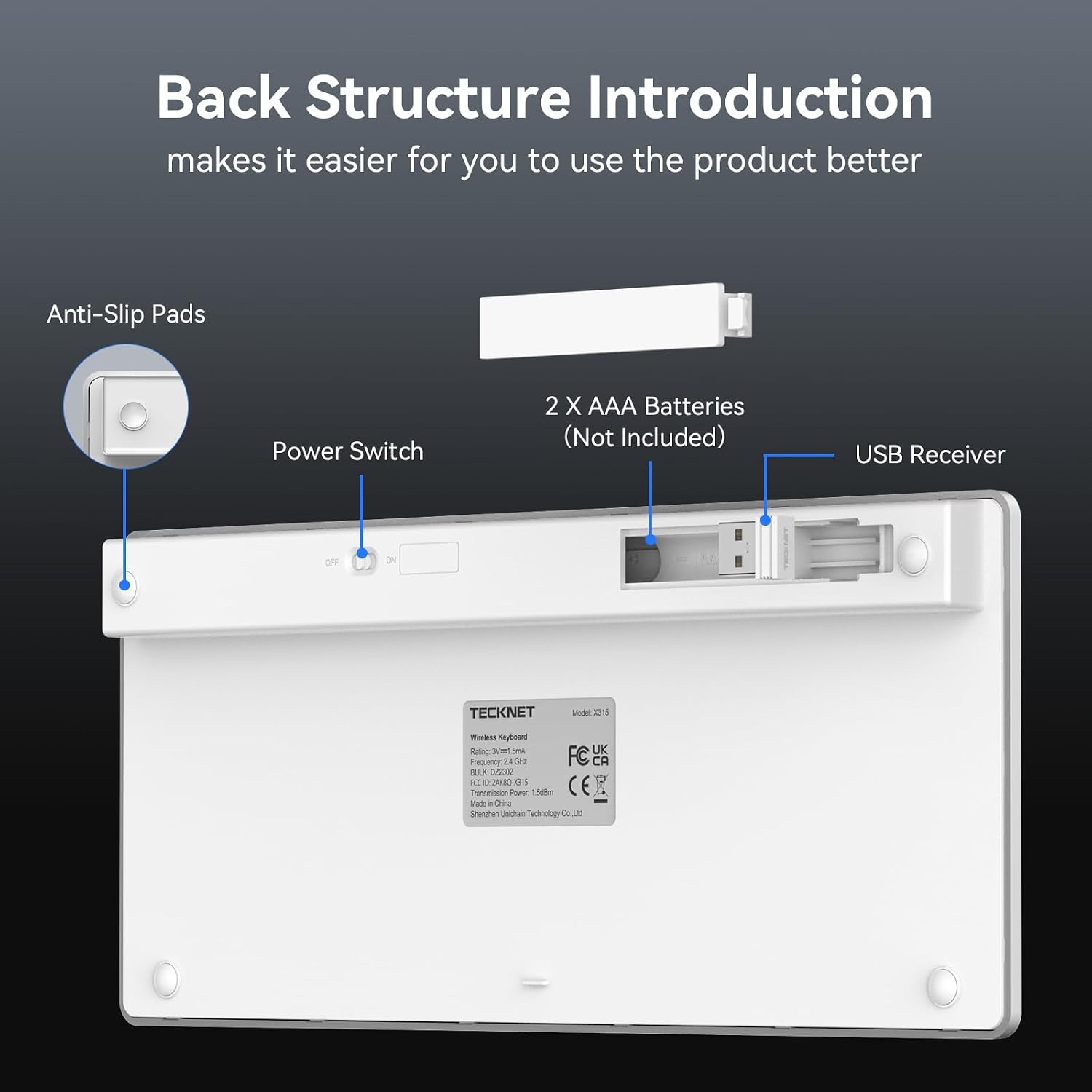
When you install a new battery, the power indicator will light up for 2 seconds to signify that the keyboard has been successfully powered on and is ready to work. There is nothing wrong with it, so you can use it with confidence.
Why does my mini wireless keyboard stop working after not being used for a while?
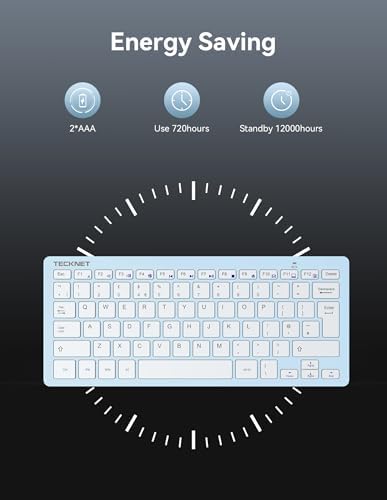
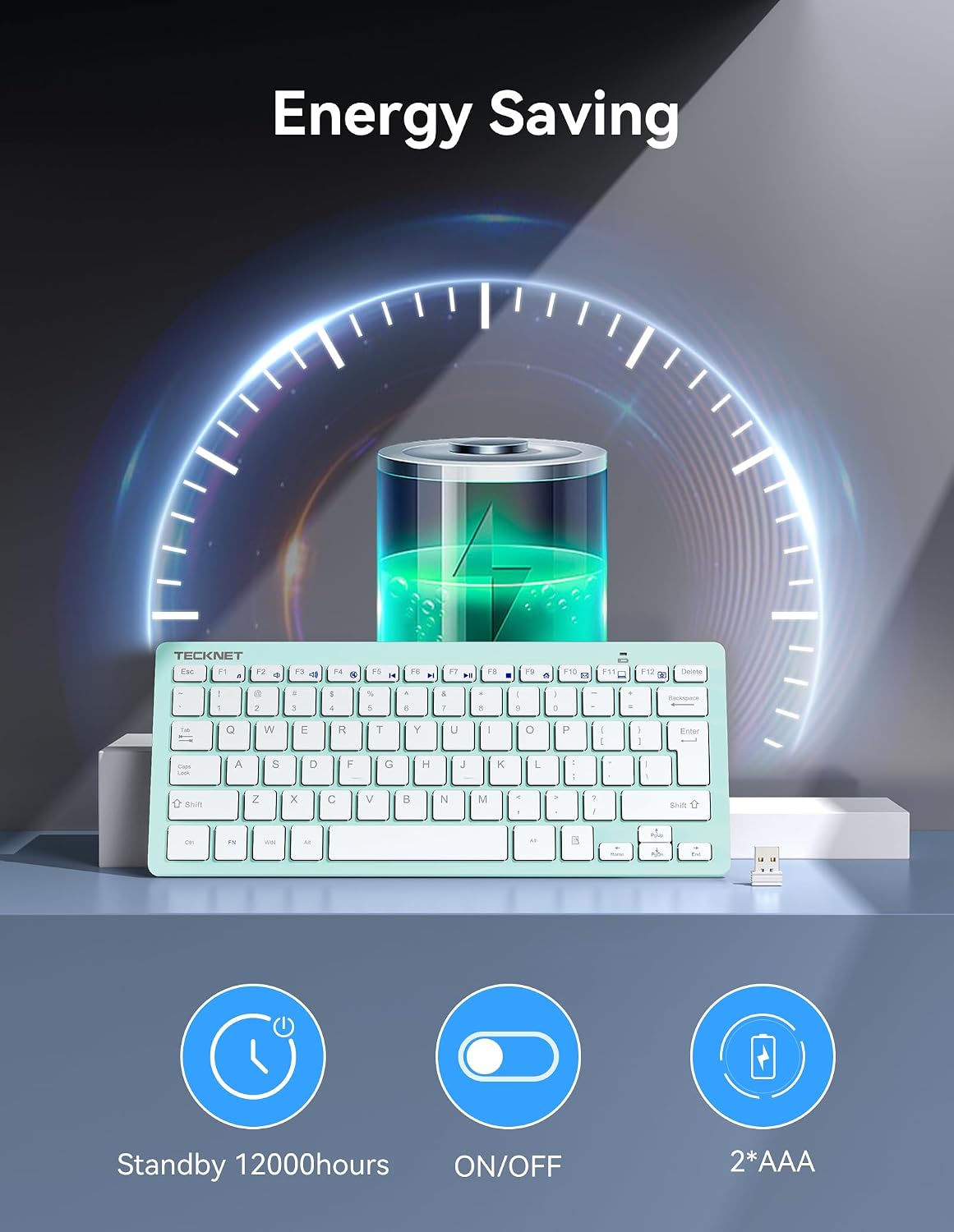
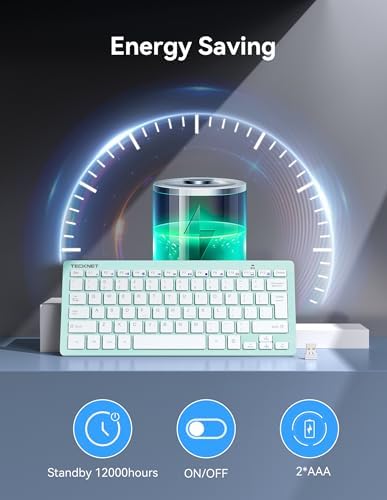
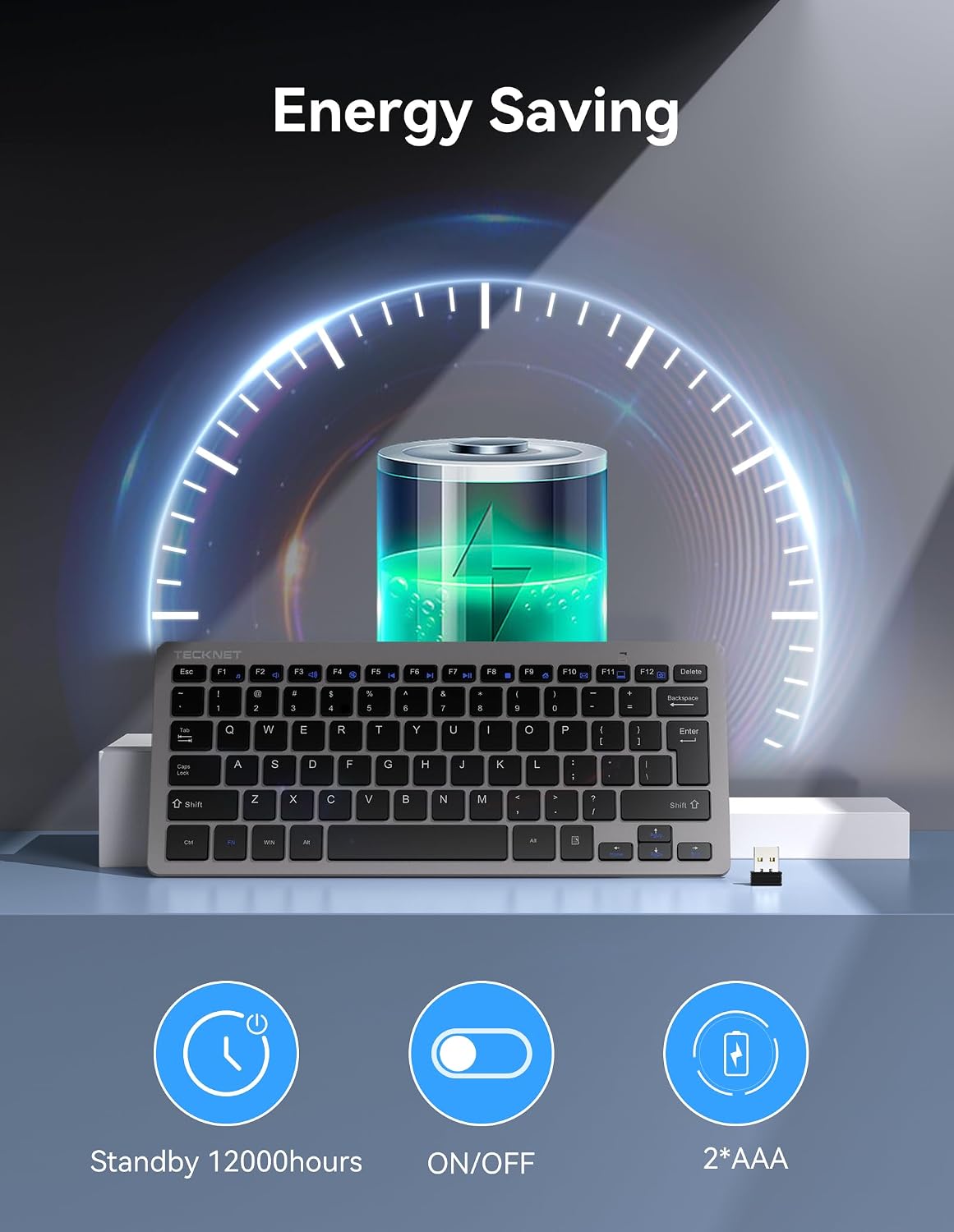
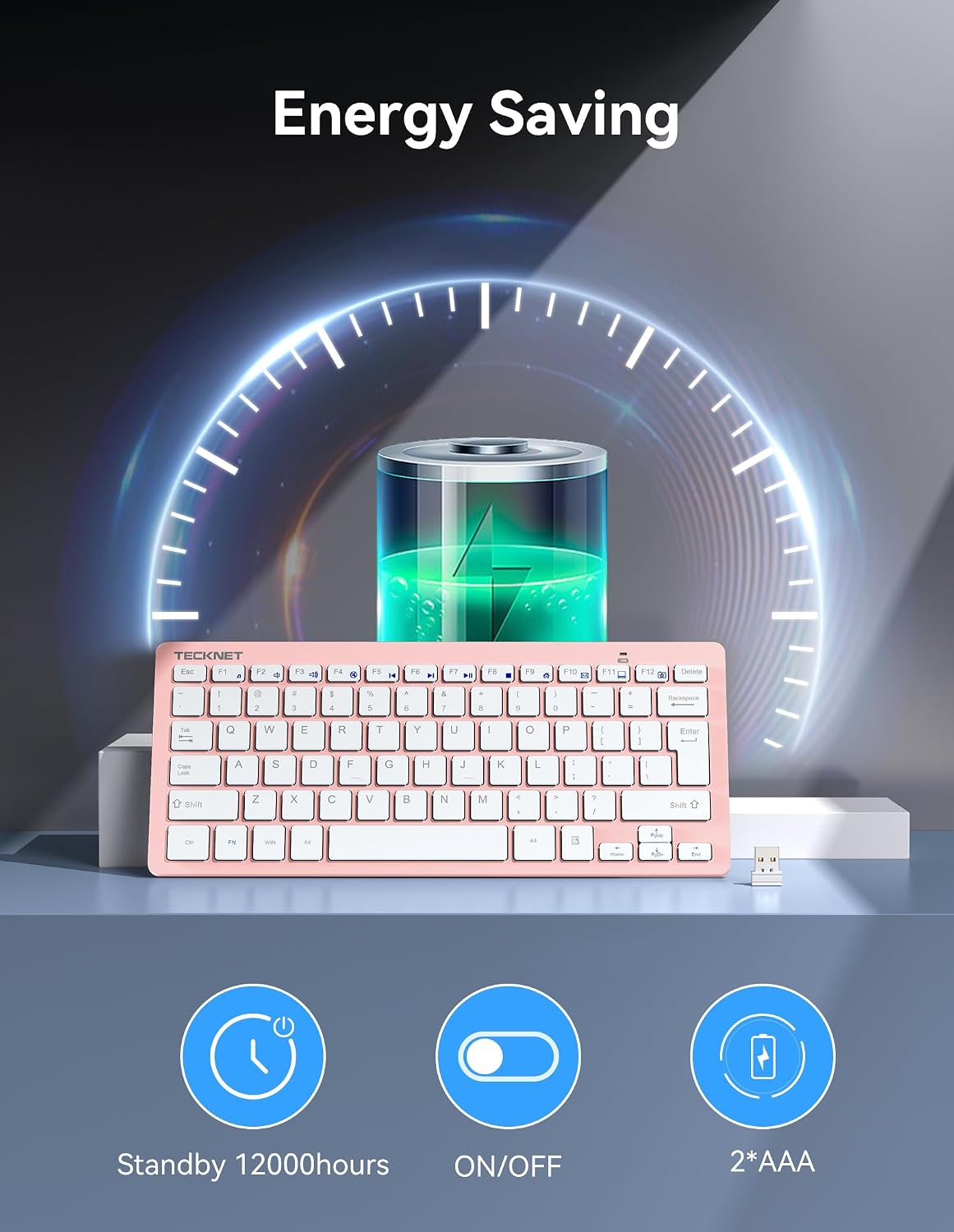
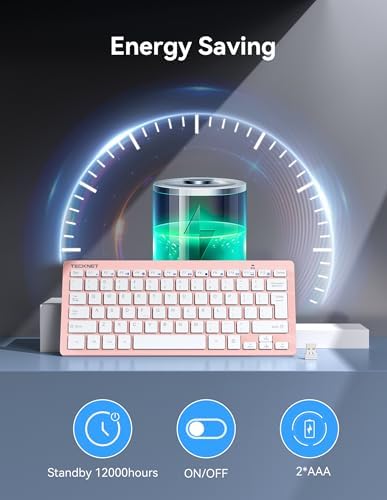
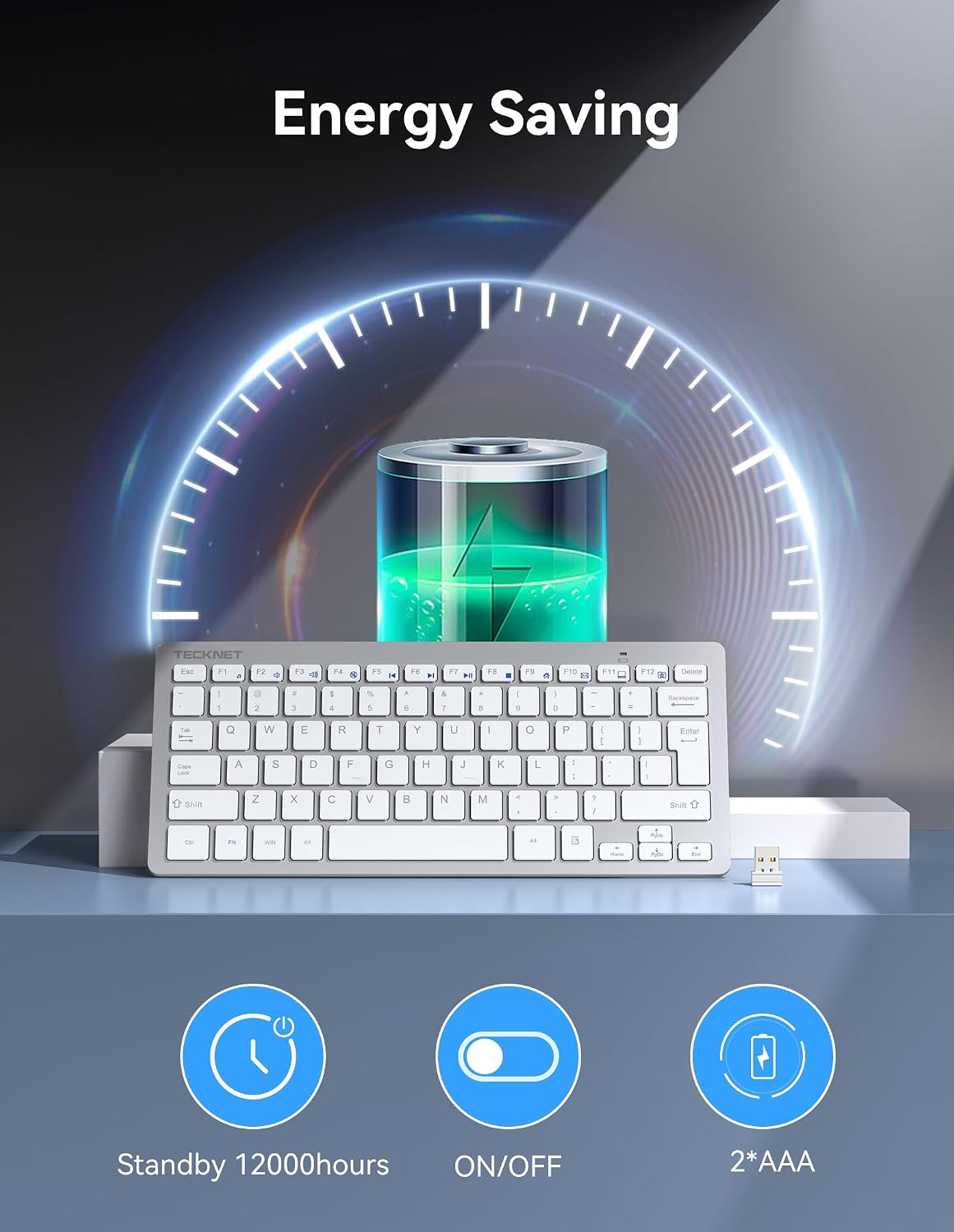
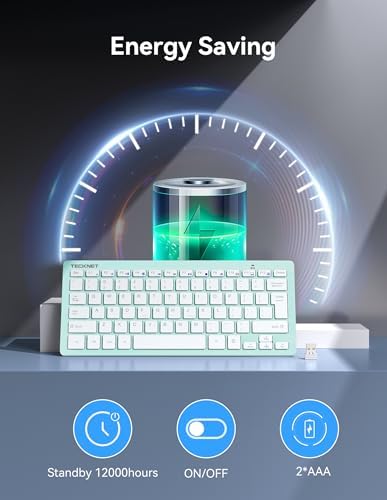
This is the keyboard's smart sleep mode which activates when the keyboard is idle for a short period. Simply press any key to reactivate it. The smart sleep mode ensures a longer battery life for your convenience.
Is this small keyboard wirelessa silent keyboard?
Yes, it features a design that can reduce keypress noise by 90%, offering you a quieter user experience.
Does this wireless keyboard have a caps lock display?
YES, this keyboard is equipped with caps indicator function: Turn on caps lock, green light; After 3 seconds of suspension, the light will automatically turn off and keep the capitalization function.
Why does the compact wireless keyboard work unstable after replacing the new battery?
Please check that the batteries are not a mix of old and new, which may cause a performance fault or power warning that could affect use. If this is not the case, please feel free to contact.
loading
