




Free worldwide shipping
Free returns
Carbon neutral
Secure payments
| Item Package Dimensions L x W x H | 18.5 x 15.5 x 14.5 inches |
|---|---|
| Package Weight | 5.13 kg |
| Color | Black |
| Sport Type | Table Tennis |
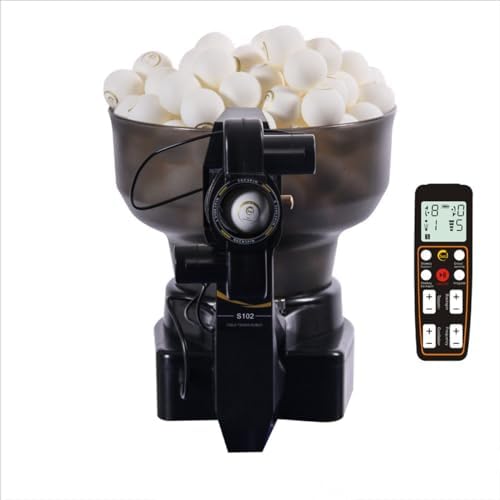
• Table tennis robot model: Suz S102
• Rated voltage: 100V-240V
• Rated power: 36W
• Ball frequency: serving 40-70 balls per minute
• Ball speed: 4-35 m/s
• Spin pattern: no spin, topspin, backspin, and side spin
• Ball trajectory: fixed or random
Special attention
• Suz table tennis robots is designed to work properly when at least 20 balls are available in the storage tube. If the machine does not serve properly, make sure that there are enough balls in the storage tube and the ball frequency on remote control is at least 1.
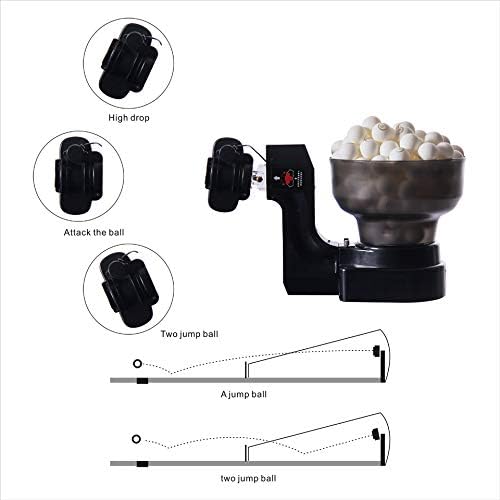
• Adjust robot head up and down, you can play direct serve or indirect serve. how to adjust robot head up and down can send us message for video. If you would like to play direct serve (i.e., the served ball bounces one time on the table before you hit the ball), set topspin to 6 and backspin to 2 or 3 on remote control . If you would like to play indirect serve (i.e., the served ball bounces two times on the table before you hit the ball), set topspin to 4 and backspin to 3 on remote control.
• If Oscillation not working,Please turn Oscillation "+" to 9 ,put your hand left and right help the robot head turn left and right.Give the machine a little power to help his head wiggle.
• Balls come out very weak and cannot go over the net. please check installation Step 3, put the USB out and plug in again. Set topspin to 4 and backspin to 3 on the control box and see if ok.
• Read the manual for instructions on how to install the robot. If you need any help, please email the manufacturer. The manufacturer's email address can be found in the manual.
• The manufacturer will provide free replacement parts for any damage caused by normal wear and tear within one year from the purchase of Suz table tennis robots.
• Oscillation function behaves irregularly and becomes very fast even at the lowest setting.Our lowest setting is already quite slow, as the ball ejection frequency has 9 adjustable levels (1 being the slowest).If Level 1 is still too fast for you, our power supply is 12V-3A, but you may purchase a new 9V-3A adapter instead.Please ensure the connector matches the one shown in the image when purchasing, can message us for picture, thanks
• The product stopped working after initially functioning fine for a week.Wireless remote control not contain batteries or batteries has run out, Please purchase and install the batteries yourself.please check installation Step 3, put the USB out and plug in again. please remember Wireless remote "Frequency" is at least 1.
If you don’t use the robot for a long time, please clean it up and put robot in box or bag to avoid collecting dust.
40MM or 40 MM + balls all ok.
Make sure that there are enough balls in the storage tube and the ball frequency on remote control is at least 1.
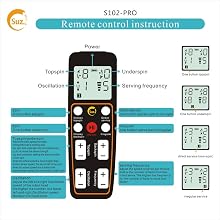
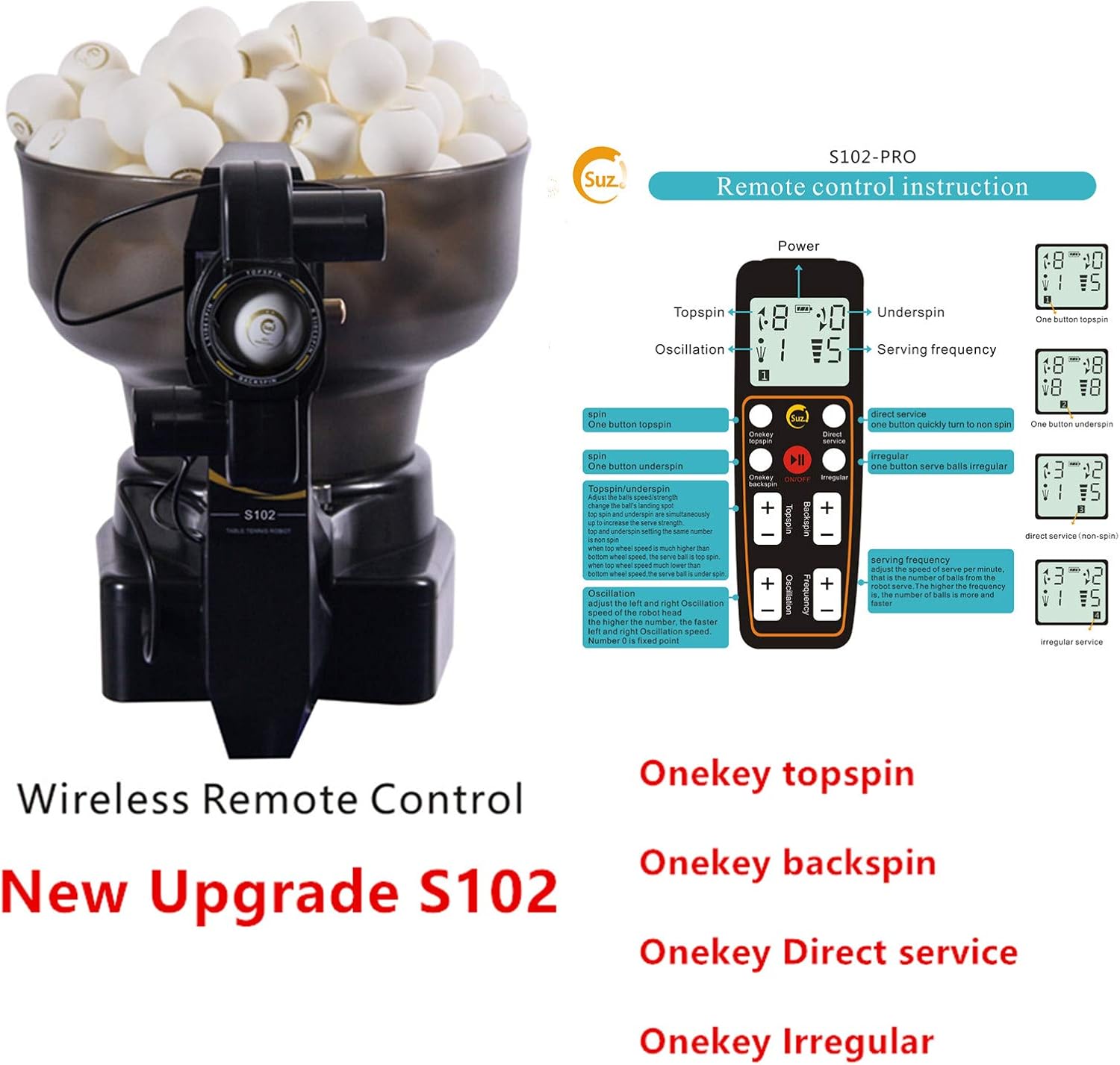
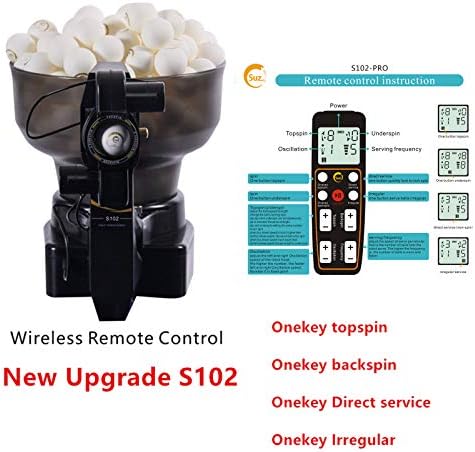
Onekey topspin
Onekey backspin
Direct service
Irregular
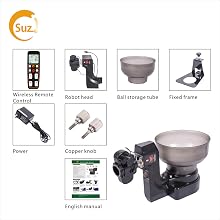
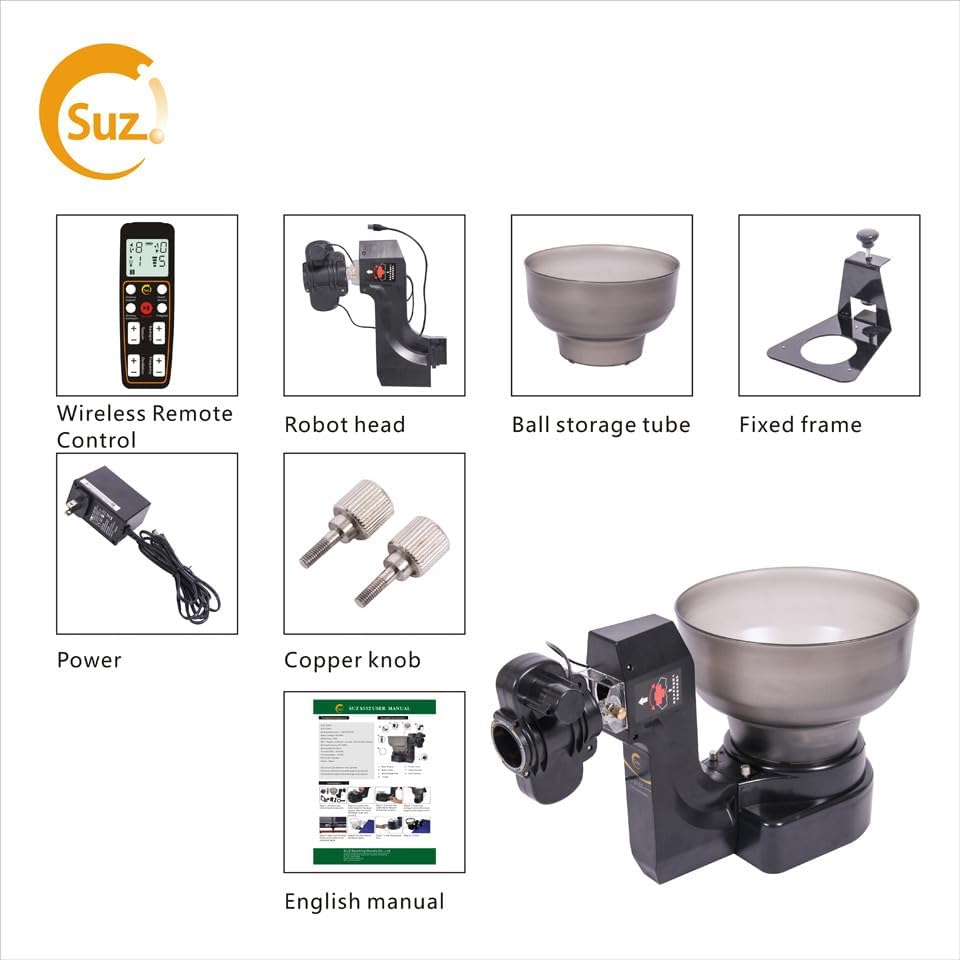
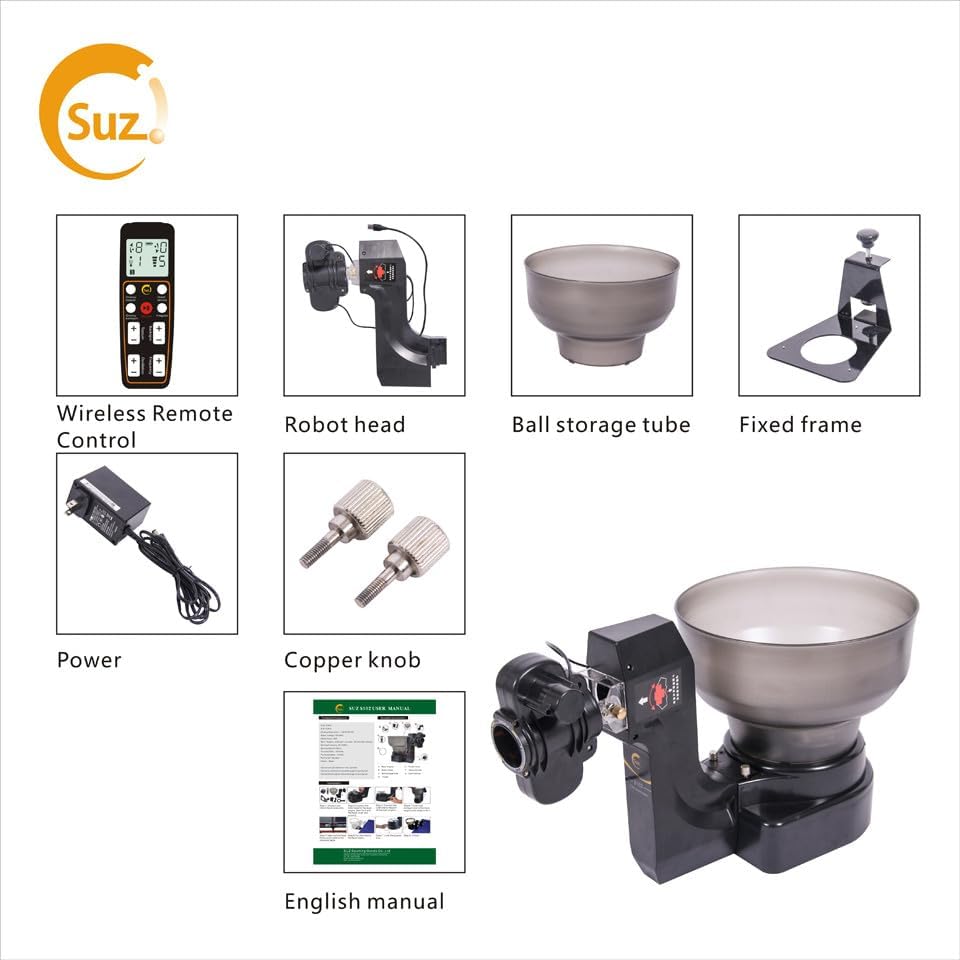
Package List: table tennis robot+100 balls Random color (orange or white)
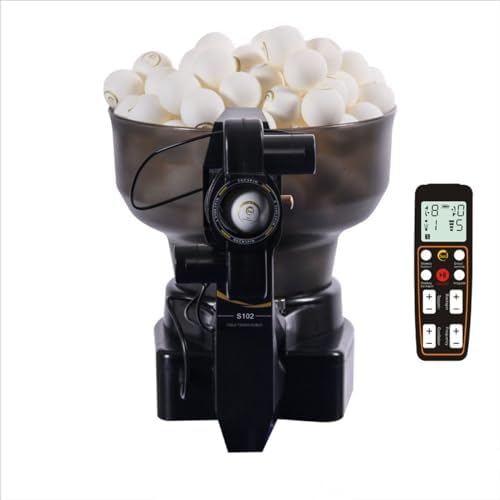
Wireless remote control
Power supply
User manual
Can only be placed on table tennis tables less than 2.5 inches thick. if table tennis table is more than 2.5 inches thick is not suitable for our robot.
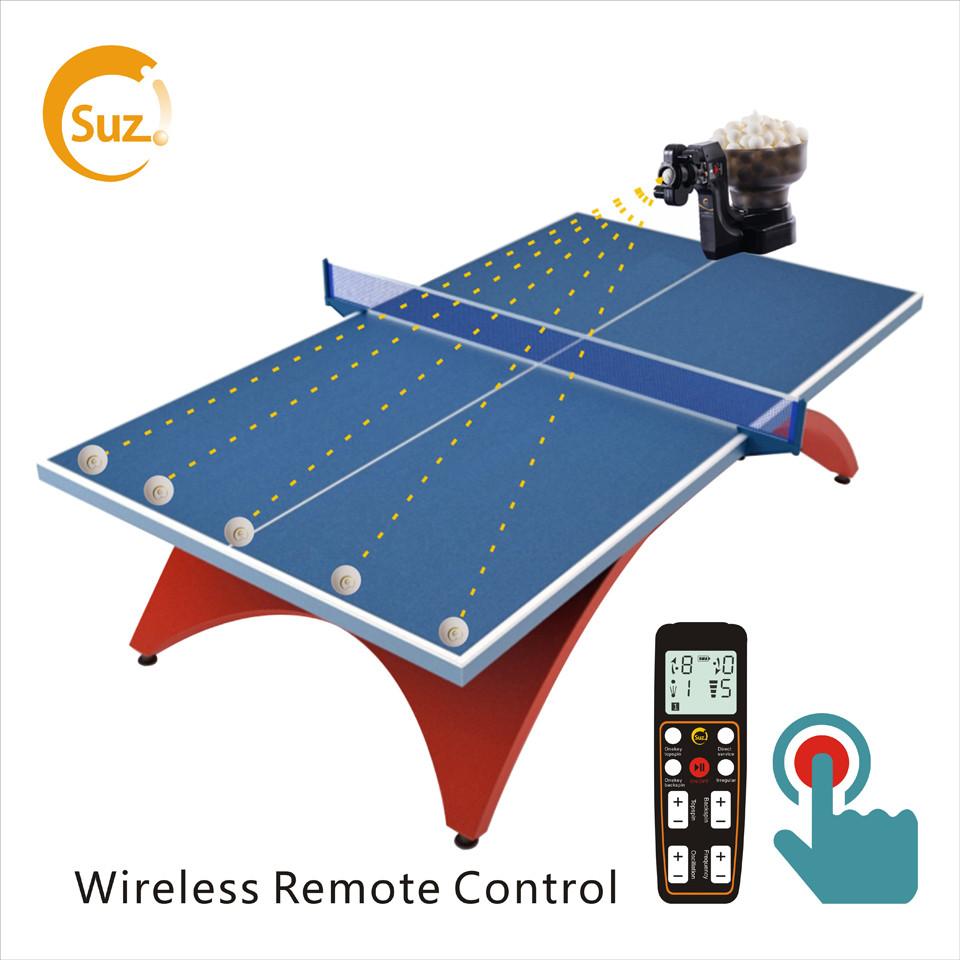
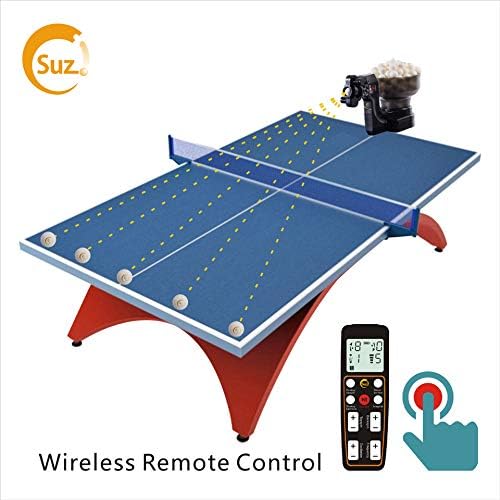
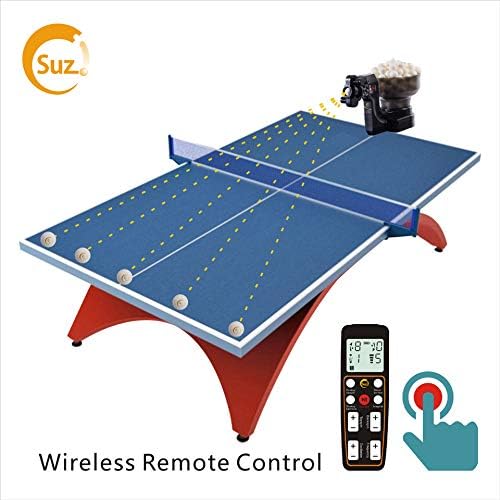
Analog controls for ball speed, frequency and oscillation, strong & weak balls, high & low balls,easy adjust the position, it allows you to focus on training and have fun with your teams, family and friends
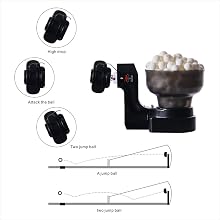
Adjust robot head up and down, you can play direct serve or indirect serve. how to adjust robot head up and down can send us message for video.
If you would like to play direct serve (i.e., the served ball bounces one time on the table before you hit the ball), set topspin to 6 and backspin to 2 or 3 on the remote control.
If you would like to play indirect serve (i.e., the served ball bounces two times on the table before you hit the ball), set topspin to 4 and backspin to 3 on the remote control.
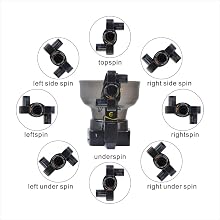
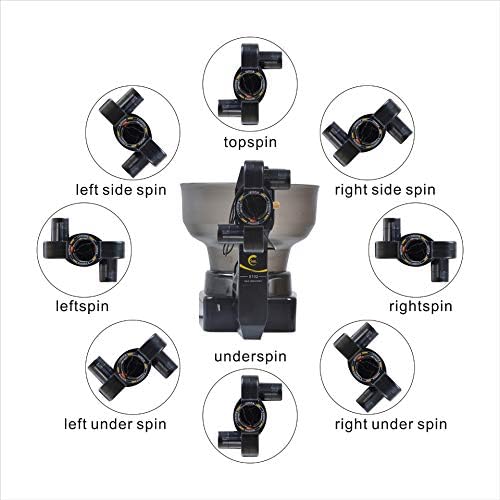
Great in setting spins and landing spots, It is able to serve topspin, backspin, left-spin, right-spin, mixed spin, 9 Kinds of spinning balls with different frequency and speeds
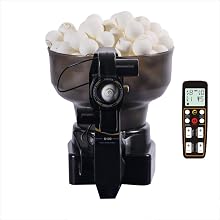
Unpack the robot
If you don’t use the robot for a long time, please clean it up and put robot in box or bag to avoid collecting dust.
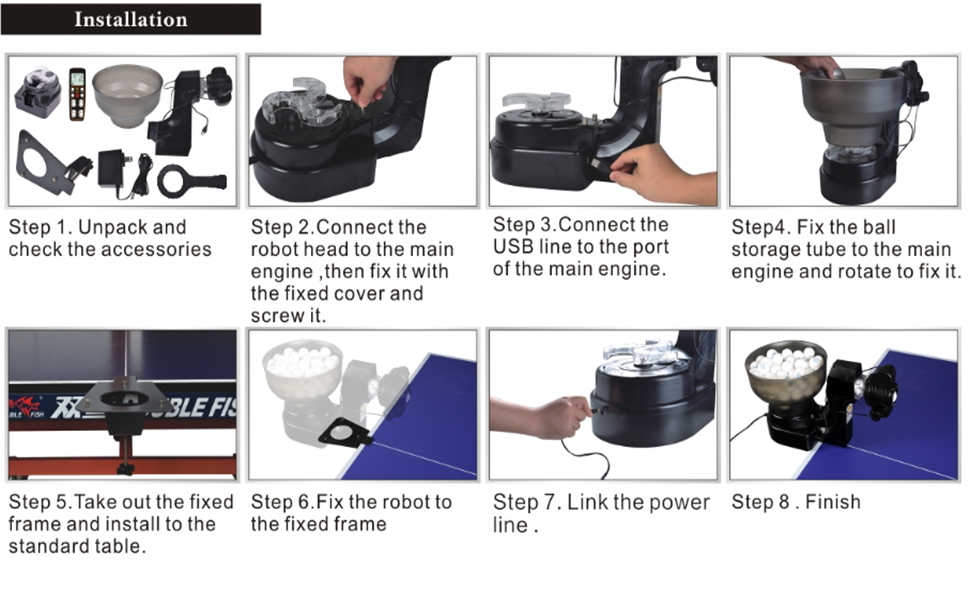
1.Read the manual for instructions on how to install the robot.
( If you need any help, please email the manufacturer. The manufacturer's email address can be found in the manual.)
2. Adjust robot head up and down , you can play direct serve or indirect serve . how to adjust robot head up and down can send us message for video. If you would like to play direct serve (i.e., the served ball bounces one time on the table before you hit the ball), set topspin to 6 and backspin to 2 or 3 on the remote control. If you would like to play indirect serve (i.e., the served ball bounces two times on the table before you hit the ball), set topspin to 4 and backspin to 3 on the remote control.
3.Make sure there are 20-100 balls in the storage tube and the ball frequency on remote control is at least 1.
4.Play with your friends and familys with our robot.
If the pictures,color,and the description of function are different from the actual product, everything should be subject to the actual product
Our company reserves the right of final interpre
loading
