


Free worldwide shipping
Free returns
Carbon neutral
Secure payments
| Connectivity Technology | Wired |
|---|---|
| Video Capture Resolution | 4K 8MP (2560 × 1920) |
| Other Special Features of the Product | Adjustable, Easy to Install, Motion Sensor, Vehicle Detection, Waterproof |
| Number of Channels | 16 |
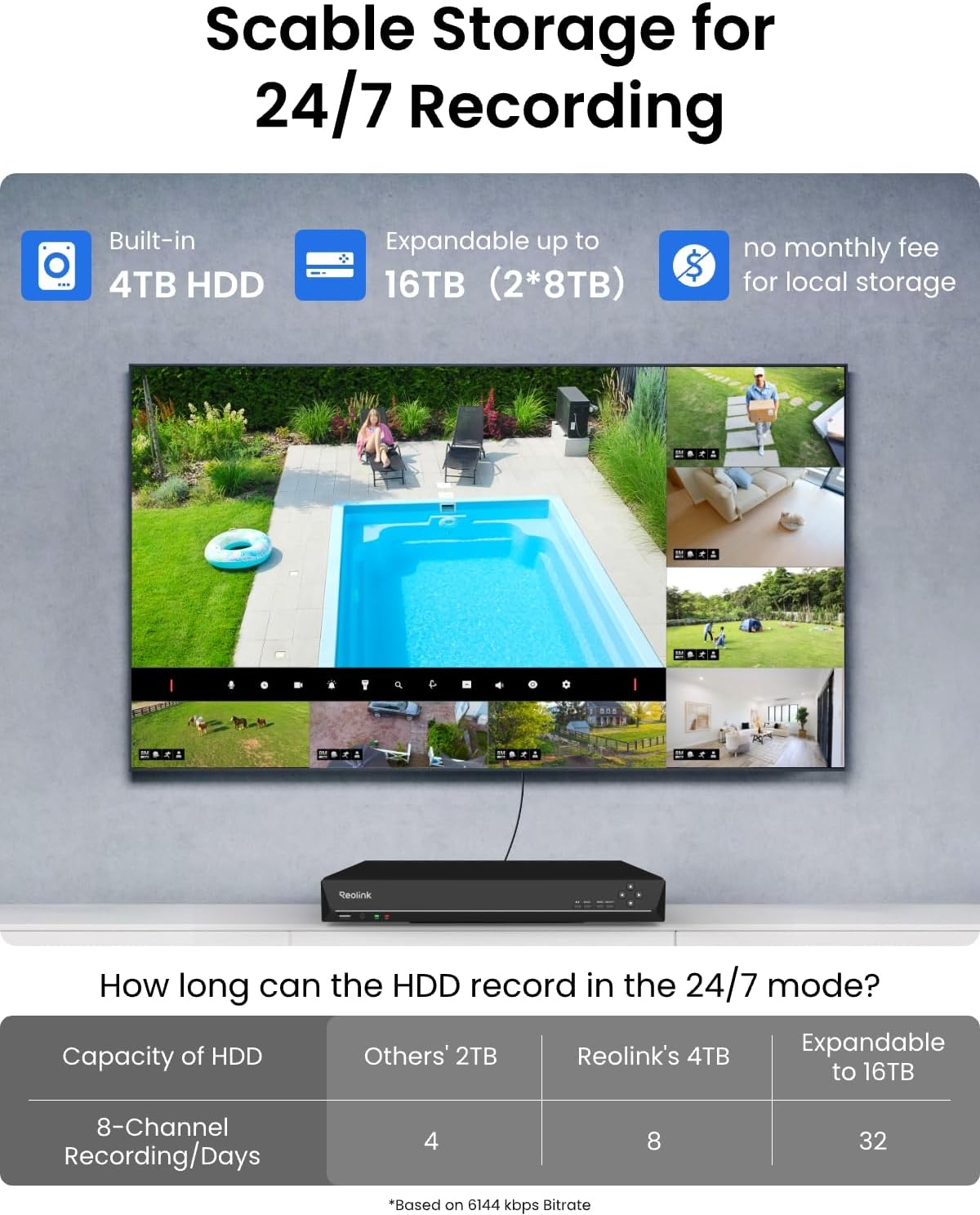
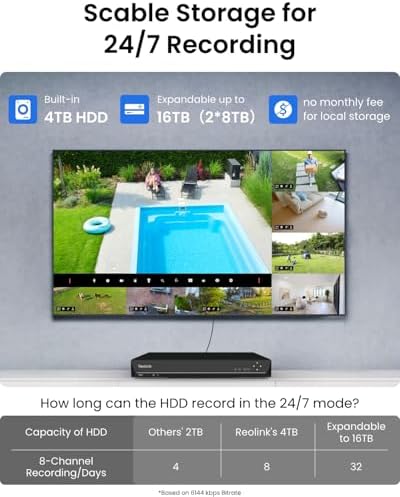
| Memory Storage Capacity | 4 TB |
| Power Source | DC |
| Operating System | iOS, Android, Windows, Mac OS |
| Compatible Devices | Cameras, Laptops, Personal Computers, Smartphones, Tablets |
| Camera Description | Front, Rear |
| Night Vision | Night Vision |
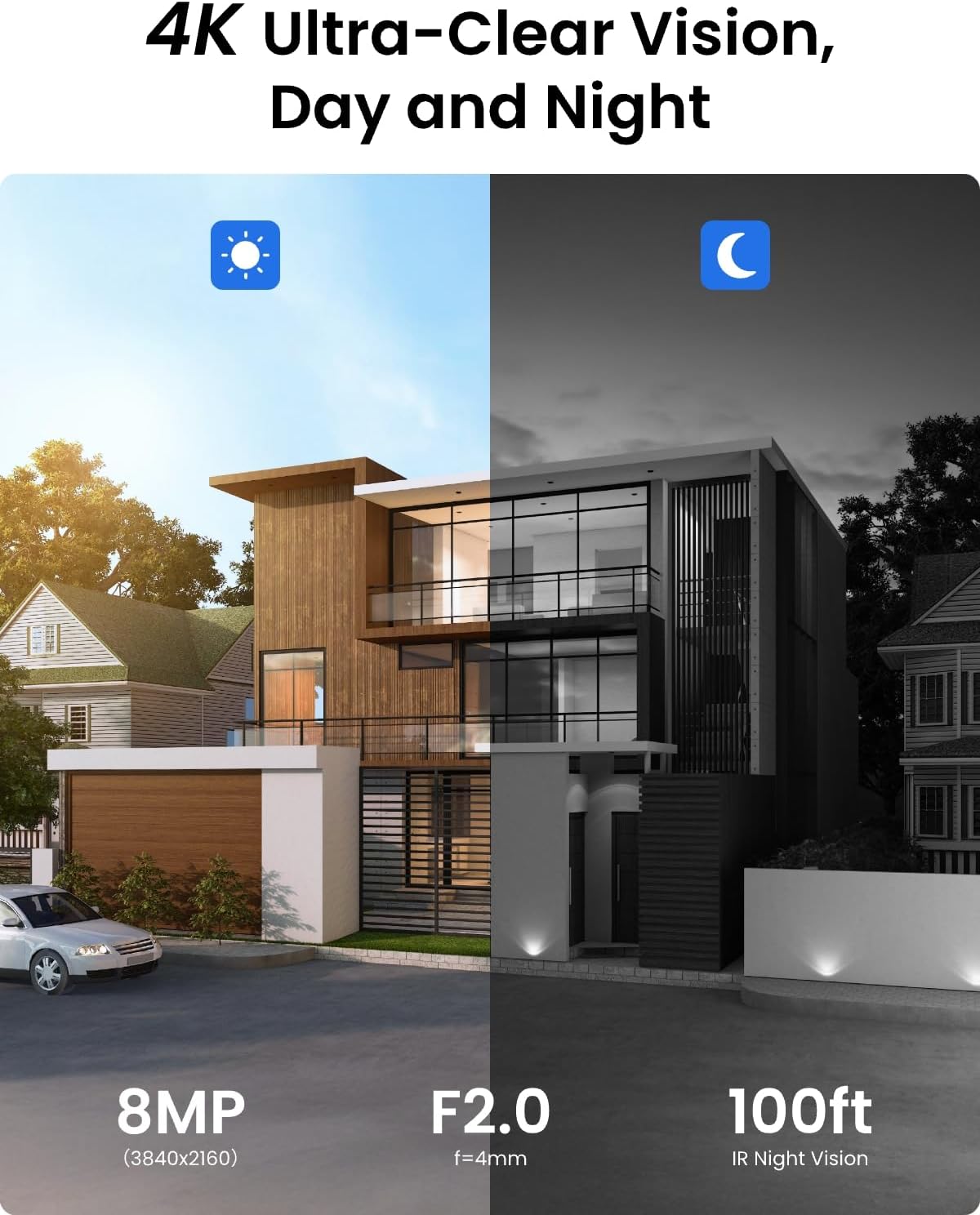
| Night Vision Range | 100 feet |
| Frame Rate | Mainstream: 20fps (default), Substream: 10fps (default) |
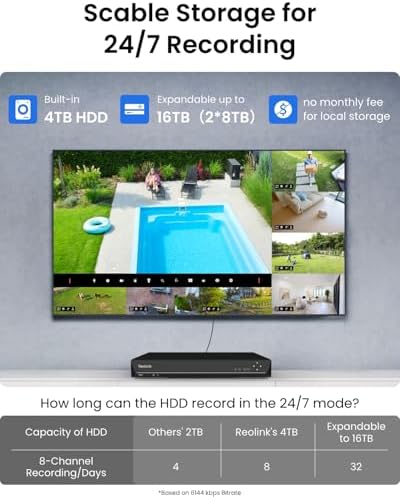
| Recording Mode | motion-triggered, 24/7 |
| Total Usb Ports | 2 |
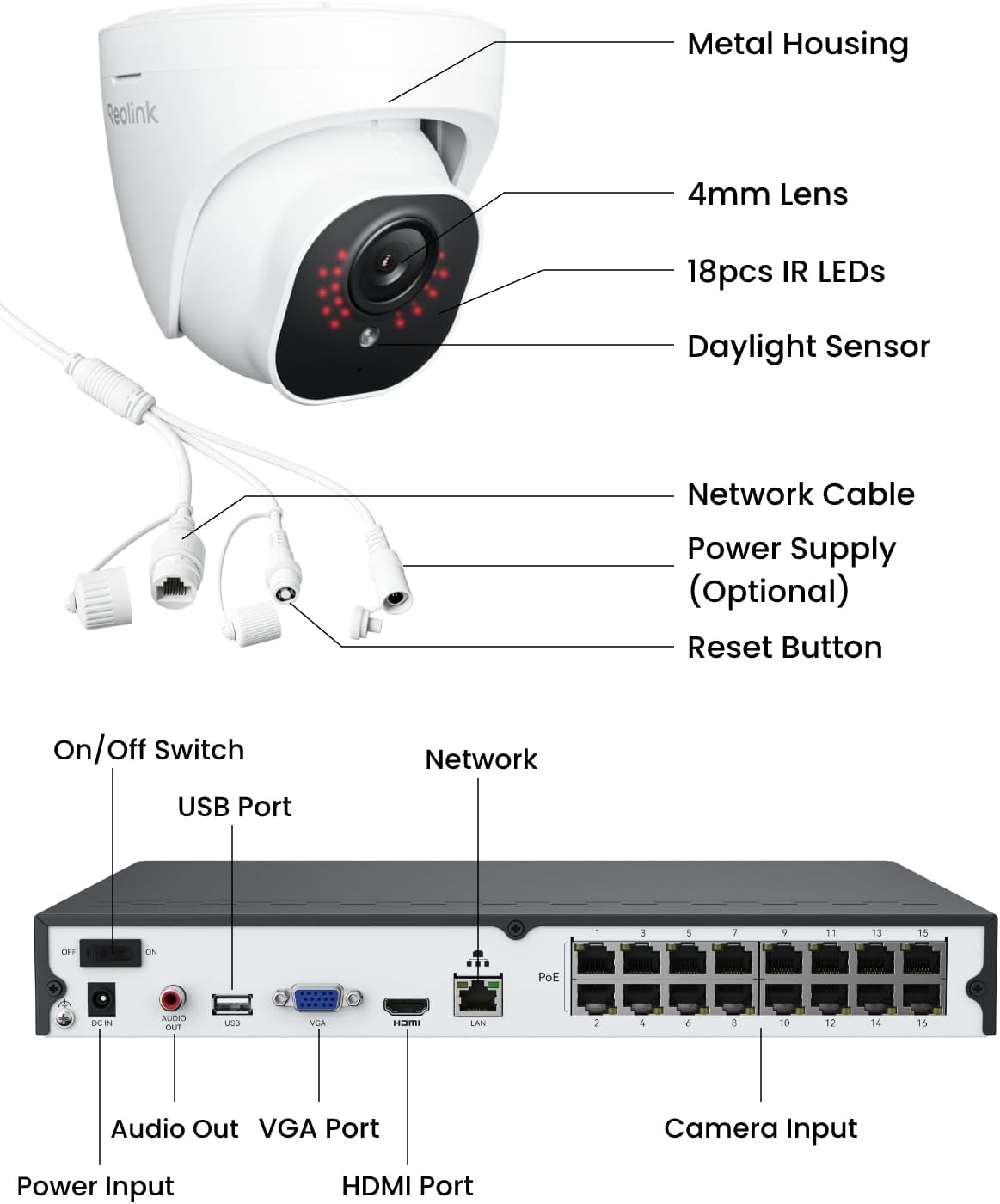
| Hardware Interface | Ethernet, HDMI, USB, VGA, eSATA |
| Lens Type | Fixed |
| Video Input | IP |
| Viewing Angle | 87 degrees |
| Optical Sensor Technology | CMOS |
| Signal Format | Digital |
| Model Number | RLK16-800D8 |
| Manufacturer | Reolink Digital |
| Set Name | 16-camera |
| Unit Count | 1 Count |
| UPC | 633696952850 |
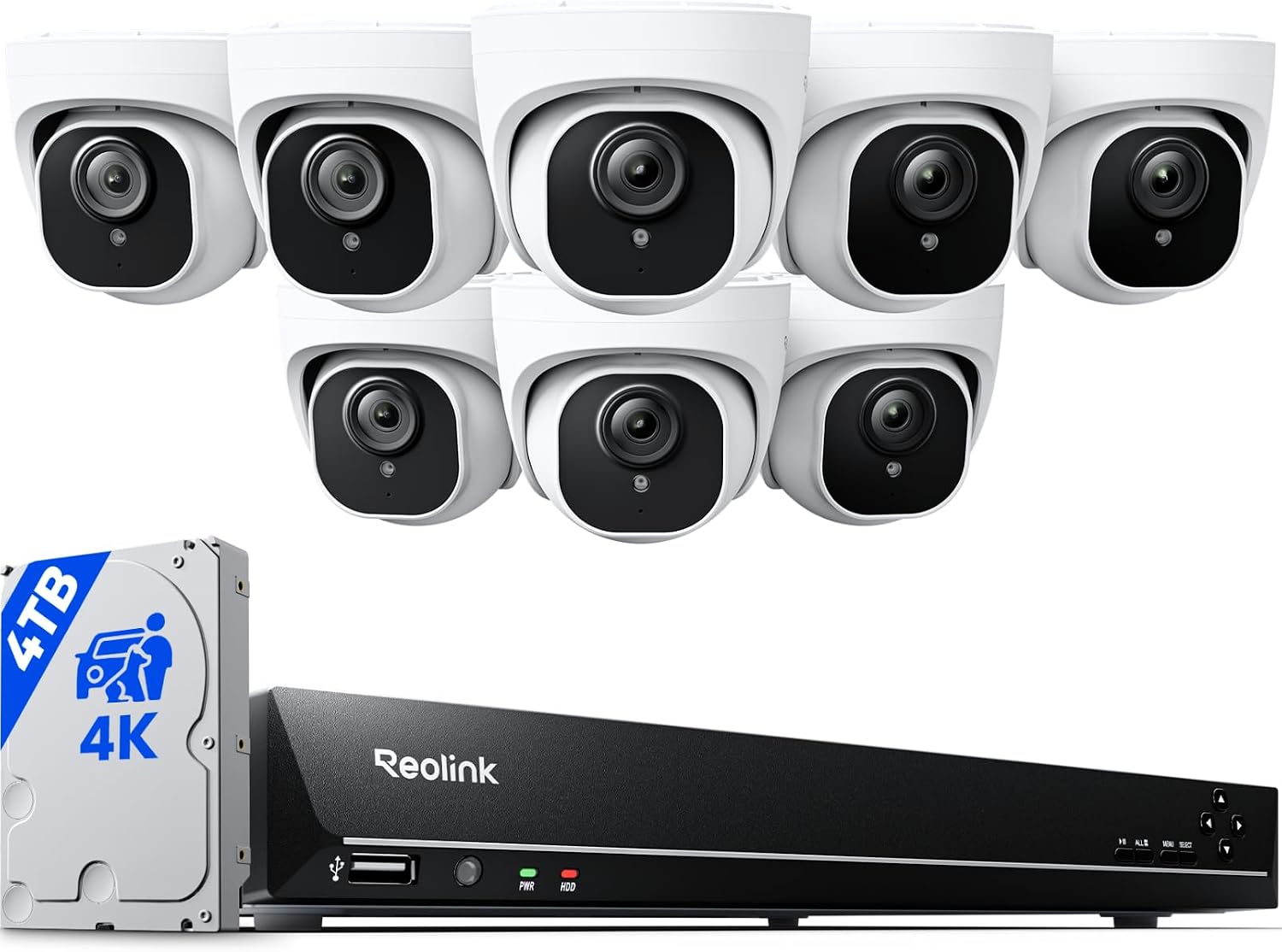
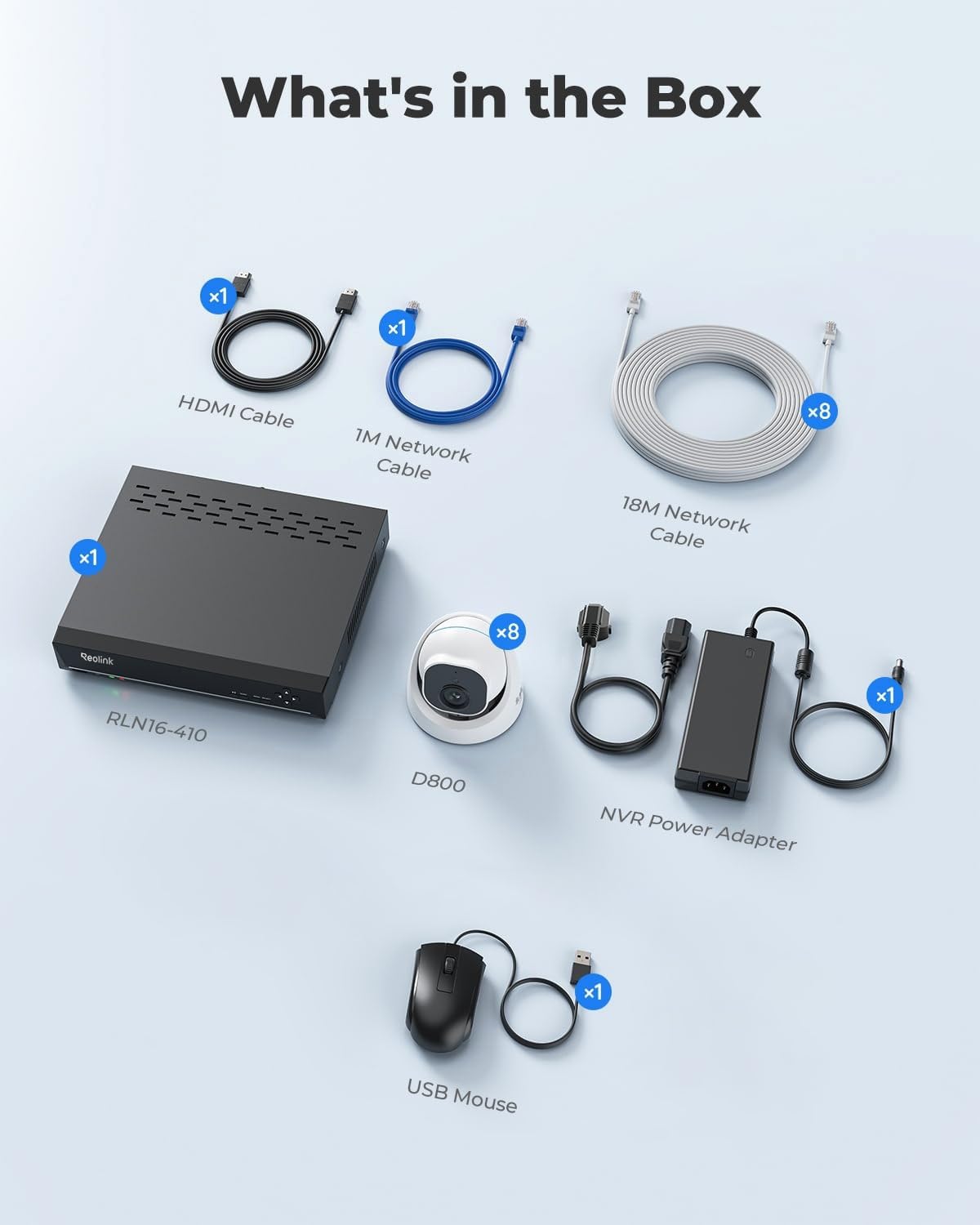
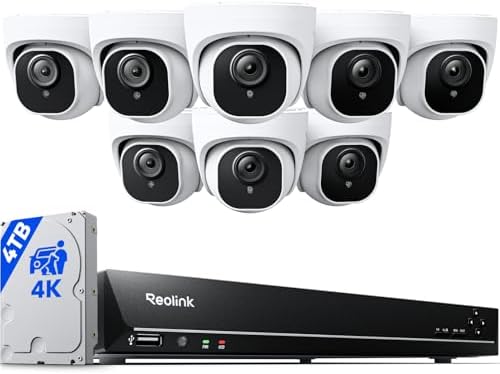
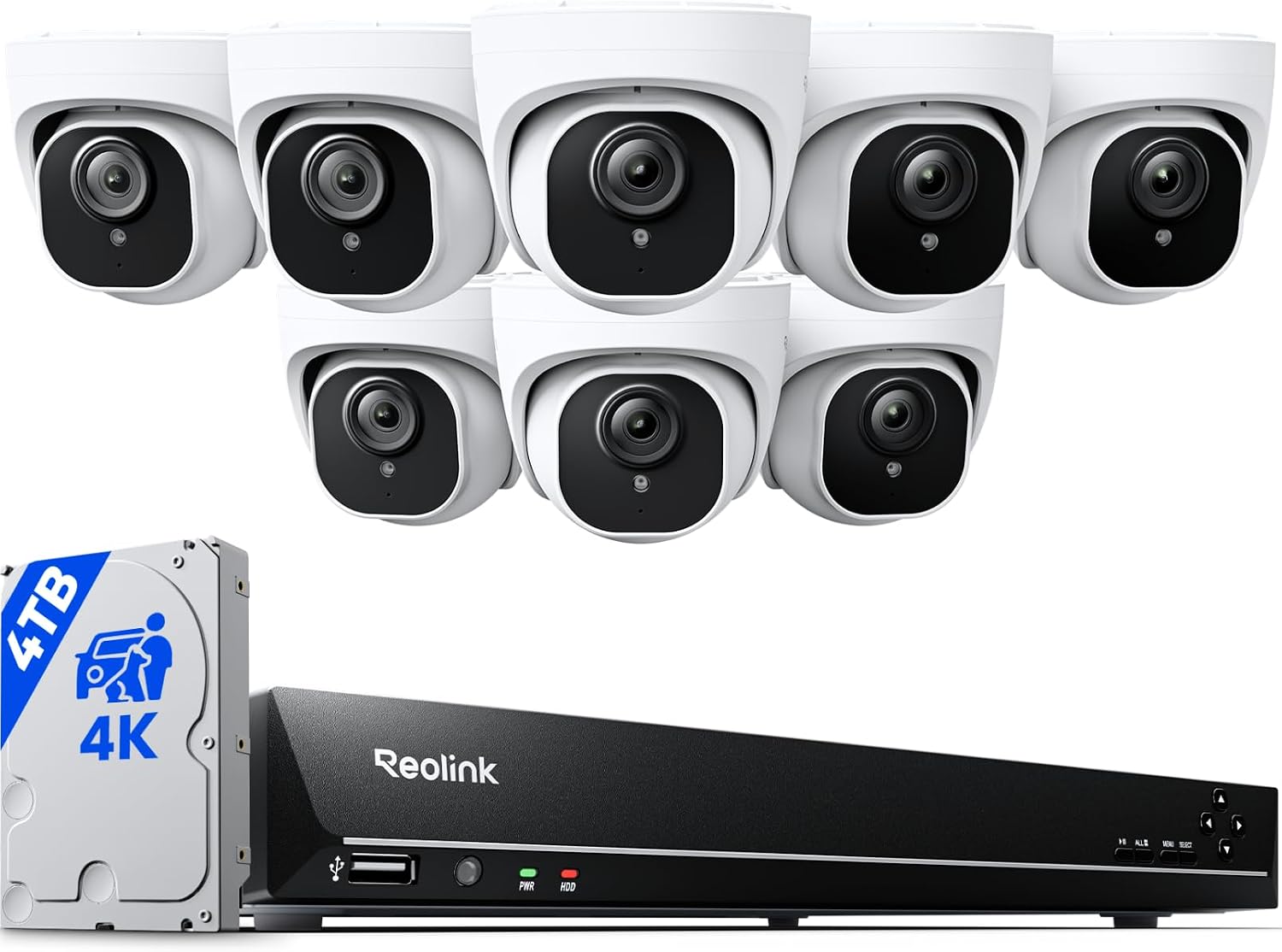
| Built-In Media | 16CH NVR RLN16-410*1, NVR Power Adapter*1, 60ft Network Cable*8, 3ft Network Cable*1, D800 Camera*8, Surveillance Sticker*8, Mounting Template*9, Pack of Screws, Quick Start Guide*1, USB Mouse*1, HDMI Cable*1 |
| Item Weight | 13 kg |
| Mfr Part Number | RLK16-800D8 |
| Color | White |
| Special Feature | Adjustable, Easy to Install, Motion Sensor, Vehicle Detection, Waterproof |
| Number Of Channels | 16 |
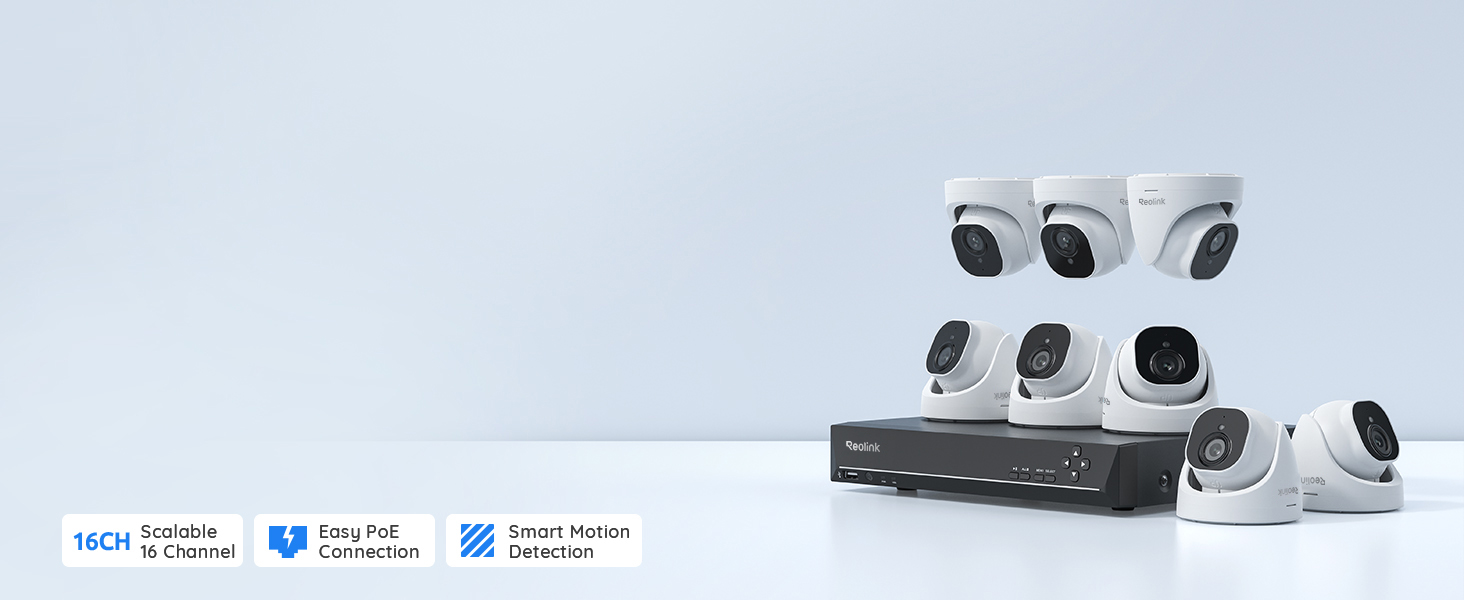
Reolink Smart Ultra-HD 4K Security Camera System with Person & Vehicle Detection
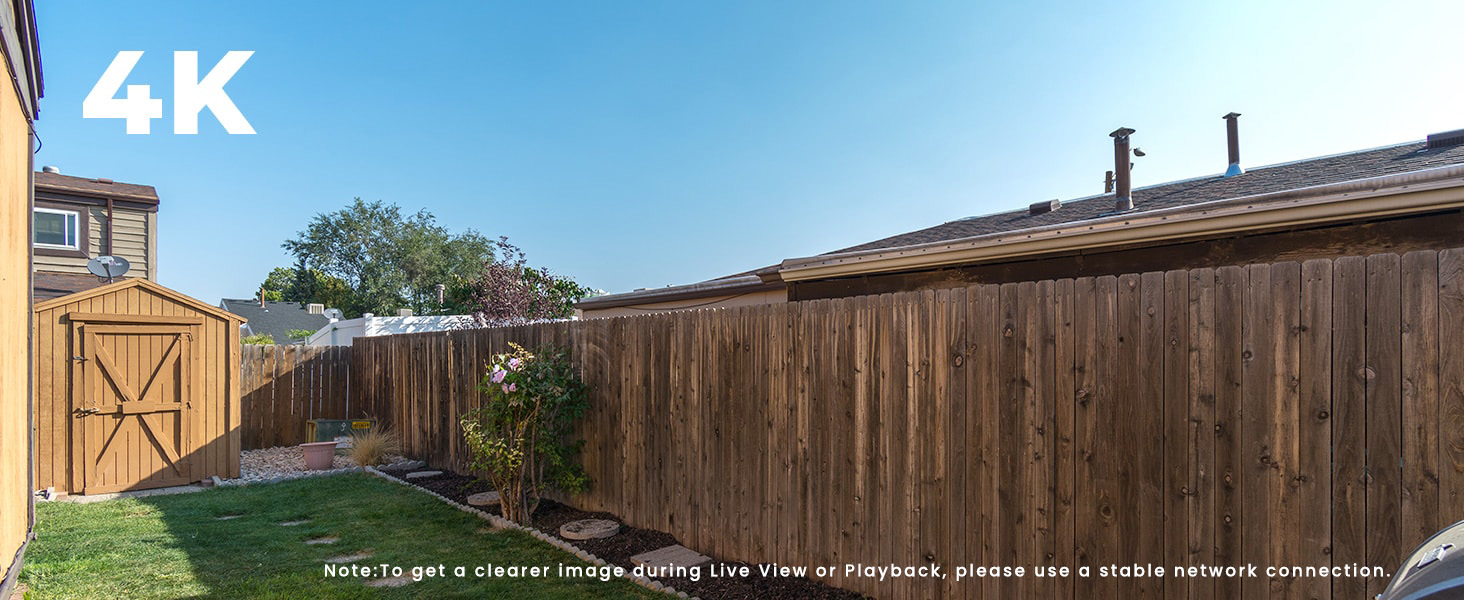
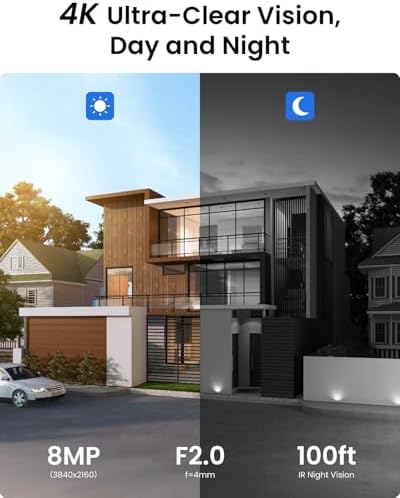
4K Ultra HD captures sharp details day & night. Reliable NVR + Reolink App lets you check anytime.
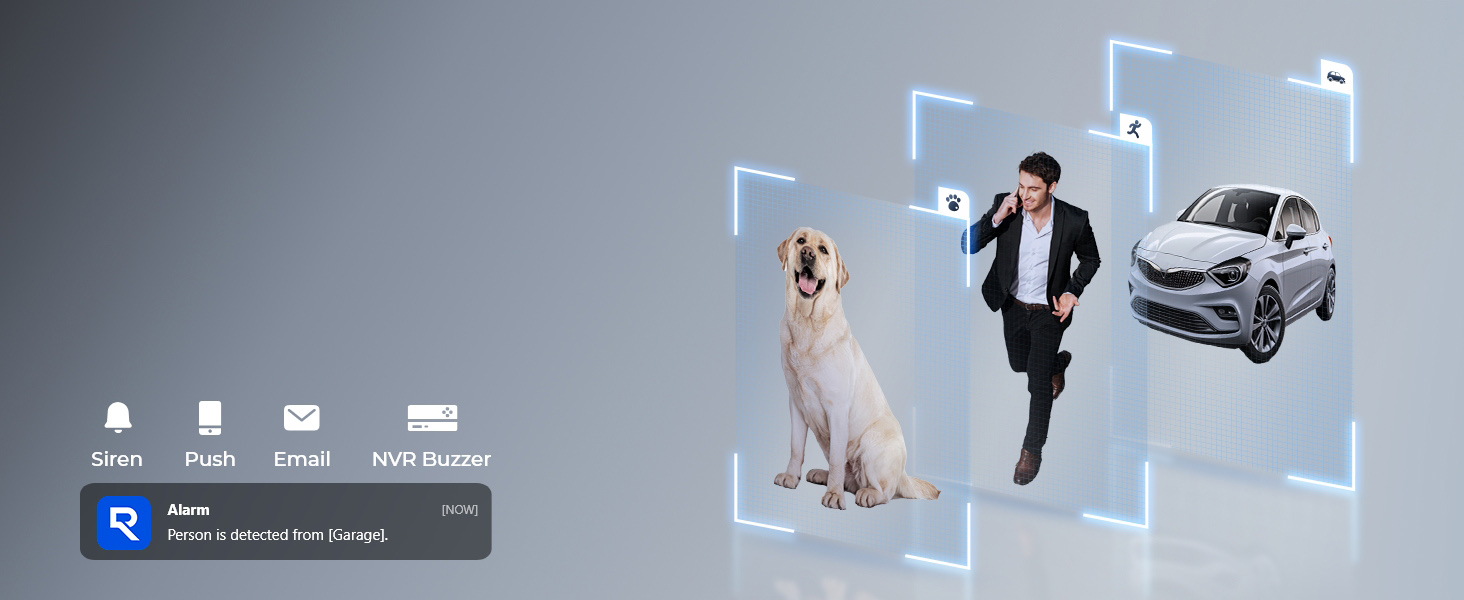
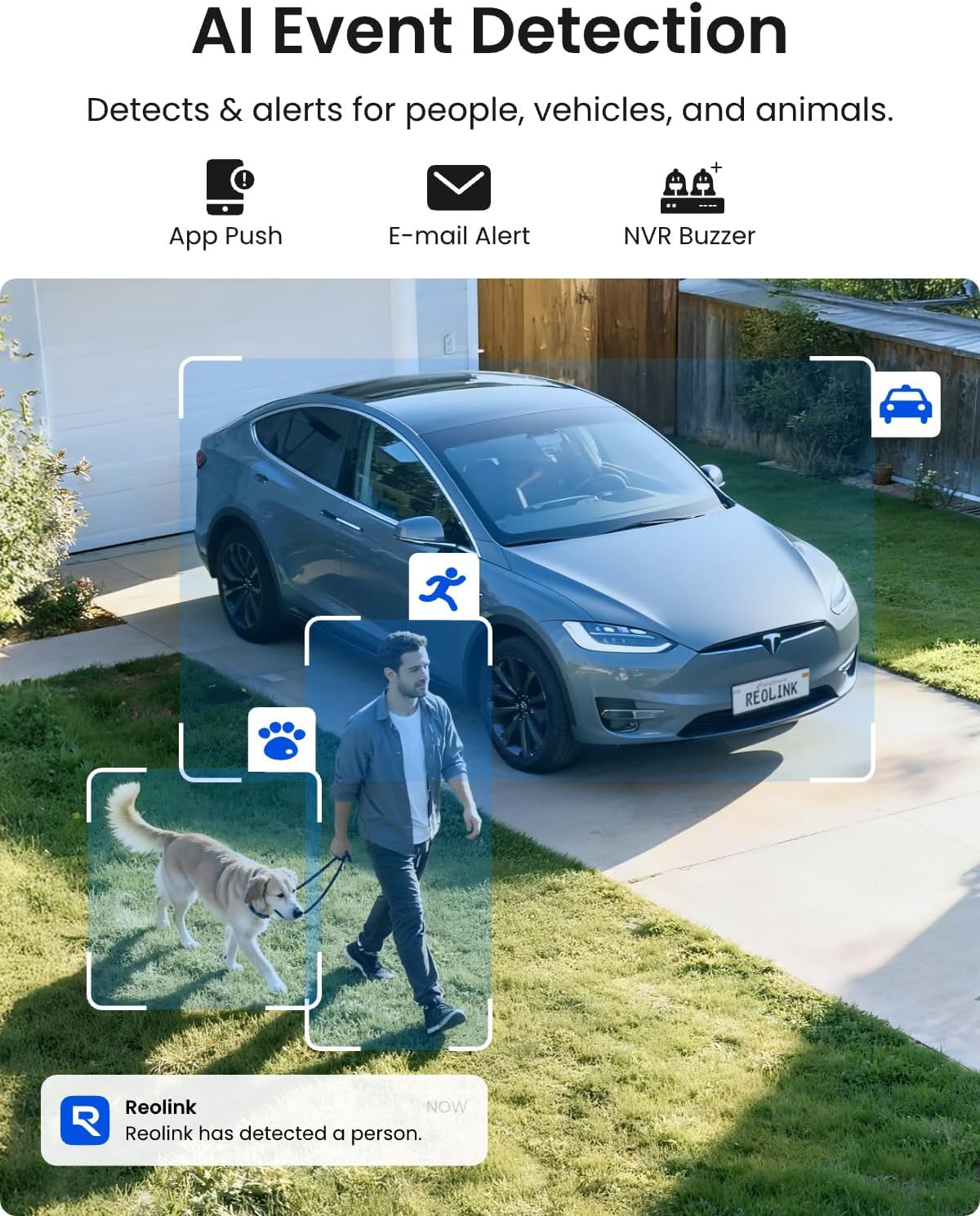
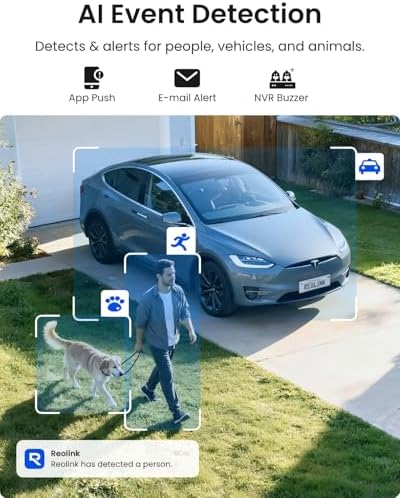
Smartly detect person/vehicle/animal movements and alert you the danger instantly in multiple ways.
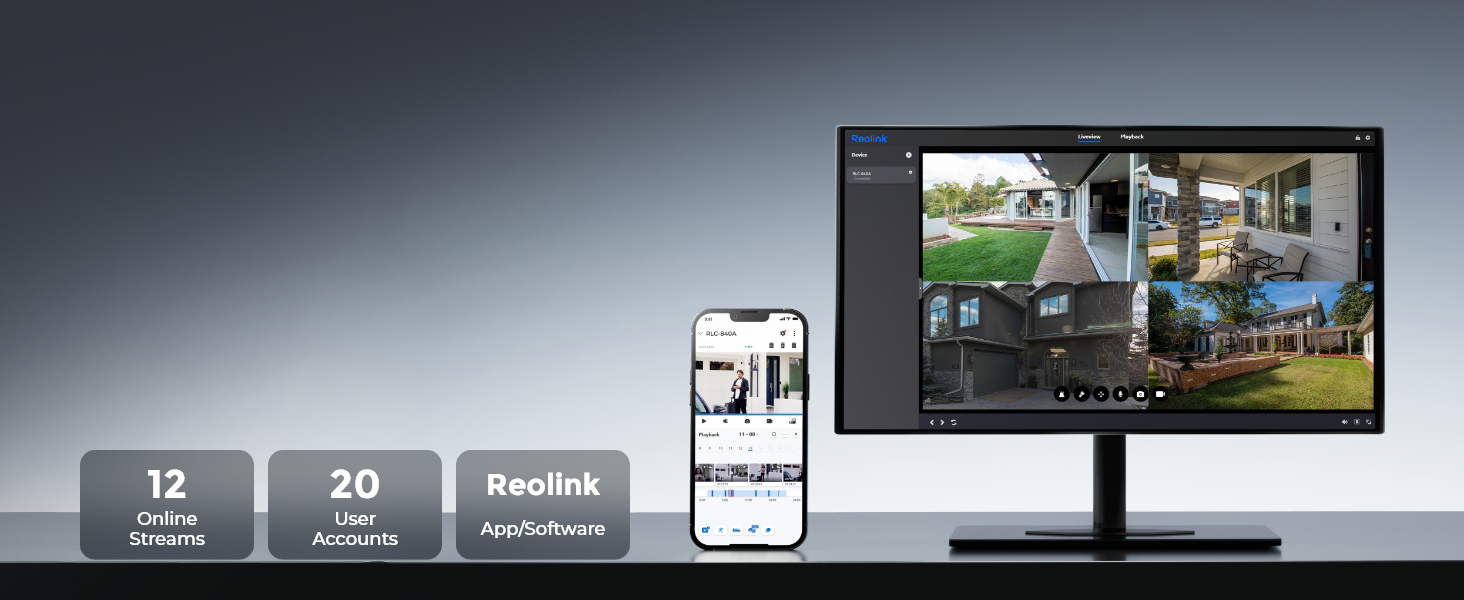
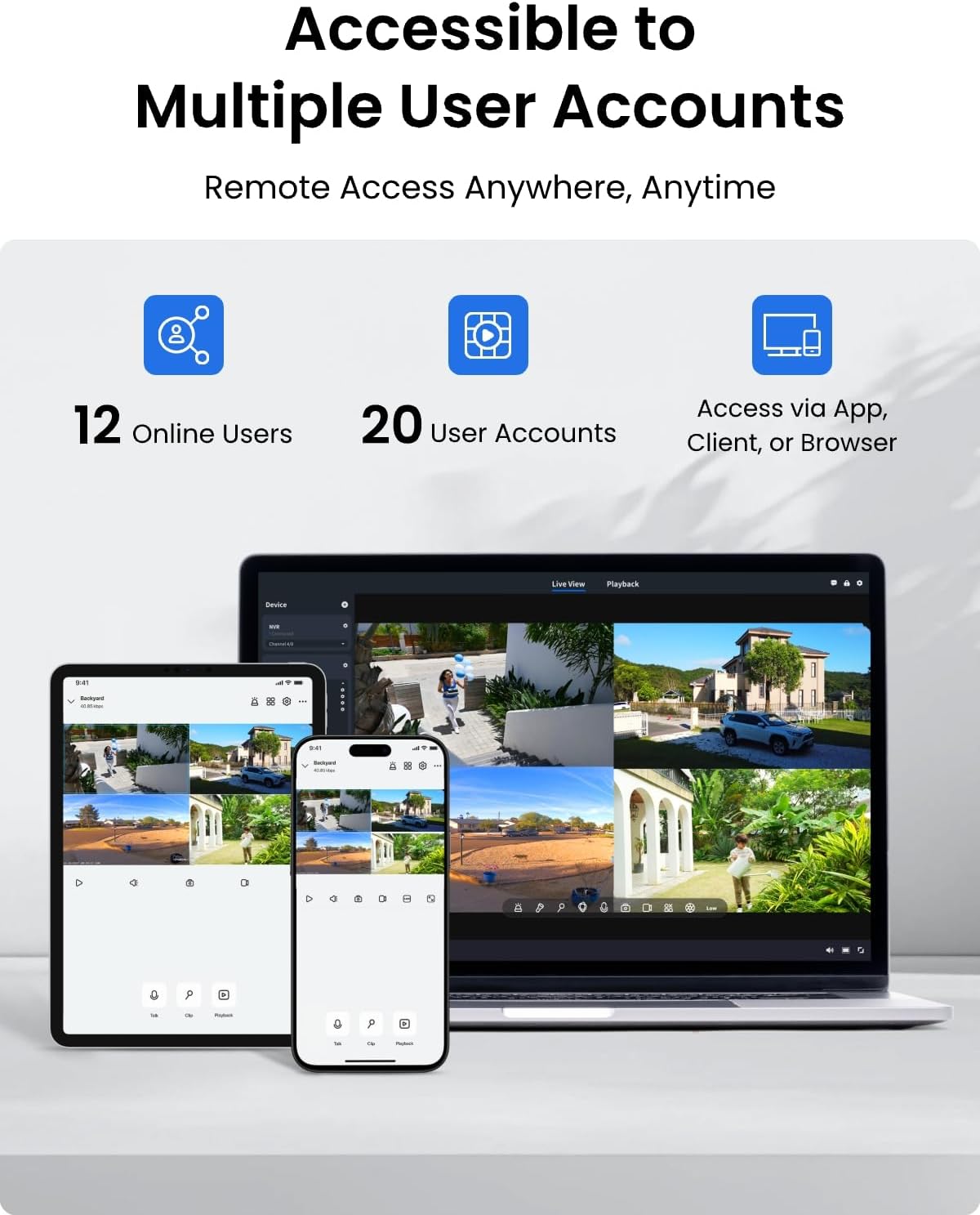
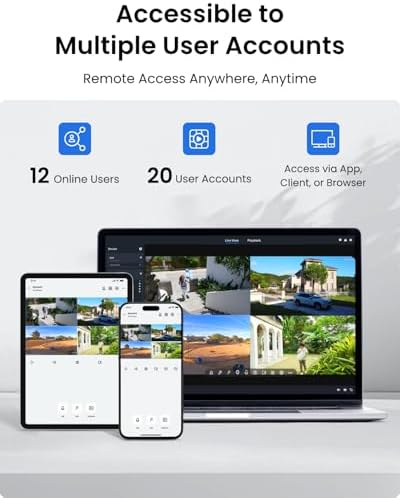
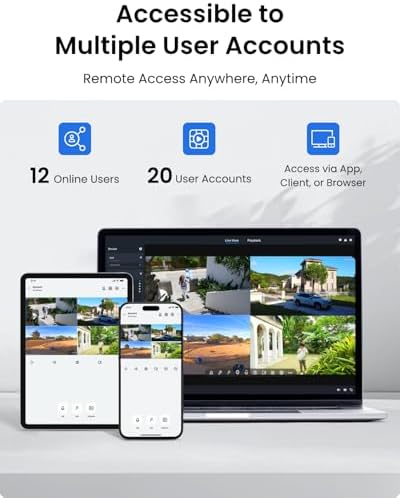
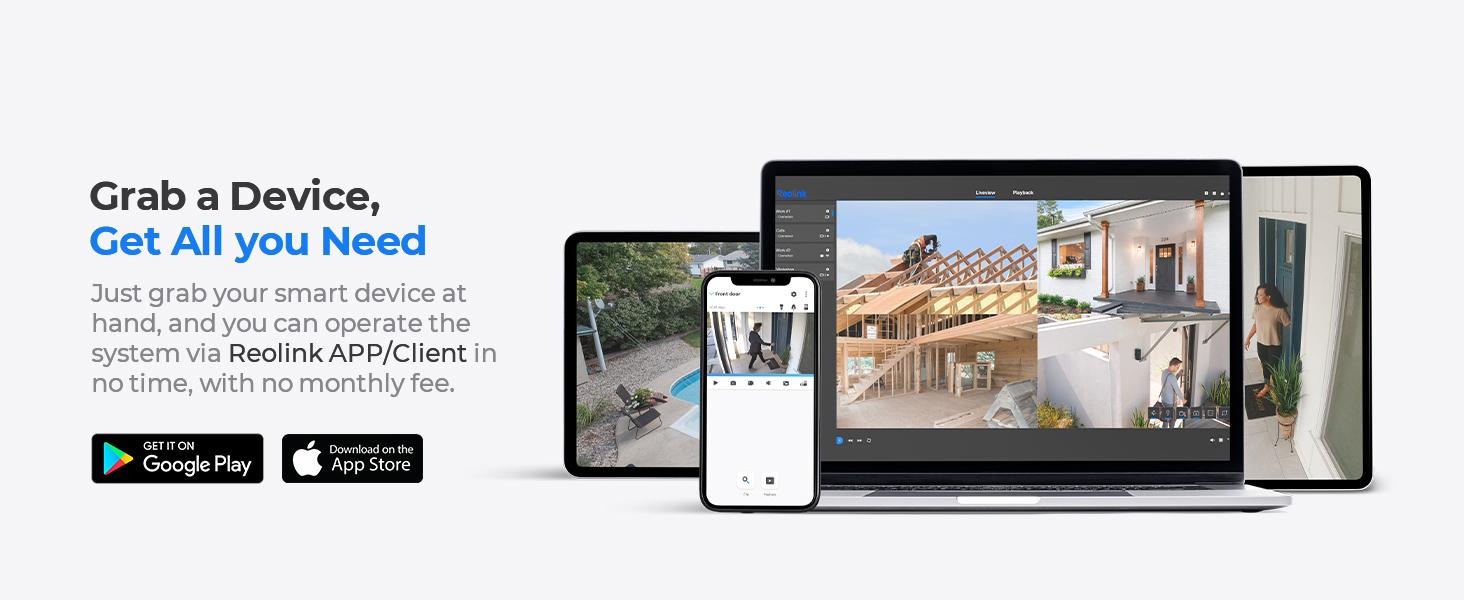
Support max.12 devices to live stream simultaneously (2 mainstreams & 10 substreams) on App/Client.

| NVR | Smart PoE Video Recorder RLN16-410 |
| Video Outputs | HDMI supports up to 8MP (4K) output, and VGA up to 1080P. The NVR supports cameras up to 16MP, but output quality also depends on your display and stream settings. |
| Synchronous Playback | 1CH@8MP; 4CH@4MP |
| Frame Rate | 20fps |
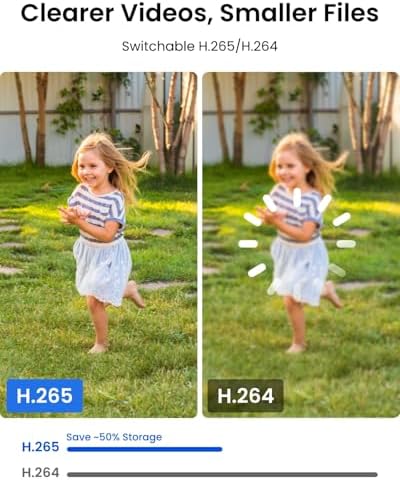
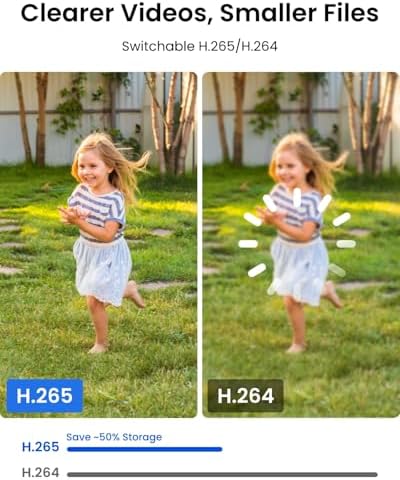
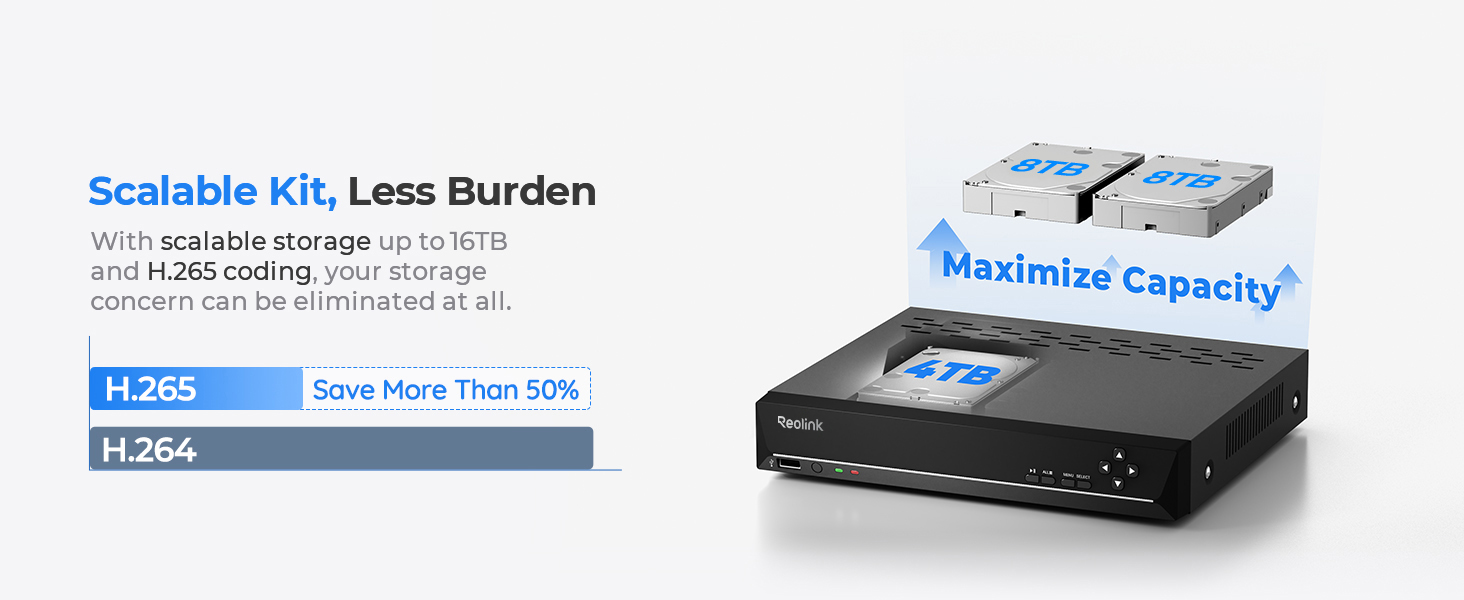
| Compression Format | H.265 |
| HDD Capacity | 1× internal port, 1× external port, 8TB max for each port(16TB in total) |
| Remote Access | iOS/Android Phone, Windows/Mac PC |
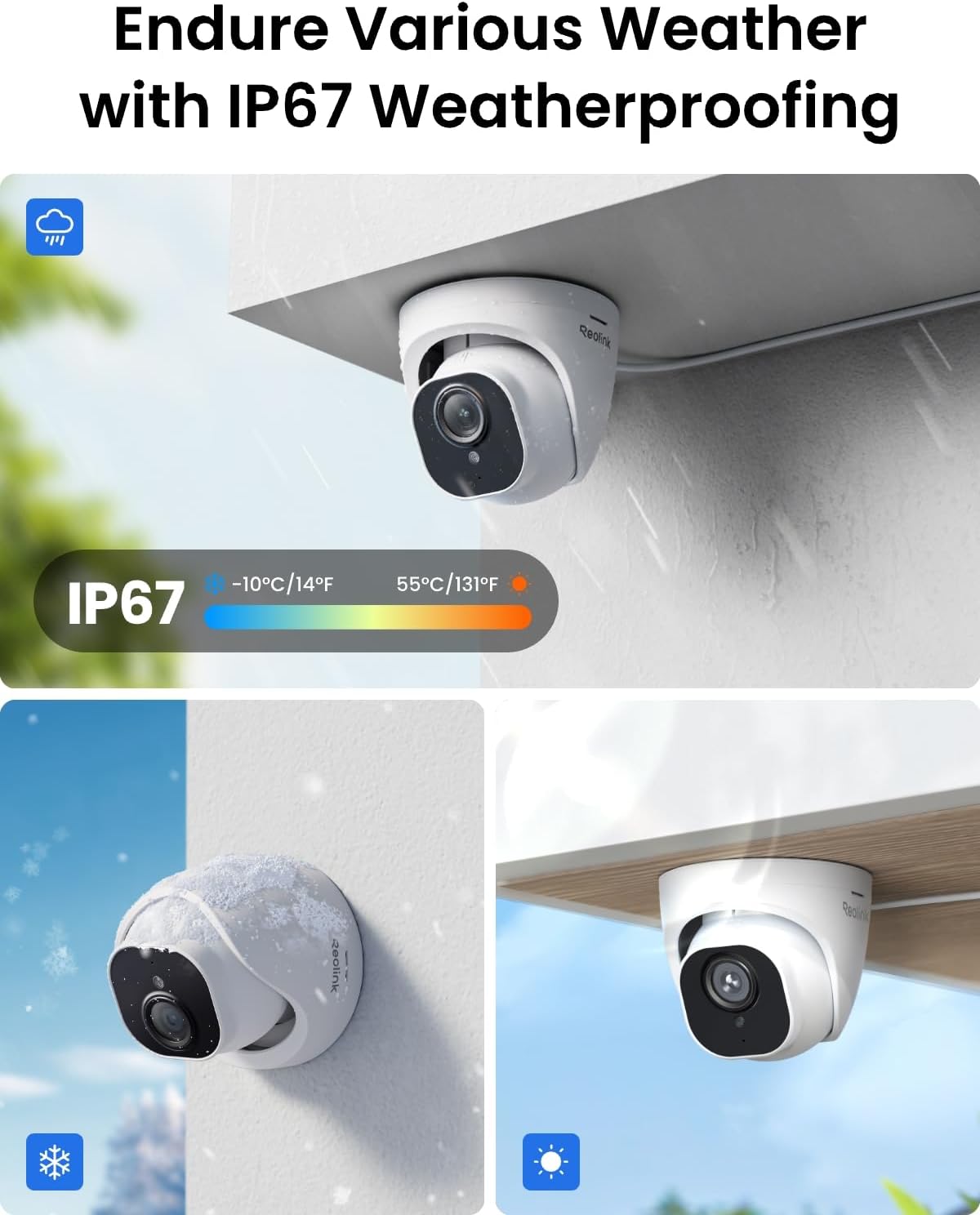
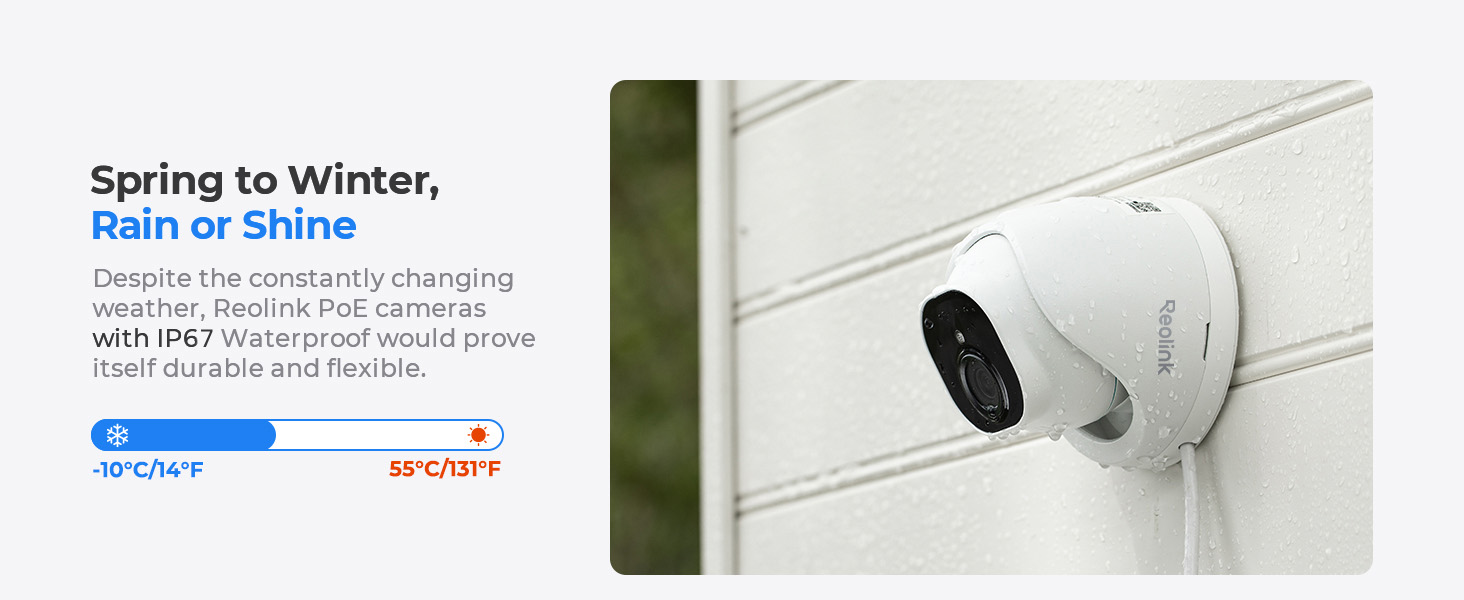
| Working Temperature | -10°C +45°C (14°-113°F) |
| Camera Waterproof | IP67 |
| Video Resolution | 3840x2160 (8.0 Megapixels) @20FPS |
| Lens | f=4.0 mm fixed; F=2.0, with IR-cut filter |
| Night Vision | 100ft, 18pcs IR LEDs |
| Built-in Microphone | Supported |
| Field of View | Horizontal: 87°; Vertical: 44° |
| Notice | Cameras in the kit can only be used with Reolink PoE NVR. Cameras in the kit cannot work with Smart Home devices such as Alexa. Reolink PoE IP Camera support T-568B connectors and CAT5, CAT6, and CAT7 with 8 PIN Ethernet cables. |
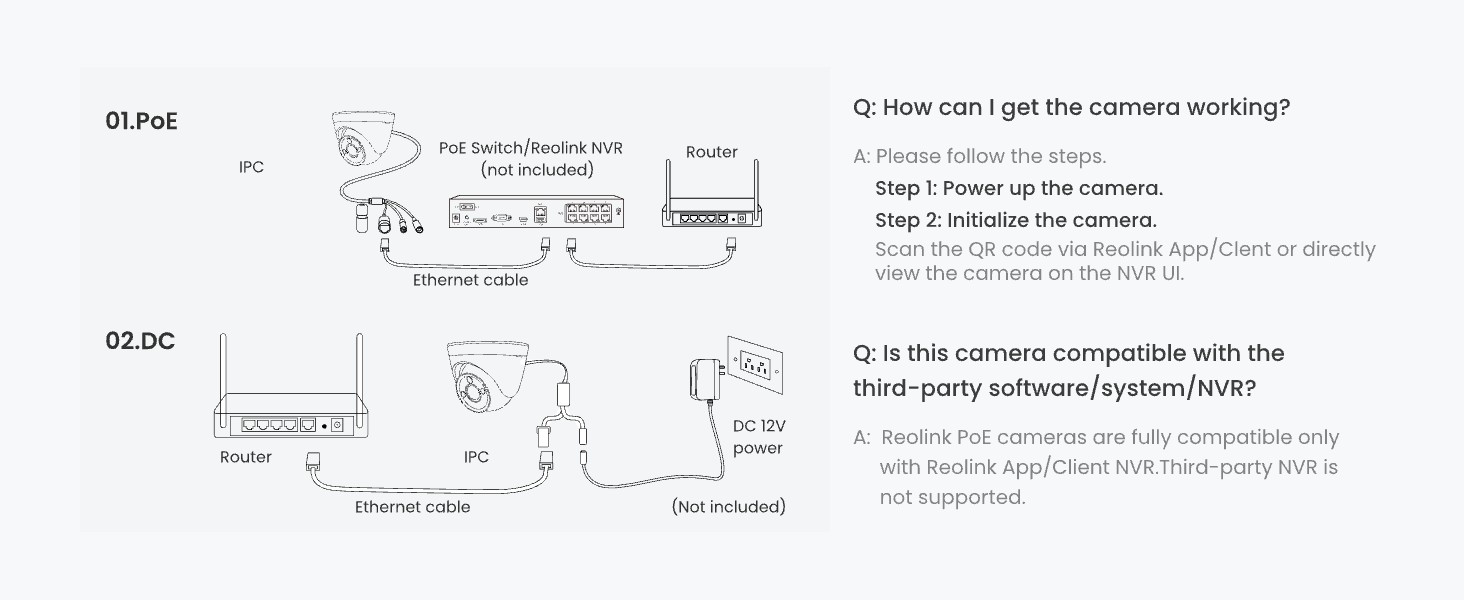
How do I properly connect my camera, NVR, and router for Reolink systems?
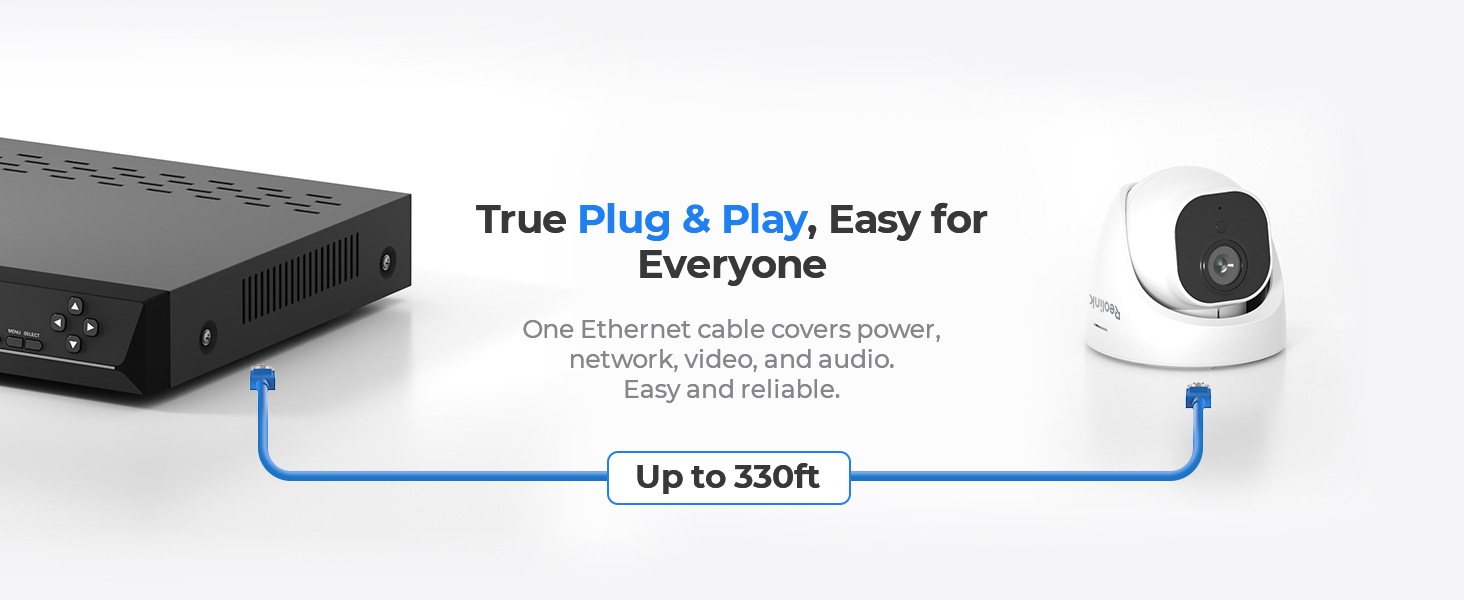
One method is to connect the camera directly to the NVR via Ethernet (PoE), then connect the NVR to the router using another Ethernet cable.
Why is the image not clear or not showing in 4K?
Make sure the stream is set to "Clear" mode and the bitrate is high. Viewing on a 4K display also ensures better clarity. Check your network for smooth, high-resolution playback.
How can I troubleshoot if my PoE camera fails to connect or be added to the Reolink NVR?
Test network cables and NVR ports with known working ones. Ensure camera limits per NVR model are not exceeded. For PoE cameras, try direct NVR connection. If problems persist, reset devices and test again.
Should I update my Reolink device and app to the latest version?
Yes. Keeping your Reolink device firmware and app updated ensures better stability and performance. Firmware updates fix device-level bugs and improve stability, while app updates enhance performance and user experience.
What should I do if I encounter problems about my Reolink devices?
If you experience issues, don’t worry—try basic troubleshooting like checking cables and resetting devices first. If problems persist, contact Reolink Support with your device details and steps taken. We’re here to help you every step of the way.
loading
