




Free worldwide shipping
Free returns
Carbon neutral
Secure payments
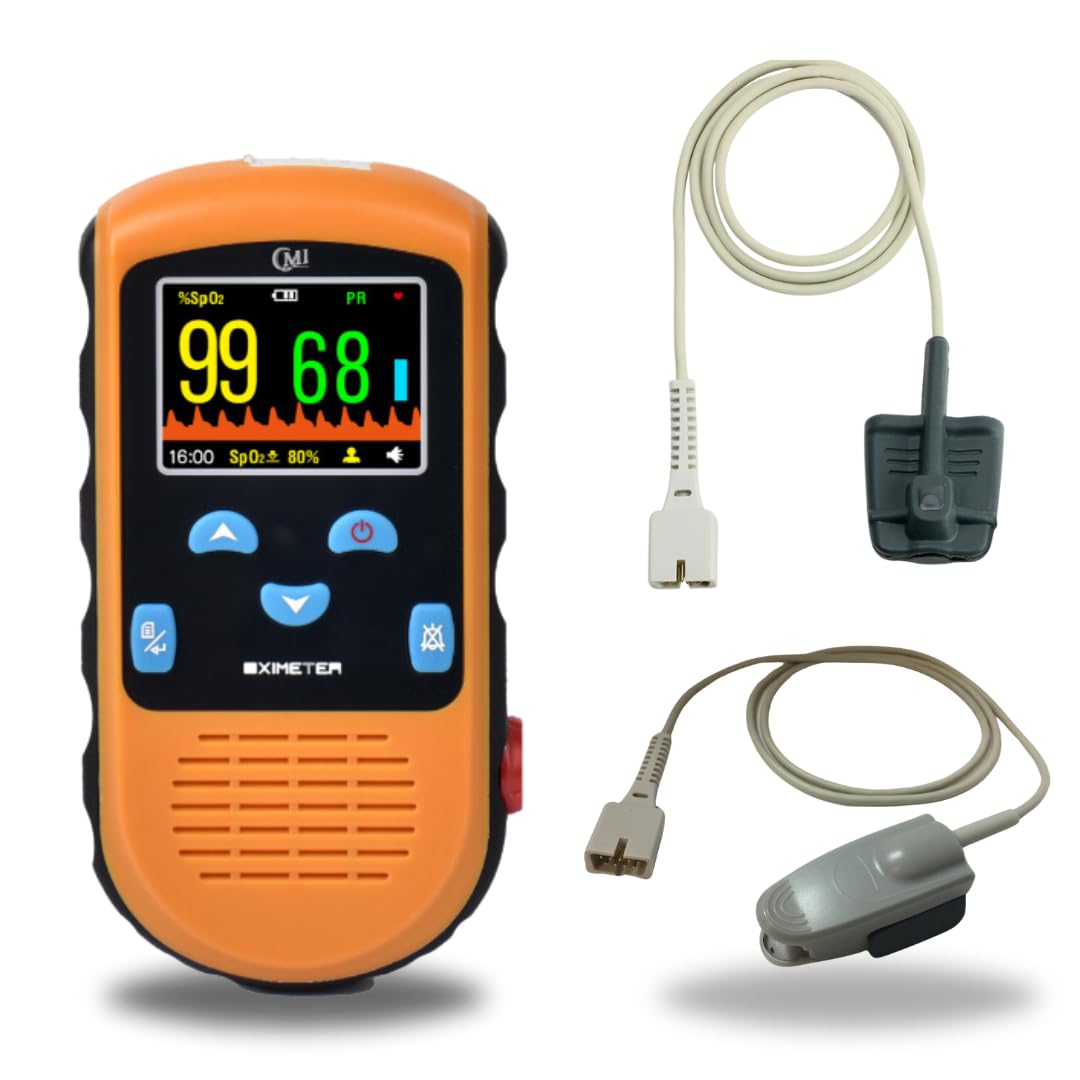
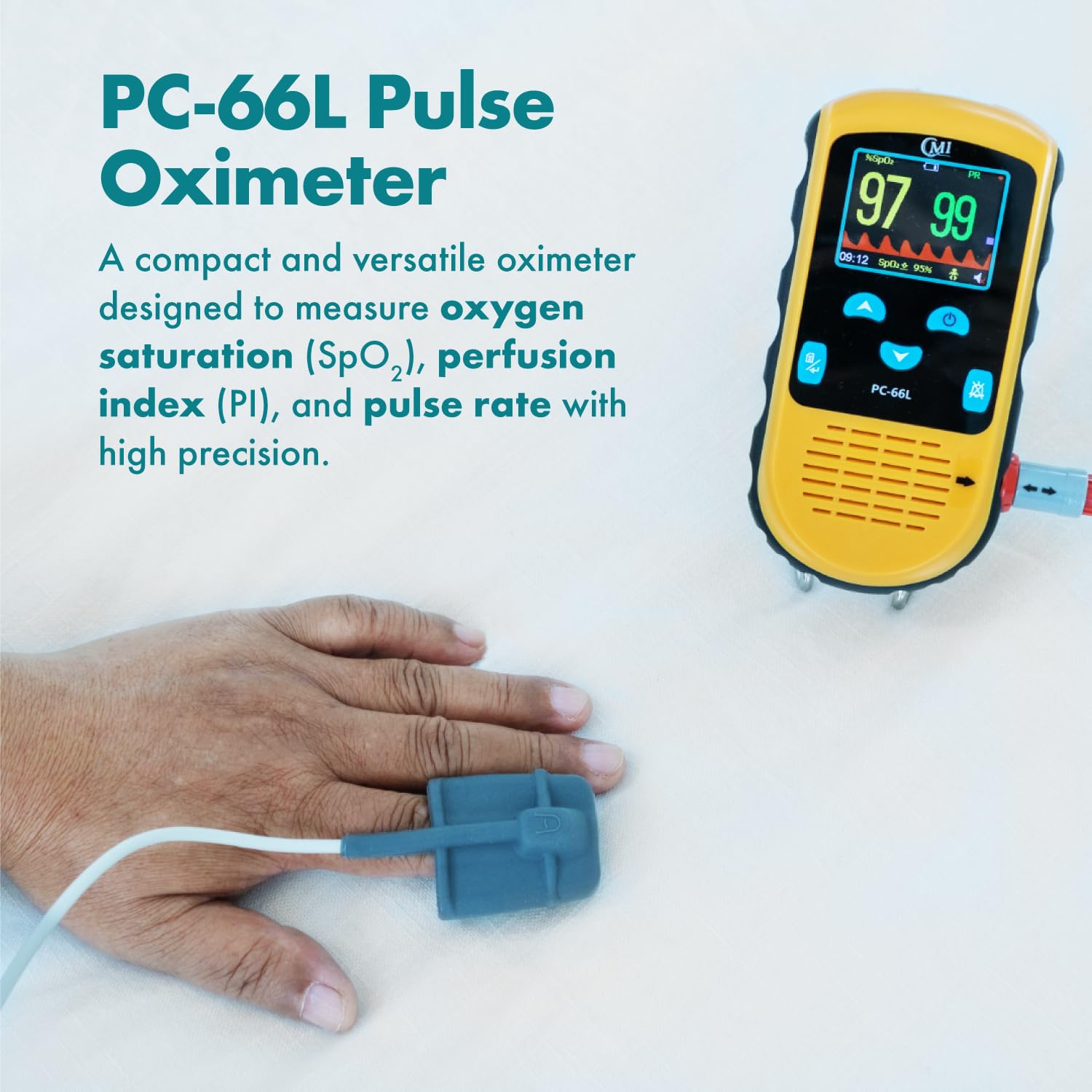
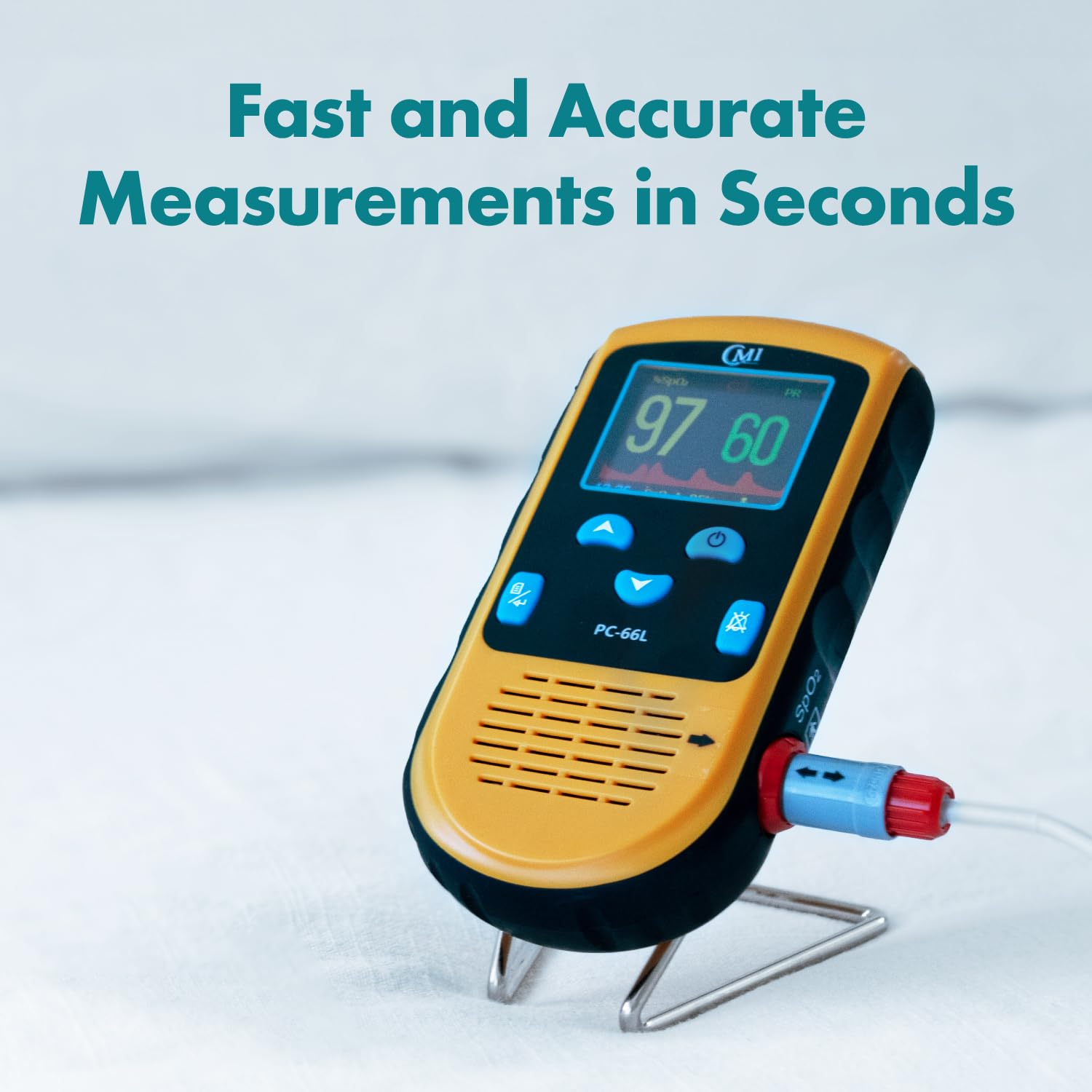
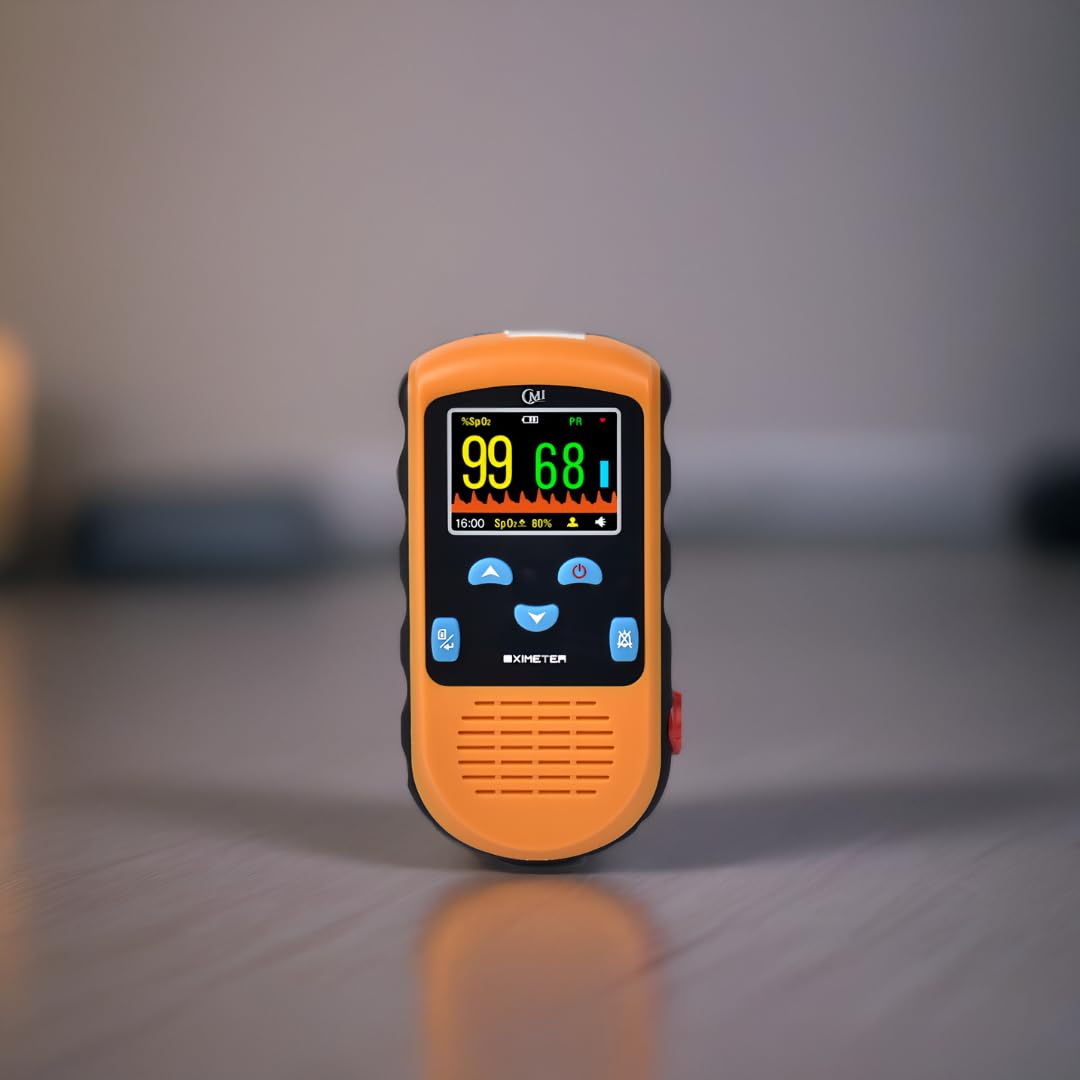
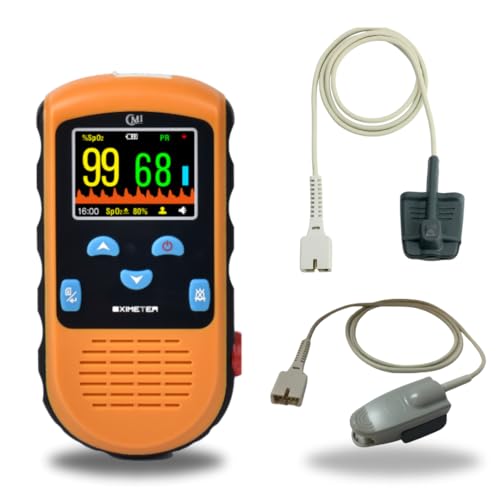
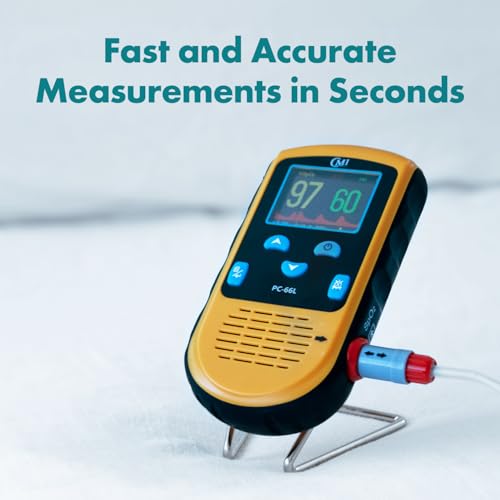
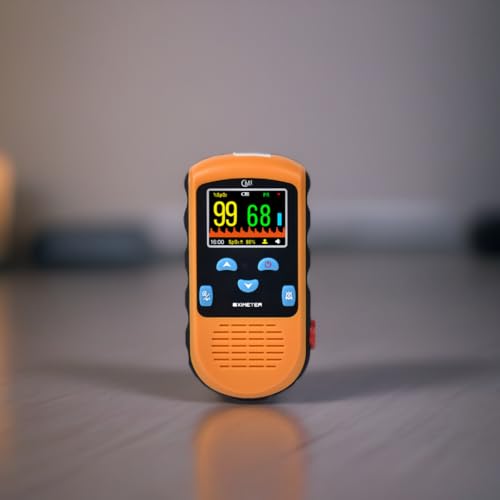
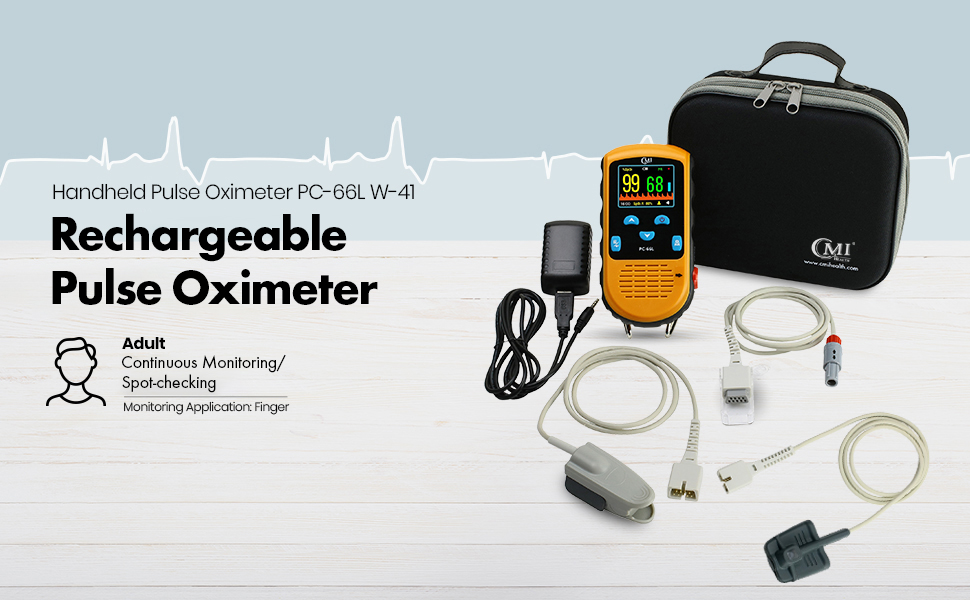
| Model Name | Rechargeable Pulse Oximeter |
|---|---|
| Unit Count | 1 Count |
| Manufacturer | Shenzhen Creative Industry |
| UPC | 850000967014 |
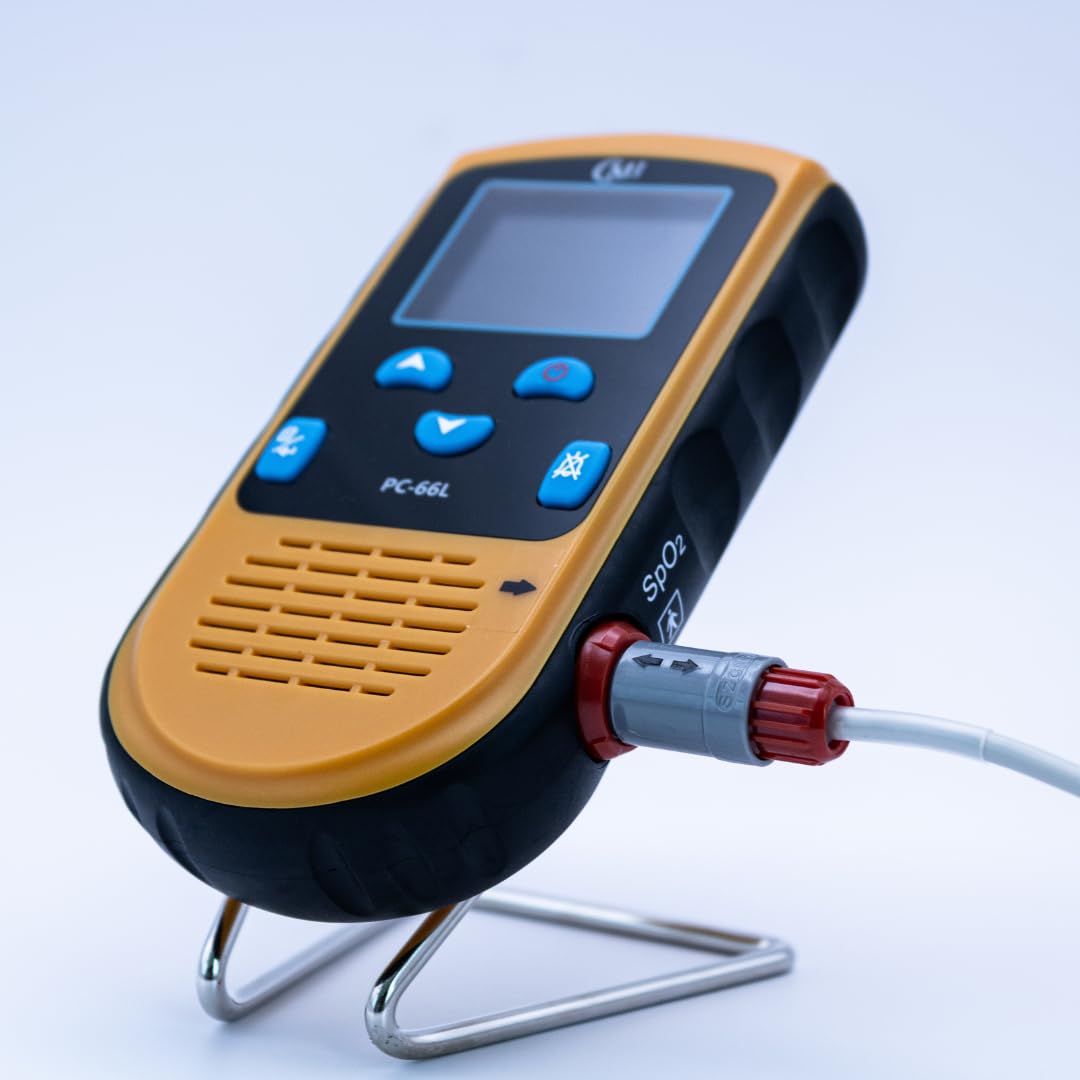
| Part Number | PC-66L W84 |
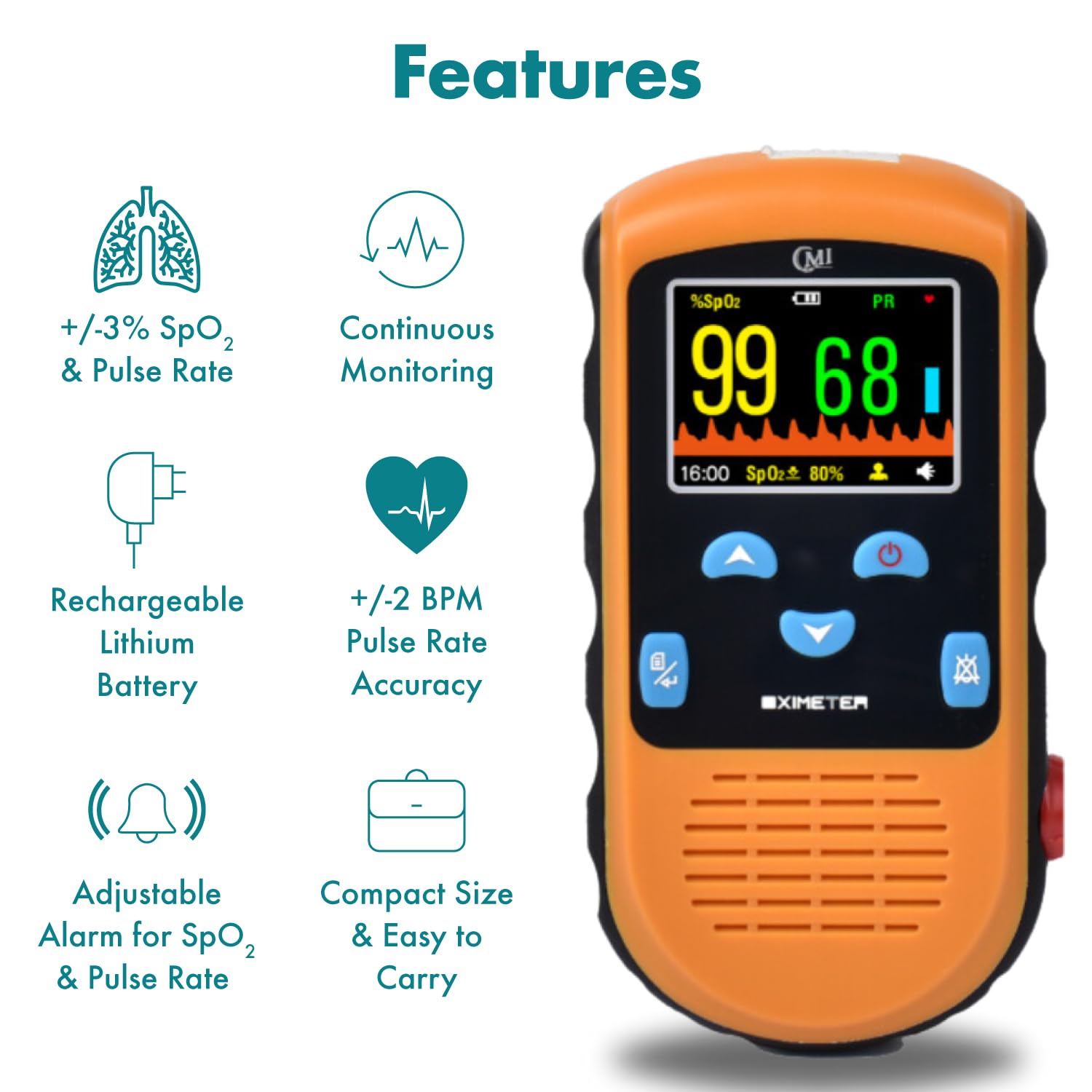
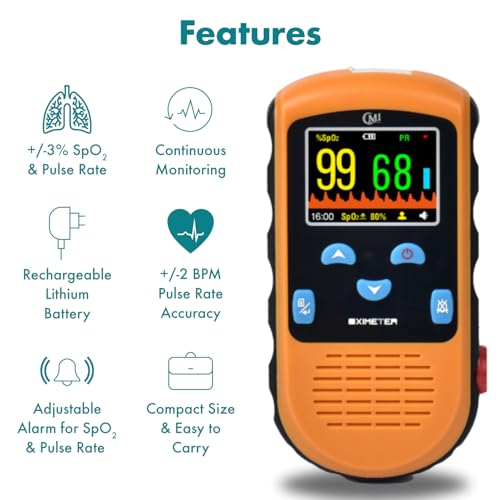
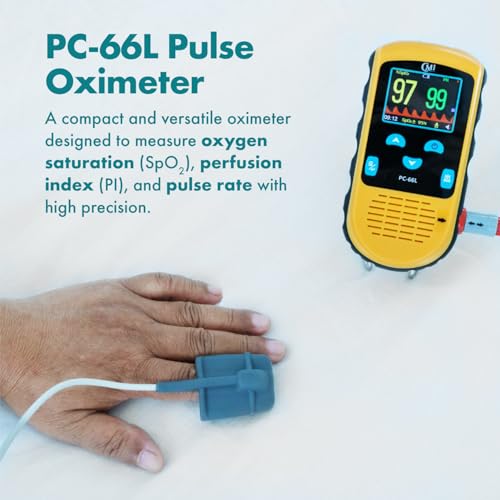
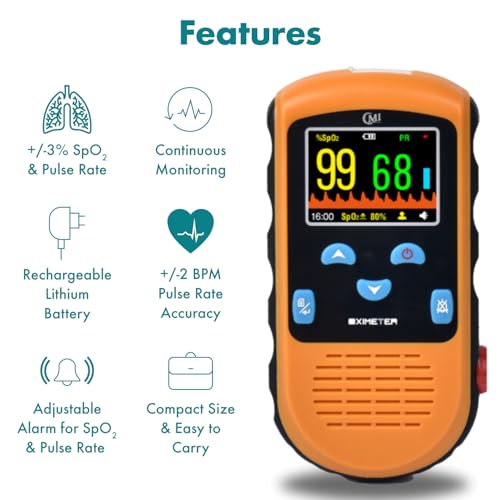
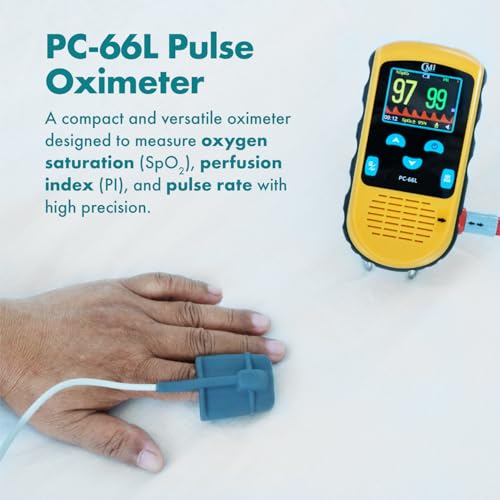
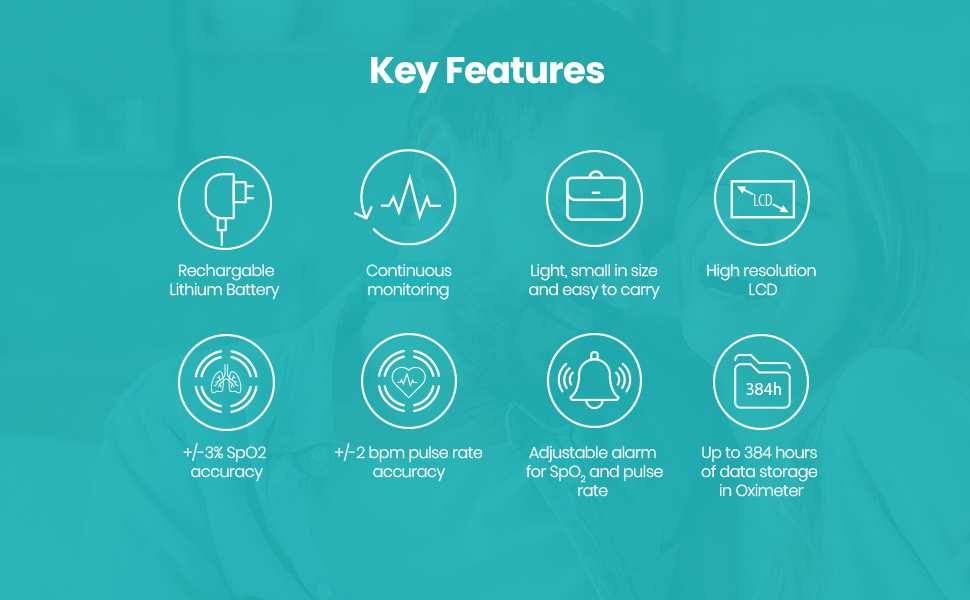
| Measurement Accuracy | +/-3% SpO2 Accuracy |
| Measuring Range | 70% - 100% SpO2 |
| Battery Life | 6 months |
| Color | Grey, Orange, White, White, Black, Orange, Grey |

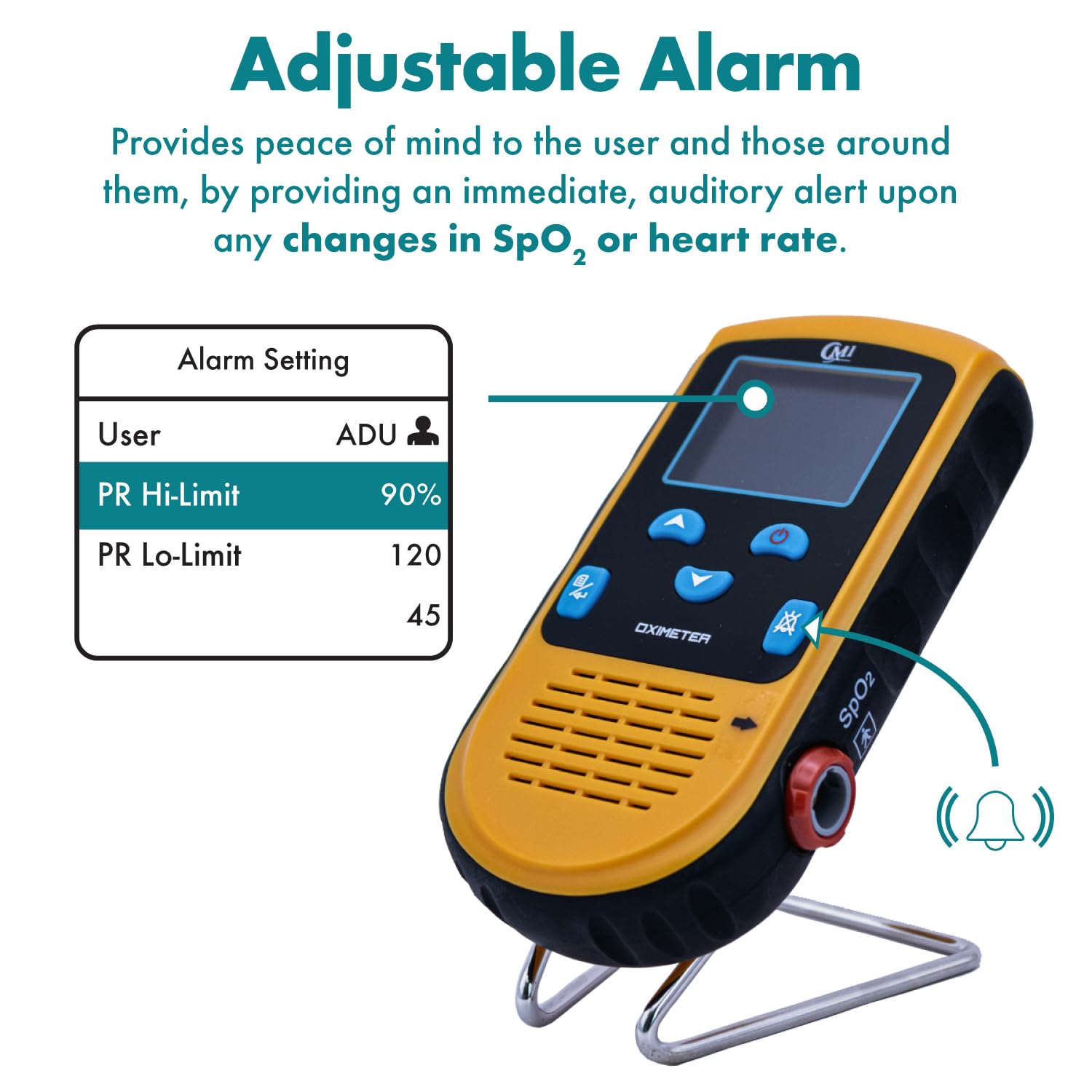
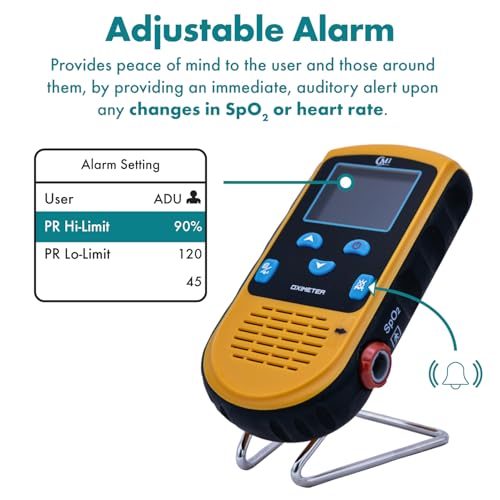
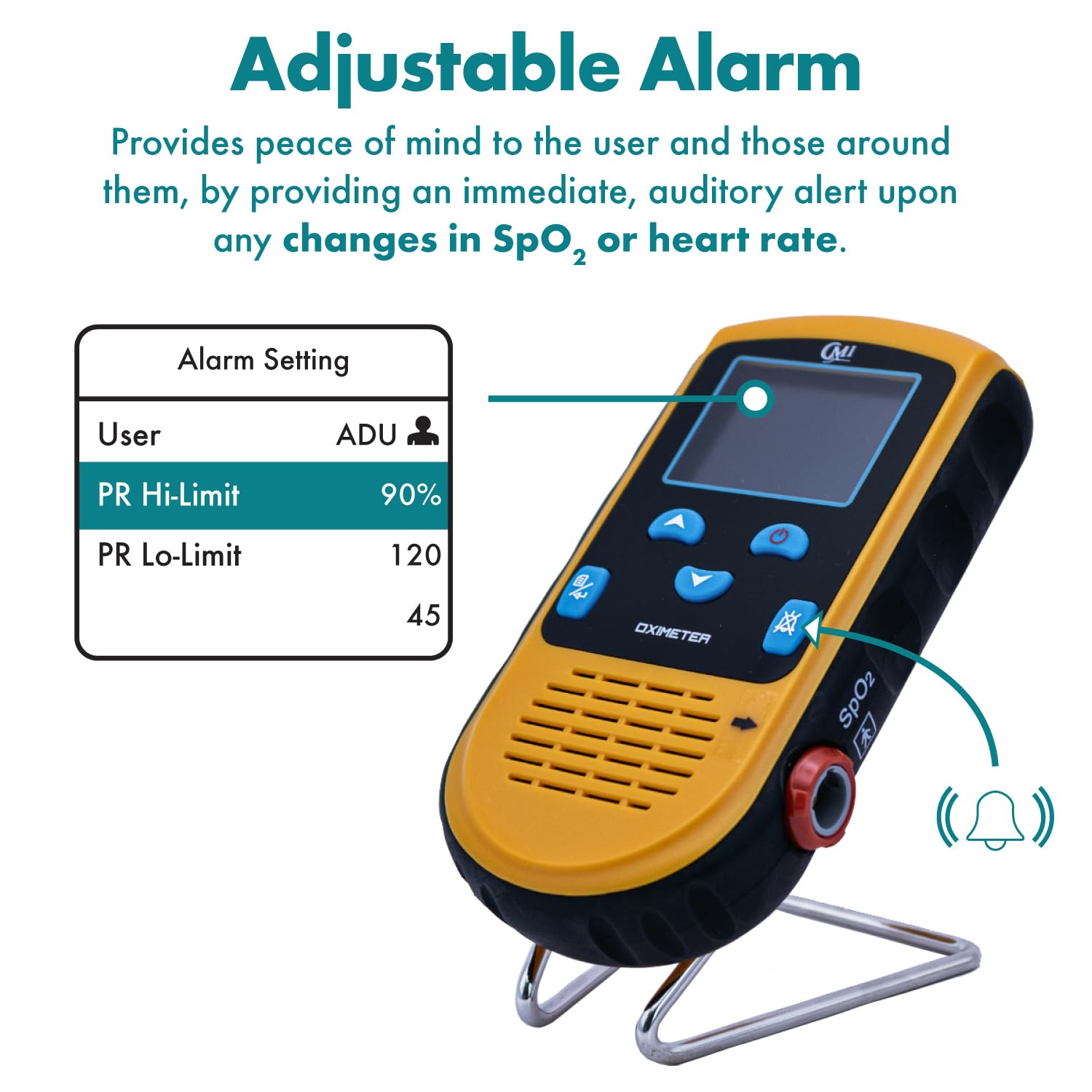
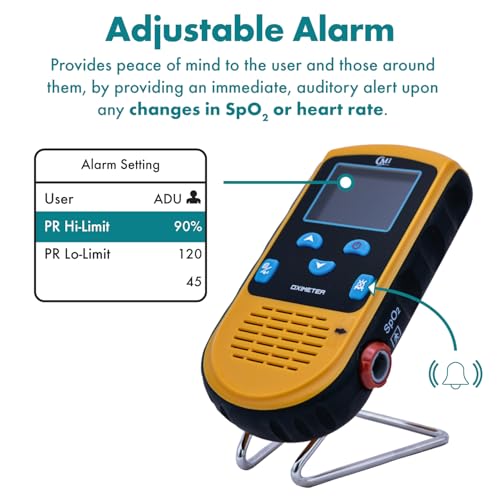
| Why did it unmute? | The device has a built-in Alarm that is designed to go off whenever your probe: a) passes the thresholds you set for pulse/blood oxygen b) becomes detached from your finger or c) is turned off or turned back on again. If the device is making noise after setting it to mute, ensure it is securely connected and that you’re not passing the thresholds you set. |
| What does Check Probe mean? | Your device may give you this warning for a few different reasons. First, make sure that the converter cable and the probe are firmly connected and attached to your finger. After that, check the probe to look for red light coming from the finger receptacle or foot wrap. If it still states “Check Probe” you may have a defective sensor. |
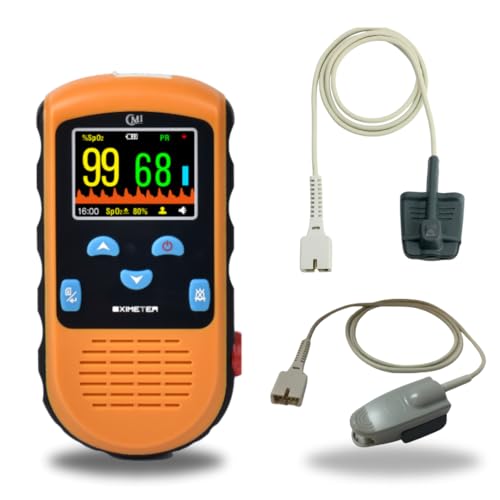
| Can this measure overnight? | Yes, but only with the 84, 75, and 72 continuous sensors. |
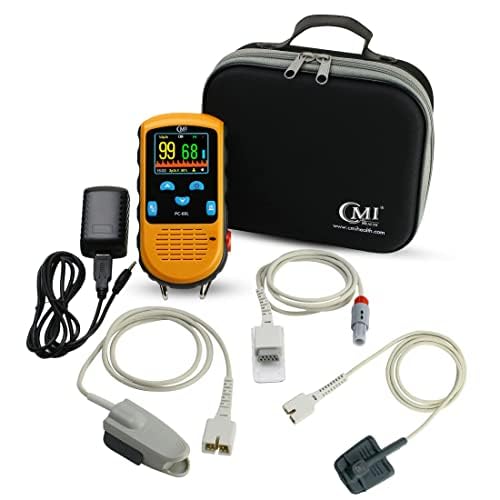
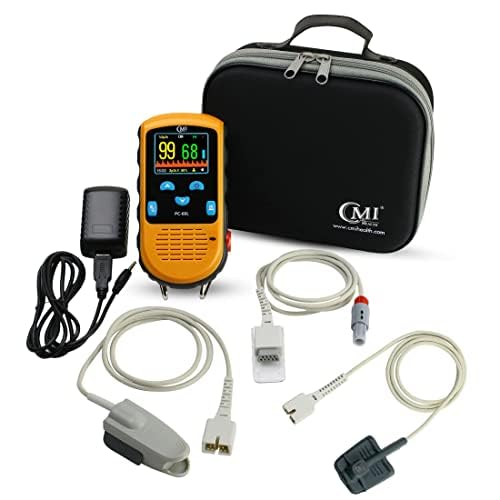
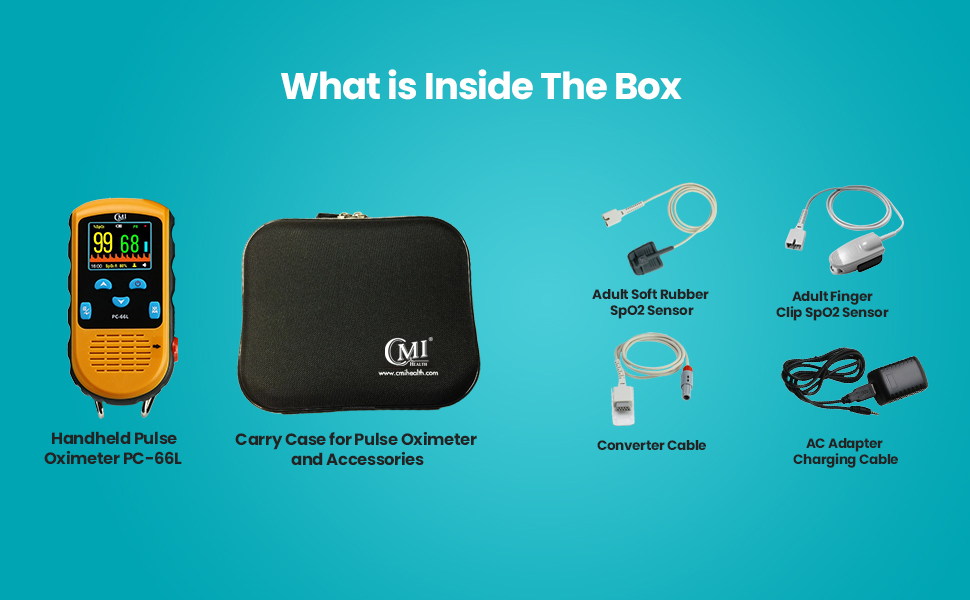
| Why isn’t my device charging? | First, please make sure you are using the appropriate cord to charge your PC-66L. The charging cord is USB-A to Auxiliary or 3.5mm jack. If your device is still not charging, your device or charging cord may be defective. |
| My computer says “COM Error?” | Please ensure you’re using the “Data Cord” designed for your device. This is not the same as the charging cord. Depending on your device the data cord is either USB-A to USB-BMini or USB-A to USB-C. Also, please make sure that you set the device to “Data Upload” mode in the settings menu on your PC-66L. |
| Not fully charged? | When replacing your device's batteries, please ensure you replace all 3 batteries. Do not replace just one or two. |
loading
