




Free worldwide shipping
Free returns
Carbon neutral
Secure payments
| Hardware Interface | 3.5mm Audio, HDMI, MicroSD, USB 3.0 Type C |
|---|---|
| Video Capture Resolution | 1080p |
| Antenna Location | Footage Collection, Gaming Capture, Image Capture, Online Video Recording, Video Recording |
| Other Special Features of the Product | 4K@60FPS Passthrough, Dual Input, Loop Recording, Official App Included, Recording Scheduler |
| Platform | No Operating System |
| AV Output | MPEG-4 |
| Compatible Devices | Gaming Console, Personal Computer, Smartphone, Tablet |
| Item Weight | 2.4 ounces |
| Item Dimensions | 4.2 x 2.4 x 0.7 inches |
| Model Name | RecDual |
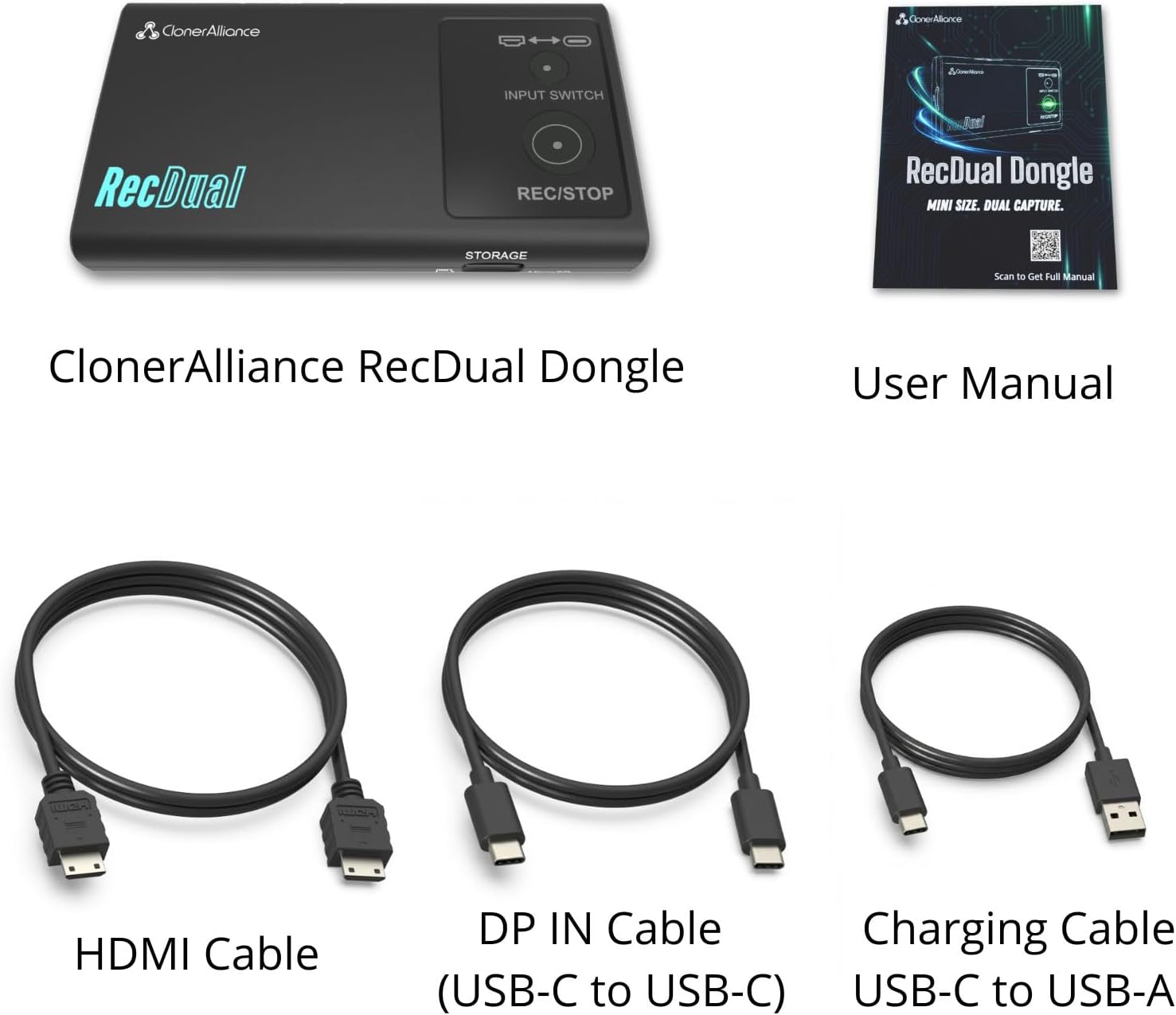
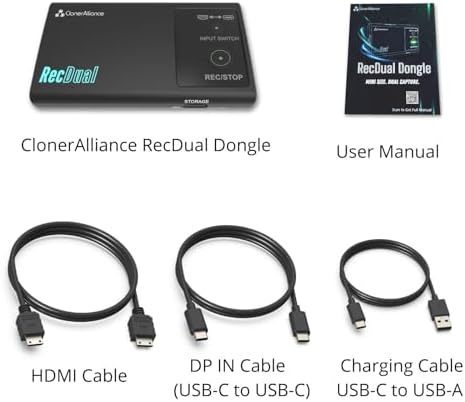
| Built-In Media | Charging Cable, DP in Cable, HDMI Cable, Installation Guide |
| Model Number | CA-1290 |
| Manufacturer | ClonerAlliance |
| Warranty Description | 2 Year Manufacturer |
| Recommended Uses For Product | Footage Collection, Gaming Capture, Image Capture, Online Video Recording, Video Recording |
| Special Feature | 4K@60FPS Passthrough, Dual Input, Loop Recording, Official App Included, Recording Scheduler |
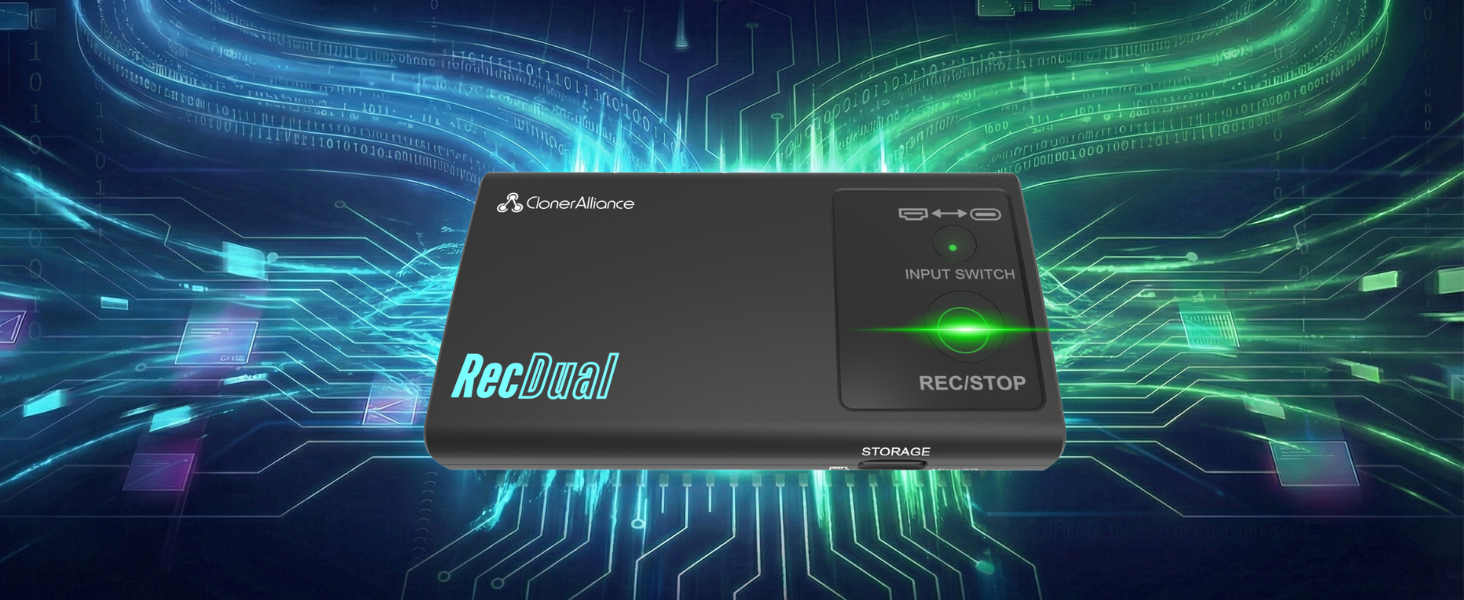
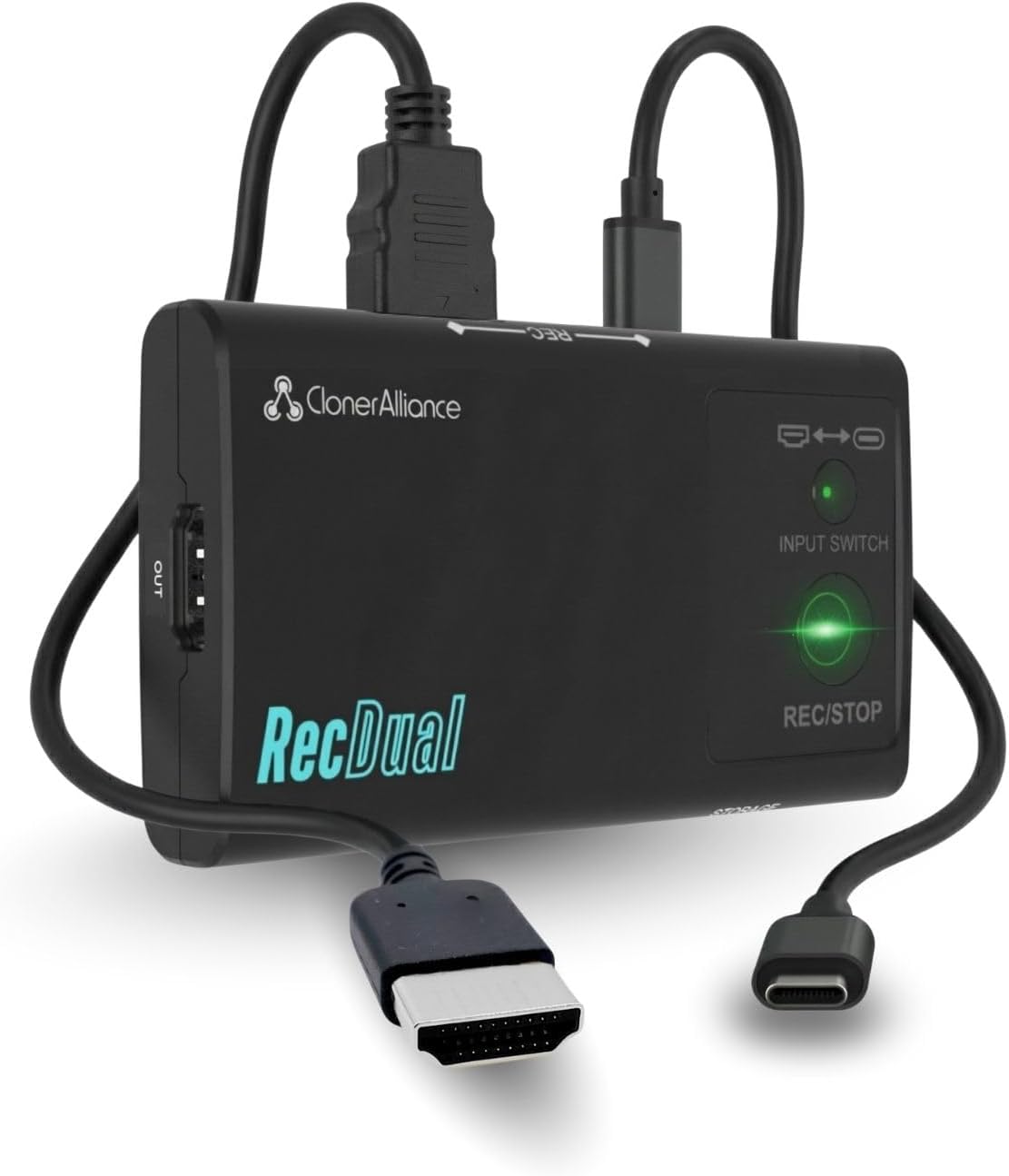
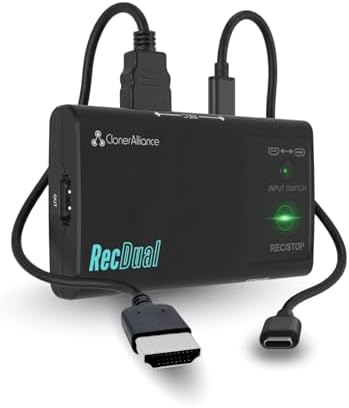
RecDual Dongle captures video from HDMI or USB-C DP sources directly to MicroSD card. No PC needed, no drivers required. Features 1080P@60fps recording, 4K@60 passthrough, loop recording, and 65W pass-through charging. Pocket-sized design for gaming, content creation, meetings, and more.
Forget complicated capture cards and software setups. Connect your source, press REC, and let it run. 4K@60 passthrough keeps your display quality perfect while capturing 1080P@60fps footage. Loop recording ensures non-stop capturing even when storage is full.
Hardware Encoding
Standalone hardware encoding puts zero load on your device. Game and record with no lag or stutter.
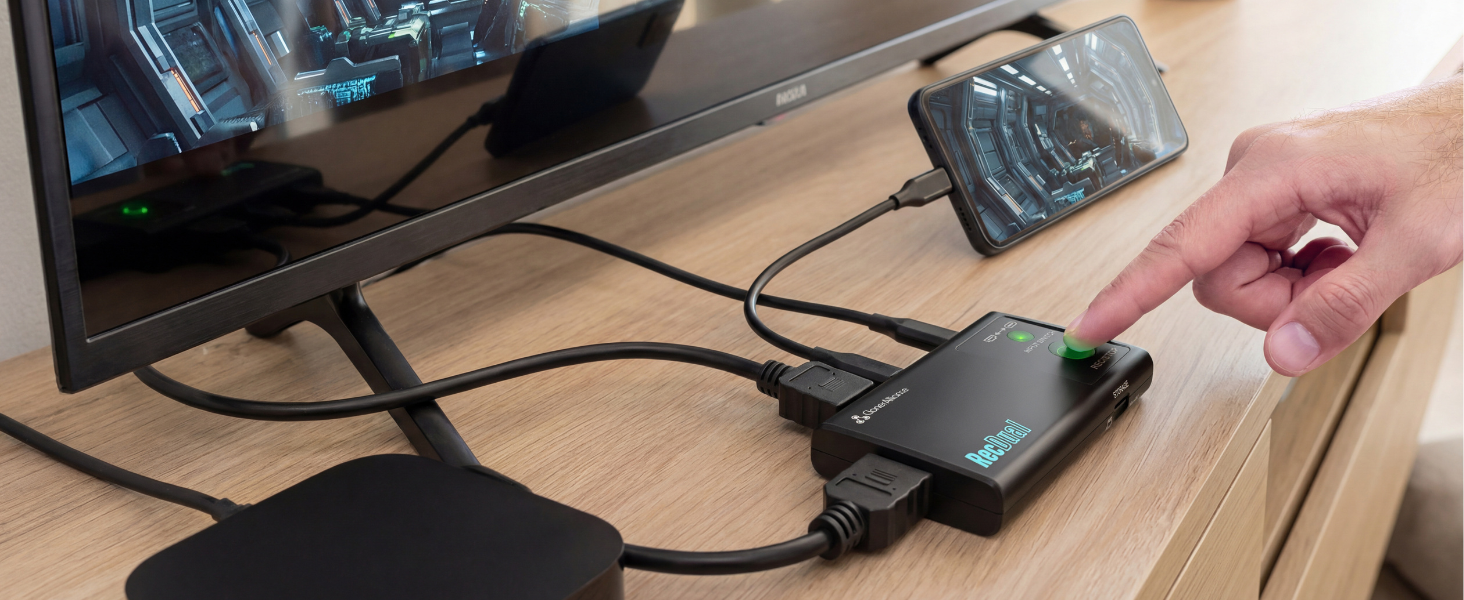
HDMI + USB-C DP
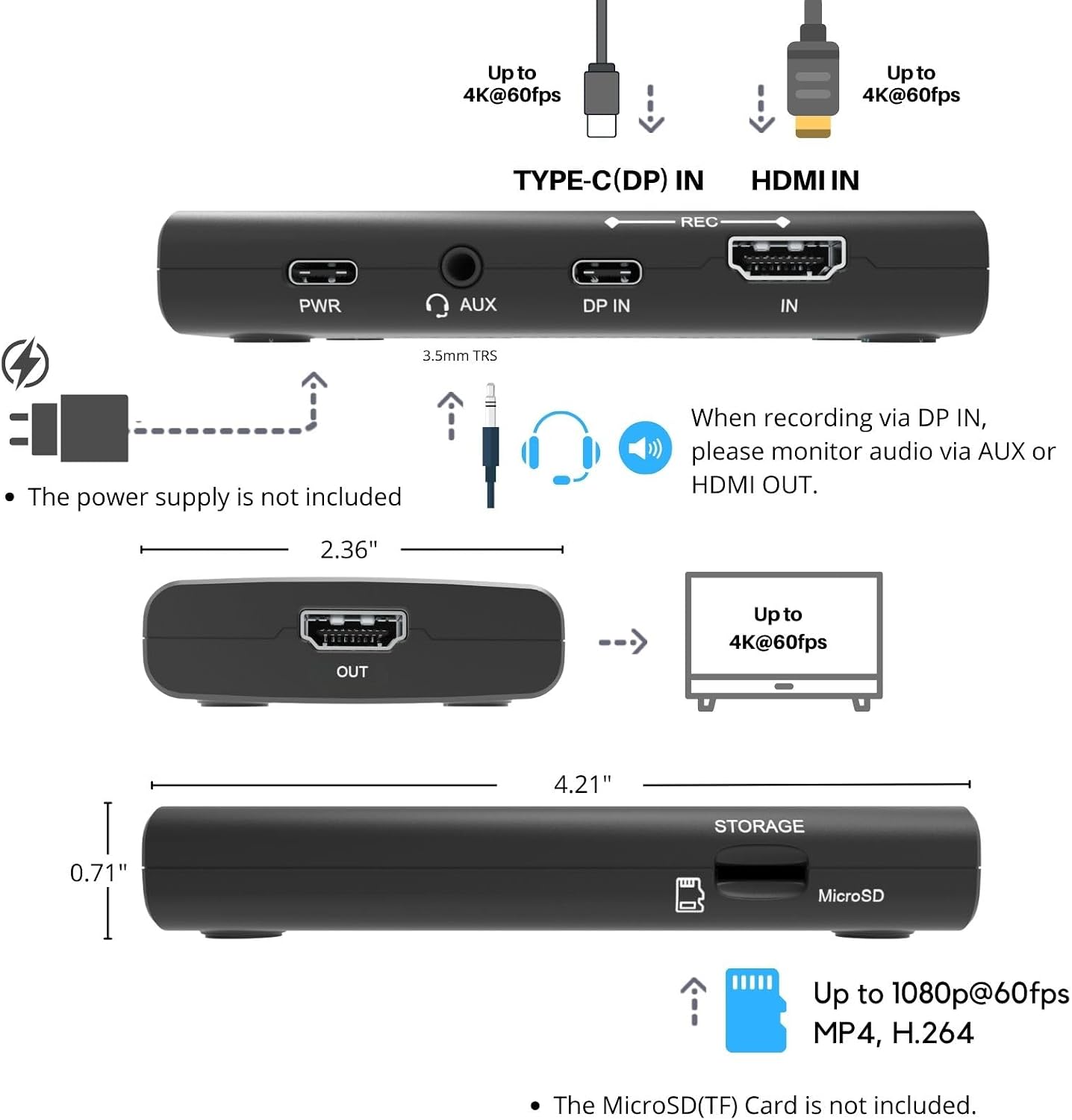
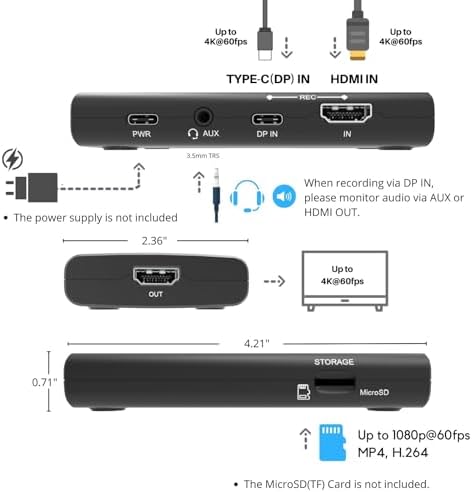
Switch between HDMI and USB-C DP with one button. Record consoles, phones, laptops, and cameras.
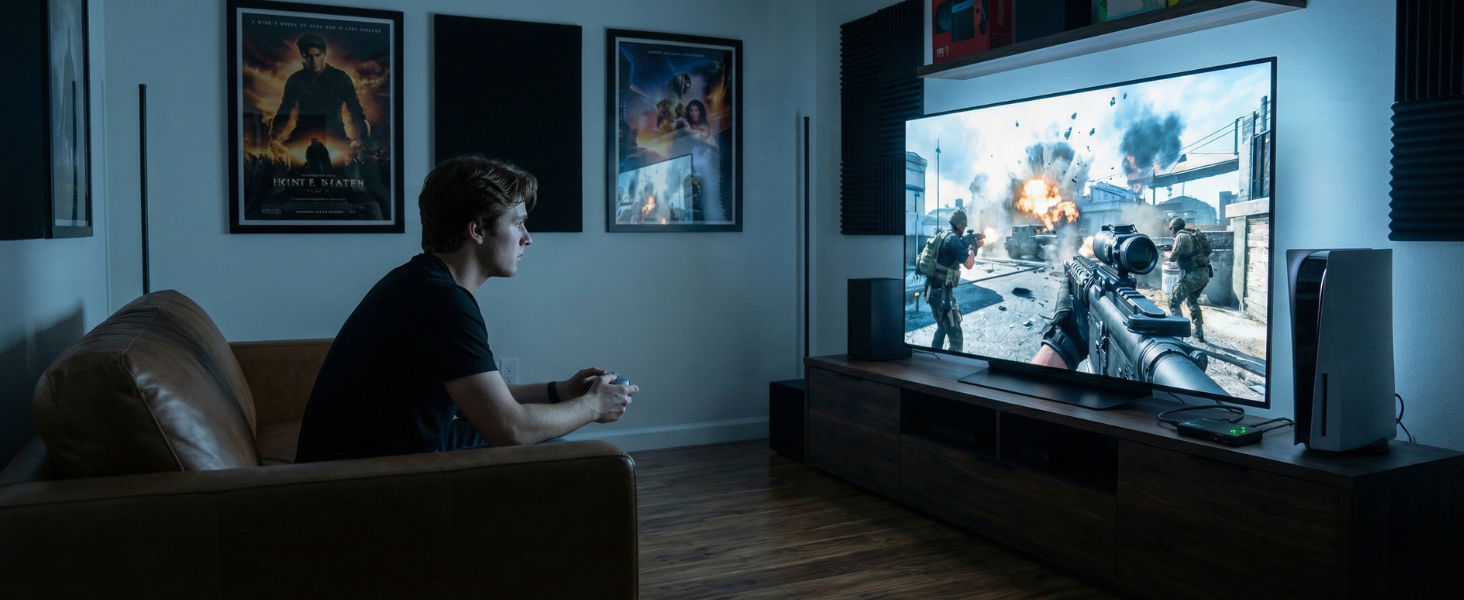
Play in 4K
4K@60fps passthrough to your TV while capturing 1080P@60fps. No quality compromise on your display.
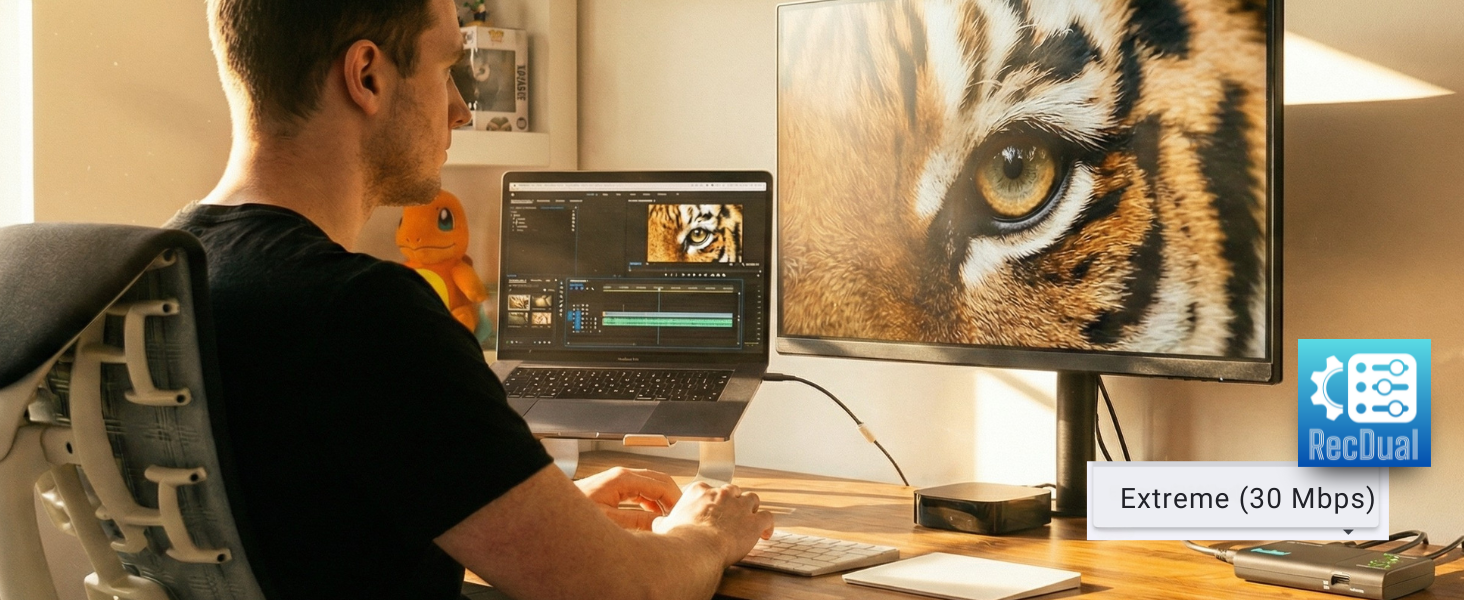
Up to 30Mbps
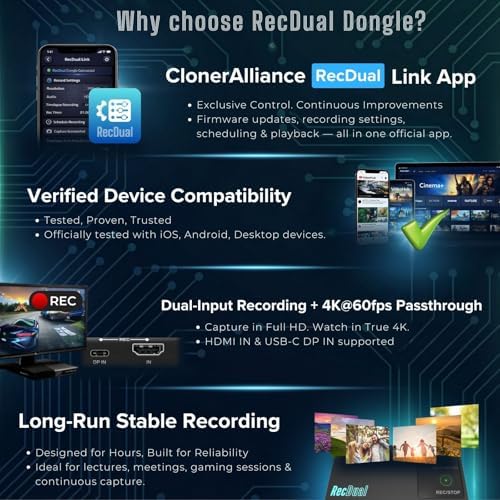
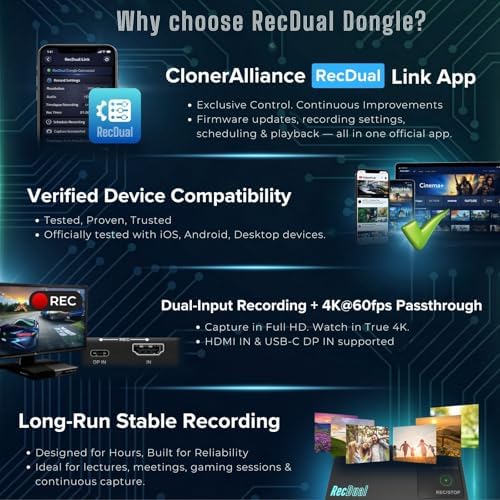
H.264/AVC encoding at up to 30Mbps delivers crisp footage. Easily set by using RecDual Link App.
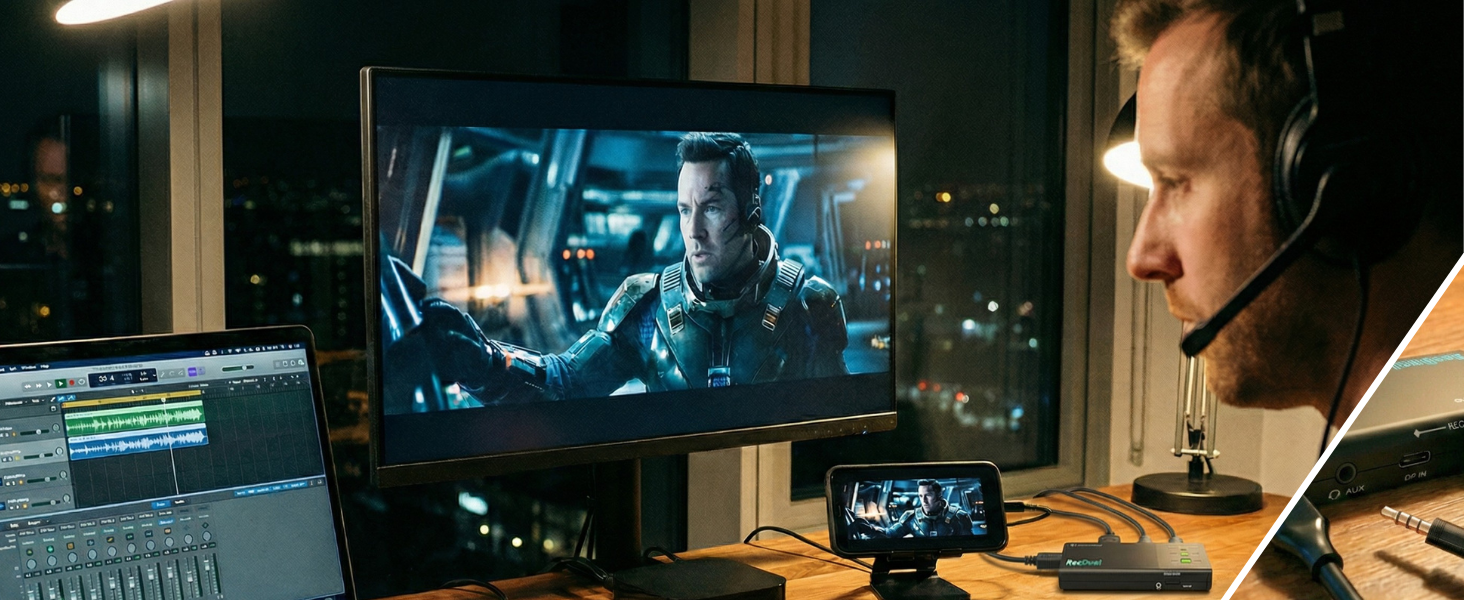
Mic In / Audio Out
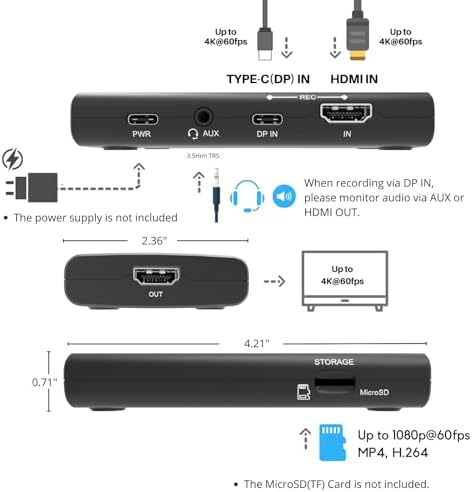
Use AUX IN for mic input or audio output, you can mix commentary or monitor sound while recording.
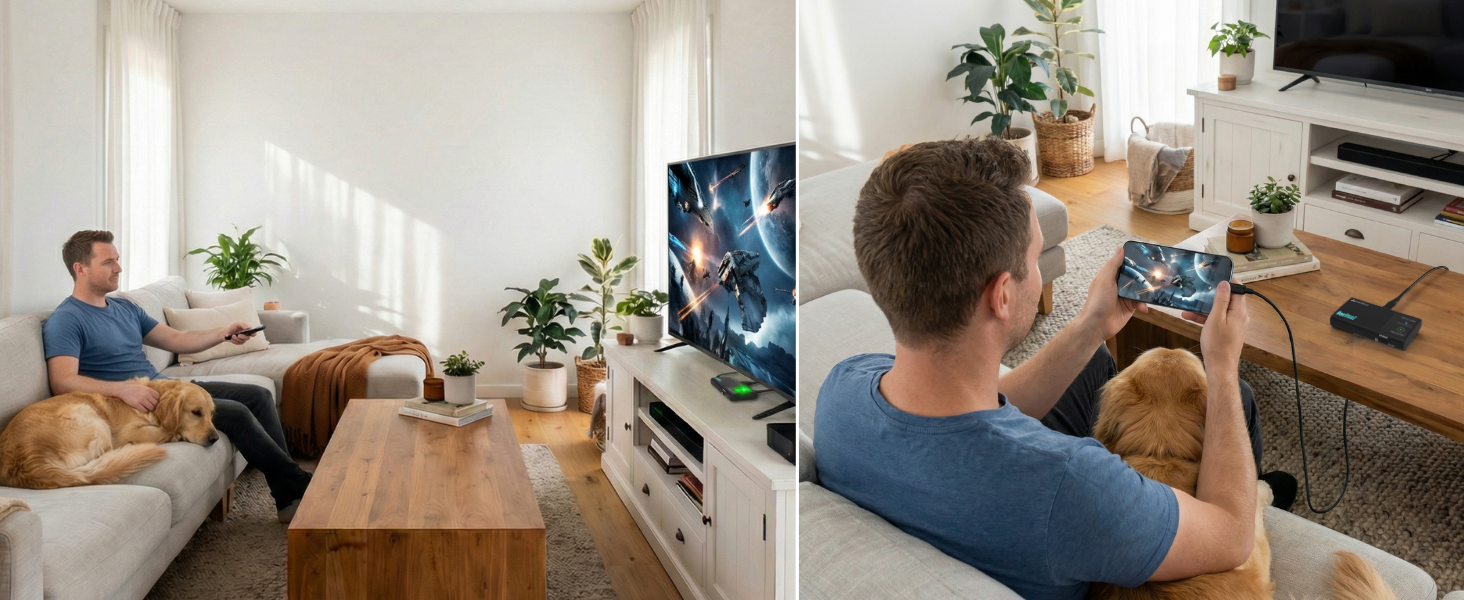
Instant Playback Mode
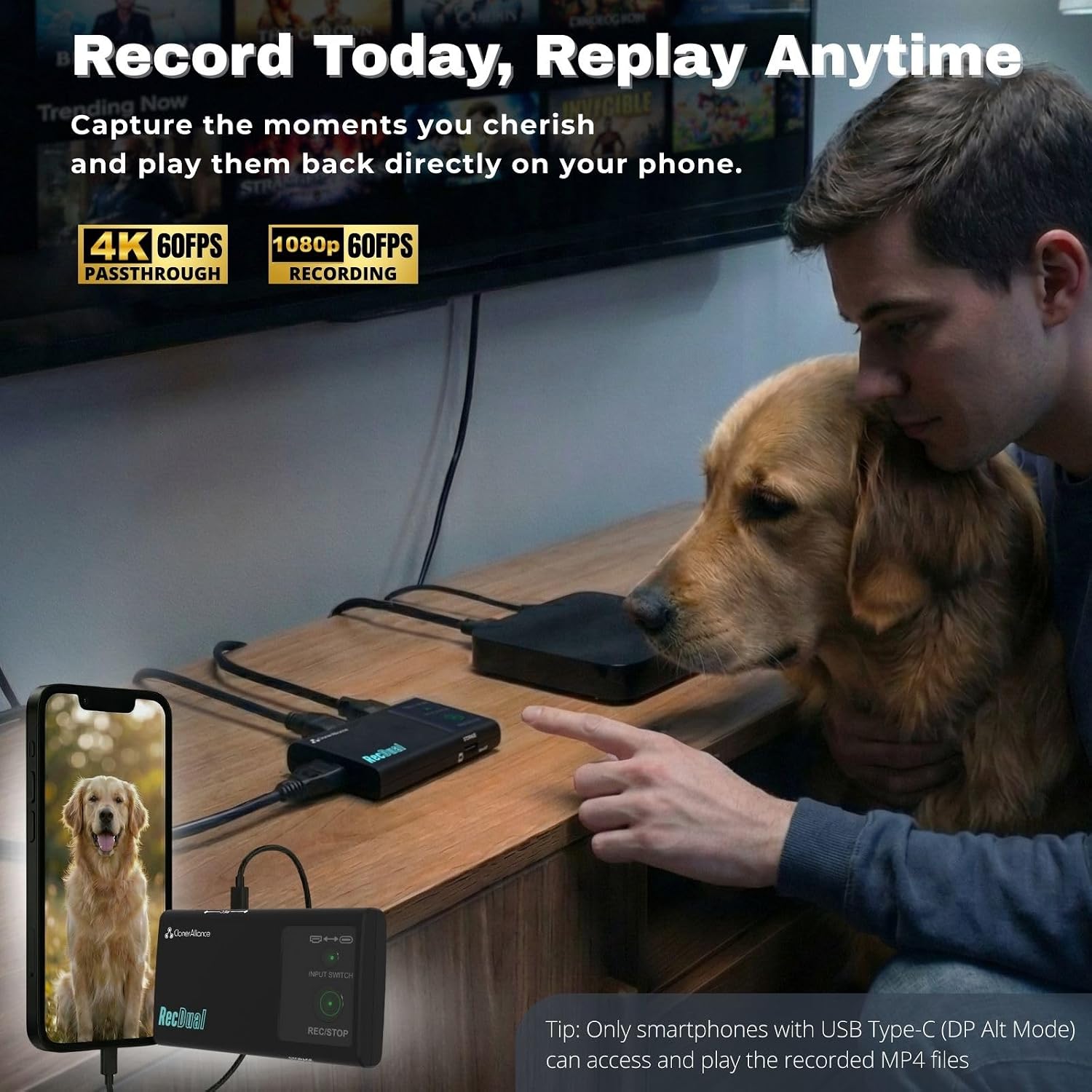
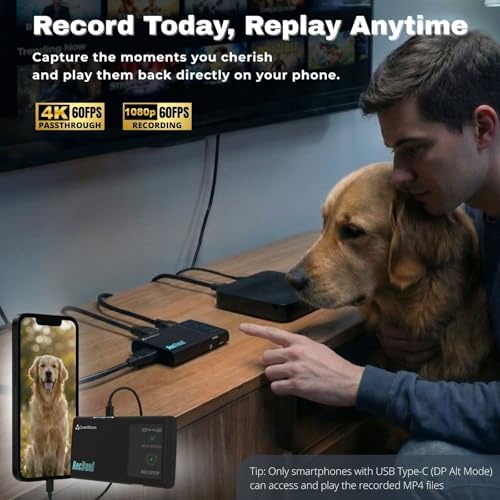
It can be used as an external storage device. Don’t need to transfer MP4 files for playing anymore.
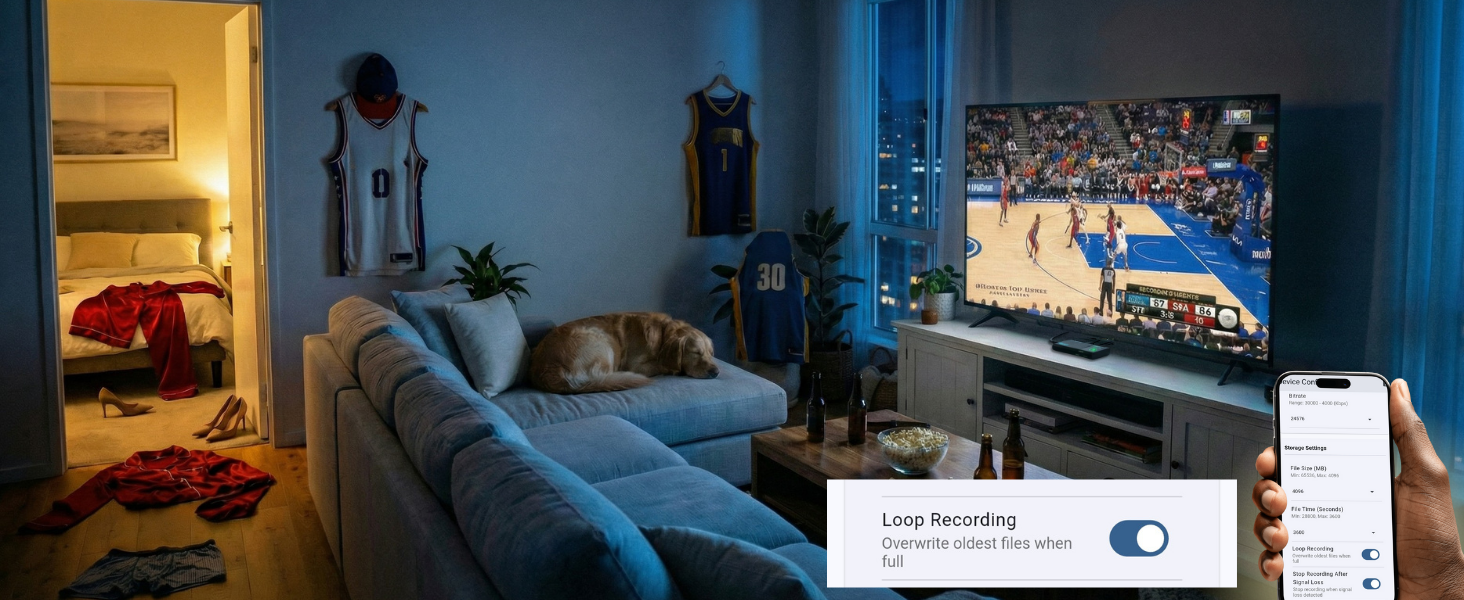
Never Miss a Moment
Enable loop recording. Auto-overwrites oldest files when full — capture every highlight hands-free.
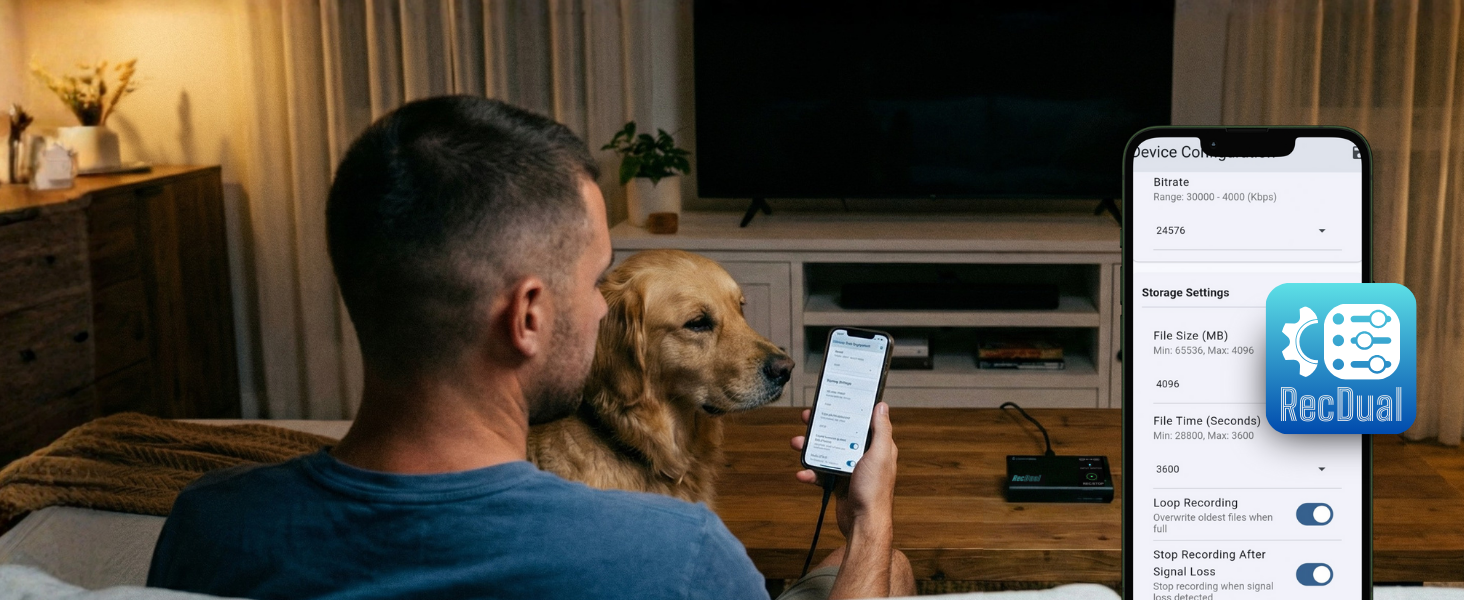
Full Control
Configure recording, adjust settings, update firmware, manage files — all from the RecDual Link app.
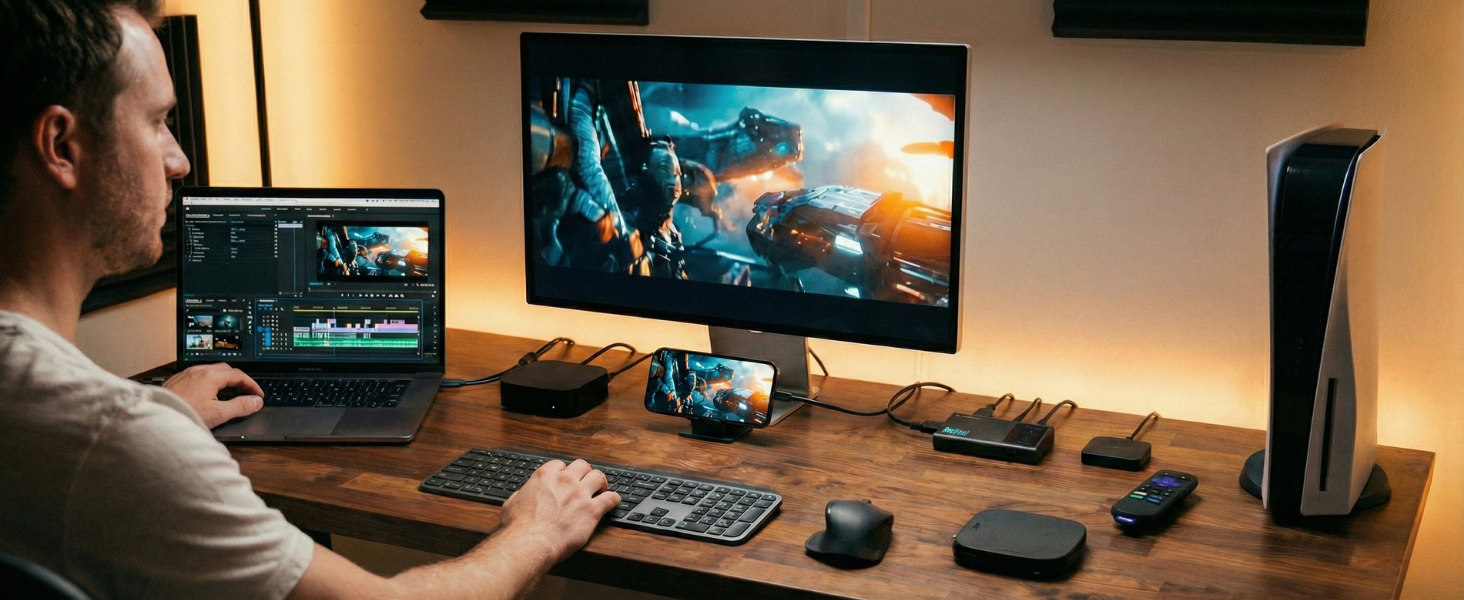
Edit-Ready Footage
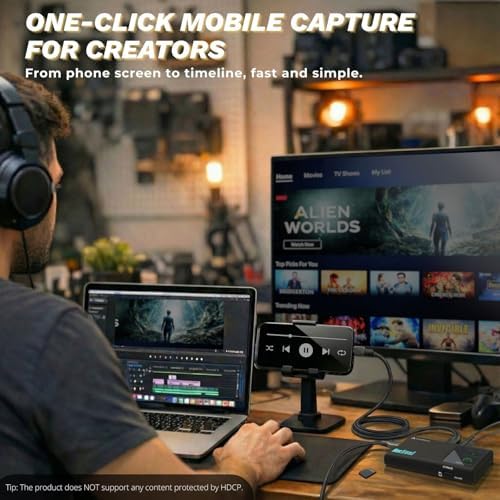
Consoles, phones, laptops — record from any source and import MP4 files straight to your editor.
| Maximum Recording Resolution | 1920x1080@60fps |
| Video Passthrough | Up to 4K@60fps passthrough |
| Input Interfaces | HDMI and USB Type-C (DP Alt Mode) |
| Video Encoding Bitrate | Up to 30Mbps |
| Audio Encoding Bitrate | 192Kbps (AAC, 48Khz) |
| Passthrough Latency | Less than 20ms |
| Encode Formats | H.264/AVC only |
| Color Space | YUV 4:2:0, 8-bit |
| Storage Media | TF Card(MicroSD) |
| Power Input | USB-C (PD 2.0), 65W pass-through charging |
| Audio Input | AUX (3.5mm, MIC/LINE compatible) |
| Supported OS -RecDual Link App | Windows, Android, iOS |
Does RecDual Dongle record 4K video?
It supports 4K@60 passthrough to HDMI OUT, and records up to 1080p@60 to the TF card.
Why is my phone/laptop speaker muted during recording?
Audio is routed through the capture path. Use the 3.5mm AUX port for headphones/speakers, or listen from the TV via HDMI OUT.
My phone asks to format the TF card when connected—what should I do?
Insert the TF card into RecDual Dongle first, then connect the phone via USB Type-C DP. This avoids the system format prompt and keeps recording files intact.
Why doesn’t a TF card formatted by my phone work?
Some phones create non-standard partitions. Format the TF card on a Windows PC or a Mac (standard exFAT/FAT32) before use for best compatibility.
Can the Type-C power port charge every phone?
The power port supports PD charging. If your device uses a different fast-charge protocol, charging may be limited; recording and passthrough still work normally.
loading
