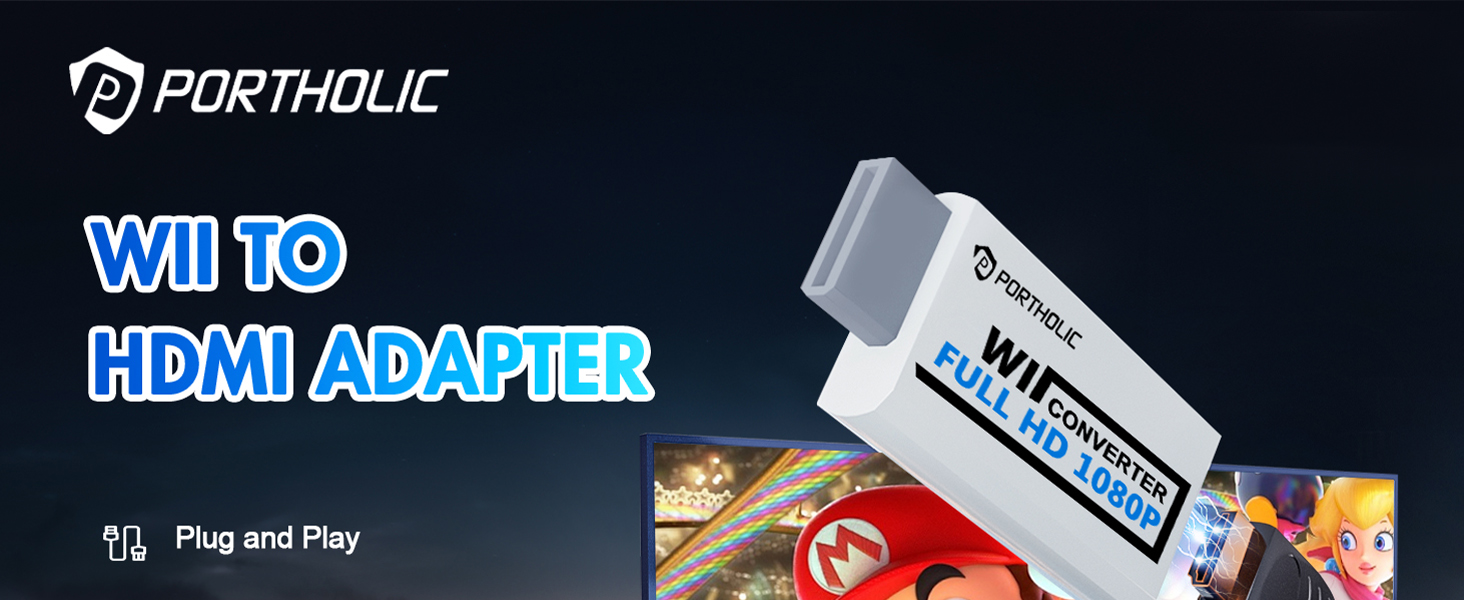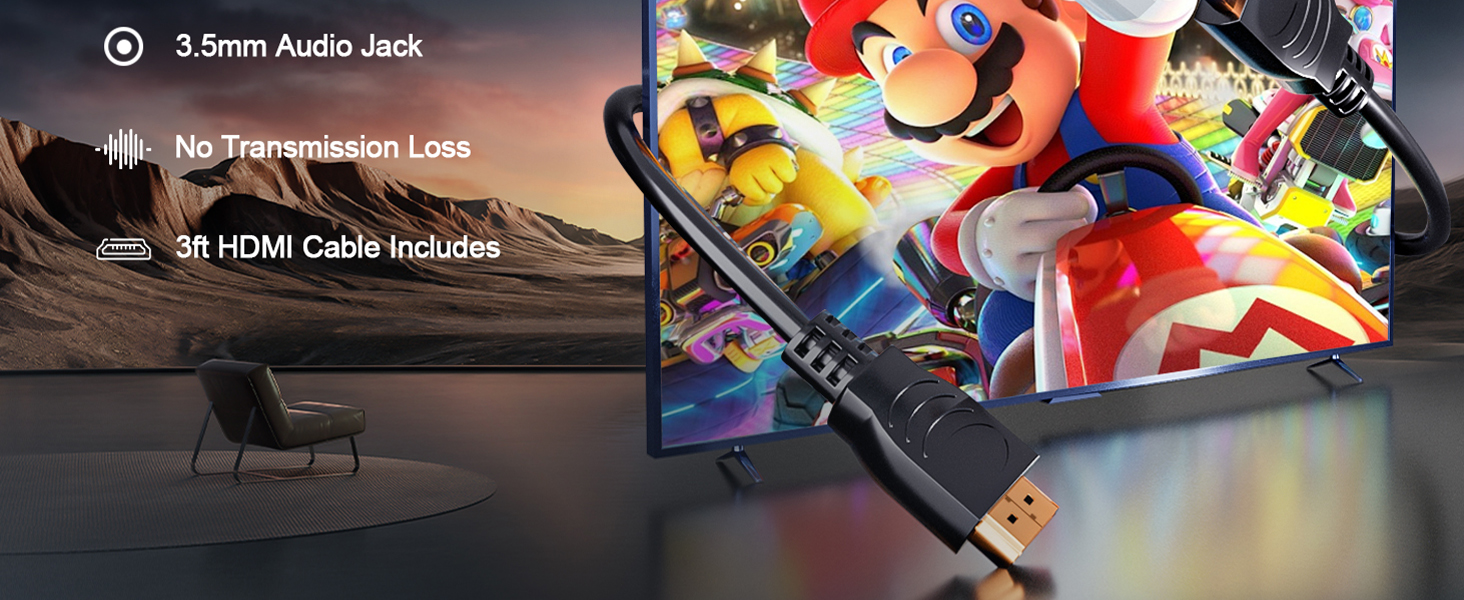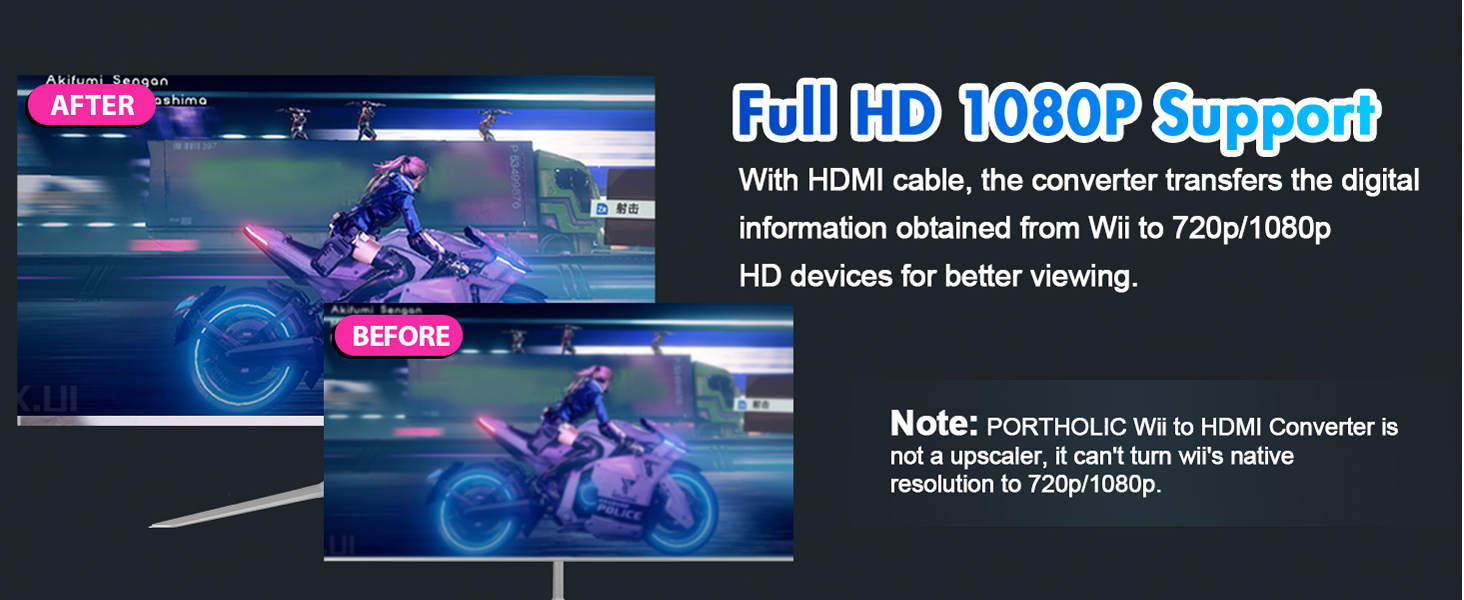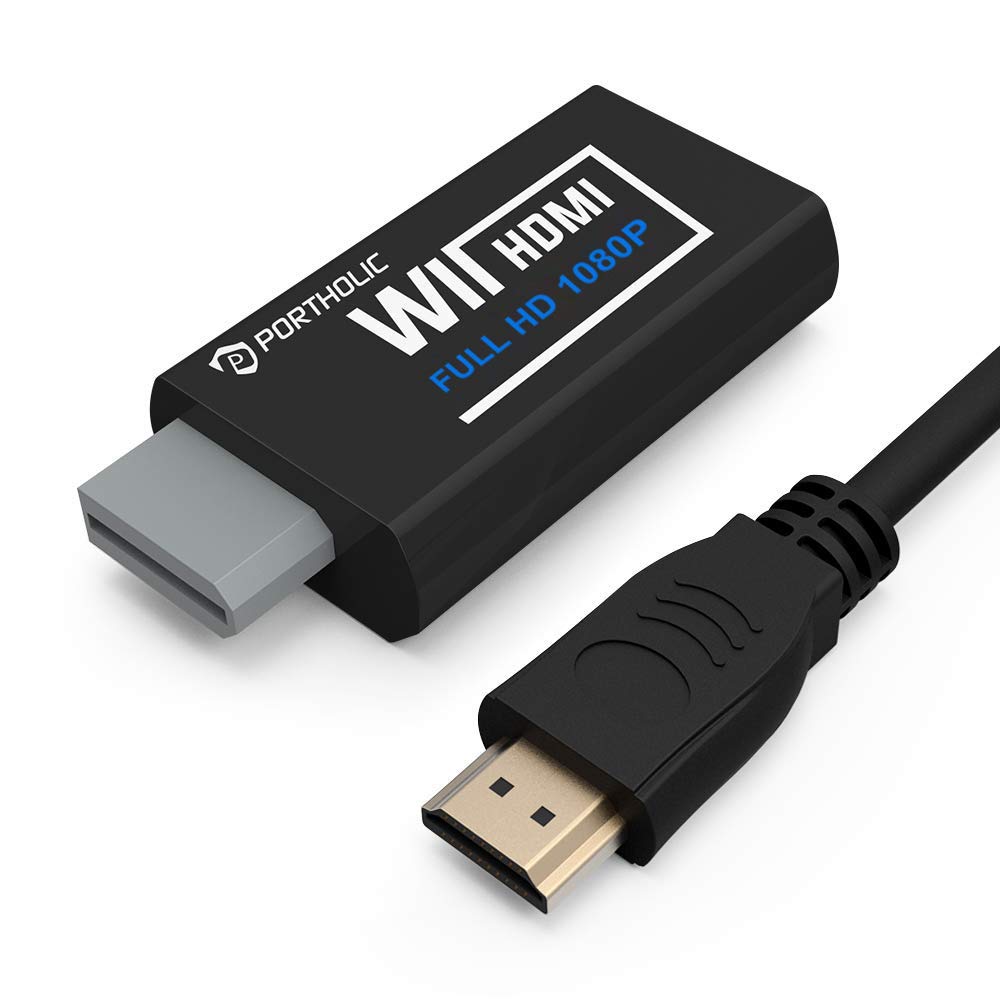
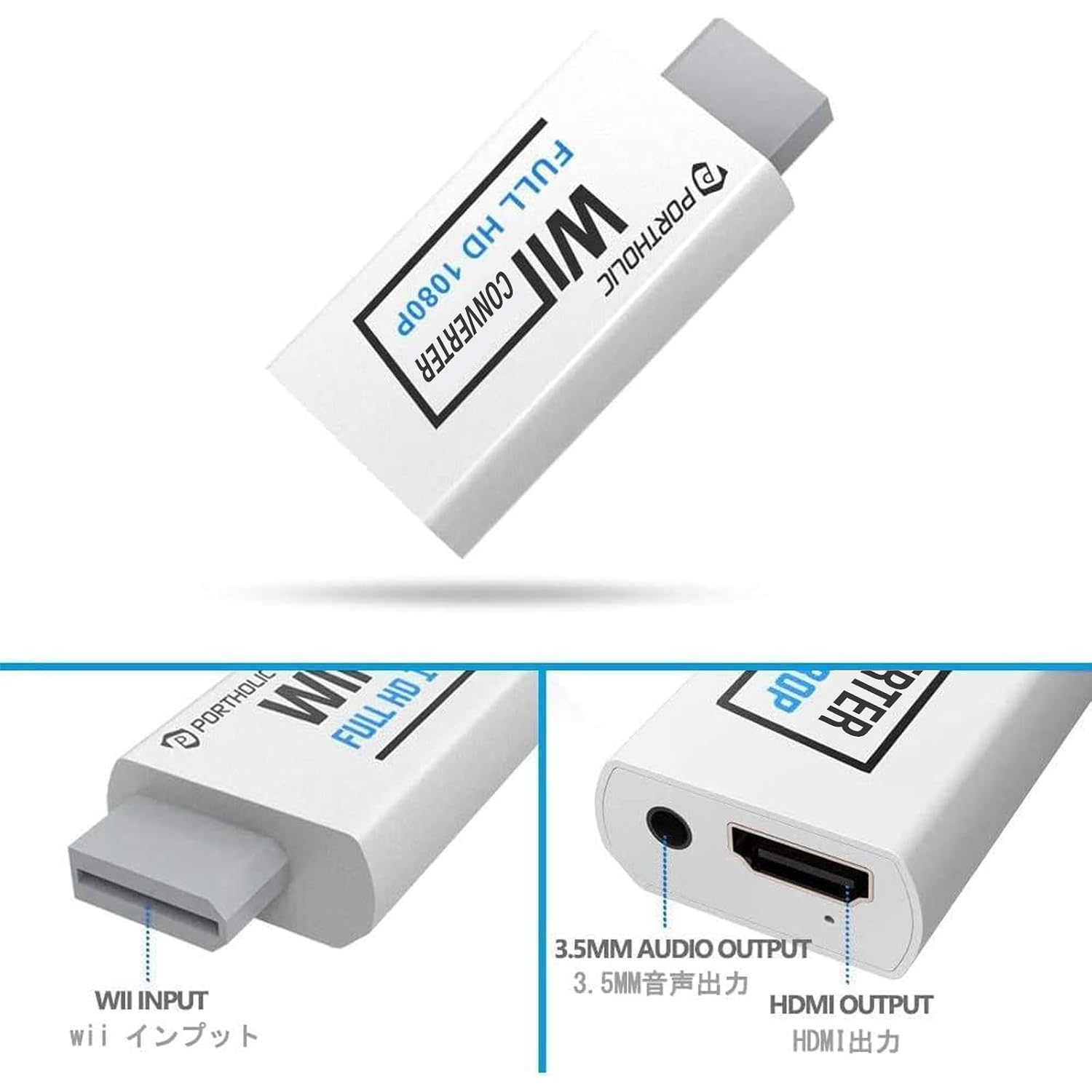
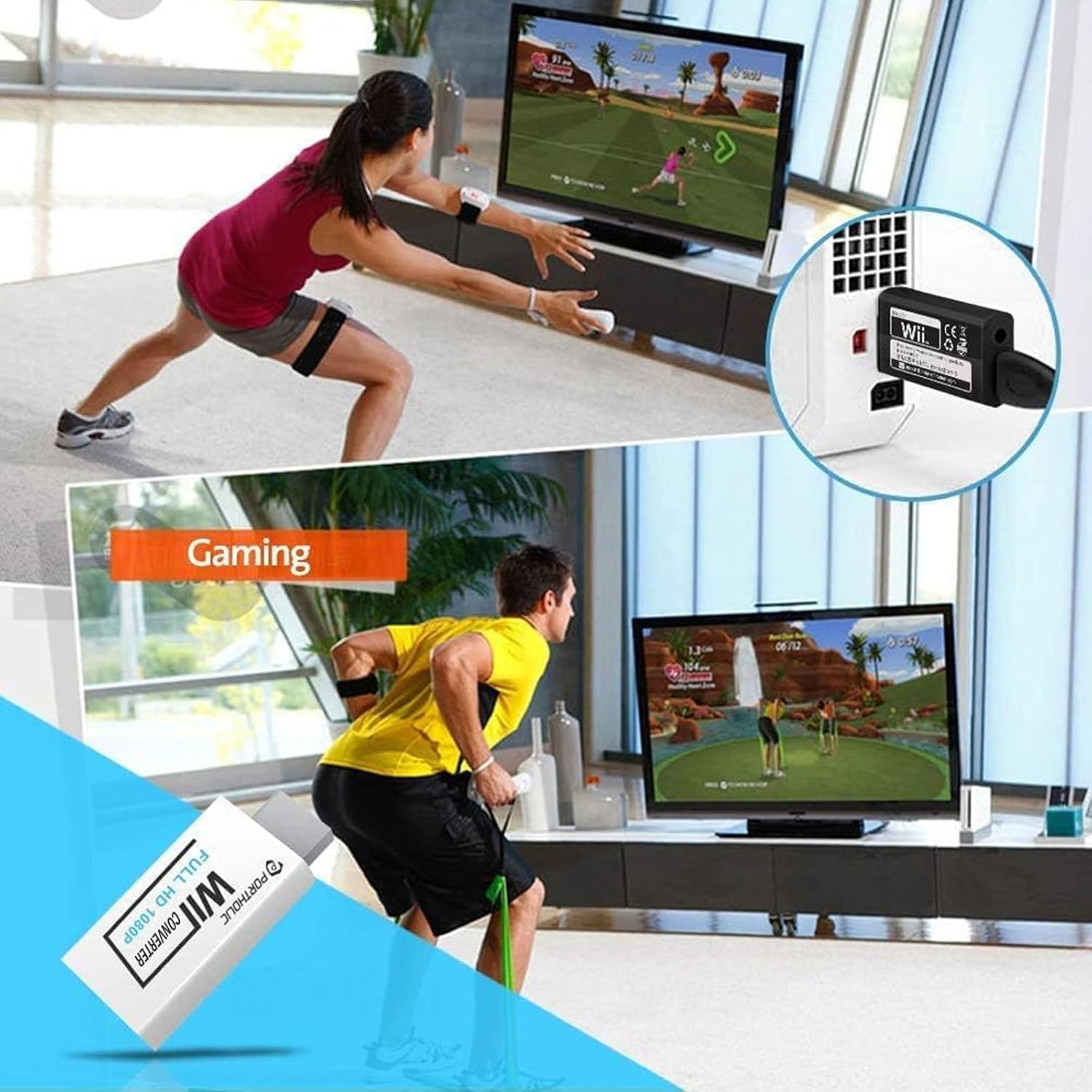
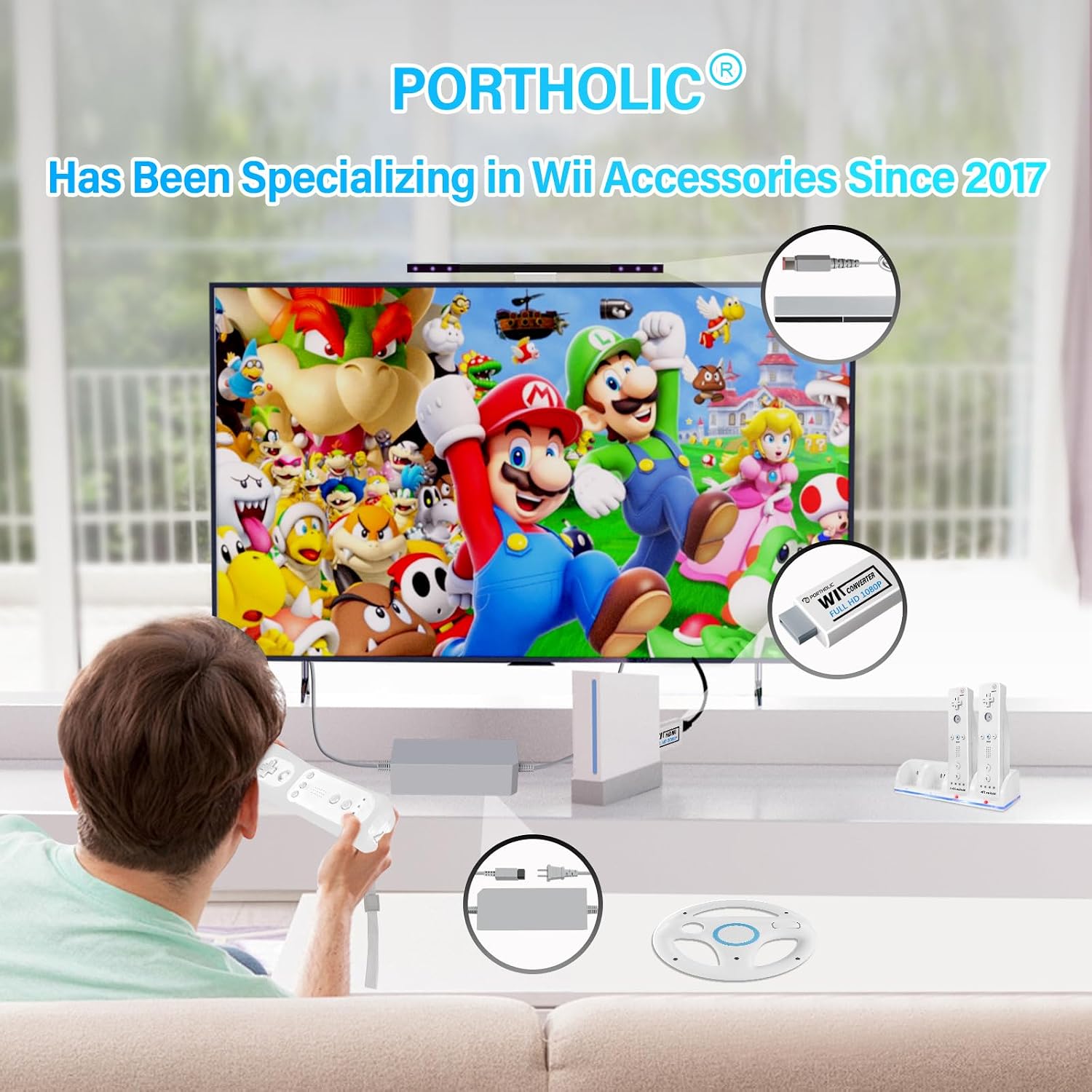
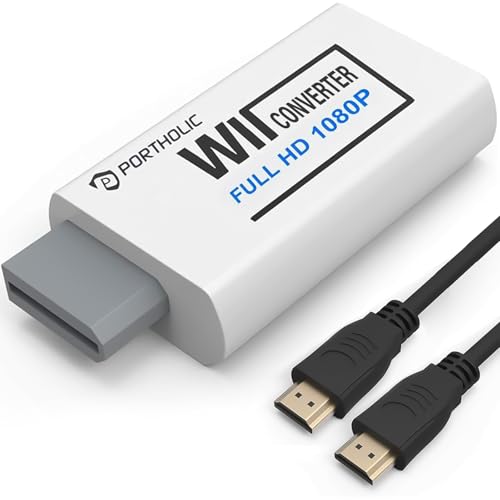
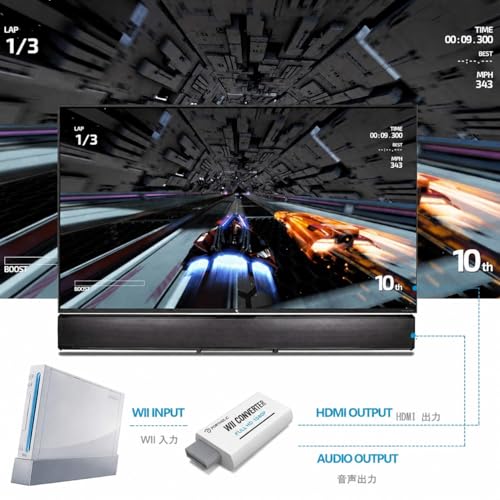
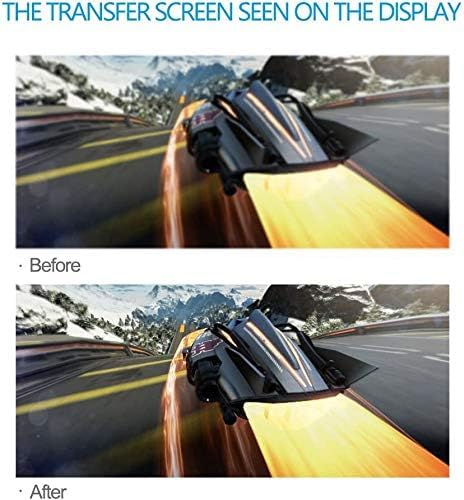
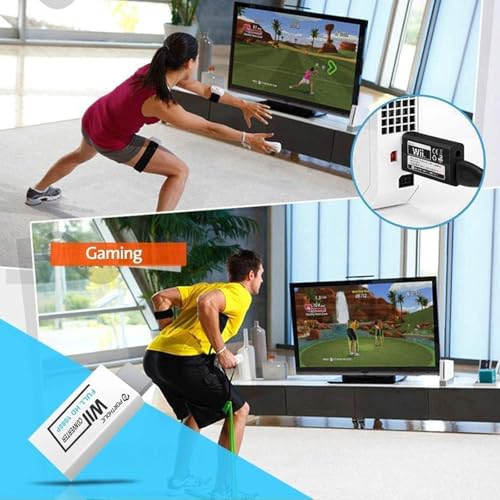
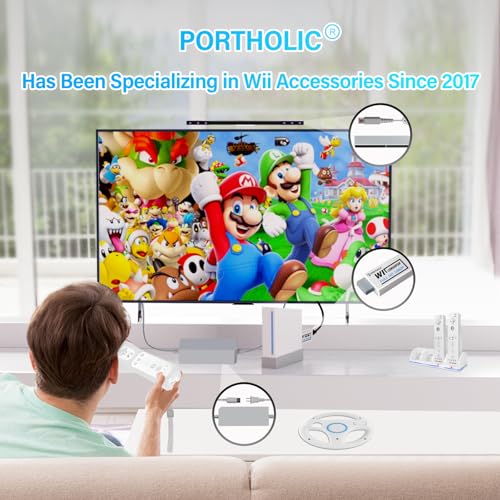
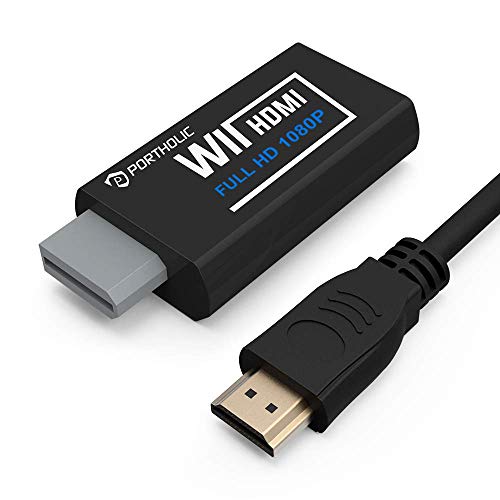
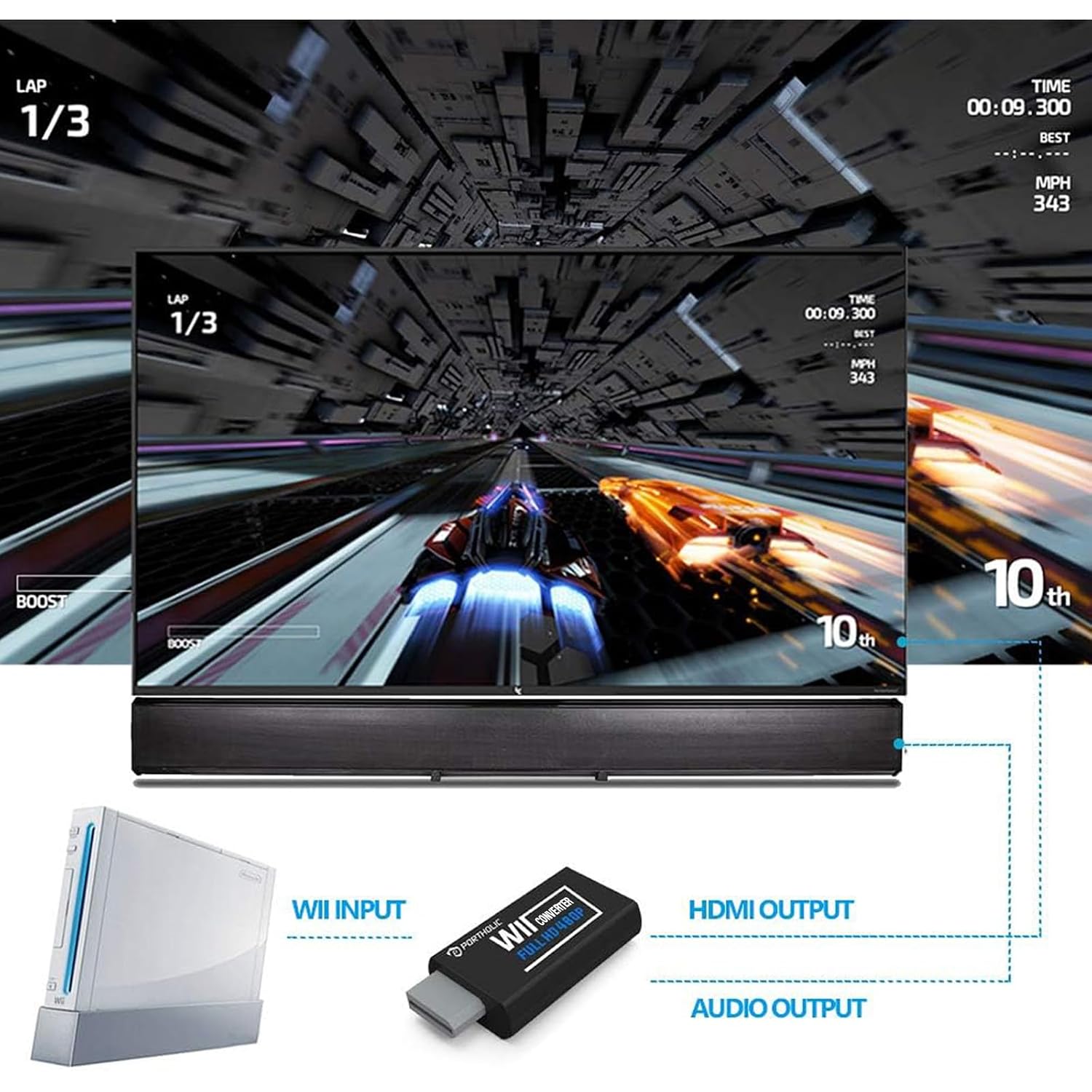
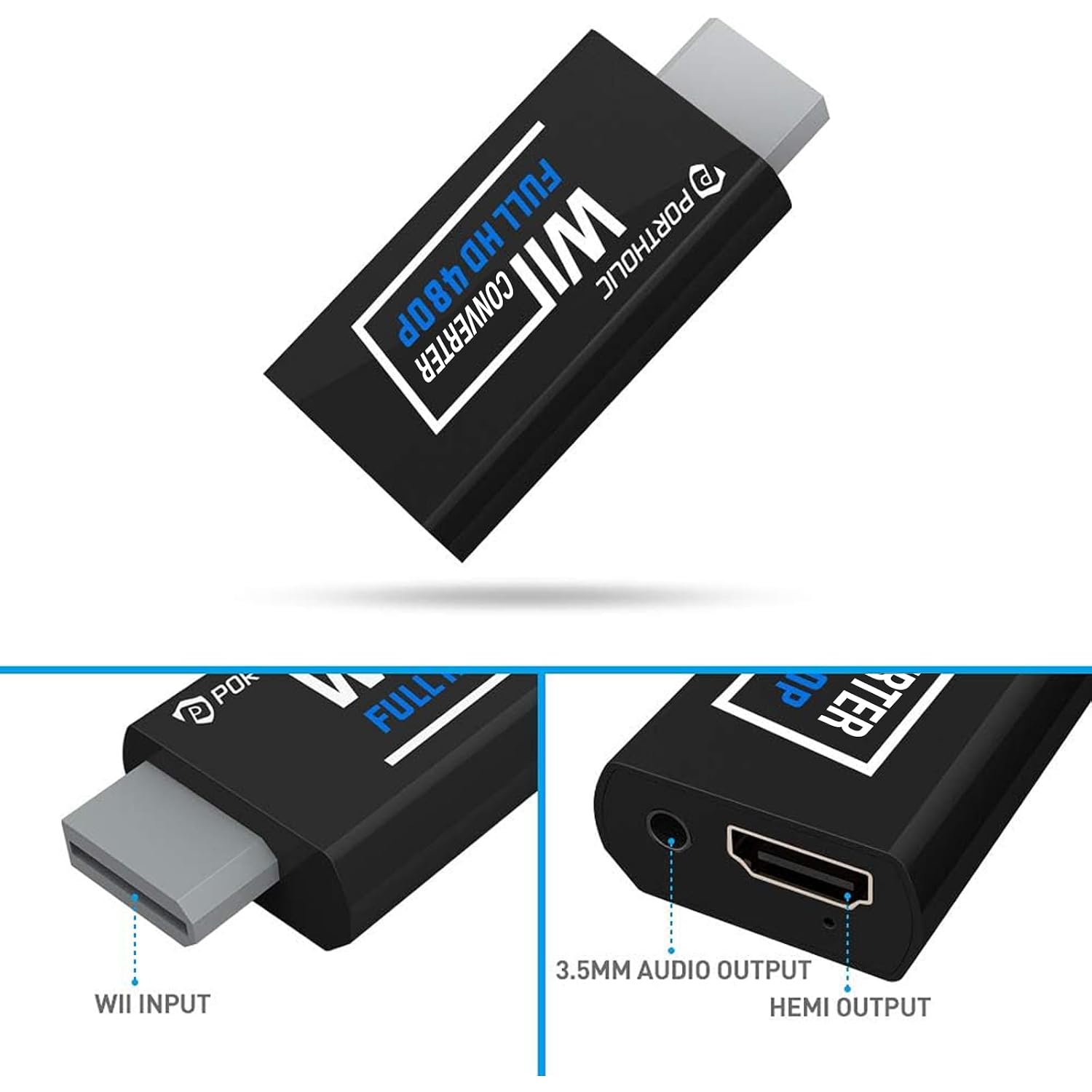
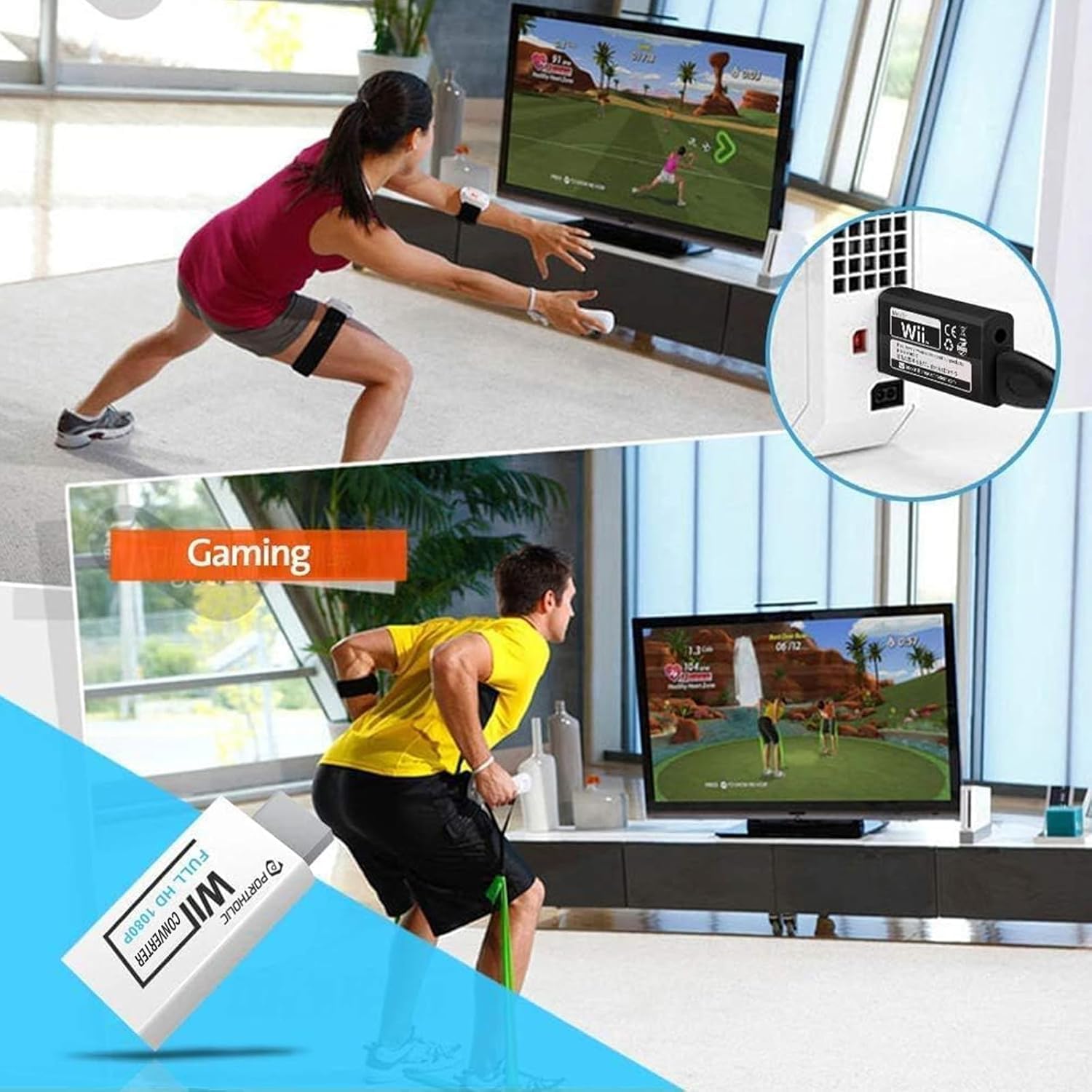
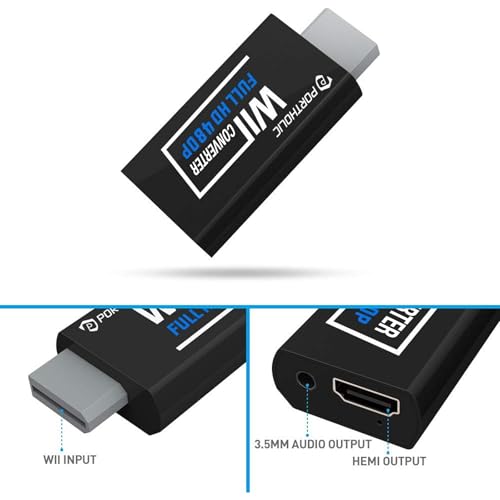
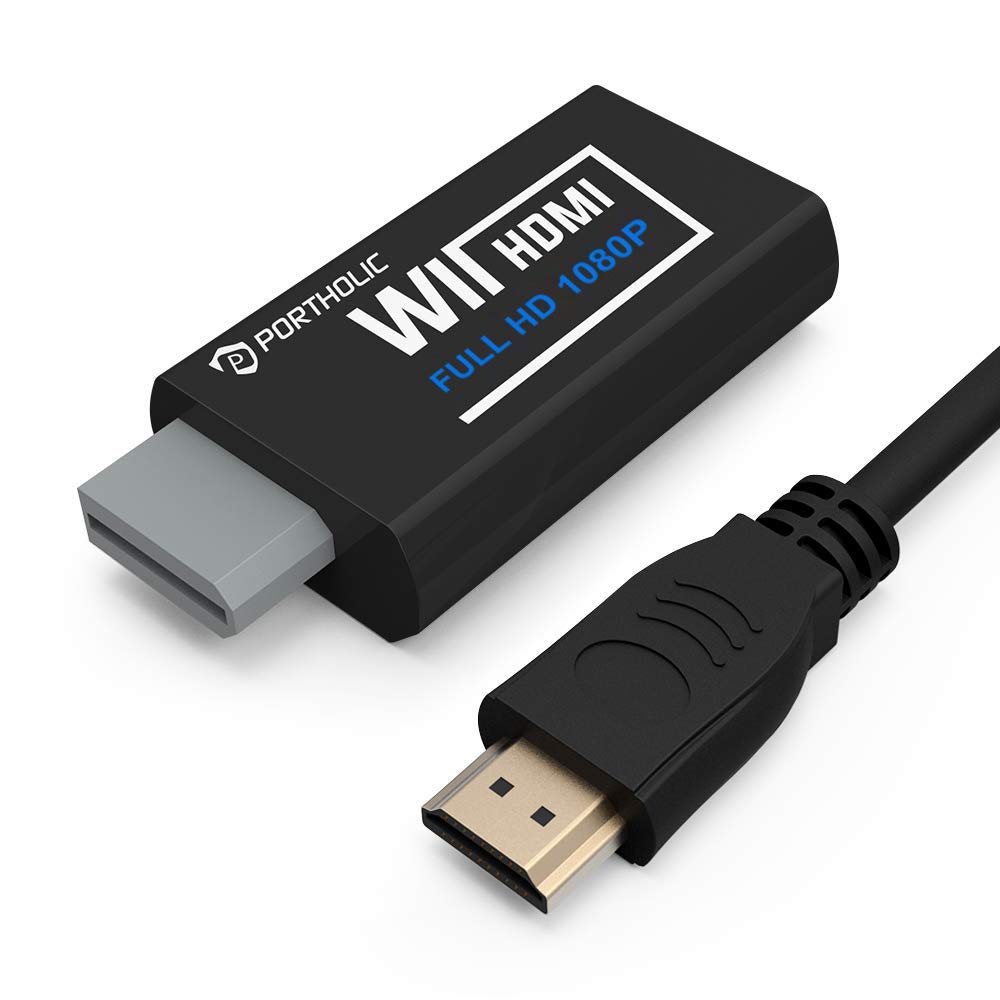
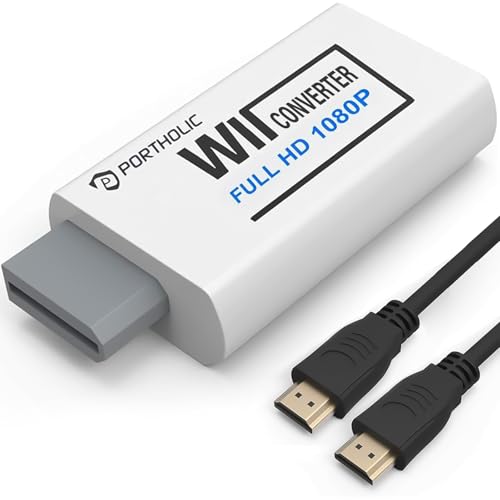
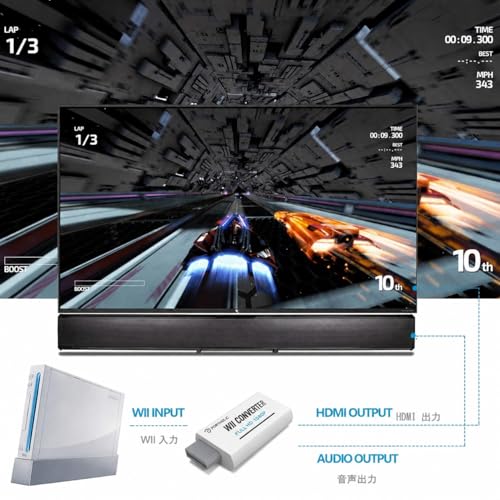
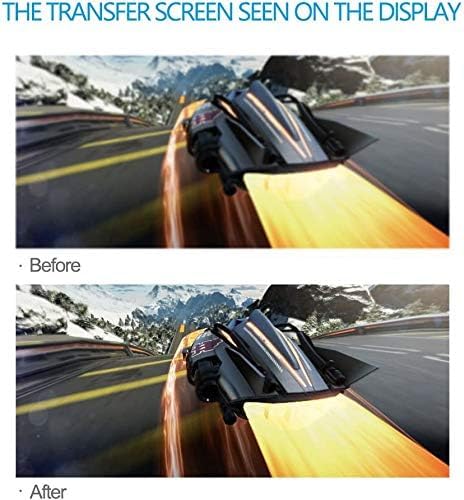
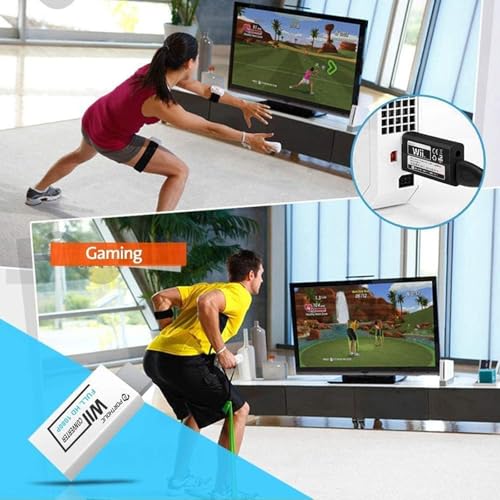
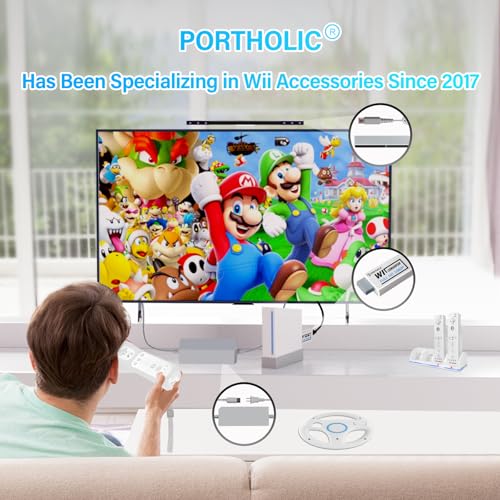
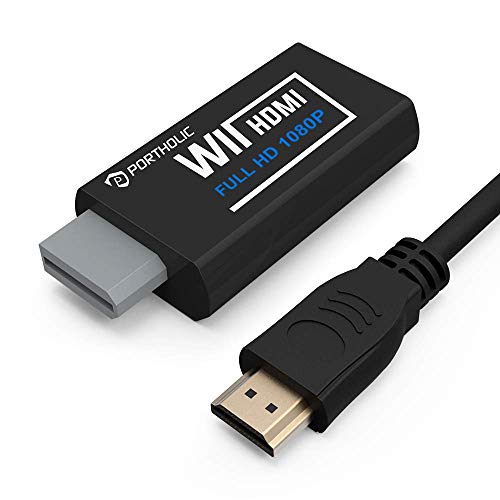
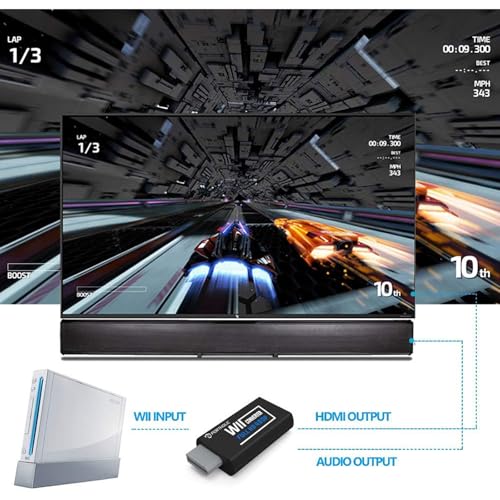
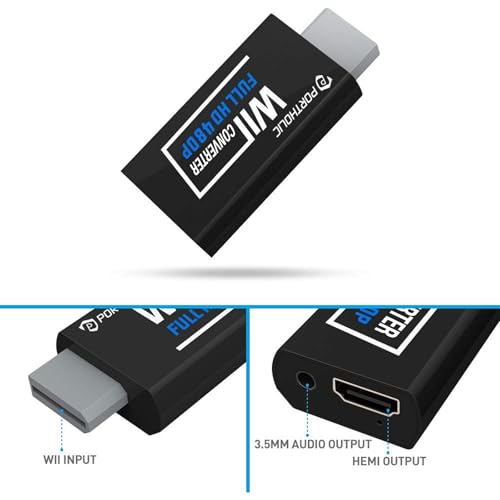
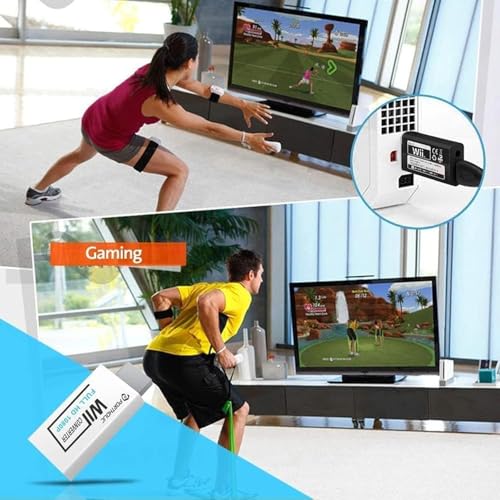
PORTHOLIC Wii to HDMI Converter 1080P for Full HD Device, Wii HDMI Adapter with 3,5mm Audio Jack&HDMI Output Compatible with Wii, Wii U, HDTV, Monitor-Supports All Wii Display Modes 720P, NTS

$4.50 USD
Shipping fees will be calculated at checkout.
Color
  • Free worldwide shipping

  • Free returns

  • Carbon neutral

  • Secure payments

  • Buy with Confidence: If you receive a defective one (like wavy lines, no sound/picture) or you have any problems with the adapter, please contact us in the first place to get efficient customer service for replacement or other assistance.
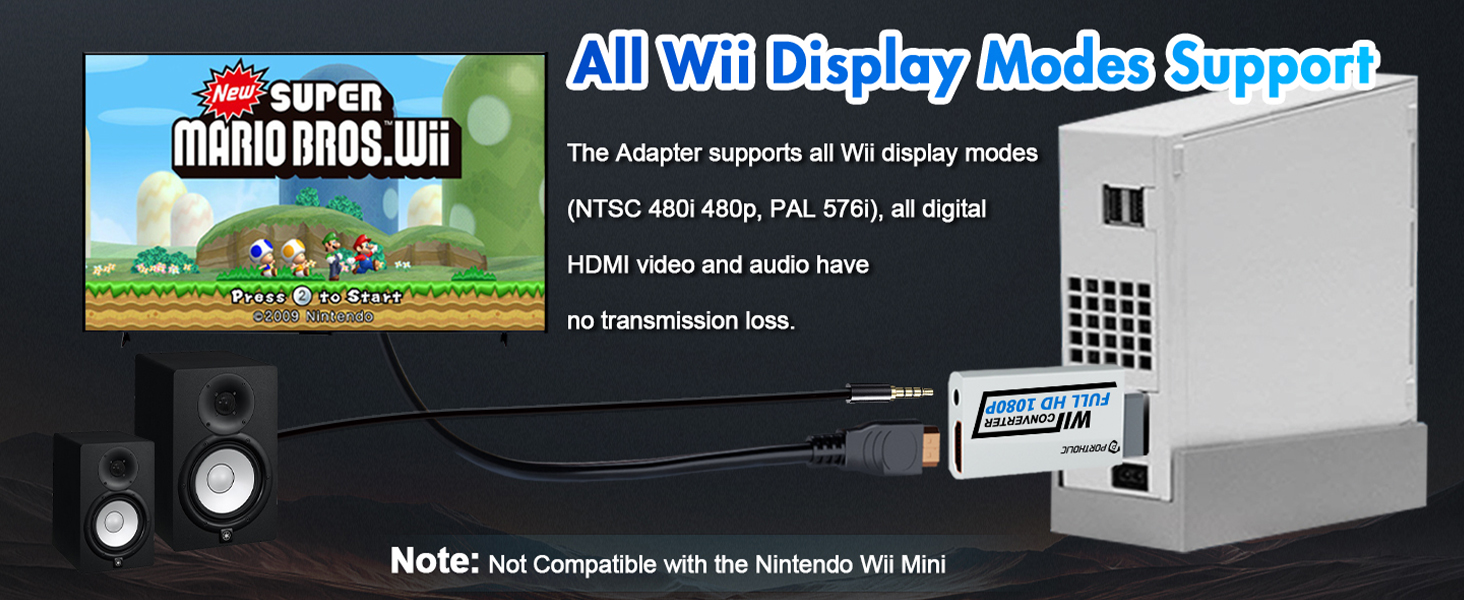
  • NOTE: Some devices’ auto-setting of screen resolution is 480i instead of 480p, which may not support games at 240p/480i over HDMI. If you switch to 480p mode they may work over HDMI. it can't be connected to the switch/splitter, only connect directly to the TV, monitor, projector. This adapter not support for Wii Mini
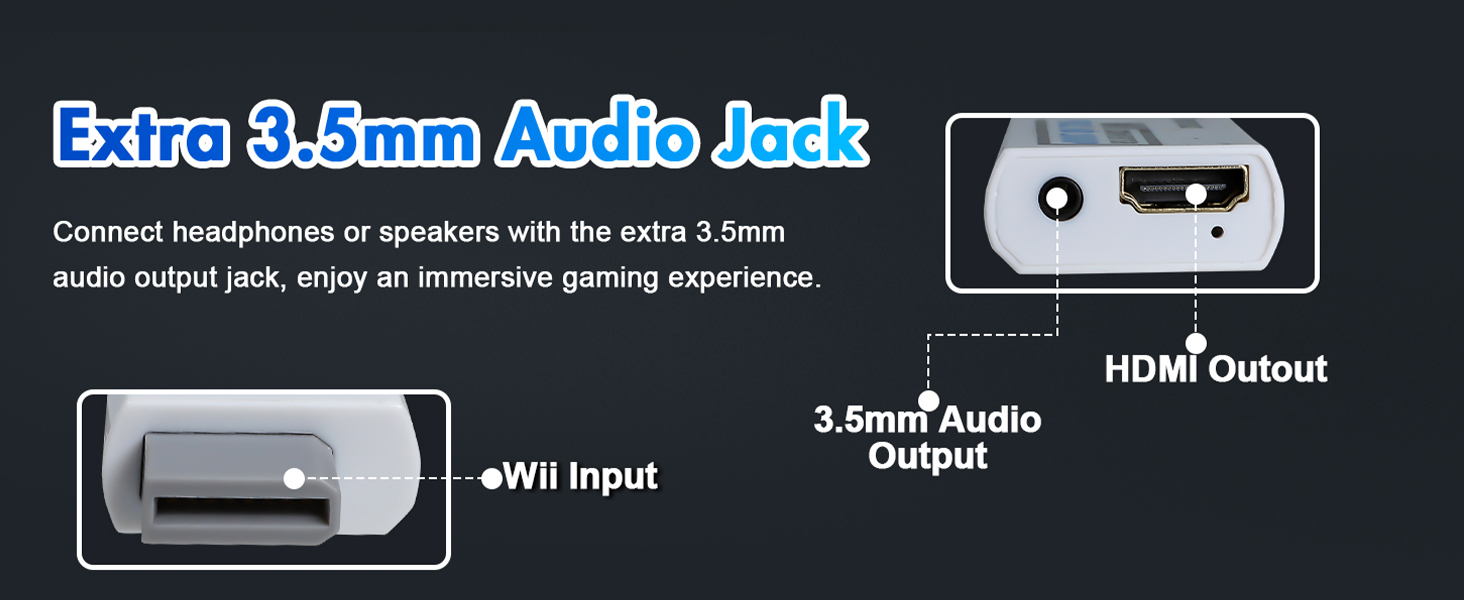
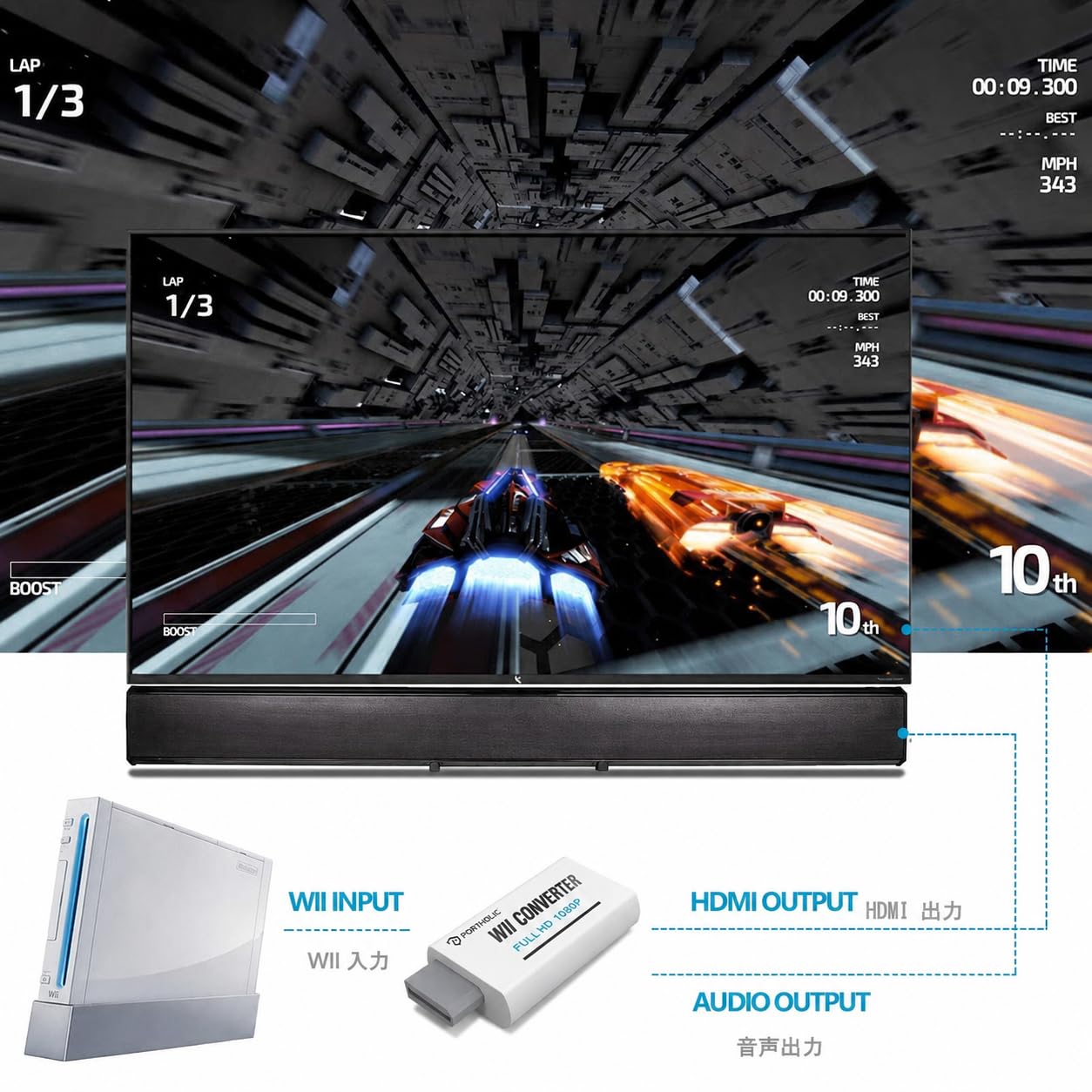
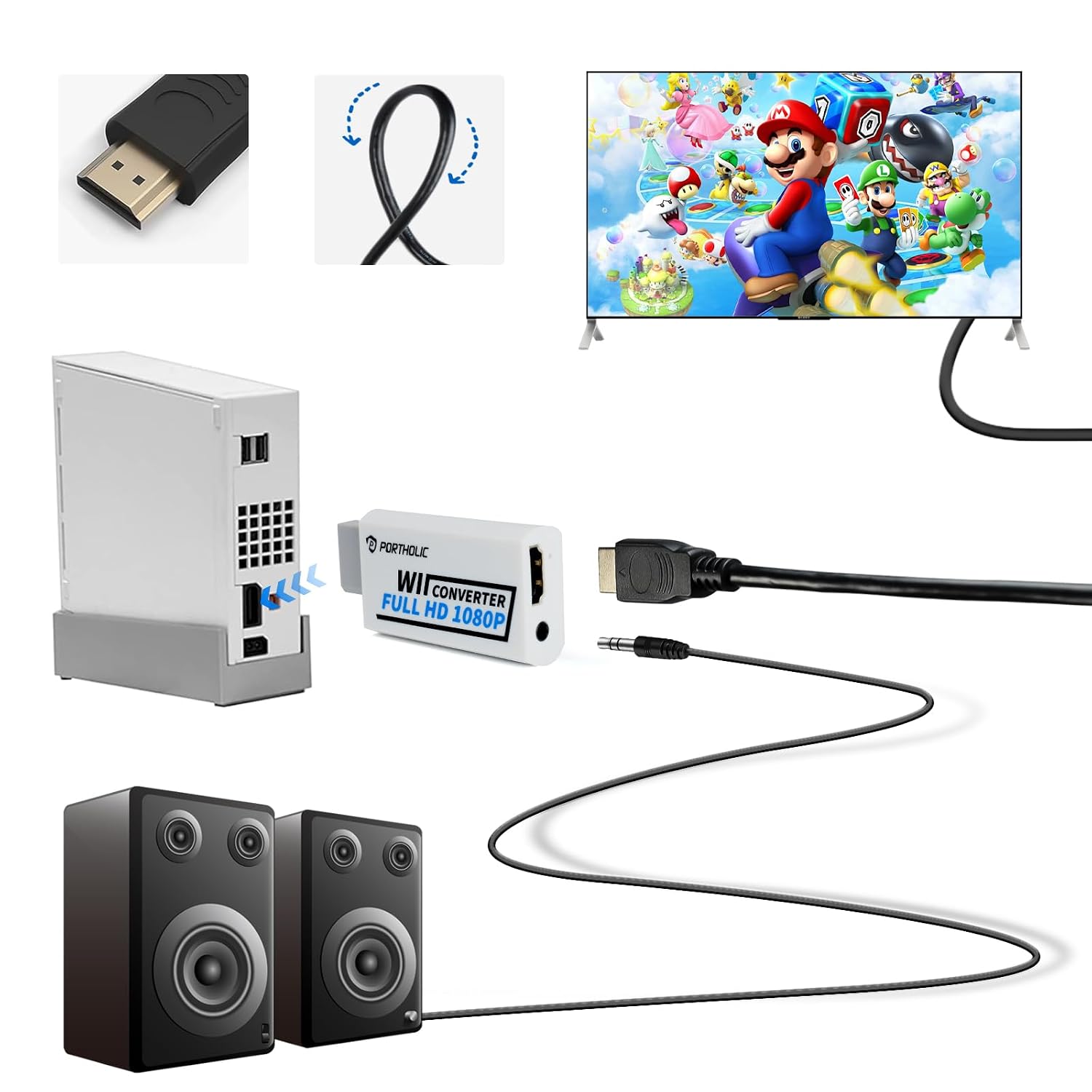
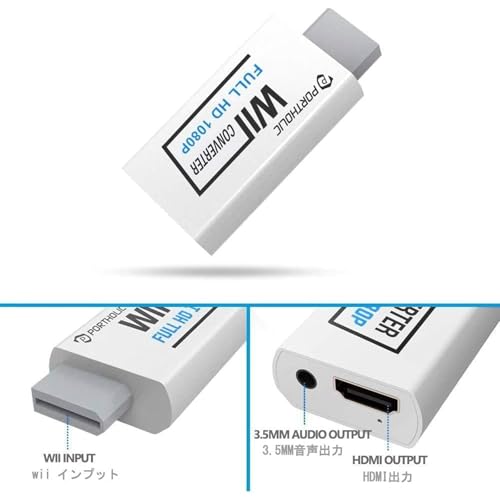
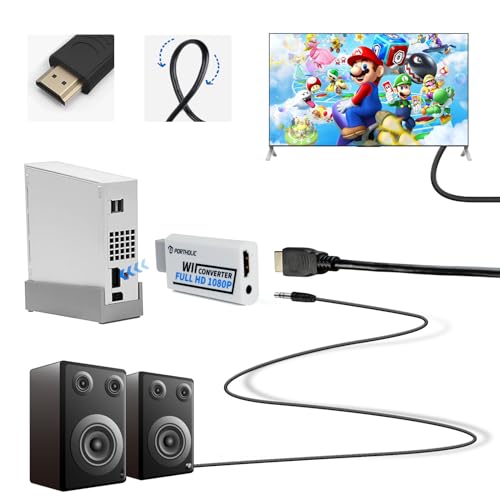
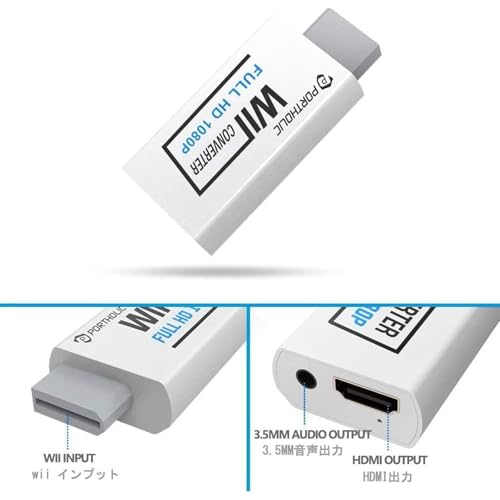
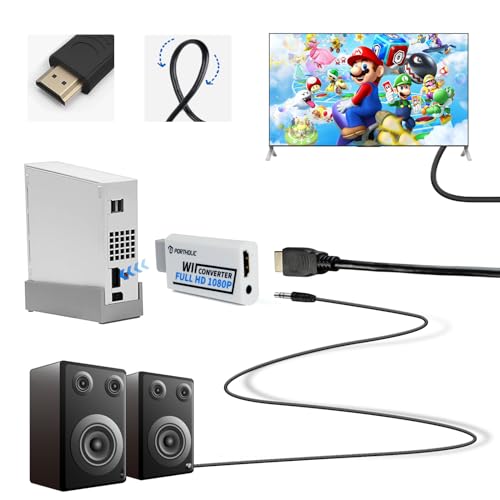
  • Extra Audio Jack: Although HDMI output provides audio output, an extra 3.5mm audio jack allows you to connect a speaker or headphone. Even the night owls can enjoy playing in the midnight and no need to worry about disturbing others.
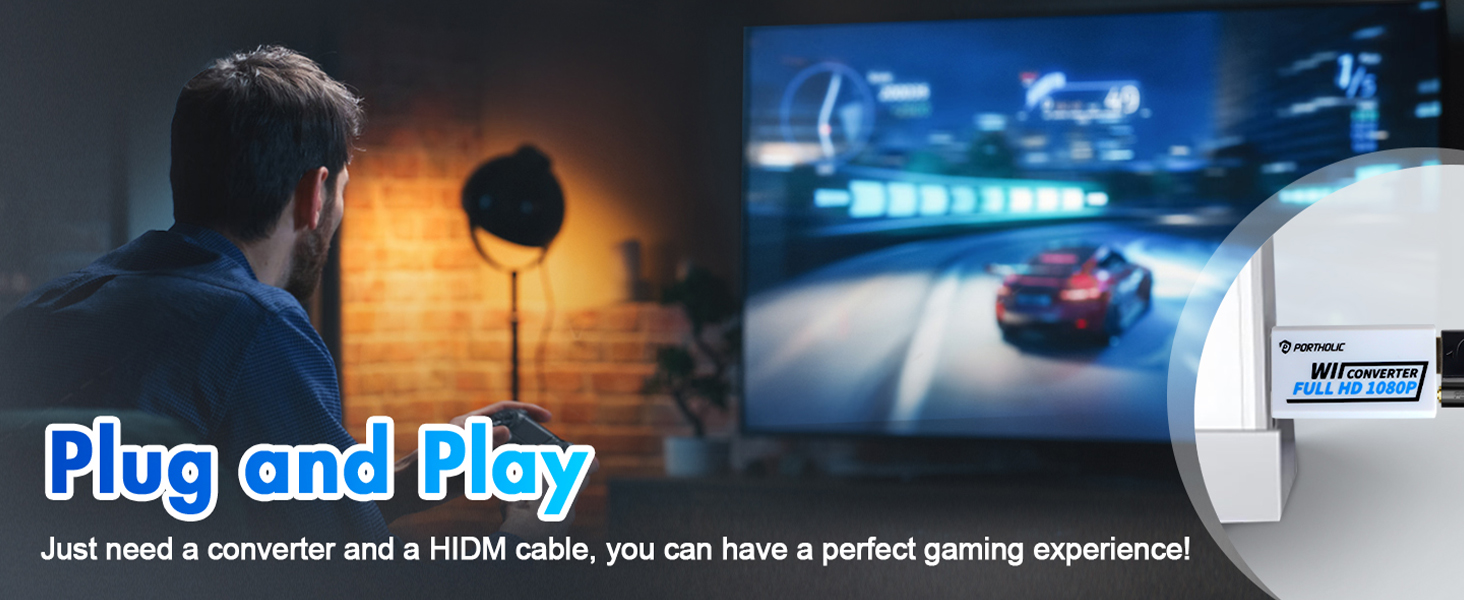
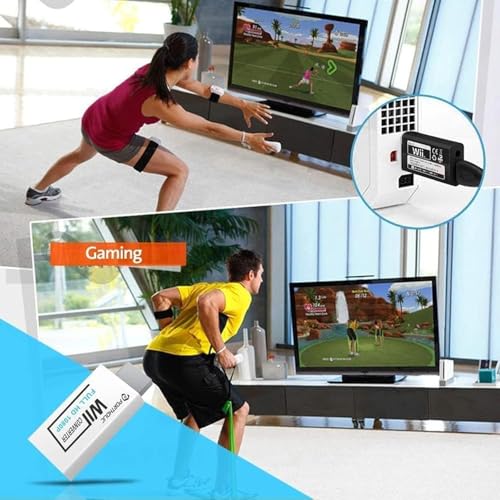
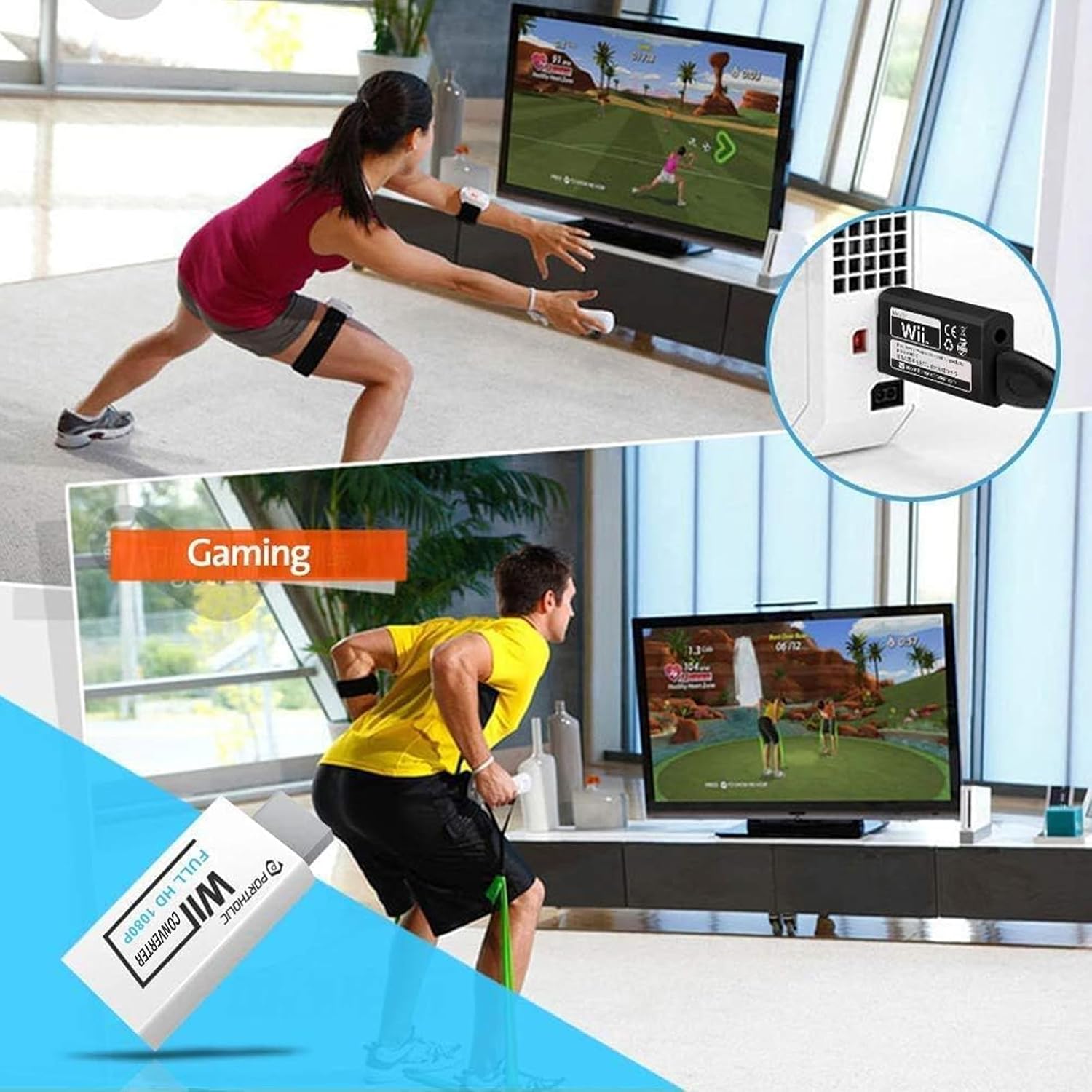
  • Plug and Play: Super easy to operate. No setting and no need to install the drivers. Just simply hook it up the Wii and plug the HDMI directly into the monitor and BOOM enjoying the games with optimal viewing.
  • Small in Size: PORTHOLIC Wii to HDMI Adapter with size of 6 x 3 x 1.9cm, is smaller than a Zippo. Small but powerful. It does not occupy any space on your table by hooking up the back of Wii. No more tangling cords, just one cable.
ColorBlack
FinishHdmi
Unit Count1 Count
Finish TypeHdmi
Item Weight0.02 kg
ManufacturerPORTHOLIC
Model Number1080P Wii to HDMI Converter
Nominal Power2 watts
Warranty TypeLimited
Connector TypeAuxiliary, HDMI
Mfr Part NumberSU-WII005-2
Number of Items1
Number of Ports1
Power Plug TypeNo Plug
Package Quantity1
Compatible DevicesHeadphone, Projector, Speaker, Television
wii
wii
Previous page
  1. wii
  2. wii
  3. wii
Next page
wii
  • What should I do if the Wii to HDMI adapter does not work?

    First, please make sure your TV/monitor, Wii console, and HDMI cable are all working properly. You can try using another HDMI cable or testing the console with a different screen to check the connection.

  • If it still does not work?

    Please change the Wii video setting to 480p first, then reconnect the adapter and try again.

  • What should I do if it still does not work after trying these steps?

    If the adapter still does not work after checking the HDMI cable, screen, and Wii settings, please contact our team.

Example title

Recently viewed

Cart

loading