






Free worldwide shipping
Free returns
Carbon neutral
Secure payments
| Number of Players | 4 |
|---|---|
| Controller Type | Button Control |
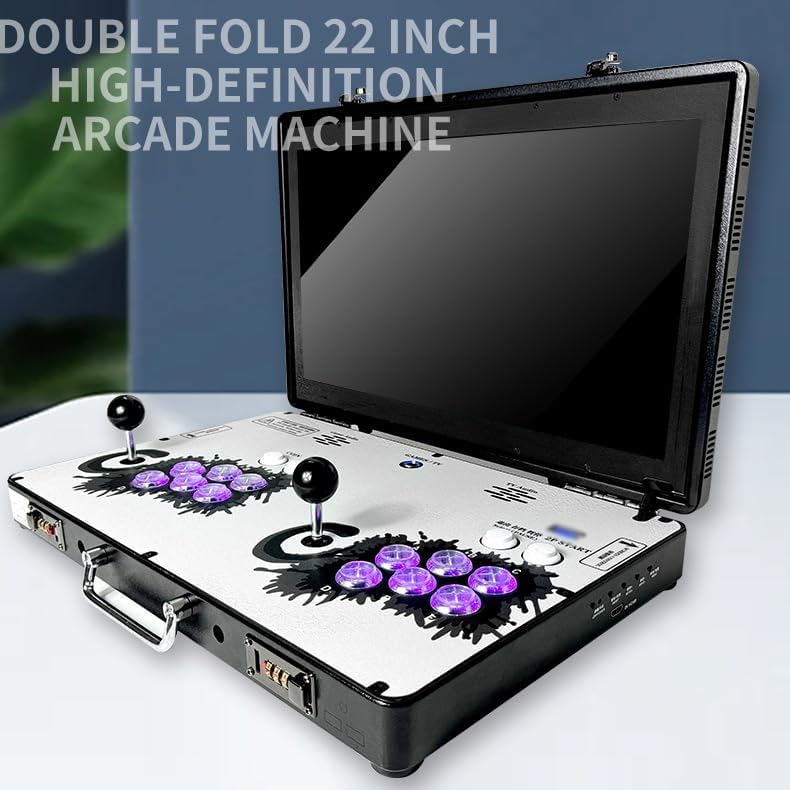
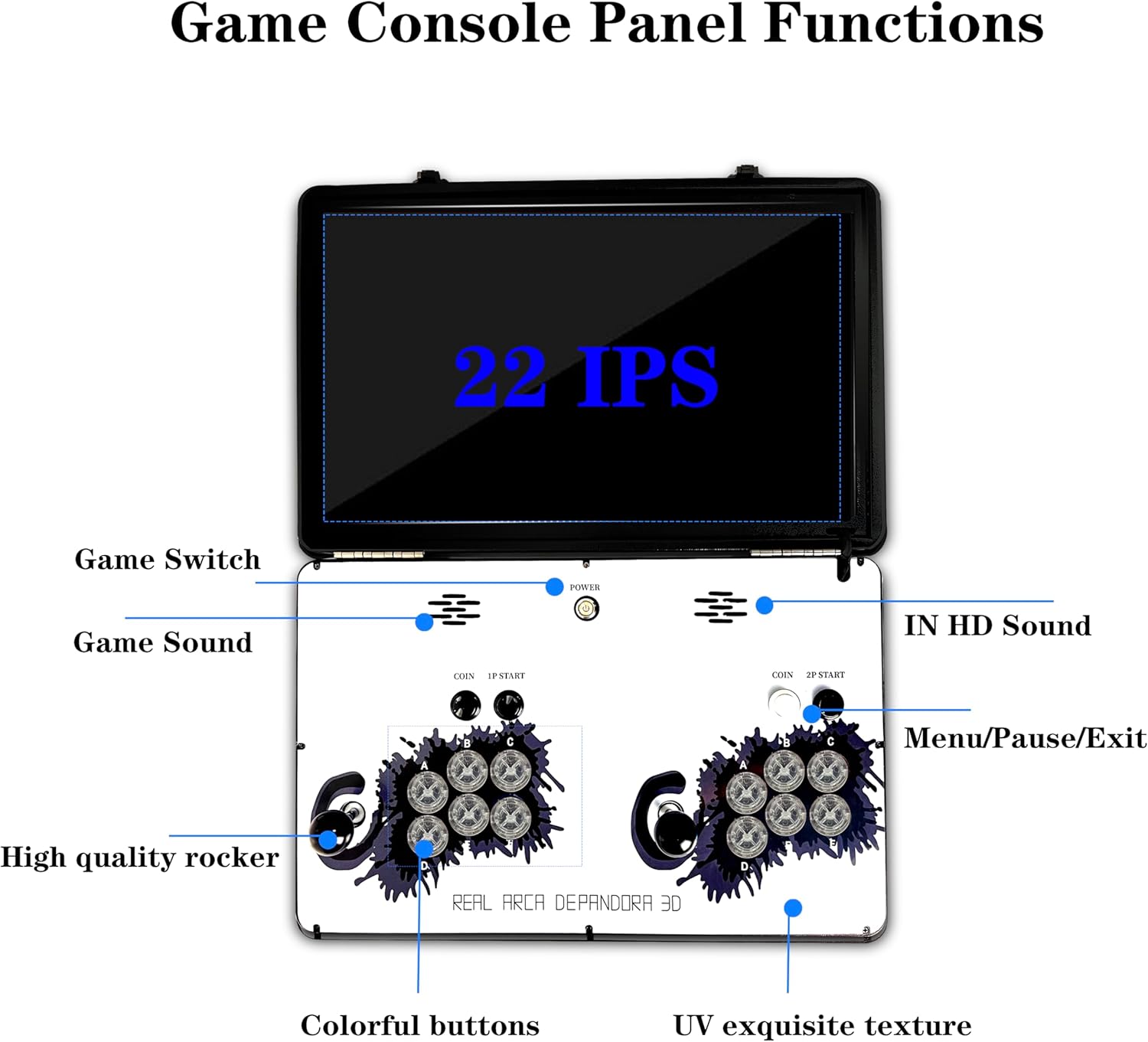
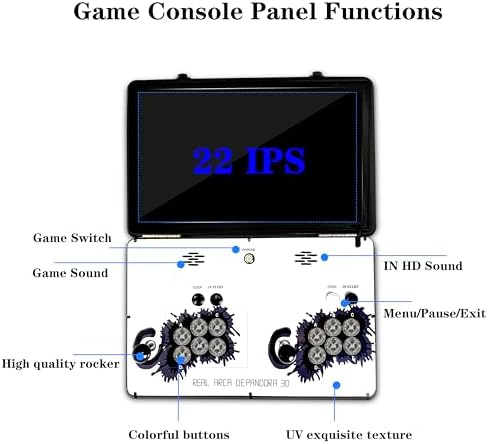
| Screen Size | 22 inches |
| Power Source | Battery Powered |
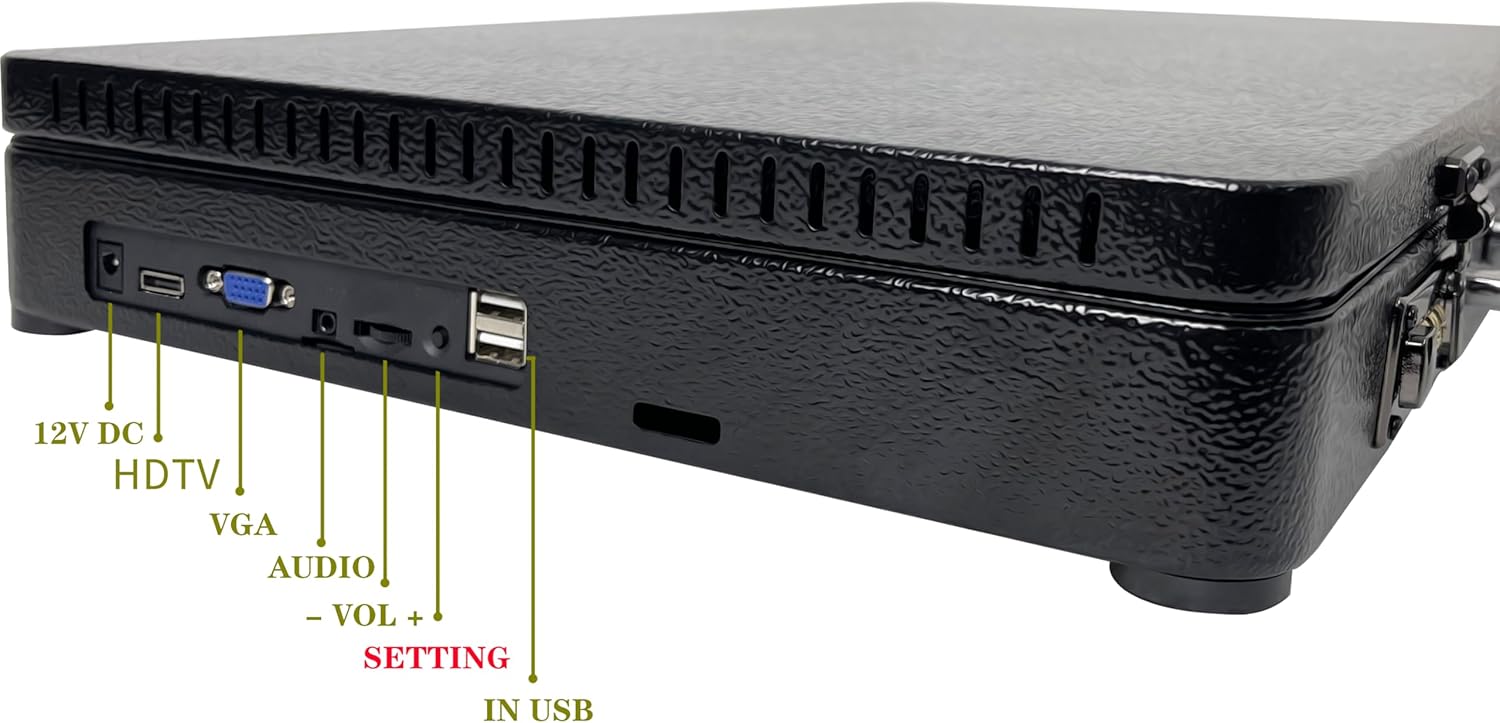
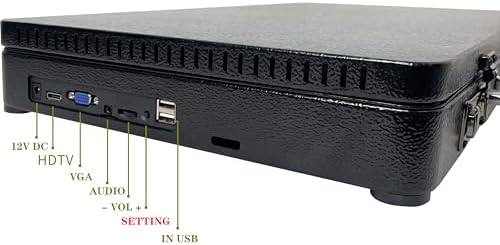
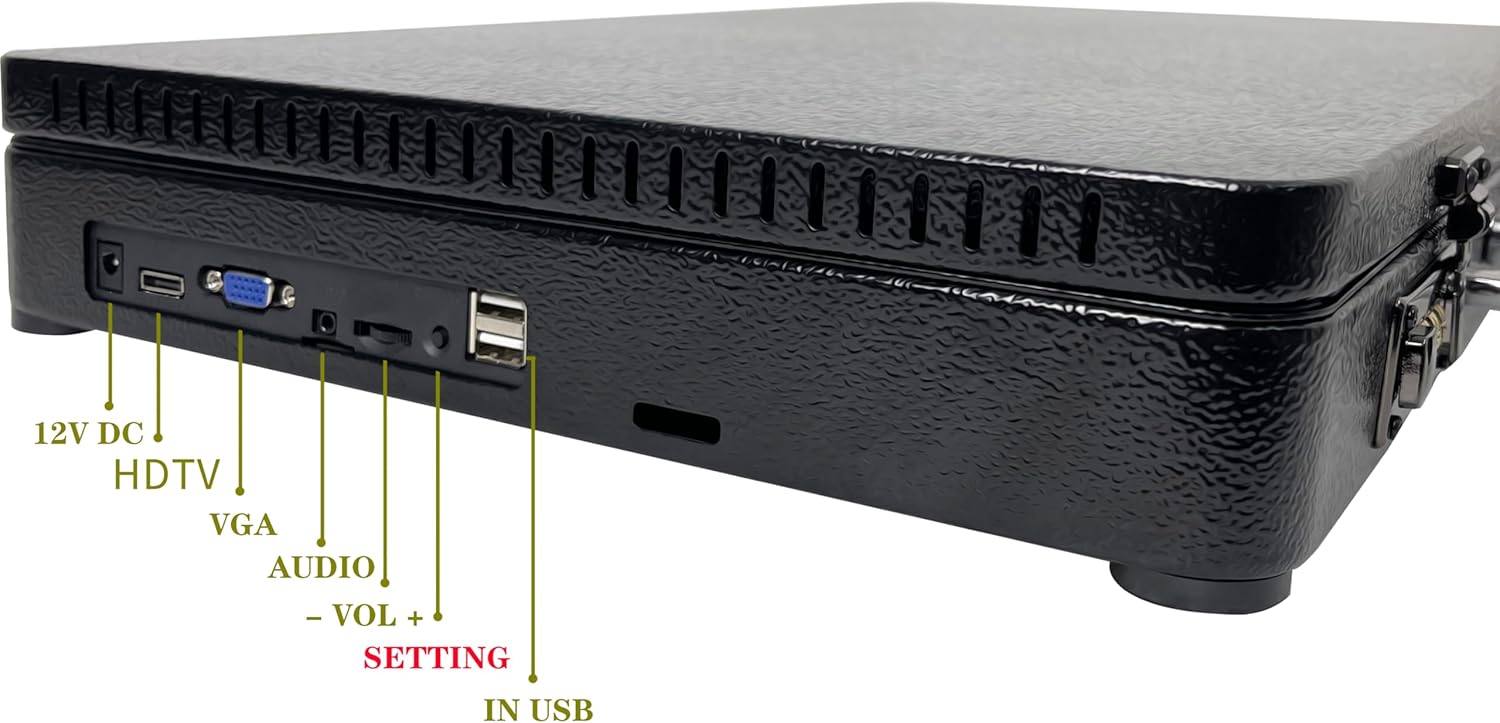
| Hardware Interface | USB |
| Display Type | LED |
| Memory Storage Capacity | 64 GB |
| Form Factor | Handheld |
| Operation Mode | Manual |
| Platform | Linux, PlayStation |
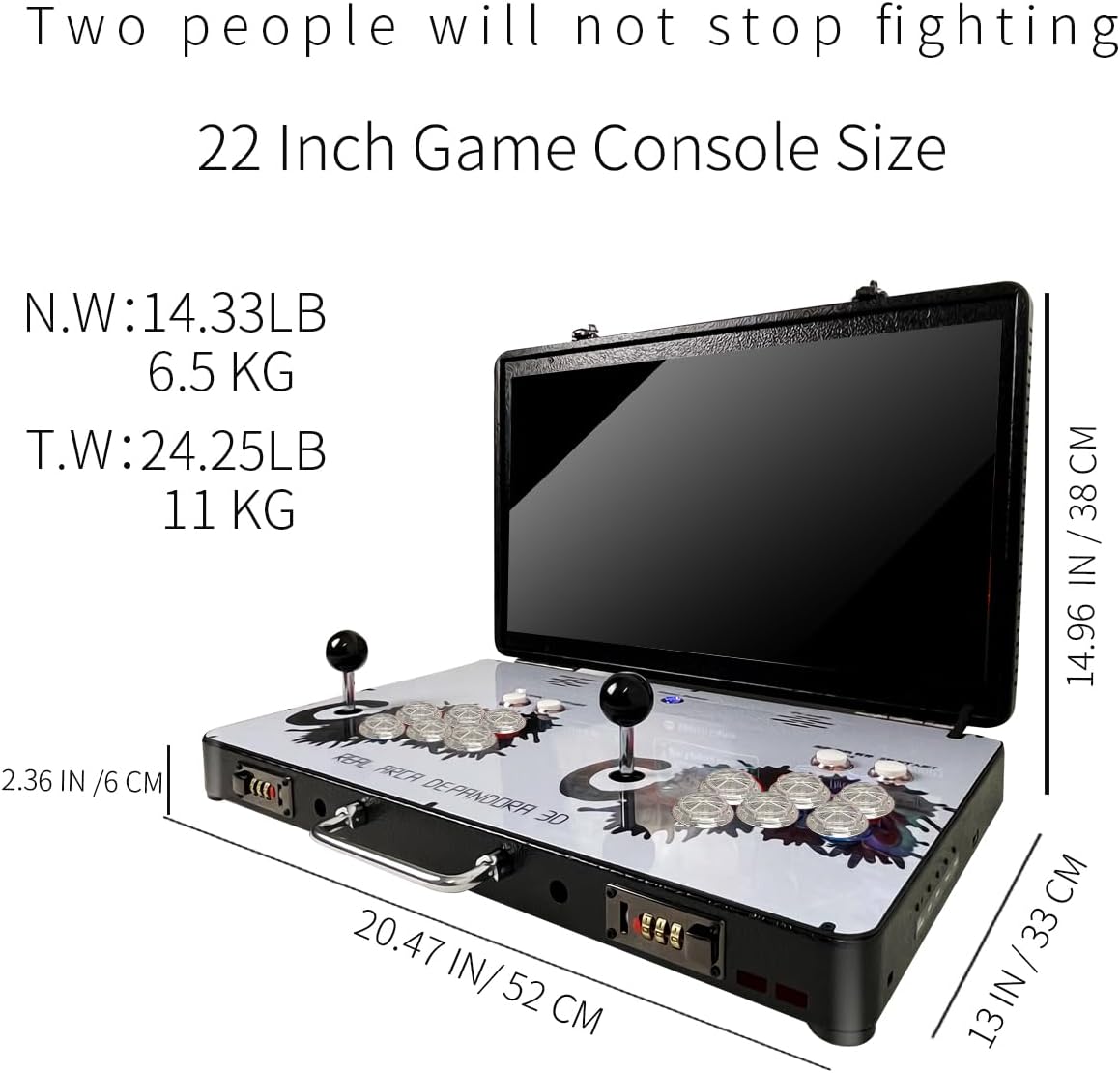
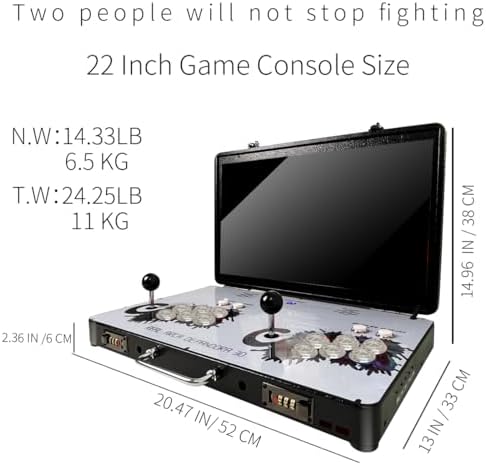
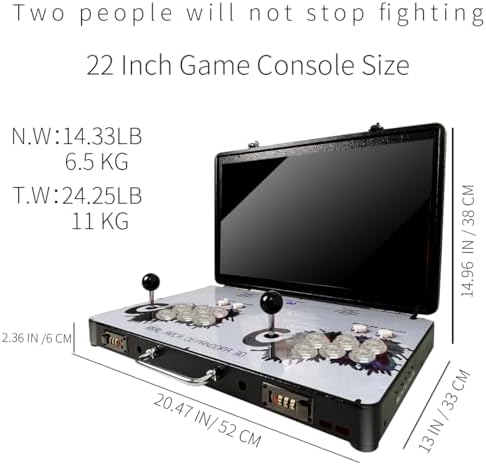
| Size | 20.86 x 12.99 x 14.96 inches |
| Item Dimensions L x W x H | 22"L x 1"W x 5"H |
| Item Dimensions | 12.99 x 20.86 x 14.96 inches |
| Material Type | Metal |
| Age Range Description | Adult |
| UPC | 768461693611 |
| Unit Count | 1 Count |
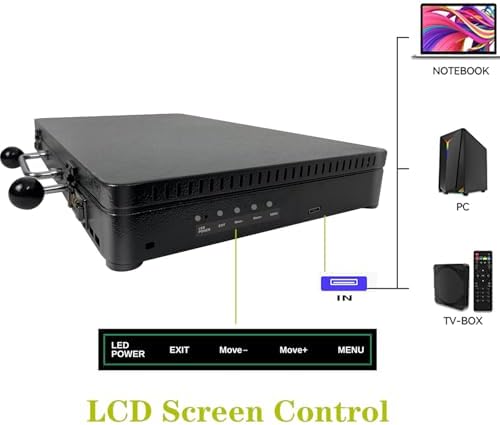
| Included Components | 12V 5A power supply, 22 inch game console, 30#button, HDMI 3M |
| Manufacturer | WYGaming |
| Model Number | WY022 |
| Manufacturer Part Number | WY02201 |
| Set Name | Pre-installed Games |
| Color | Black |
| Theme | Retro |
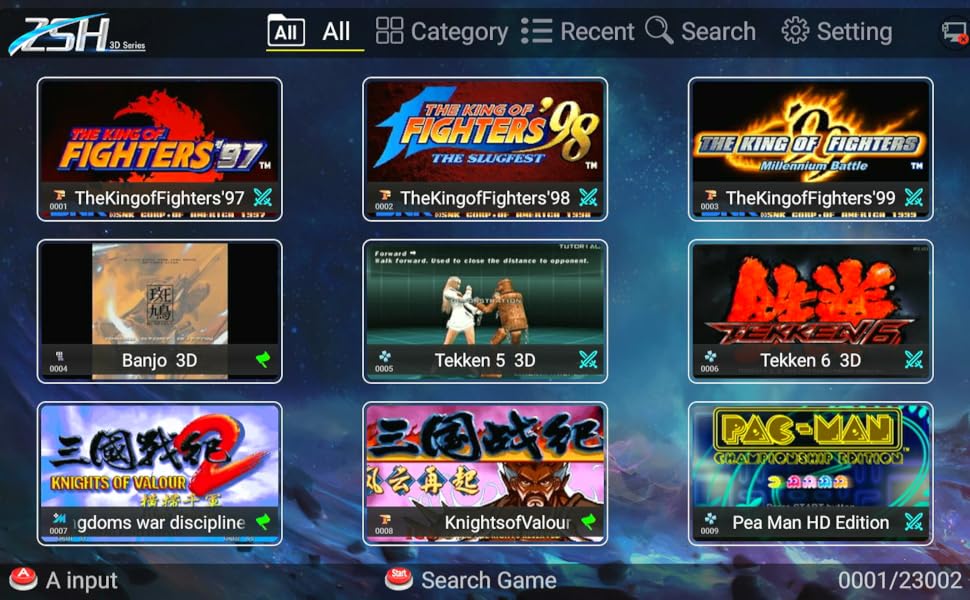
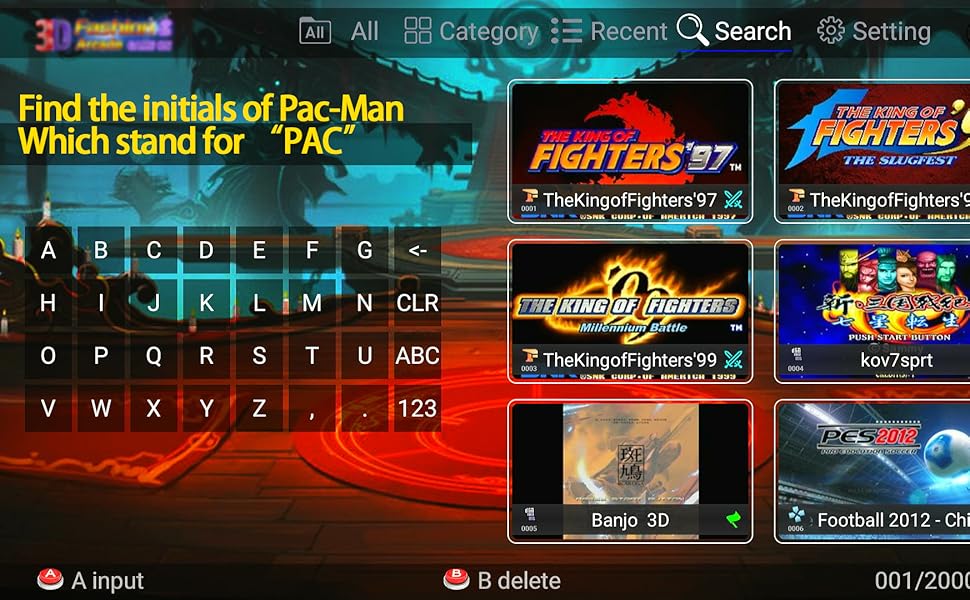
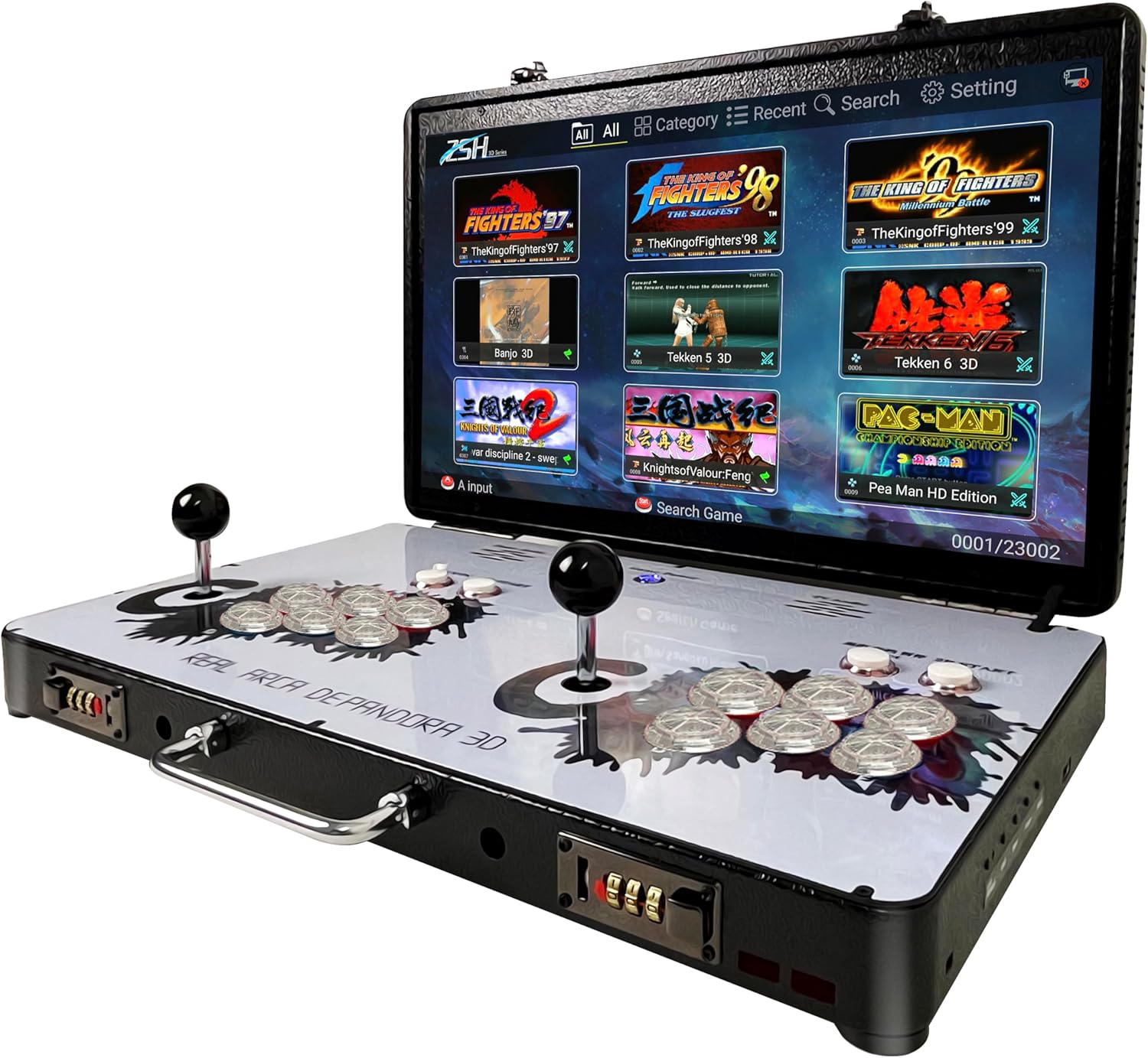
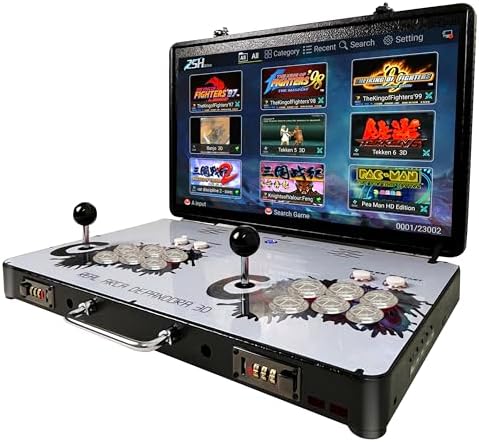
There are three ways to find the game you want:
First method:Find the corresponding emulator in the game category, then scroll down to look for the game. For example, to find “Pac-Man”, search in the Puzzle category.
Second method:
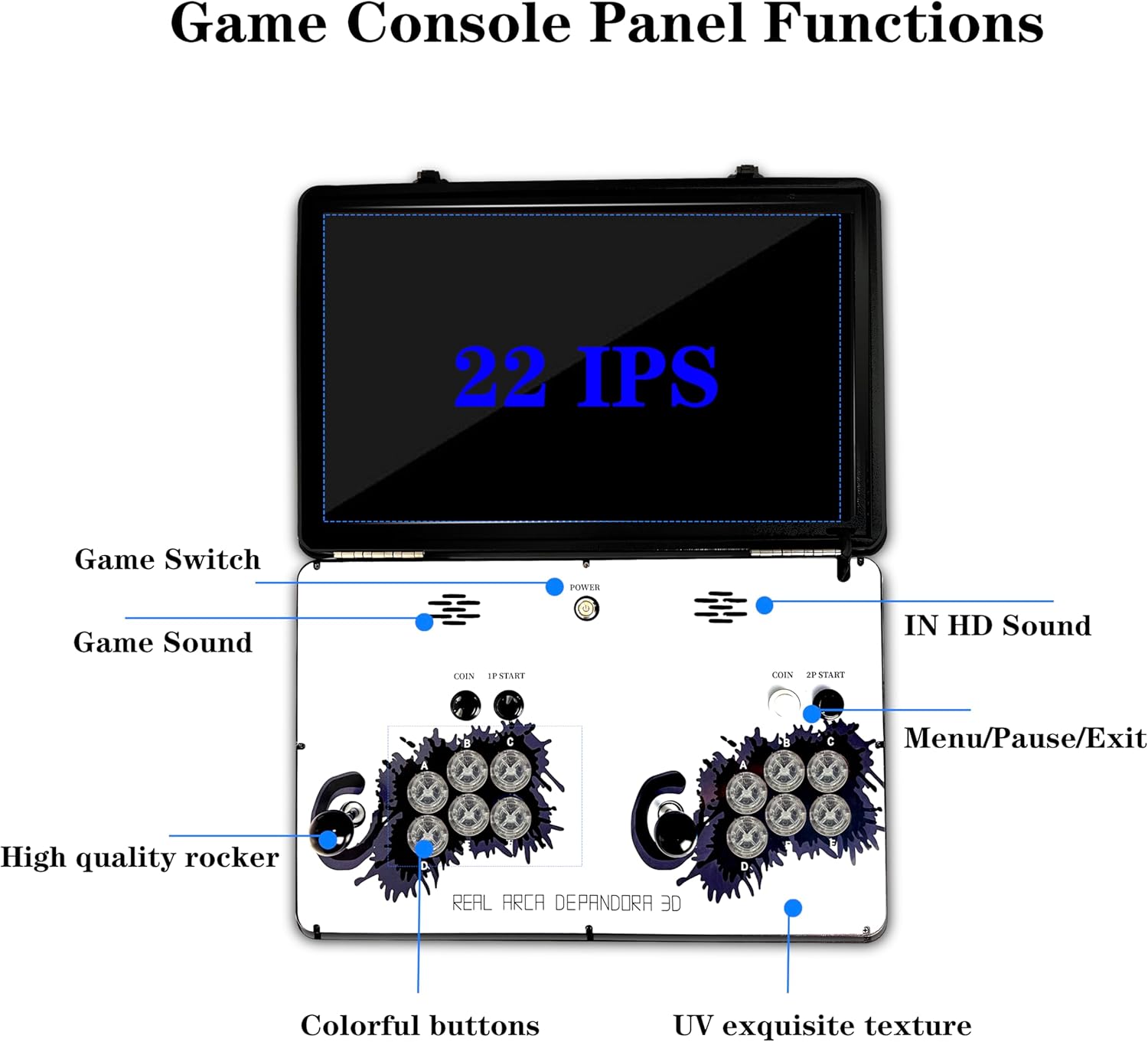
Press the 1P START button, move the cursor to the Search option. For example, to find Pac-Man, search for PAC, then press the A button and select the desired game on the right side.
Third method:
Third method: We will send you the game list.
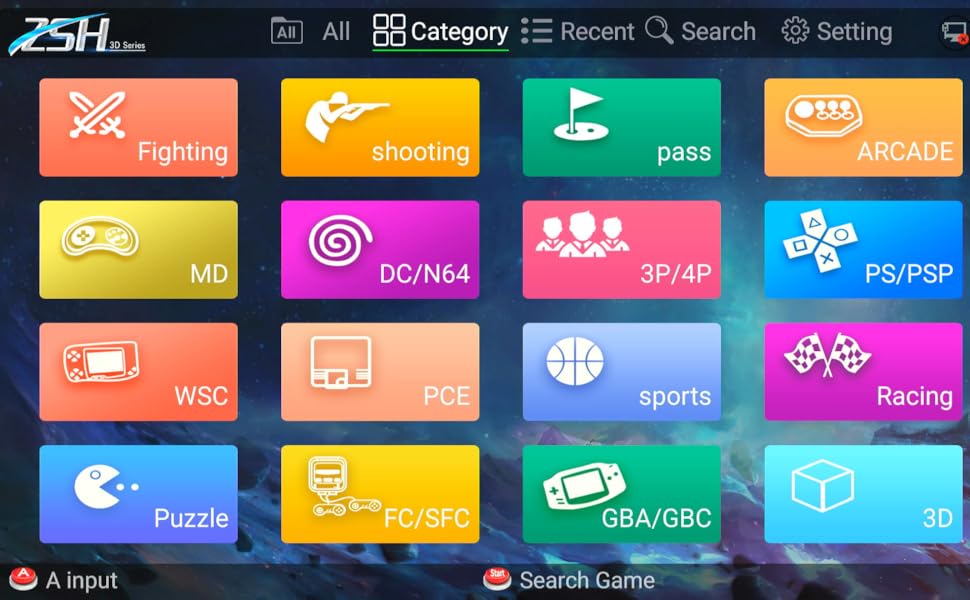
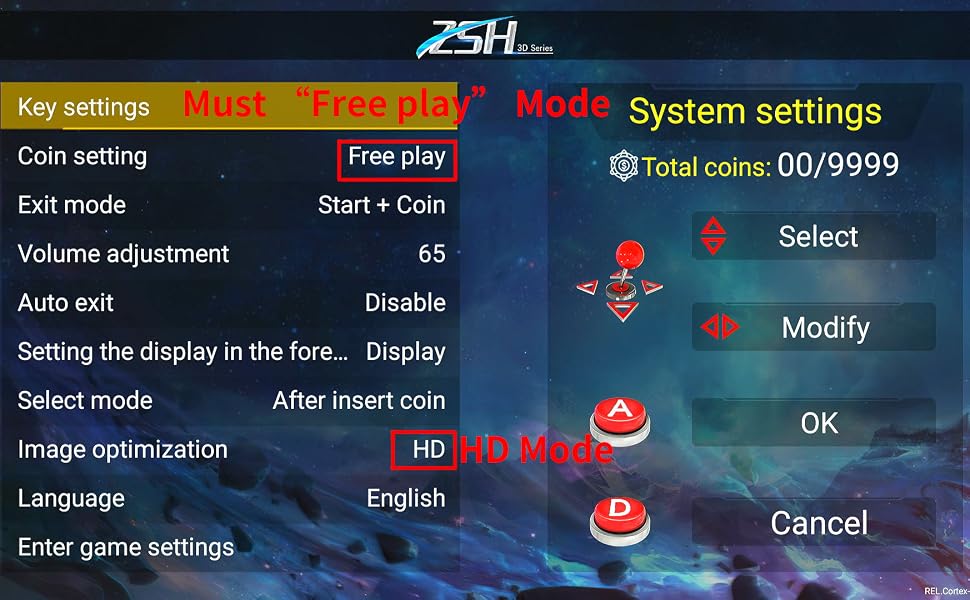
Entry method:
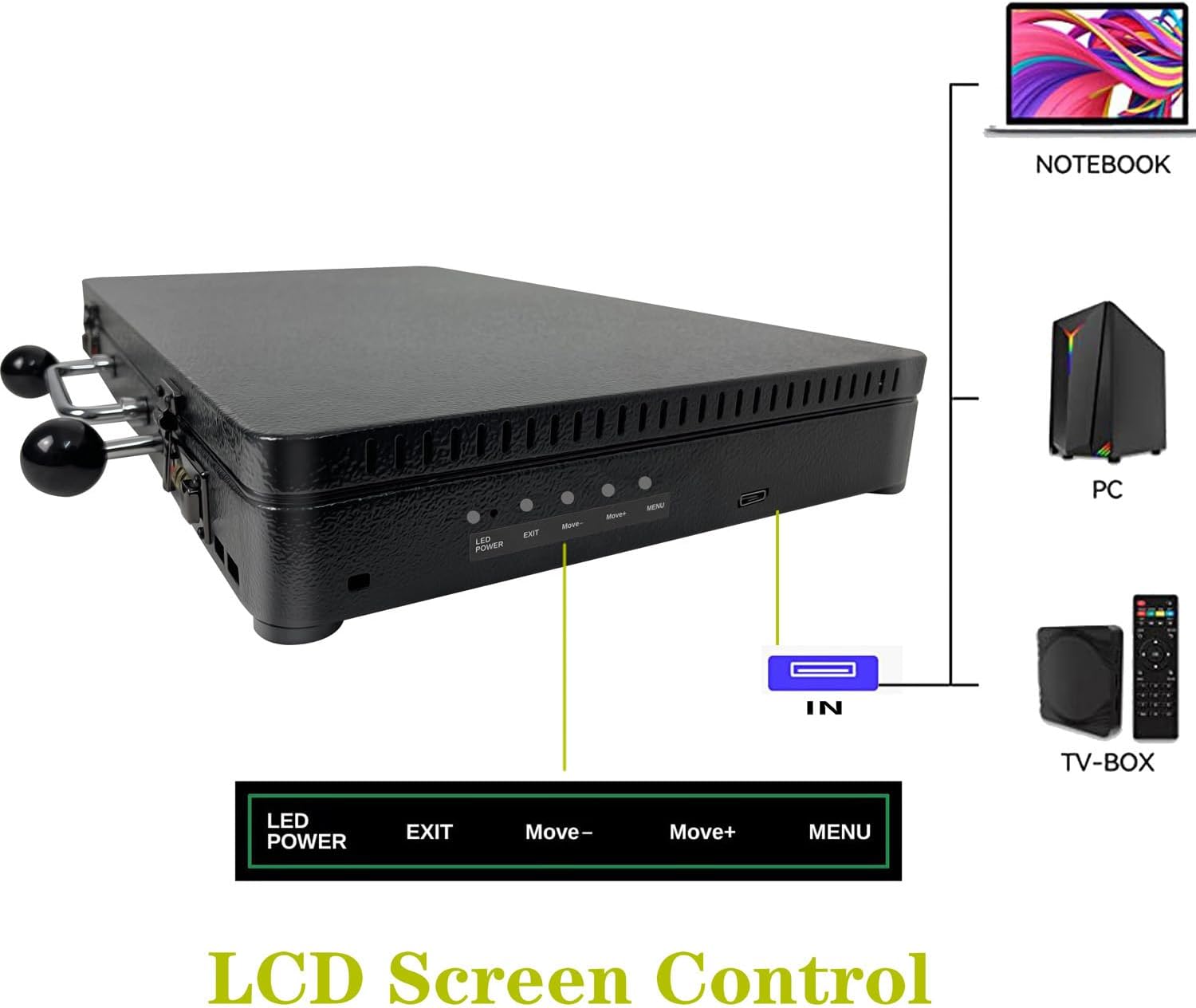
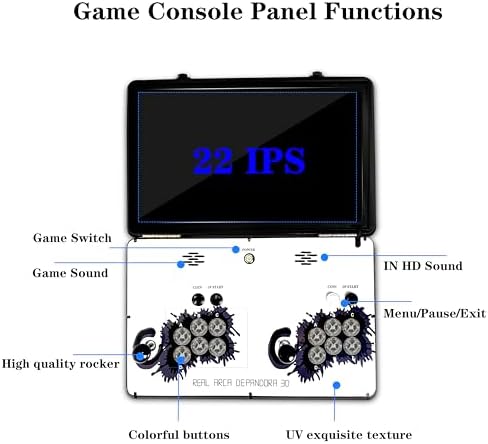
1. "Setting" on the game interface“
2. There is a small button on the left side (next to the sound adjustment)
Key Reminder:
1,Must “Free play” Mode
2,HD Mode
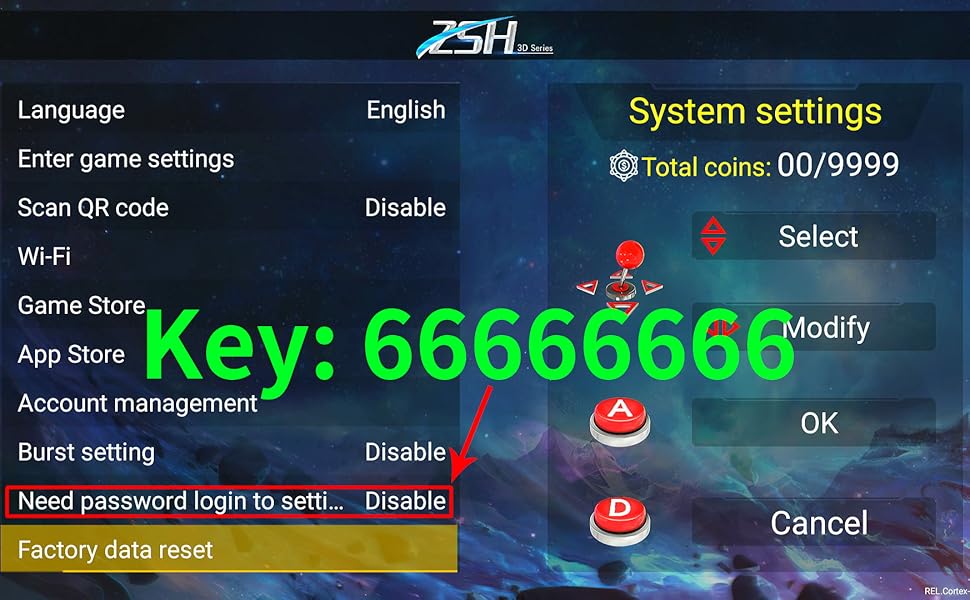
Need password login to setting "Disable"
If changing the settings requires a password to enter SET, SKY:66666666
loading
