








Free worldwide shipping
Free returns
Carbon neutral
Secure payments
| Scanner Type | Document |
|---|---|
| Connection Type | USB |
| Resolution | 600 dpi |
| Wattage | 16 watts |
| Color Depth | 48 bpp |
| Standard Sheet Capacity | 50 |
| Optical Sensor Technology | CIS |
| Media Type | USB |
| Item Dimensions D x W x H | 5"D x 11"W x 6"H |
| Model Name | PS188 |
| UPC | 783064428170 |
| Manufacturer | Plustek |
| Warranty Description | 1 Year limited warranty |
| Minimum System Requirements | Windows 7 / 8 / 10 / 11 |
| Connectivity Technology | USB |
| Item Depth Width Height | 5"D x 11"W x 6"H |
| Standard Input Sheet Capacity | 50 |
| Optical Sensor | CIS |
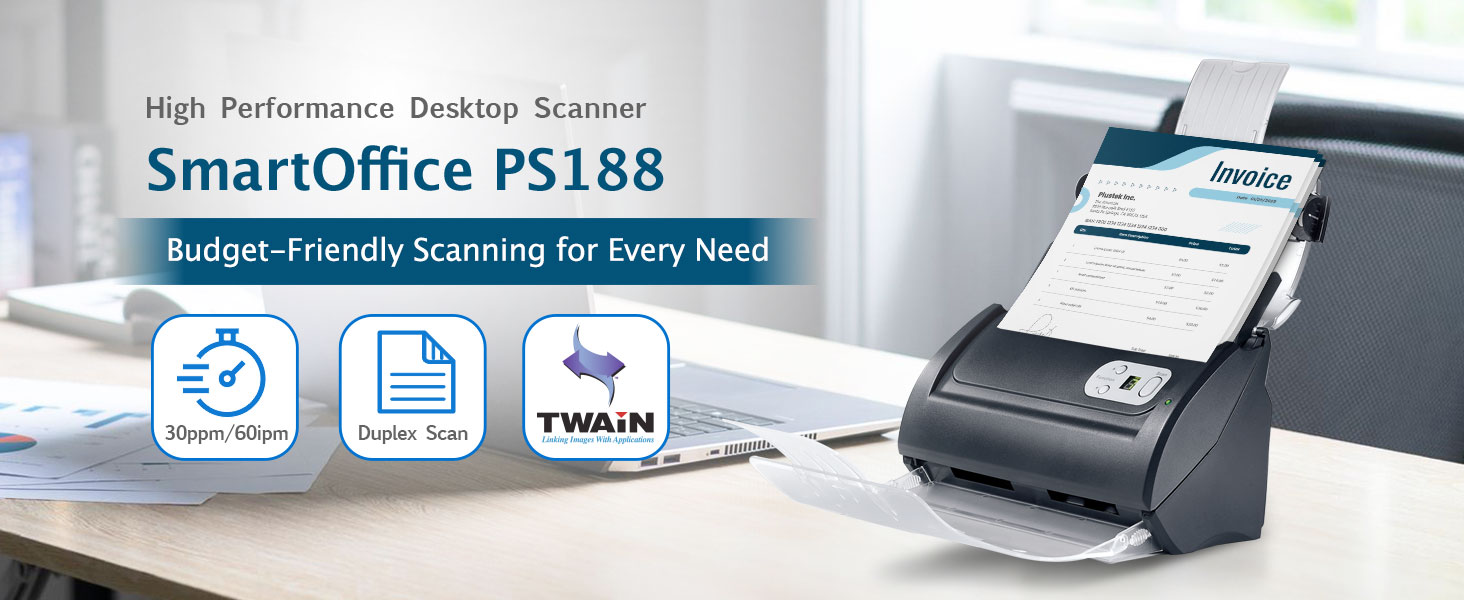
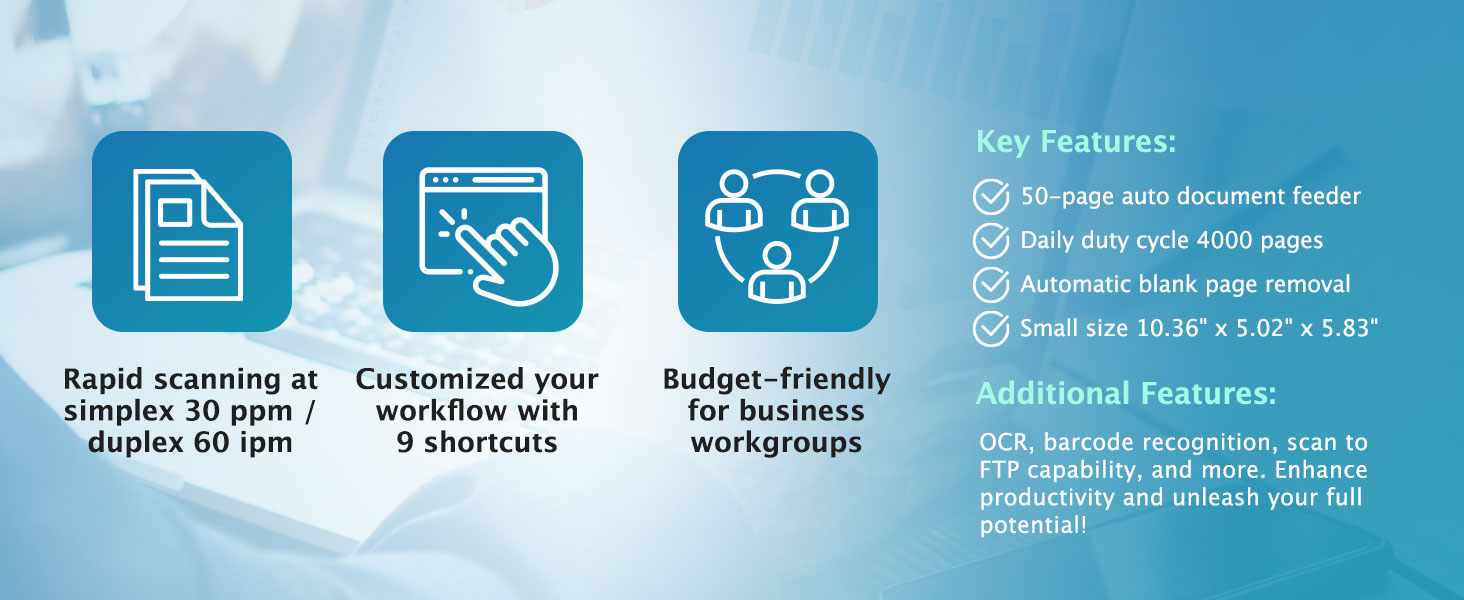
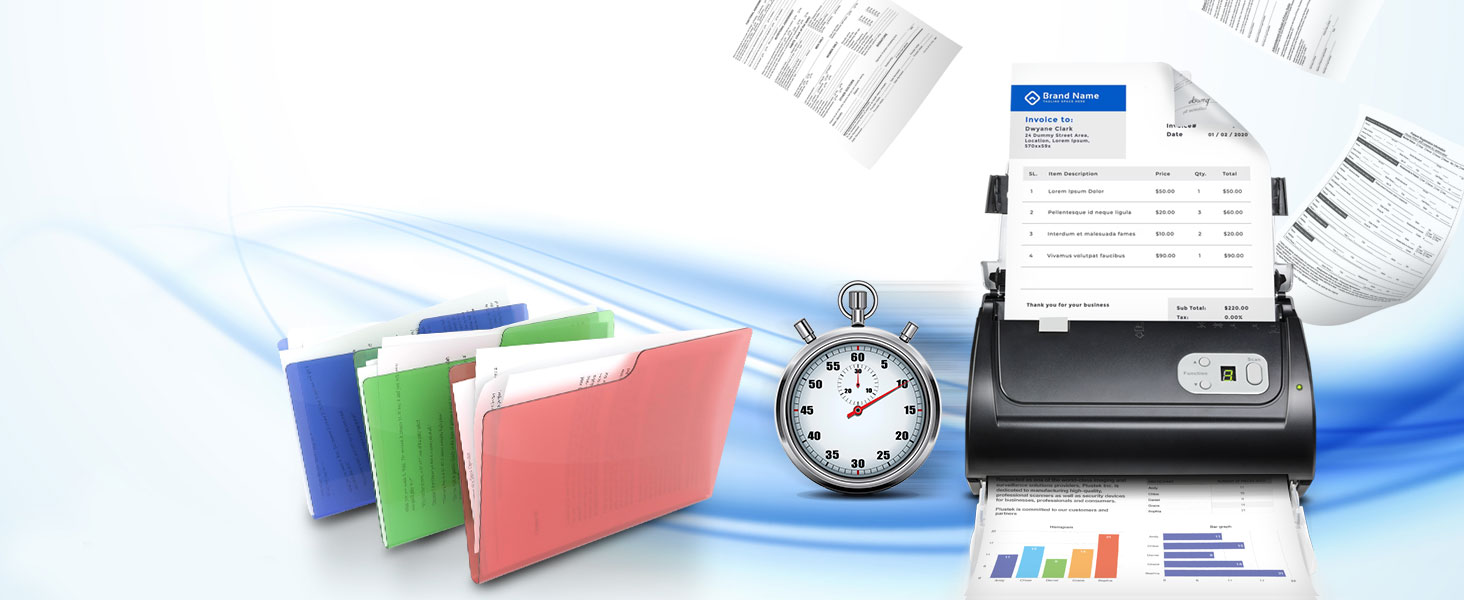
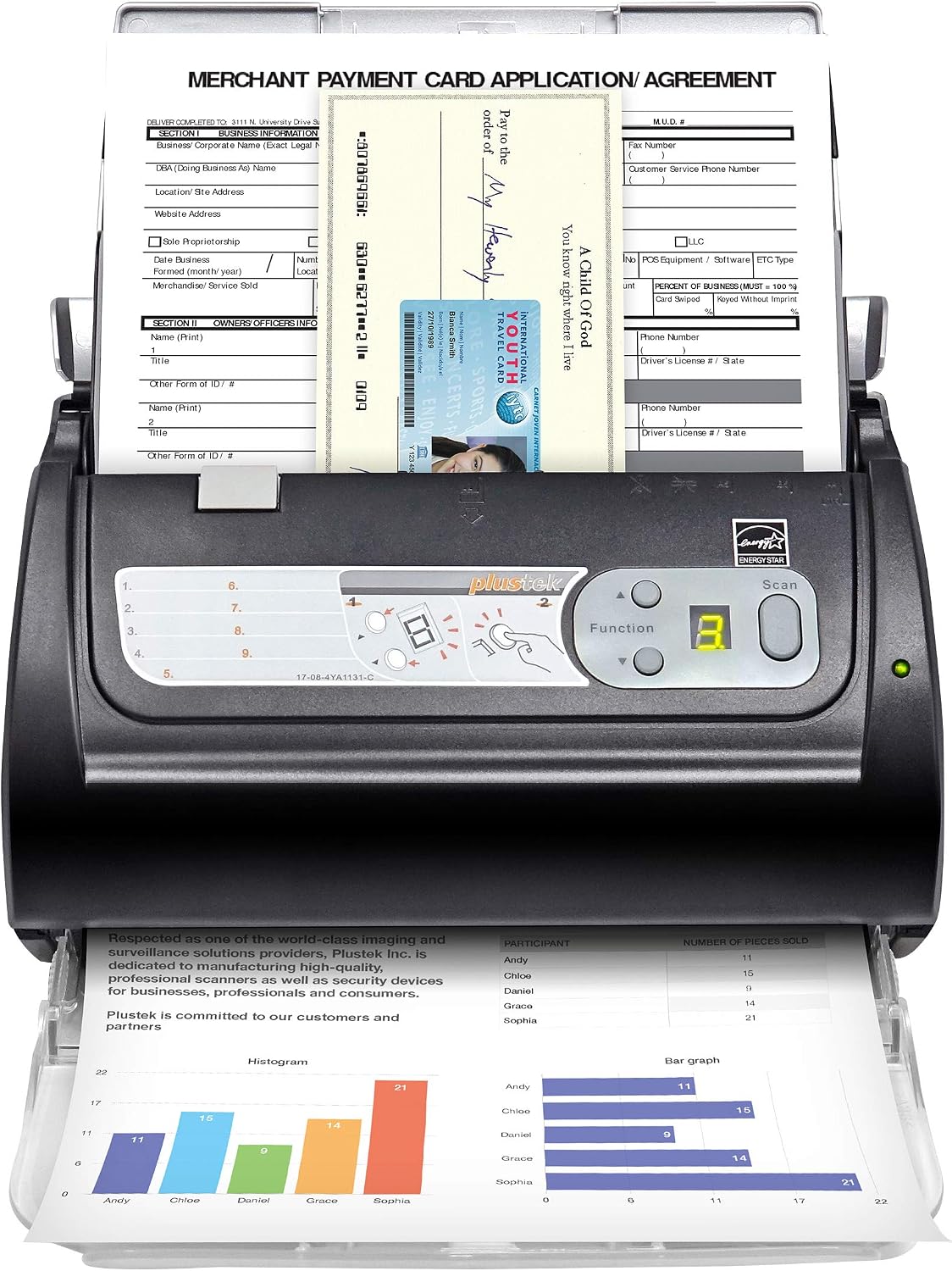
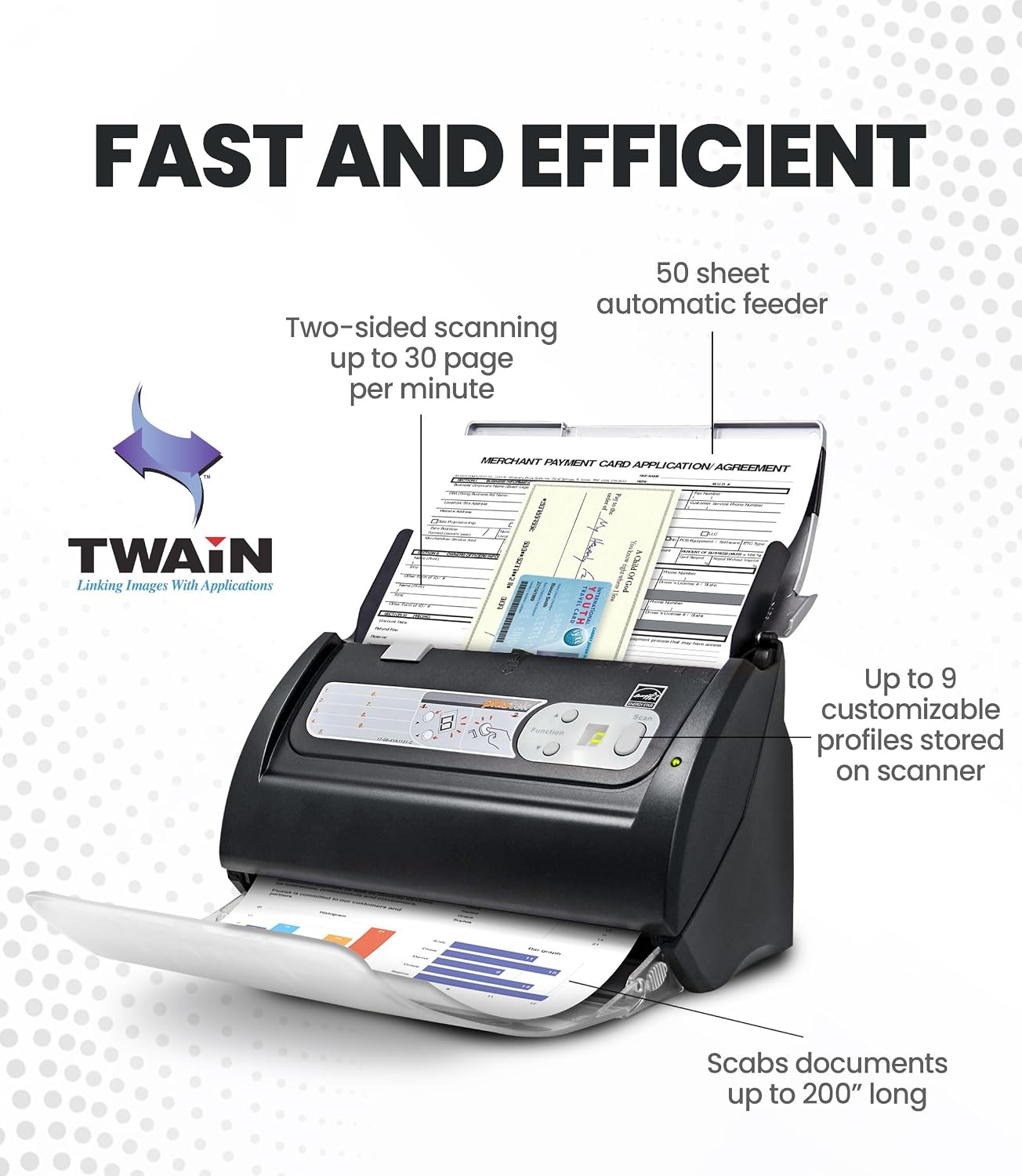
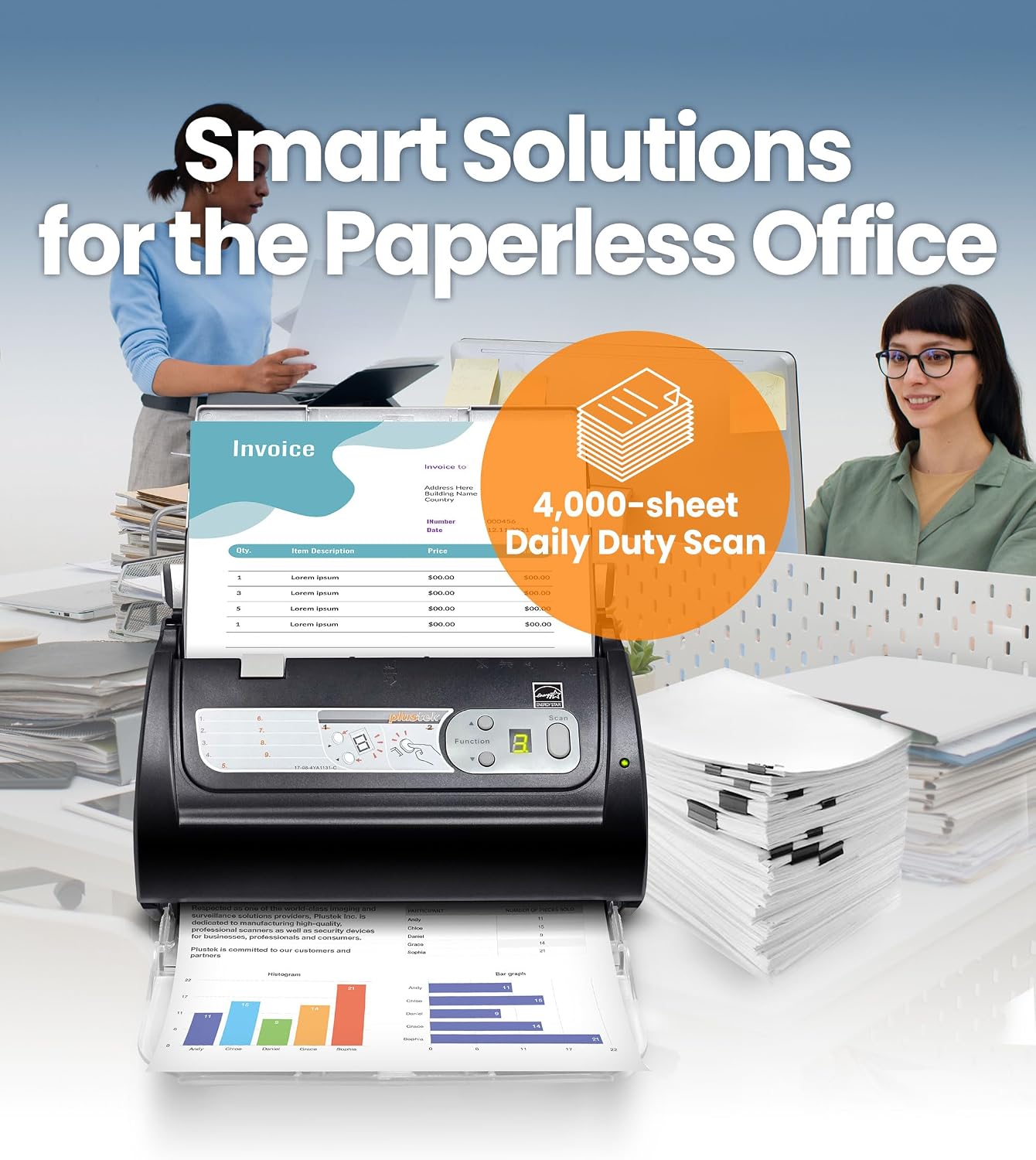
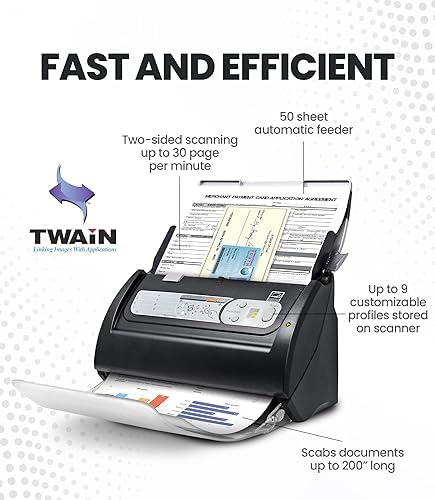
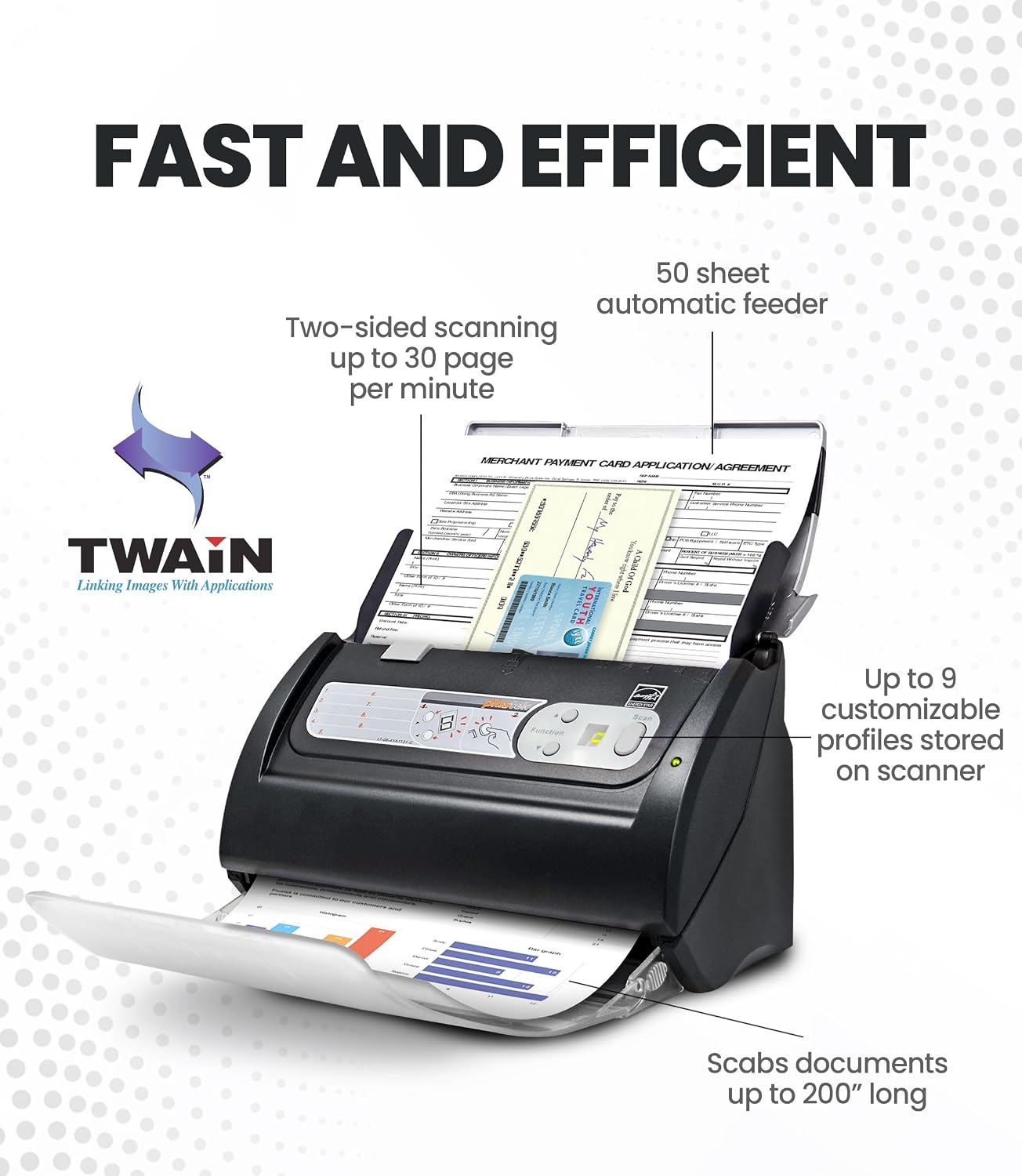
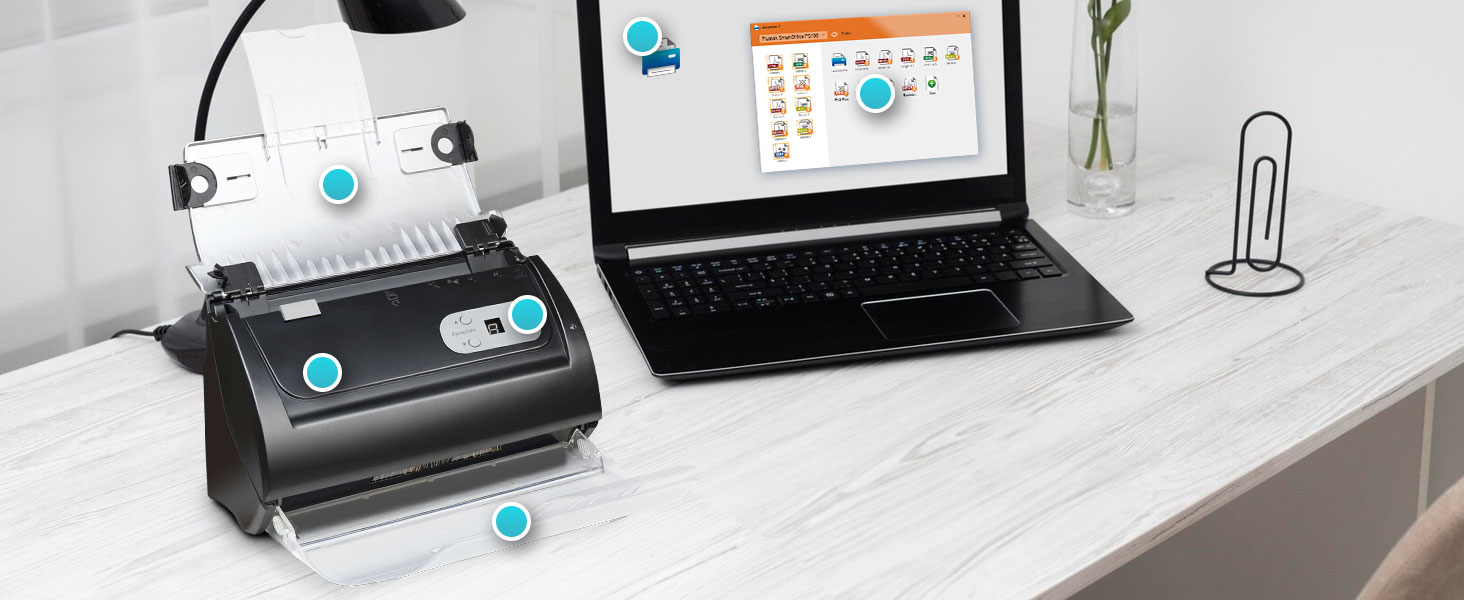
Experience rapid scanning, 30 pages or 60 images captured in one minute* for efficient digitization.
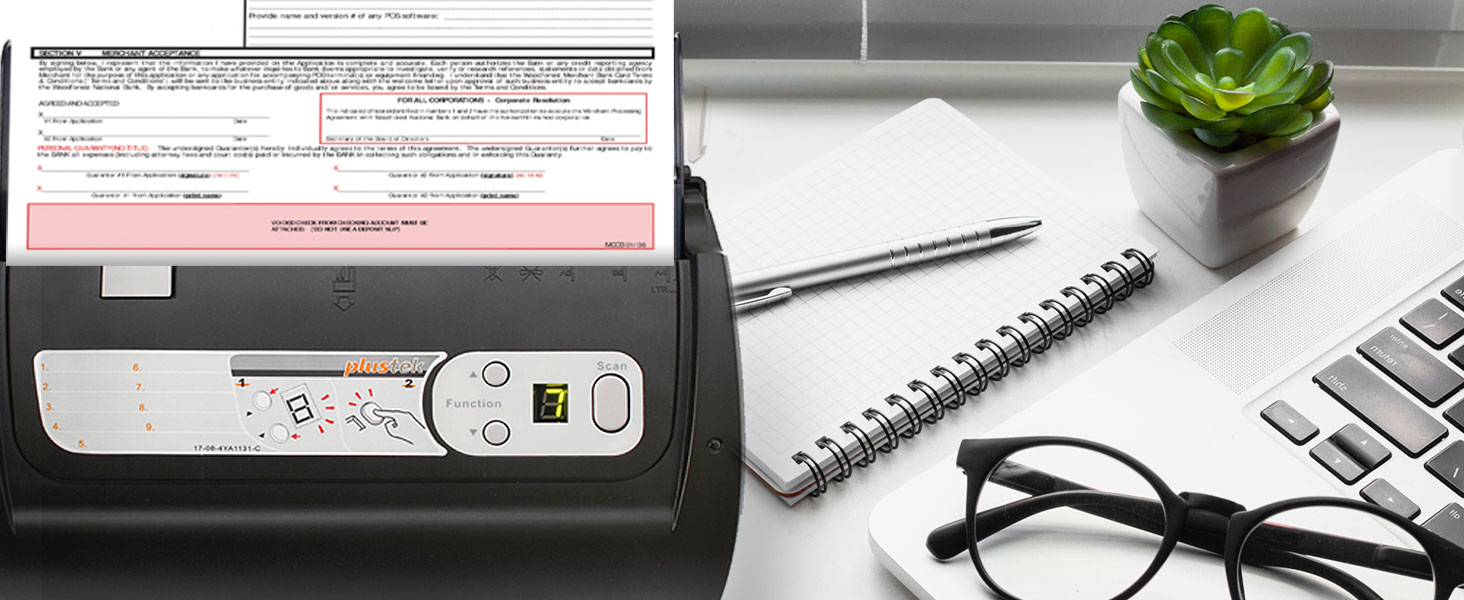
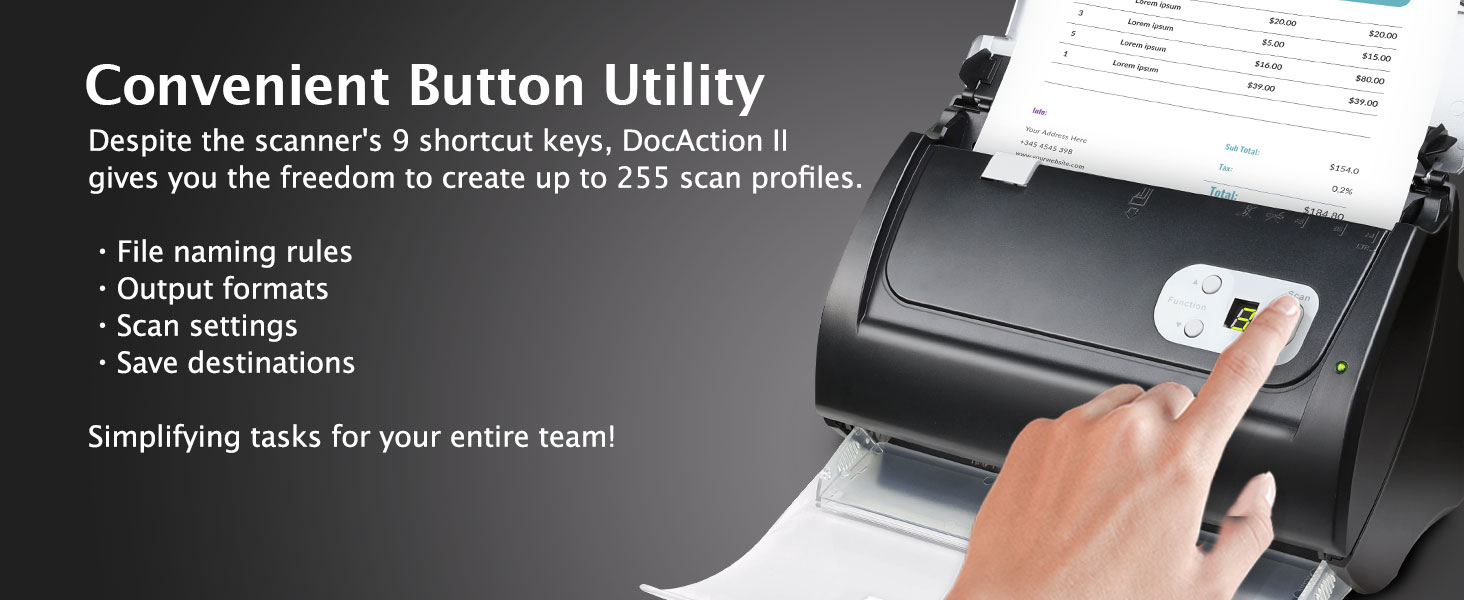
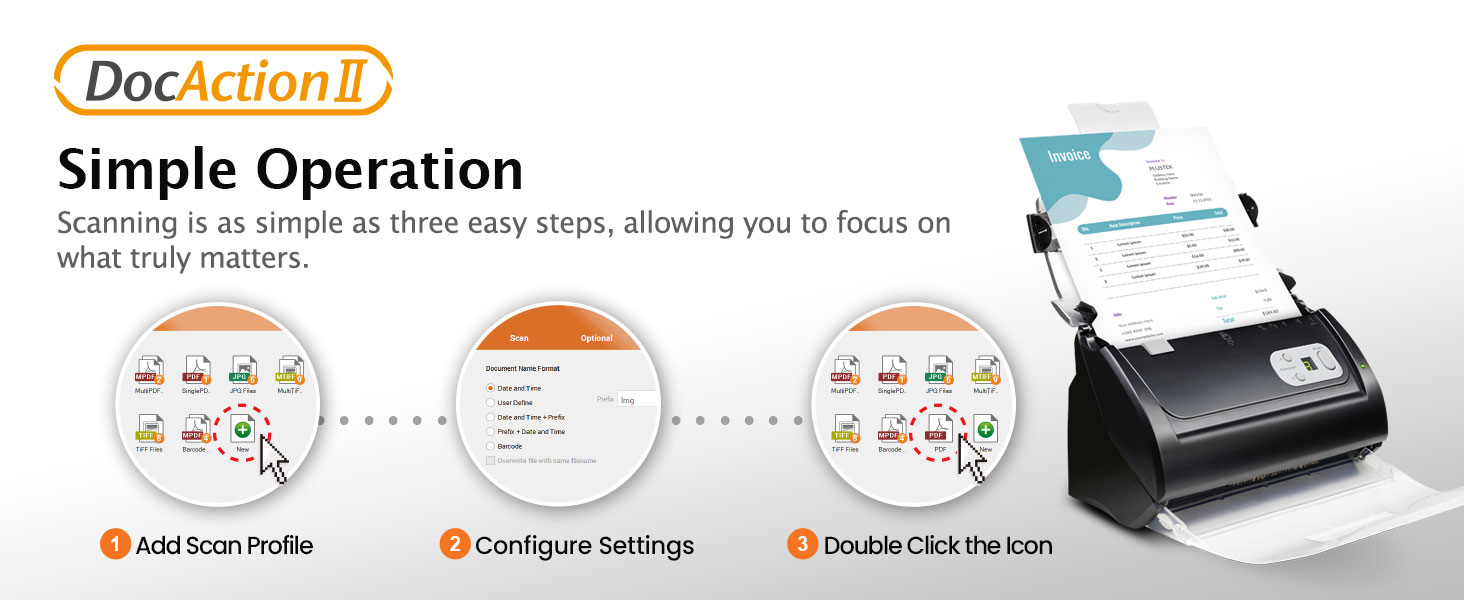
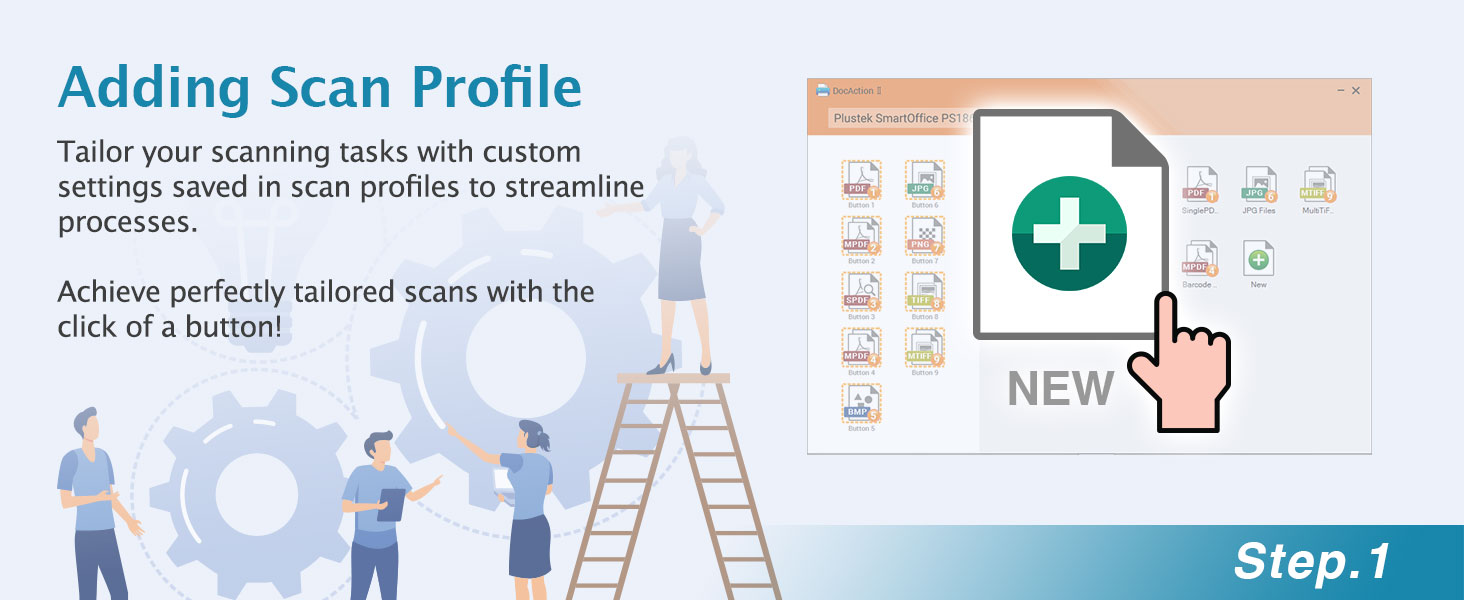
Tailor your scanning tasks with 9 customizable function keys to manage recurring tasks efficiently.
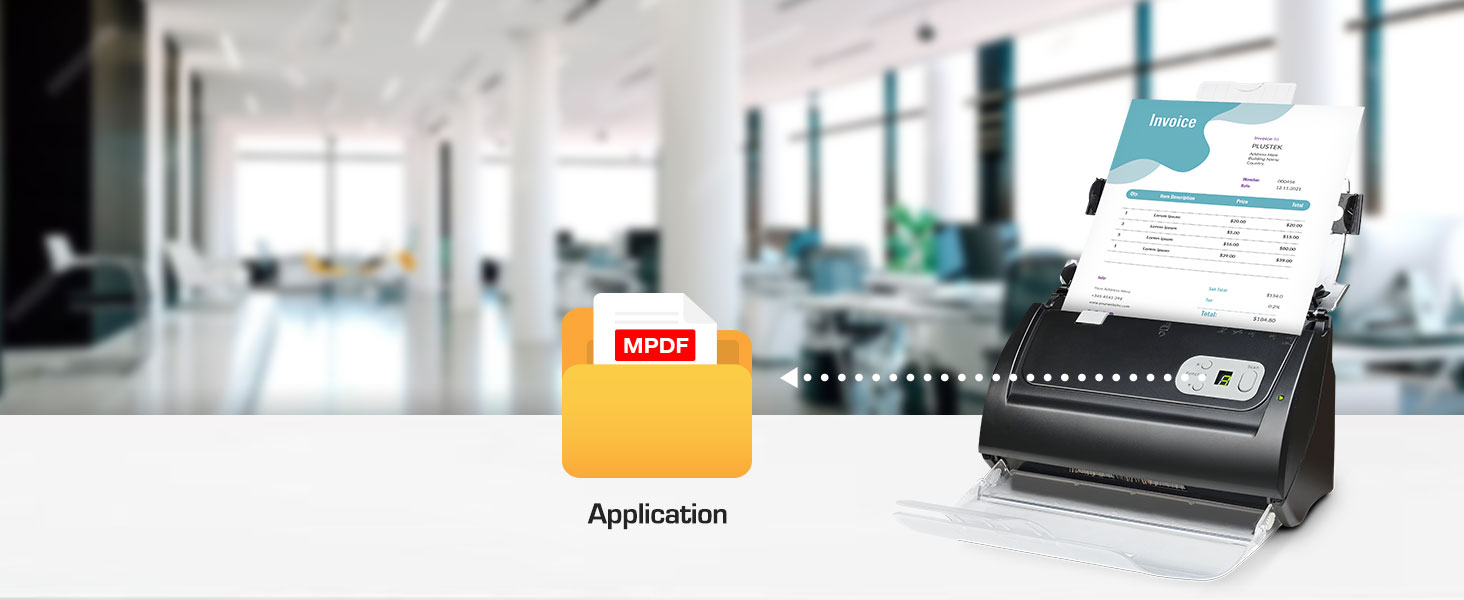
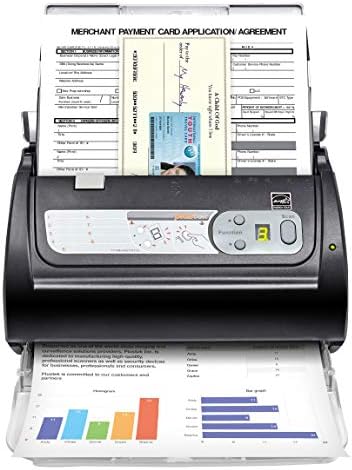
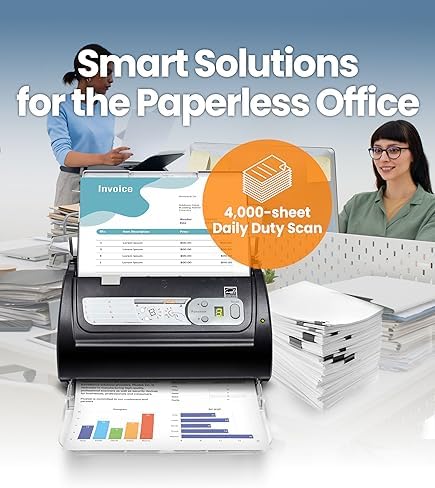
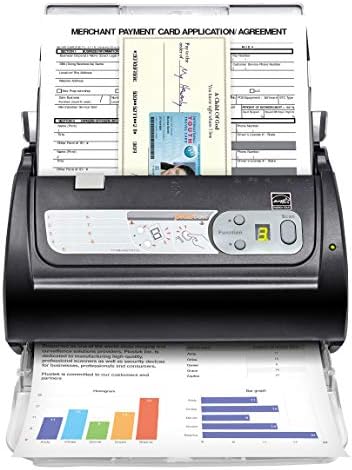
A high-capacity ADF handles up to 50 pages at once, making it perfect for uninterrupted office jobs.
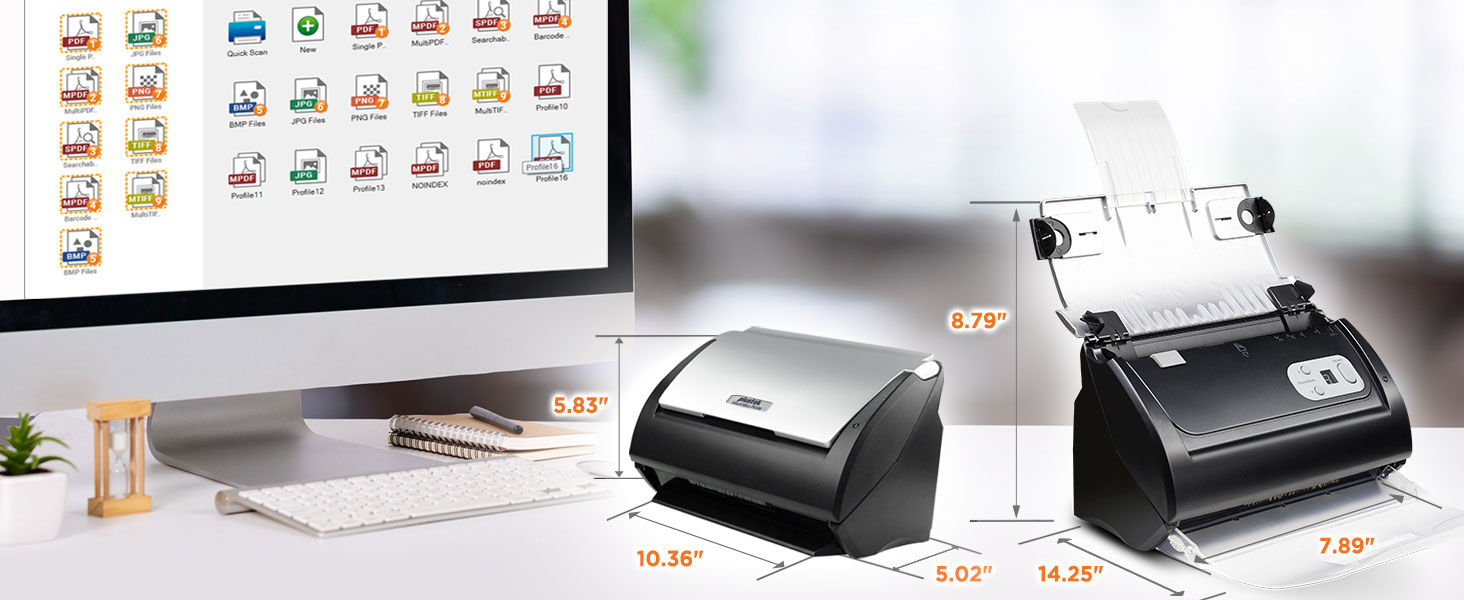
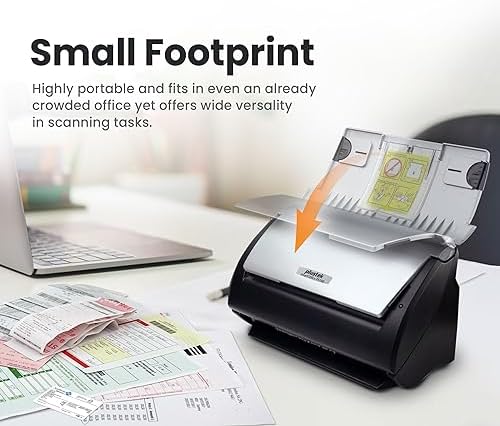
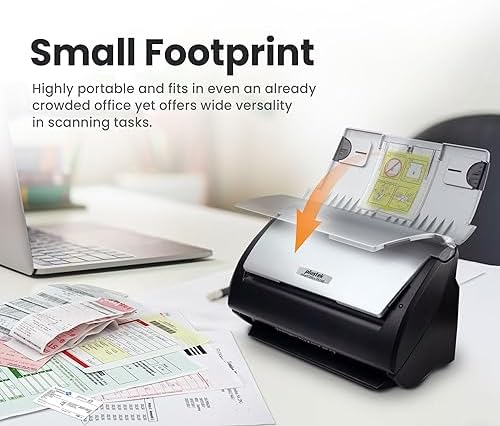
This compact device with a small footprint fits into any environment, saving valuable workspace.
Can I install SmartOffice PS188 driver without a CD-ROM?
Yes, you can download the latest driver pack for from the official Plustek website and run the installer. For any technical assistance, visit Plustek website for help
How do I maintain the ADF scanner?
Keep your scanner clean by closing trays when not in use. For dirt on rollers or streaks on scans, simply follow cleaning and calibration instructions.
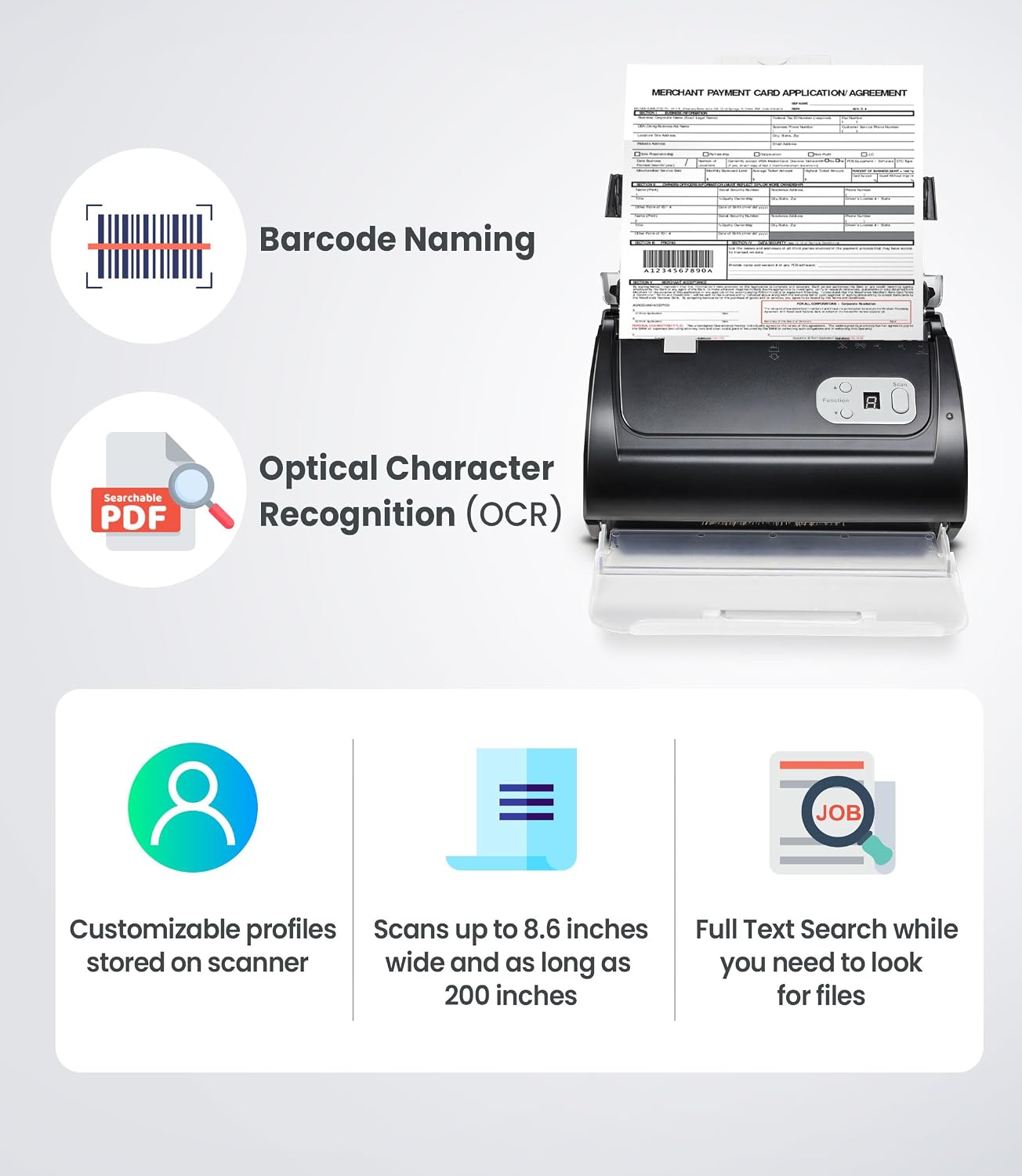
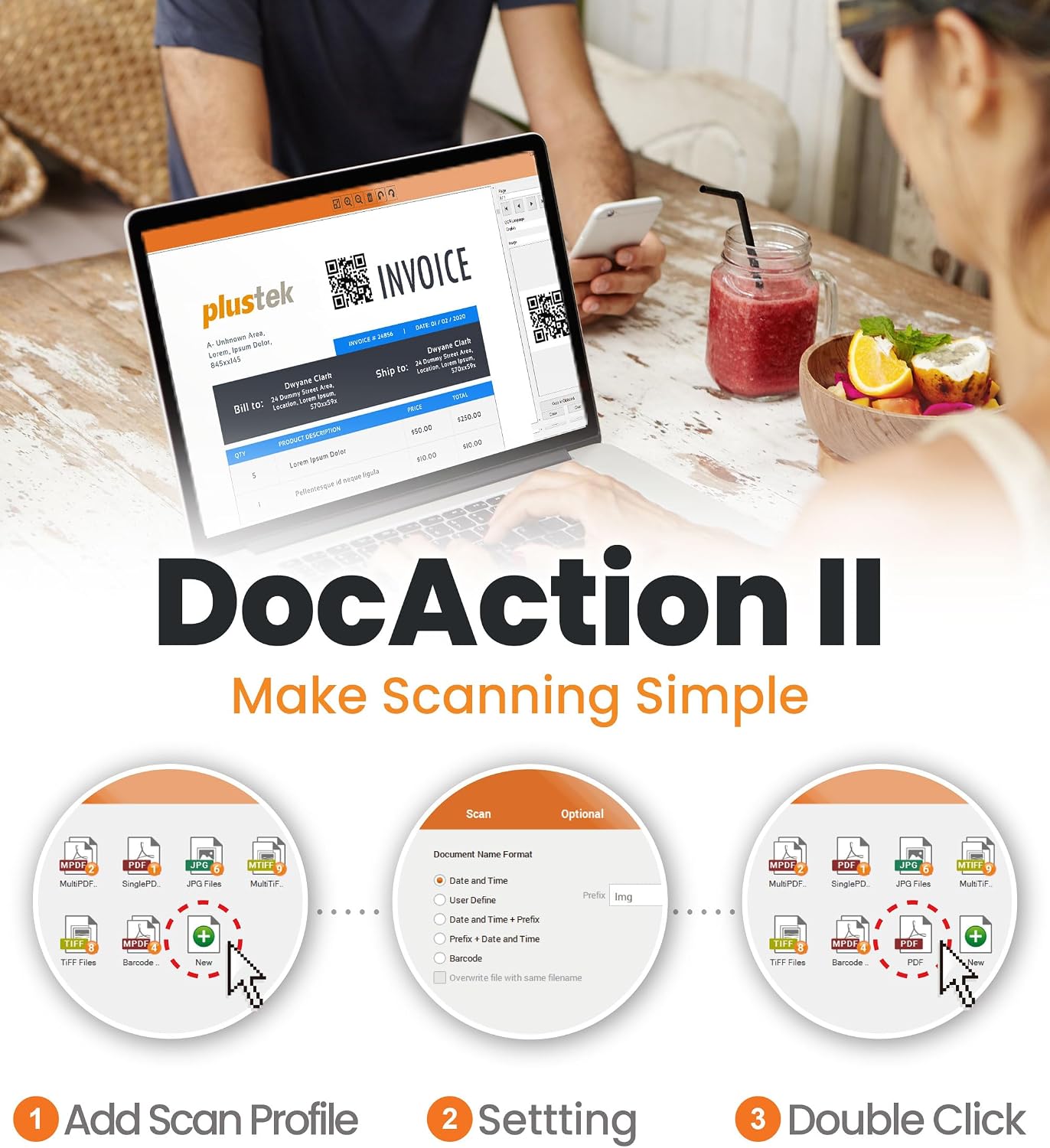
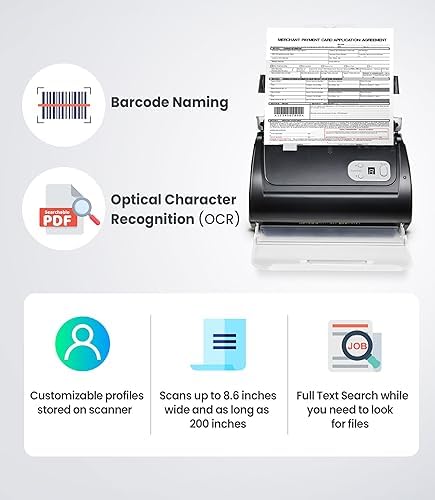
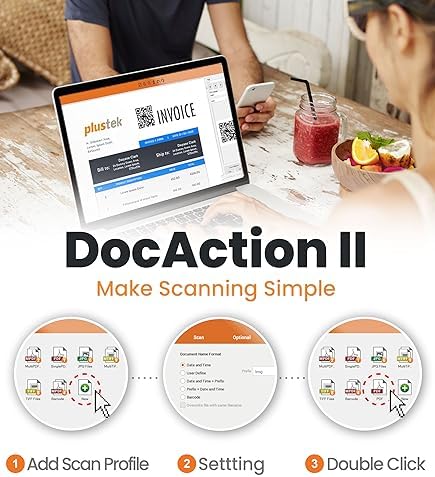
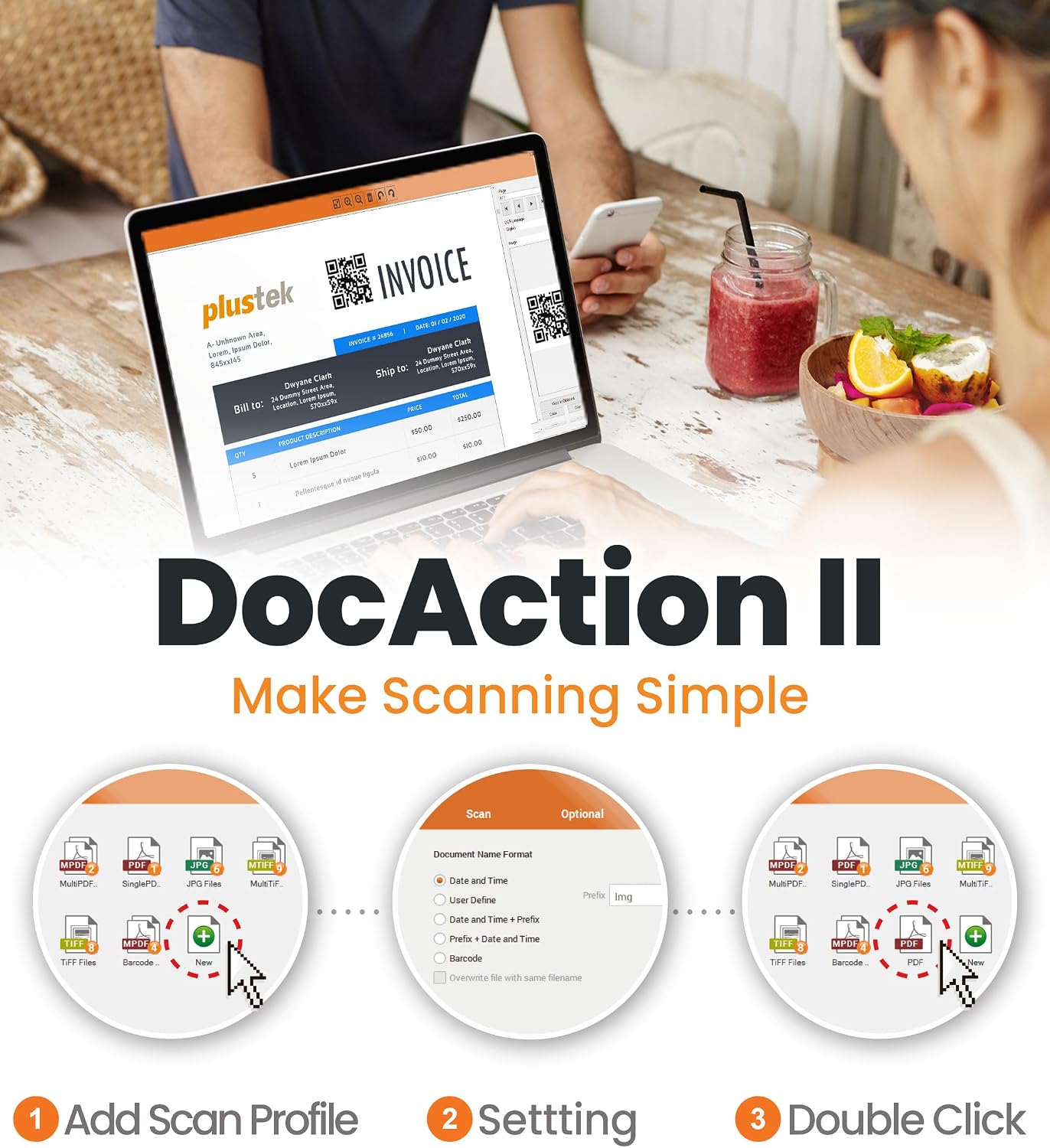
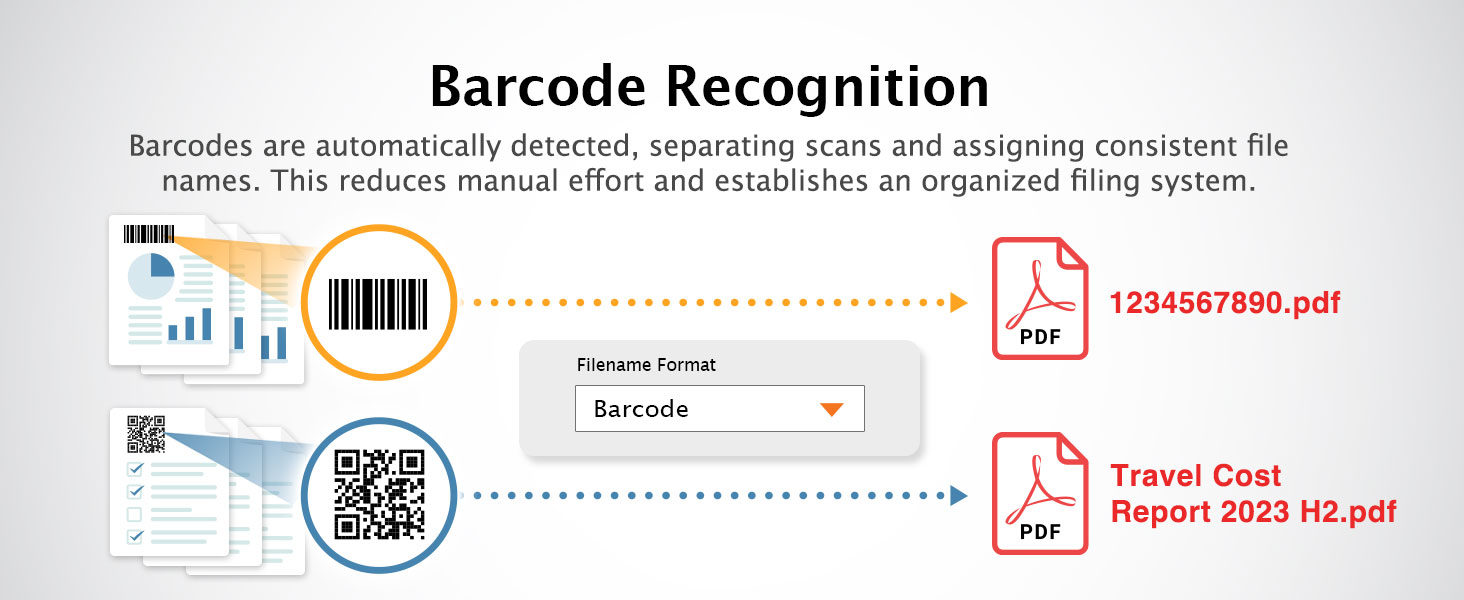
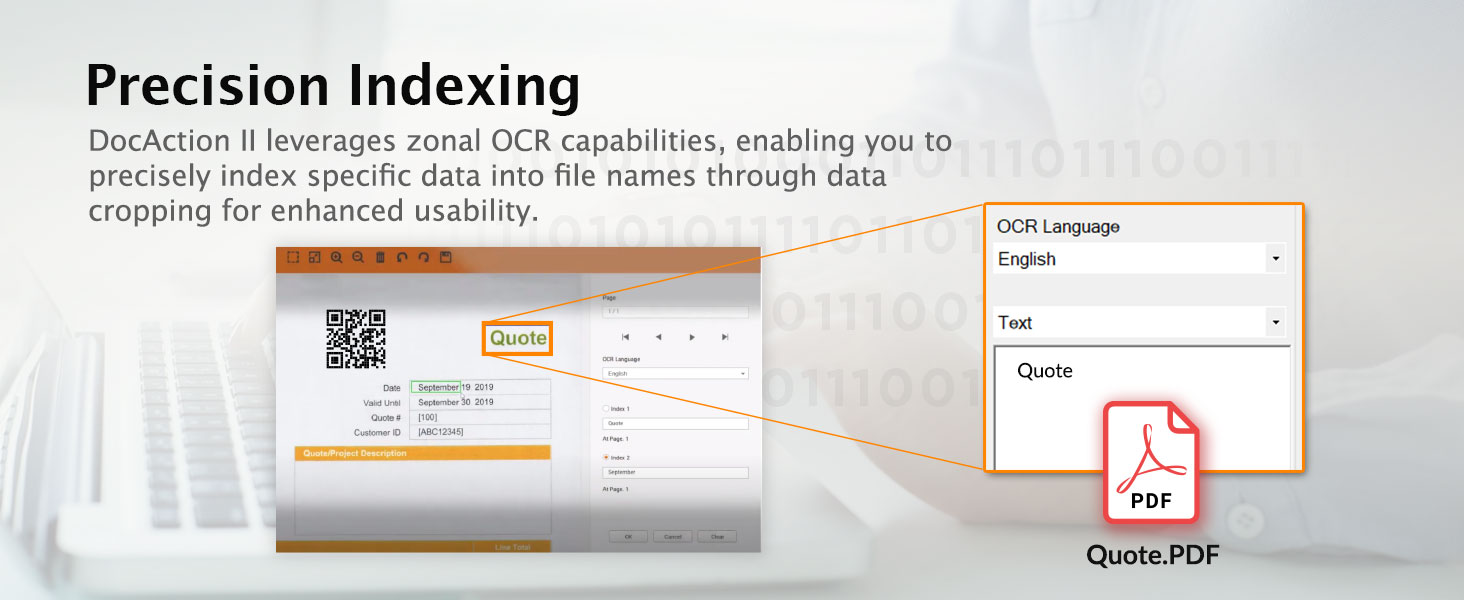
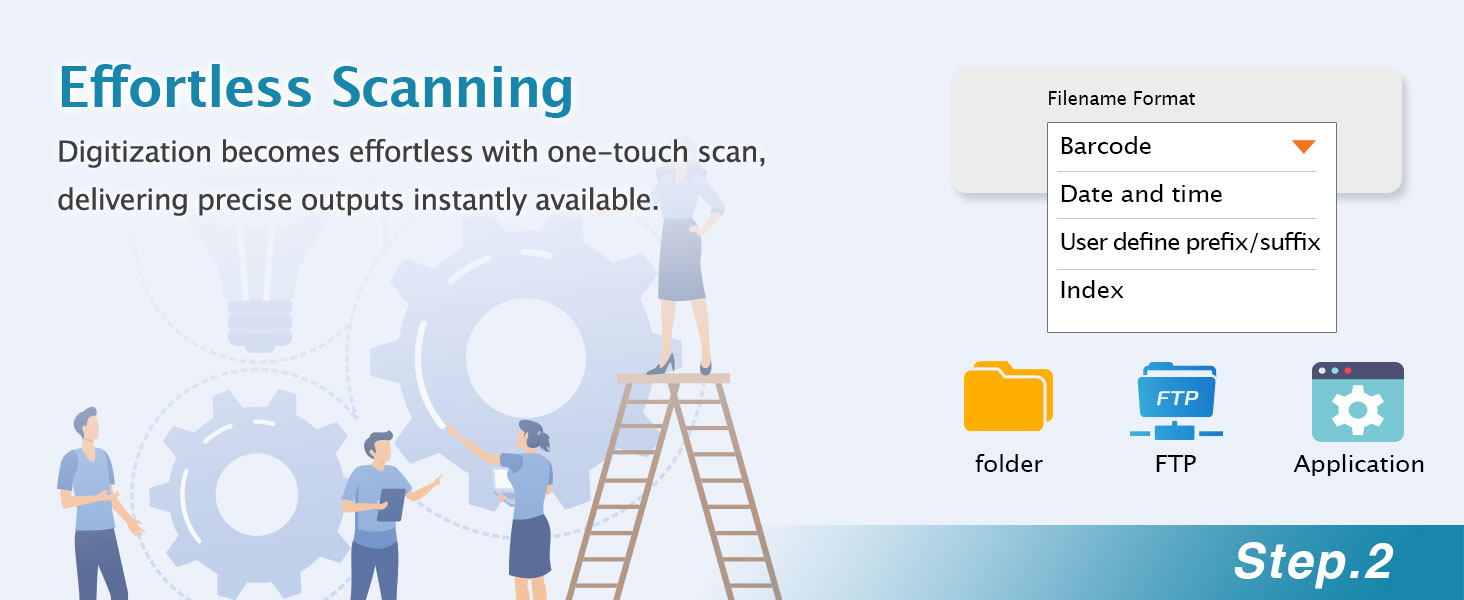
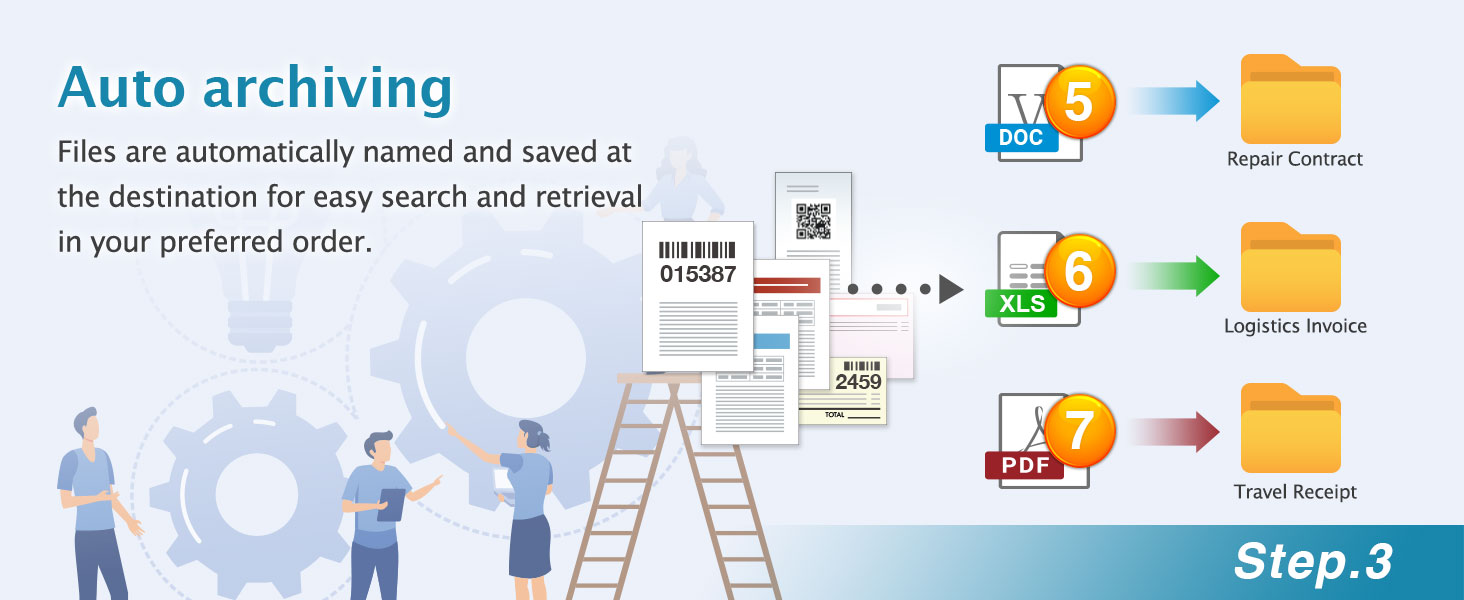
How to let scanner auto recognize paper barcode become file name?
Click "New" to add scan profile, in filename format select "Barcode" , then software will auto recognize barcode and set to file name.
loading
