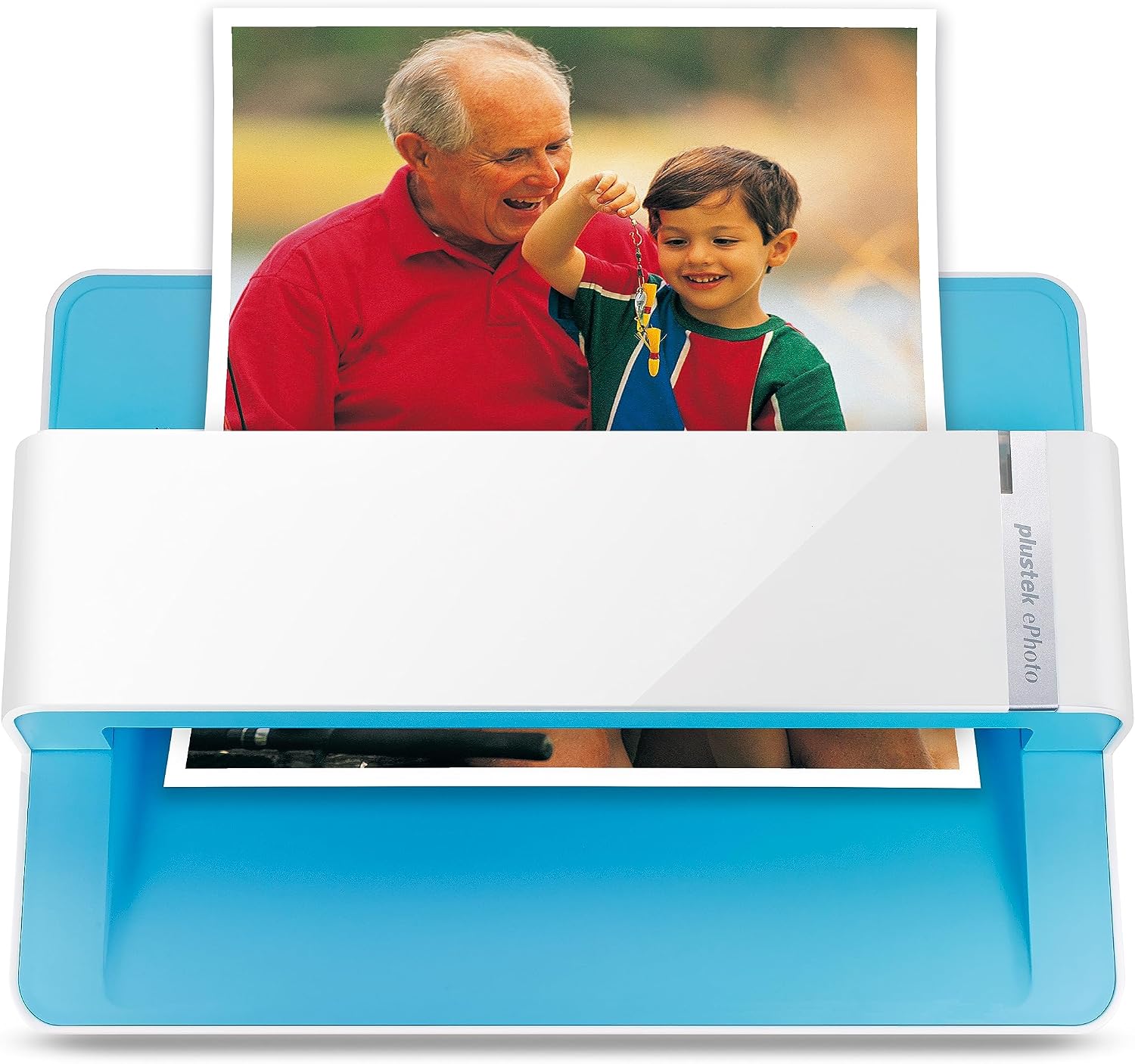

Plustek Photo Scanner ePhoto Z300, Scans 4x6 inch Photos in 2 Seconds, Auto crop and deskew with CCD Sensor

$44.00 USD
Shipping fees will be calculated at checkout.
  • Free worldwide shipping

  • Free returns

  • Carbon neutral

  • Secure payments

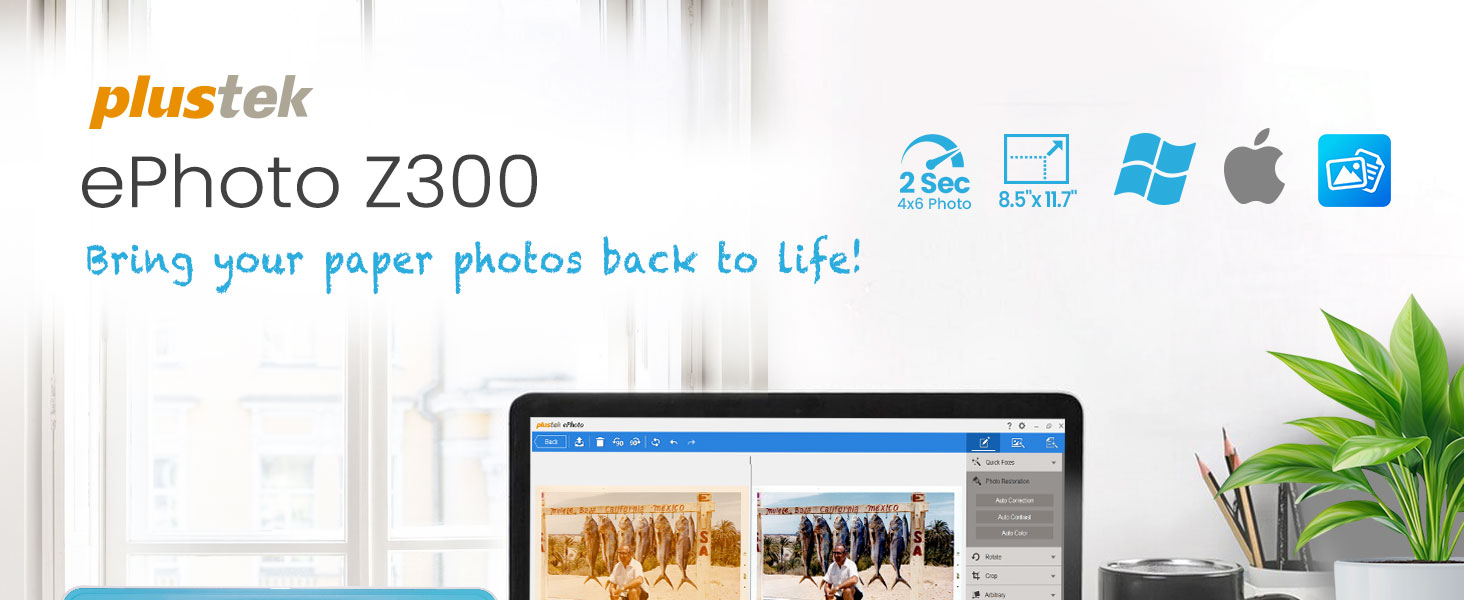
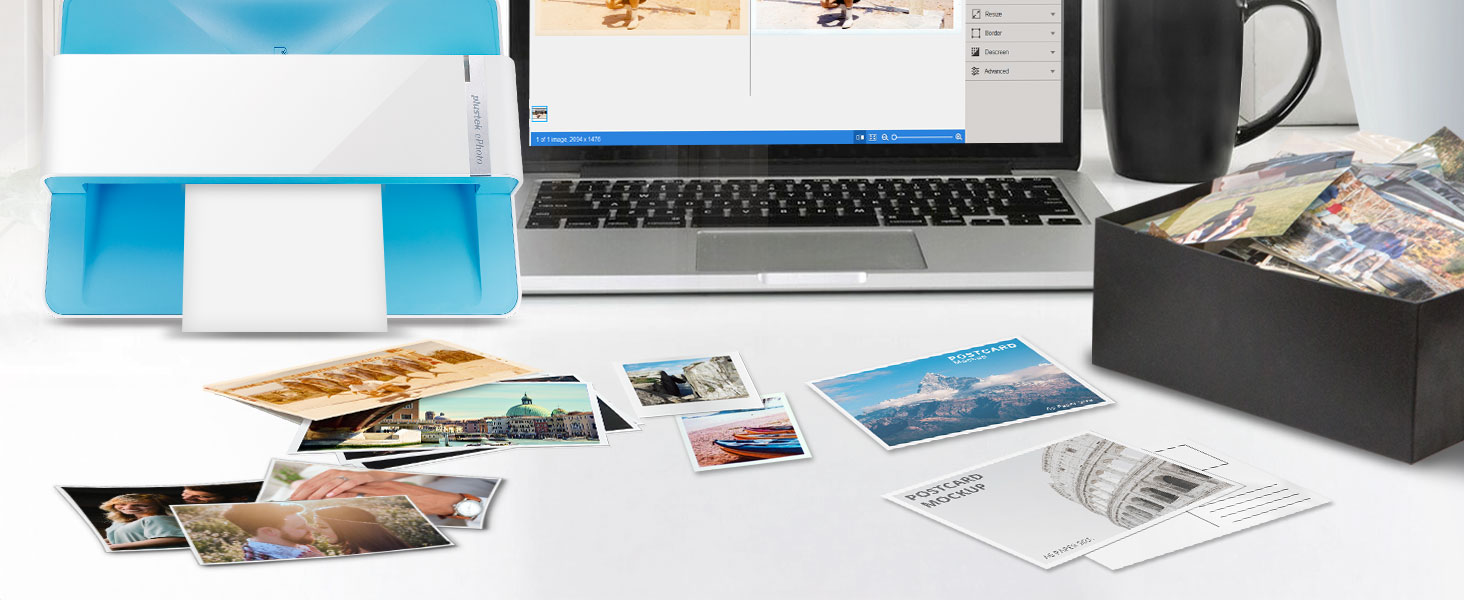
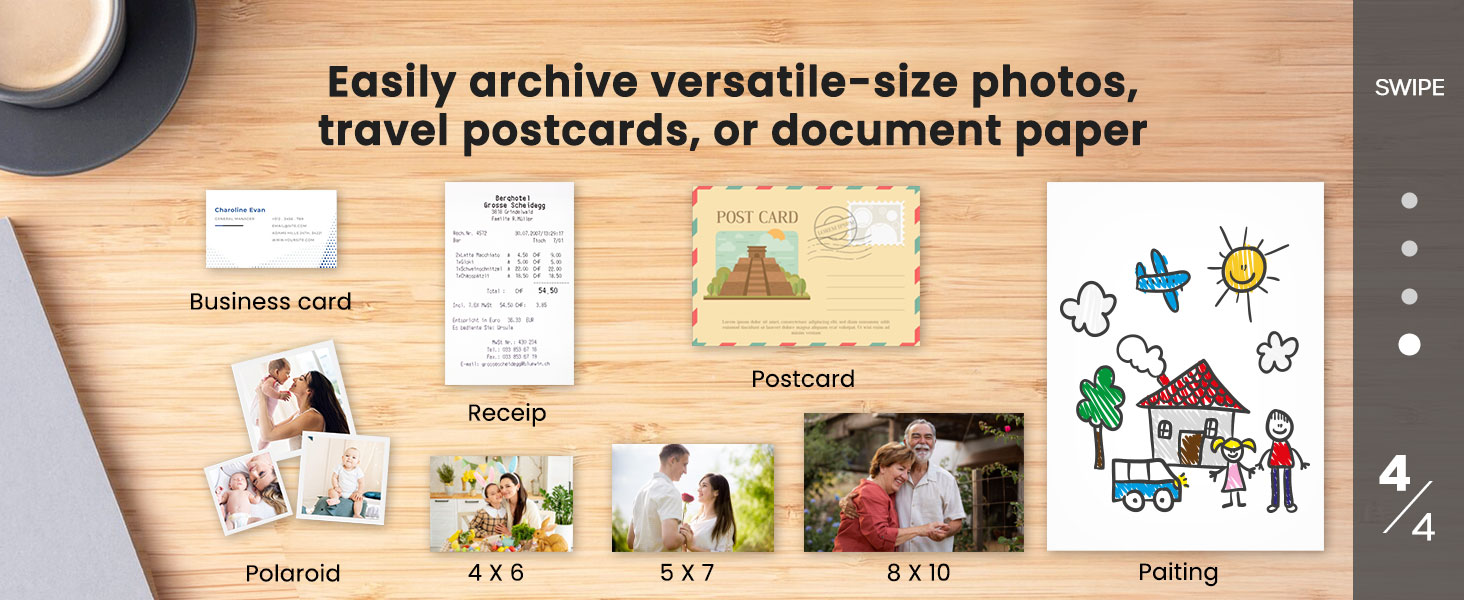
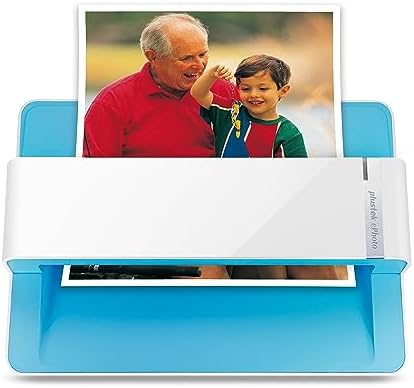
  • The easiest way to scan photos and documents. Supports 3x5, 4x6, 5x7, and 8x10 in sizes photo scanning but also letter and A4 size paper. Optical Resolution is up to 600 dpi ( PS: two setting: 300dpi/ 600dpi).
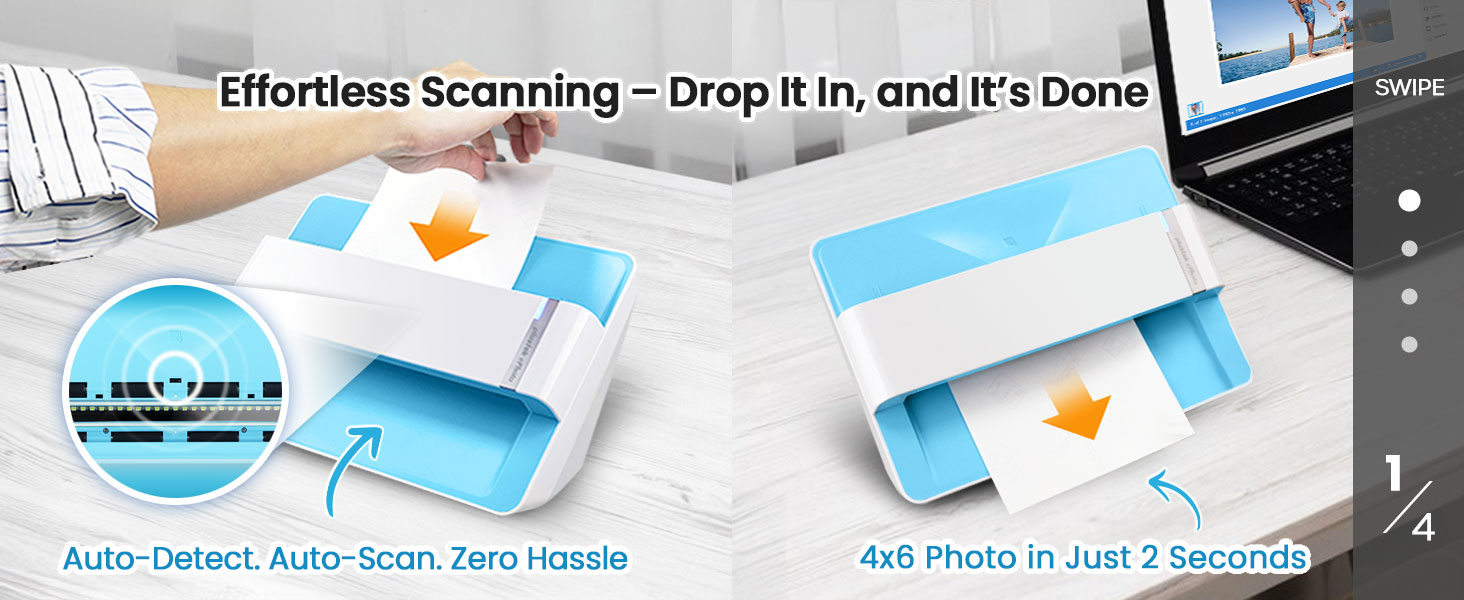
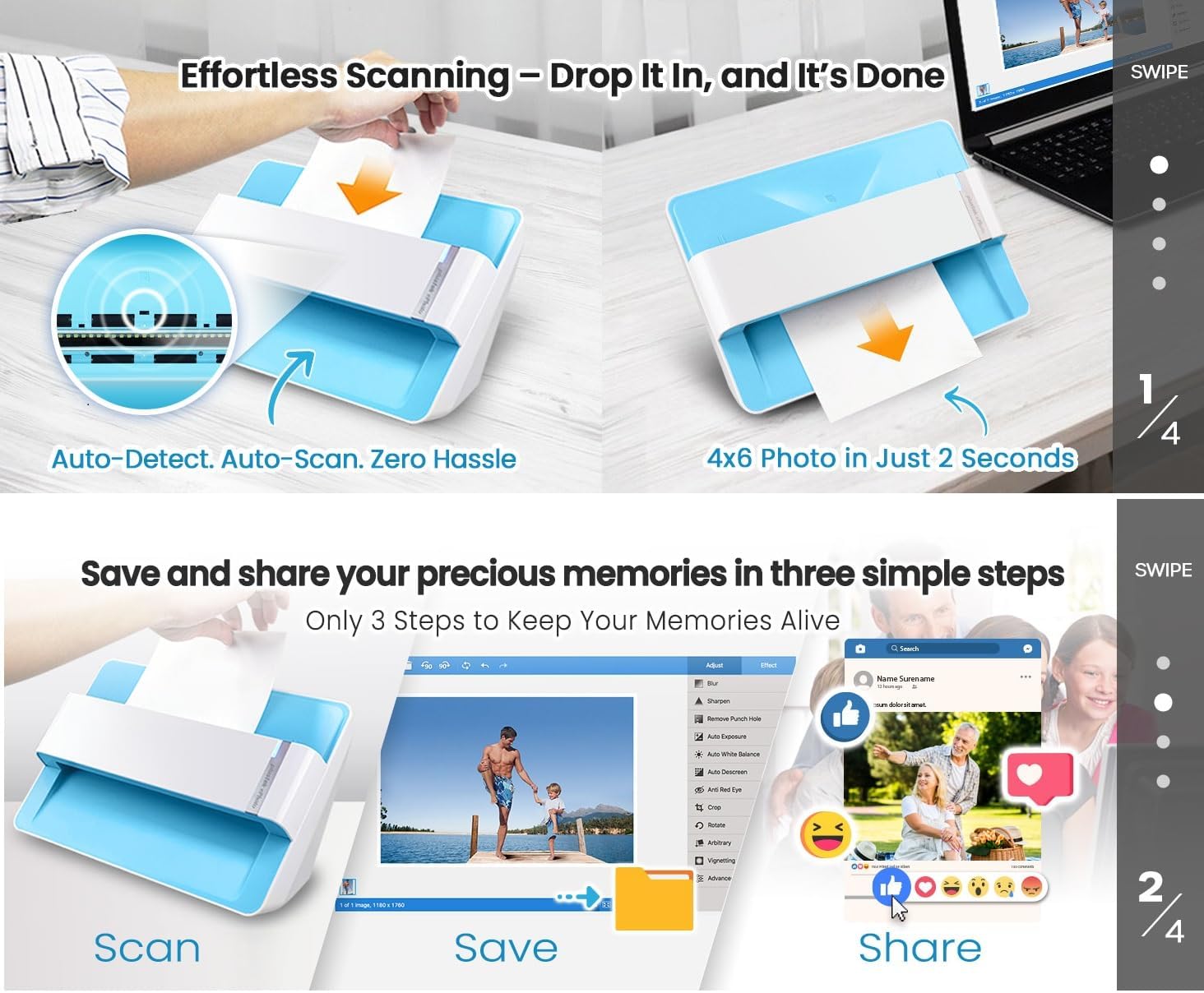
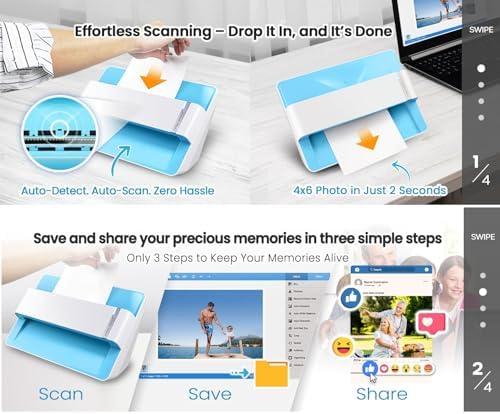
  • Fast and easy, 2 seconds for one 4x6 photo and 5 seconds for one 8x10 size photo@300dpi. You can easily convert about 1000 photos to digitize files in one afternoon and share with your family or friends.
  • More efficient than a flatbed scanner. Just insert the photos one by one and then scan. This makes ePhoto much more efficient than a flatbed scanner.
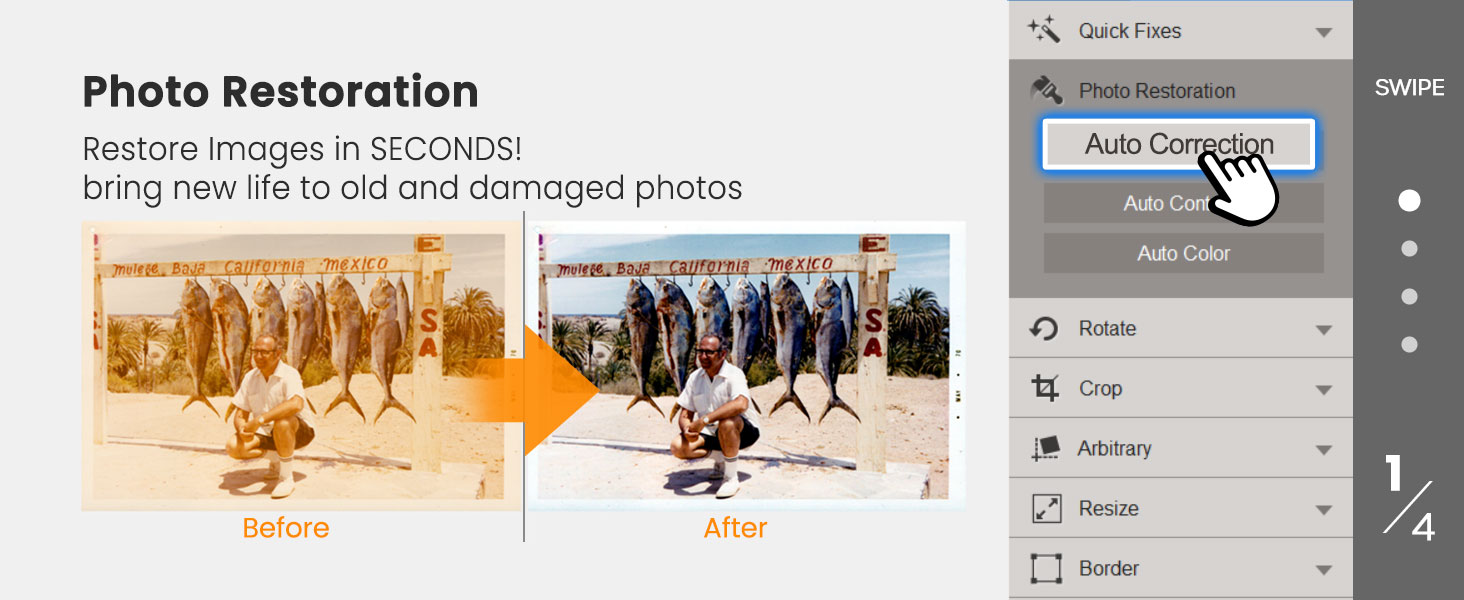
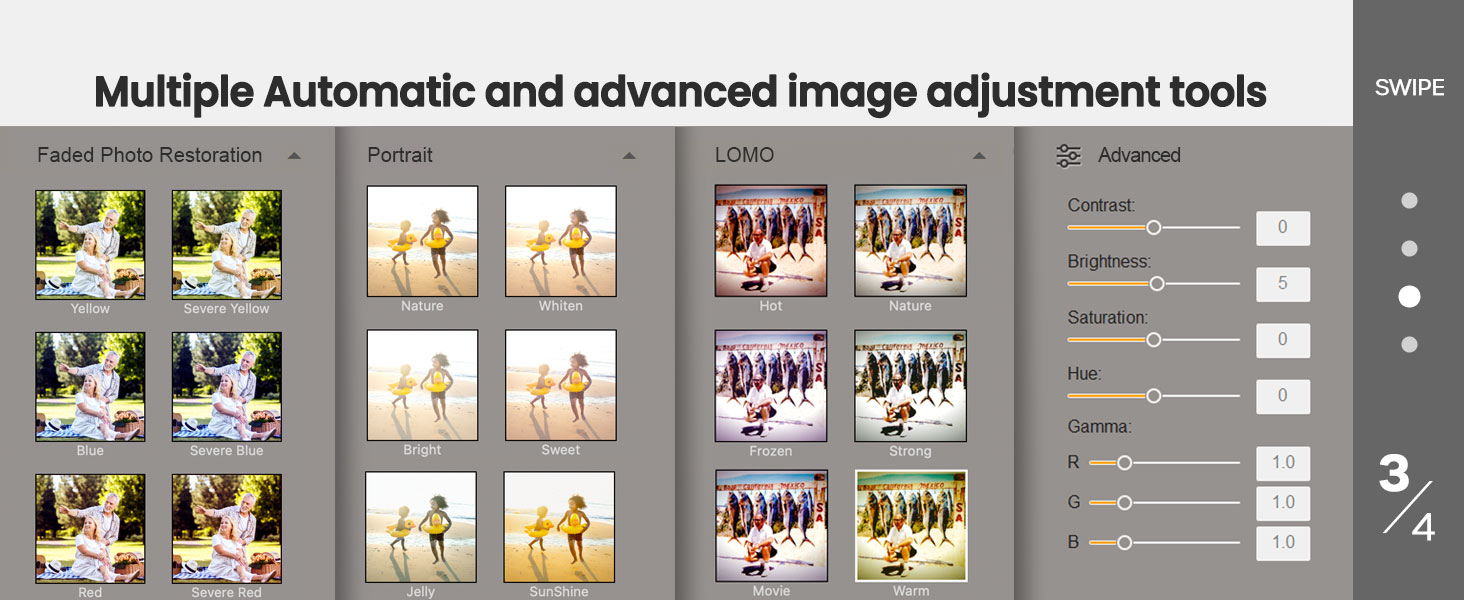
  • Powerful Image Enhancement functions included. Quickly enhance and restore old faded images with a click of the mouse.
  • ePhoto Z300 works with both Mac and PC : Supports Windows 7/8/10/11 , Mac OS X 10.12~15.x User can download the latest version on Plustek website.
Scanner TypeDocument, Photo
Connection TypeUSB
Resolution600 dpi x 600 dpi, 300 dpi x 300dpi
Wattage18 watts
Color Depth24
Standard Sheet Capacity1
Optical Sensor TechnologyCCD
Light Source TypeLED
Media TypeUSB
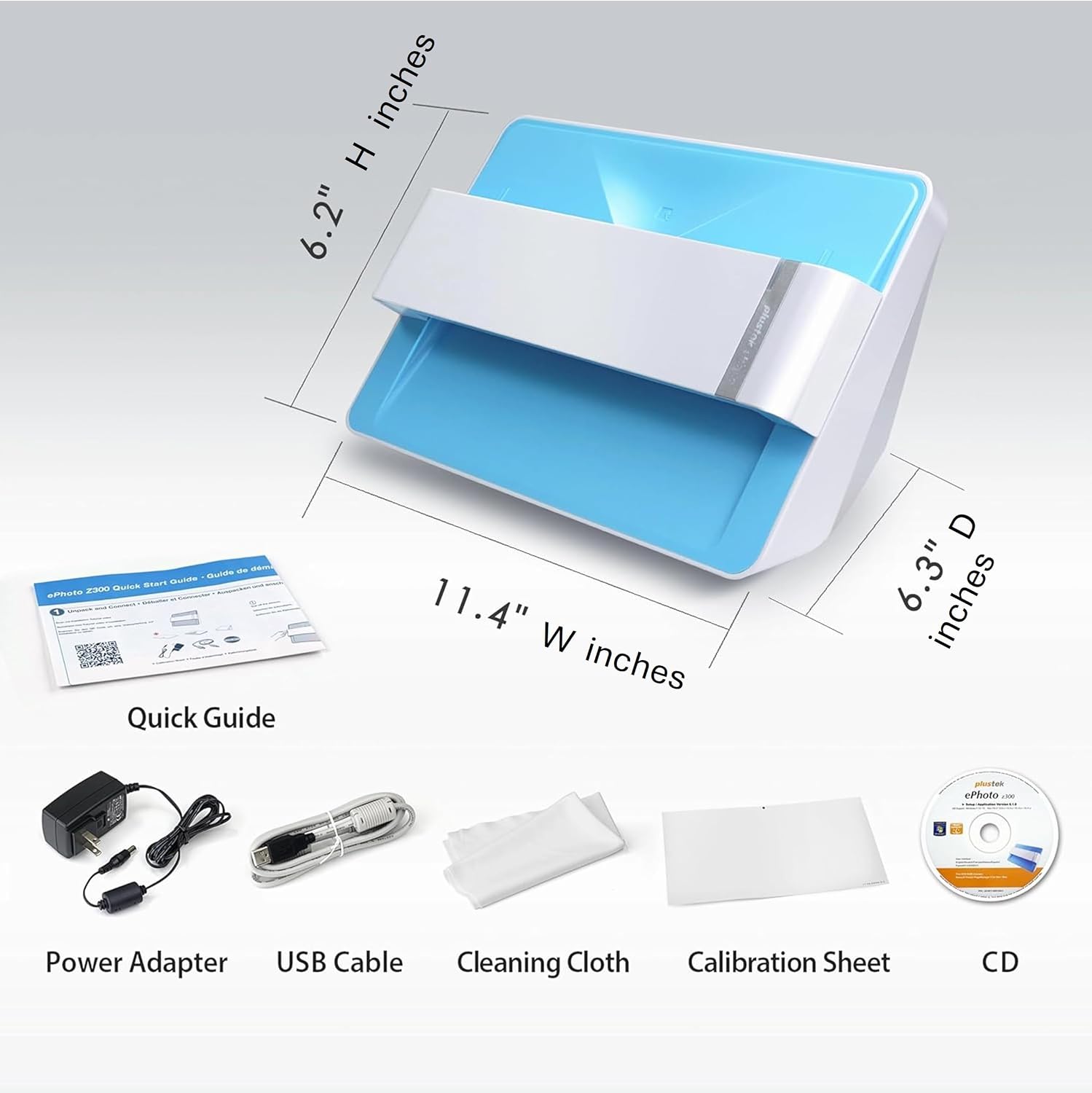
Item Dimensions D x W x H19.3"D x 4"W x 11.4"H
Item Weight1.5 kg
Model NameePhoto Z300
UPC783064687102
Unit Count1 Count
Global Trade Identification Number00783064687102, 04042485687105
ManufacturerPLUSTEK
Warranty Description1 Year
Minimum System RequirementsWindows 7
Connectivity TechnologyUSB
Item Depth Width Height19.3"D x 4"W x 11.4"H
Standard Input Sheet Capacity1
Plustek ePhoto Z300
Plustek ePhoto Z300
Previous page
  1. Efforless scanning
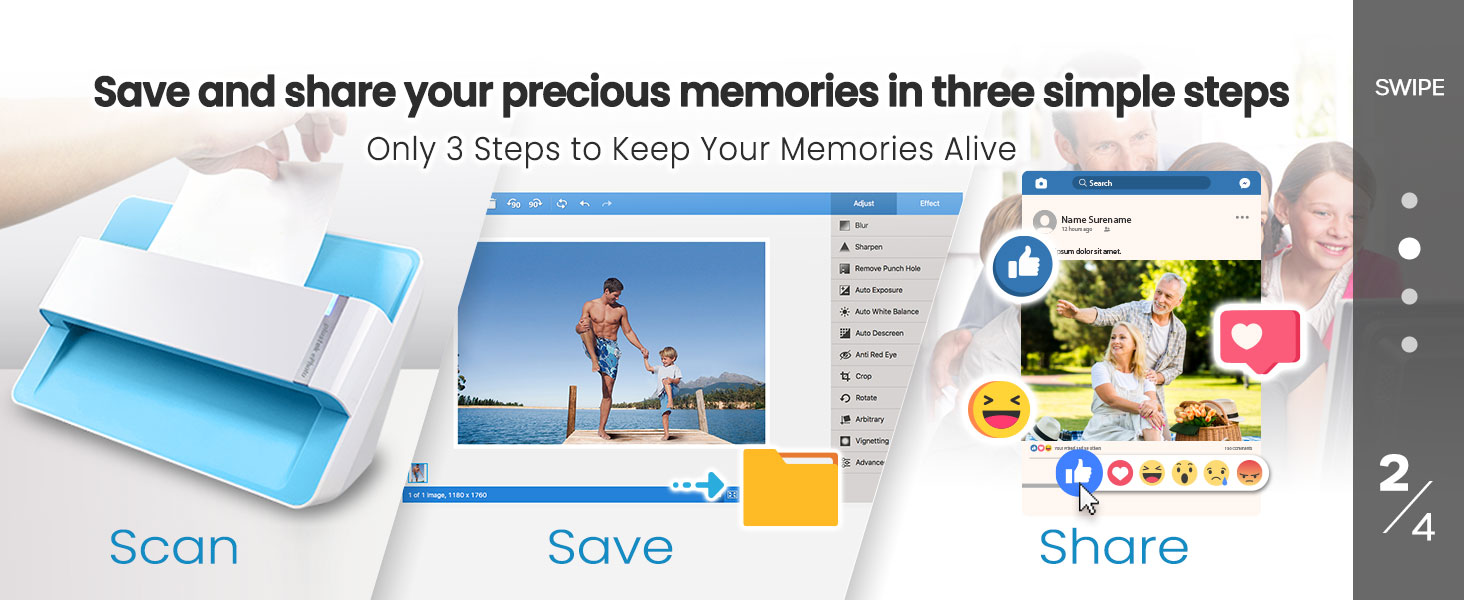
  2. Only 3 Steps to Keep Your Memories Alive
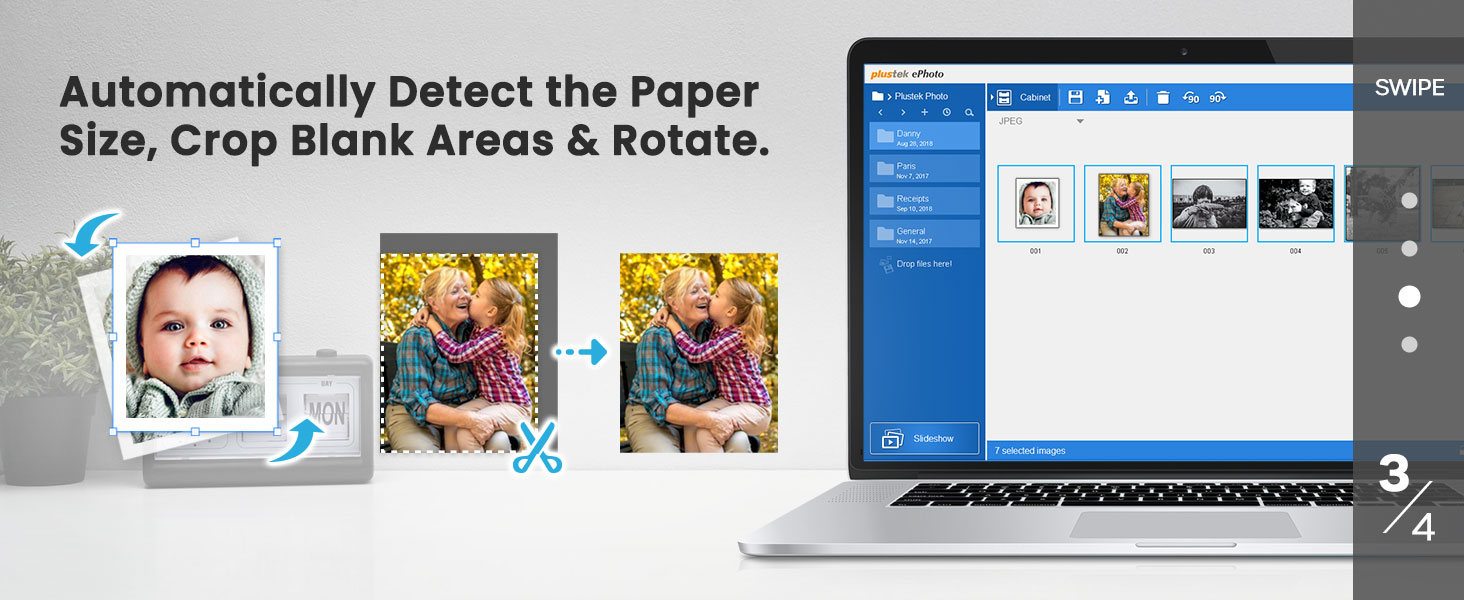
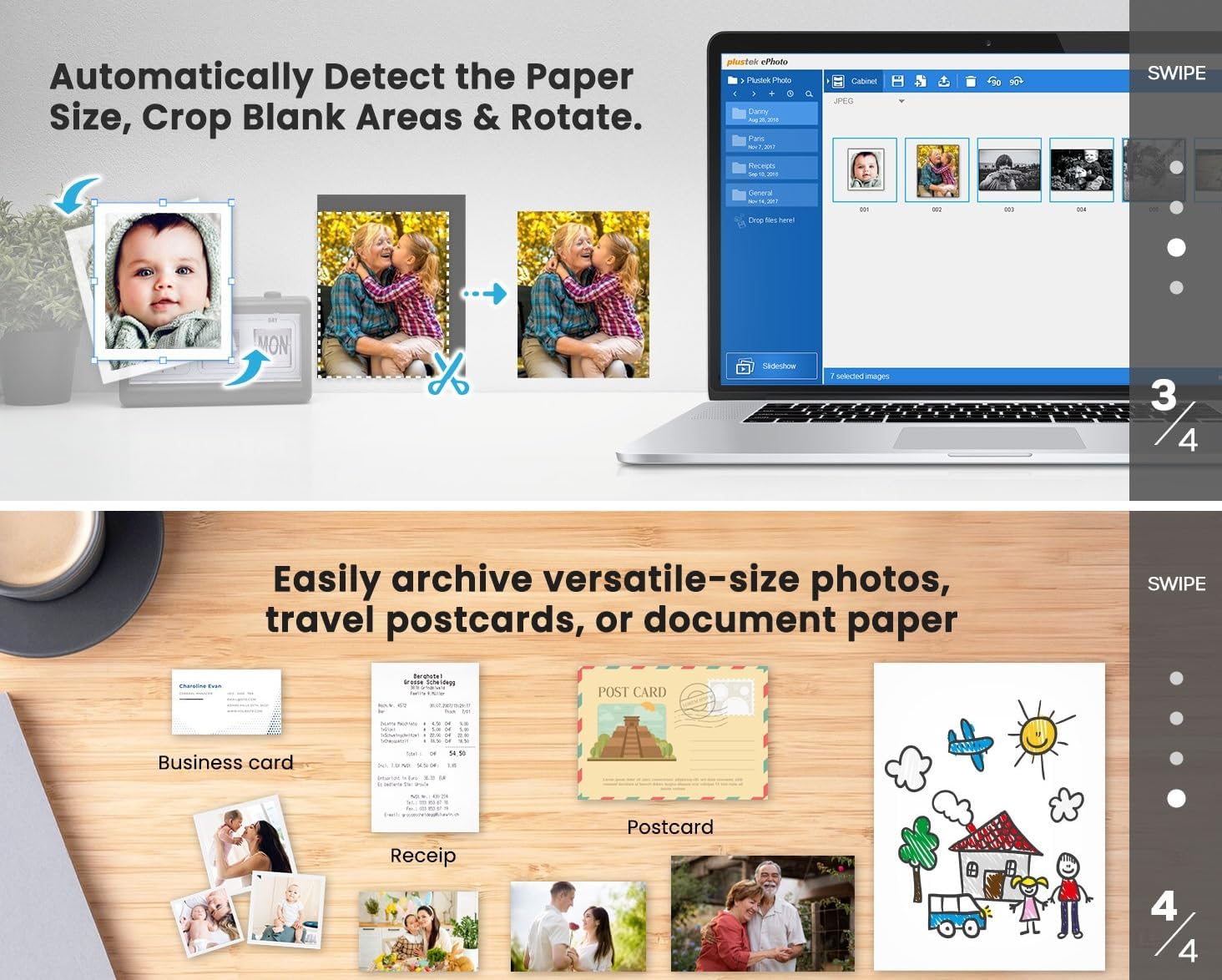
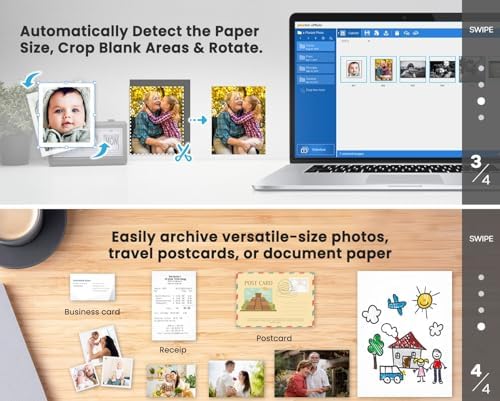
  3. Auto Crop and Rotate
  4. Versatile size photo and paper
Next page
Previous page
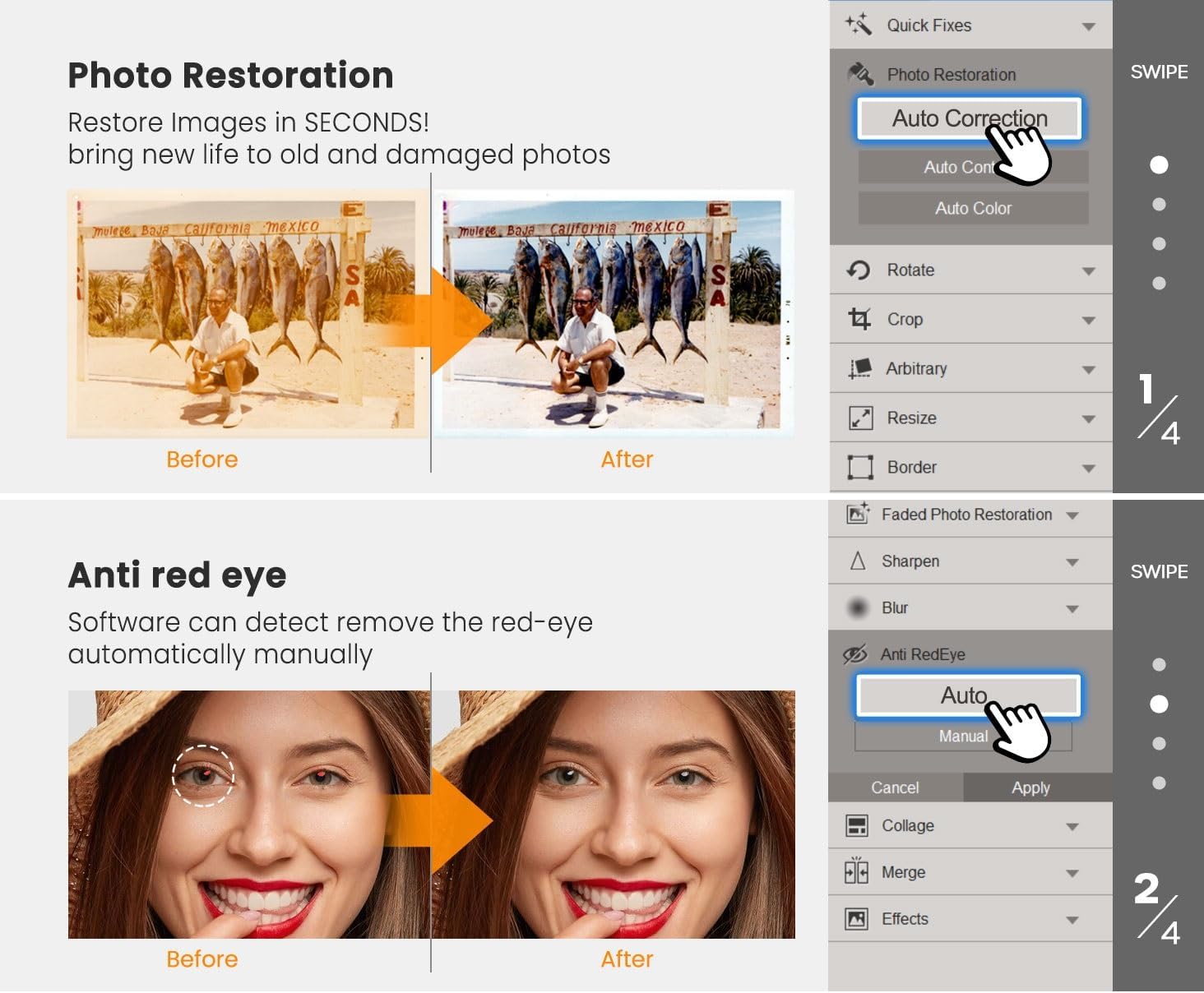
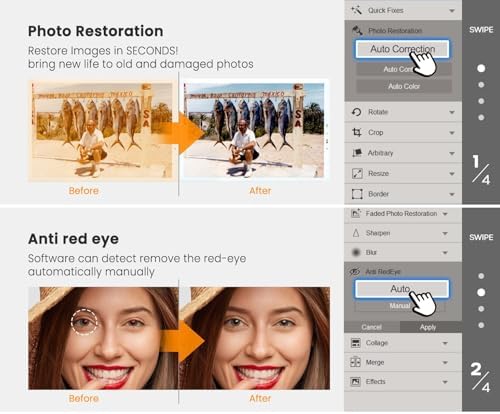
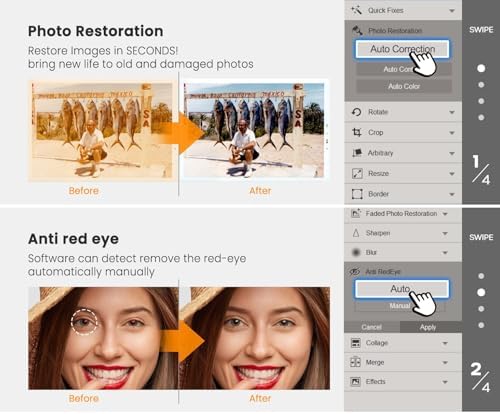
  1. Restore Images in SECONDS! bring new life to old and damaged photos
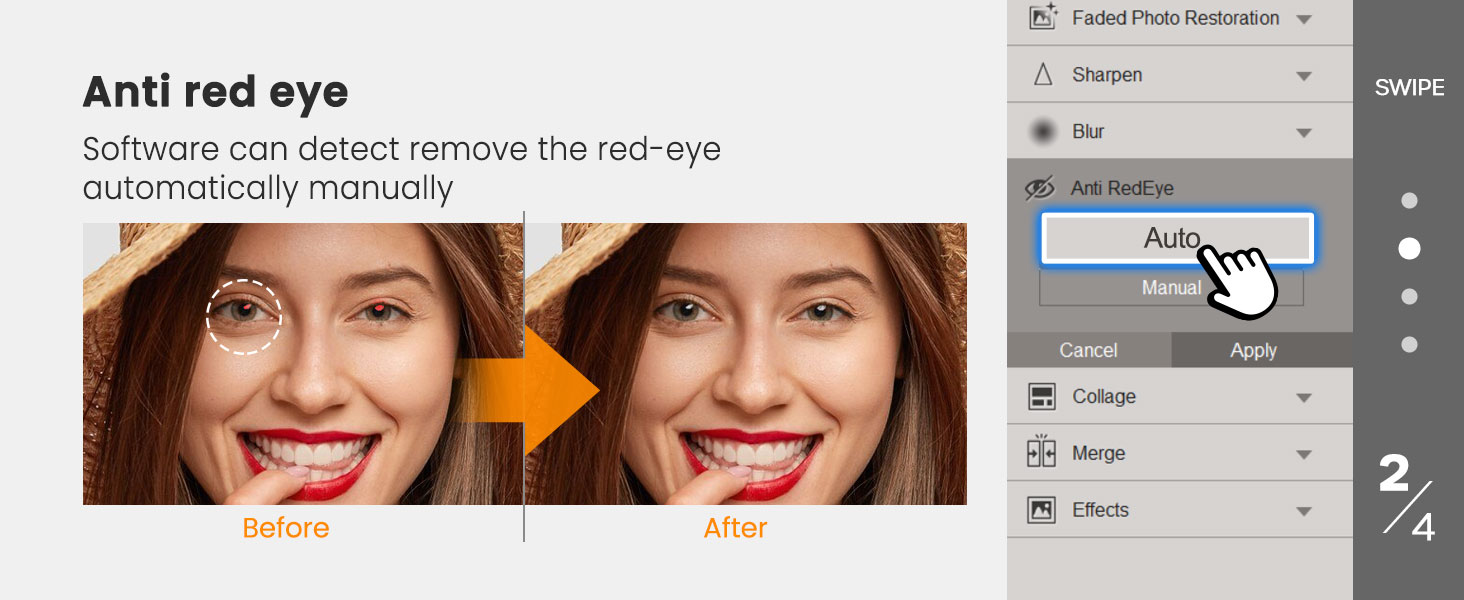
  2. software can detect and remove the red-eye automatically or manually.
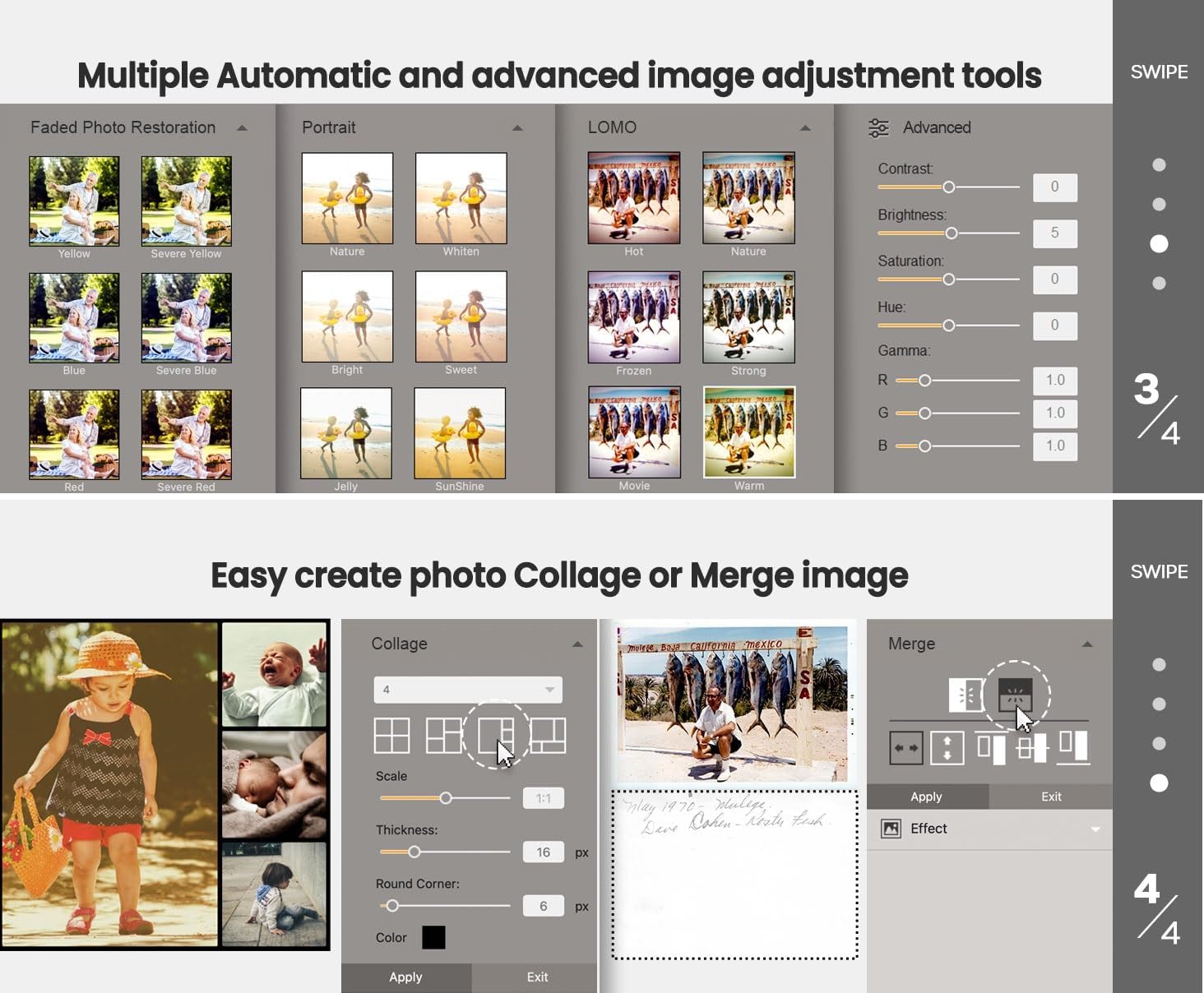
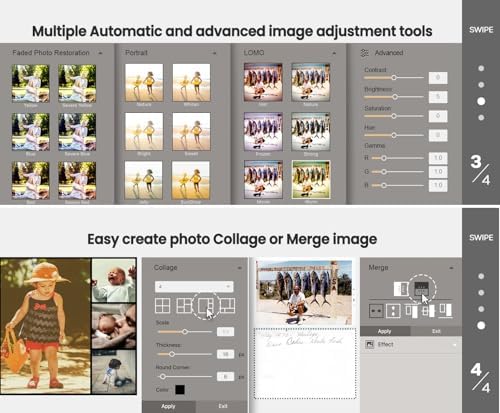
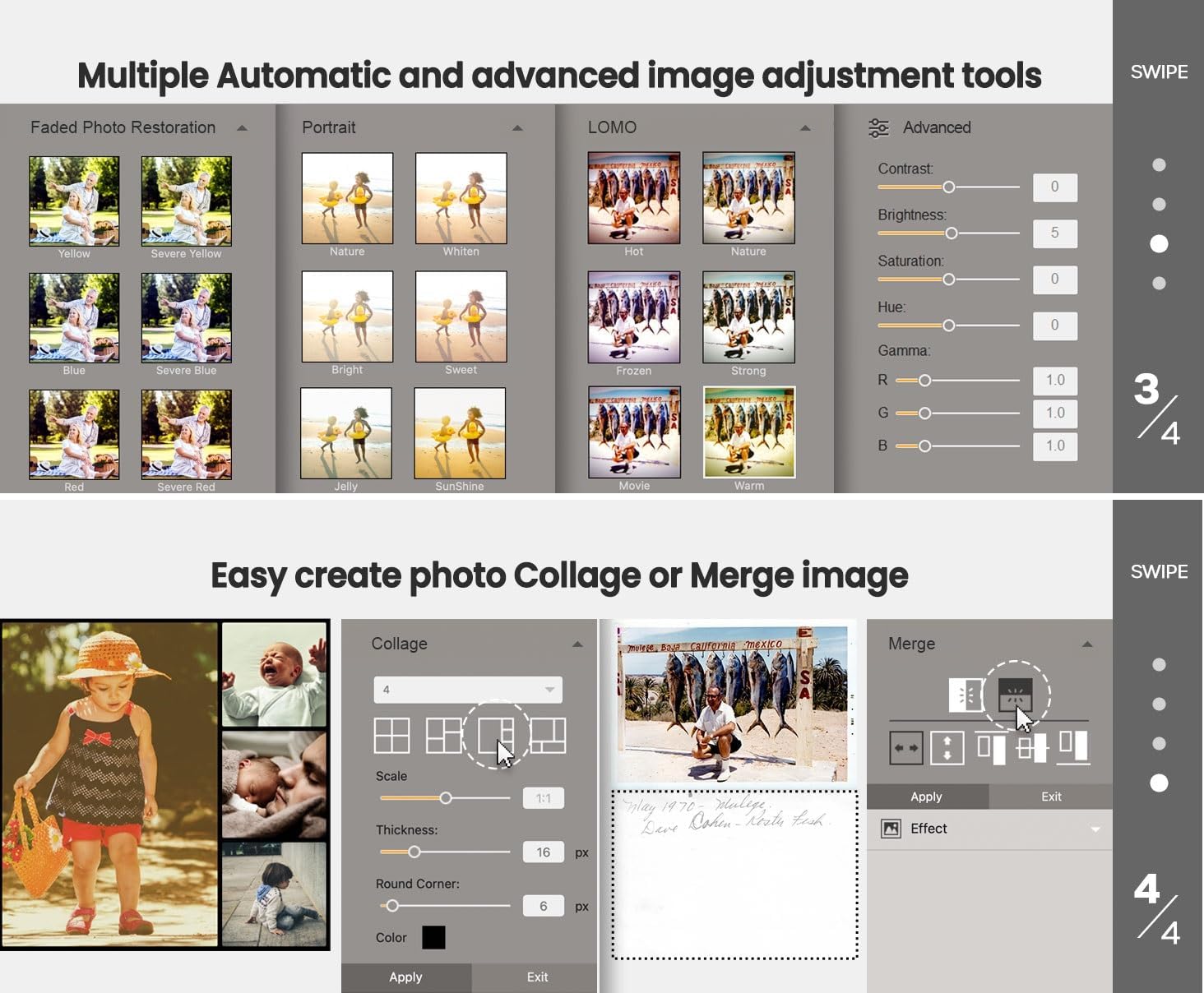
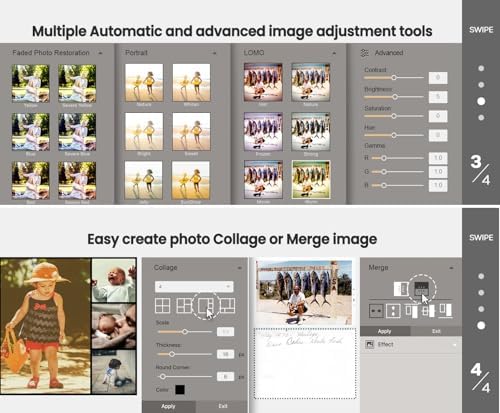
  3. Multiple Automatic and advanced image adjustment tools
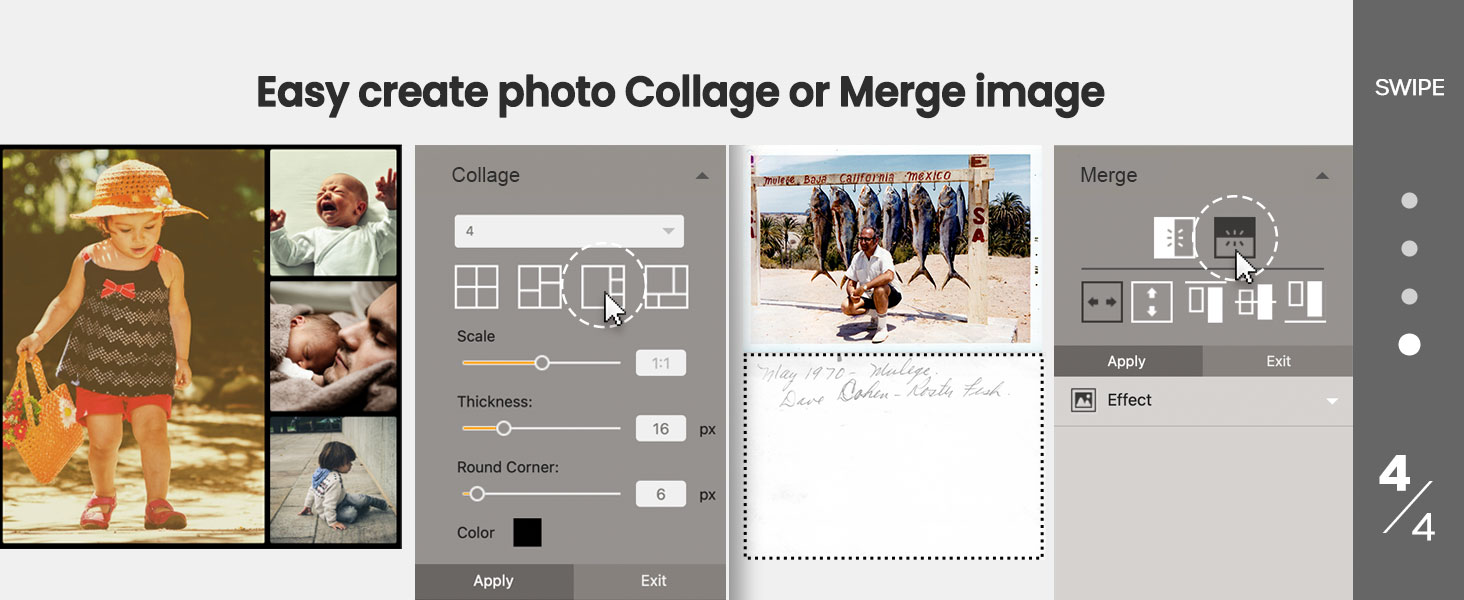
  4. easy create photo Collage or Merge image
Next page
Previous page
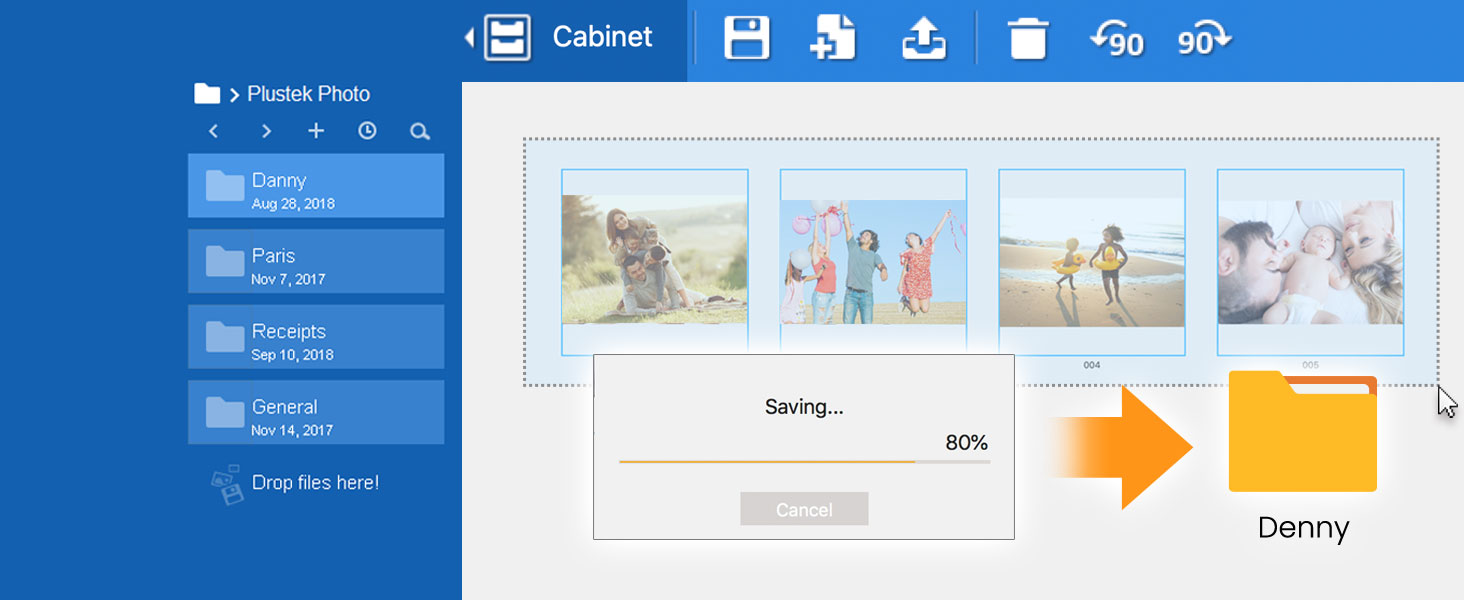
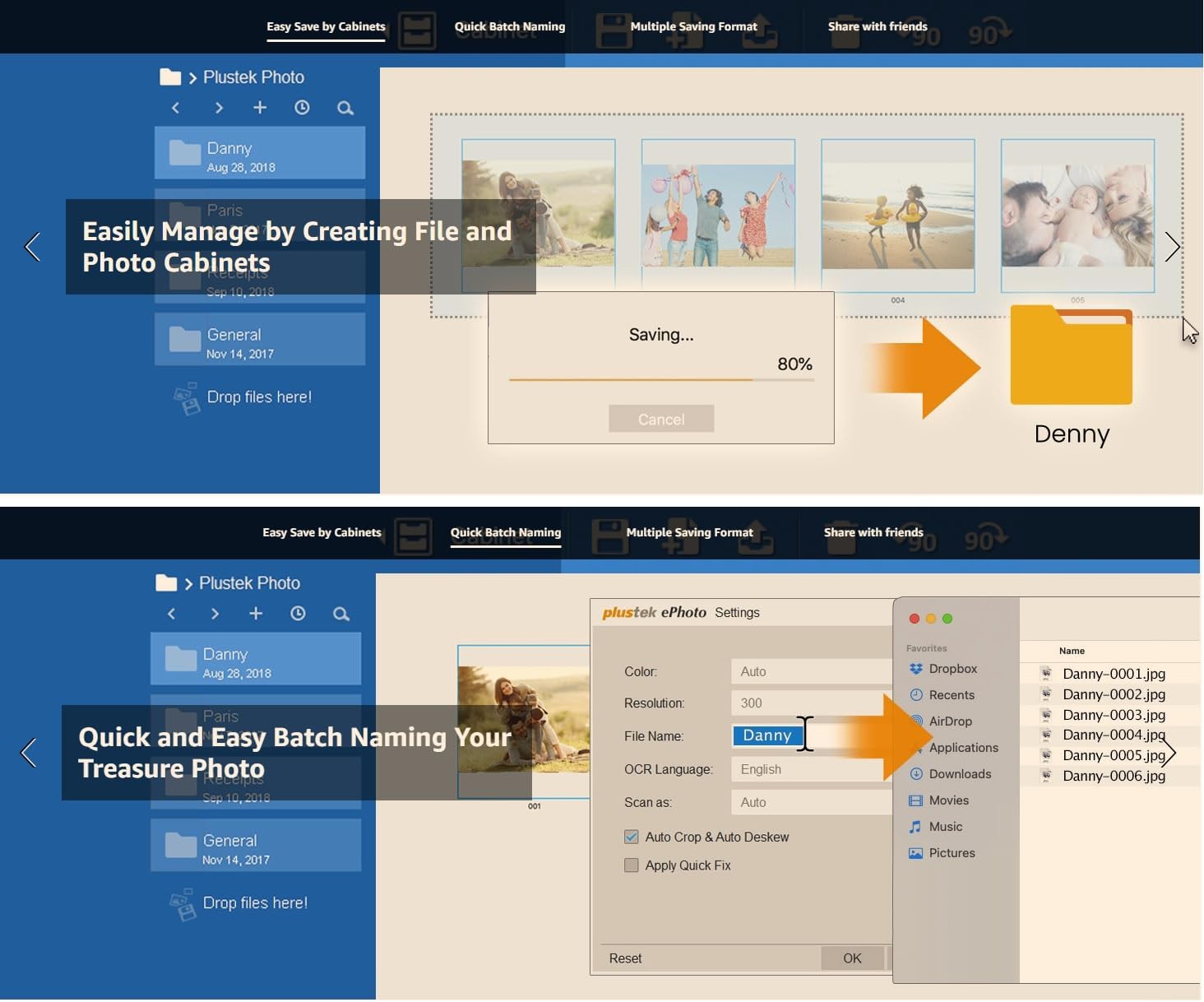
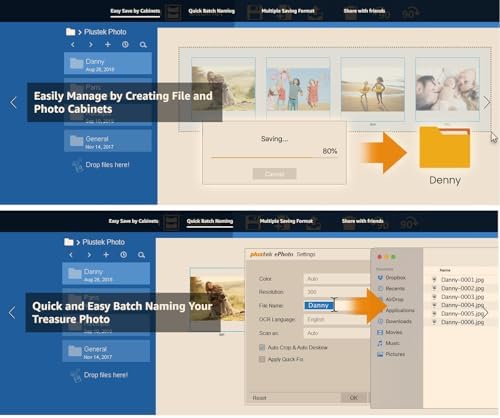
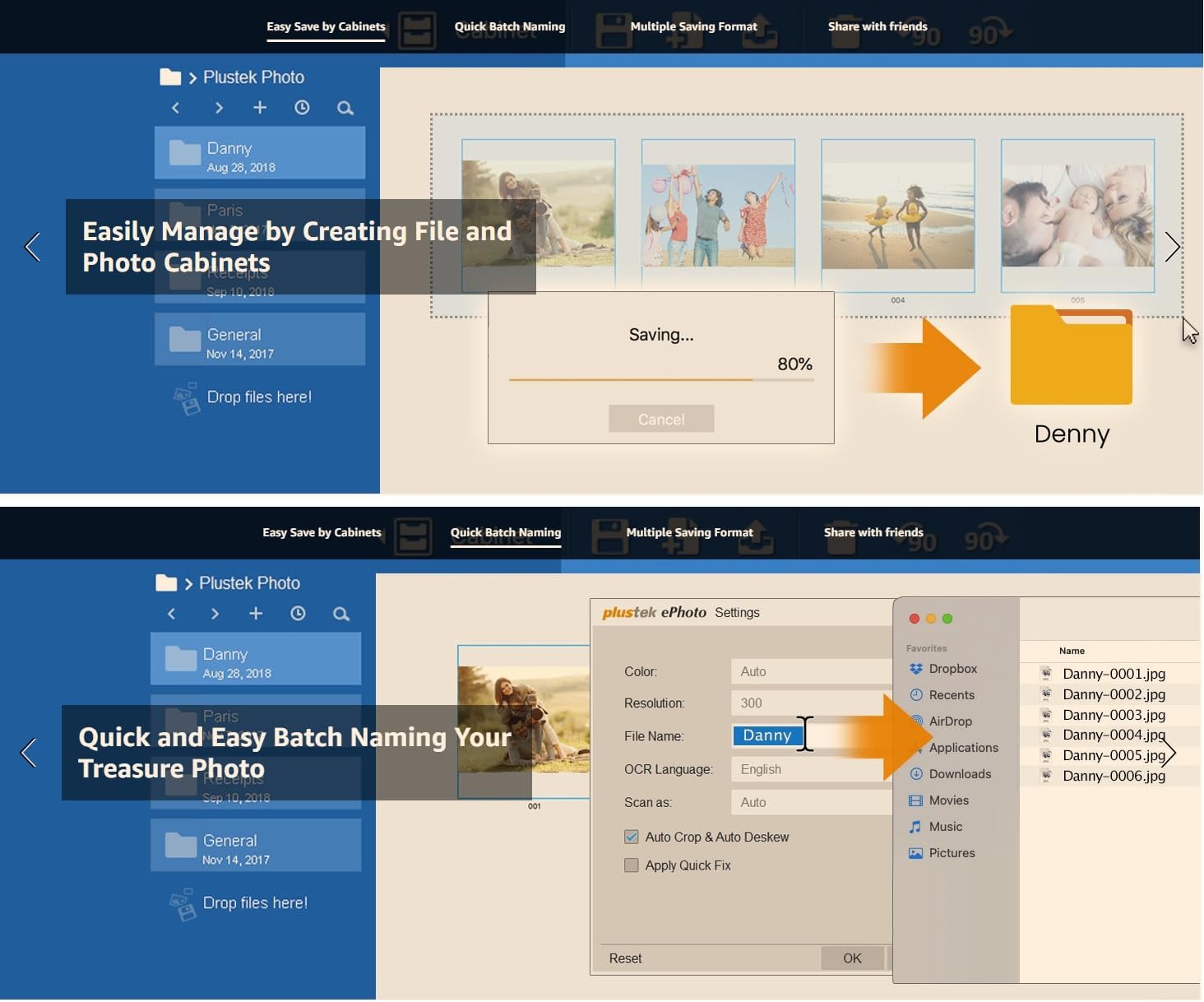
  1. Easily manage your scans by creating file and photo cabinets

    Easily Manage by Creating File and Photo Cabinets

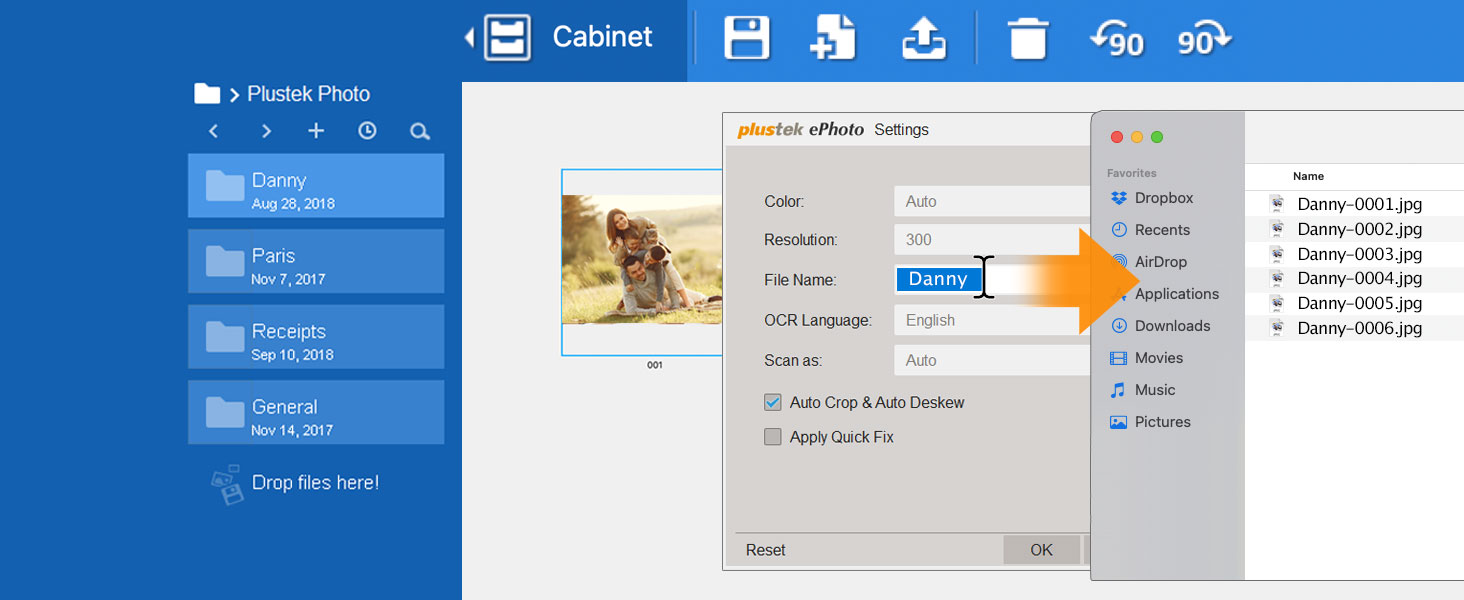
  2. easy Batch naming images

    Quick and Easy Batch Naming Your Treasure Photo

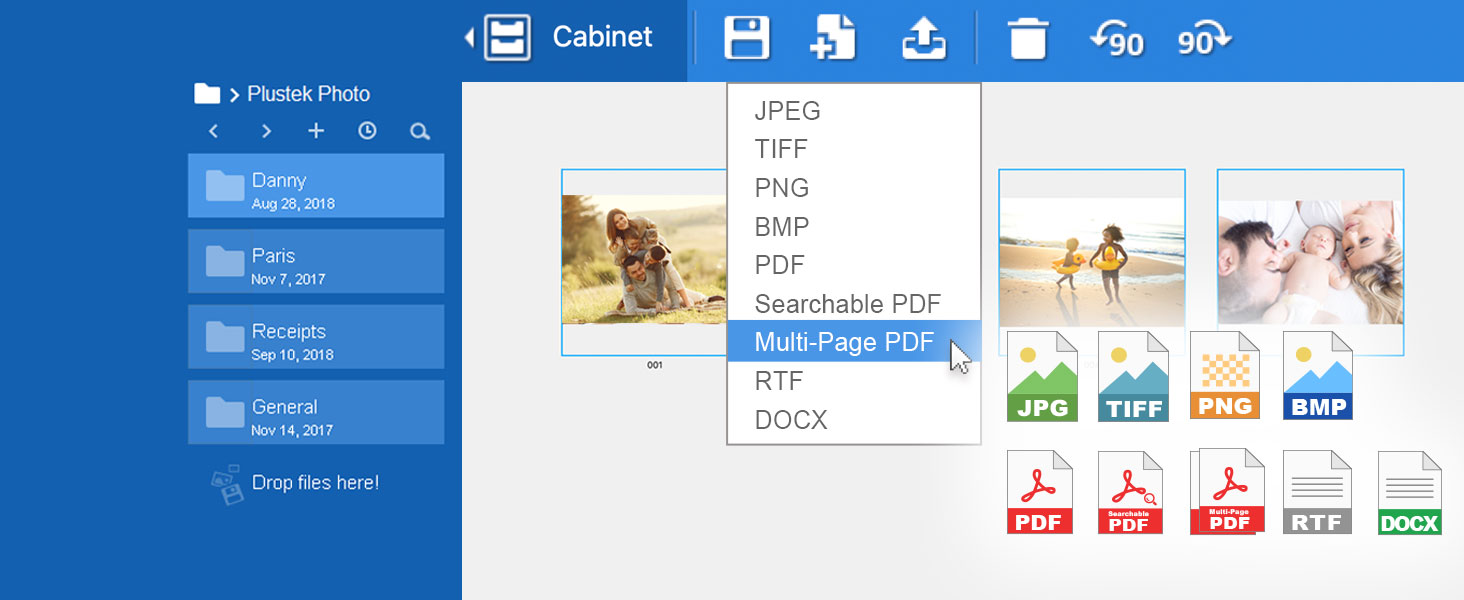
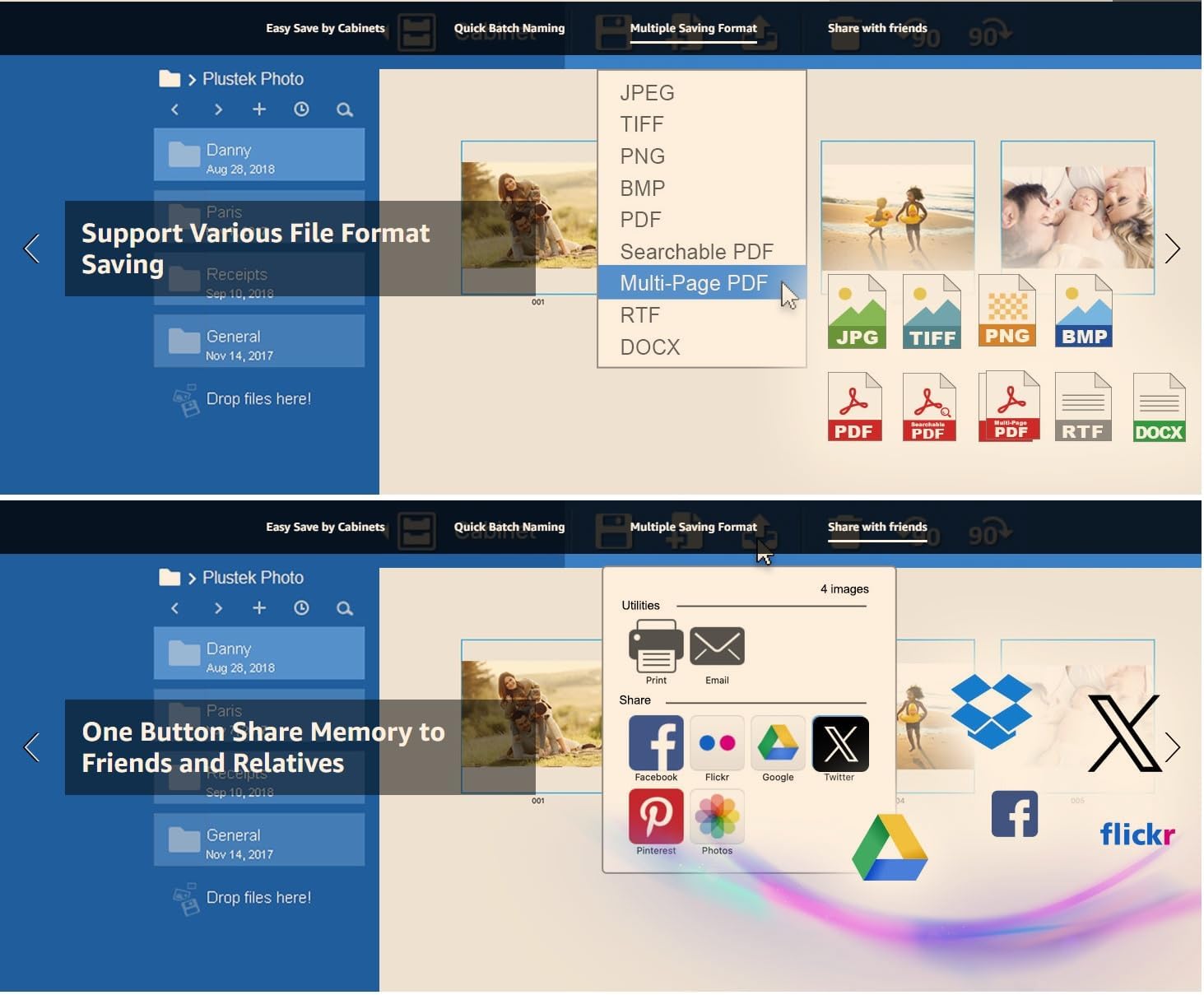
  3. various file format saving Support

    Support Various File Format Saving

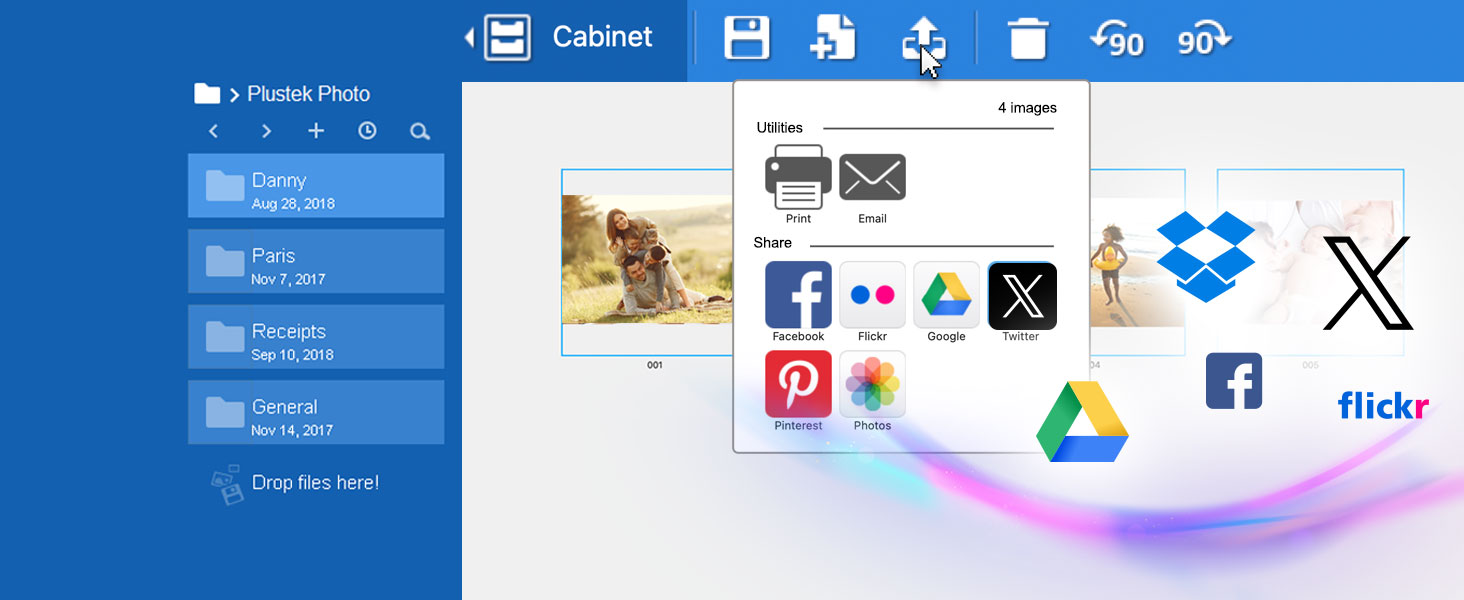
  4. SNS upload support

    Share your favorite moments with just one click.

Next page
  • Why is the Plustek ePhoto Z300 the best photo scanner for scanning old photos?

    Because the roller design - old photos are fragile and the surface usually sticky, Z300 is specifically designed with this in mind. Its roller system is gentle on photos, minimizing the risk of damage—unlike document scanners that use tight rollers

  • Why Z300 use CCD (Charge-Coupled Device)? What the difference between it and other brands CIS (Contact Image Sensor)?

    Compare with CIS(Contact Image Sensor) , CCD (Charge-Coupled Device) have better color accuracy and dynamic range , The Focus Range also more deeper – Can scan non-flat surfaces. Preserve highlights and dark areas of old photos without losing detail.

  • Can ePhoto Z300 scan duplex side?

    No, Because paper photo not the duplex side, so Z300 is simplex design. But software can easy merge two images to one.

  • Can Z300 scan thicker photos (like Polaroid photo) or Scrapbook?

    Yes, Z300 can scan the thickness of photos (like Polaroid photo) or papers which is less than 0.76mm.

  • Is the software have any photo enhancement function? Can direct save to cloud storage or share to social media?

    Yes, Z300 software can Auto-crop & rotate image, restore photo faded colors and have multiple image adjustment tools. For file saving, Z300 support various file format and save upload to Facebook , X Google driver by one click

  1. More Efficient than a Flatbed Scanner


    The automatic scan feature of ePhoto automatically scans photos as soon as they inserted in the scanner. After the photo is scanned, it is ejected and ePhoto is ready to scan another photo. This makes ePhoto much more efficient than a flatbed.

    The video showcases the product in use.The video guides you through product setup.The video shows the product being unpacked.

    More Efficient than a Flatbed Scanner

    Merchant Video
  2. QuickStart


    This video will show you how to install, setup, calibrate, and use ePhoto Z300 photo scanner

    The video showcases the product in use.The video guides you through product setup.The video shows the product being unpacked.

    QuickStart

    Merchant Video
  3. ePhoto User Interface Overview


    This video will show you ePhoto software interface and useful function

    The video showcases the product in use.The video guides you through product setup.The video shows the product being unpacked.

    ePhoto User Interface Overview

    Merchant Video
  4. File Naming and Saving


    This Video will show you how to quick batch naming scan image

    The video showcases the product in use.The video guides you through product setup.The video shows the product being unpacked.

    File Naming and Saving

    Merchant Video
  5. Solving Scanned Image Quality or Appearance Issue


    This video will show you how to resolve issues if scanned images have streaks or if blank areas are not properly cropped.

    The video showcases the product in use.The video guides you through product setup.The video shows the product being unpacked.

    Solving Scanned Image Quality or Appearance Issue

    Merchant Video
Example title

Recently viewed

Cart

loading