

Free worldwide shipping
Free returns
Carbon neutral
Secure payments
| Additional Features | Rugged Cantilever, Spherical Diamond Stylus |
|---|---|
| Compatible Devices | Half-inch Mount, Stylus Pro S |
| Cycles | Belt Drive |
| Signal Format | Analog |
| Power Source | Corded Electric |
| Signal-to-Noise Ratio | 60 db |
| Connectivity Technology | Auxiliary |
| Style Name | Boom microphone stand with a telescoping boom arm |
| Color | Black |
| Item Weight | 5 g |
| Item Dimensions L x W x H | 1.08"L x 0.63"W x 0.71"H |
| Enclosure Material | Stainless Steel |
| Built-In Media | SH-4 headshell |
| Model Name | OM Pro S DJ |
| Unit Count | 1 Count |
| Manufacturer | Ortofon |
| Item Type Name | DJ Turntable Accessories |
| Model Number | OM Pro S Single |
| Mfr Part Number | OM Pro S Single |
| Warranty Description | 1 year limited warranty excluding stylus. |
| Included Components | SH-4 headshell |
| Special Feature | Rugged Cantilever, Spherical Diamond Stylus |
| Material | Stainless Steel |
| Style | Boom microphone stand with a telescoping boom arm |
| Motor Type | Belt Drive |
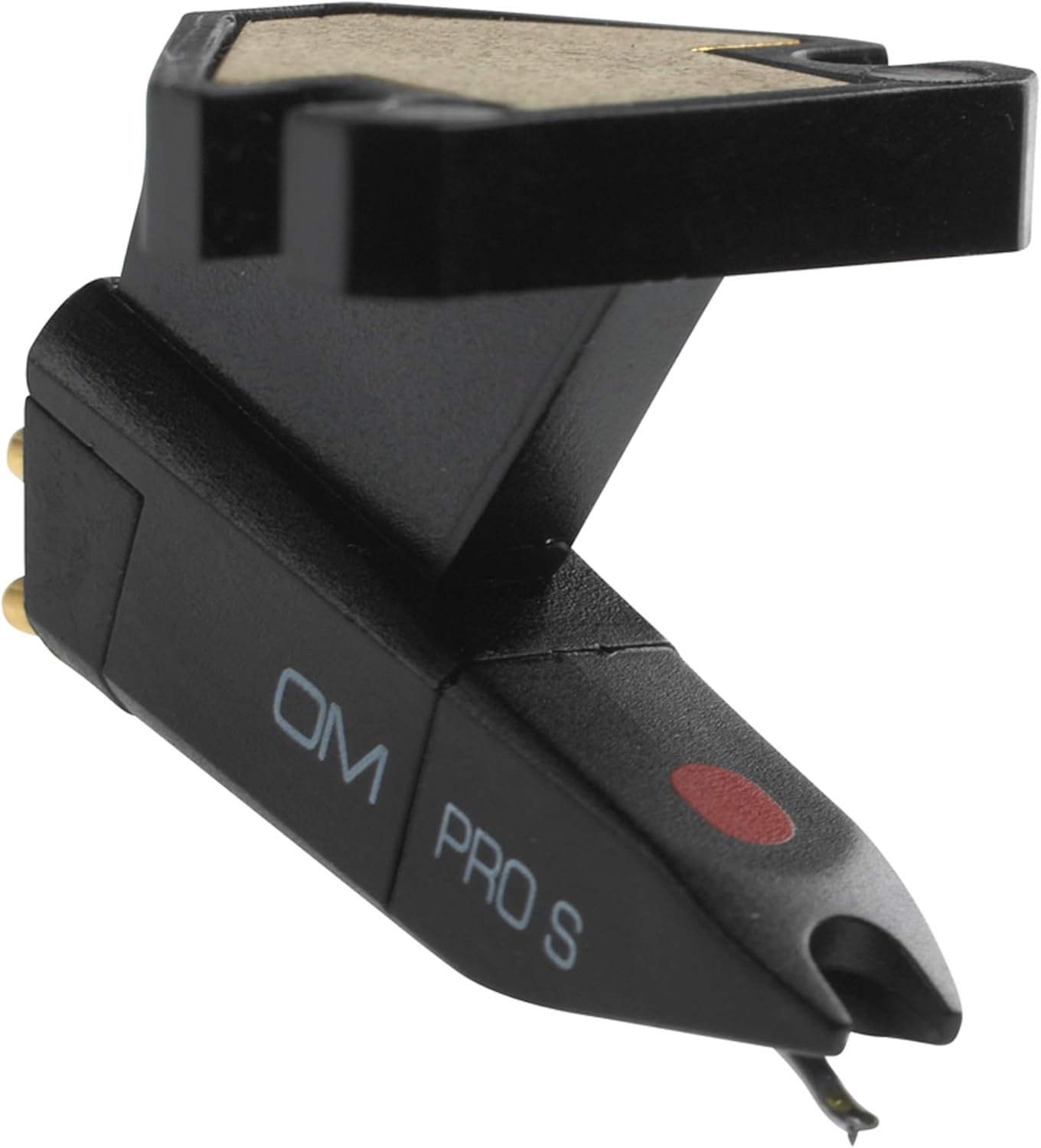
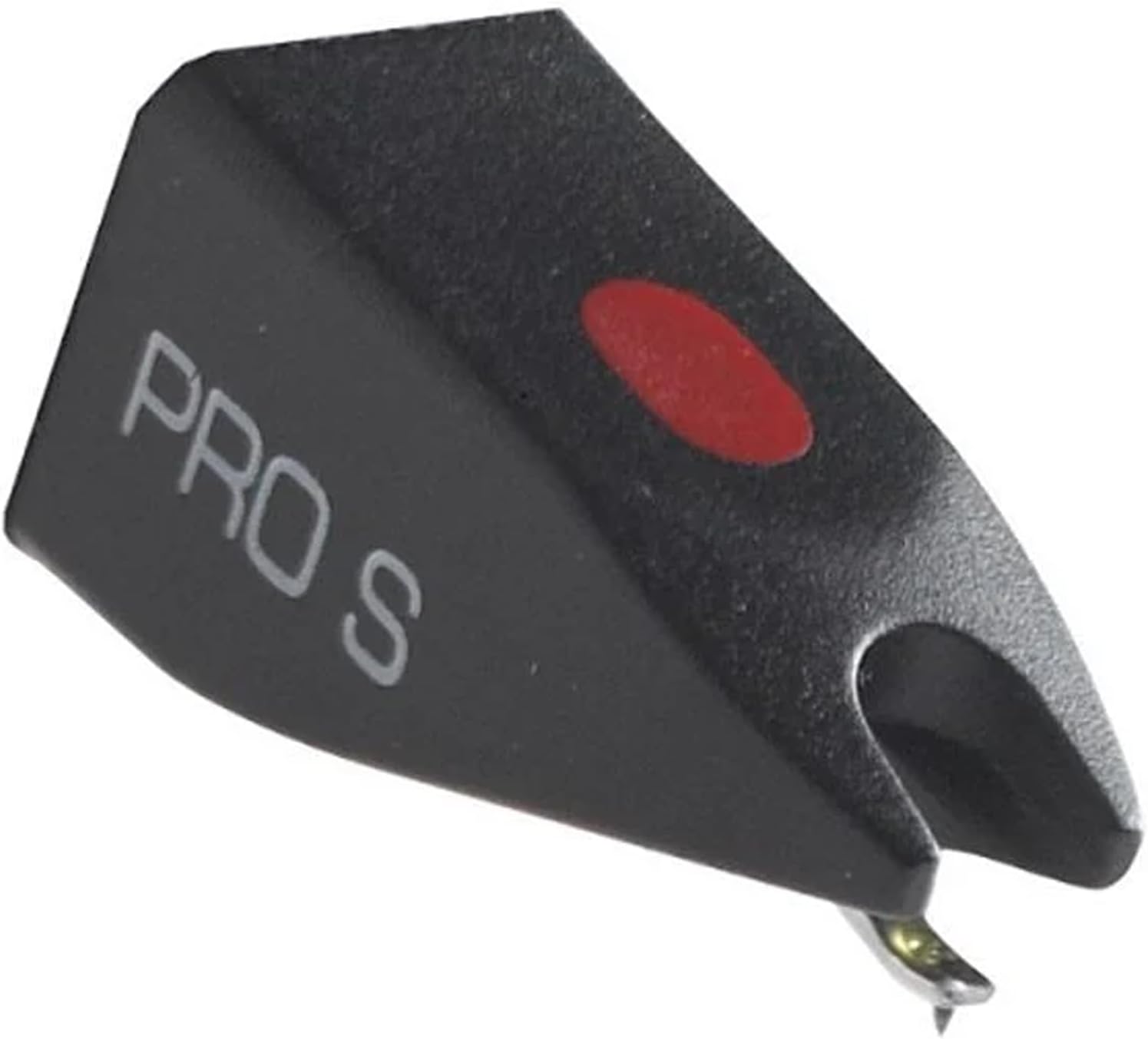
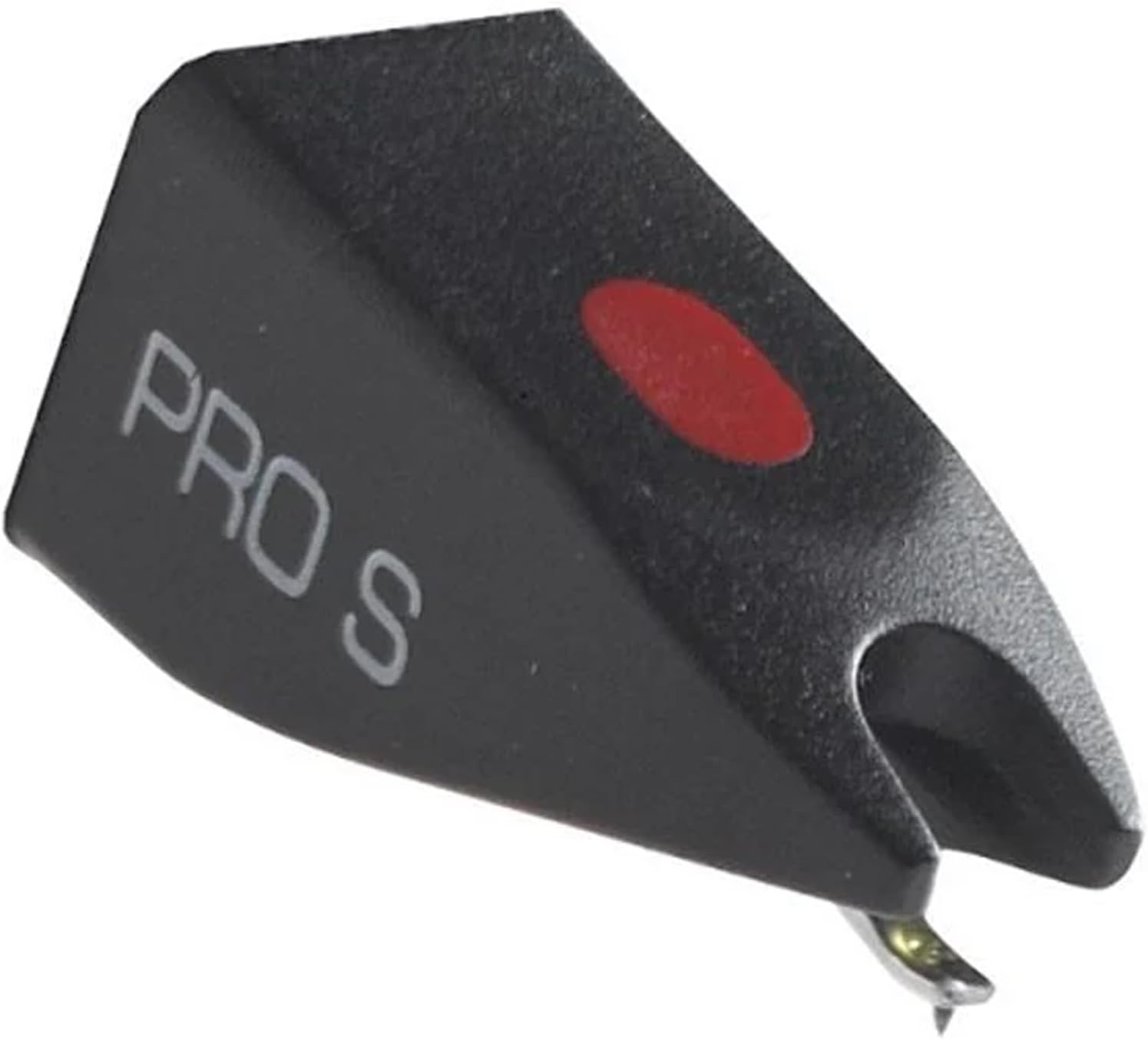
The Pro S has a spherical diamond stylus which minimizes scratching and a solid cantilever which can survive hectic activity at the turntable.
No matter what the application, the Pro S provides remarkable versatility for virtually any setting.
The sound quality is absolutely not to worry about. The Pro S is a consistent performer and a fine all-arounder!
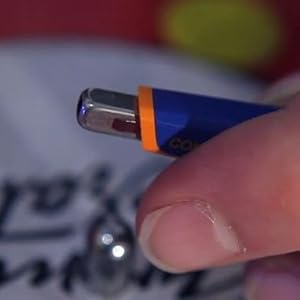
Firstly lock the turntable tone arm, unscrew the cartridge, gently remove the stylus from the cartridge and insert a new stylus. A stylus is changed usually by pulling straight out and in the opposite direction of the turntable's arm. If the stylus doesn't come with directions, try these: with one hand, hold the cartridge to steady it. With the other hand, using a pair of tweezers, grasp the stylus from both sides and pull. Install the new stylus: holding the stylus from the top, press it gently into the space at the tip of the cartridge where the old stylus had been. Don't force it.
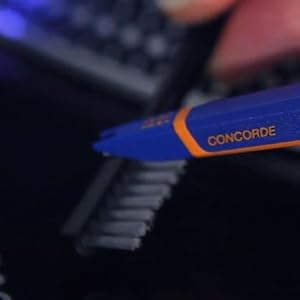
Cleaning of record by means of carbon fibre brush before and after every use. Cleaning of record by using record cleaning machine once in a while.
Cleaning of stylus by means of a fine antistatic brush. Please remember to remove dust from the diamond tip before and after playback of each record. Use the brush in the forward direction from the rear of the cartridge towards the stylus tip and never from stylus tip to the rear of the cartridge and never from side to side.
Proper adjustment of antiskating, azimuth and tracking force.
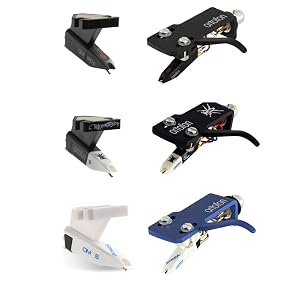
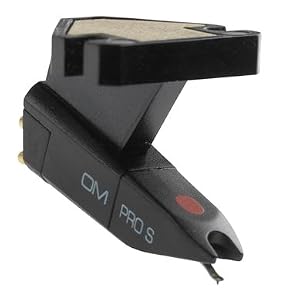
Ortofon's OM Series of DJ cartridges are available in two versions: Single or Pre-mounted.
The single version is just the cartridge and does NOT include a headshell.
The pre-mounted version includes a headshell and the cartridge is already mounted to it for easy installation.
loading
