




Free worldwide shipping
Free returns
Carbon neutral
Secure payments
| Power Connector Type | 4-Pin |
|---|---|
| Voltage | 12 volts |
| Wattage | 2.28 watts |
| Cooling Method | Water |
| Compatible Devices | Desktop |
| Noise Level | 24.8 db |
| Maximum Rotational Speed | 1500 rpm |
| Air Flow Capacity | 155.6 cubic meter per hour |
| Item Dimensions L x W x H | 18.11"L x 5.67"W x 2.32"H |
| Material Type | Copper (base) & aluminium (radiator) |
| EU Spare Part Availability Duration | 6 years |
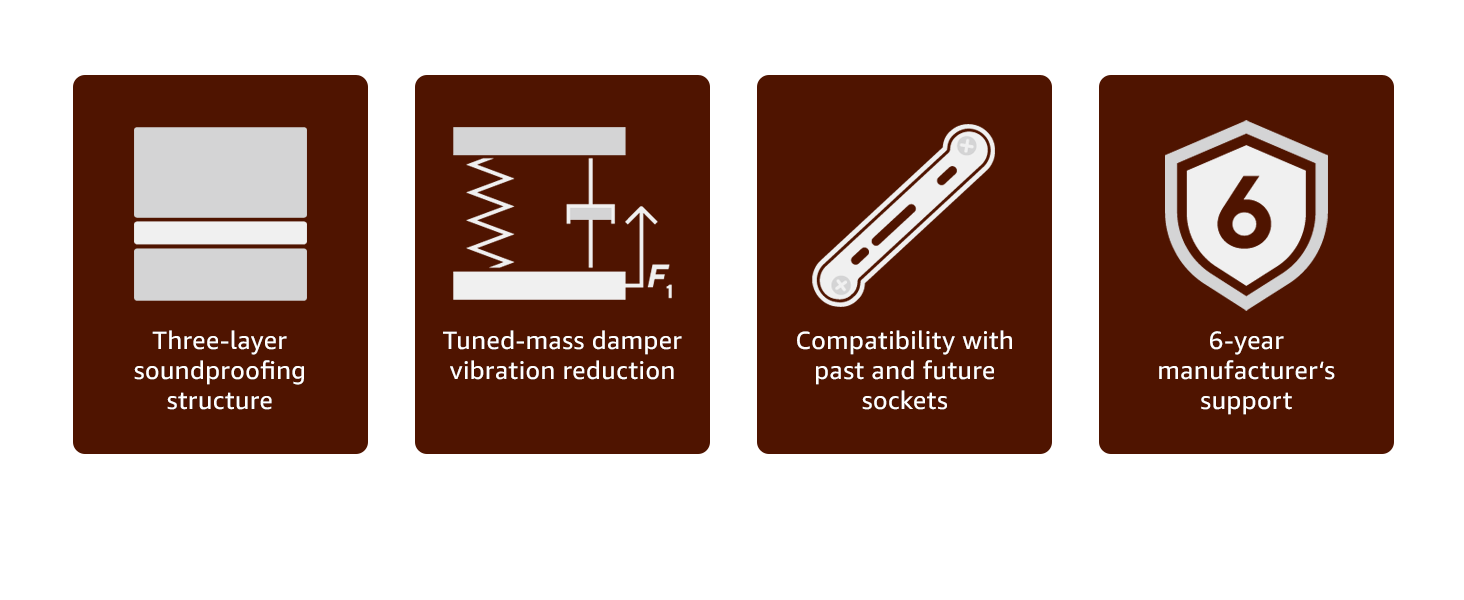
| Warranty Description | 6 year manufacturer’s warranty |
| Manufacturer | Noctua |
| Number of Items | 1 |
| Item Weight | 2290 g |
| Model | NL-LC1-42 |
| Part Number | NL-LC1-42 |
| Item Length Width Height | 18.11"L x 5.67"W x 2.32"H |
| Material | Copper (base) & aluminium (radiator) |
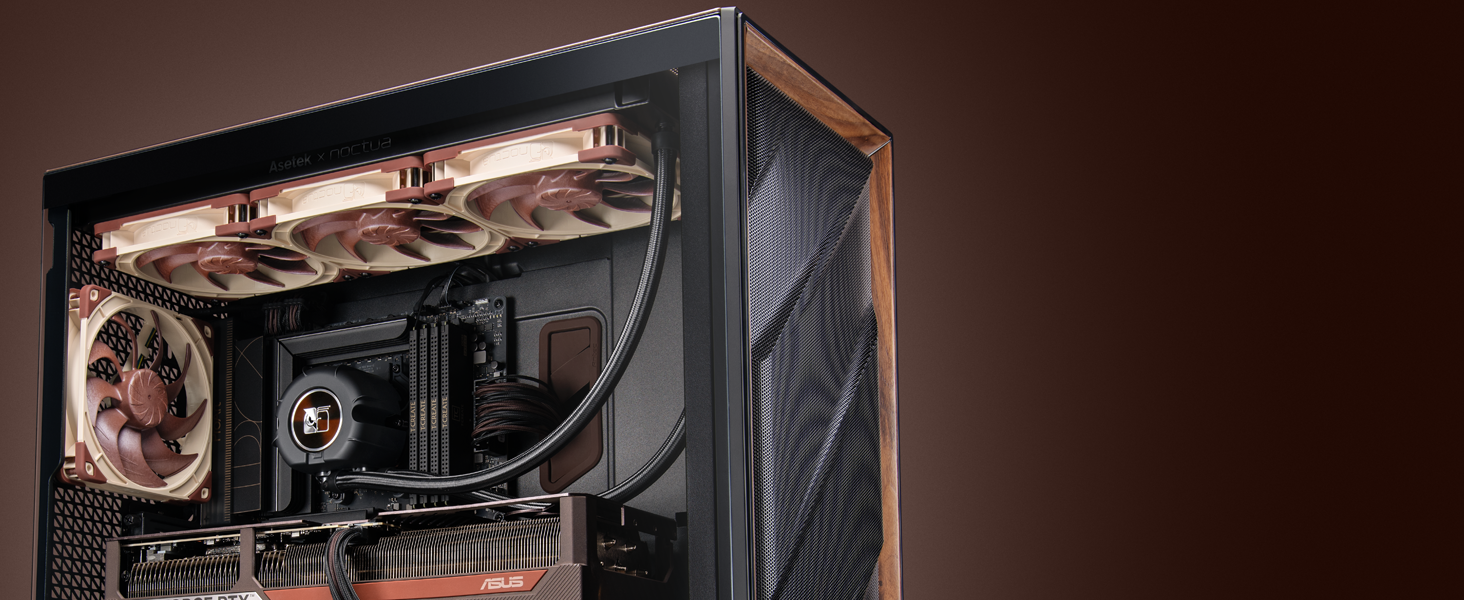
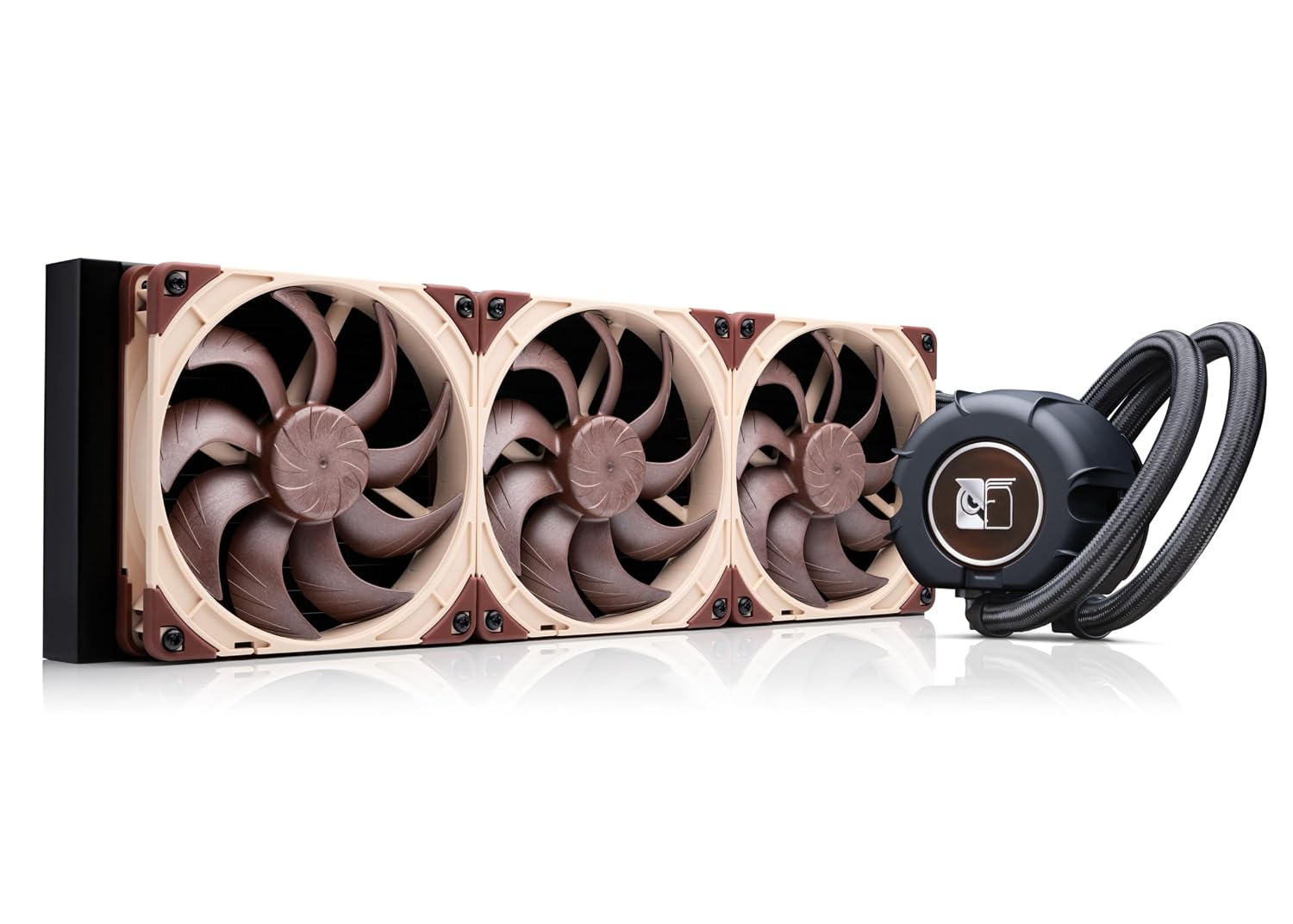
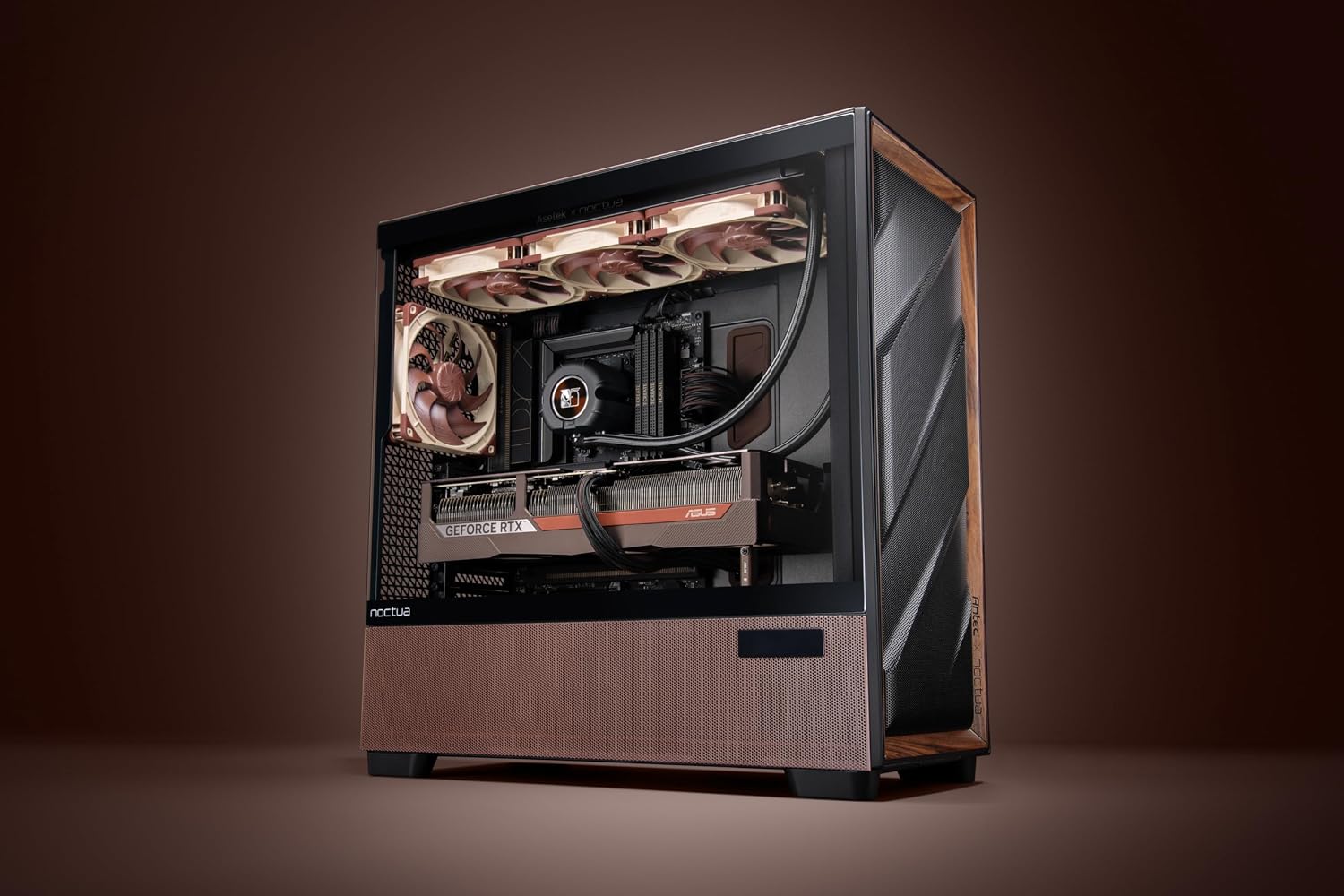
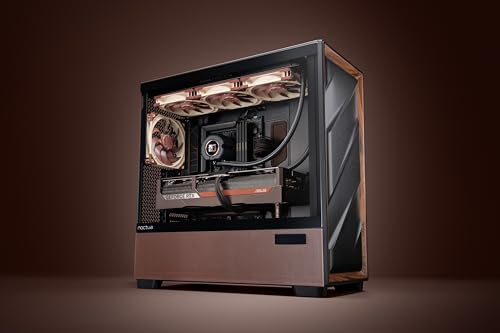
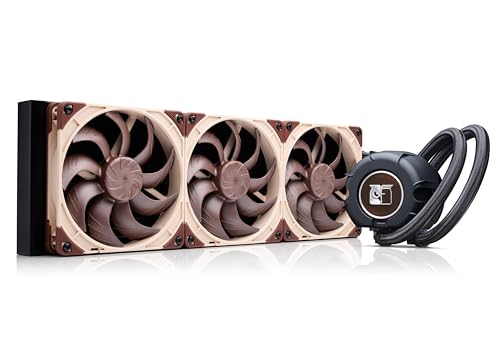
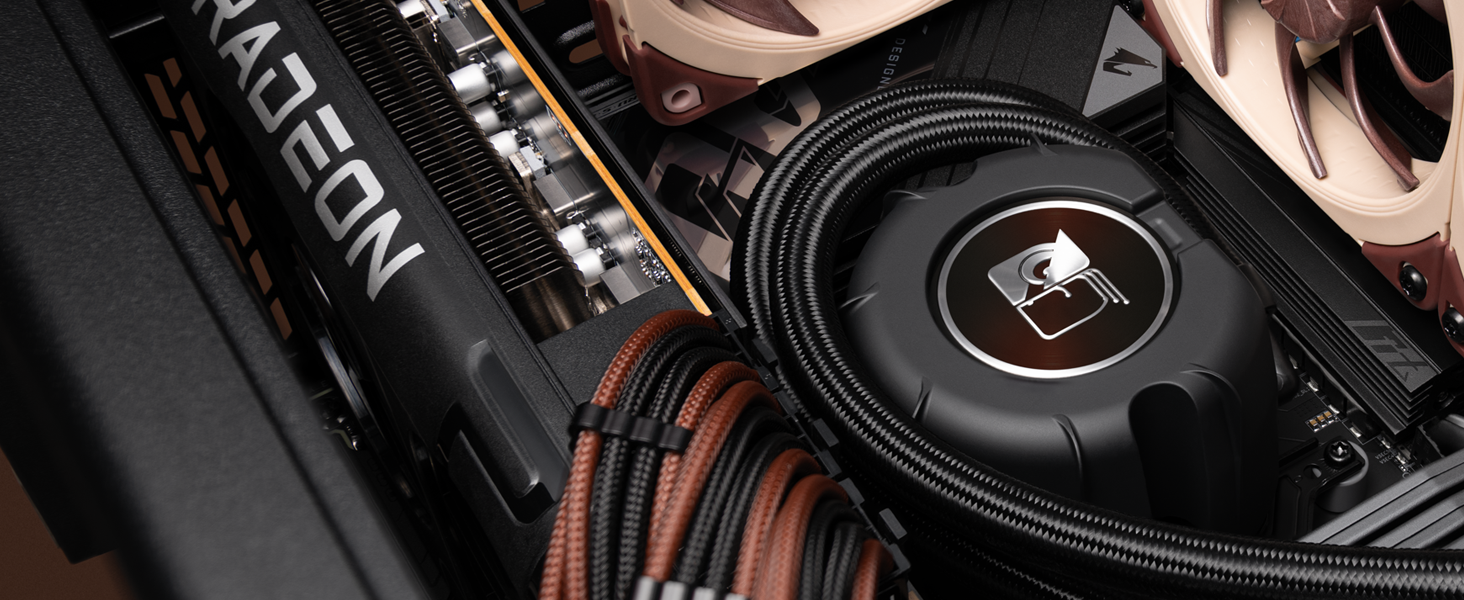
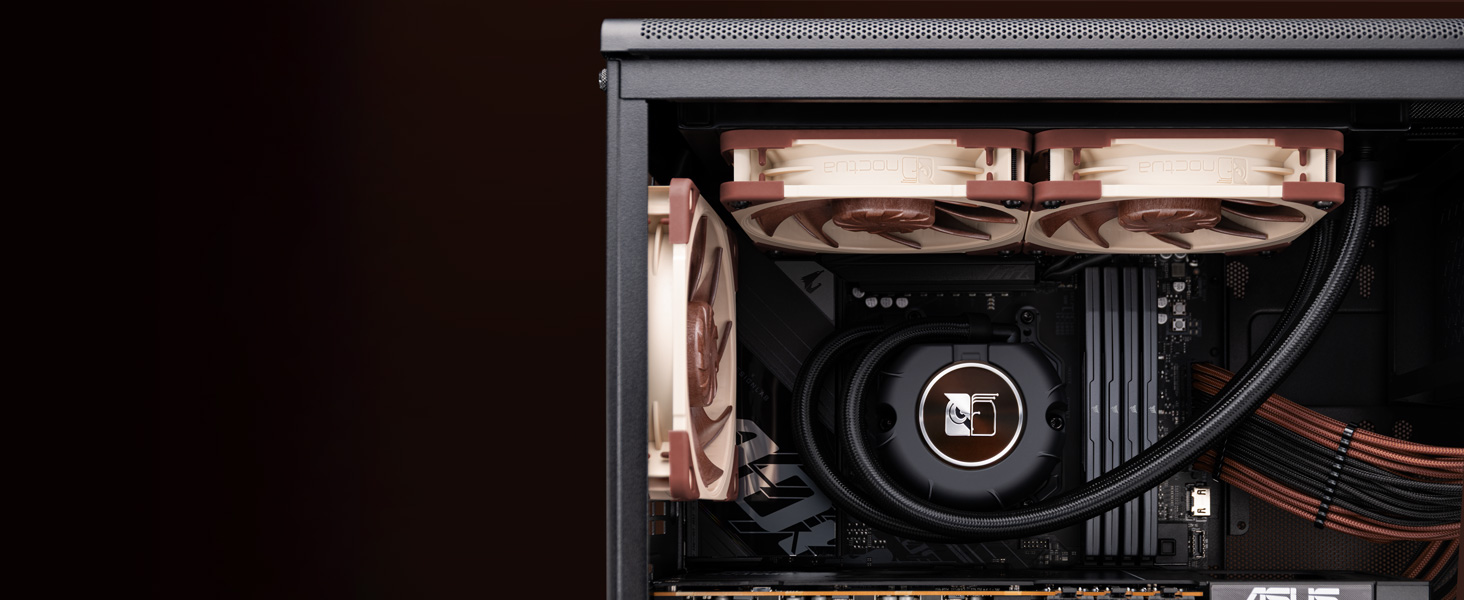
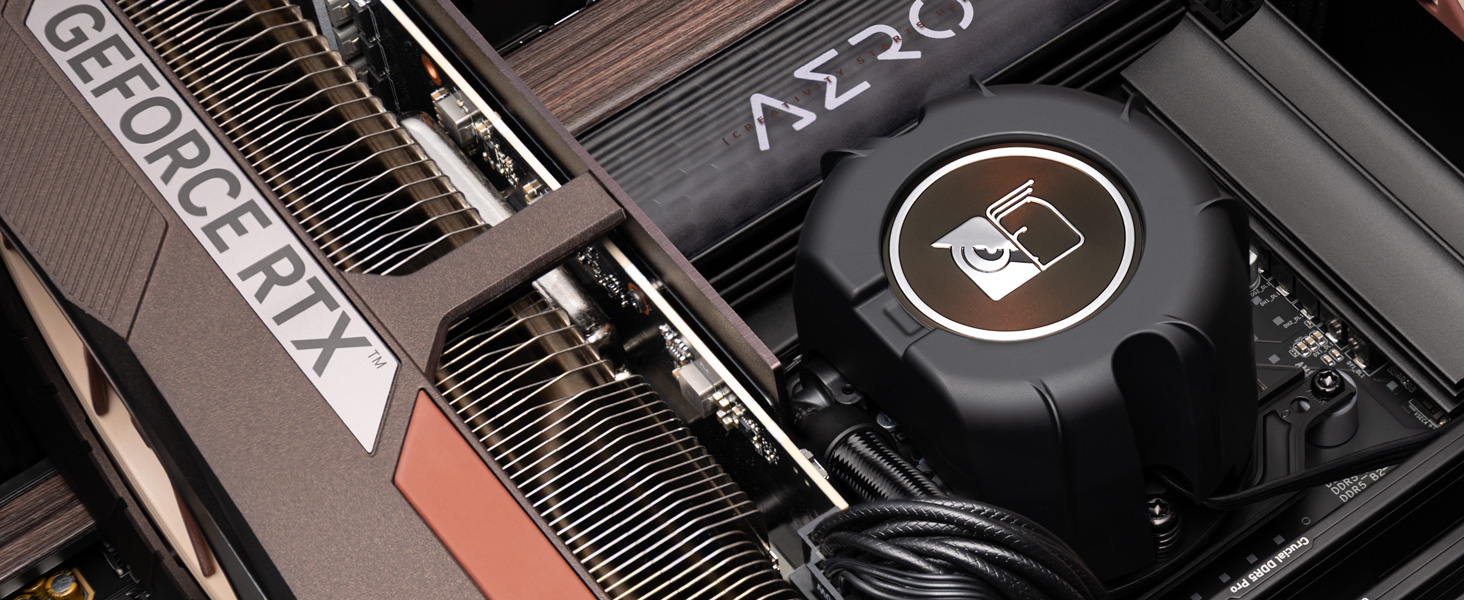
With first-class cooling performance, superb quietness of operation and industry-leading reliability, the NL-LC1 series brings classic Noctua virtues to the world of all-in-one liquid coolers
Asetek Emma V2 system provides industry-leading performance and reliability
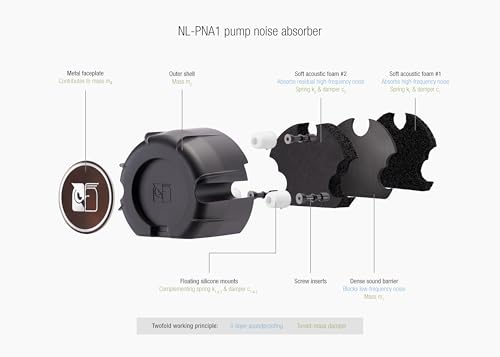
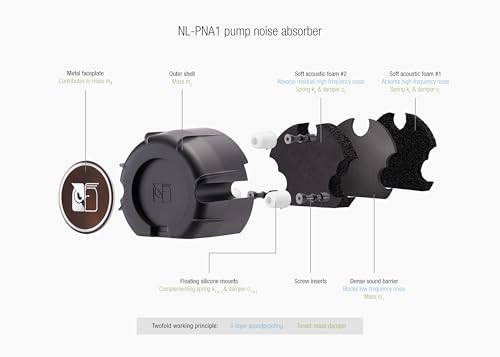
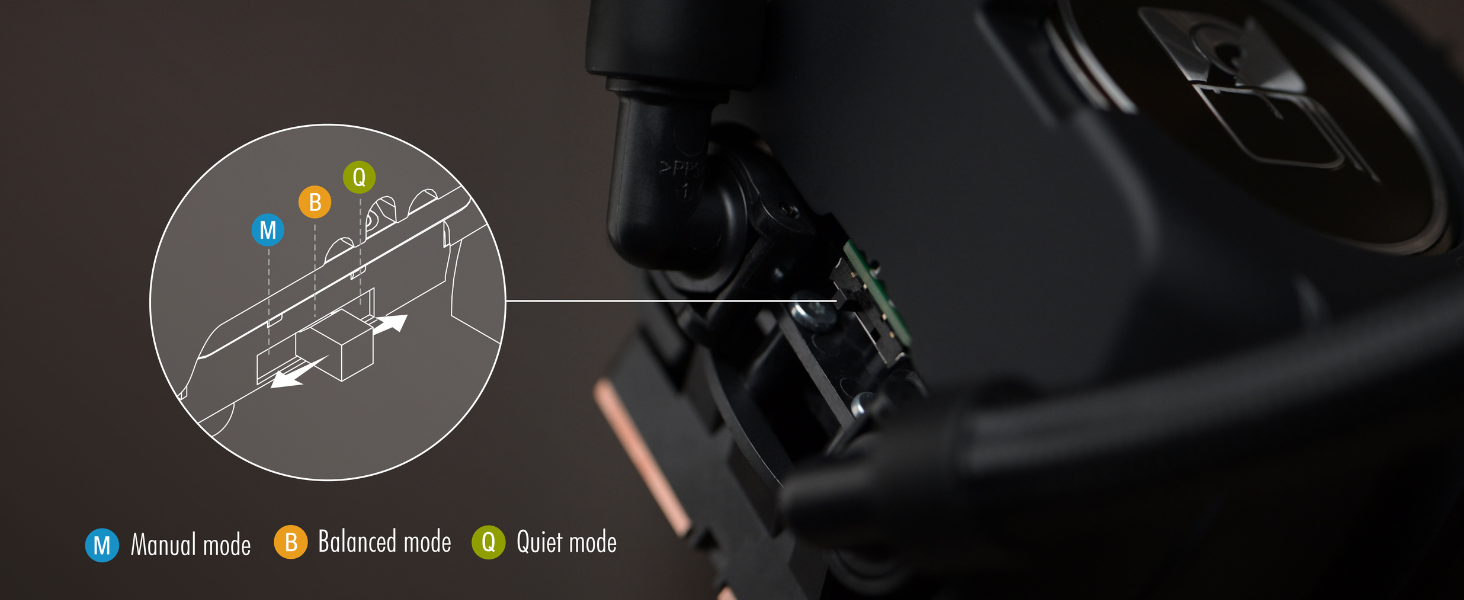
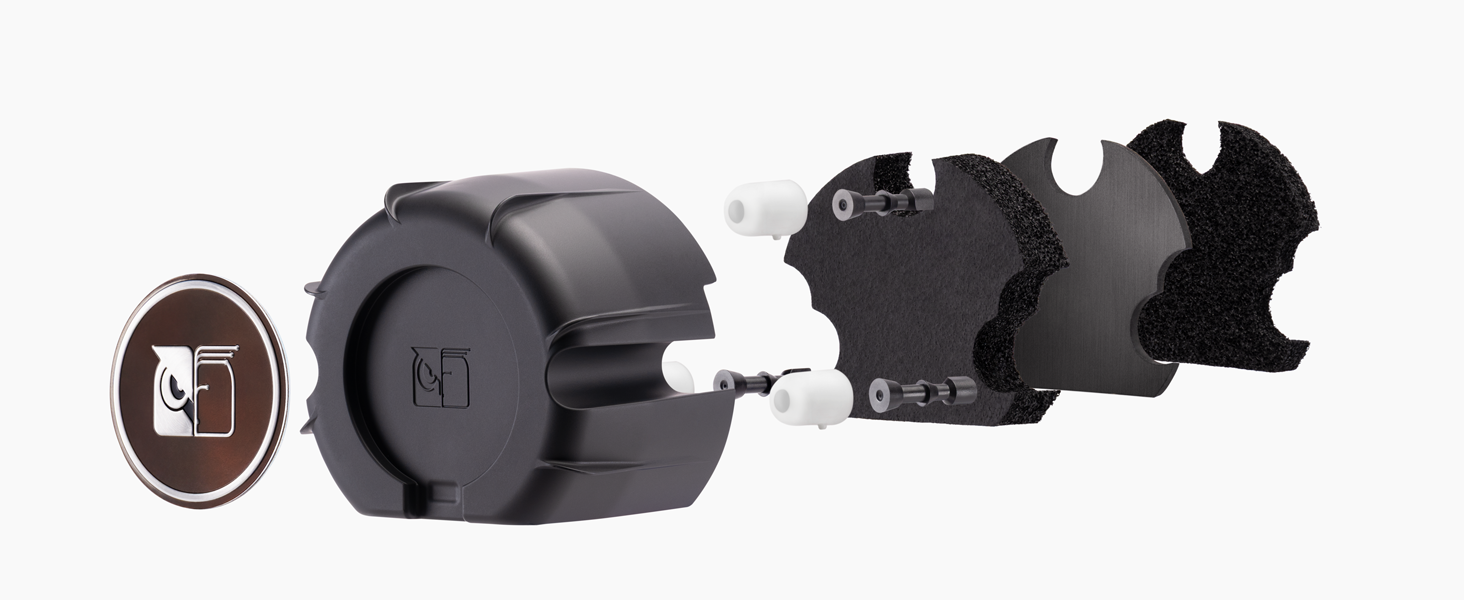
Ensures quieter pump operation and lower vibration levels
SecuFirm2+ kit for AMD AM5/AM4 & Intel LGA1851/1700 ensures optimised contact pressure
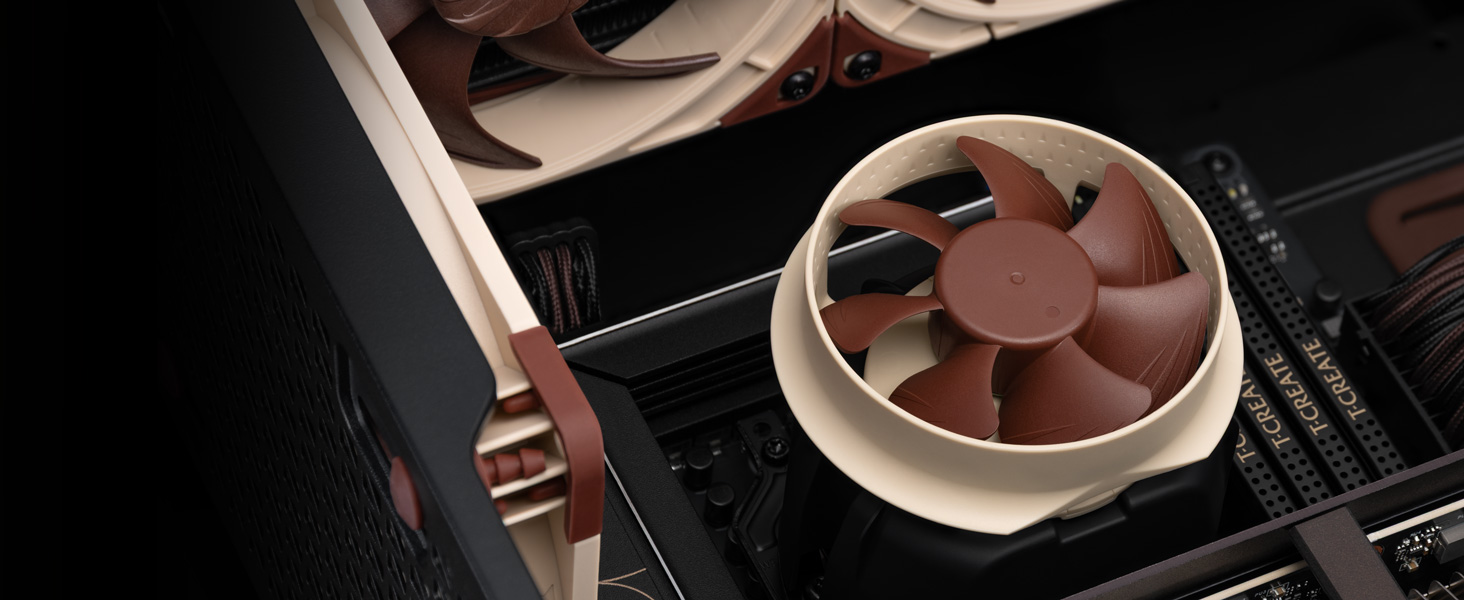
For additional airflow over near-socket components with magnetic attachment (available separately)
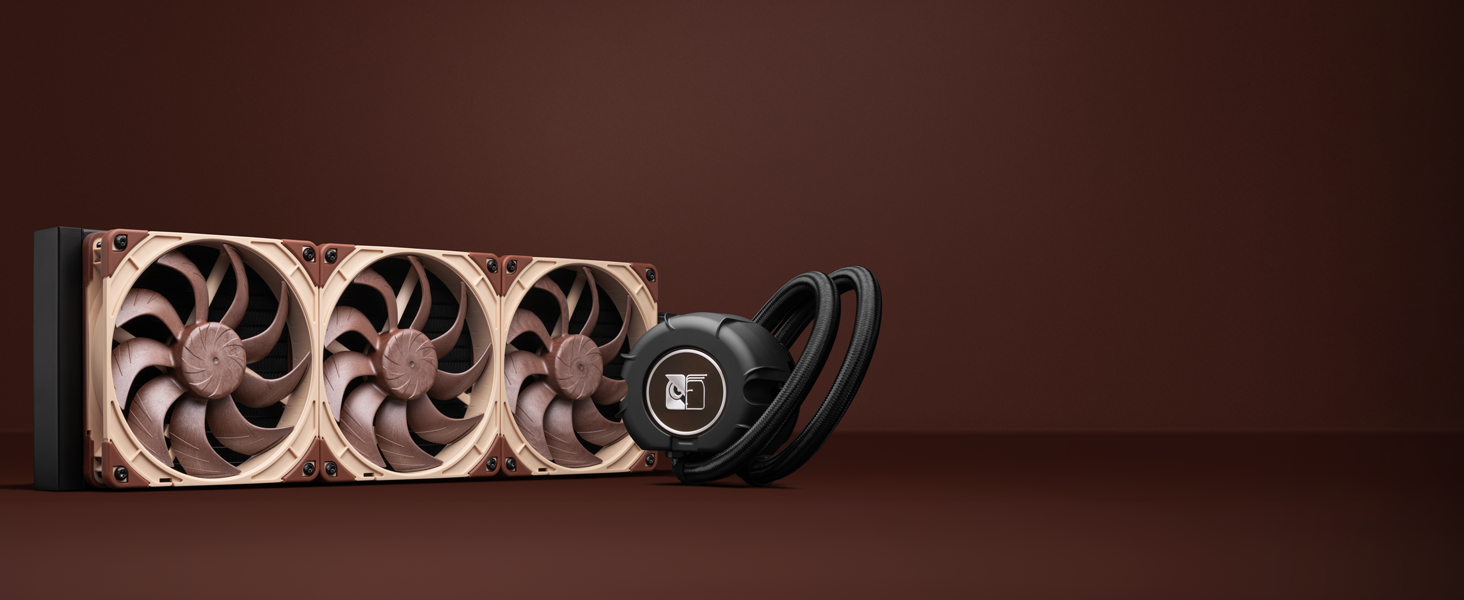
Further optimised NF-A14x25 G2 PWM fans run a +/-25rpm speed offset in a PPA/PPB/PPA pattern for optimal acoustics
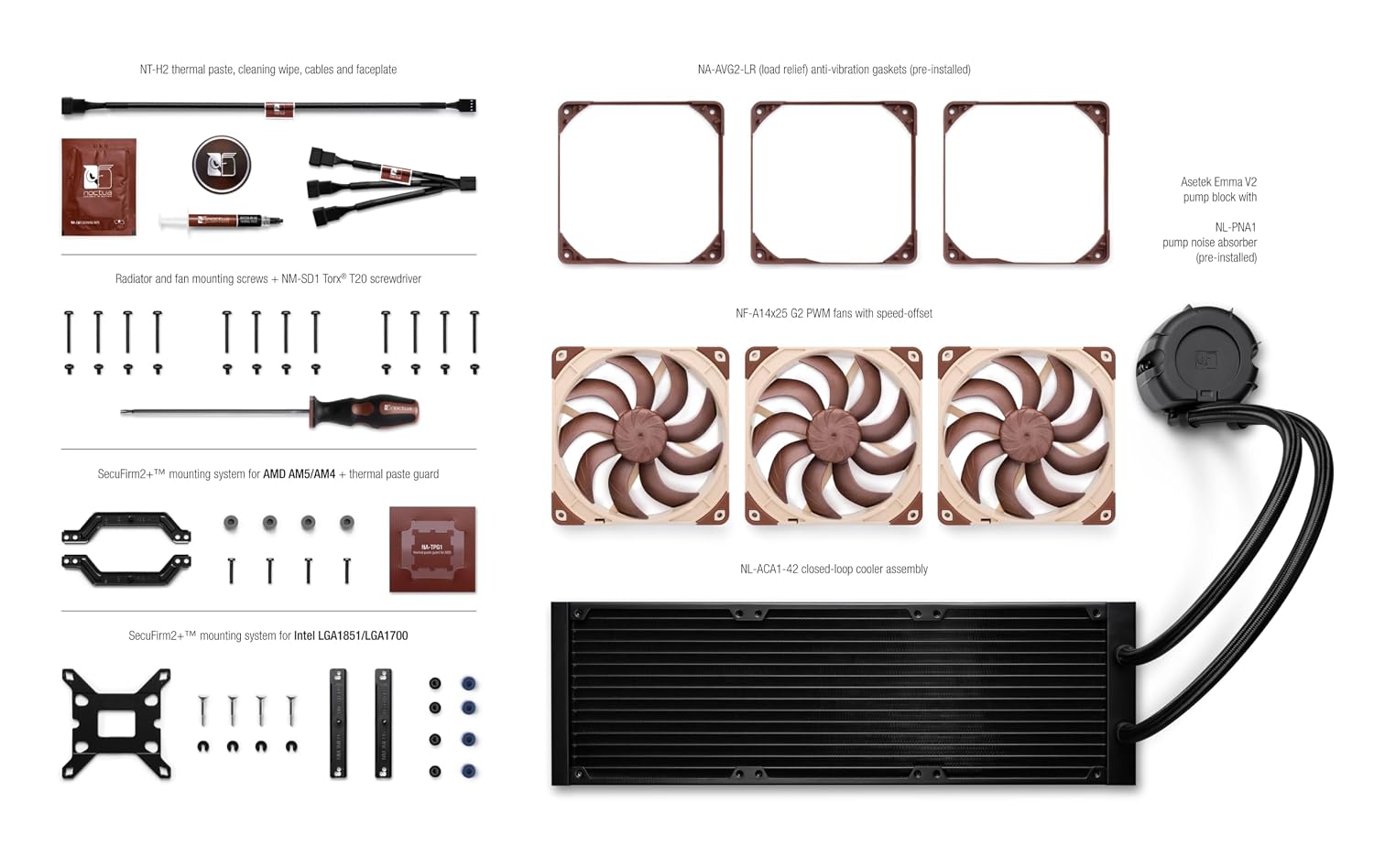
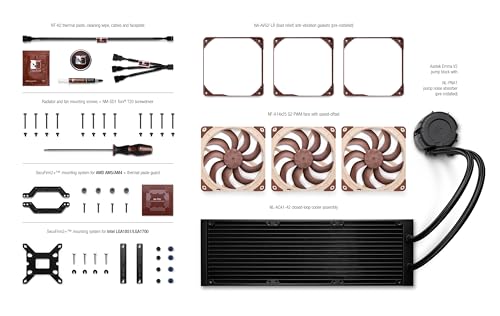
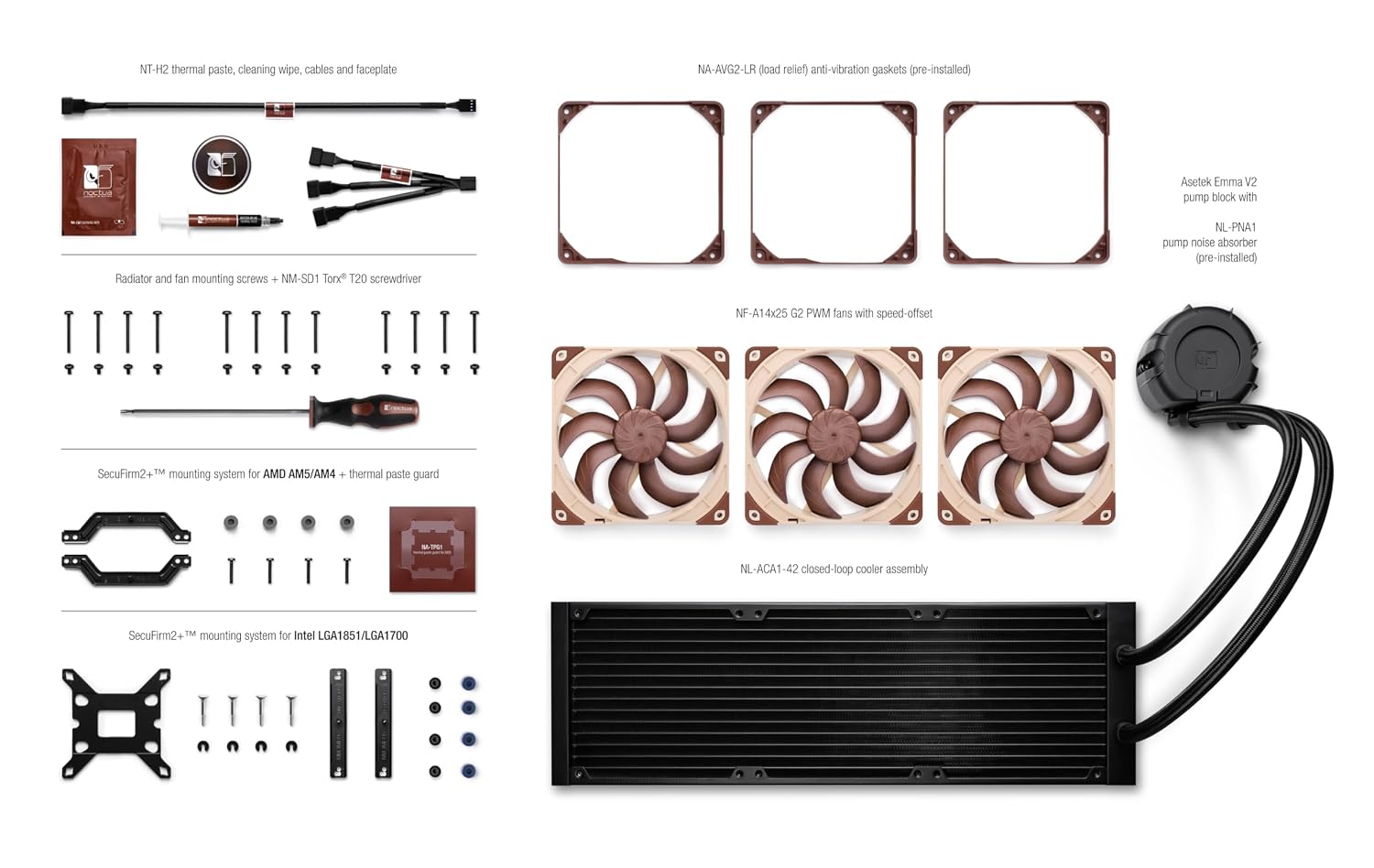
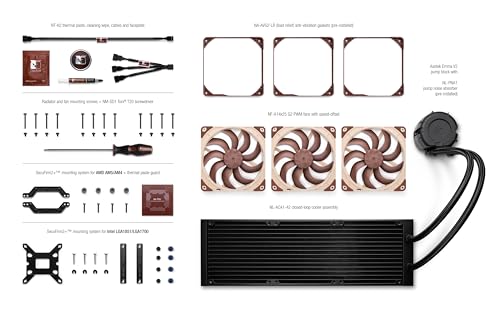
| 1 | NL-LC1-42 closed-loop liquid cooler with NL-PNA1 pump noise absorber |
| 2 | Metal Noctua logo faceplate |
| 3 | 3x NF-A14x25 G2 PWM fans with speed-offset (PPA/PPB/PPA) |
| 4 | 3x NA-AVG2-LR anti-vibration gaskets (pre-installed) |
| 5 | NA-SC1 3-way splitter cable |
| 6 | NA-EC1 30cm extension cable |
| 7 | Fan and radiator mounting screws (Torx T20) |
| 8 | SecuFirm2+ multi-socket mounting system with offset options for AMD AM5/AM4 and Intel LGA1851/1700 |
| 9 | NM-SD1 Torx T20 screwdriver |
| 10 | NT-H2 thermal compound |
| 11 | NA-CW1 cleaning wipe |
| 12 | NA-TPG1 thermal paste guard for AMD AM5 |
| 13 | Noctua metal case badge |
Should I install the fans in push or pull on the radiator?
We strongly recommend a push setup for the best acoustics: mount the fans so they push air through the radiator rather than pull air from the radiator. For performance, the results are similar with both push and pull.
Where should I install the radiator in my PC?
In general, if you wish to prioritise your GPU temperature, install the radiator at the top of your case. To prioritise CPU temperatures, install the radiator at the front of your case instead.
Can I use the NL-LC1 cooler on sockets other than AMD AM5/AM4 & Intel LGA1851/1700?
Free mounting parts can be requested through the Noctua website to install the cooler on older platforms such as LGA1200/115x, LGA20xx Square ILM, AM3+.
loading
