












Free worldwide shipping
Free returns
Carbon neutral
Secure payments

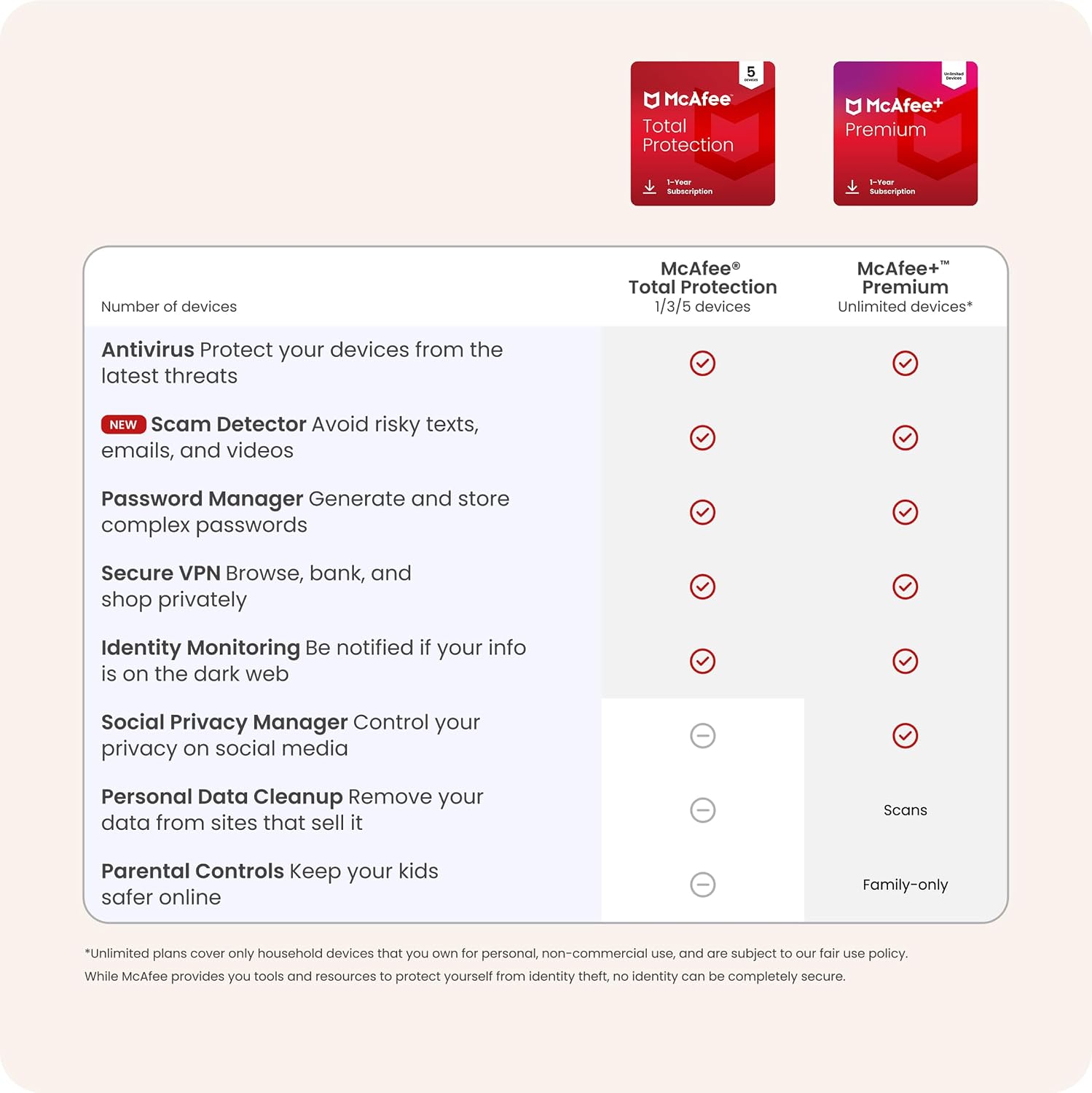
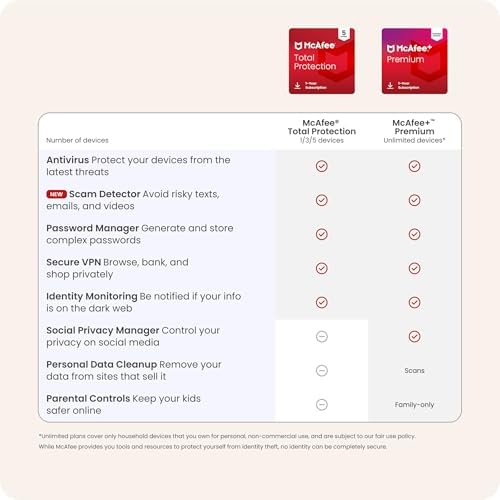
Secure your finances and data from identity theft with 24/7 monitoring and timely alerts.
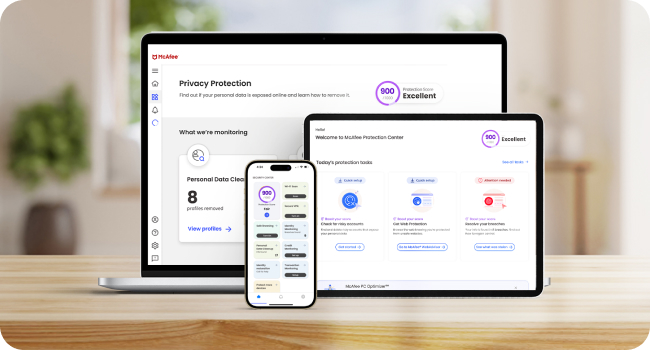
Get automatic protection against viruses, hackers, and email, text, and video scams with McAfee's advanced technology.

Rest easy knowing your mobile phones, tablets, and computers are protected from the latest threats with award-winning antivirus.

Provides 24/7 monitoring and alerts you if your personal information is found on the dark web, where your identity and financial data can be used by hackers.

McAfee unlimited VPN turns on automatically to protect your personal data and credit card info, so you can bank, shop, and browse online privately anywhere you go.

We’ll automatically identify text, email, and video scams, so you know whether that message or video is real.
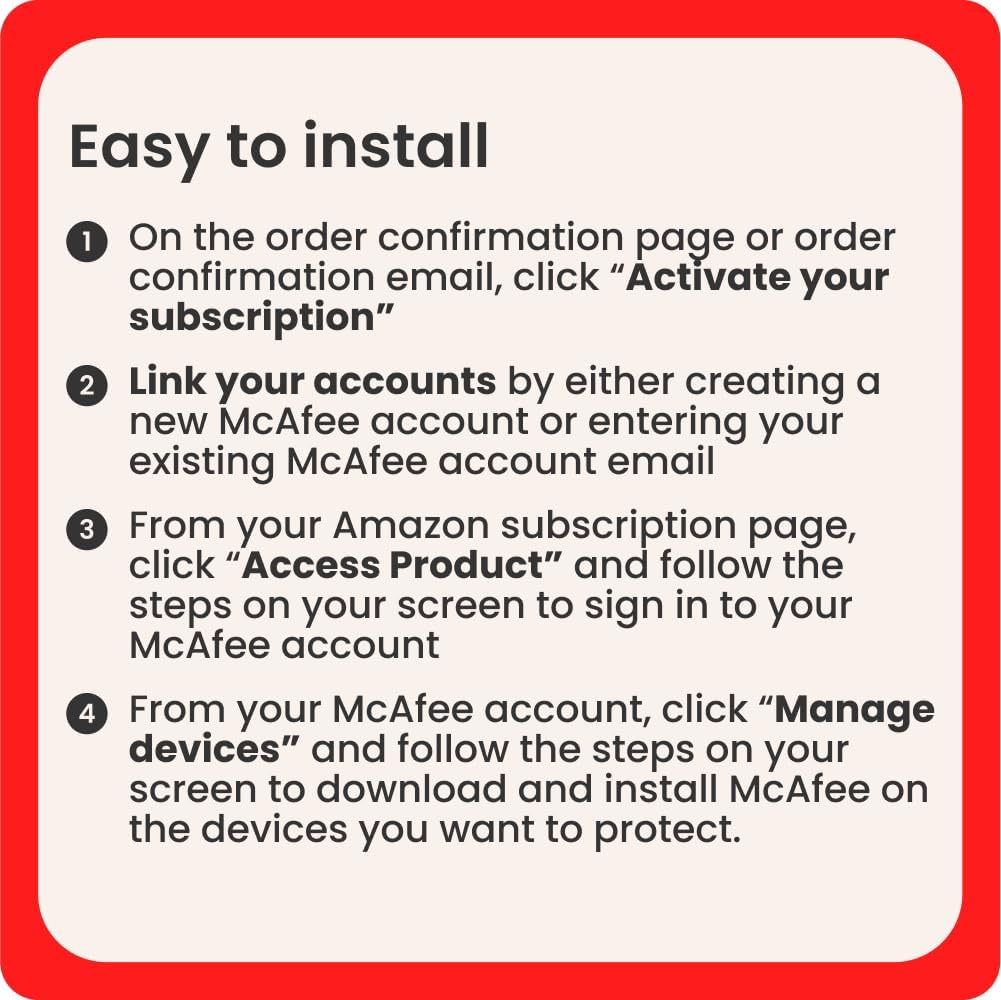
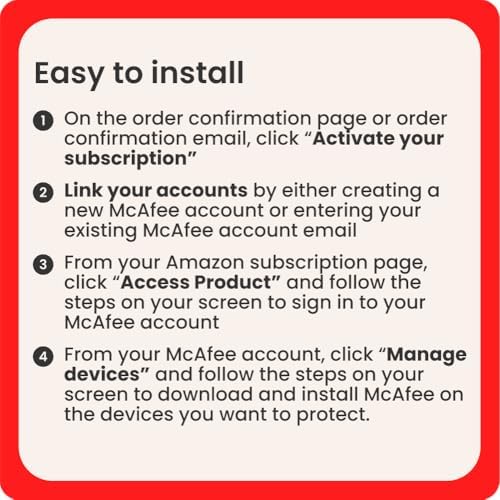
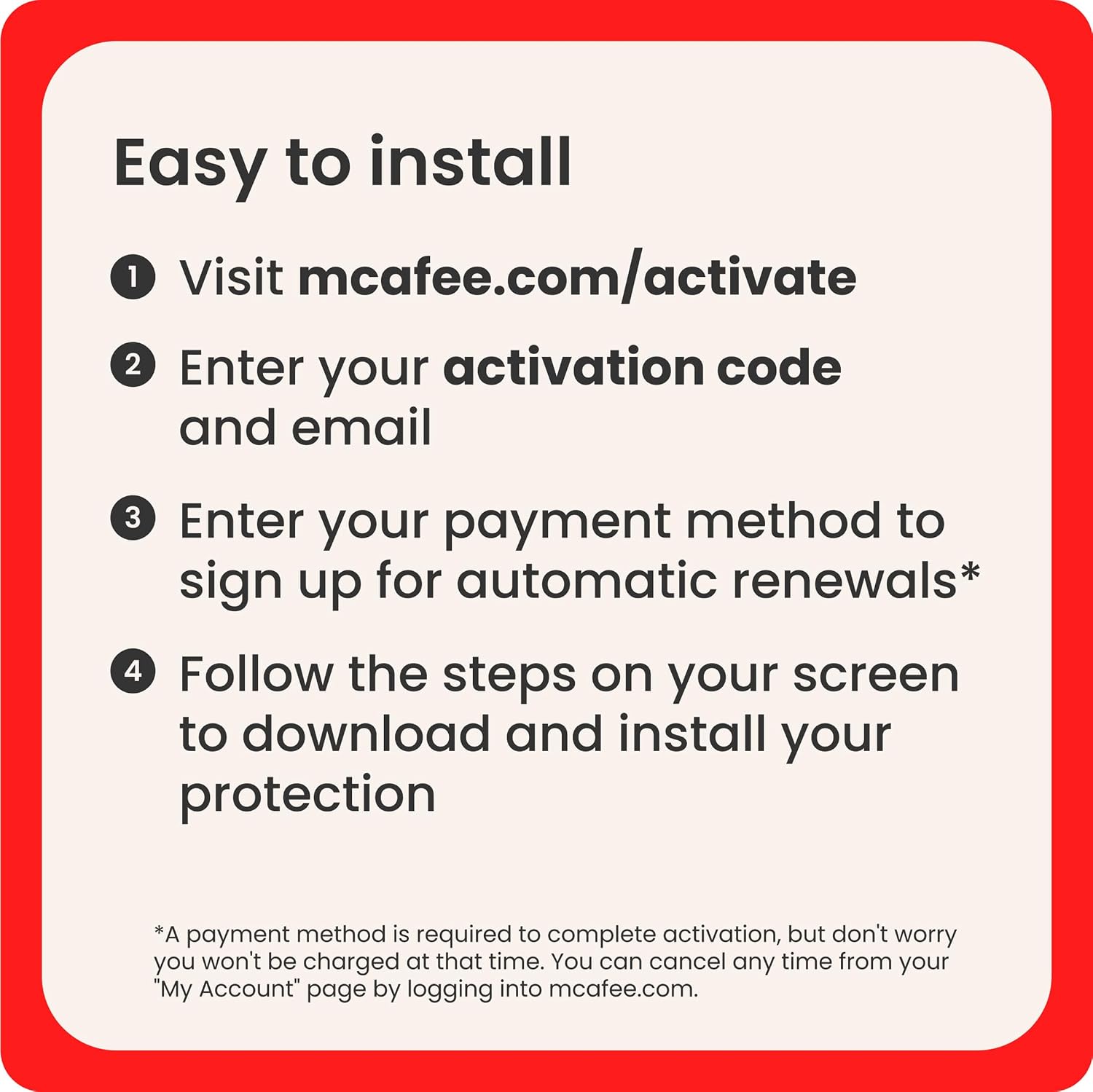
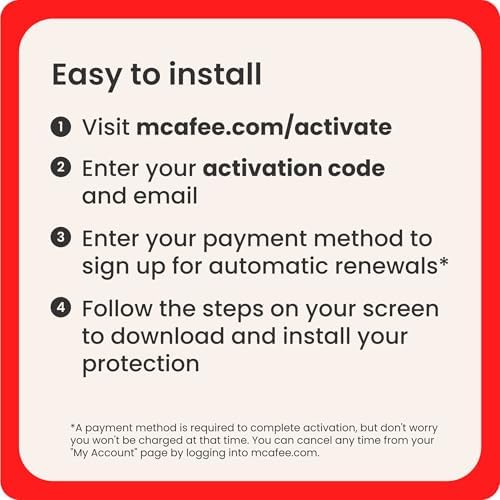
1. Visit the website in your activation email or on your physical product card to begin the activation process.
2. Enter the activation code and your email address. If you purchased a digital download product, you'll receive an email with your activation code.
3. Follow the onscreen instructions to download and install your McAfee protection.
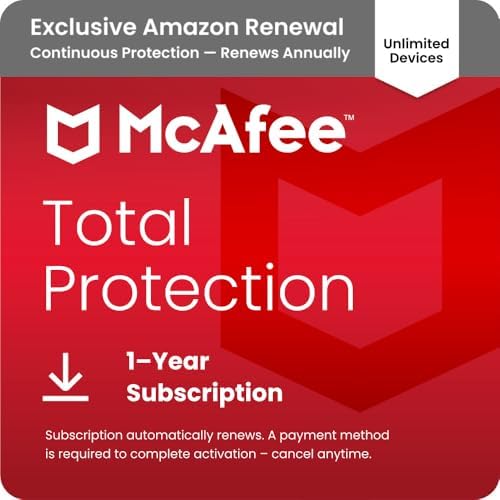
McAfee is all-in-one protection – antivirus, security, identity, and privacy protection for your devices. Rest easy knowing McAfee's award-winning antivirus will notify you of risky websites and protect you from the latest threats.

Is this the latest version?
When you download and install your McAfee protection you'll receive the latest version. McAfee products come with automatic updates that ensure you are always protected with the latest security patches keeping your devices safe from emerging threats.
How do I install a digital download product?
After you complete your purchase you'll receive an email with your activation code. Visit the website in your activation email or on your physical product card to begin the activation process. Then simply follow the steps on your screen.
When does the subscription begin?
Your McAfee subscription begins upon activation, ensuring that your devices are protected right from the start. Visit the website in your activation email or on your physical product card to begin the activation process.
What are the system requirements?
X64: Windows 11 and Windows 10 (RS5) and newer, ARM64: Windows 11 and newer; Build 4.23 or higher: macOS 11 and above; Android smartphones and tablets 10 or higher; iOS 16 or later; ChromeOS 102.0.5005 and higher
Can McAfee protect my data from ransomware attacks?
Yes, McAfee's security solutions employ advanced technology to detect and block ransomware, to help safeguard your devices and valuable data.
loading
