



Free worldwide shipping
Free returns
Carbon neutral
Secure payments
| Number of Batteries | 1 Lithium Ion batteries required. |
|---|---|
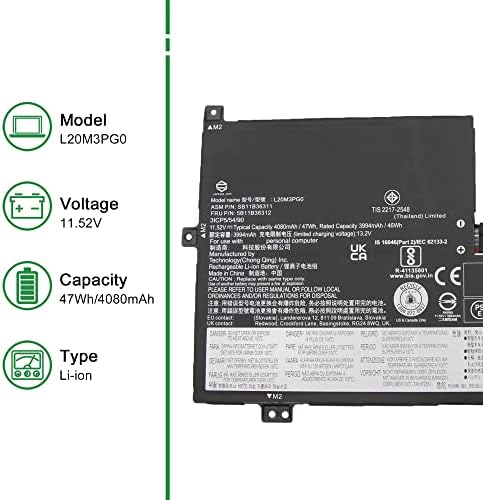
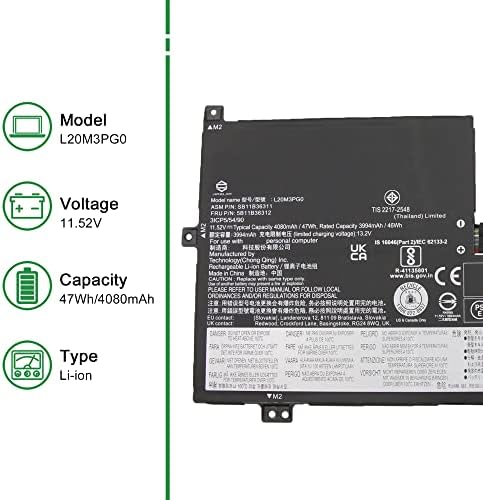
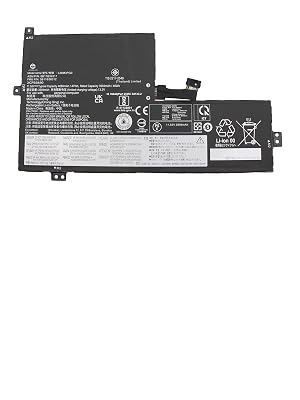
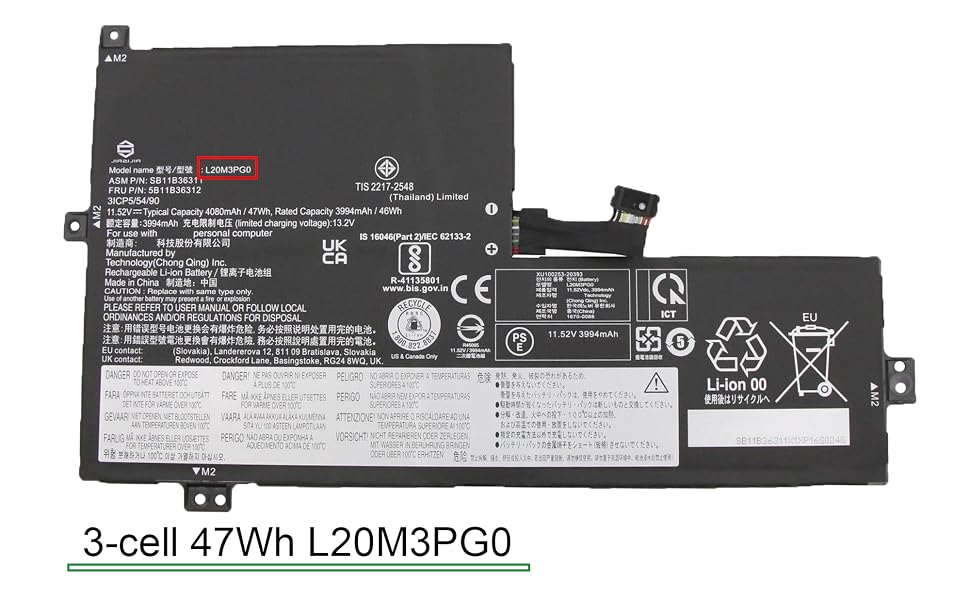
| Model Number | L20M3PG0 |
| Model Name | L20M3PG0 |
| Manufacturer | Dongguan Mingyiyuan Electronics Co., Ltd. |
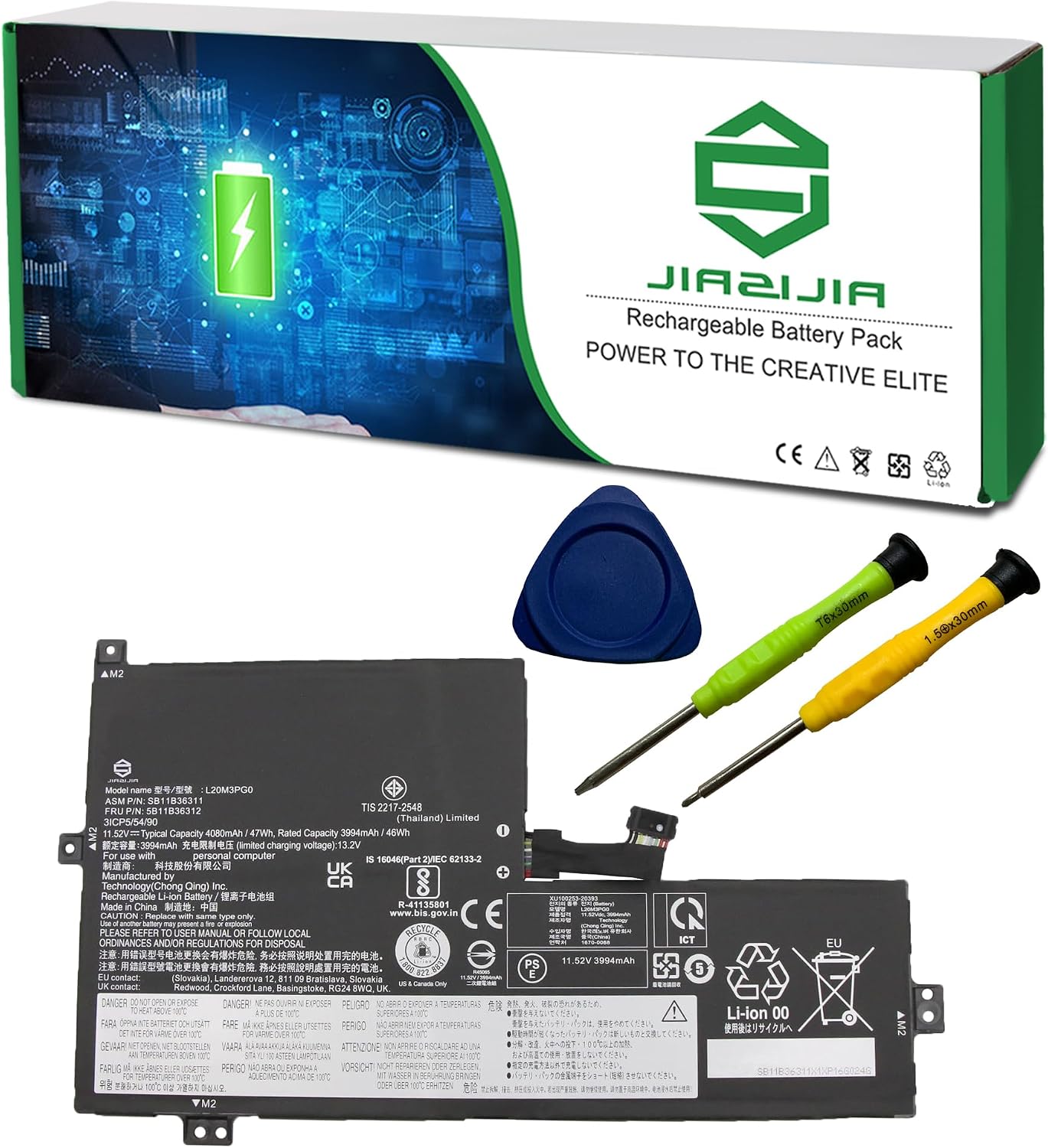
| Included Components | Battery Pack |
| Warranty Description | 1 year warranty |
| Battery Capacity | 4080 milliamp_hours |
| Voltage | 11.52 volts |
| Reusability | Rechargeable |
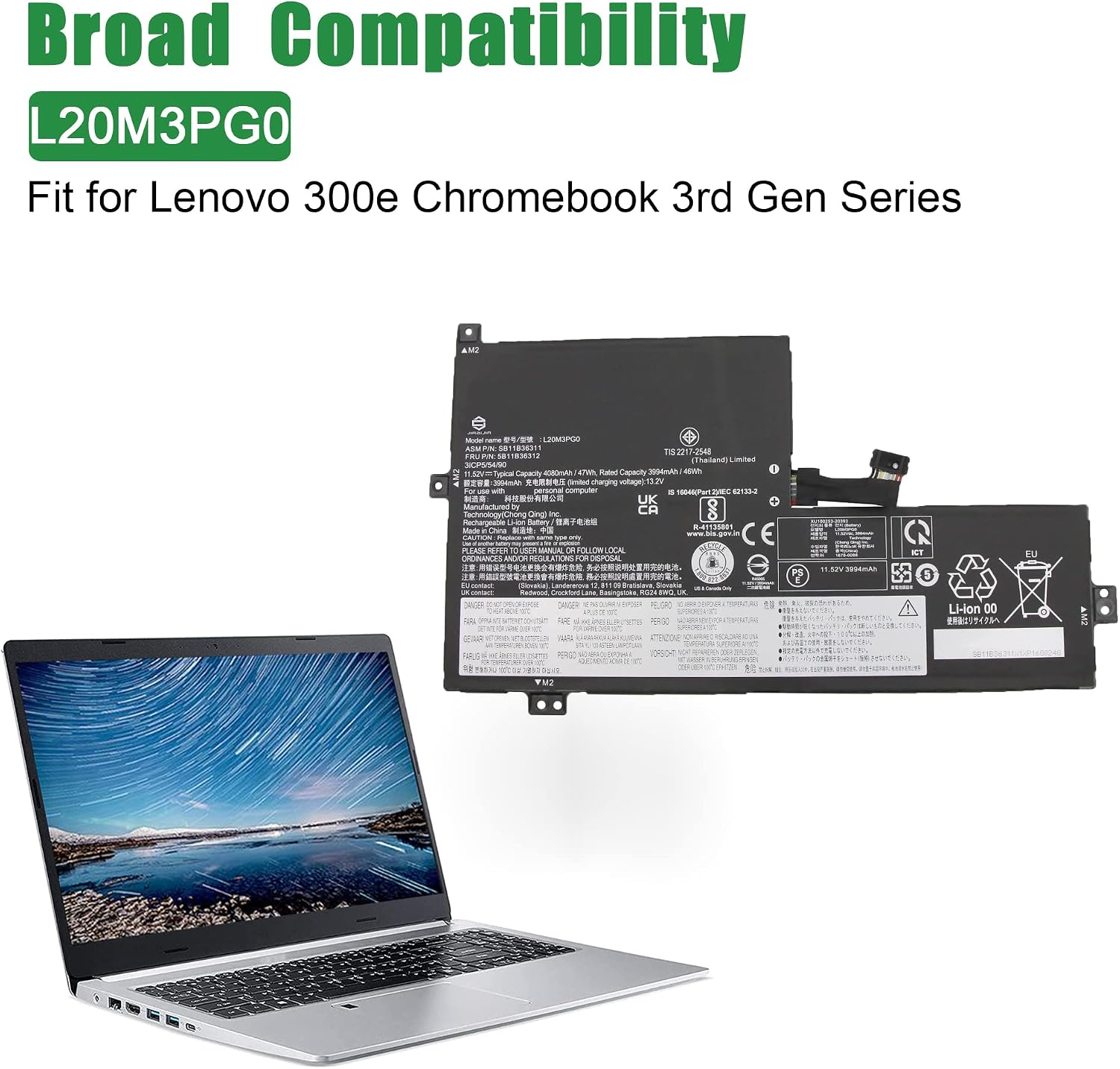
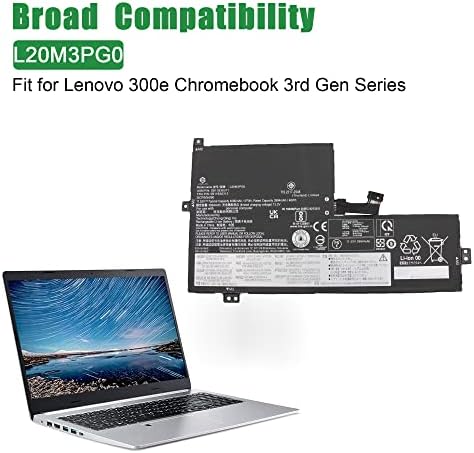
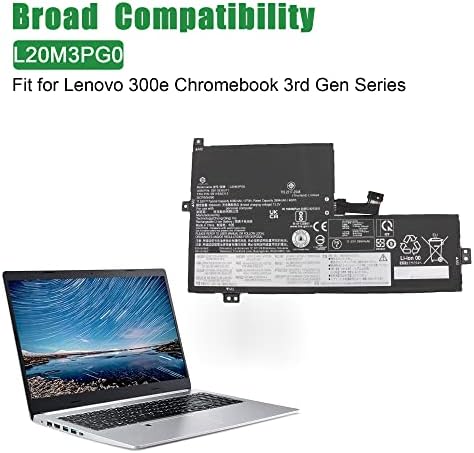
| Compatible Phone Models | Fit for IdeaPad Flex 3 Chrome 15IJL7 // 300e Chromebook 3rd Gen Series |
| Unit Count | 1 Count |
| Battery Weight | 200 g |
| Antenna Location | Laptop |
| Battery Cell Type | Lithium Ion |
| Num Batteries | 1 Lithium Ion batteries required. |
| Battery | Lithium Ion |
| Recommended Uses For Product | Laptop |


Welcome to JIAZIJIA
JIAZIJIA is a professional laptop replacement battery and tablet battery manufacturer and vendor.
We focus on producing high-quality, safe and reliable laptop battery and tablet battery.
Customer’s satisfaction is our top priority.
Specification:
Replacement for Part Number:
Compatible Models (use "Ctrl+F" to find your model quickly)
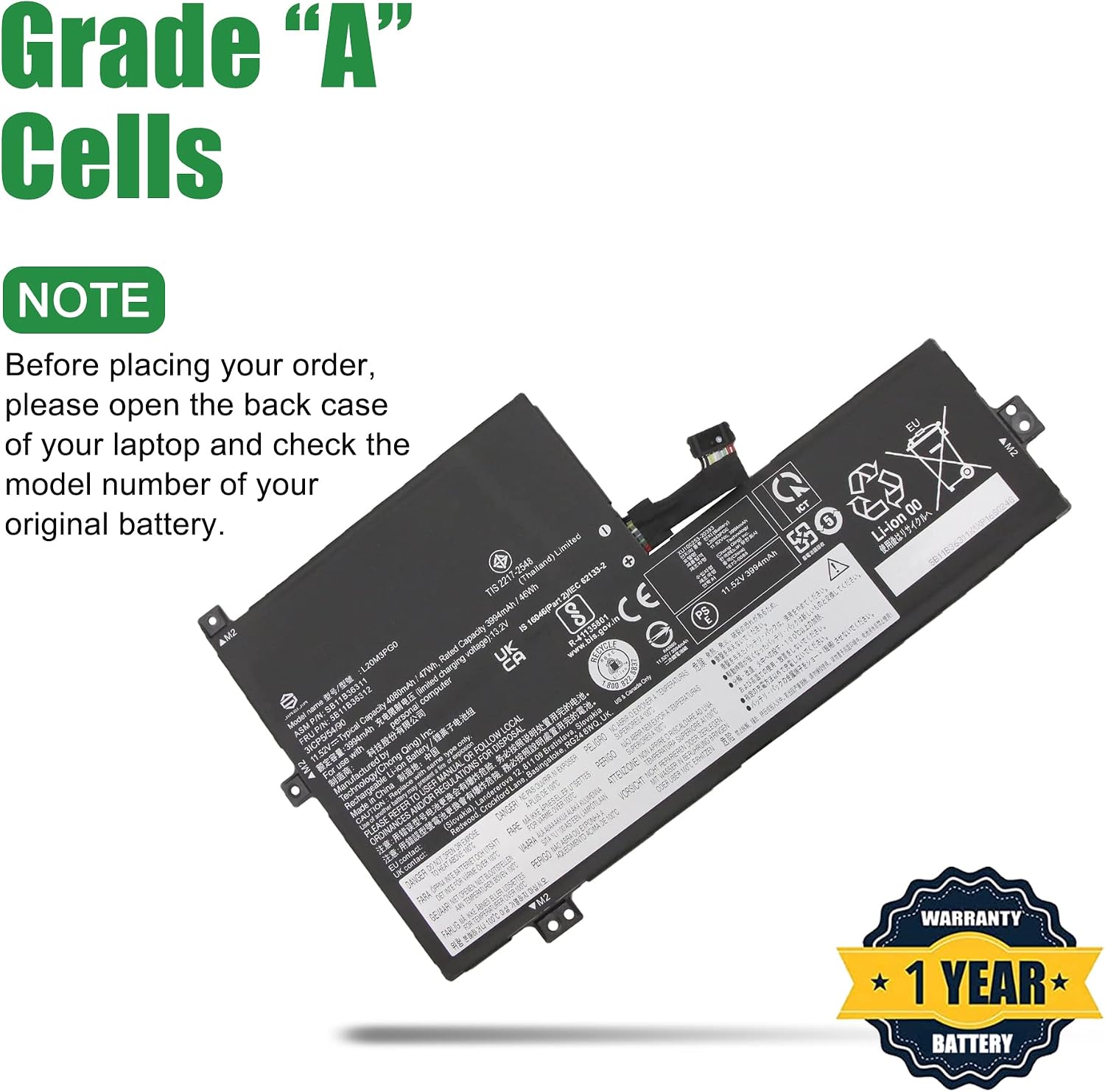
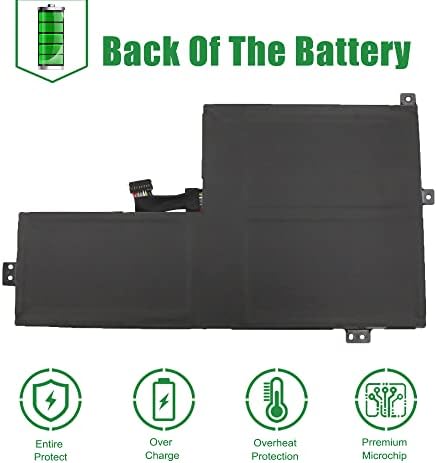
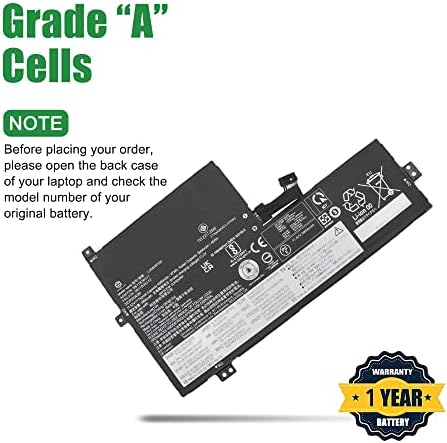
Not all the compatible laptop models have been listed, please remove the back case of your laptop and choose the right battery model according to your latpop's origibal battery.
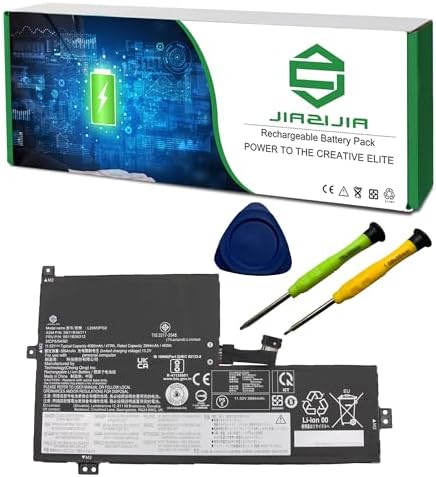
Package included:

Important Note:
1. Check your original battery's part number and confirm the exact battery model you need.
2. Before installing the replacement battery, please read the maunal carefully.
3. If you are not sure you can replace the battery by yourself, please find a tutorial online or ask a professional staff to help you replace it.
4. When using the battery, care should be taken to prevent exposure and moisture.

Tips to use a new replacement battery:
1. Discharge the new battery use to 5%(not to 0%) and then charge to 95%, and cycle 3-4 times.
2. Do not disassemble, crush or puncture. Do not dispose of in fire or water.
3. If you remove battery for a long time, charge more than 80% at least one time within one months.
4. Don't connect adapter for a long time while using the battery. It may damage the battery.

FAQs:
Why the new replacement battery can't be recognized by the laptop?
1. Check the packing and the battery to confirm it has not been harmed during the shipping.
2. Please make sure that the connector of the battery has been inserted into the system board correctly and tightly.
3. Update the battery drive to the newest edition. Charge the new battery for 4-6 hours.
loading
