



















Free worldwide shipping
Free returns
Carbon neutral
Secure payments
| UPC | 702168107699 604697622332 |
|---|---|
| Color | Blue |
| Material | Metal Mesh |
| Unit Count | 1 Count |
| Item Weight | 1.16 kg |
| Manufacturer | Kootek |
| Model Number | LCP04 |
| Built-In Media | 1 x Laptop Cooling Pad |
| Cooling Method | Air |
| Number of Fans | 5 |
| Mfr Part Number | LCP04 |
| Enclosure Material | Metal Mesh |
| Warranty Description | 1 |
| Item Length Width Height | 14.96"L x 11.81"W x 1.38"H |
| Item Dimensions L x W x H | 14.96"L x 11.81"W x 1.38"H |
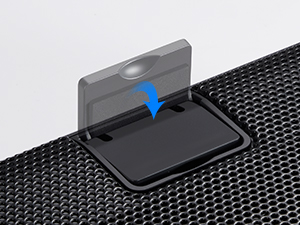
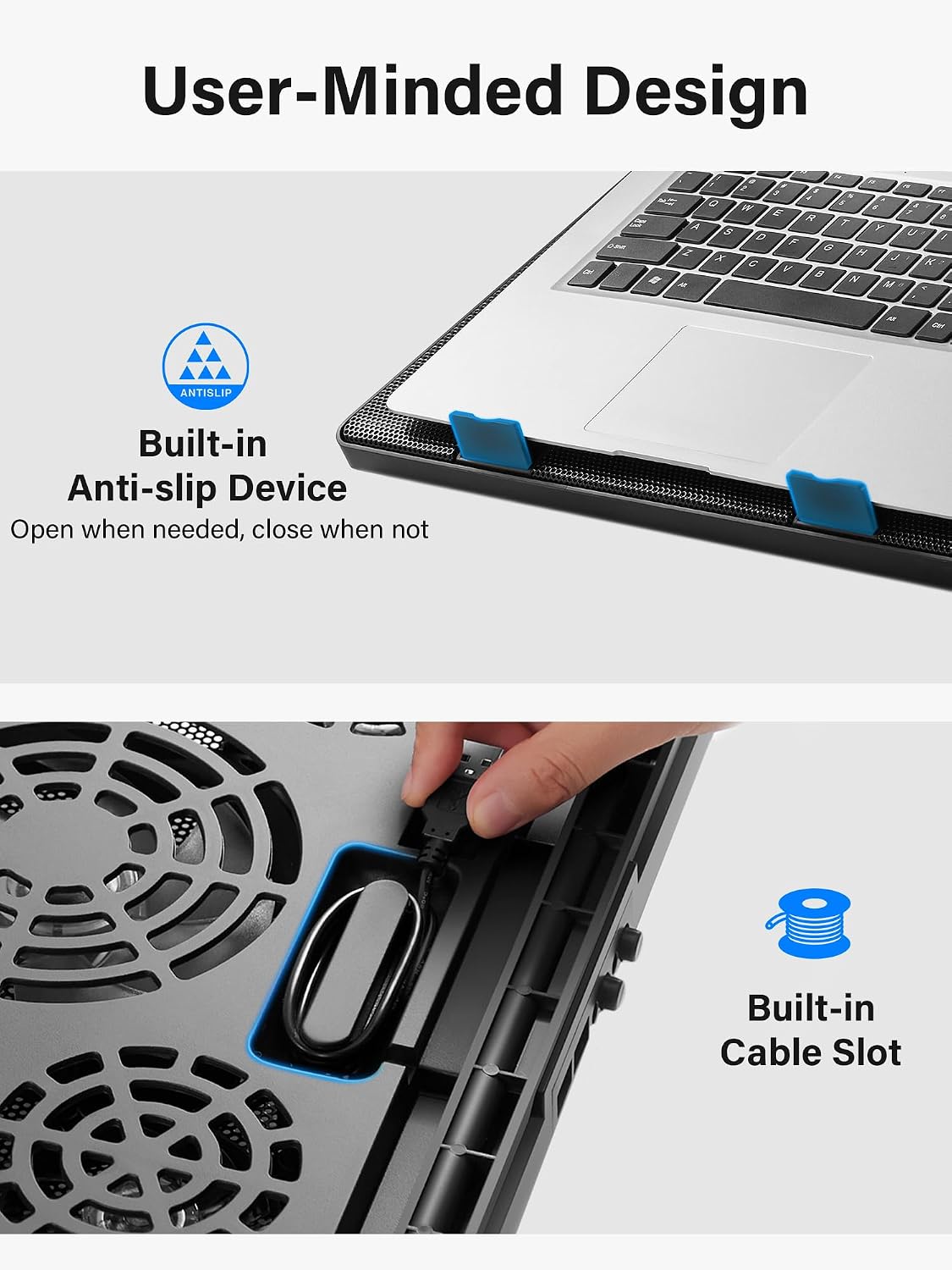
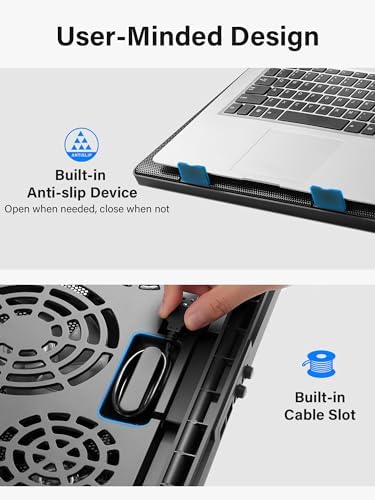
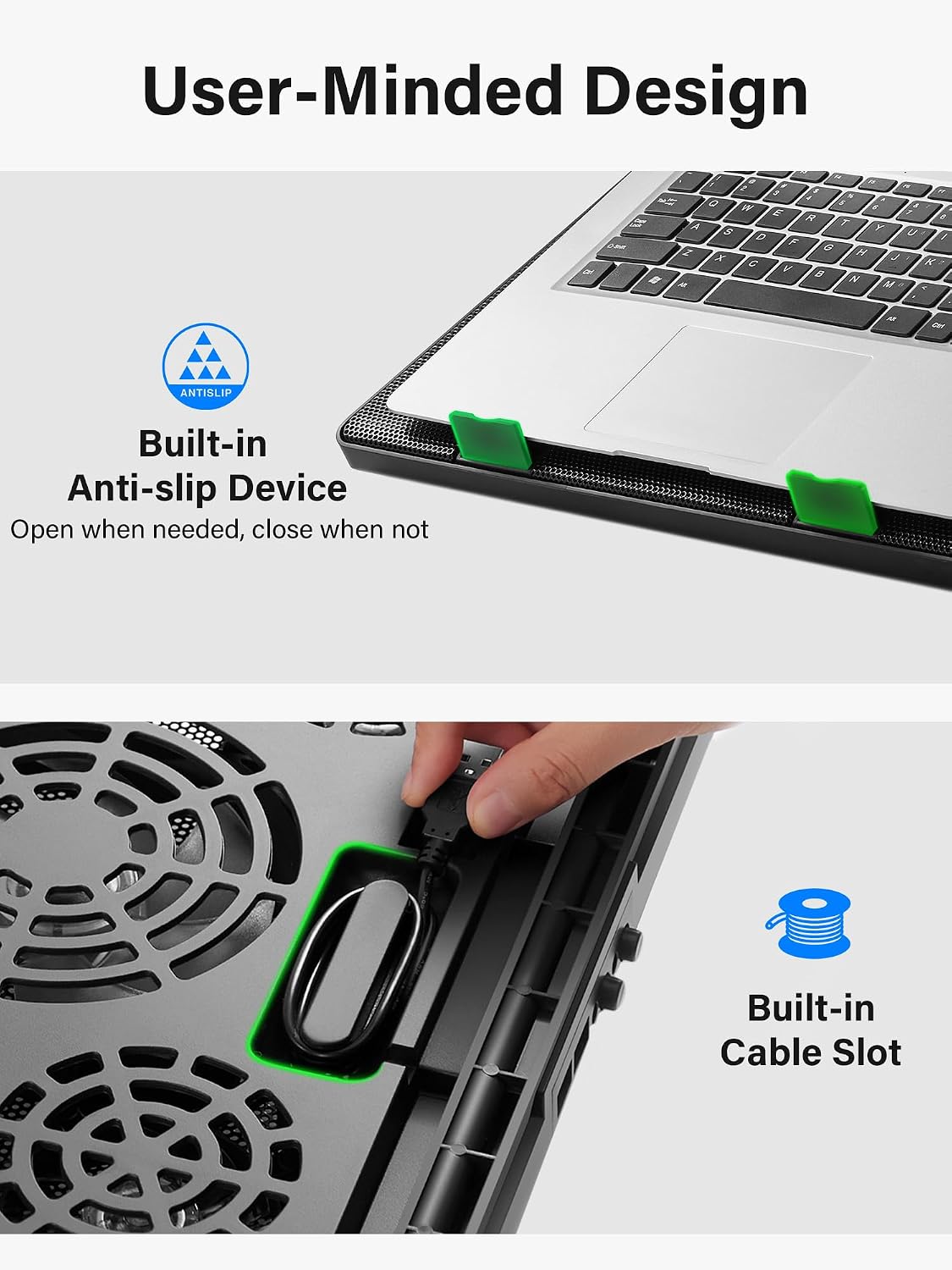
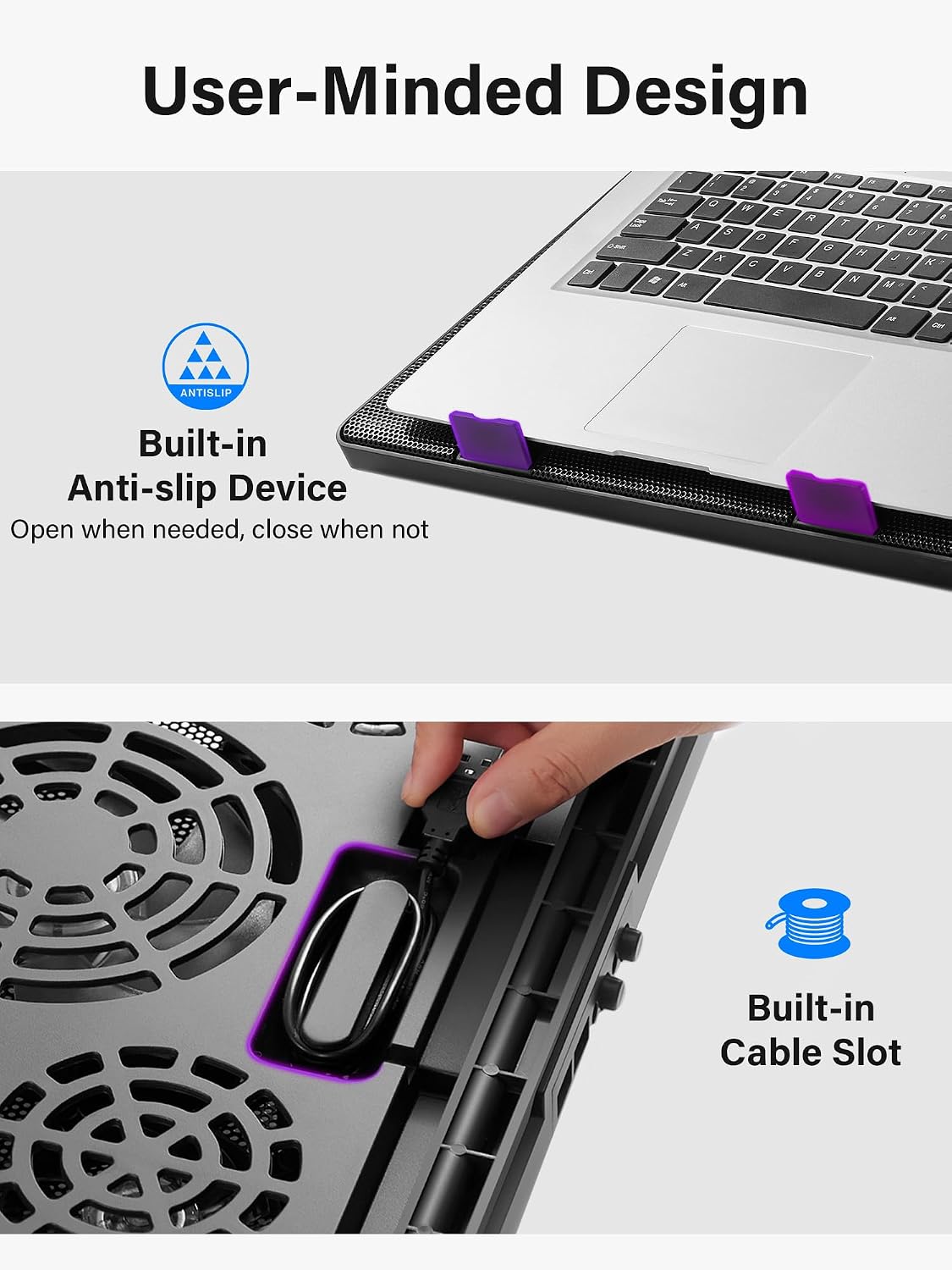
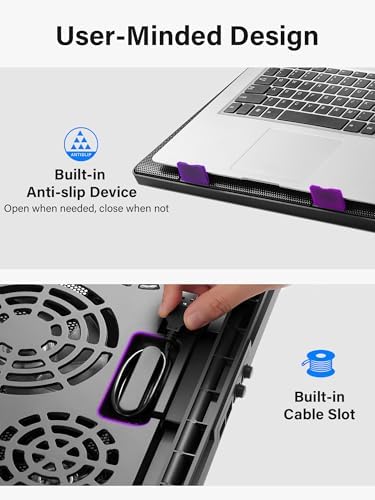
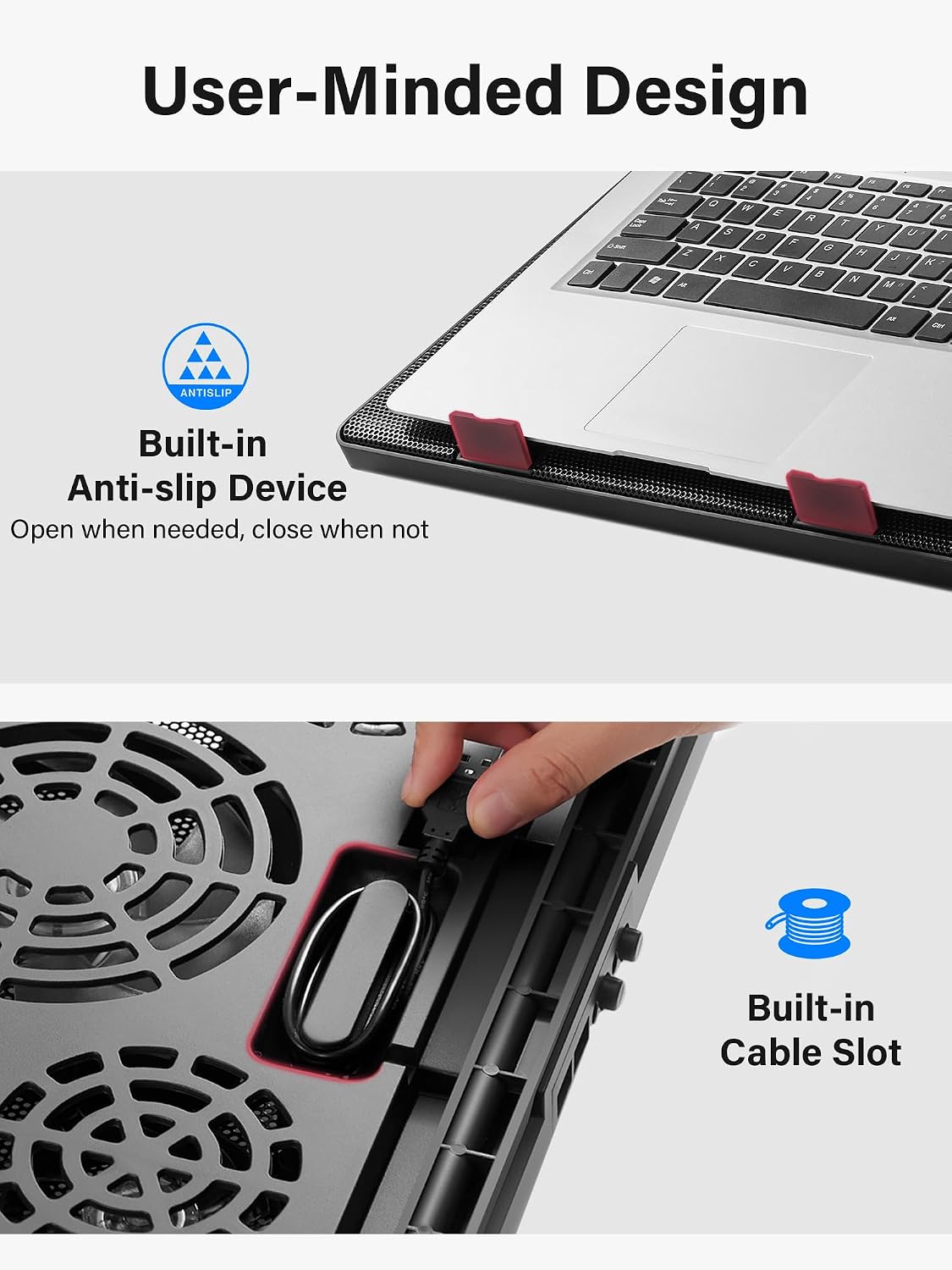
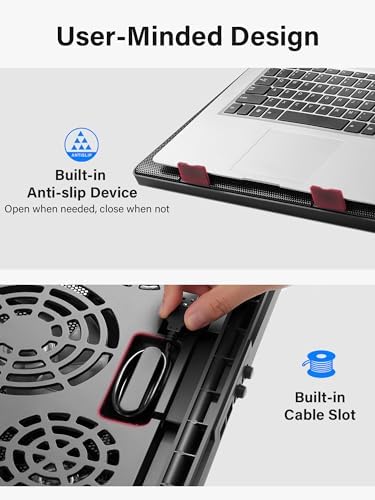
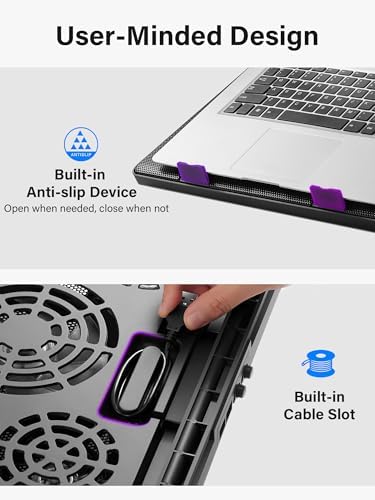
Pre-mounted, anti-slip stoppers of the cooling pad ensure laptop stability. You can open them for secure use, and close for compact storage.
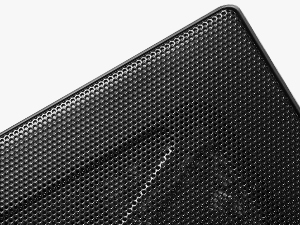
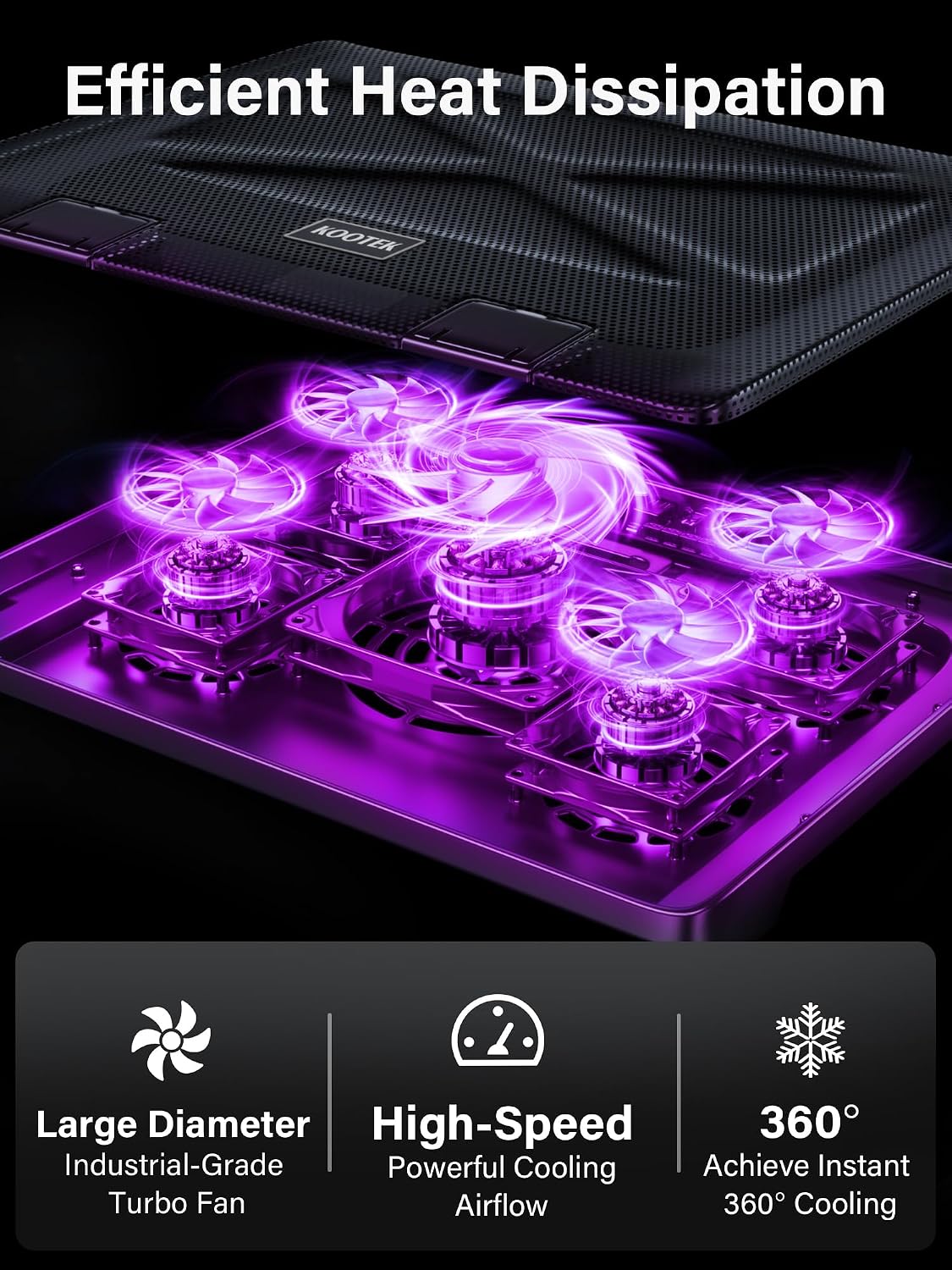
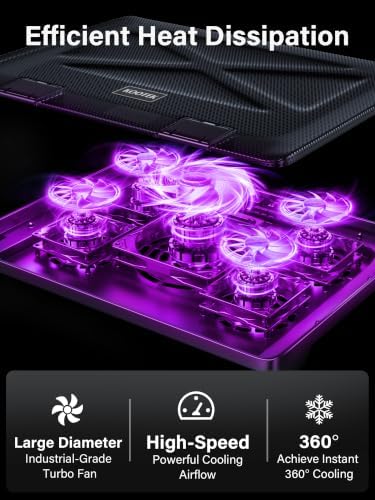
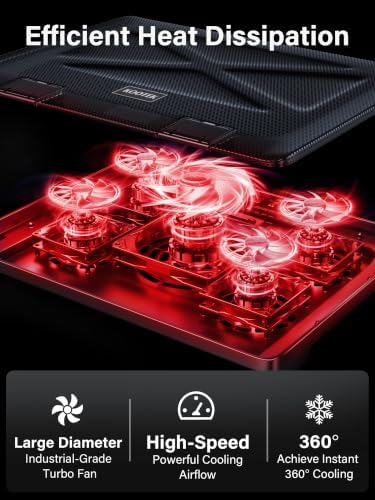
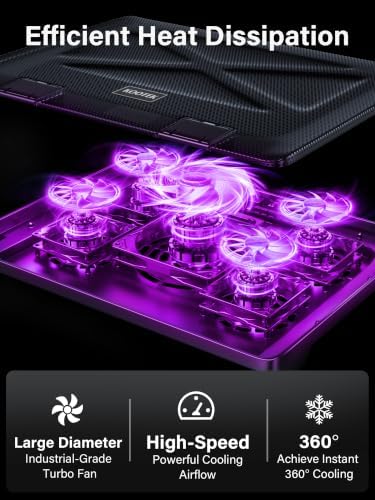
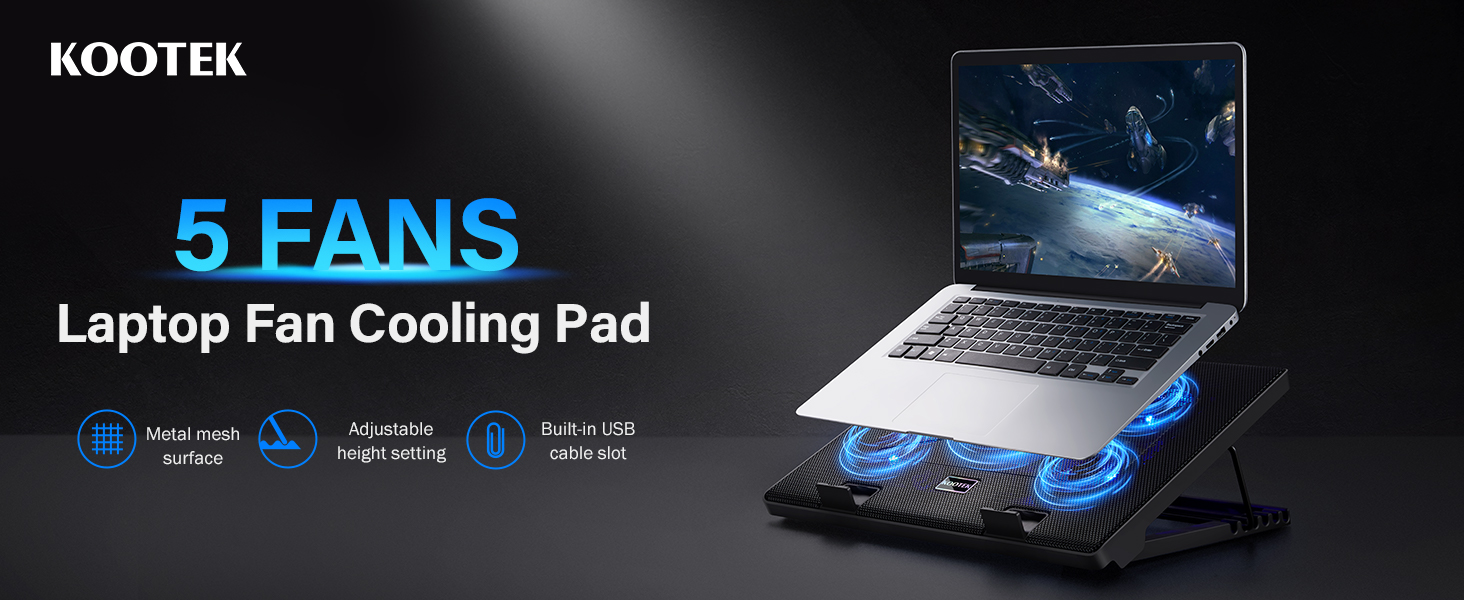
The mesh design enhances heat dissipation efficiency and prevents laptops from overheating. The metal material adds to the product's durability.
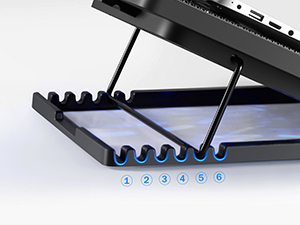
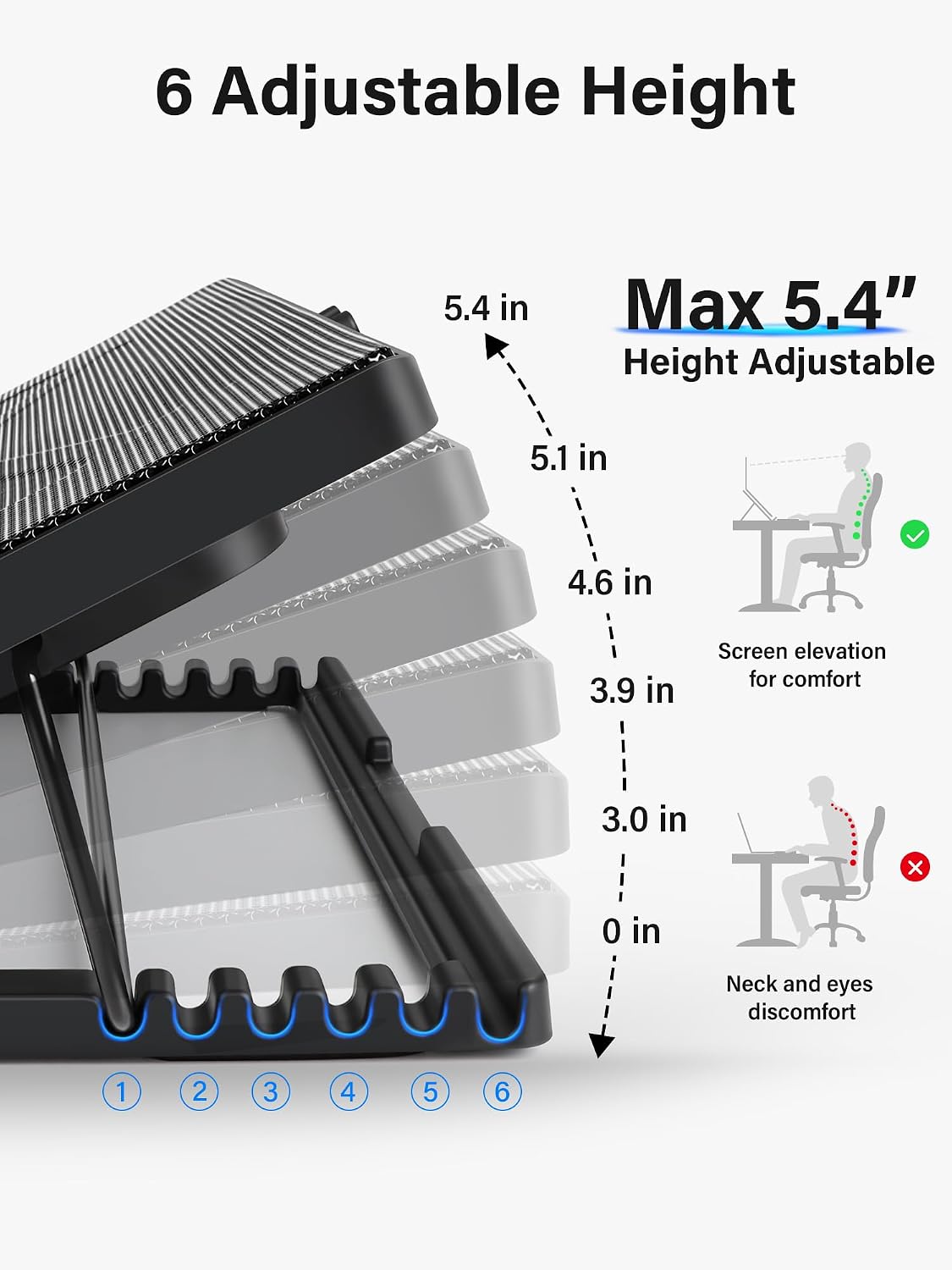
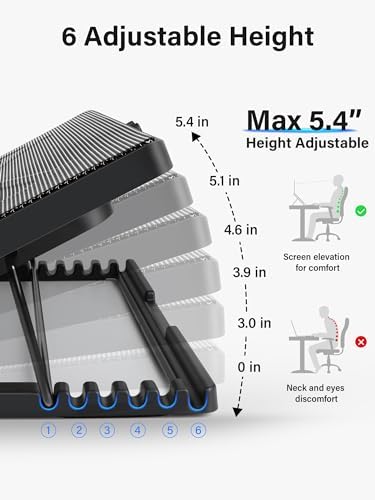
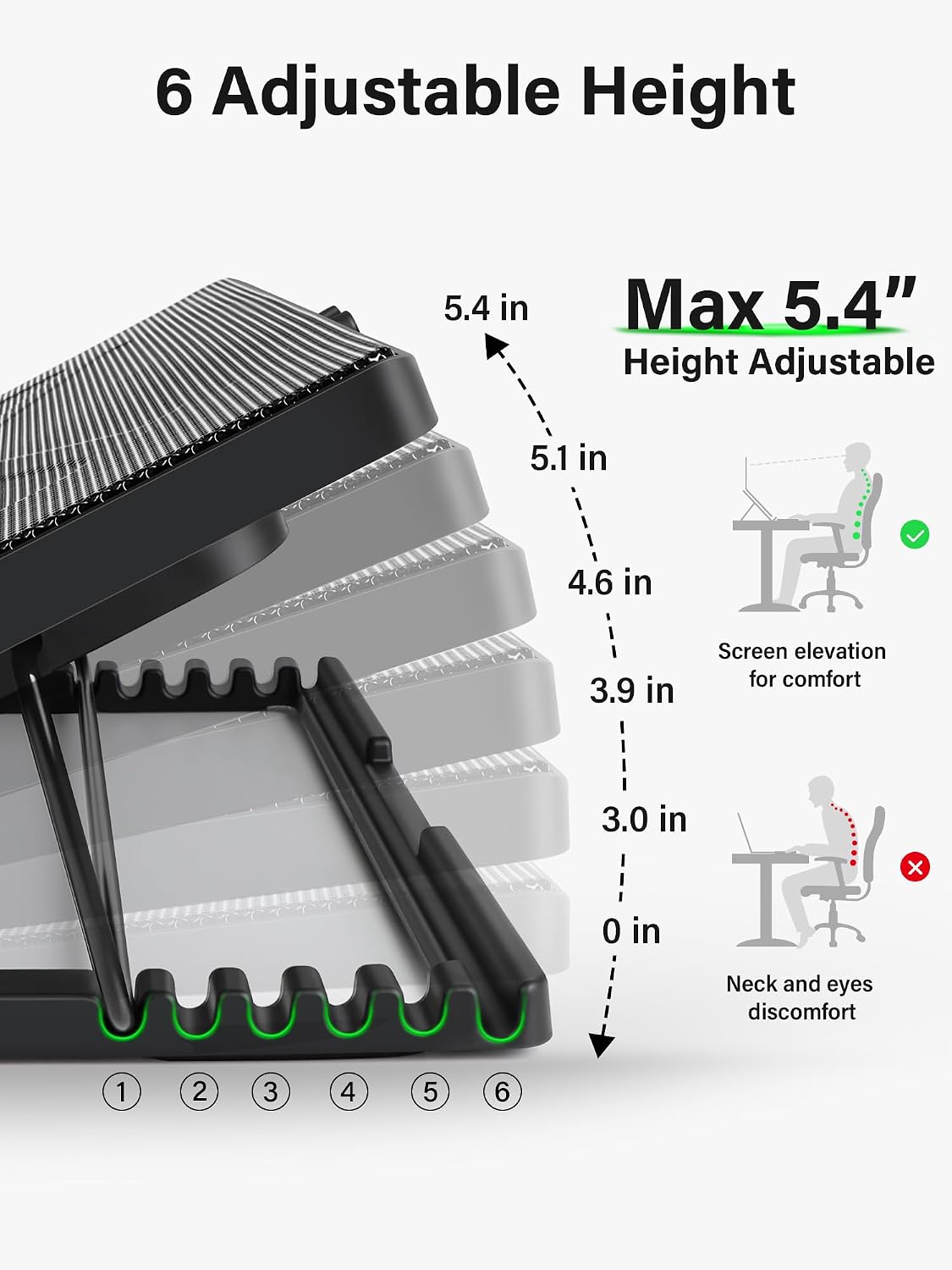
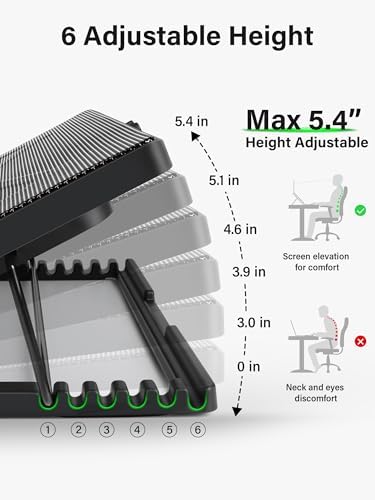
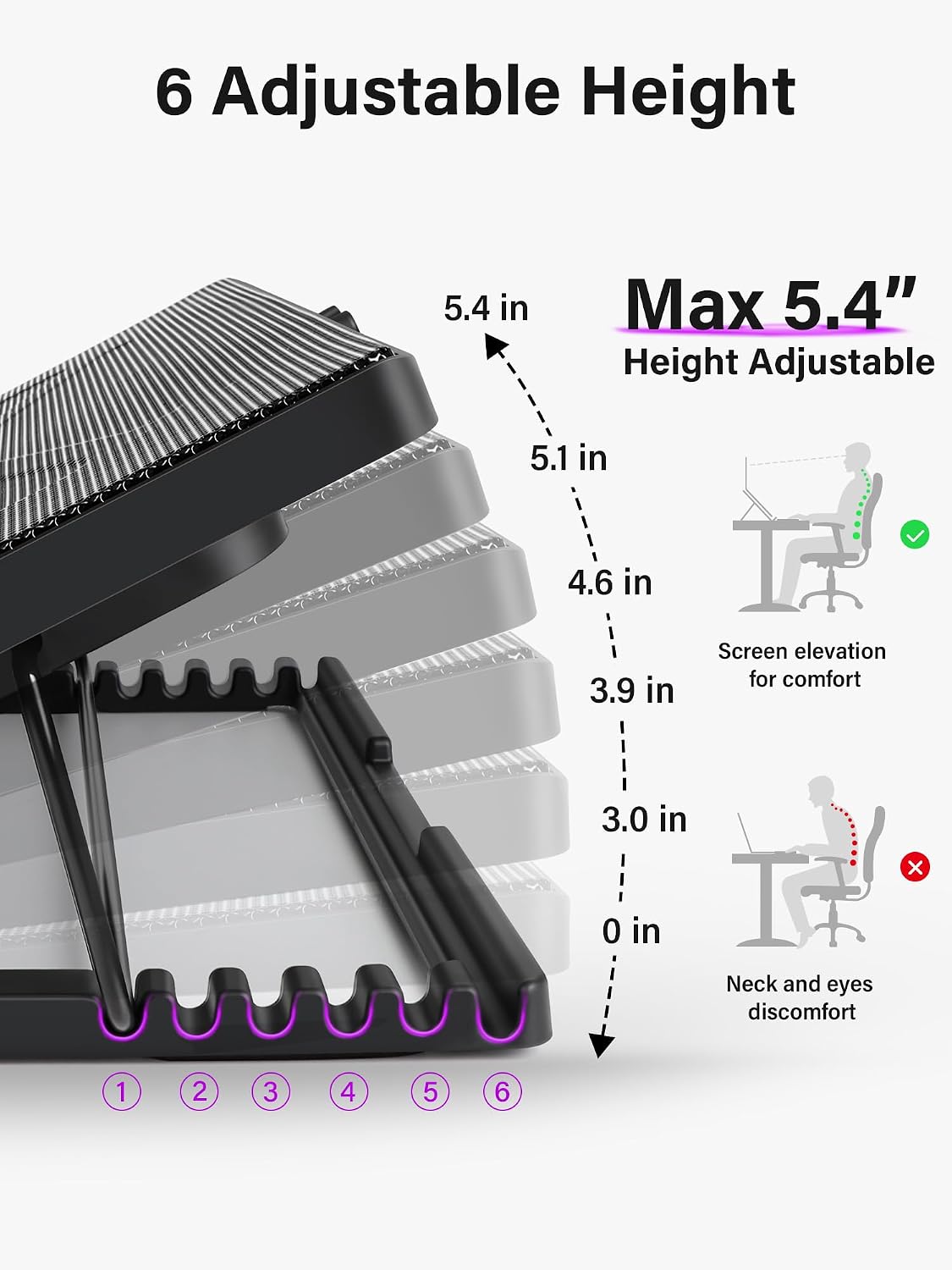
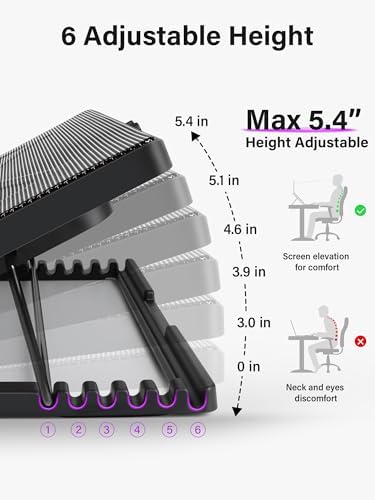
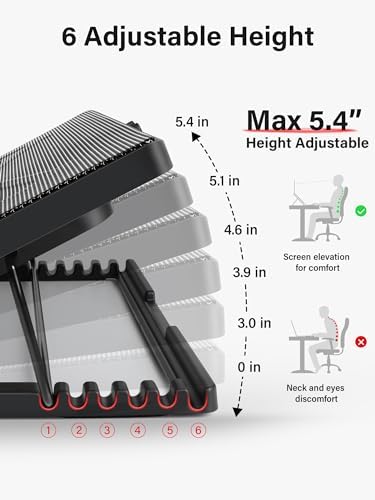
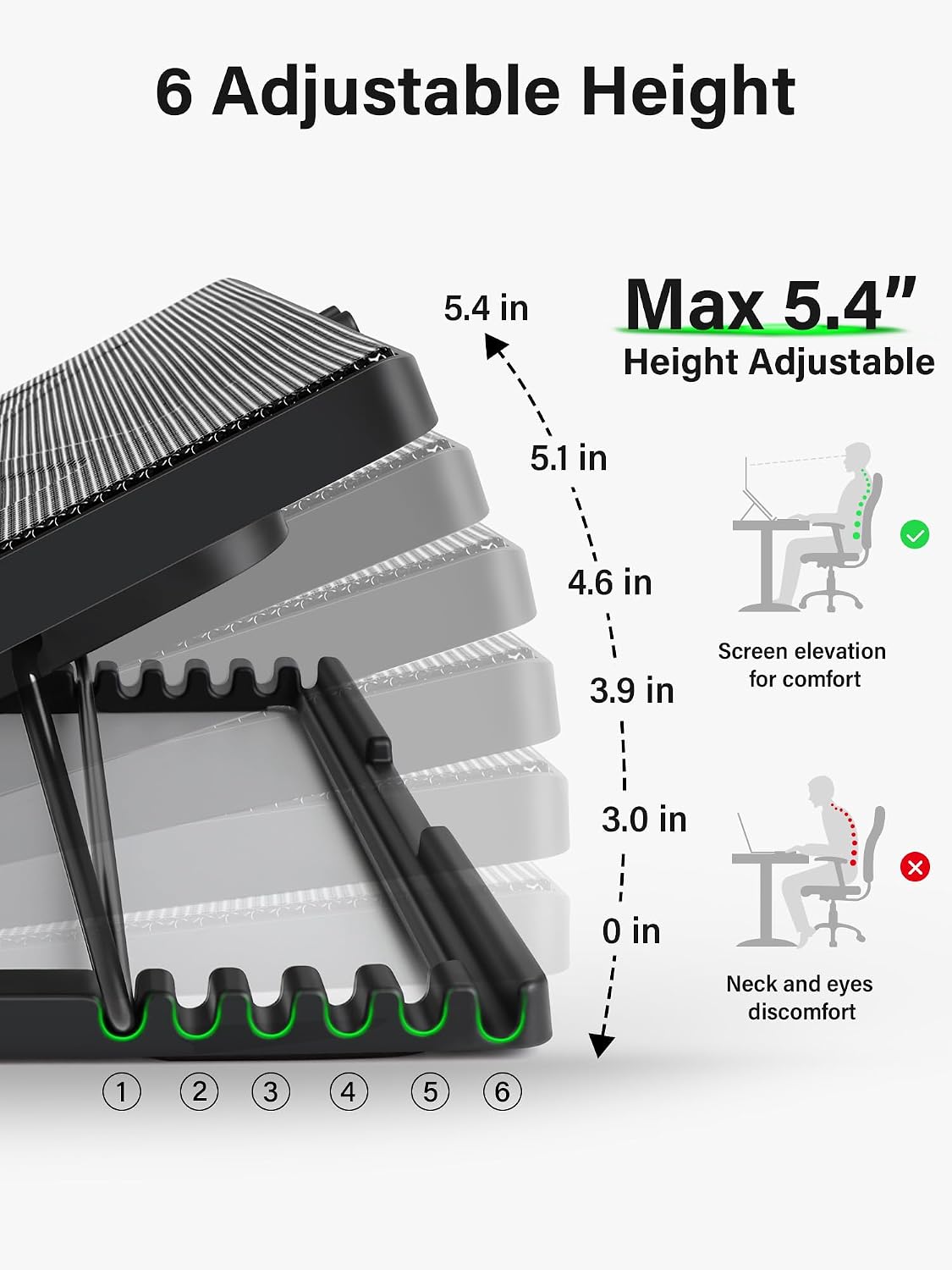
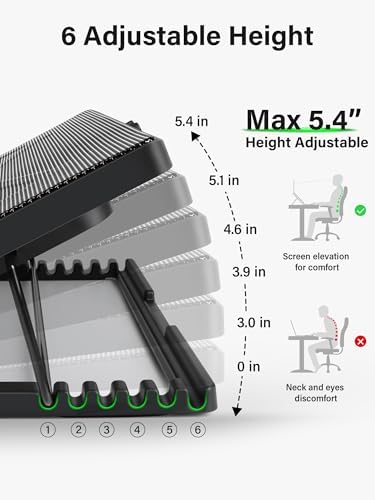
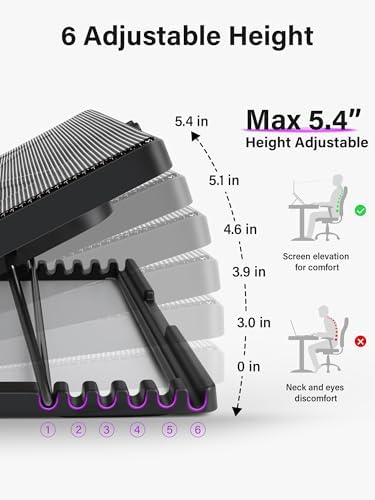
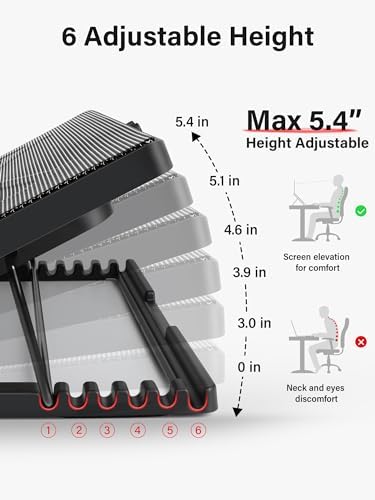
6-position height adjustment for optimal ergonomics, promoting comfortable sitting posture and reducing neck strain.
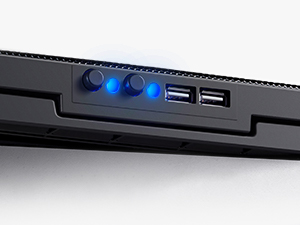
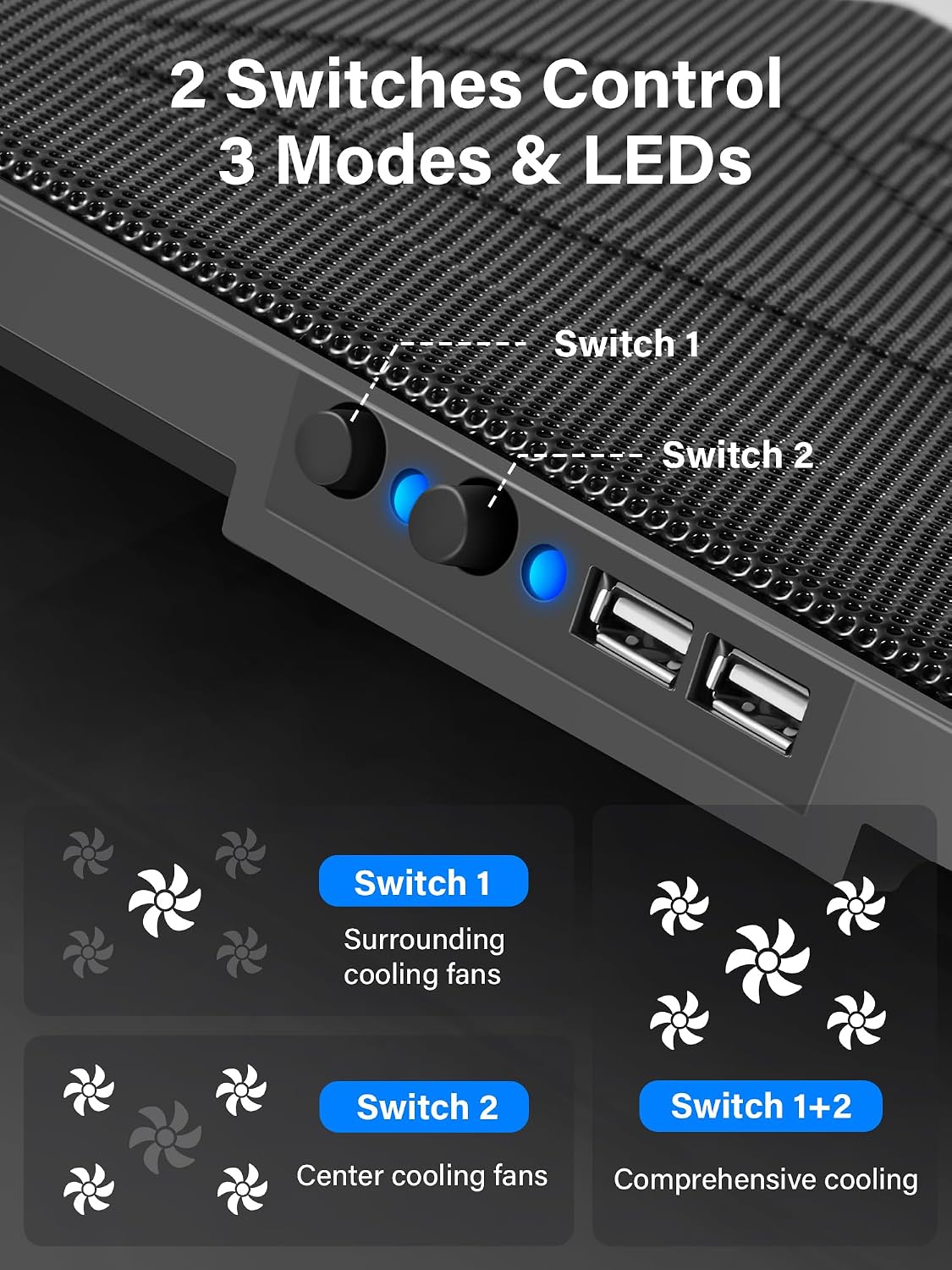
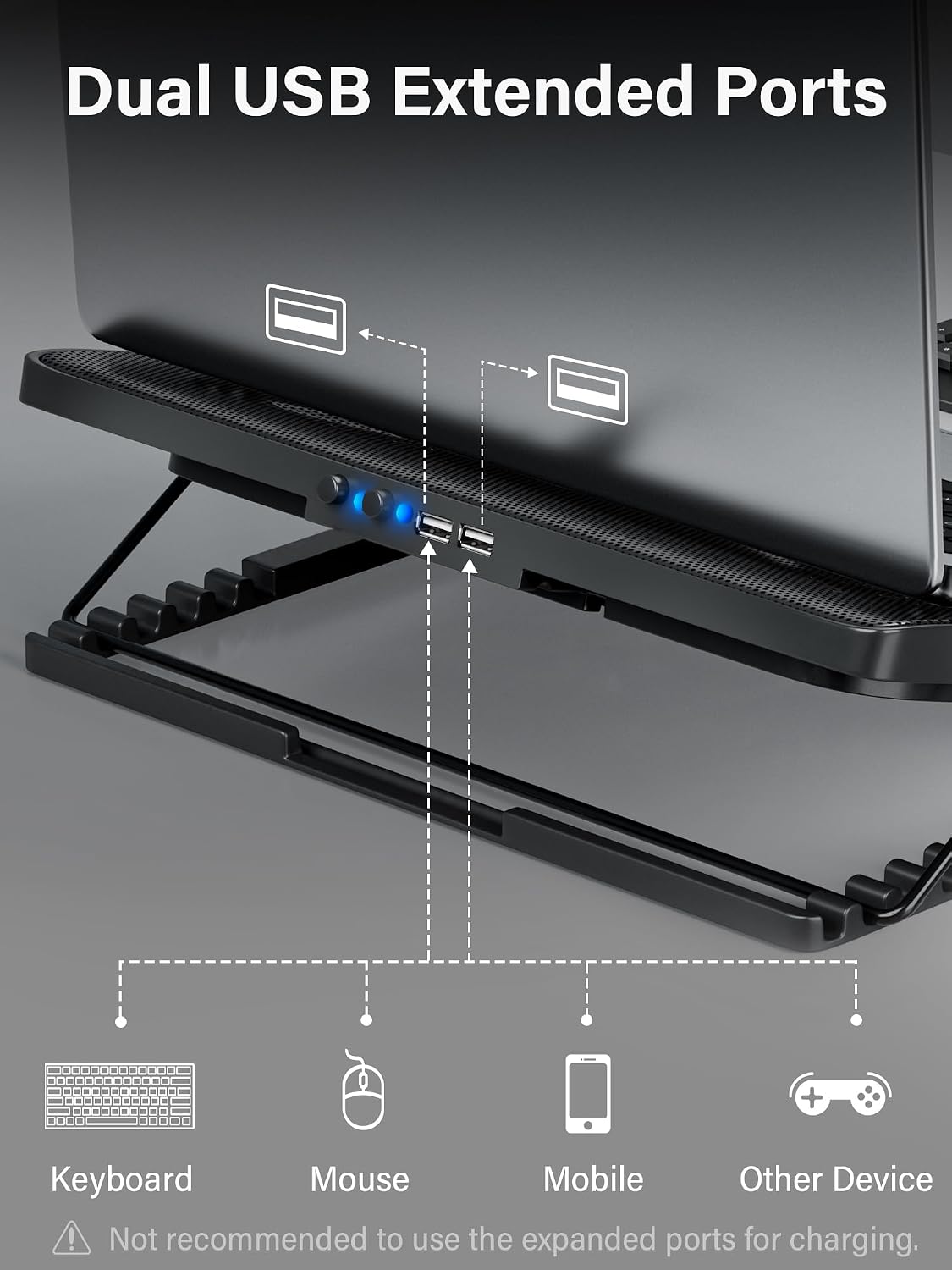
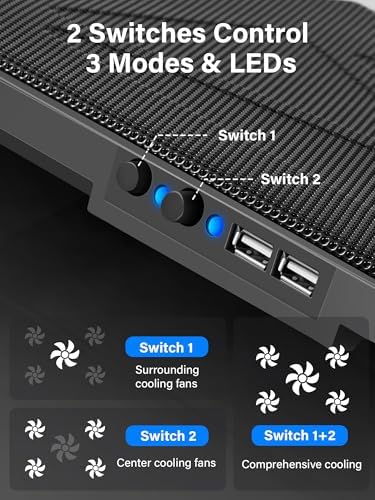
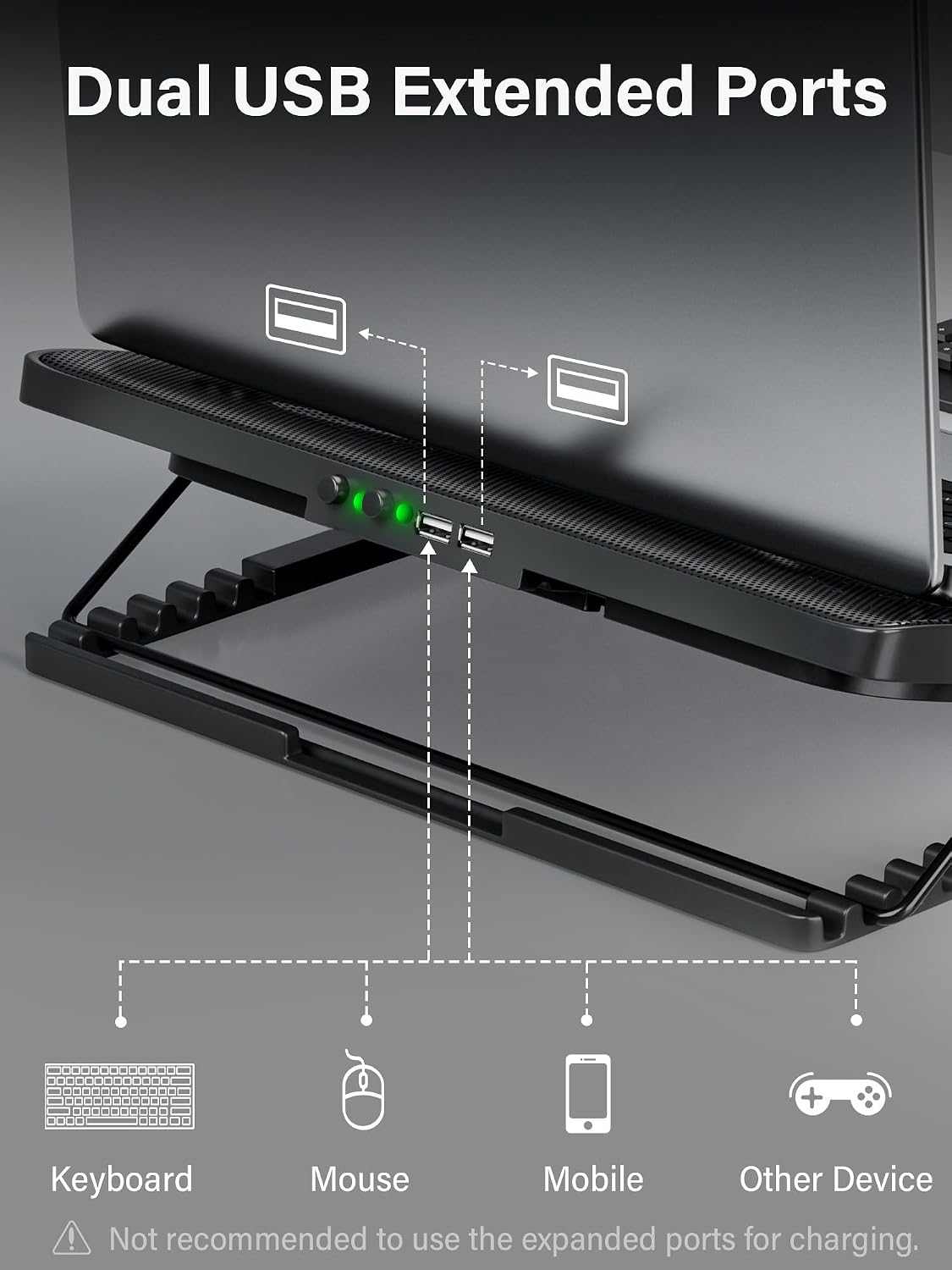
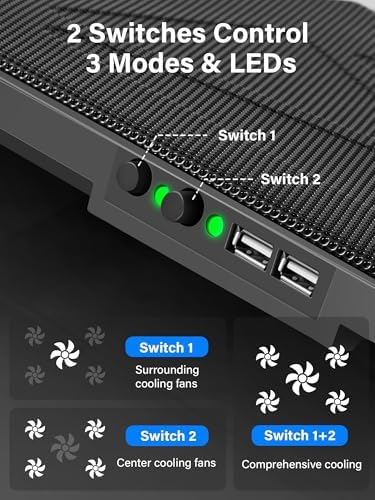
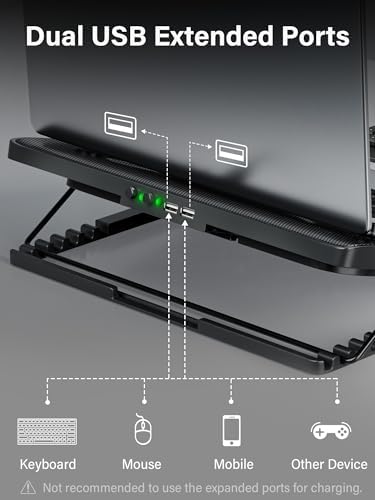
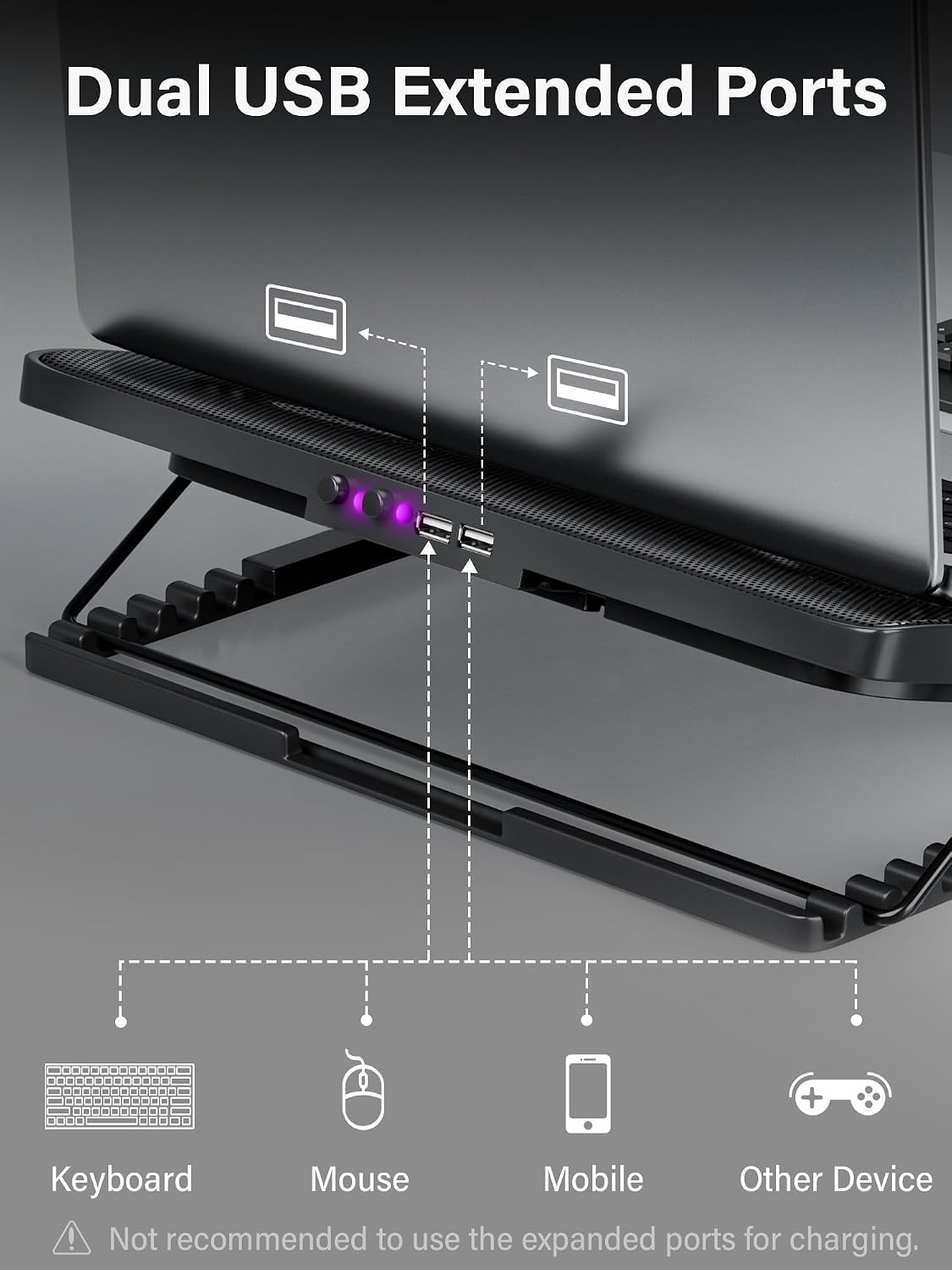
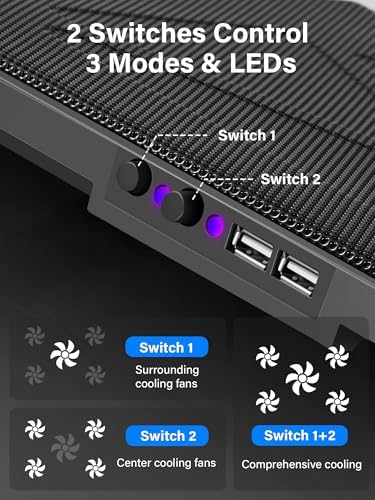
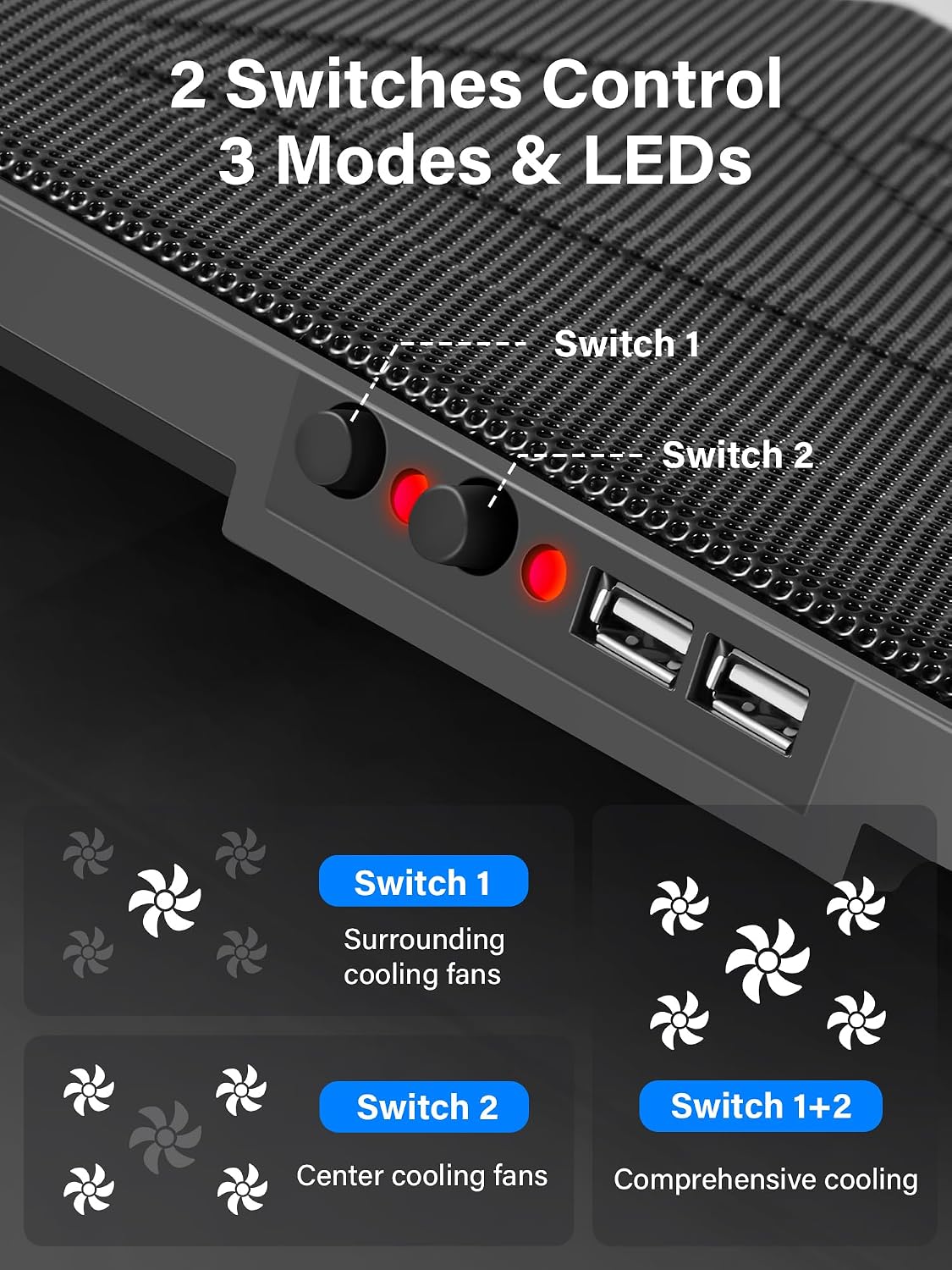
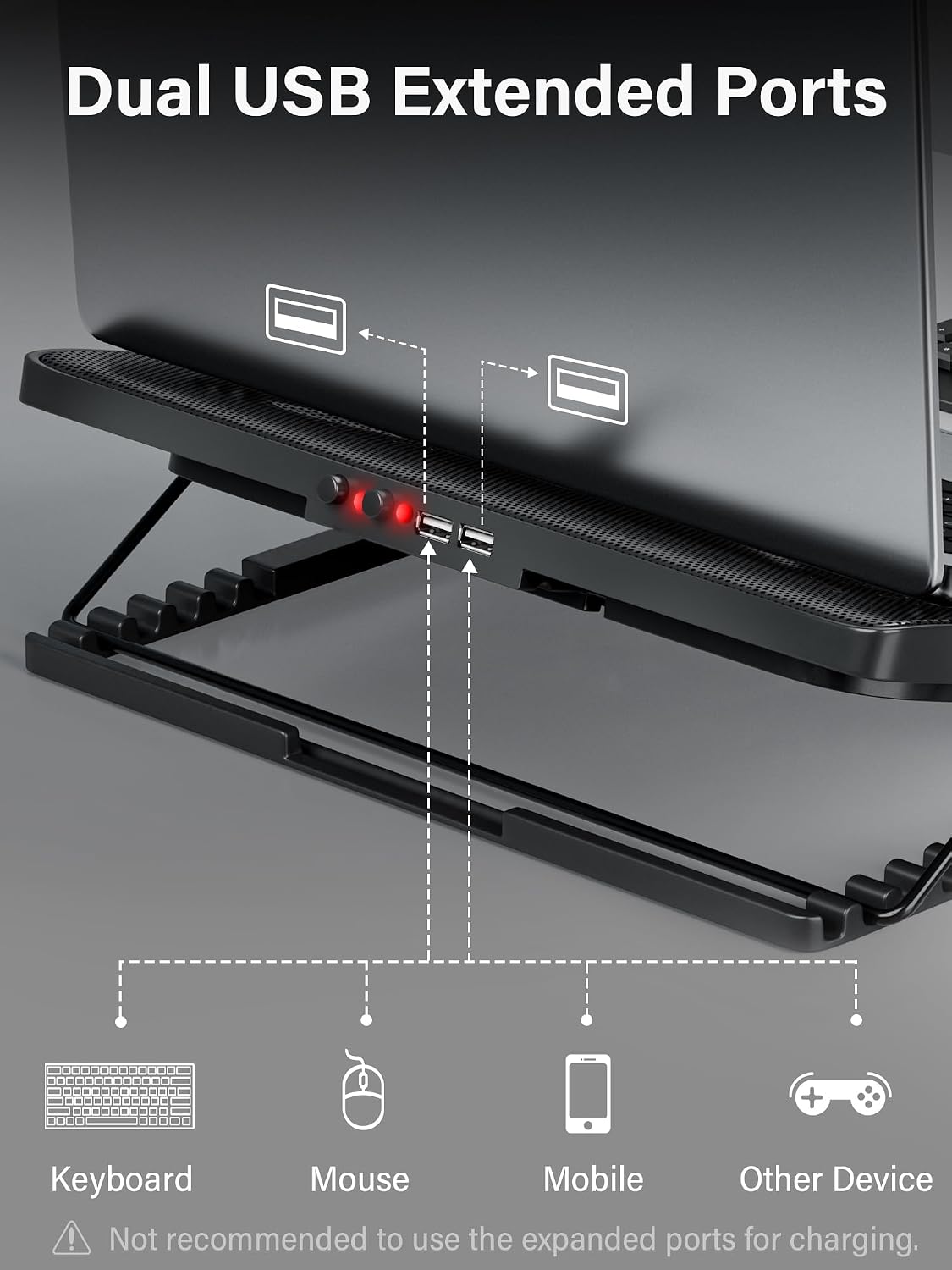
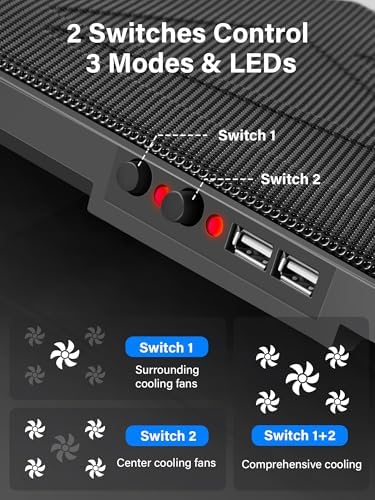
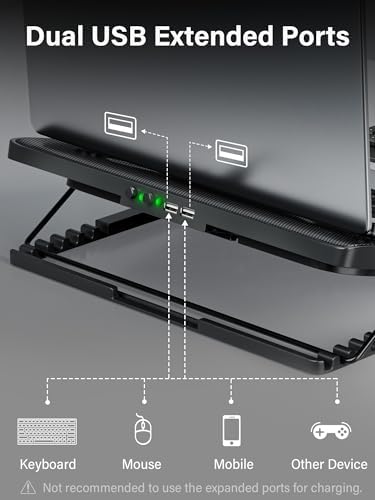
2 switches activate central&surrounding fans independently. 3 working modes available, choose the one you like. Includes 2 USB hubs for more devices.
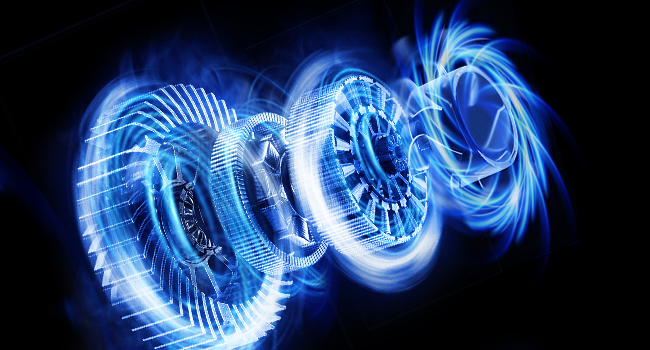
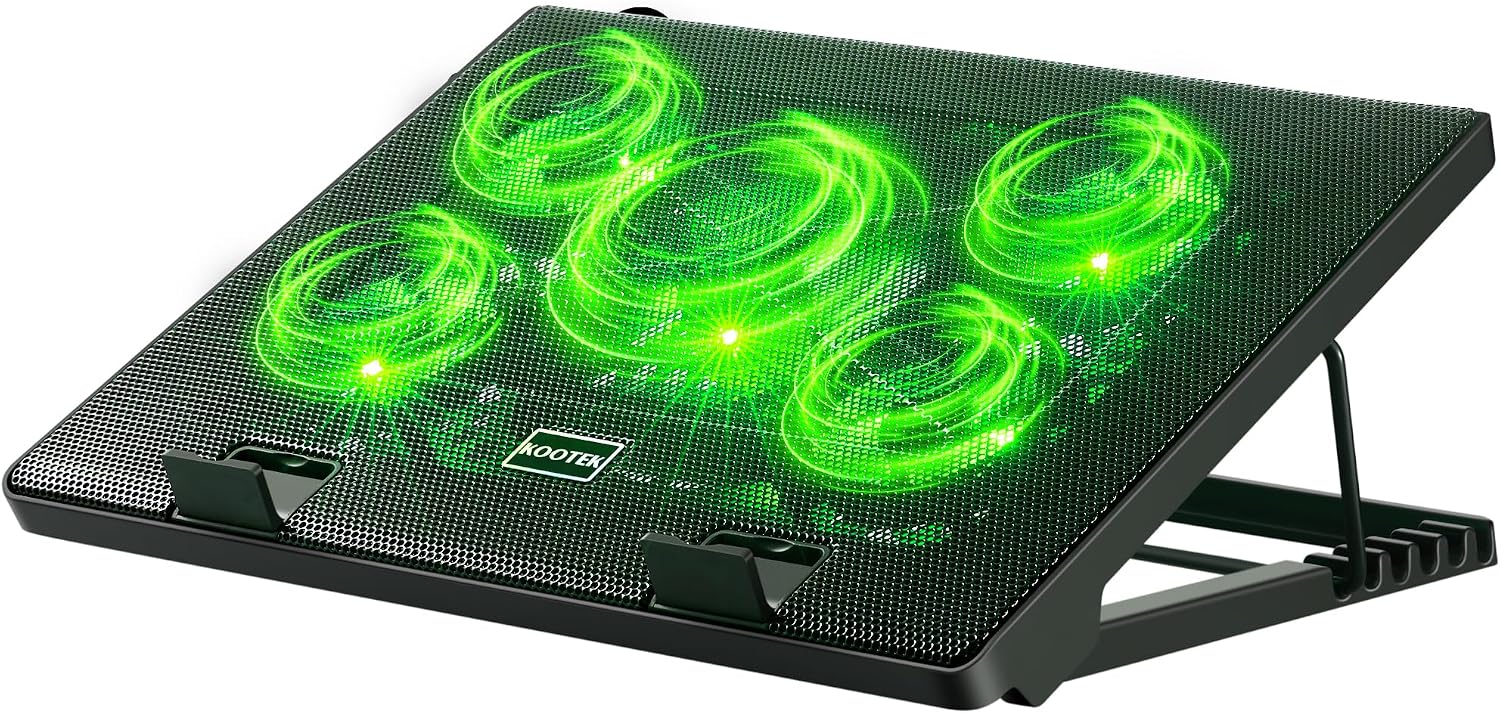
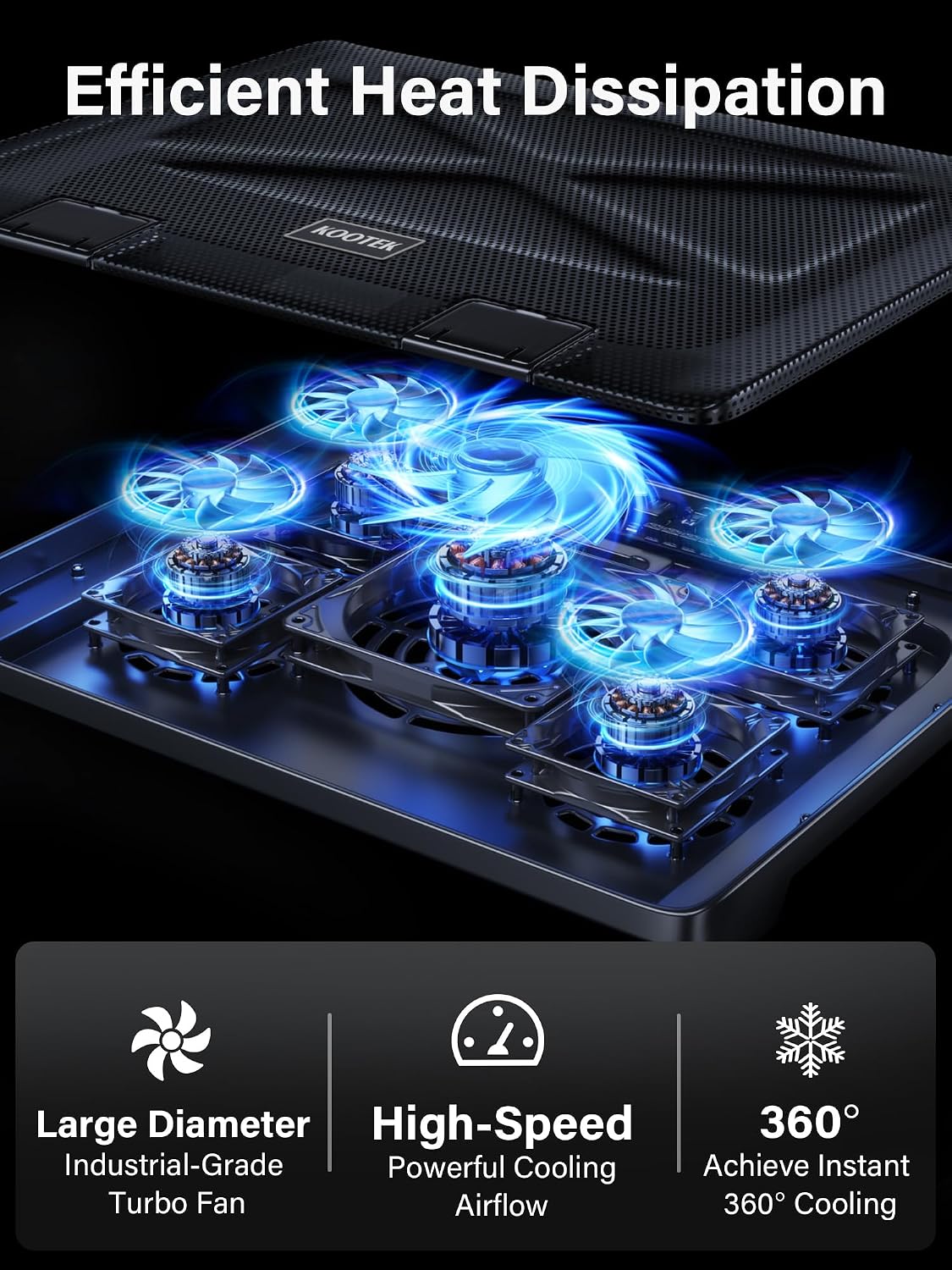
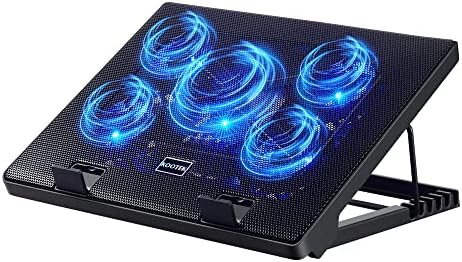
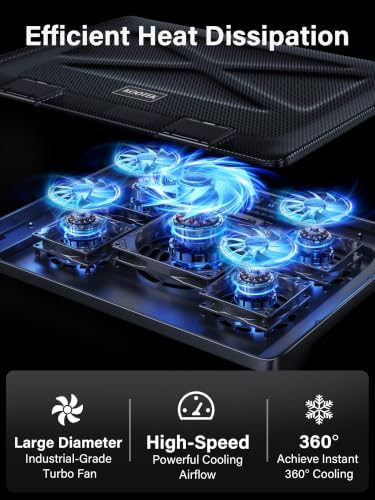
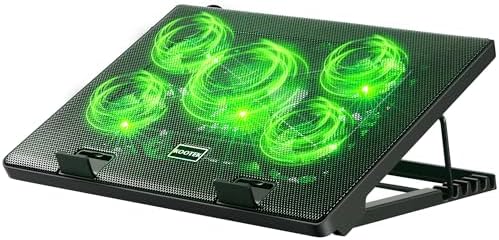
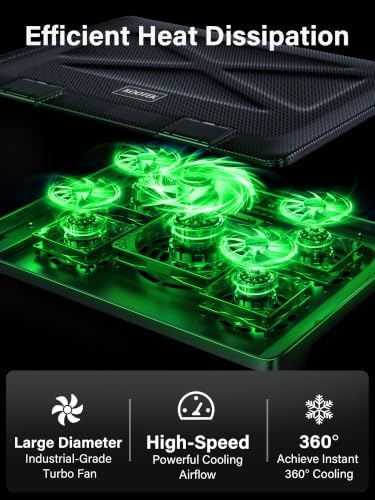
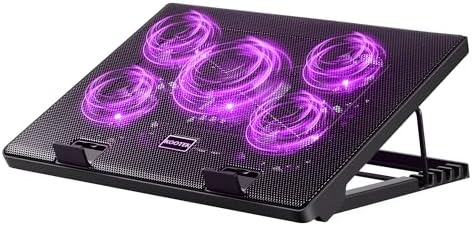
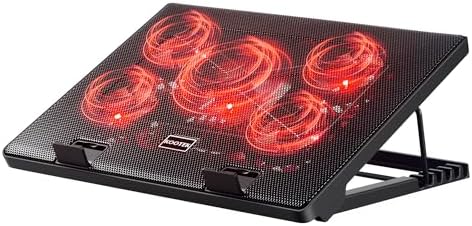
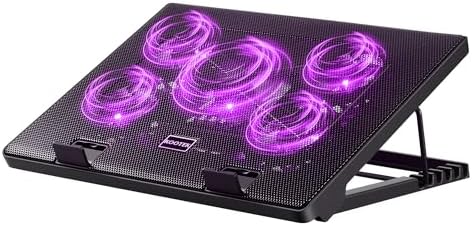
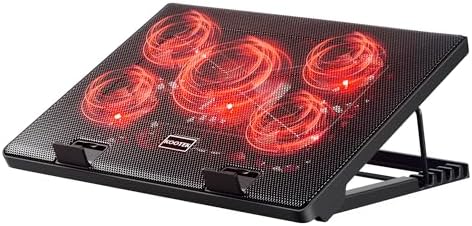
The laptop cooler features 1+4 high-performance fans (big fan: 4.72-inch, small fans: 2.76-inch). With a powerful motor system, it efficiently directs air into the laptop and rapidly removes hot air, ensuring optimal temperatures during intense usage.
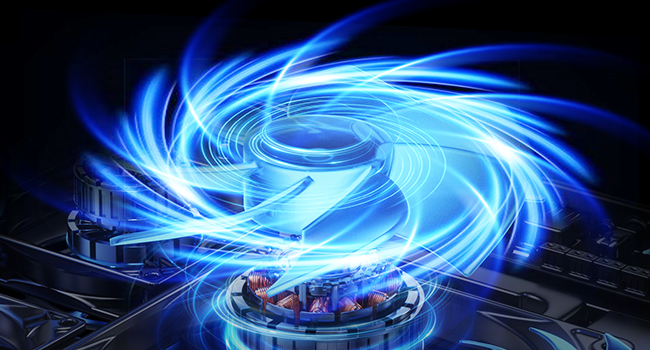
The laptop cooling pad has a central fan alongside 4 high-speed surrounding fans, enhancing airflow and accelerating heat dissipation. This design ensures optimal cooling performance with 360° cooling coverage, boosting overall cooling efficiency.
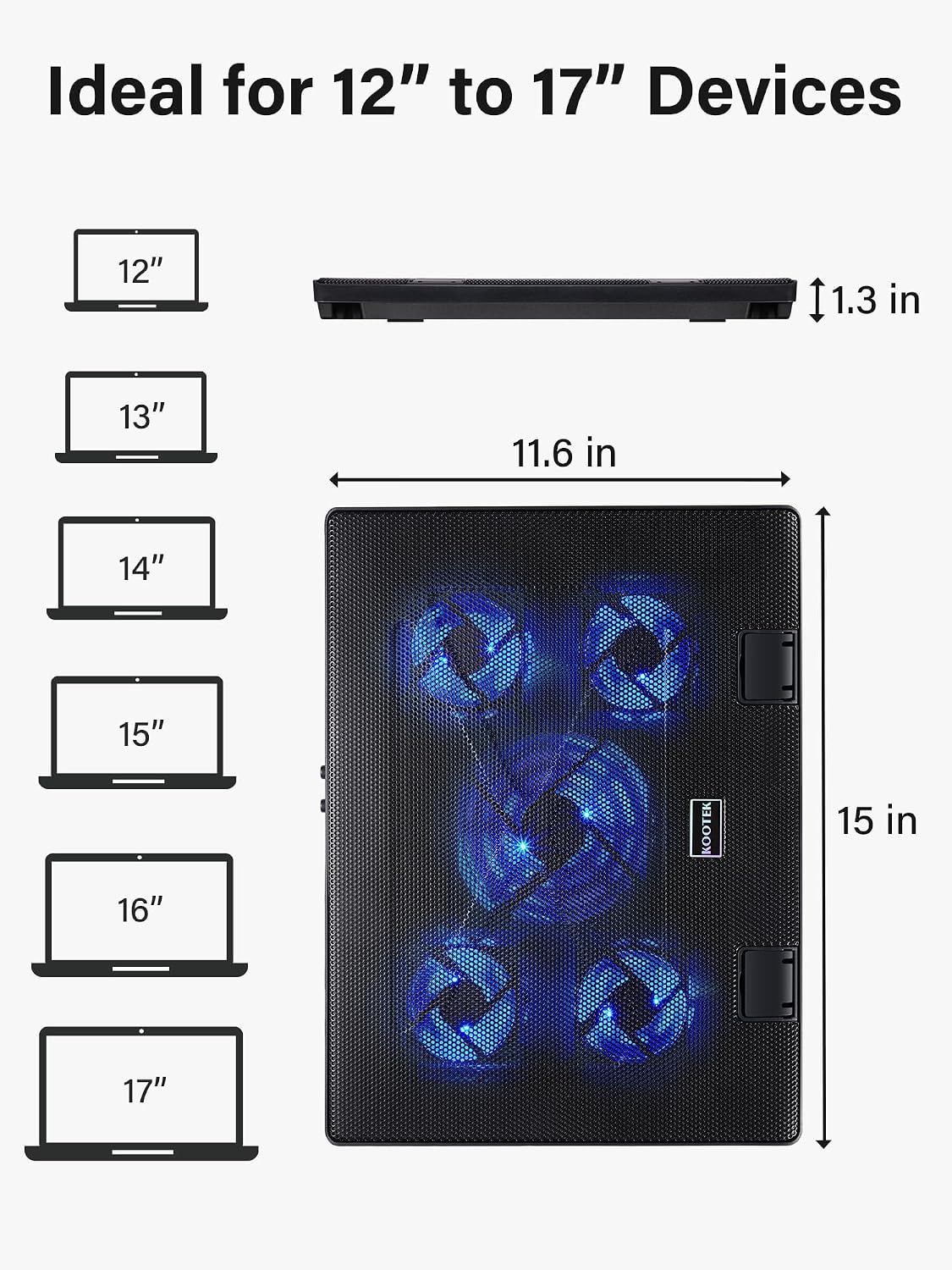
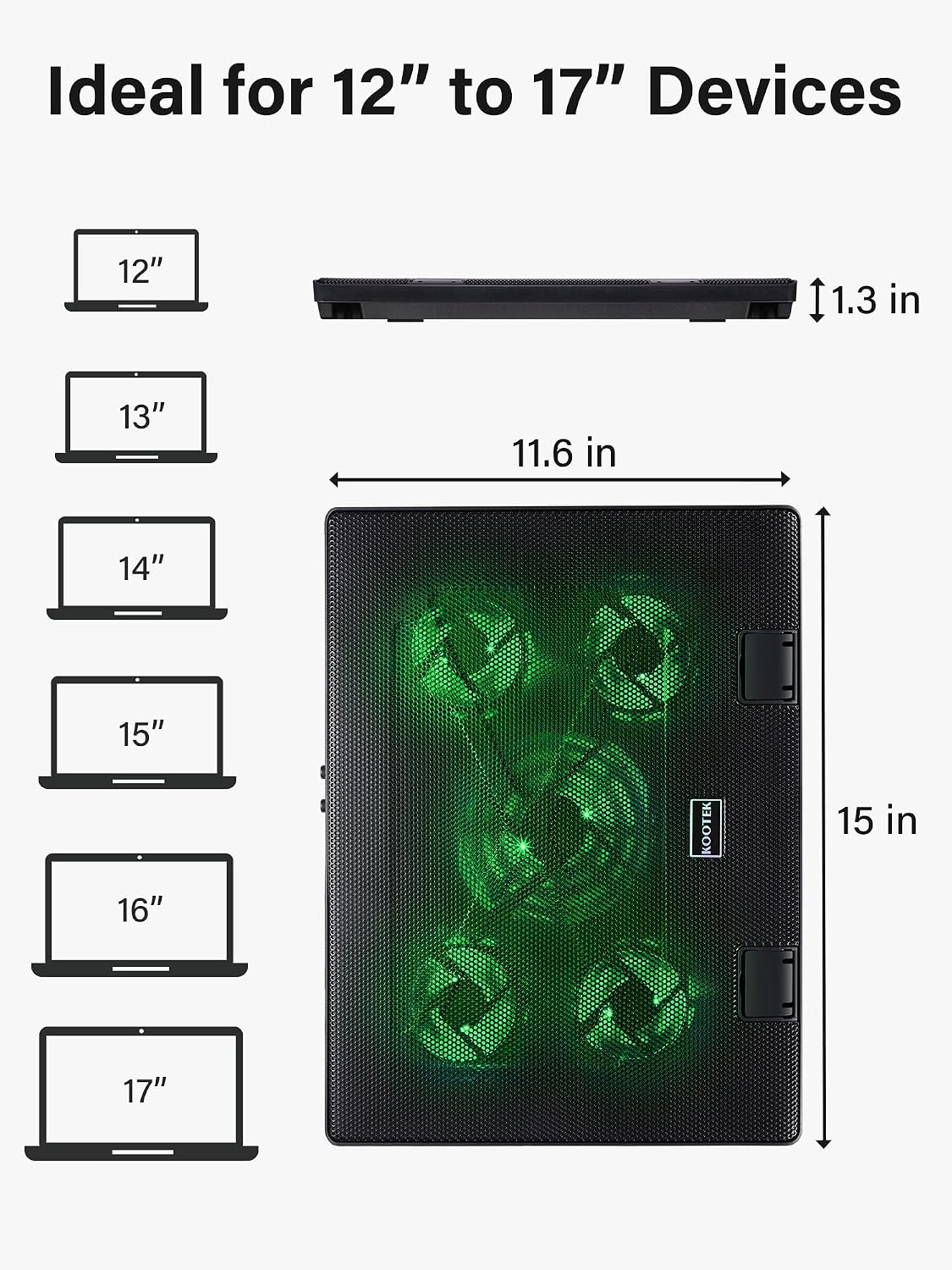
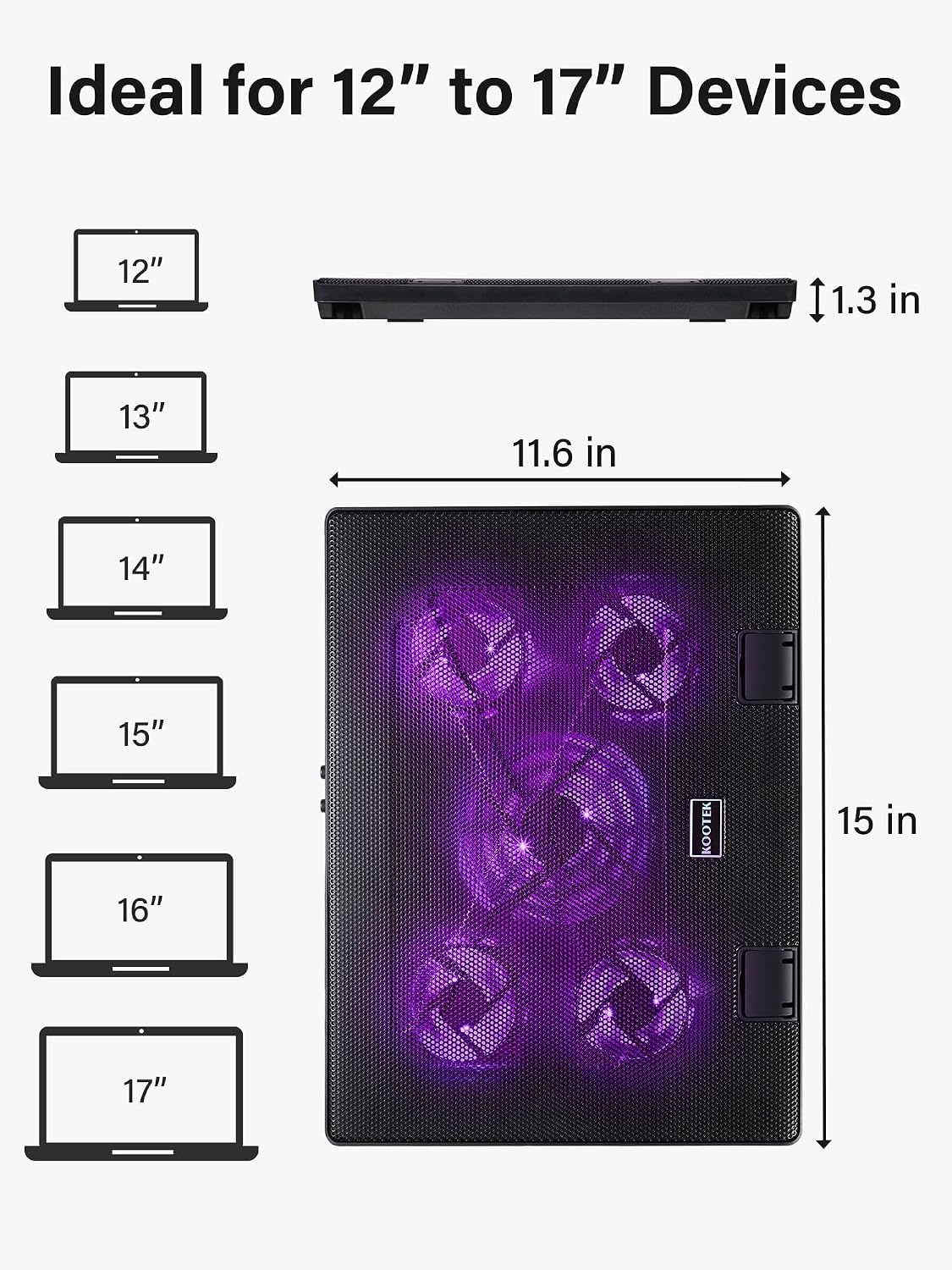
Dimension: 15 x 11.6 x 1.3 inches
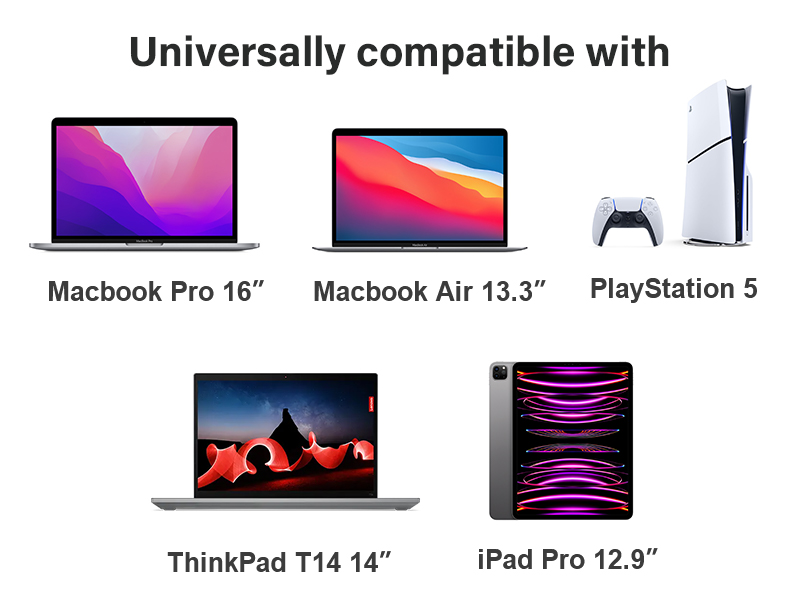
Compatible size: 12-17 inch laptops
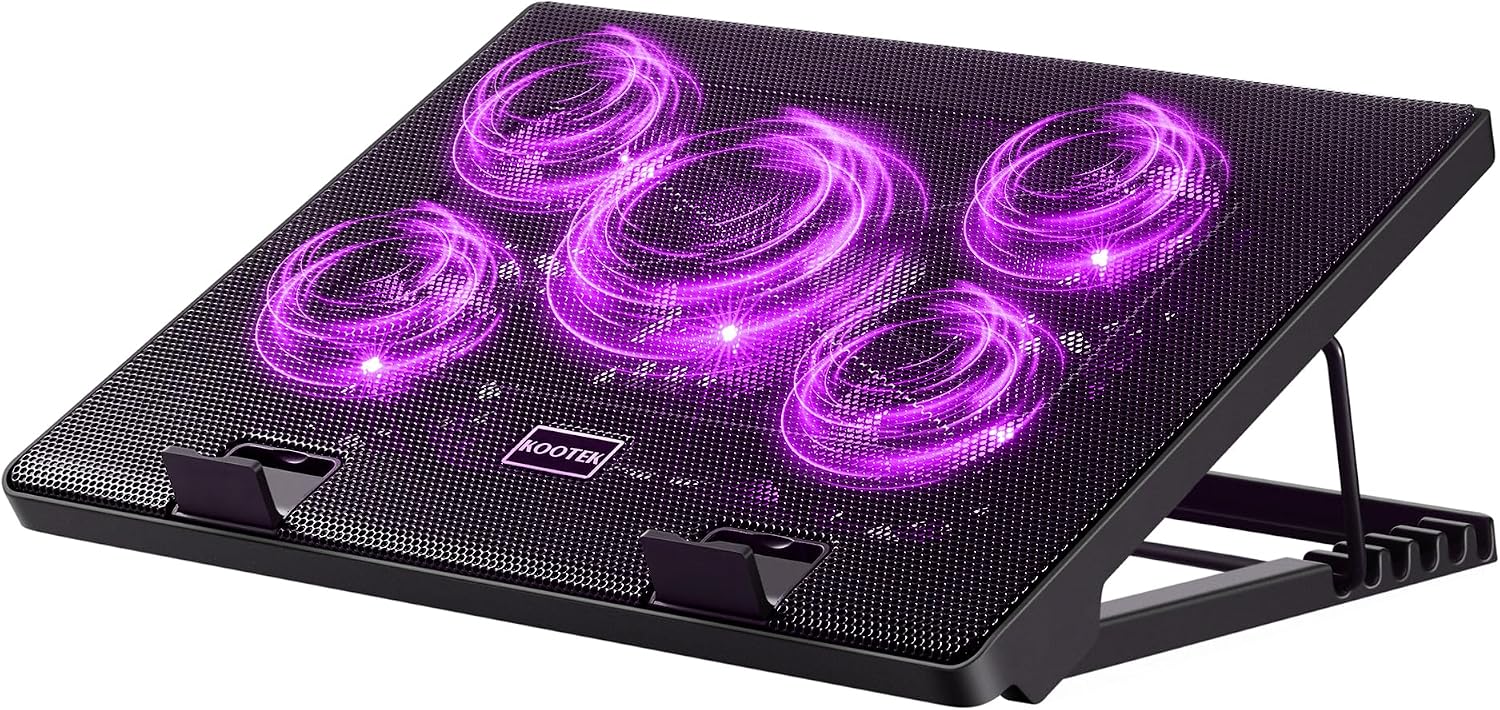
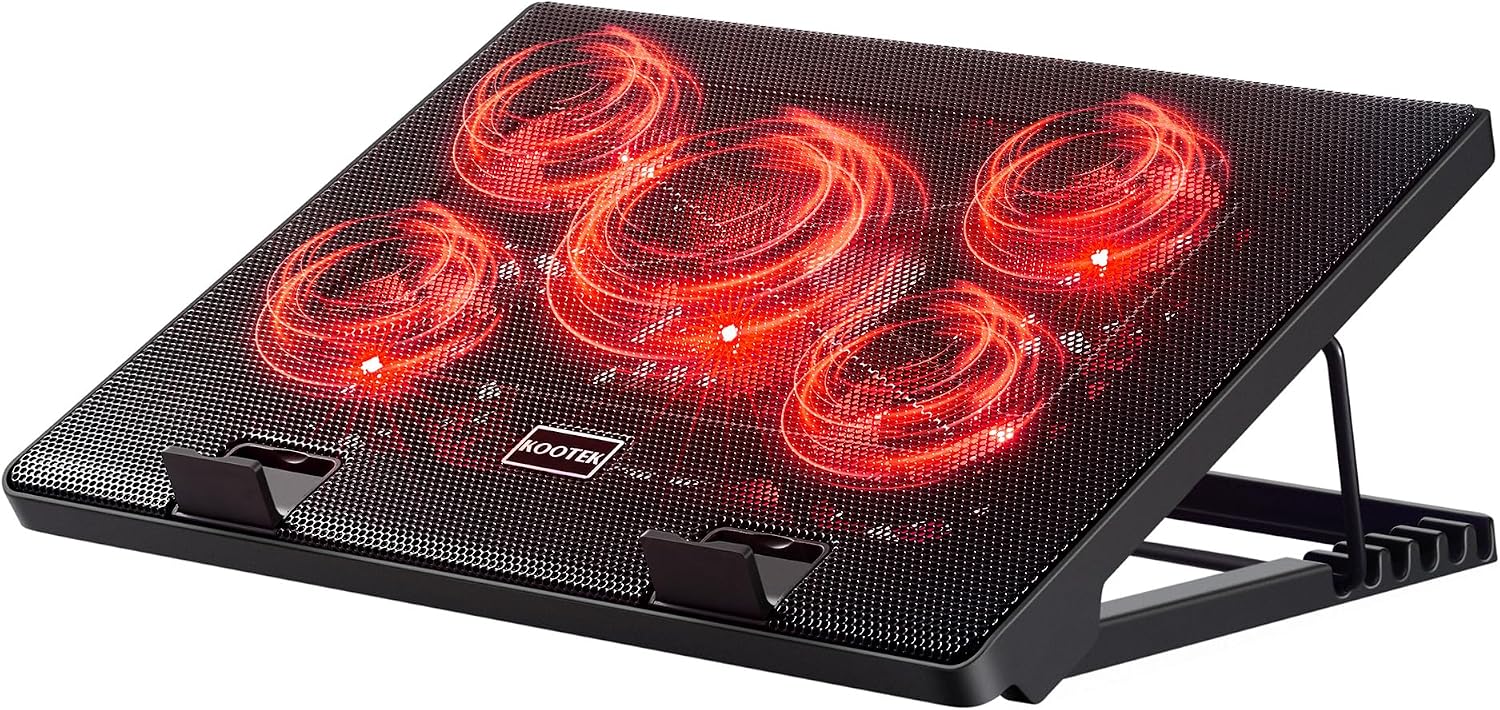
Light: Blue
Connection: 2 x USB 2.0 ports
Warm tips: The packaged cable is a built-in USB-A cable. Type C connection devices require a Type C to USB adapter.



| Laptop Fan Size | 15 x 11.6 x 1.3 inches |
| Adjustable Height Settings | 6 levels, max 5.4" |
| Number of Fans | 1 (big fan)+4 (small fans) |
| Fan Size | big fan: 4.72-inch, small fan: 2.76-inch |
| LED Light Color | Blue |
| Working Modes | 1 fan running/4 fans running/5 fans running |
| Compatible with | 12-17 inch Laptops/PS3/ PS4/ Tablet/Notebook Computer |
| Cable Type | Built-in USB-A cable |
Can I turn the lights off?
The lights work alongside the fans, therefore, they cannot be turned off unless you turn off the fans.
Will it turn on automatically when I start the computer or gaming system
It will work when you start the computer or gaming system if you have turned on the fans before. Otherwise, you need to press the button to turn on the fans.
Can I use the wall outlet instead?
Yes, you could use the wall outlet to power the laptop cooling pad.
How long is the power cord?
The USB cable of the laptop cooling pad is approximately 21 inches long.
loading
