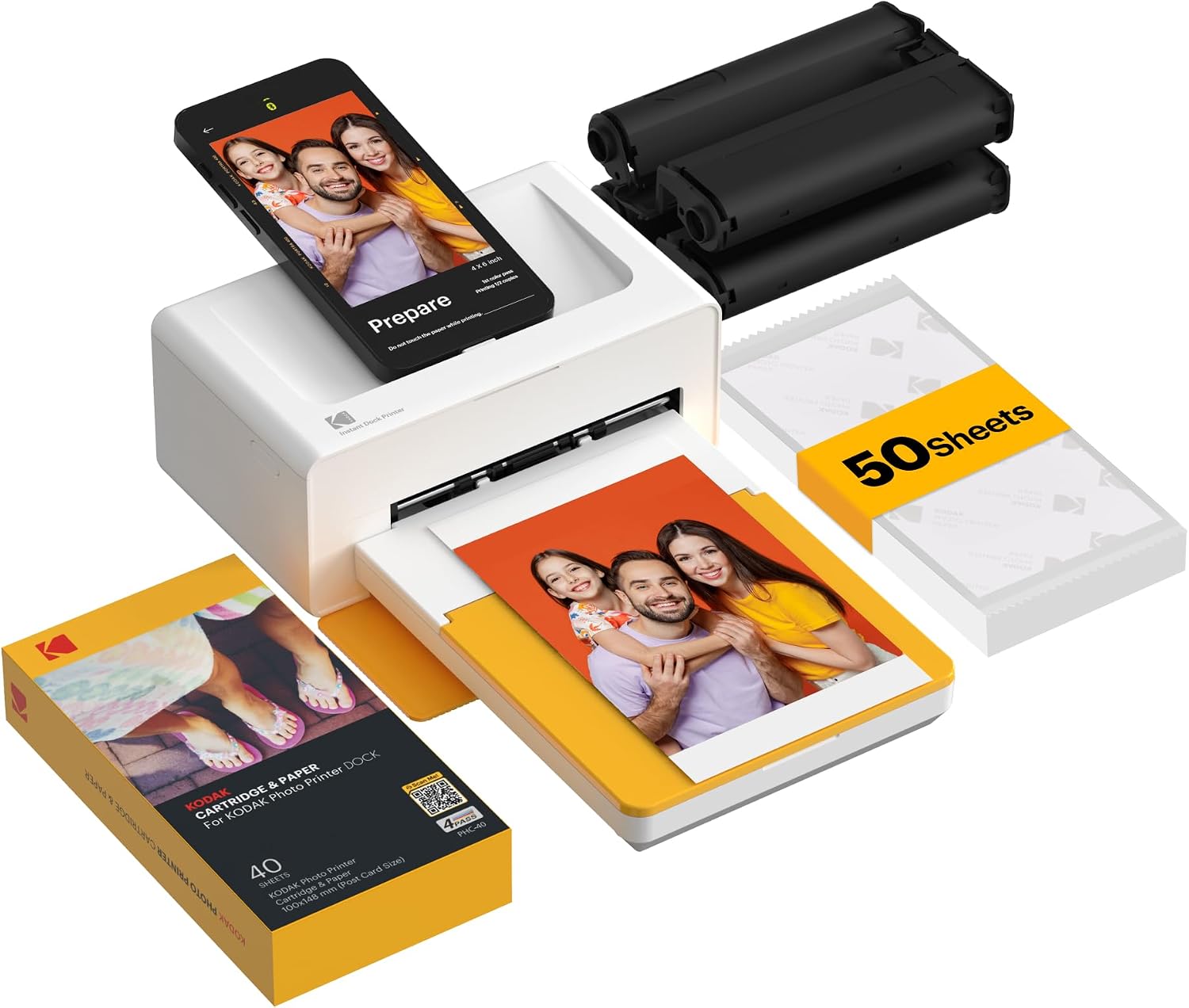
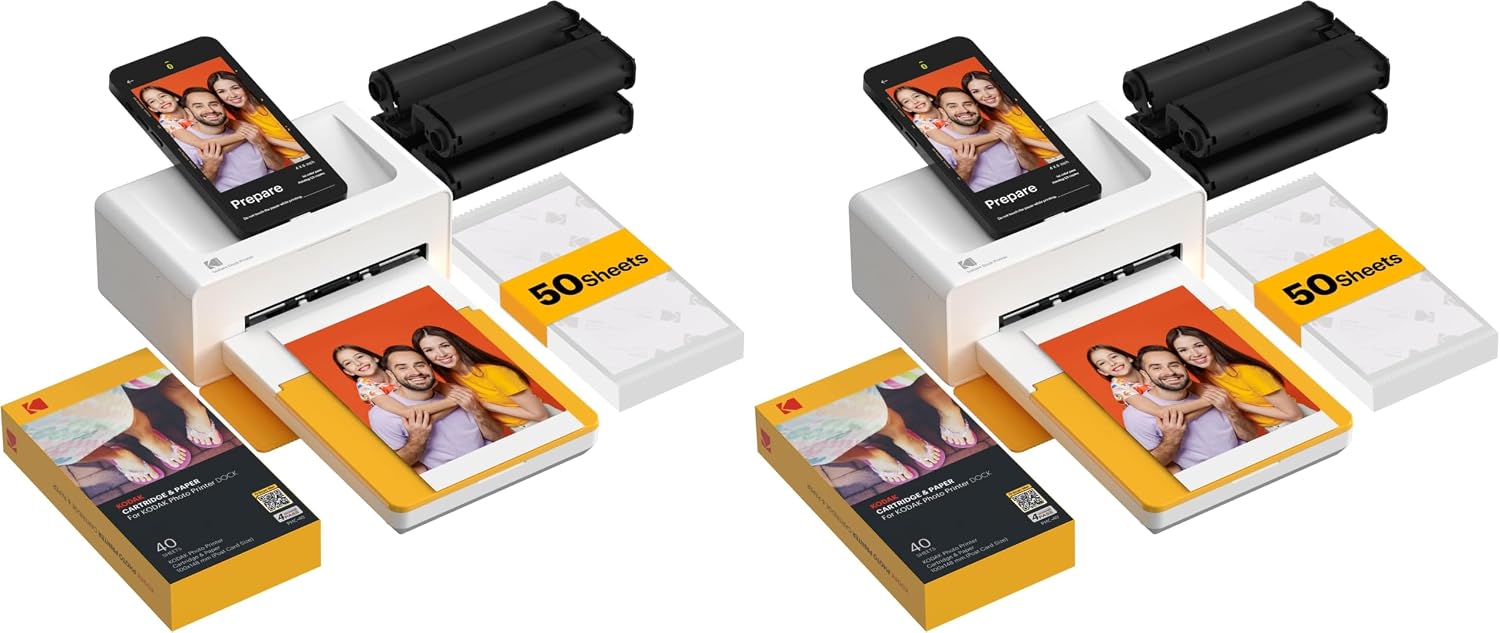


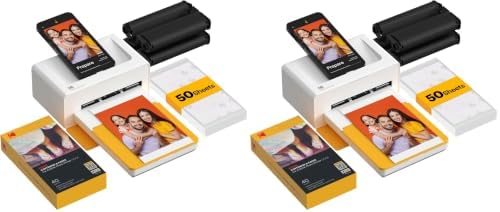

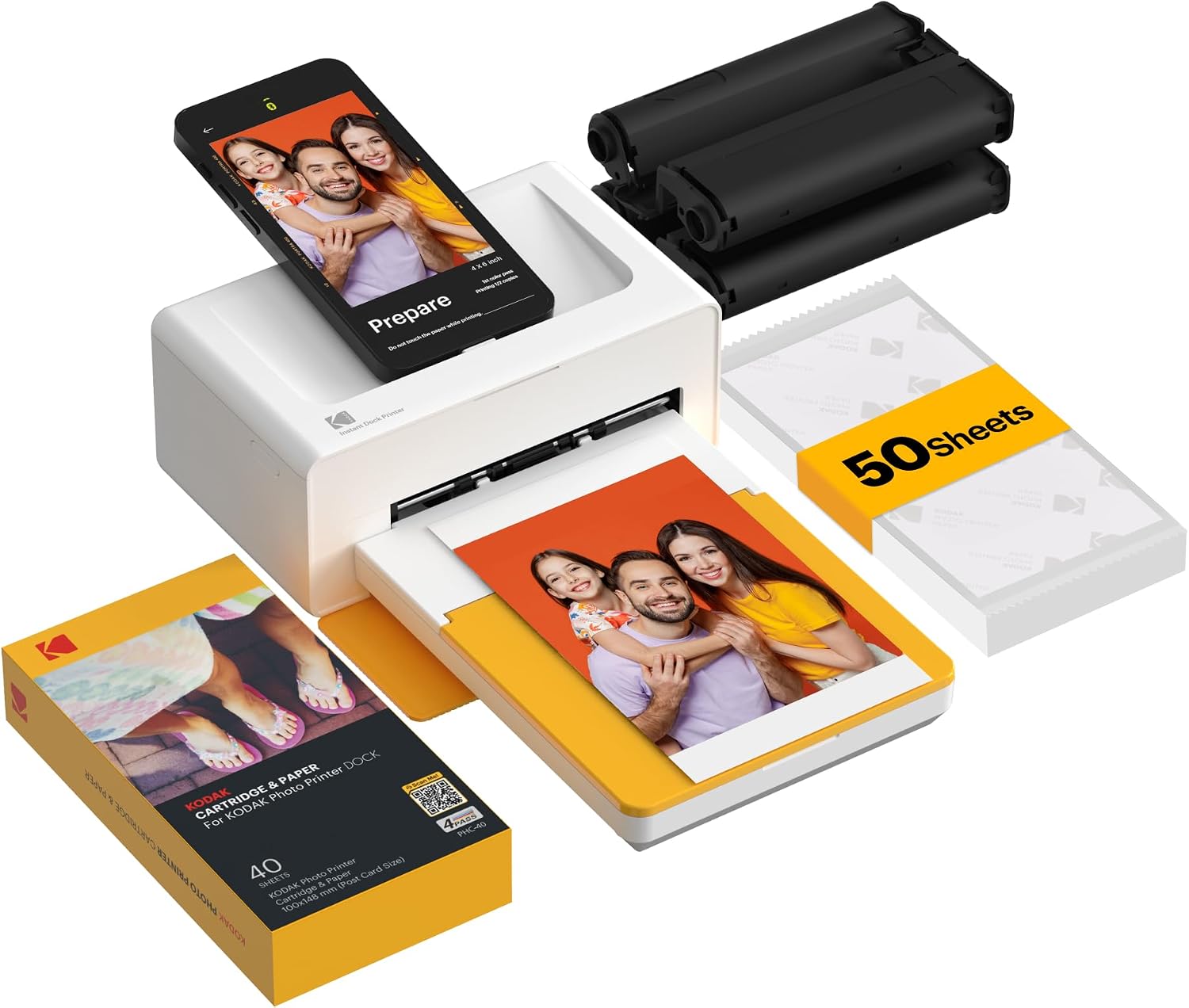
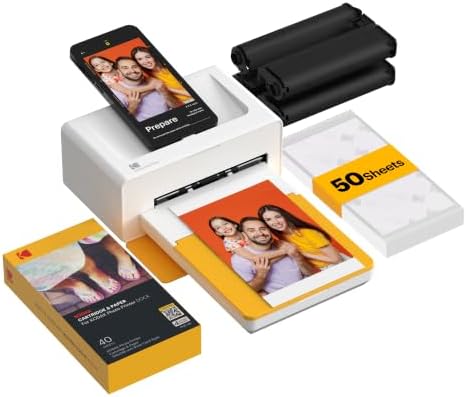

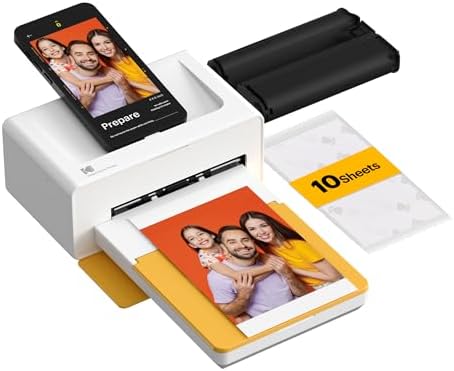

KODAK Dock Plus 4x6 Photo Printer, Smartphone Docking, 4PASS, 50 Sheets

$33.42 USD
Shipping fees will be calculated at checkout.
Size
  • Free worldwide shipping

  • Free returns

  • Carbon neutral

  • Secure payments

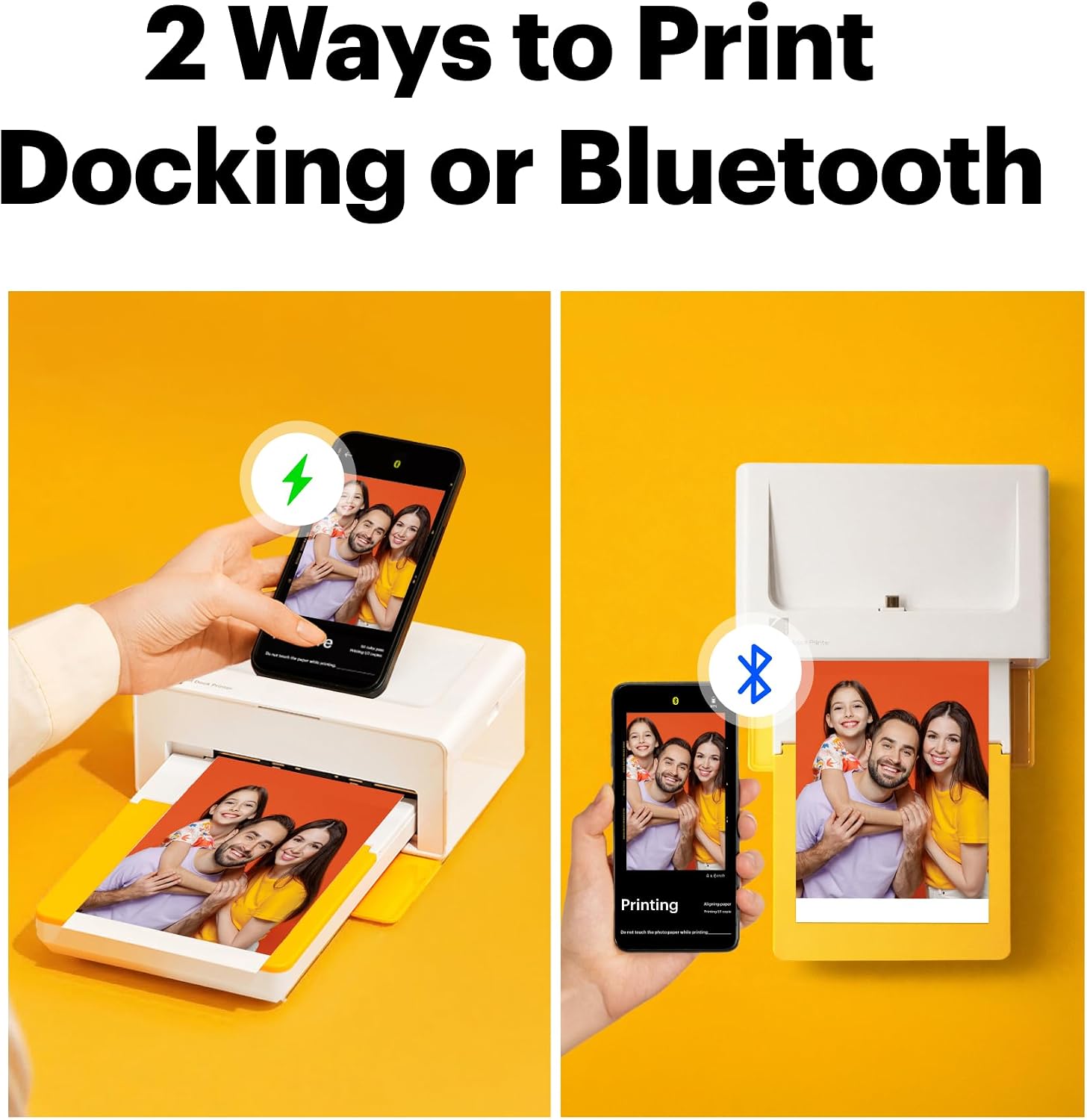
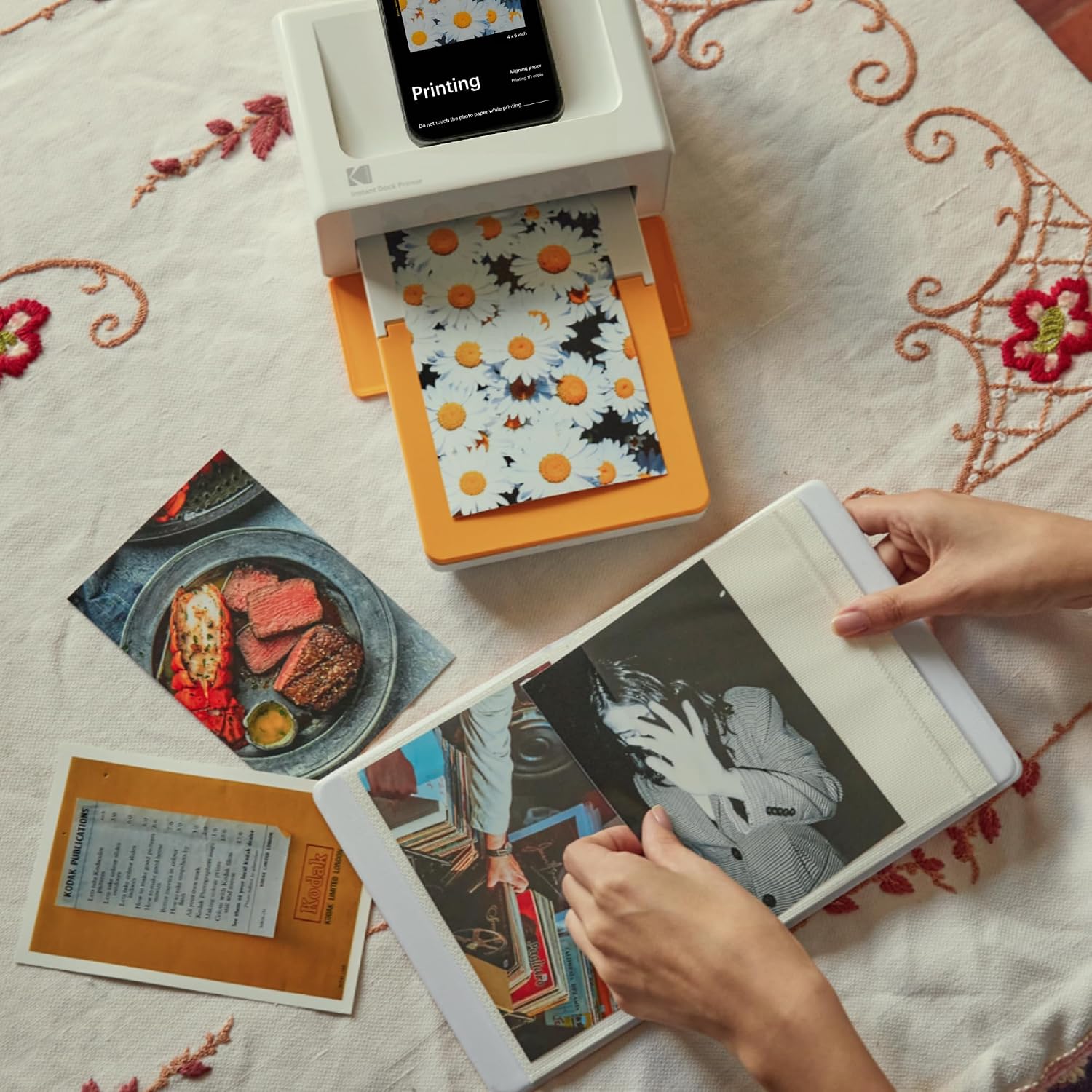
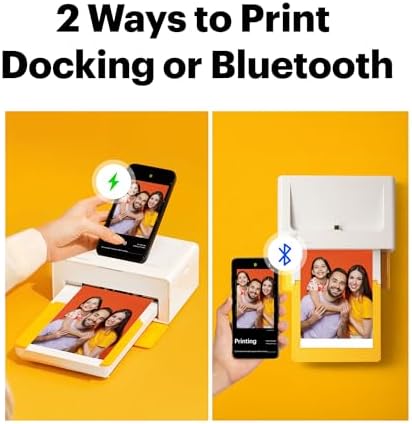
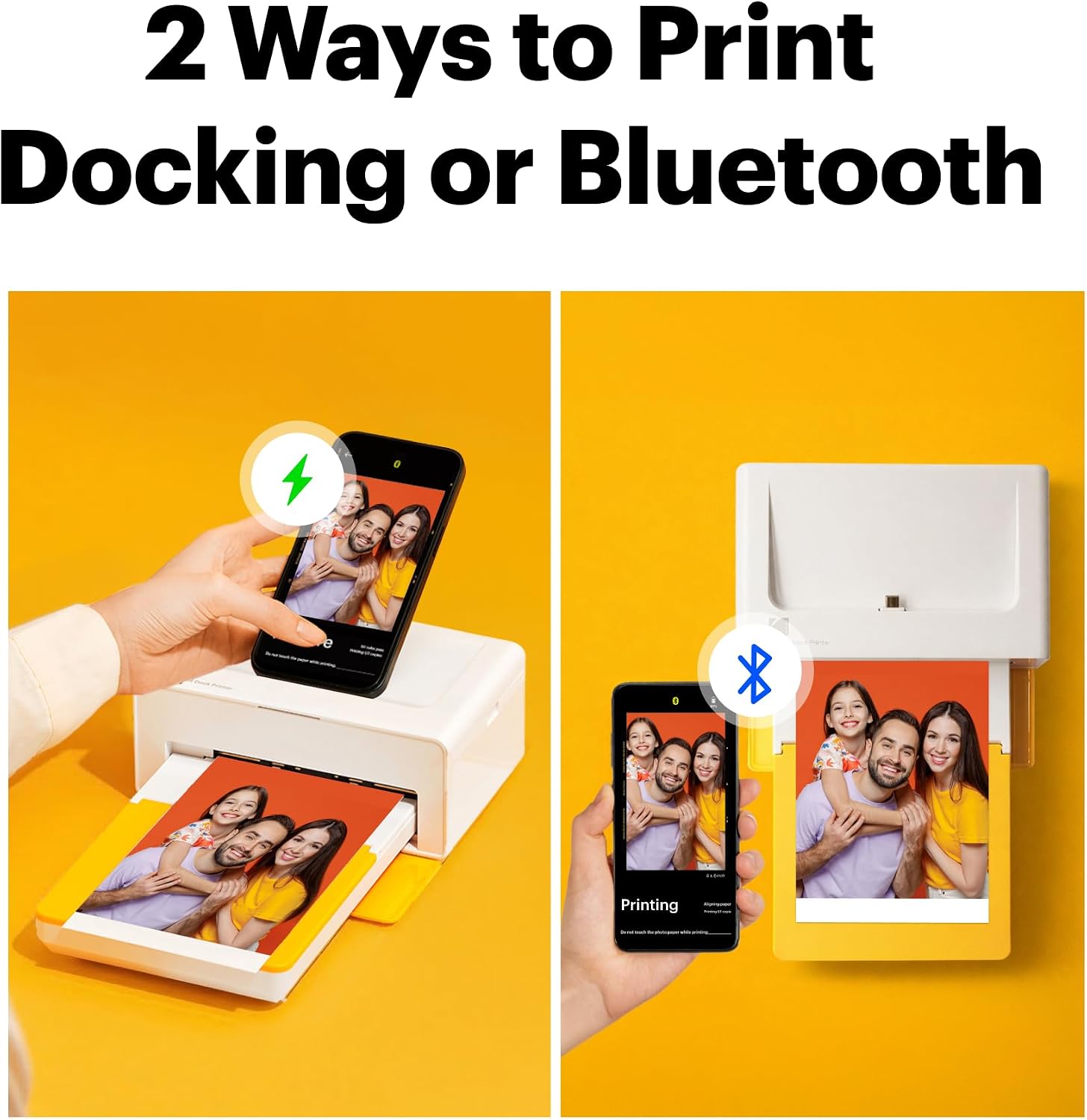
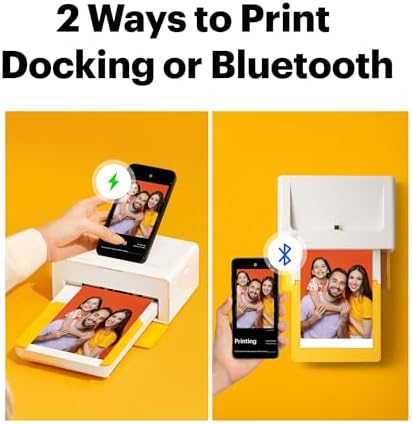
  • Dock Photo Printer: The KODAK Dock Plus is a home photo printer that produces high-quality 4x6” prints directly from compatible smartphones. Featuring an integrated docking station, users can place their phone on the printer for better connection while simultaneously charging the device during printing.
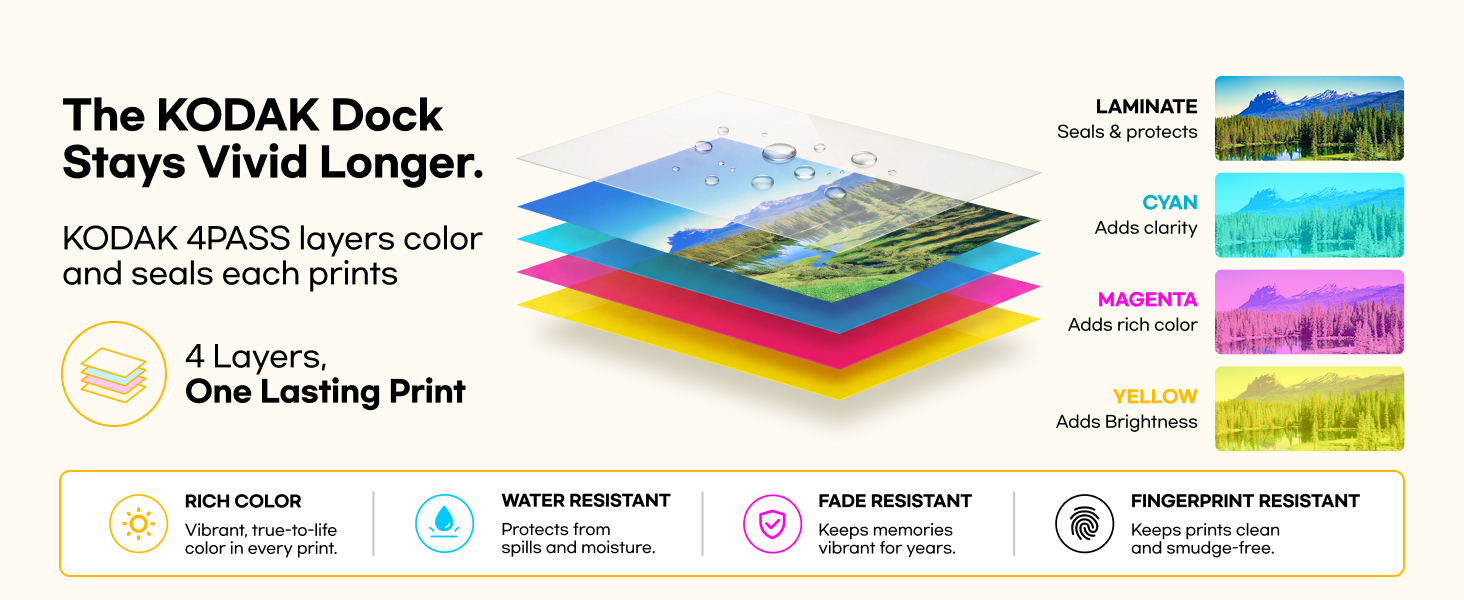
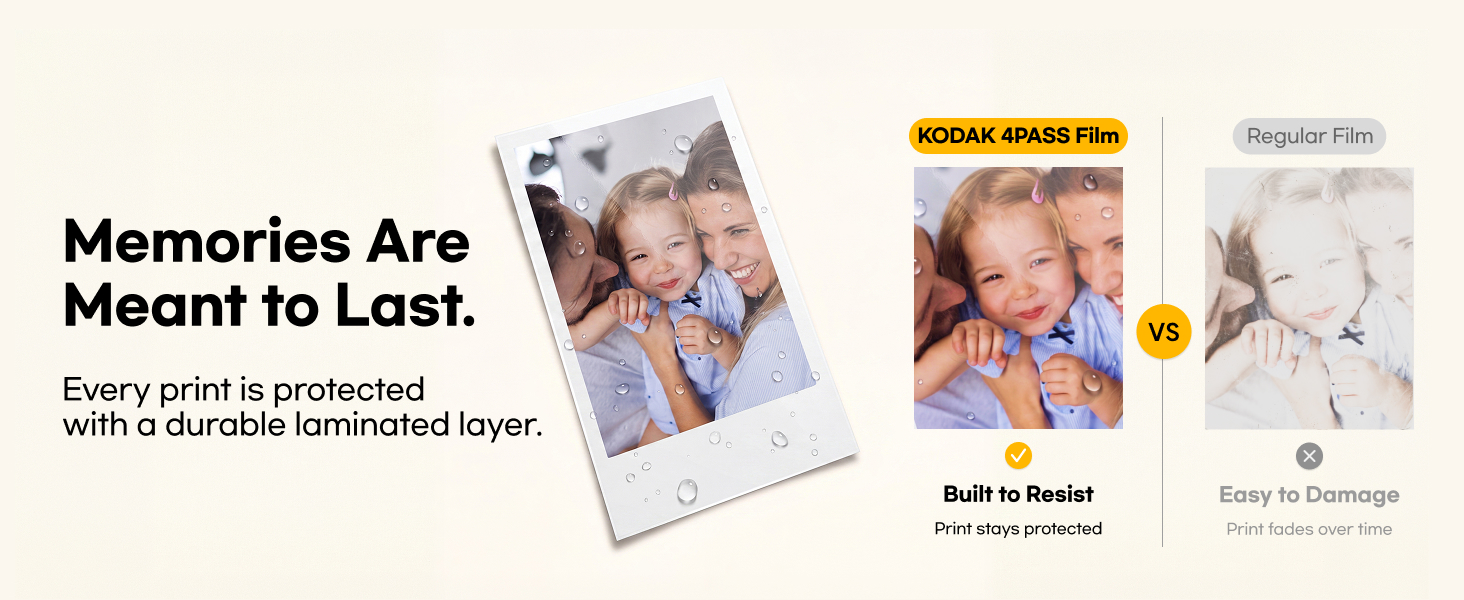
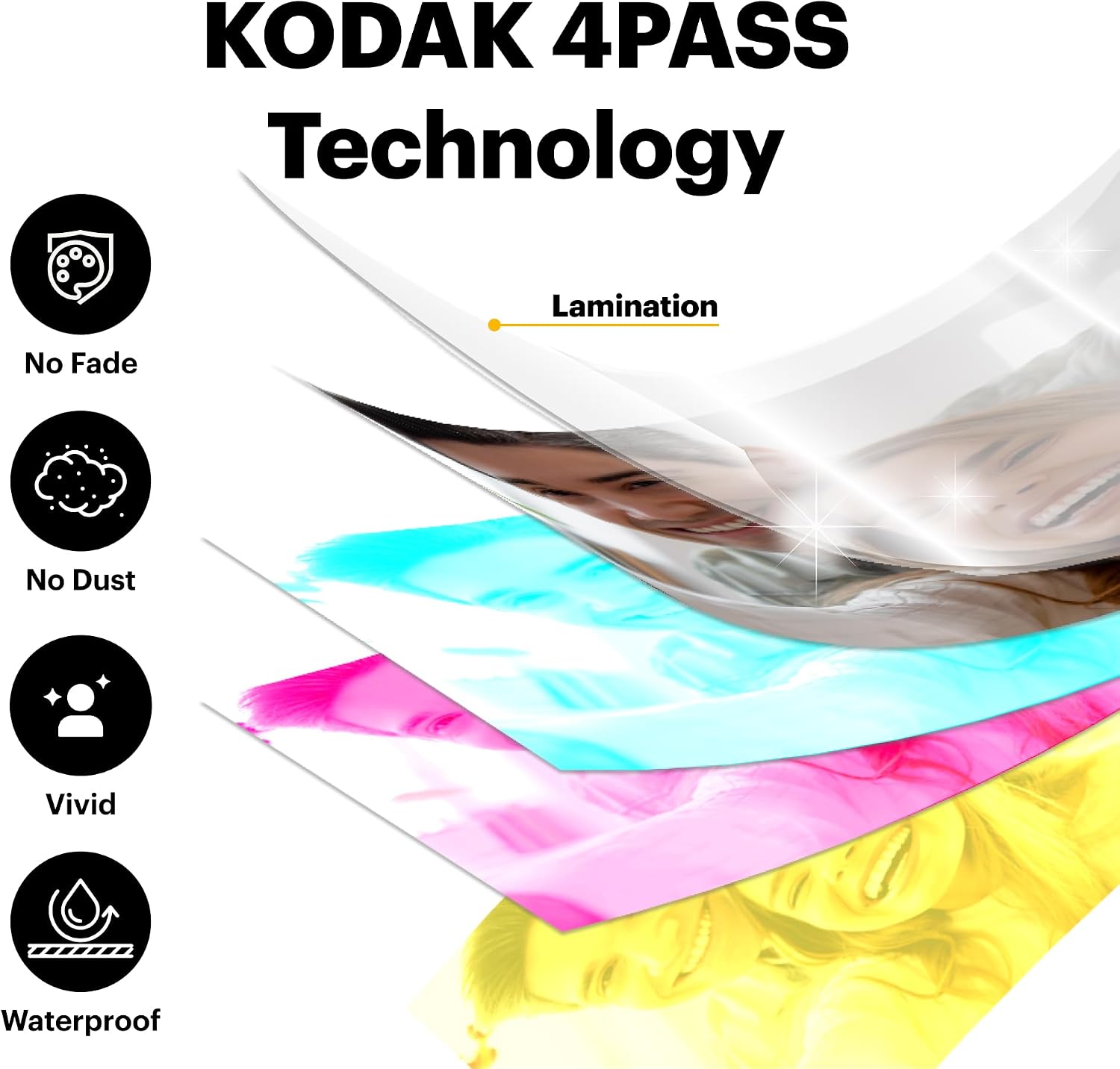
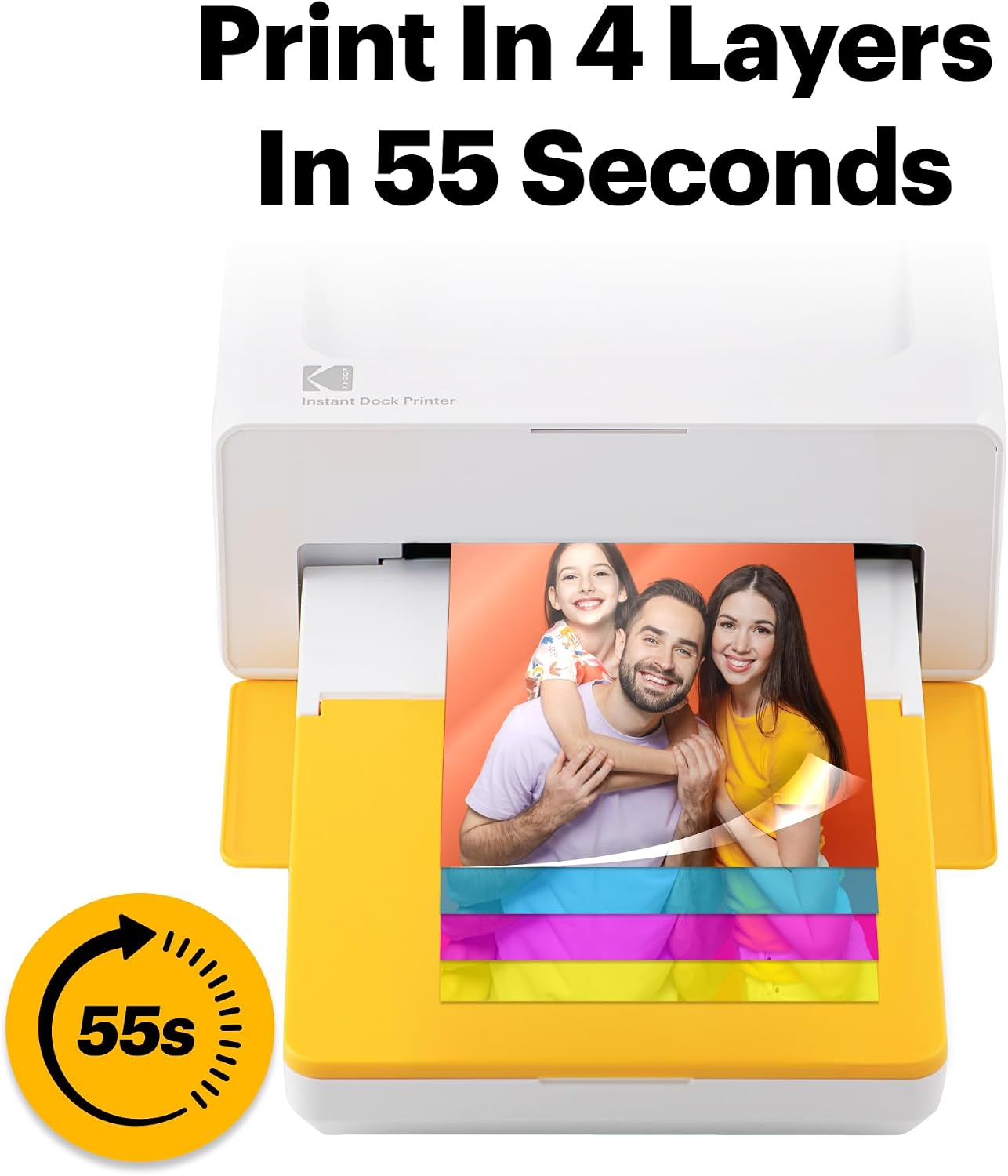
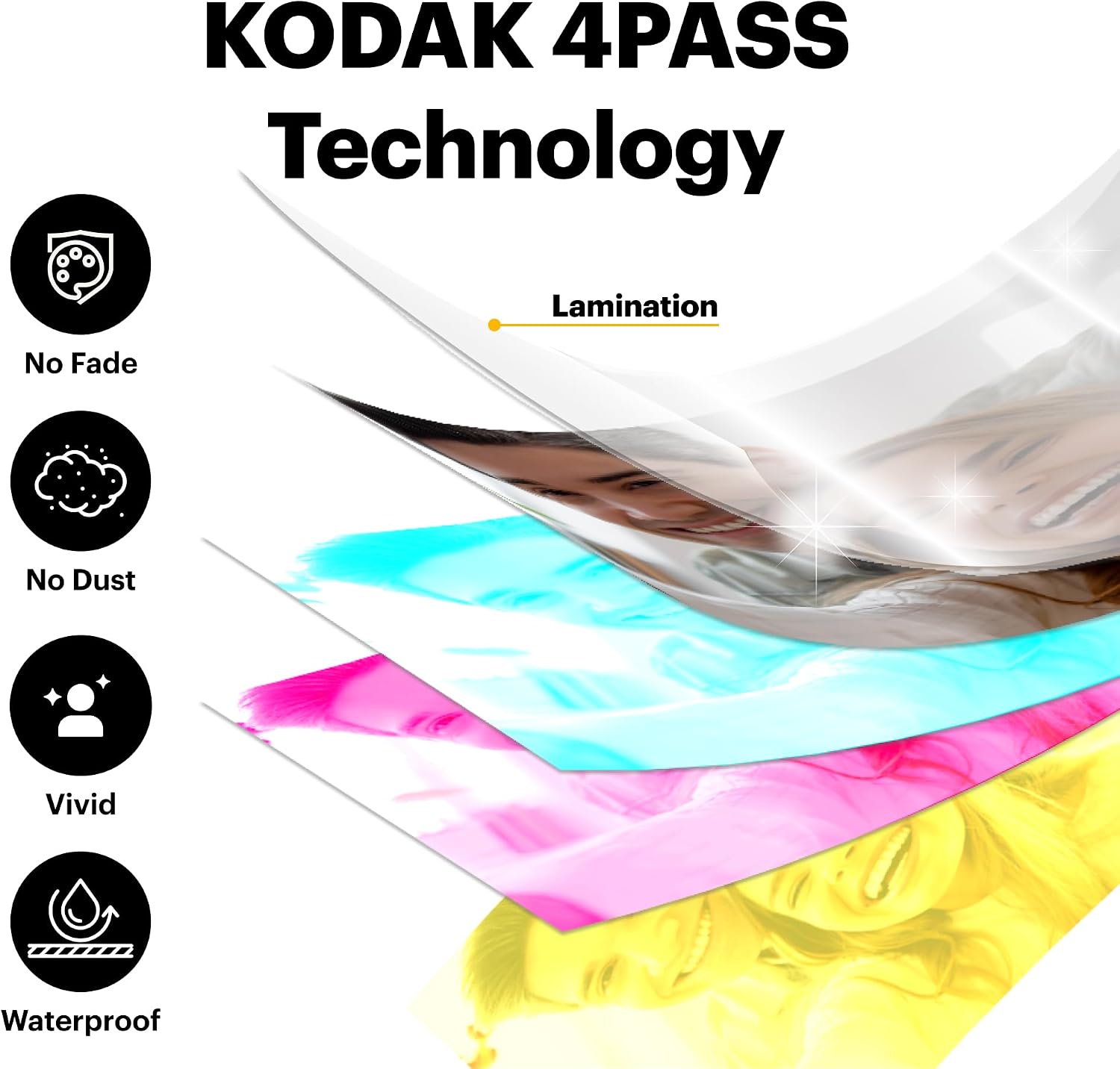
  • Genuine 4PASS dye sublimation printing: Each photo is produced in three color layers and finished with a clear protective lamination layer. In approximately 55 seconds, you receive a smooth, detailed print designed to resist fingerprints, water, and fading for long-lasting quality.
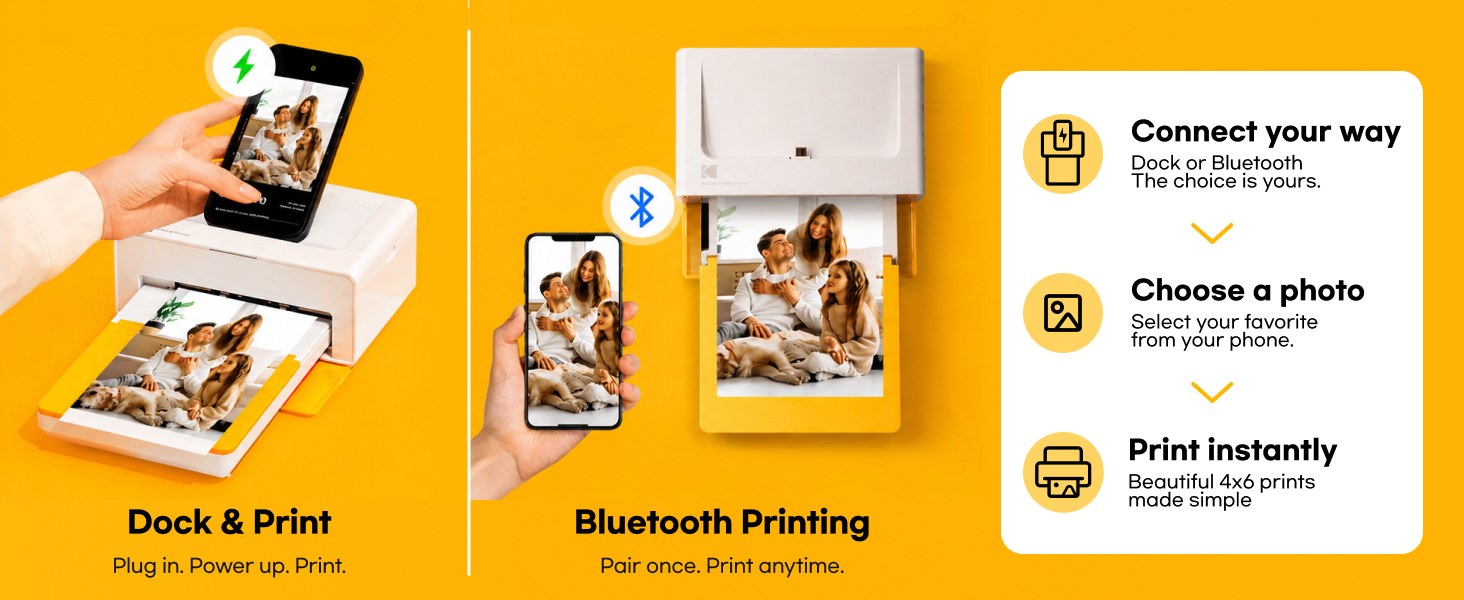
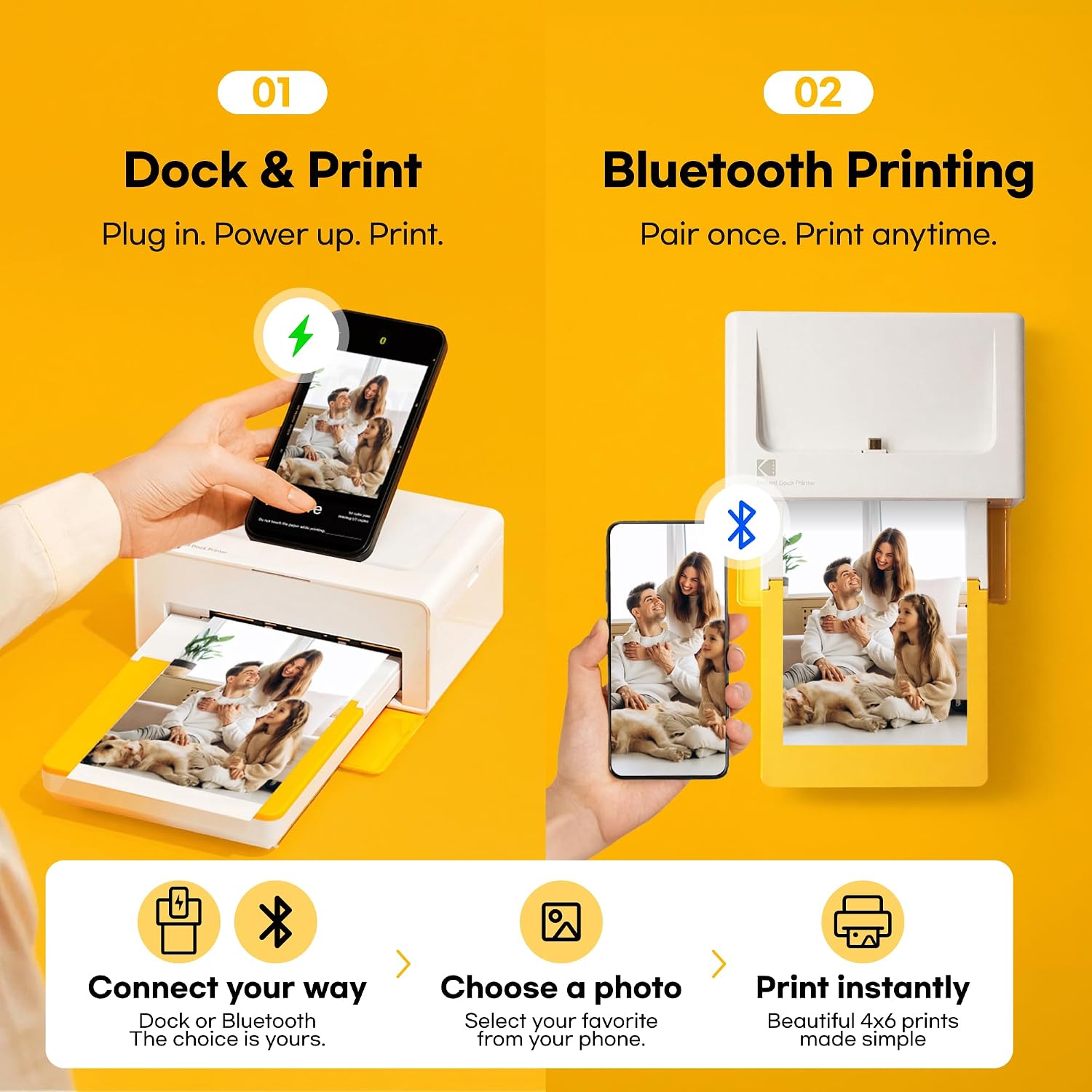
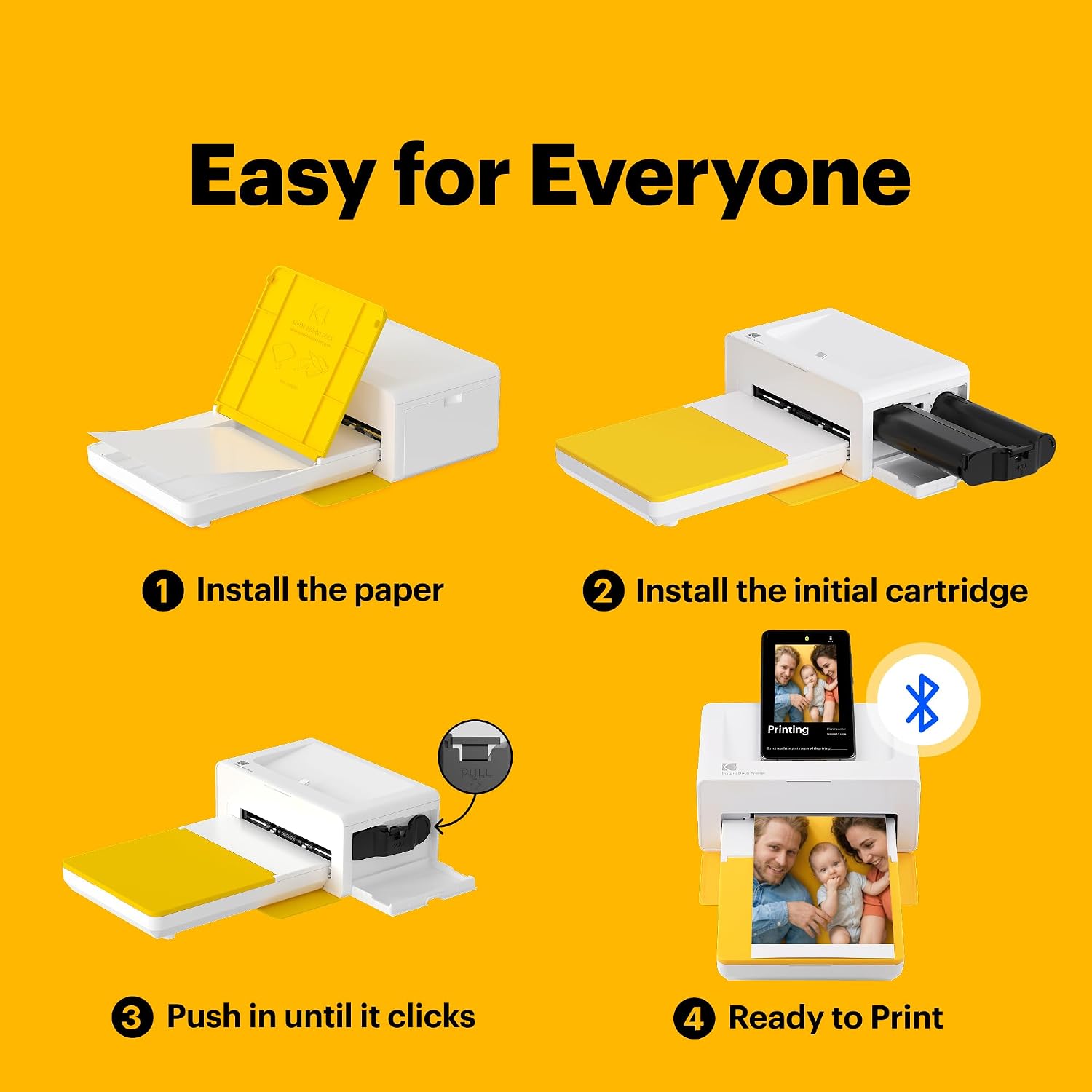
  • Easy to Use: Print photos quickly without complicated setup or technical steps. Simply power on, connect wireless bluetooth, and start printing within seconds. The Dock Plus is built for straightforward operation, making it ideal for first time users and everyday photo printing.
  • Home Printing Station: Designed for stable desktop use, this dock photo printer connects to a power outlet for consistent performance and larger 4x6” prints. Ideal for home printing, photo albums, framing, family events, and everyday picture printing.
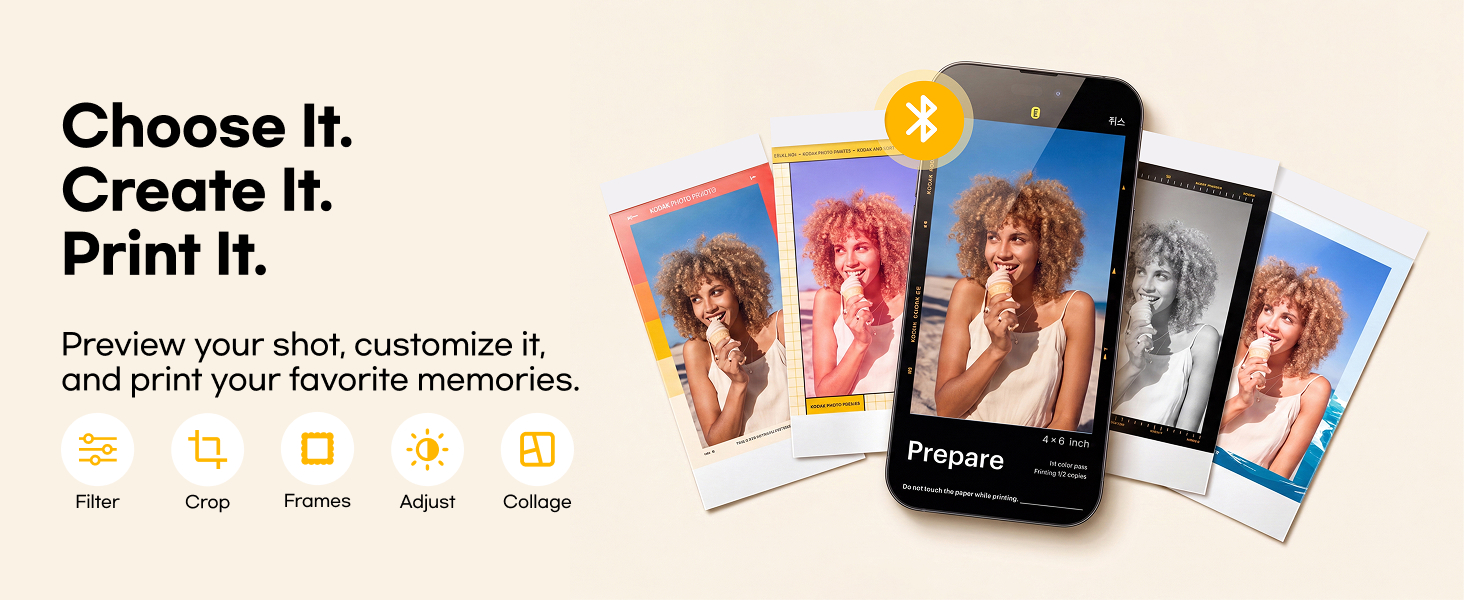
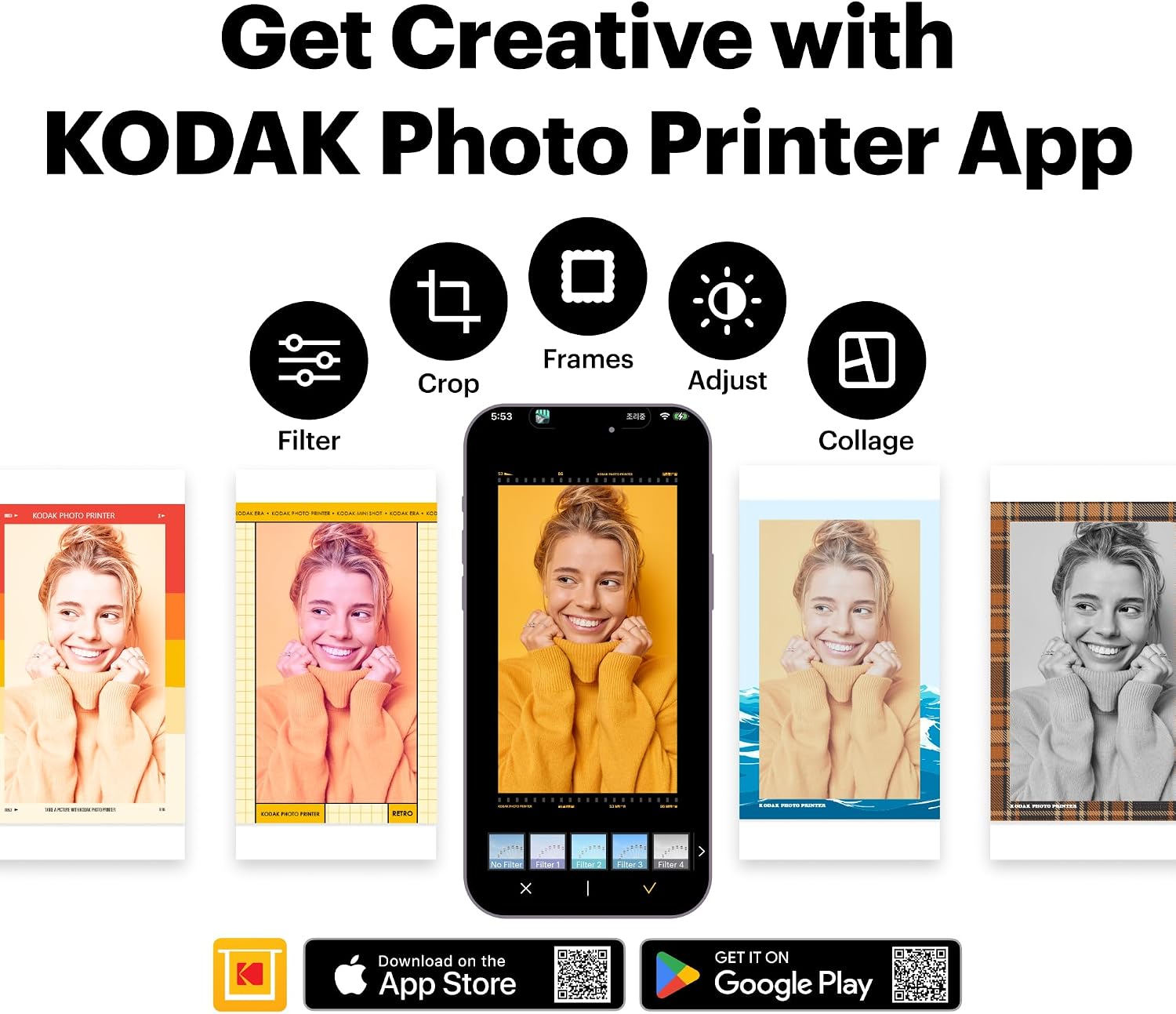
  • KODAK Photo Printer APP: Featuring integrated Bluetooth connectivity, this portable printer connects to compatible iOS and Android devices through the KODAK Photo Printer app. Edit, crop, and customize your photos before printing for creative results.
UPC192143003328
ColorYellow
DuplexSimplex
Ink ColorYMC or YMCK
Model NameDock Plus
Paper Size4 inch x 6 inches
Resolution[High]
Unit Count1 Count
Color Depth24 bits_per_pixel
Item Weight3.3 pounds
Print mediaGlossy photo paper
Display TypeLCD
ManufacturerPrinics Co., Ltd.
Model NumberPD460
Model SeriesKODAK_Dock_Plus
Printer Type4PASS Dye Sublimation
Scanner TypePhoto
Series Number460
Warranty Typelimited warranty
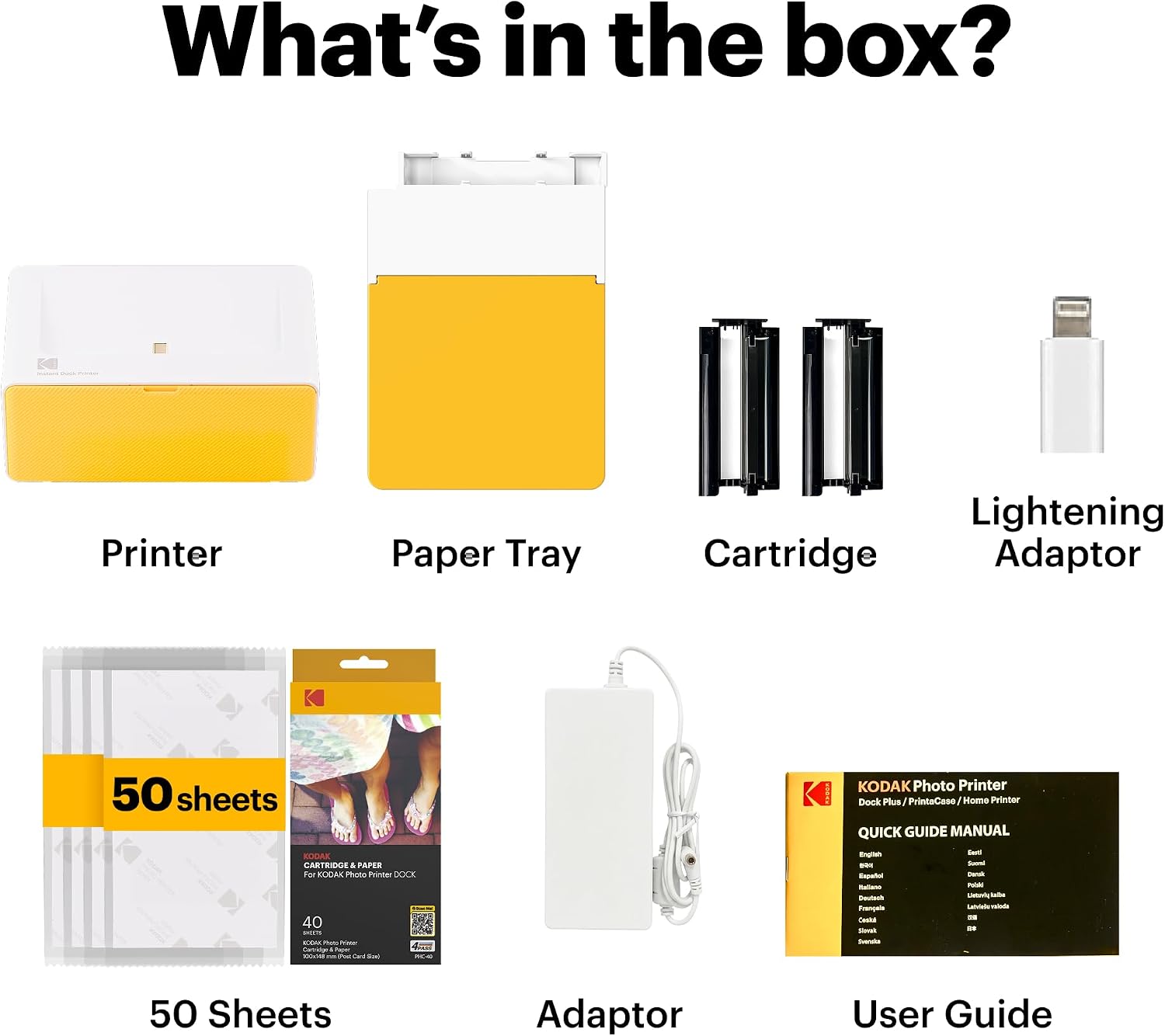
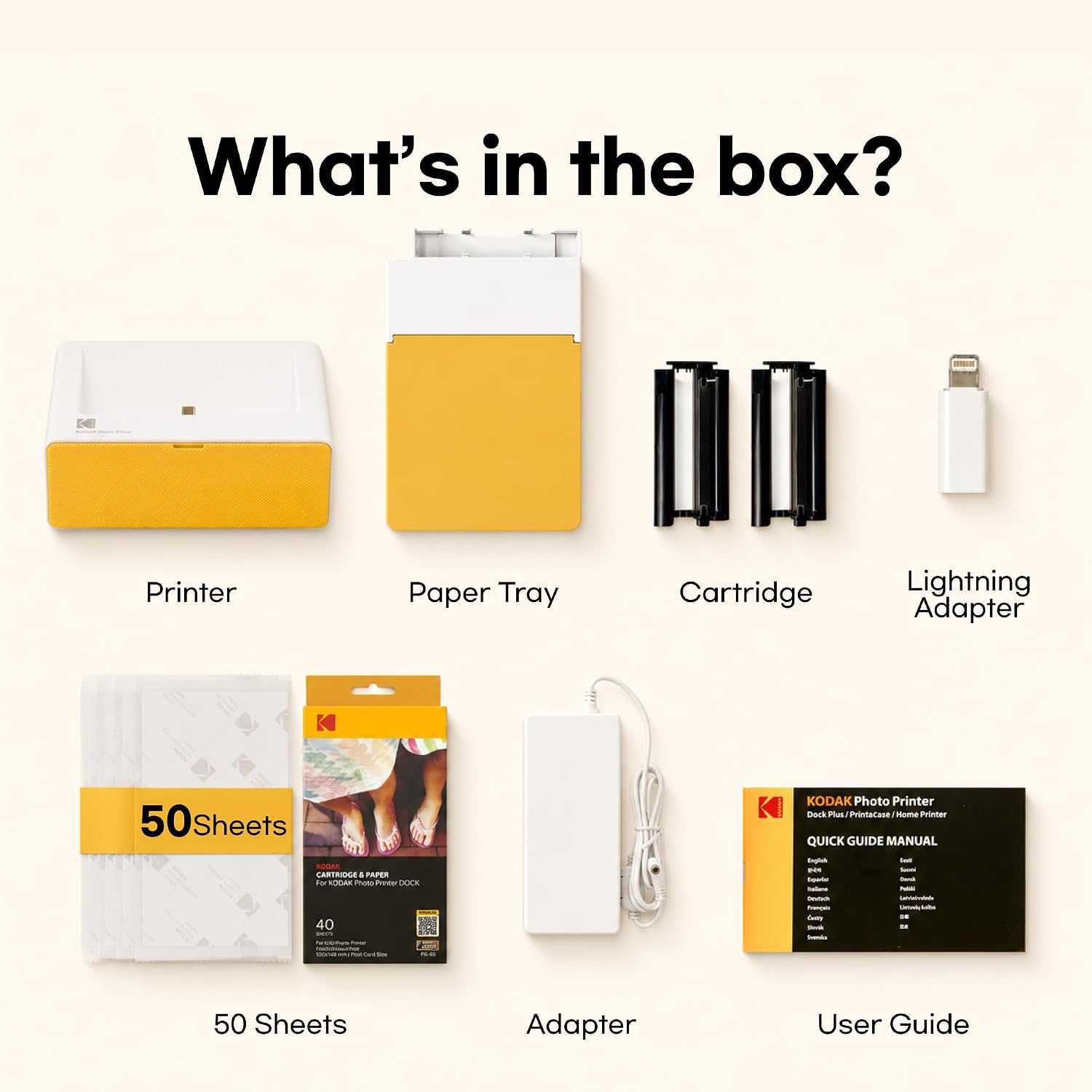
Built-In MediaPaper, Toner Cartridges
Control MethodApp
Printer OutputColor
Controller TypeiOS + Android
Number of Trays1
Processor Count1
Special FeatureBorderless Printing, Docking
Compatible DevicesSmartphones, Tablets
Hardware InterfaceBluetooth
Maximum Media Size4x6 inches
Printer Technology4PASS Dye Sublimation
Printer Output TypeColor
B&W Pages per Minute1 pages_per_minute
Max Printspeed Color1 pages_per_minute
Warranty Description1 year
Output sheet capacity10
Color Pages per Minute1 pages_per_minute
Maximum Sheet Capacity10
Connectivity Technologywired, wireless
Item Dimensions D x W x H4.5"D x 8.5"W x 2"H
Printer Connectivity Typewired, wireless
Specific Uses For ProductHome decoration, gifts, holiday presents, printing photos, sharing with friends and family, Office, School
Max Printspeed Black White1 pages_per_minute
Additional Printer FunctionsPrint Only
Maximum Copy Resolution Color[High]
Maximum print Resolution Color[High]
Maximum Copy Speed Black and White1 pages_per_minute
Other Special Features of the ProductBorderless Printing, Docking
Maximum Copy Resolution Black and White300 dots_per_inch
Maximum Print Resolution Black and White300 dots_per_inch
The video showcases the product in use.The video guides you through product setup.The video shows the product being unpacked.

Kodak Dock Plus

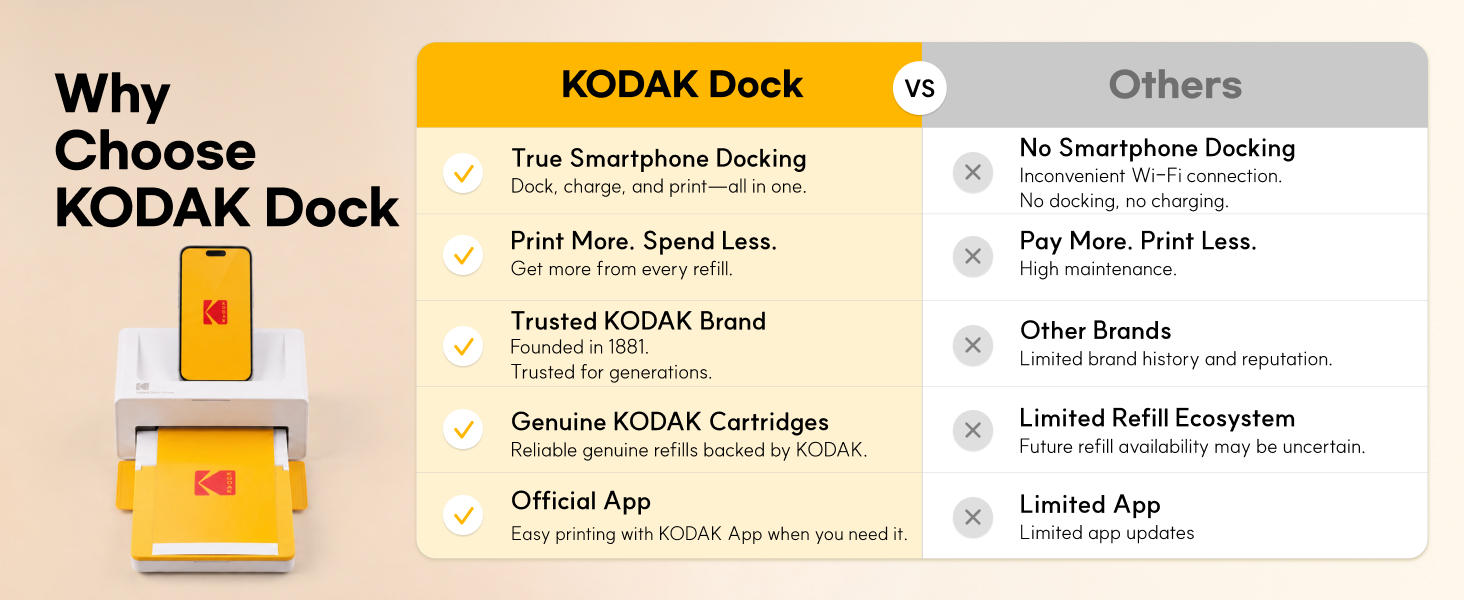
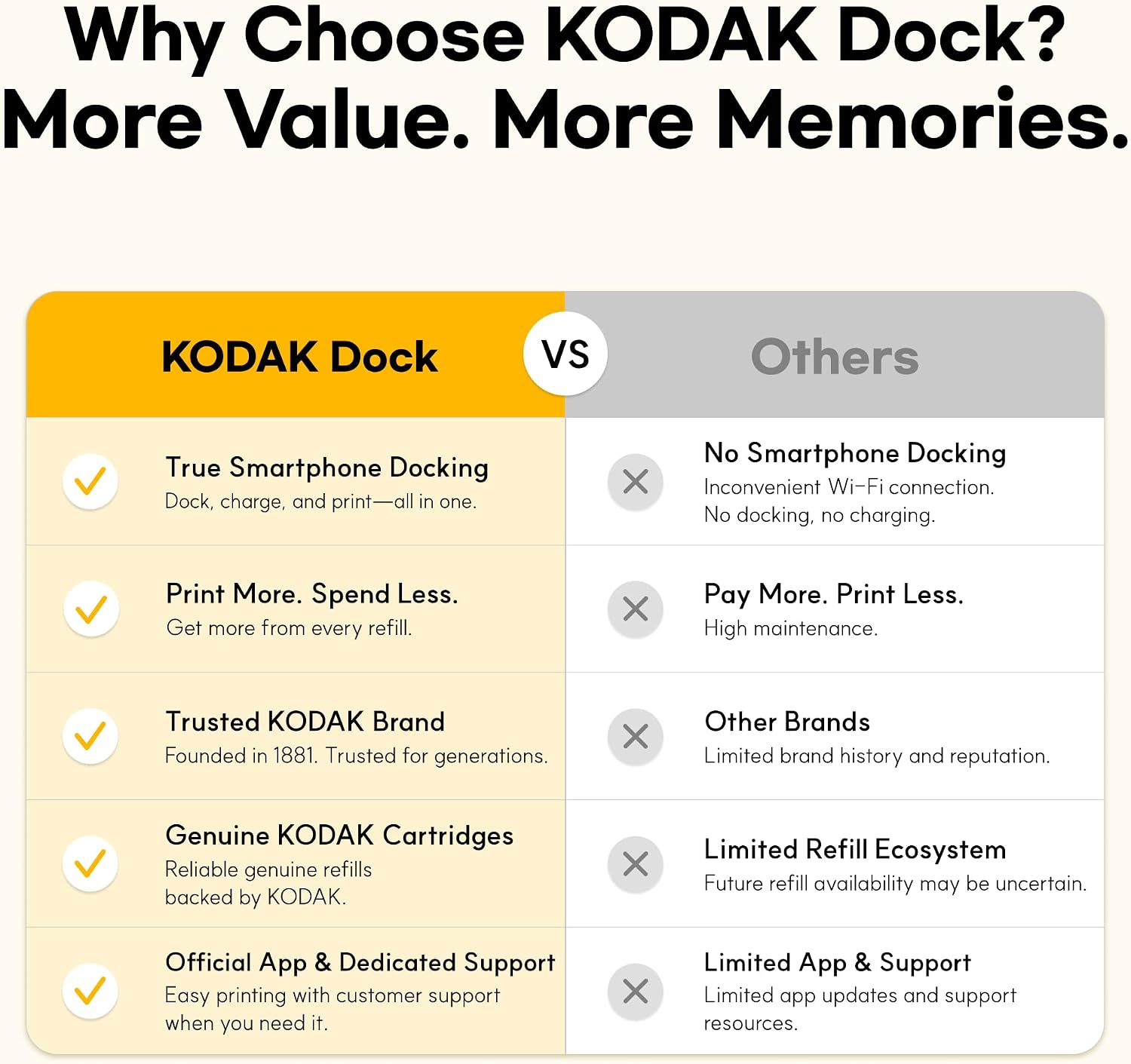
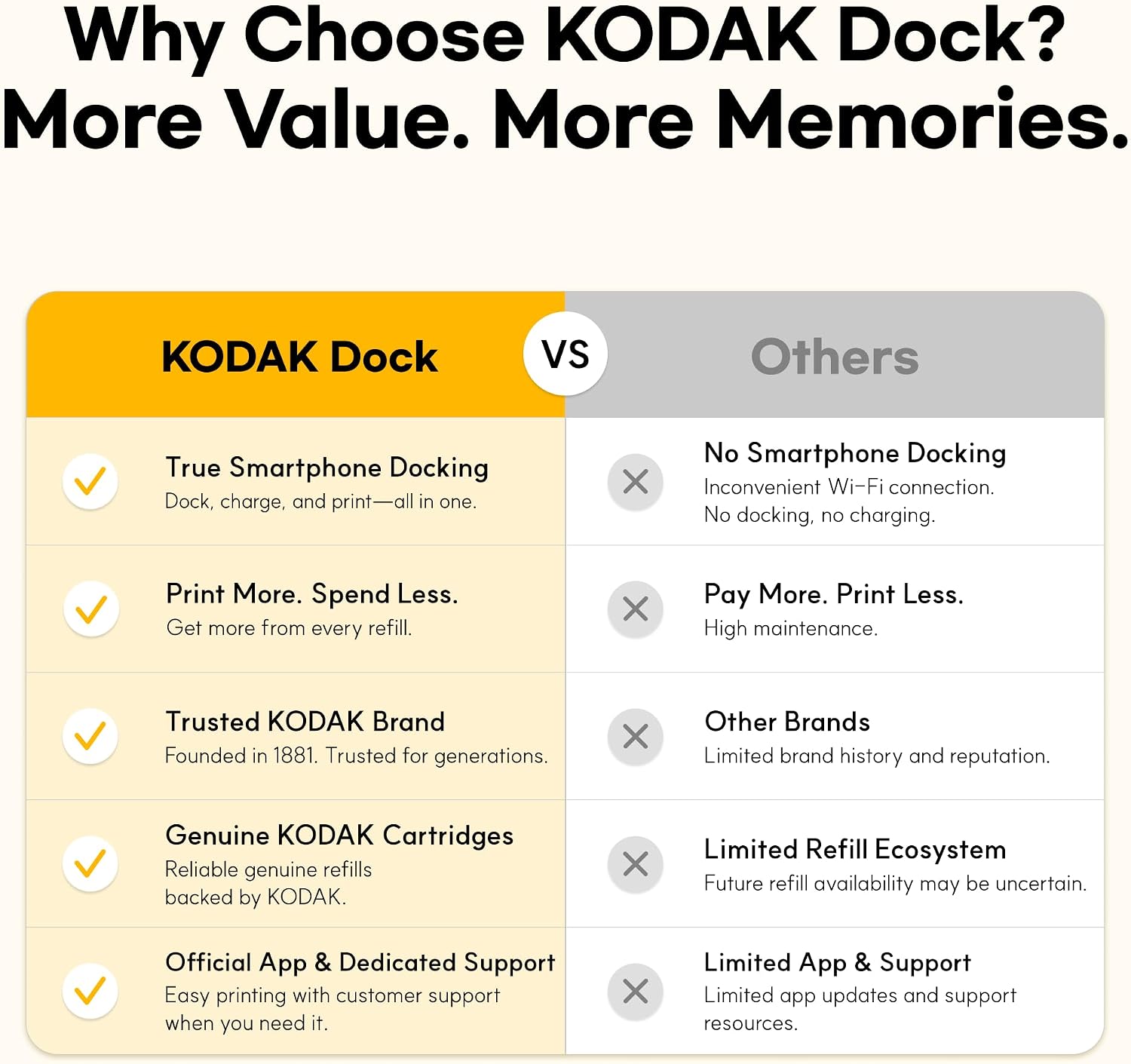
Why choose the Kodak Dock? Smartphone docking, affordable photos, trusted brand, and many more!
Dock and print! Plug in, power up, and print.
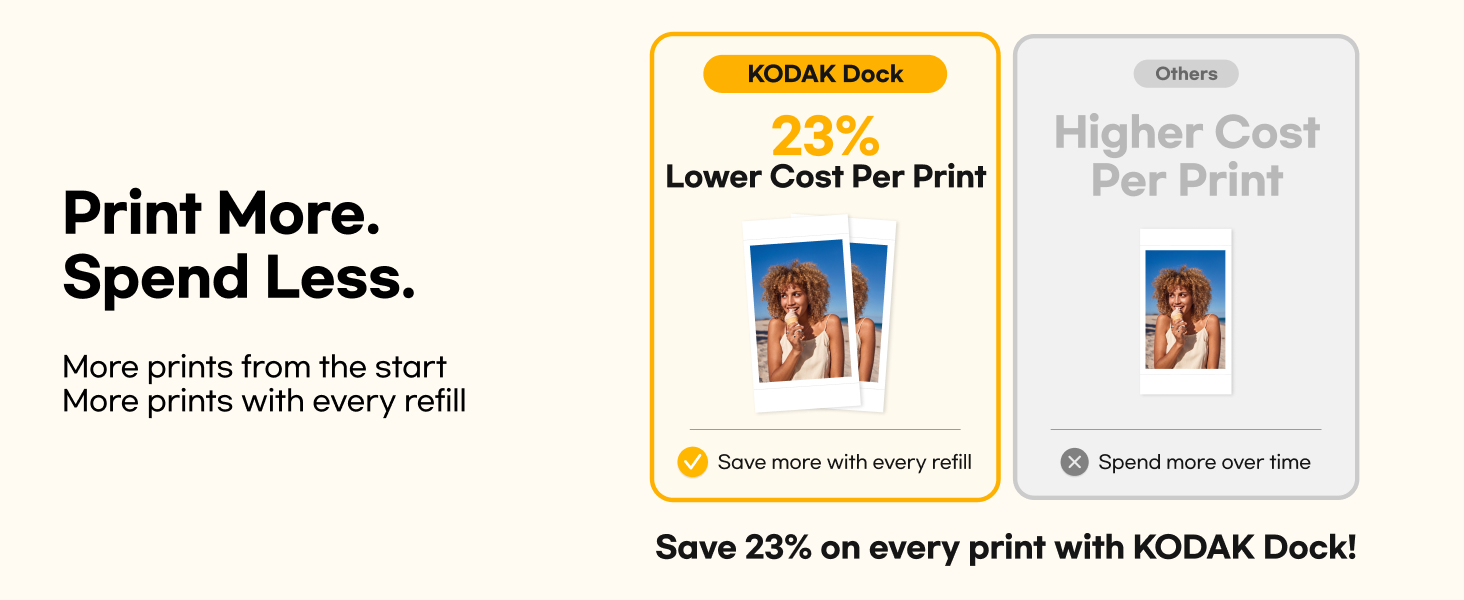
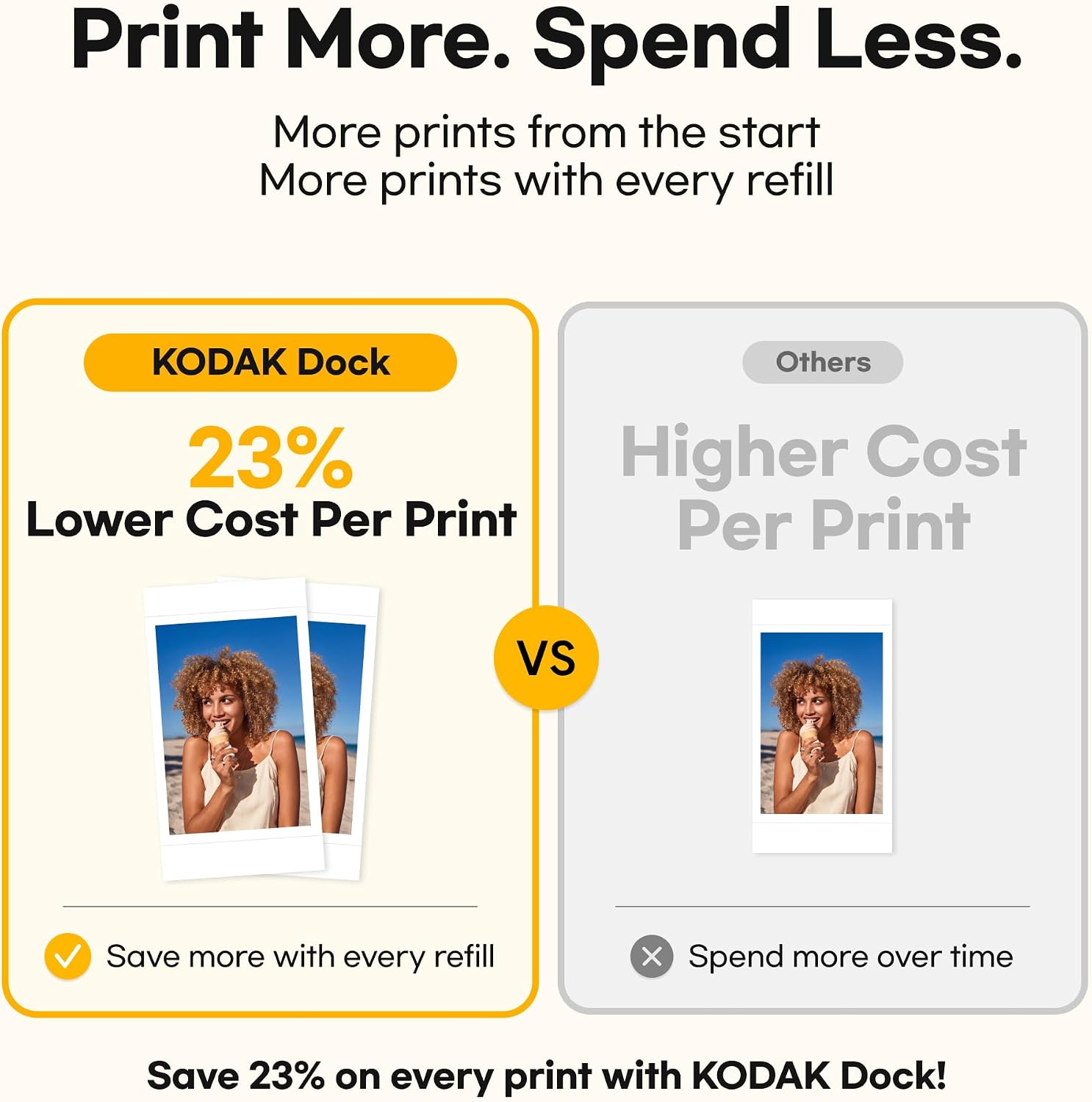
Print more, spend less. More prints from the start and more prints with every refill. Affordable.
Previous page
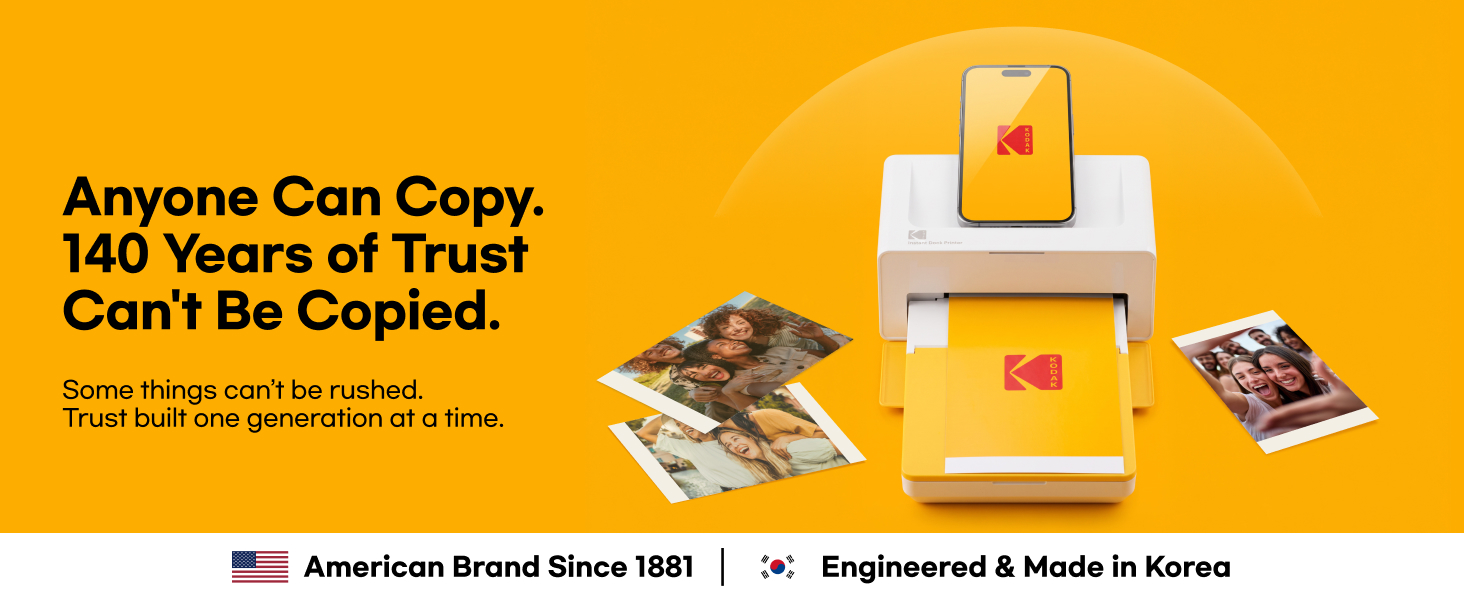
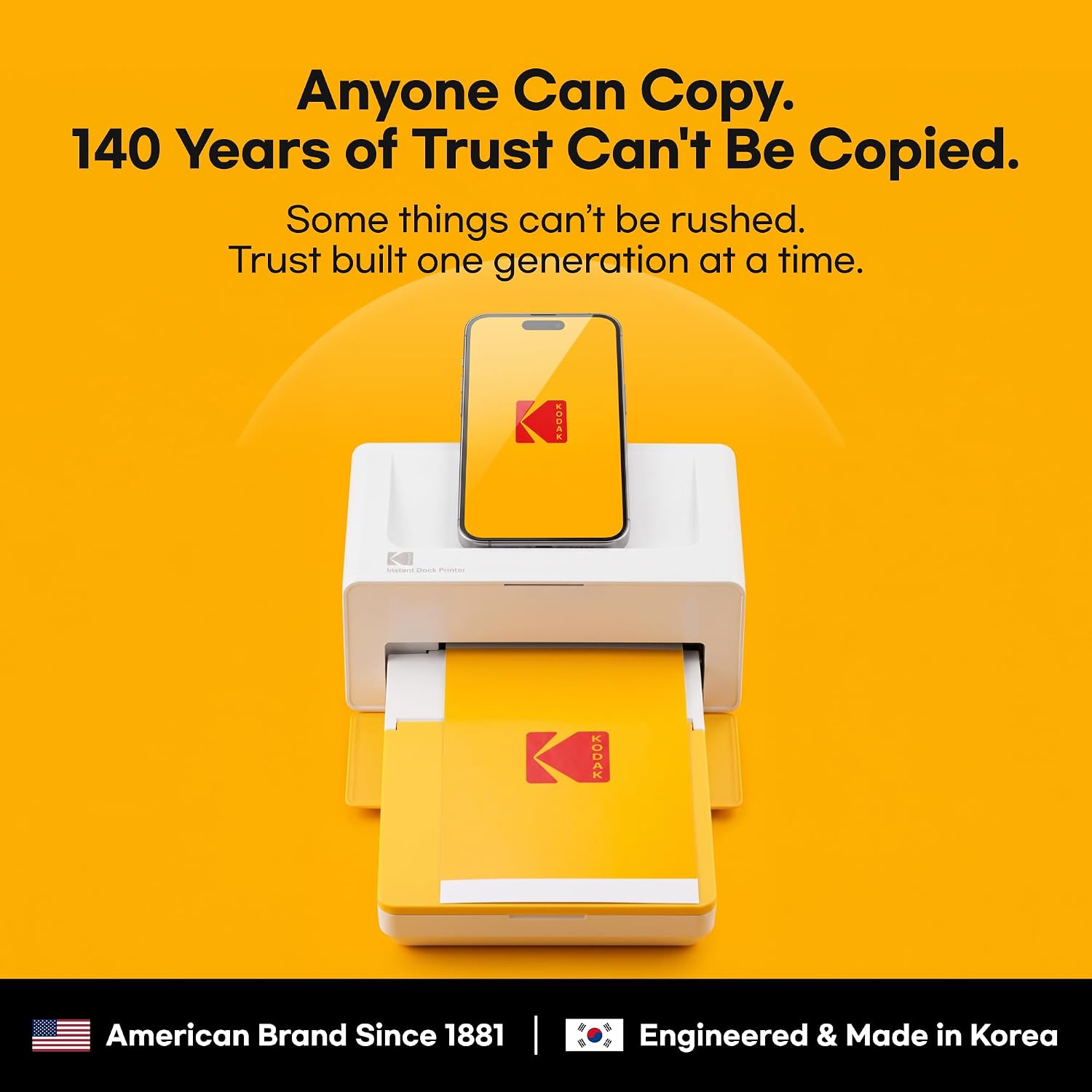
  1. Anyone can copy but 140 years of trust can't be copied. Some things can't be rushed.
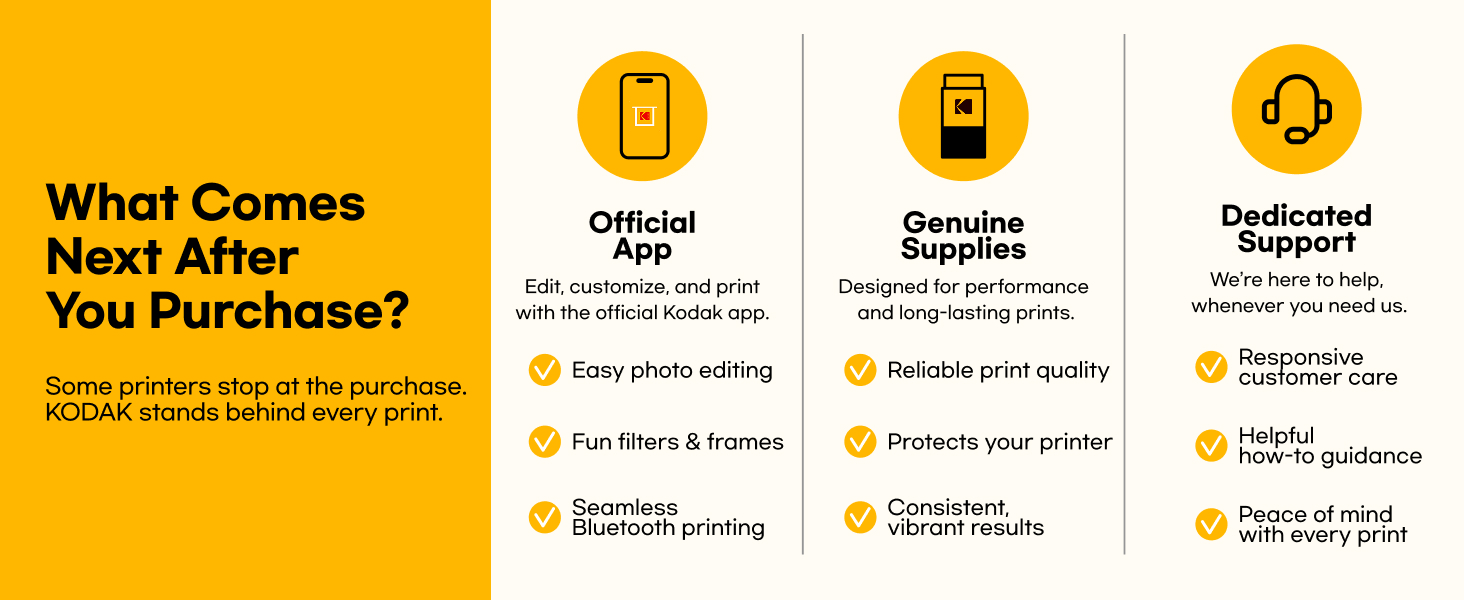
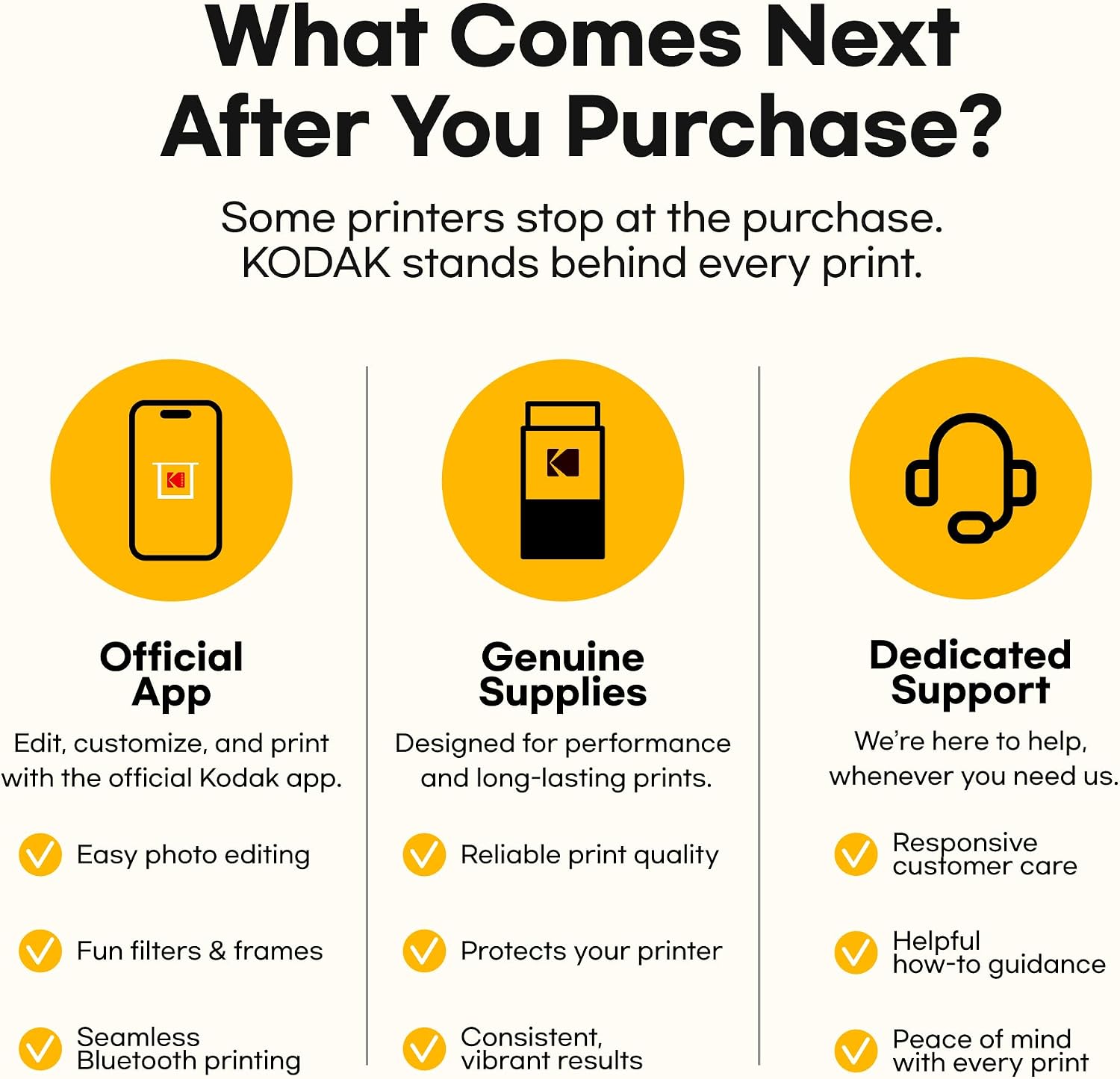
  2. What comes next after you purchase? It's just the start, a whole new journey awaits!
  3. Through the Kodak Photo Printer app, choose, create, and print your photos!
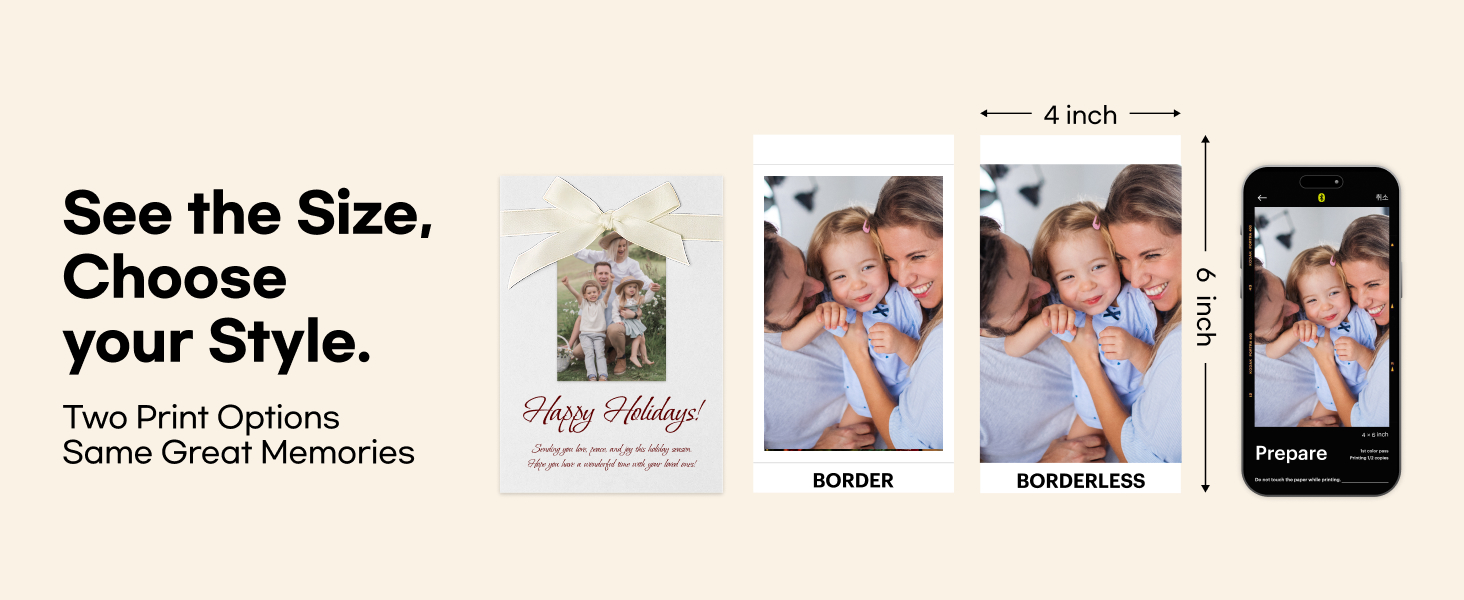
  4. See the size, choose your style! Two print options with same great memories.
Next page
Previous page
  1. The KODAK Dock stays vivid longer through the 4PASS dye-sublimation technology.
  2. Memories are meant to last. Every print is protected with a durable laminated layer.
Next page
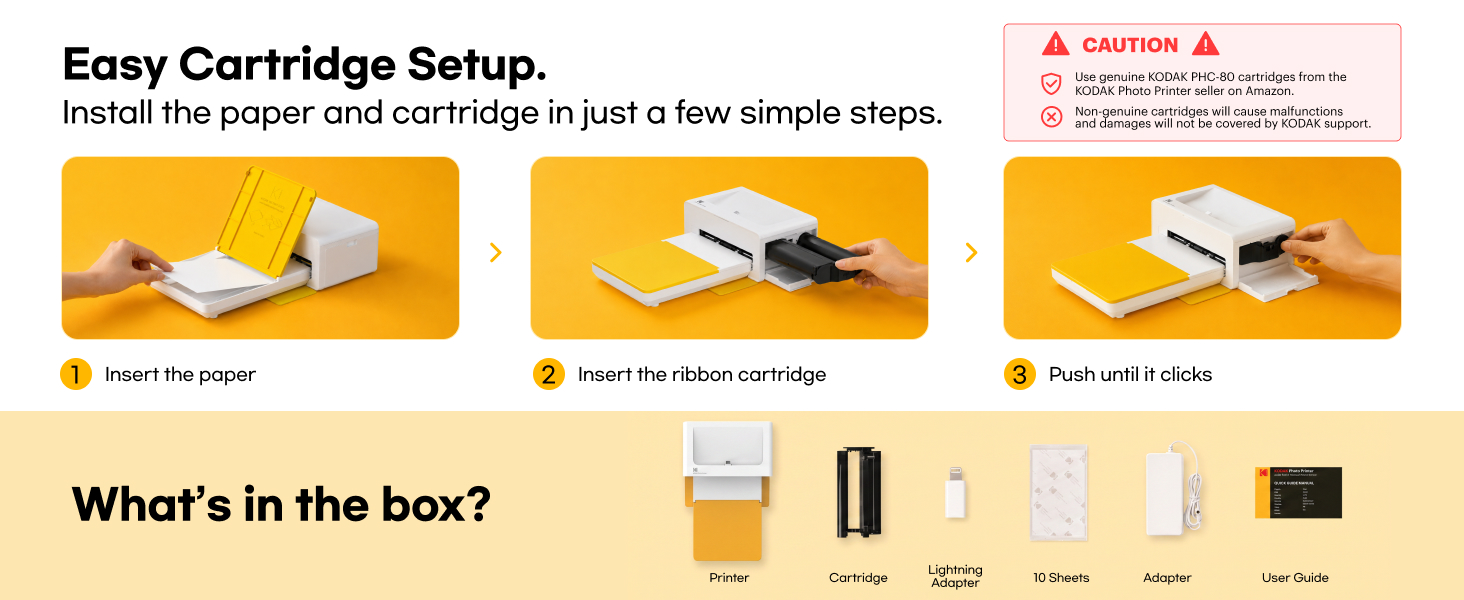
Easy cartridge setup. Install the paper and cartridge in just a few simple steps.
Example title

Recently viewed

Cart

loading