






Free worldwide shipping
Free returns
Carbon neutral
Secure payments
| Display | Analog |
|---|---|
| Watch Movement Type | Quartz |
| Additional Features | Second Hand, Shock Resistant |
| Power Source | Battery Powered |
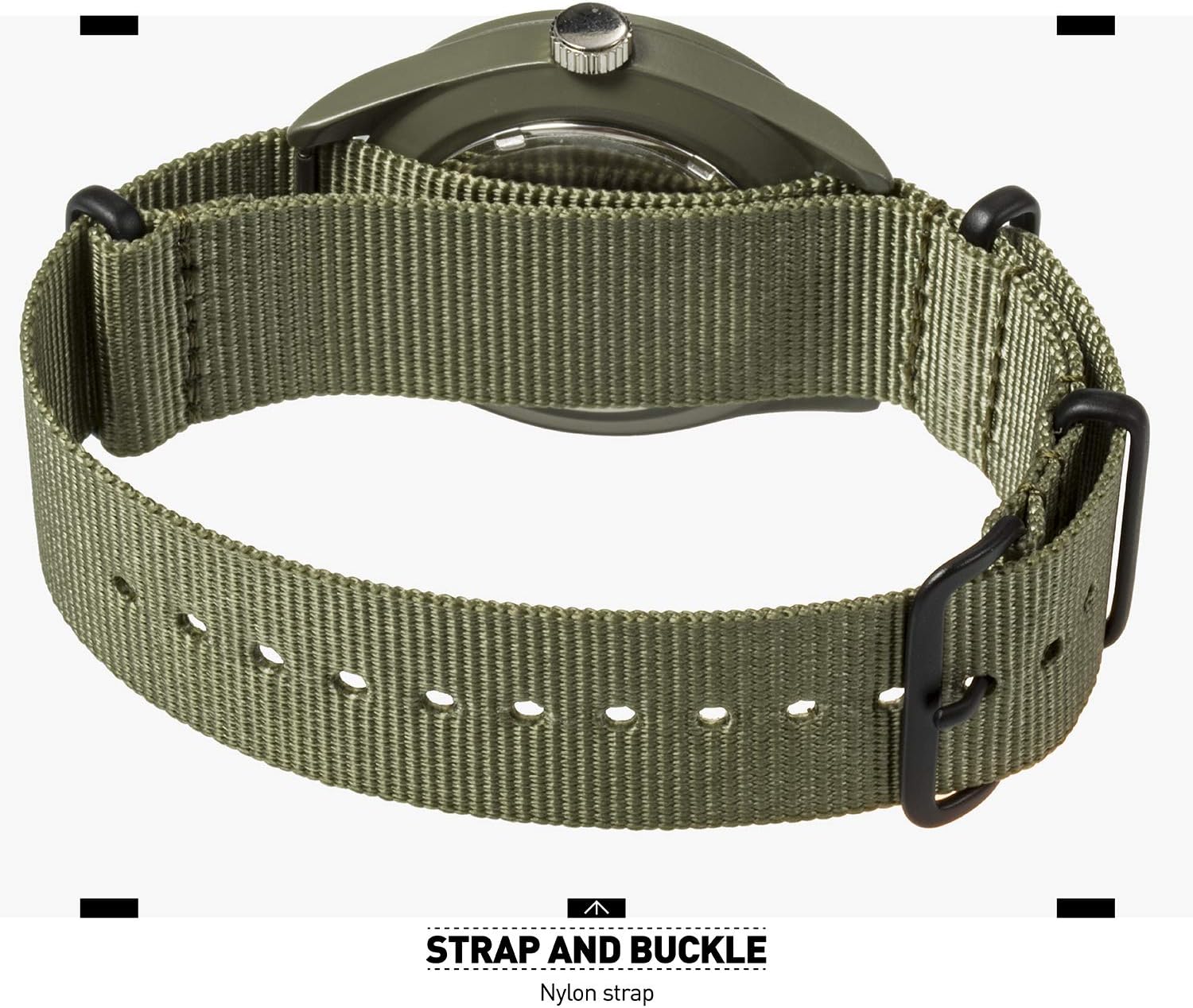
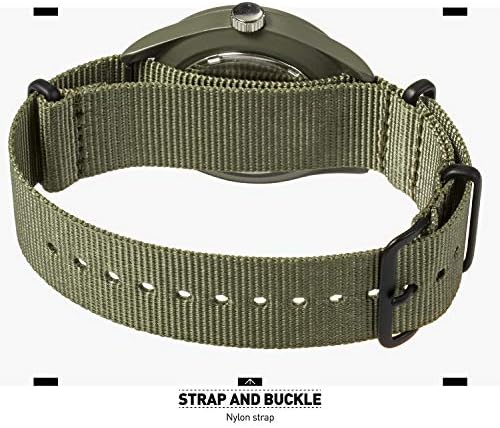
| Strap Type | Adjustable |
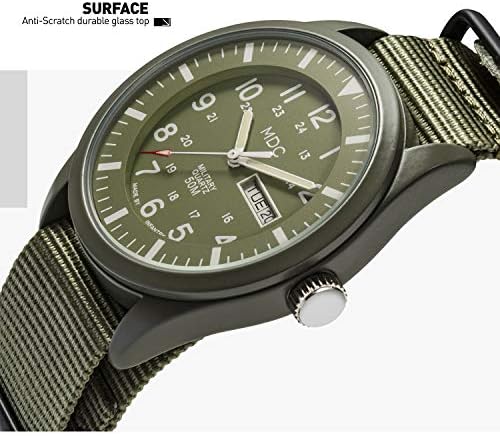
| Water Resistance Depth | 50 meters |
| Sport Type | Airsoft, Climbing |
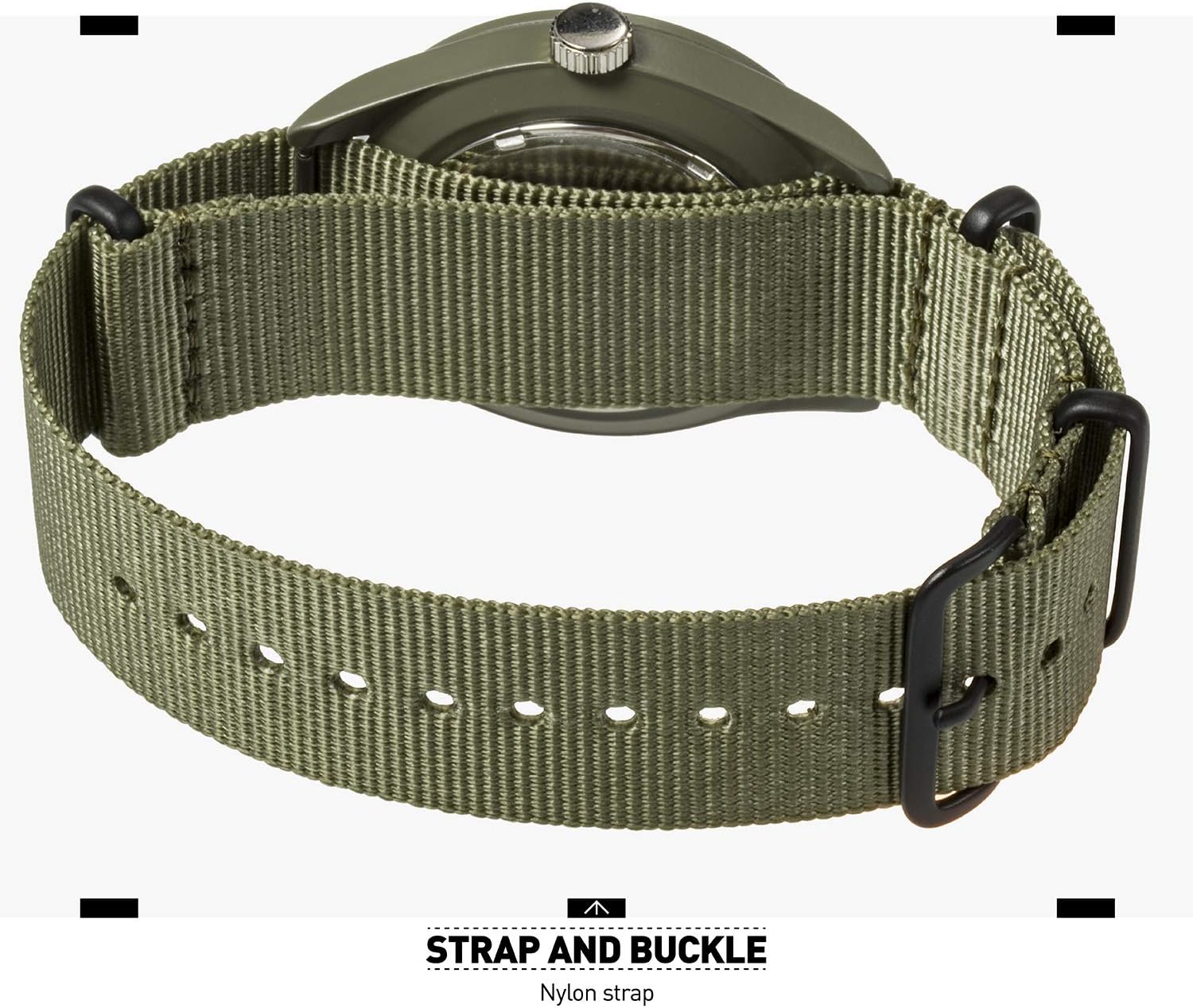
| Clasp Type | Buckle |
| Water Resistance Level | Waterproof |
| Embellishment Feature | Crystal |
| Closure Type | Buckle |
| Style Name | Japanese |
| Shape | Round |
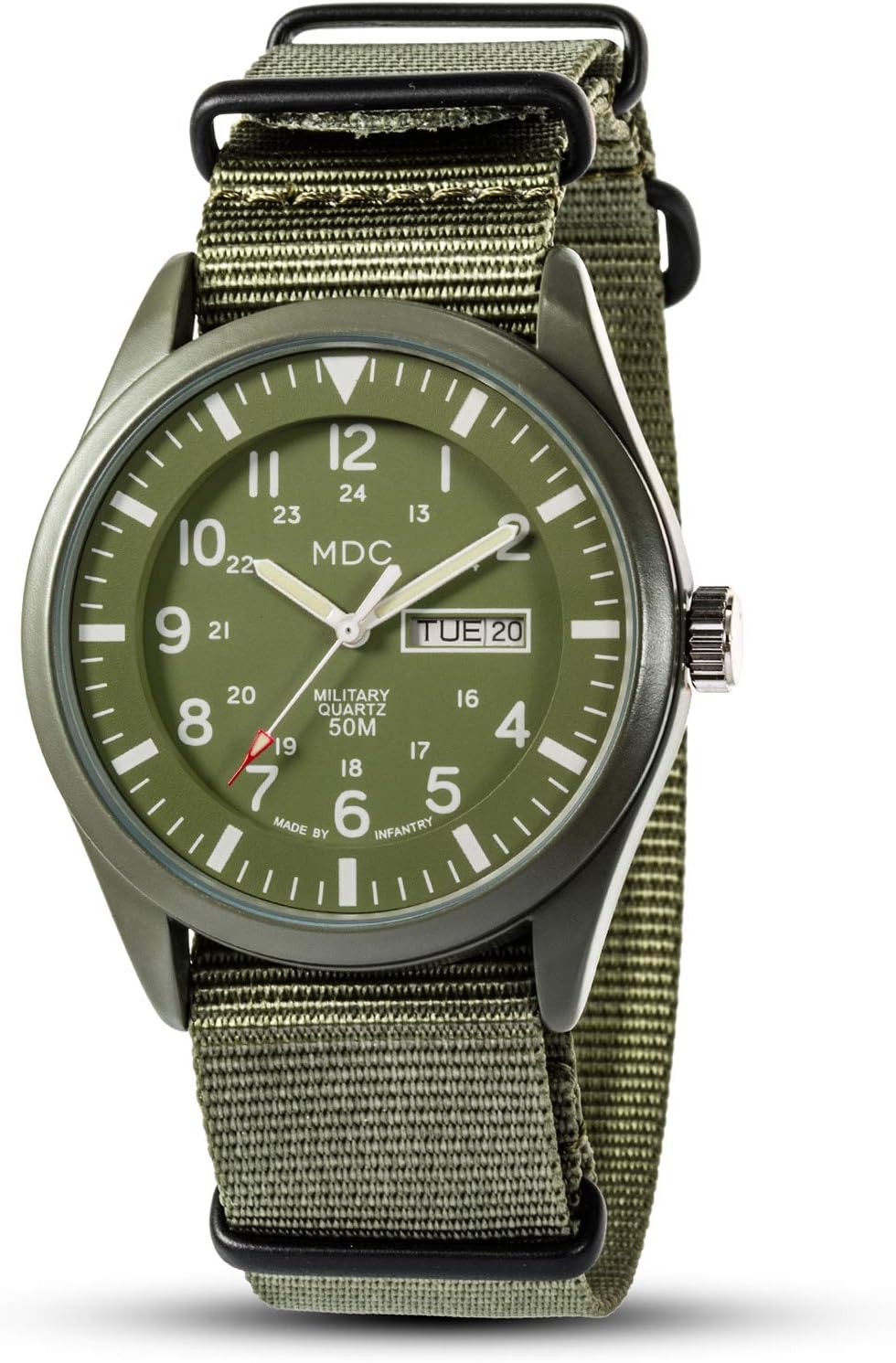
| Band Color | Green |
| Dial Color | Green |
| Theme | Sports |
| Pattern | Solid |
| Face Style | Japanese |
| Model Name | MD-019 |
| Included Components | Watch, Original Watch Box, Instruction Manual, Warranty Card |
| Model Number | MD-019 |
| Item Weight | 61 g |
| Unit Count | 1 Count |
| Manufacturer | Infantry |
| Age Range Description | Adult |
| Item Type Name | Watch |
| Manufacturer Part Number | US2-MD-019-GRN-N-01 |
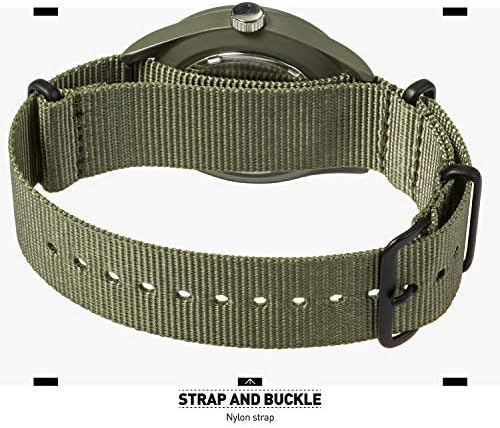
| Band Material Type | Nylon |
| Case Material Type | Stainless Steel |
| Crystal | mineral |
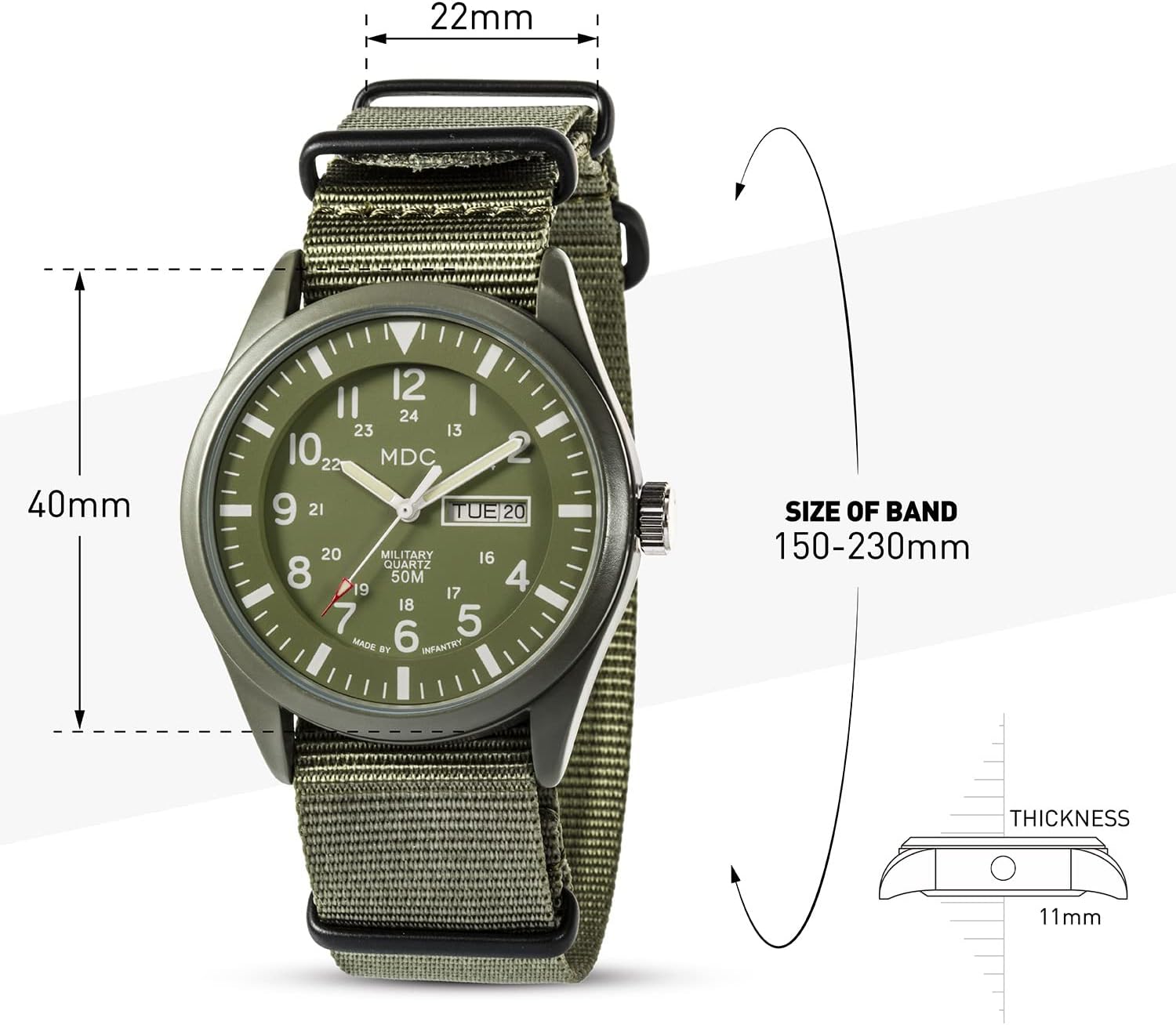
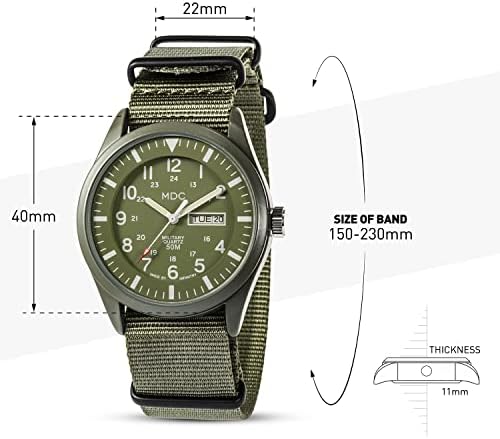
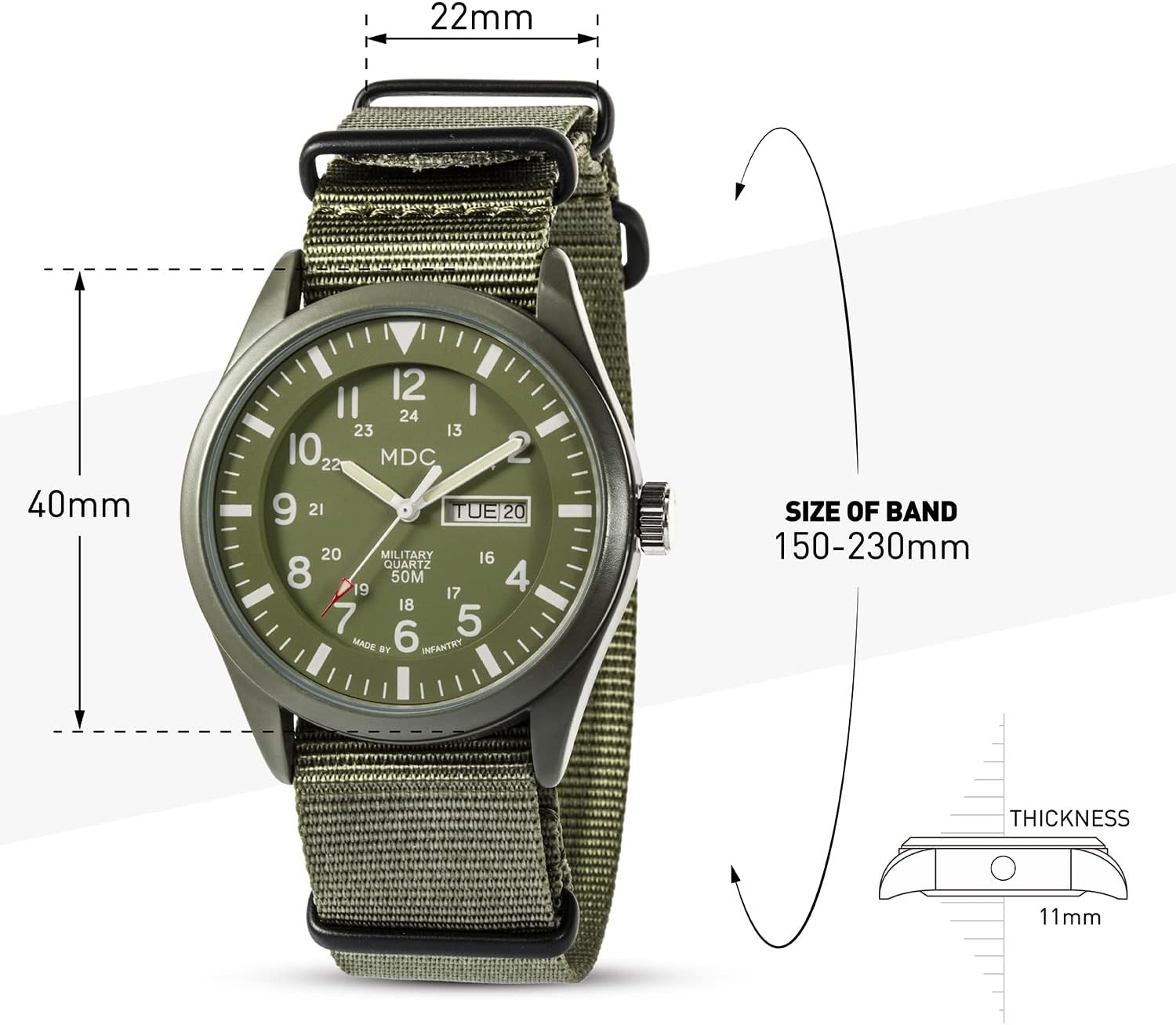
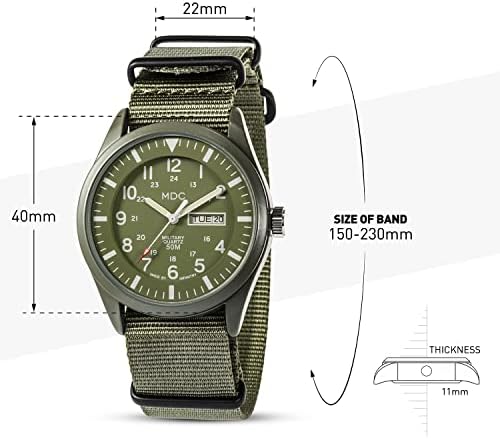
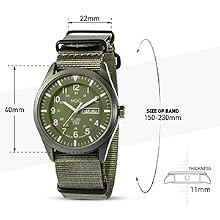
| Case Diameter | 40 millimeters |
| Band Width | 22 millimeters |
| Case Thickness | 11 millimeters |
| Band Length | 23 centimeters |
| Bands | 1 |
| Warranty Type | manufacturer-and-seller-combination |

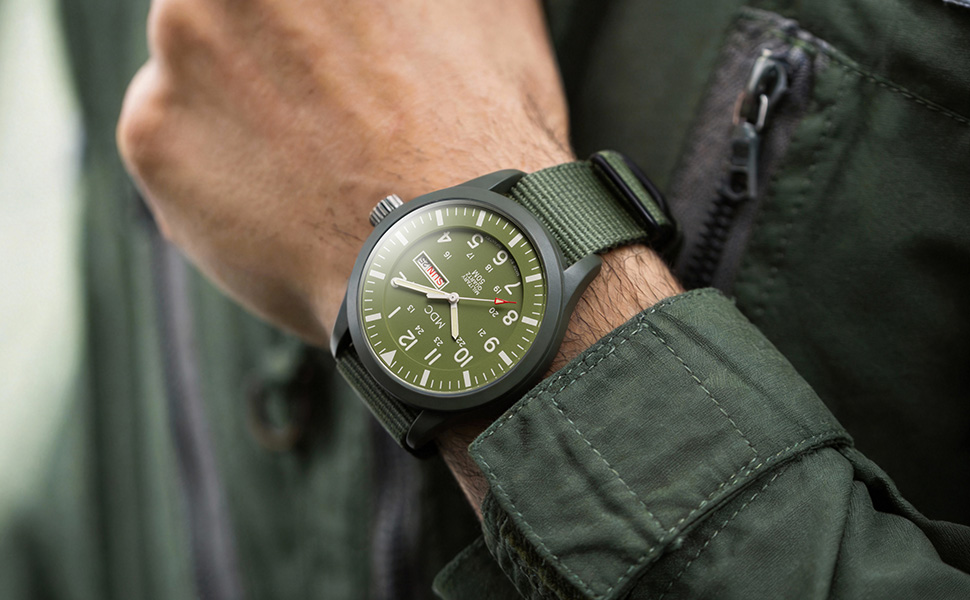
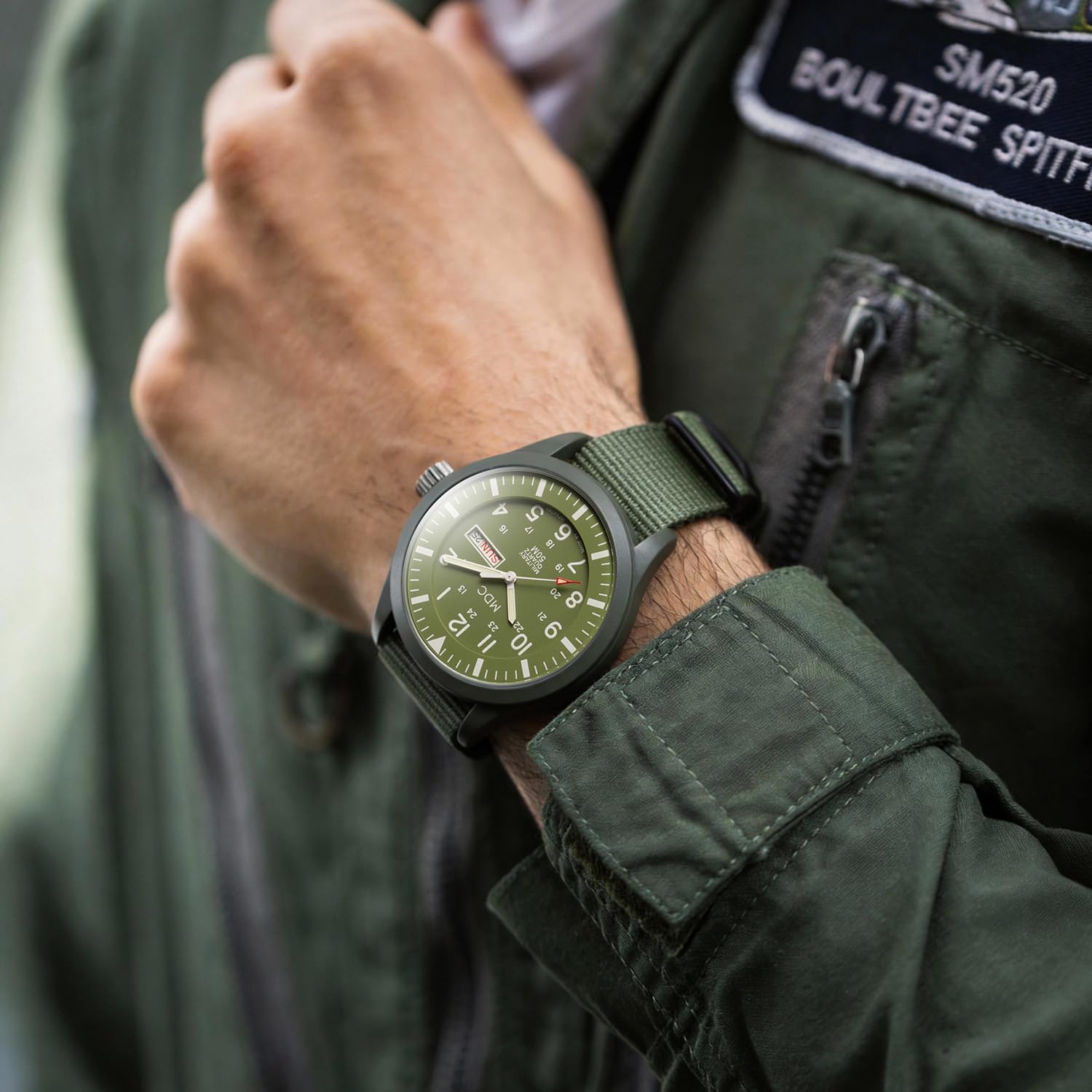
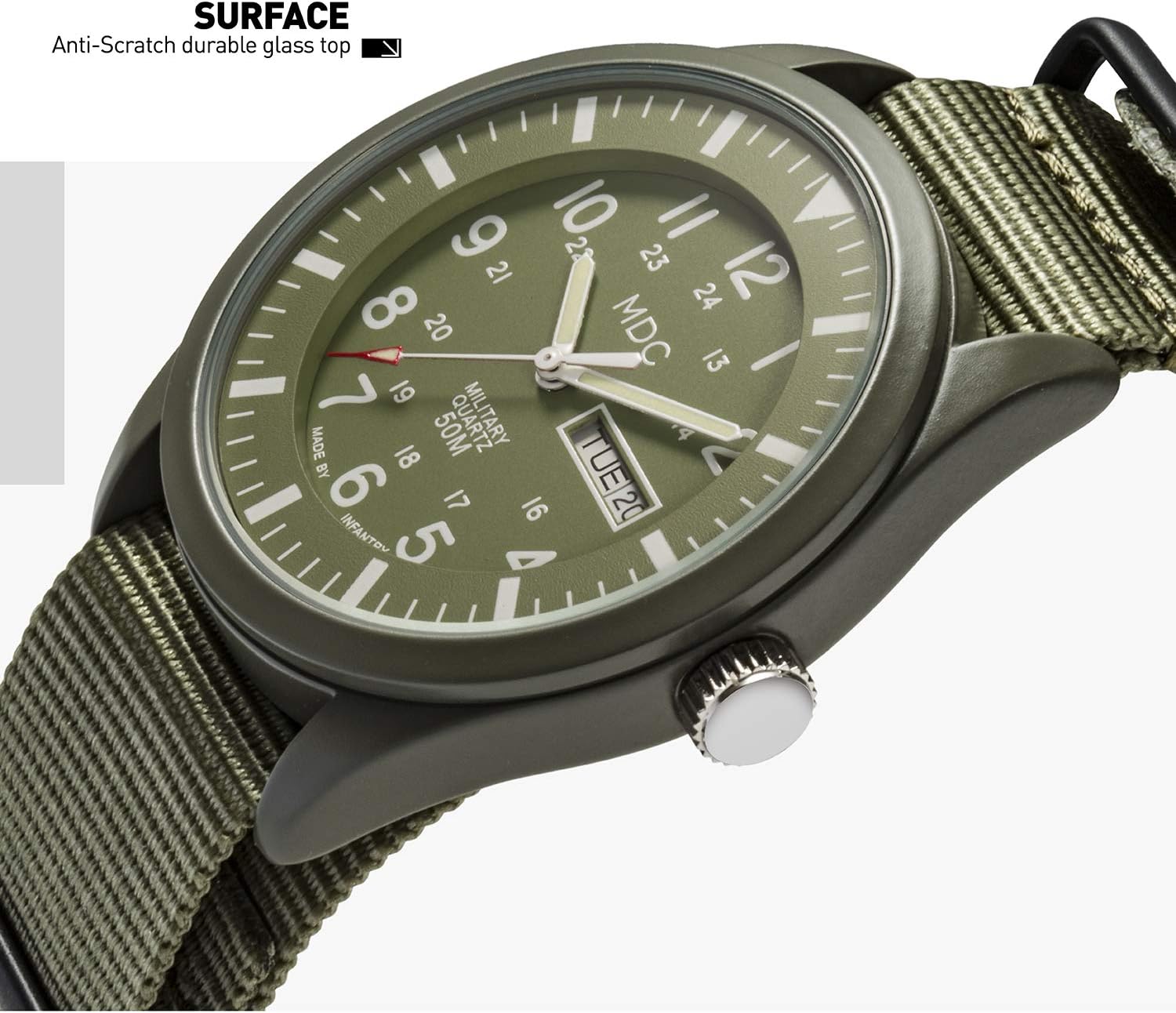
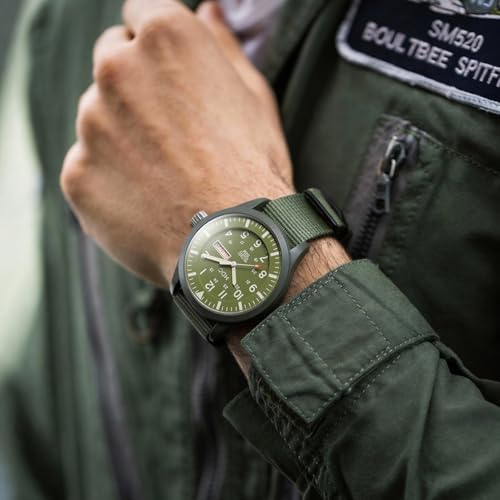
Supporting the Brave. Designed for those who protect others, providing the ease of a quick glance when seconds count.
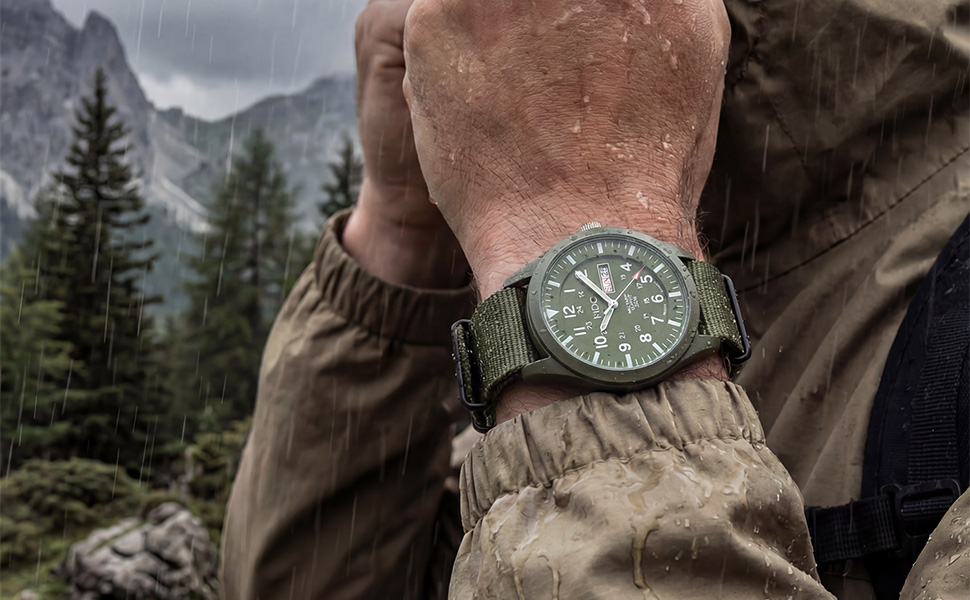
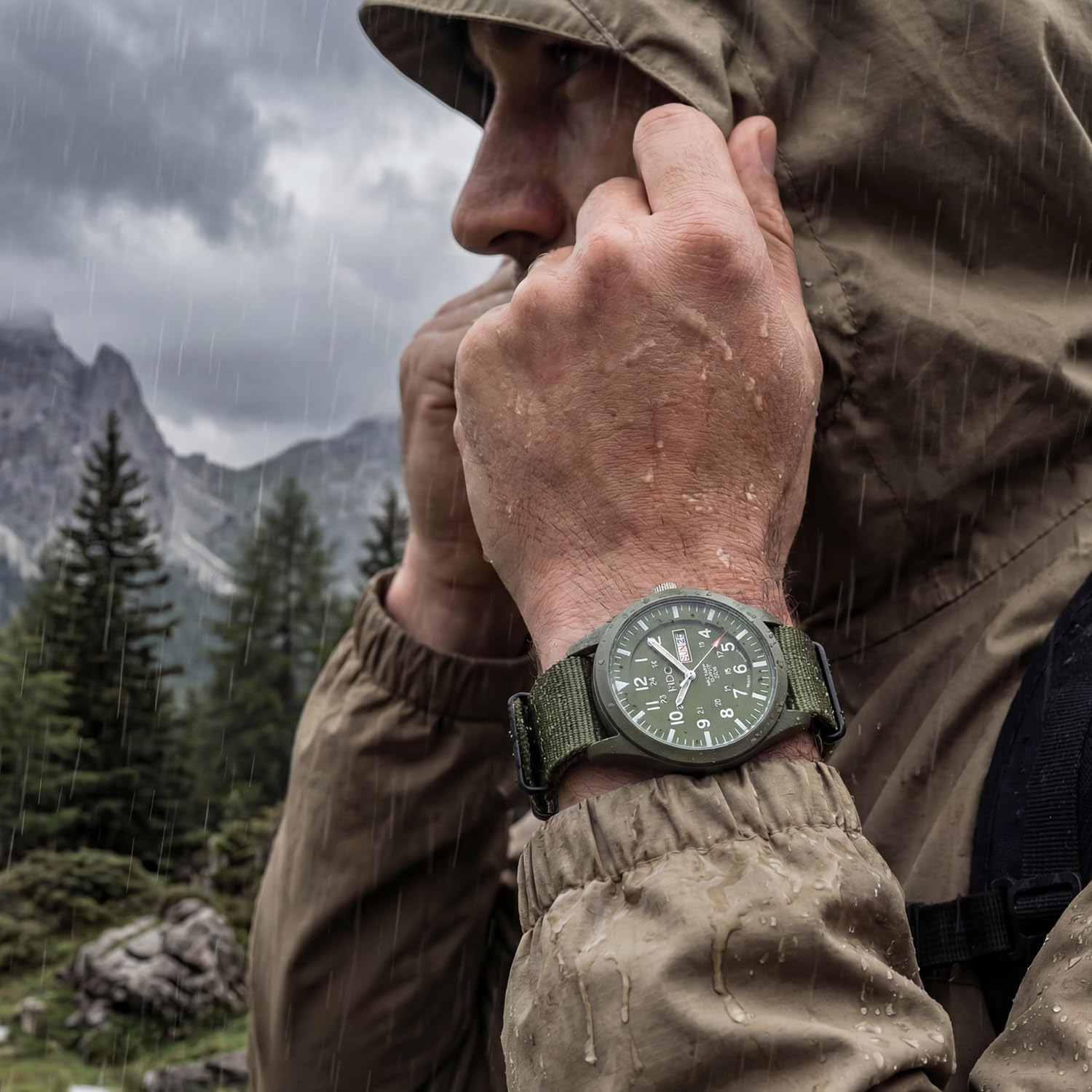
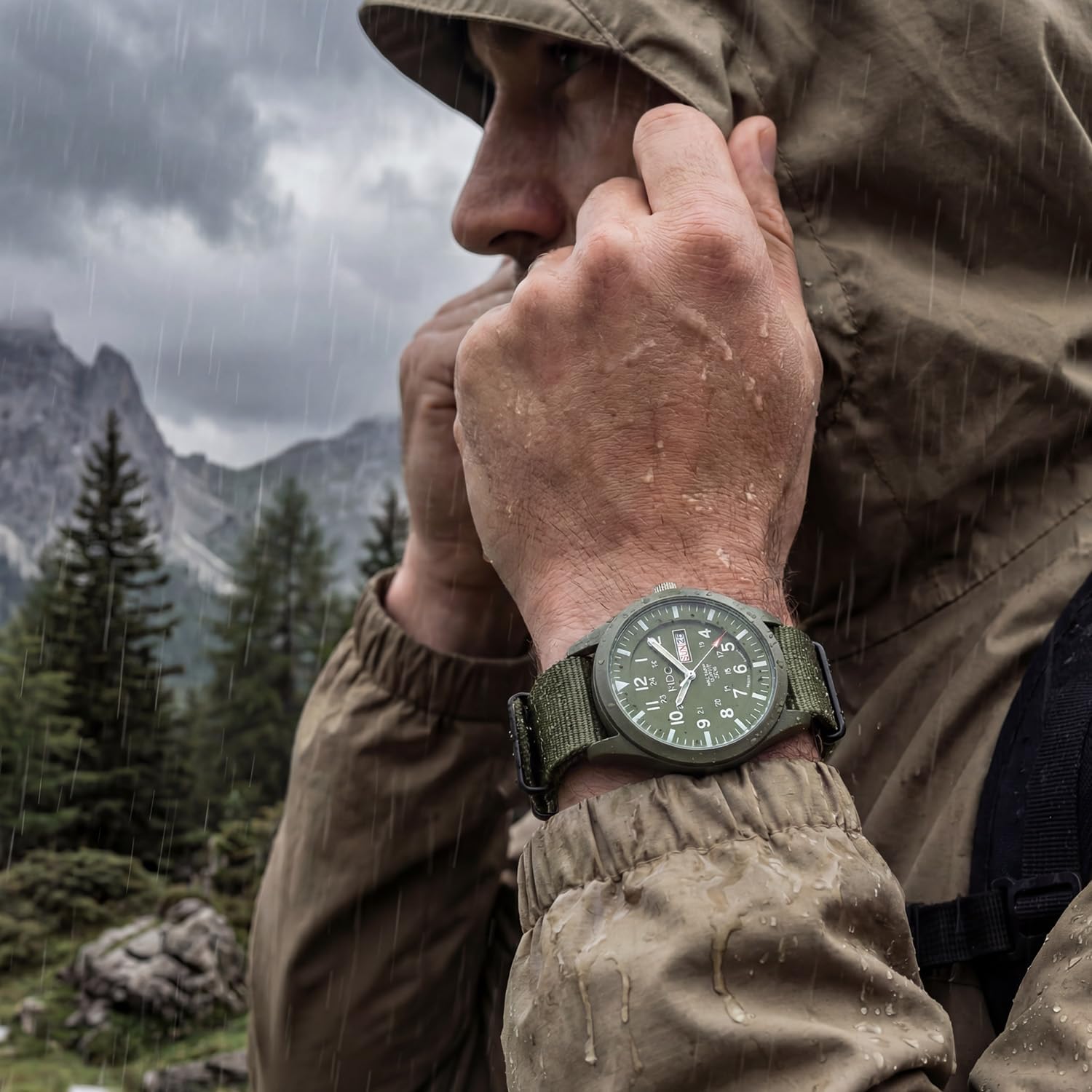
Embrace Growth. Explore the outdoors with gear built for the journey. Rugged and ready.
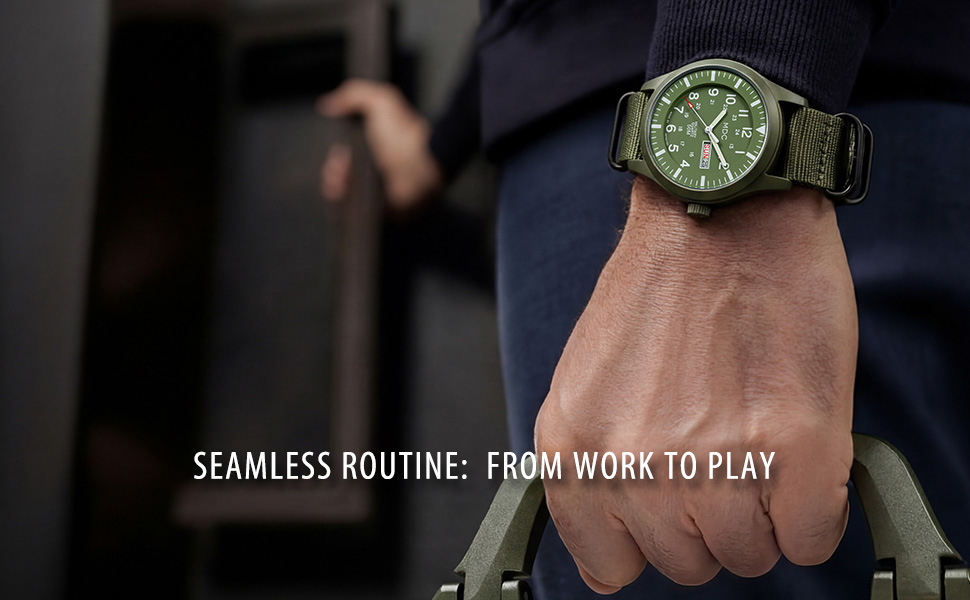
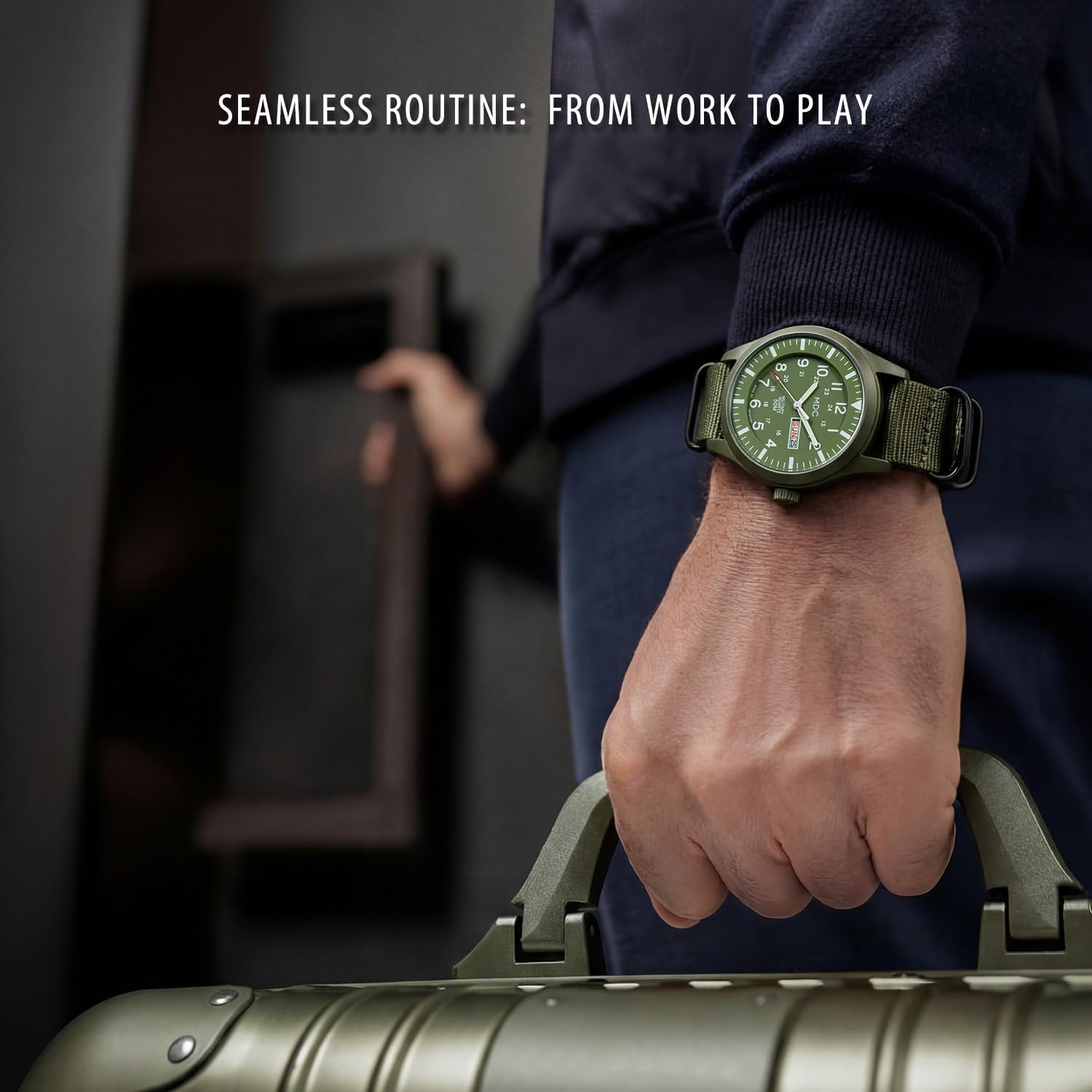
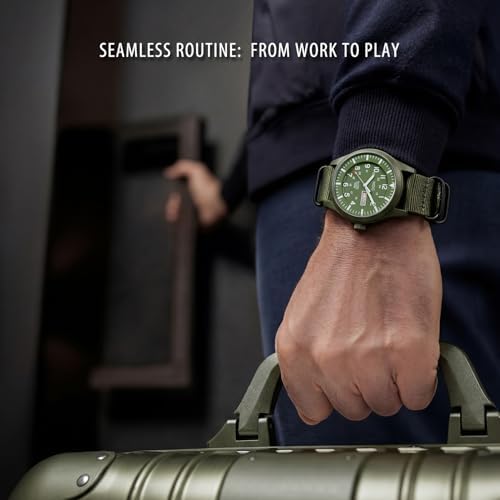
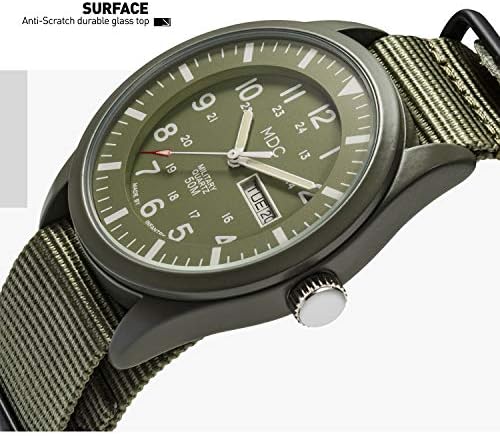
Designed for the modern man who demands reliability without compromising on style. Whether you’re navigating a high-stakes meeting or exploring a rugged trail, this field Watch adapts perfectly to your environment.
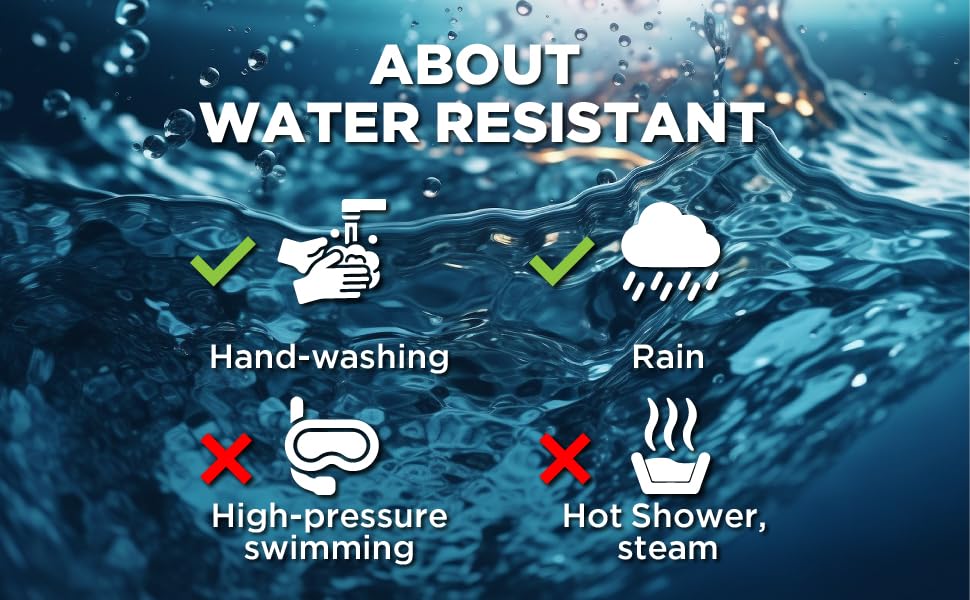
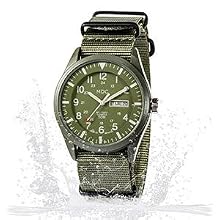
Quietly Protecting. With 5ATM waterproof capacity and a rugged case, your watch nurtures your peace of mind throughout the busiest shifts.
loading
