






Free worldwide shipping
Free returns
Carbon neutral
Secure payments
| Model Name | 420 |
|---|---|
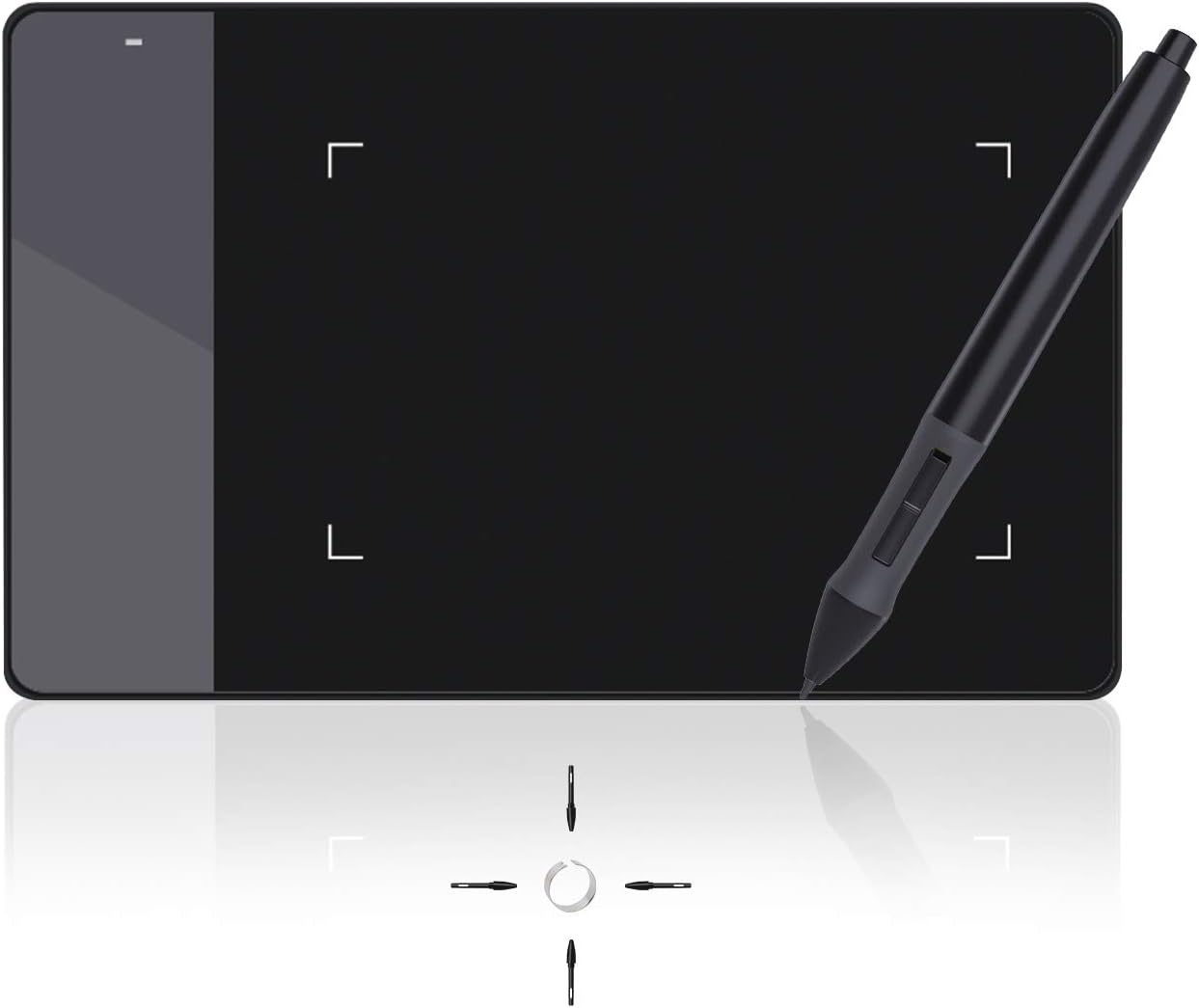
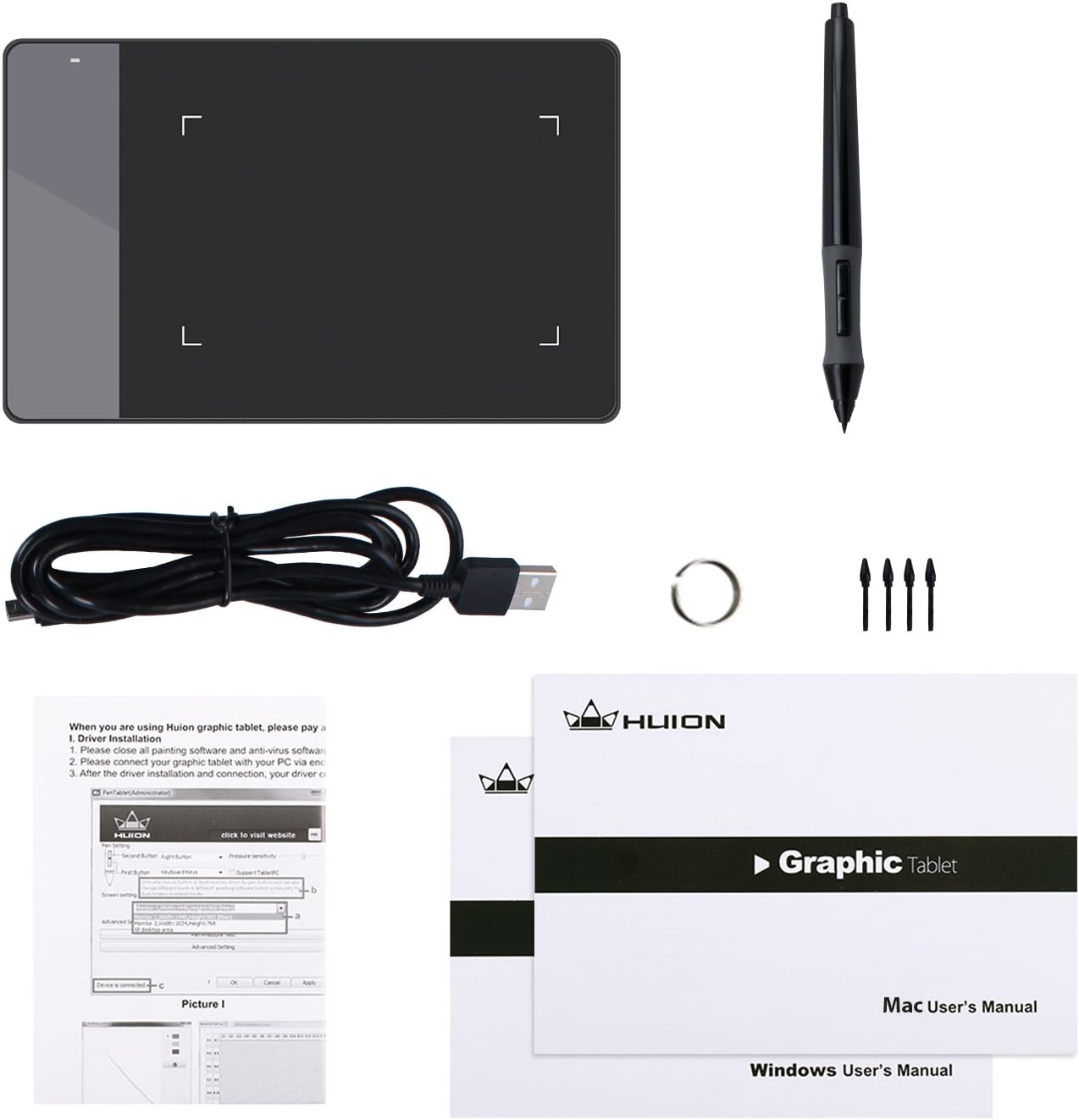
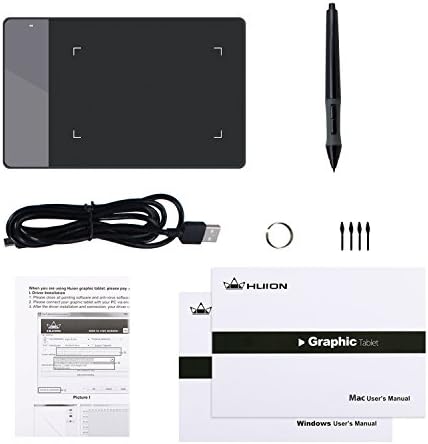
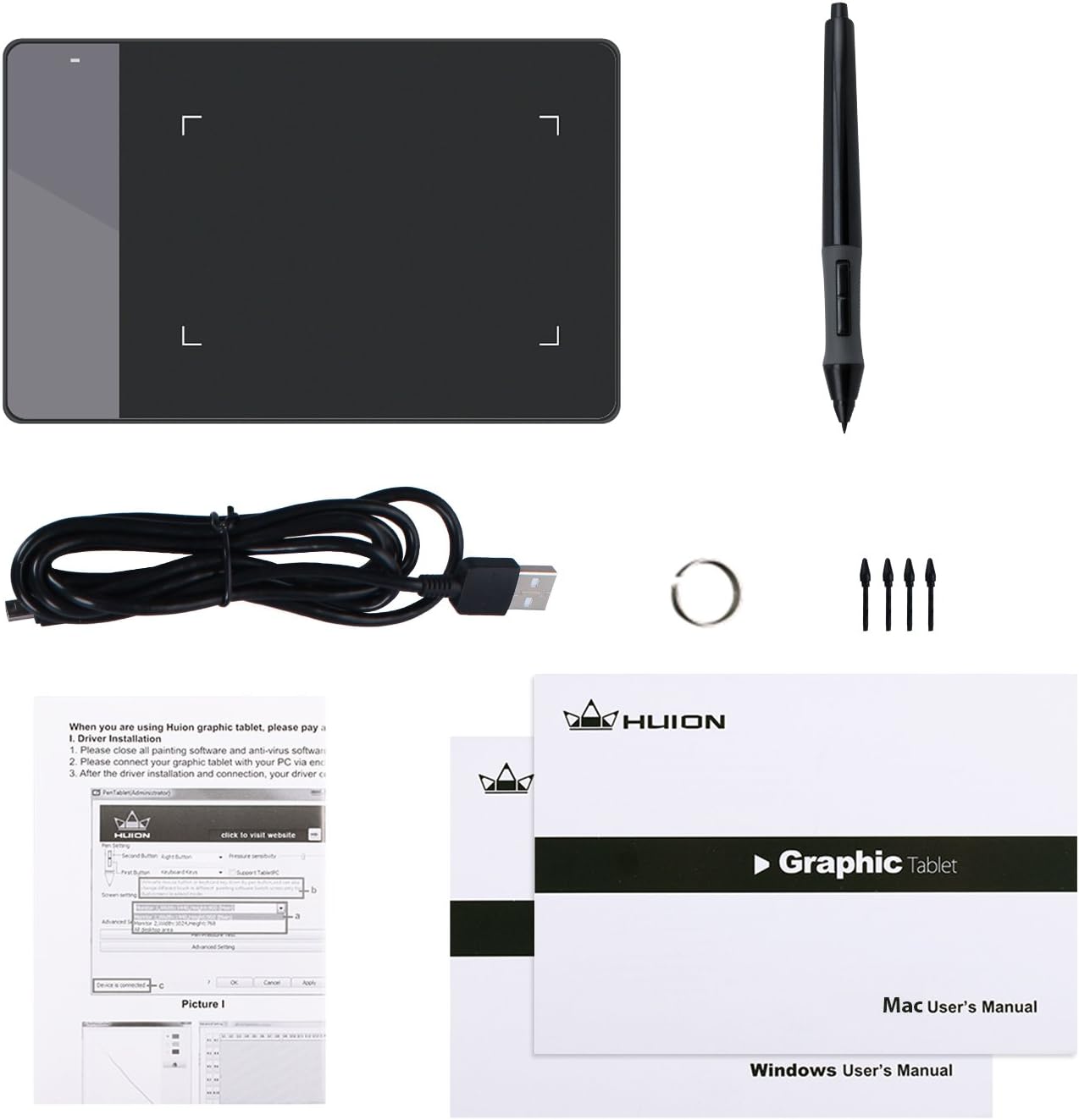
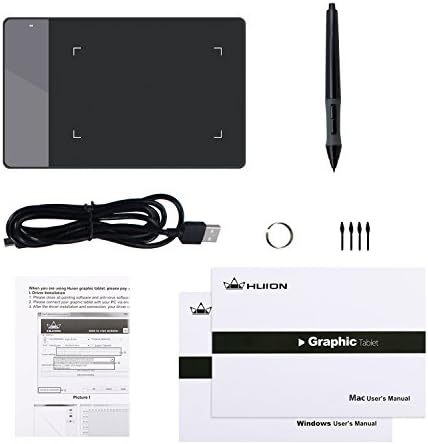
| Built-In Media | Huion 420 Graphics Tablet, Pen Nibs x 4, Removal Tool,User Manual, USB Cord for the Tablet, Wireless Pen(with 2 programmable buttons, 1 AAA battery needed) |
| Target Audience | Student, Teacher, artist, beginner, desinger |
| Model Number | Huion 420 |
| Global Trade Identification Number | 00520324307390 |
| Manufacturer | ShenZhen Huion Animation Technology Co., LTD |
| UPC | 520324307390 760352094842 |
| Item Type Name | drawing tablet |
| Mfr Part Number | 420 |
| Warranty Description | 1 Year warranty |
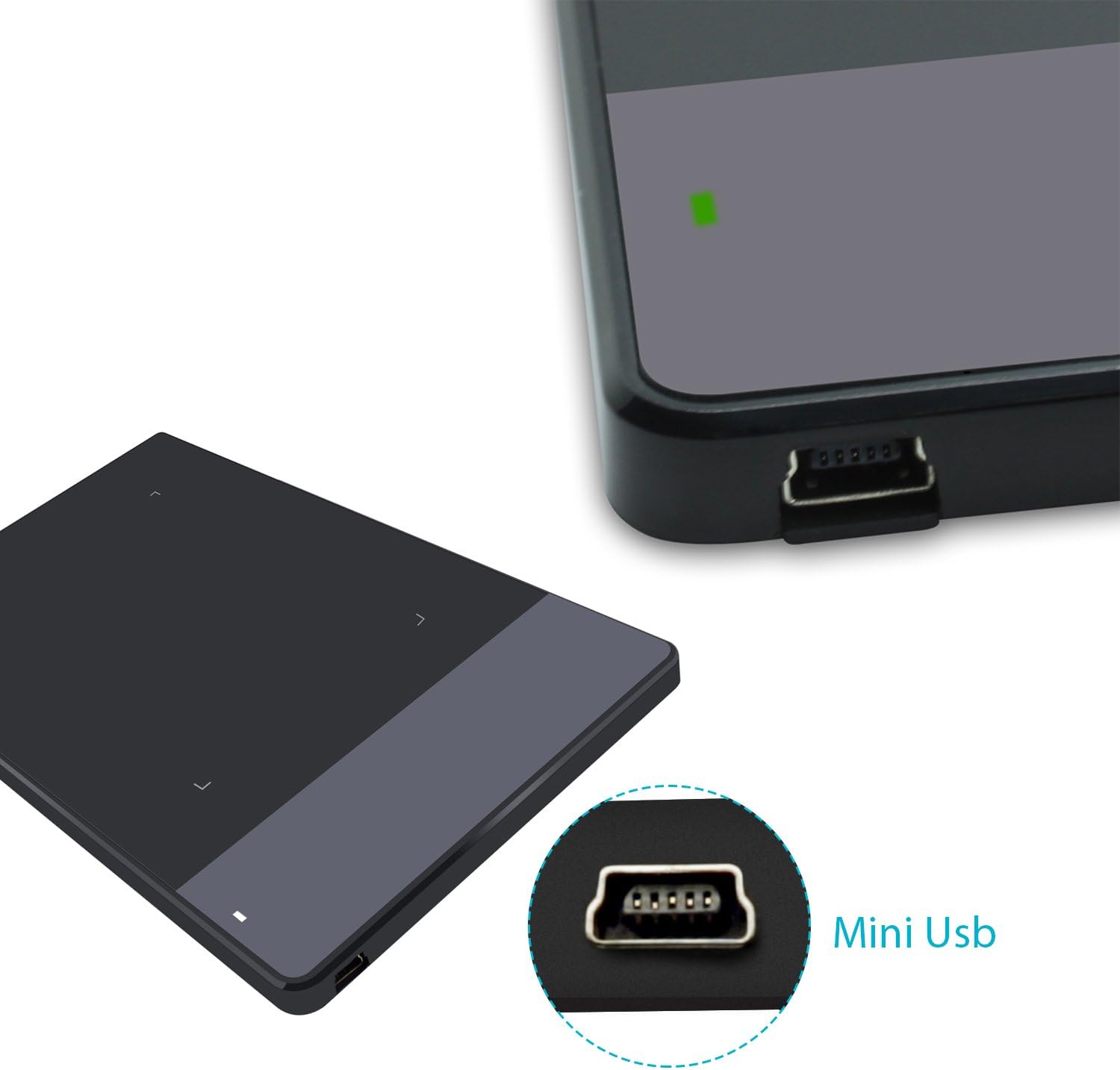
| Connectivity Technology | USB |
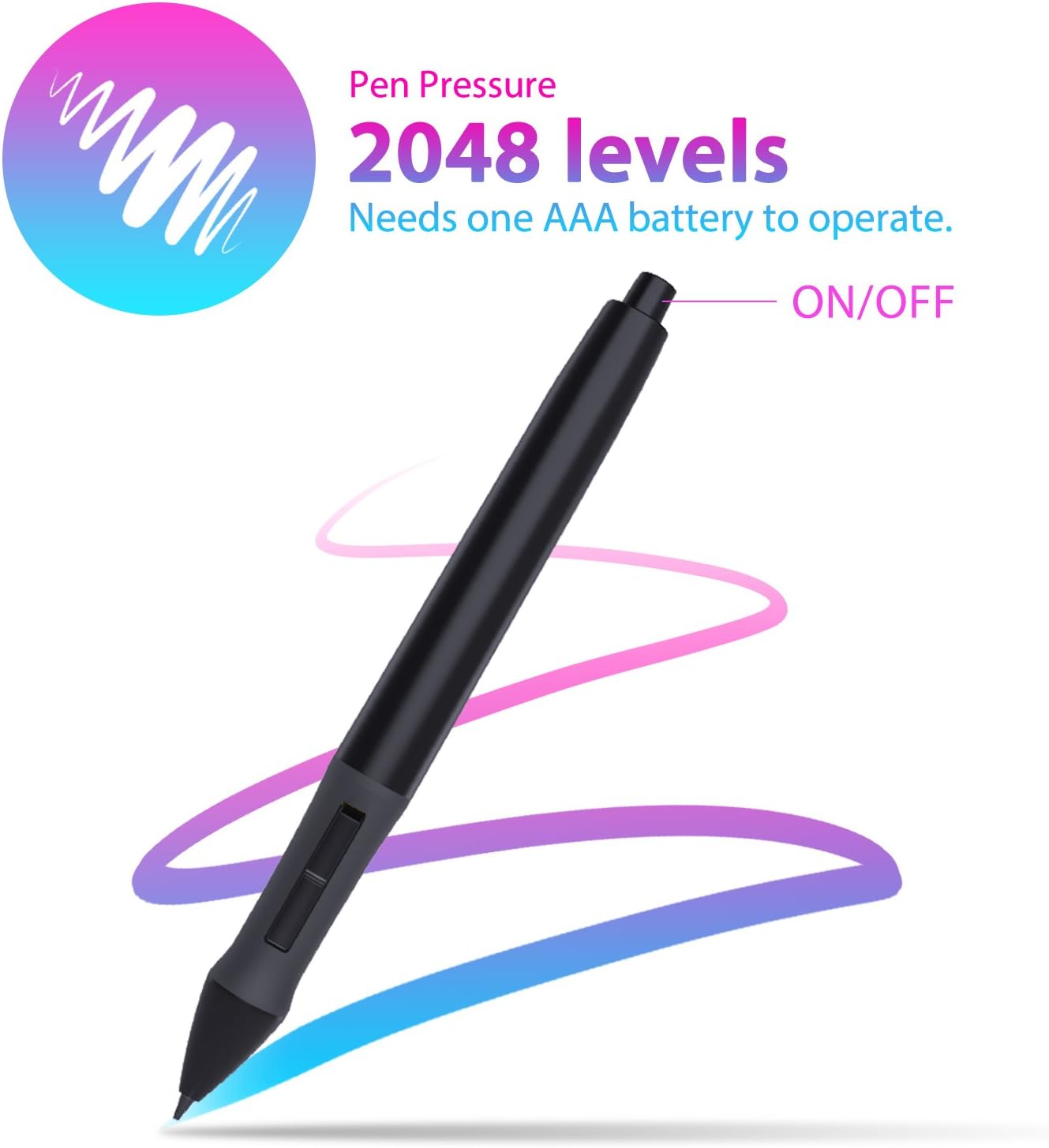
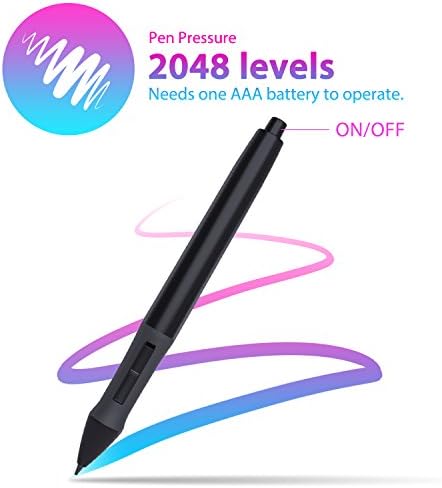
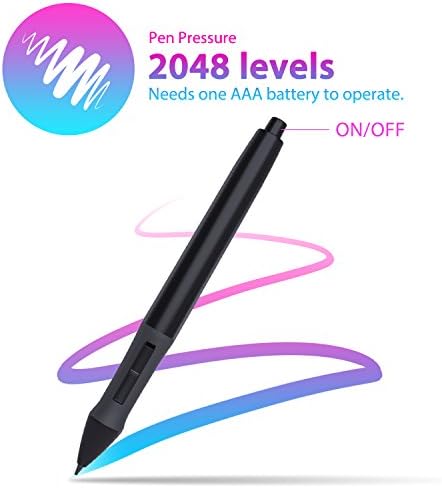
| Pressure Sensitivity | 2048 levels |
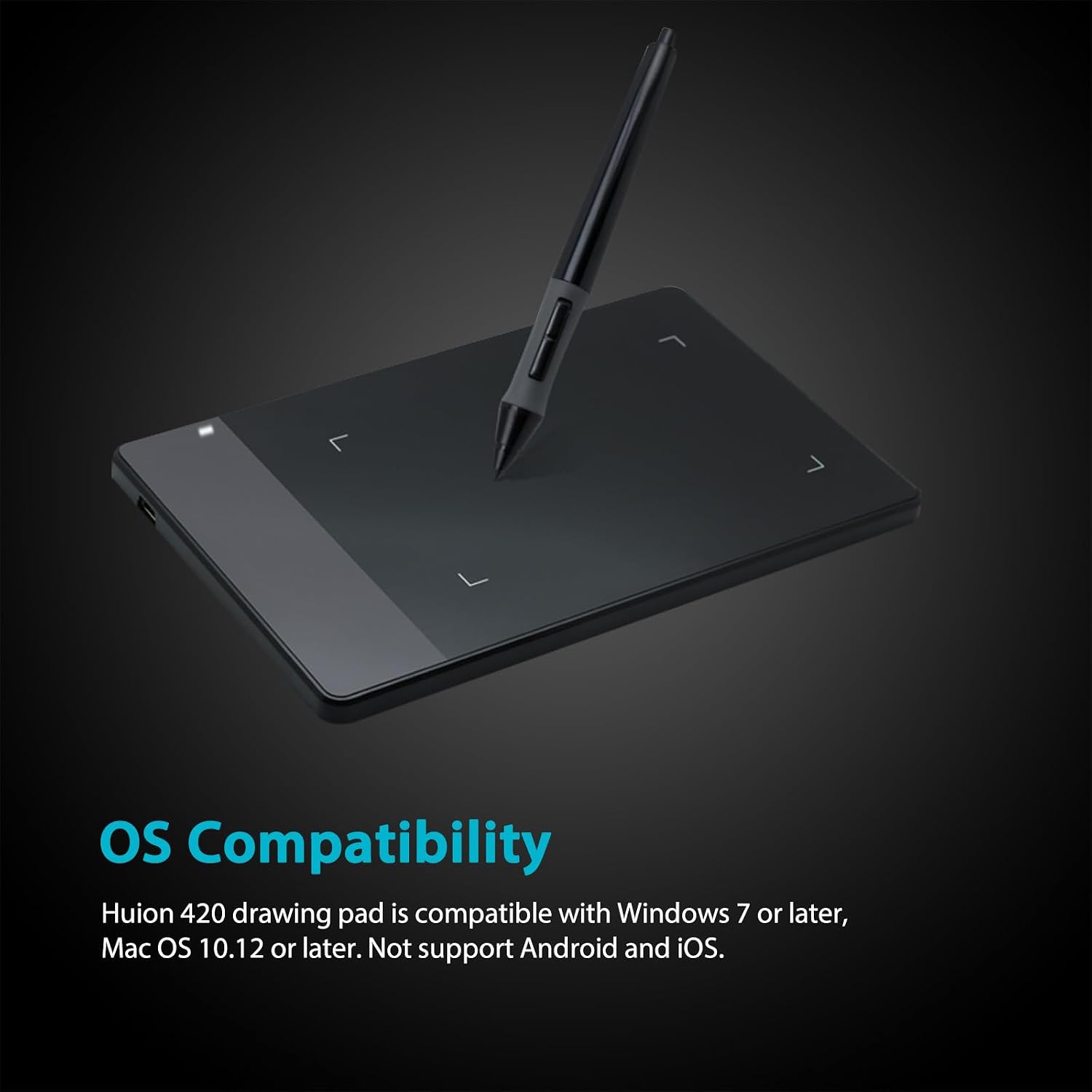
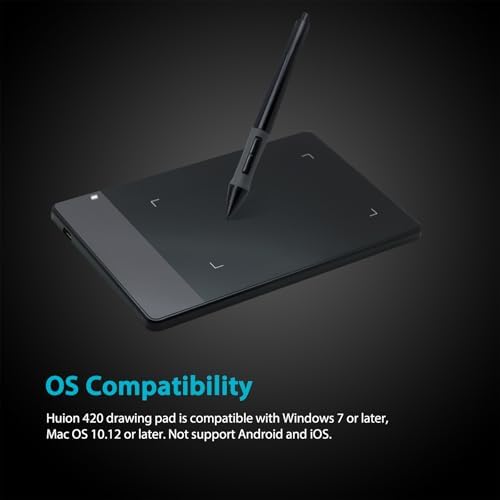
| Operating System | Mac OS 10.12 or later, Windows 7 & above |
| Additional Features | Extra-Slim |
| Specific Uses For Product | Drawing, Editing, Writing |
| Compatible Devices | Desktop, Laptop |
| Display Type | LCD |
| Native Resolution | 4000lpi |
| Screen Size | 5.6 centimeters |
| Item Weight | 125 g |
| Item Dimensions L x W | 4.41"L x 6.97"W |
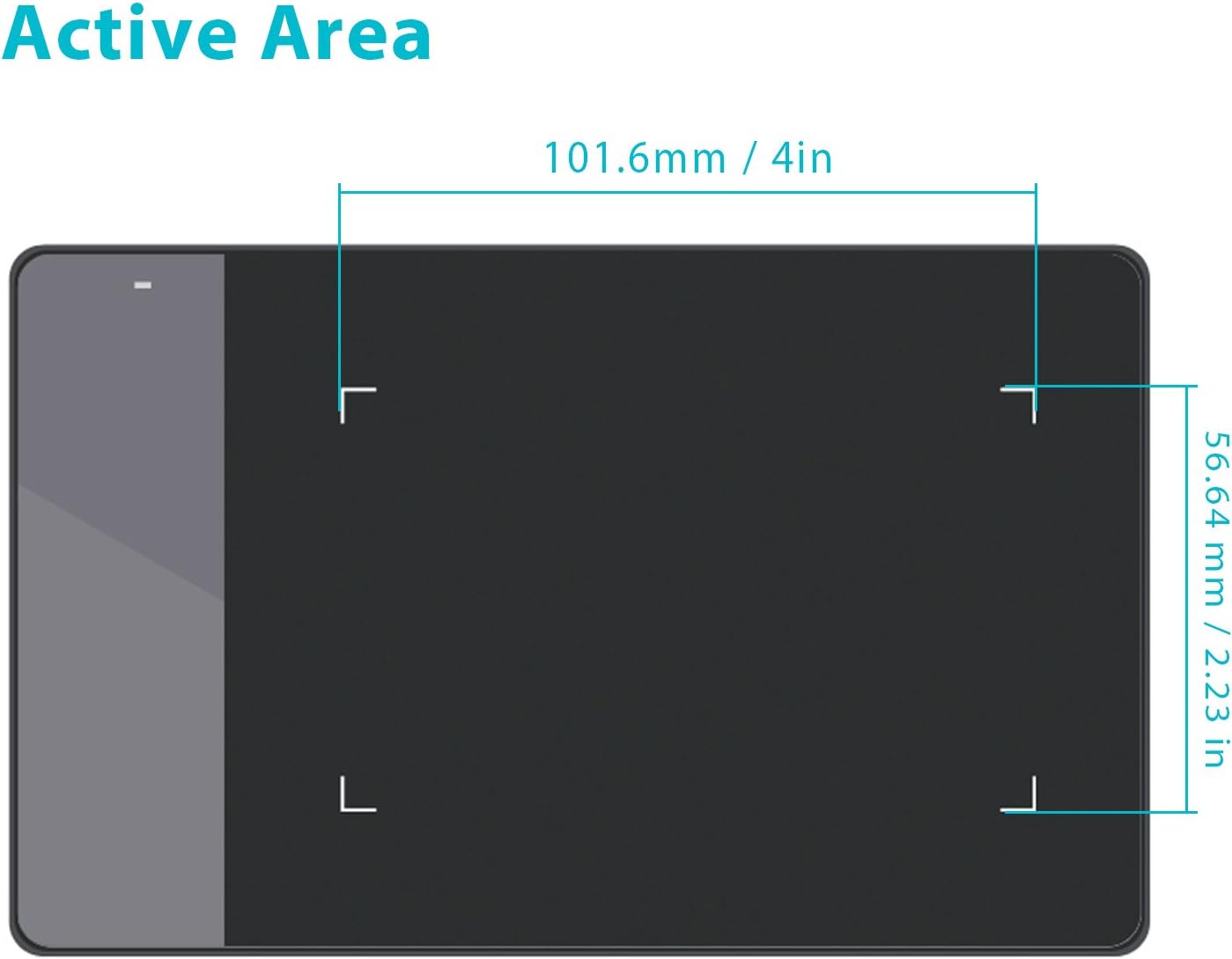
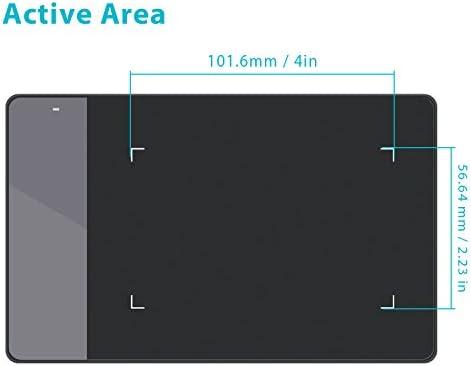
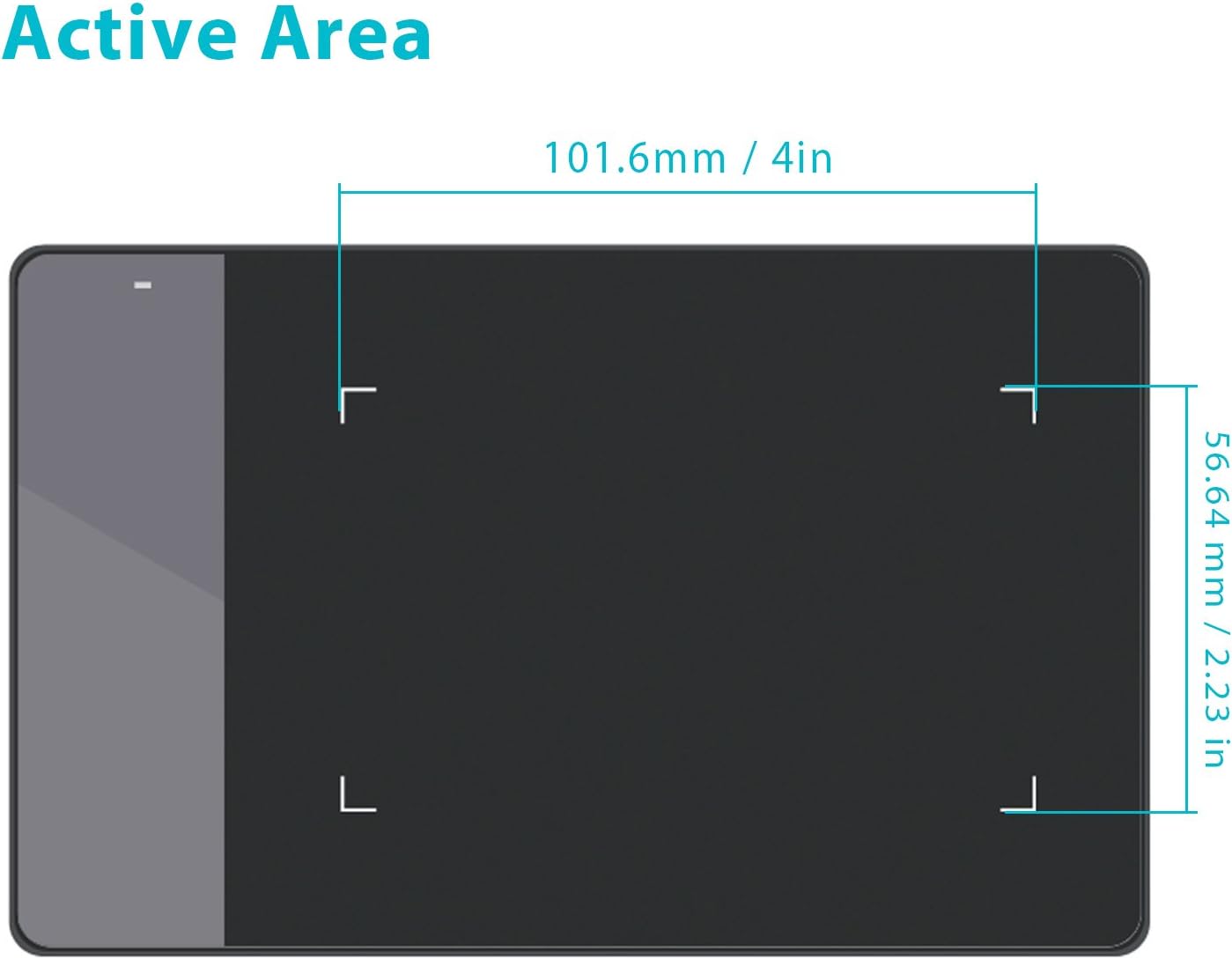
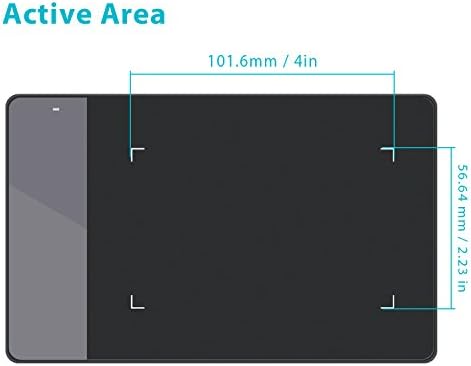
| Active Surface Area | 4 inches x 2.23 inches |
| Color | Black, White |
| Special Feature | Extra-Slim |
FAQ
Q: What to do if the 420 drawing tablet does not work?
A: 1. Check if your computer runs Windows 7 or later, macOS 10.12 or later.
2. Unplug and replug the USB Cable.
3. Try with another computer.
4. Please eliminate electromagnetic interference
If none of the methods mentioned above fix the issue, the tablet is broken. We will help you replace it.
Q: What's in the box?
A: 1 x 420
1 x Battery Pen (AAA battery is not included)
1 x Instruction
1 x USB Cable
4 x Pen Nibs
1 x Pen Clip
Q: Can I connect 420 to an iOS system?
A: No, you cannot connect it to an iOS system. Currently, 420 only supports Windows 7 or later and macOS 10.12 or later.
Q: Can I connect 420 to my phone?
A: No, you cannot connect it to your phone. 420 doesn't support the Android system.
Q: Which system is the Huion 420 compatible with?
A: H420X is compatible with Windows 7 or later, Mac OS 10.12 or later.
WARM TIPS:
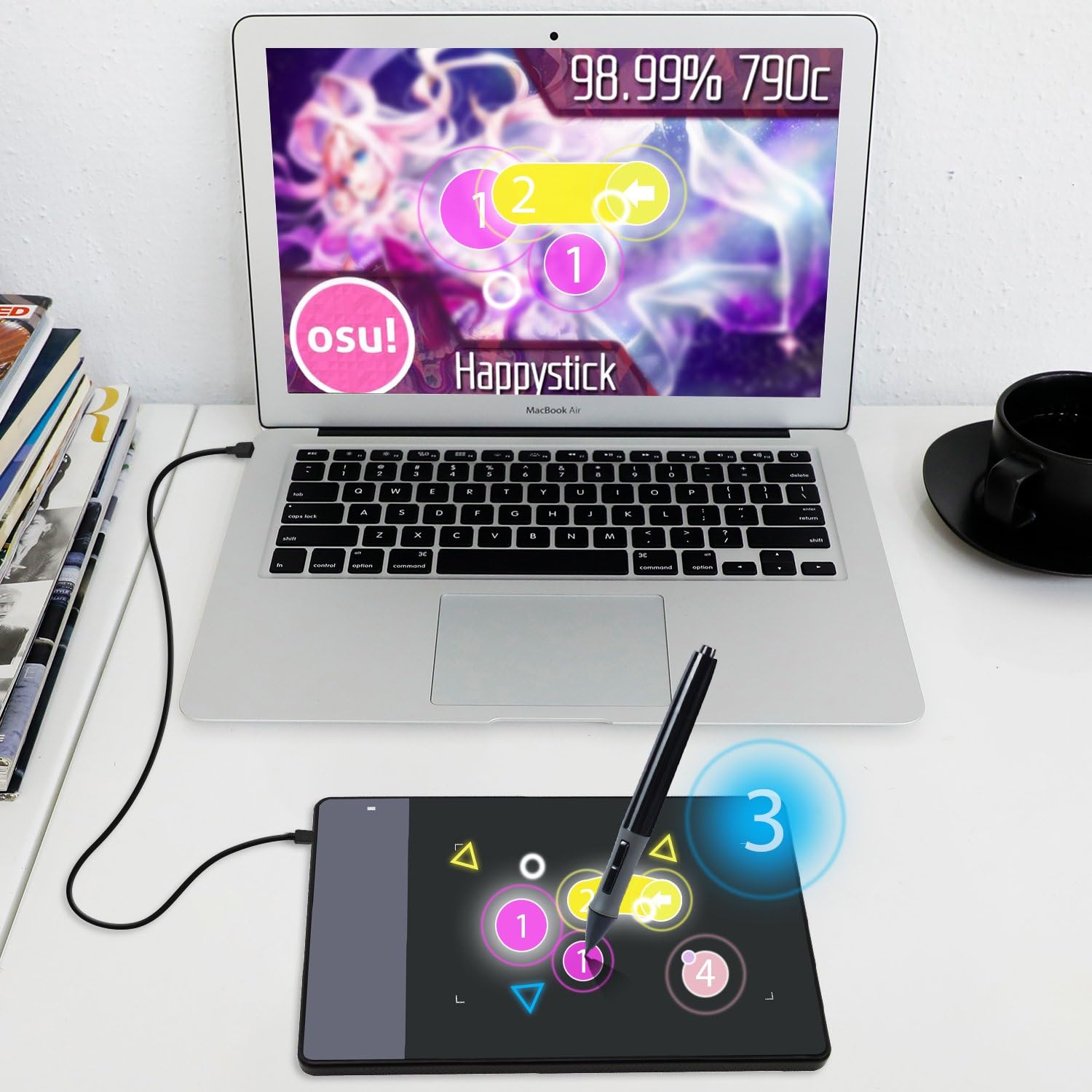
420 is NOT a standalone product; this device must be connected to a computer/laptop to work.

Driver Download and Installation
Driver Download: Please go to Huion official web to download the latest tablet driver (Driver_12.4.2 for Windows user; Driver_12.2.2 for MacOs users).
Driver Installation: Please make sure there is no other brands driver on computer and close all drawing program or protecting program before installation. Please Run As Administrator when installing the driver.
MacOS users need to put software you newly downloaded into white list first to normally use it.
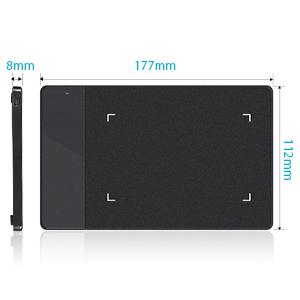
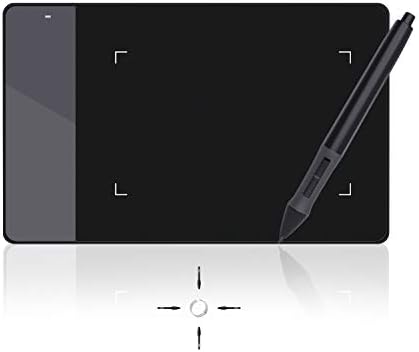
Being easy-to-carry and minimalist in design, 420 pen tablet of minimalist design and 7.5mm in thickness not only brings users more convenience, but also a 4×2.23 inch working area for creating. You can carry it everywhere you want.
Movement of your pen nib can be accurately captured with the help of 4000LPI pen resolution. The higher the pen resolution value is, the better presentation of each line input will be.
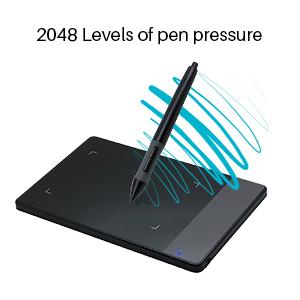
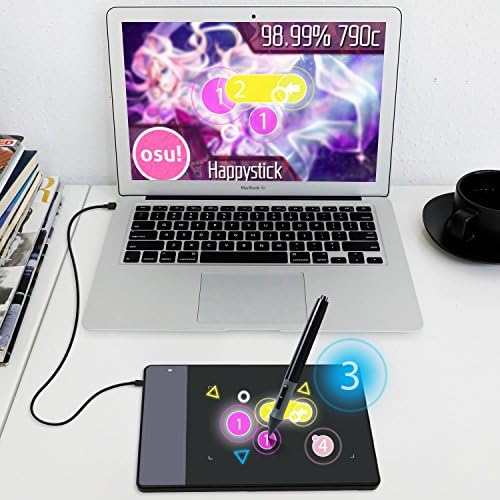
420 graphics tablet is with resolution 4000 LPI, 2048 Levels of pen pressure, Supply Voltage DC5V and Power Consumption 0.35W. It provide you with excellent smooth operation. It is a grate wonderful mouse alternative.
200RPS report rate and 12mm sensing height ensure instant response to pen movements. Each line input is accurately presented, without compromising of the consistency.
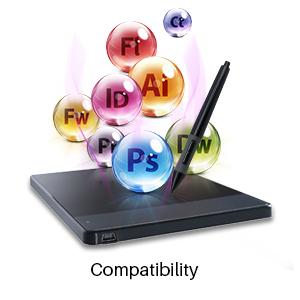
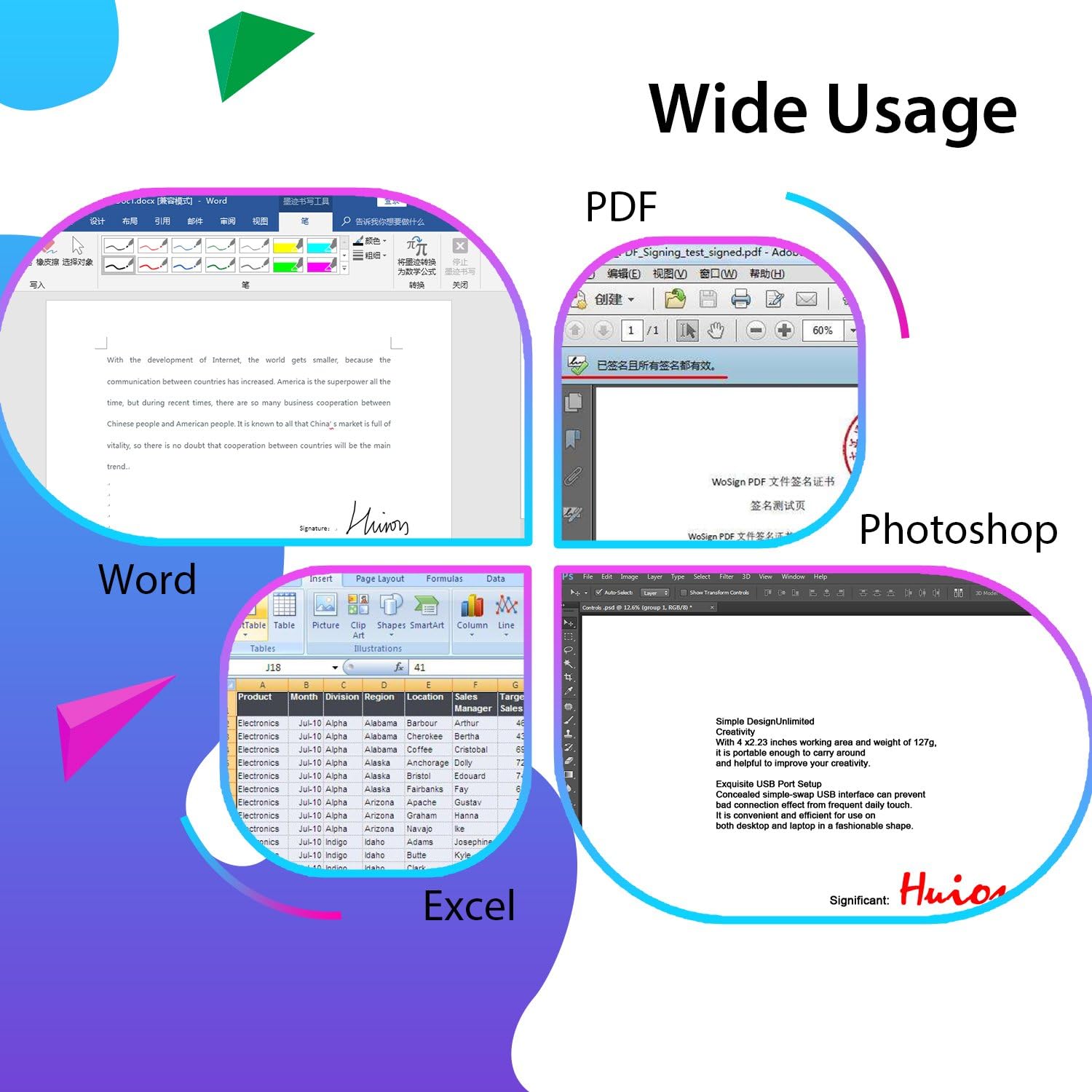
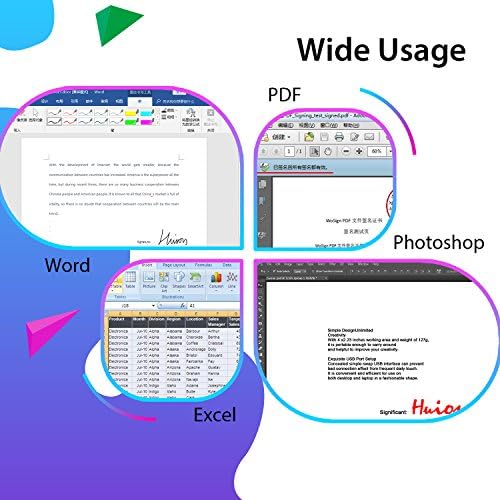
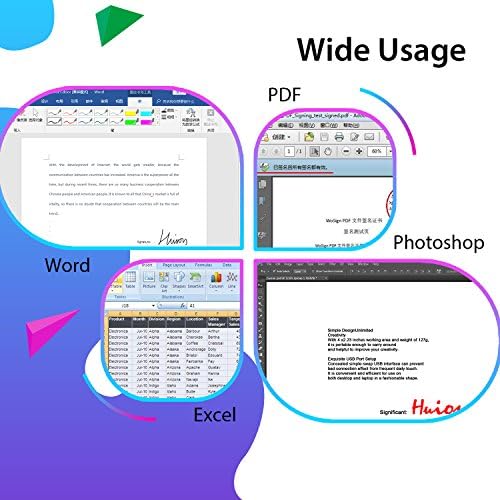
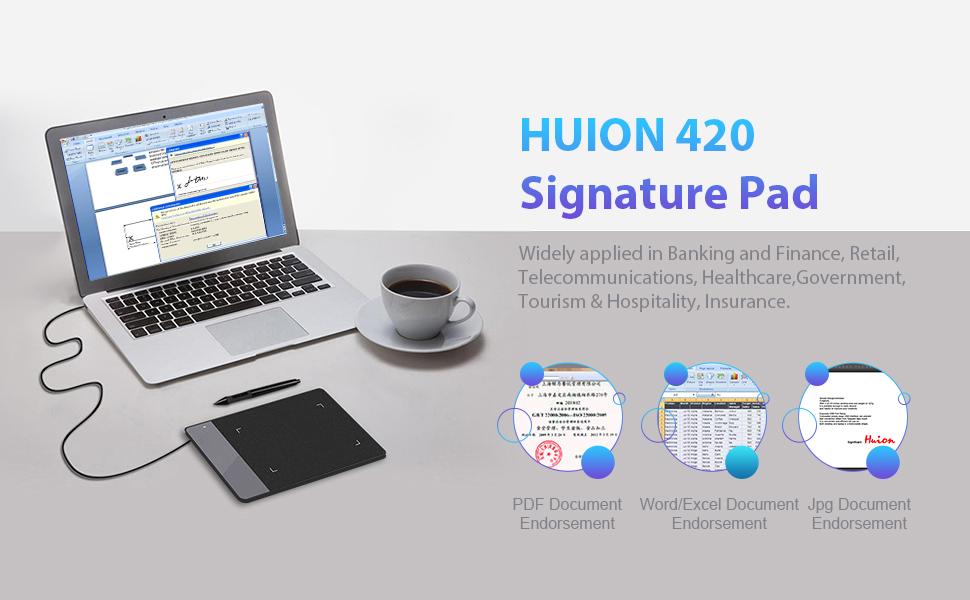
Operations on Windows 7.0 or above and Mac OS 10.12 or above are supported, with various mainstream drawing and designing software compatible. 420 is created specially for the E-signing application, while drawing with the tablet is also supported.
With 420 electronic signature pad, files edited on Word, Excel and documents of PDF or JPG formats are all compatible with signing function supported by our products.
loading
