





Free worldwide shipping
Free returns
Carbon neutral
Secure payments
| Model Number | HV-H2002d |
|---|---|
| Model Name | H2002D |
| Built-In Media | User Manual |
| Age Range Description | Adult |
| Warranty Description | 2 |
| Number of Items | 1 |
| Manufacturer | havit |
| External Testing Certification | NAO APLICAVEL |
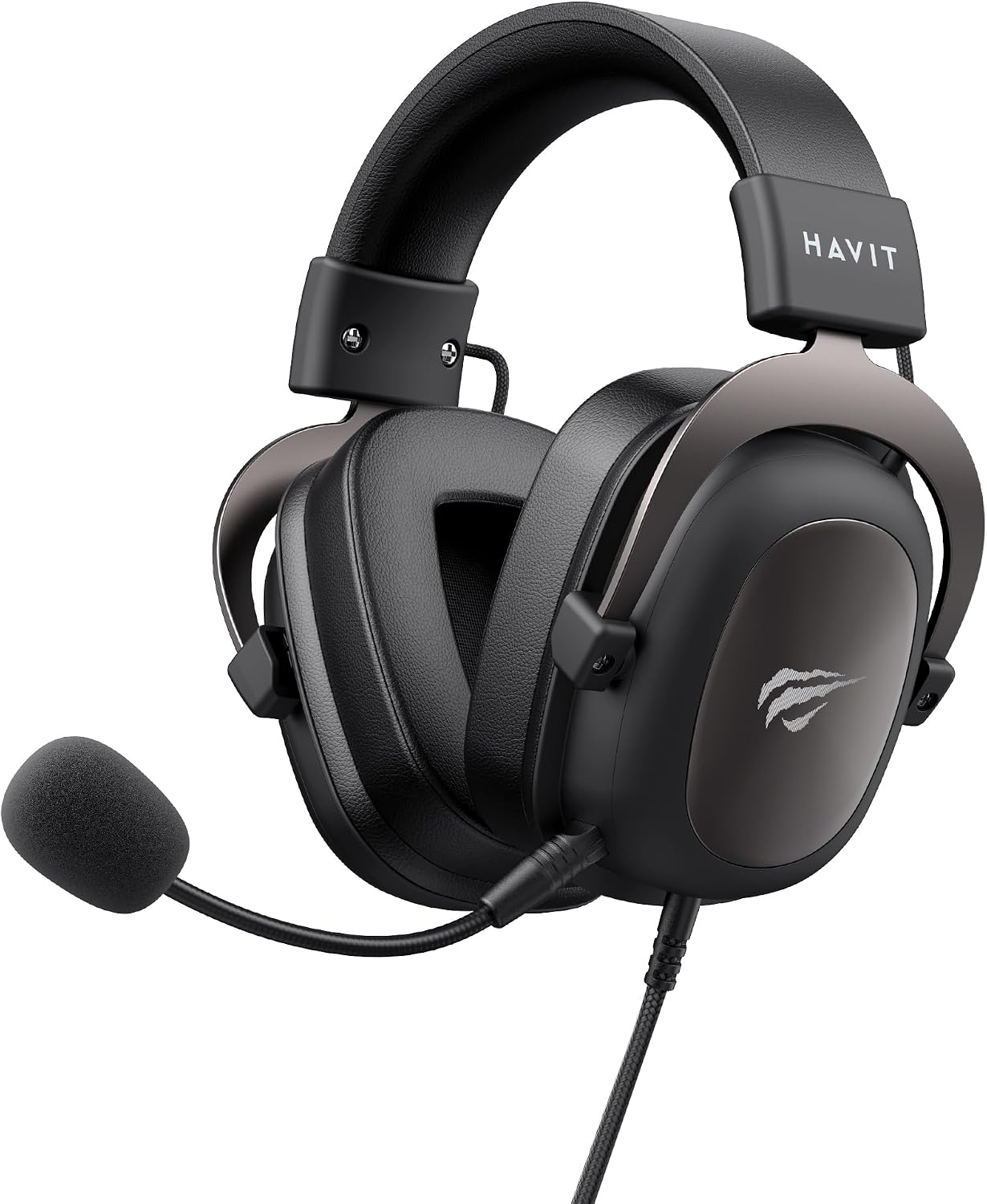
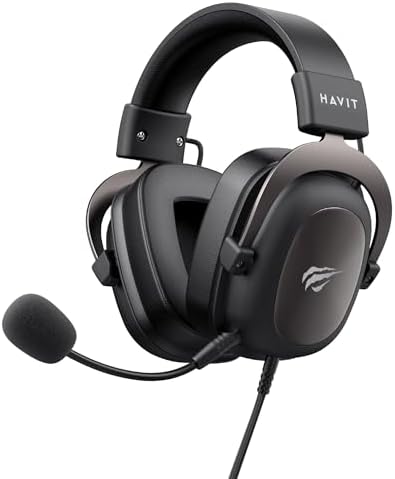
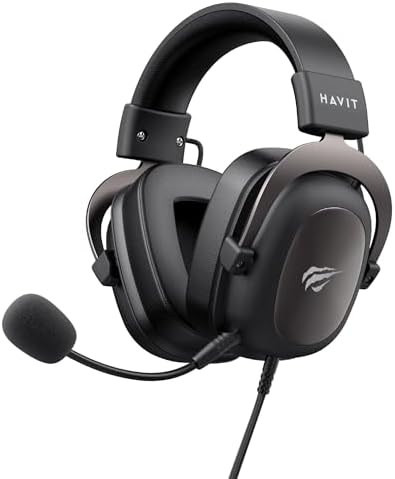
| Item Type Name | havit HV-H2002U Gaming Headset Headphone with Microphone, Speaker 53mm, 3.5mm Plug: Compatible with XBOX ONE and PS4 |
| Headphone Jack | 3.5 mm Jack |
| Connectivity Technology | Wired |
| Wireless Technology | No |
| Color | Black |
| Style Name | Modern |
| Theme | Plain |
| Item Weight | 297 g |
| Unit Count | 1 Count |
| Impedance | 64 ohm |
| Noise Control | Passive Noise Cancellation |
| Frequency Response | 20 KHz |
| Sensitivity | 65 db |
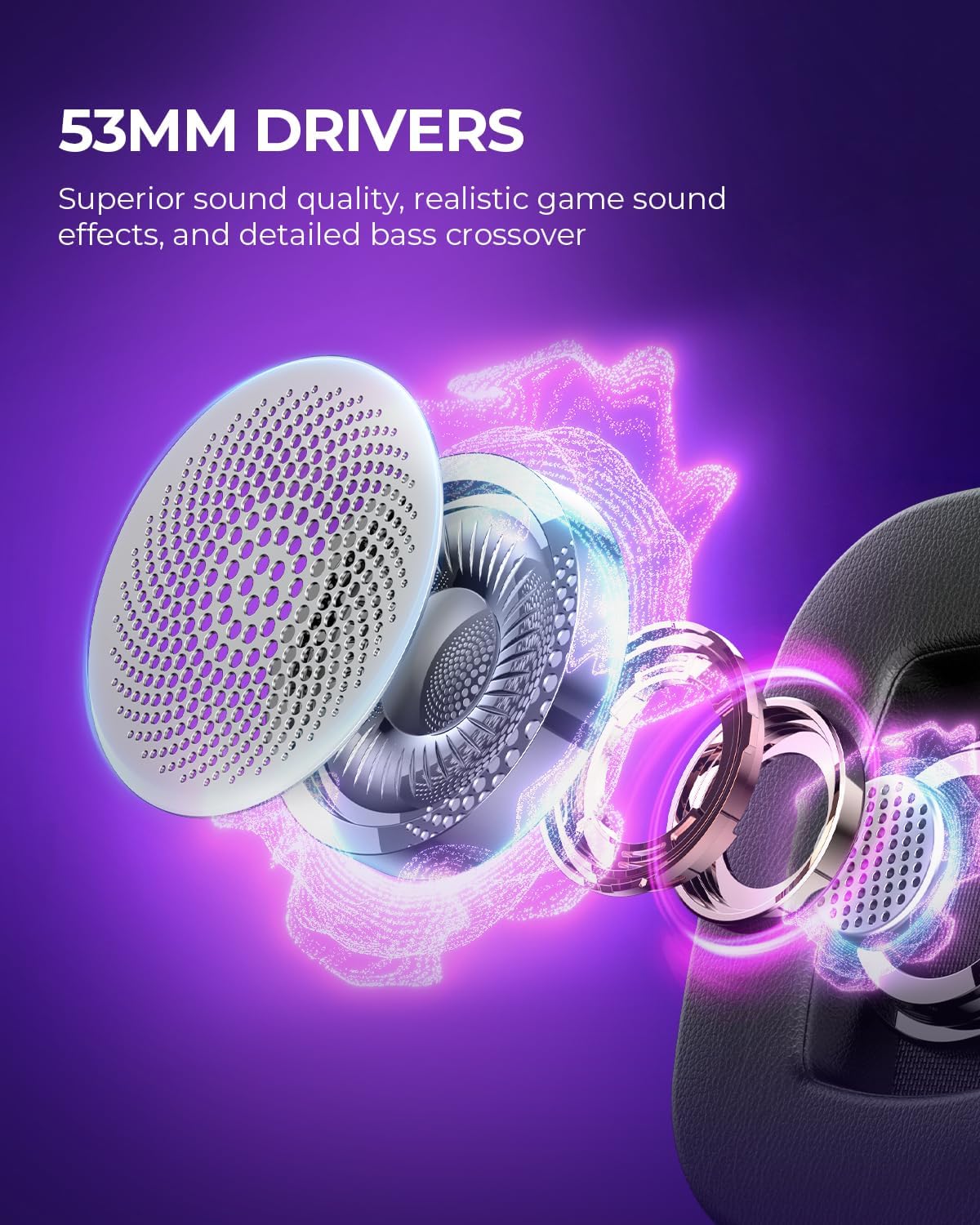
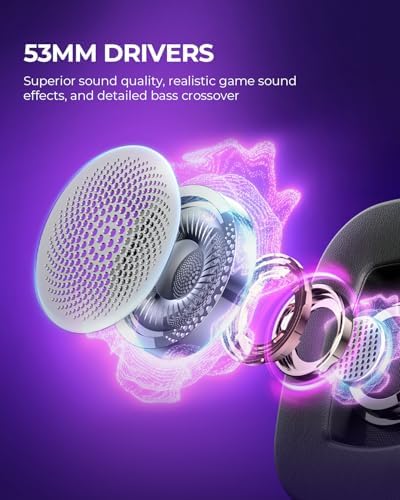
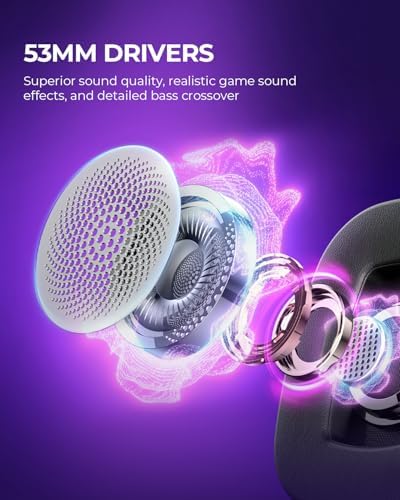
| Audio Driver Type | Custom Driver |
| Audio Driver Size | 5.3 centimeters |
| Frequency Range | 20Hz - 20kHz |
| Enclosure Material | Aluminum Frame、Memory Foam |
| Specific Uses For Product | Gaming |
| Antenna Location | Gaming |
| Compatible Devices | Gaming Consoles, PS5 PS4, xbox |
| Cable Features | Retractable |
| Water Resistance Level | Not Water Resistant |
| Additional Features | Lightweight, Surround Sound |
| Headphones Ear Placement | On Ear |
| Headphone Folding Features | On Ear |
| Earpiece Shape | Oval |
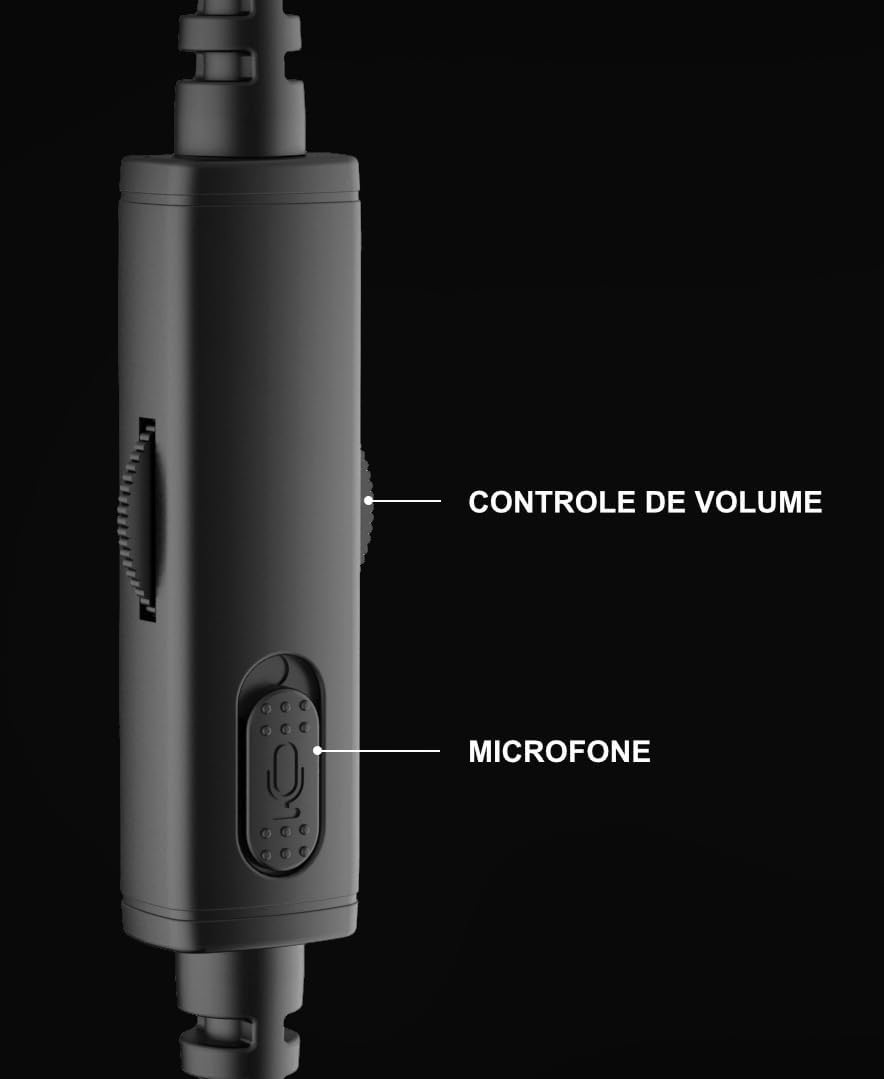
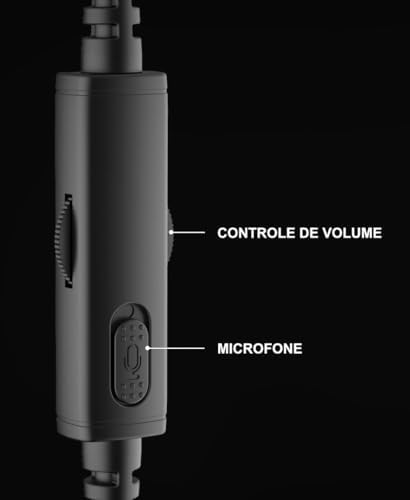
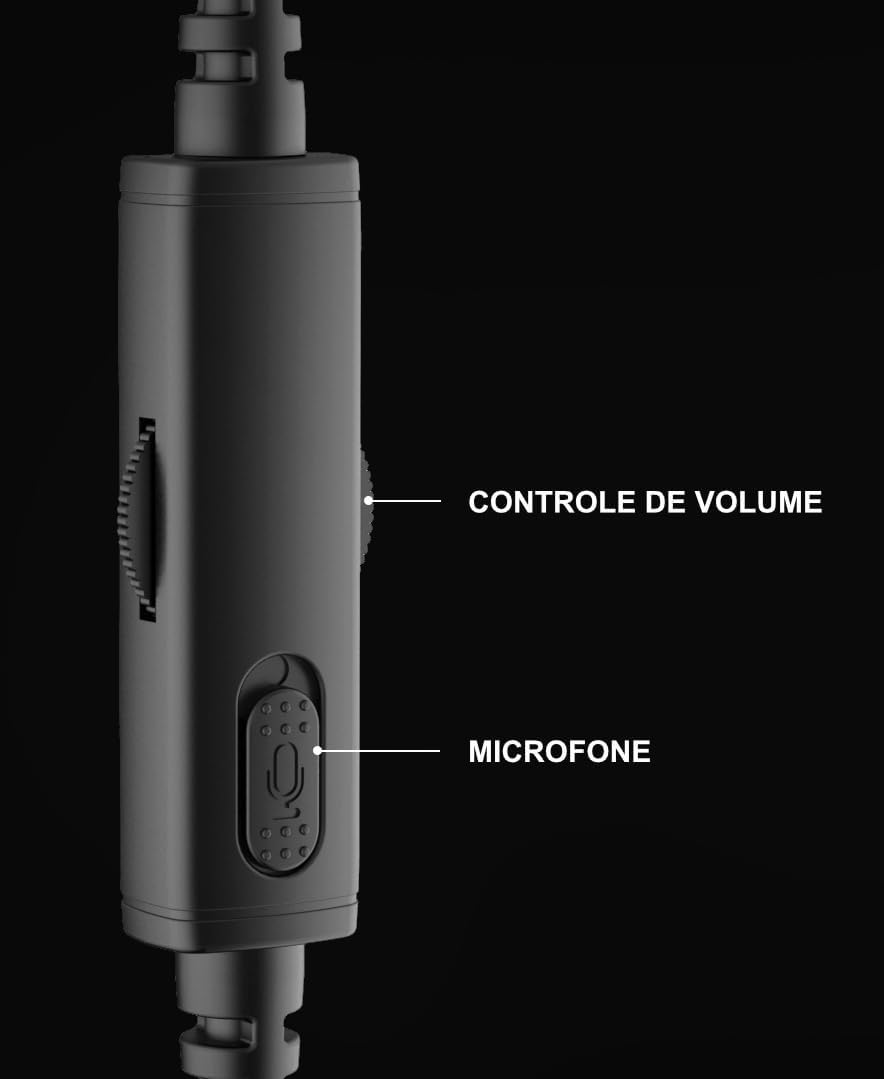
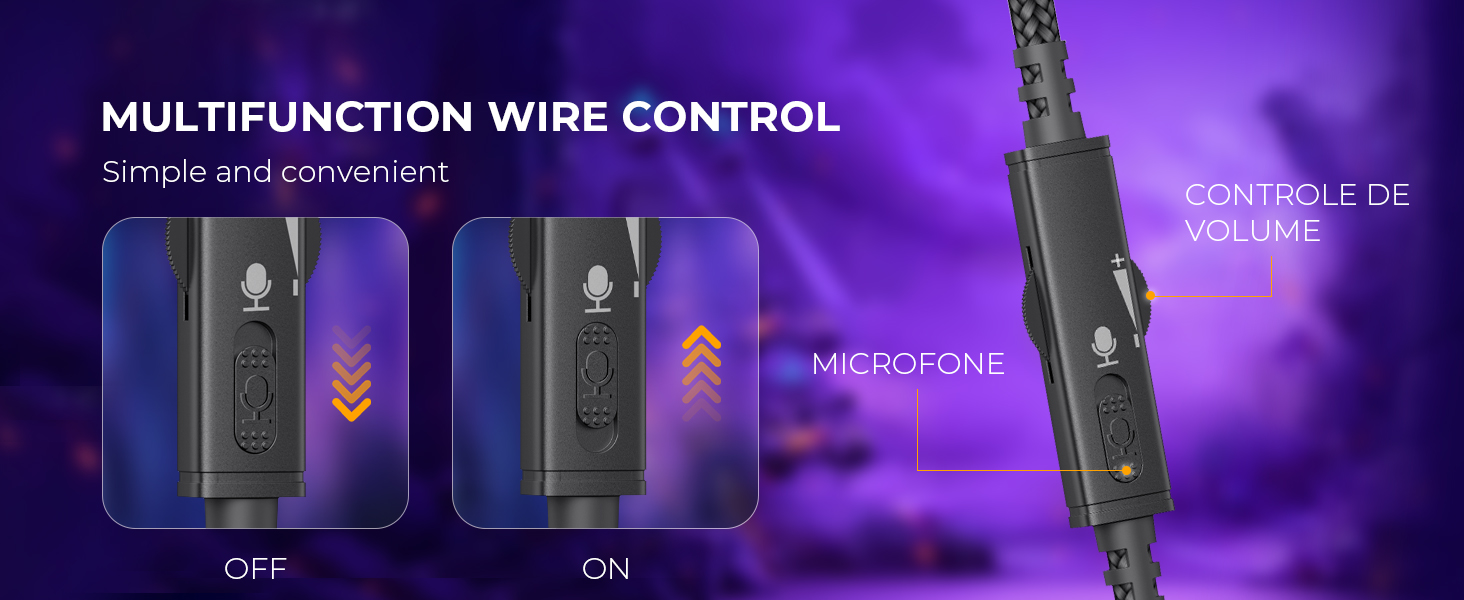
| Control Type | Volume Control |
| Control Method | Remote |
| Controller Type | Button |
| Headphones Form Factor | On Ear |
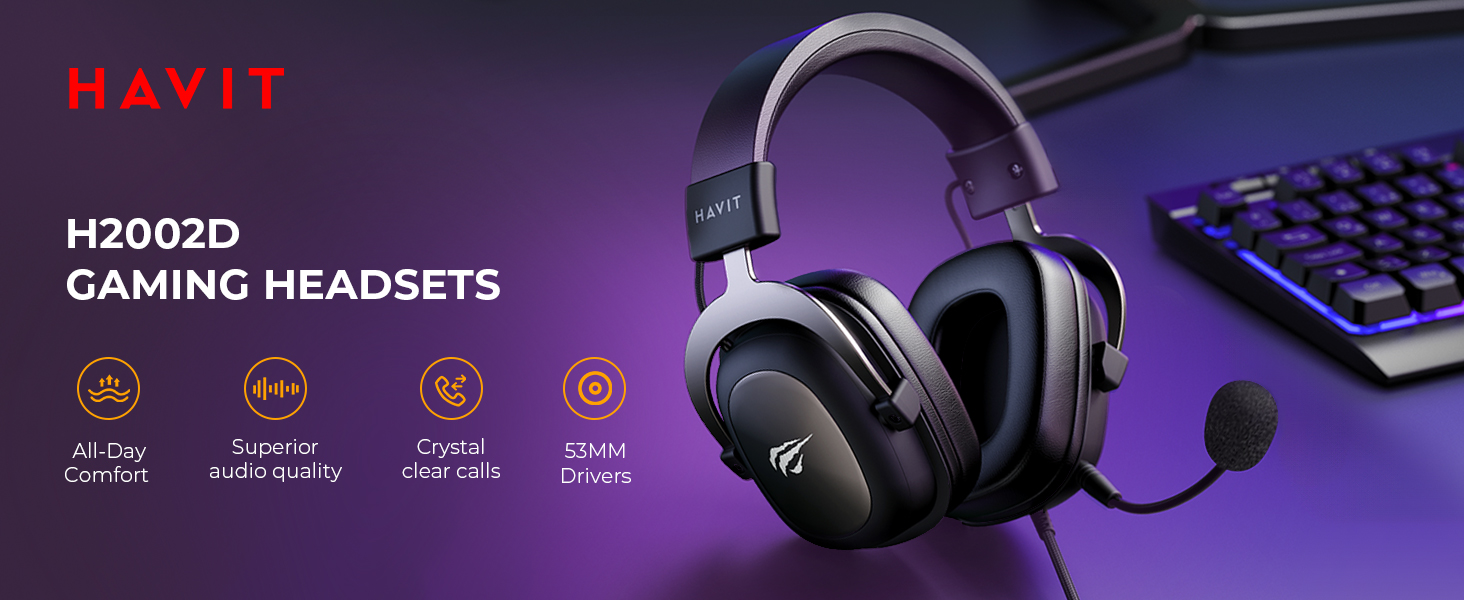

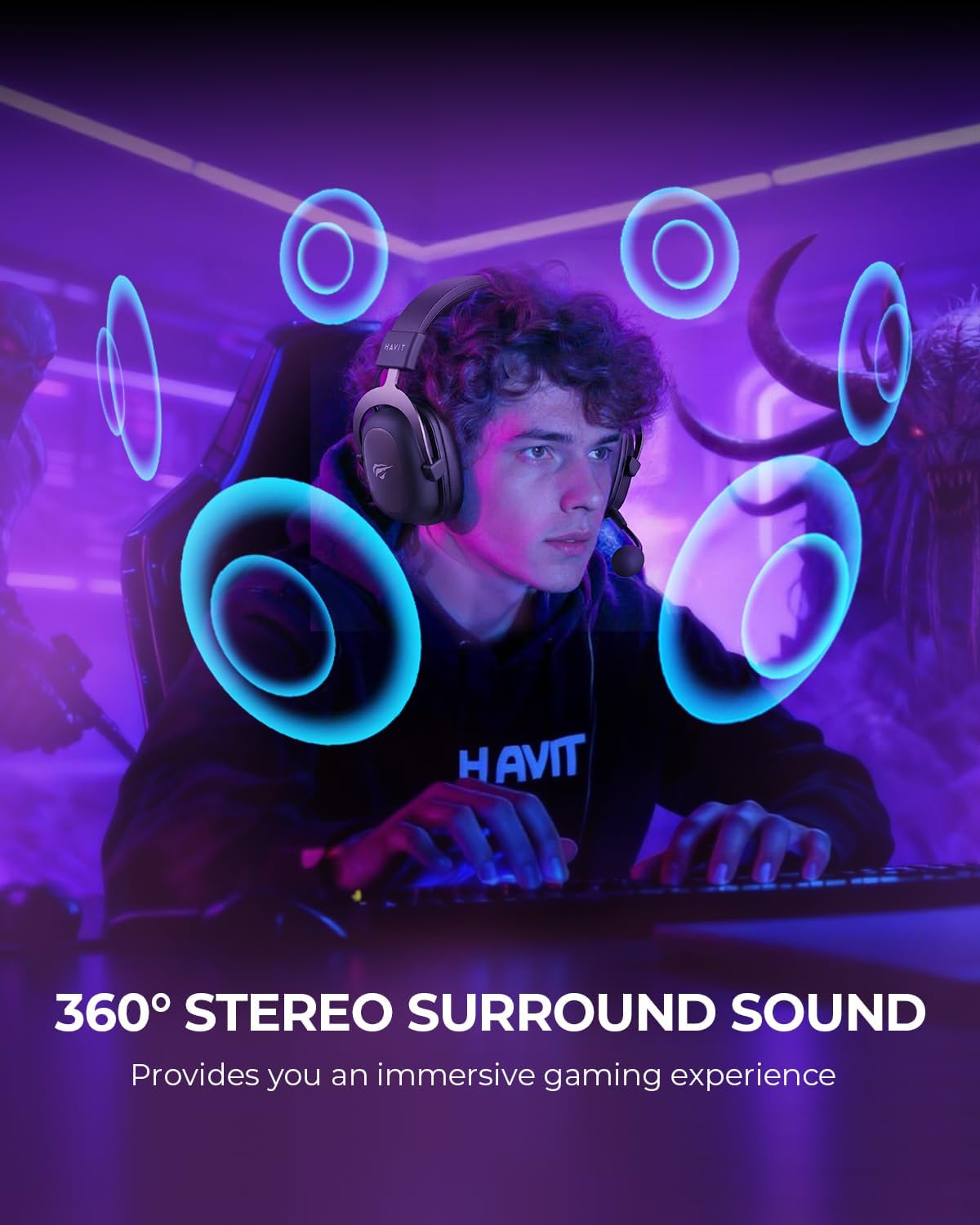
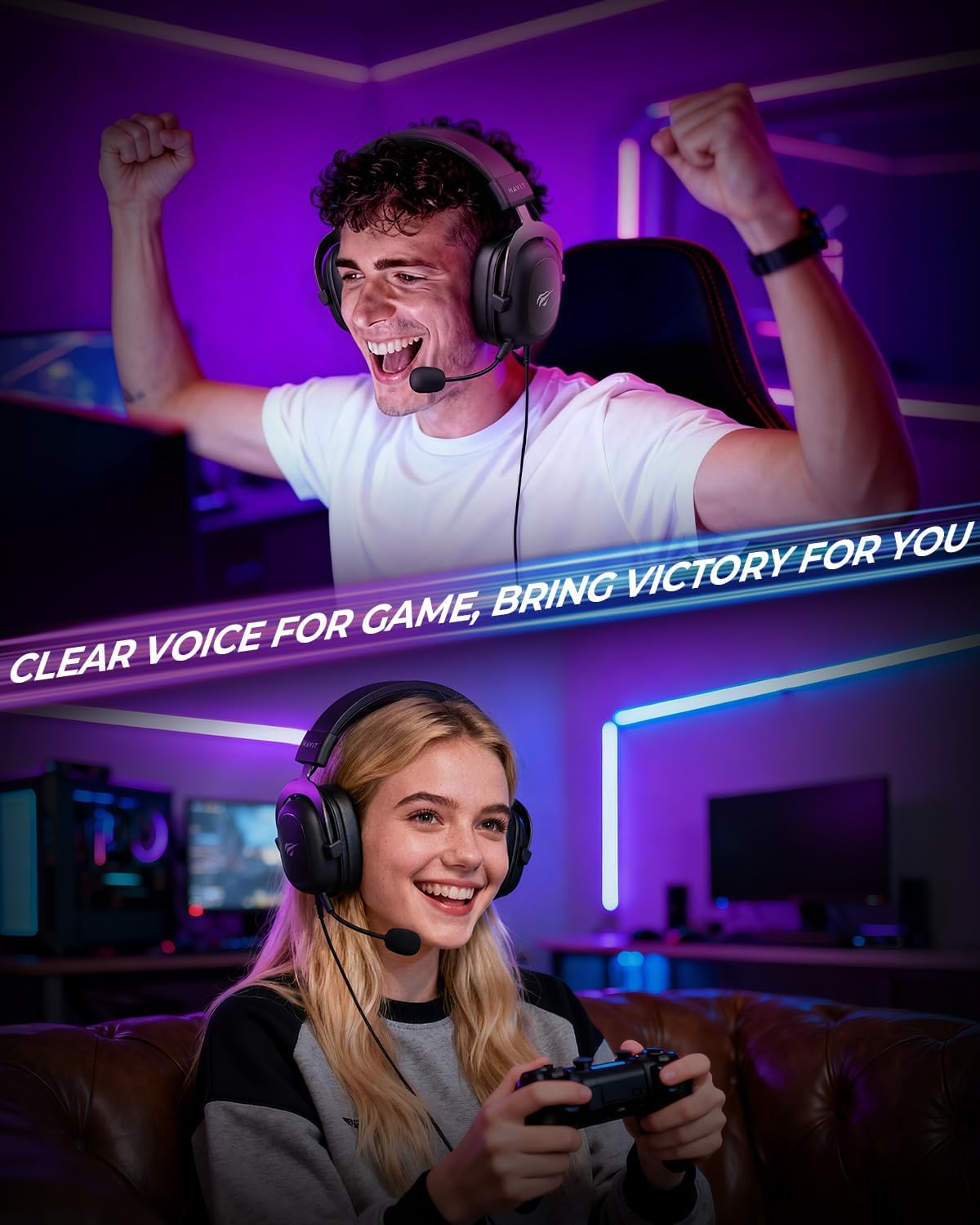
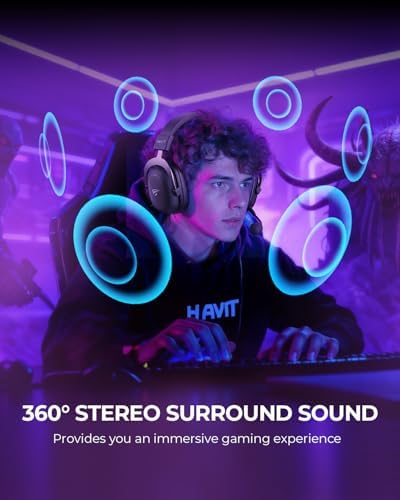
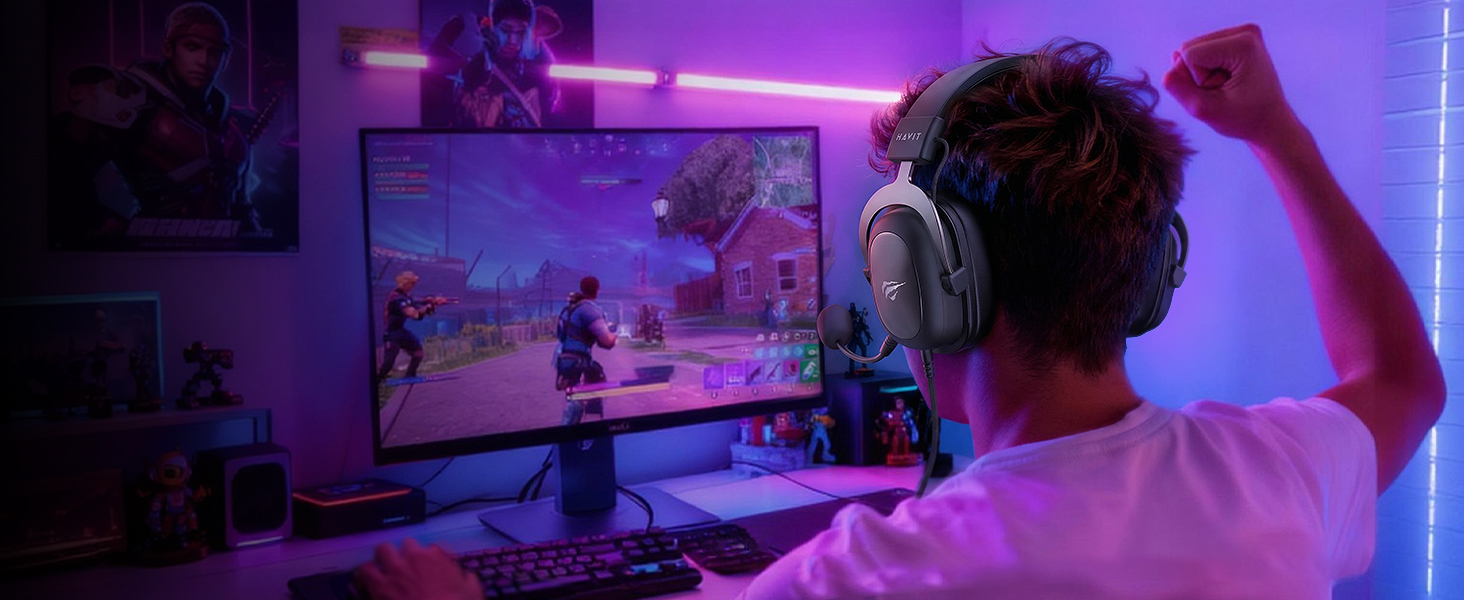
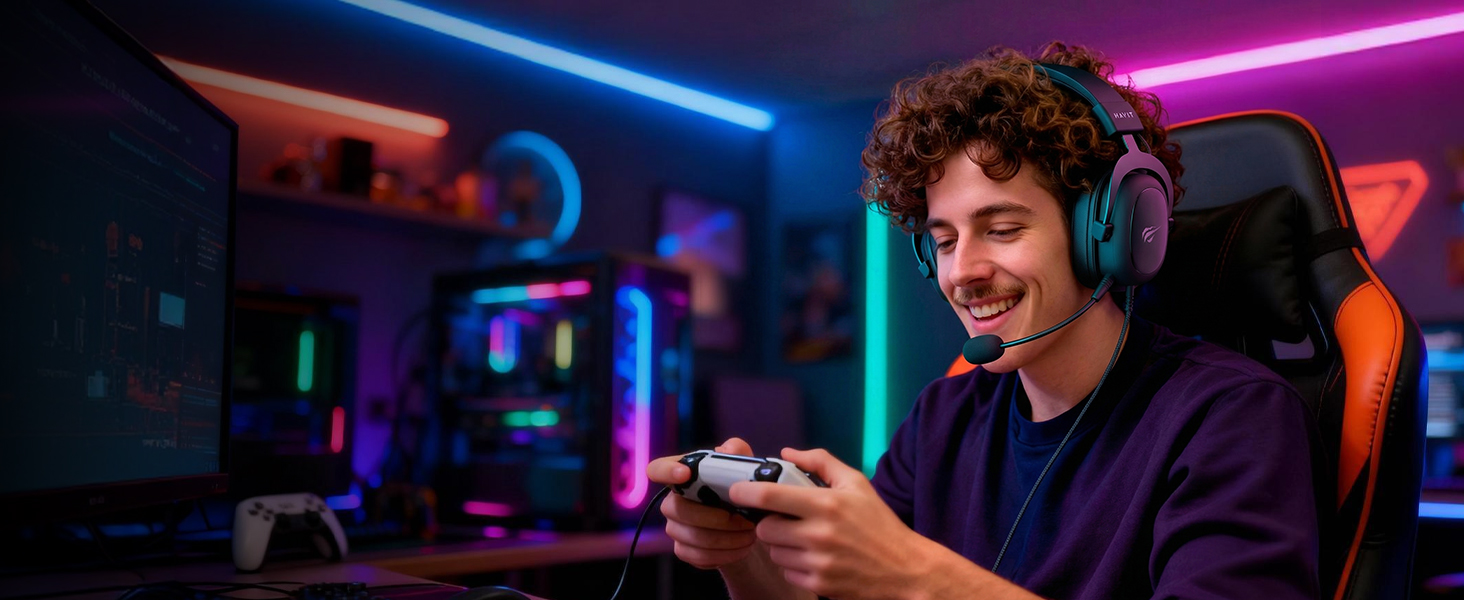
Pinpoint enemy footsteps and gunfire with immersive audio. Hear them before they hear you.
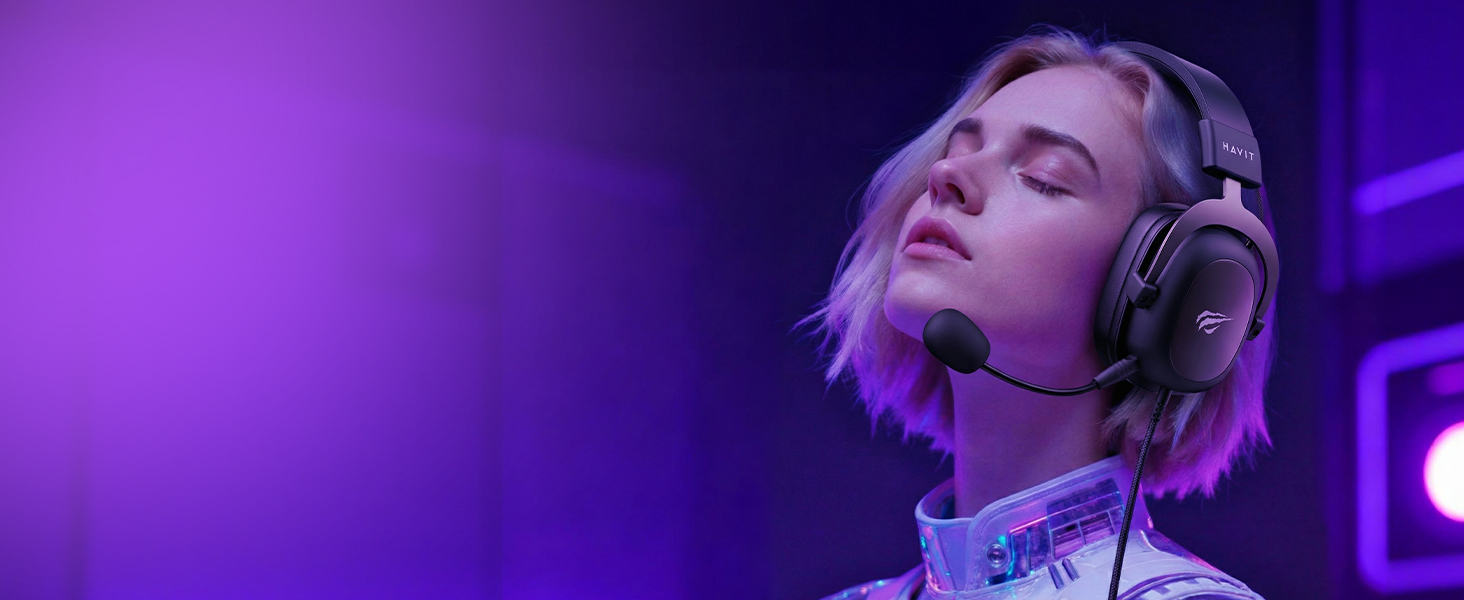
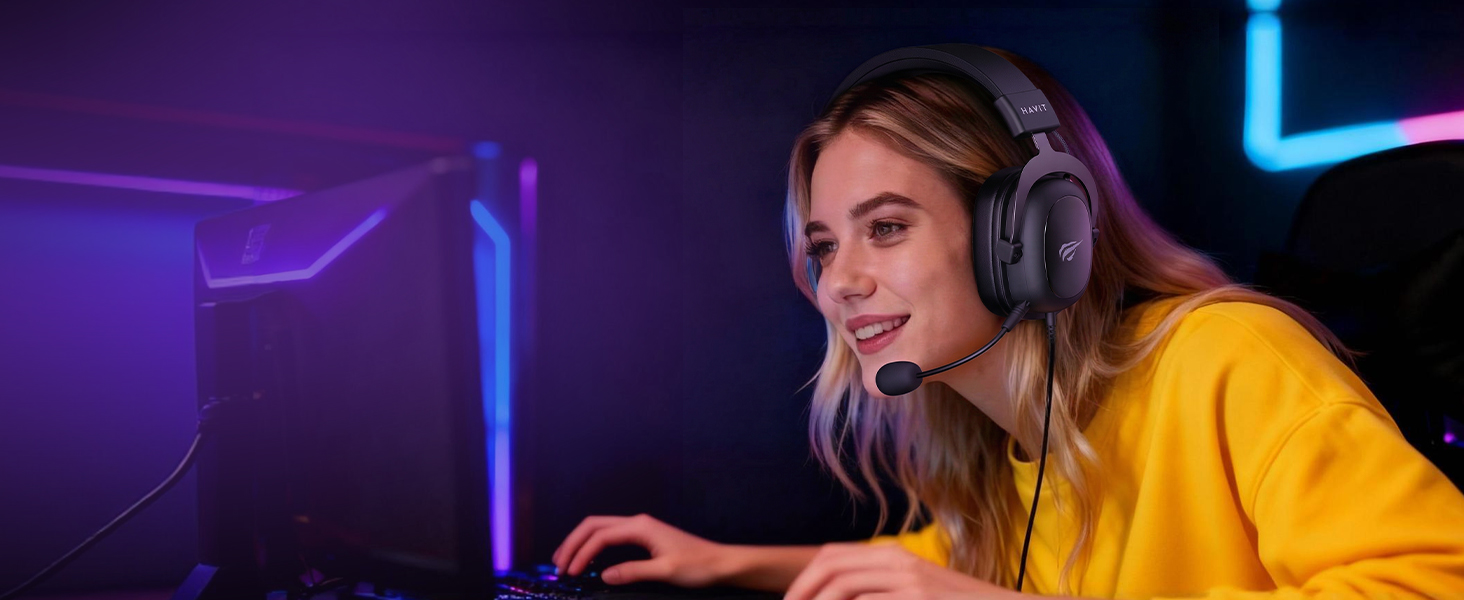
Crystal-clear communication with your squad. Remove it for a sleek, personal listening experience.
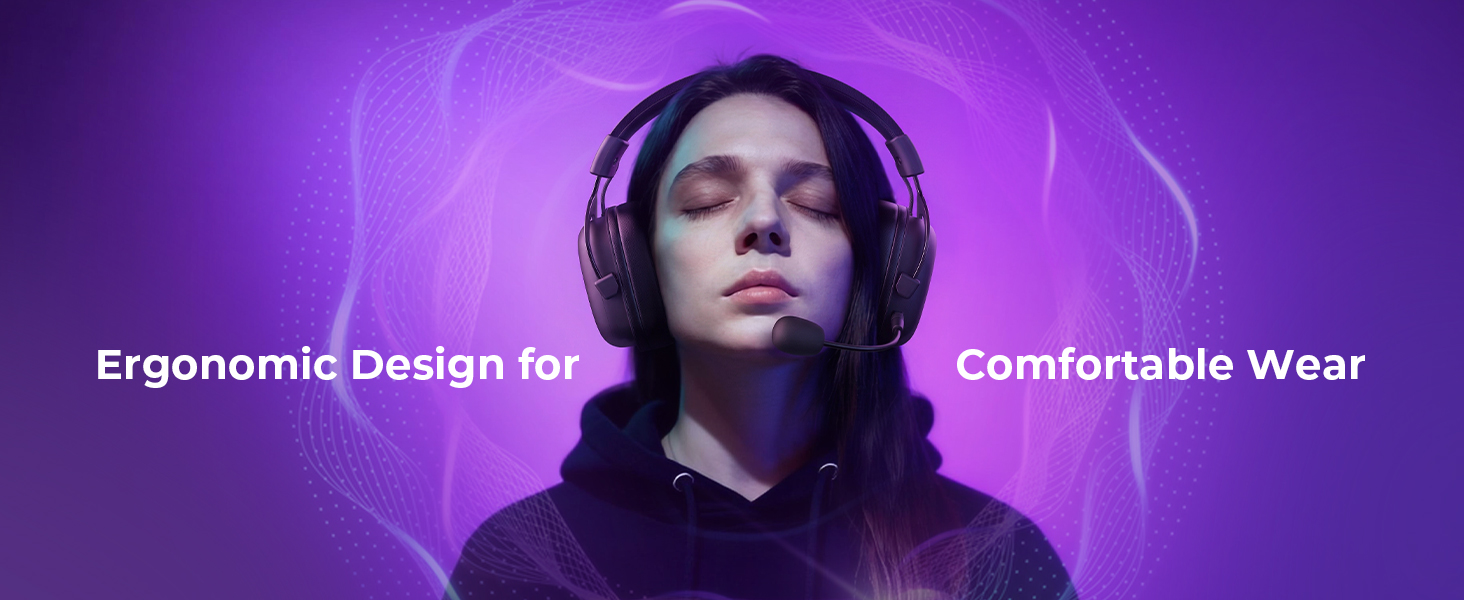
The Clear Edge.
Whether you're climbing ranks, laughing with friends, or exploring new worlds, experience clarity, comfort, and total immersion built for you.
Where Style Meets Skill.
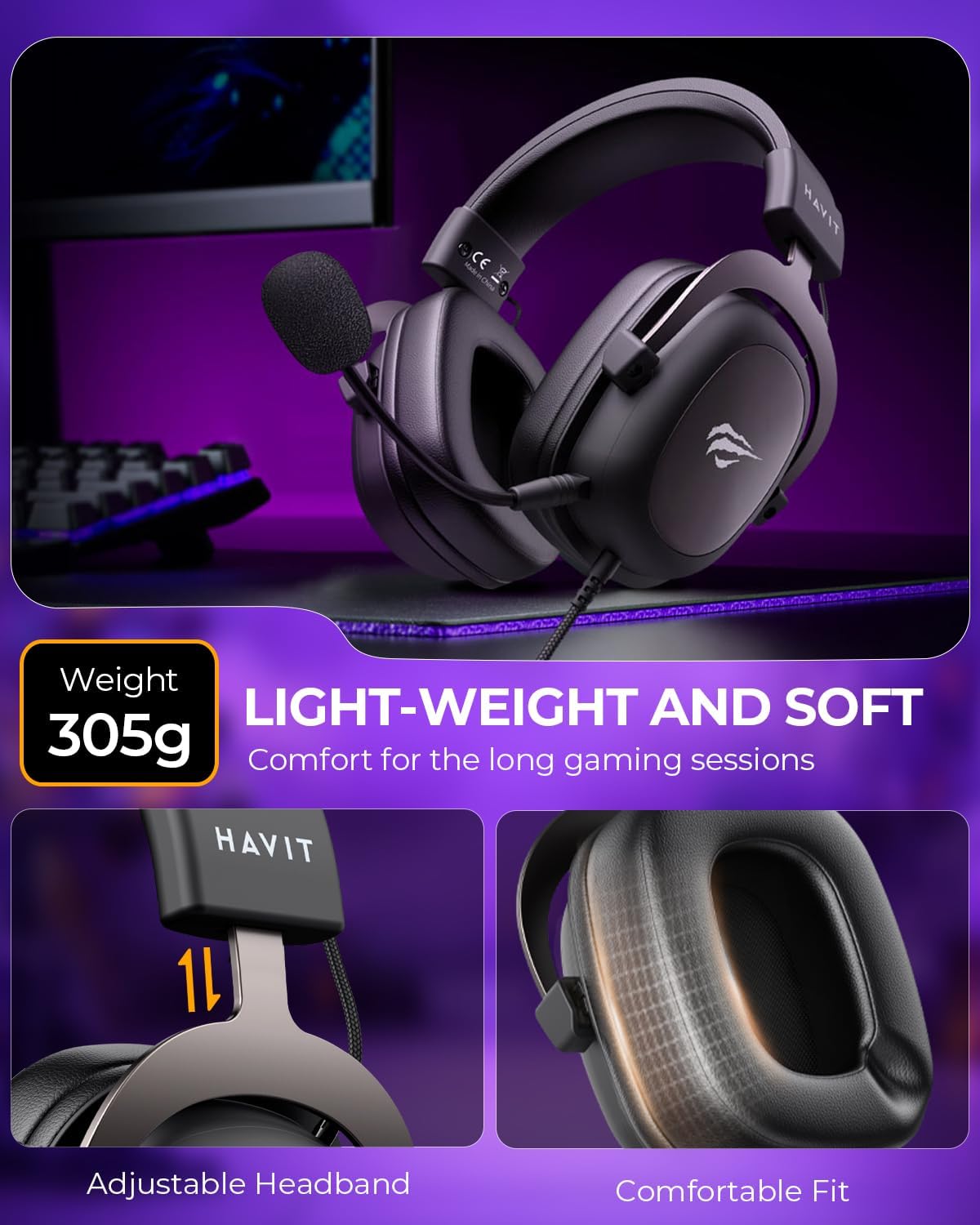
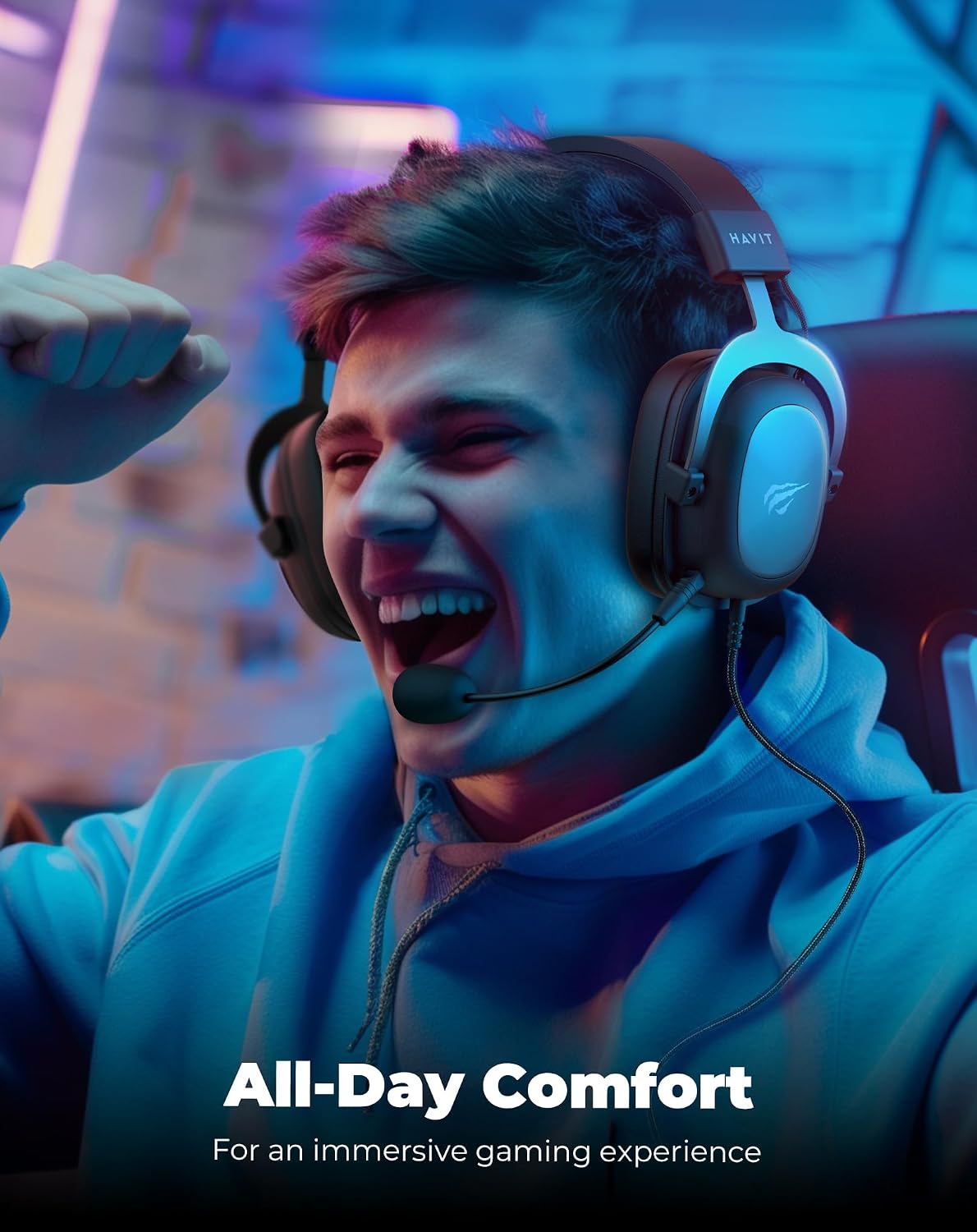
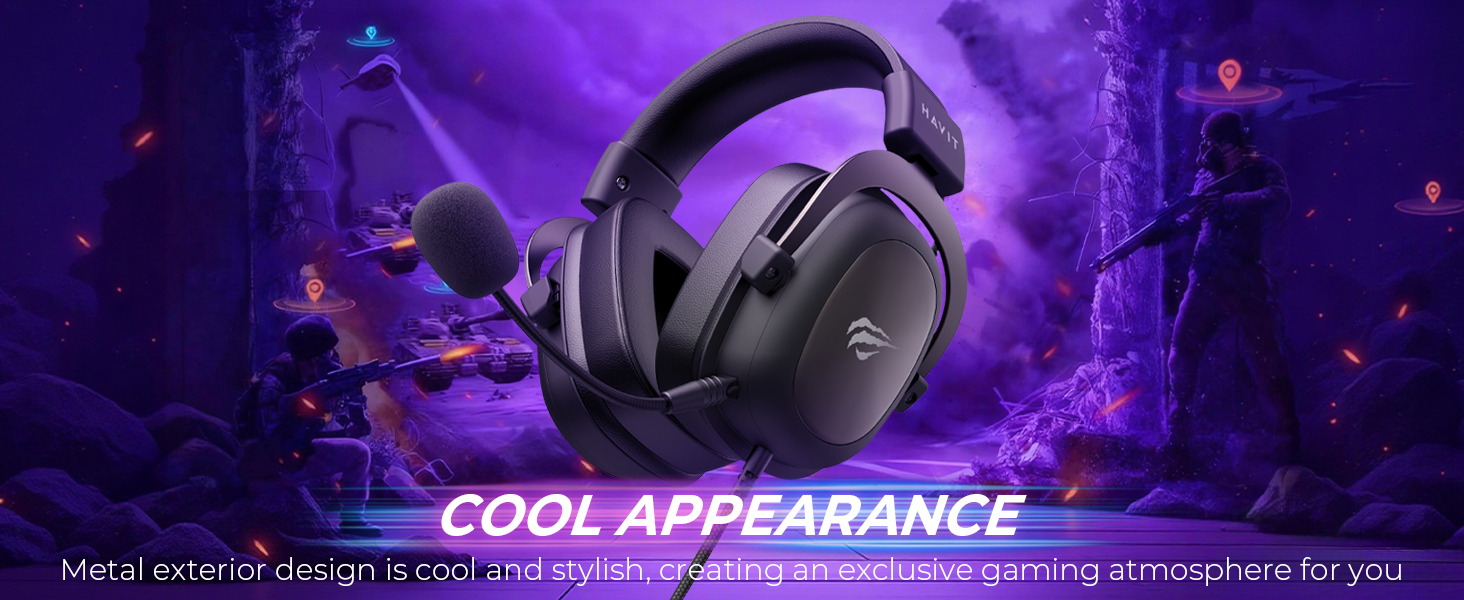
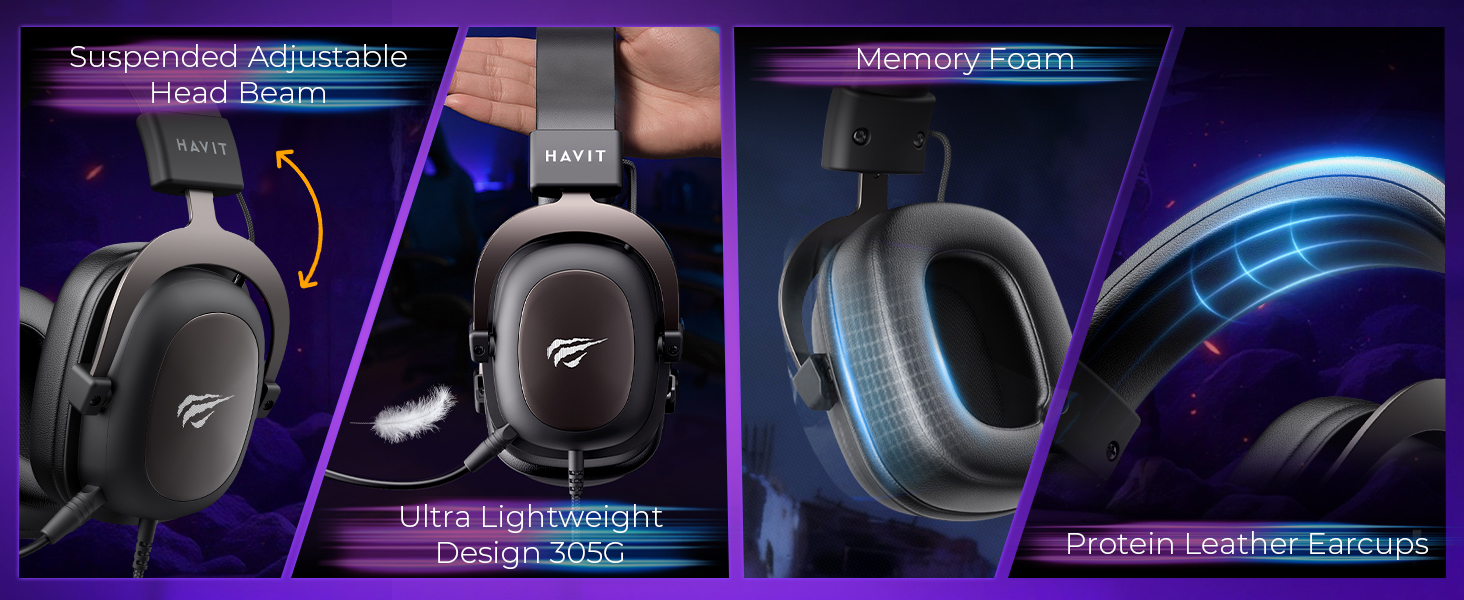
Feather-light for lasting comfort. Sound as iconic as your look.
Command the Soundscape.
7.1 Surround Sound pins every enemy footstep. Marathon battery life for endless campaigns.
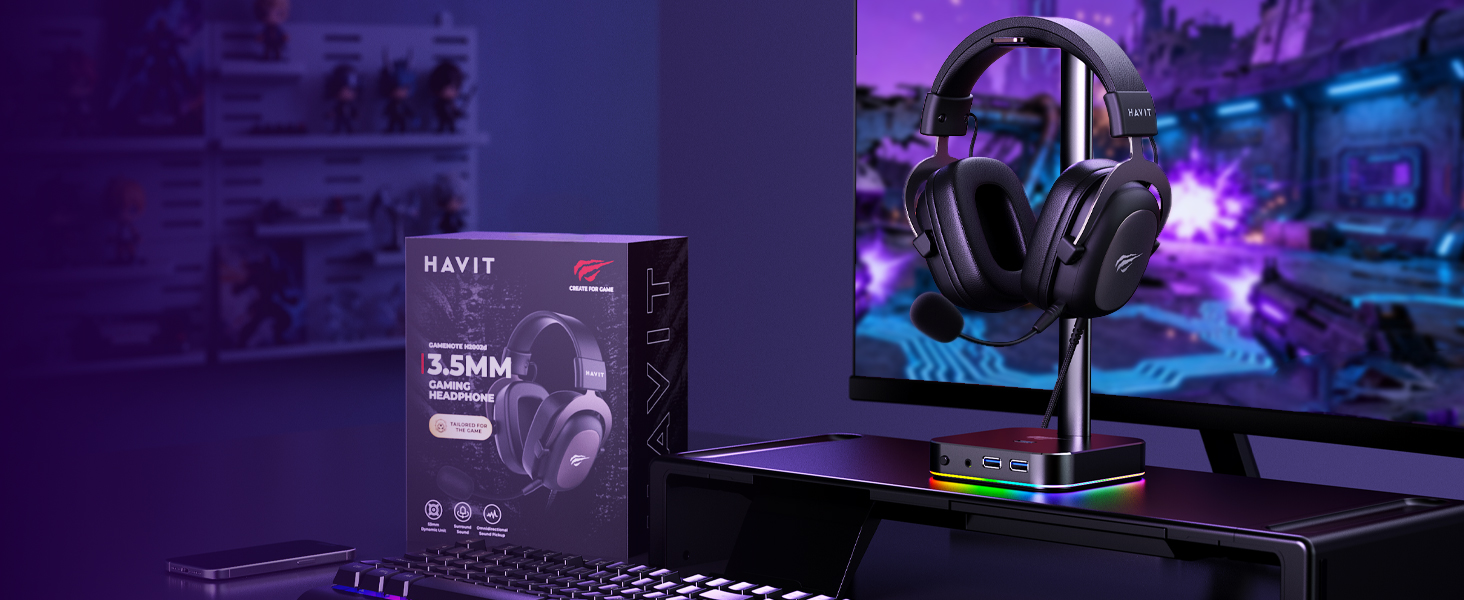
All-Platform Compatible & Ultra-Comfortable Headset.
Immersive Audio Experience.
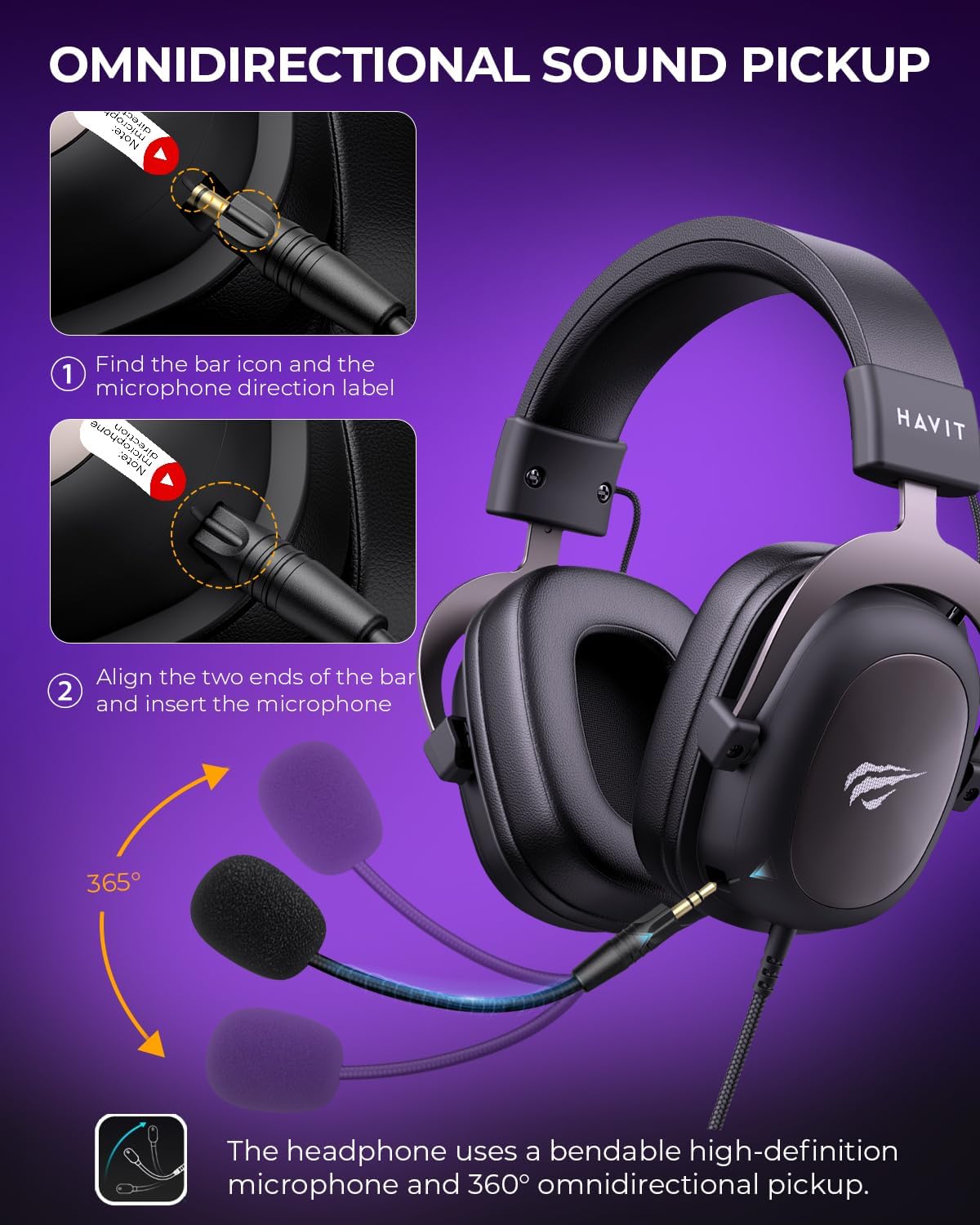
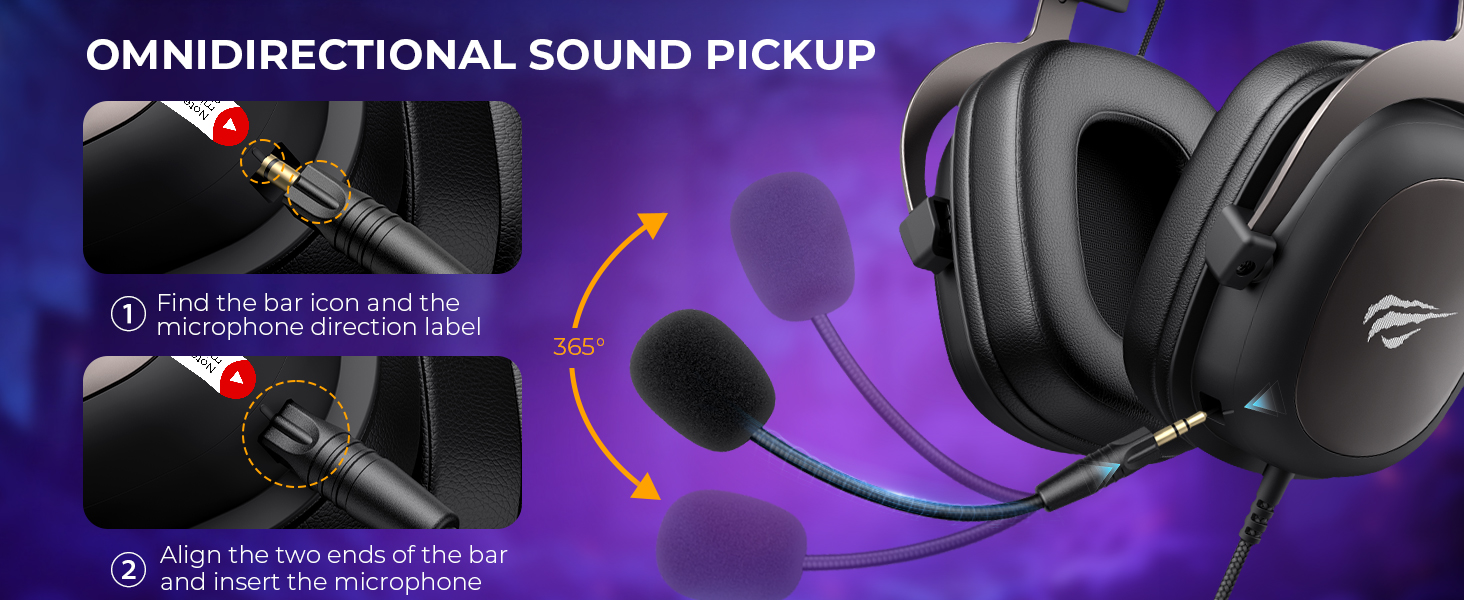
Detachable Clear-Chat Microphone.
Why the microphone doesn't work
1.Plug the mic into the headset jack in the correct direction until it clicks.
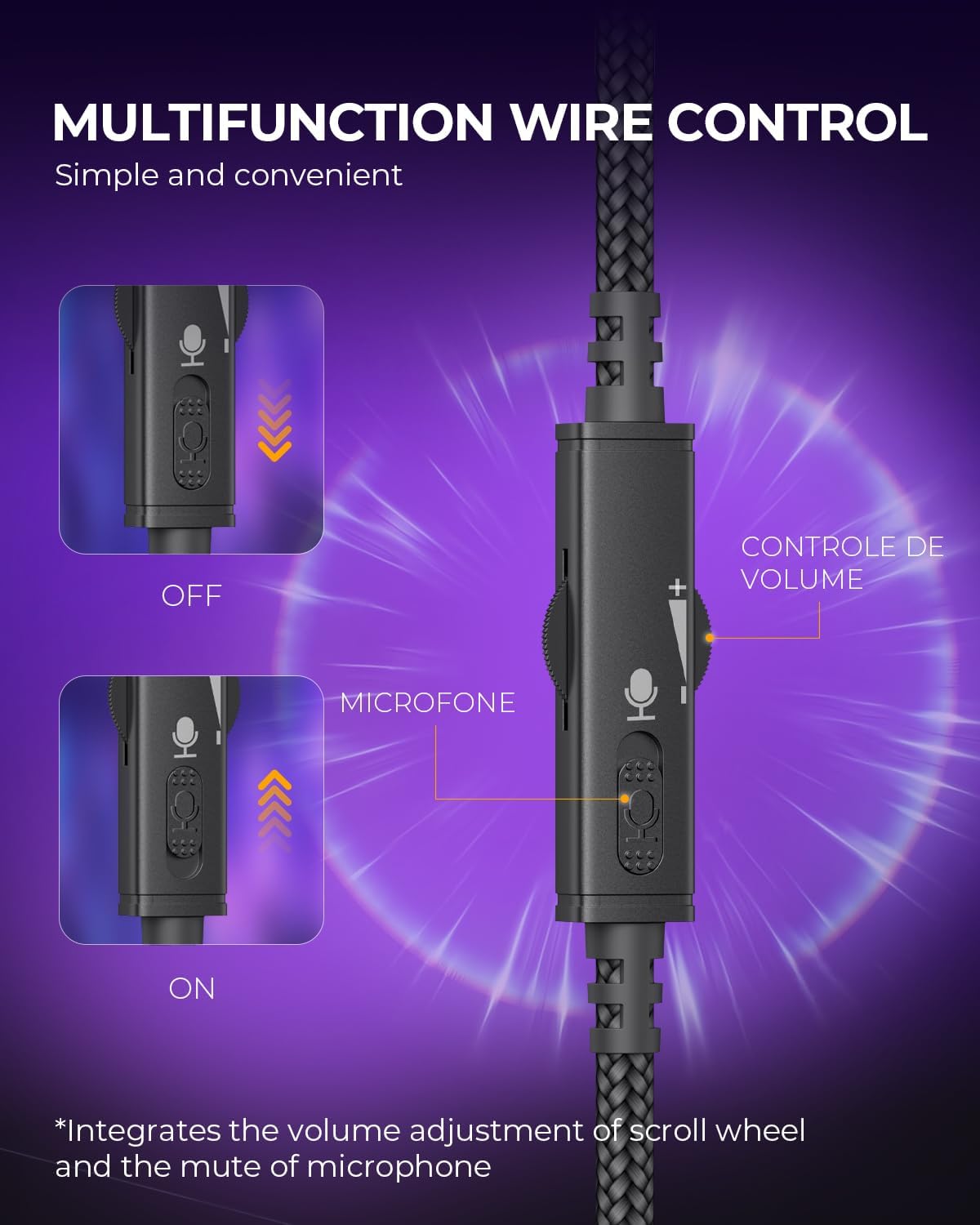
2.Make sure the mute switch is off.
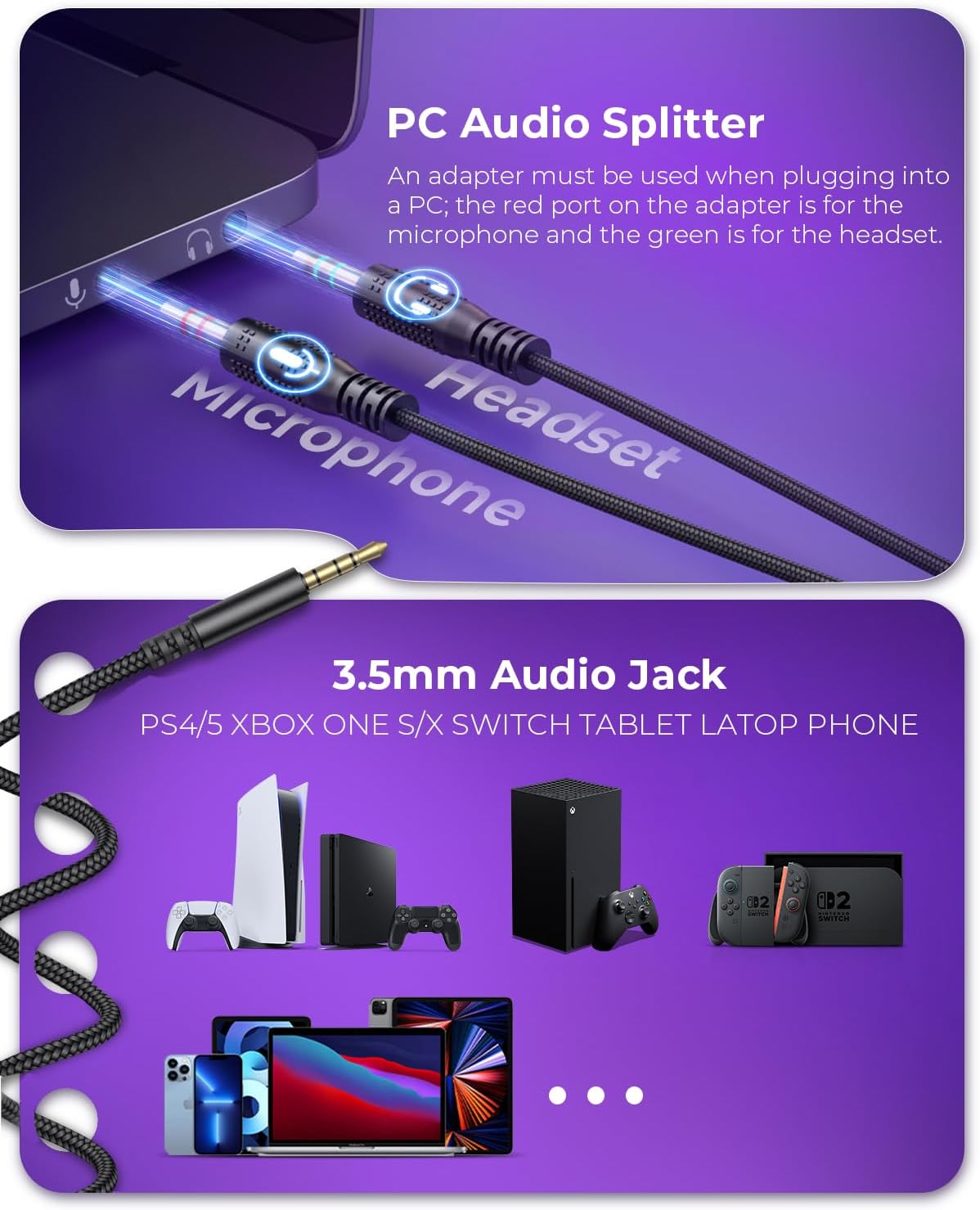
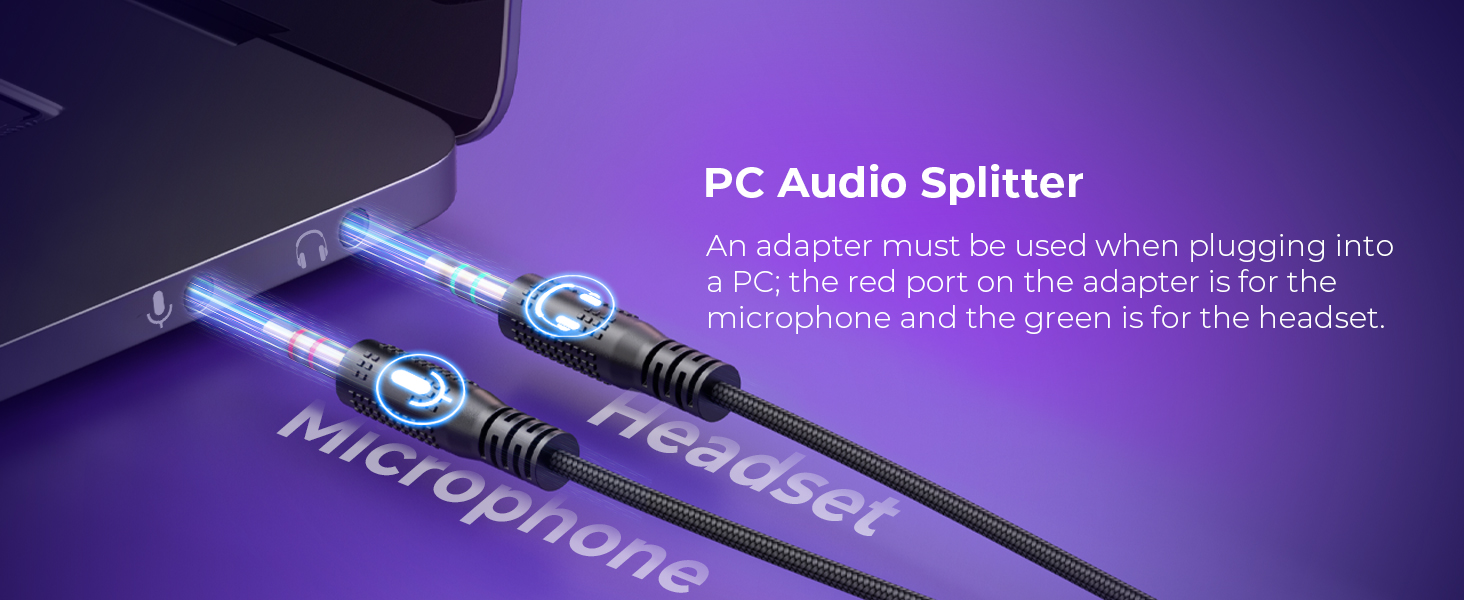
3.For PC use, an adapter is needed since a single 3.5mm jack only supports audio output.
Is the H2002D gaming headsets compatible with other game consoles other than PlayStation4, such as Xbox one?
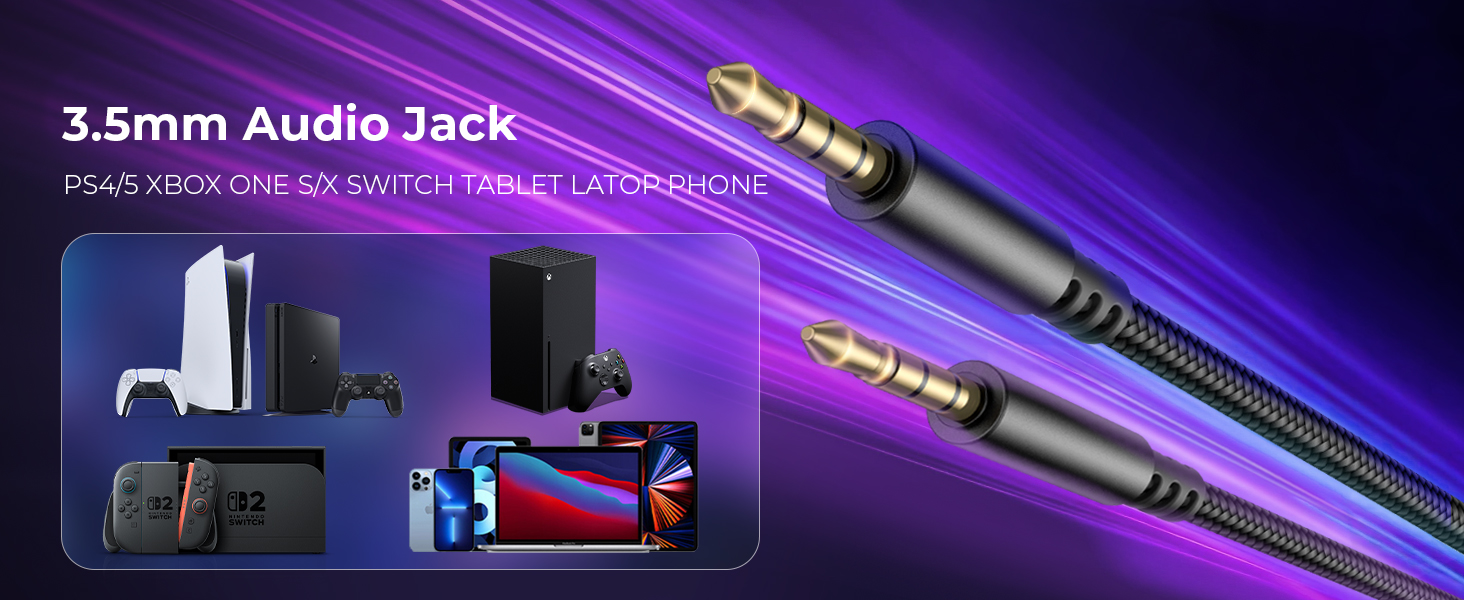
The H2002d headset has you covered. Just plug its 3.5mm jack into your Xbox controller's headphone port for epic gaming sessions, or connect it directly to your Nintendo Switch for on-the-go fun.
Why is my headphone microphone silent?
1, Check the connection: Ensure the headphone microphone plug is securely connected to the device connector.
2, Device Settings: In the device's audio settings, confirm that the microphone input is correctly configured.
The headphones don't fit the jack on my device?
When the headphones are shipped, they come with an adapter attached to the male headphone connector for easy connection to older desktop devices. Unplugging the adapter allows them to connect to laptops, phones, and other 3.5mm electronic devices.
loading
