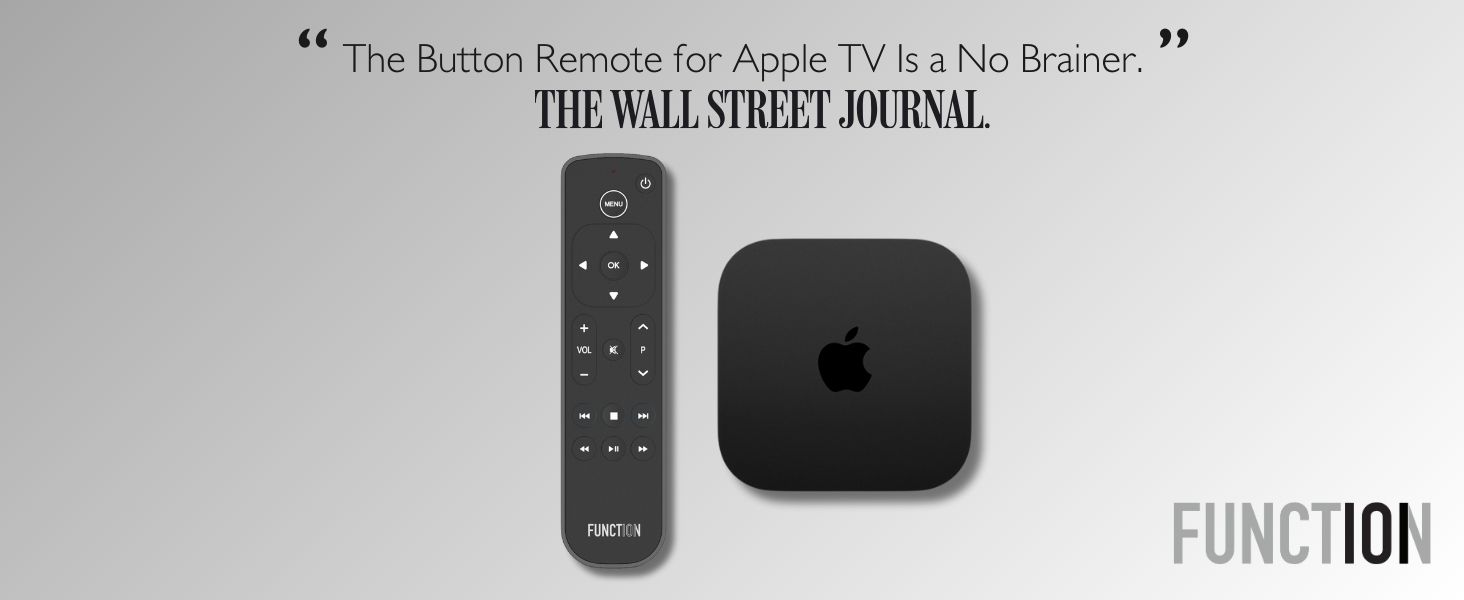
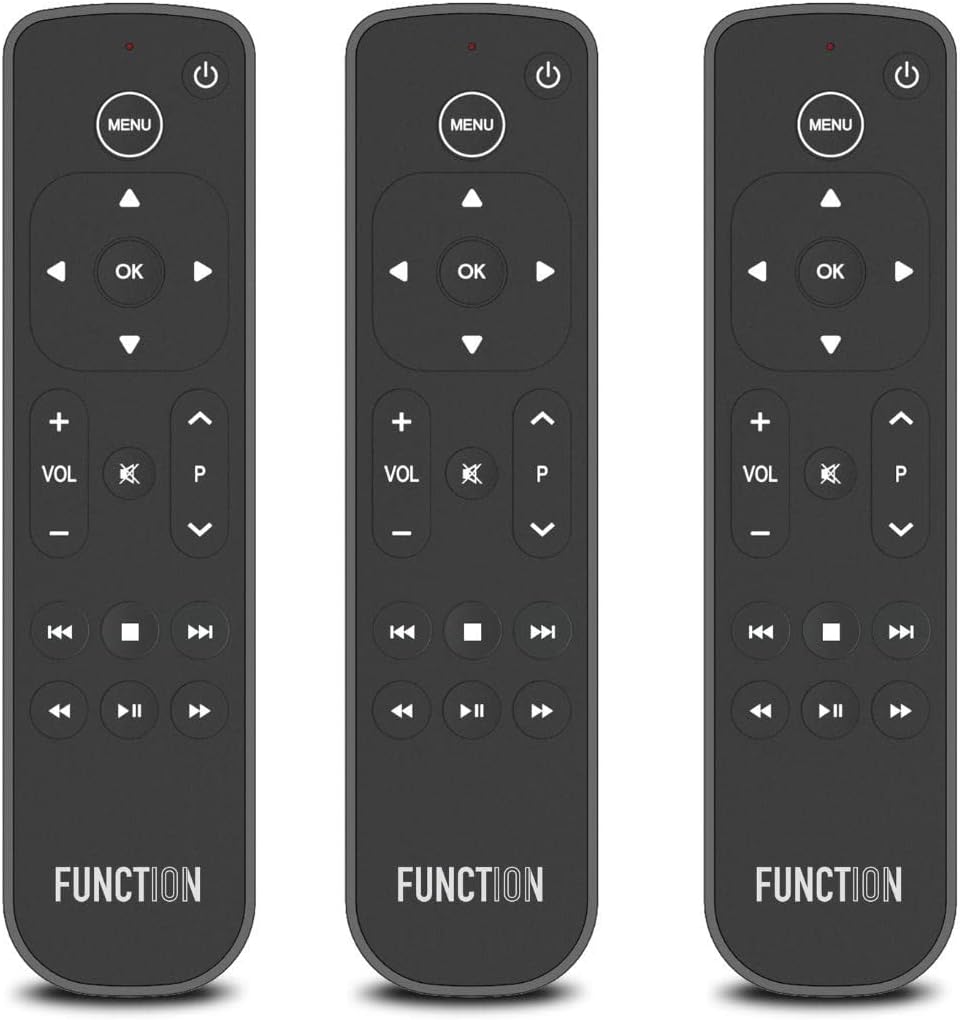
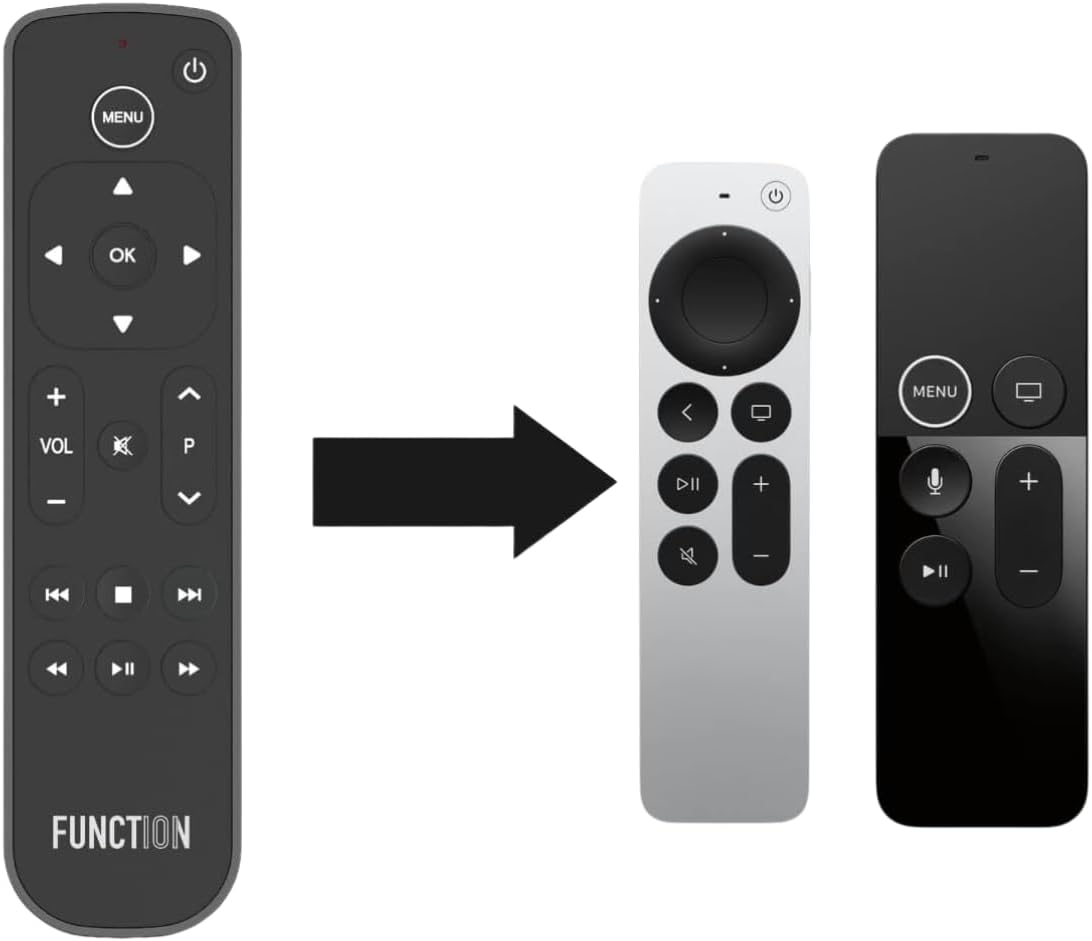
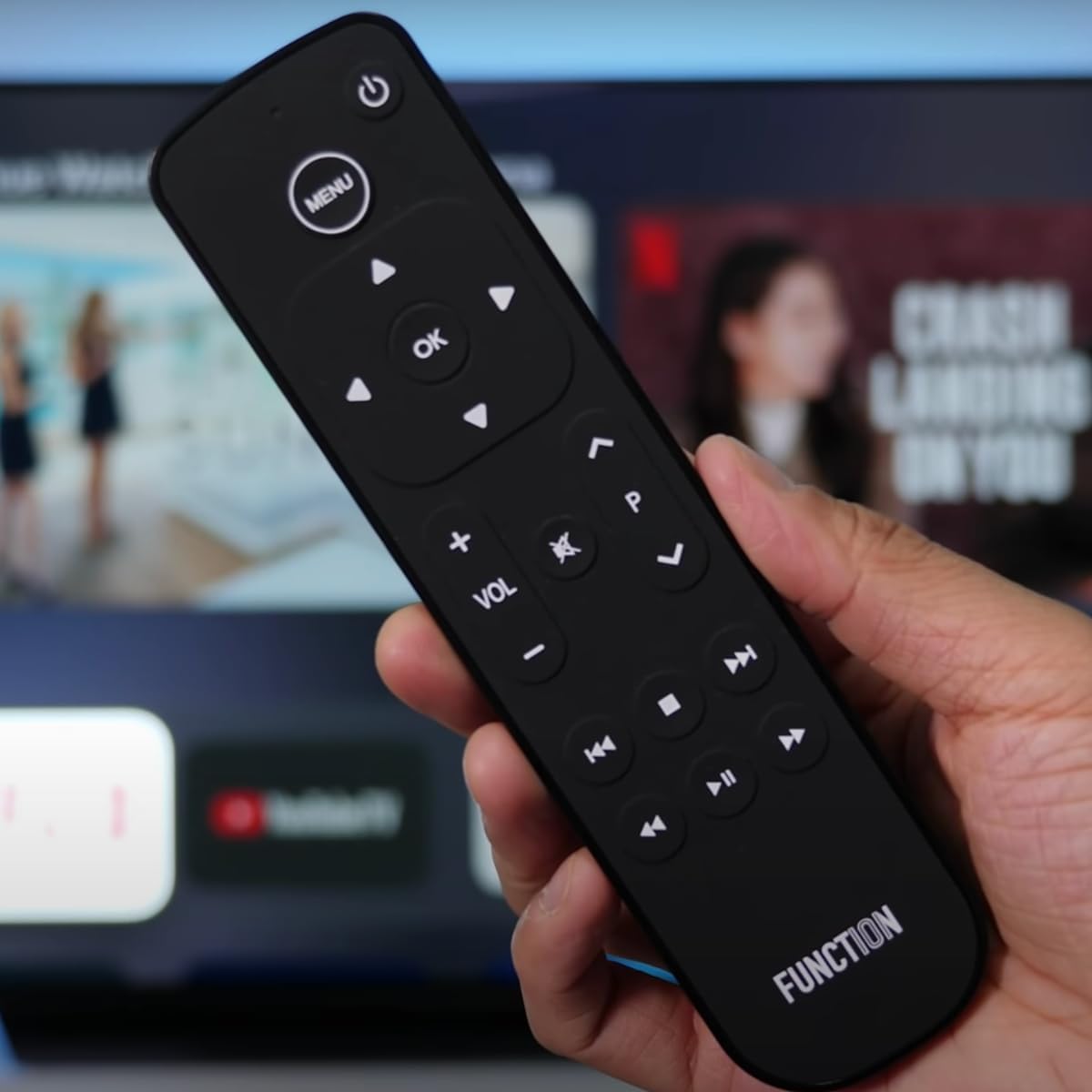
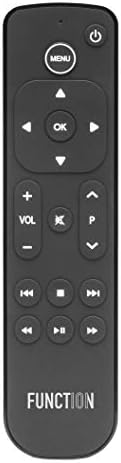


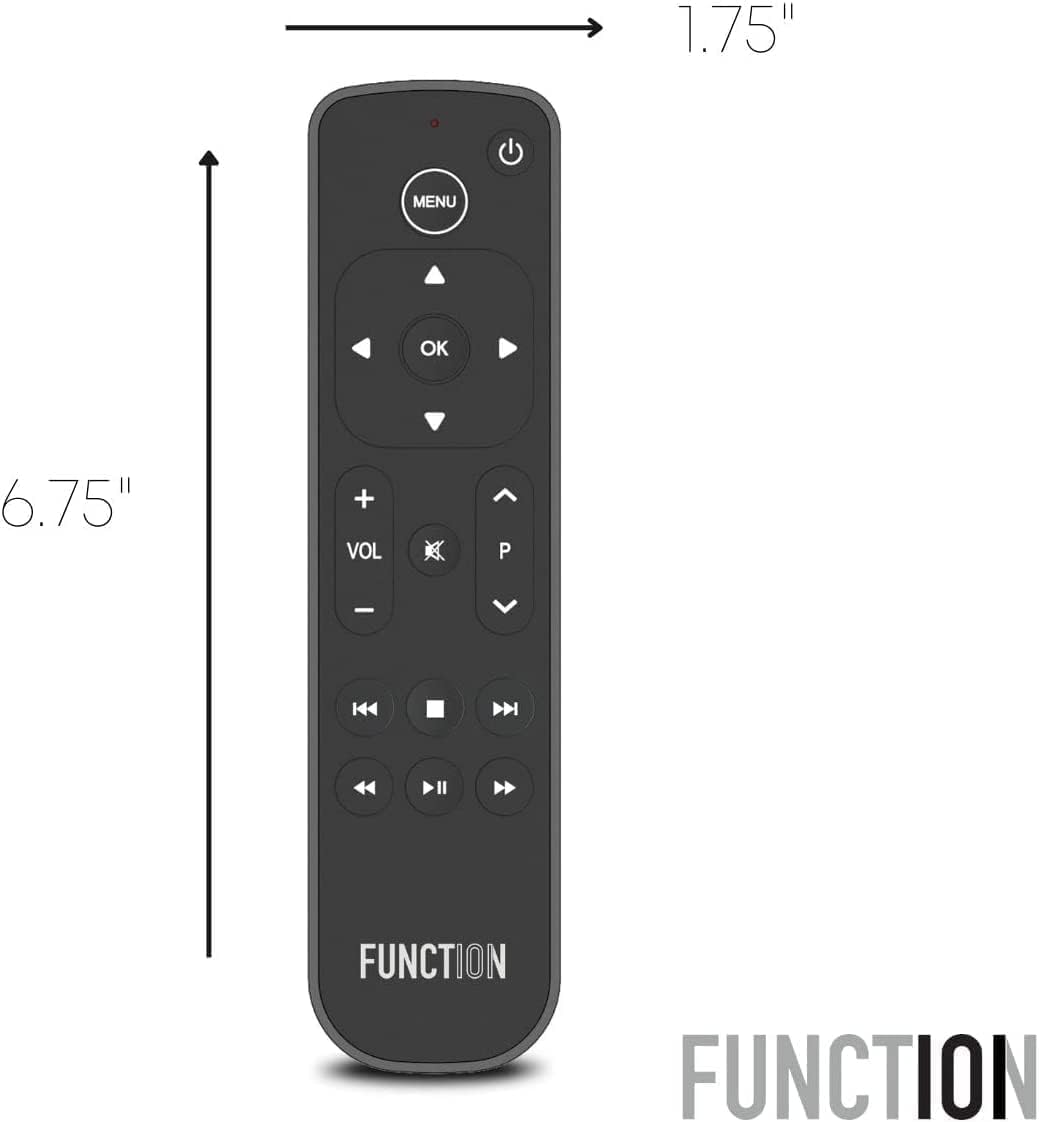
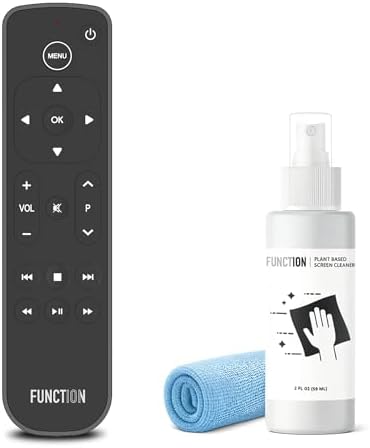


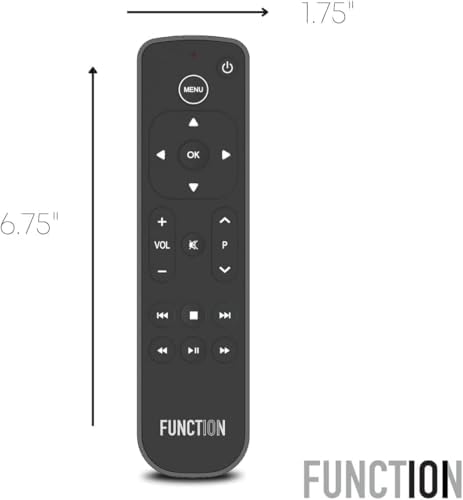
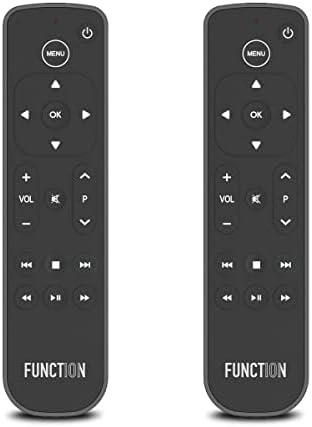
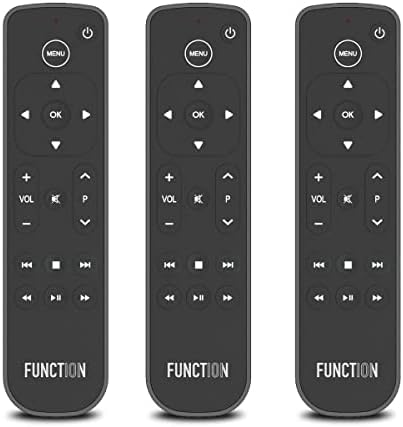
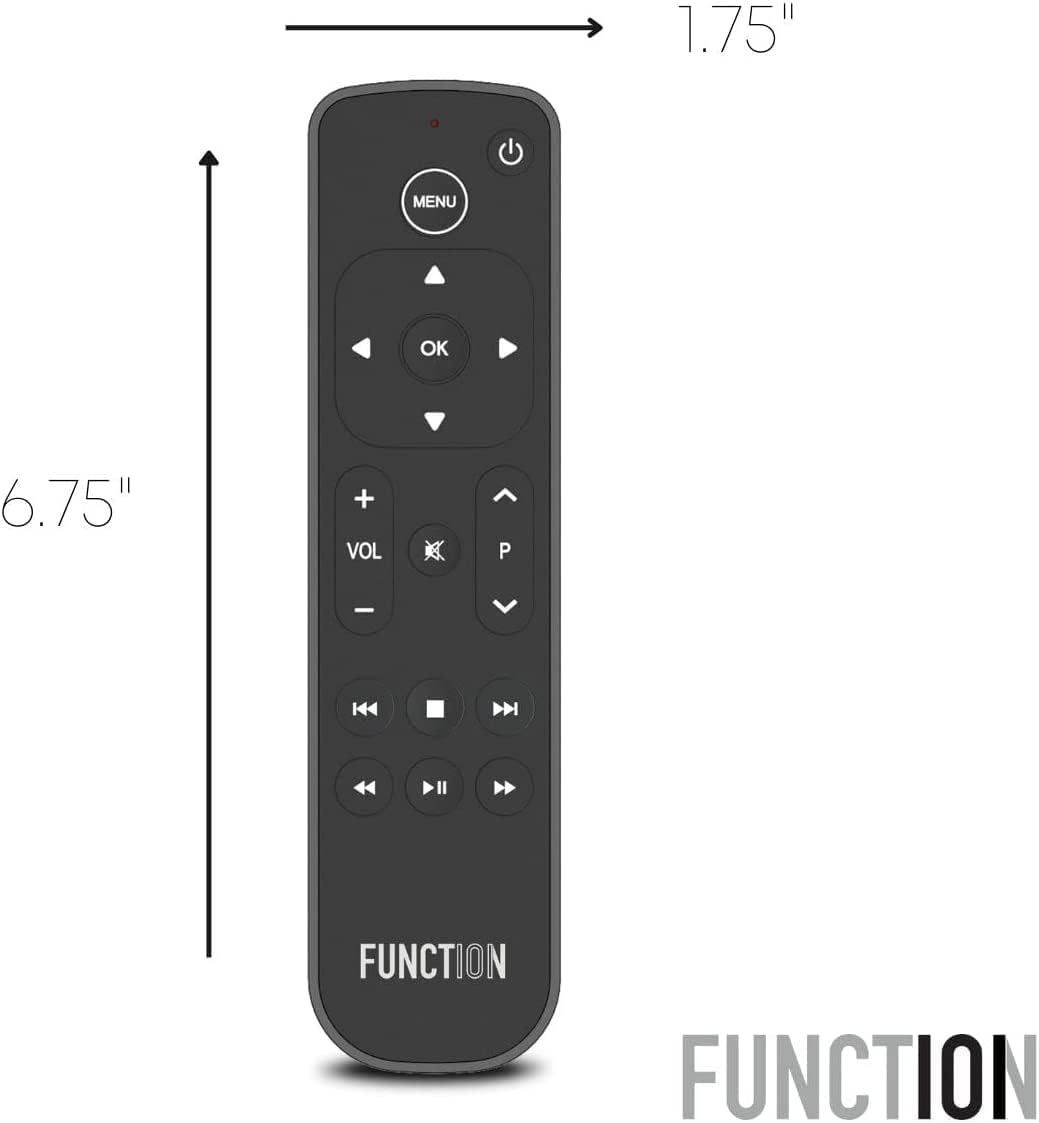
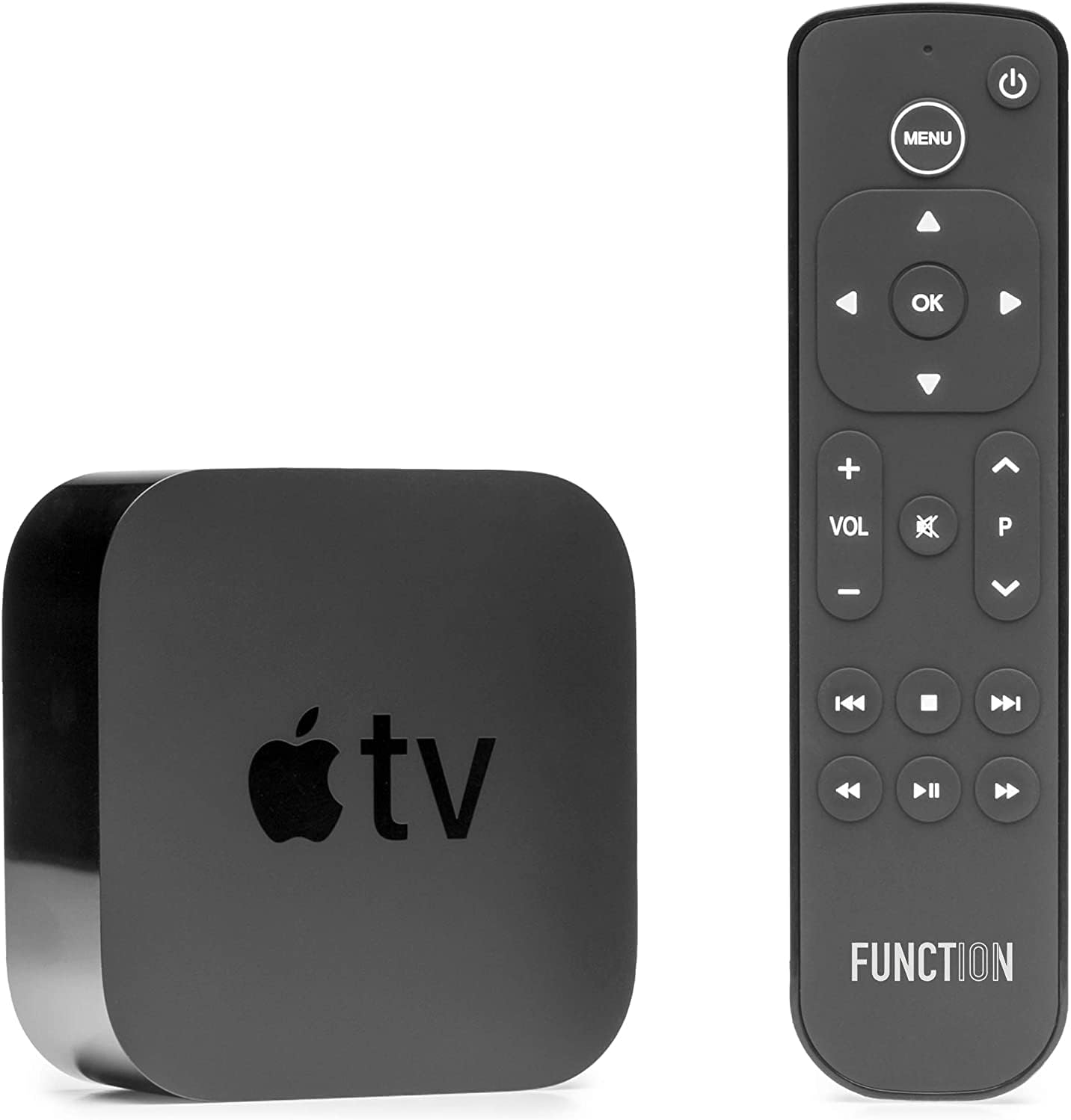
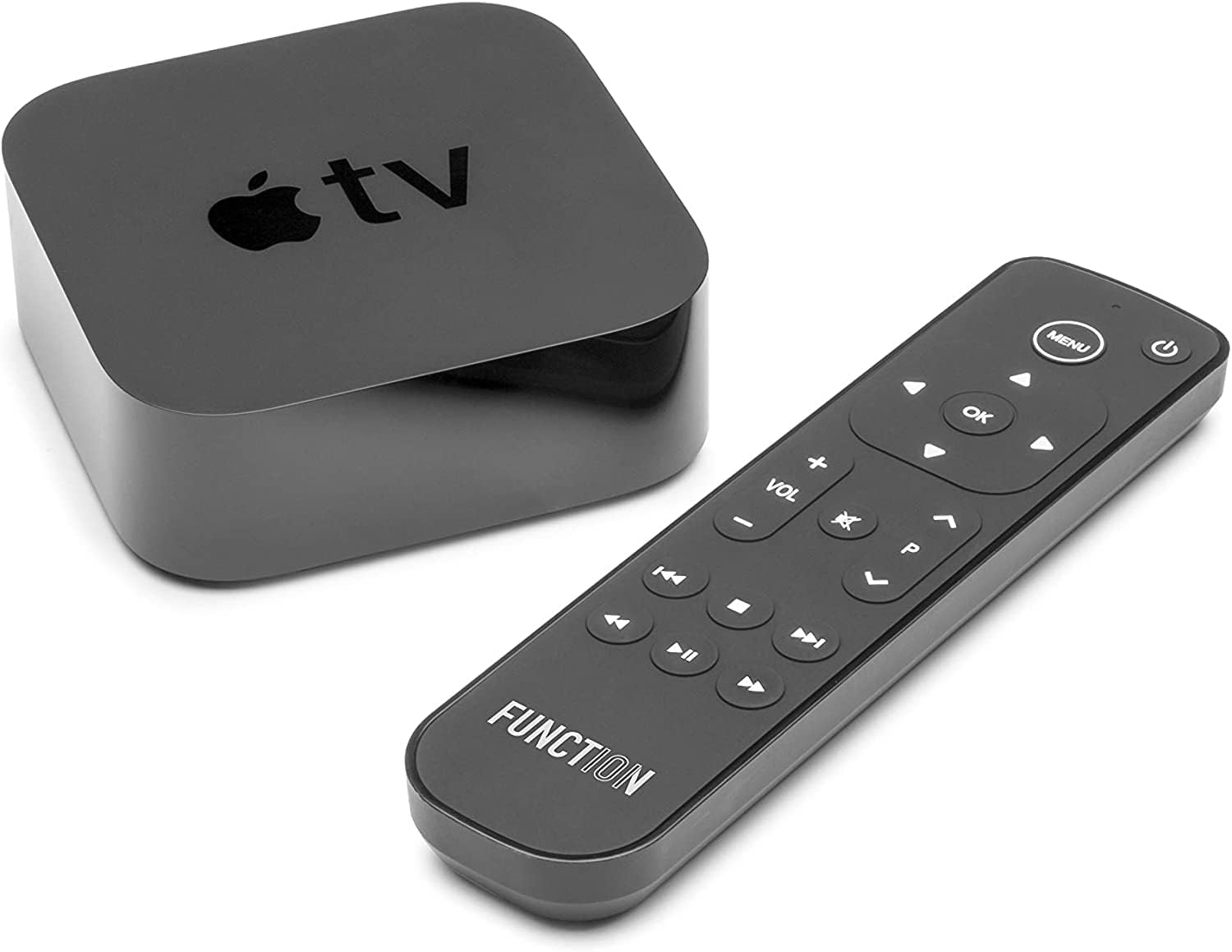
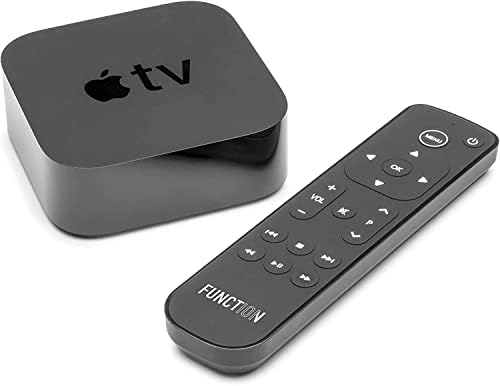
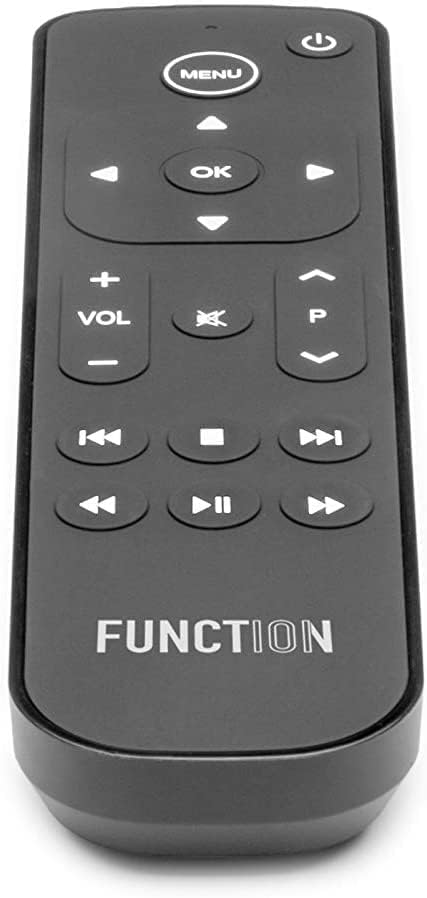
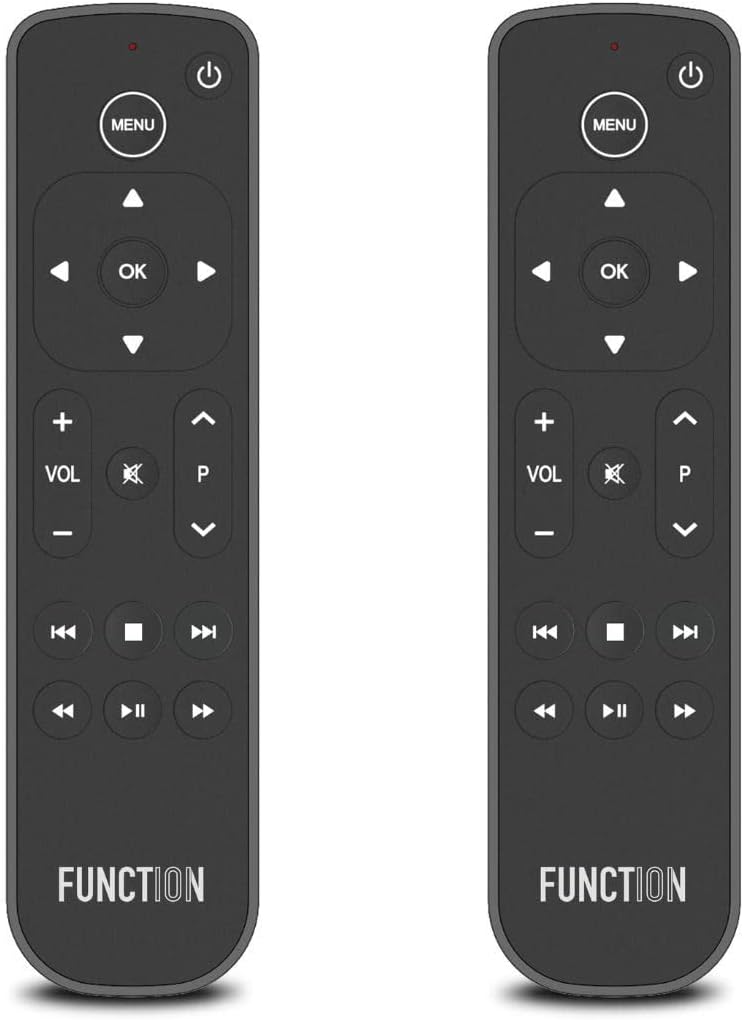
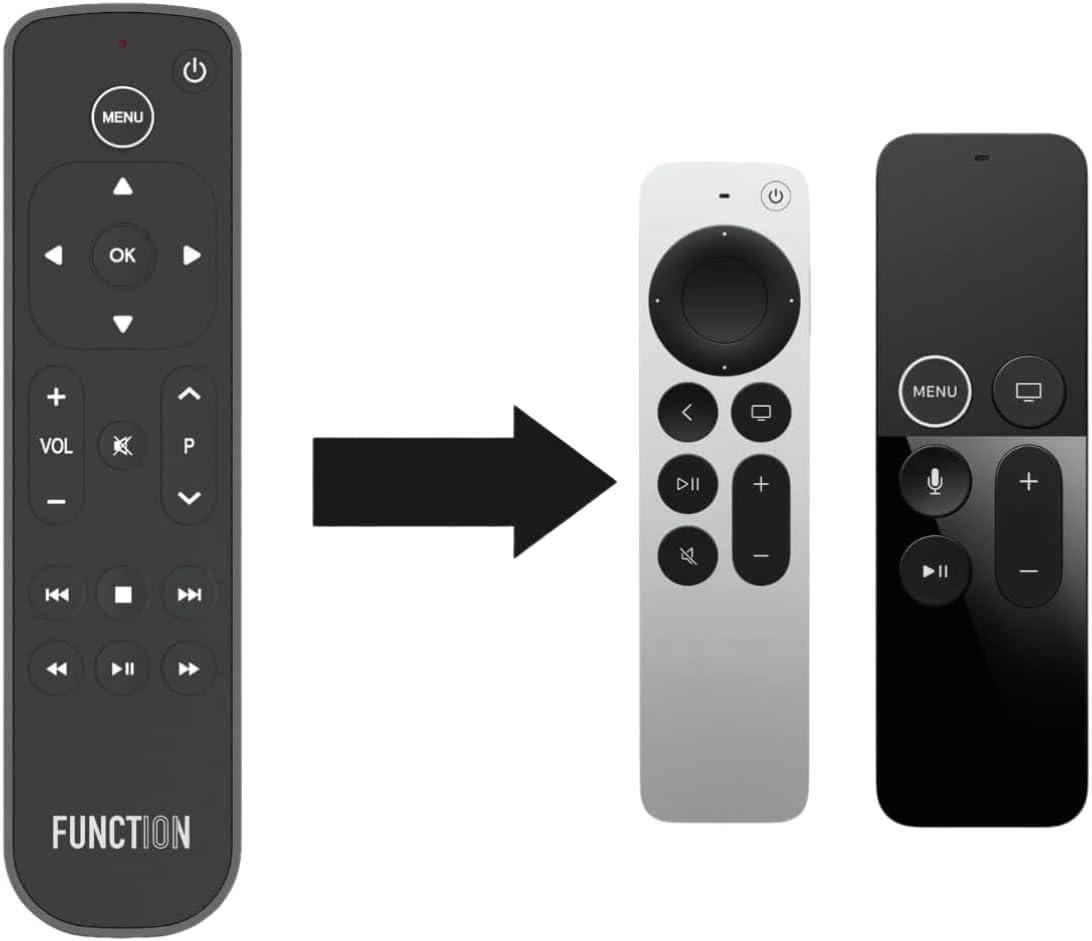


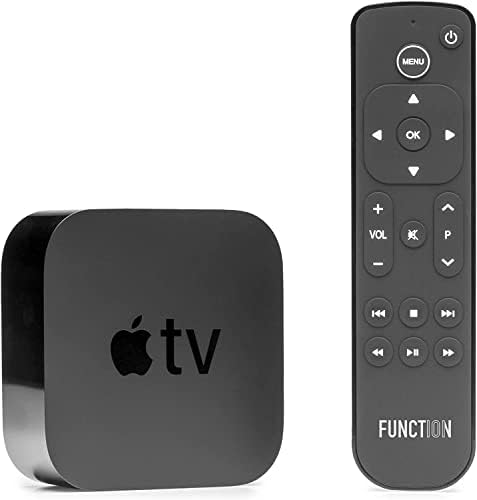
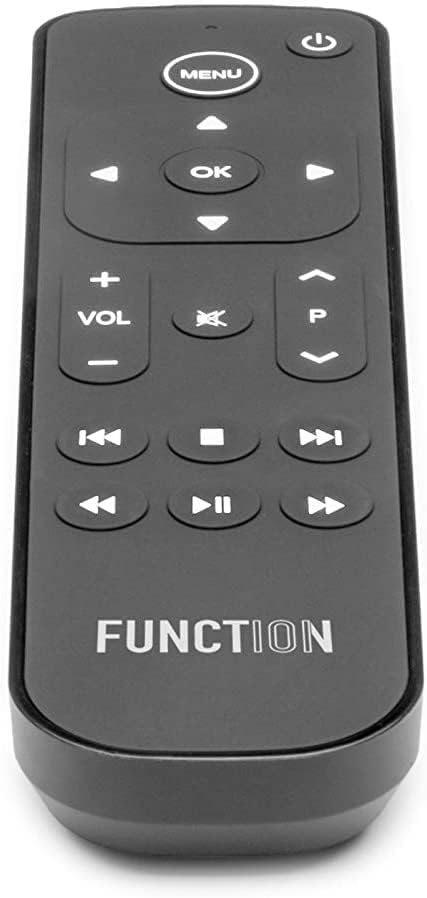
Function101 Button Remote for Apple TV (Infrared Edition) — Apple TV Replacement Remote for Apple TV 4K & All Models | Traditional Button Layout

$12.15 USD
Shipping fees will be calculated at checkout.
Size
  • Free worldwide shipping

  • Free returns

  • Carbon neutral

  • Secure payments

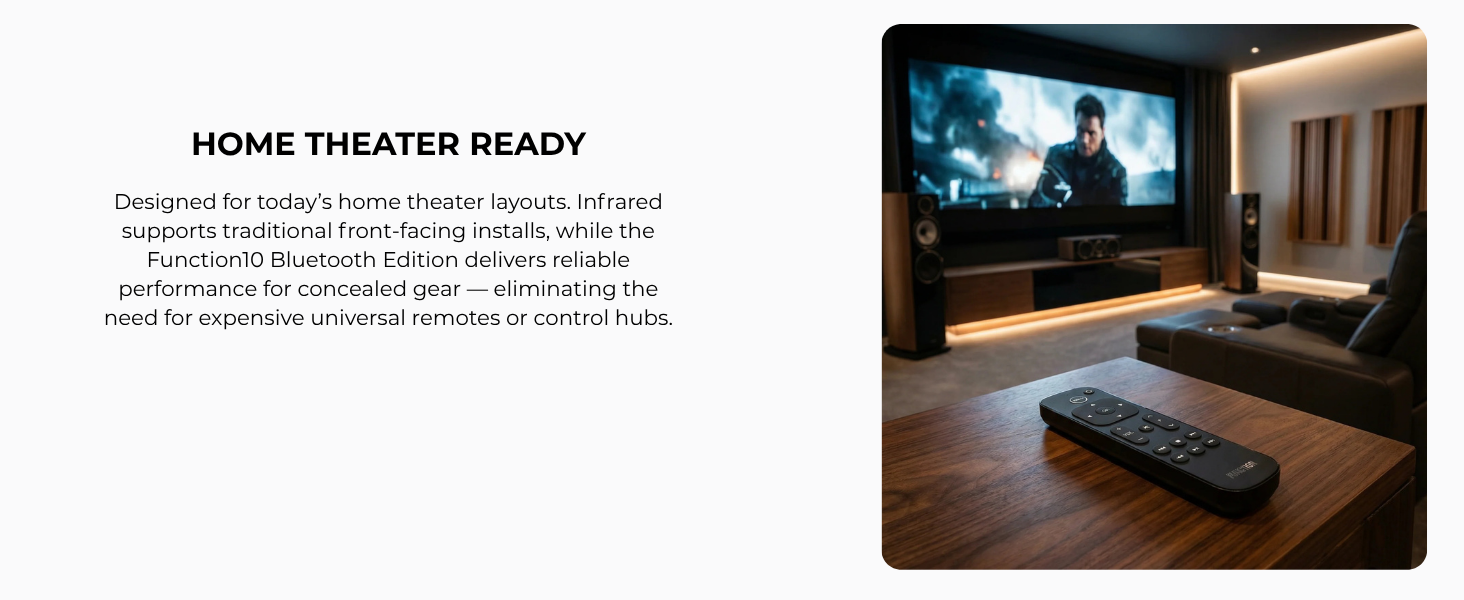
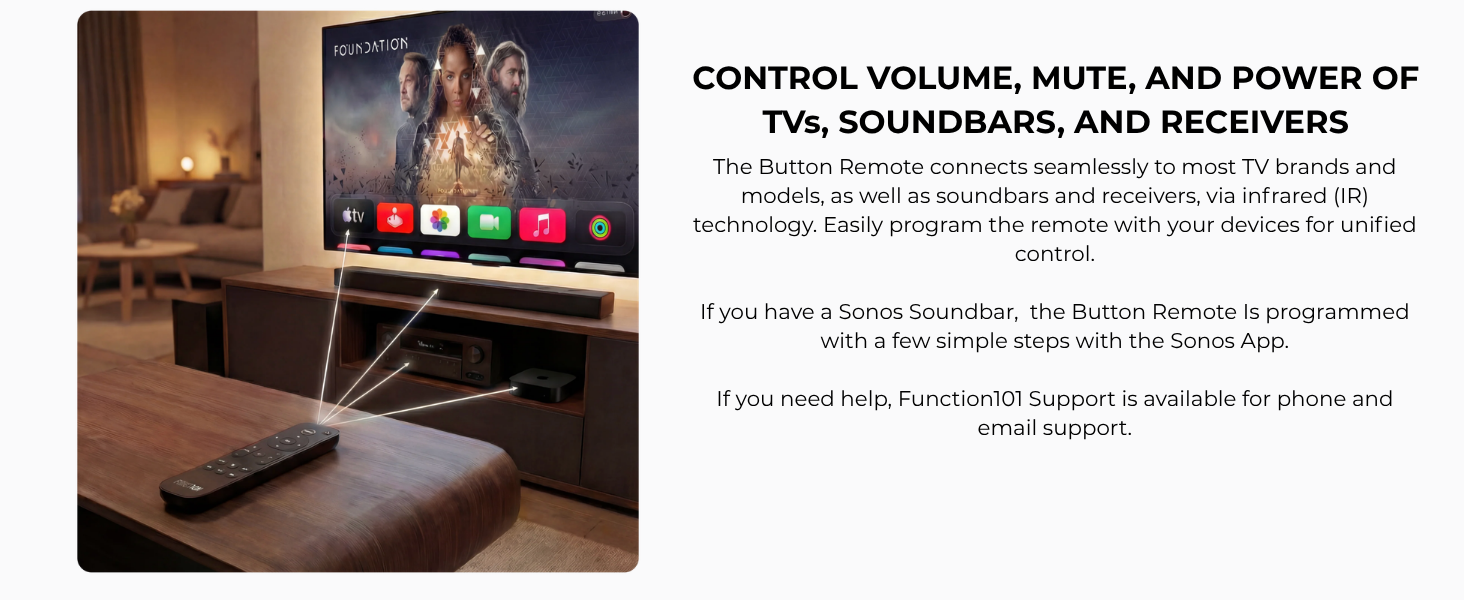
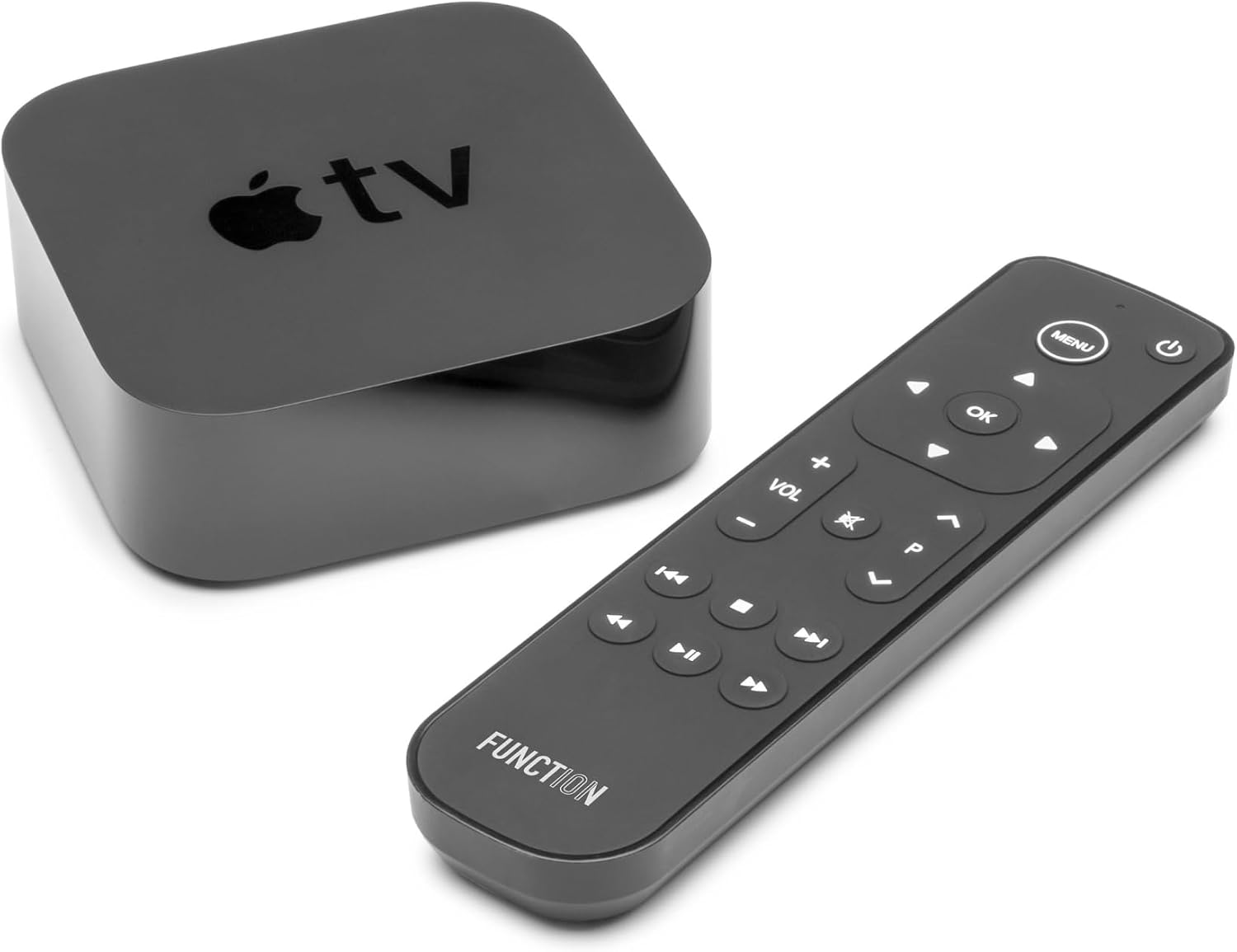
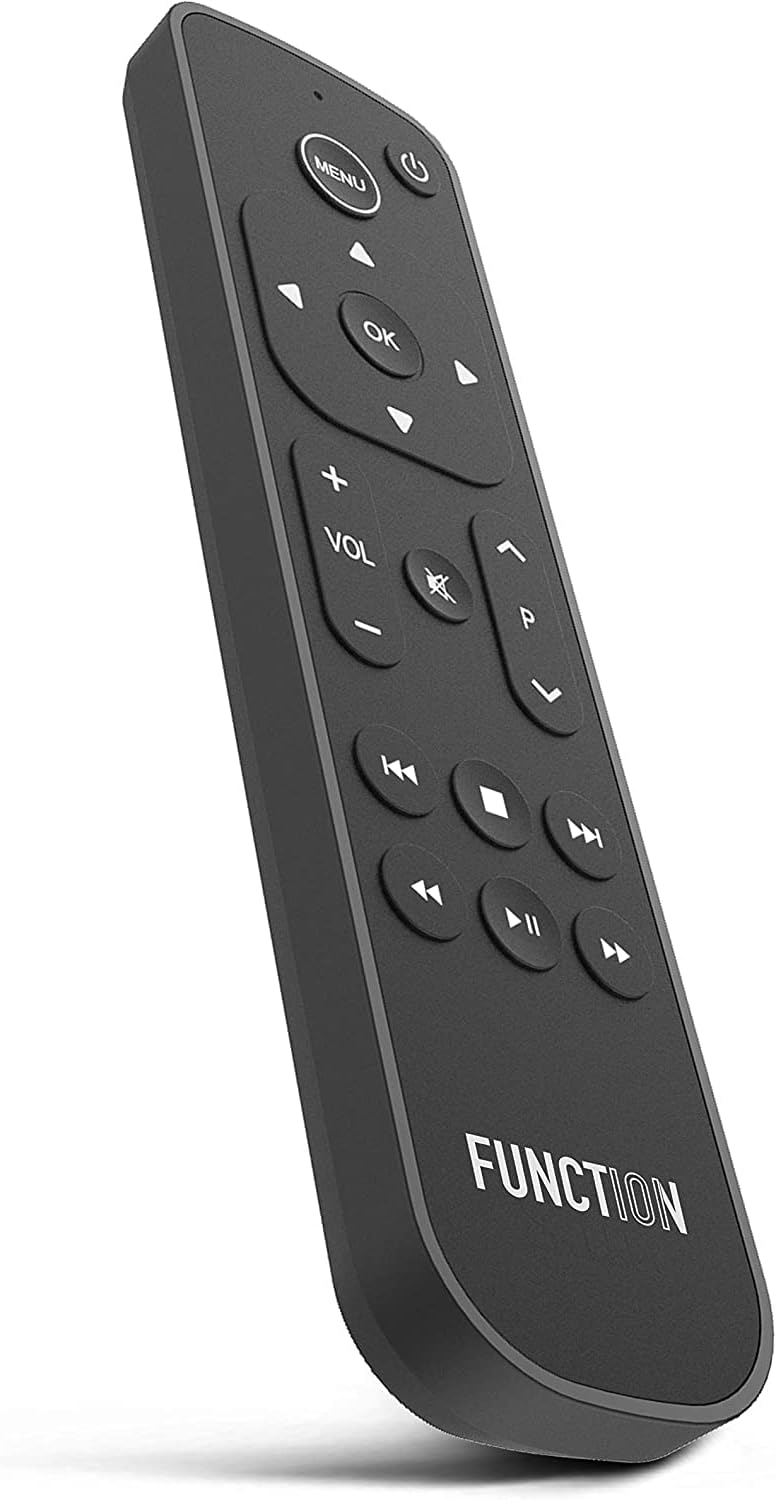
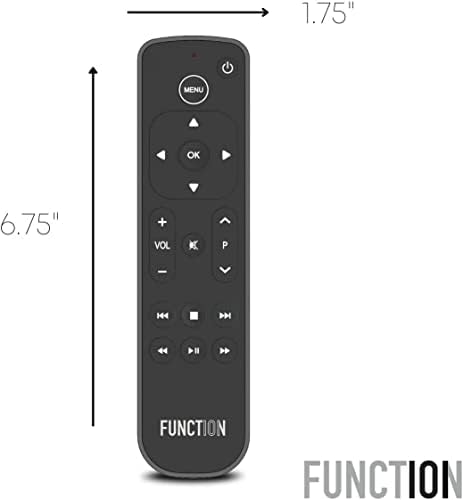
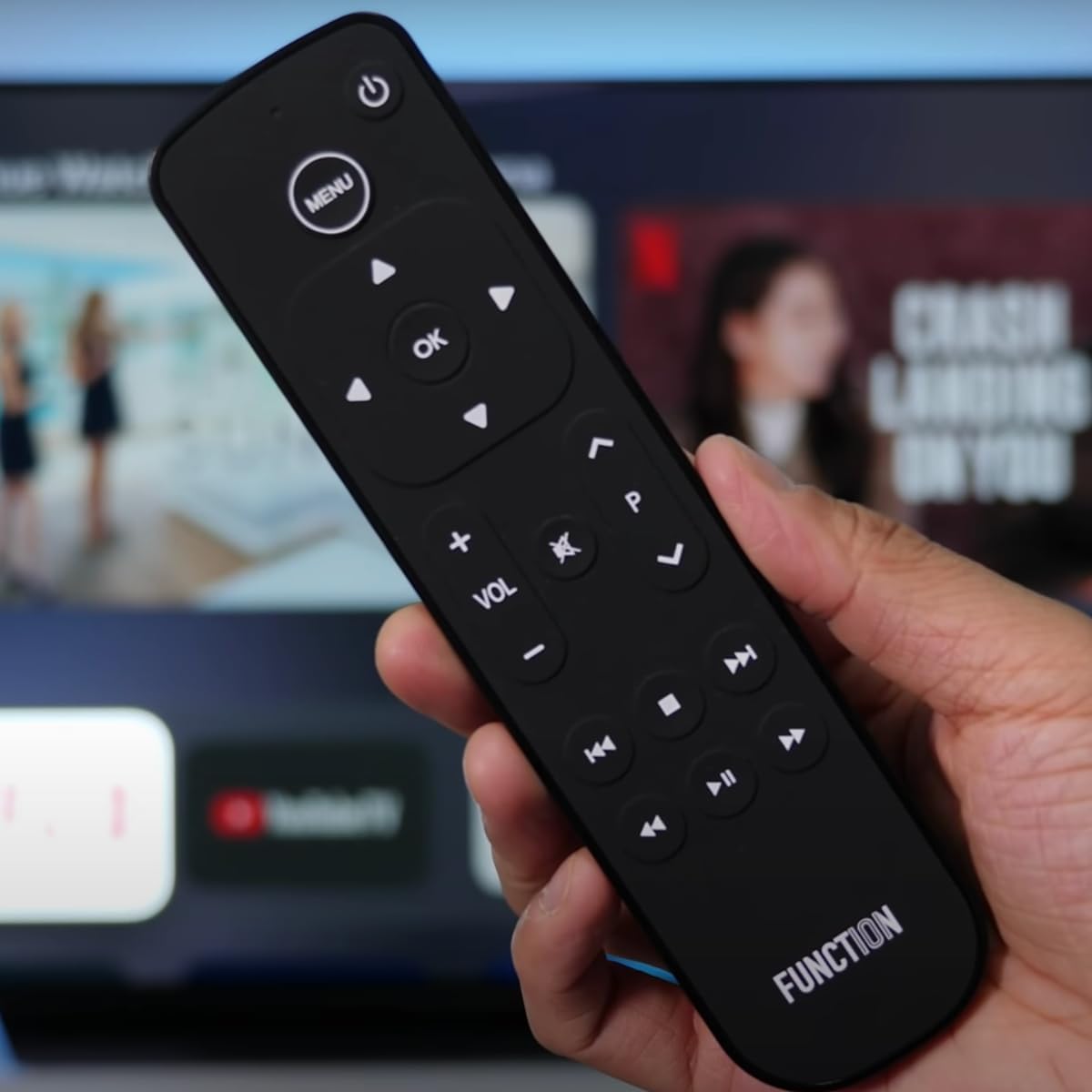
  • WORKS INSTANTLY WITH APPLE TV — INFRARED CONTROL — The Button Remote IR Edition works right out of the box with all Apple TV and Apple TV 4K models. No pairing, no app, no setup — just point and press. Direct line of sight to your Apple TV required. To control volume, mute, and power on your TV, soundbar, or receiver, a simple one-time IR programming step is required — our US-based support team and QR code setup guide walk you through it in minutes. Apple TV hidden or mounted? Search for the Bluetooth Edition (B0C6S6L61P).
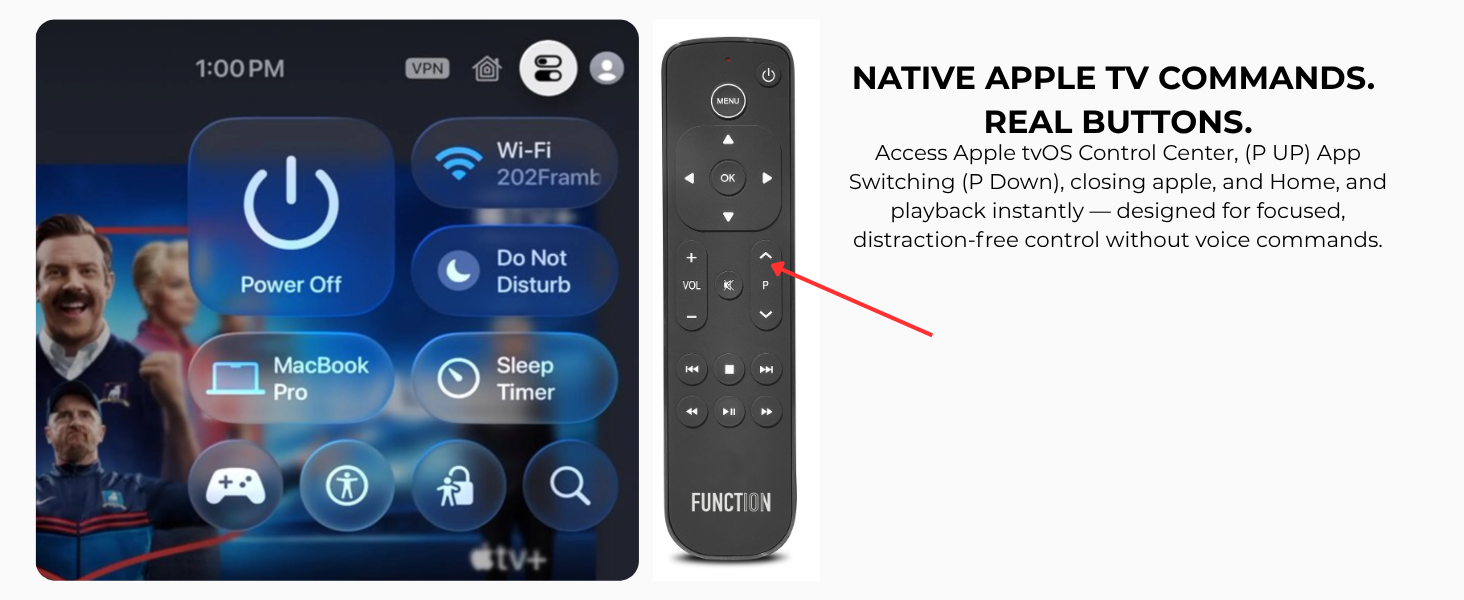
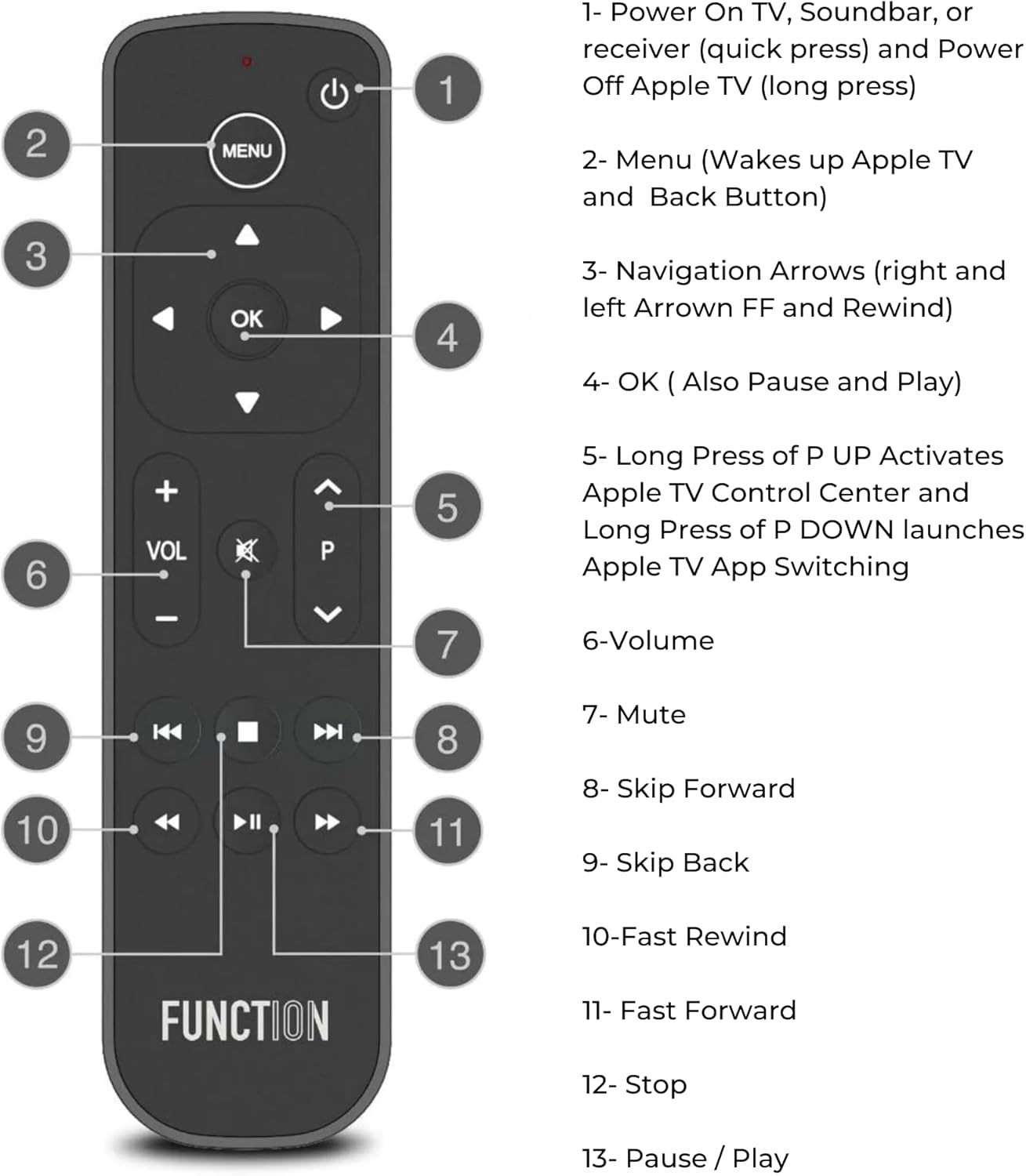
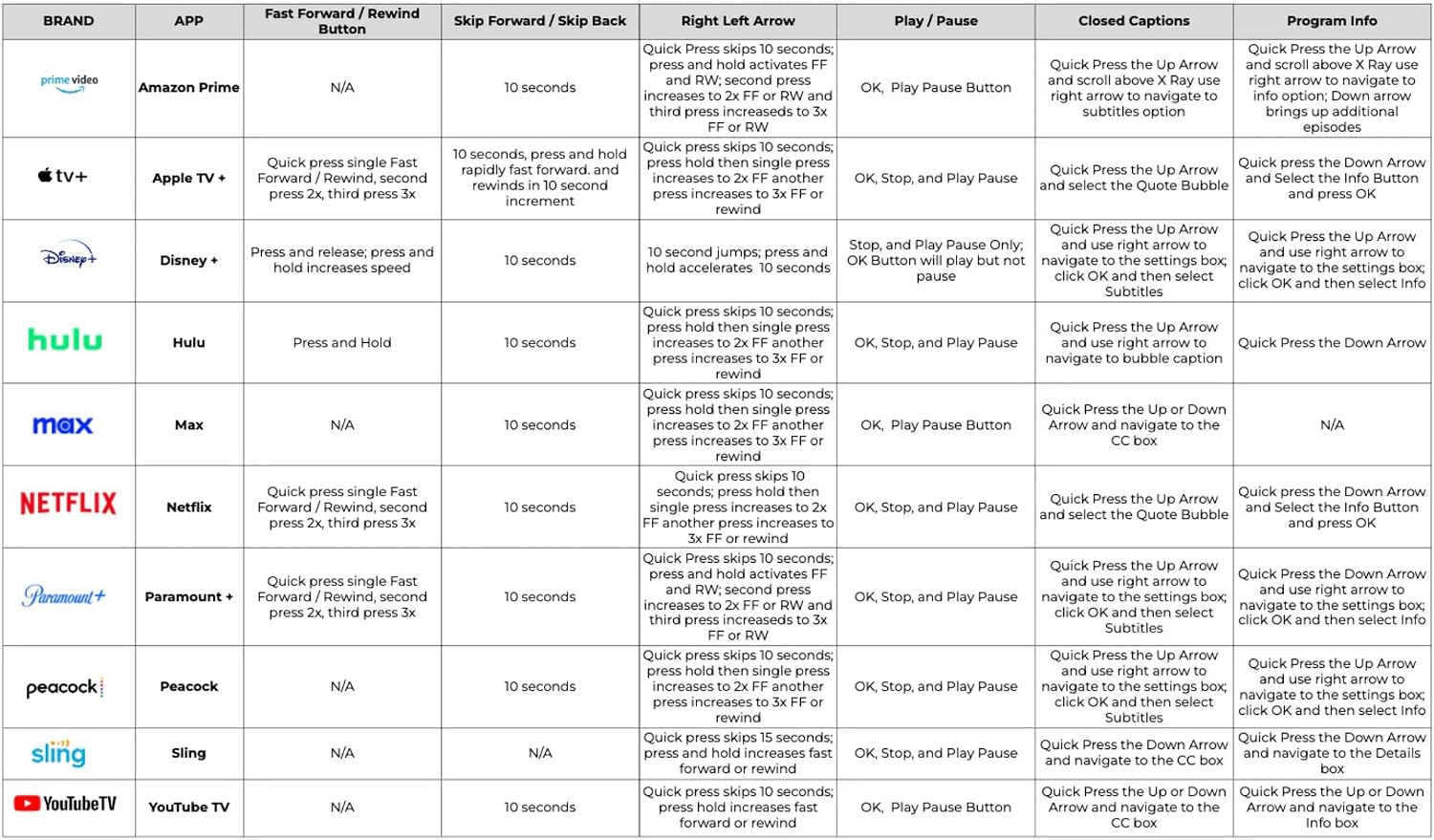
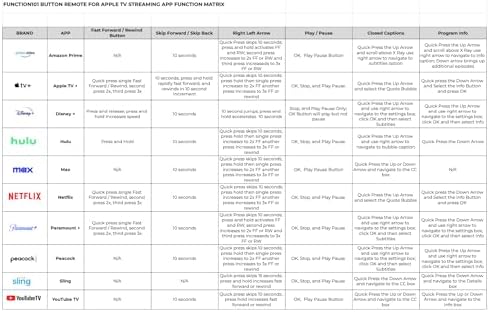
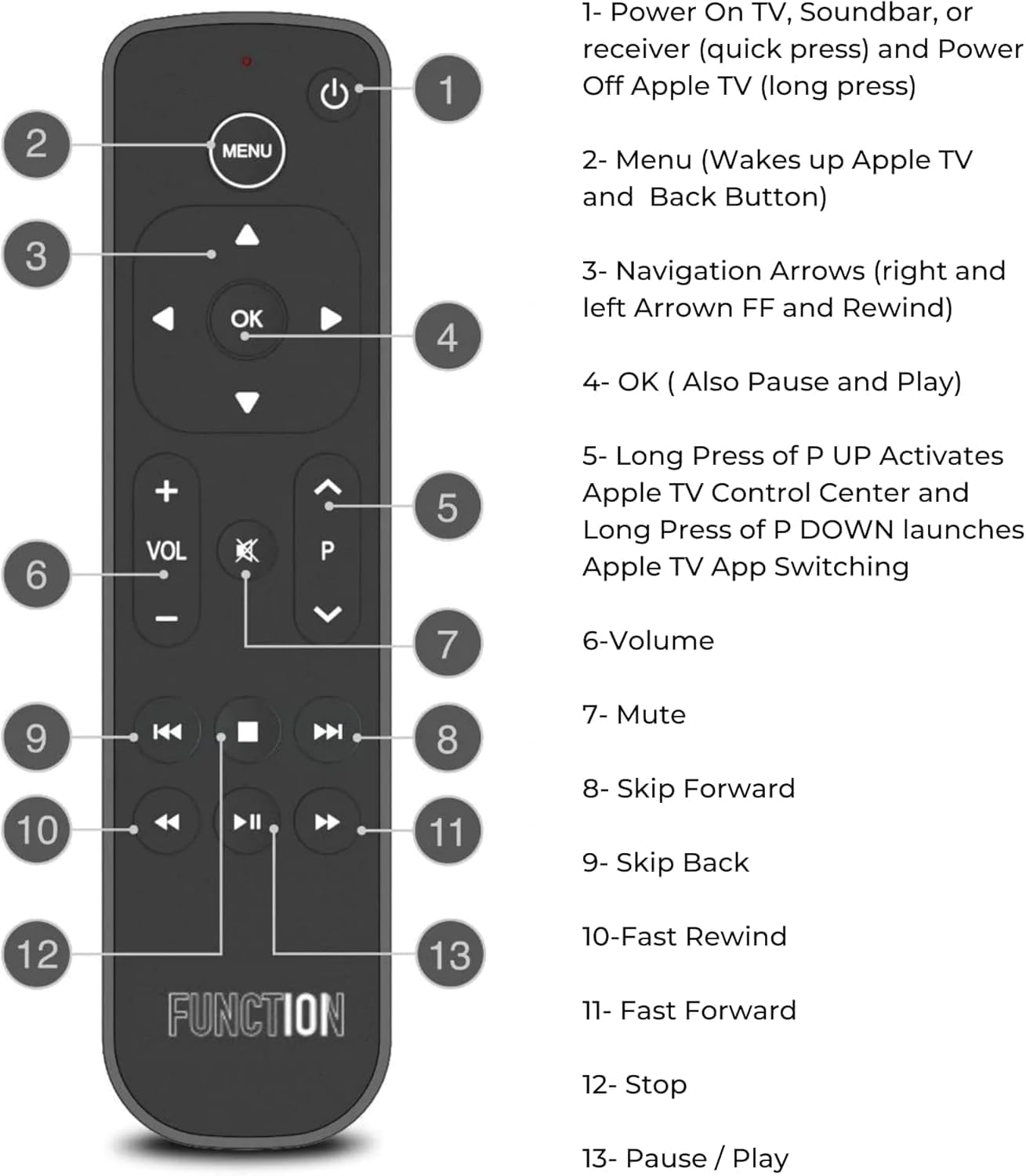
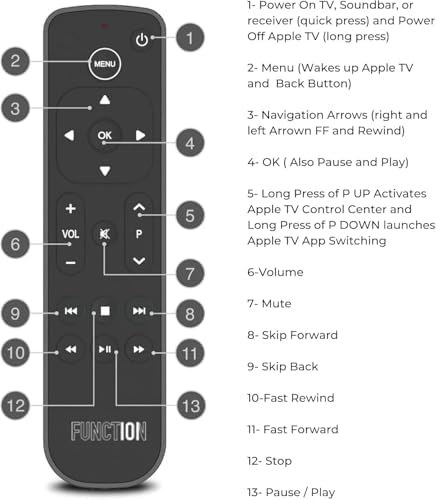
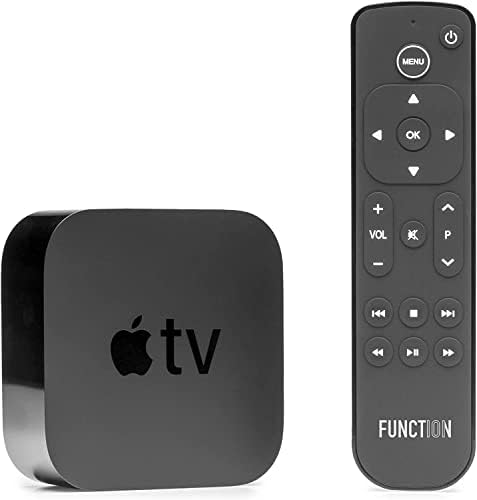
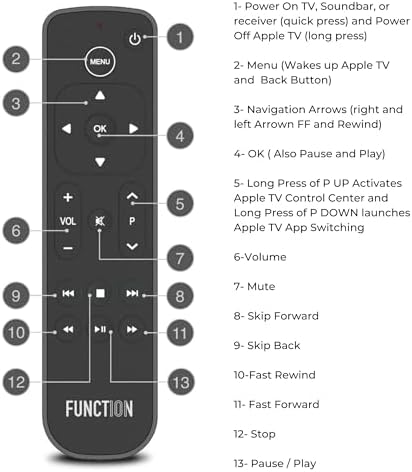
  • WORKS OUT OF THE BOX WITH EVERY APPLE TV MODEL — Plug-and-play compatible with all Apple TV and Apple TV 4K generations. Access native Apple TV commands including Home Screen, tvOS Control Center, and app switching — plus close stuck apps with a double tap. Traditional button layout means zero learning curve — pause, rewind, fast-forward, and navigate with confidence across Apple TV+, Prime Video, Hulu, YouTube TV, and more.
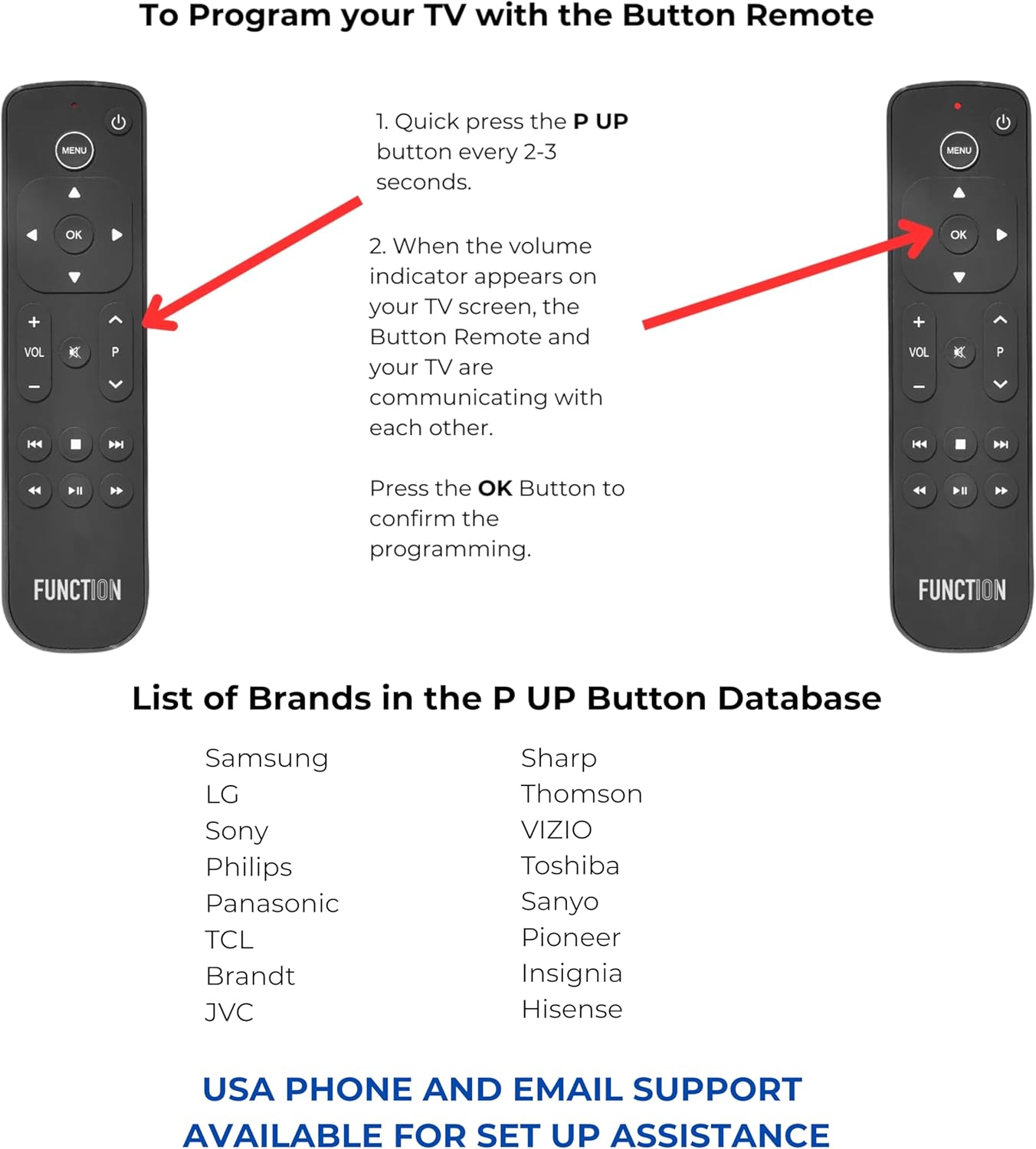
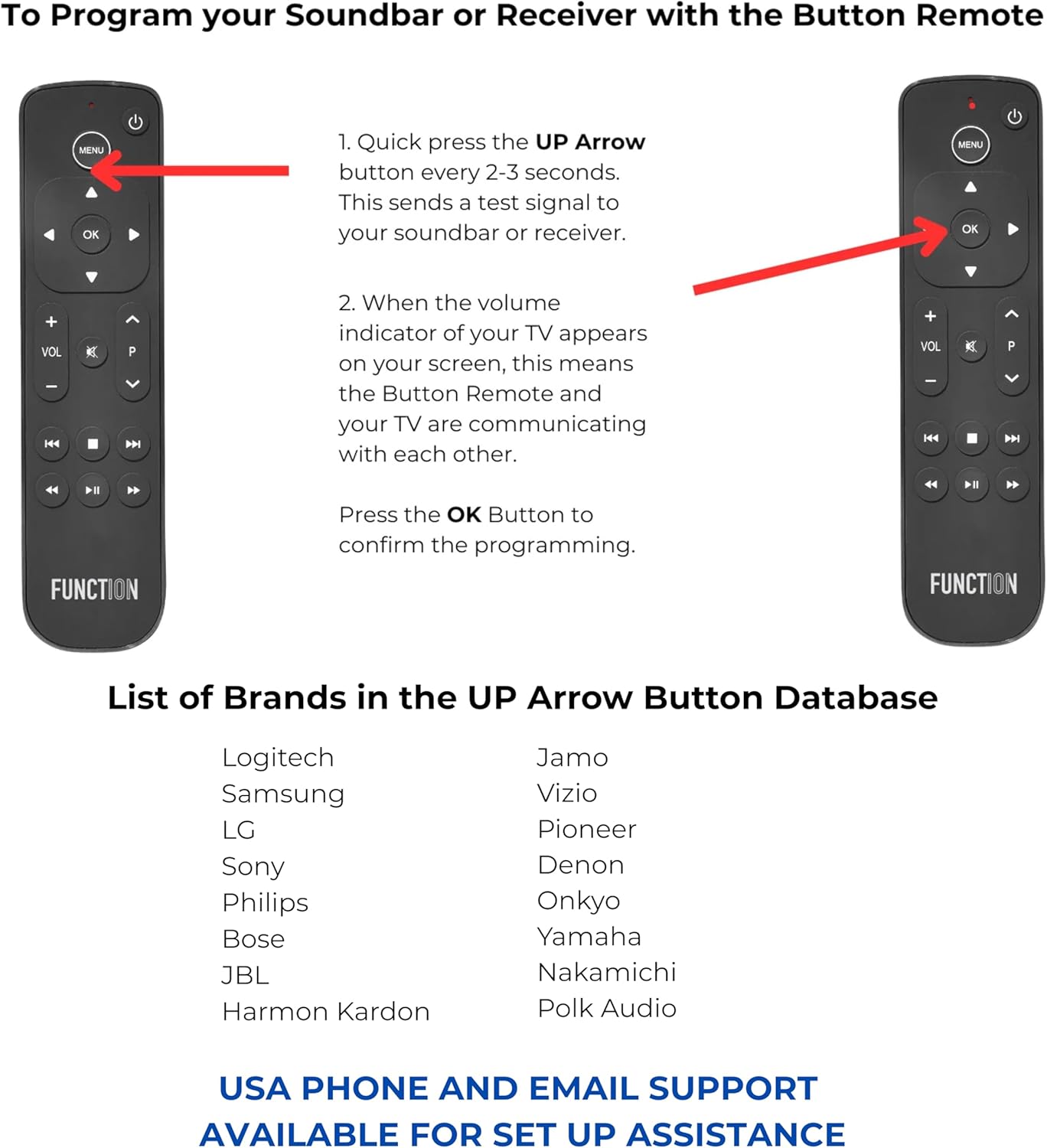
  • FULL TV & AUDIO COMMAND — Program your Button Remote to control volume, mute, and power on your TV, soundbar, or receiver across 100+ brands via infrared. Supports SONOS via the SONOS app. HomePod volume accessible through tvOS Control Center only. Line of sight required for IR functions.
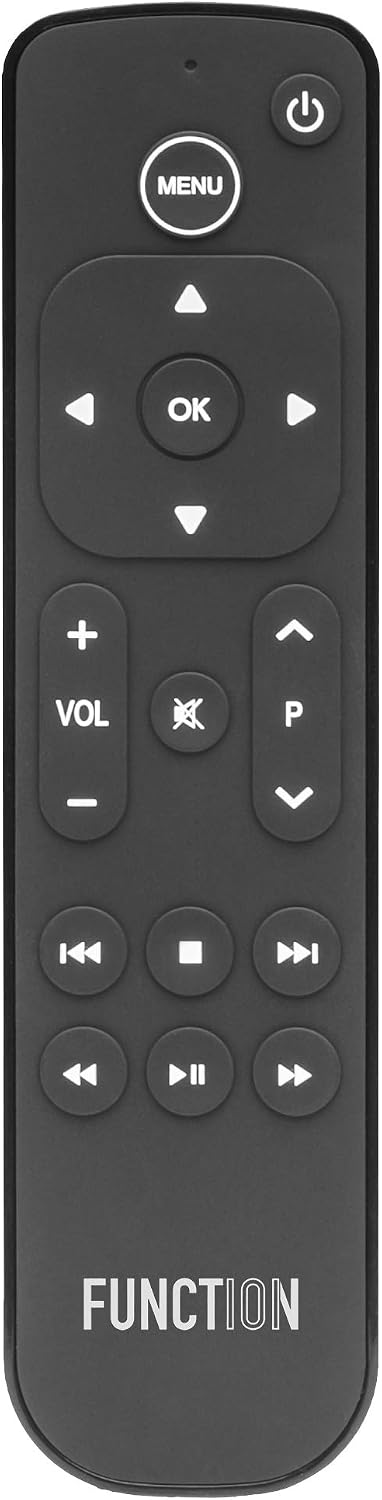
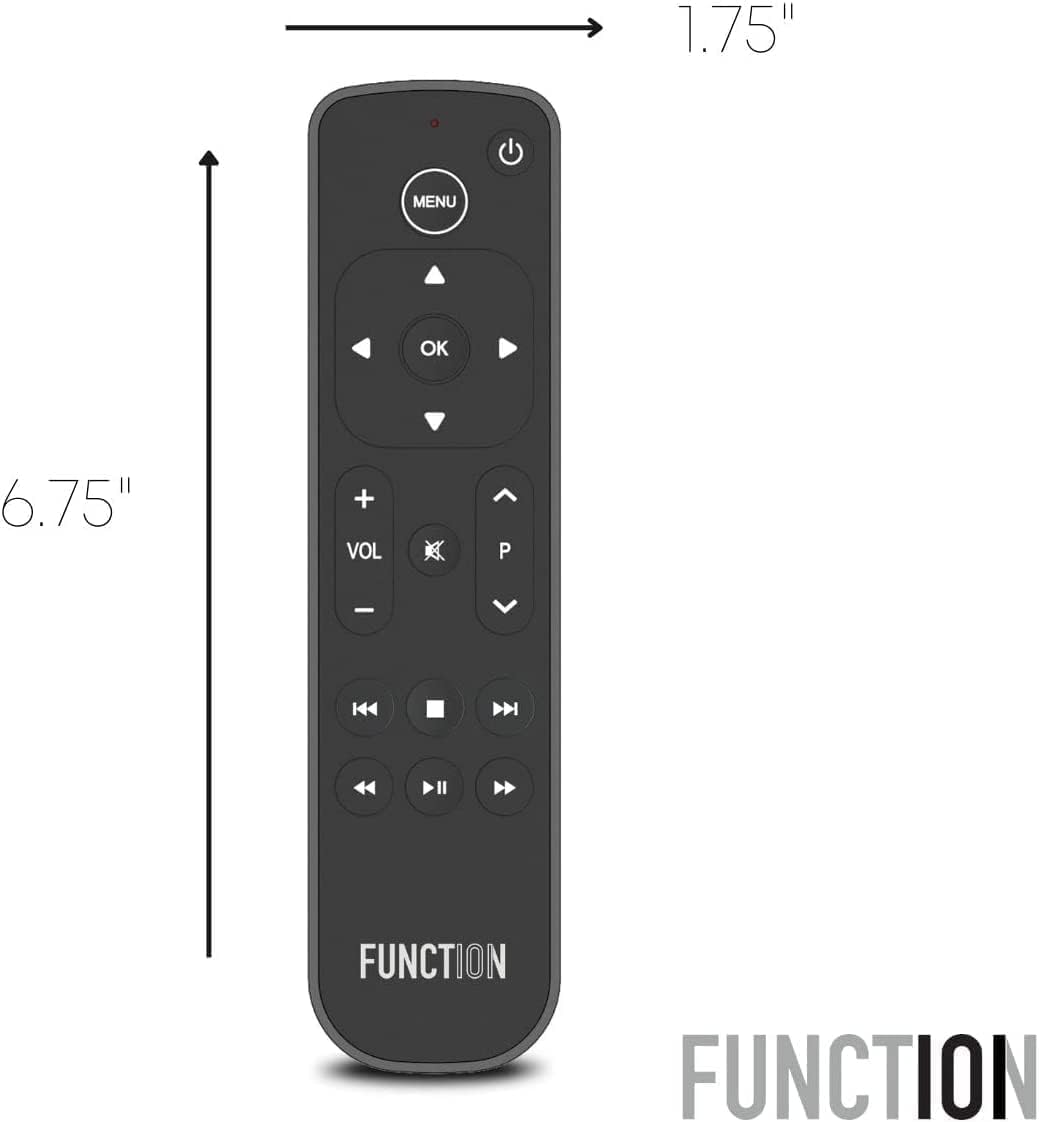
  • BUTTONS EVERYONE UNDERSTANDS — Swipe-based remotes aren't for everyone. The Button Remote is a simple, easy-to-use Apple TV remote that brings back dedicated play, pause, rewind, and fast-forward — a layout instantly familiar to anyone who's ever held a remote. No learning curve. No accidental inputs. Just effortless control for the whole room.
  • USA-BASED SUPPORT FOR EVERY CUSTOMER — Function101 is US-based with phone and email support included with every purchase. If you need help with the setup? Scan the QR code in the box to access our setup guide or contact our team directly.
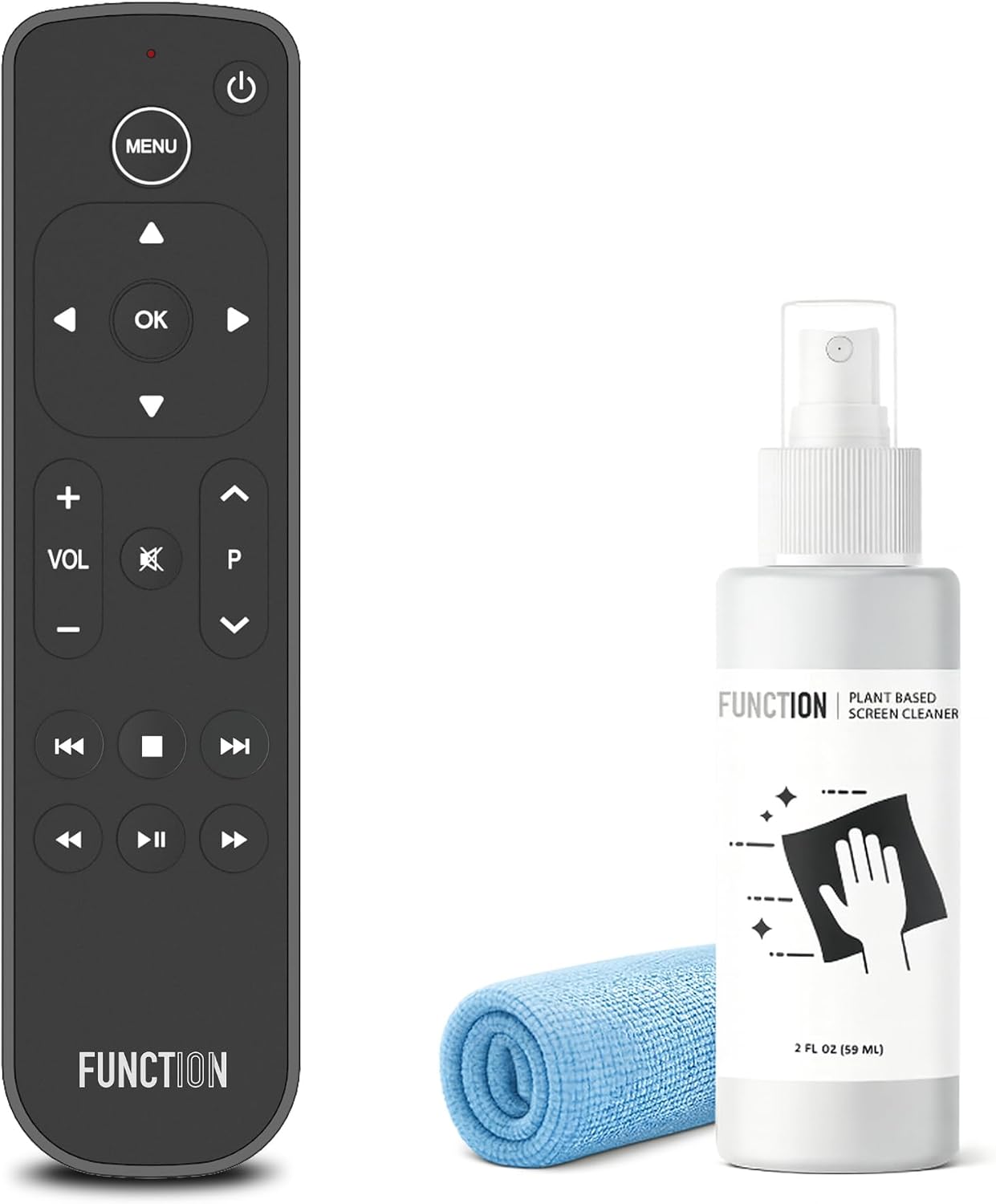
  • LONG-LASTING BATTERY LIFE — NO RECHARGING NEEDED — Two AAA batteries are included and ready to go right out of the box. No charging cables. No dead remote at the wrong moment. Just reliable power whenever you need it — and a competitive advantage over remotes that require recharging.
  • COMPATIBLE WITH ALL MAJOR STREAMING APPS — Navigate Apple TV+, Prime Video, Netflix, Hulu, YouTube TV, Disney+, and more with fast-forward, rewind, and playback functionality. Works seamlessly across all major streaming services without the inconsistency of swipe-based navigation.
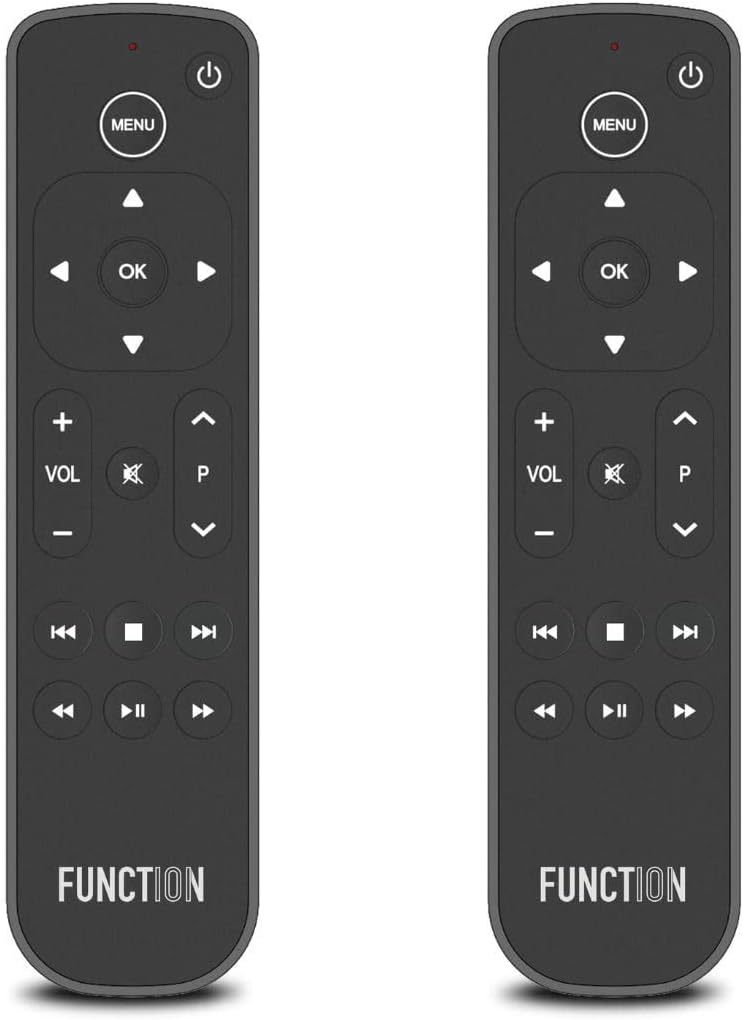
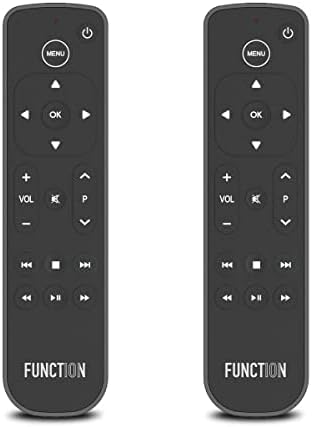
  • IDEAL FOR EVERY ROOM AND EVERY USER — Whether it's a bedroom Apple TV, a guest room setup, or a second remote for the living room, the Button Remote is the perfect addition to any Apple TV household. Simple enough for kids and guests, reliable enough for every day.
UPC095509532763
ColorBlack
Model NameF101-ATVRM
Unit Count1 Count
Battery TypeAlkaline
ManufacturerFunction101
Model NumberF101-ATVRM
Maximum Range12 meters
Button Quantity101
Controller TypeButton Control
Mfr Part NumberF101-ATVRM
Special FeatureErgonomic
Compatible DevicesApple TV, Home Theater, Sonos, Stereo System, Television
Additional FeaturesErgonomic
Number of Batteries2 AAA batteries required. (included)
Warranty Description1 year
Connectivity TechnologyInfrared
Supported Devices Quantity2
Global Trade Identification Number00095509532763
Maximum Number of Supported Devices2
Apple tv remote replacement with Apple tv
Apple TV Control Center Access
Home Theater and Button Remote for Apple TV
Apple TV Remote Soundbar TV Receiver
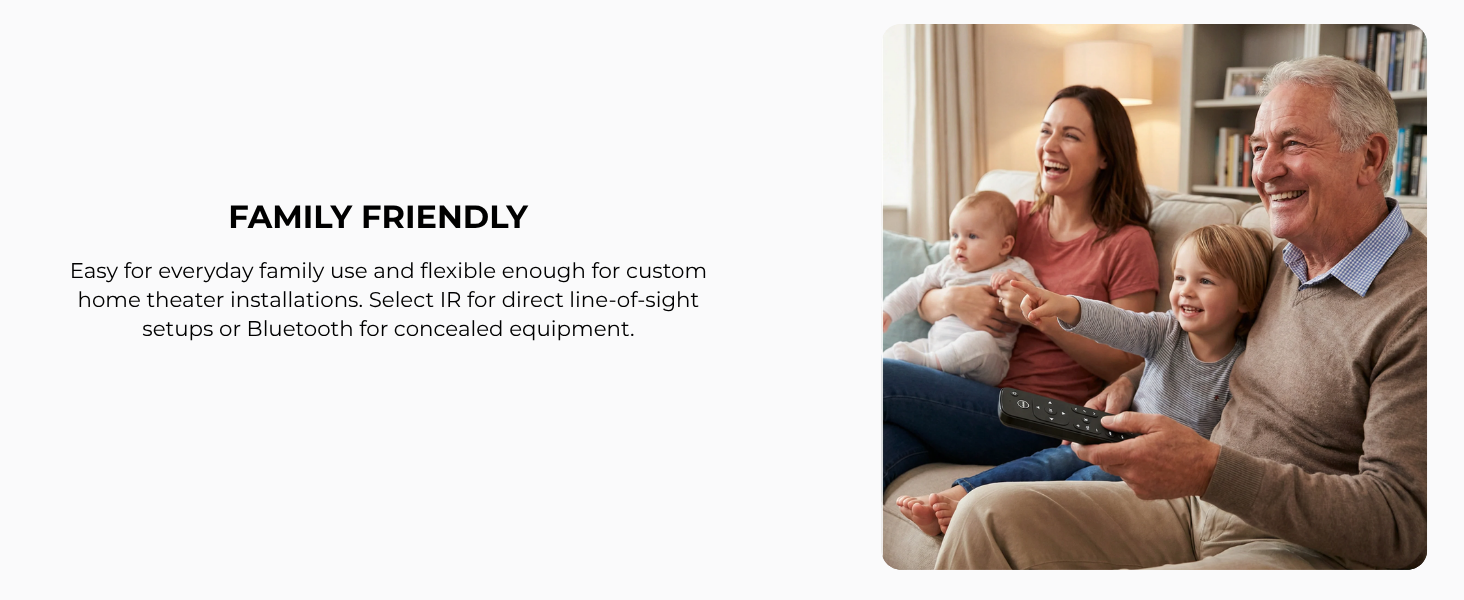
Apple TV Family Friendly
  • Can I control the volume and mute on my TV, receiver, or soundbar — not just Apple TV?

    Yes. Button Remote sends volume and mute commands directly to your TV or audio system via IR — One remote. Real control.

  • How do I program Button Remote to work with my specific TV, soundbar, or receiver brand?

    Under two minutes. Press Menu + OK to enter setup mode. For TVs, press the P Up arrow until volume responds on your screen. For soundbars and receivers, press the Up arrow until volume responds on your device. Press OK to confirm.

  • Will Button Remote turn my TV on and off, or just Apple TV?

    Both. Quick-press the top-right power button to control your TV, receiver, or soundbar. Press and hold to power Apple TV on or off. One remote handles everything.

  • Do I have to point the remote directly at the TV for it to work?

    IR requires line of sight, just like a standard TV remote. The Bluetooth Edition needs no pointing — it works through walls, cabinets, and from anywhere in the room.

Example title

Recently viewed

Cart

loading