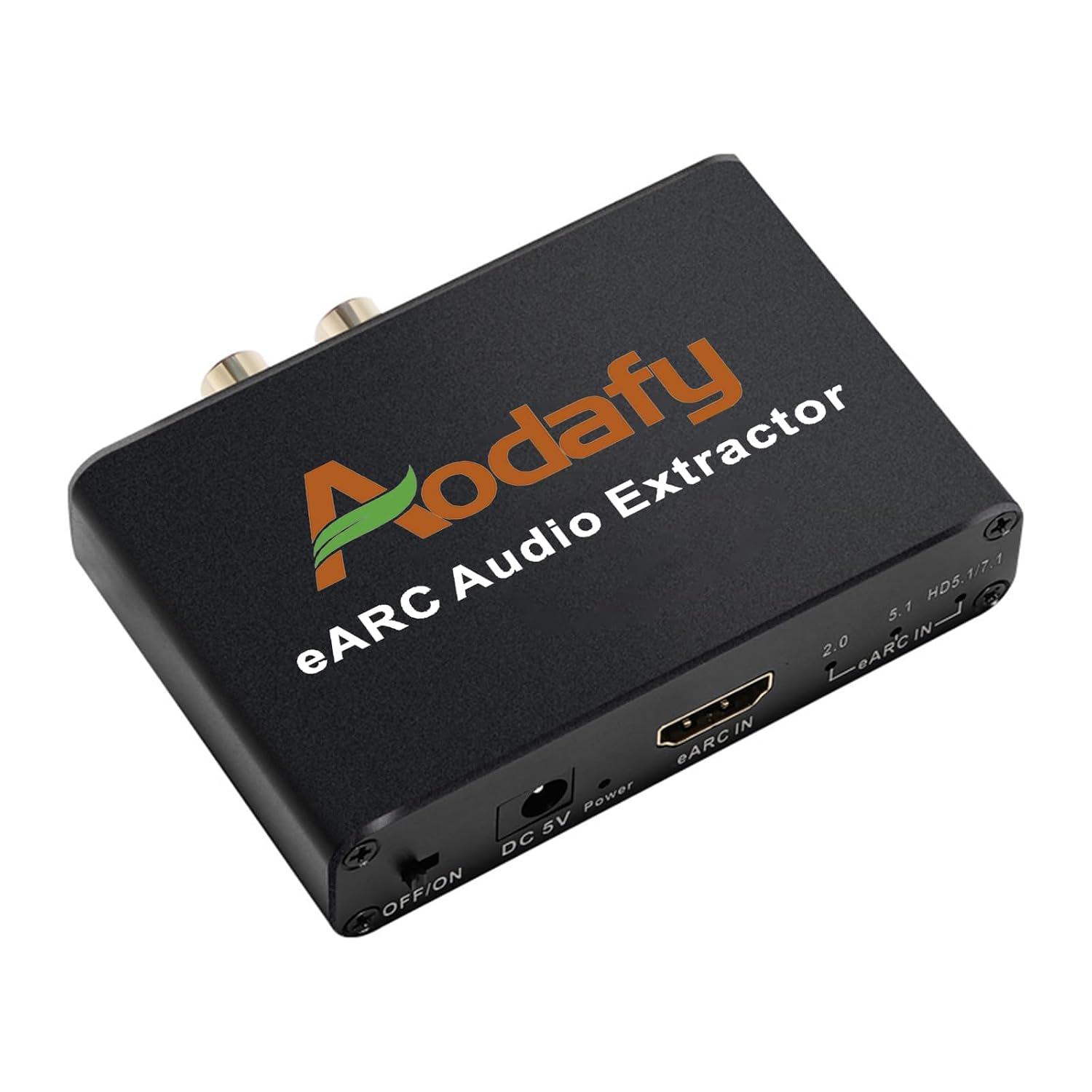


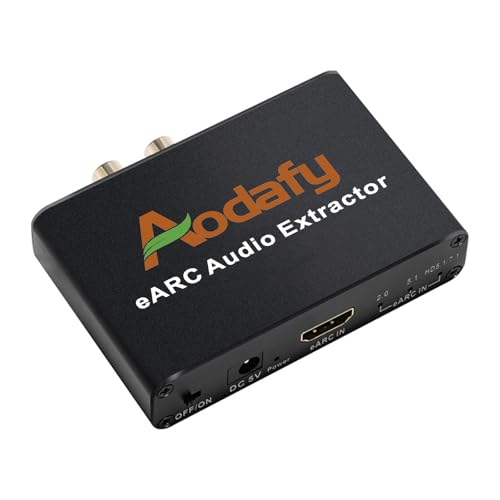






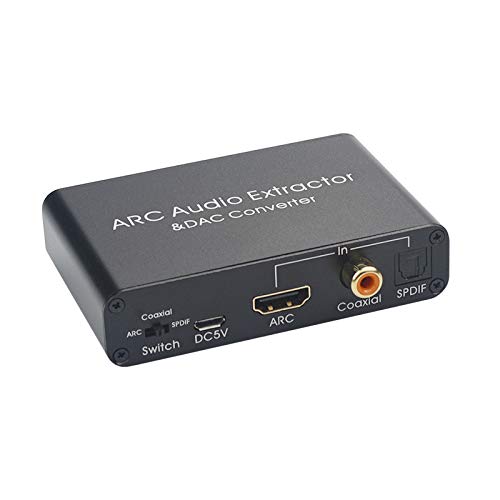
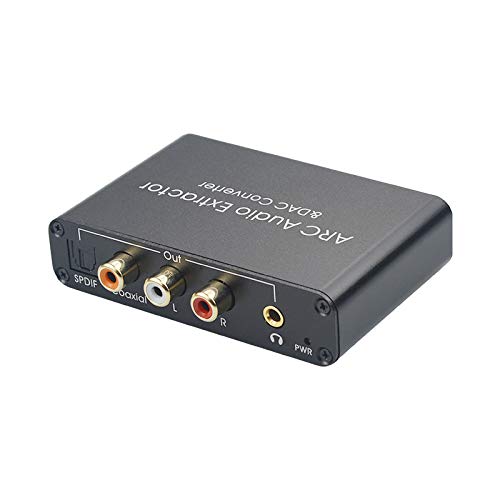
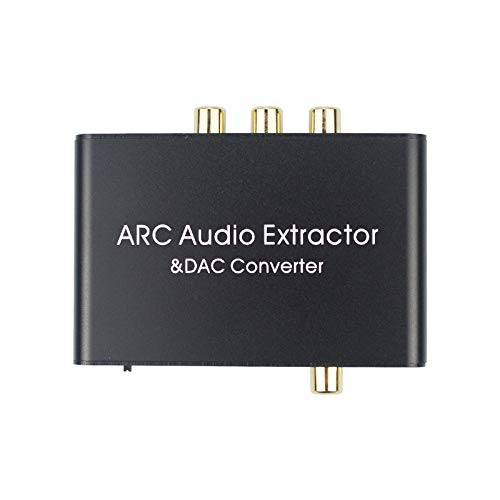




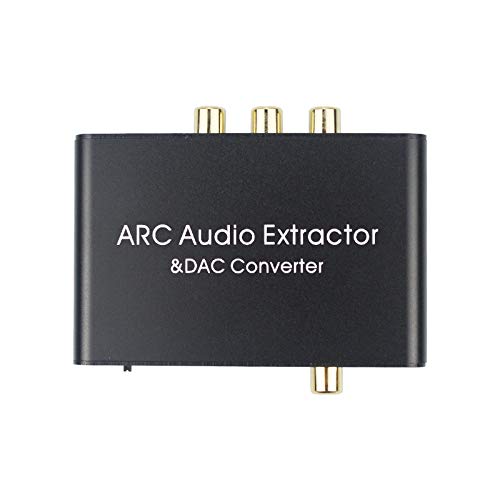
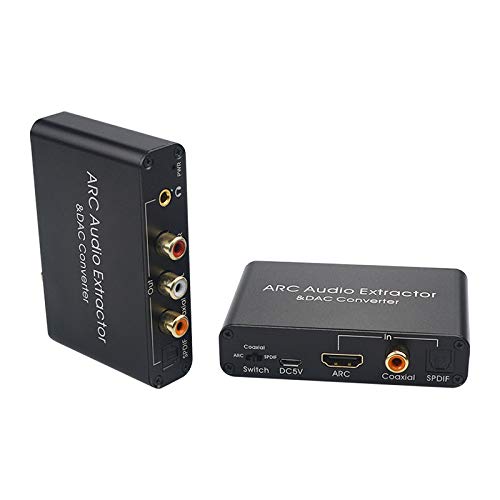
eARC Audio Extractor, eARC Audio Converter to HDMI Optical/SPDIF L/R 3.5mm AUX Sound Extractor, HDMI eARC/ARC to Optical Audio Adapter, for TV to Non-ARC Sound System Soundbar Speaker Amplifier

$12.15 USD
Shipping fees will be calculated at checkout.
Model
  • Free worldwide shipping

  • Free returns

  • Carbon neutral

  • Secure payments

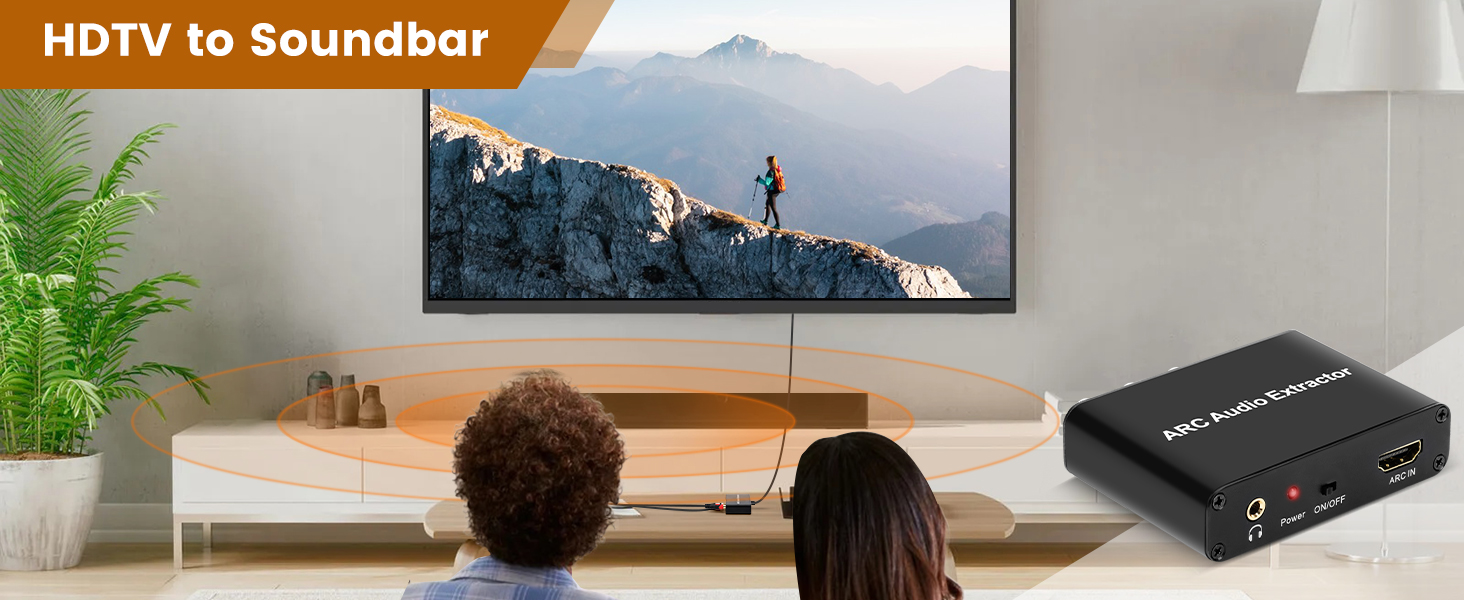
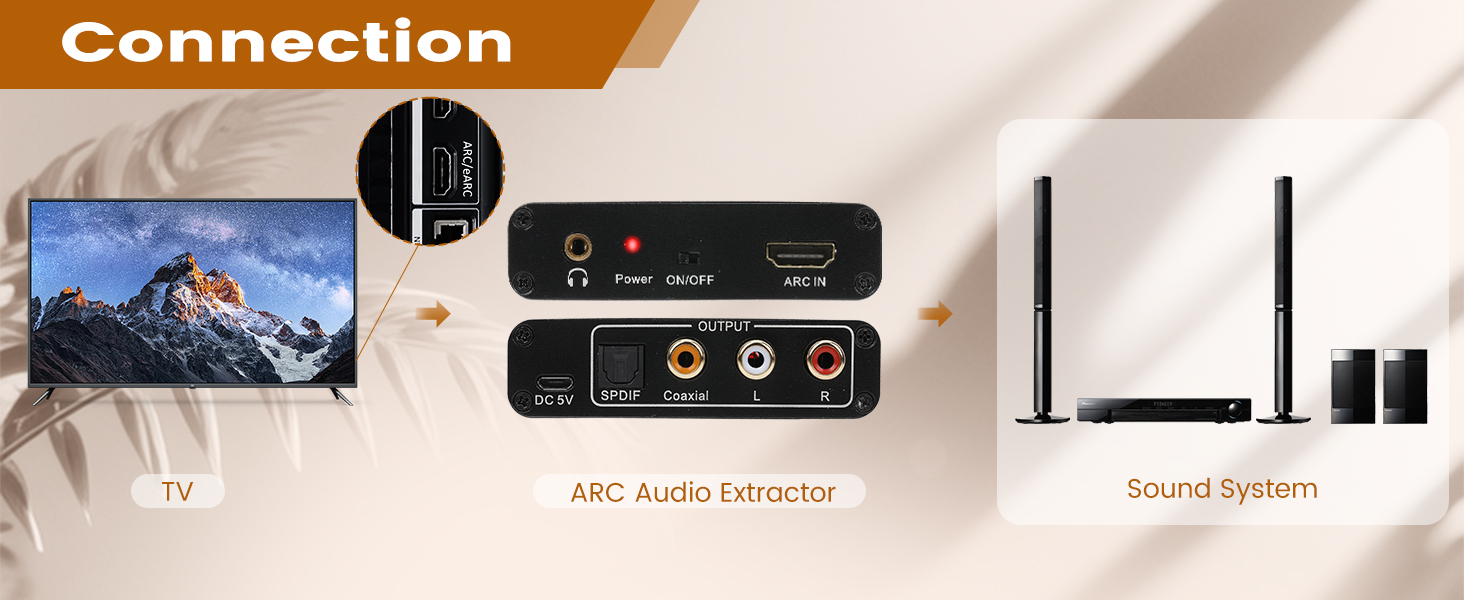
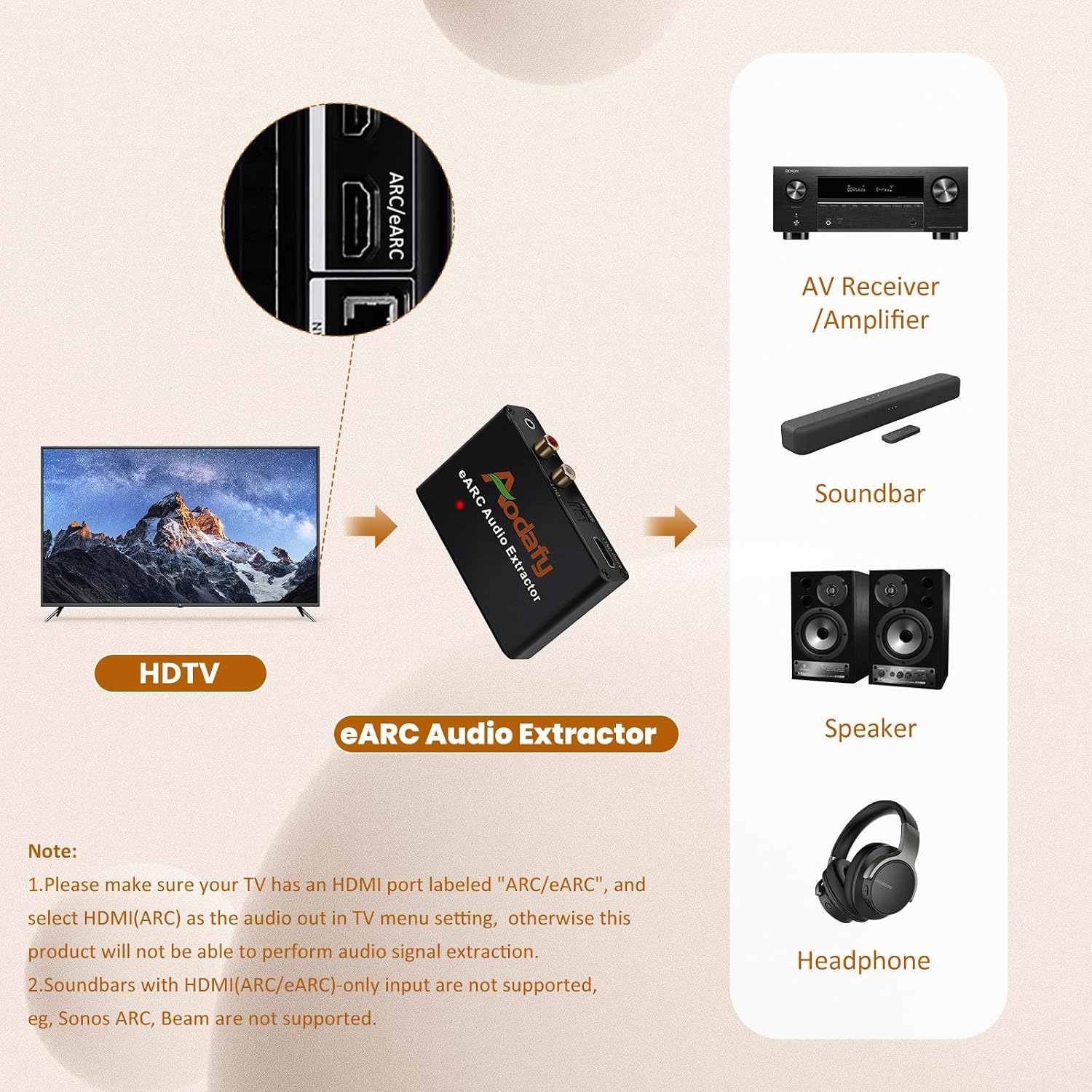
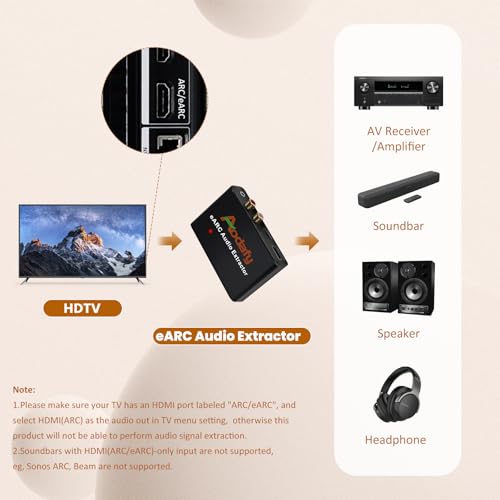
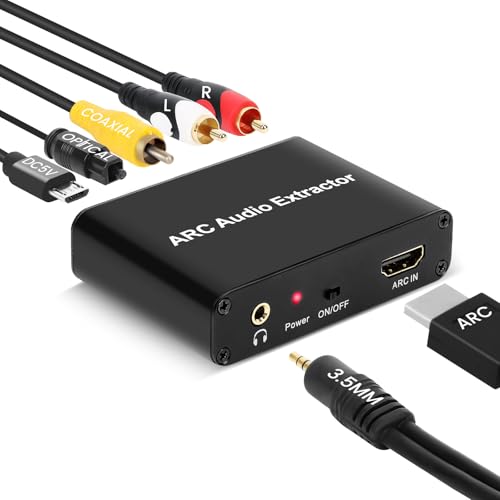
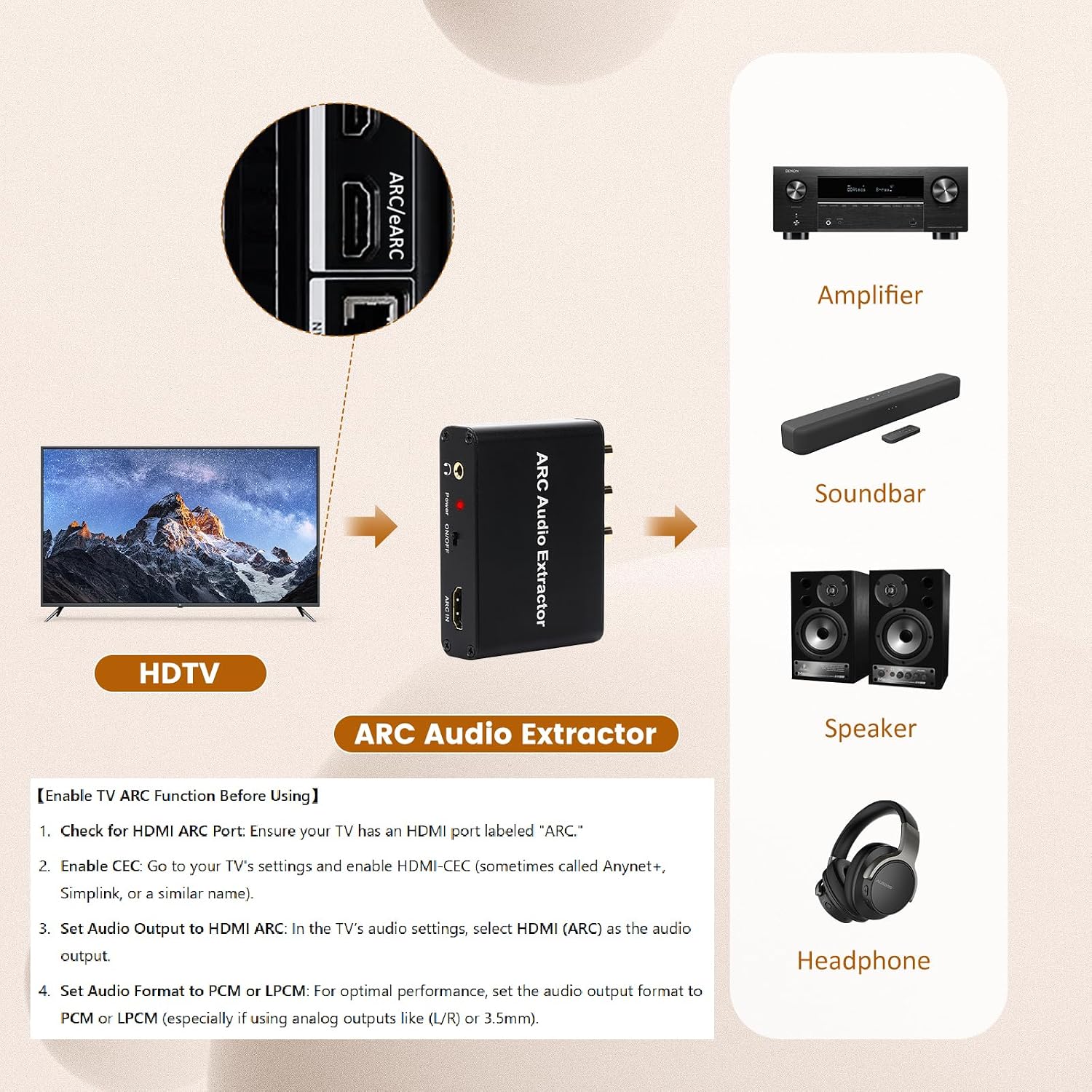
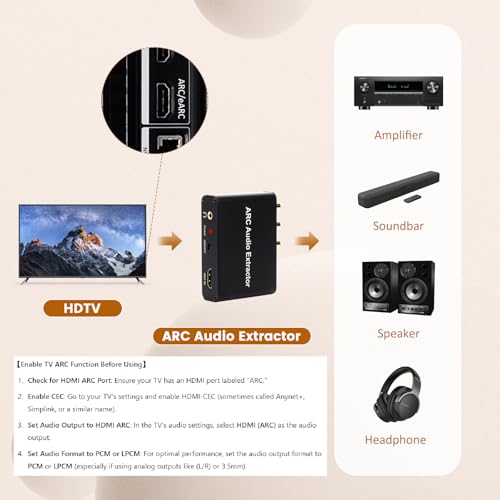
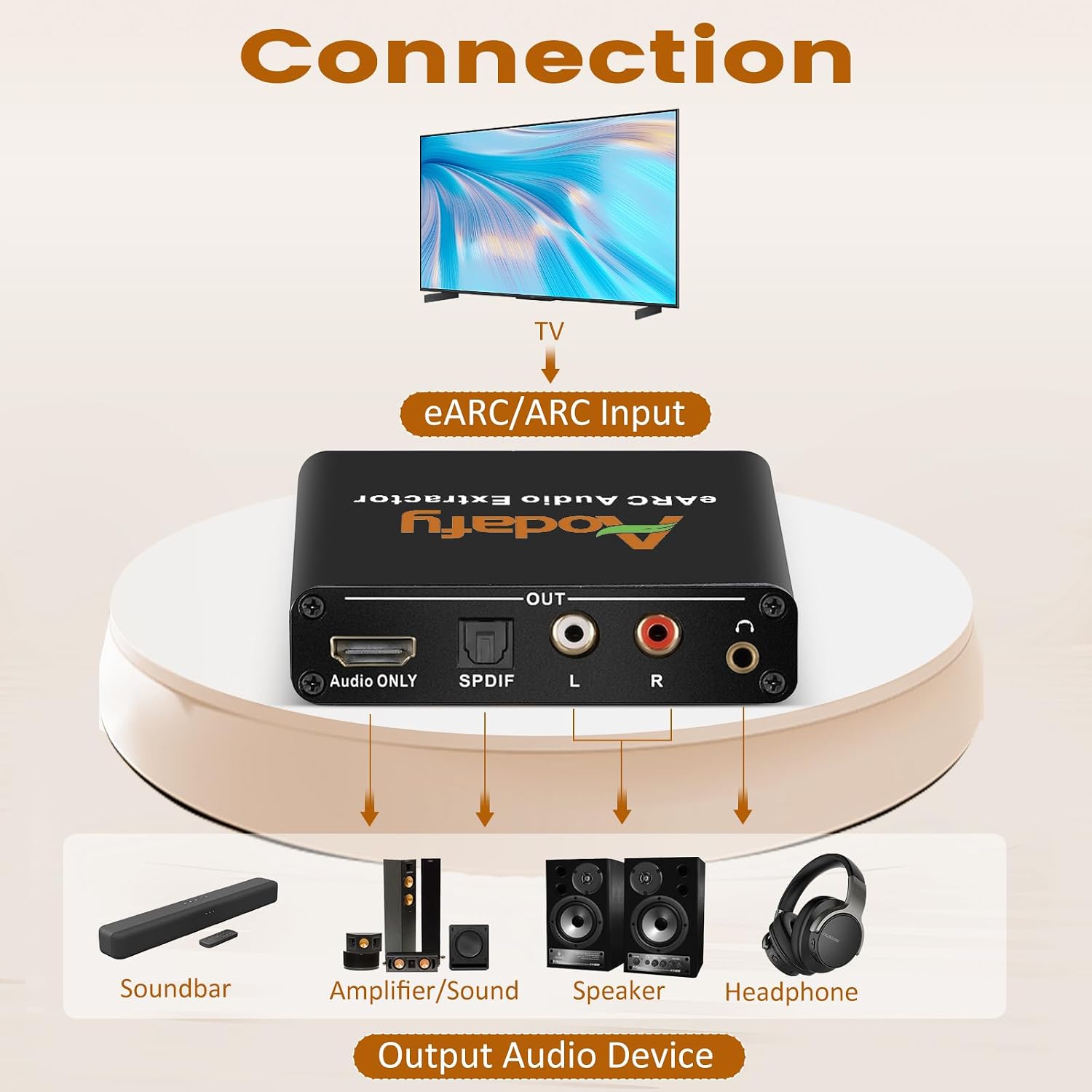
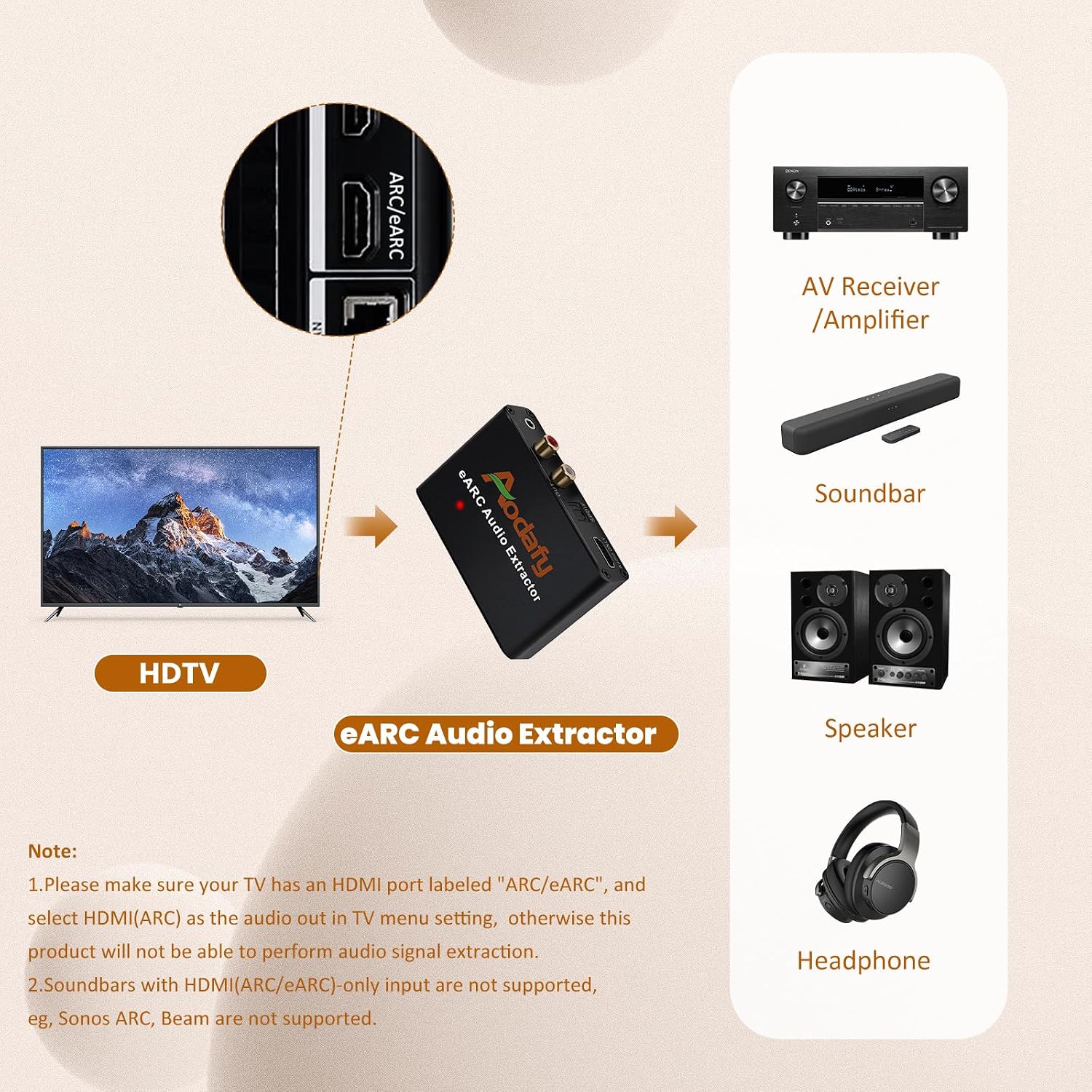
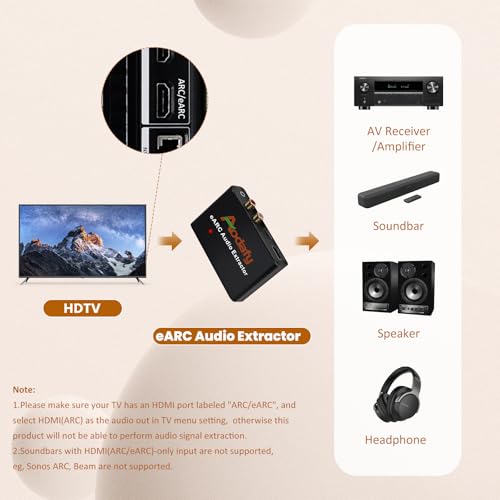
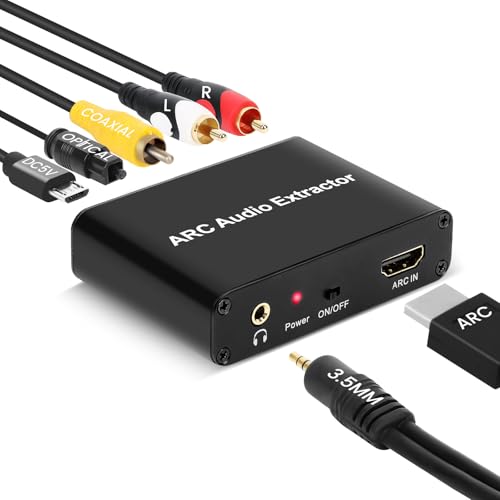
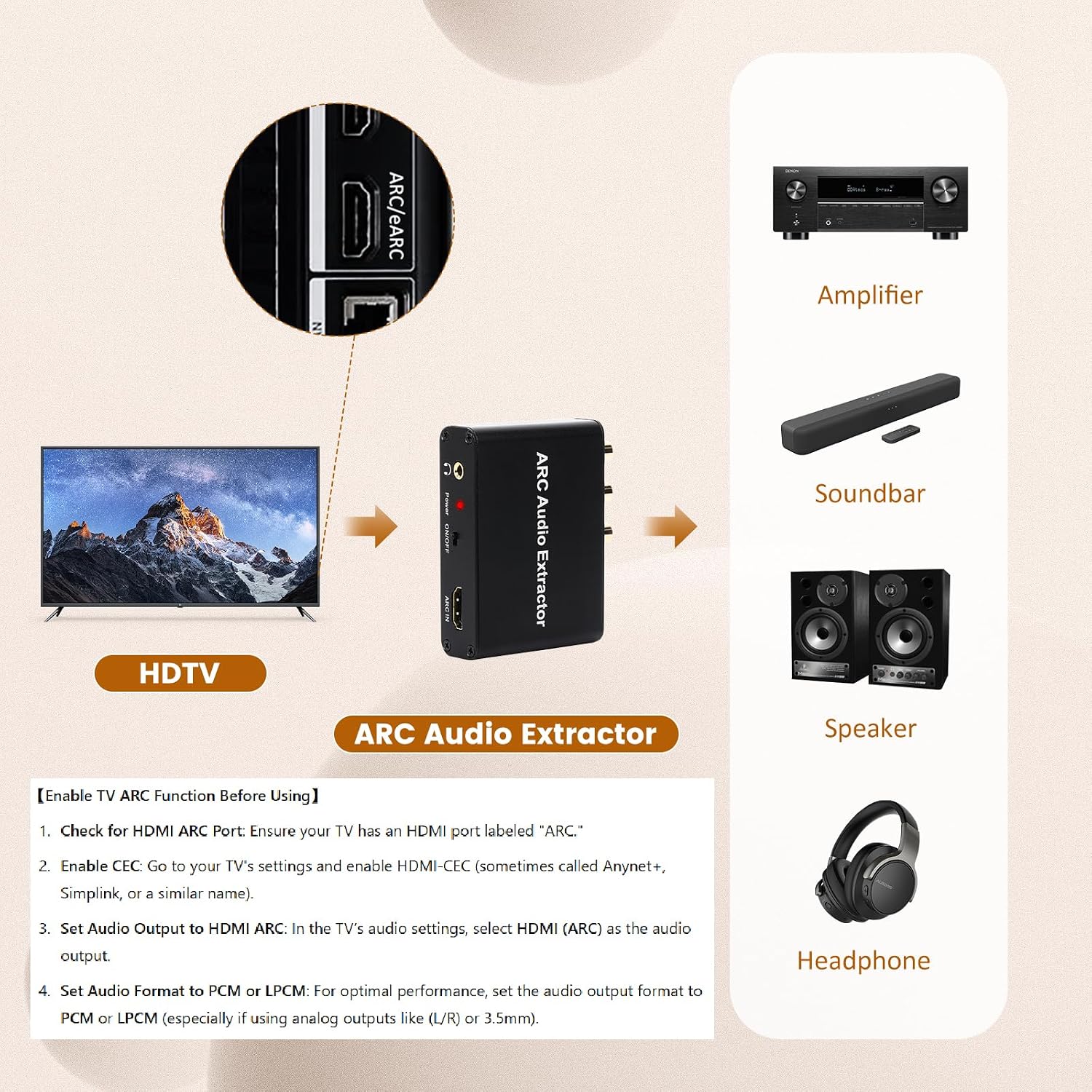
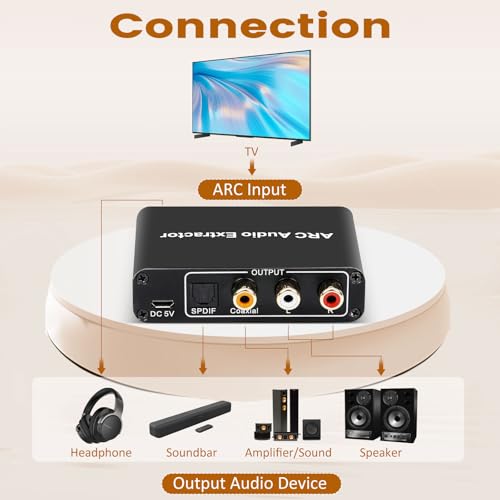
  • 【ARC/eARC Required – Check Your TV First】This HDMI ARC adapter splits audio from your TV to soundbars or external speakers via optical, coaxial, 3.5mm, and RCA outputs. It's a perfect HDMI ARC adapter for soundbar to TV setups. IMPORTANT: Your TV MUST have an HDMI port labeled "ARC" or "eARC" – otherwise, it will not work. Check your TV's HDMI ports before purchasing.
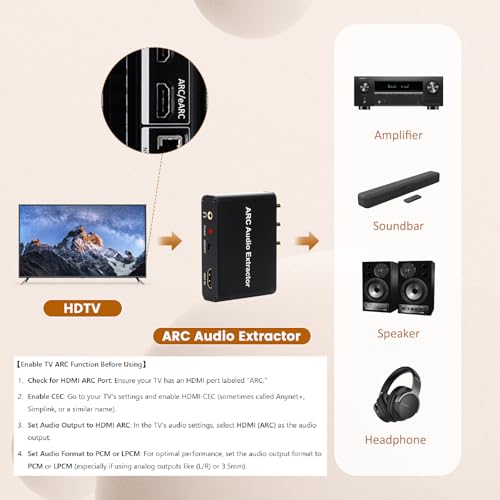
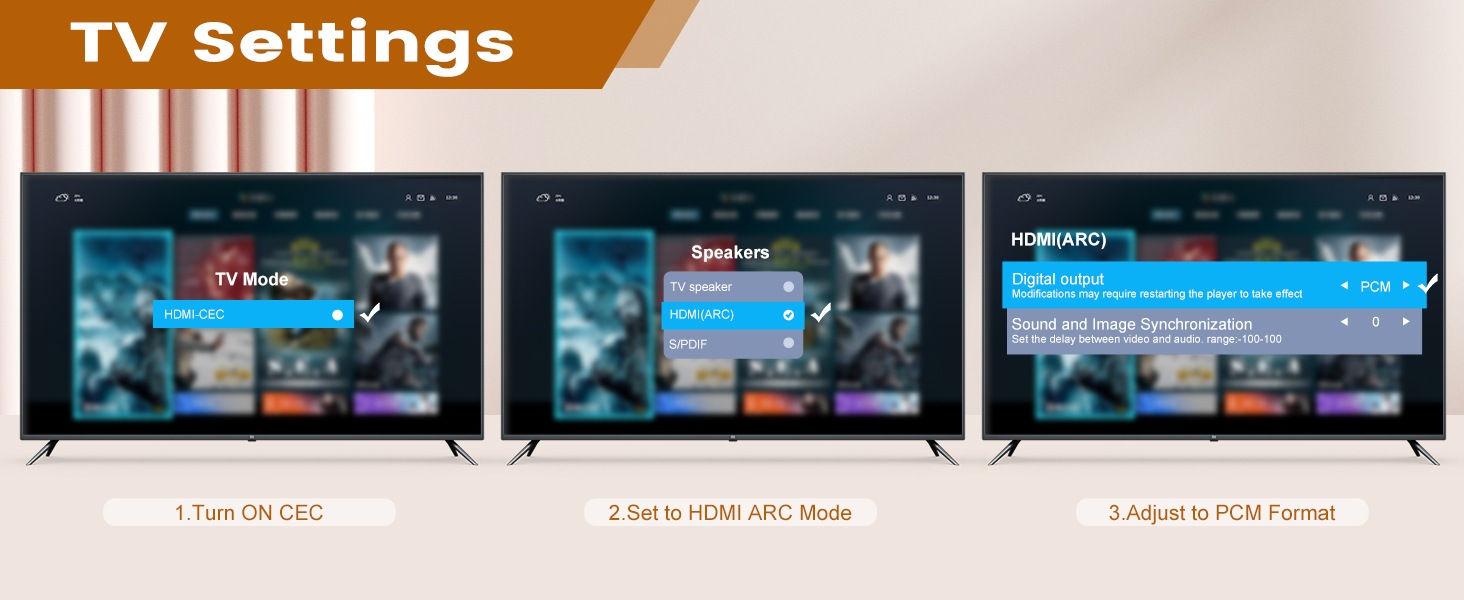
  • 【Easy Setup Guide – 3 Steps for Success】① Connect this HDMI ARC audio extractor to your TV's HDMI ARC port → ② Enable CEC (Samsung: Anynet+, LG: SimpLink) in TV settings → ③ Set TV audio output to HDMI ARC and format to PCM. Follow these steps to avoid issues!
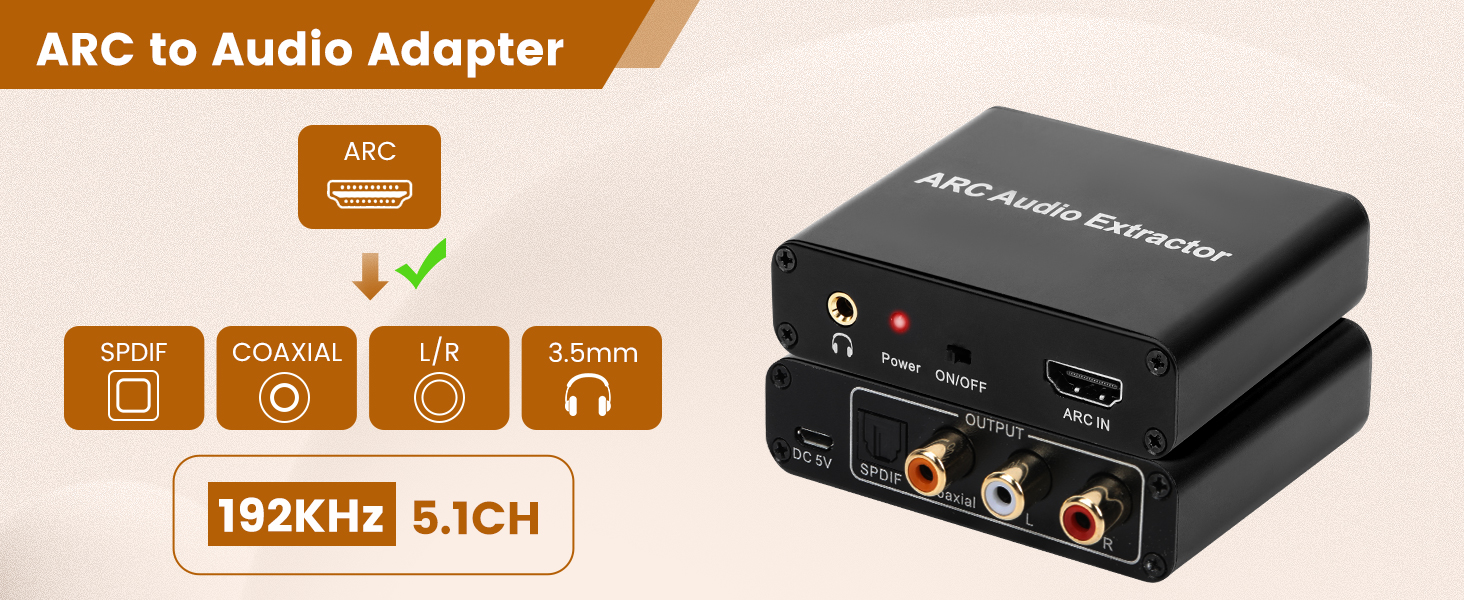
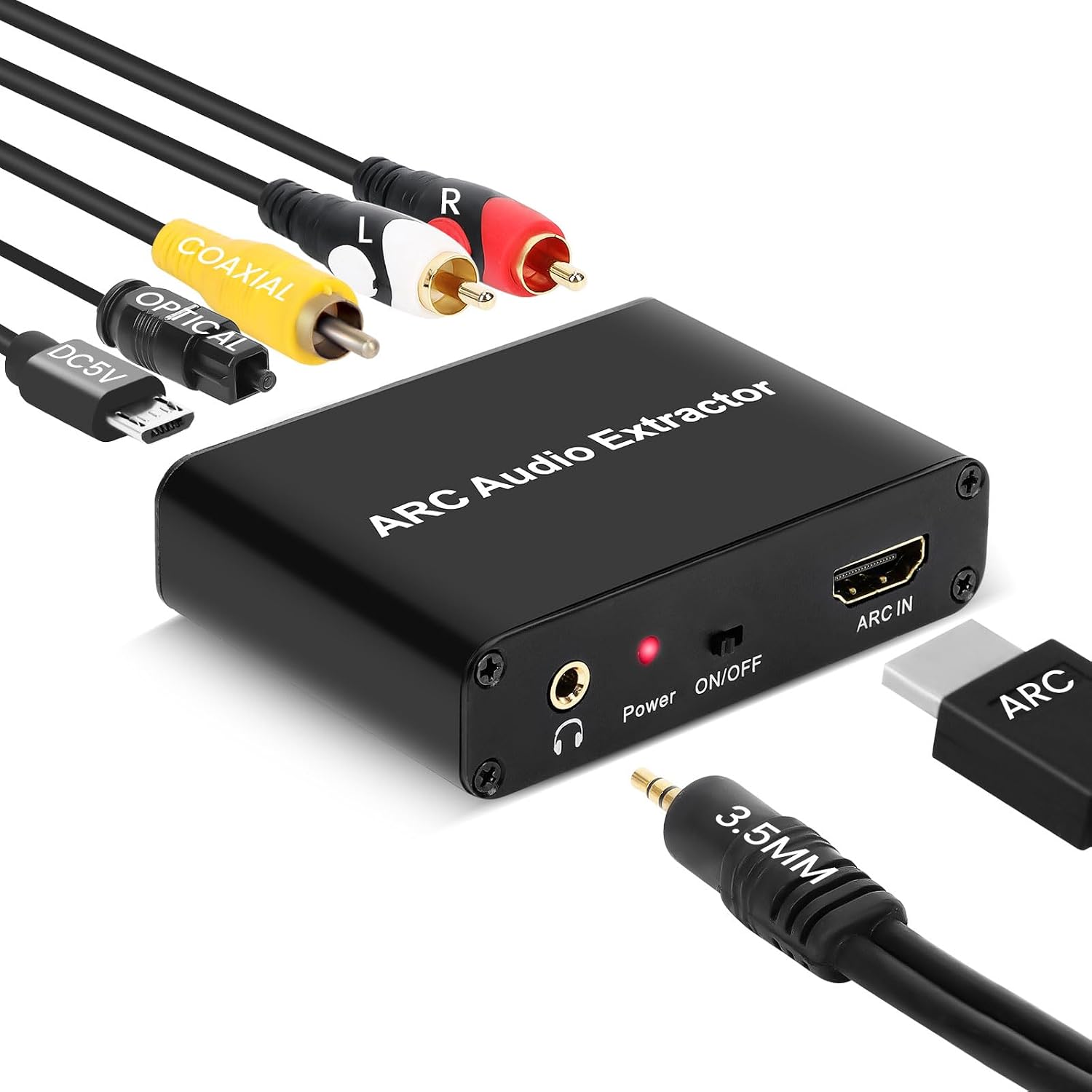
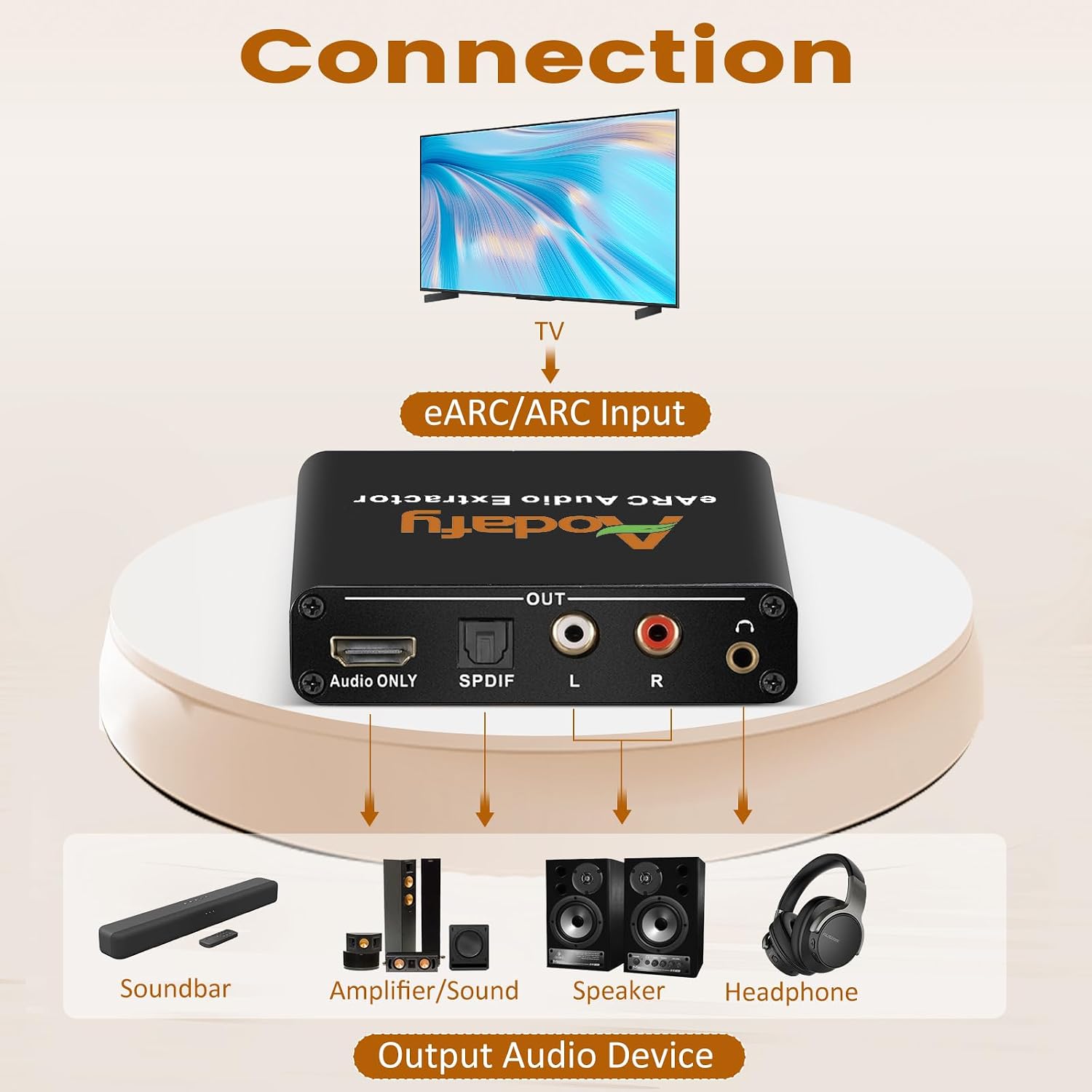
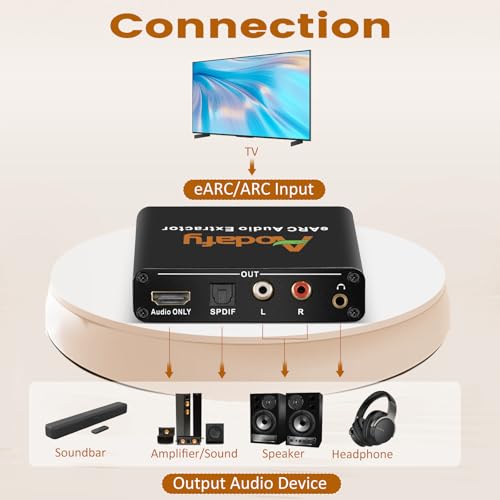
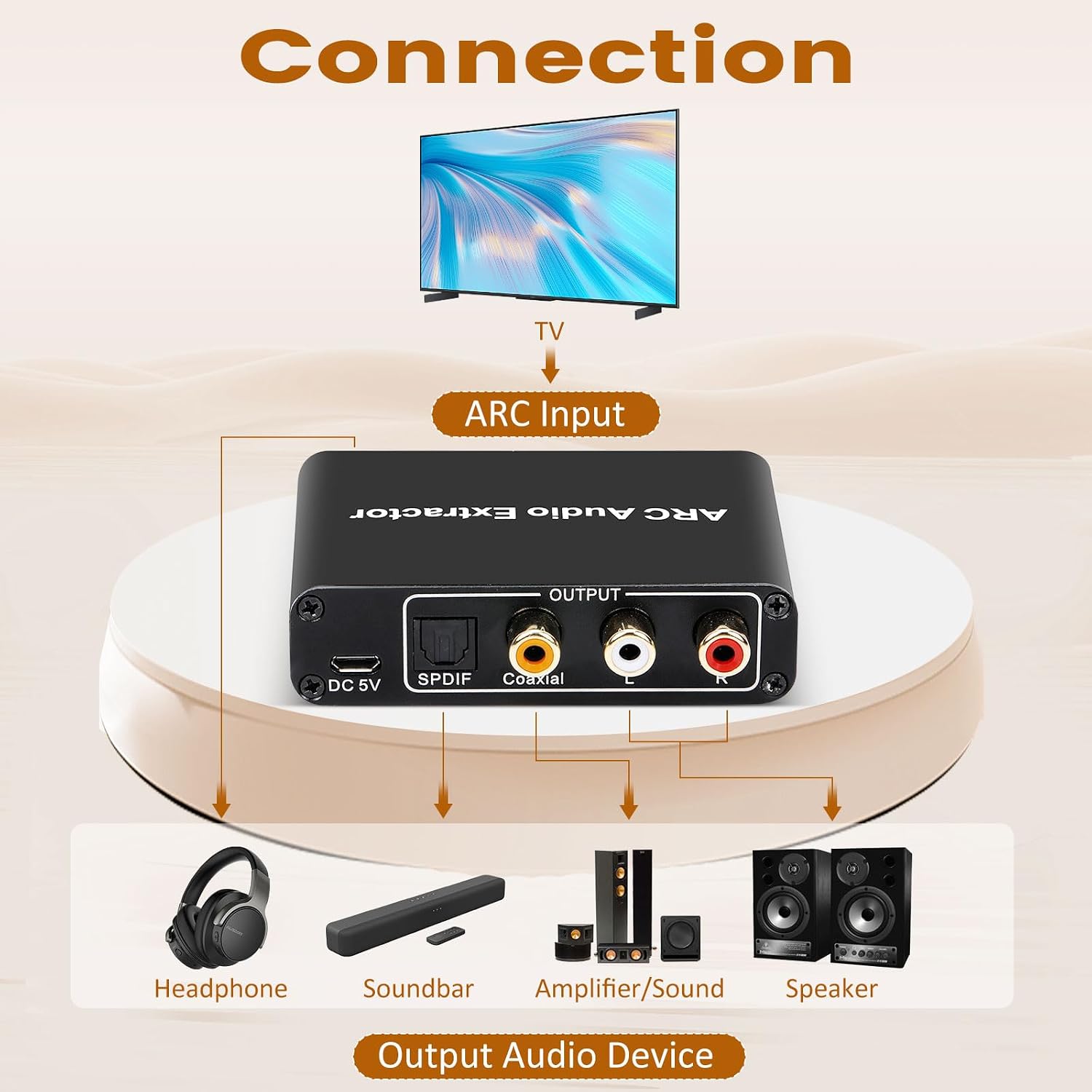
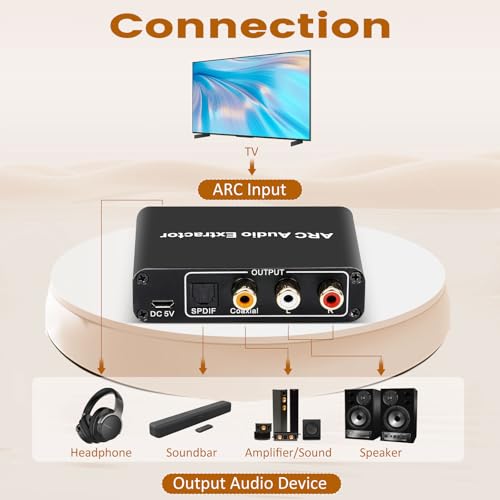
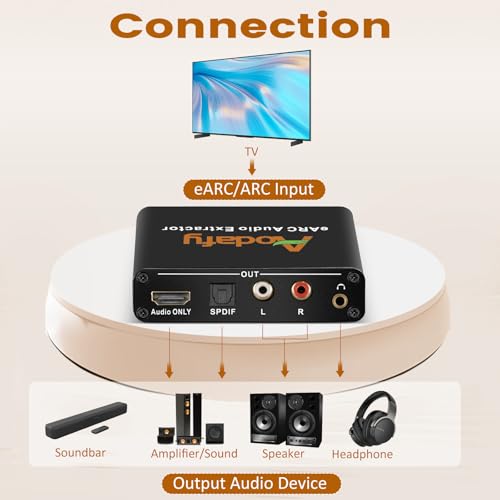
  • 【Multiple Audio Output Options – Limitations】This HDMI ARC to optical audio adapter transmits TV audio to optical, coaxial, 3.5mm, and RCA devices simultaneously. Note: Does NOT support HDMI-only soundbars (without optical/coaxial inputs).
  • 【TV Remote Volume Control – Partial Support】Use your TV remote to adjust volume for 3.5mm/RCA sound devices connected to this ARC audio extractor. IMPORTANT: Optical/coaxial outputs cannot be controlled by the TV remote. Use external amplifiers for volume adjustment.
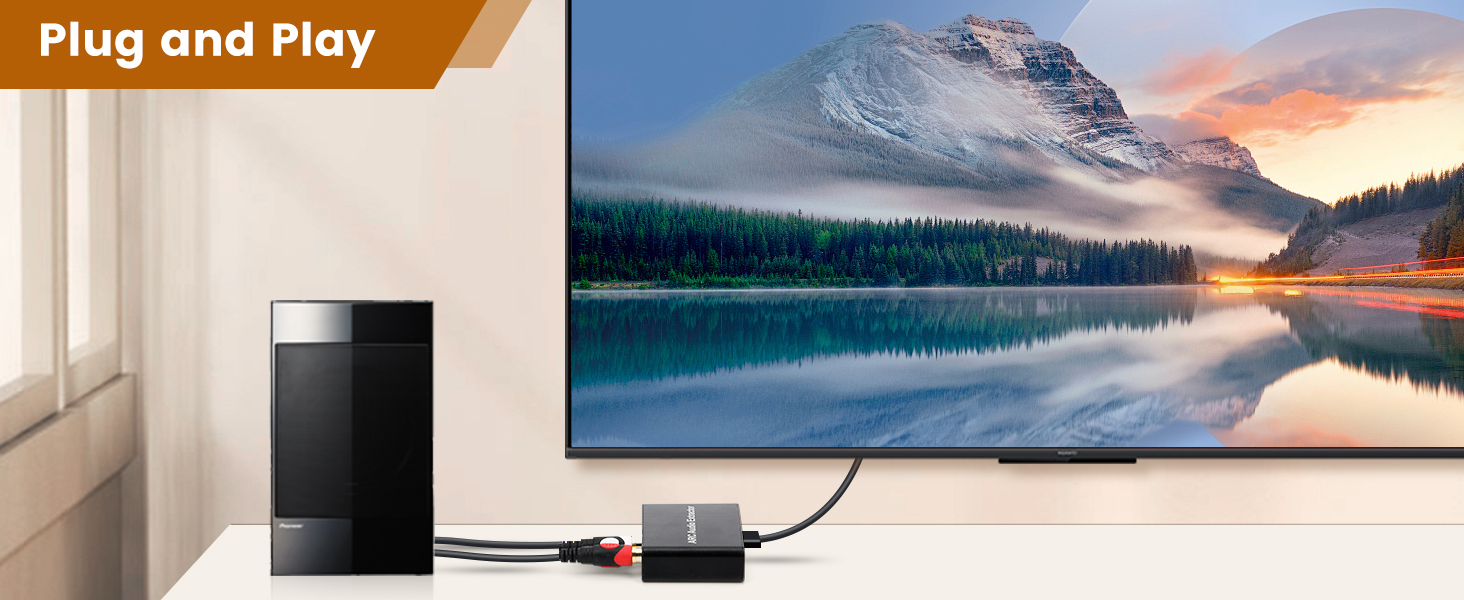
  • 【192KHz Lossless Audio & Plug-and-Play】This HDMI ARC to RCA audio converter delivers high-fidelity audio with 192KHz sampling. Supports 5.1 channel surround sound, including Dolby 5.1 and DTS 5.1. No drivers needed – simply connect and enjoy. Perfect for enhancing your home entertainment system! Compatible with Sony TV, Samsung TV, LG TV, Fire TV, Roku TV, and more.
  • 【TV Speakers Automatically Mute with ARC】When using this ARC HDMI audio extractor, your TV speakers will automatically mute – this is a TV limitation, not a product issue. To switch back to TV speakers, disable ARC in TV settings or physically unplug the ARC adapter.
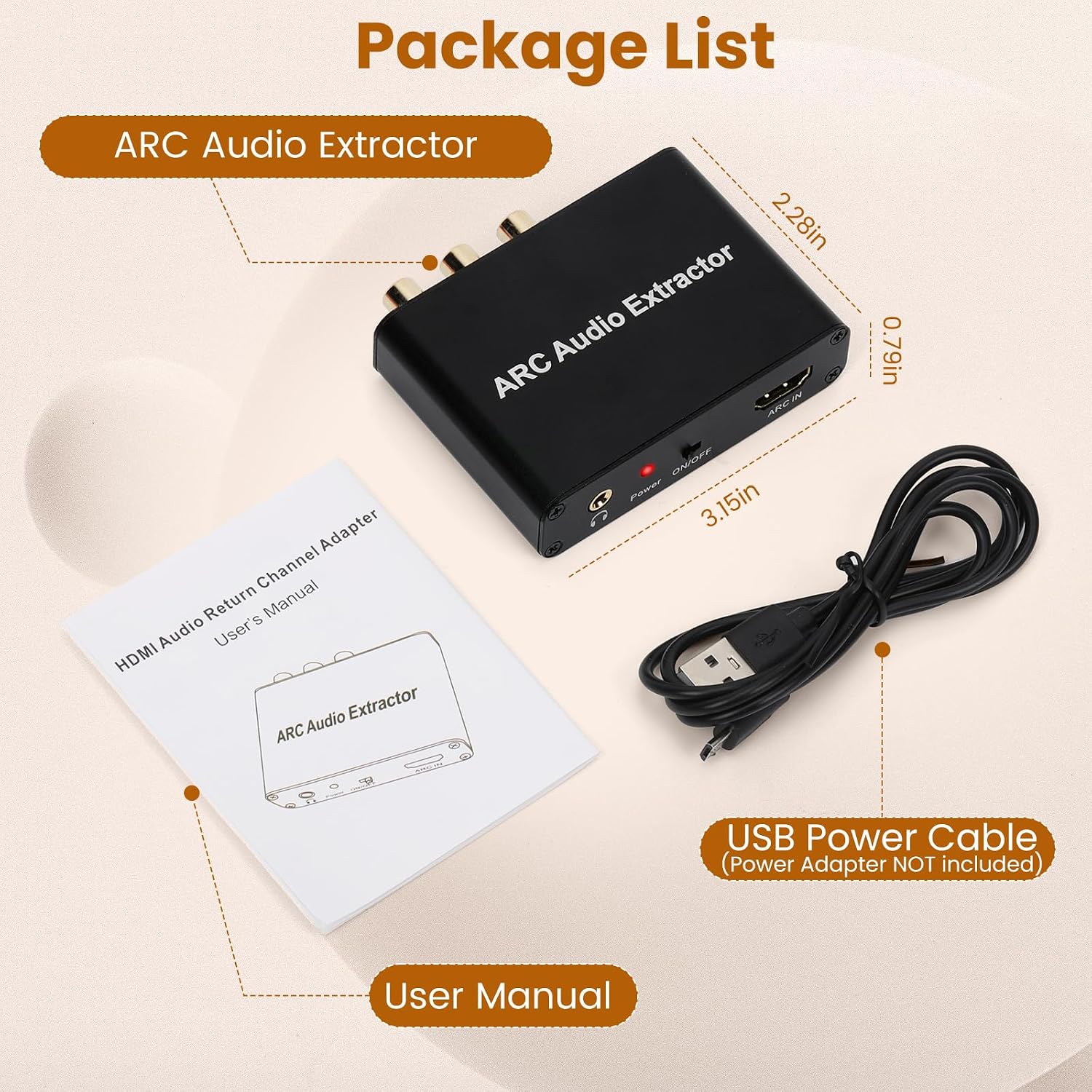
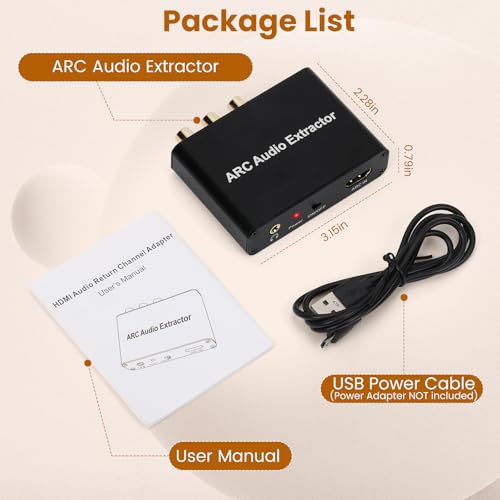
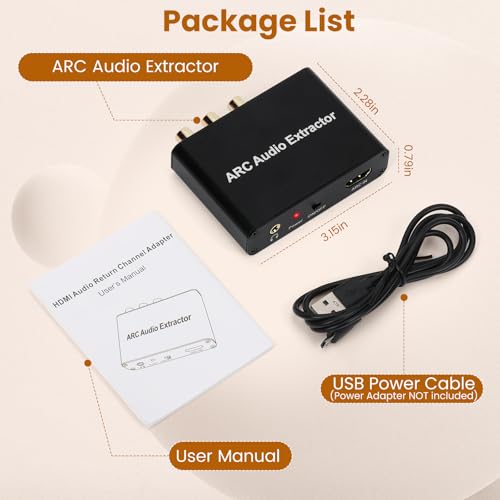
  • 【Package Contents & Troubleshooting】Includes: HDMI ARC audio extractor ×1, USB power cord ×1(Power adapter NOT included), manual ×1. Need help? Contact seller for setup support. Most issues are resolved by using high quality hdmi cable, enabling CEC and setting audio to PCM. We’re here to ensure you have the best audio experience!
UPC777192157354
ModelADF-H103-ARC
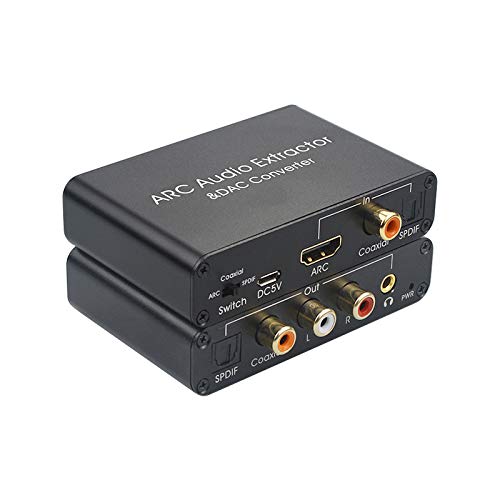
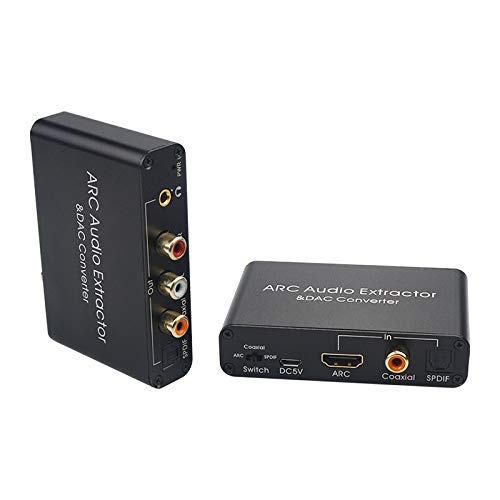
InterfaceHDMI ARC, SPDIF, Coaxial, L/R, 3.5mm
Unit Count1 Count
Item Weight3.06 ounces
Part NumberADF-H103-ARC
ManufacturerAodafy
Material TypeMetal
Interface TypeHDMI ARC, SPDIF, Coaxial, L/R, 3.5mm
Number Of Pins27
Number of Pins27
Item Length Width3.21"L x 2.31"W
Compatible DevicesFire TV, LG TV, Roku TV, Samsung TV, Sony TV
Number Of Channels4
Number of Channels4
Included ComponentsHDMI ARC auido extractor, User Manual, 5V power cord
Item Dimensions L x W3.21"L x 2.31"W
Previous page
  1. hdmi arc to rca audio converter

    Connecting Soundbar, Create An Immersive Viewing Experience
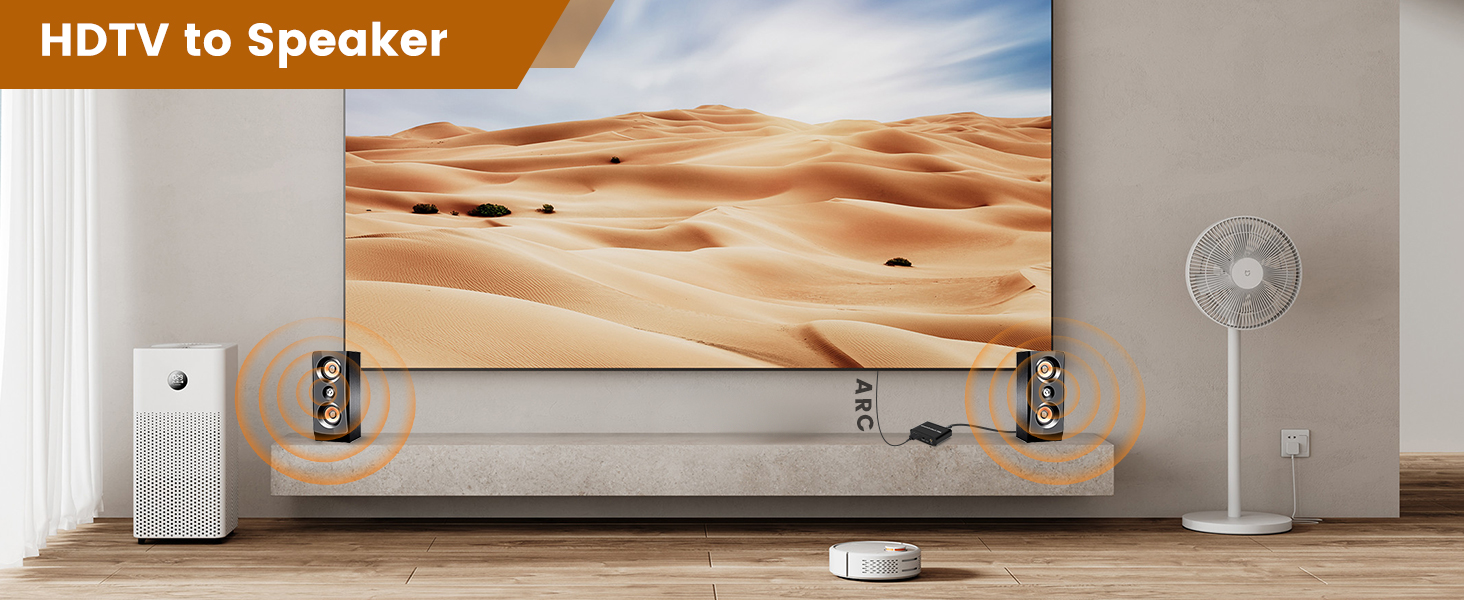
  2. hdmi arc audio extractor

    Connect Your Sound System to Make the Movie and Music Experience More Engaging
Next page
Previous page
  1. hdmi arc adapter

    1. Turn on CEC in TV Setting;
    2. Select HDMI ARC as the audio output device;
    3. Set PCM as the audio format;

  2. hdmi converter audio extractor

    1. Connect to TV ARC port;
    2. Link sound system;
    3. Power on via USB;
    4. Switch the extractor to "ON."

  3. hdmi arc audio extractor

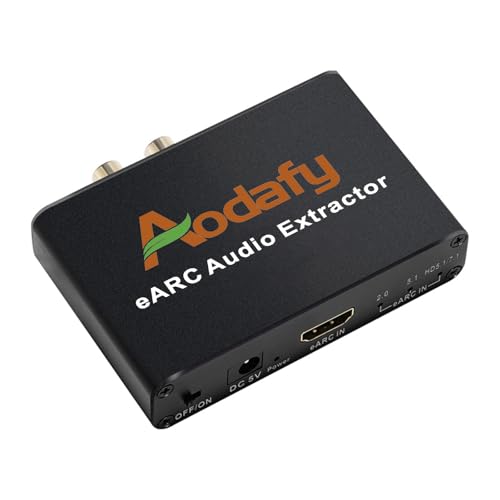
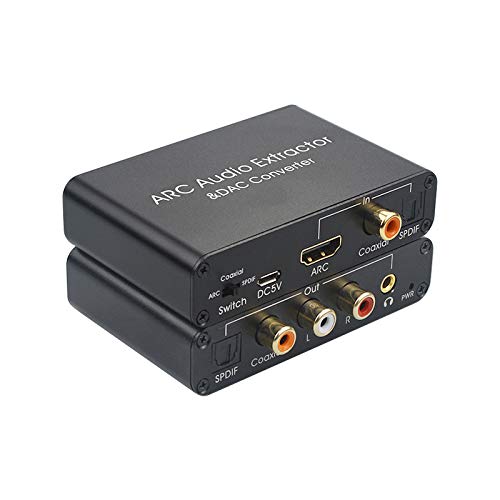
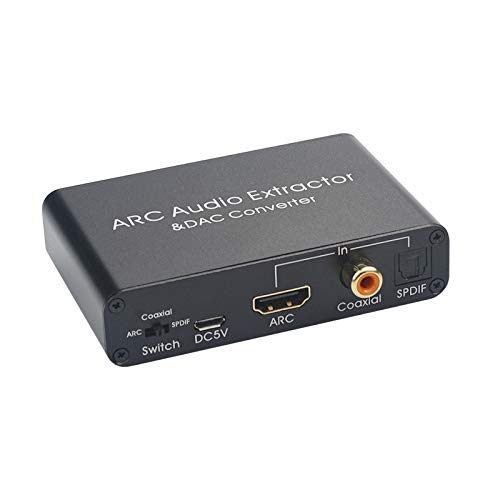
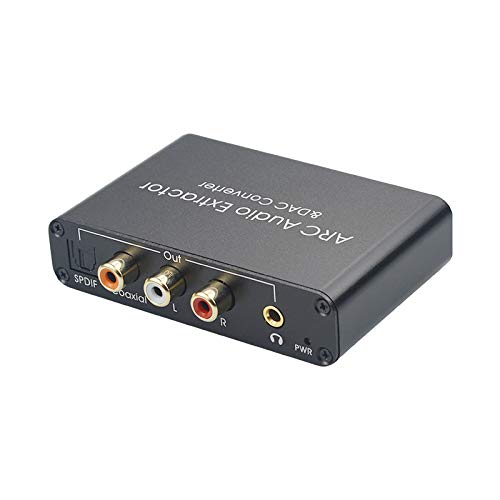
    • Input port: HDMI ARC In
    • Output ports: Optical SPDIF, Coaxial, L/R, 3.5mm Headphone

  4. hdmi audio extractor
  5. hdmi to optical audio converter
Next page
Example title

Recently viewed

Cart

loading