









Free worldwide shipping
Free returns
Carbon neutral
Secure payments
| UPC | 757448026139 |
|---|---|
| Color | Black |
| Finish | Matte |
| Unit Count | 1 Count |
| Item Weight | 7.2 ounces |
| Manufacturer | Diamond Multimedia |
| Model Number | VC500SE |
| Input Voltage | 5 volts_of_direct_current |
| Warranty Type | one-year warranty |
| Connector Type | USB |
| Item Dimensions | 3.8 x 1.3 x 0.6 inches |
| Mfr Part Number | VC500SE |
| Number of Items | 1 |
| Number of Ports | 2 |
| Power Plug Type | Type A - 2 pin (North American) |
| Package Quantity | 1 |
| Compatible Devices | Cameras, PC |
| Warranty Description | 1 year manufacturer |
| Specific Uses For Product | Telephone |
| Global Trade Identification Number | 00757448026139 |
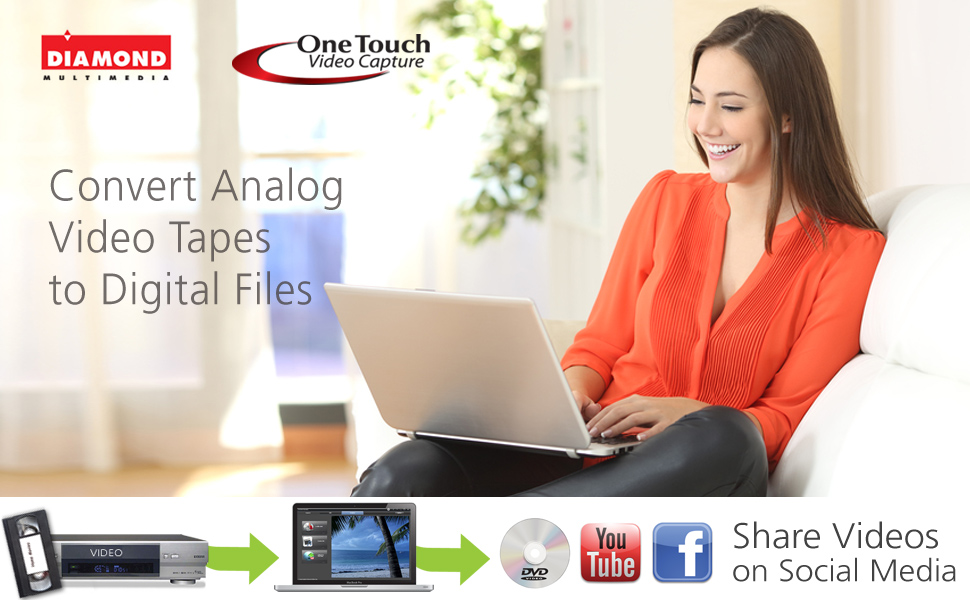
Preserve Your Analog Memories
Old VHS tapes, DVDs, and camcorder footage don’t have to disappear with time.
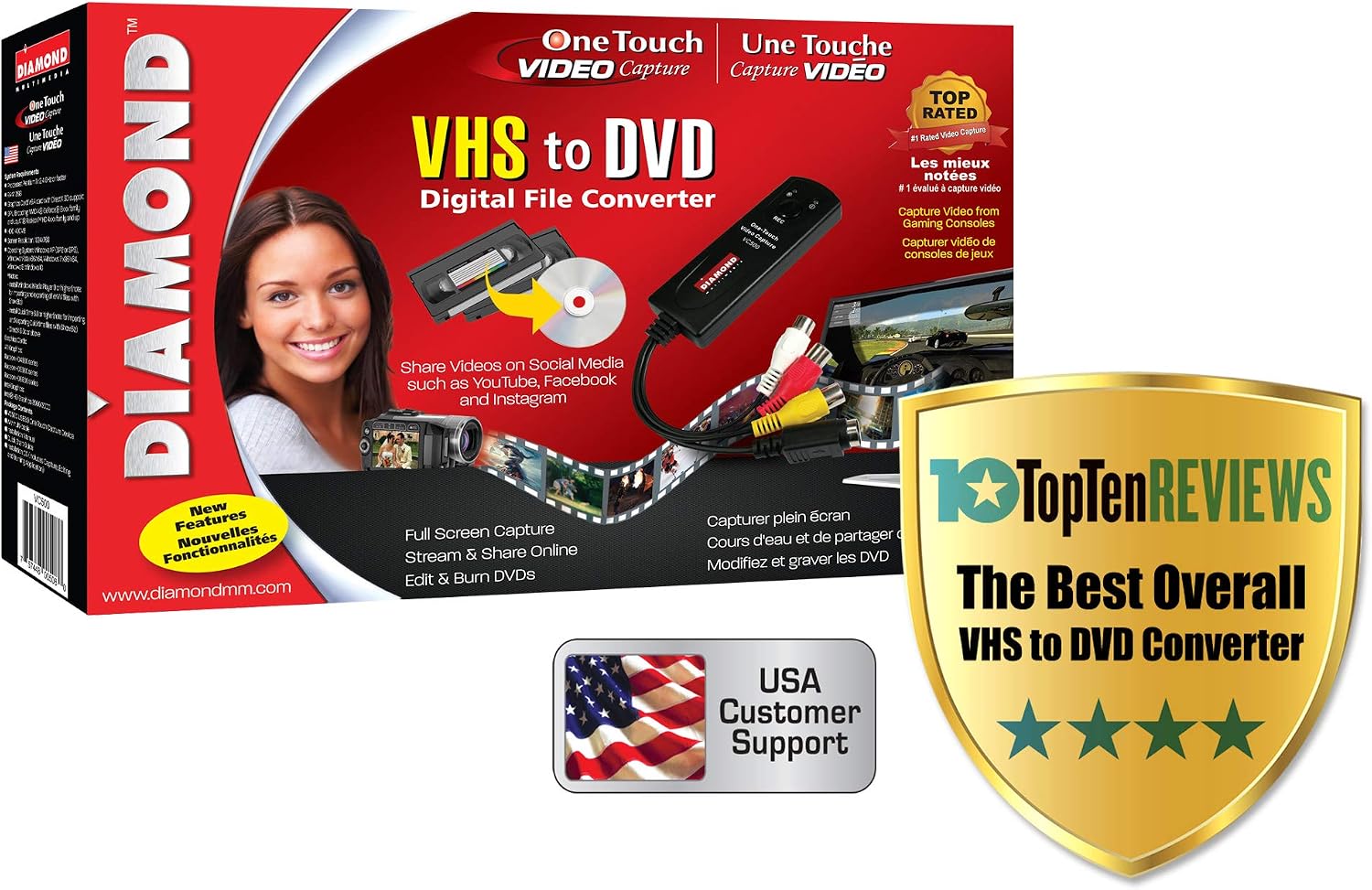
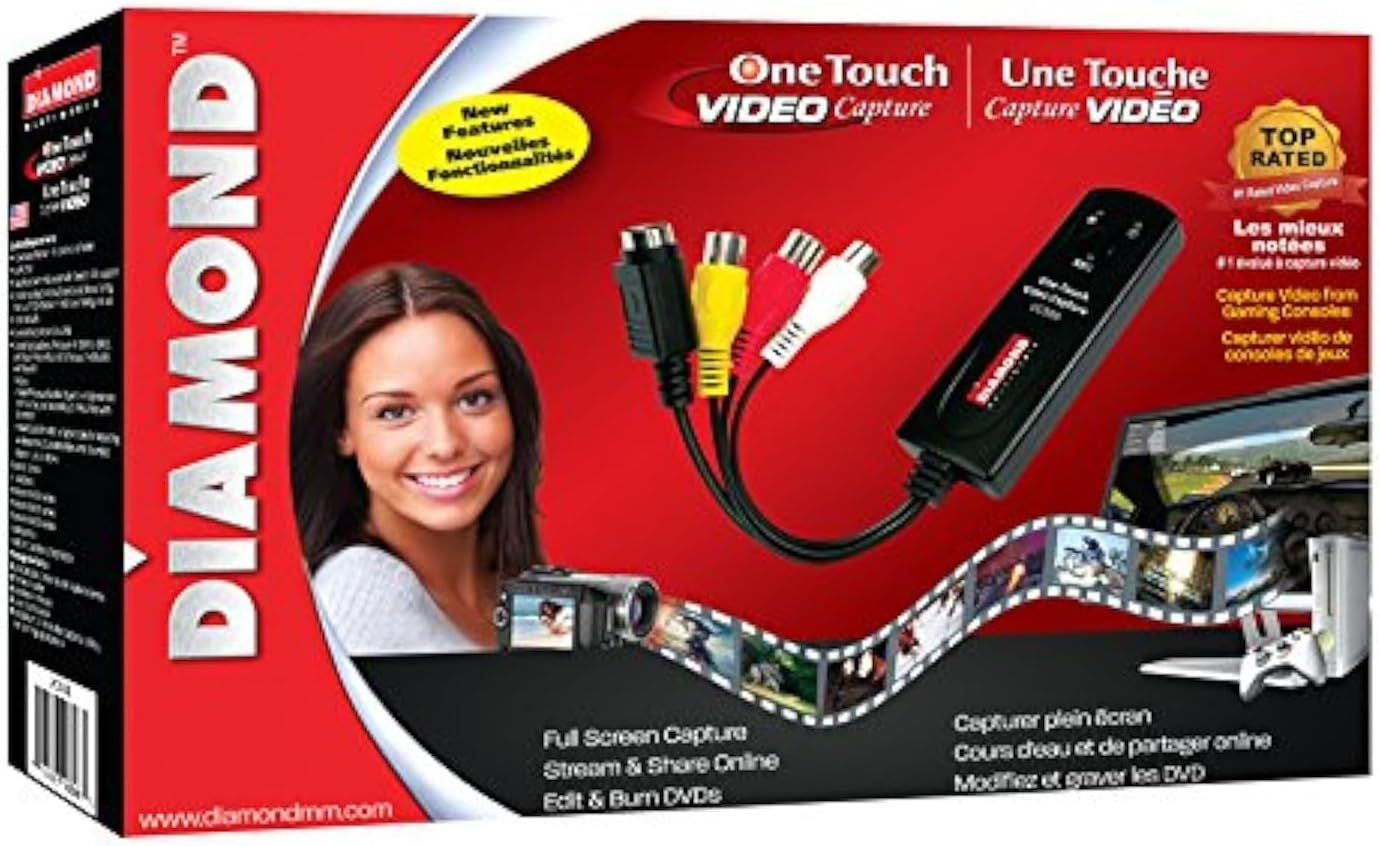
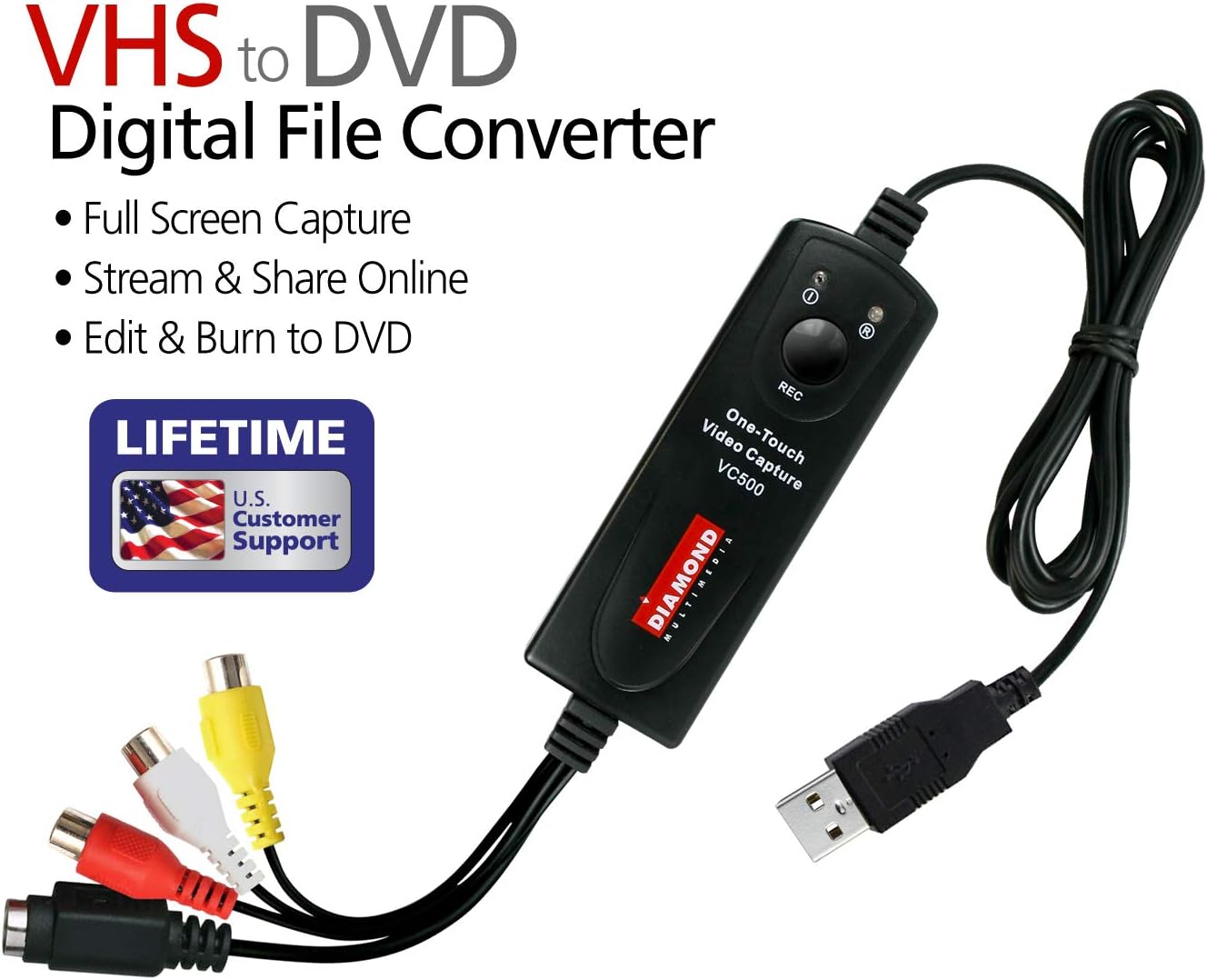
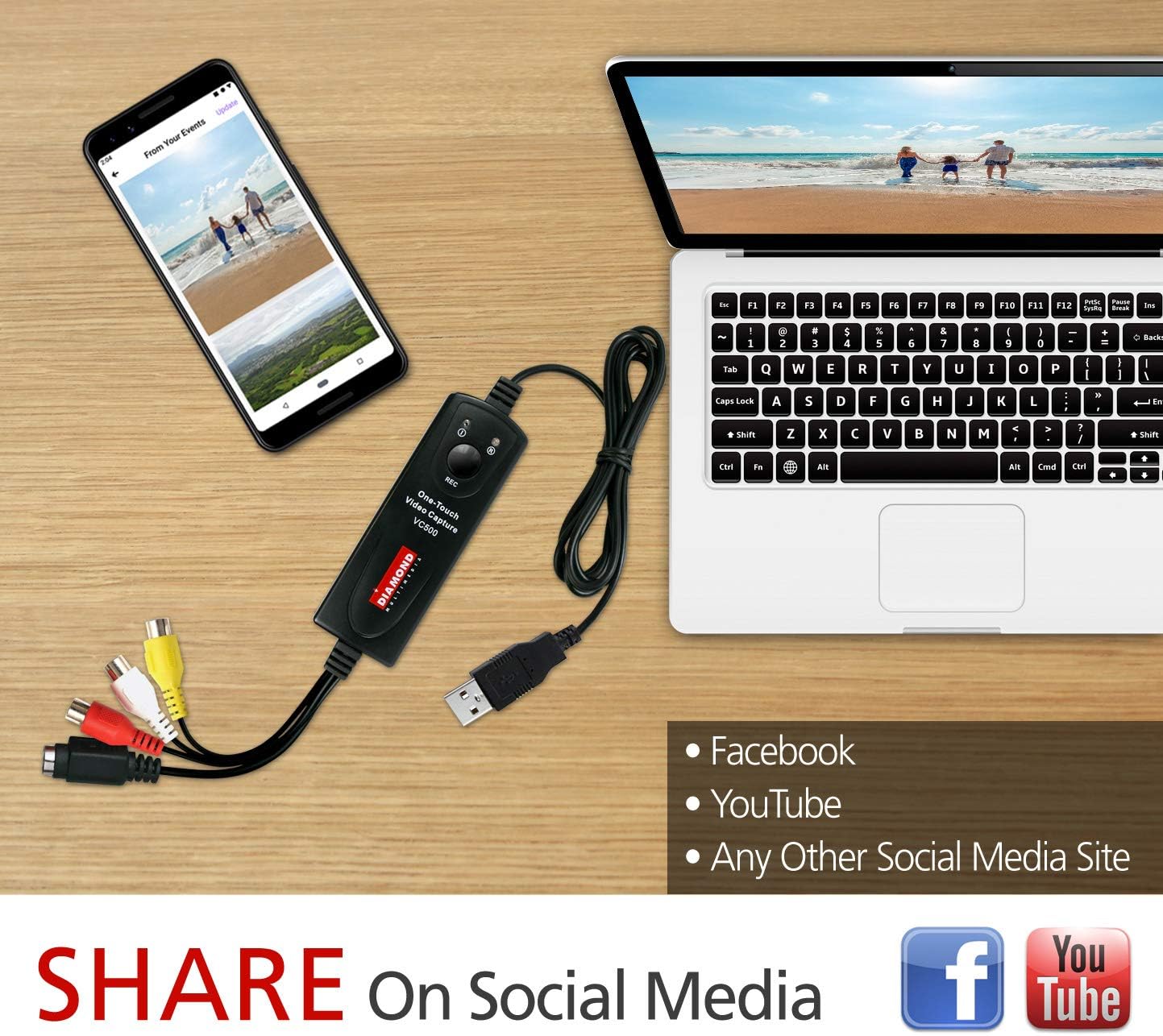
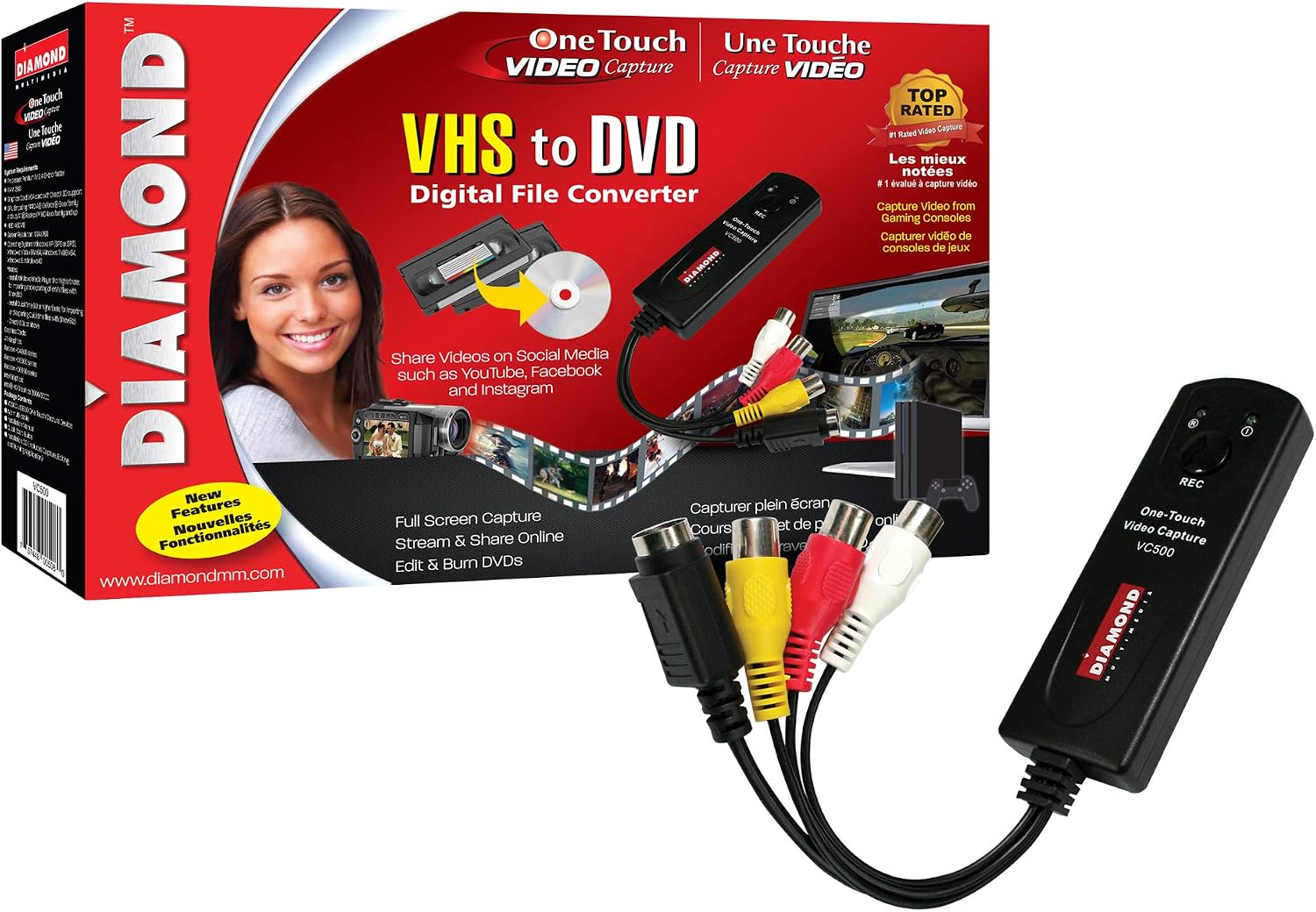
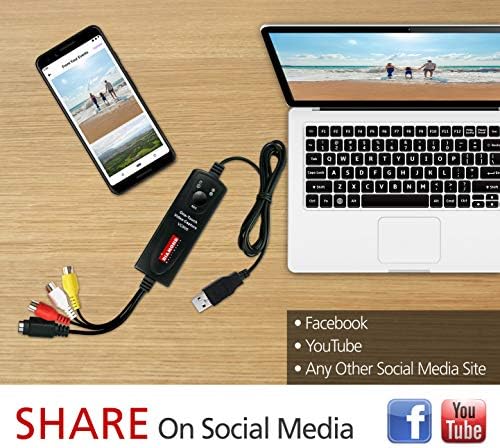
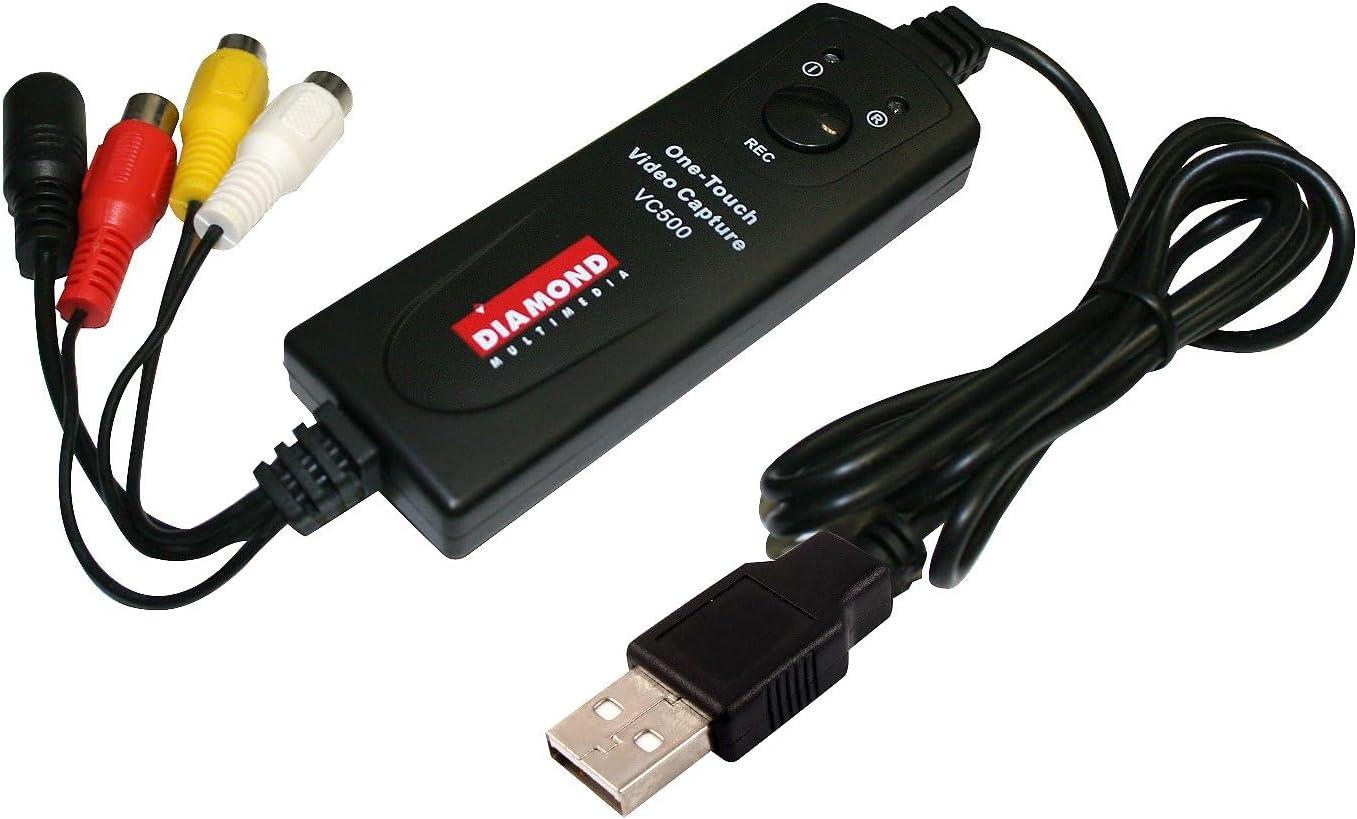
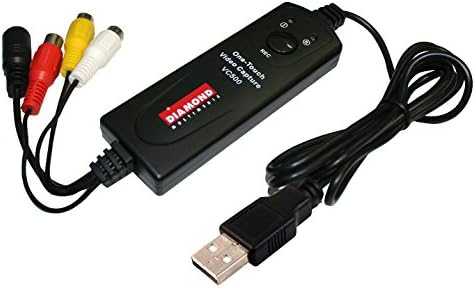
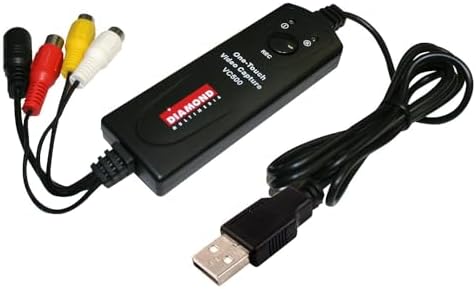
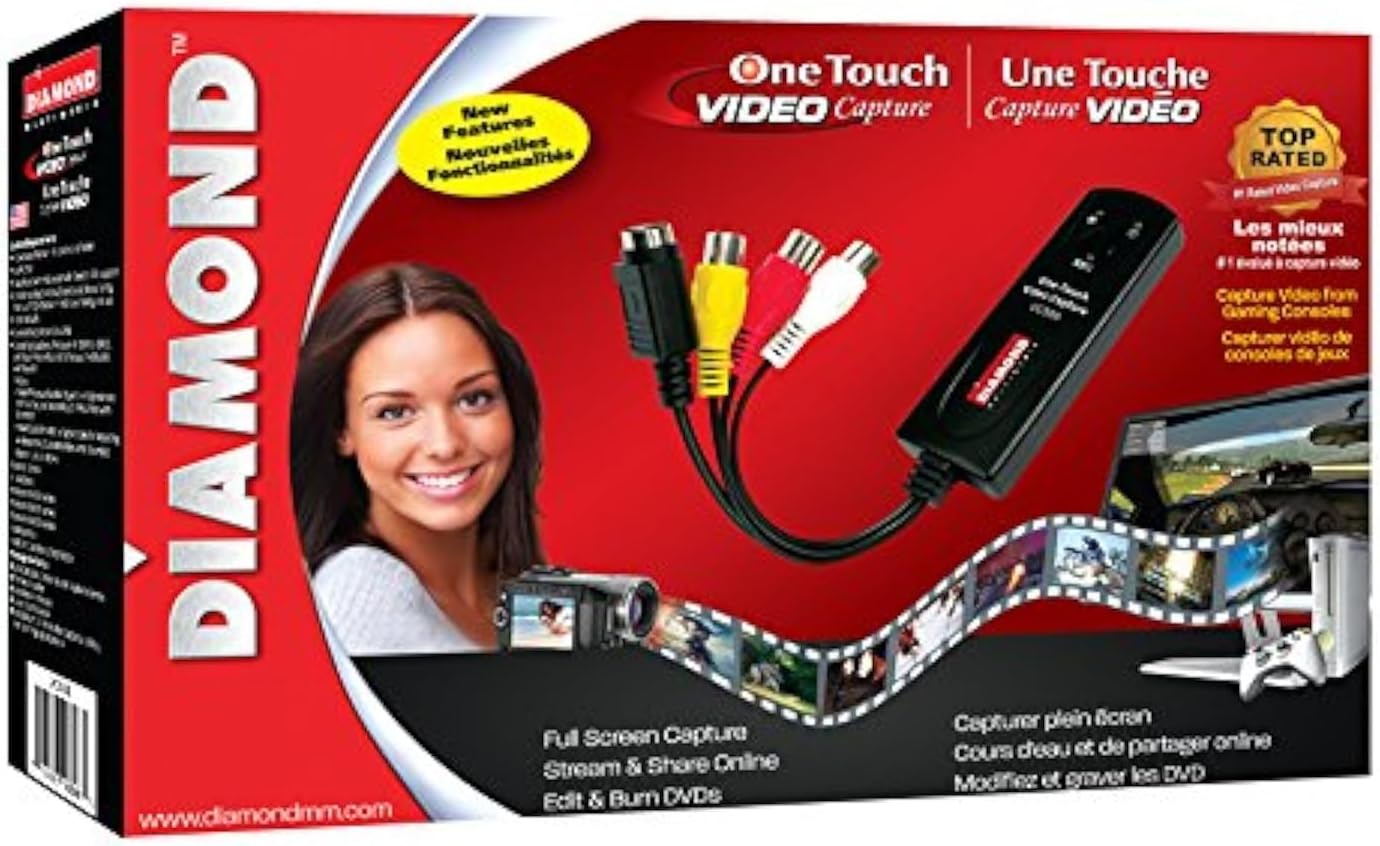
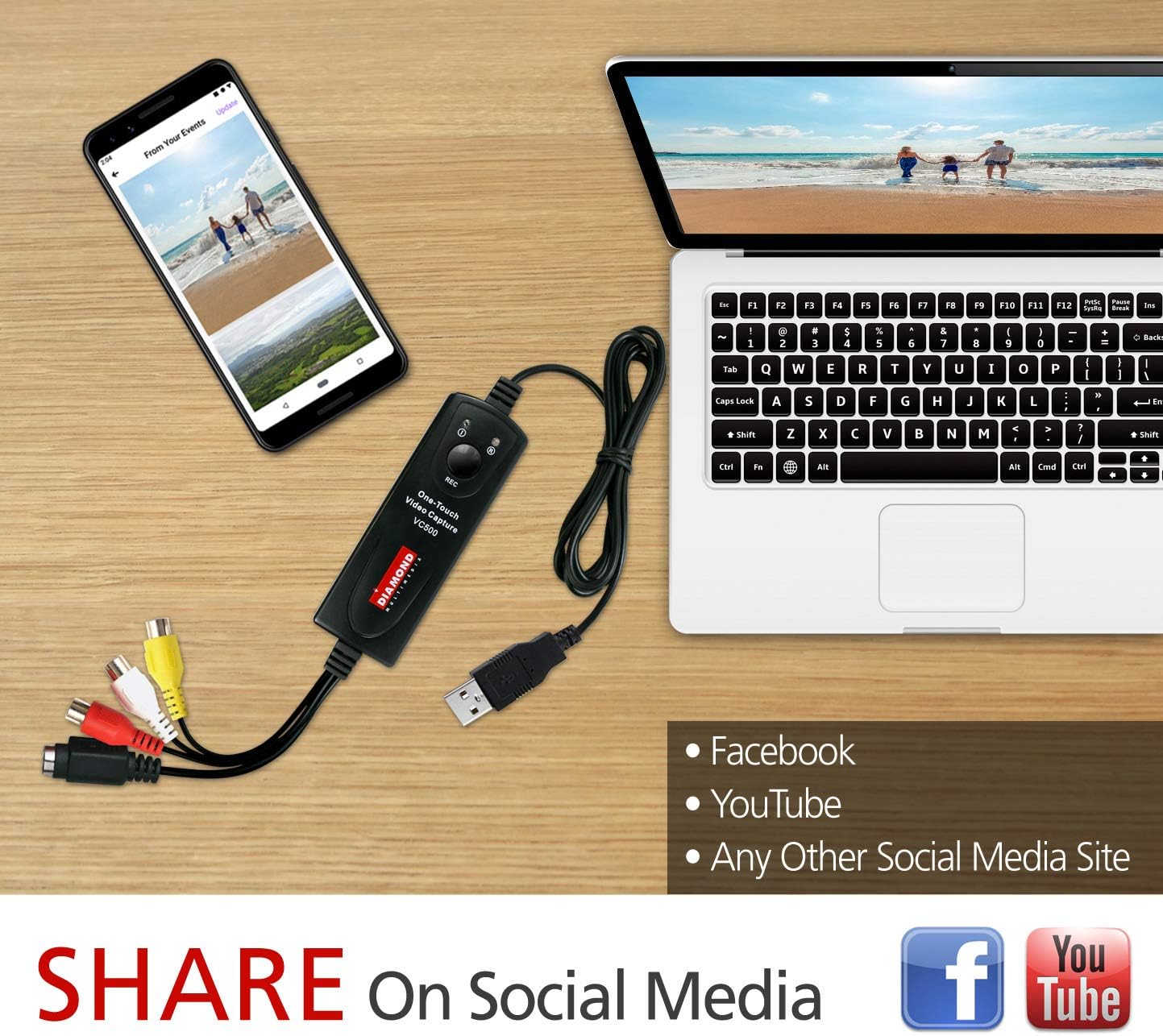
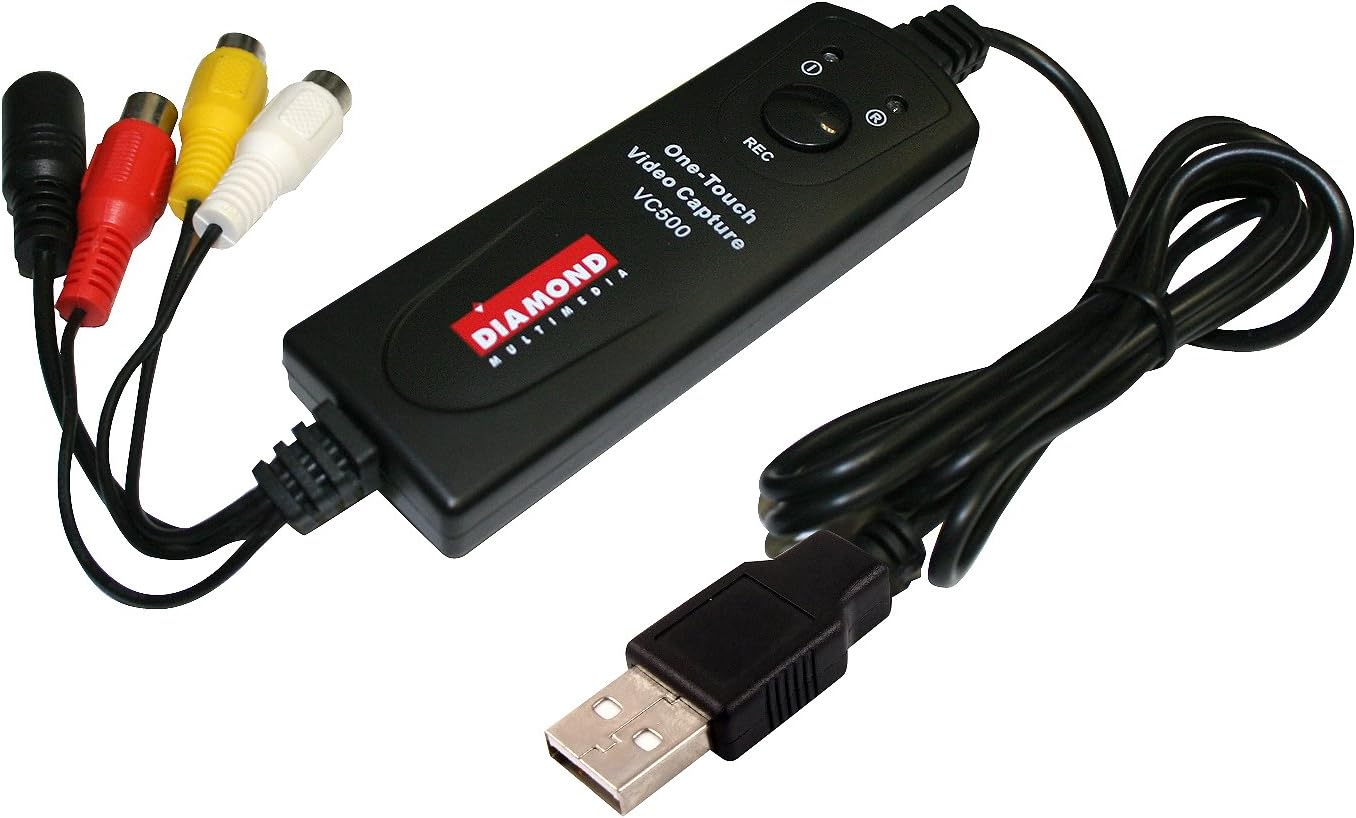
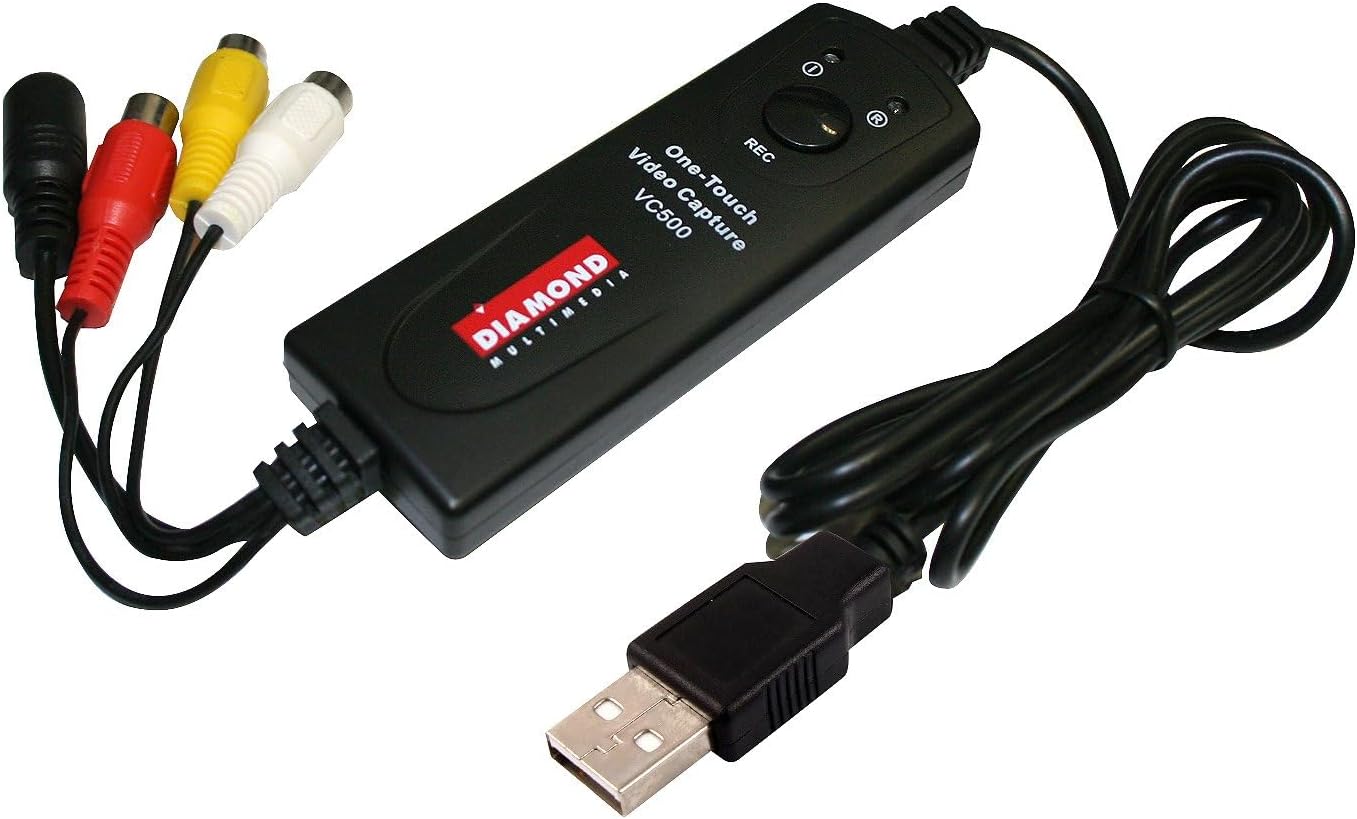
The VC500SE Video Capture Converter lets you transfer analog video into digital files you can store, edit, and share with ease.
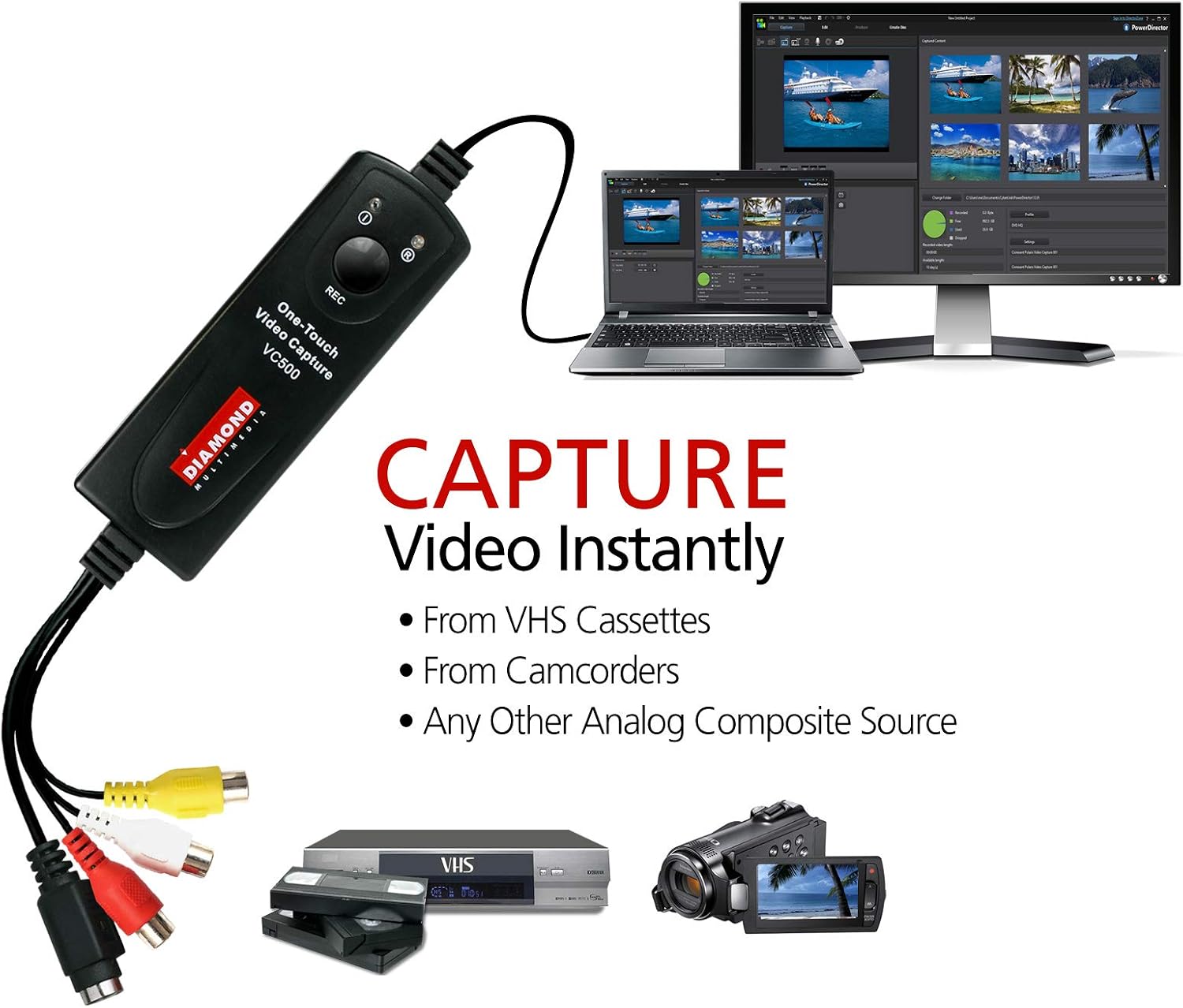
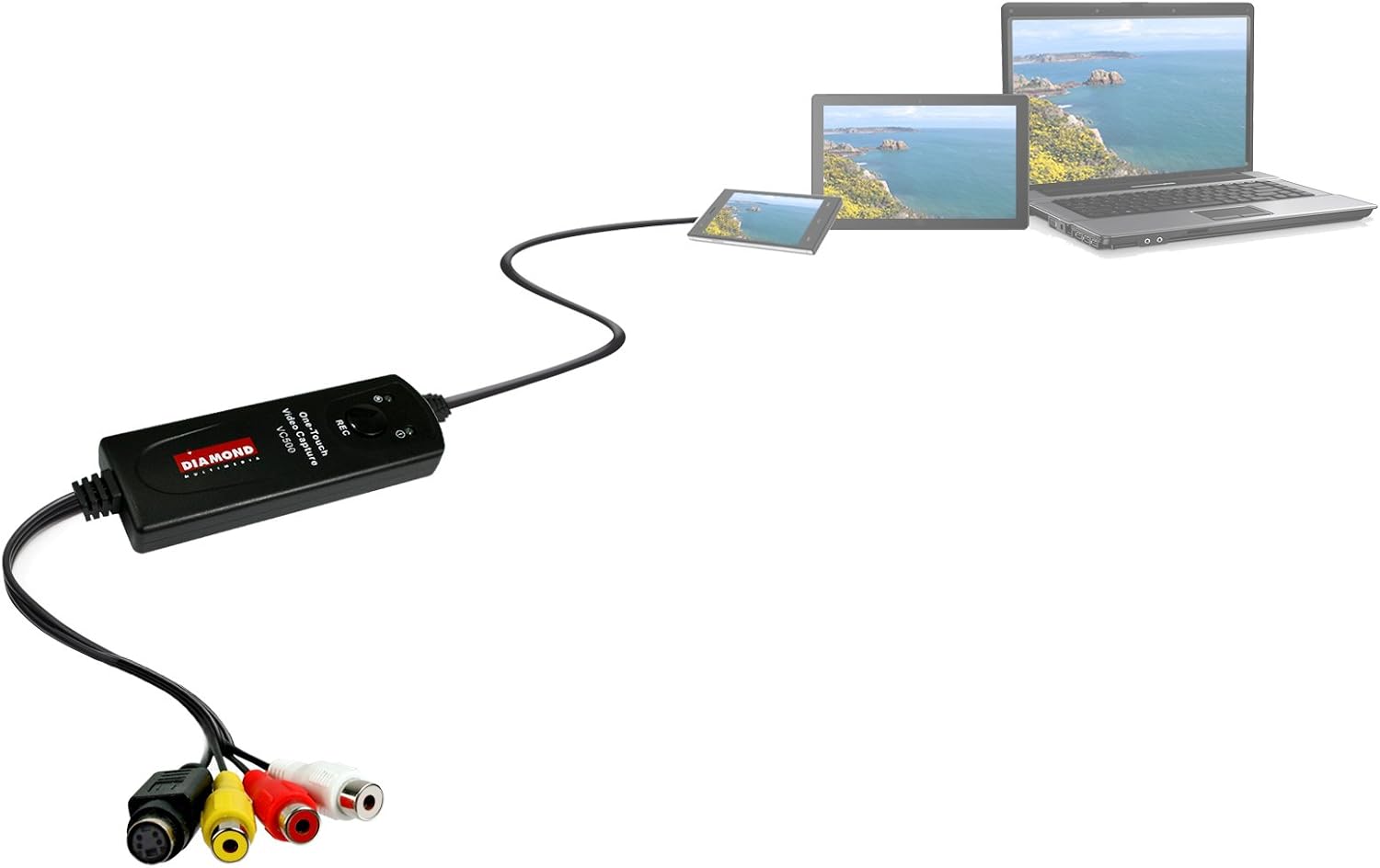
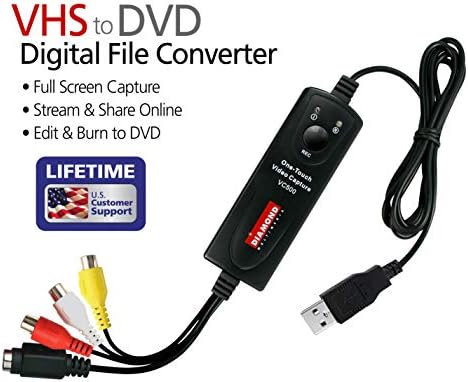
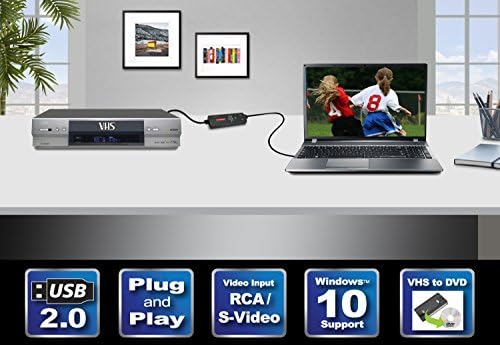
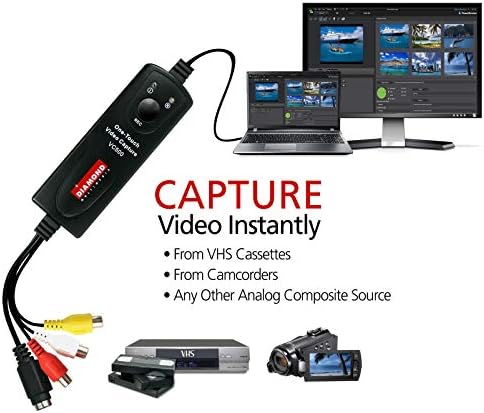
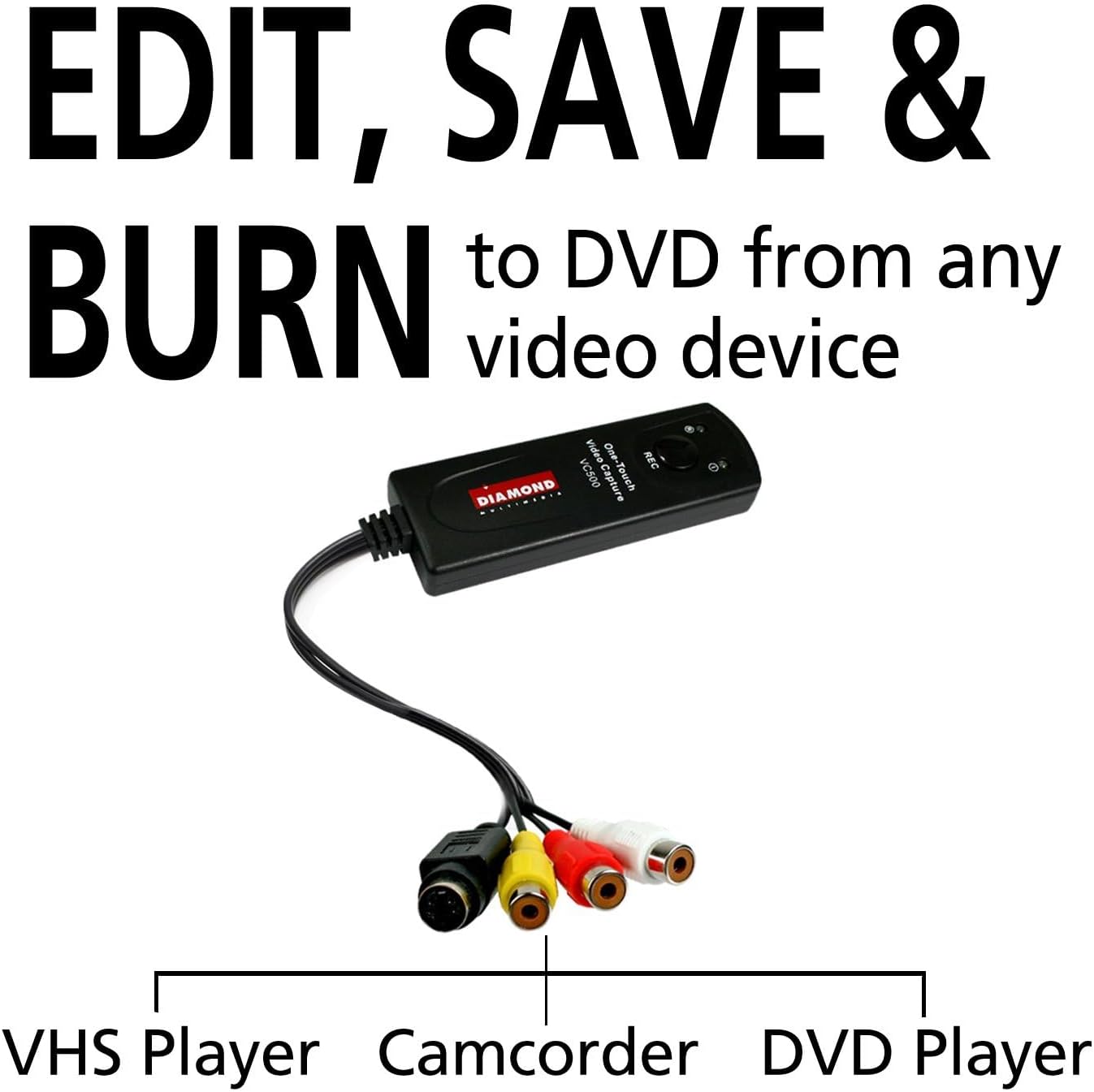
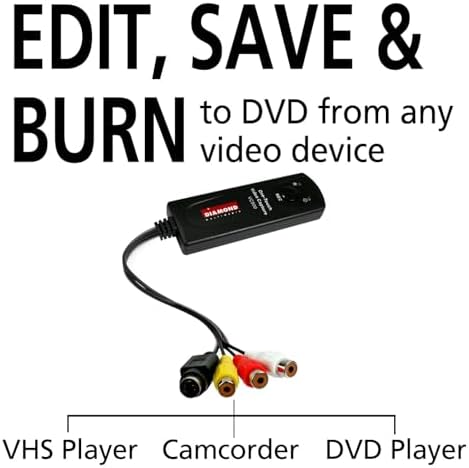
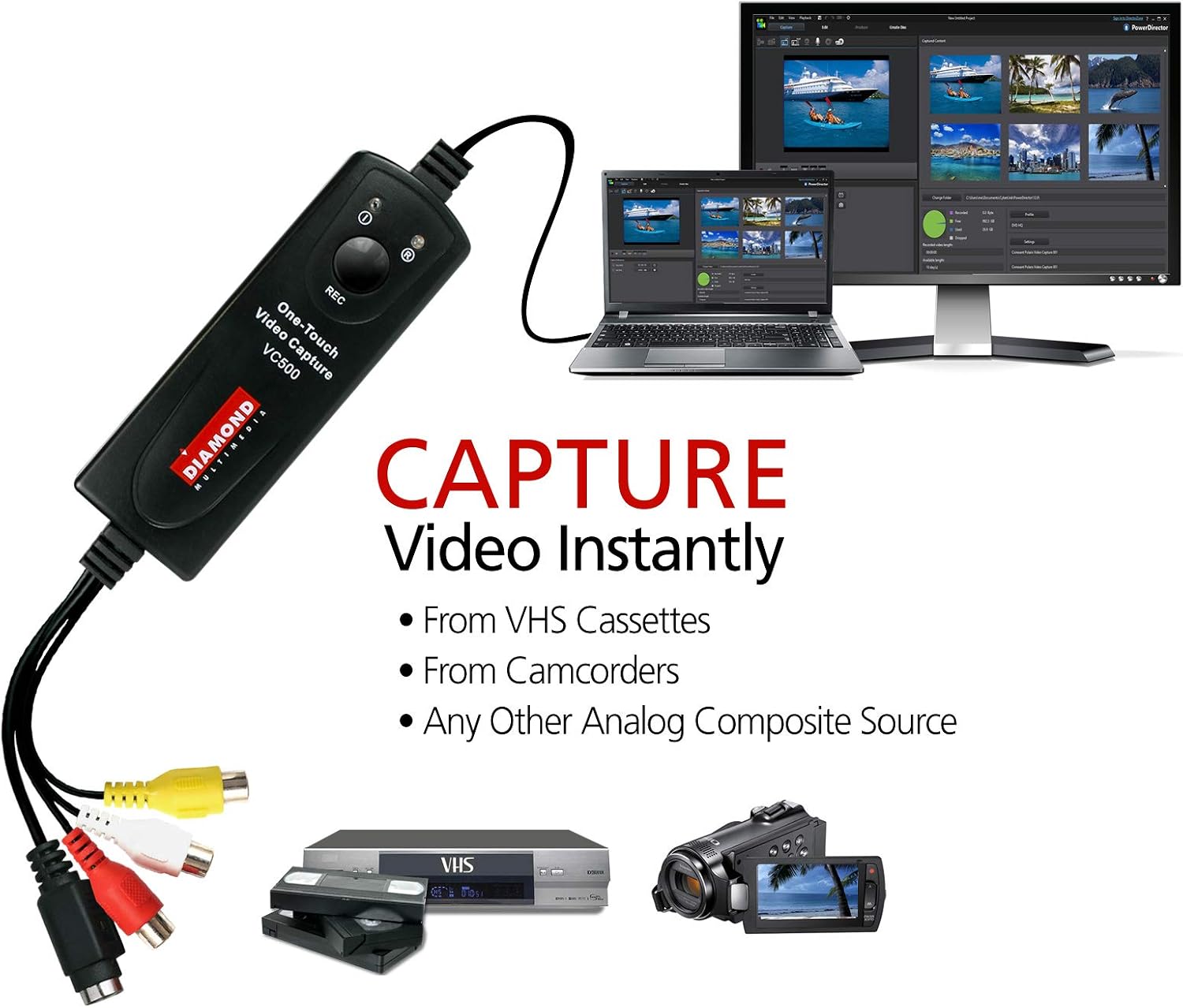
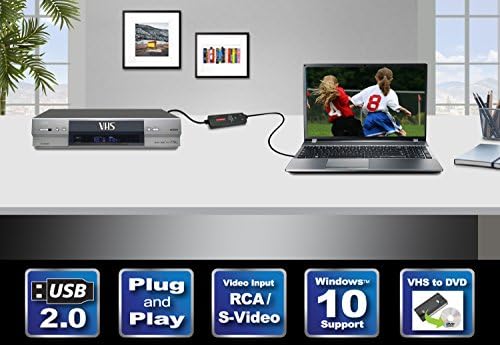
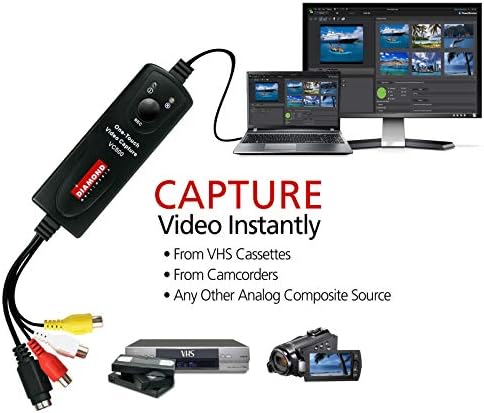
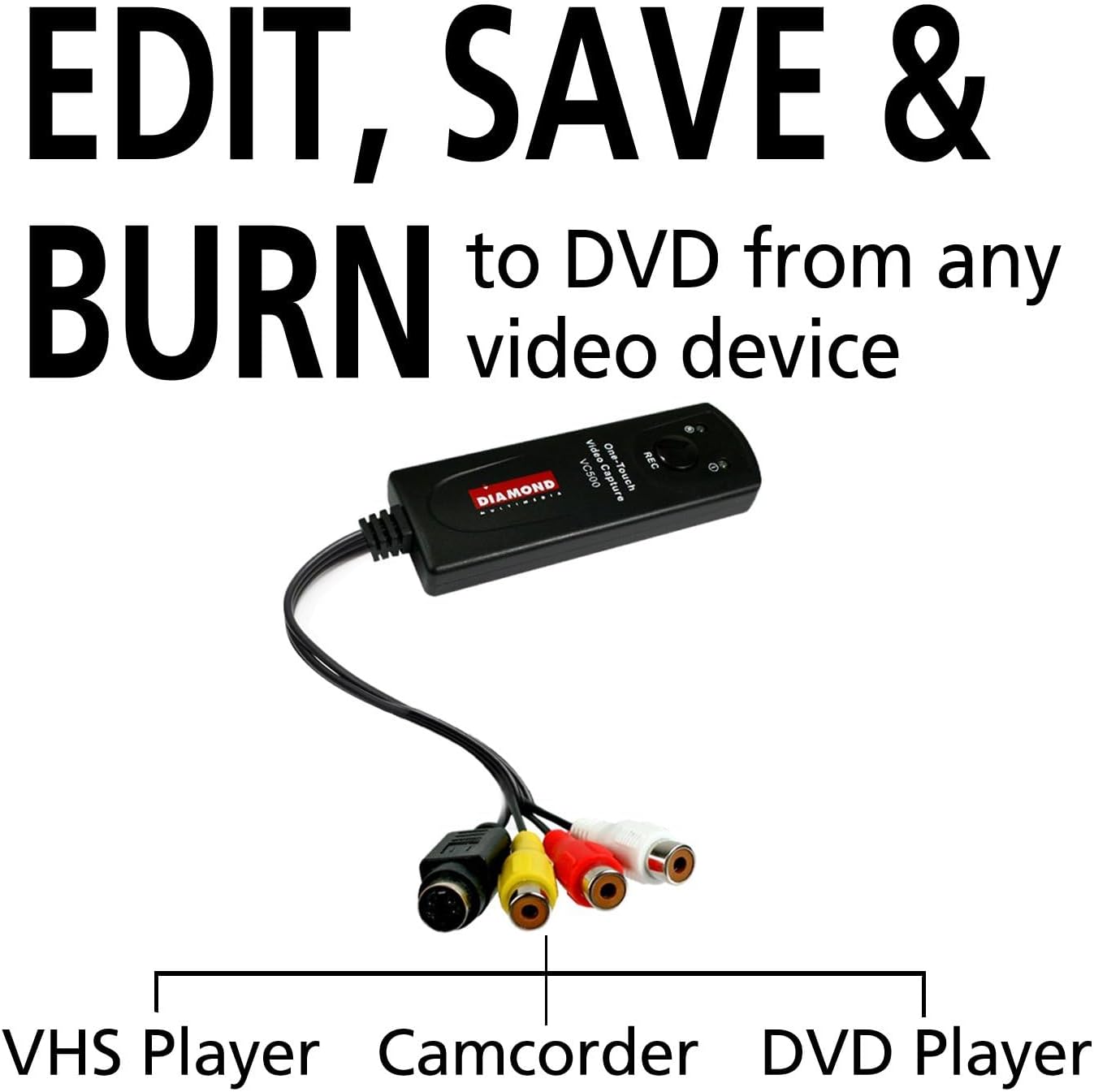
Easily record and digitize video from VHS, DVD, Camcorders, and Hi8 devices with RCA outputs, then store your videos on your computer.
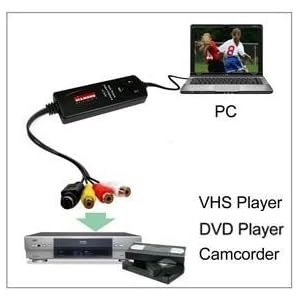
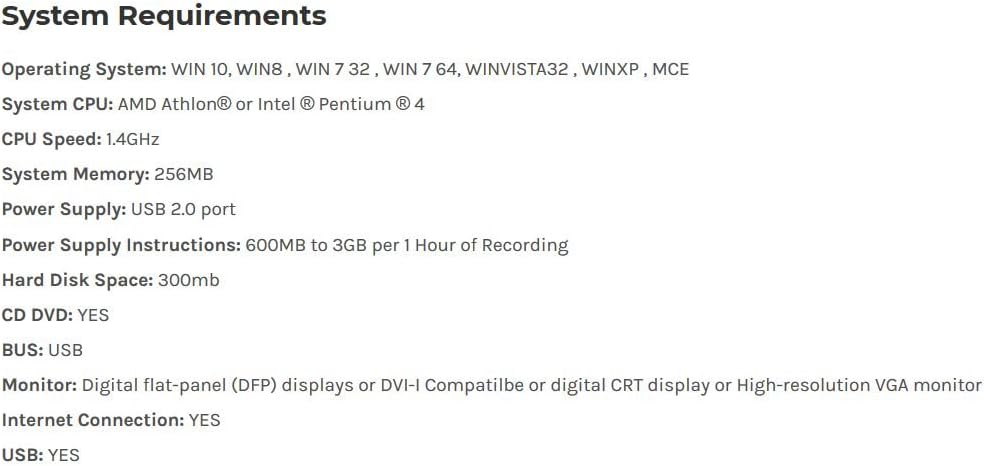
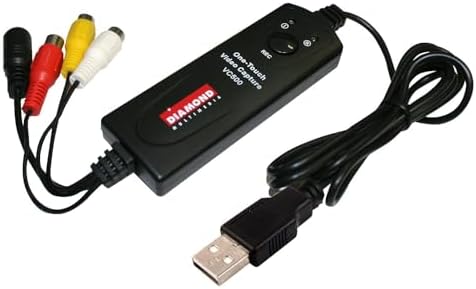
PC Hardware Interface: USB2.0
Operating System: Windows 11 (and older)
Supported TV Standards: NTSC, PAL
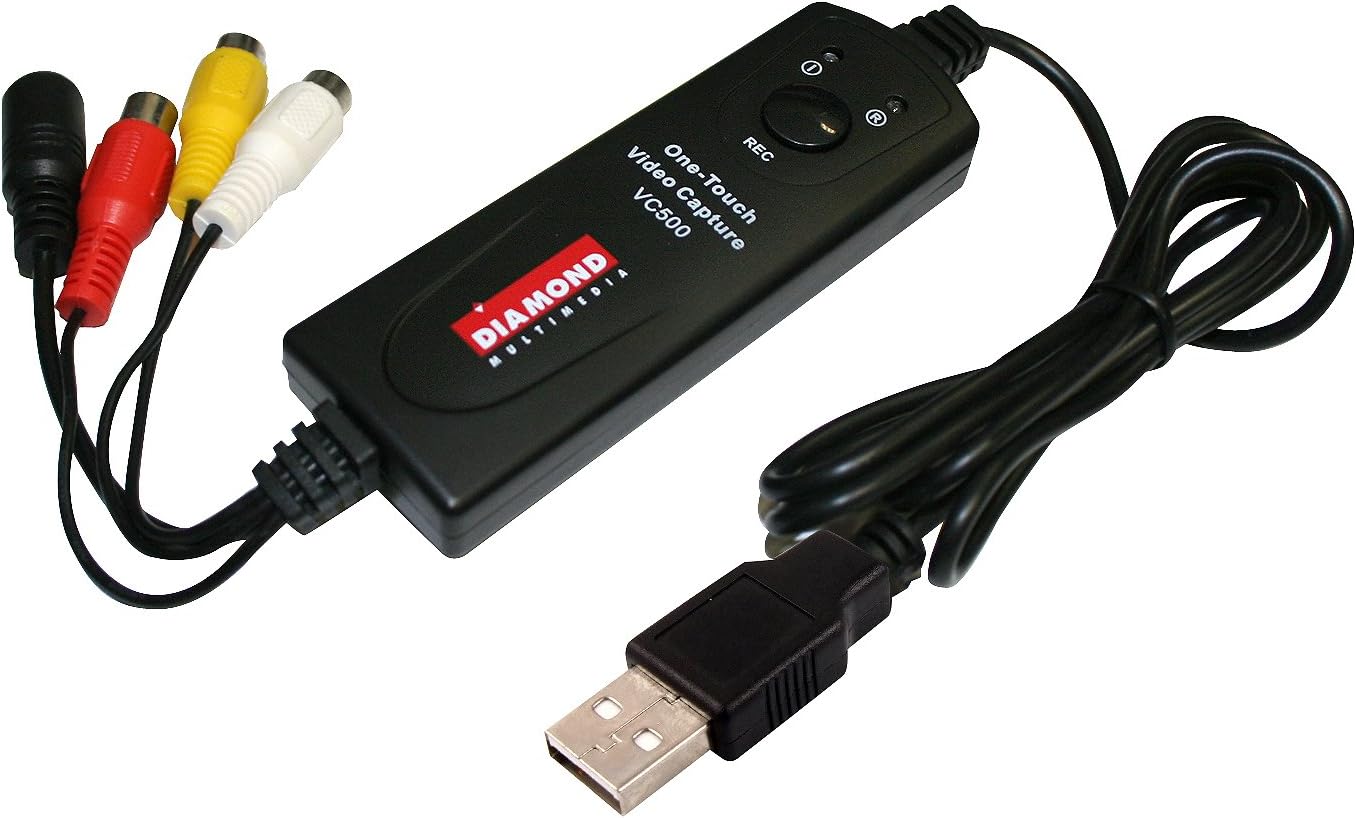
Video Input: One RCA composite, One S-Video
Audio Input: Stereo audio (RCA ) mm
Output Resolution: 720p@30HZ
Conversion Type: RCA TO USB, S-Video TO USB
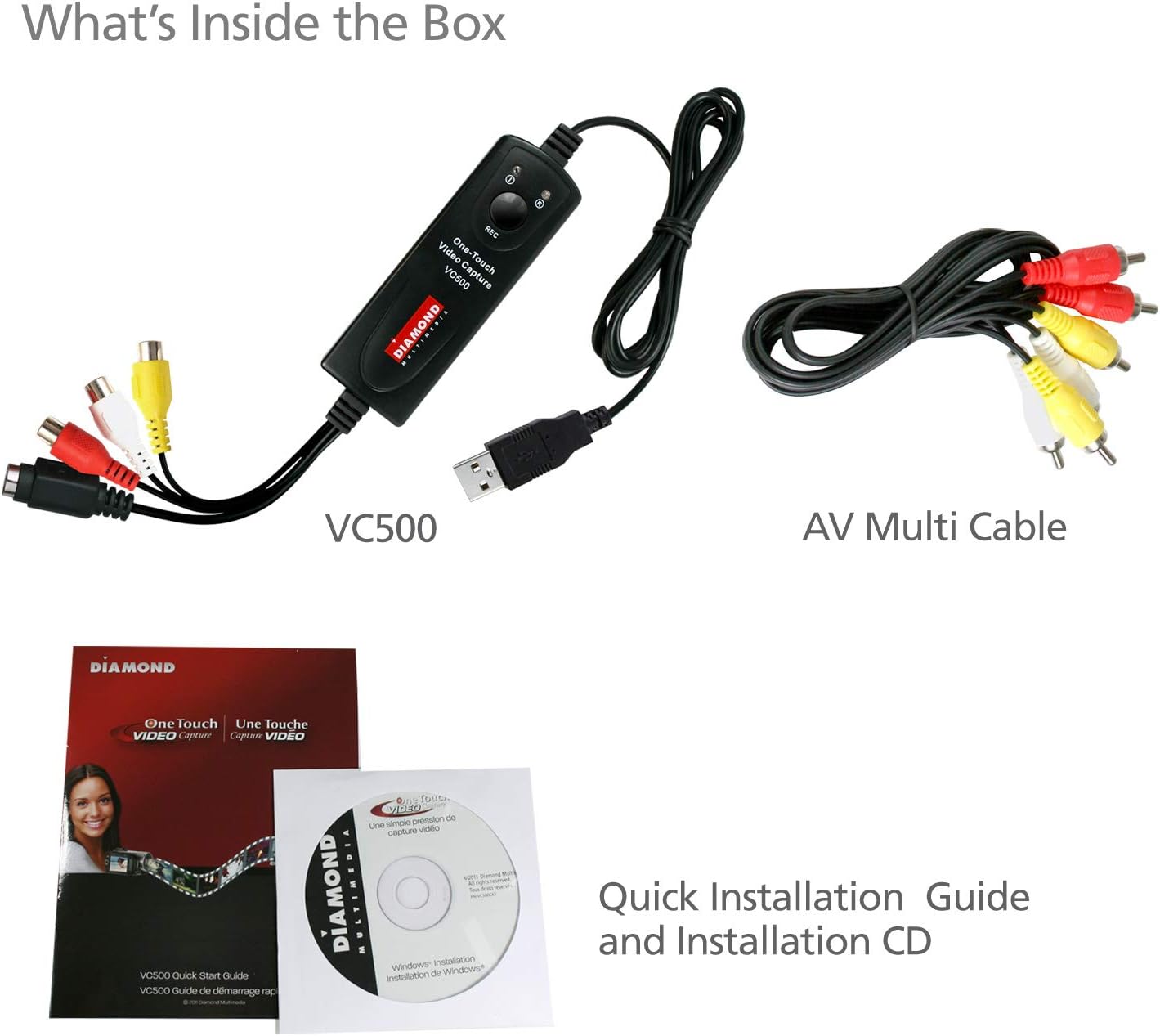
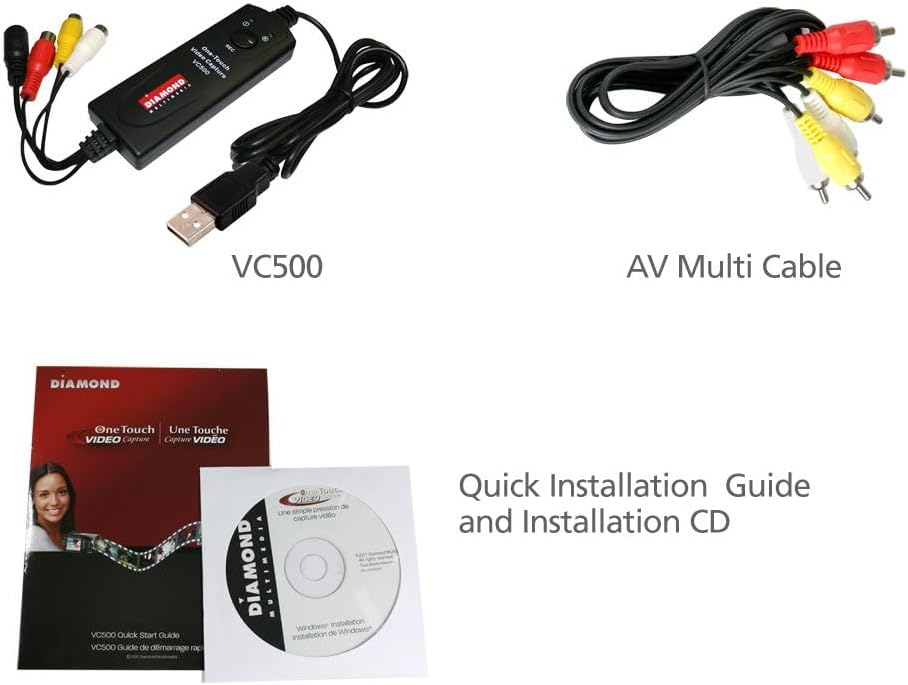
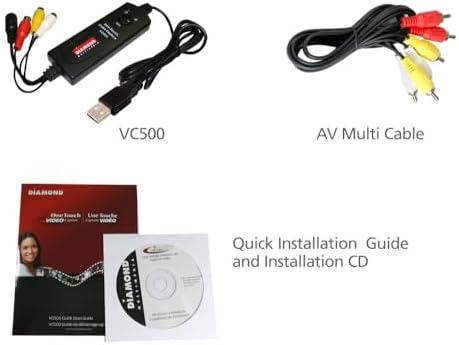
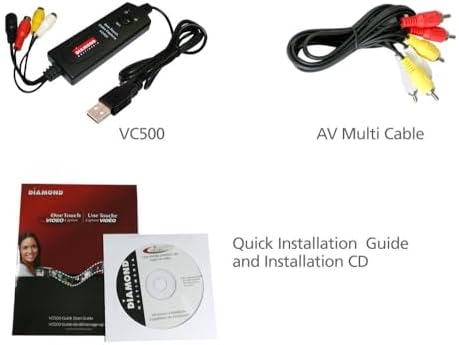
Packaging: USB Video Converter, USB Extension Cable, User Manual
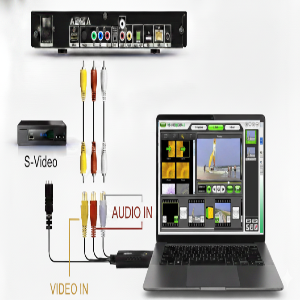
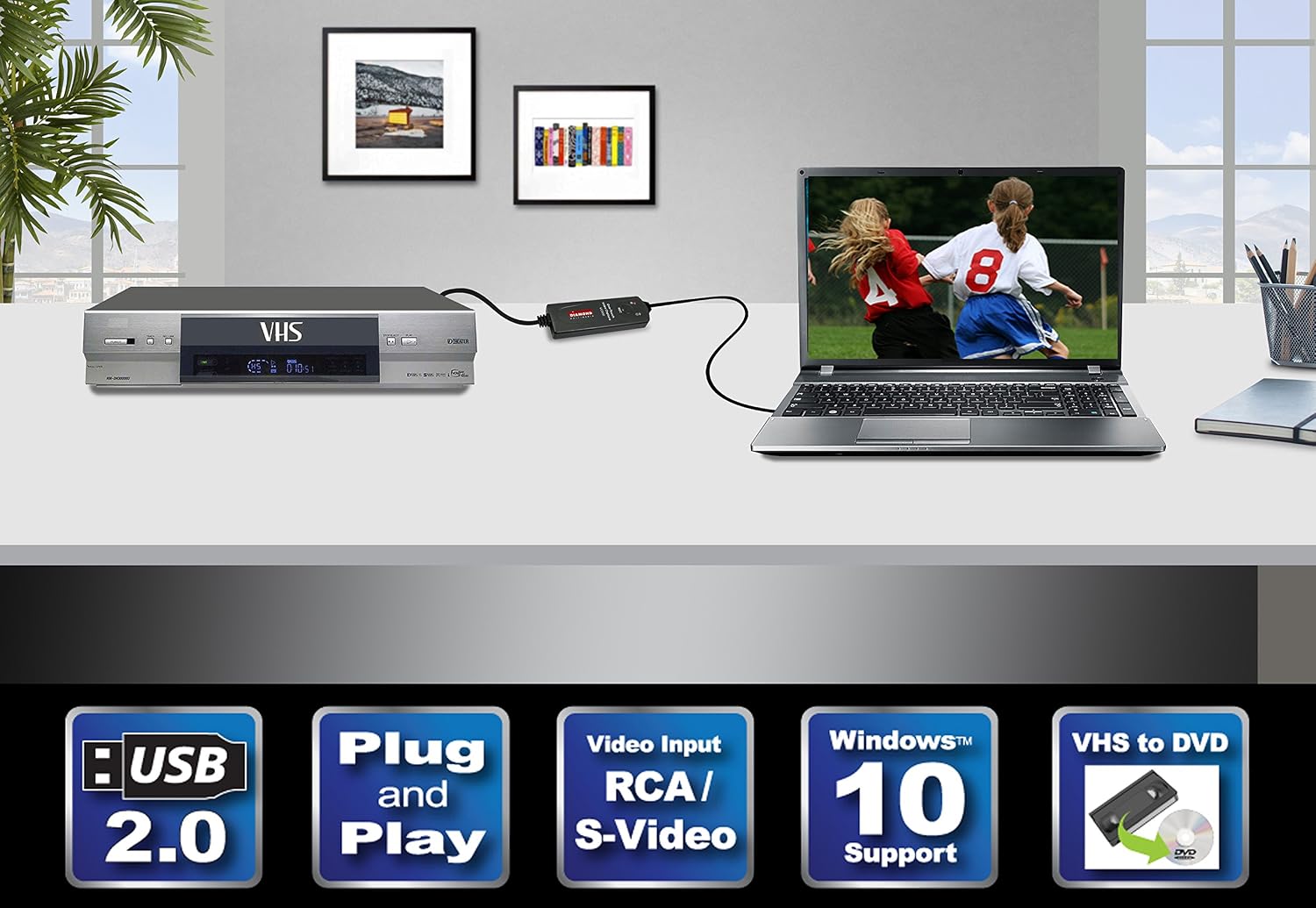
Step 1: Plug the VC500SE into your computer’s USB port. Drivers will install automatically.
Step 2: Connect your VHS player, DVD player, or camcorder using RCA or S-Video cables.
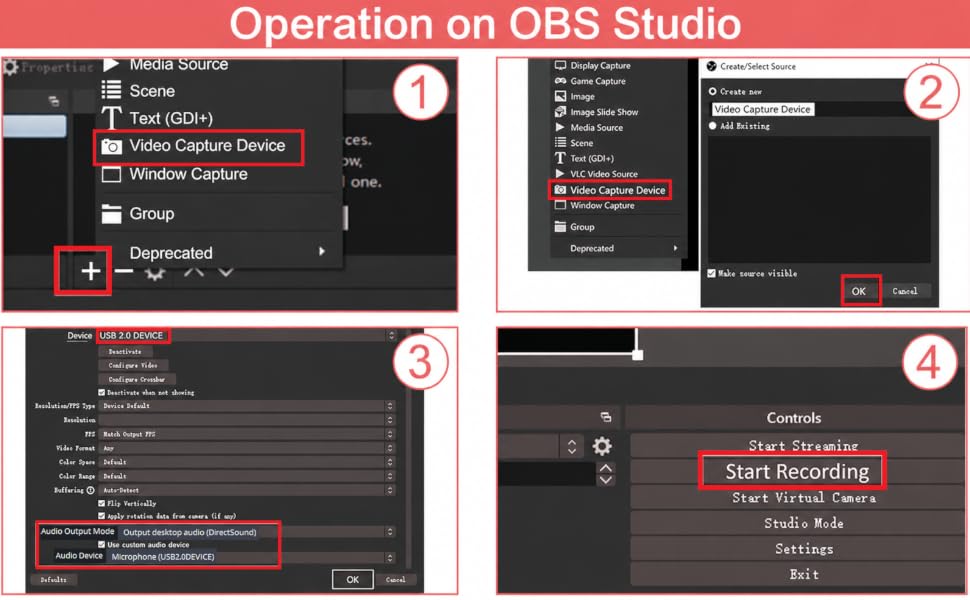
Step 3: Launch compatible video capture software such as Honestech or OBS Studio (Note: No CD is included. Free software download links are provided in the user manual.)
Step 4: Start recording and convert your analog video into digital files.
loading
