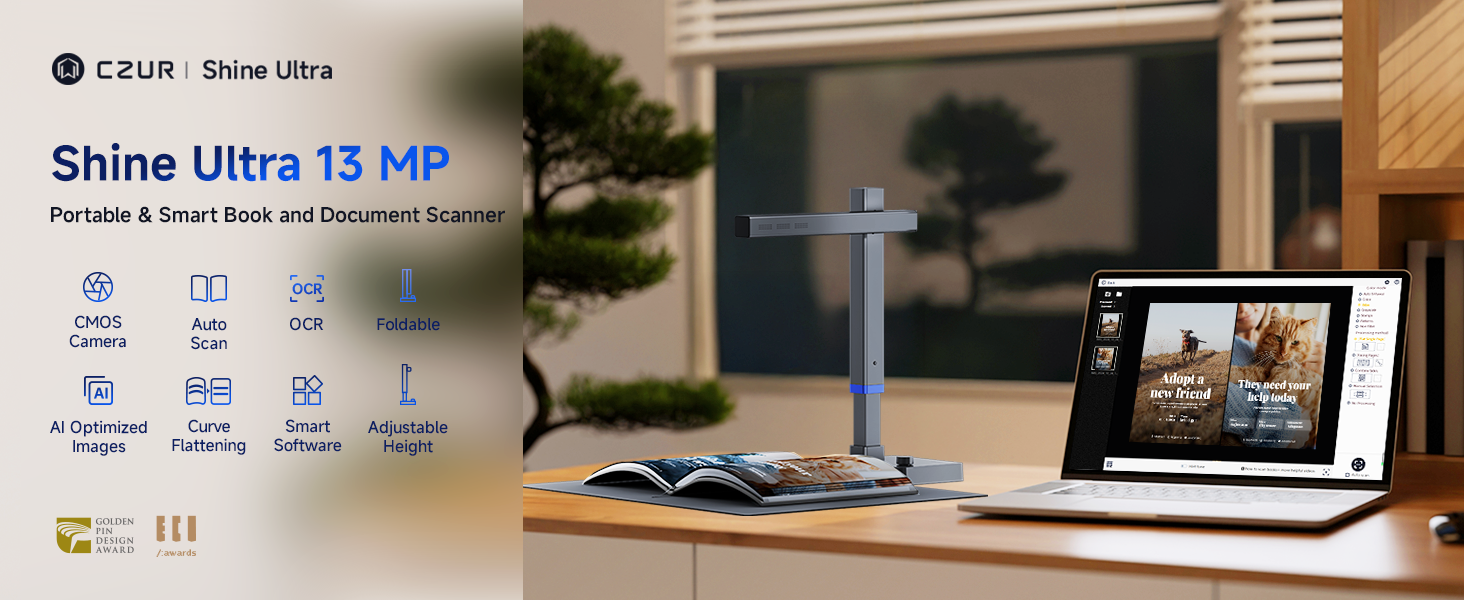
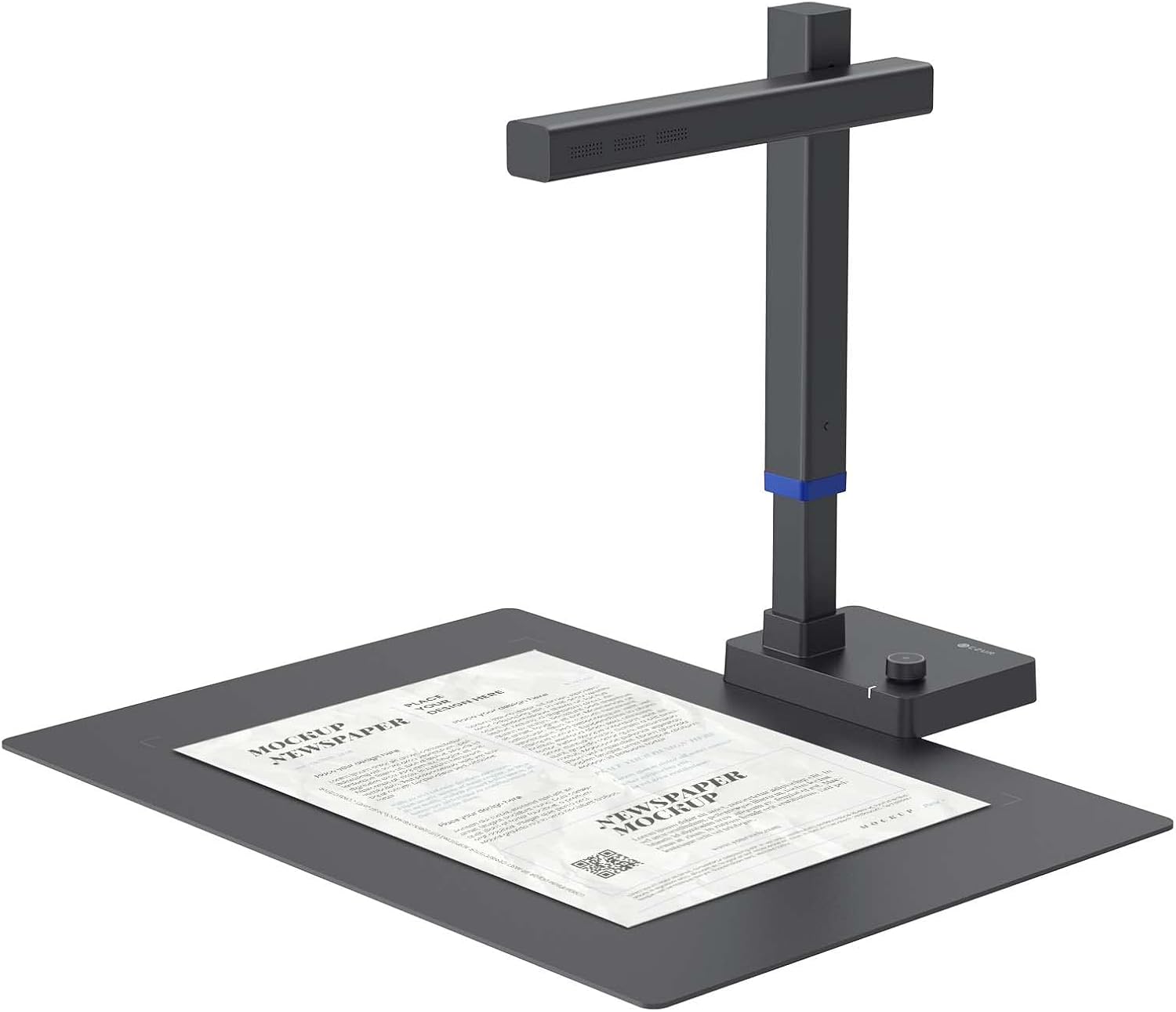
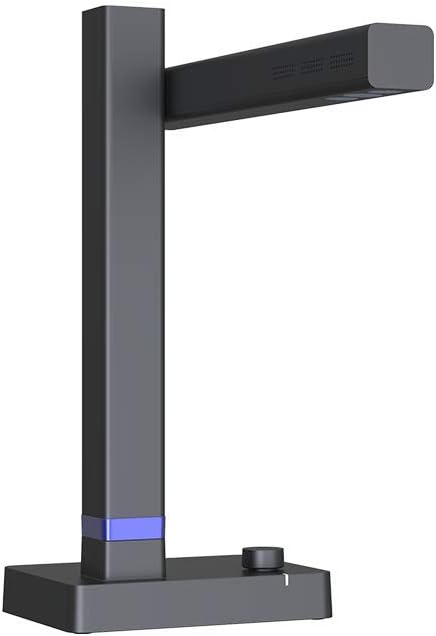
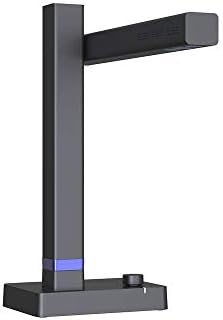

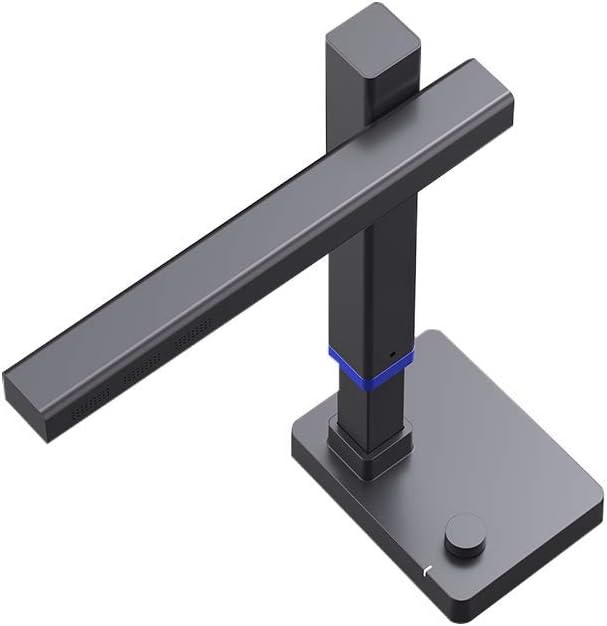
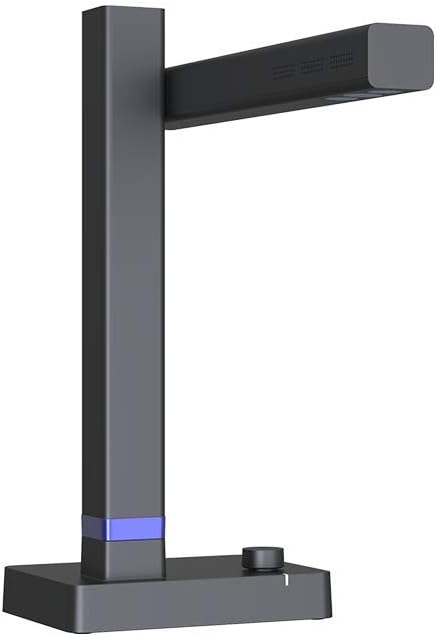
CZUR Shine800A3 Pro 8MP A3&A4 Document Scanner

$49.75 USD
Shipping fees will be calculated at checkout.
Color
  • Free worldwide shipping

  • Free returns

  • Carbon neutral

  • Secure payments

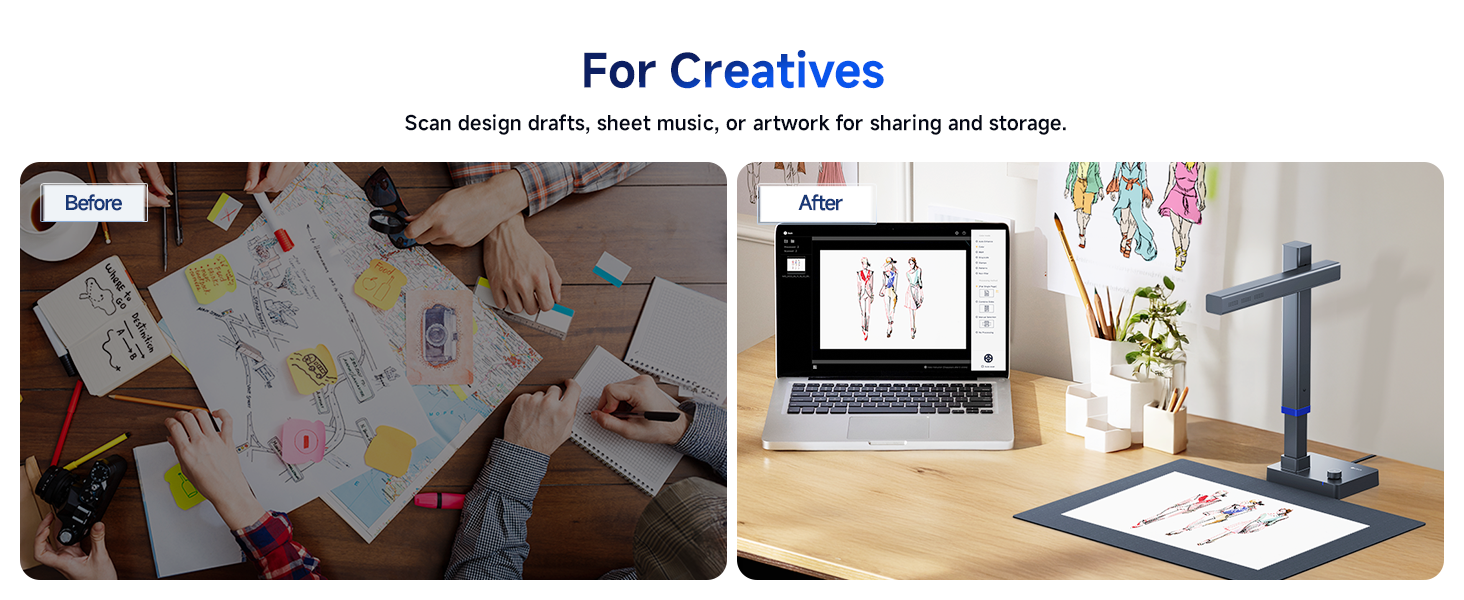
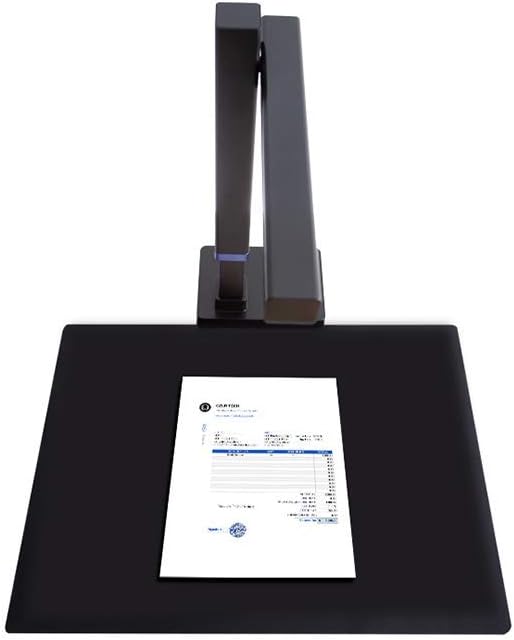
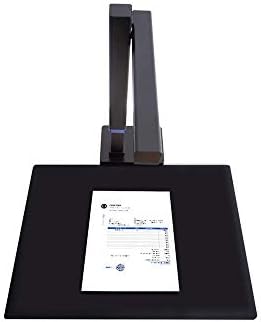
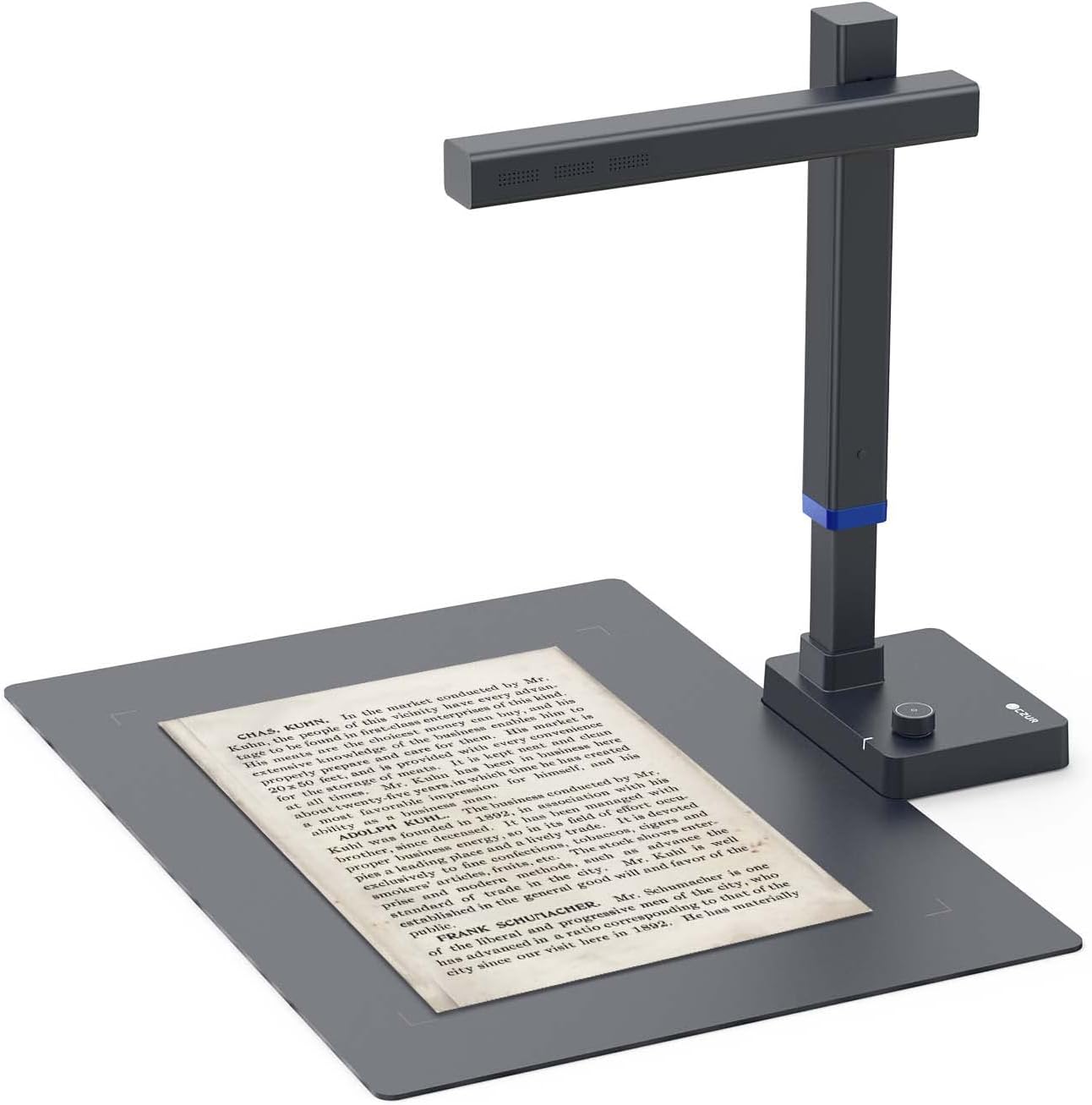
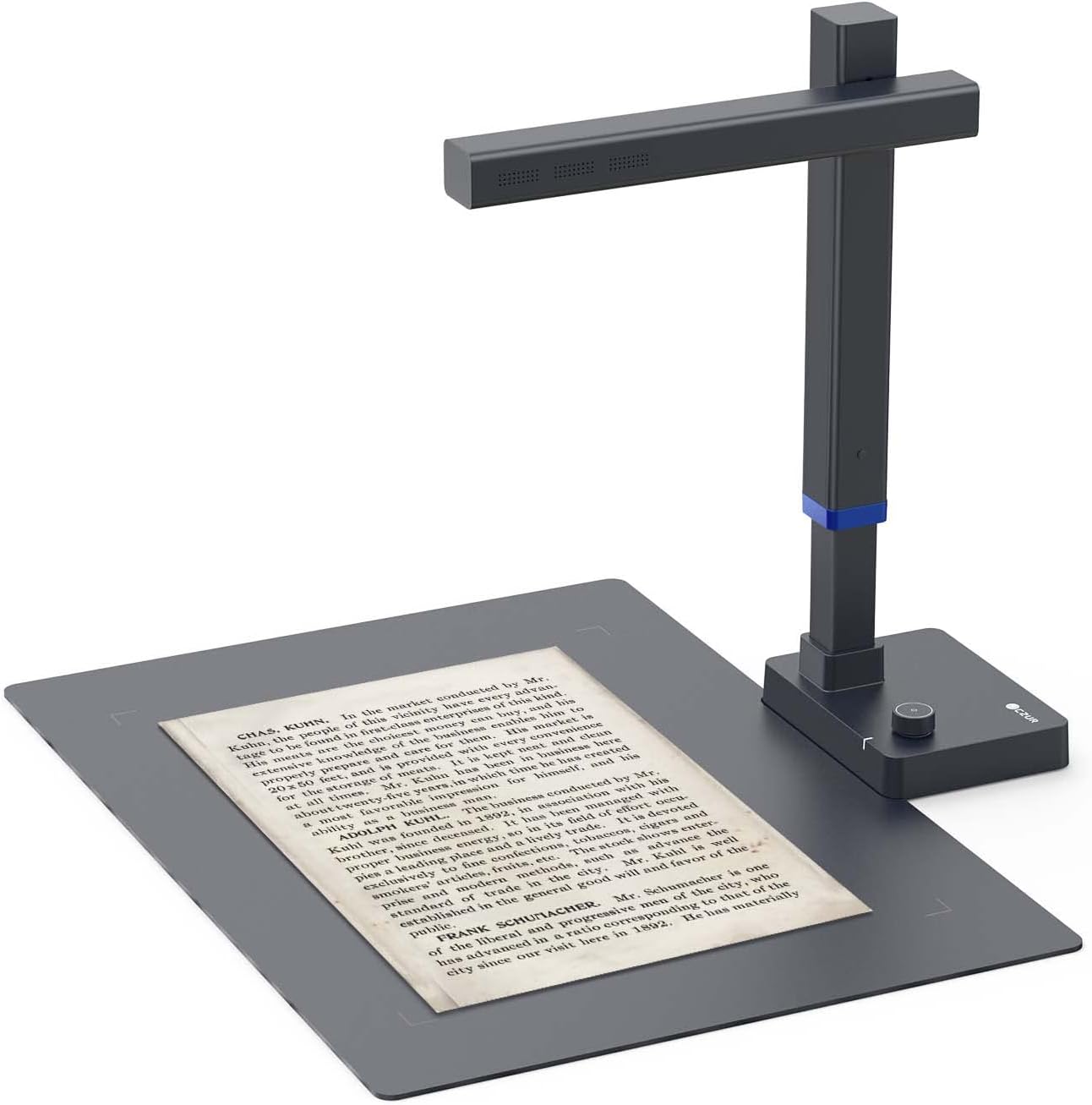
  • Design and Speed: Work with Windows XP/7/8/10/11 AND macOS 10.13 or later. Not compatible with Android and iOS. Designed for A3&A4(11.69*16.53 & 8.27*11.75 inch) document, any objects smaller than A3 size can be scanned with Ultra-fast scanning speed, about 1 second per page. Perfect device to scan FLAT papers
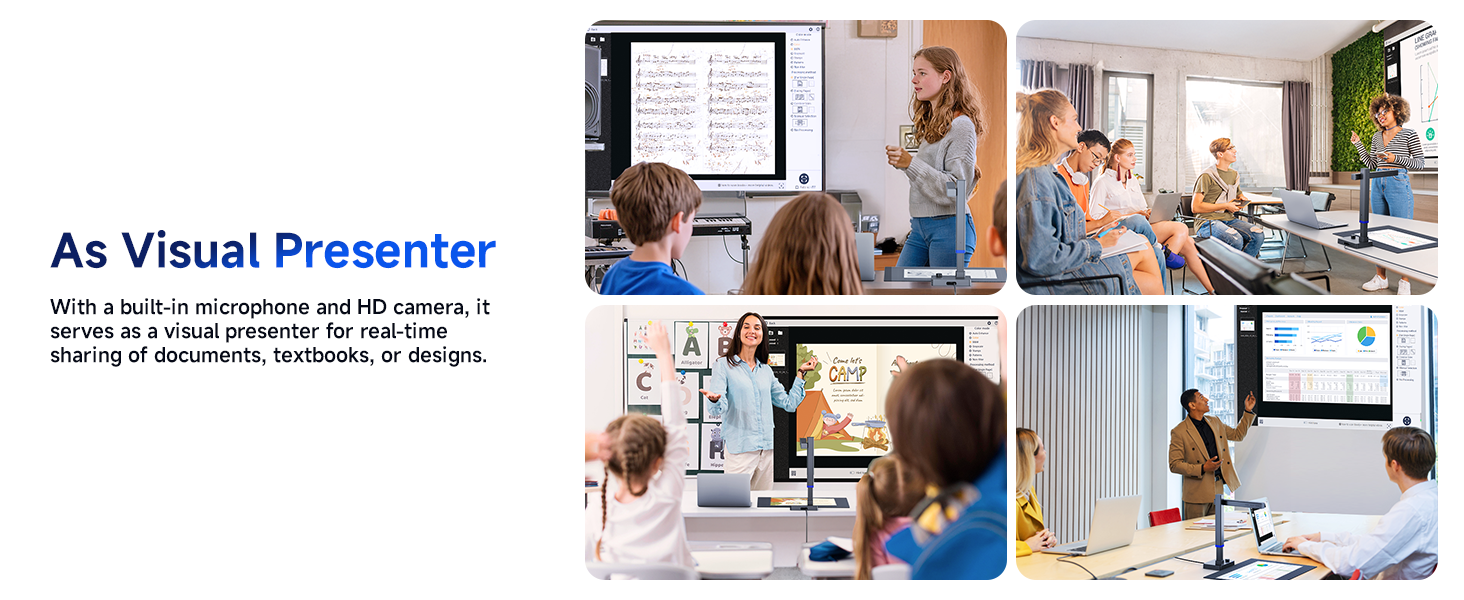
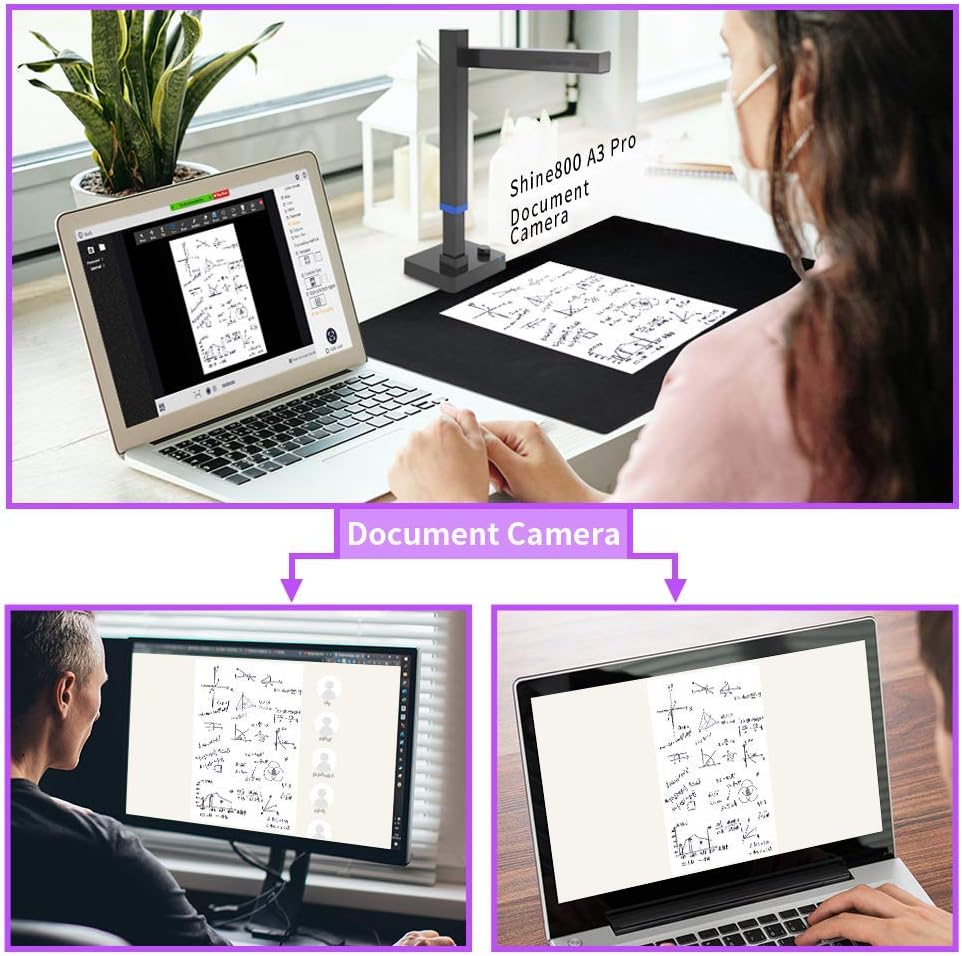
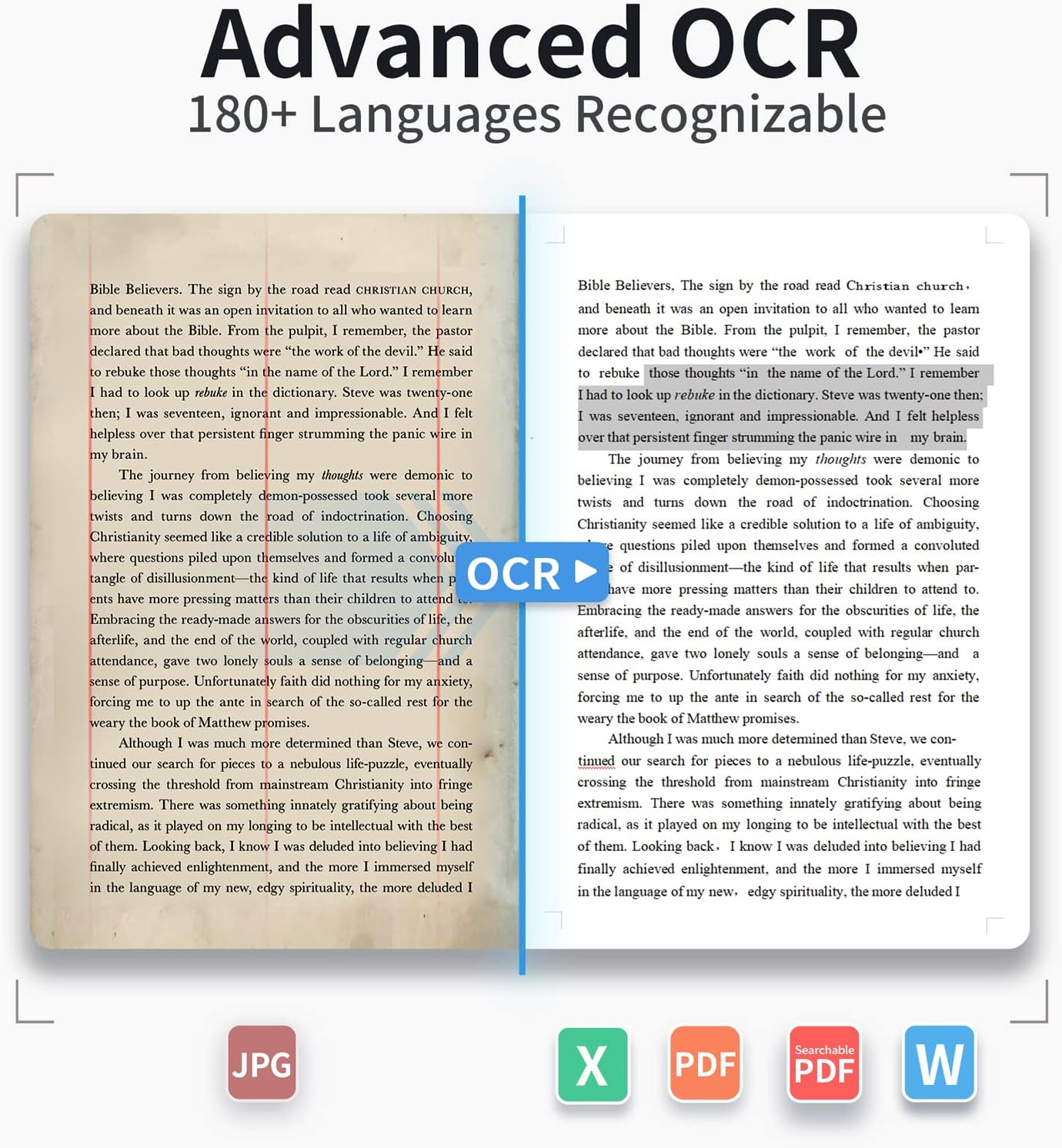
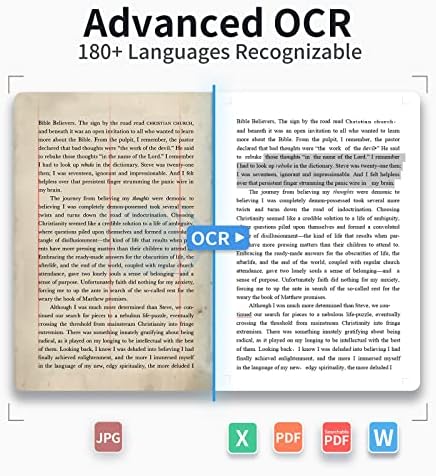
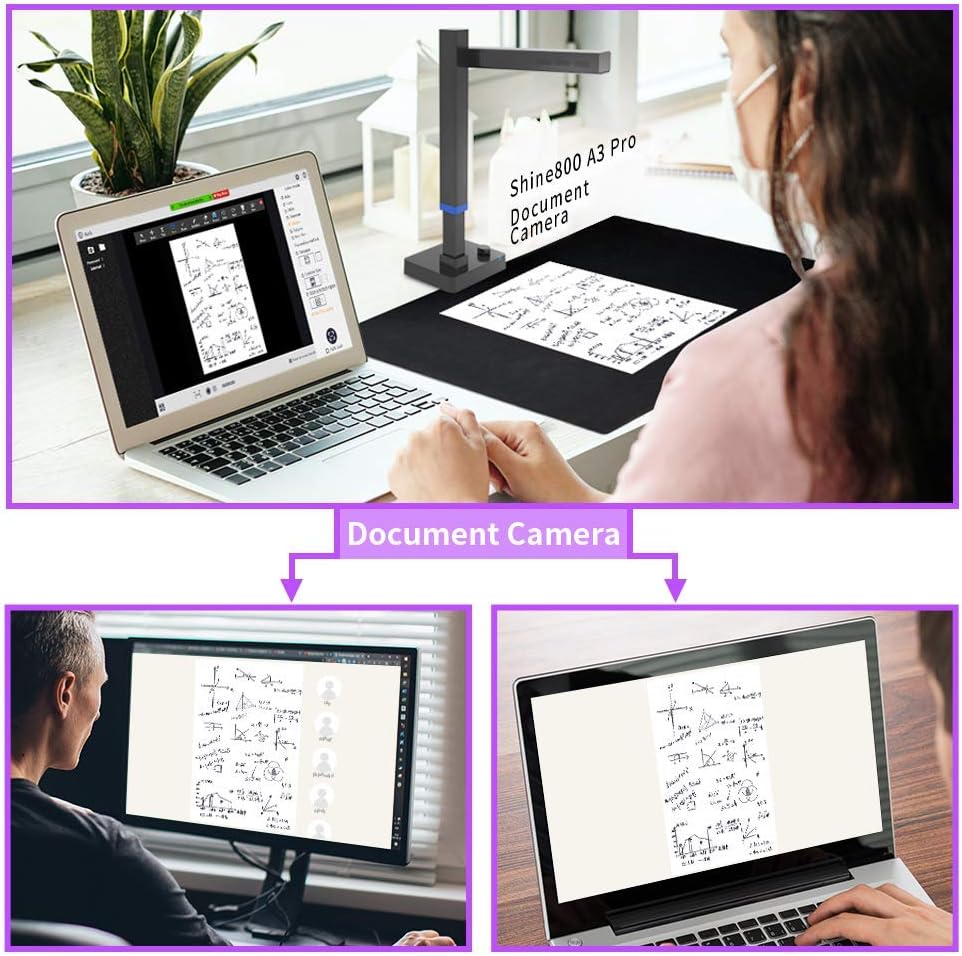
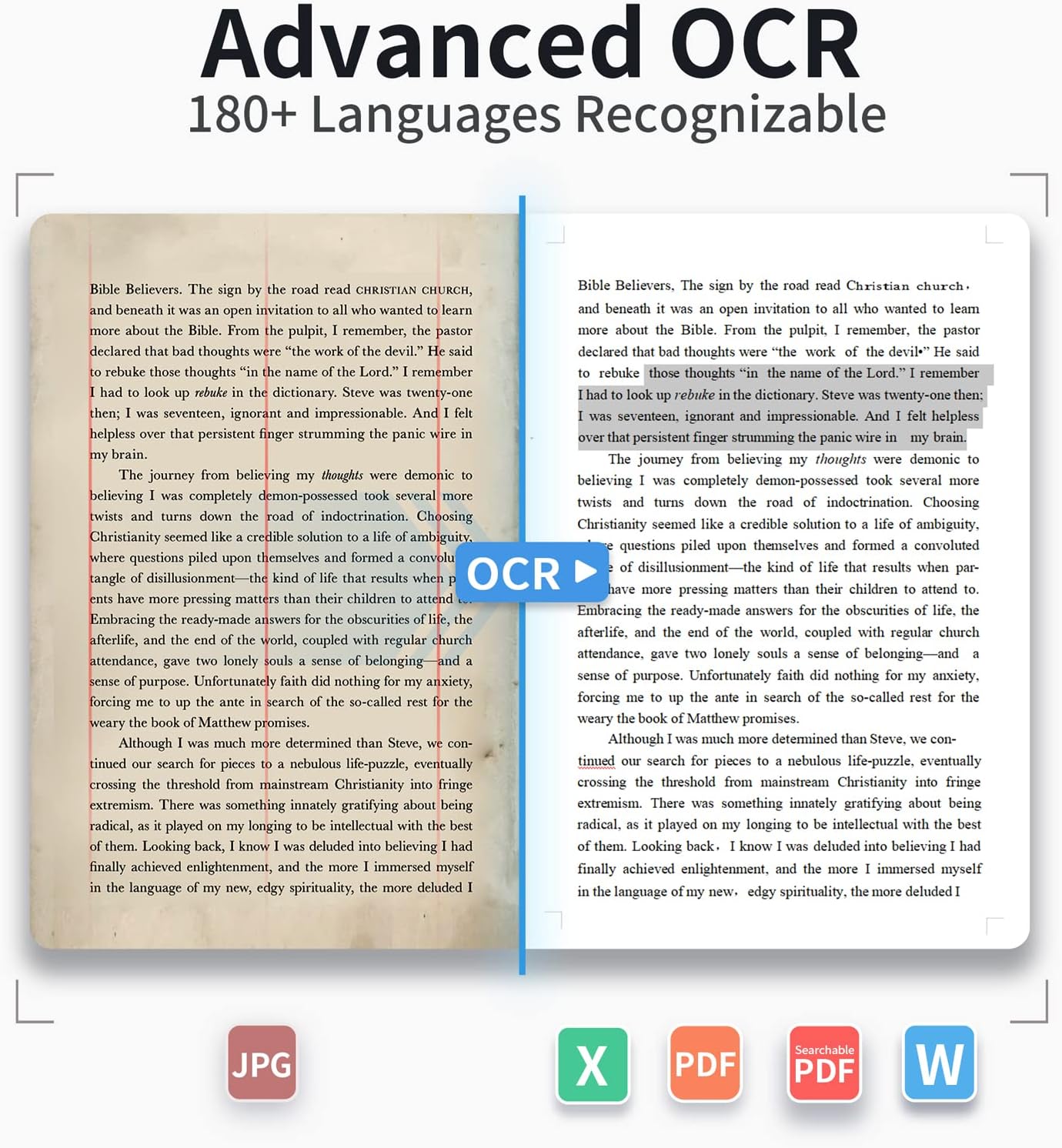
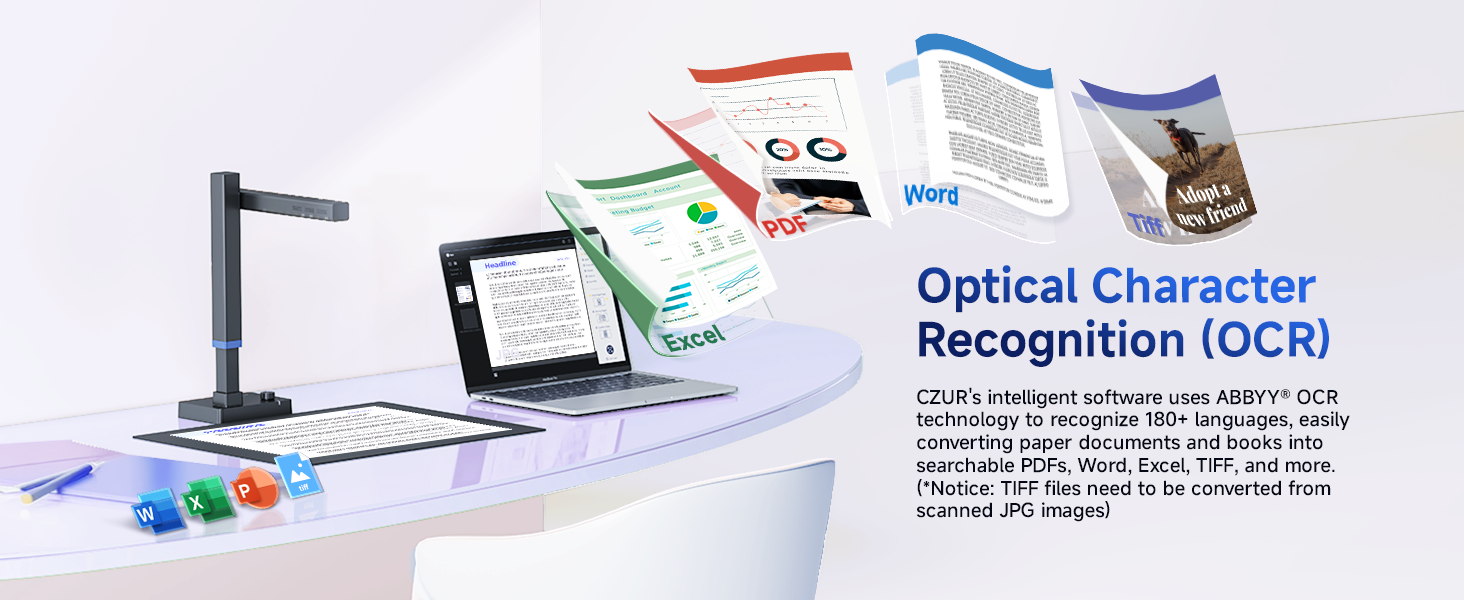
  • USB Document Camera & Scanner: Work as both a document camera for remote teaching&learning compatible with ZOOM; Goole Meet and a document scanner to scan papers and convert/OCR files. OCR supports 180+ languages for text recognition. Please note that Thai, Hebrew, and Arabic are currently not supported. If you need the complete OCR language support list, please feel free to contact us for more details
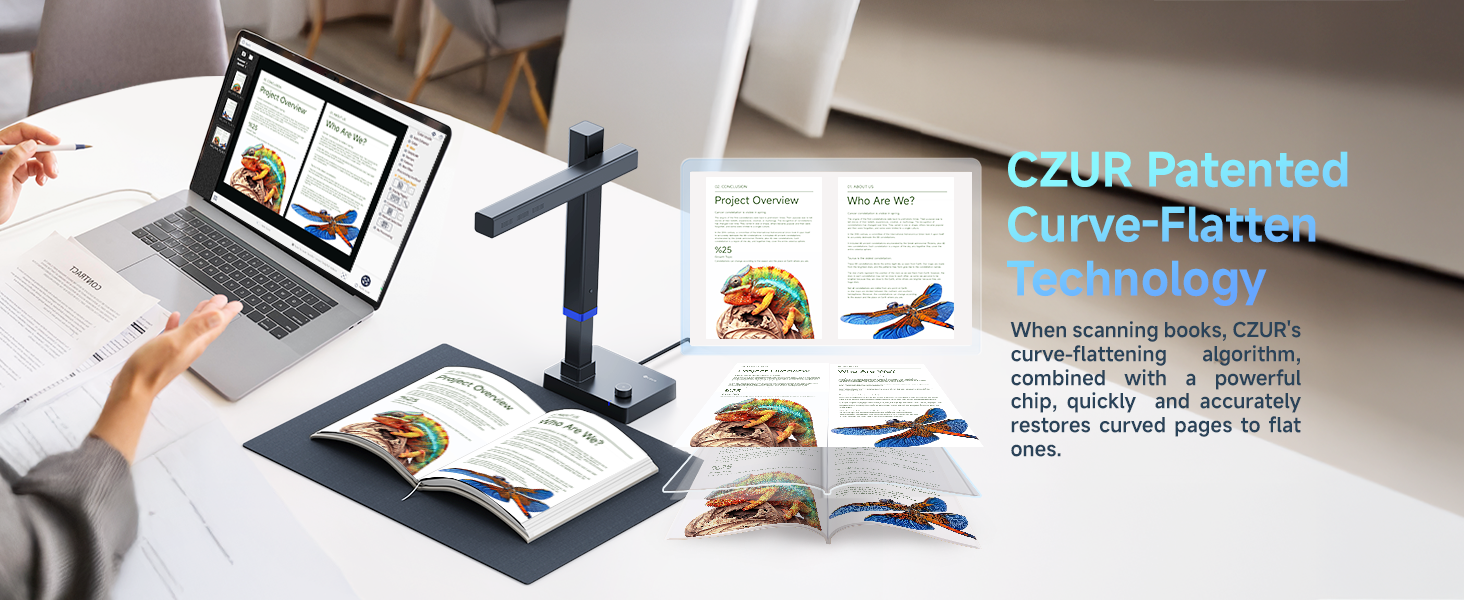
  • Patented Flattening Curved Book Page Technology: Shine Ultra applies CZUR’s patented technology to flatten the curved surface after pixel transformation to flattening of the book page (Only suitable for thinner books, ET series is recommended for thicker books)
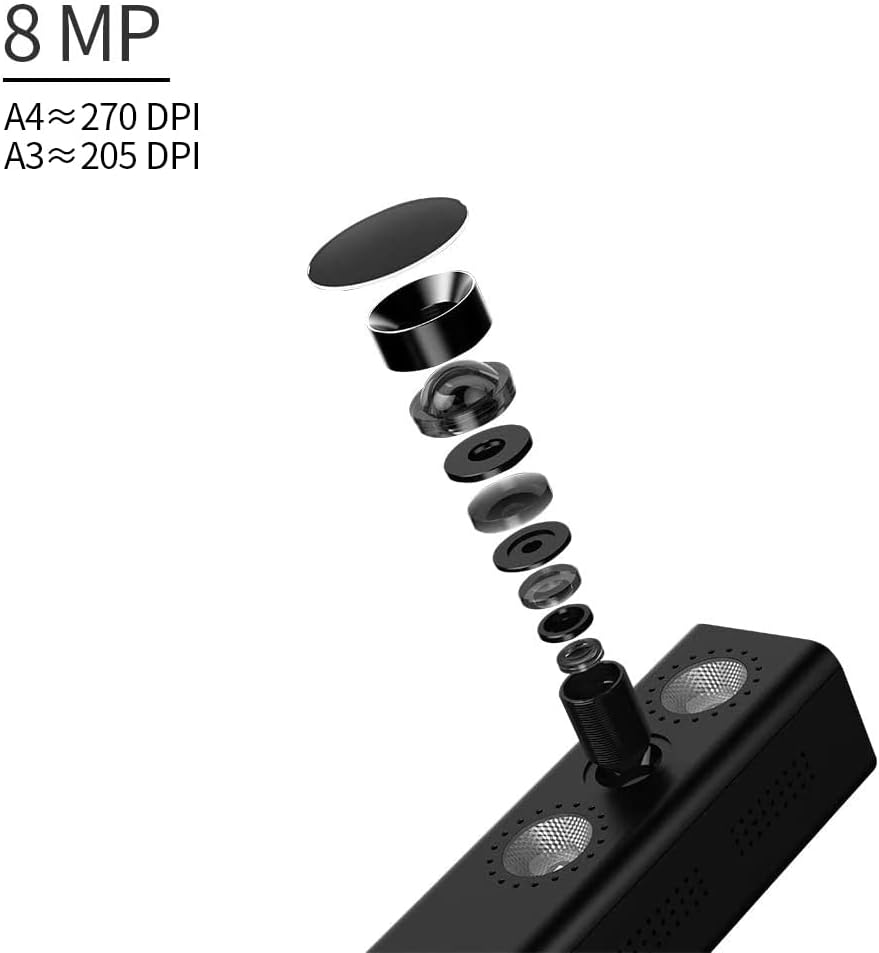
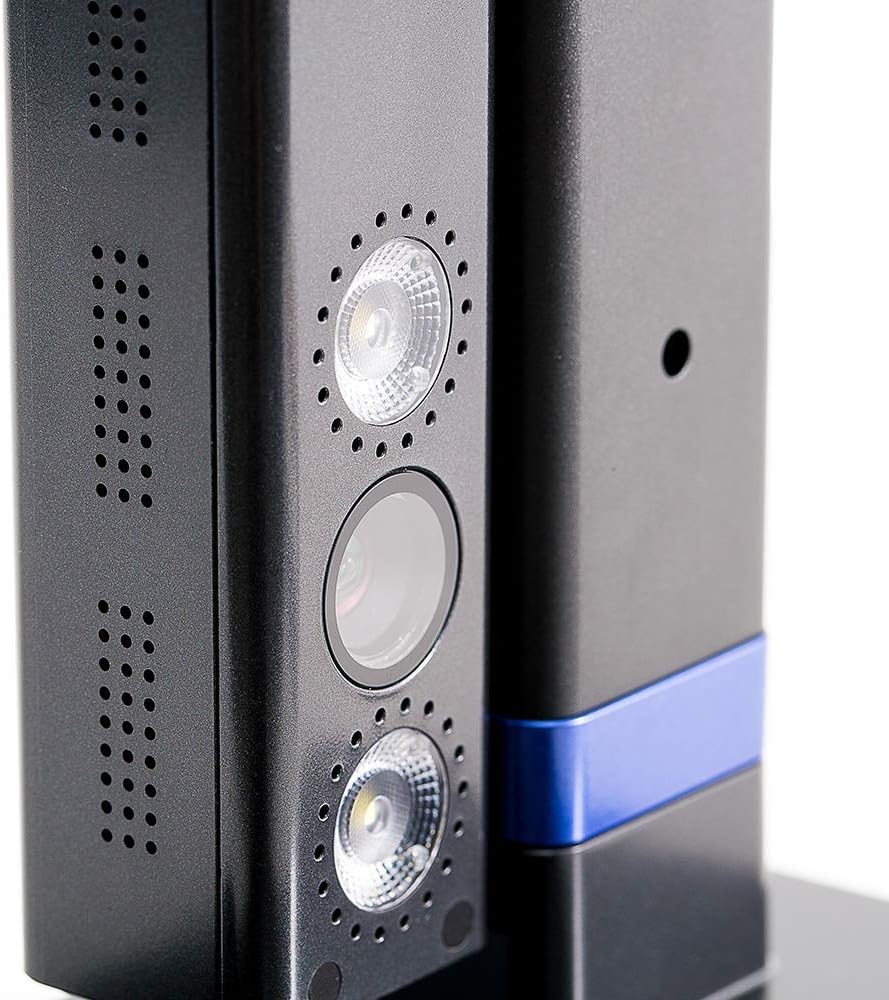
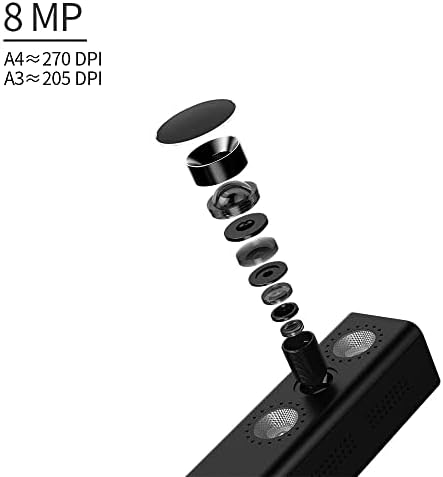
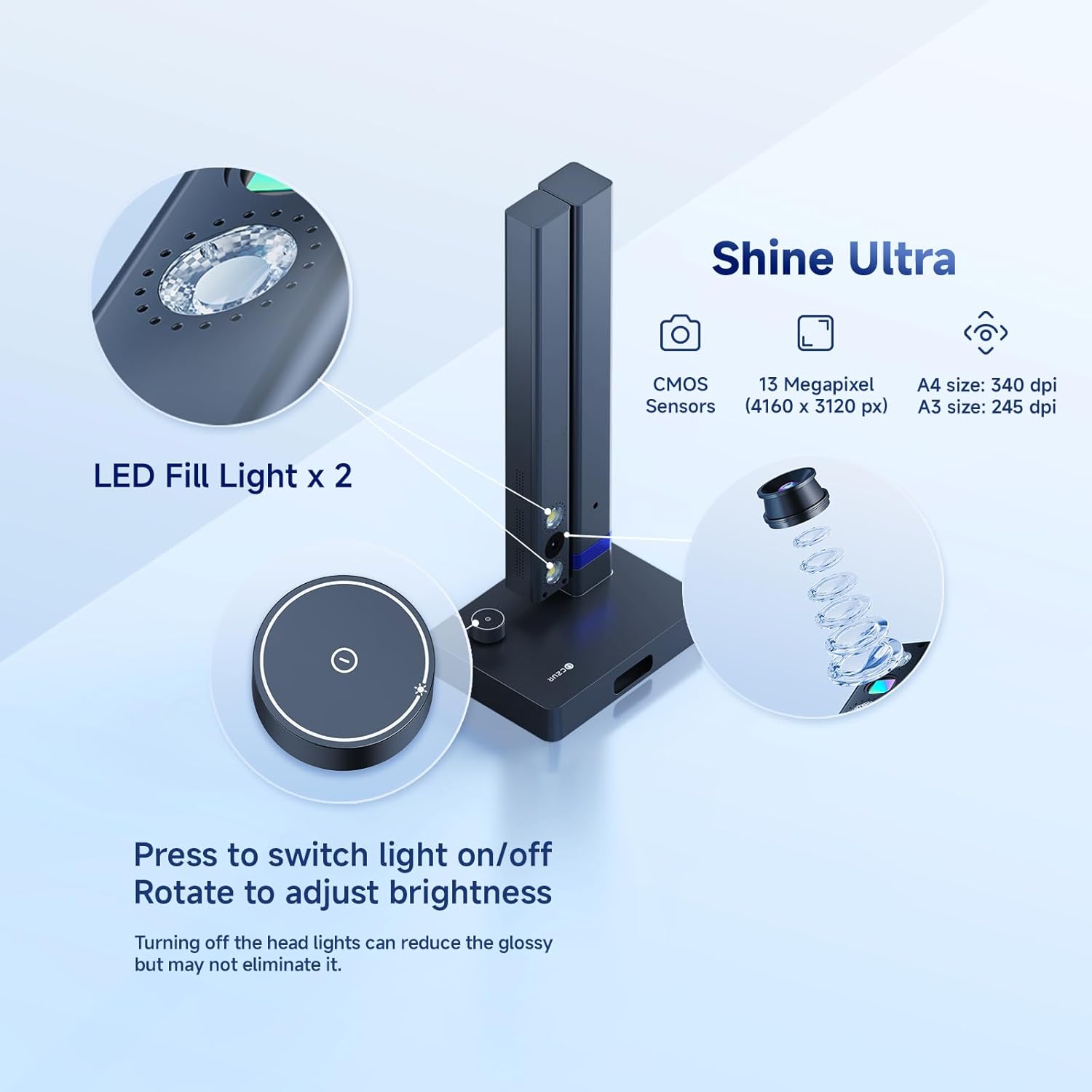
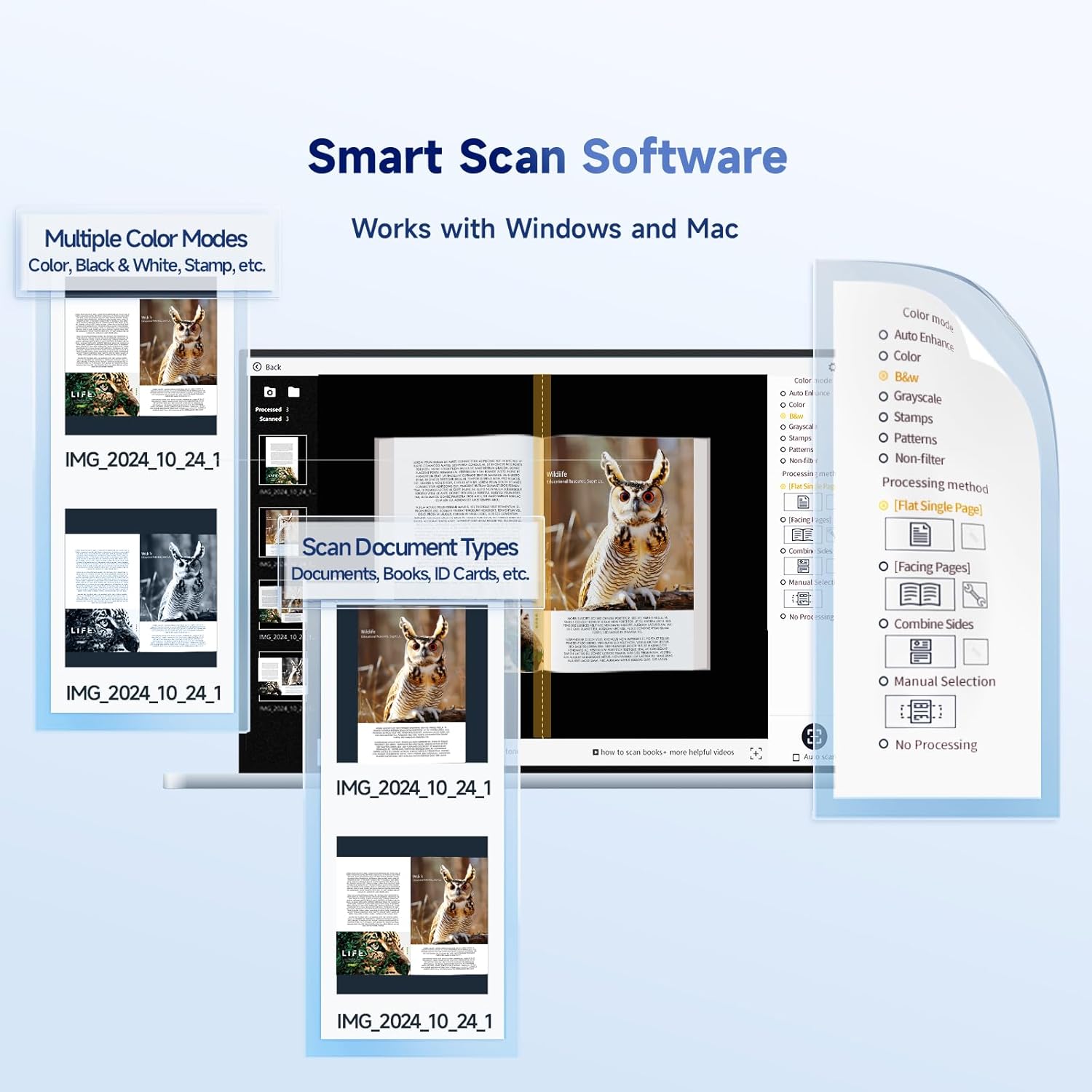
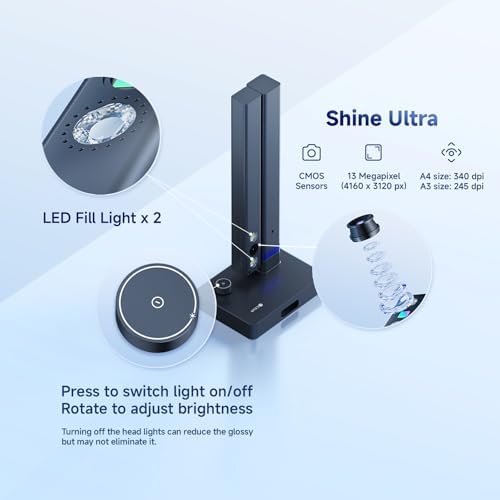
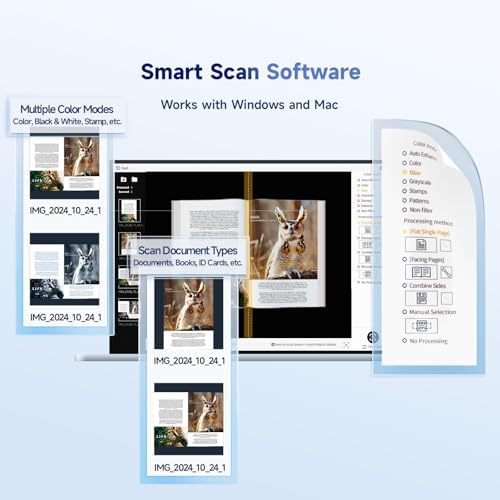
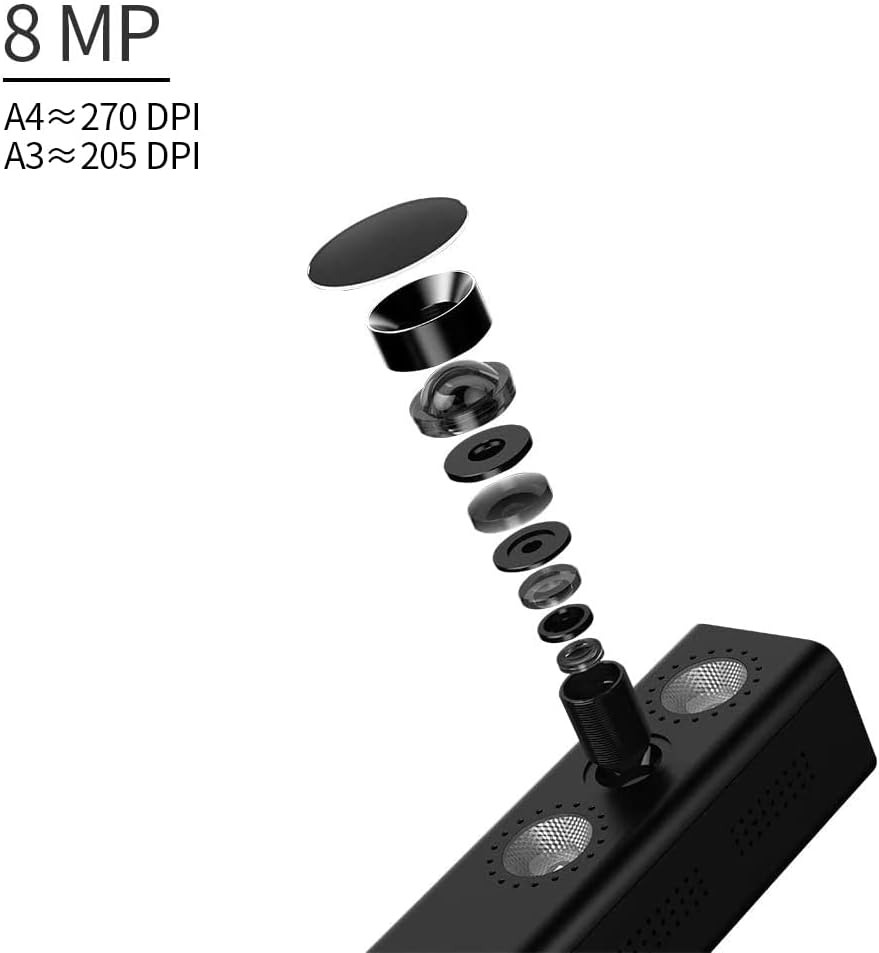
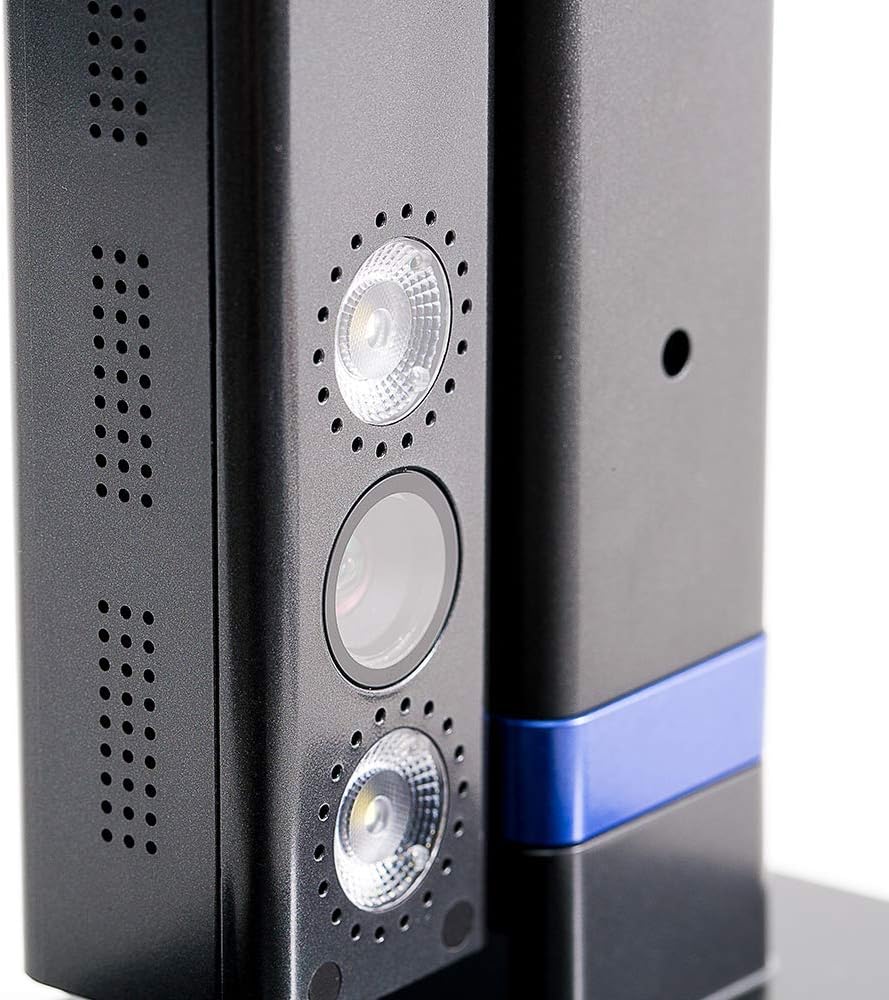
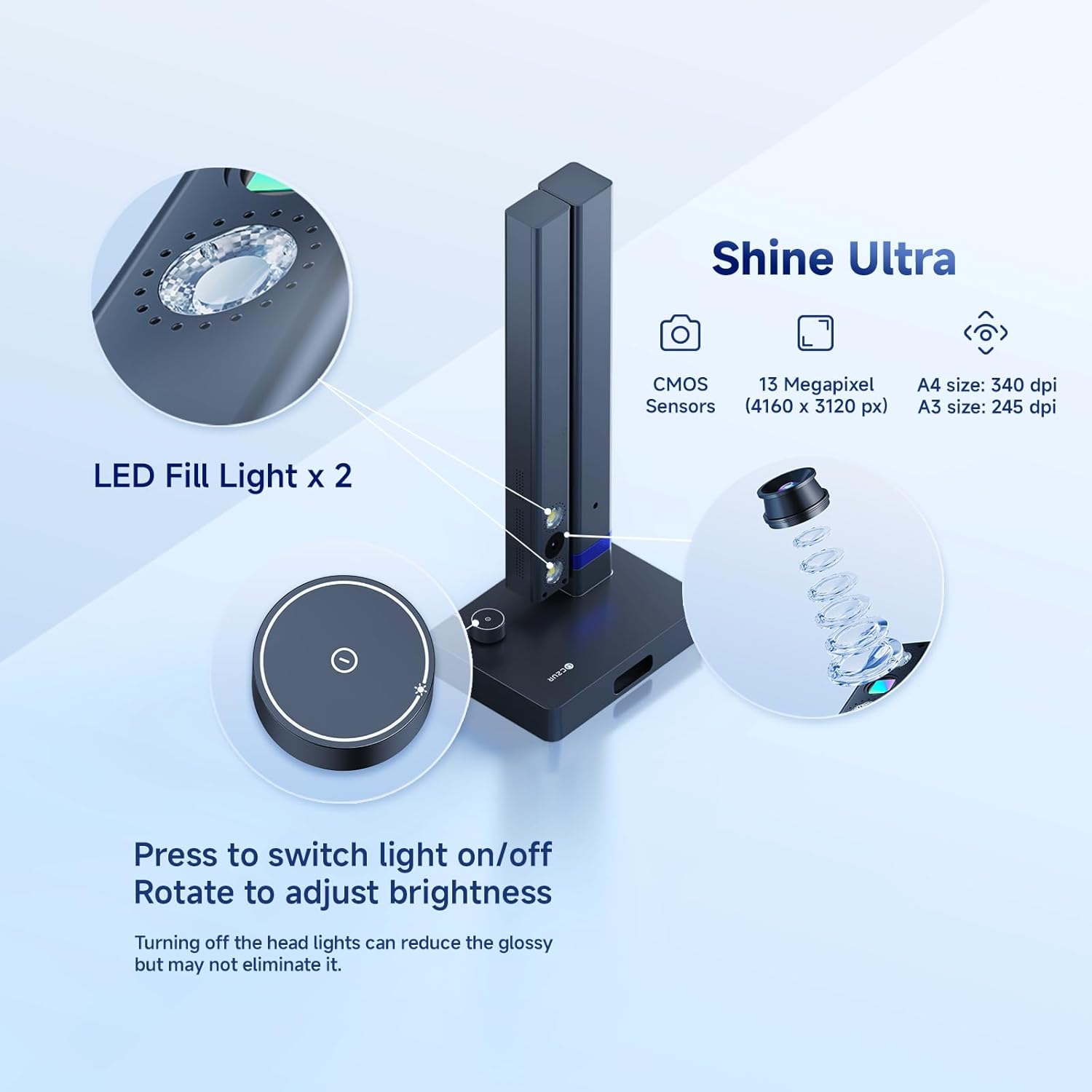
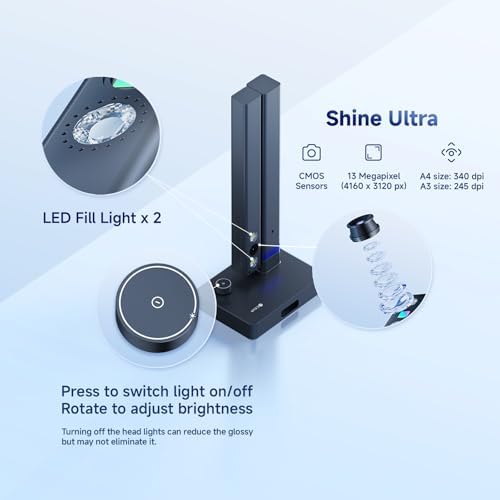
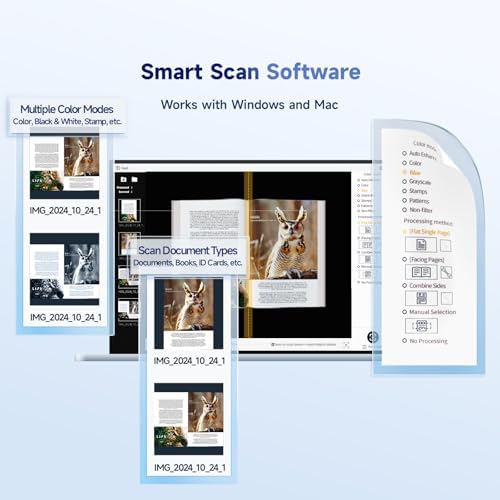
  • High Resolution & AI Tech: CMOS 13MP (4160*3120, A4≈340 AND A3≈245 DPI) camera. Smart Paging and Auto Cropping; Combine Sides; Stamp Mode; and Multiple Color Modes
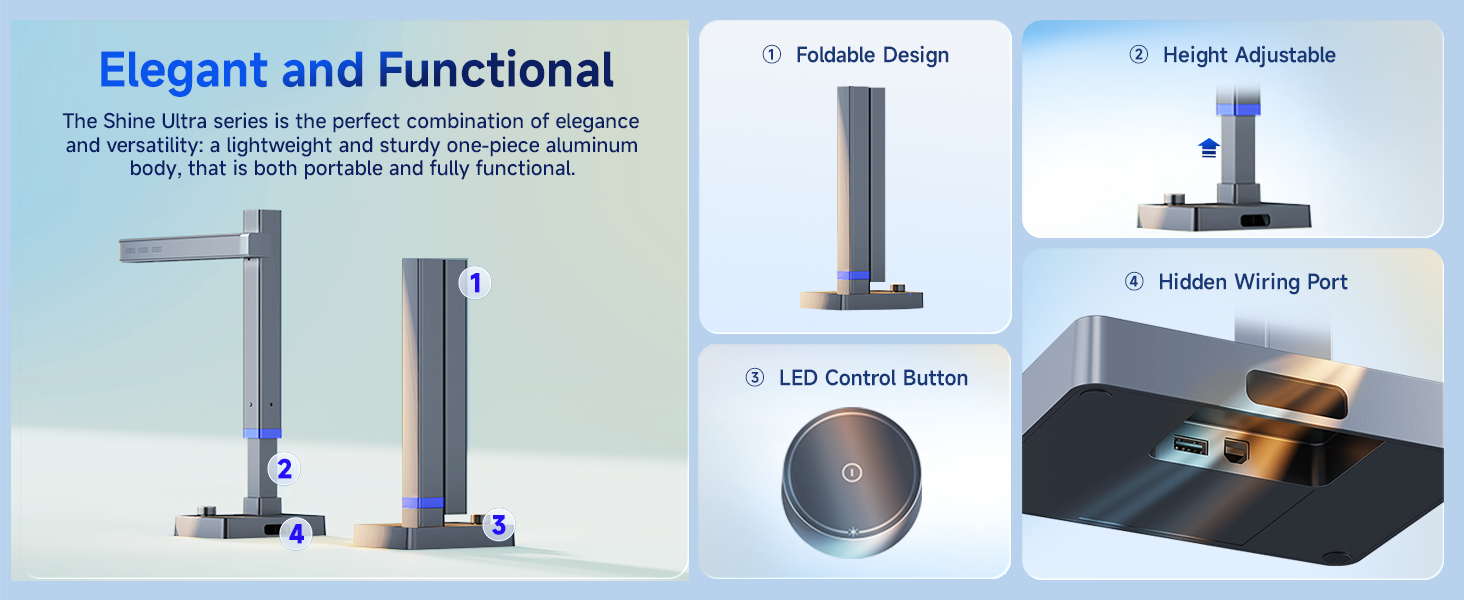
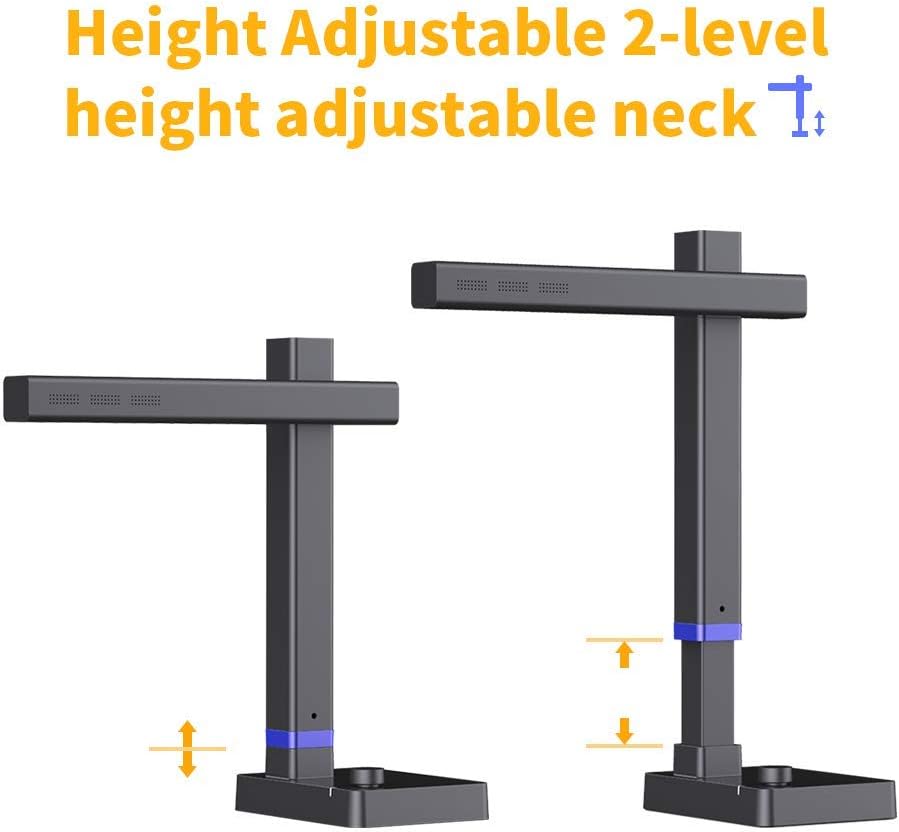
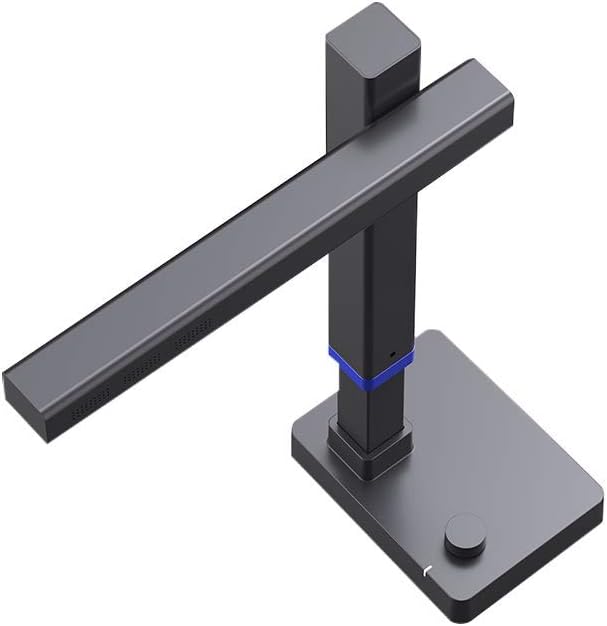
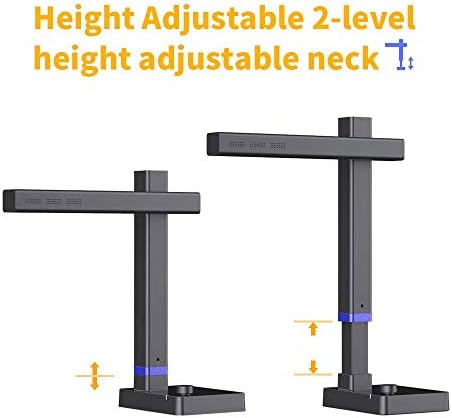
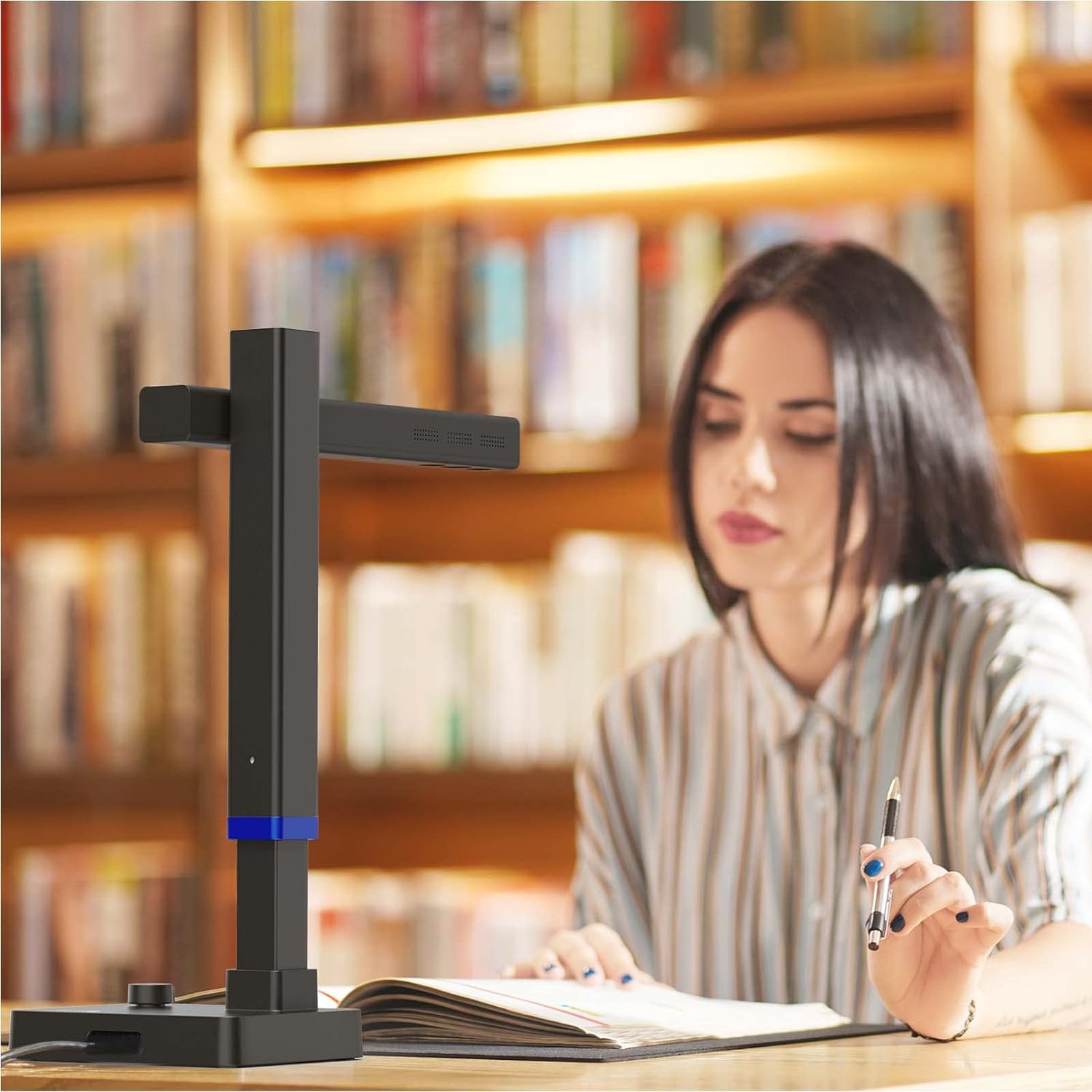
  • Height Adjustable & Portable: 2-level height adjustable neck. 90 degree foldable and lightweight 4 lbs with foot pedal for convenient operation
Media TypeUSB
Model NameShine Ultra
Resolution245
Unit Count1 Count
ManufacturerCZUR
Scanner TypeBook, Document
Optical SensorCMOS
Connection TypeUSB
Media Size MaximumA3
Connectivity TechnologyUSB
Item Depth Width Height116.9"D x 157.9"W x 334.9"H
Standard Sheet Capacity10
Item Dimensions D x W x H116.9"D x 157.9"W x 334.9"H
Optical Sensor TechnologyCMOS
Minimum System RequirementsWindows XP; Windows 7 or later; Mac (Apple Silicon): macOS 13 or later; Mac (Intel): macOS 10.13 or later
Standard Input Sheet Capacity10
1

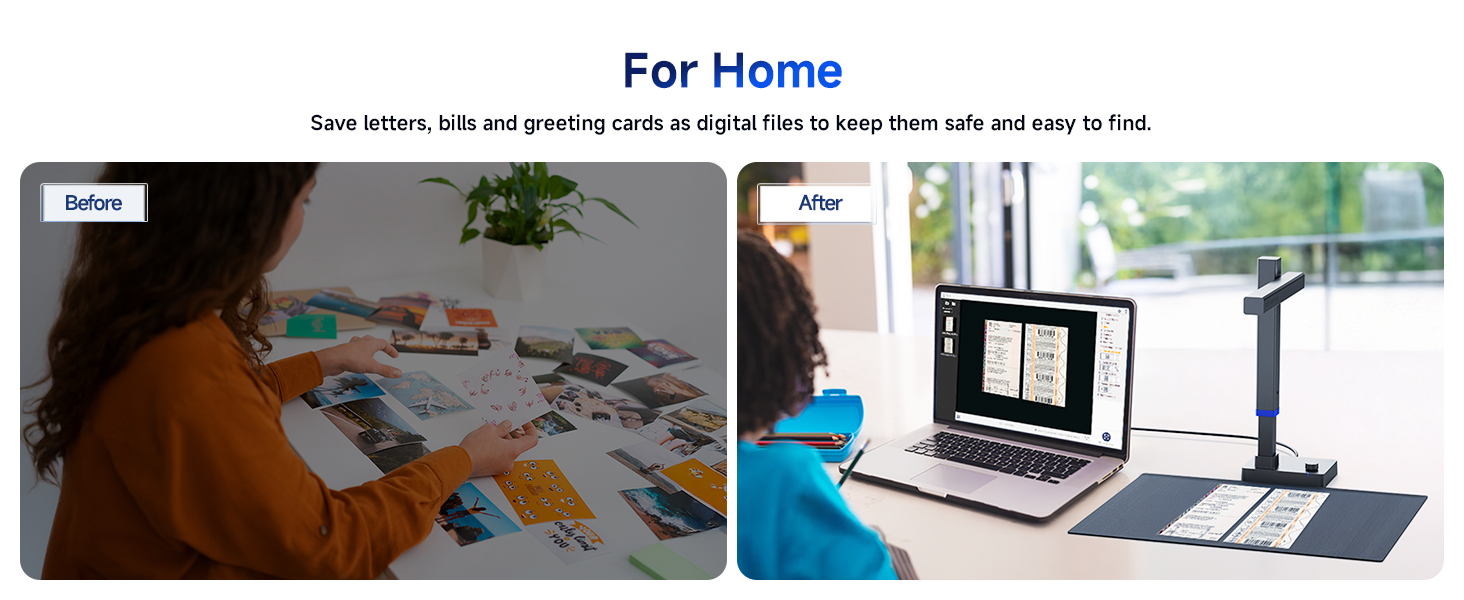
e CZUR Shine Ultra scanner is primarily designed for scanning non-glossy materials such as documents, postcards, letters, contracts, and thin books. Please note that it is not suitable for scanning photographs, especially glossy or highly reflective photo paper.
Previous page
  1. 1
  2. 1
Next page
1

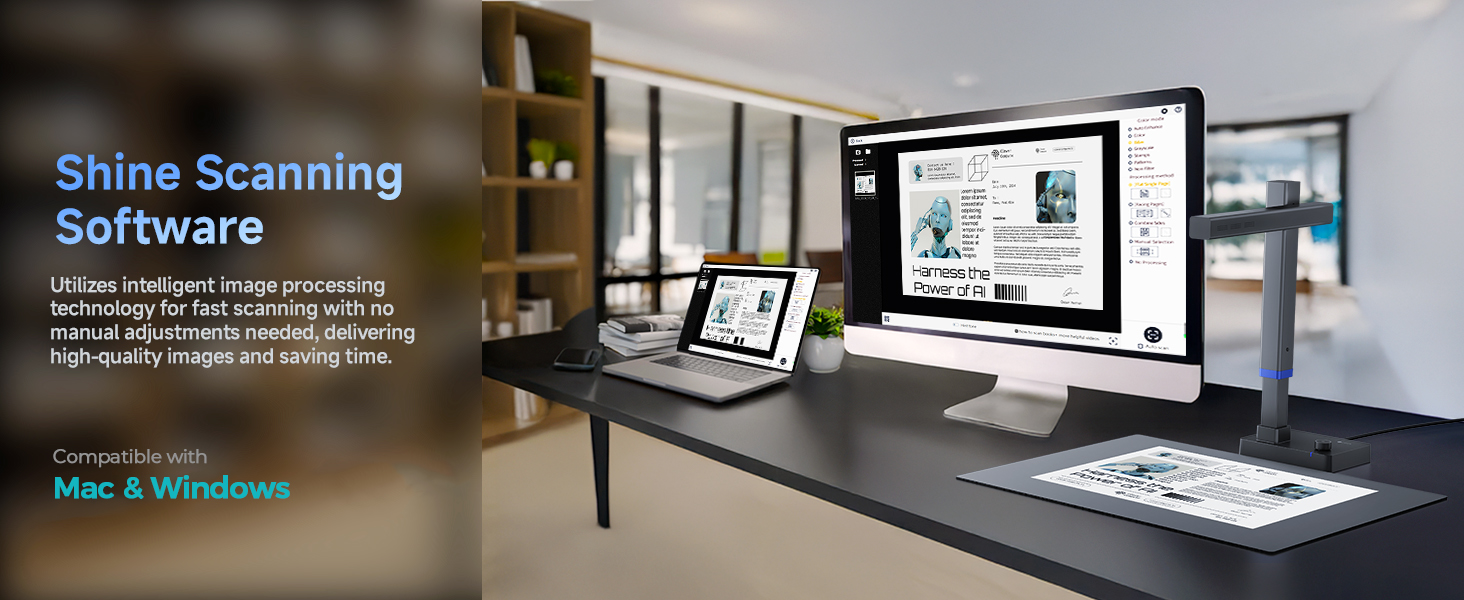
Intelligent Software Processing Function

  1. The video showcases the product in use.The video guides you through product setup.The video shows the product being unpacked.

    Multiple Scanning Methods

    Multiple Scanning Methods


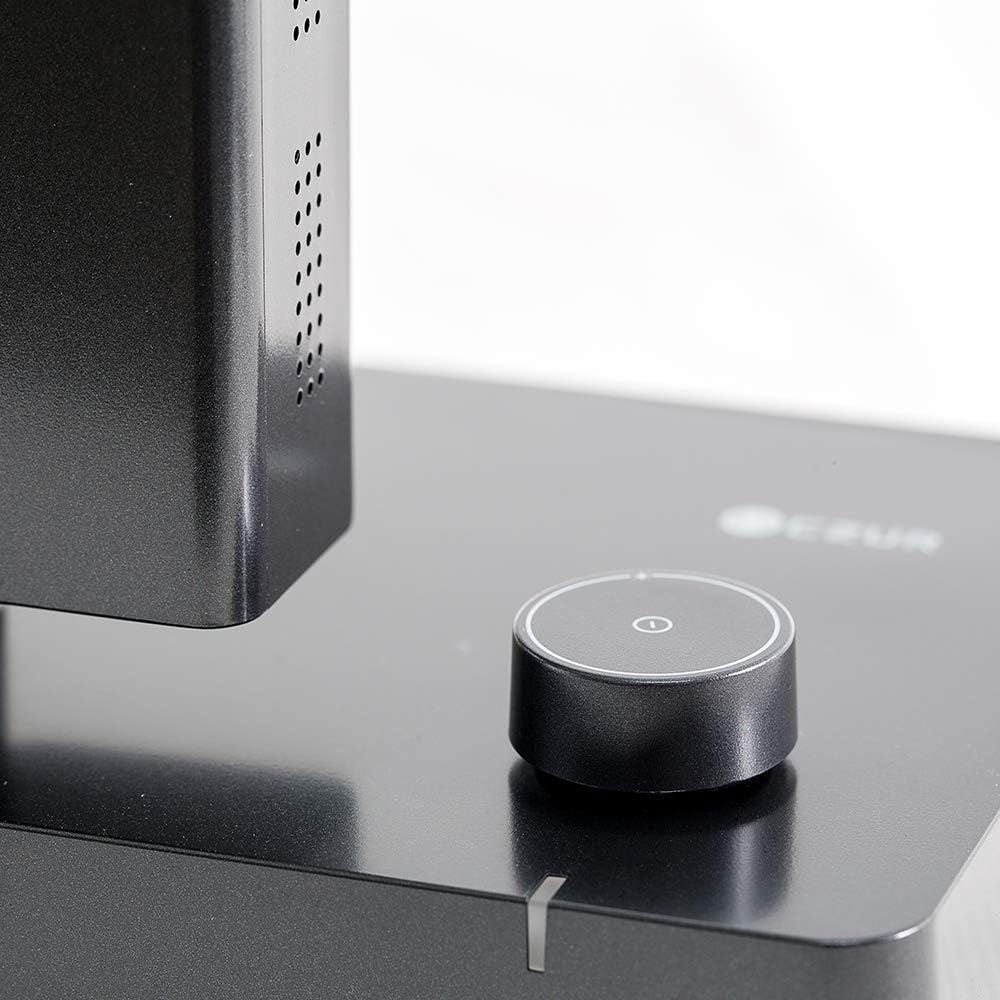
    Triggering methods: Manual button, foot pedal, scan button and software button.

    Auto scan: The ET software detects page changes and scans automatically.

  2. The video showcases the product in use.The video guides you through product setup.The video shows the product being unpacked.

    Auto Flattening & Finger Removal

    Auto Flattening & Finger Removal


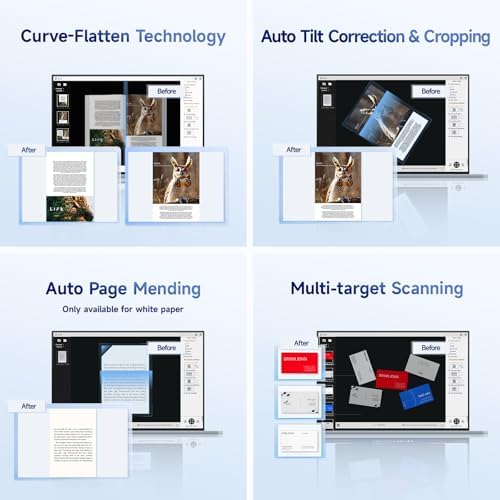
    The curved book page scanning mode converts the curved book page into a flat document through flattening technology and automatically paginates them.

  3. The video showcases the product in use.The video guides you through product setup.The video shows the product being unpacked.

    Multiple target scanning

    Multiple target scanning


    When scanning multiple small documents/ID cards/photos at the same time, the software automatically detects the separation and scans them into separate images.

  4. The video showcases the product in use.The video guides you through product setup.The video shows the product being unpacked.

    Auto Page Mending

    Auto Page Mending


    When scanning incomplete documents with white background, you can select this mode and the scanning software can intelligently identify and help fill in the incomplete areas.

  5. The video showcases the product in use.The video guides you through product setup.The video shows the product being unpacked.

    Auto De Skewing

    Auto De-Skewing


    Intelligent scanning recognition, when the document is placed crooked, it can automatically correct the skew and output the electronic document.

  6. The video showcases the product in use.The video guides you through product setup.The video shows the product being unpacked.

    Image Editing Function

    Image Editing


    The scanned images can be edited and optimized on the software to get the results you want.
Previous page
  1. 1
  2. 1
  3. 1
  4. 1
Next page
Previous page
  1. 1
  2. 1
  3. 1
Next page

Product Parameters

Sensor/Pixel CMOS 13 megapixel (4160*3120)
Sanning Size ≤A3, 420 × 297 mm(16.5×11.7 inch)
Scan Speed About 1s/page
Focus Mode AF(Auto Focus)
System Support Windows XP; Windows 7 or later; Mac (Apple Silicon): macOS 13 or later; Mac (Intel): macOS 12 or later
Export Format JPG, PDF, Searchable PDF, Word, Excel, TIFF (*Notice: TIFF files need to be converted from scanned JPG images)
Package Size and Weight 18x7x9 inches (6 lb)
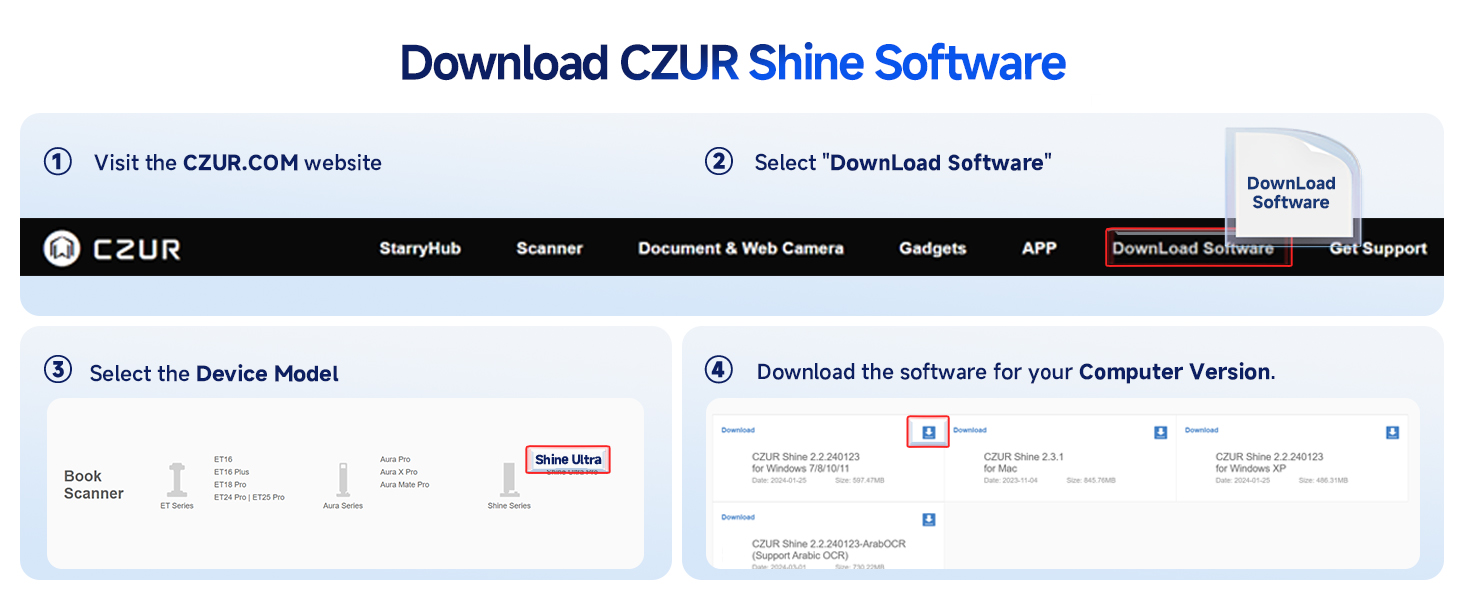
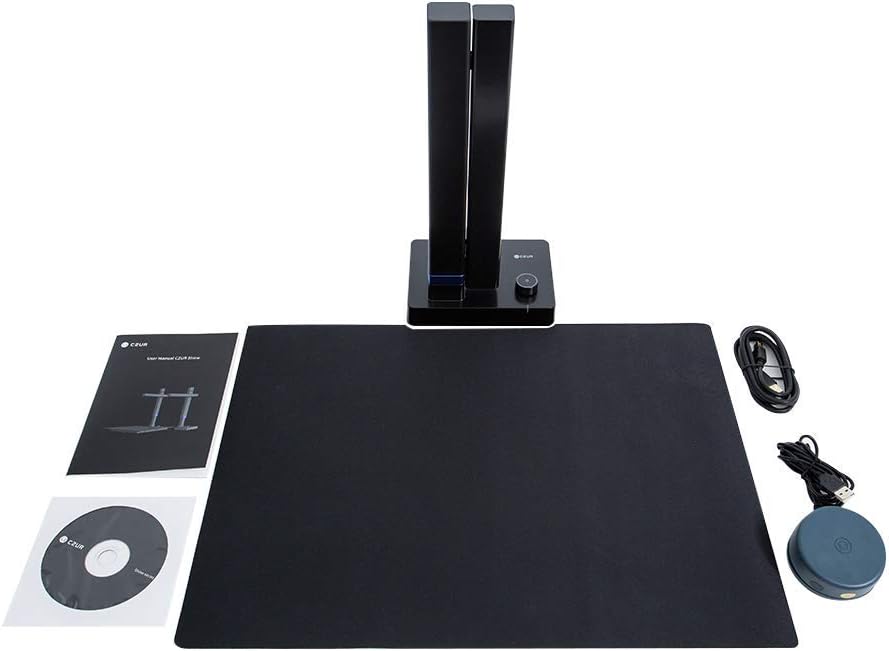
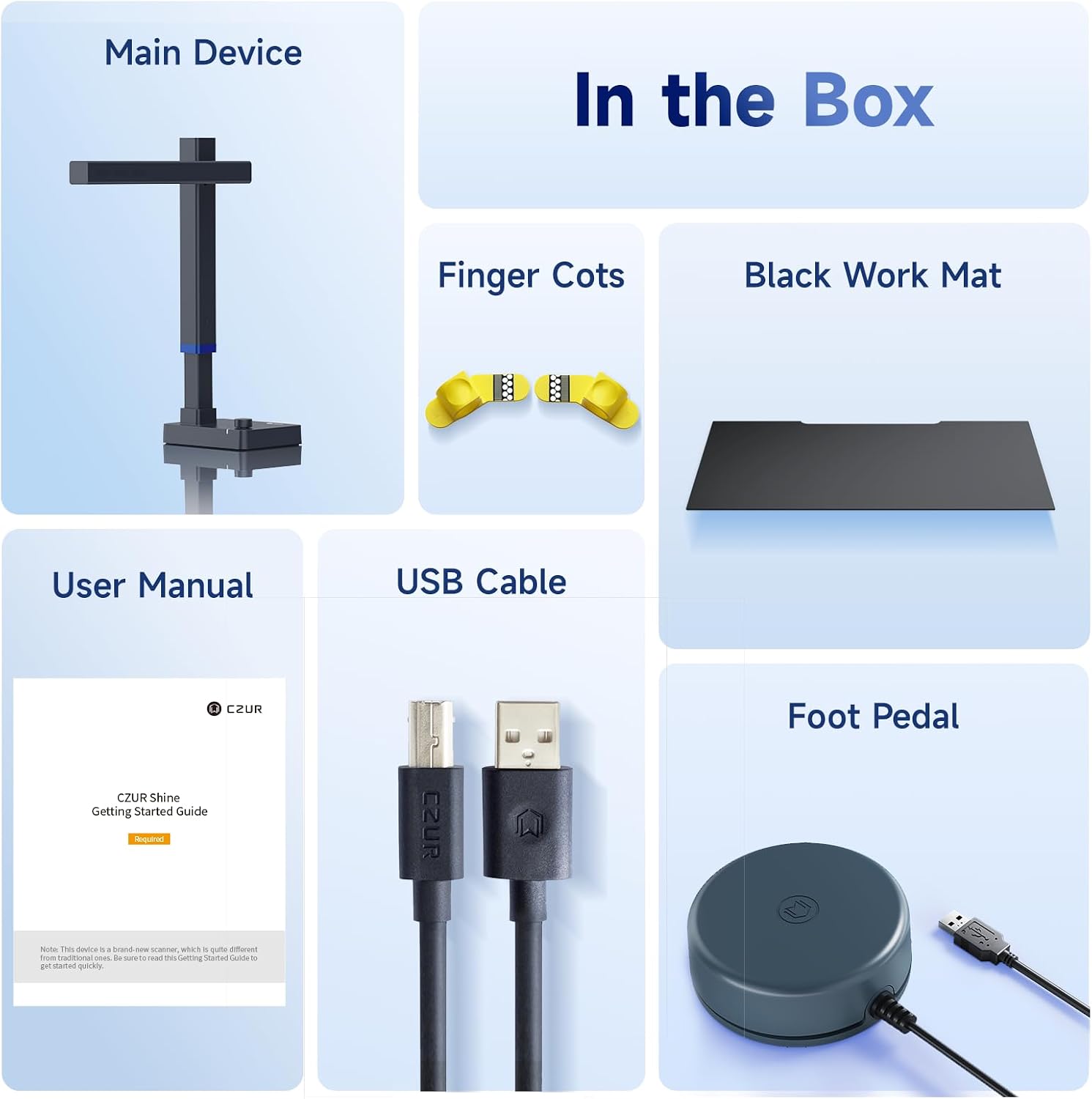
Packaging List Main Device, USB Cable, Foot Pedal, Finger Cots, Black Work Mat, User Manual
Example title

Recently viewed

Cart

loading