

Free worldwide shipping
Free returns
Carbon neutral
Secure payments
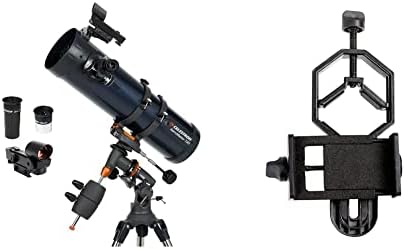
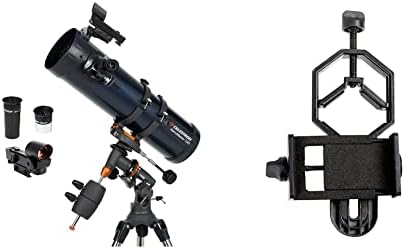
| Eye Piece Lens Description | Plössl |
|---|---|
| Mount | Equatorial Mount |
| Focus Type | Manual Focus |
| Power Source | Adapter |
| Finderscope | Reflex |
| Compatible Devices | Smartphone |
| Coating | Multi-Coated |
| Focal Length Description | 1000 millimeters |
| Field Of View | 6.83 degrees |
| Zoom Ratio | 40 |
| Additional Features | Includes smartphone adapter for image and video capture |
| Objective Lens Diameter | 13 centimeters |
| Exit Pupil Diameter | 0.13 millimeters |
| Model Name | AstroMaster 130 EQ |
| Unit Count | 1 Count |
| Manufacturer | Celestron |
| Objective Lens | 13 centimeters |
| Telescope Mount Description | Equatorial Mount |
| Power Source Type | Adapter |
| Lens | Multi-Coated |
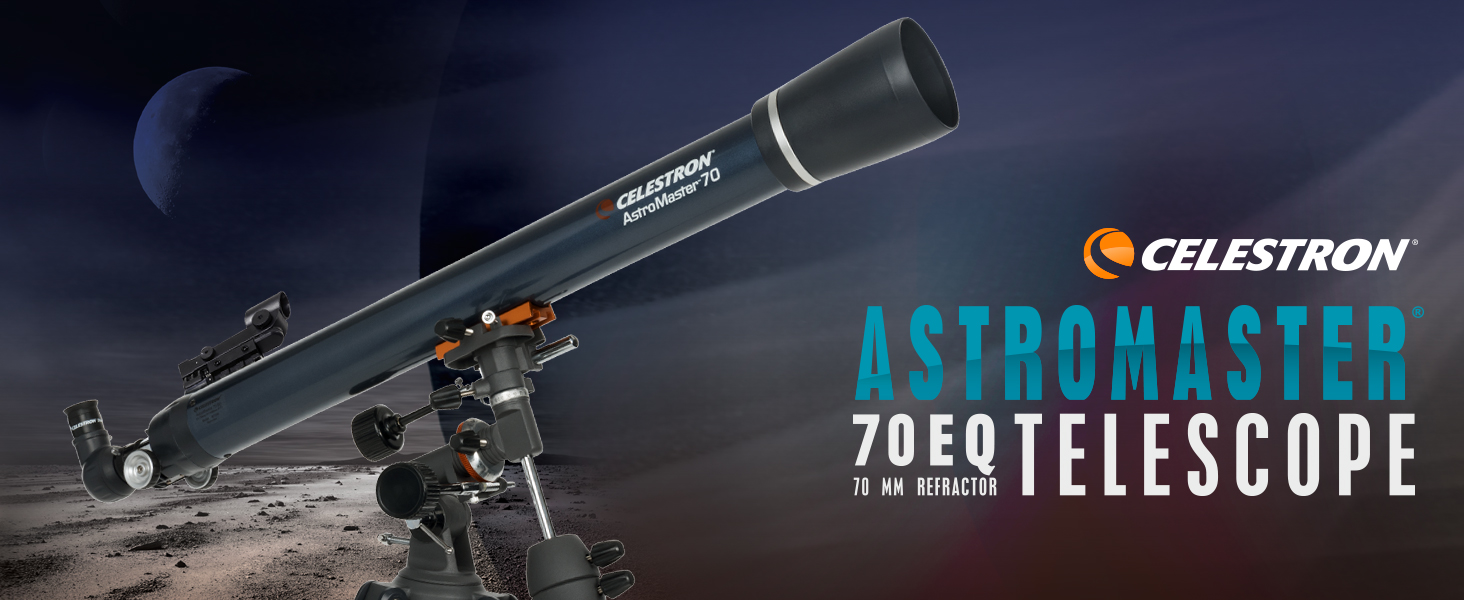
A favorite first telescope for beginners, the AstroMaster 70EQ refractor offers sharp, detailed views of Saturn’s rings, Jupiter’s moons, and more. It’s the easiest way to discover the night sky.
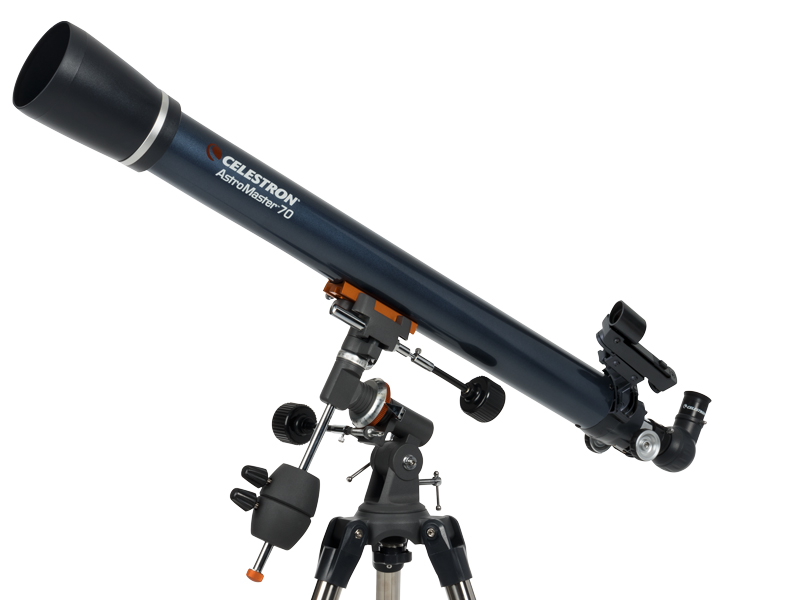
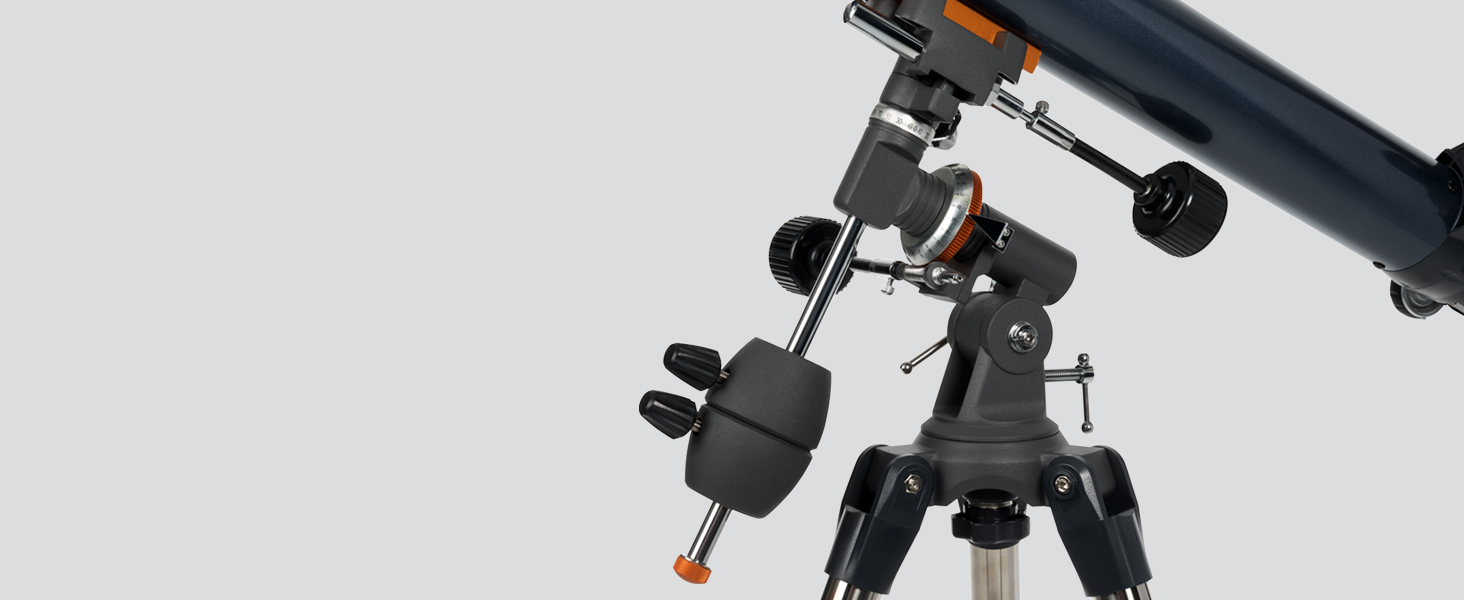
As Earth rotates, celestial objects appear to drift across the night sky. The EQ mount helps you track objects smoothly by turning the knobs. It’s easy to keep your target centered in the eyepiece.
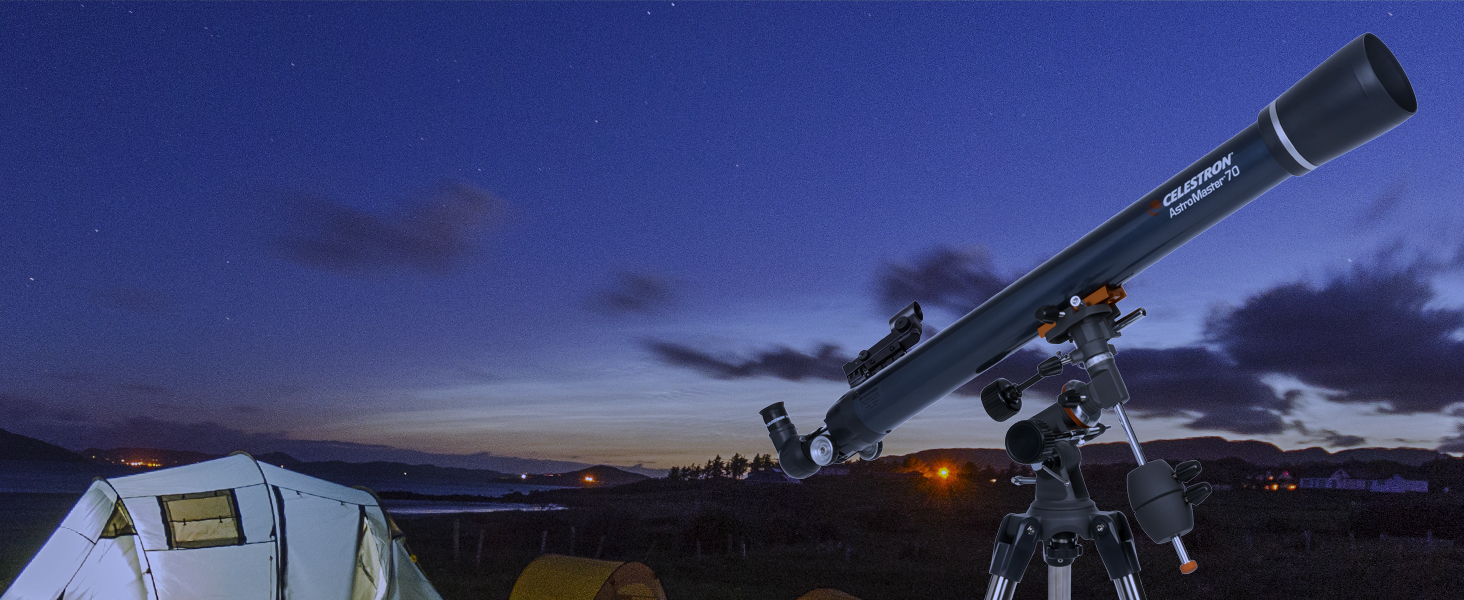
Grab and go! This compact, lightweight telescope is your perfect companion for star parties, camping trips, and impromptu backyard observing sessions.

The Universe is yours to explore! Discover the Moon and planets plus all the best deep sky objects like the Orion Nebula, the Andromeda Galaxy, the Pleiades Open Star Cluster, and more.

Astronomy can be intimidating, but Celestron is here to help. As the premier telescope brand since 1960, we offer free US-based tech support & how-to videos, so you can enjoy stargazing hassle-free.
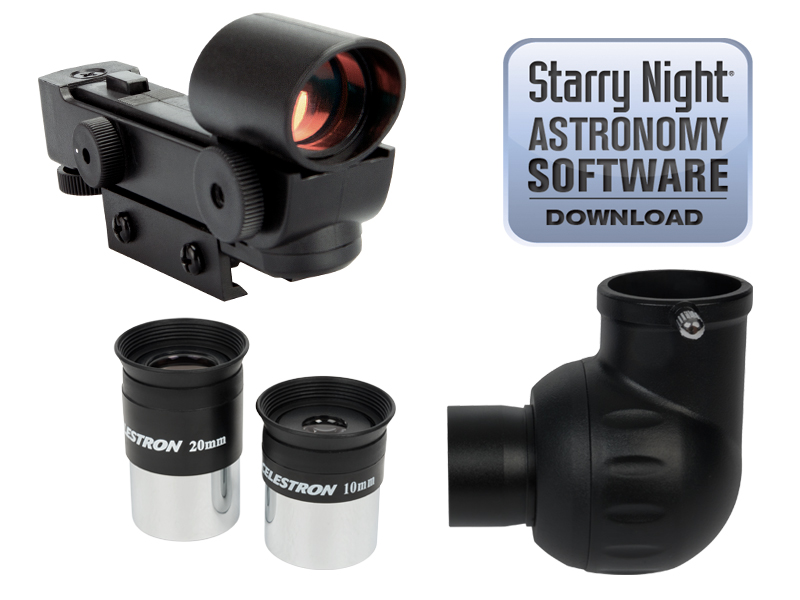
Includes everything you need to get started with astronomy: two 1.25” eyepieces (20mm and 10mm), StarPointer red dot finderscope, erect image diagonal, and free Starry Night astronomy software.
loading
