


Free worldwide shipping
Free returns
Carbon neutral
Secure payments
| Additional Features | Portable |
|---|---|
| Hardware Interface | CD-R, USB |
| Optical Storage Write Speed | 8M |
| Optical Storage Read Speed | 8x |
| Hardware Platform | PC |
| Compatible Devices | Personal Computer |
| Connectivity Technology | USB |
| Data Transfer Rate | 8 megabytes_per_second |
| Specific Uses For Product | Vehicle |
| Operating System | Linux, Mac OS X 10.0 Cheetah, Windows 10, Windows Vista, Windows XP |
| Read Speed | 8 megabytes_per_second |
| Enclosure Material | Plastic |
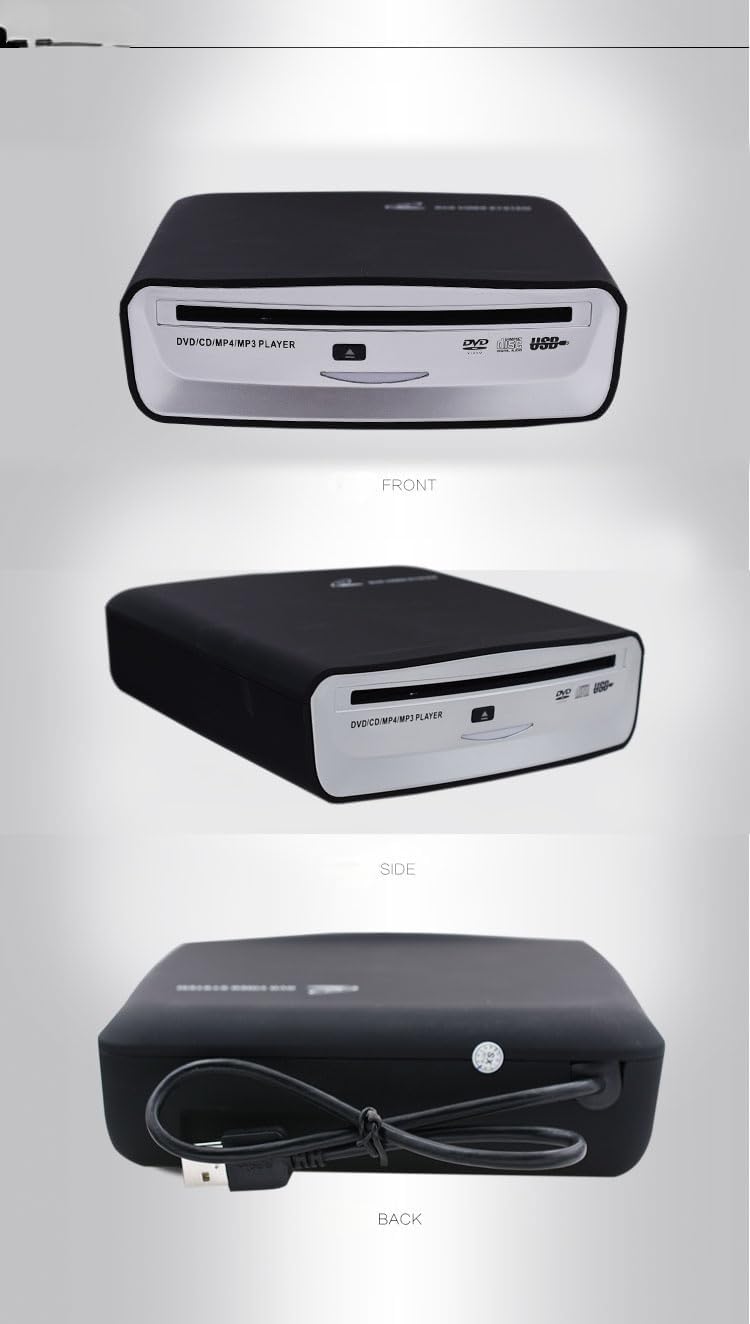
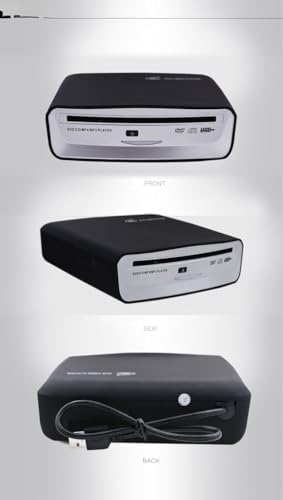
| Item Dimensions L x W x H | 6.3"L x 6.1"W x 1.89"H |
| Color | Blue |
| Model Number | 6543688675 |
| UPC | 743447021862 |
| Manufacturer | tengertang |
| Built-In Media | Car CD Player, USB Cable |
| Item Weight | 700 g |
| Mfr Part Number | 6543688675 |
| Warranty Description | 180 Days Warranty |
| Special Feature | Portable |
| Optical Storage | 8M |
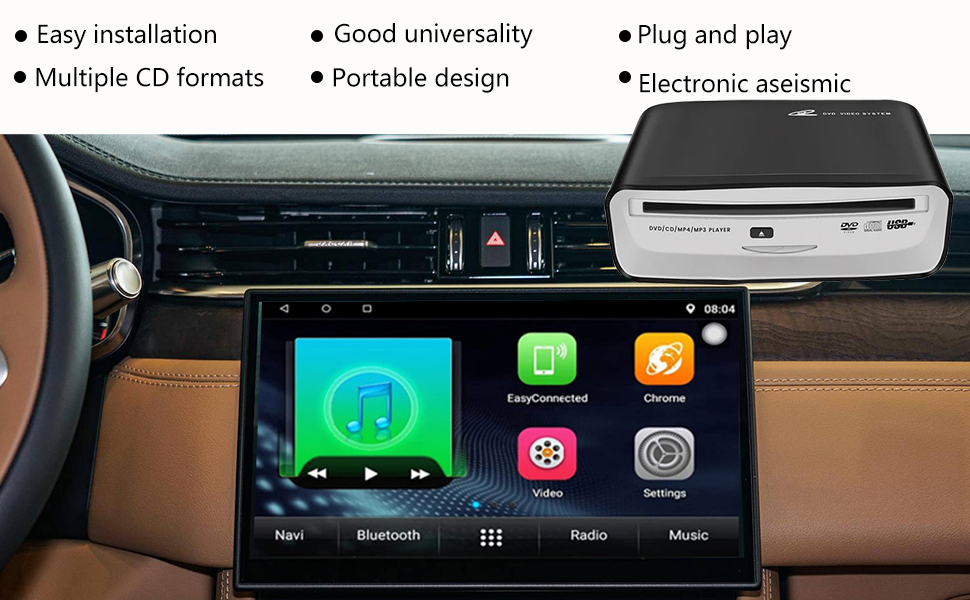
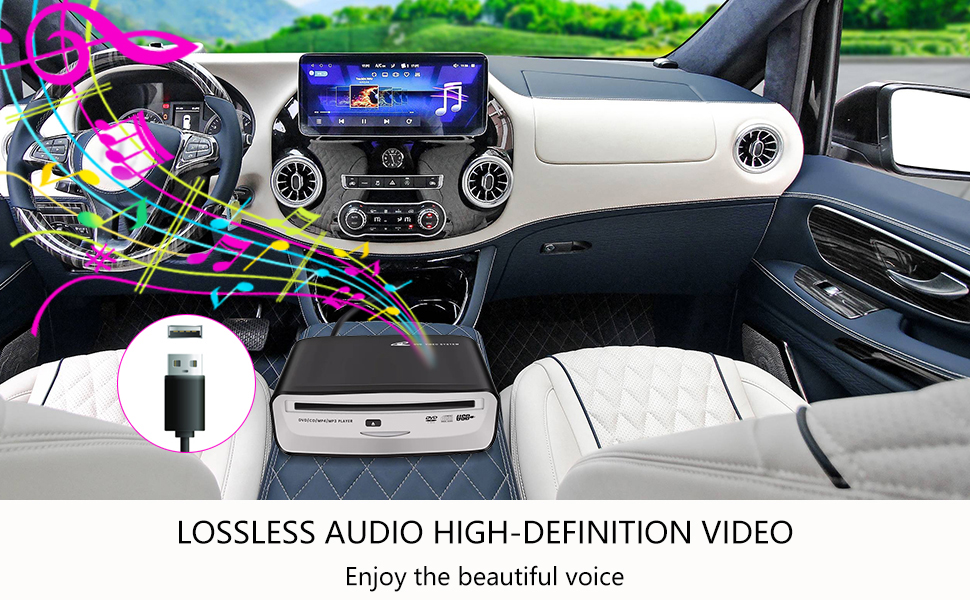
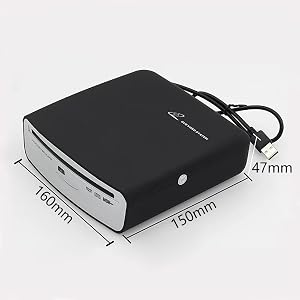
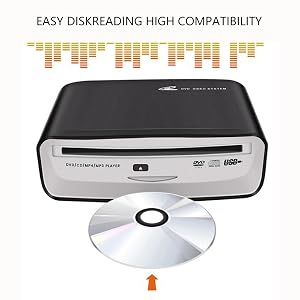
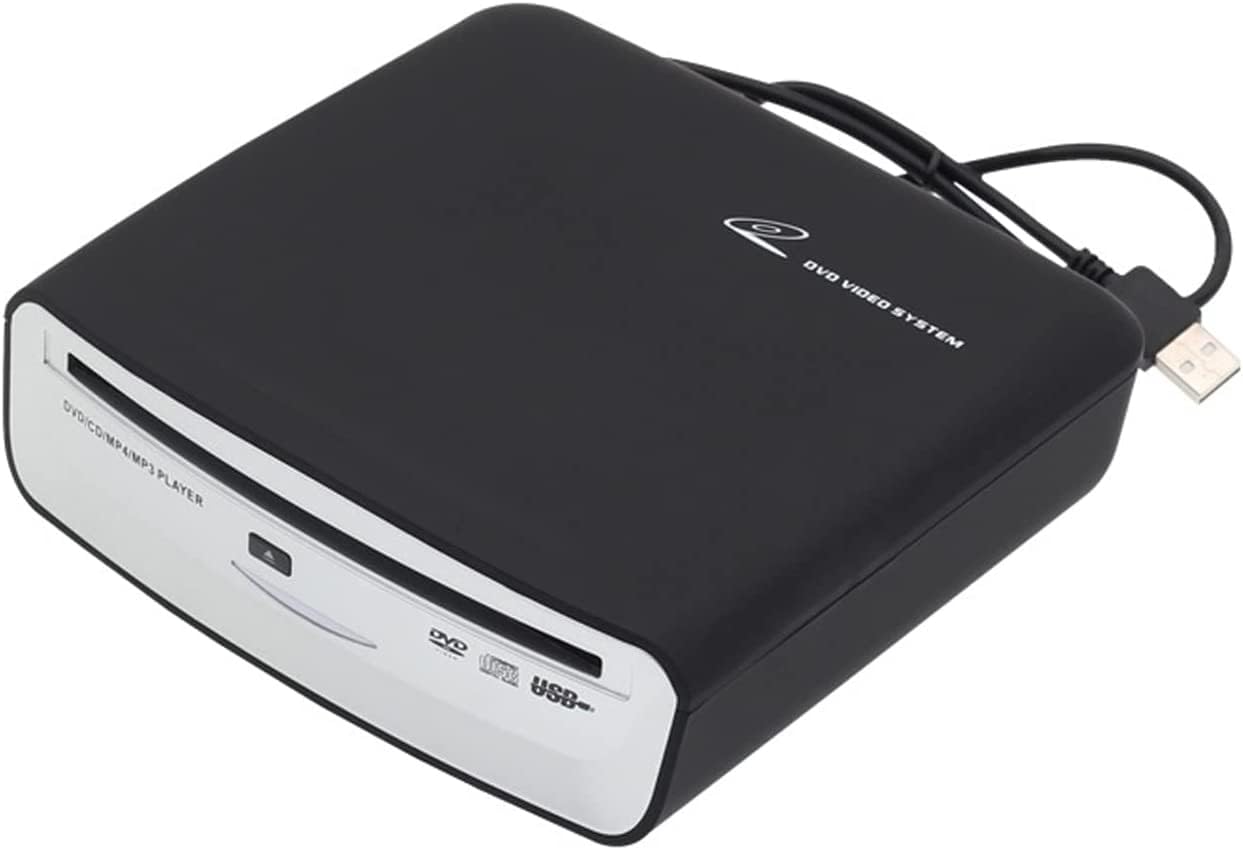
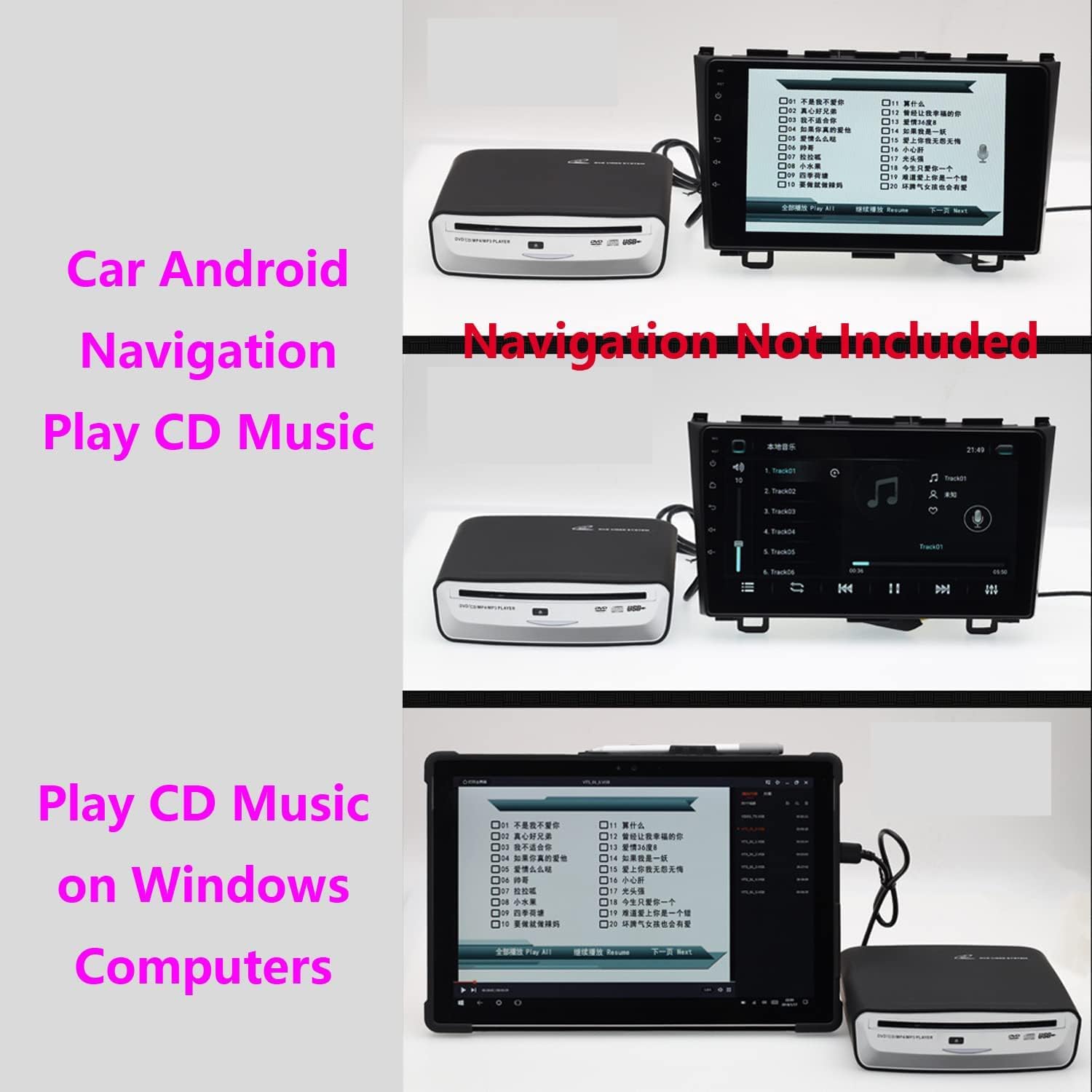
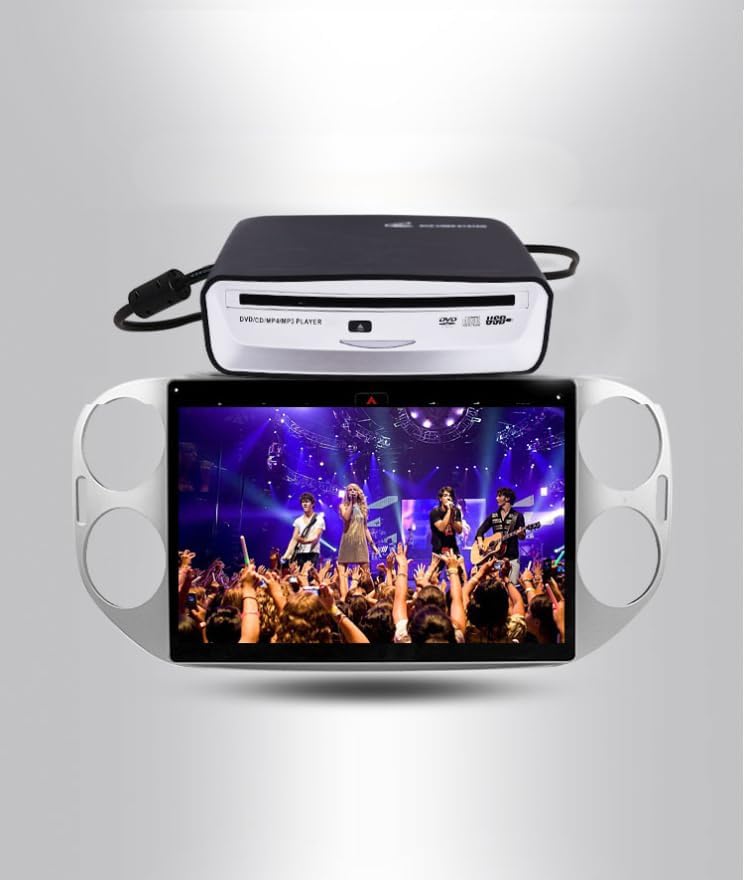
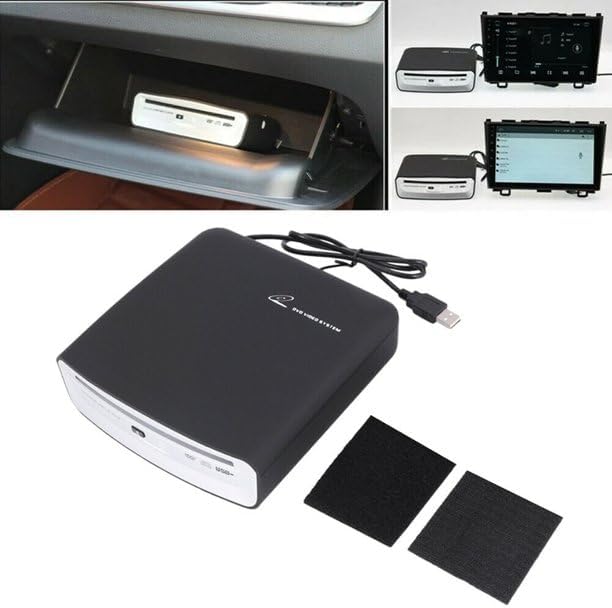
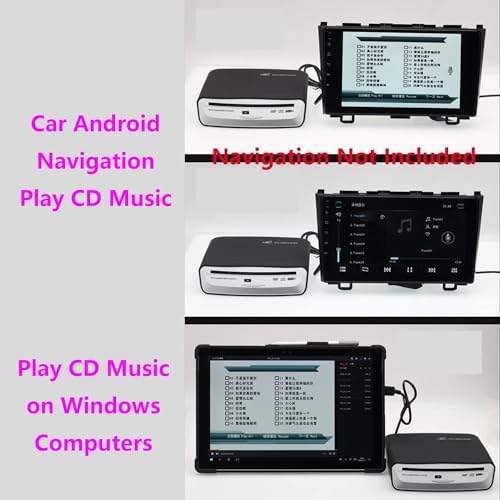
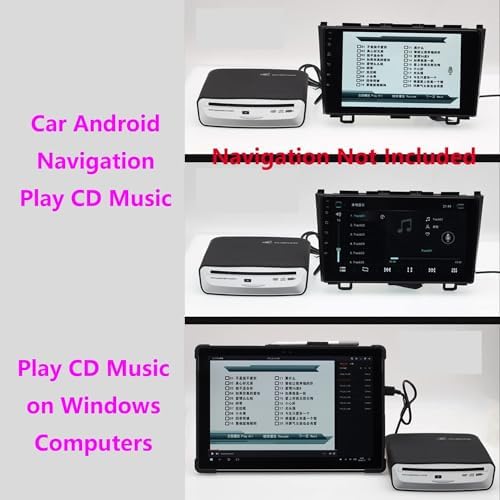
without installing the APP, the USB can be used directly by plugging in, insert the CD disc and click the music icon on the large screen machine interface.Or connect the CD player to the USB interface of most cars, insert the CD music disc, and wait for a while to automatically read and play.
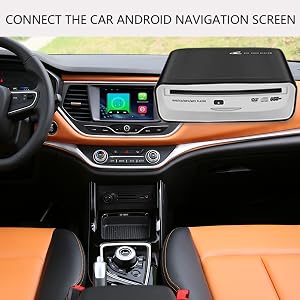
1.It does not support playback of Blu-ray and vinyl records. If you want to connect to other devices for playback, it only supports navigation above Android 4.4.
2.For Android Navigation on some models you have to go into the menu to get and select the USB port to recognize the CD player and play music.
3.Make sure you are attempting the initial installation and connection WITHOUT the USB extensions (This is crucial)
4.How to detect the performance of the disc drive, you can connect the disc drive to the USB port of the PC computer and put it on the disc. If you can read the contents of the disc, the disc drive will perform normally.
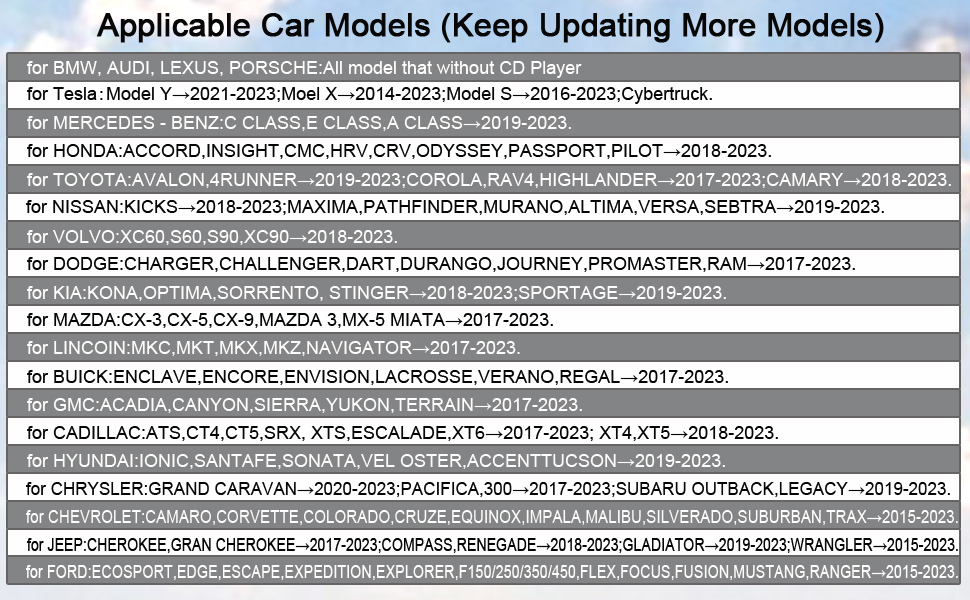
Q:Some cd's work, most don't or skips?
A:If some CDS can be played, the quality of the product is fine. Maybe your car does not support one of the music file formats WAV, cda, or mp3, so some of them cannot be used. The music skip should be caused by scratches on the disc, and when the song cannot be read, it will automatically skip to the next one. This is normal. If you change to a new CD, this situation will not occur.
Q:The cd player is not reading the disc.
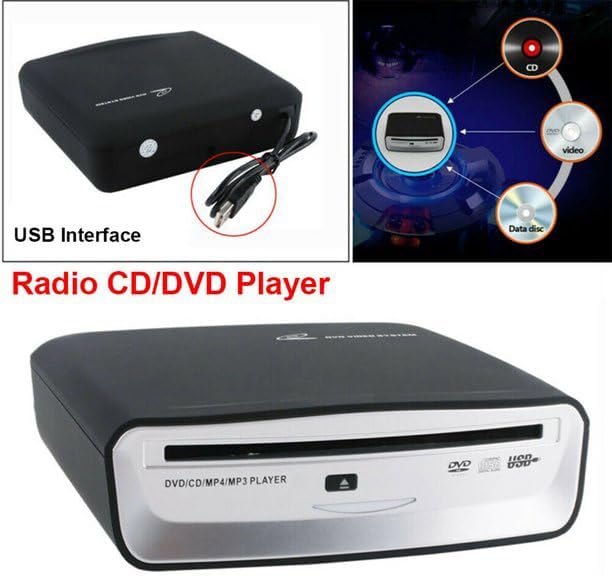
A:The disc formats supported by our products are: DVD-ROM, DVD±R, DVD±RW, CD-ROM, CD-R,CD-RW. Cannot support Blu-ray CD, vinyl record. Please check.
Q:This item does not seem to work with my car.
A:Please check that your car is compatible with the models we have listed. If it is one of them, please try the product can work on the notebook? If it works properly, there is no problem with the product
Q:The external car CD player plays the first CD music CD but does not play subsequent music CDs that are put into it
A:The external car CD player waits a few seconds to read the media and the first CD loaded plays immediately. When another CD is played, you actually have to go into audio and select another CD to play it. Chances are it doesn't play as directly as the first one.
loading
