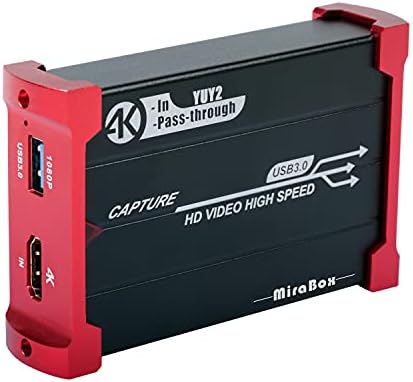
Capture Card for Nintendo Switch, USB3.0 1080P 60FPS Video Audio Capture Card

$24.00 USD
Shipping fees will be calculated at checkout.
  • Free worldwide shipping

  • Free returns

  • Carbon neutral

  • Secure payments

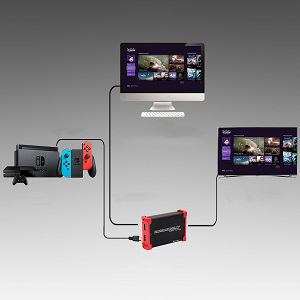
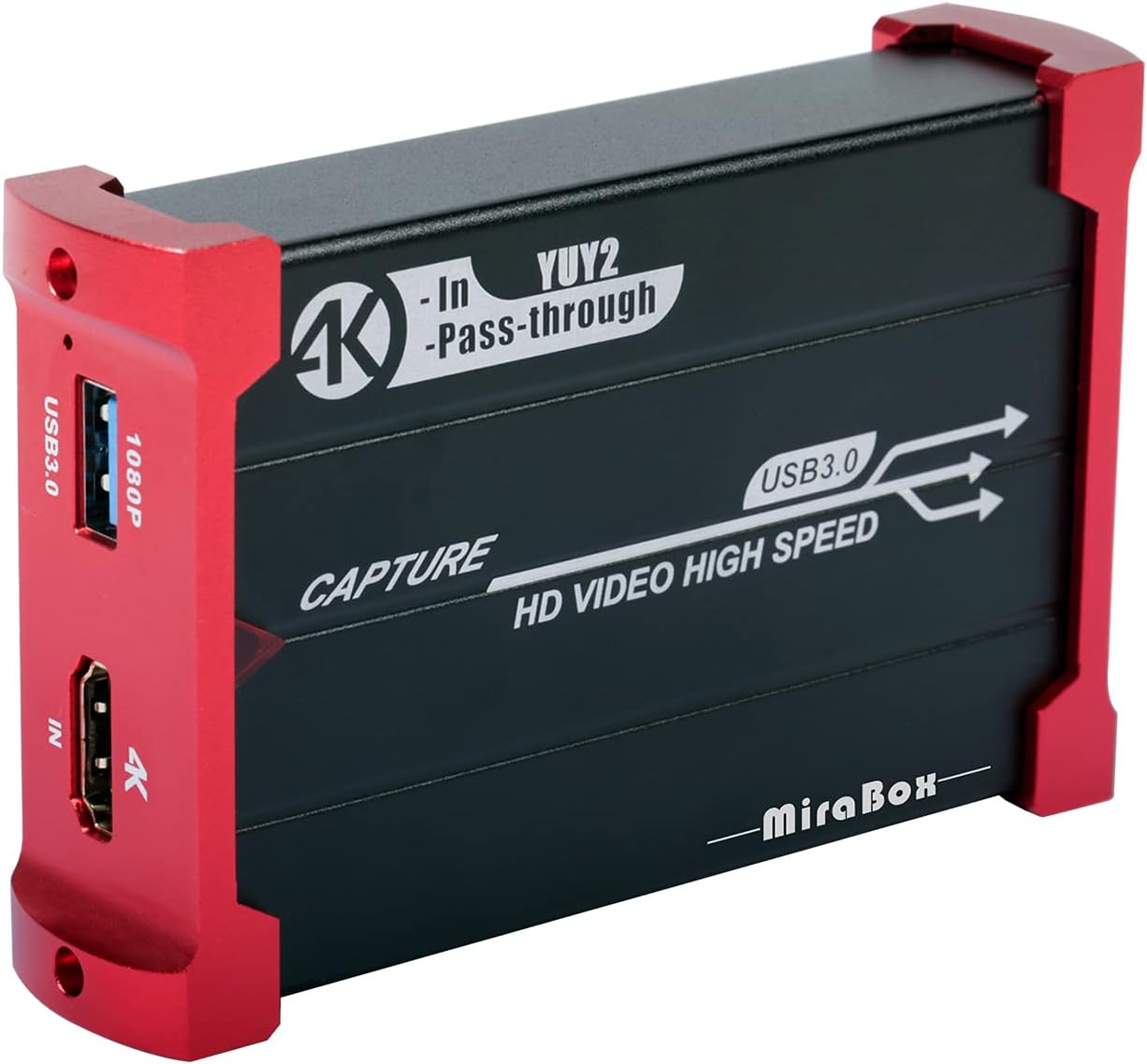
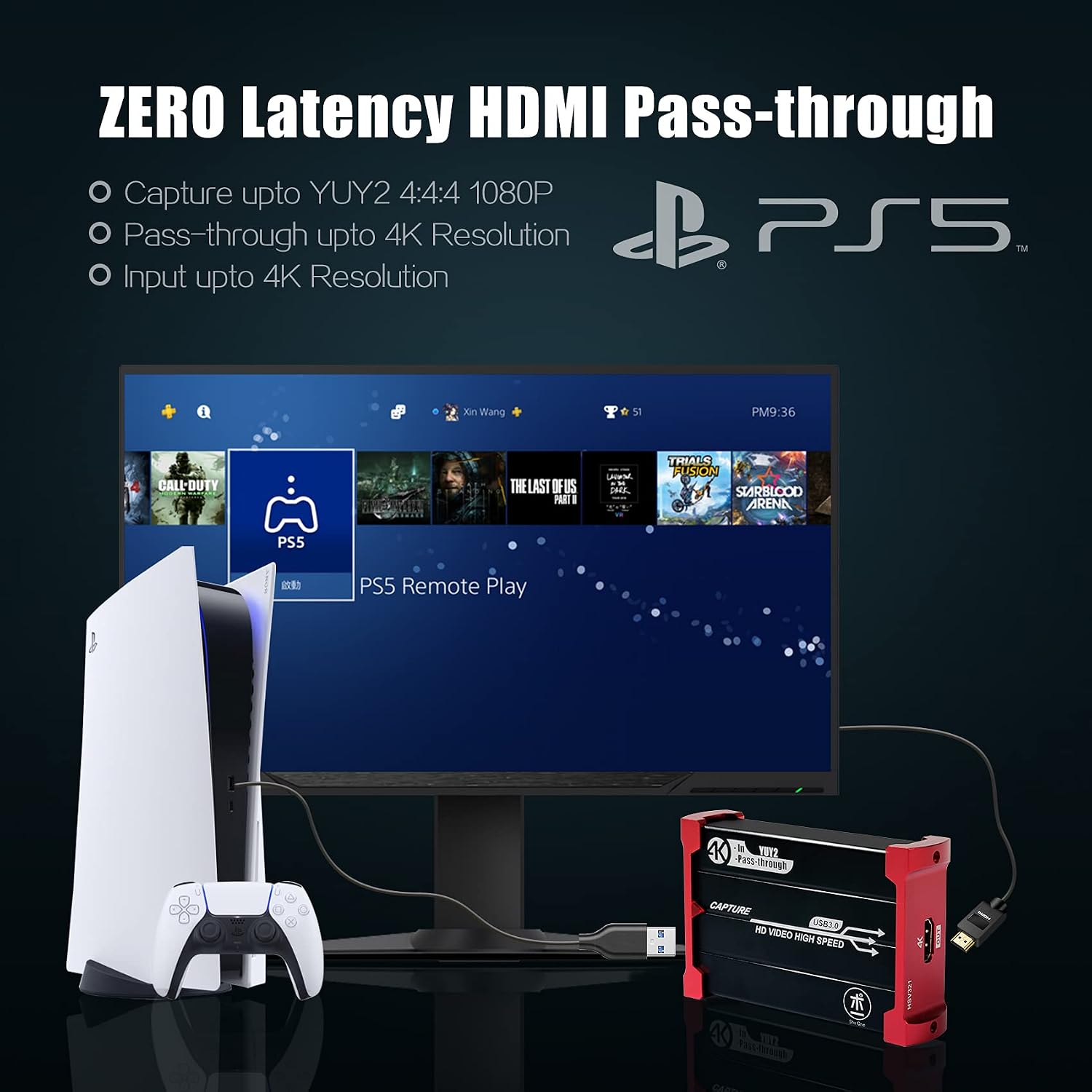
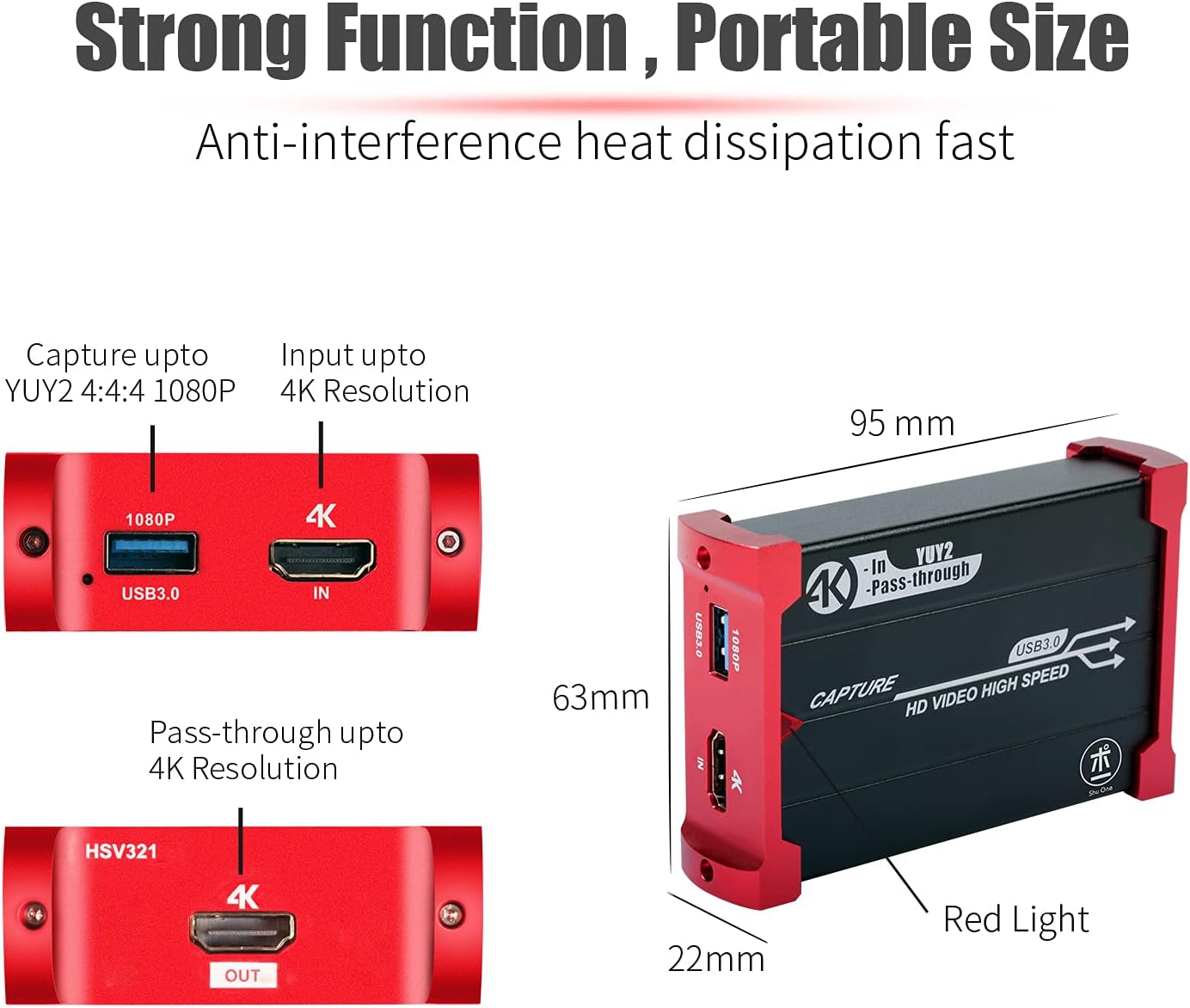
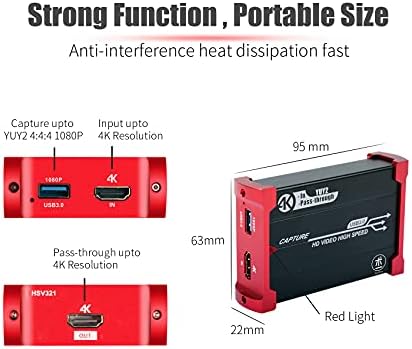
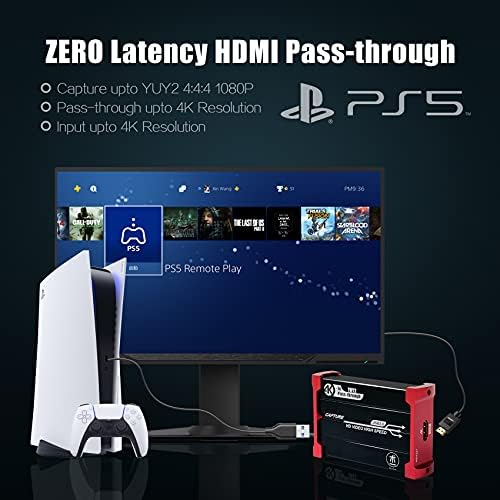
  • 【4K@30Hz Input and ZERO Latency 4K@30Hz HDMI Loopout】This capture card support 4K@30Hz input and 4K@30Hz Zero Latency Passthrough, noted: this capture card just support 1080P@60Hz capture, it can not support 4K capture.There is no latency when you use the hdmi loopout port, the hdmi loopout port is very usefully when you are making a game live streaming.
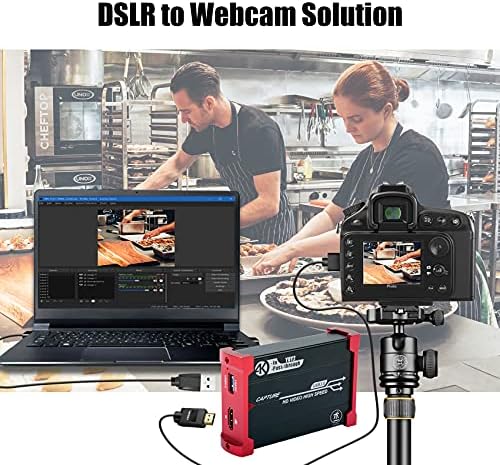
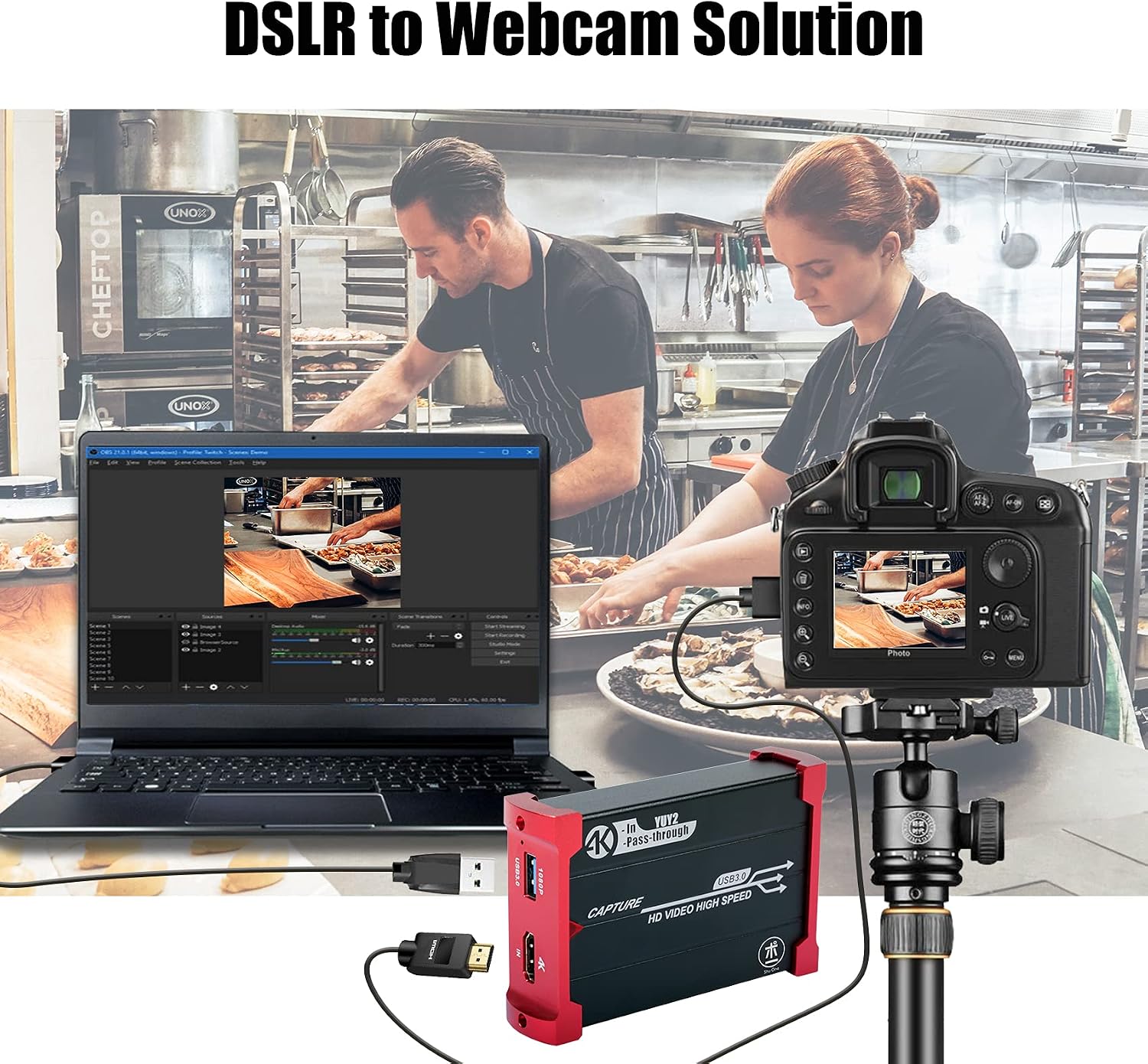
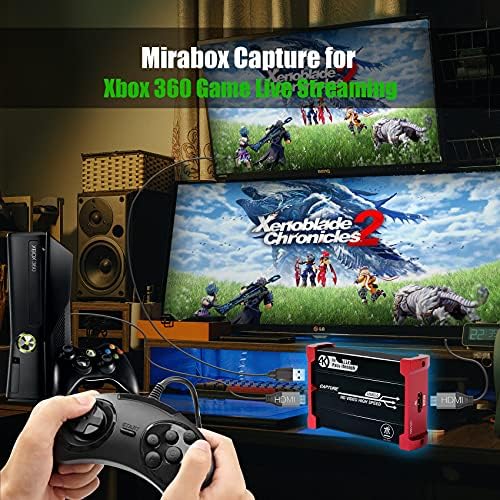
  • 【Stronger Compatibility】This 4K hdmi capture card can be compatible with all 4K@30Hz 1080P 720P hdmi device, such as Wii U, PS4, PS3, Xbox One, Xbox 360, Wii, Switch, DVD, camera, ZOSI security camera, DSLR and set top box etc.
  • 【USB3.0 YUY2 4:4:4 1080P With 60FPS】The HD video capture card can support 1080P with 60FPS, it is very suitable to use it for game live streaming.
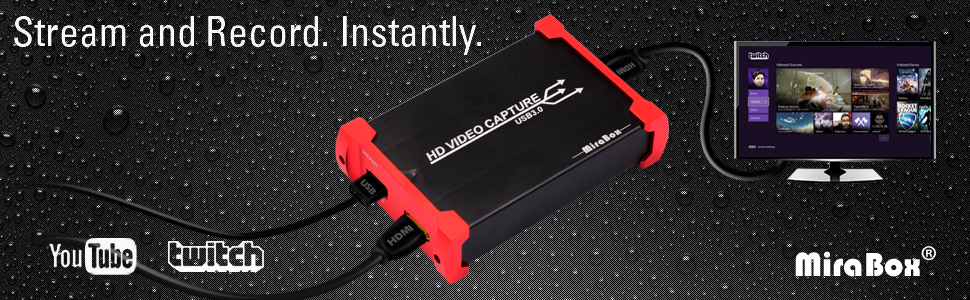
  • 【Faster Data Transmition】USB3.0 high speed transmission port,let your live streaming to Twitch, Youtube, OBS, Potplayer and VLC more easily.
  • 【Plug and Play,No Need to Install Driver】It is compatible with Linux, Mac OS, windows 7/8/10, very easy to setup, there is no need to install driver.
Hardware InterfaceHDMI, USB 3.0
Video Capture Resolution1080p, 720p
Operating SystemMac OS X 10.3 Panther, Windows 7/8/10/11
Antenna LocationImage Capture, Video Recording
Other Special Features of the ProductAutomatically detect the input video formats and automatically just to set output size and frame rate, Support HDCP 1080P/60Hz .It is compatible with UVC video capture and YUV 422 video output .
PlatformNintendo Wii U
AV OutputYUY2/MJPEG
Compatible DevicesNintendo Switch, Playstation 4, Xbox One
Minimum System Requirements4th generation quad‑core Intel Core i5 CPU (i5-4xxx or comparable),Intel HD or NVIDIA GeForce GTX 600 series graphics (or better)
Item Weight3.7 ounces
Item Dimensions3.74 x 2.48 x 0.87 inches
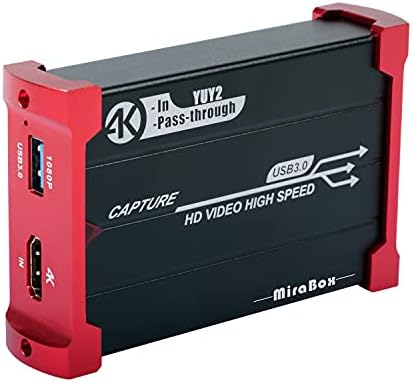
Model NameHSV321 1080P 60FPS HDMI Capture Card
Built-In MediaCapture Card, Installation Guide, USB3.0 Cable
Model NumberHSV321
ManufacturerHotspot Tech
Unit Count1 Count
Mfr Part NumberHSV321
Recommended Uses For ProductImage Capture, Video Recording

Mirabox HD Video Capture Card HSV321 - System Requirements and Technical Specifications
  • Host Interface: USB3.0, *300-350MB/s,USB2.0,*40MB/s
  • Input Interface: HDMI interface
  • HDMI Input Formats: 480i,480p,576i,576p,720p50,720p60,1080i50,1080i60,1080p24/25/30/50/60;
  • Output Formats Resolutions:640x480/720x480/720x576/768x576/800x600/1024x768/1280x720/1280x800/1280x960/
  • 1280x1024/1368x768/1440x900/1600x1200/1680x1050/1920x1080/1920x1200/640x360/856x480/960x540/1024x576
  • Frame Rate: 25/29.97/30/50/59.94/60 fps
  • Audio and Video capture: standards of UVC and UAC
  • Support of OS:Windows 7; Windows Server 2008, R2 Linux (Kernel version 2.6.38 and above), Mac OS X (10.8 and above)
  • Software Compatibility:OBS(Open Broadcaster Software) , XSplit , Potplayer , twitch , Youtube Live , Facebook Live , Wirecast , vidblasterX , Resolume , Google Hangouts , Skype , Zoom, Microsoft Teams, Windows Media Encoder (Windows),Adobe Flash Media Live Encoder (Windows, OS X),Real Producer Plus (Windows),VLC (Windows, OS X, Linux),QuickTime Broadcaster (OS X),QuickTime Player (OS X),Wirecast (Windows, OS X),Potplayer(Windows)and etc.
  • Development interface compatibility: DirectShow (Windows), DirectSound (Windows), V4L2 (Linux), ALSA (Linux)
  • Size: 95x63x22 mm
  • Power consumption: <= 2.5W
  • Working Temperature: 0-50 deg C
  • Storage Temperature: -20~70 deg C
  • Storage Humidity: 5%-90%
  • Noted: Before purchasing this product, please confirm that your computer meets the following requirements, otherwise the product cannot match your computer.
  • Required configuration
  • 1. Apple computer with USB3.0 Port
  • OS: mac Sierra or higher
  • GPU: NVIDIA
  • CPU: Inter i5-44xx quad core
  • 2. The Windows computer with USB3.0 Port
  • Operating System: Windows7, Windows 10, Windows 8
  • GPU: Intel HD or NVIDIA GeForce 600 graphics card
  • CPU: Inter i5-44xx quad core

Usage Scenarios

Capture card

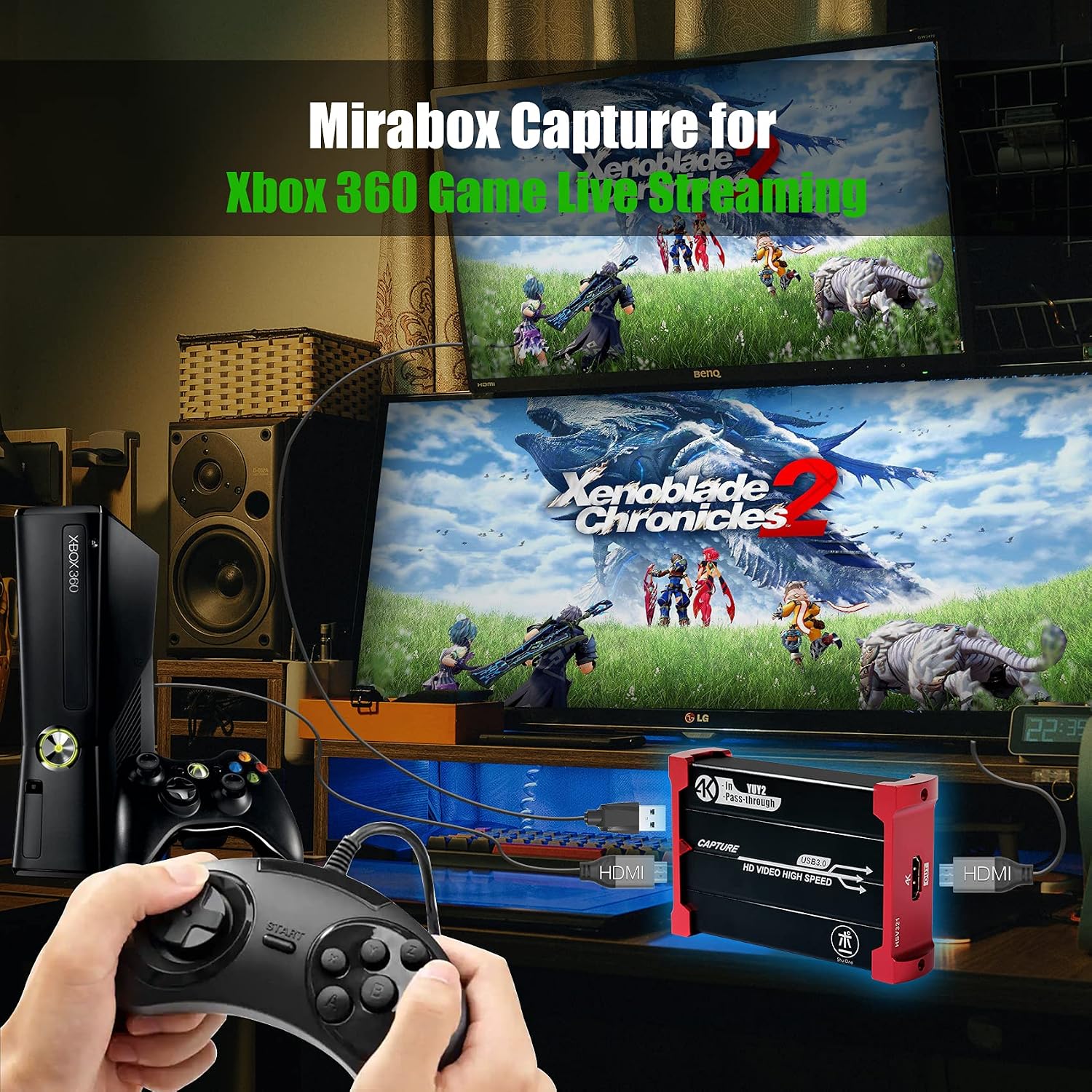
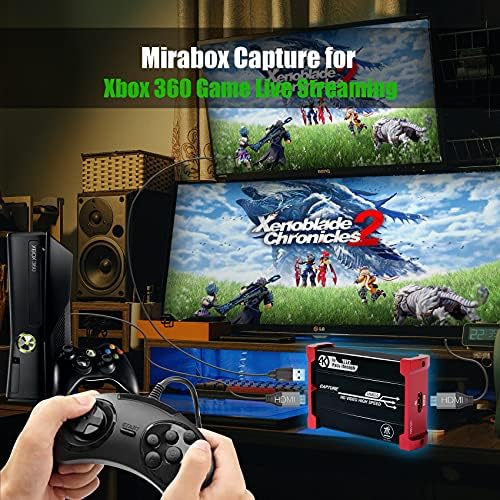
PS4, Xbox, Wii U Game Host Live Streaming

  • Stronger Compatibility: This 1080P hdmi capture can be compatible with Wii U, PS4, PS3, Xbox One, Xbox 360, Wii and Switch.

Capture card

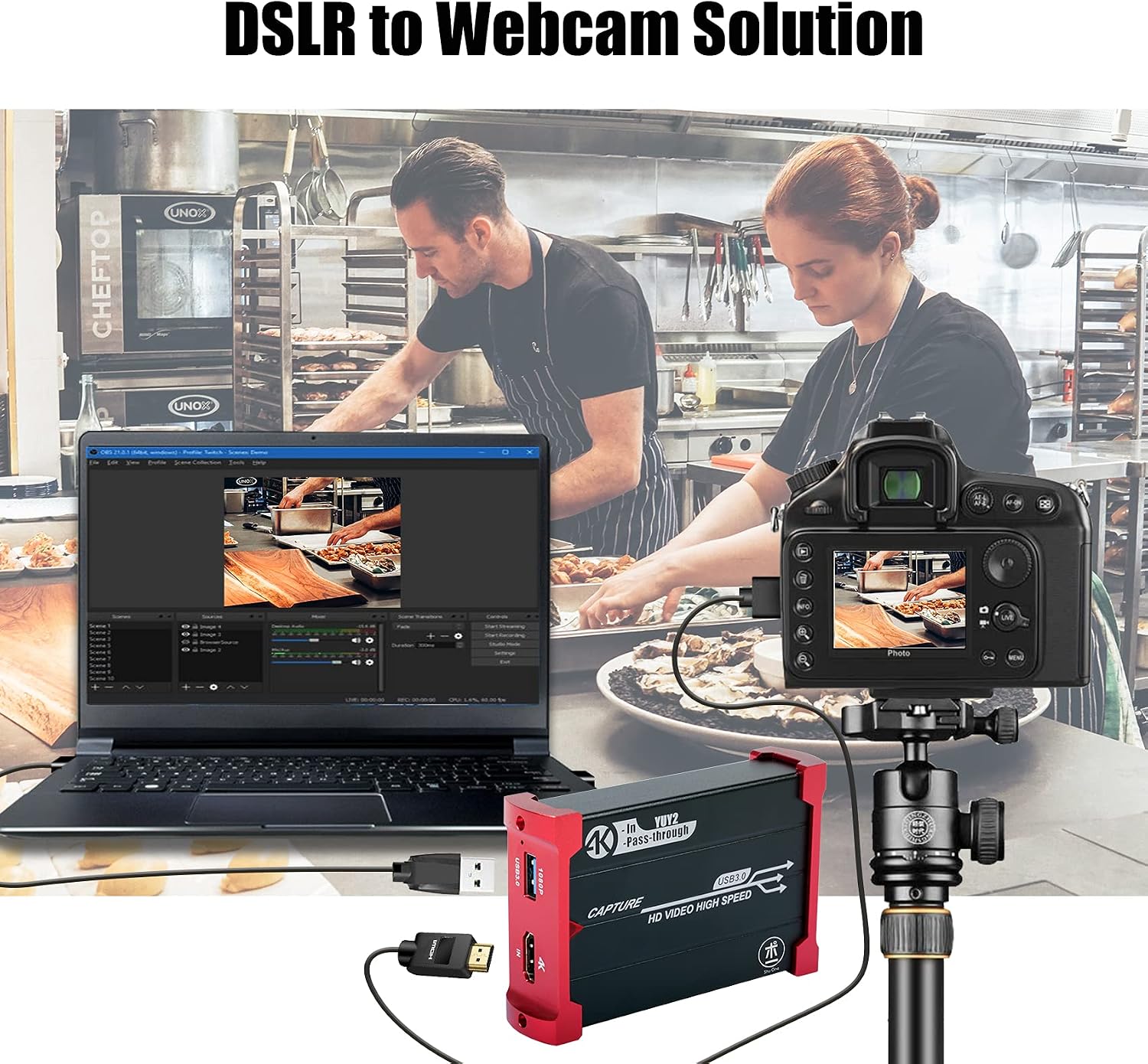
PRO Camera to Webcam Solution

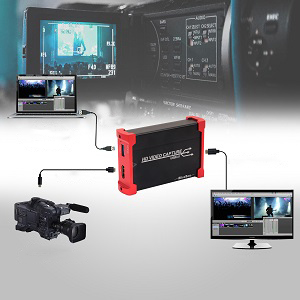
  • Pro camera (like camera, DSLR etc.) to webcam solution. Very easy to setup, plug and play, no need to install driver.

Capture card

Local Game Player Screen Helper

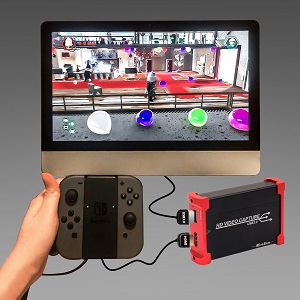
  • Good helper for local game player, supprior low latency using OBS/PotPlayer to play Wii U, PS4, PS3, Xbox One, Xbox 360, Wii game on a integrated computer or laptop.

Usage Scene

Capture card

It can be compatible with OBS(Open Broadcaster Software) , XSplit , Potplayer , twitch , Youtube Live , Facebook Live , Wirecast , vidblasterX , Resolume , Google Hangouts , Skype , Zoom, Microsoft Teams, etc.
1080P 60FPS

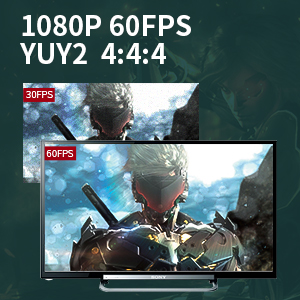
Capture Game/Video Up to 1080P 60FPS YUY2 4:4:4 by OBS

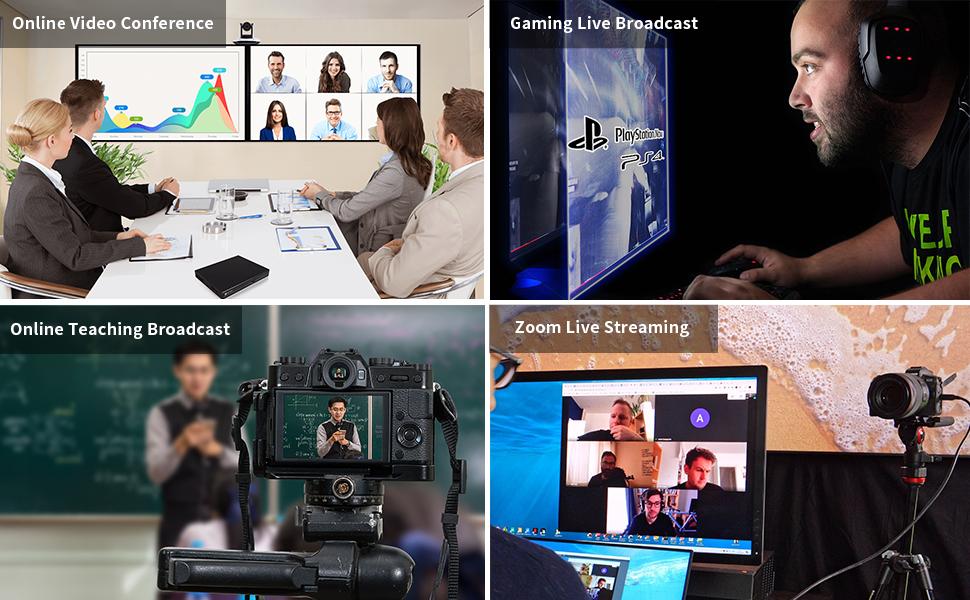
Support OBS YUY2 4:4:4 1080P FPS capture, this setting can make your live broadcast more clear and beautiful, it is very useful for your game live streaming,online video conference,online teaching broadcast,Zoom(Microsoft Teams) live streaming,etc.
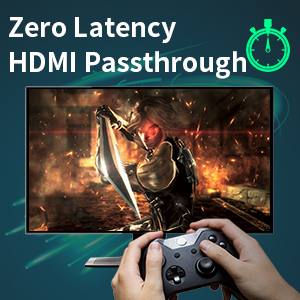
Zero Latency HDMI Passthrough

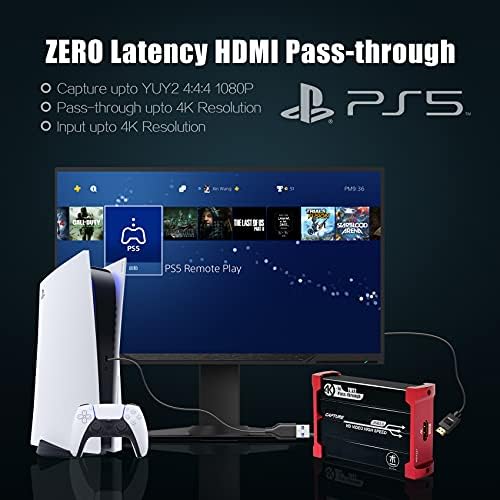
1080P@60Hz Input and Zero Latency HDMI Passthrough

This capture card support 1080P@60Hz input and pass-through, it can support ZERO latency pass-through.Through this 1080P@60Hz zero-delay loop-out interface, you can enjoy high-definition and zero-delay images by TV/monitor while you are game live broadcast by PC
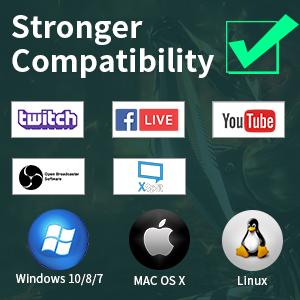
Stronger Compatibility

Compatible with mainstream systems and software

System:

It can be compatible with Linux , Windows7/8/10 , Mac OS, Ubuntu Mate .

Software:

It can be compatible with OBS(Open Broadcaster Software) , XSplit , Potplayer , twitch , Youtube Live , Facebook Live , Wirecast , vidblasterX , Resolume , Google Hangouts , Skype , Zoom, Microsoft Teams, etc.

Example title

Recently viewed

Cart

loading