





Free worldwide shipping
Free returns
Carbon neutral
Secure payments
| Hardware Interface | 3.5mm Audio, Component Video, Composite Video, HDMI, Micro USB 2.0 Type B, USB 2.0 Type A, VGA |
|---|---|
| Video Capture Resolution | 1080p |
| Operating System | Windows |
| Antenna Location | Video Recording |
| Other Special Features of the Product | Passthrough Latency, Schedule Recording |
| Platform | Windows |
| Tuner Type | NTSC, PAL |
| AV Output | MPEG-4 |
| Compatible Devices | Television |
| Minimum System Requirements | No PC Required |
| Item Weight | 6.8 ounces |
| Item Dimensions | 4.3 x 4.3 x 0.6 inches |
| Model Name | ClonerAlliance Box Pro |
| Built-In Media | Capture Card |
| Model Number | CA-998P |
| Manufacturer | ClonerAlliance |
| UPC | 712395957967 |
| Unit Count | 1 Count |
| Mfr Part Number | CA-998P |
| Warranty Description | 90-Day No Hassle Return (at our cost) and 2-Year replacement Service. |
| Recommended Uses For Product | Video Recording |
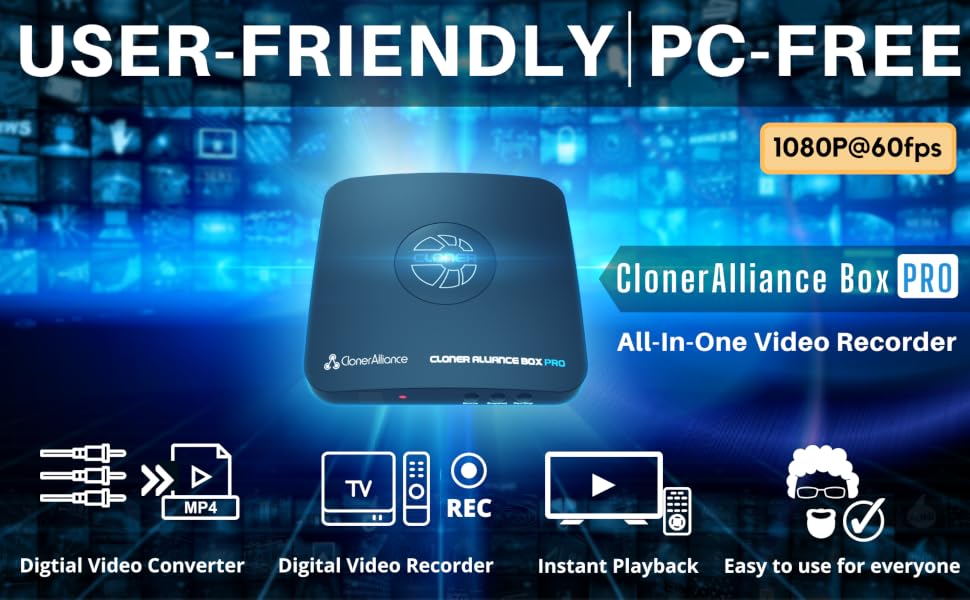
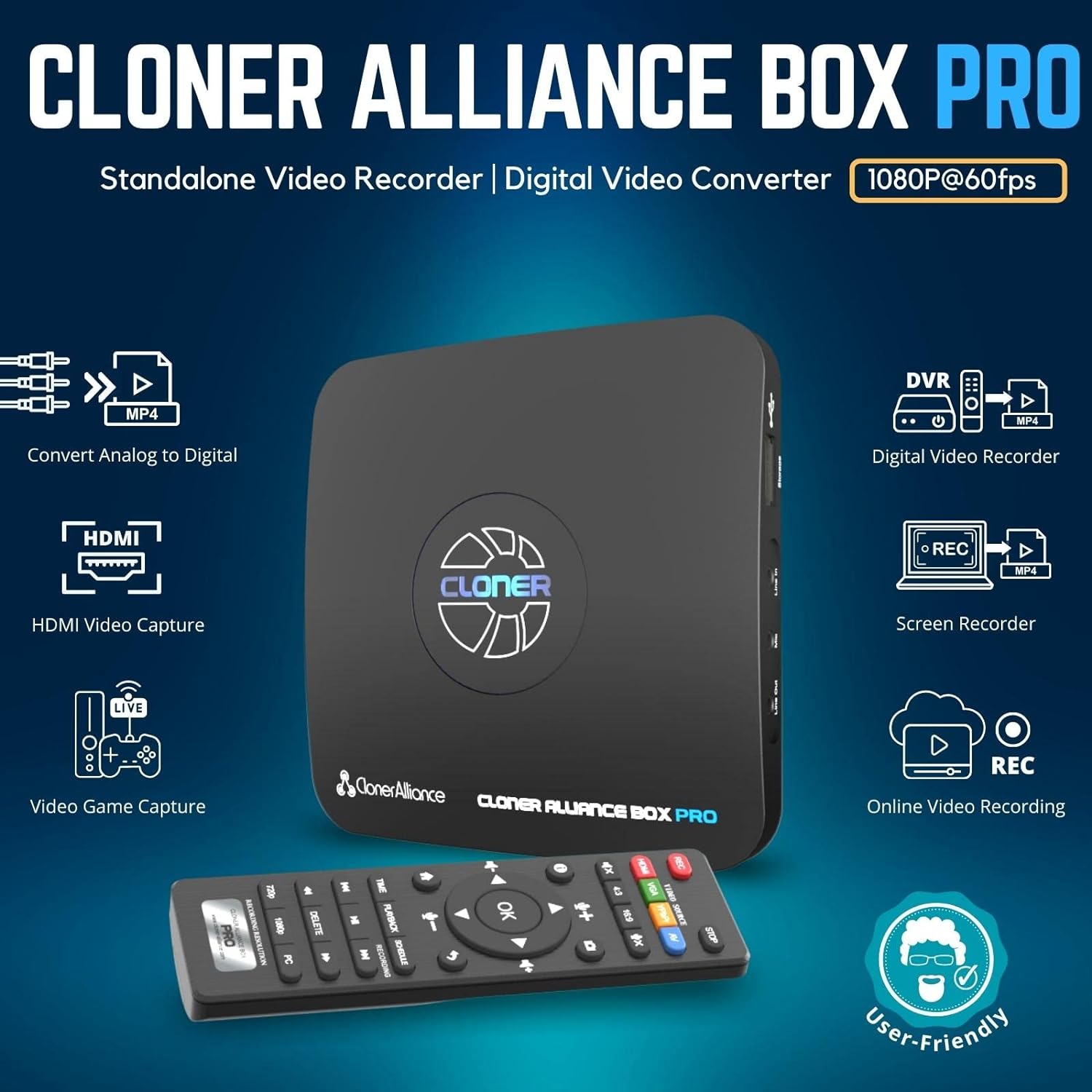
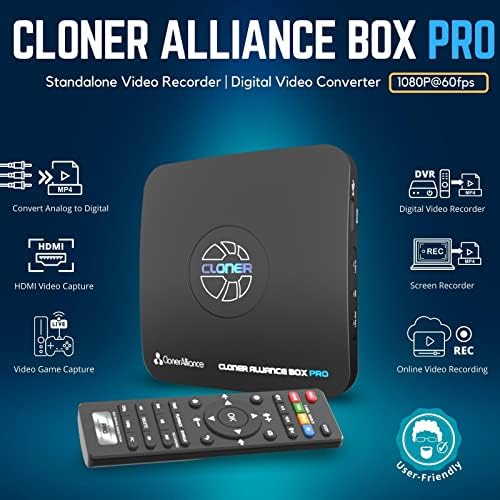
Standalone Analog to Digital Video Converter
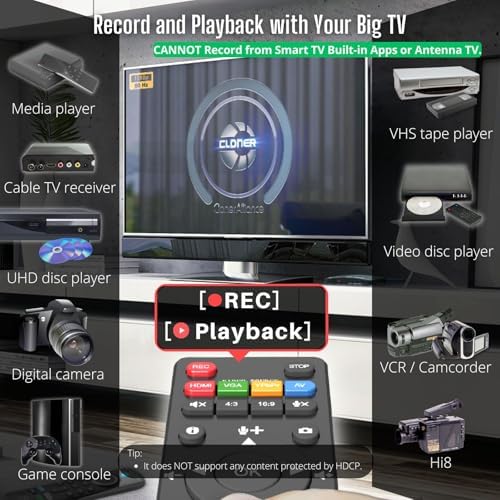
Standalone Digital Video Recorder (Smart TVs/Antennas are NOT compatible)
Instant Playback
Easy to use for everyone
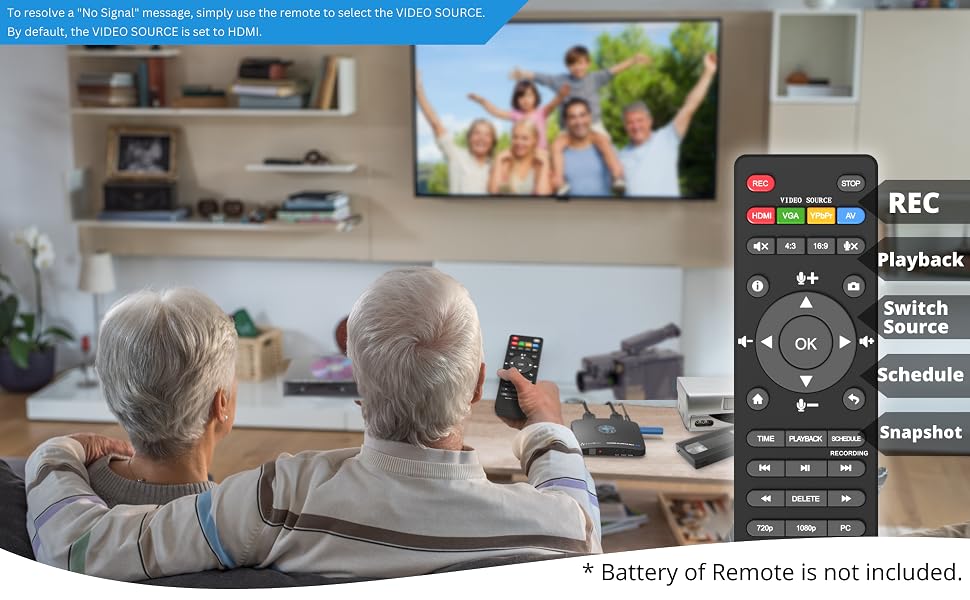
Some of your most cherished moments like birthday parties or weddings in life may be on VCR or other analog signal devices.
Take your time to backup them now! ClonerAlliance Box Pro enables you to record videos from any device with a Composite/RCA, Component/YPbPr, or VGA output and keep them forever.
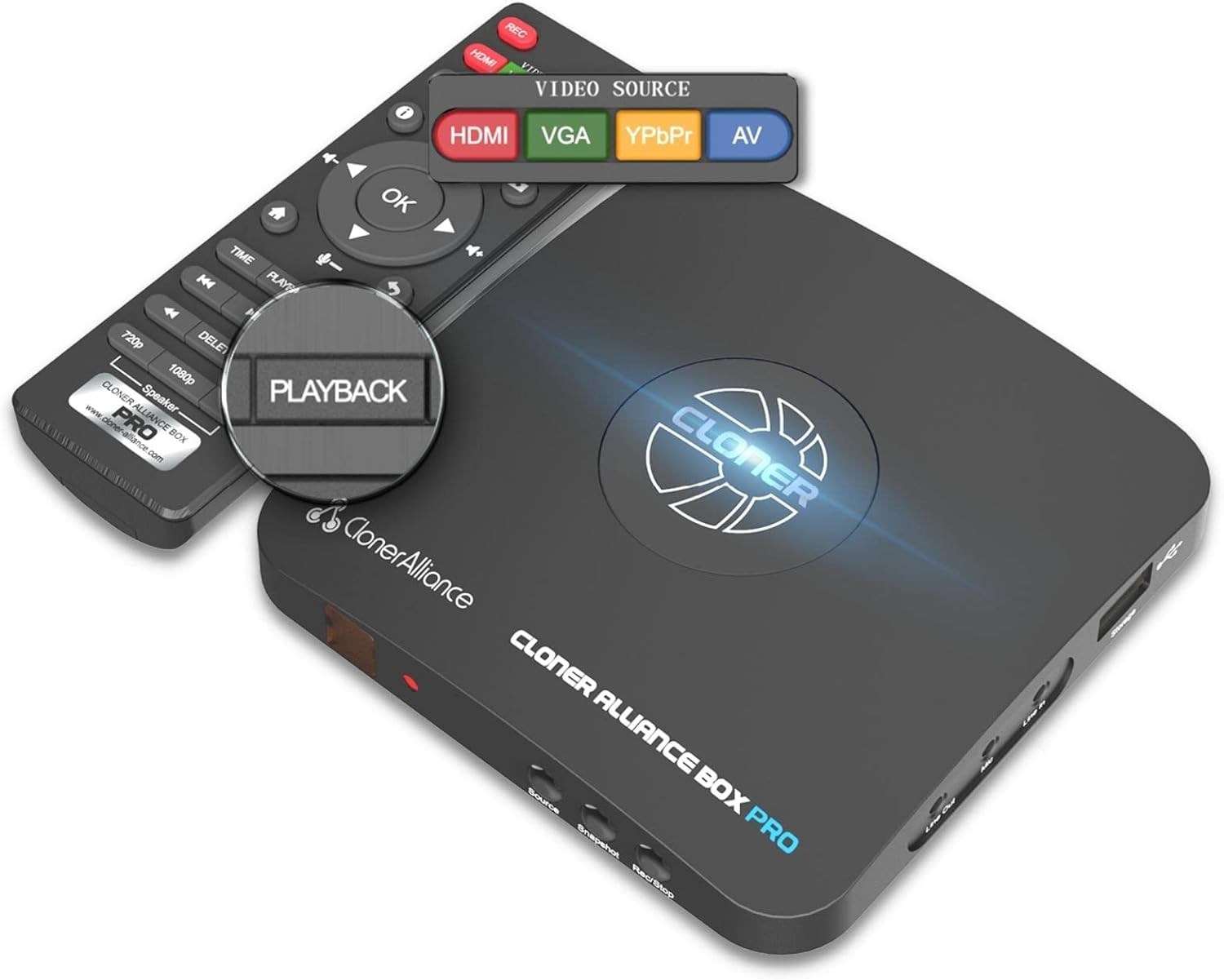
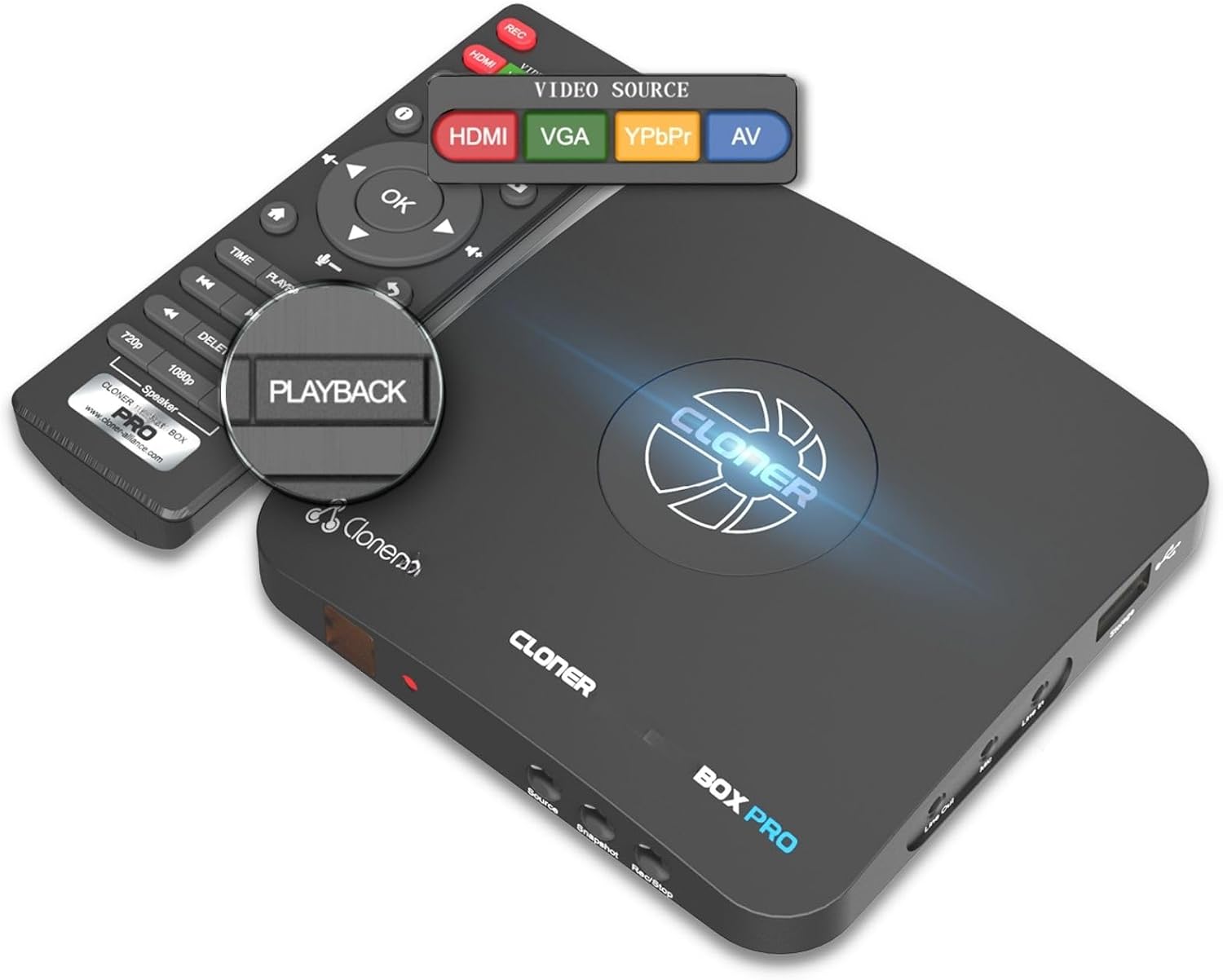
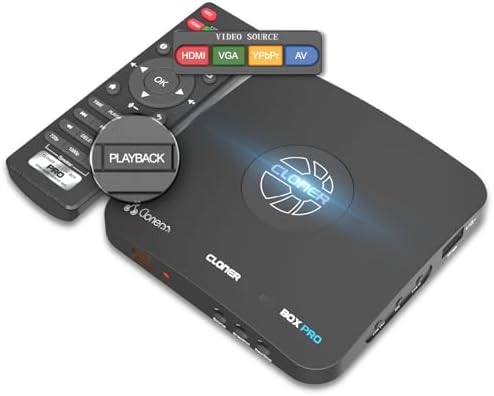
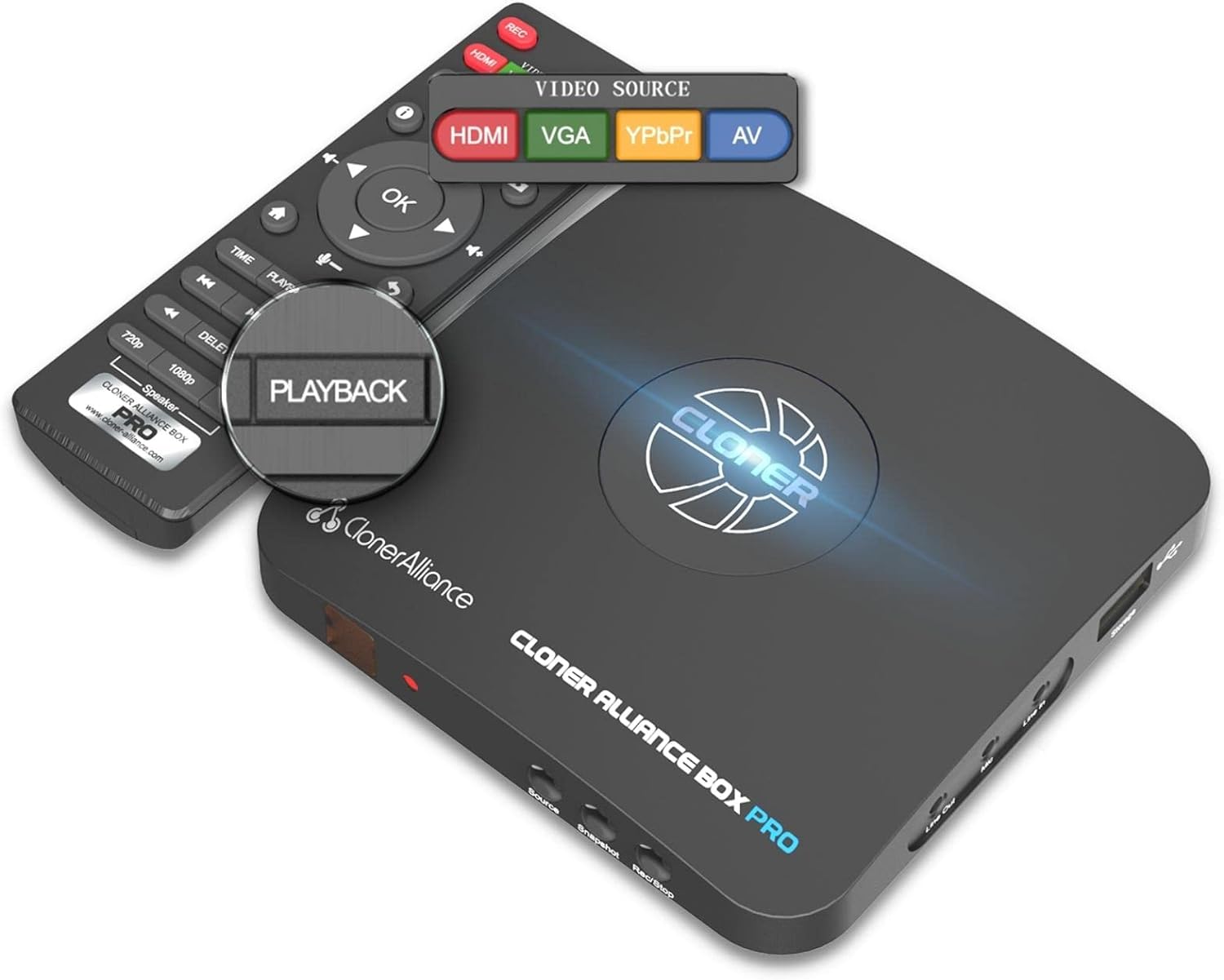
And then just press the "PLAYBACK" button on the remote, and you can enjoy the recorded videos instantly.
What's more? OSD menu provides a variety of functions: Record Resolution, Bitrate, Brightness, Contrast, Schedule Recording, etc.
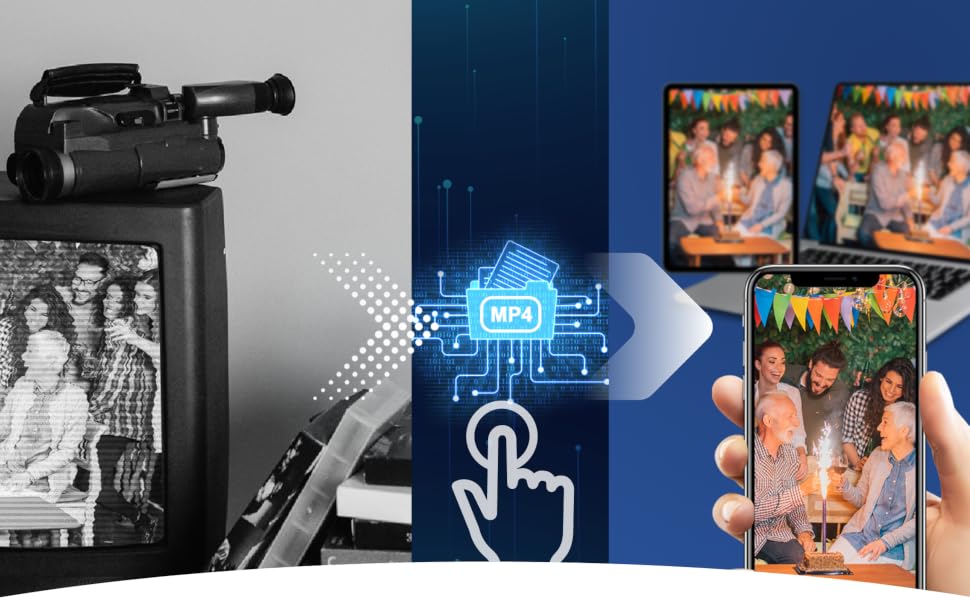
Do you have VHS tapes or video discs that need to be converted to MP4 digital files? Or you have too many video files saved on your DVR and need to free its storage space. With ClonerAlliance Box Pro, just one press, all your favorite videos can be stored on your USB storage devices.
The recorded MP4 files are compatible with PCs, Tablets, Mobile phones, and any other modern devices, including your smart TV.
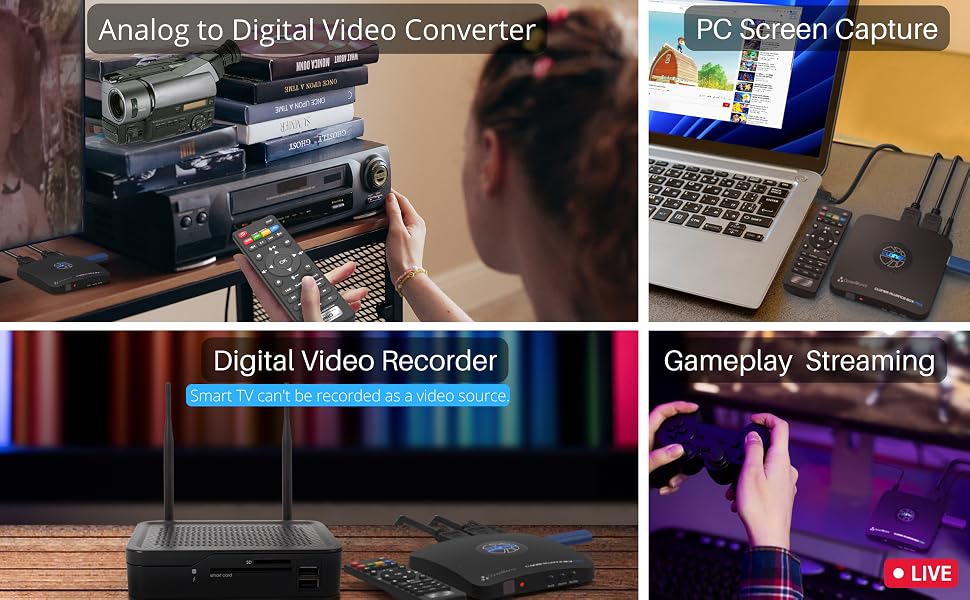
Take in digital or various analog signals and switch the video source freely with the remote, no need to repeatedly plug and unplug devices.
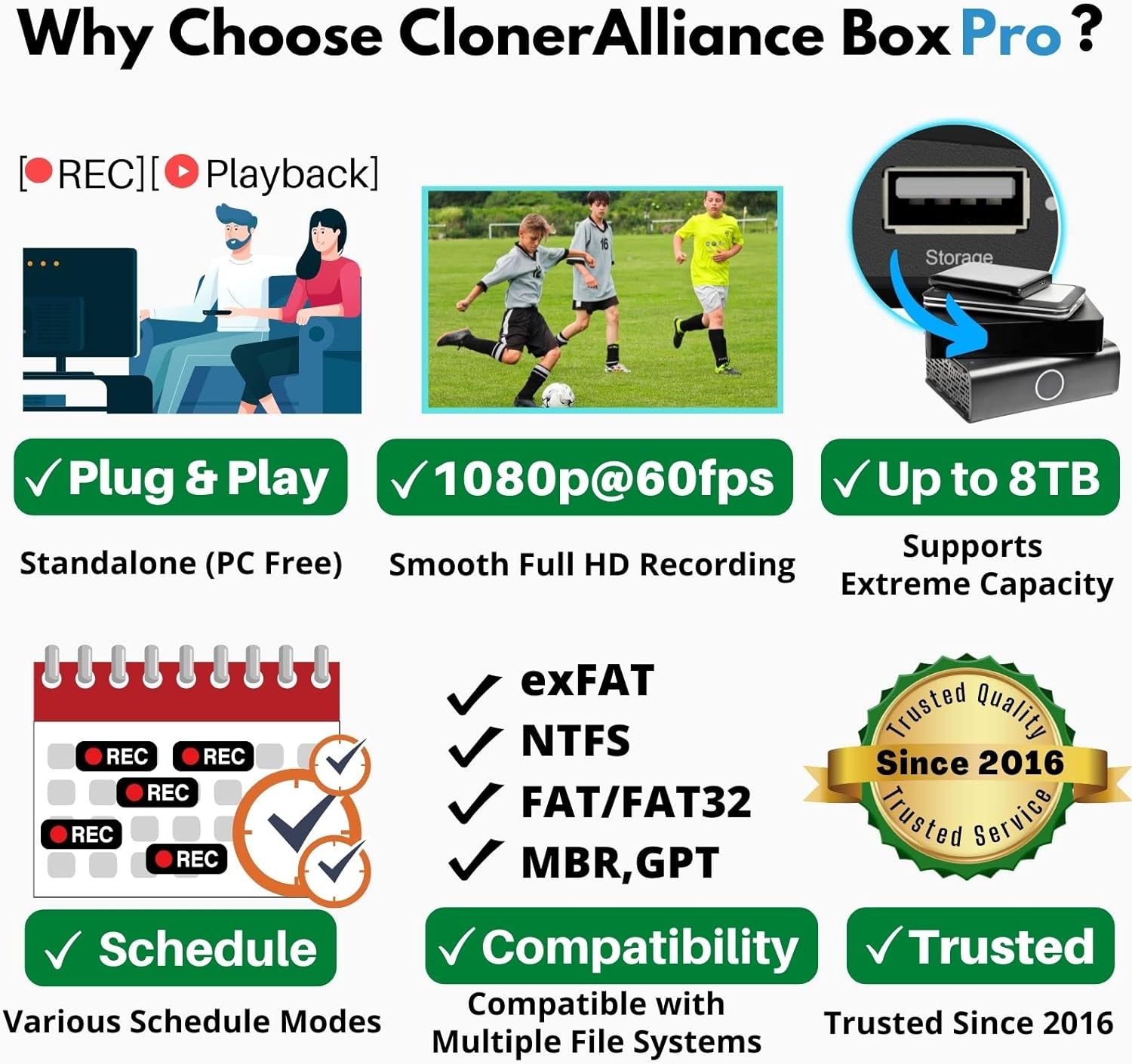
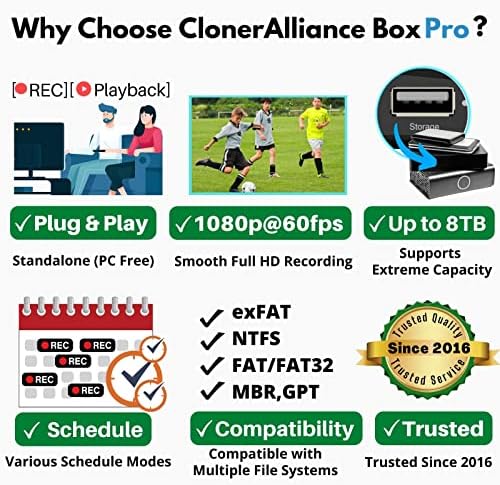
Widely compatible with high-capacity USB flash drives(Up to 512GB) or external hard drives (Up to 8TB).
You can also use it to capture your PC's screen for recording video conferences, online courses, and any other content. Like a Pro.
With 3rd party software such as OBS, XSplit, etc, allows you to capture and live HD gaming videos from any game console. The internal 3.5mm mic jack allows you to add your own live commentary.
Audio and USB storage device Tip:
The product records PCM or Stereo format. Please adjust the audio output of the source device to PCM or Stereo.
It's recommended that the reading and writing speeds of the USB storage device are both 50Mbps or above.

Everyone can easily get started with PC MODE.
Use OBS Studio and ClonerAlliance Helper to live stream or record videos.
Connect ClonerAlliance Box Pro with your PC, and then you can record and live games/videos on YouTube/Twitch/Facebook, and other live platforms.
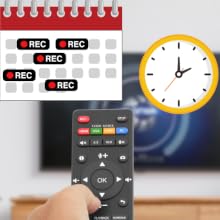
Schedule recording at your convenience.
You must want to enjoy the latest sporting events and stay up to date with your favorite videos.
Set up your video source, select the target channel, schedule recording task. ClonerAlliance Box Pro will do the rest for you.
Tip: Ensure you select the desired channel on your device before recording. You can't watch a different channel while recording another.
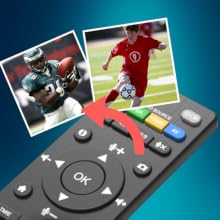
Press one button to take a screenshot as a JPG file.
Amazing or hilarious moments while watching videos won’t wait your camera to capture.
Just one press can make it. Stores them into a folder so as to browse them anytime.
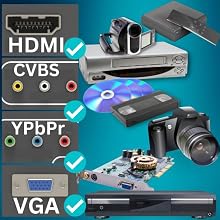
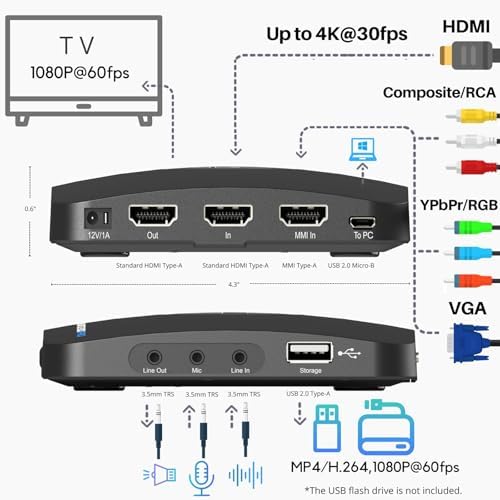
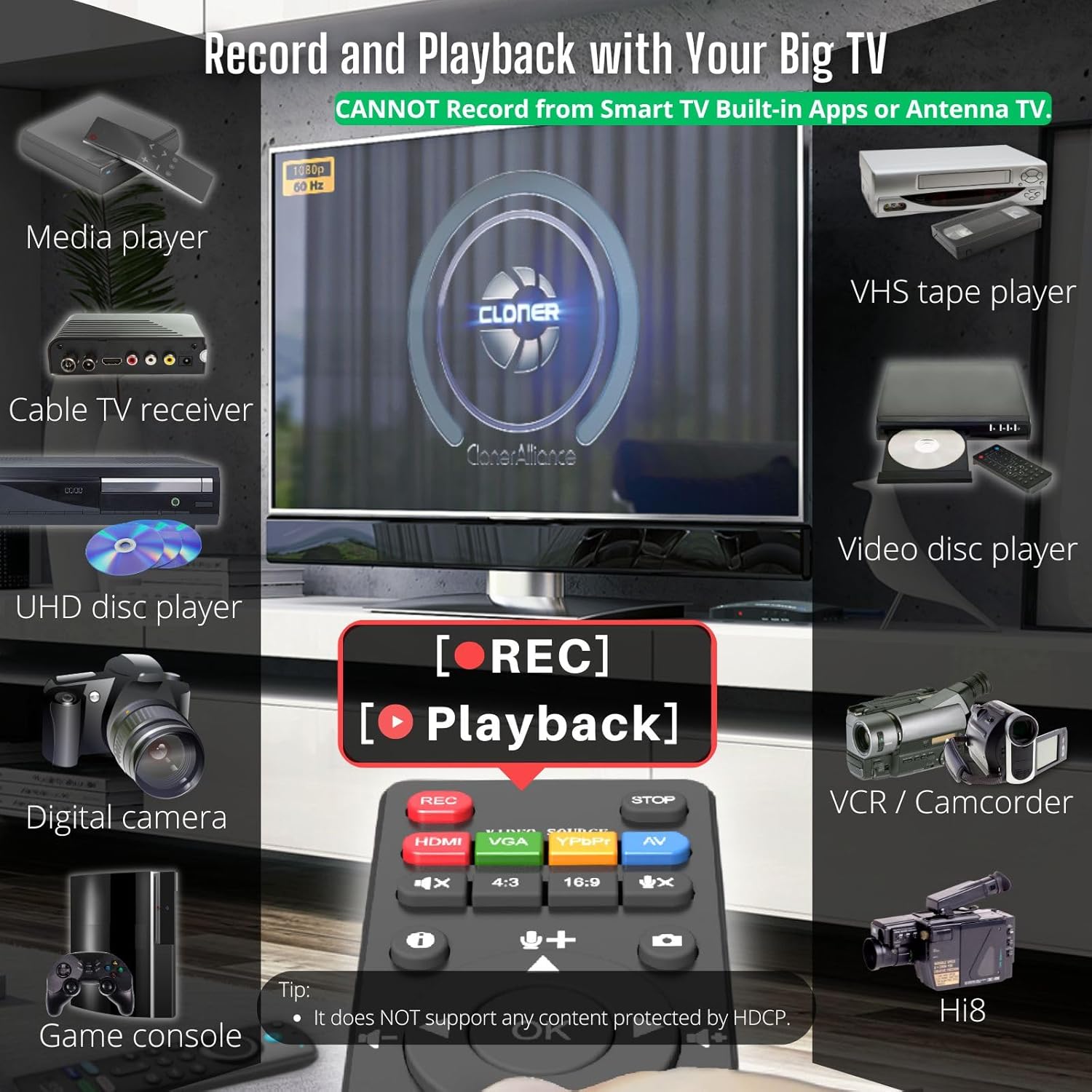
ClonerAlliance Box Pro is compatible with video sources with standard HDMI (Type-A), RCA/composite, component/YPbPr, VGA output ports.
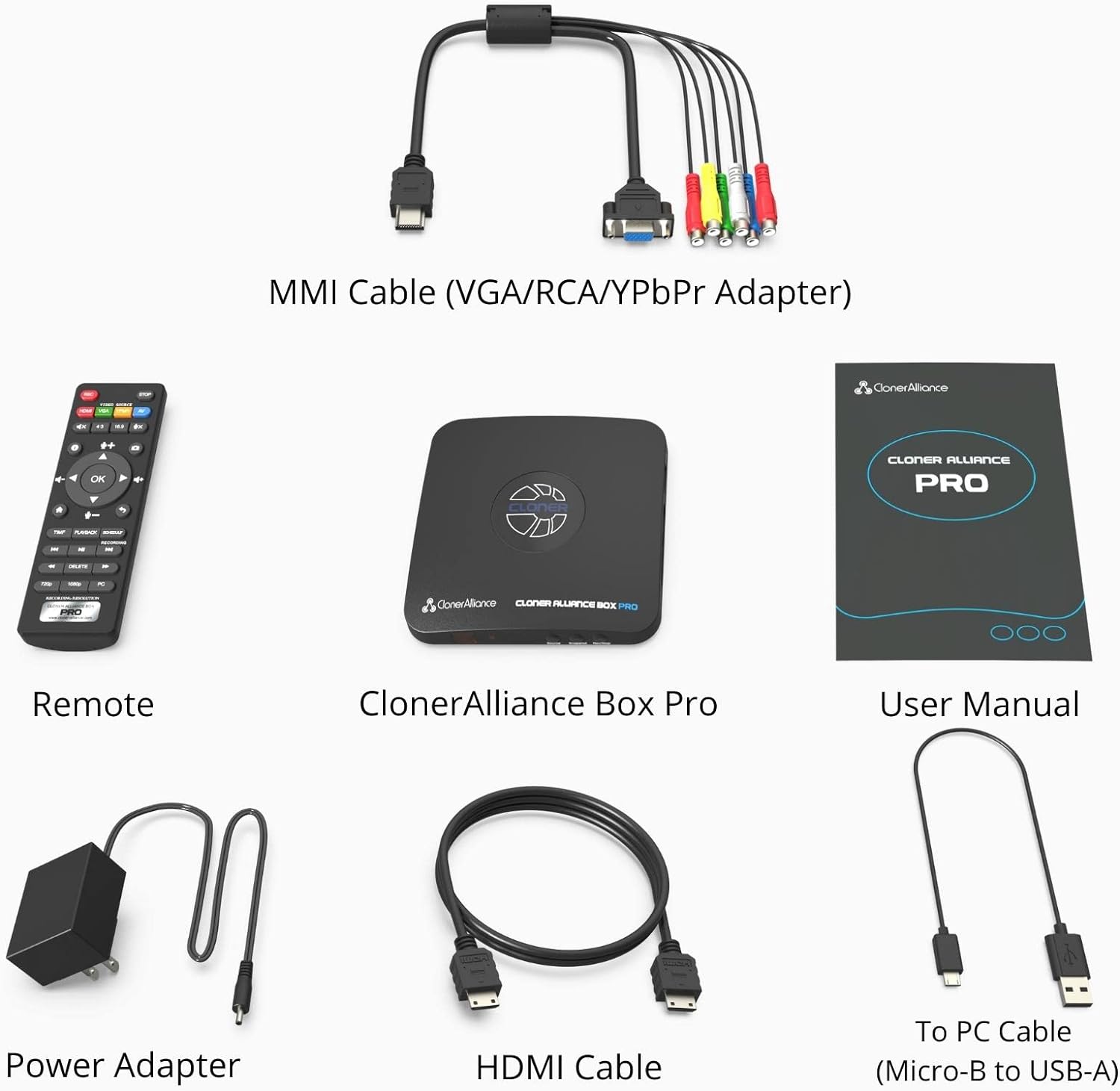
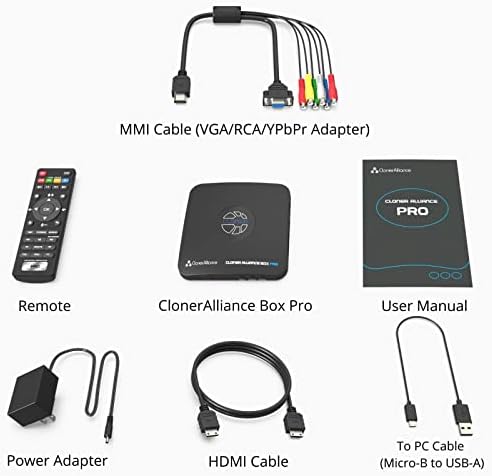
Use the included HDMI cable or MMI connector to make a connection and start recording.
For the Mini-HDMI(TYPE-C) or Micro-HDMI(TYPE-D) port, a To TYPE-A adapter is required (Not included).
For the Female (RCA/VGA)ports, a Male-to-Male cable is required (Not included).

Not only is it compatible with GPT and MBR partition structures, it can also write MP4 files to exFAT, NTFS, FAT/FAT file systems. Whether you are using a retro computer system or a modern PC system (Windows, Mac OS, Android, Linux), the recorded MP4 video files can be safely saved forever.
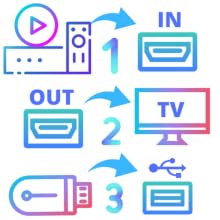
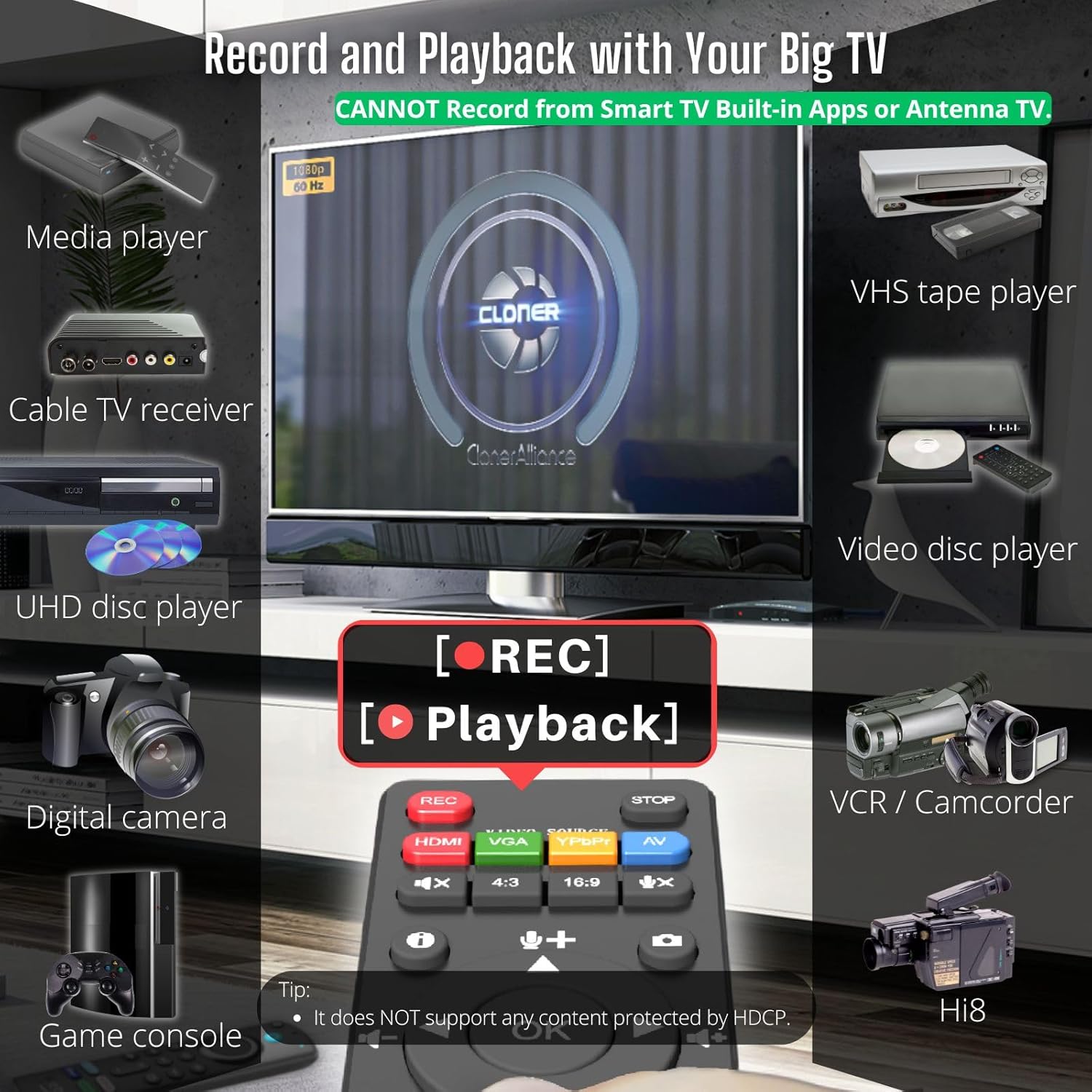
IMPORTANT: CANNOT Record from Smart TV Built-in Apps or Antenna TV.
All set and enjoy!

Since launched in 2016, ClonerAlliance Box Pro has been trusted by customers. Over the years, it has also been continuously improved to meet the more recording and capture needs.

We provide 90-Day No Hassle Return (at our cost) and 2-Year Replacement Service.
A longer service period gives you more peace of mind while using our products.
| Video Recording Resolution | Max up to 1920 x 1080@60fps |
| Max Encoding Bitrate | 22Mbps |
| Passthrough Latency | Less than 90ms |
| Encode Formats | MP4/H.264 |
| Maximum Storage Capacity | 8TB |
| HDMI Input Resolution | Max up to 3840 x 2160@ 30fps |
| Analog Video Input Resolution | RCA/Composite Input: 480i(NTSC)/576i(PAL). YPbPr/Component Input: Up to 1080p@60fps. VGA Input: Up to 1080p@60fps |
| Analog Video Input Formats | NTSC, PAL,PAL-60 |
| Recording Aspect Ratio | 16:9; 4:3 |
| Compatible File System | FAT32,NTFS,exFAT. MBR,GPT |
| Compatible Video Sources | Hi8 camcorders, VHS Players, VCRs, DVRs, Set top Boxes, Cable TV Receivers, DVD Players, Media players, TV Sticks, Endoscopes, Surgery Microscopes, Game Consoles, VGA Graphic Cards, Laptops with HDMI/VGA OUT. [The Smart TV & TV Antenna can't be a video Source.] |
loading
