















Free worldwide shipping
Free returns
Carbon neutral
Secure payments
| UPC | 706487021100 |
|---|---|
| Color | Black |
| Model Name | C300-XT MS |
| Style Name | C300-XT MS |
| Unit Count | 1 Count |
| Item Weight | 25.54 g |
| Control Type | Media Control |
| Manufacturer | BlueParrott |
| Model Number | 204288 |
| Noise Control | Active Noise Cancellation |
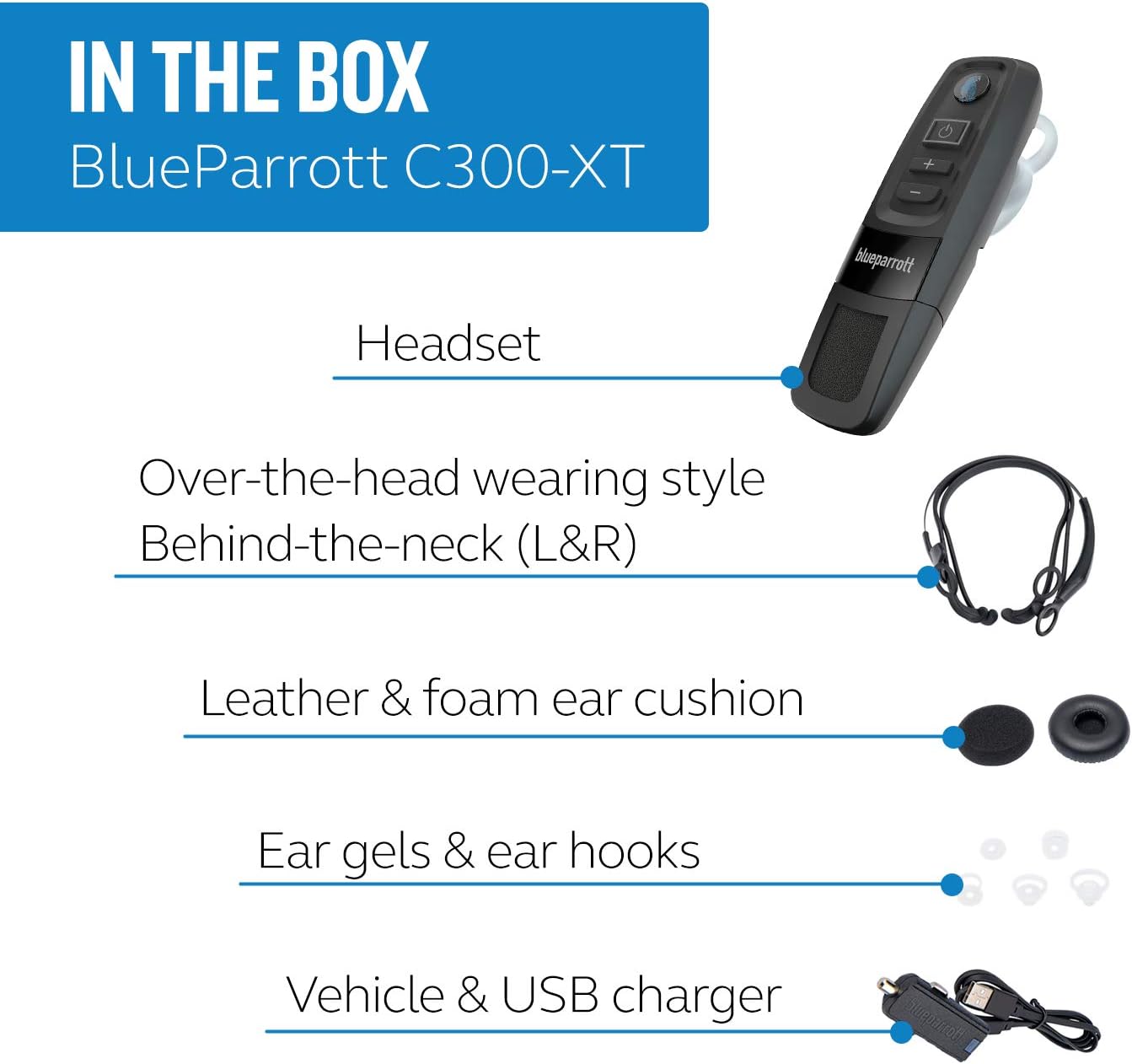
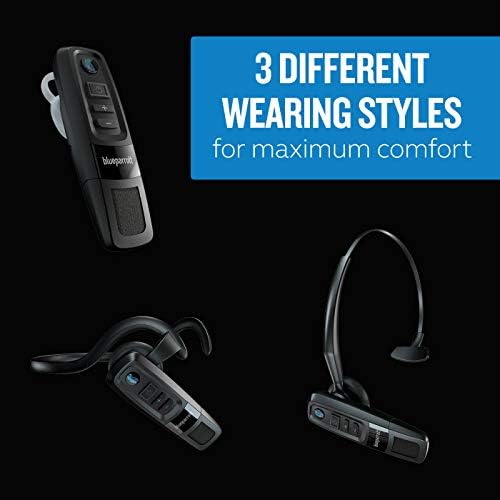
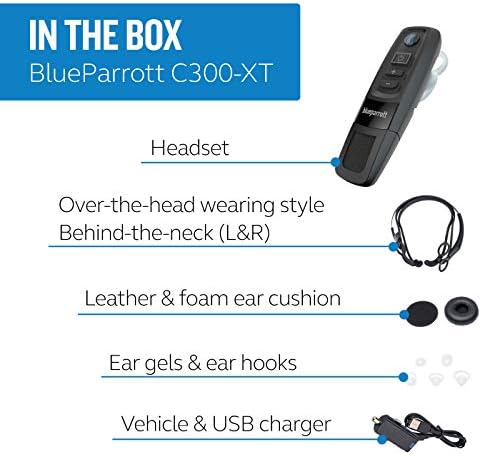
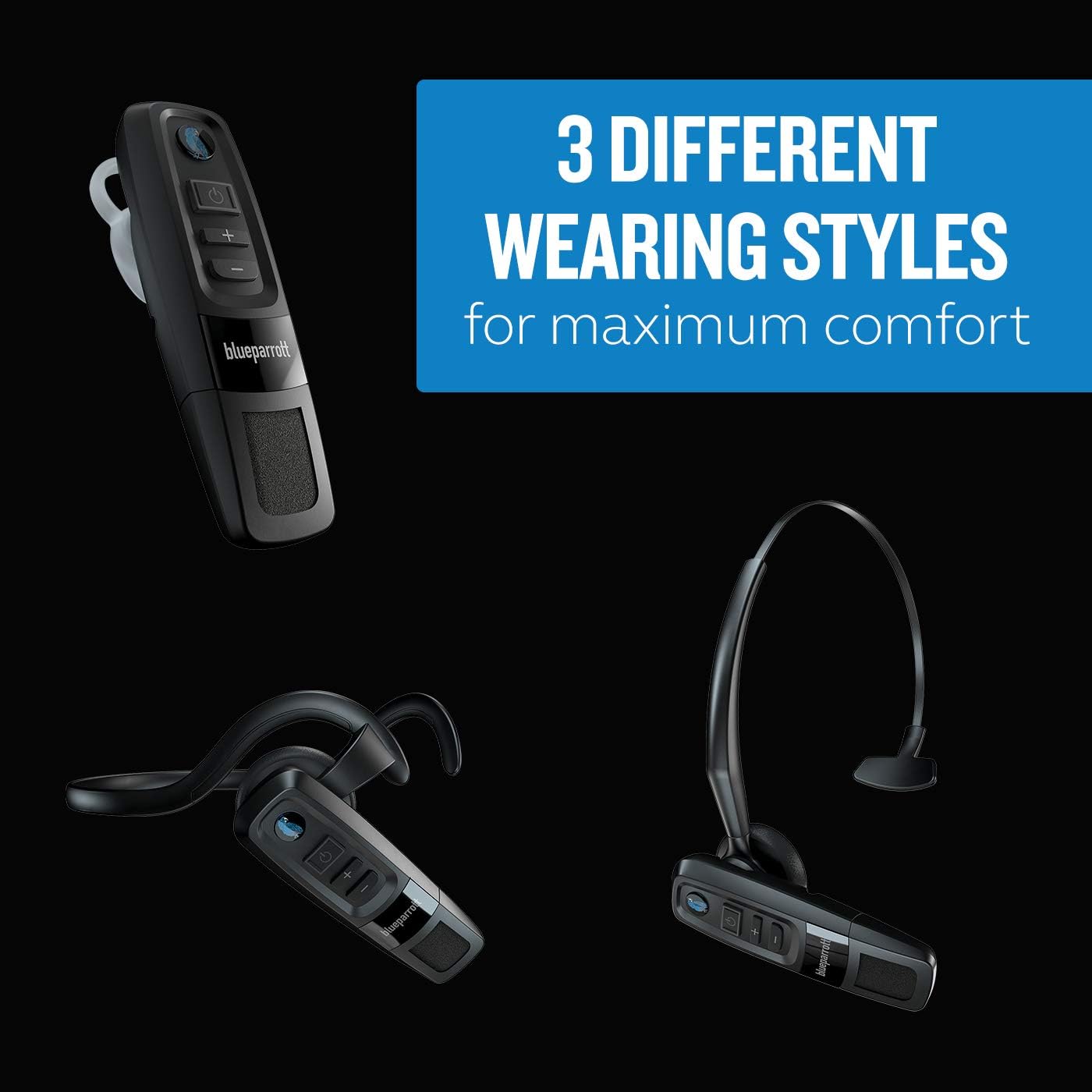
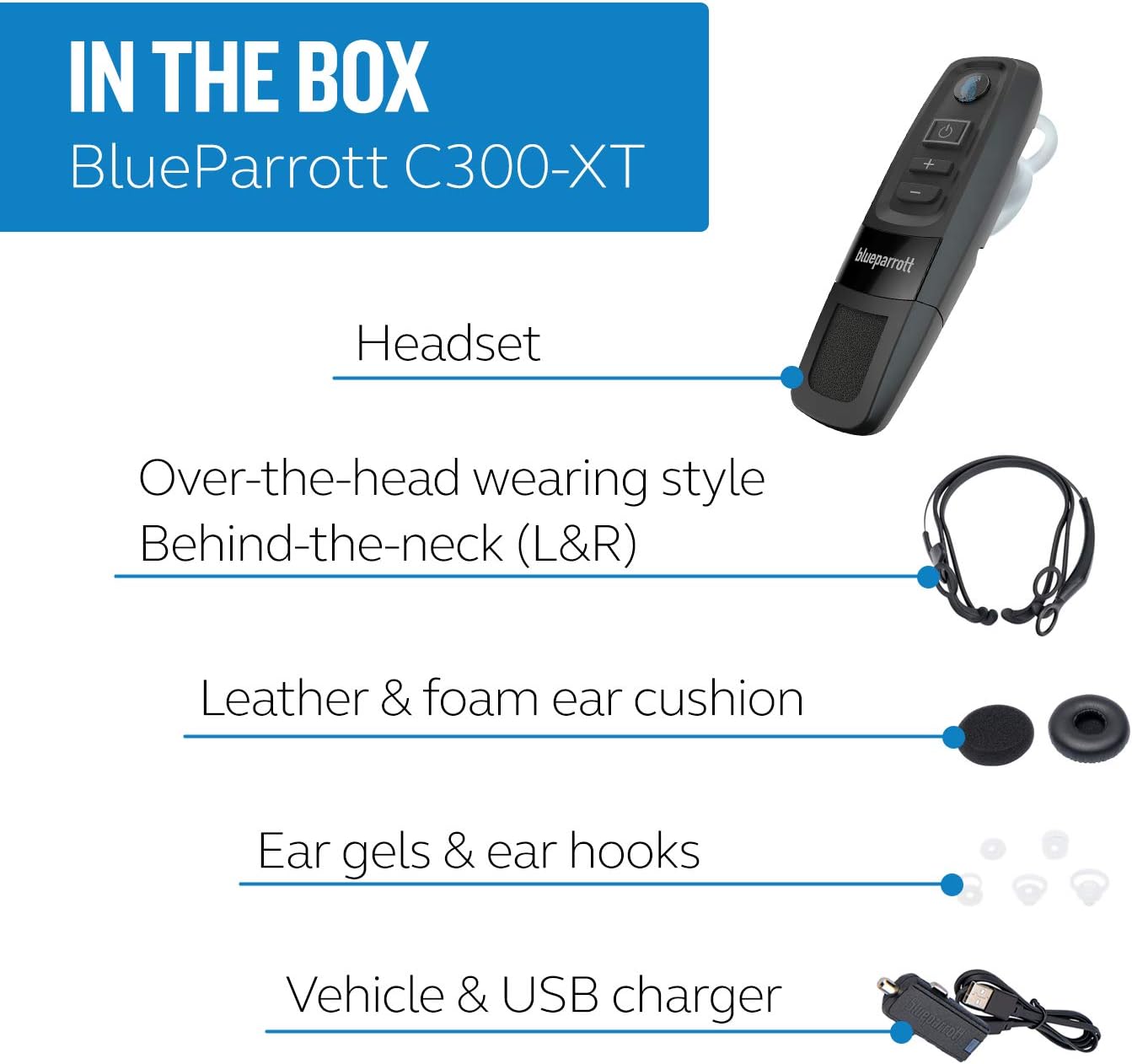
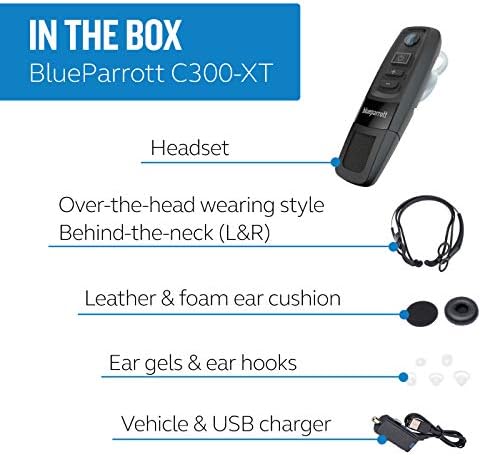
| Built-In Media | 1 BlueParrott C300-XT headset, 1 USB charging cable, automotive charger, foam ear cushion, leatherette ear cushion, ear gels (5), ear hooks (4), over-the-head band, behindthe- neck band (L), behind-the-neck band (R), quick start guide, warranty and warning leaflet |
| Cable Features | USB |
| Control Method | Push Button |
| Earpiece Shape | in-ear |
| Headphone Jack | Bluetooth |
| Item Type Name | Bluetooth Headset |
| Bluetooth Range | 100 meters |
| Frequency Range | 20Hz~20KHz |
| Number of Items | 1 |
| Antenna Location | Calling |
| Audio Driver Type | Dynamic Driver |
| Bluetooth Version | 5 |
| Compatible Devices | Universal |
| Enclosure Material | Acrylonitrile Butadiene Styrene (ABS), Nylon, Polycarbonate (PC), Silicone, Stainless Steel |
| Additional Features | Noise Cancellation, sports-and-exercise |
| Battery Charge Time | 3 hours |
| Wireless Technology | Bluetooth |
| Battery Average Life | 10 hour |
| Warranty Description | 2 Year Limited |
| Age Range Description | Adult |
| Headphones Form Factor | On Ear |
| Number of Power Levels | 1 |
| Water Resistance Level | Water Resistant |
| Connectivity Technology | Bluetooth 5.0 |
| Headphones Ear Placement | In Ear |
| Specific Uses For Product | Calls, Meetings |
| Headphone Folding Features | On Ear |

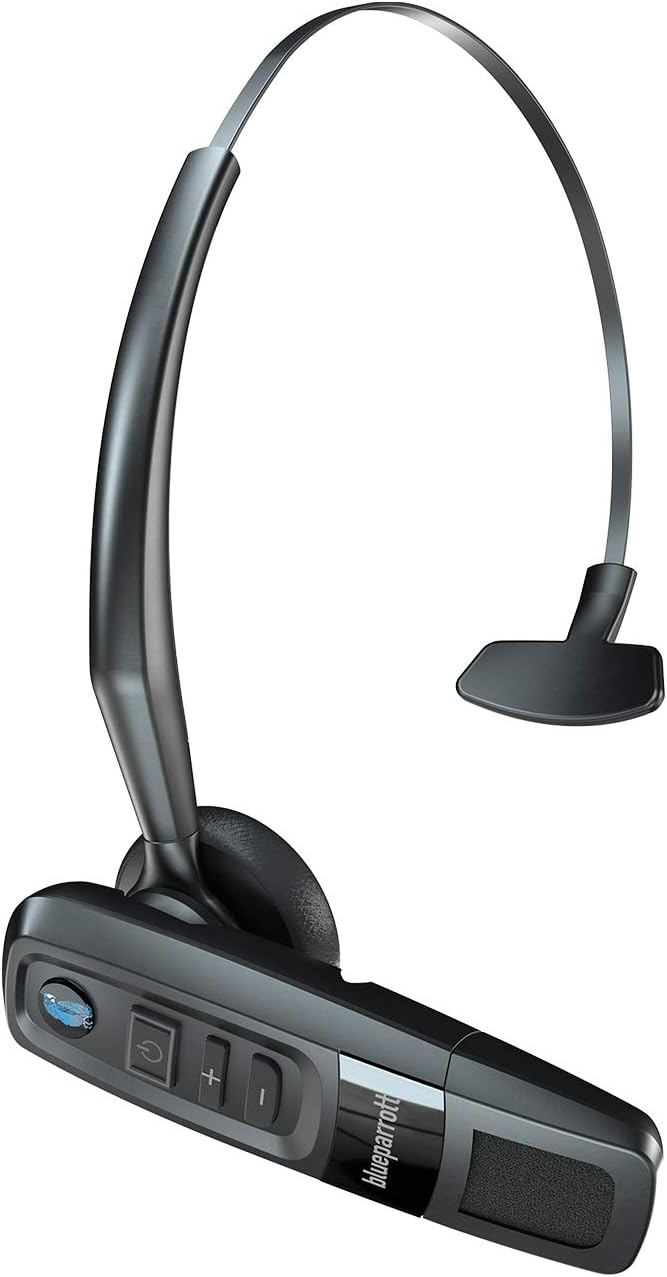
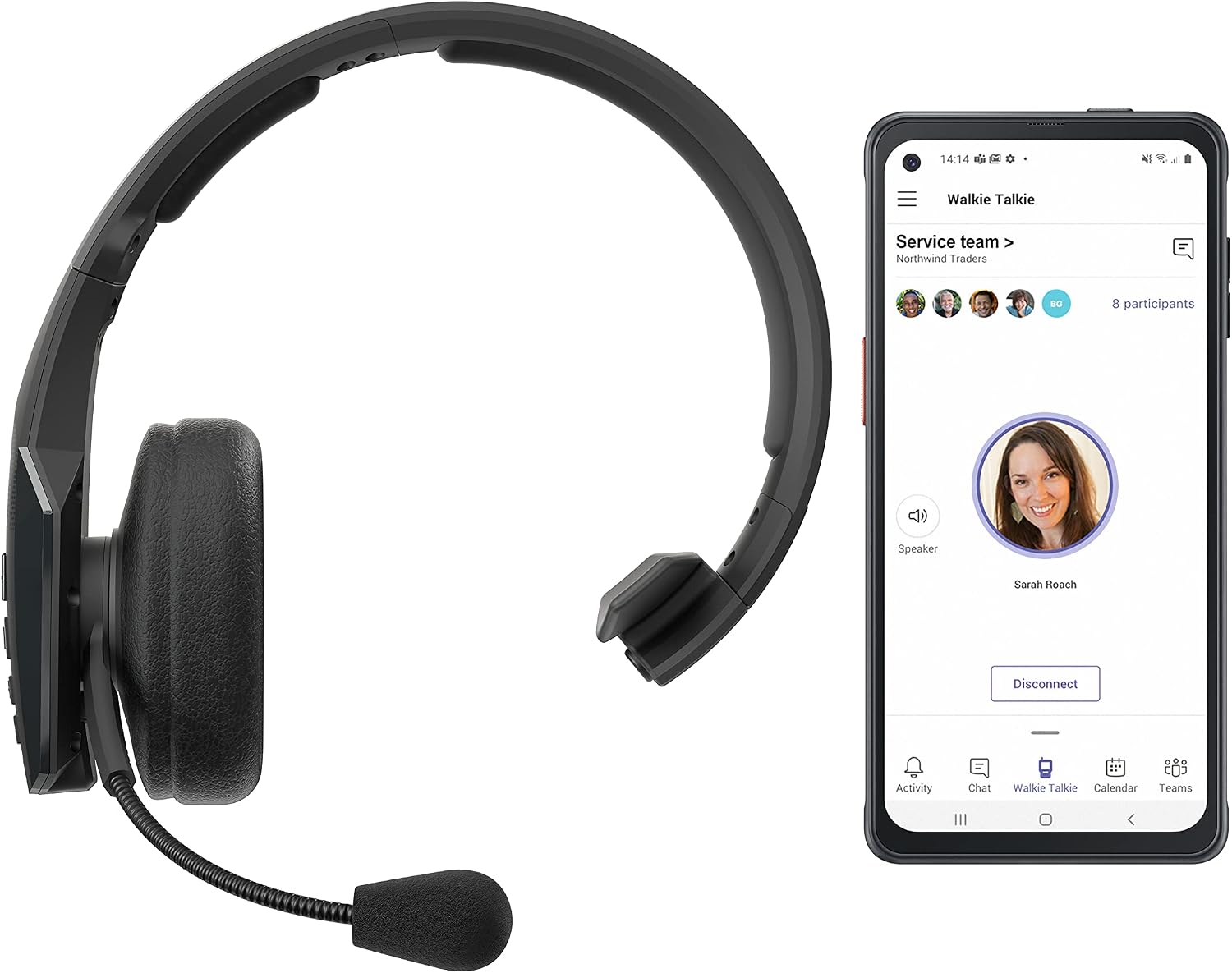
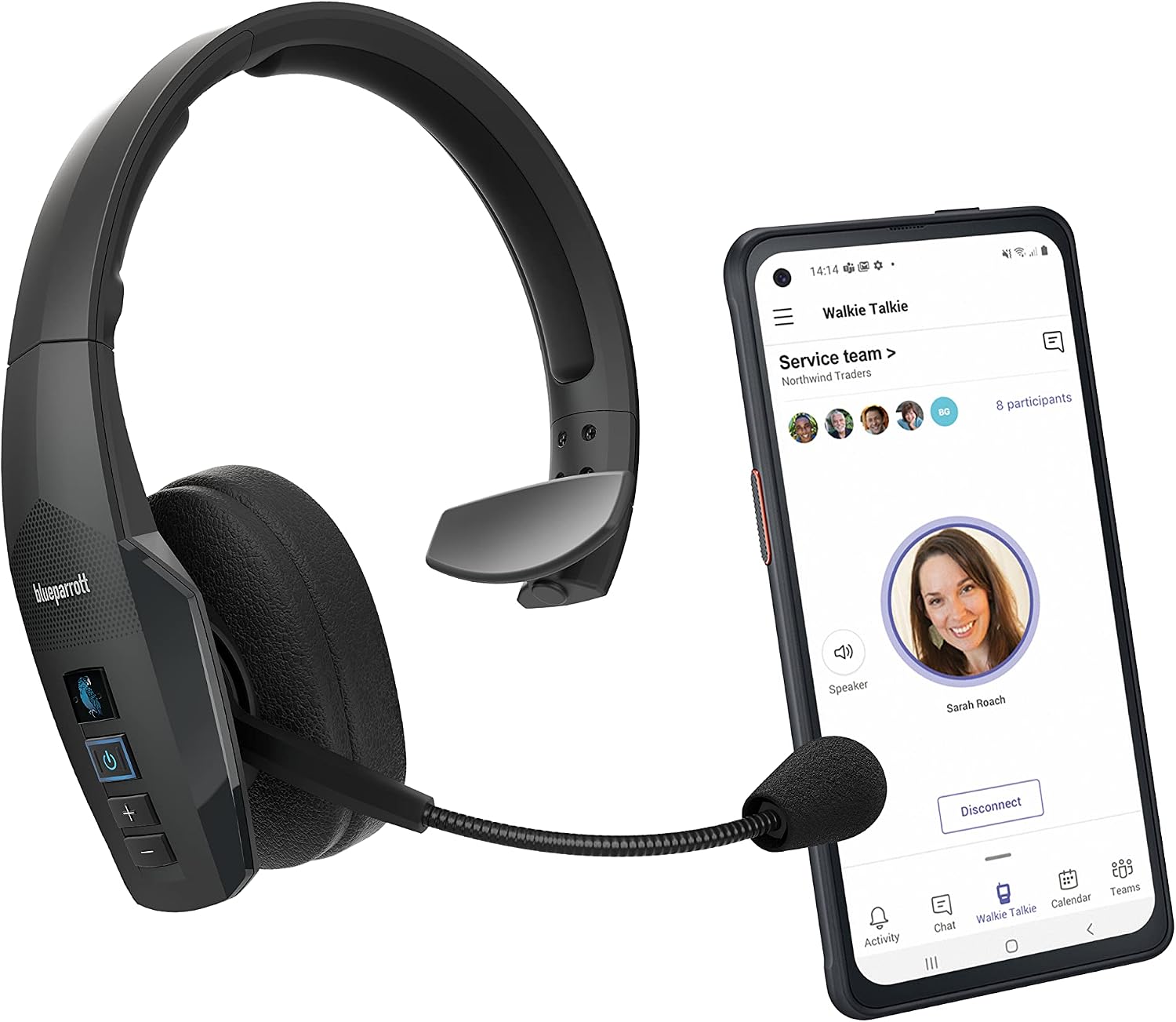
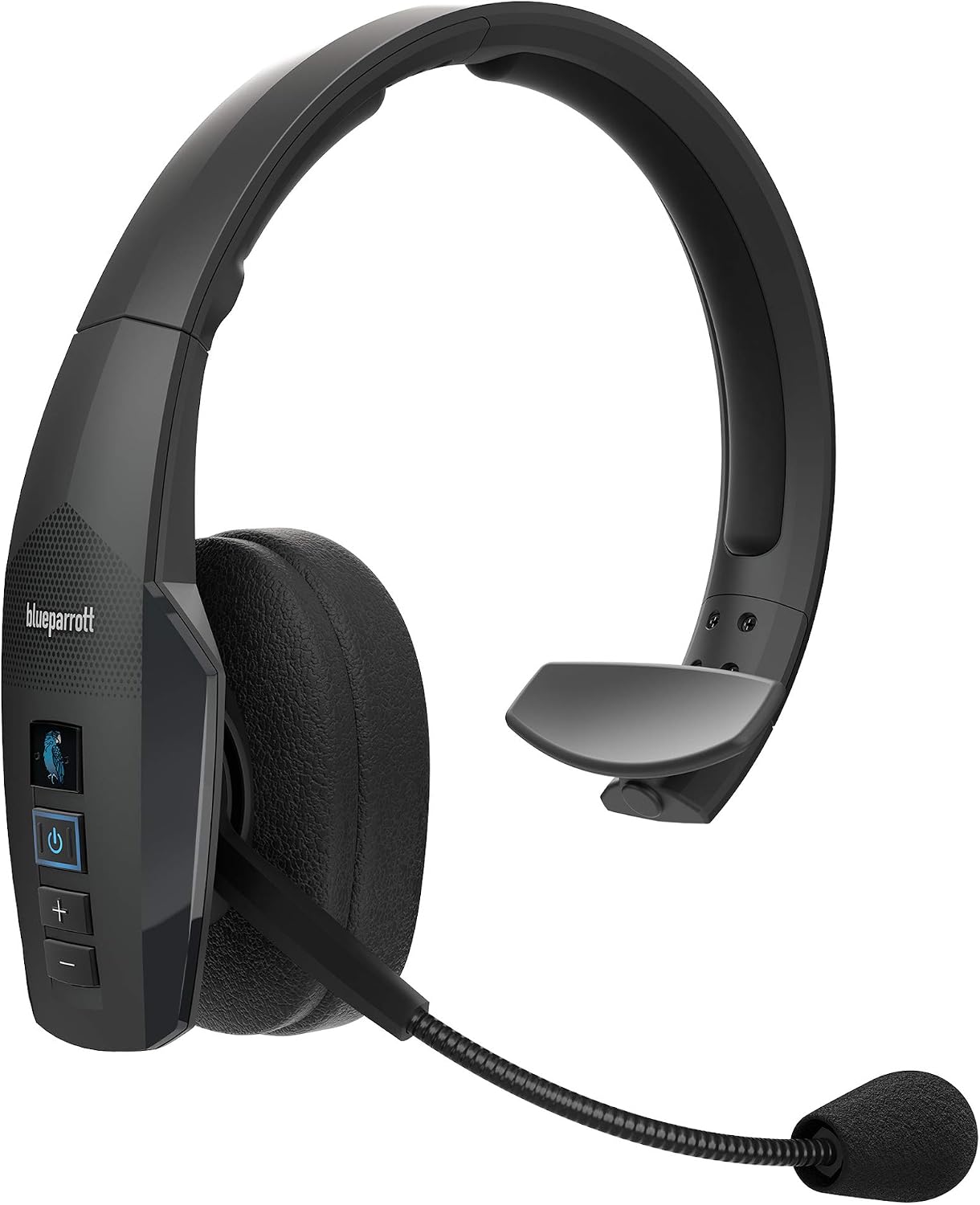
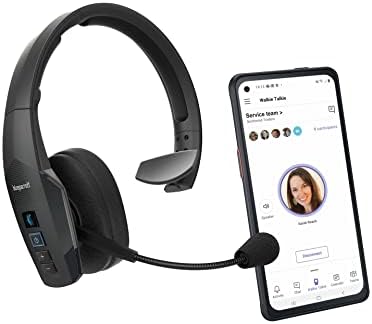
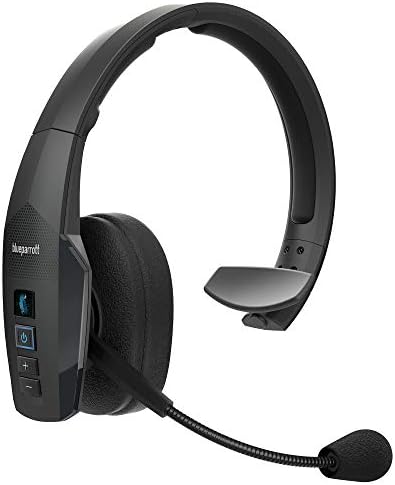
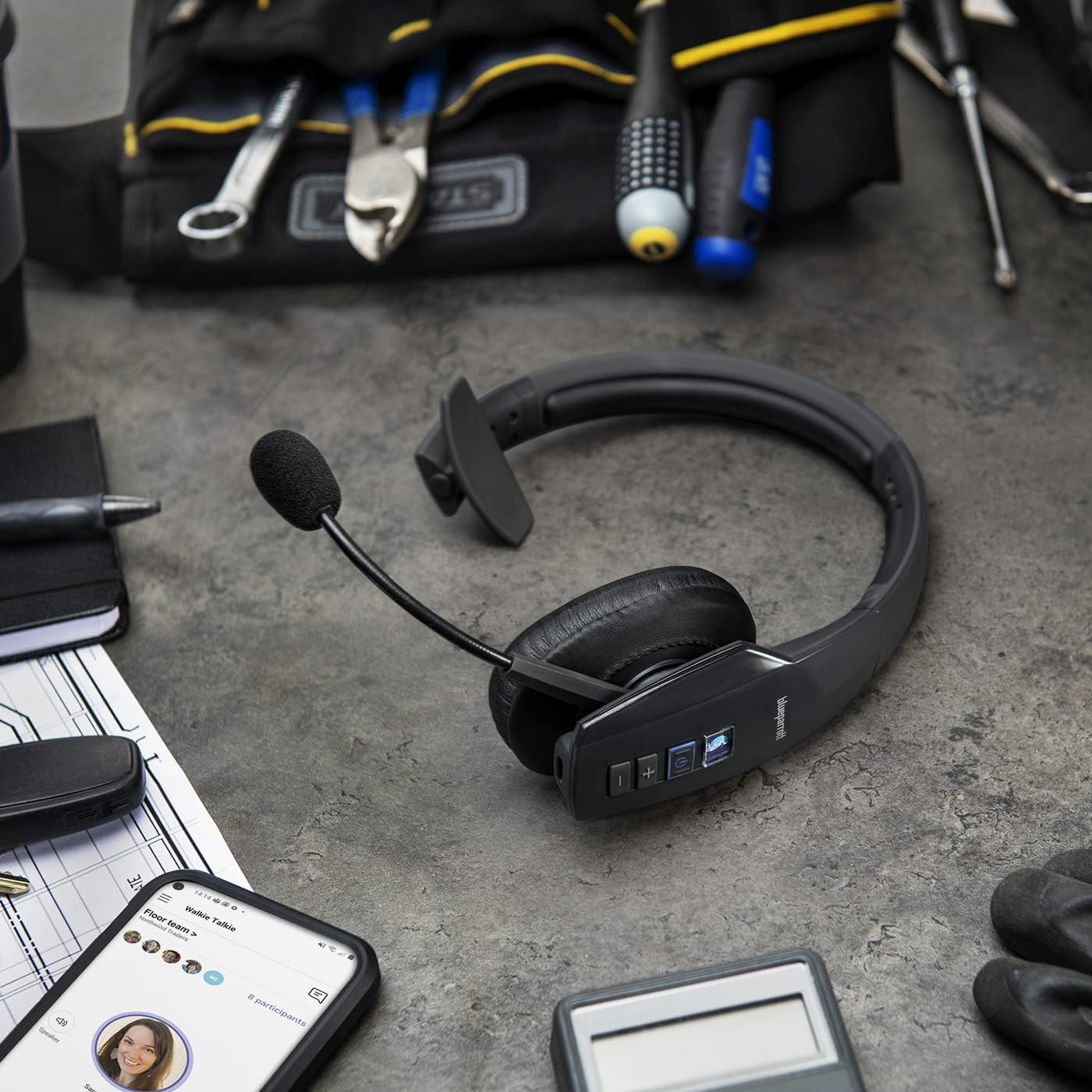
The BlueParrott C300-XT MS is the premium choice for those who need a discreet, public-friendly high-performance headset for use with Microsoft Teams Walkie Talkie.
Supports Walkie Talkie
Get instant access to the Walkie Talkie experience.
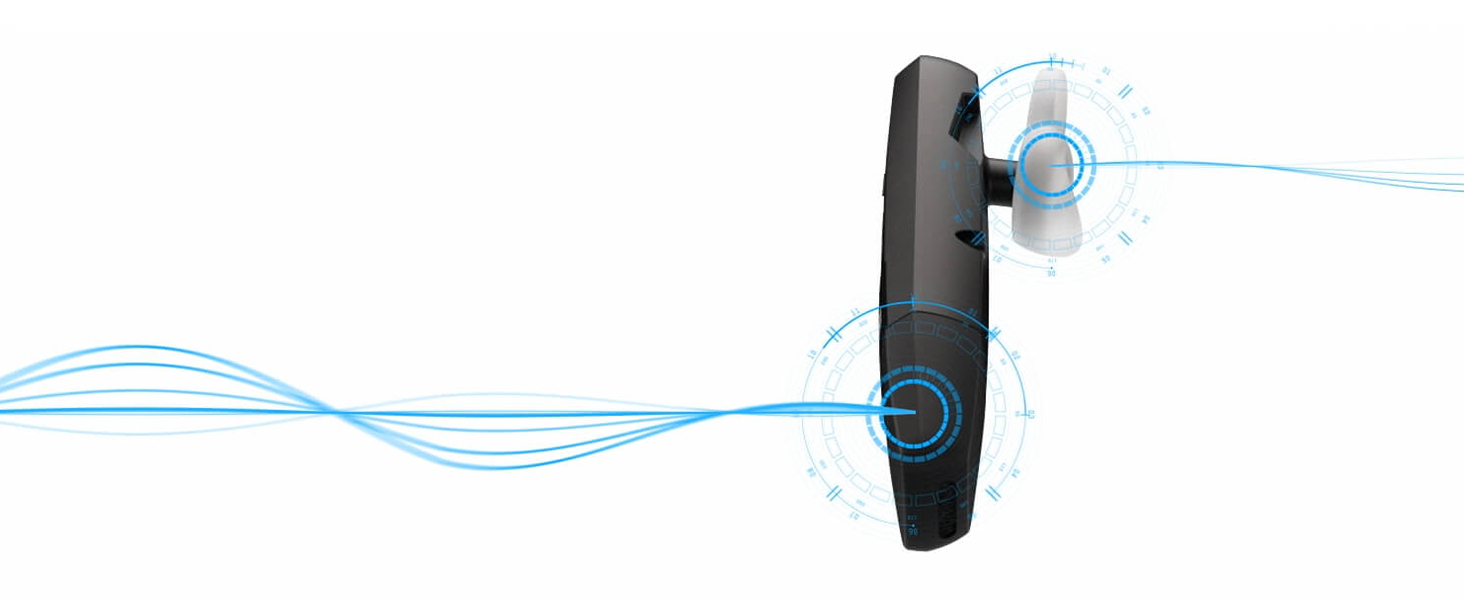
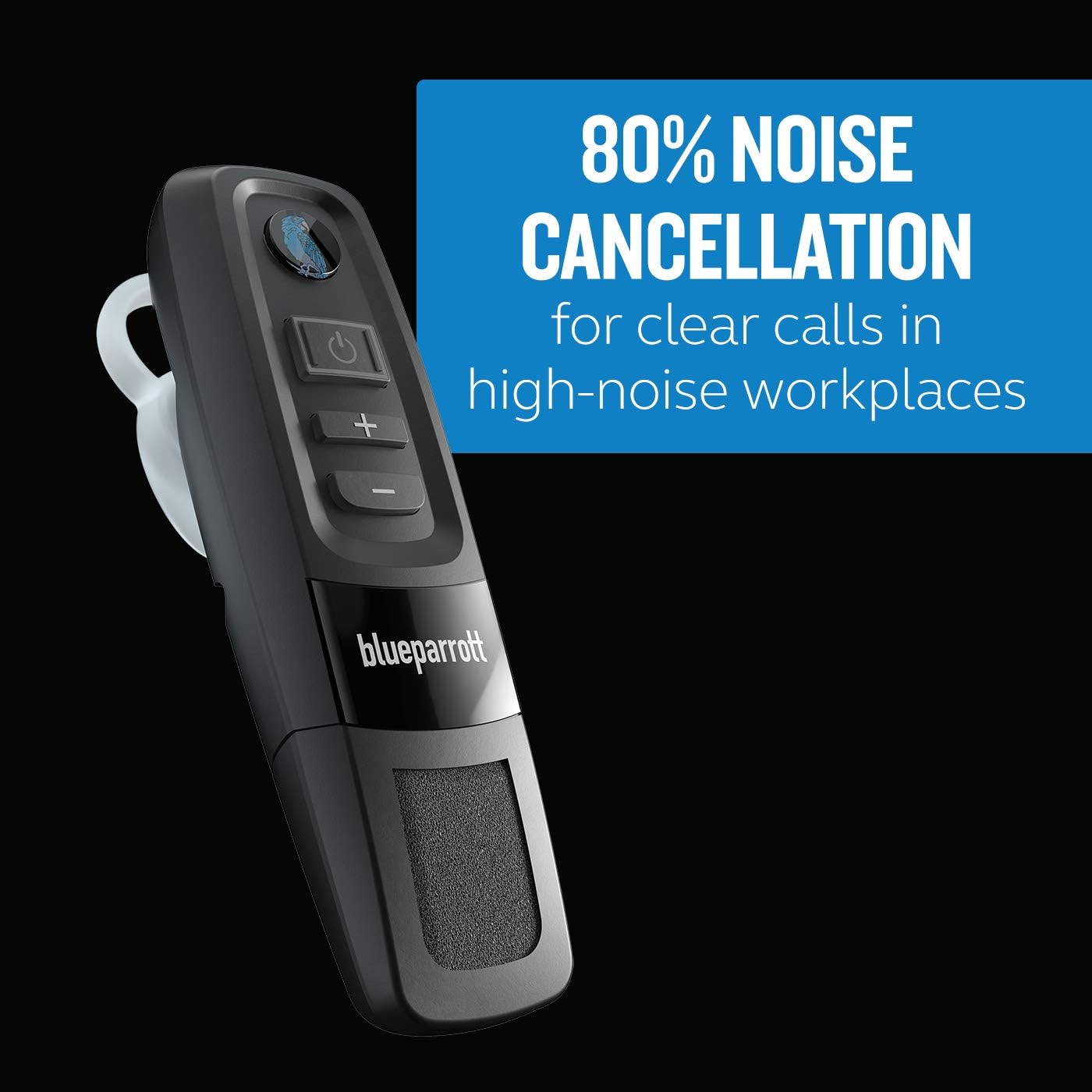
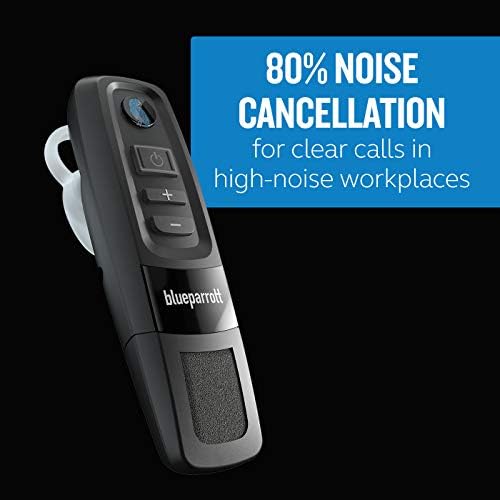
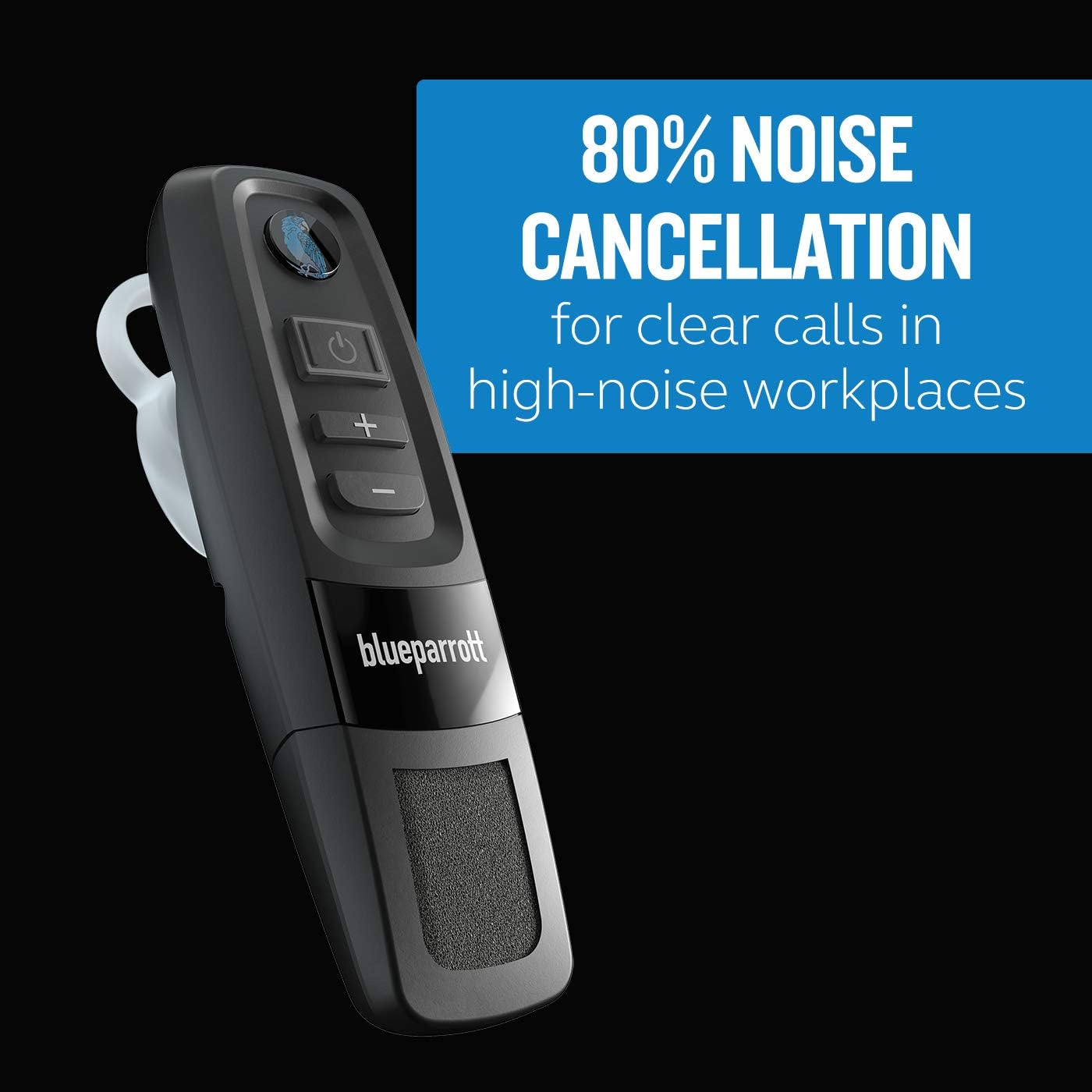
80% noise cancellation
80% noise cancellation for great-sounding calls even in busy and noisy working environments.

Great battery life
Keep talking all day with a battery that won't let you down.

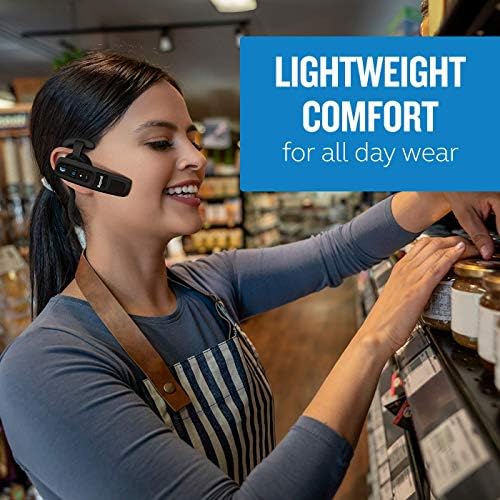
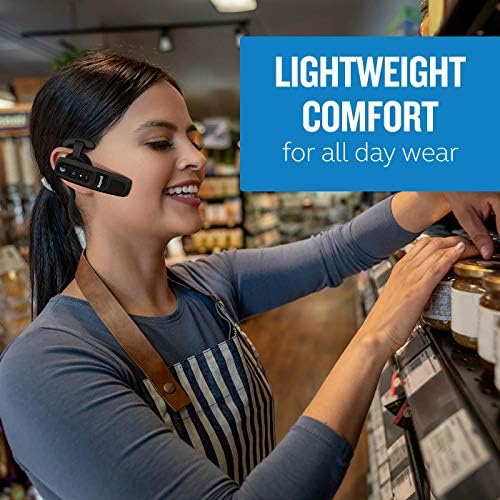
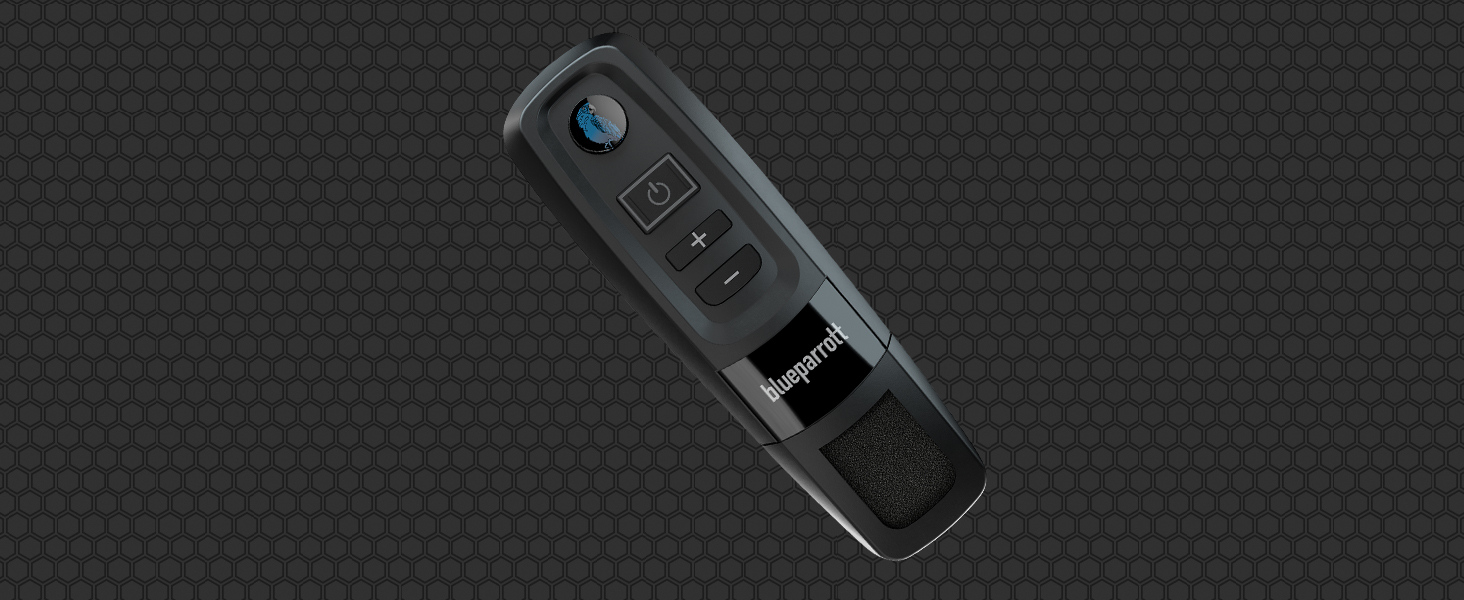
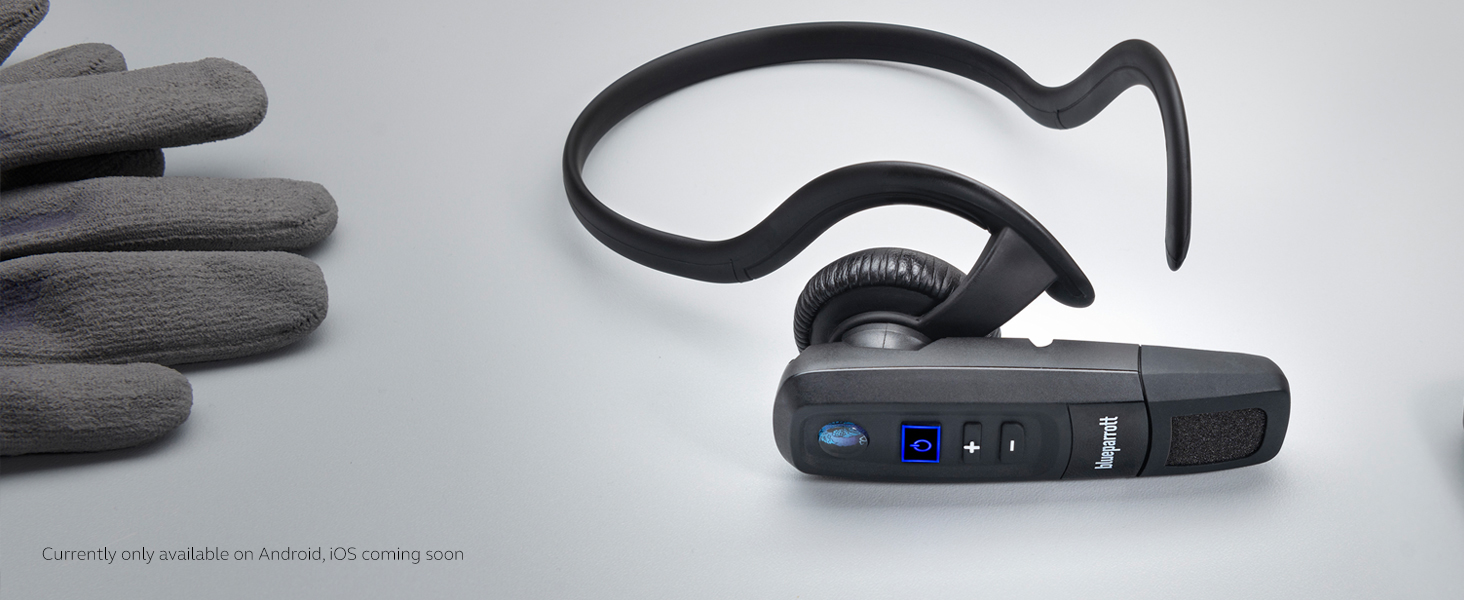
Compact design
All the benefits of a discreet design, without compromising on the features you need.
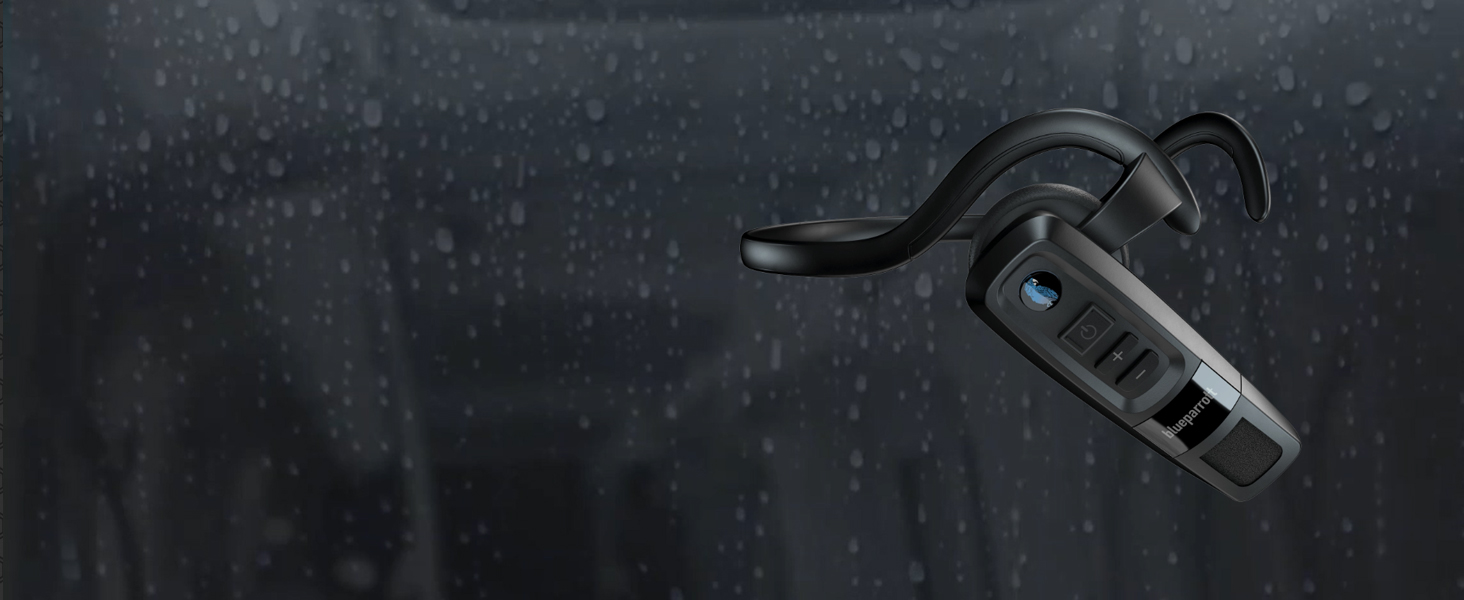
Highly durable
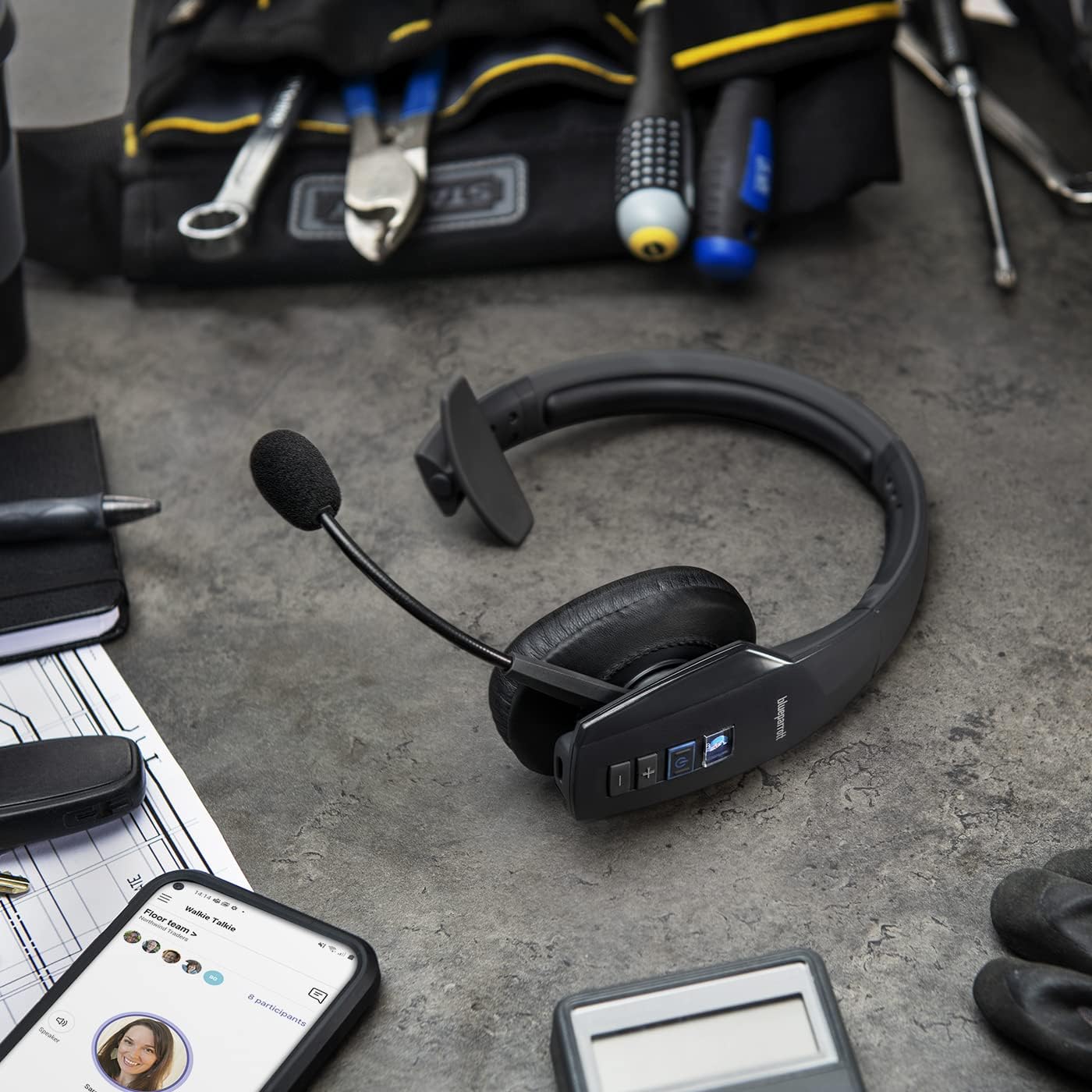
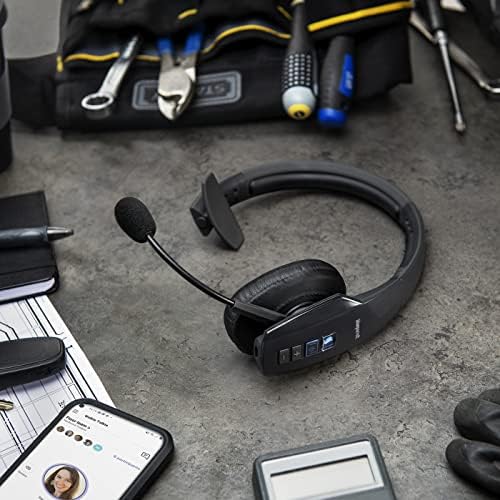
IP65 rated dust and water tight, the C300-XT MS is designed for demanding workplaces.
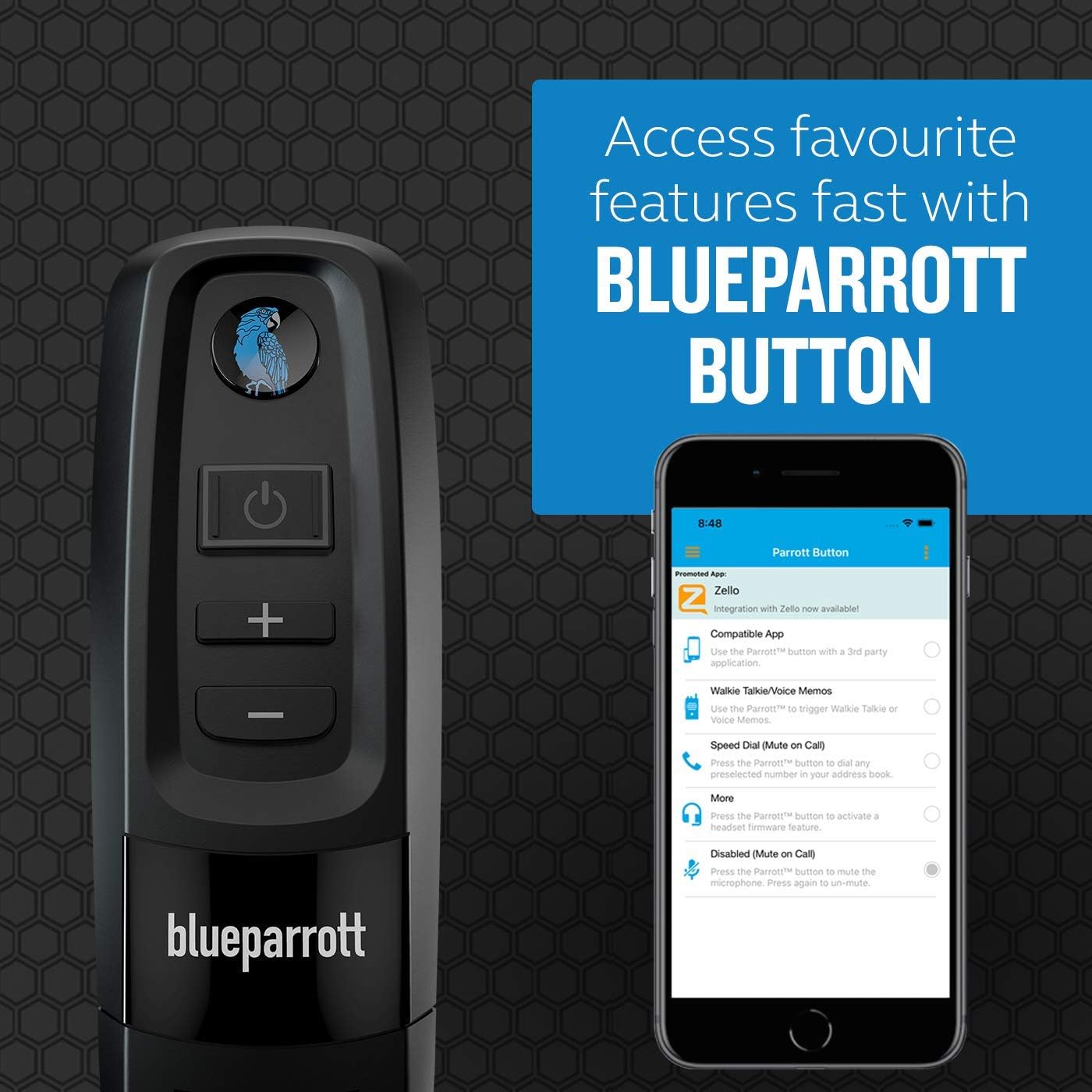
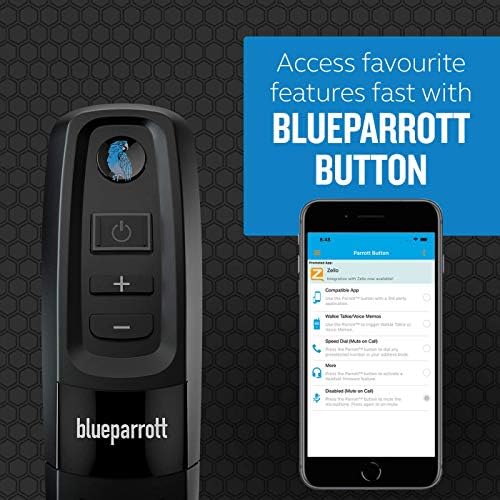
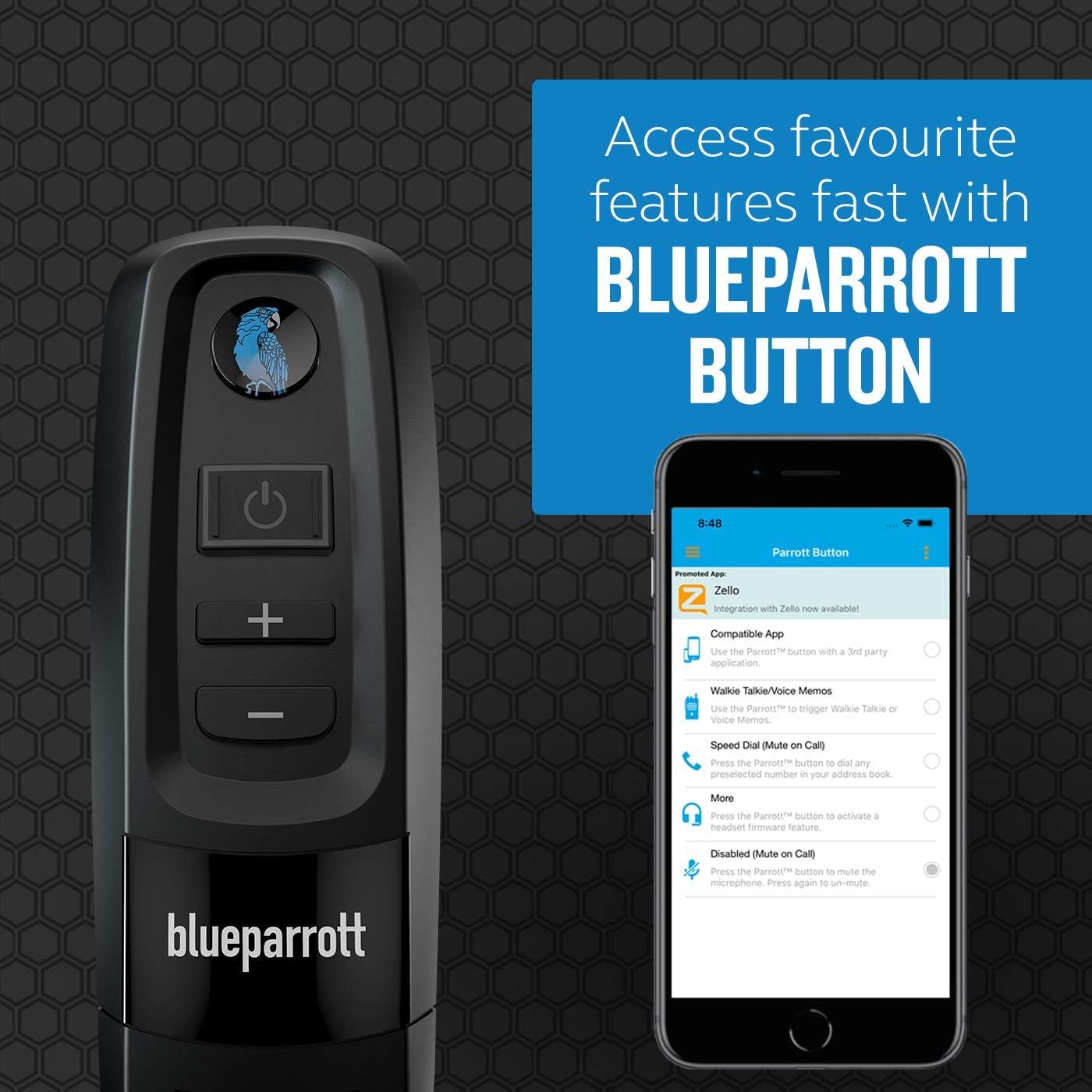
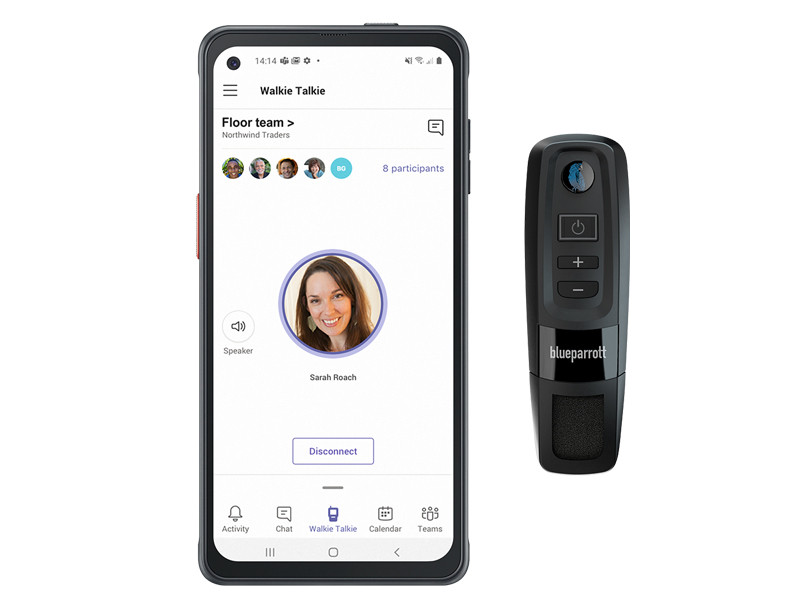
The Walkie Talkie feature enables co-workers to use their mobile device as a walkie-talkie for 1:1 or group conversations. The C300-XT MS enables you to receive Walkie Talkie voice messages hands-free while you work. To send a voice message, just hold the headset’s BlueParrott Button and talk.
Can I pair my headset with more than one Bluetooth device?
Yes. Your BlueParrott headset can being paired with up to eight (8) different devices. If you attempt to pair a 9th device, it will replace the oldest pairing in the existing pairings.
Can I listen to music with my BlueParrott headset?
Yes. You can listen to music on any Bluetooth headset that supports the A2DP profile. All BlueParrott headsets, except the B250-XT support the A2DP profile.
Can I turn off the voice prompts on my headset?
No. At this time it is not possible to turn off the voice prompts.
Can I use my headset when it is charging?
Yes, but if it is already switched on when you plug it in, it will turn off. It will need to be turned on before using.
How do I transfer audio from my headset to my smartphone?
To transfer audio from your headset to your smartphone while on a call, press and hold the Volume Down button until the audio transfers to the phone. Repeat the steps to transfer audio back to your headset.
loading
