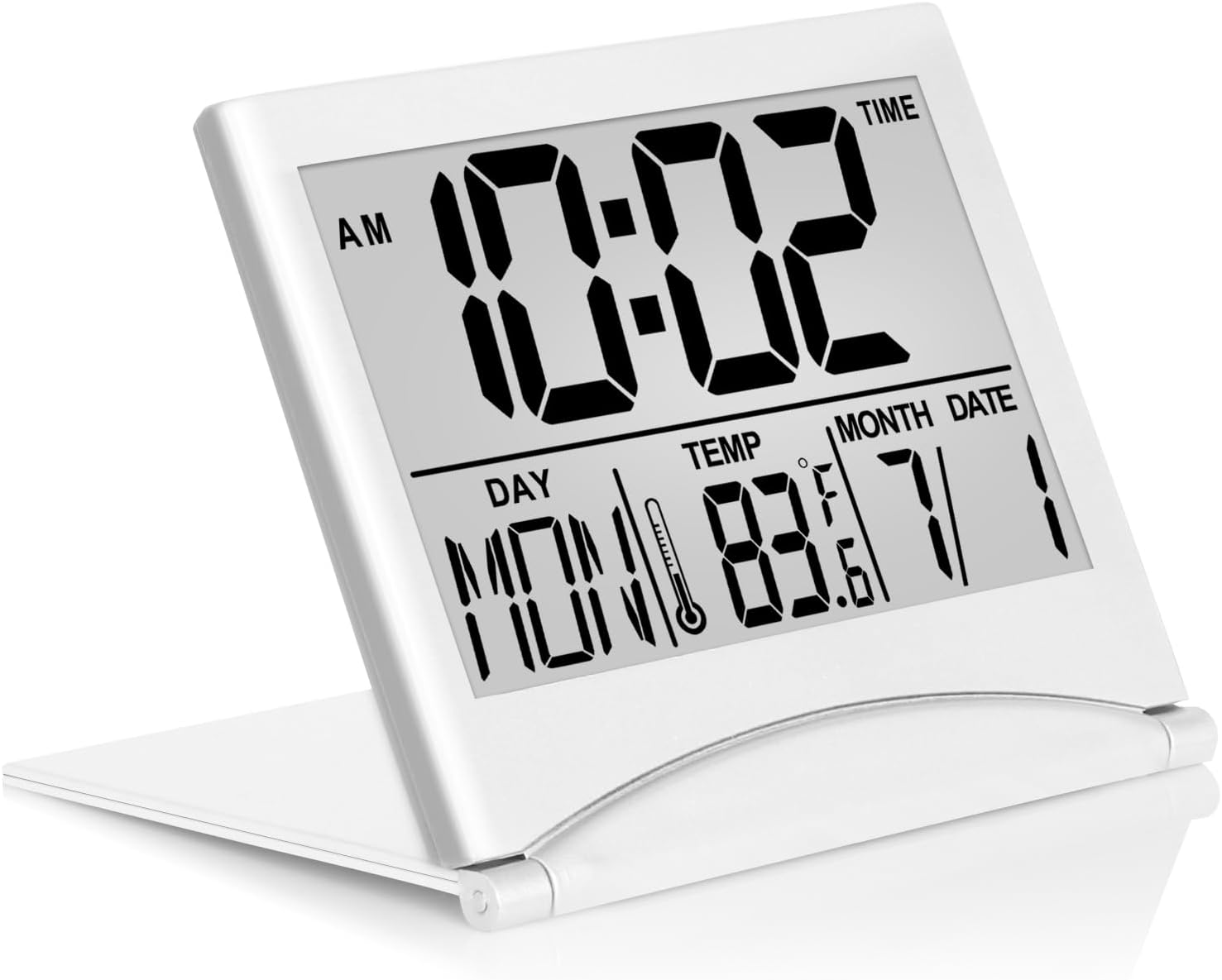
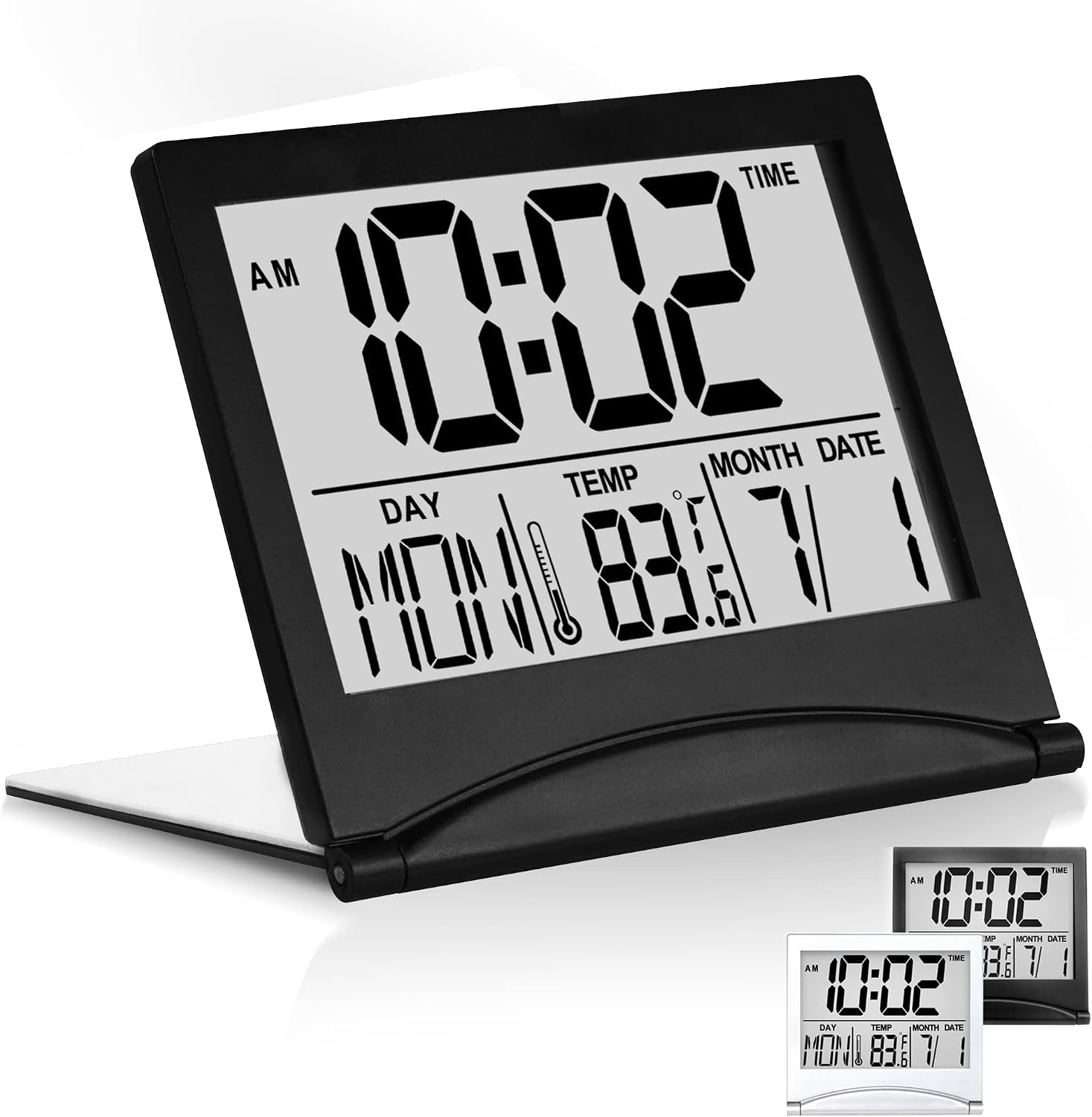
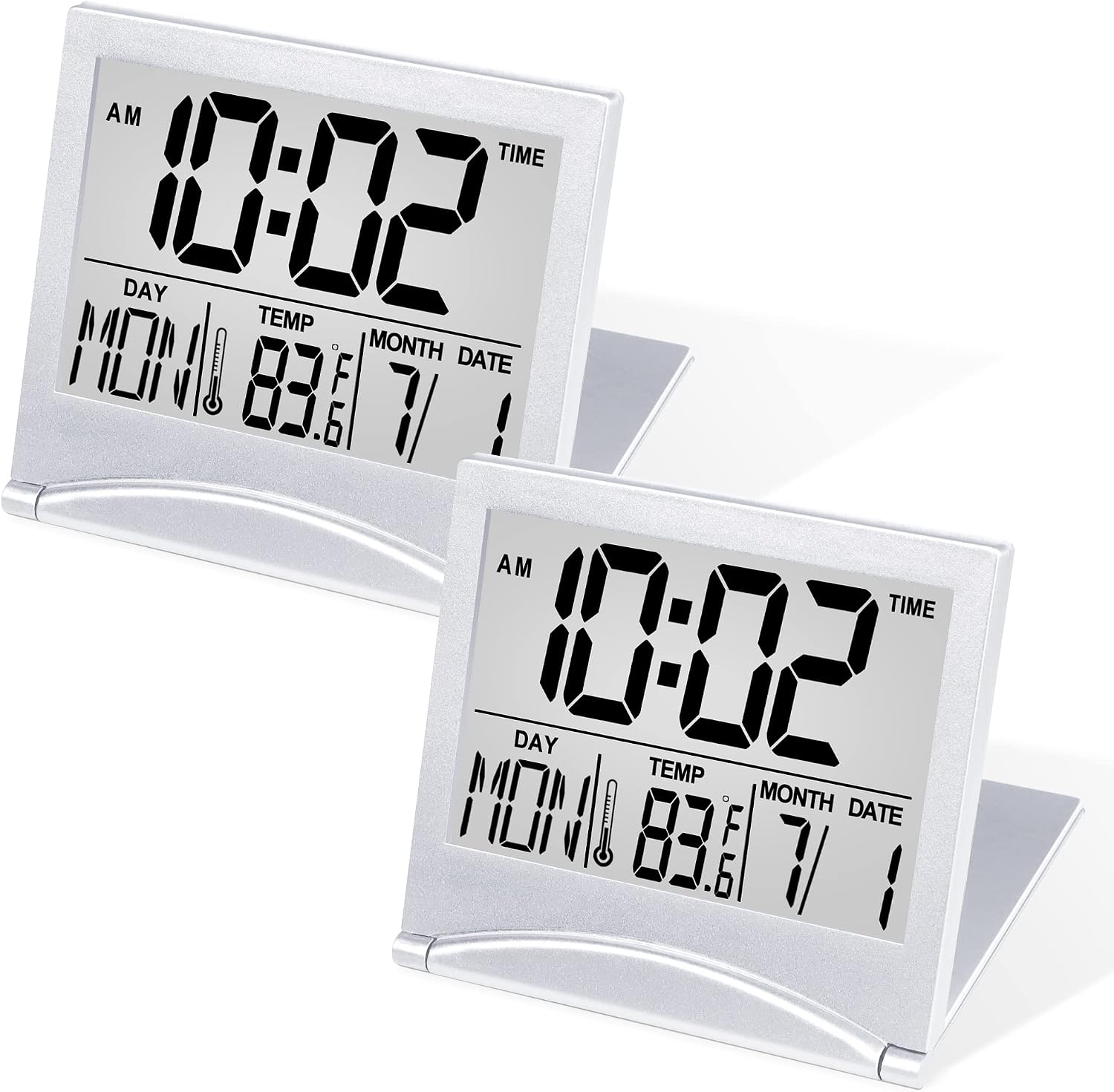










Free worldwide shipping
Free returns
Carbon neutral
Secure payments
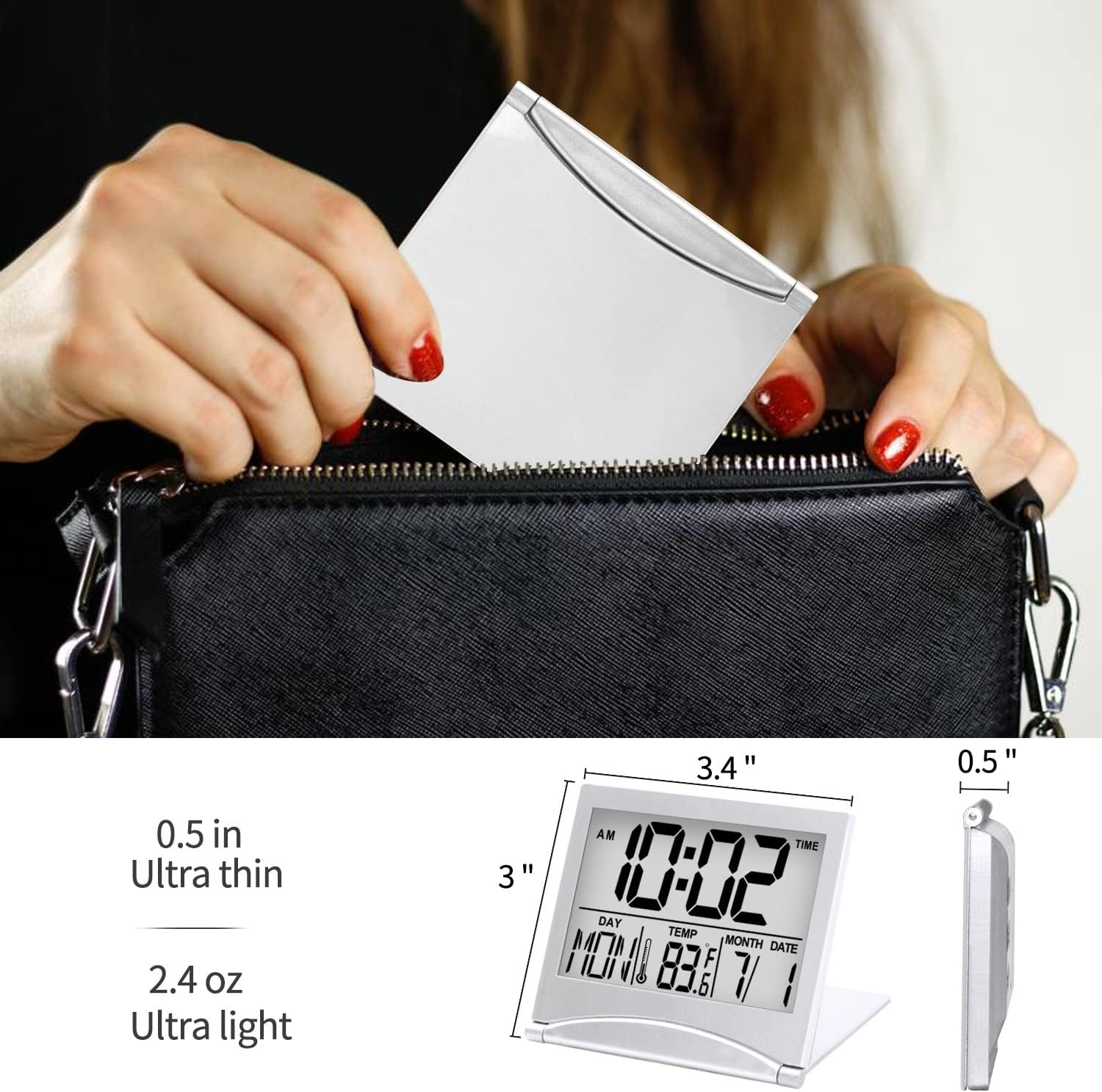
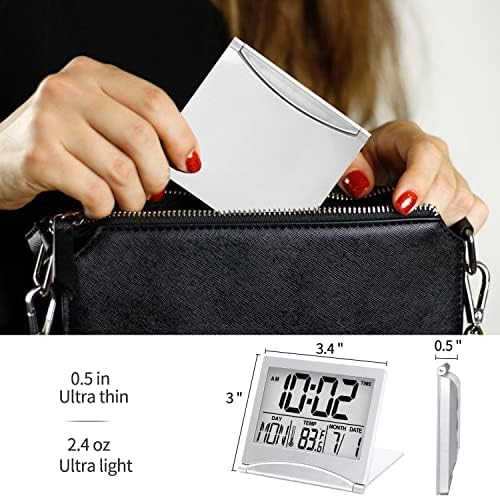
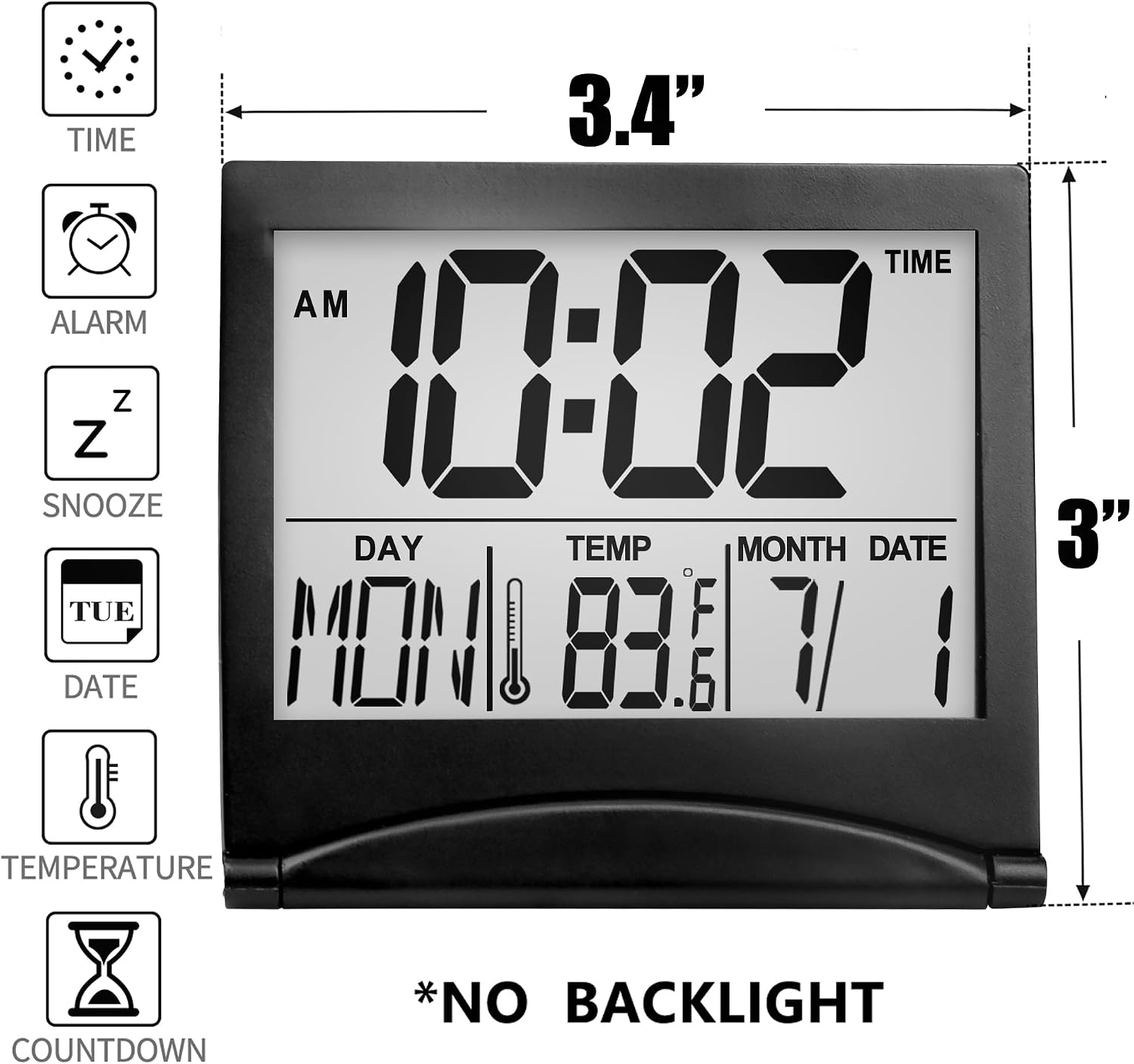
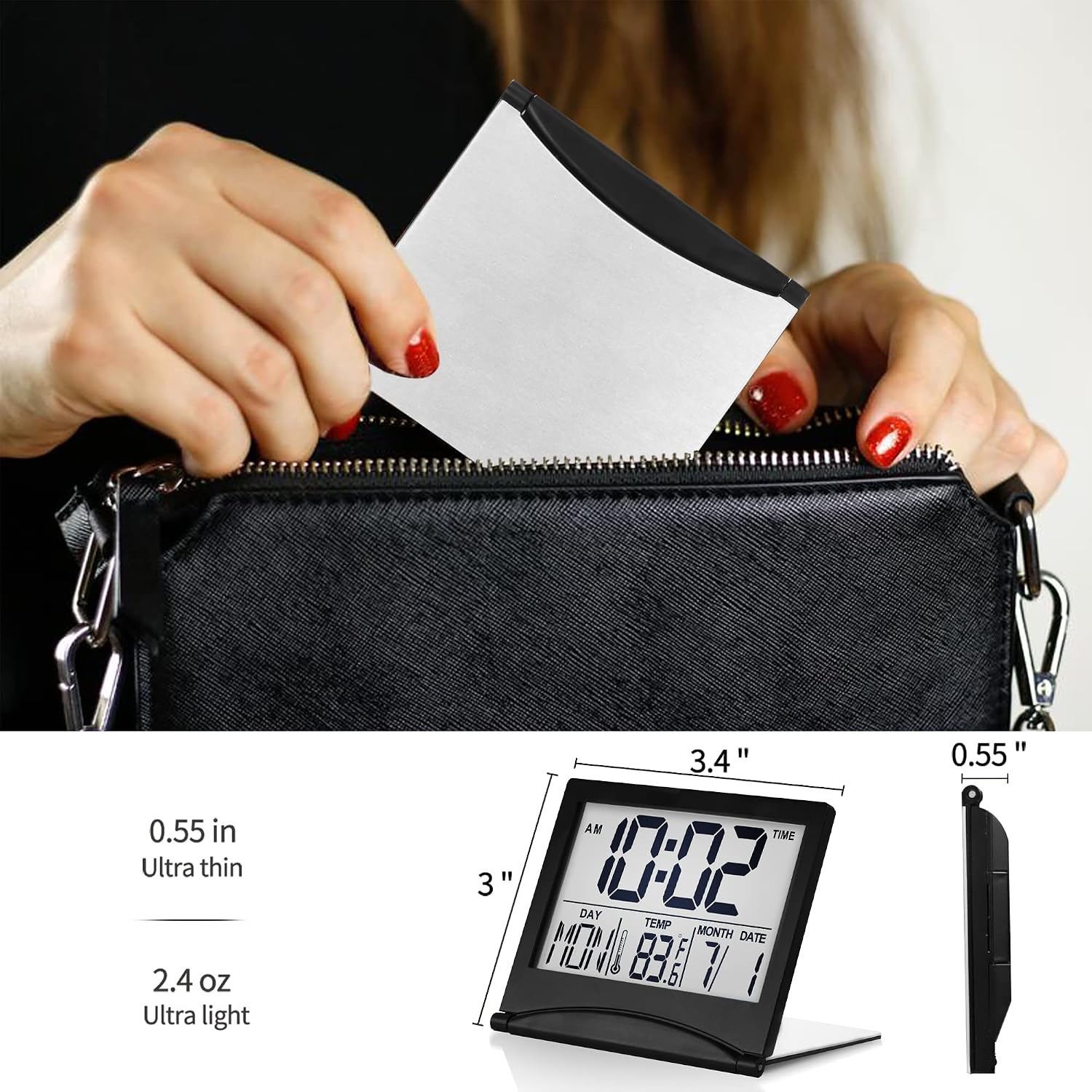
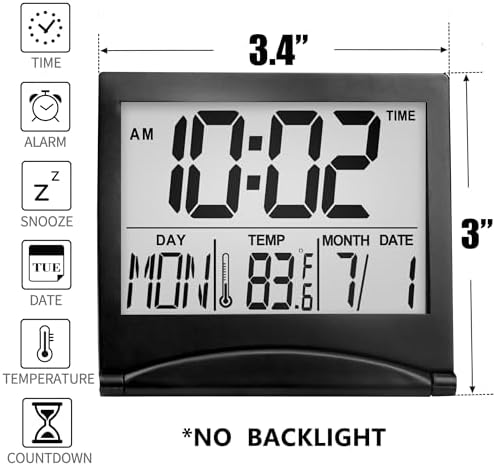
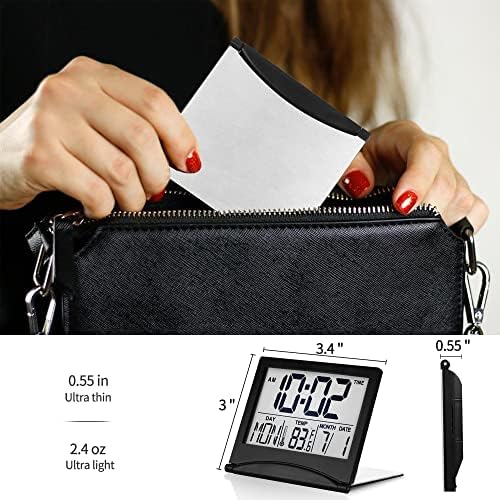
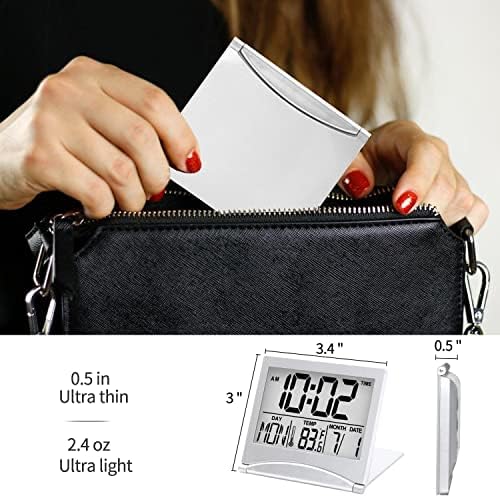
| Size | 3.4"W x 3"H |
|---|---|
| Color | Black Pack of 1 |
| Shape | Rectangular |
| Style | digital |
| Theme | Travel |
| Display | Digital |
| Room Type | Bedroom |
| Clock Form | Travel |
| Dial Color | Black |
| Item Shape | Rectangular |
| Style Name | digital |
| Unit Count | 1 Count |
| Alarm Clock | Yes |
| Item Weight | 2.5 ounces |
| Screen Size | 3.4 inches |
| Display Type | Digital |
| Manufacturer | Betus |
| Model Number | B.Clock.Fold.Black |
| Power Source | Battery Powered |
| Material Type | Rosewood |
| Mounting Type | Tabletop |
| Warranty Type | Limited |
| Frame Material | Rosewood |
| Operation Mode | Electrical |
| Watch Movement | Automatic |
| Number of Items | 1 |
| Special Feature | Alarm |
| Item Width Height | 3.4"W x 3"H |
| Power Source Type | Battery Powered |
| Additional Features | Alarm |
| Indoor Outdoor Usage | Indoor |
| Item Dimensions W x H | 3.4"W x 3"H |
| Manufacturer Part Number | B.Clock.Fold.Black |
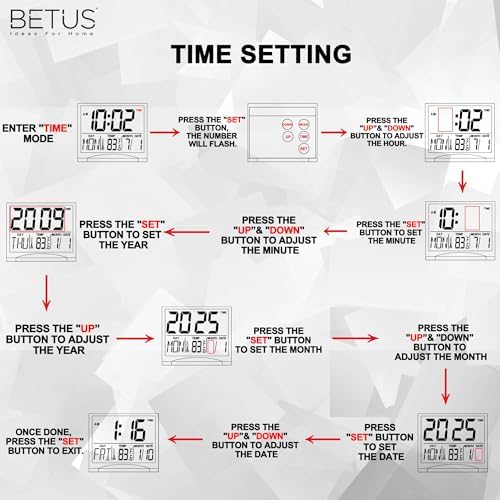
How to set the year?
Hello,
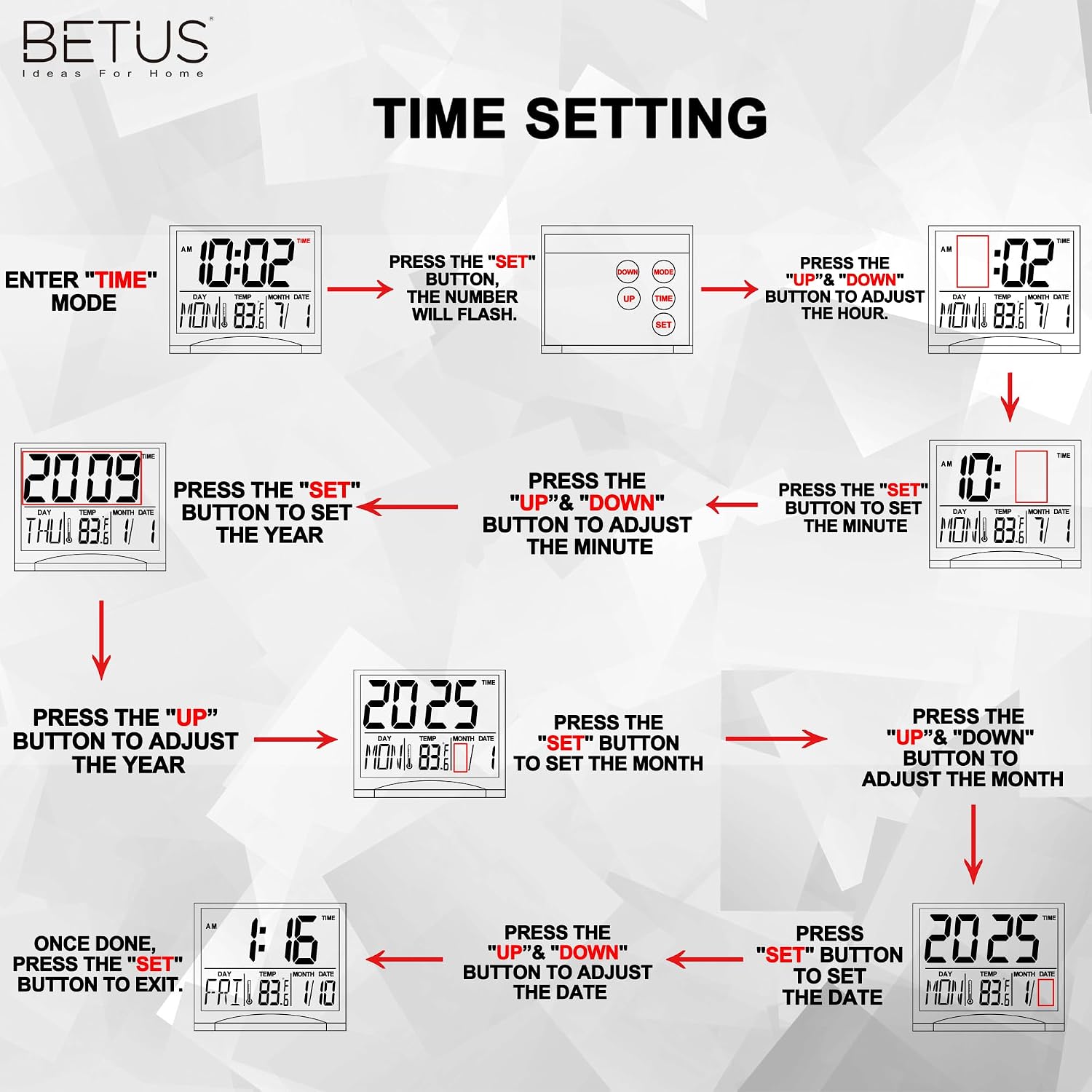
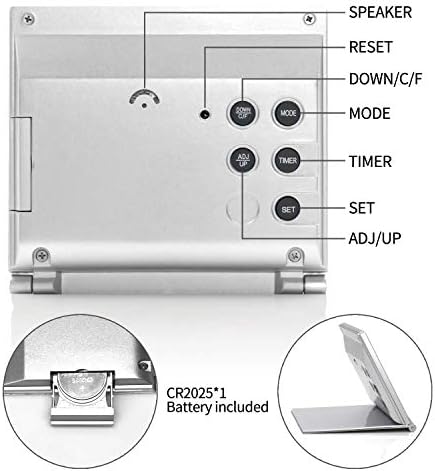
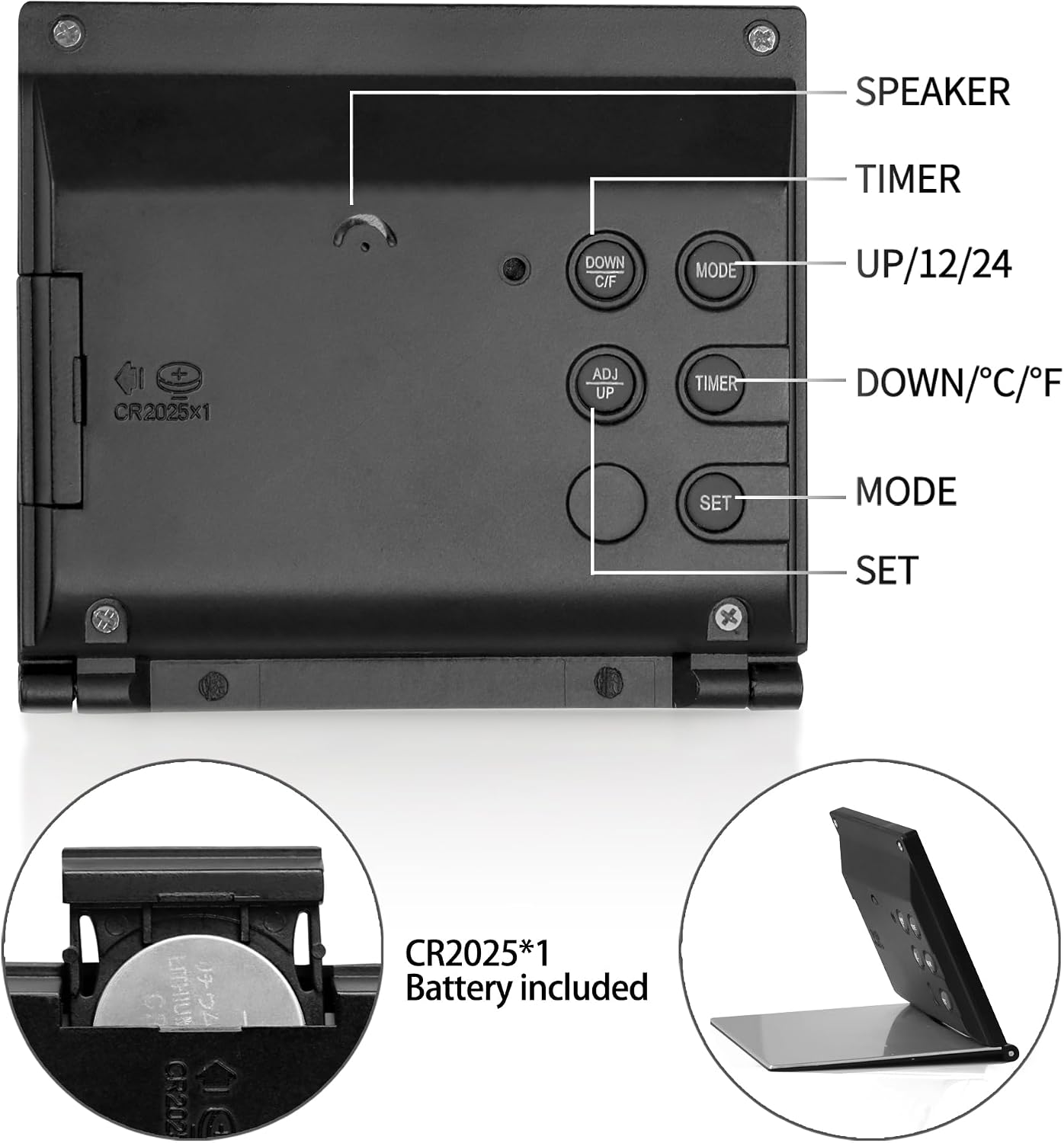
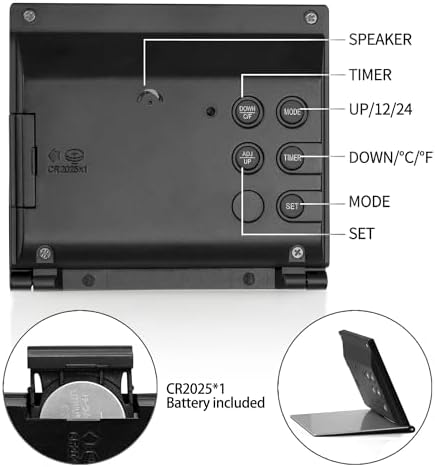
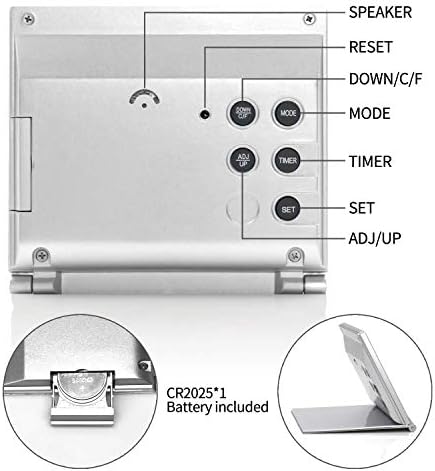
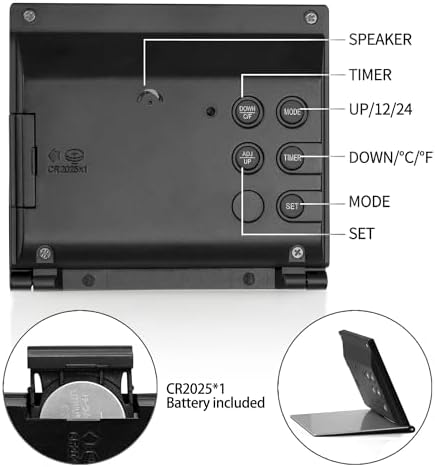
In TIME mode, press the "SET" button three times, then press "UP" to select the correct year. Press the "SET" and "UP" with the same steps to select correct Month and Date. Once done, hit the "SET" button, the day will change correctly.
How to turn off the alarm?
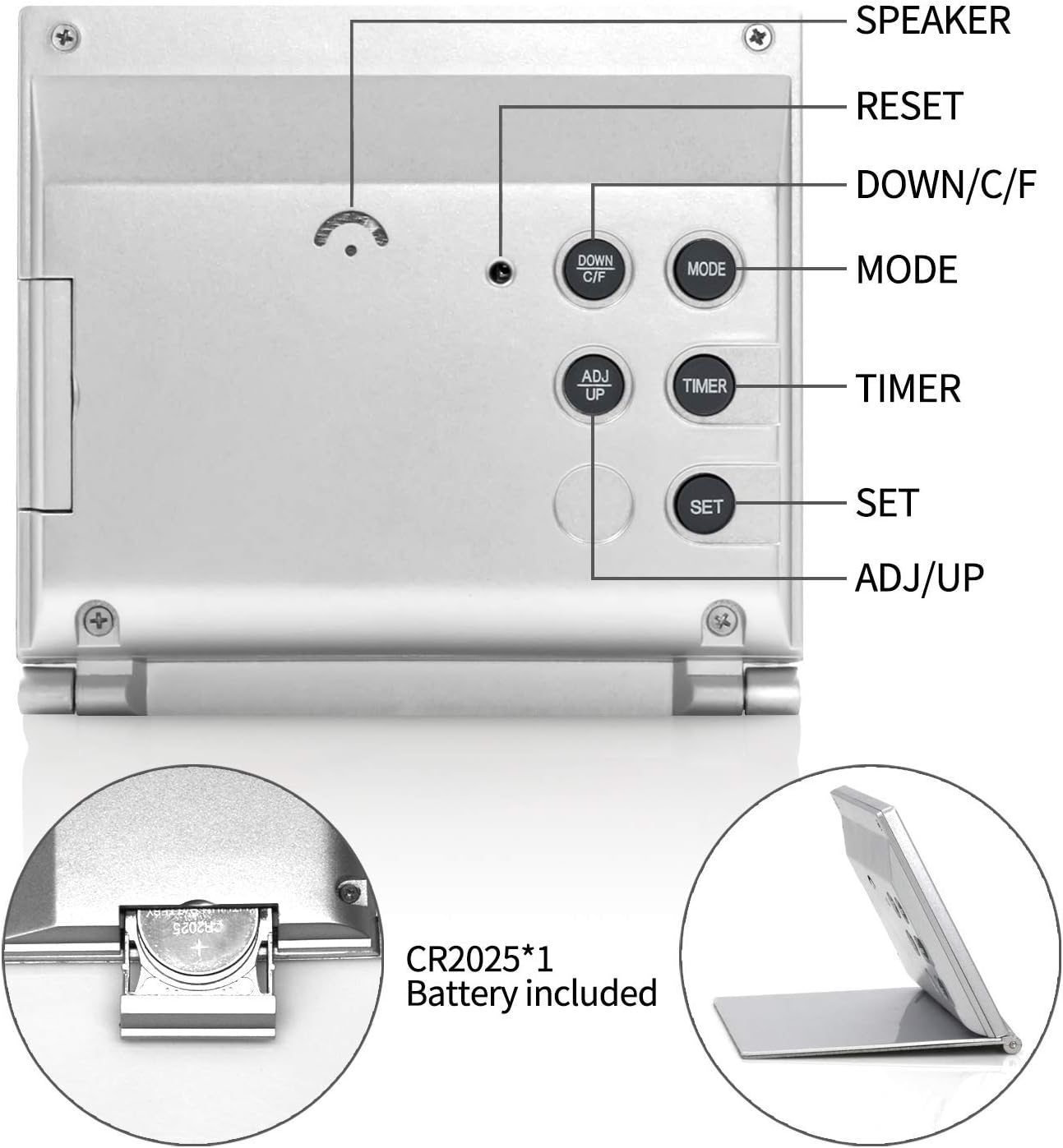
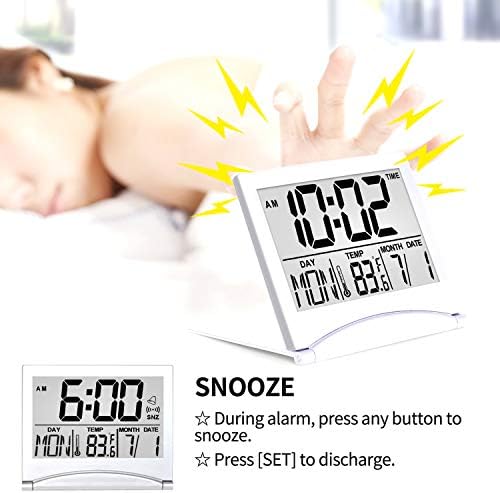
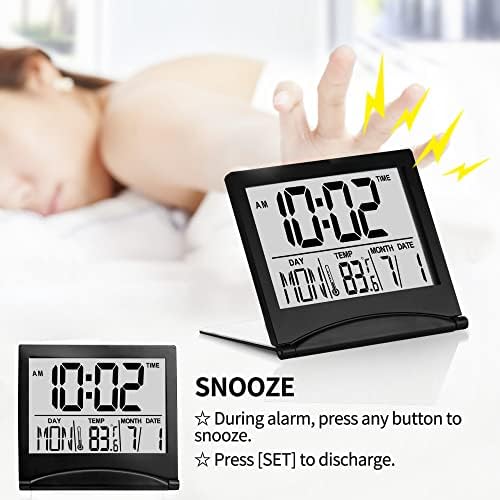
Press MODE to enter into ALARM setting mode(a bell icon). press UP to turn on/off the alarm(sound icon display) and snz(SNZ display). Press MODE to back TIME mode. If there is only a TIME icon and no sound icon display, this means alarm is turn off.
How to mute the clock?
Hello,
This clock has no sound adjustment function, the sound cannot be turned up or down, and cannot be muted.
I don't understand this clock and how to set it?
Hello,
We have uploaded 4 videos to help you use it easily. We stand behind our products, if you have any product-related questions, please let us know :)
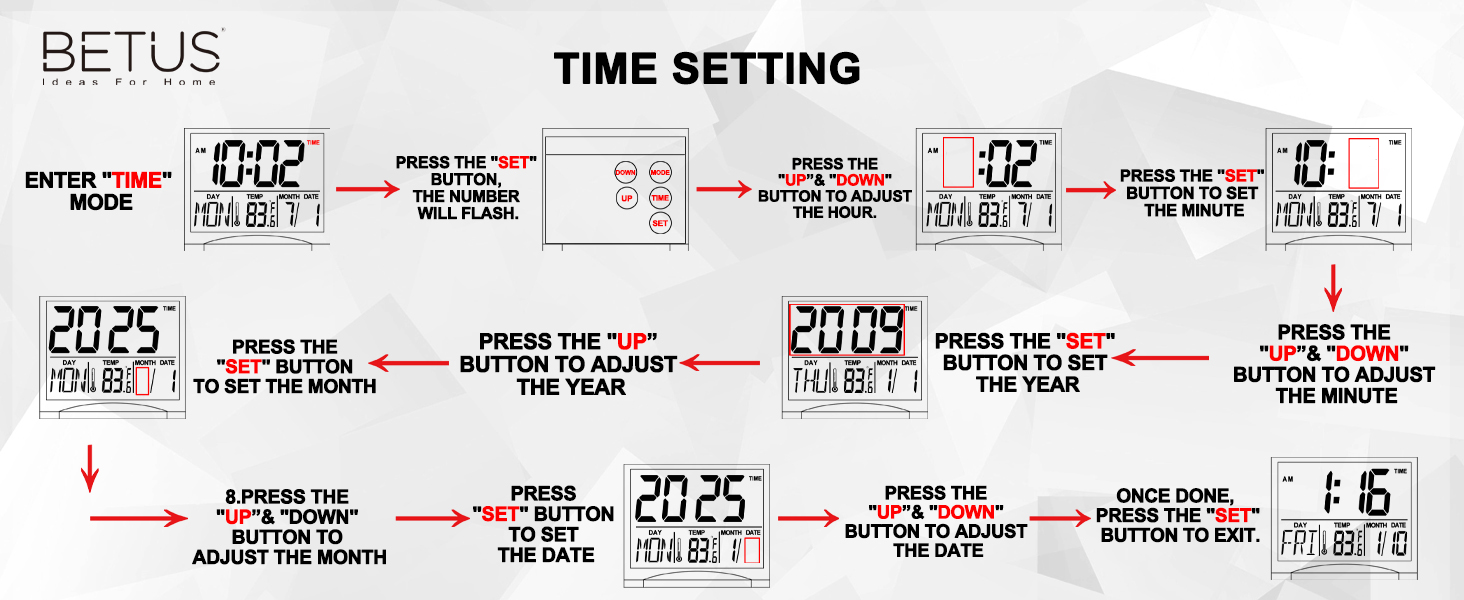
Our tutorial videos are going to show you step-by-step how to set the Betus travel alarm clock, please watch our videos on the detail page.
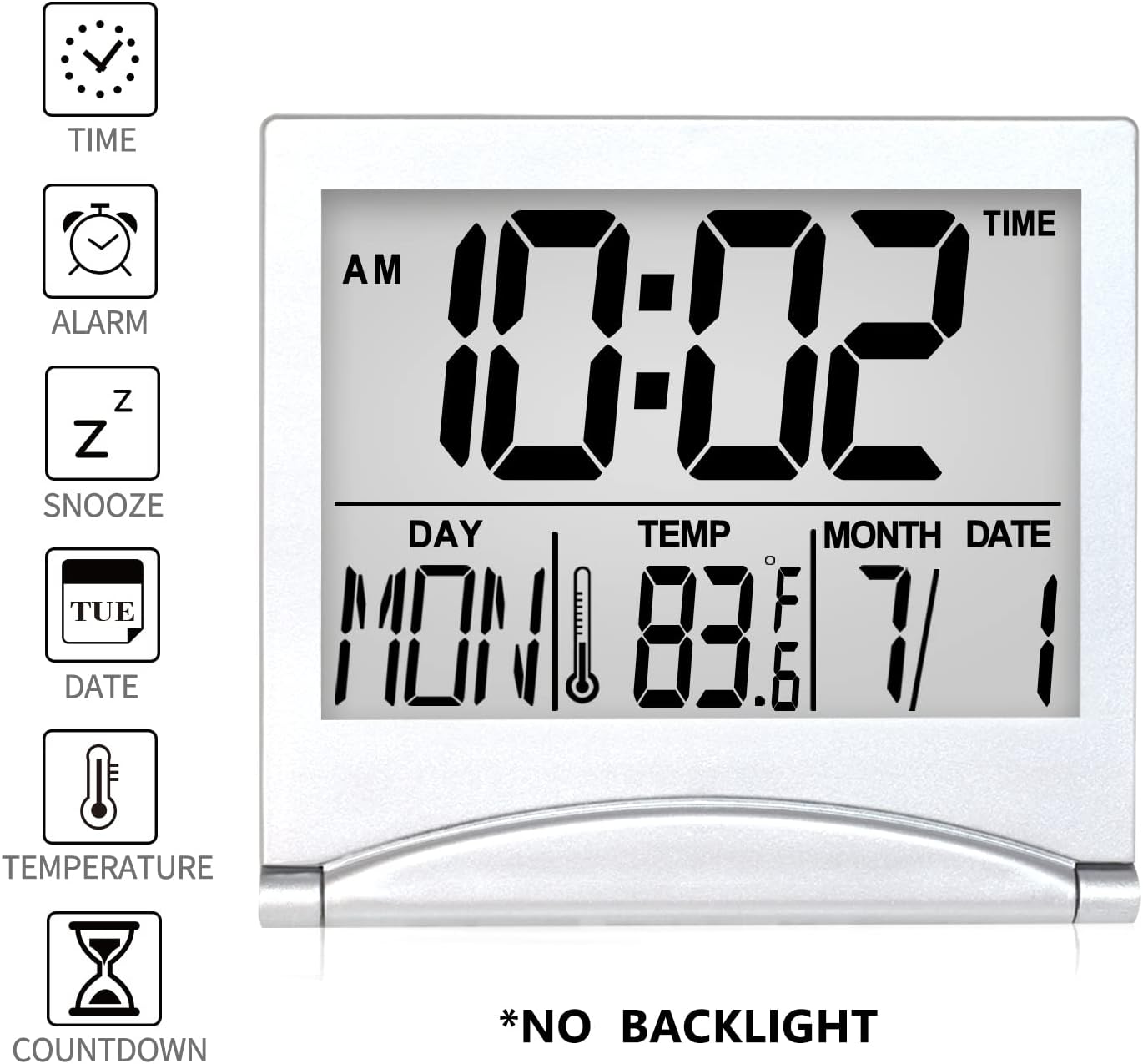
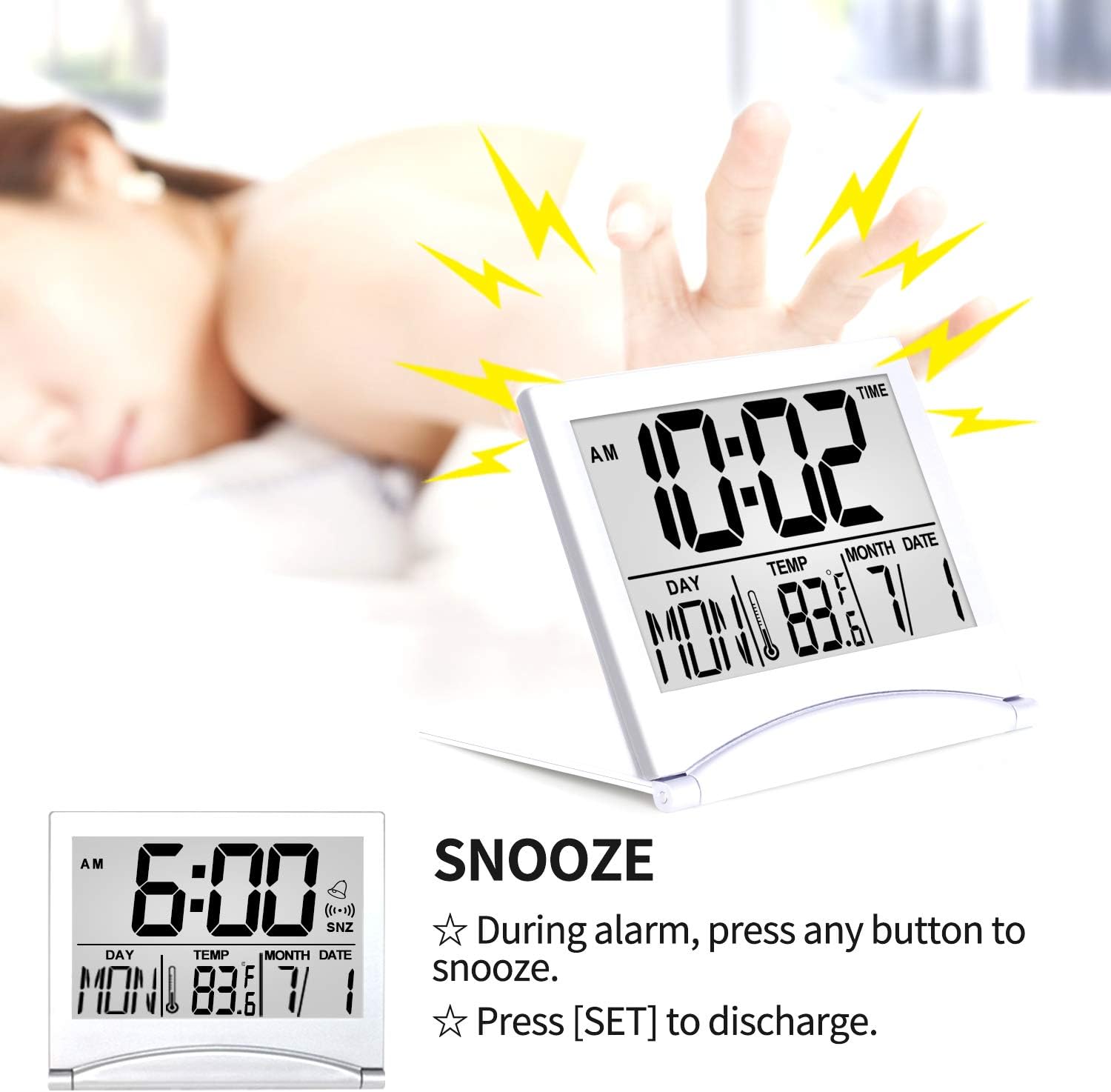
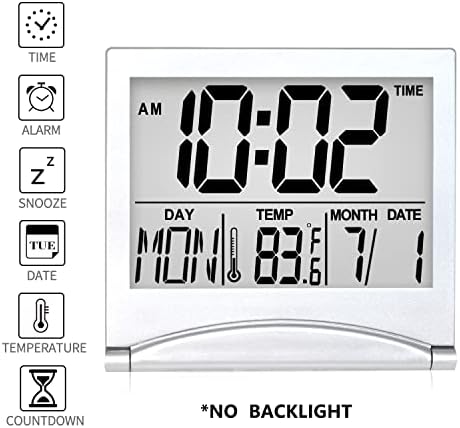
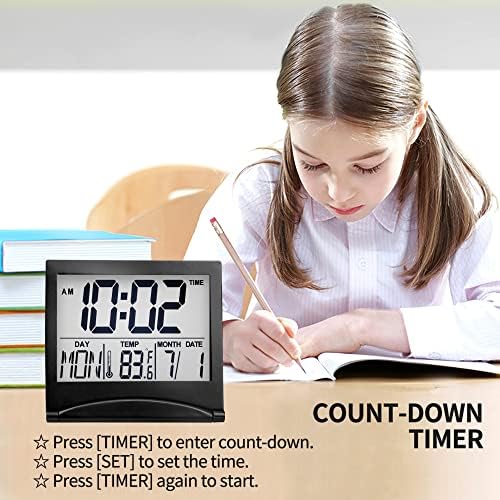
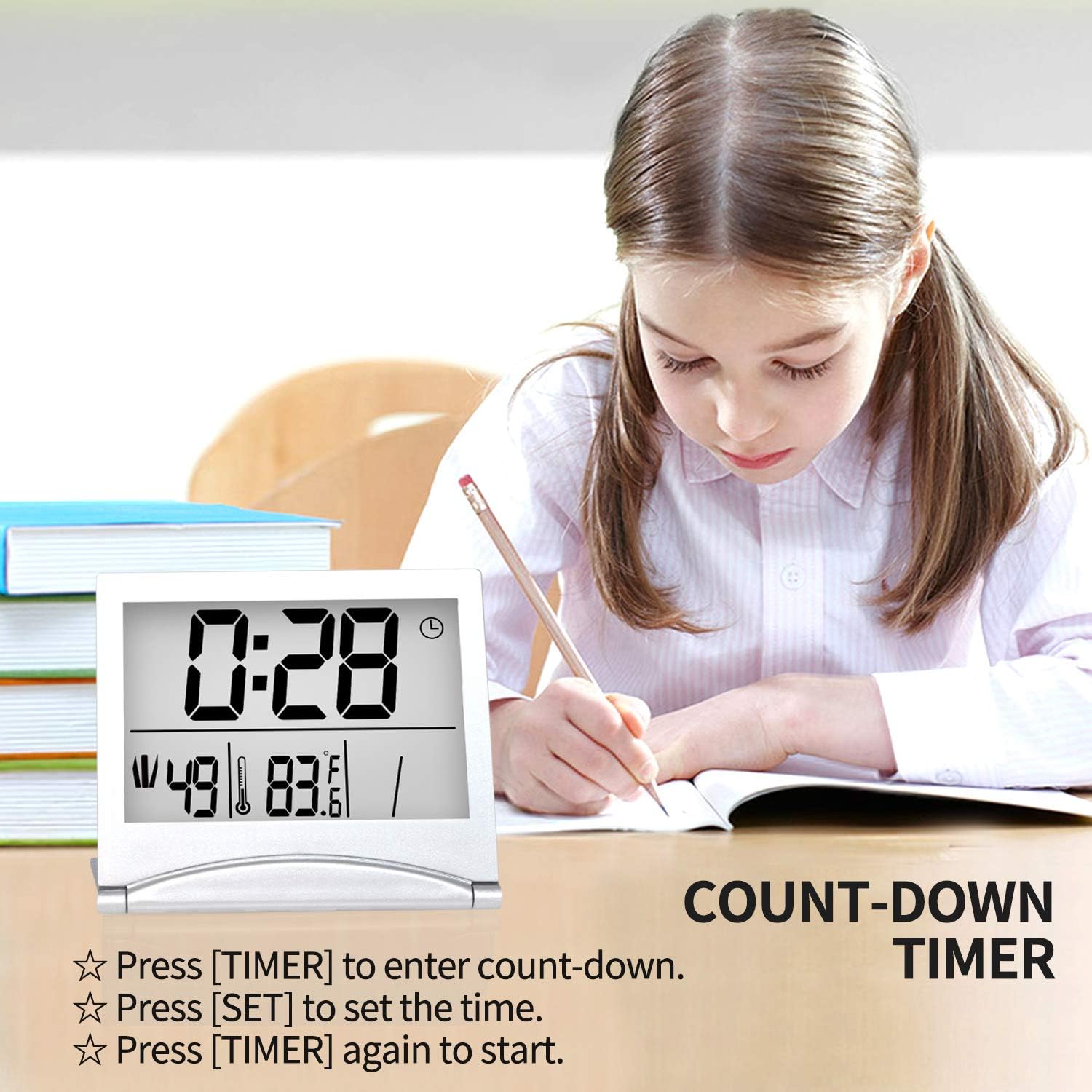
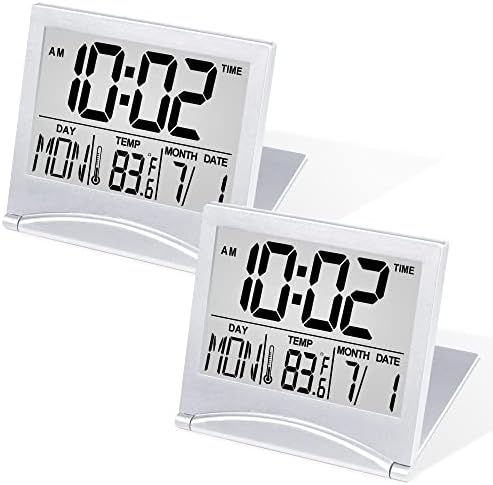
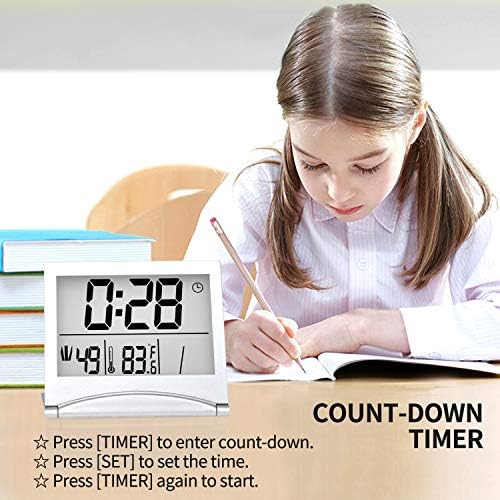
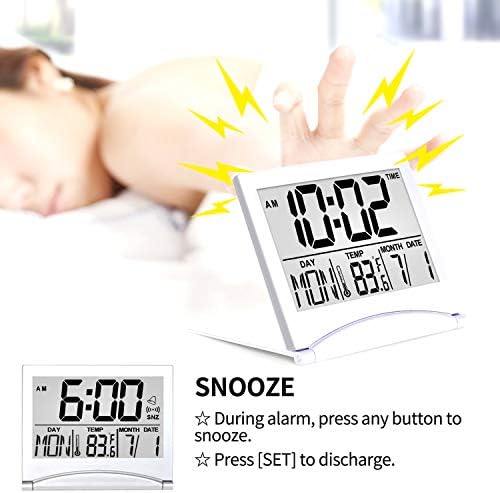
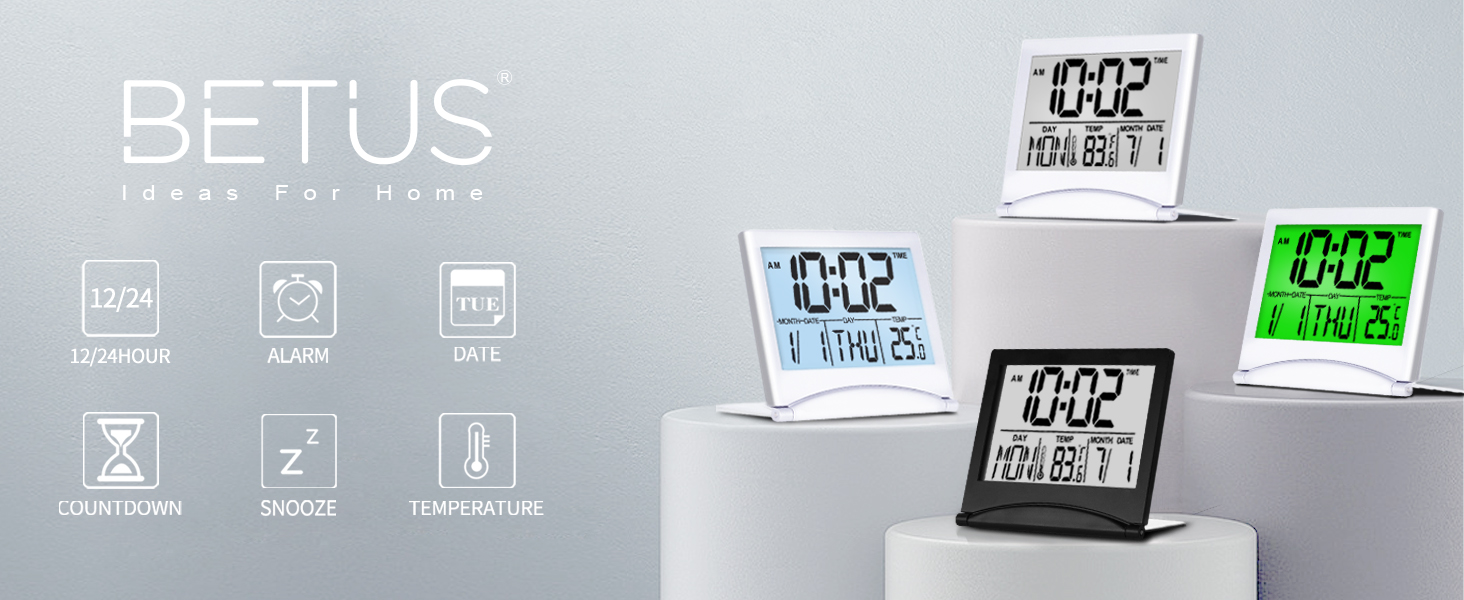
Note: The main features of this travel clock are the clear-LCD-screen, date, temperature, timer instead of alarm, so please note that the sound of the alarm is NOT very loud. It will be perfect for those who like gentle ringing.
loading
