



























Free worldwide shipping
Free returns
Carbon neutral
Secure payments
| UPC | 810056040857 |
|---|---|
| Color | Blue |
| RAM Type | DDR4 SDRAM |
| Cpu Model | Celeron |
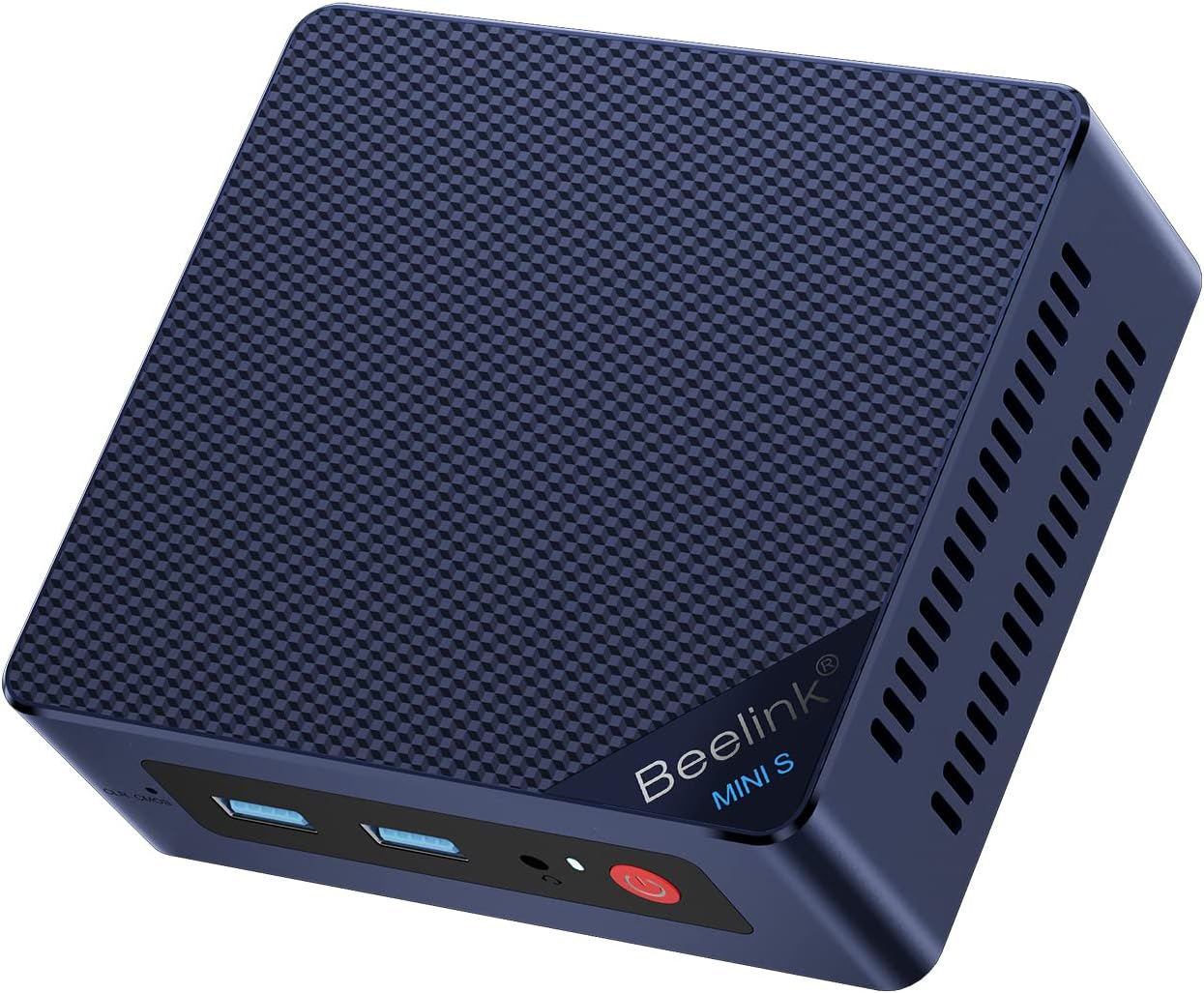
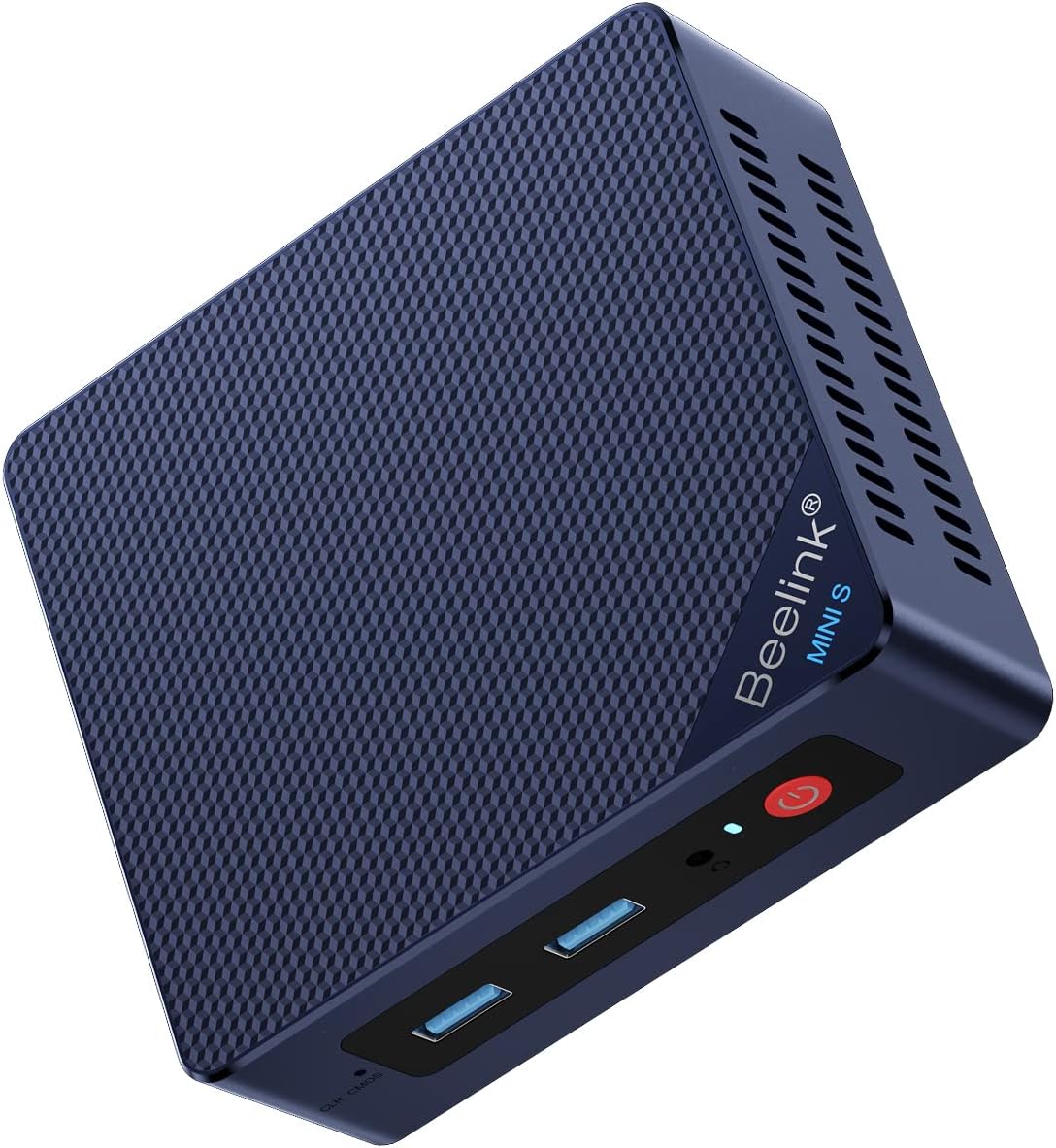
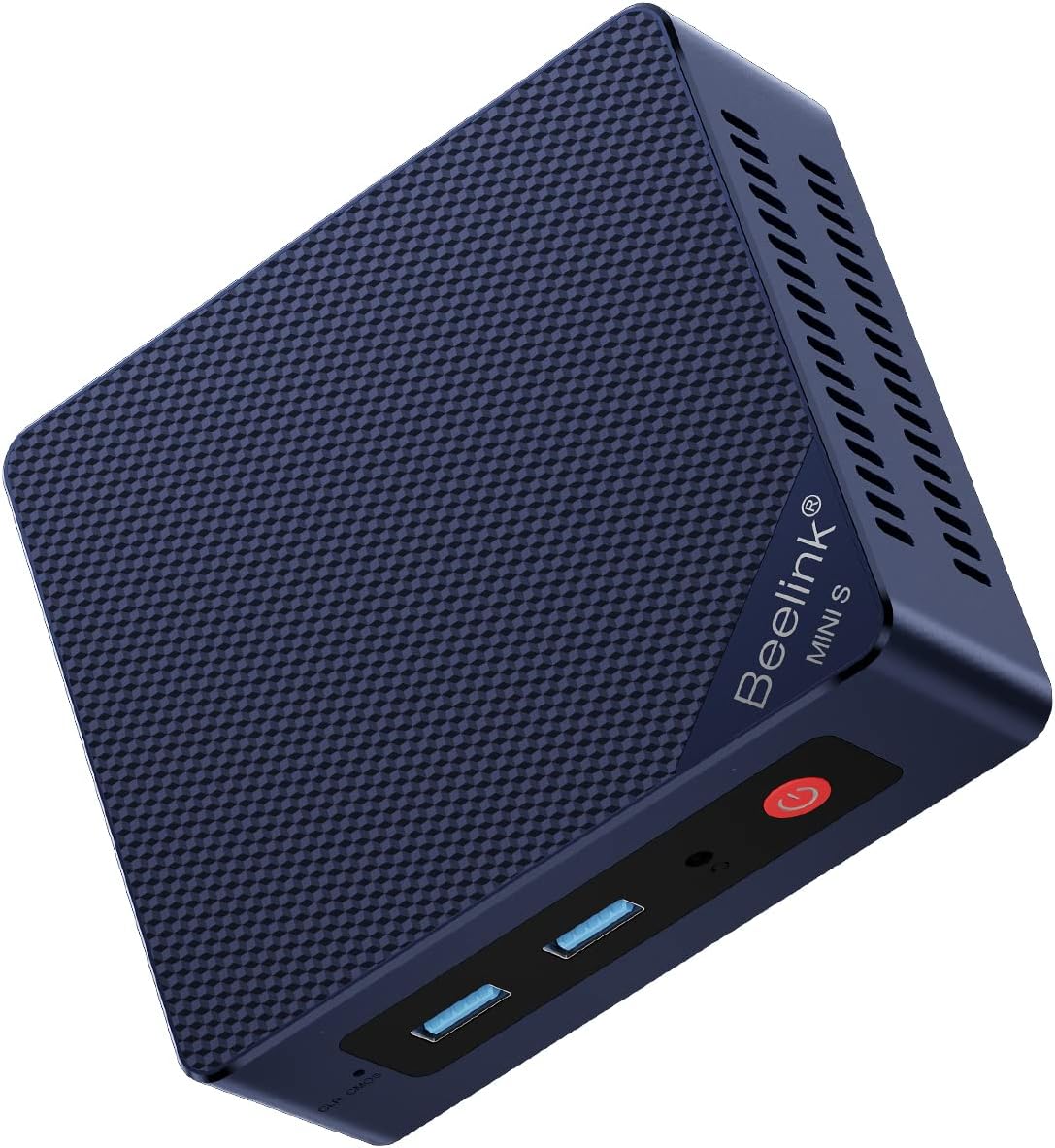
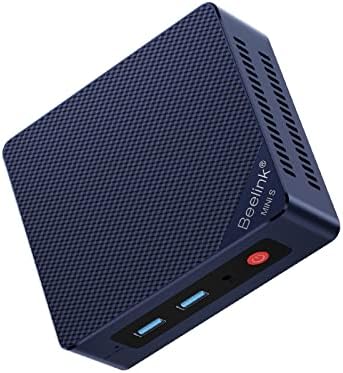
| Model Name | Beelink MINI S |
| Model Year | 2026 |
| Ram Memory | 8 GB |
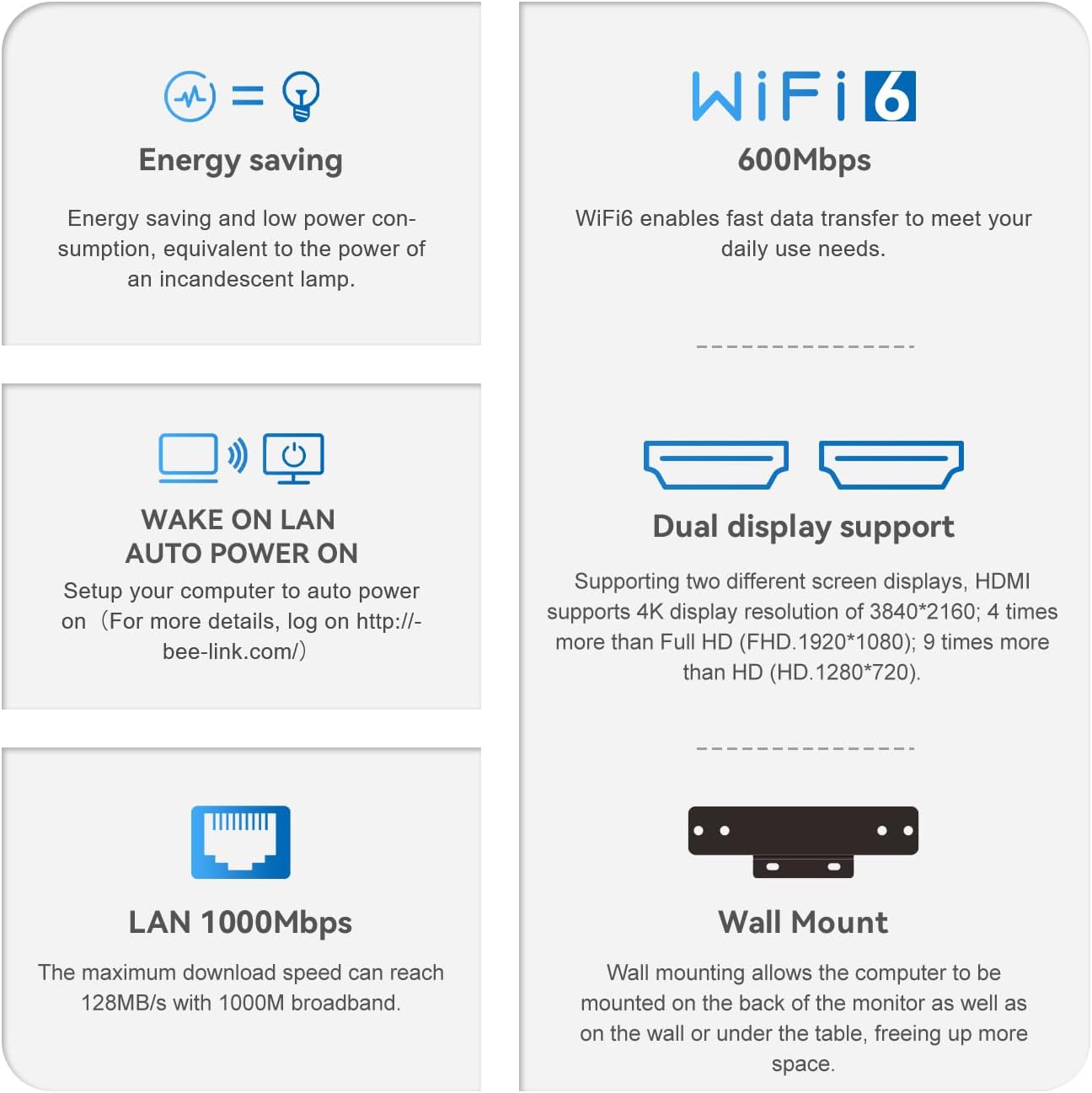
| Resolution | 3840x2160 Pixels |
| Style Name | Industrial |
| Aspect Ratio | 16:9 |
| Display Type | 4K UHD |
| Manufacturer | Shenzhen AZW Technology Co.,Ltd. |
| Model Number | mini pc sei8 |
| Video Output | HDMI |
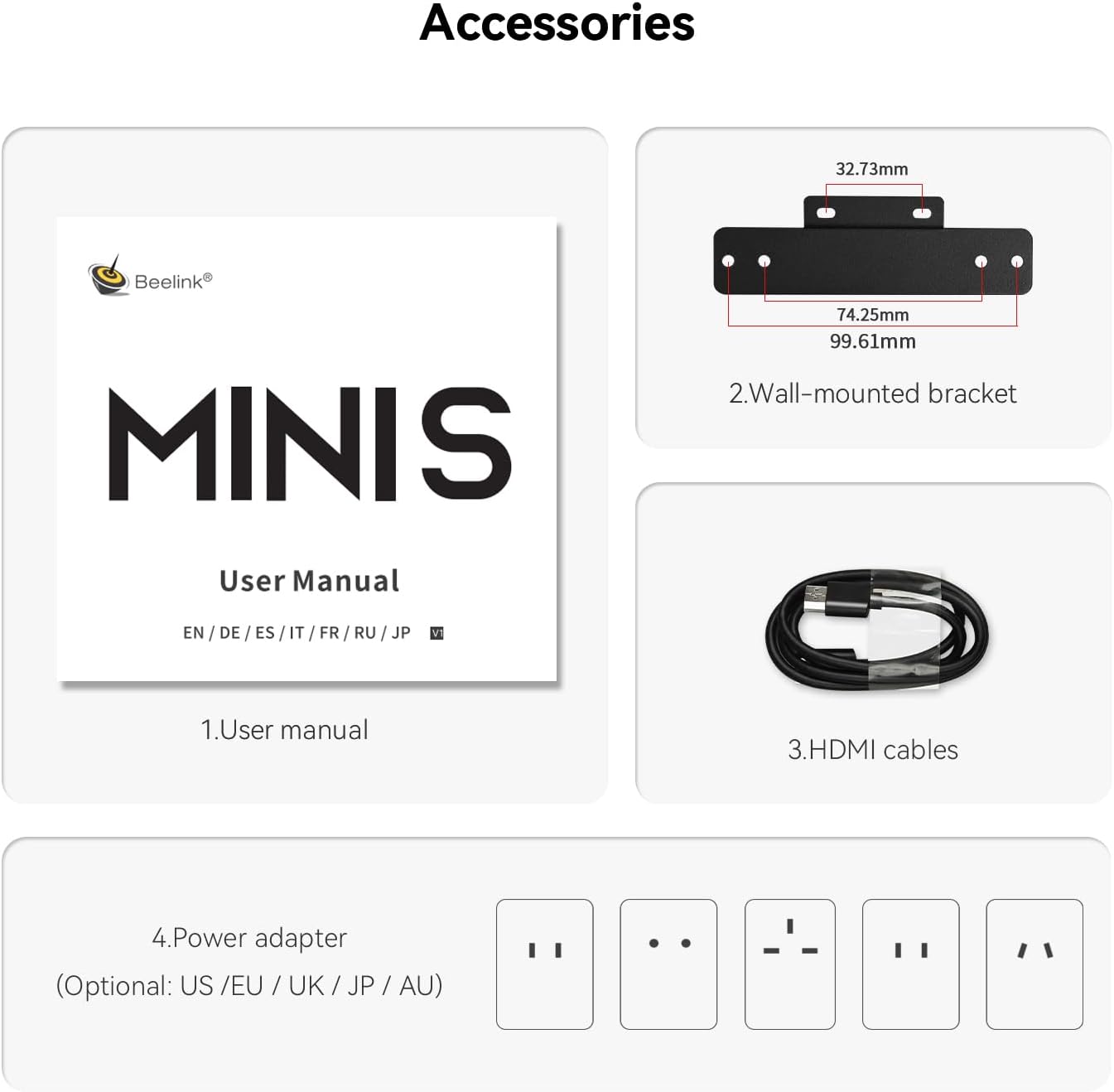
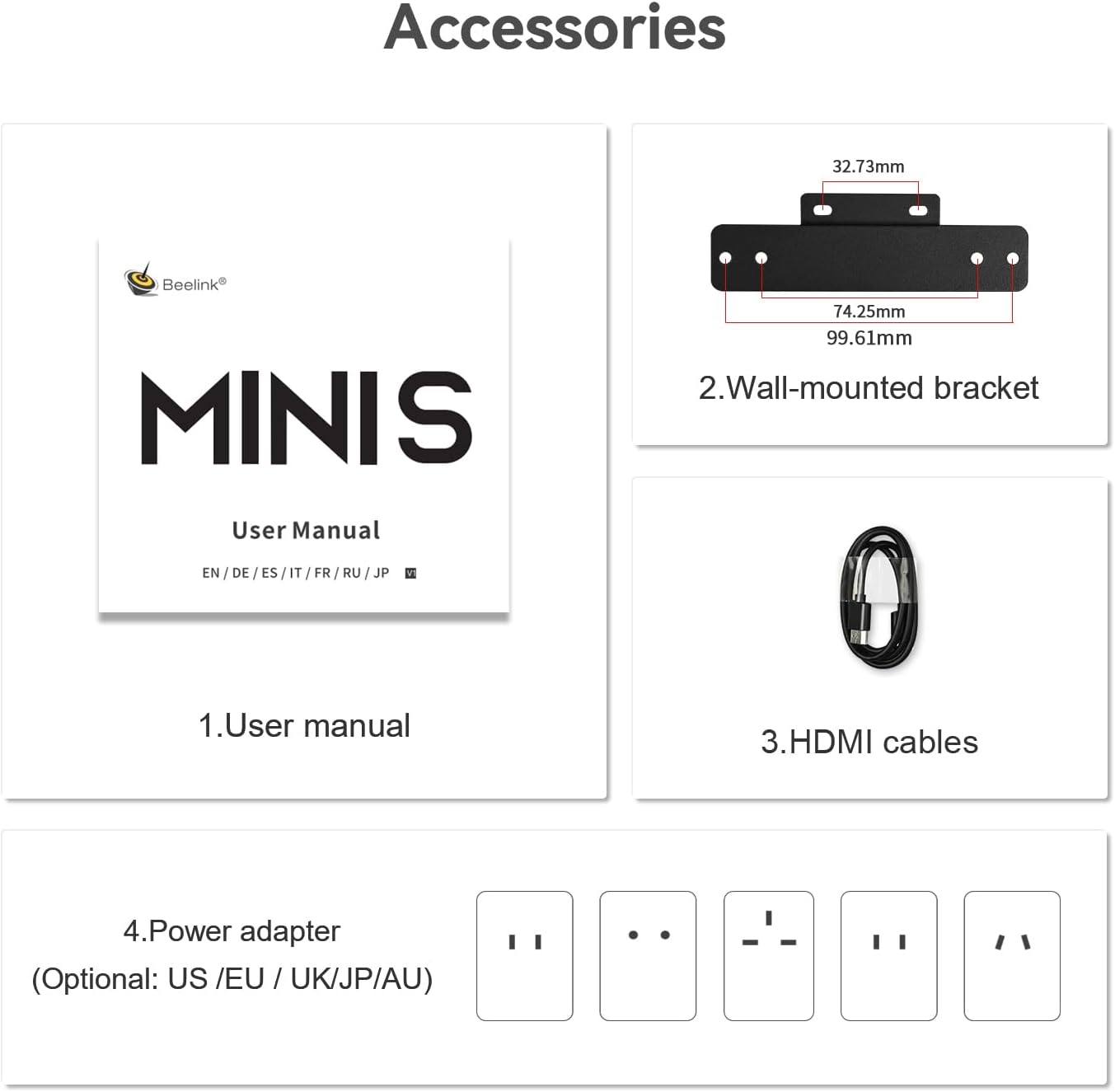
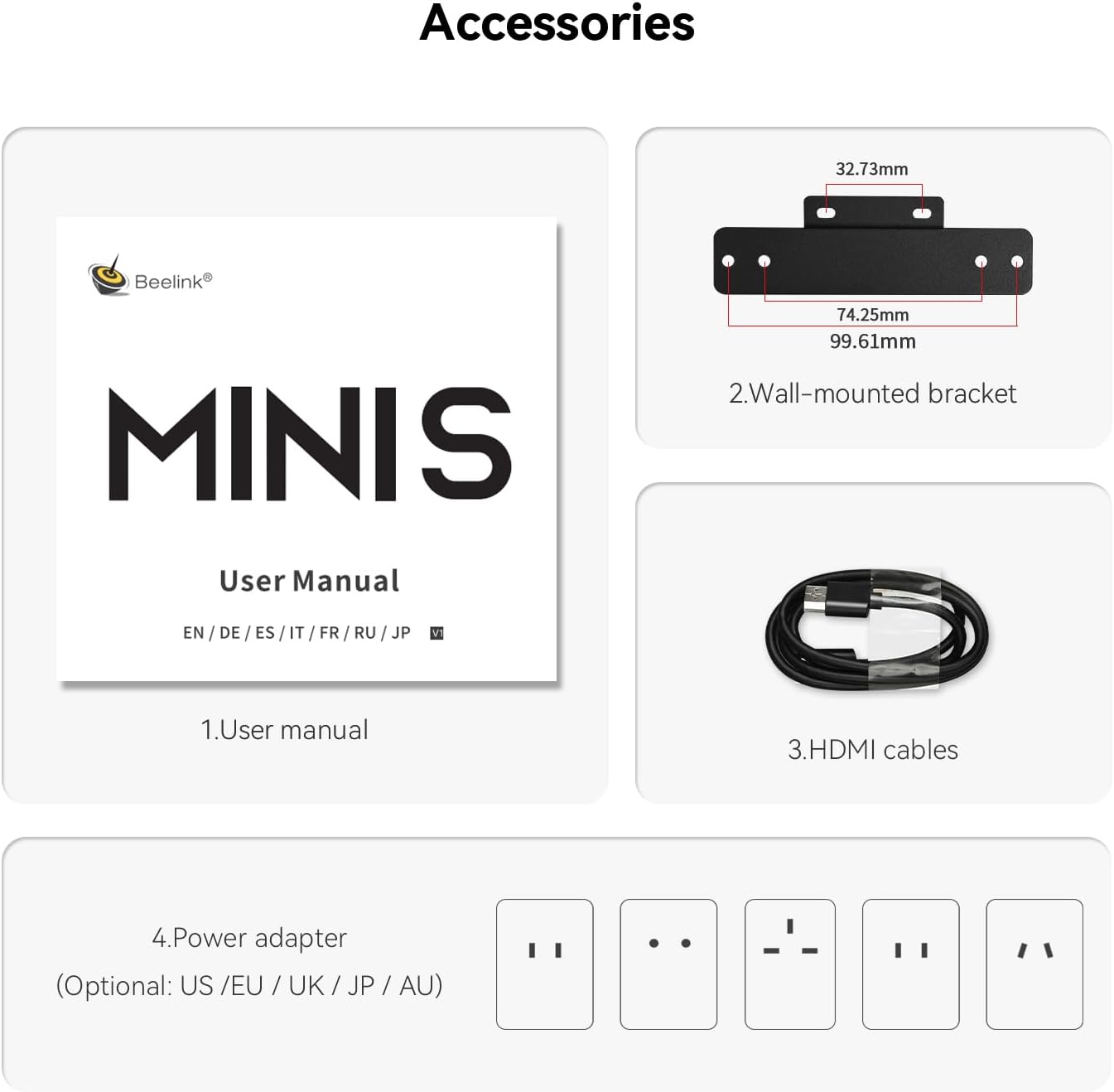
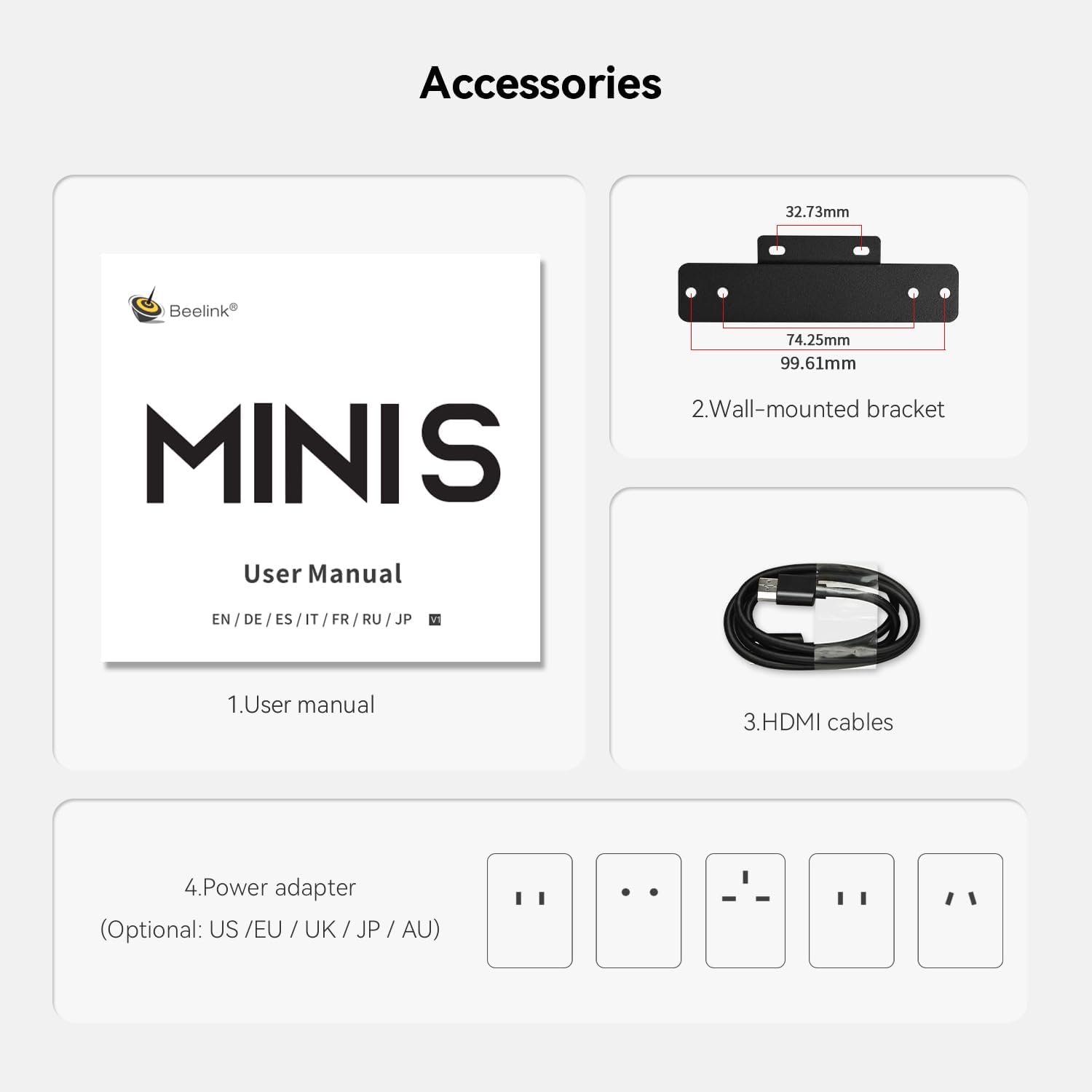
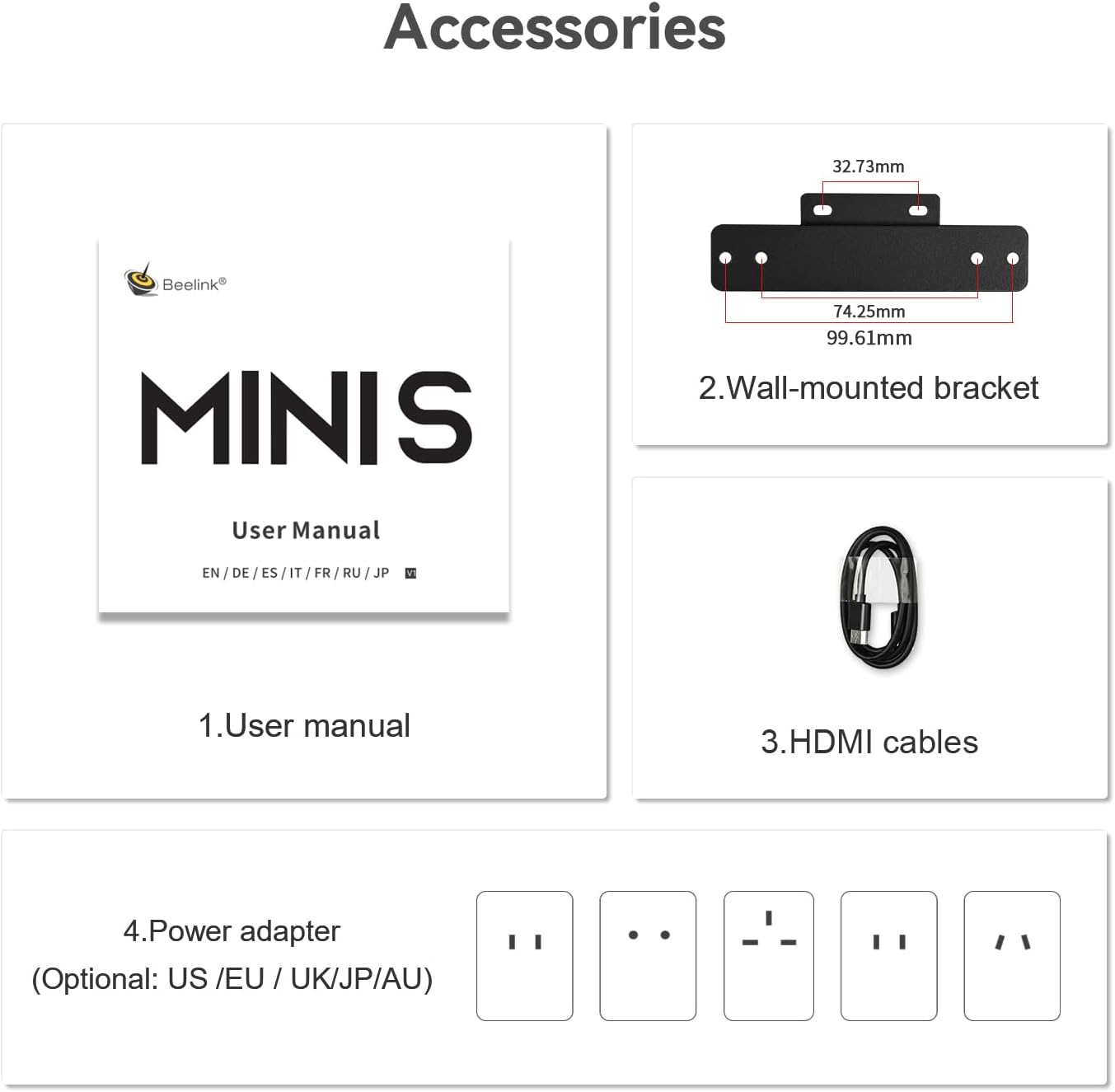
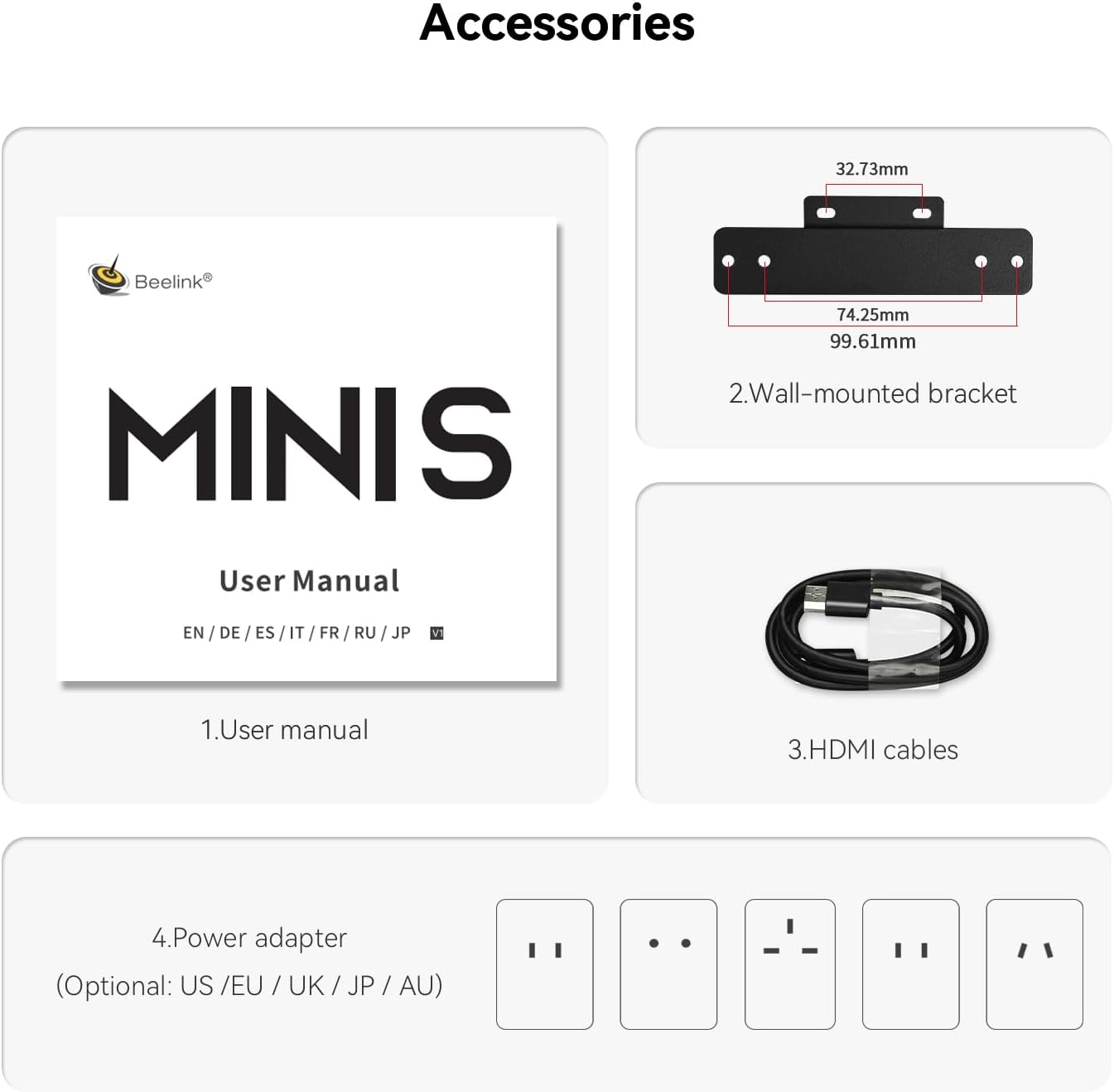
| Built-In Media | 1 x HDMI Cable, 1 x Mini PC, 1 x Power Adapter, 1 x User Manual |
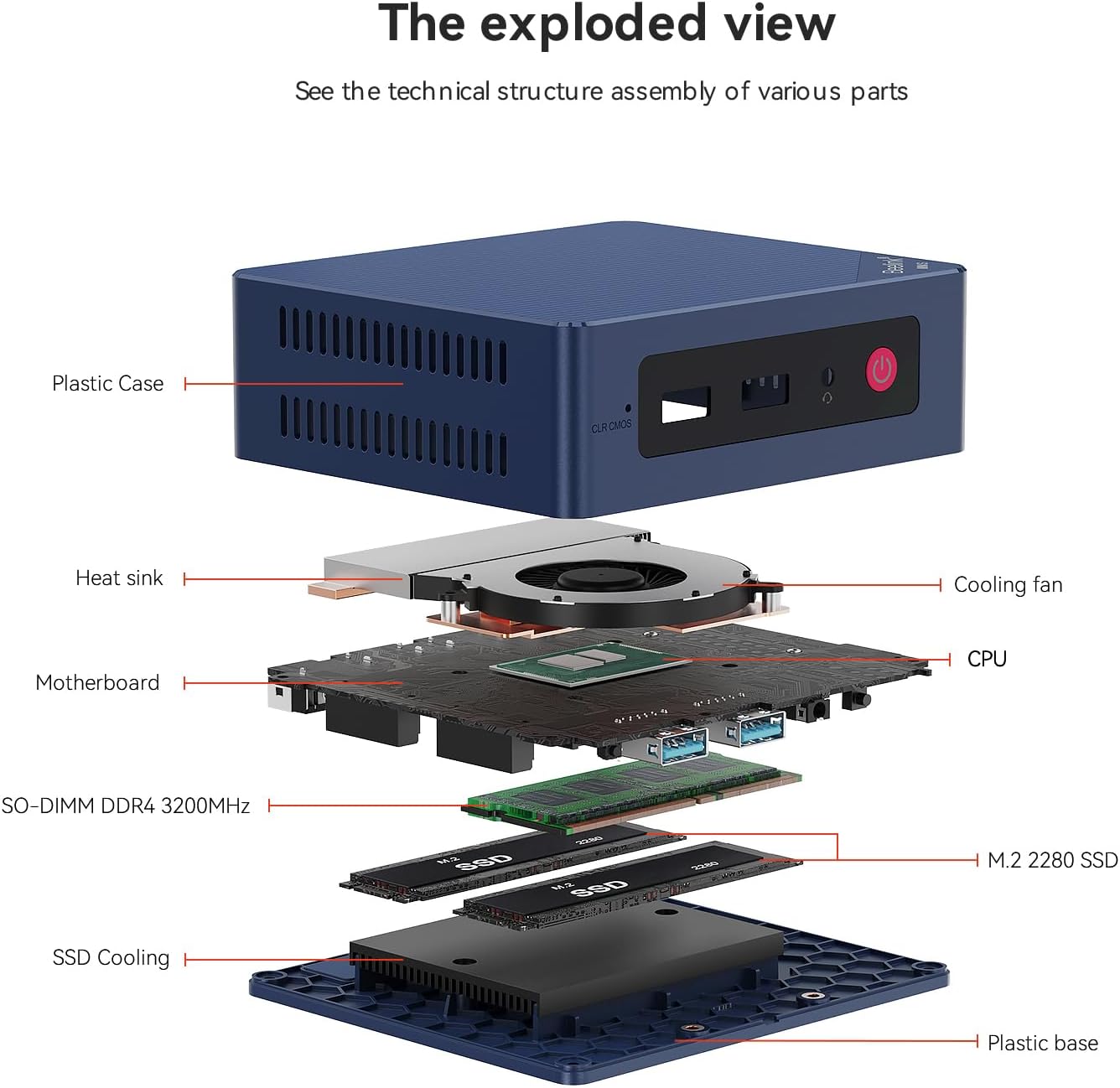
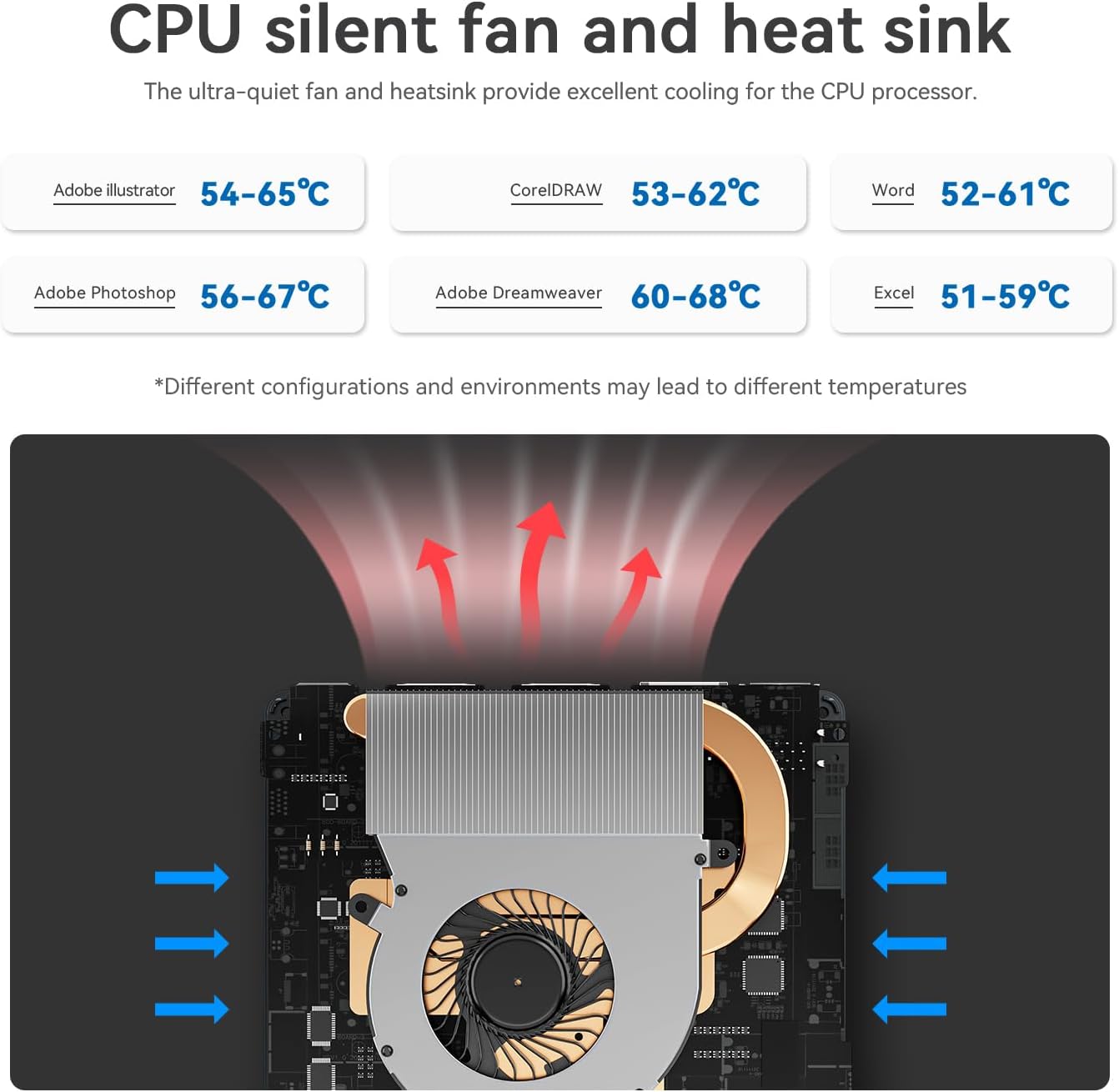
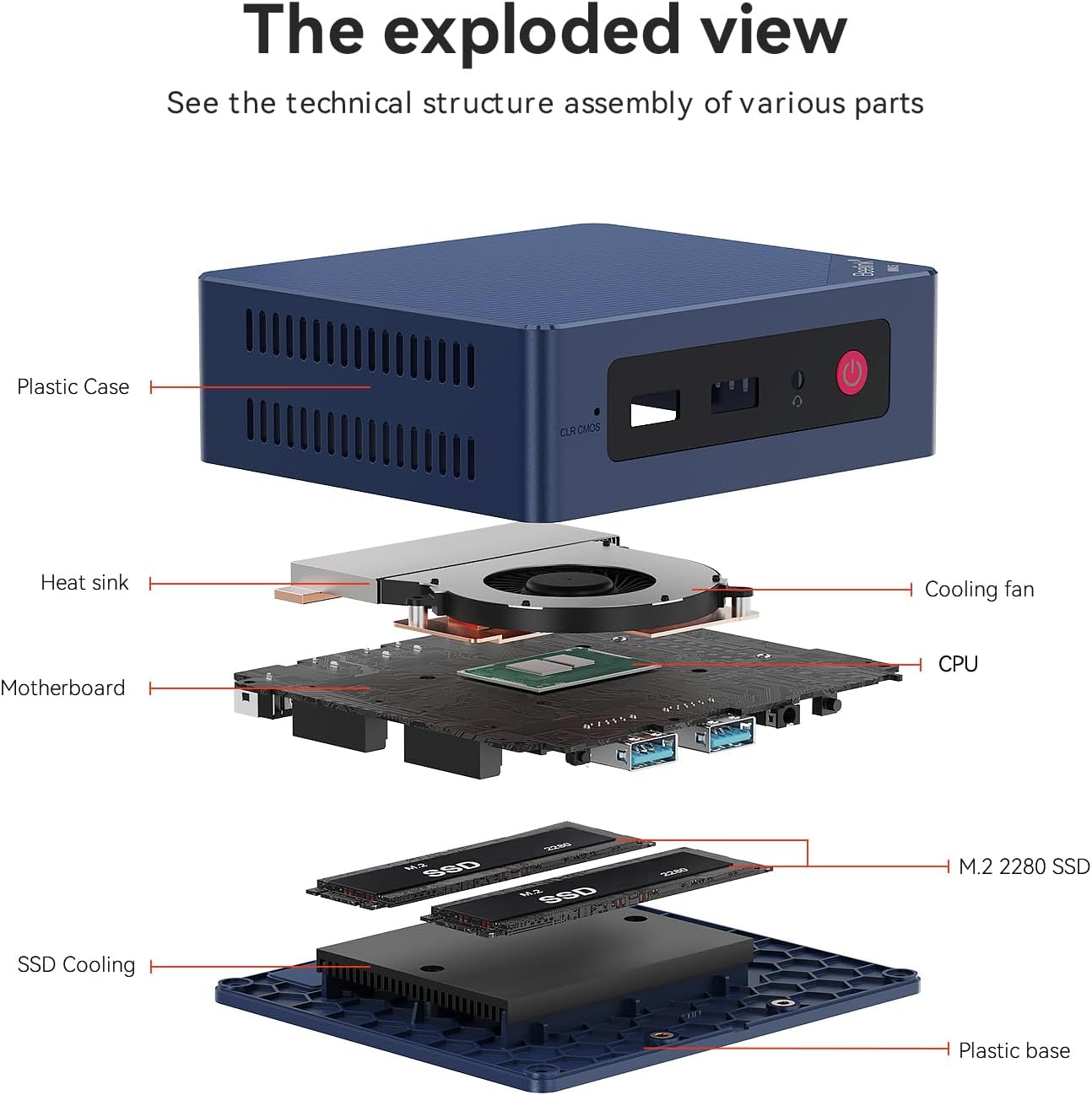
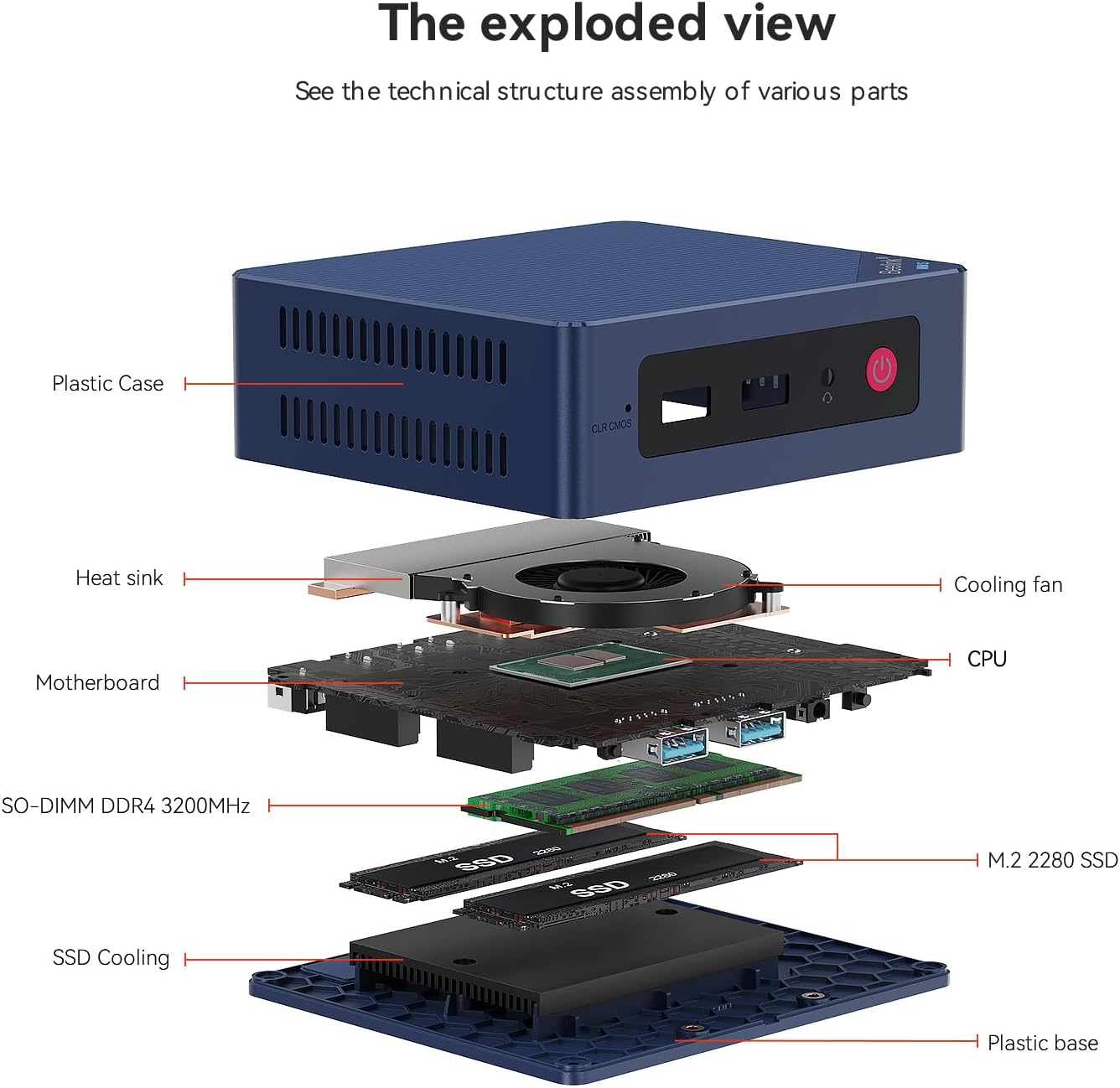
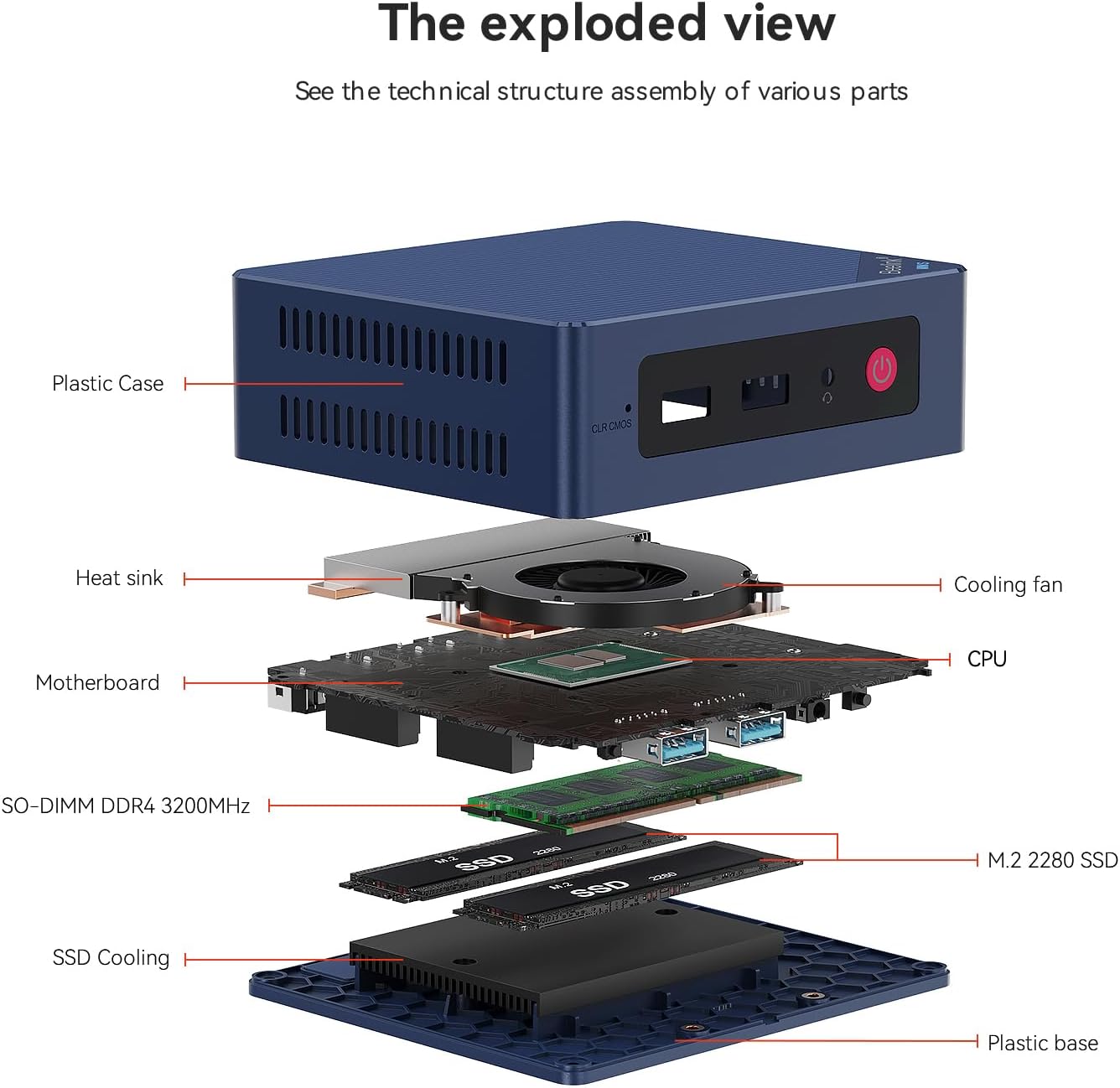
| Cooling Method | Fan |
| Item Dimensions | 4.88 x 4.45 x 1.6 inches |
| Keyboard Layout | QWERTY |
| Power Plug Type | Type B - 3 pin (North American) |
| Processor Brand | Intel |
| Processor Count | 4 |
| Processor Speed | 3.4 GHz |
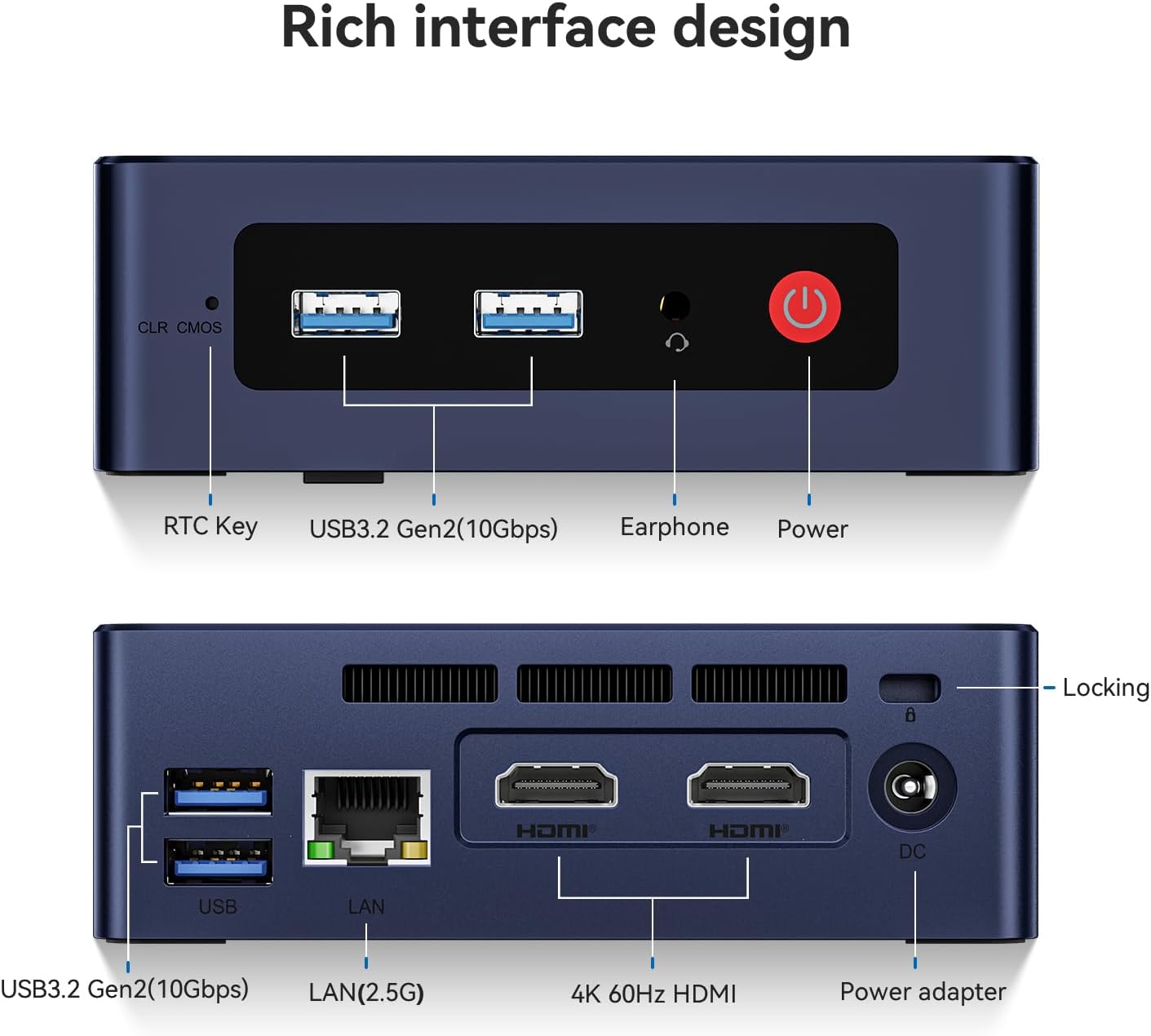
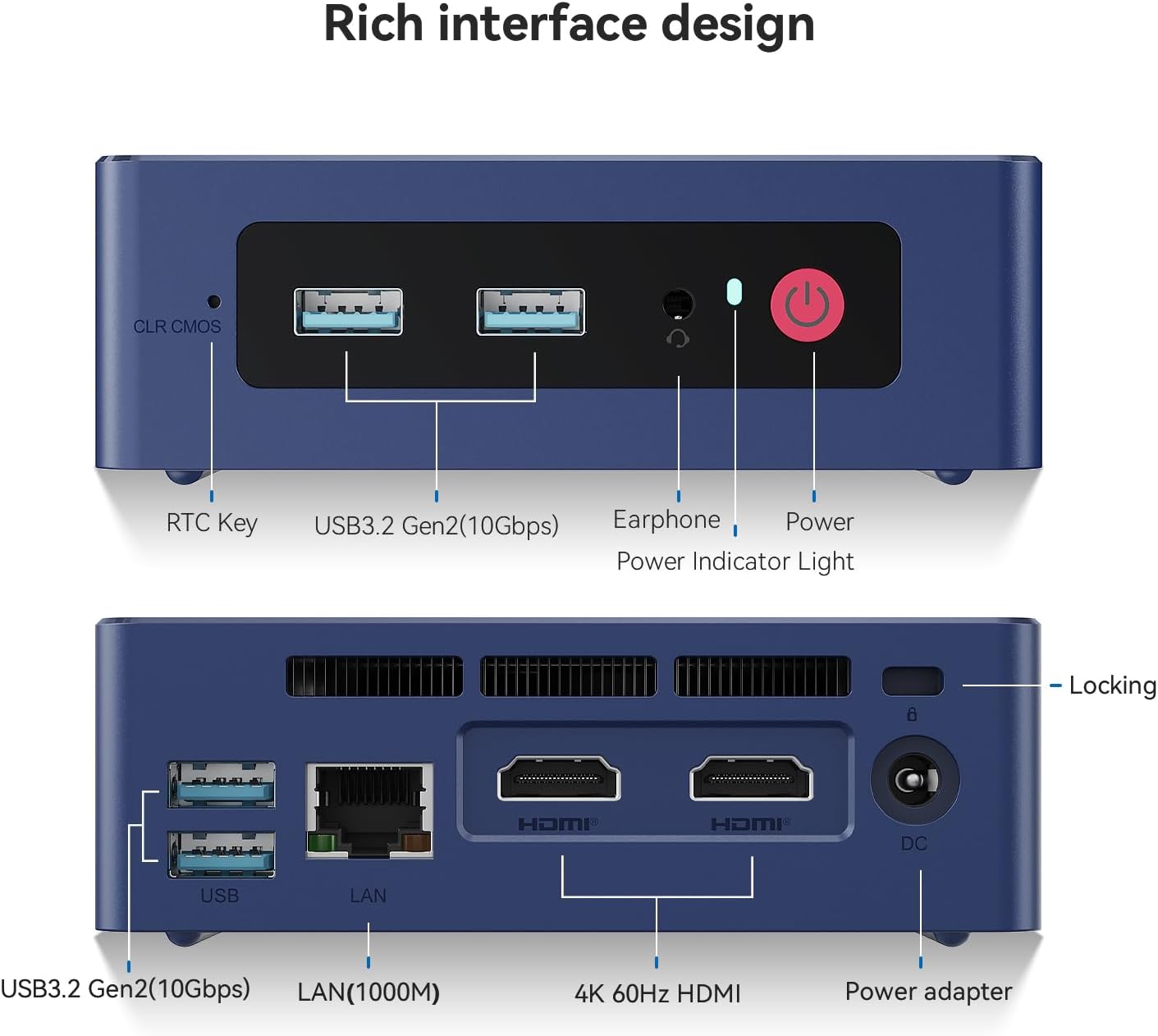
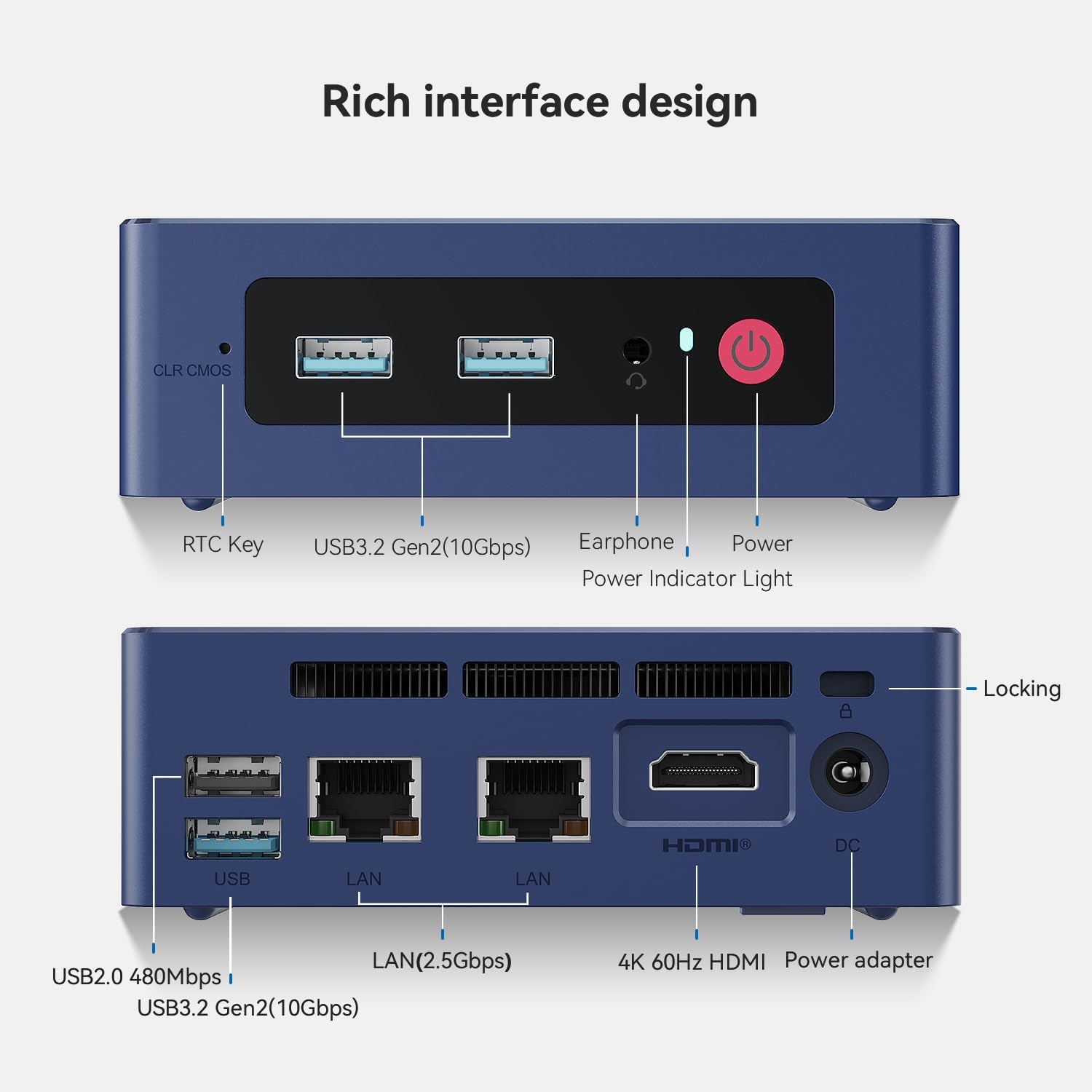
| Total Usb Ports | 4 |
| Video Processor | Intel |
| CPU Model Number | Intel Celeron N95 |
| Operating System | OS |
| Processor Series | Celeron |
| Processor Socket | FCBGA1338 |
| Graphics Ram Type | DDR4 SDRAM |
| Native Resolution | 3840 x 2160 |
| Specification Met | Meets 11th Gen Intel processor, DDR4 memory, SSD storage, WiFi 6, and Bluetooth 5.2 specifications |
| Compatible Devices | Keyboard |
| Hardware Interface | 2.5mm Audio, 802.11 ac/b/g/n, SATA 3.0 Gb/s, USB 3.0, Unknown |
| Memory Clock Speed | 2280 MHz |
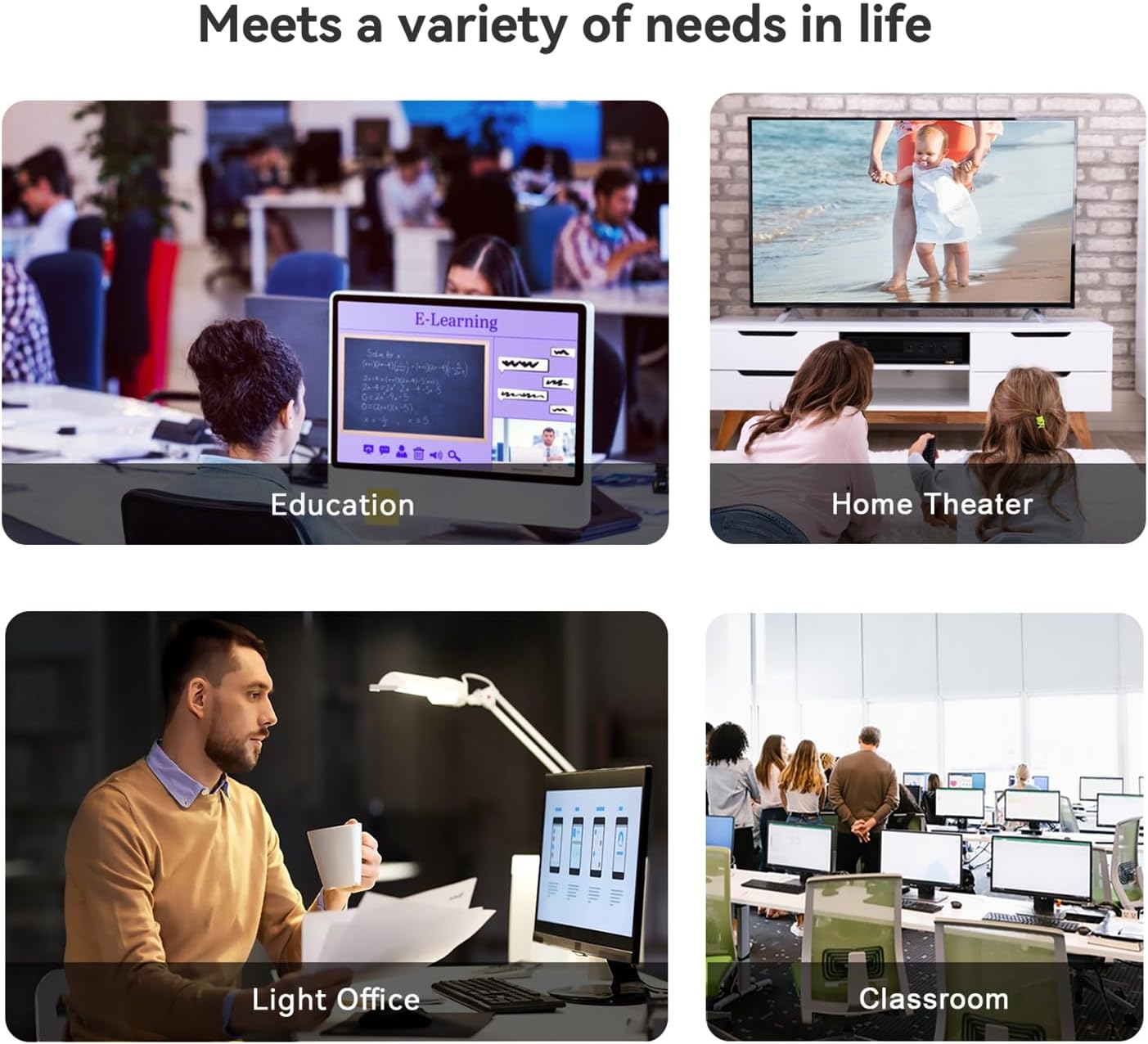
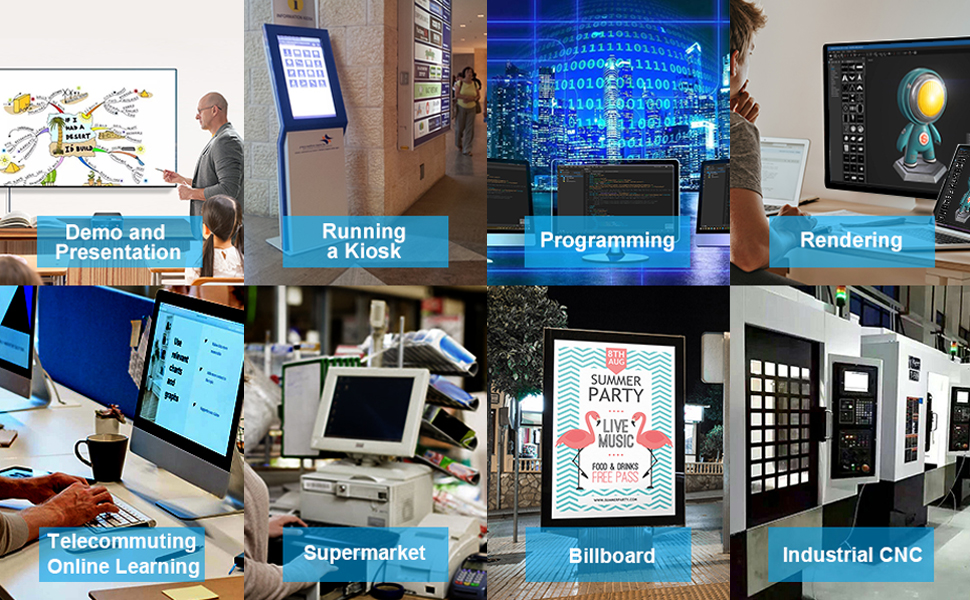
| Additional Features | office,business,home entertainment,Online courses,supermarket,industrial CNC,Billboard,Plex server |
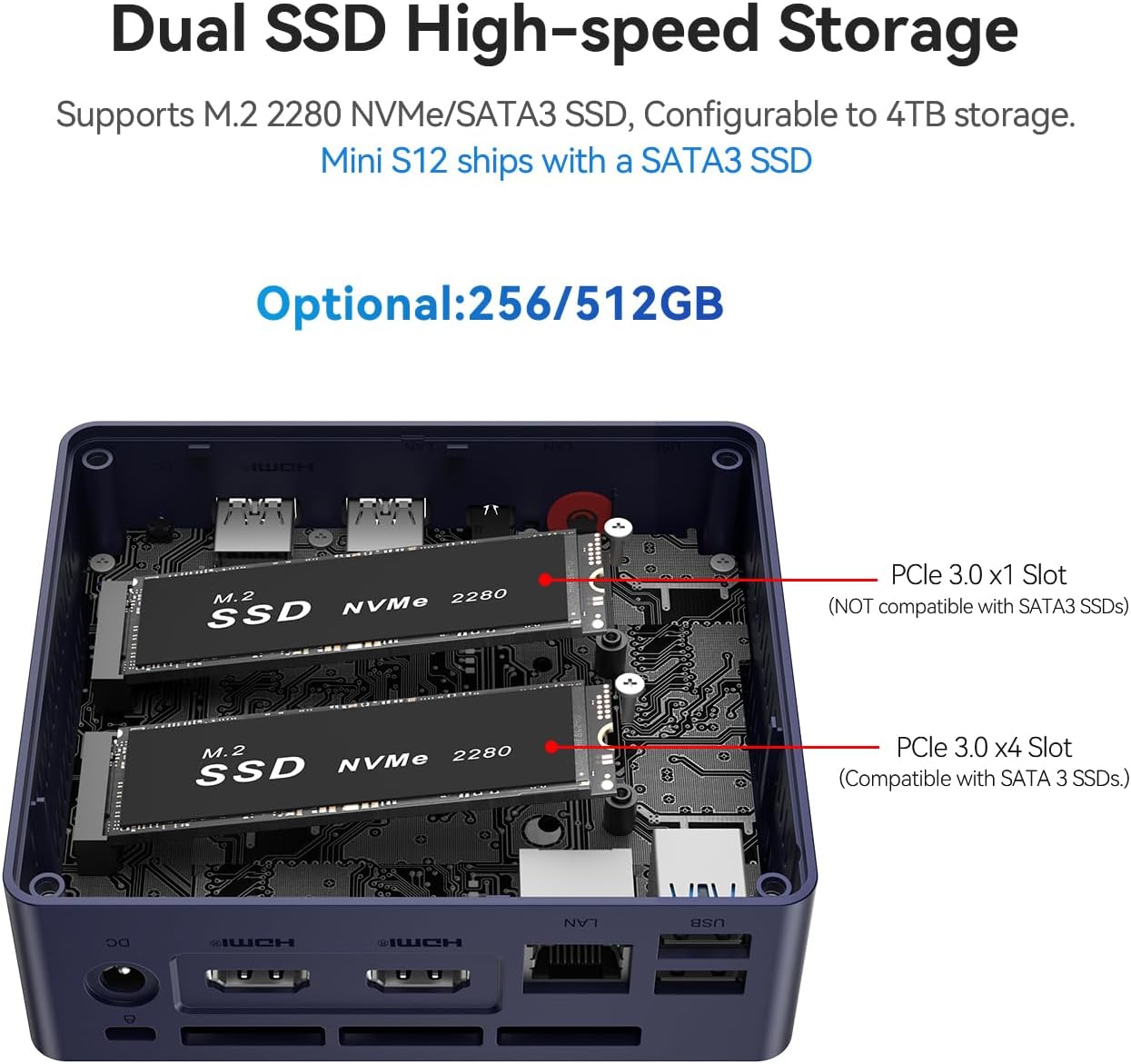
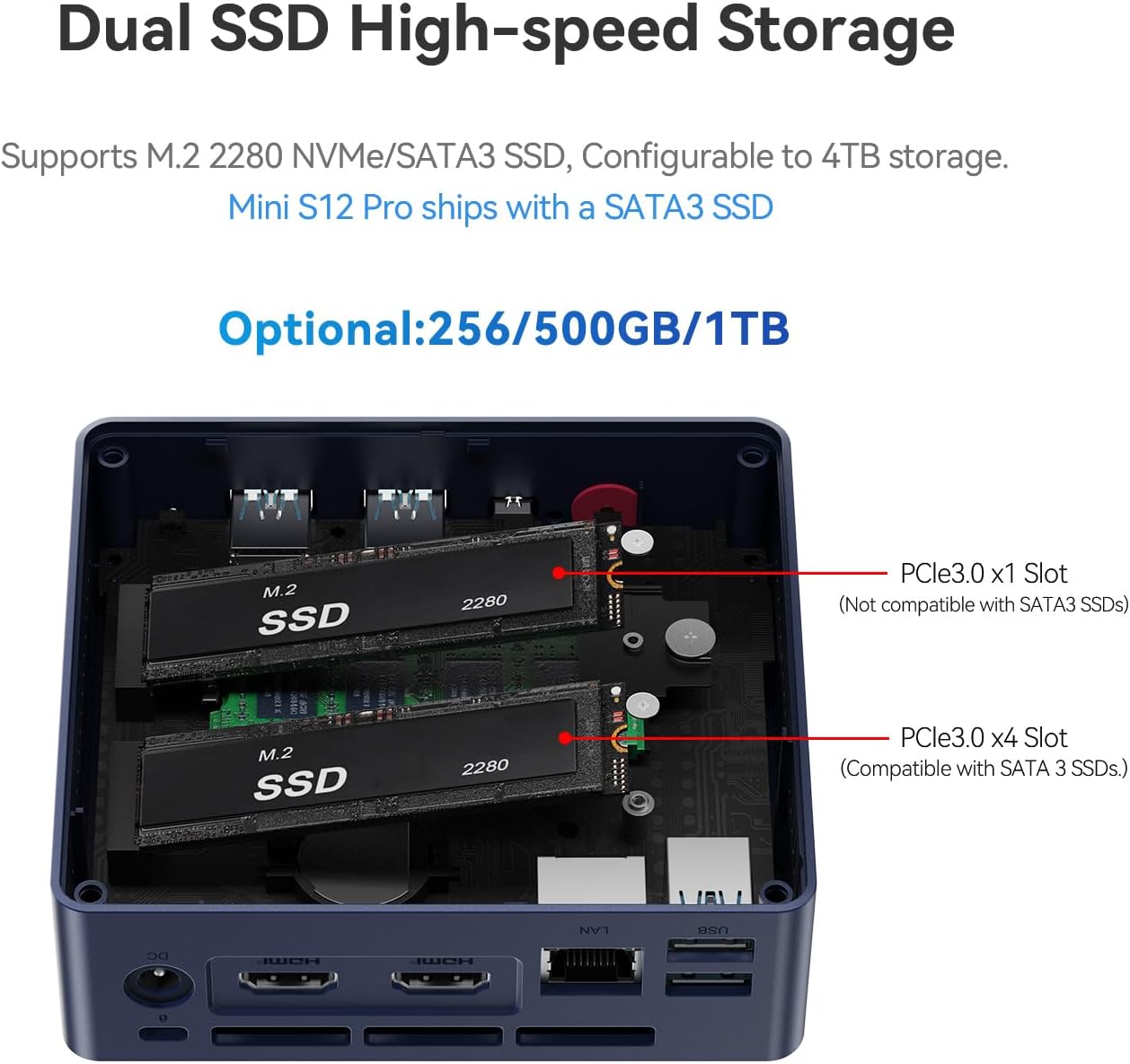
| Hard Disk Interface | Serial ATA |
| Wireless Technology | Bluetooth 802.11a/b/g/n/ac, 5 GHz Radio Frequency, 2.4 GHz Radio Frequency |
| Graphics Coprocessor | Intel UHD Graphics |
| Graphics Description | Integrated |
| Keyboard Description | Ergonomic |
| RAM Memory Installed | 8 GB |
| Warranty Description | 3 Year Warranty |
| Wireless Compability | 2.4 GHz Radio Frequency, 5 GHz Radio Frequency, Bluetooth |
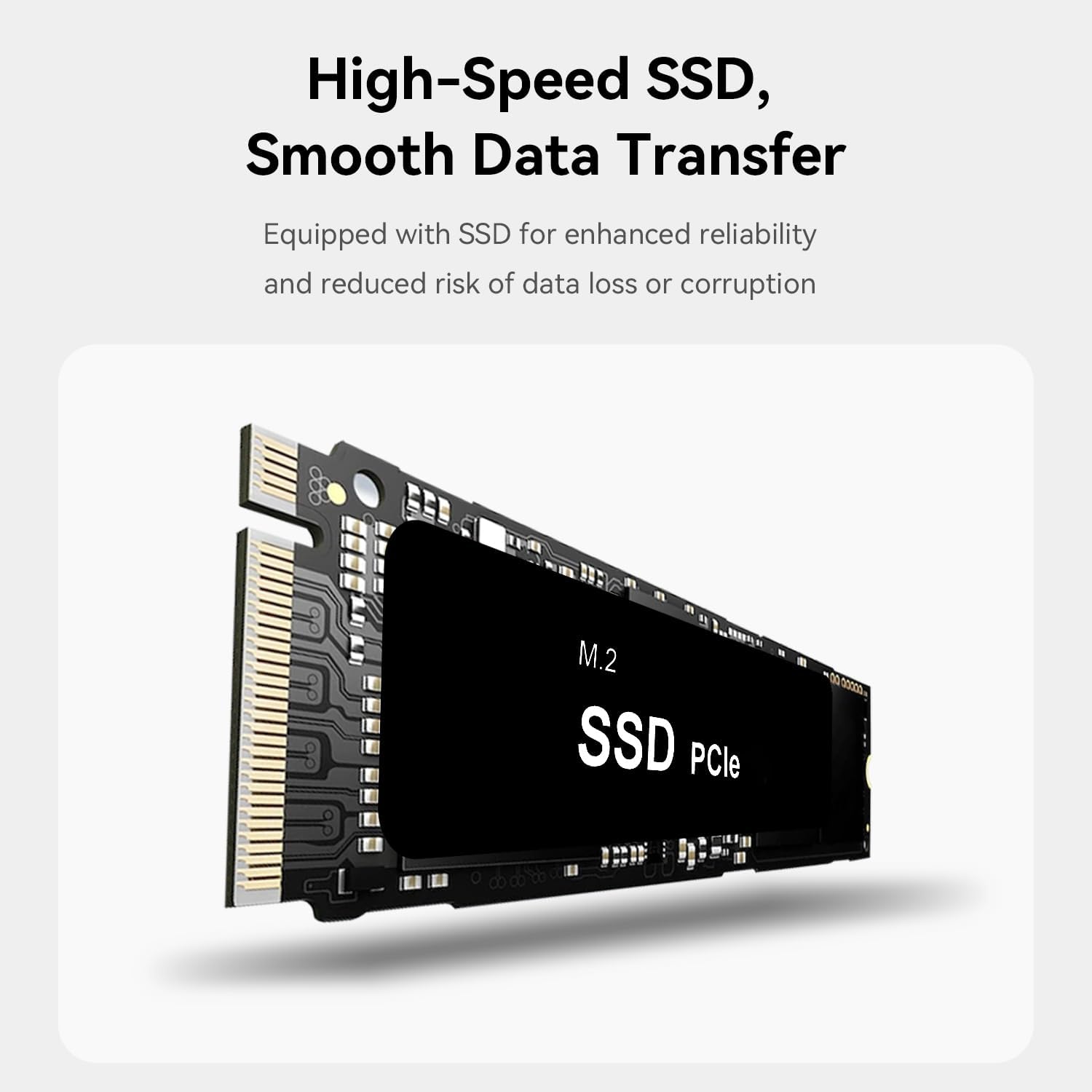
| Hard Disk Description | SSD |
| Human-Interface Input | Buttons, Keyboard, Mouse |
| RAM Memory Technology | DDR4 |
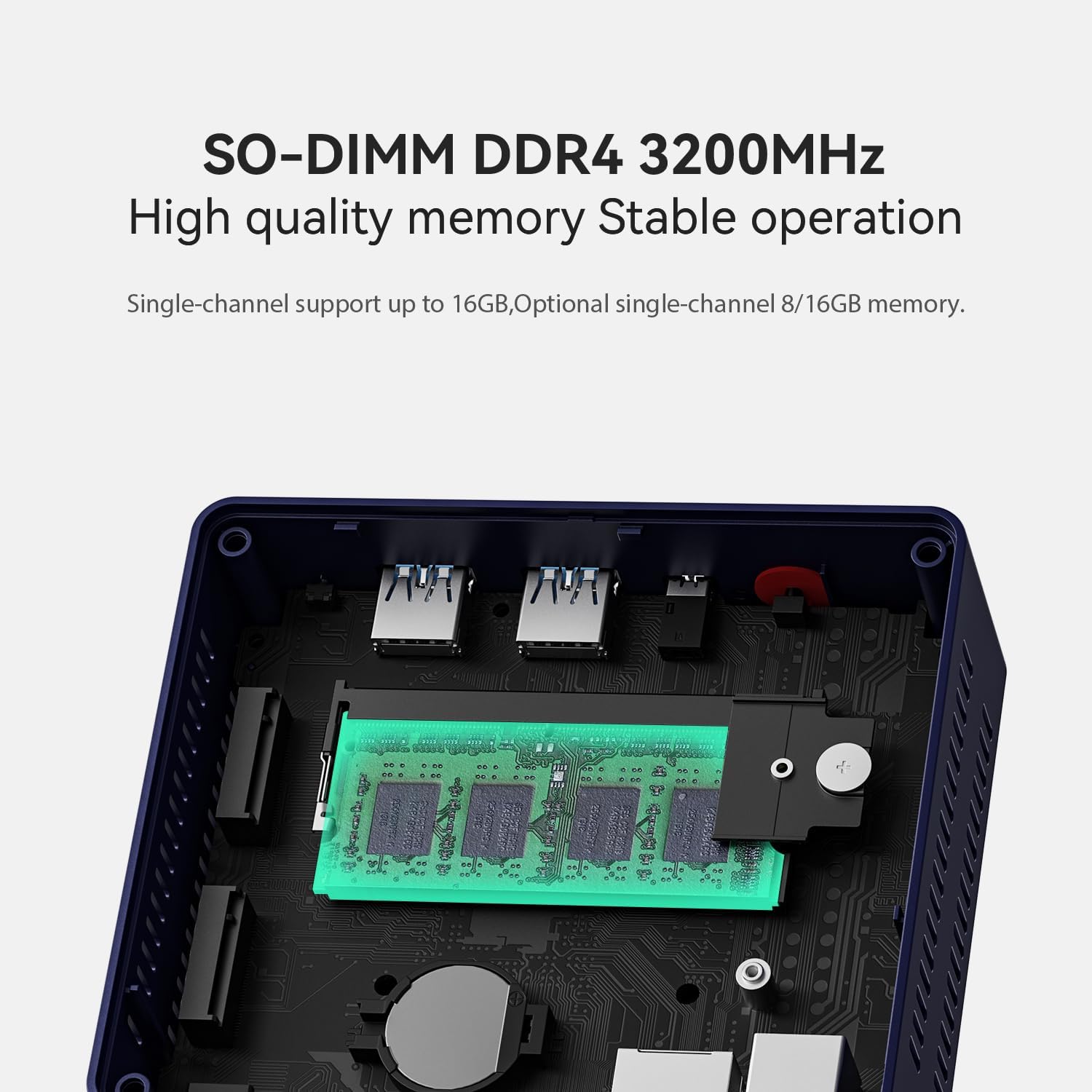
| Memory Slots Available | 1 |
| Optical Storage Device | Mini PC |
| Video Output Interface | HDMI |
| CPU Model Speed Maximum | 2.9 GHz |
| Connectivity Technology | 802.11a/b/g/n/ac, 802.11ax, Bluetooth |
| Graphics Card Interface | Integrated |
| Ram Memory Maximum Size | 16 GB |
| Specific Uses For Product | Business |
| Display Resolution Maximum | 3840x2160 |
| Total Number of HDMI Ports | 2 |
| Number of Component Outputs | 2 |
| Wireless Network Technology | Wi-Fi |
| Personal Computer Design Type | Mini PC |

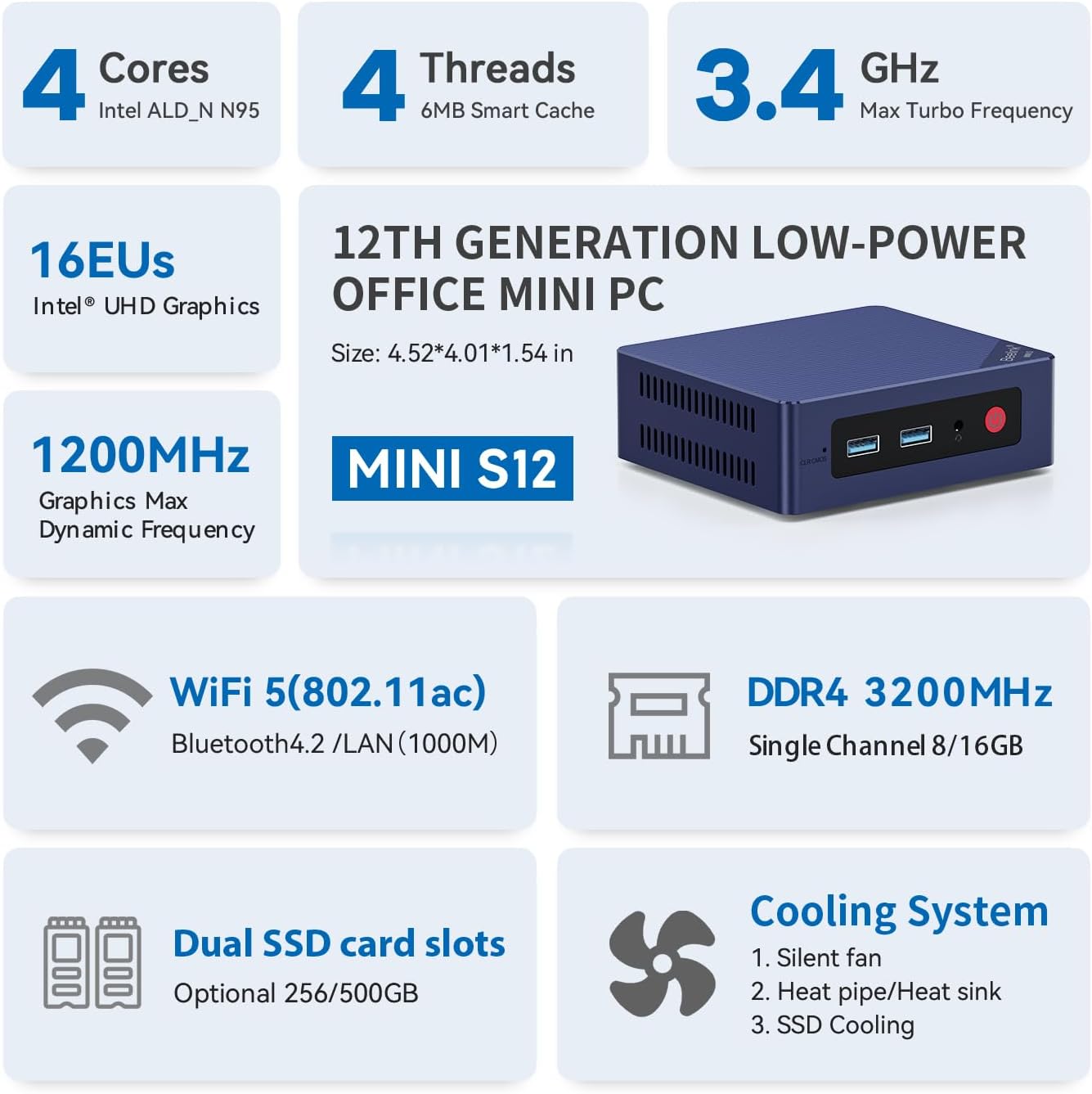
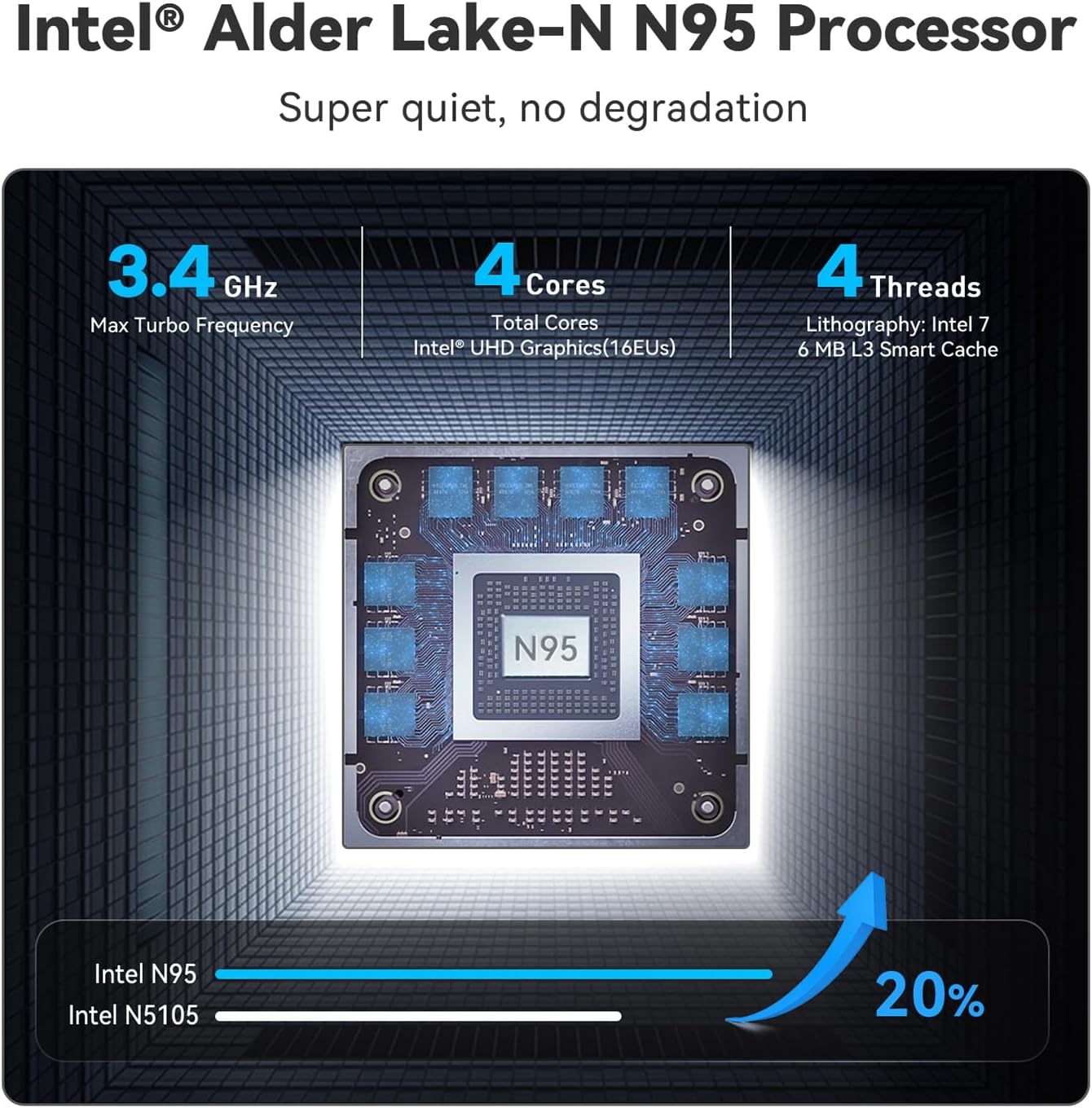
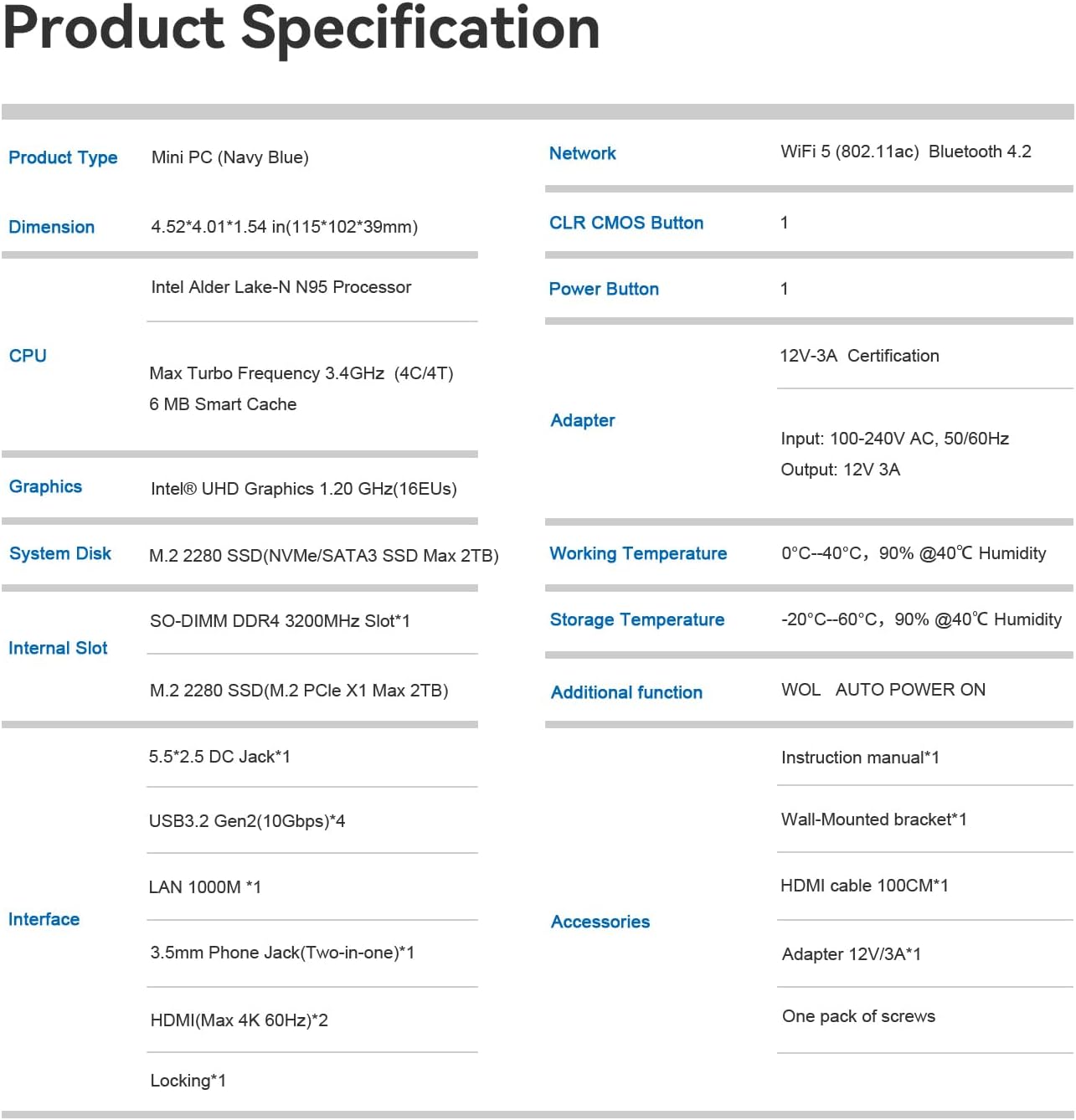
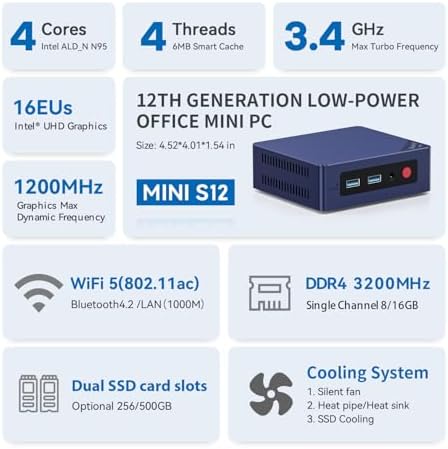
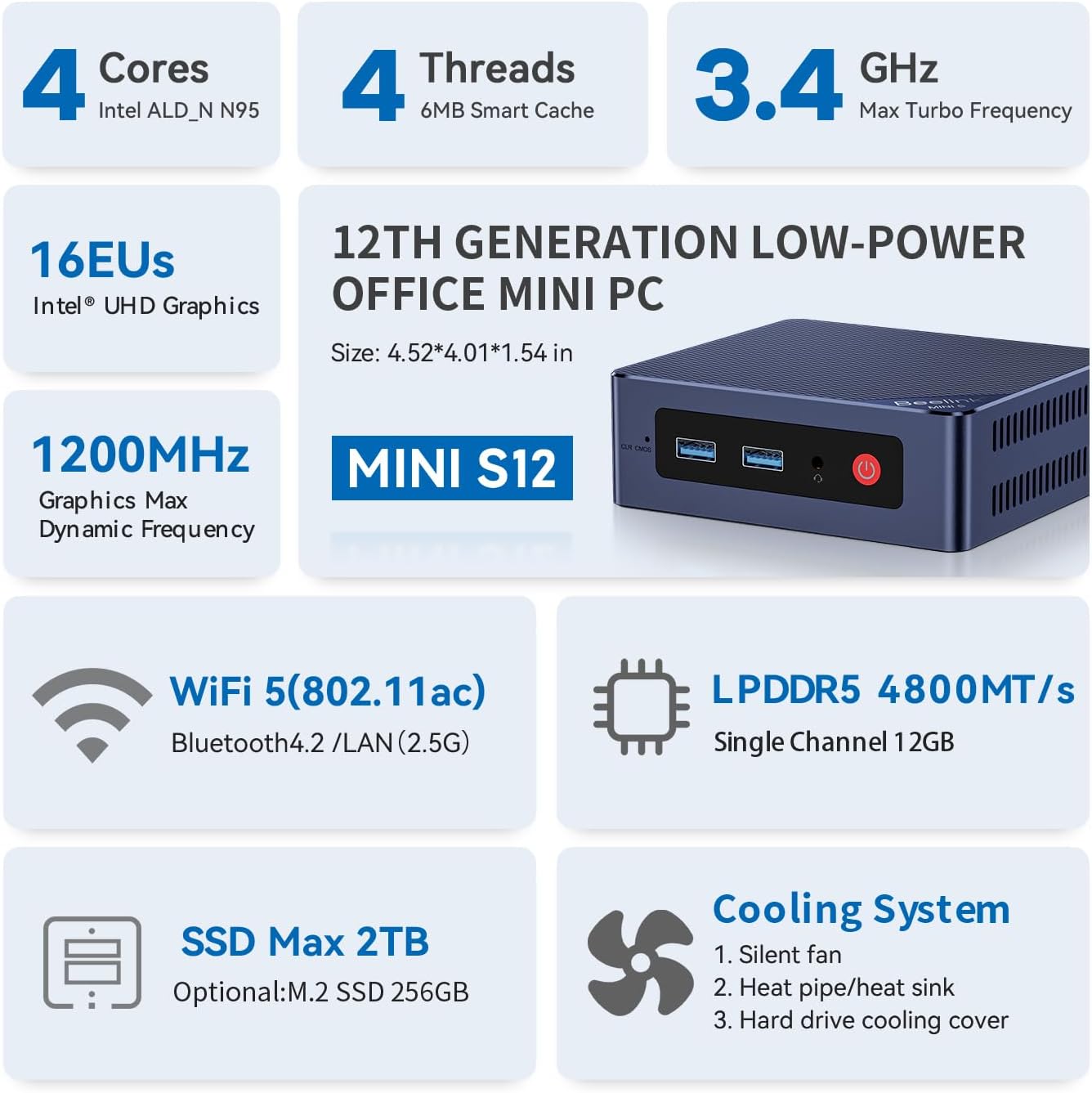
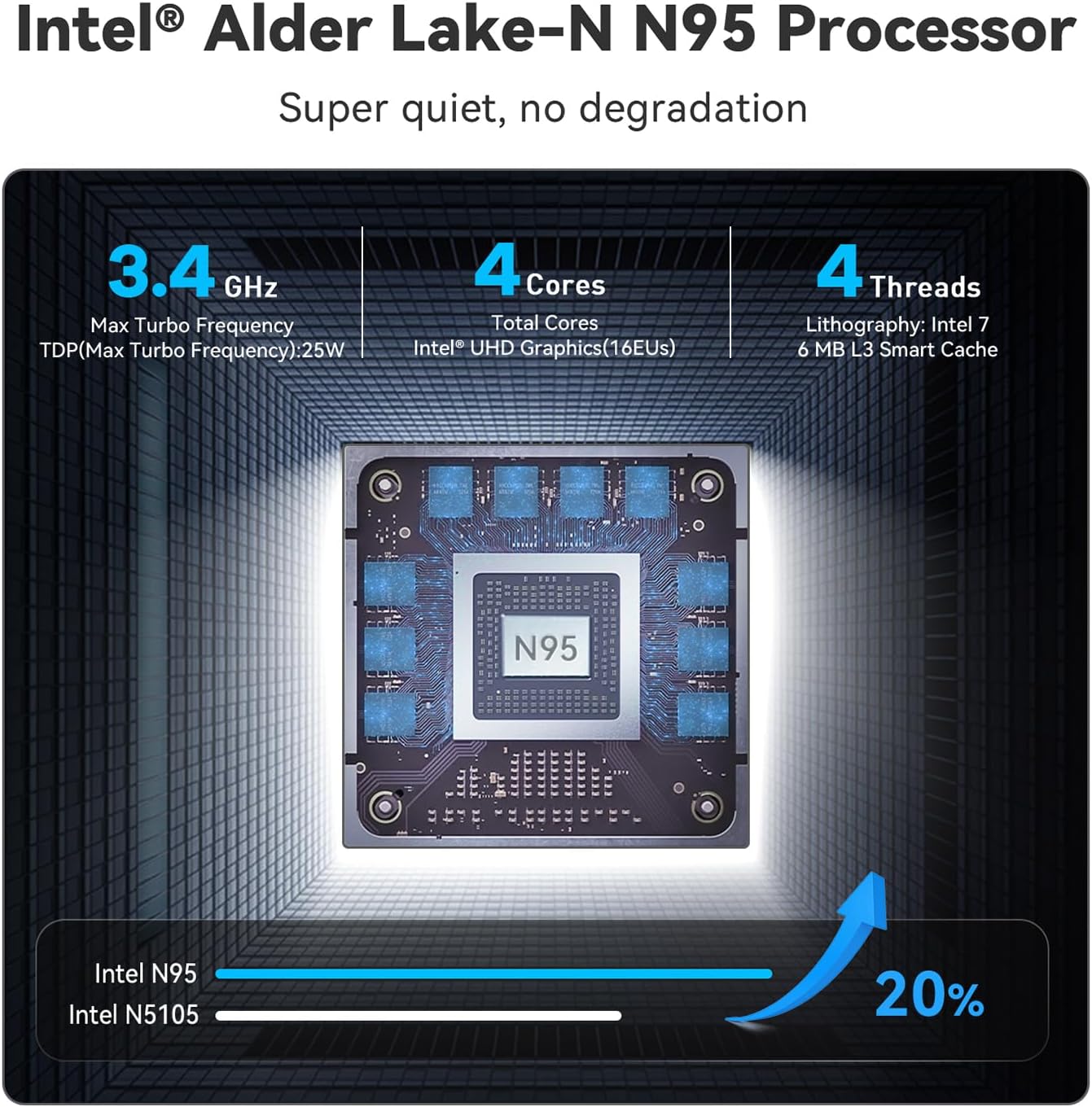
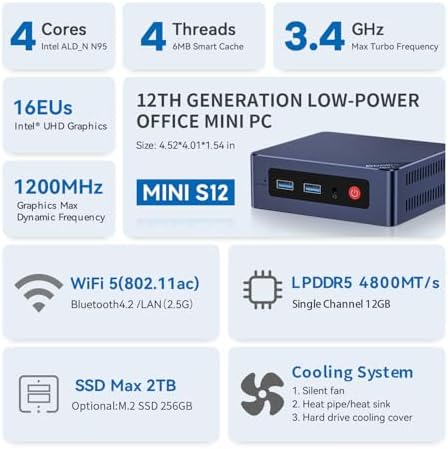
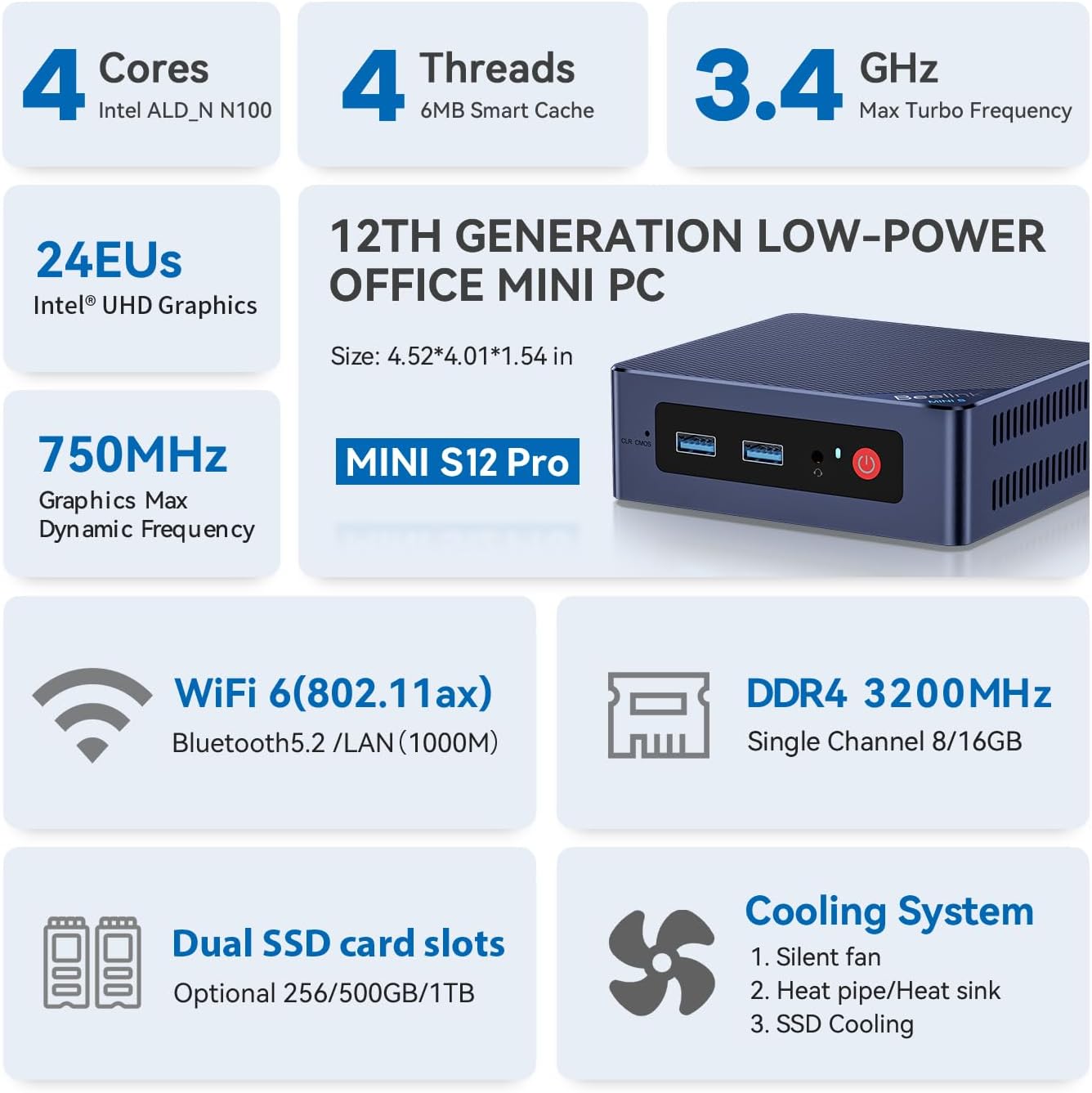
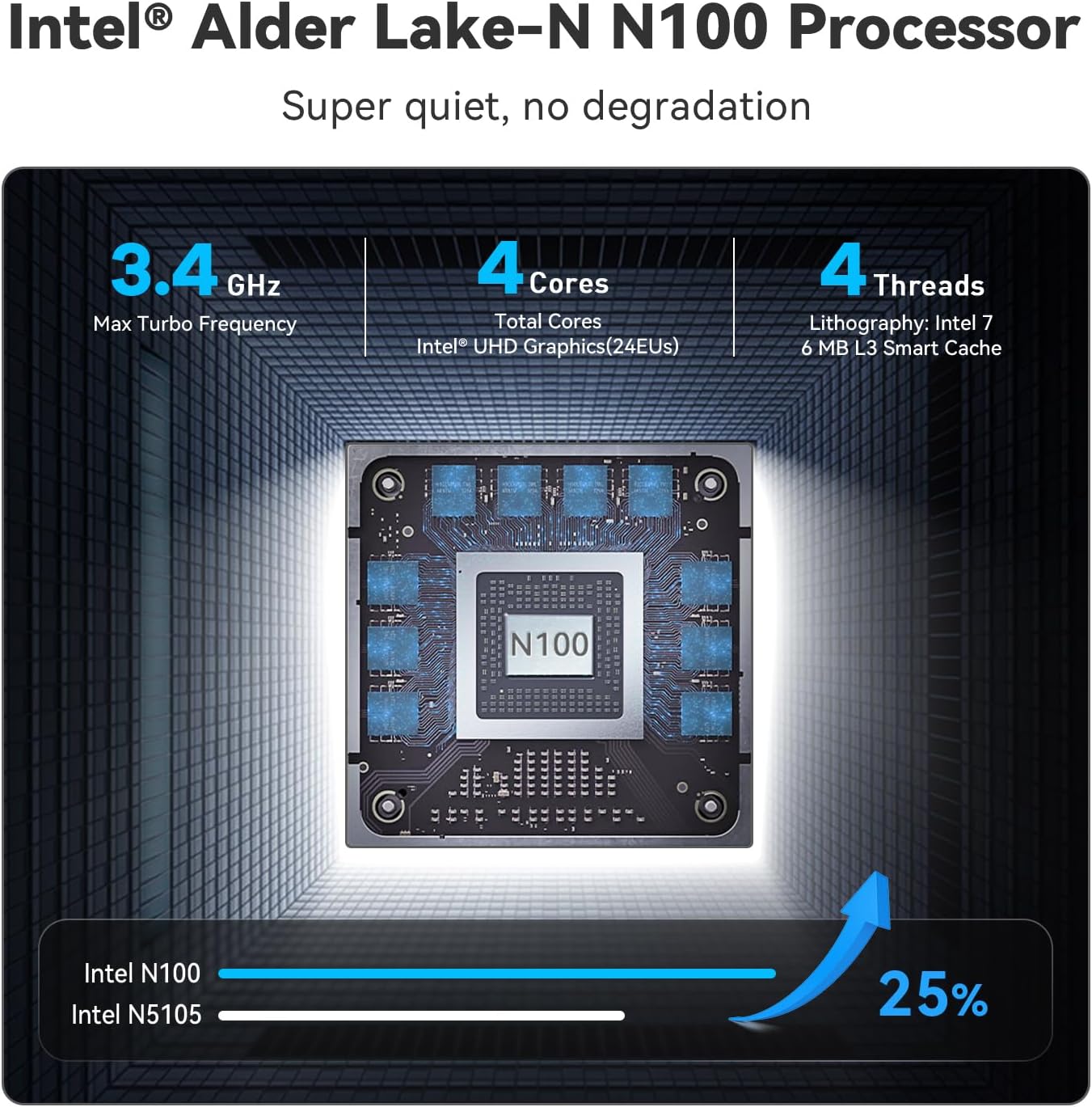
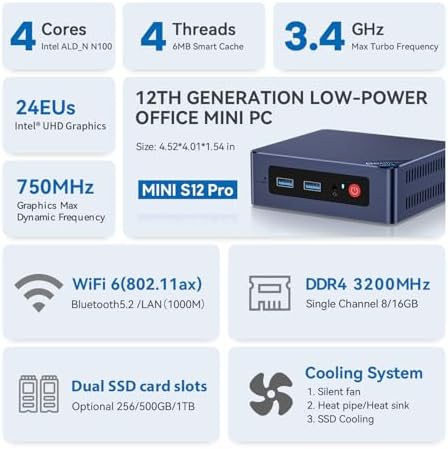
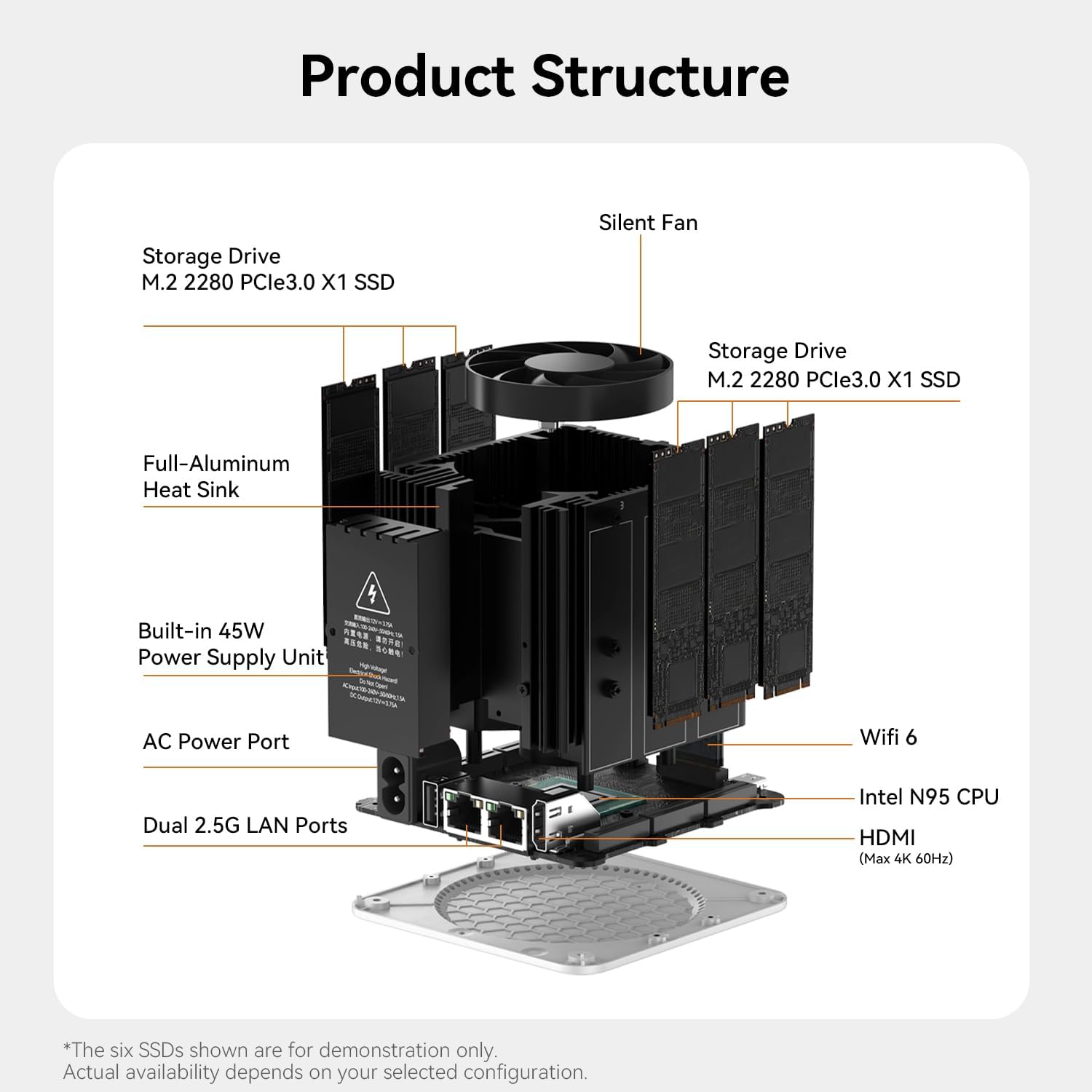
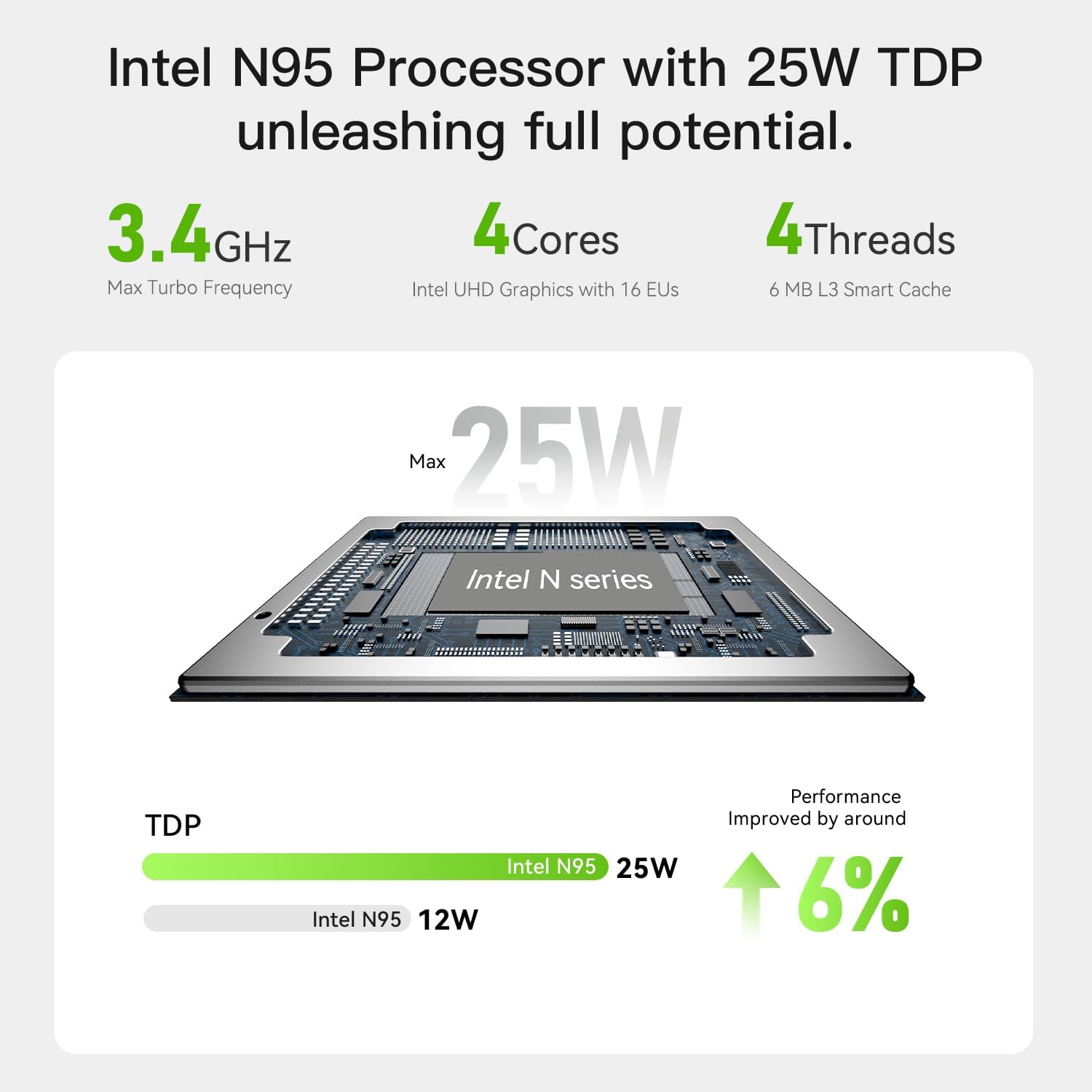
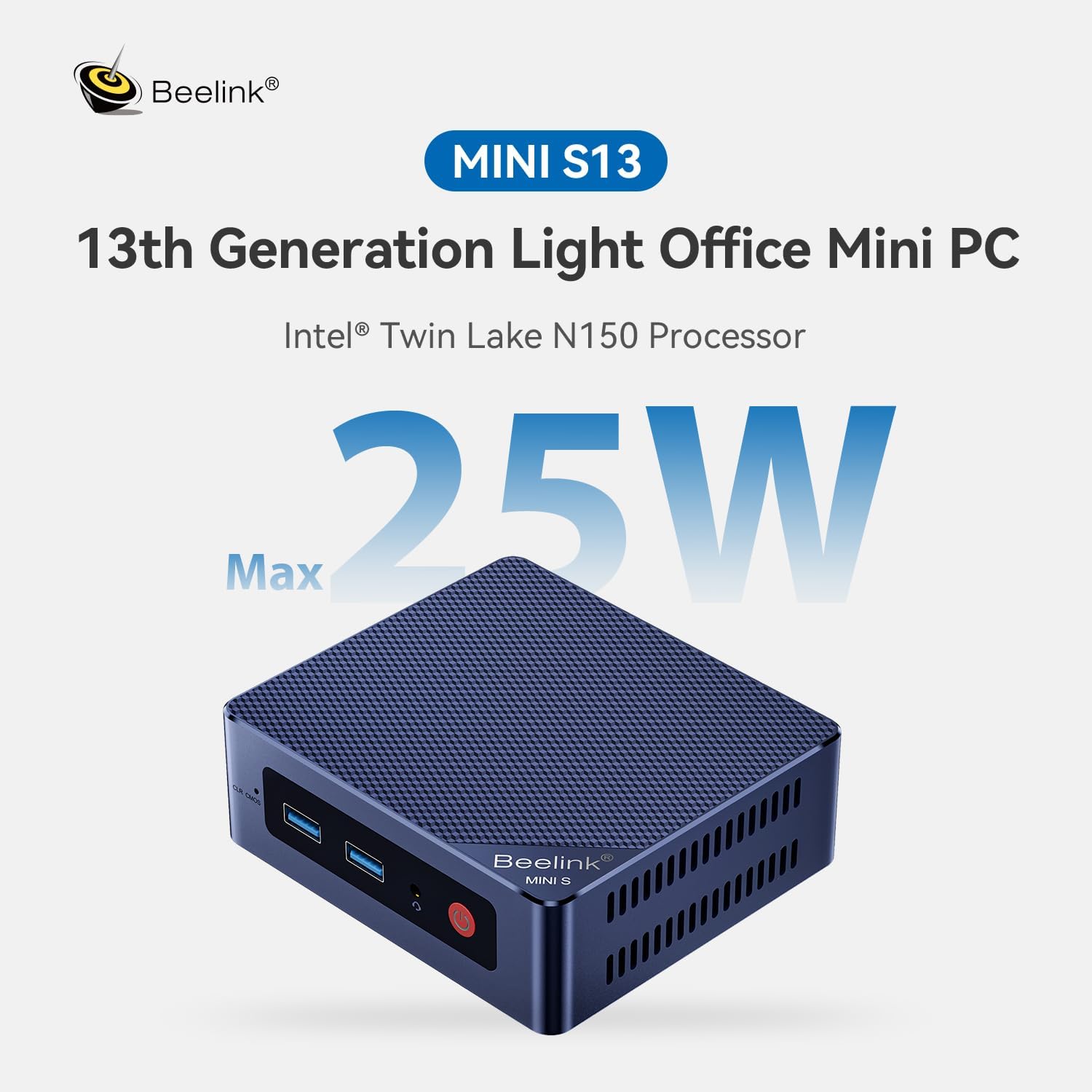
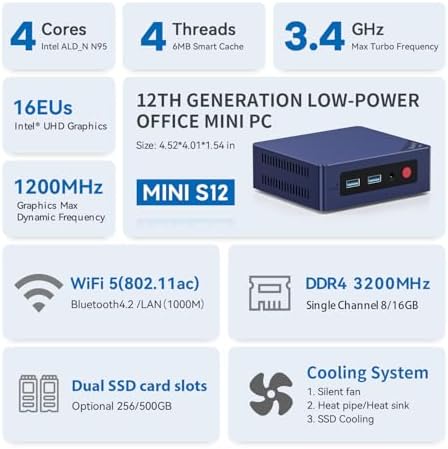
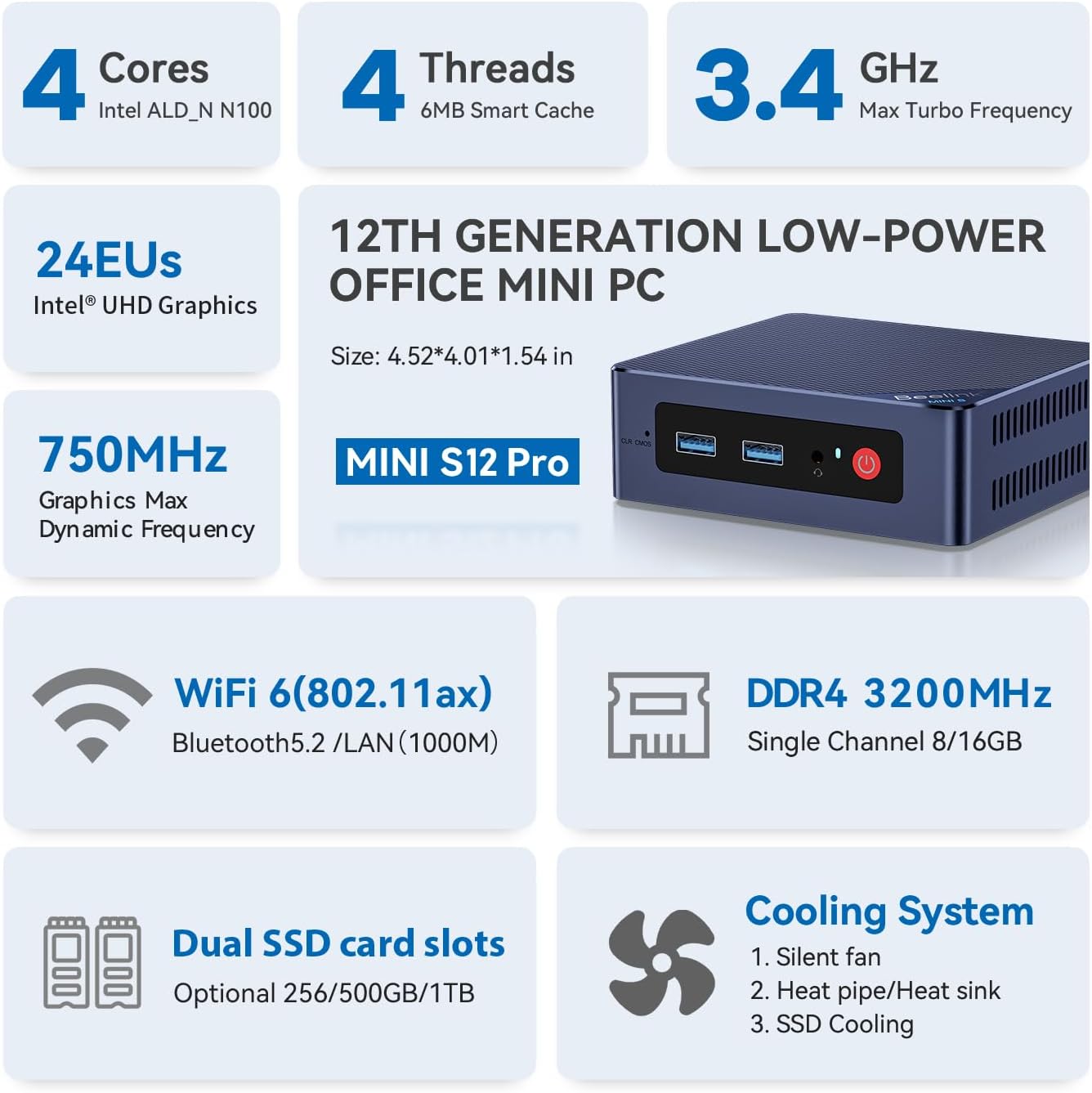
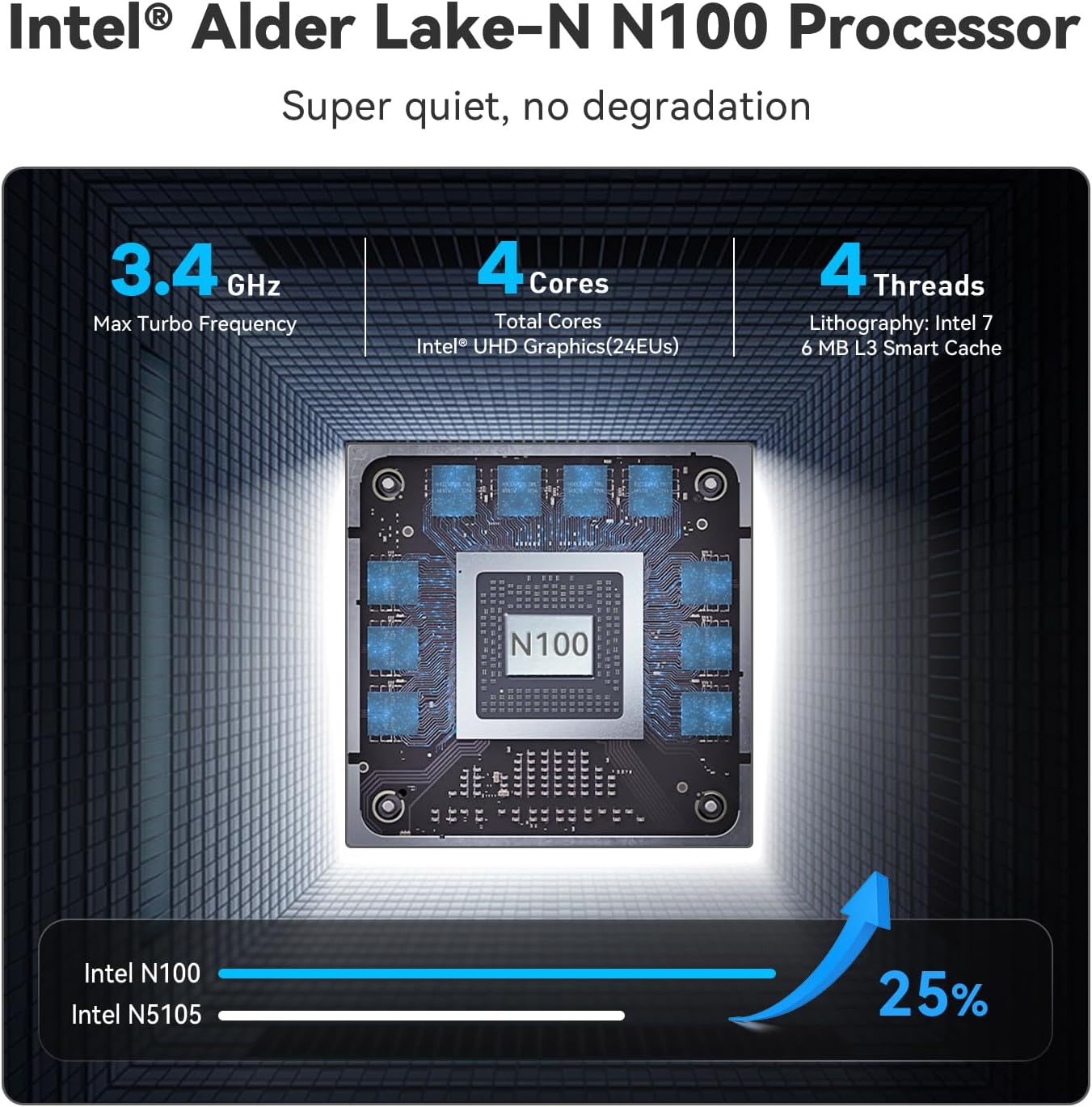
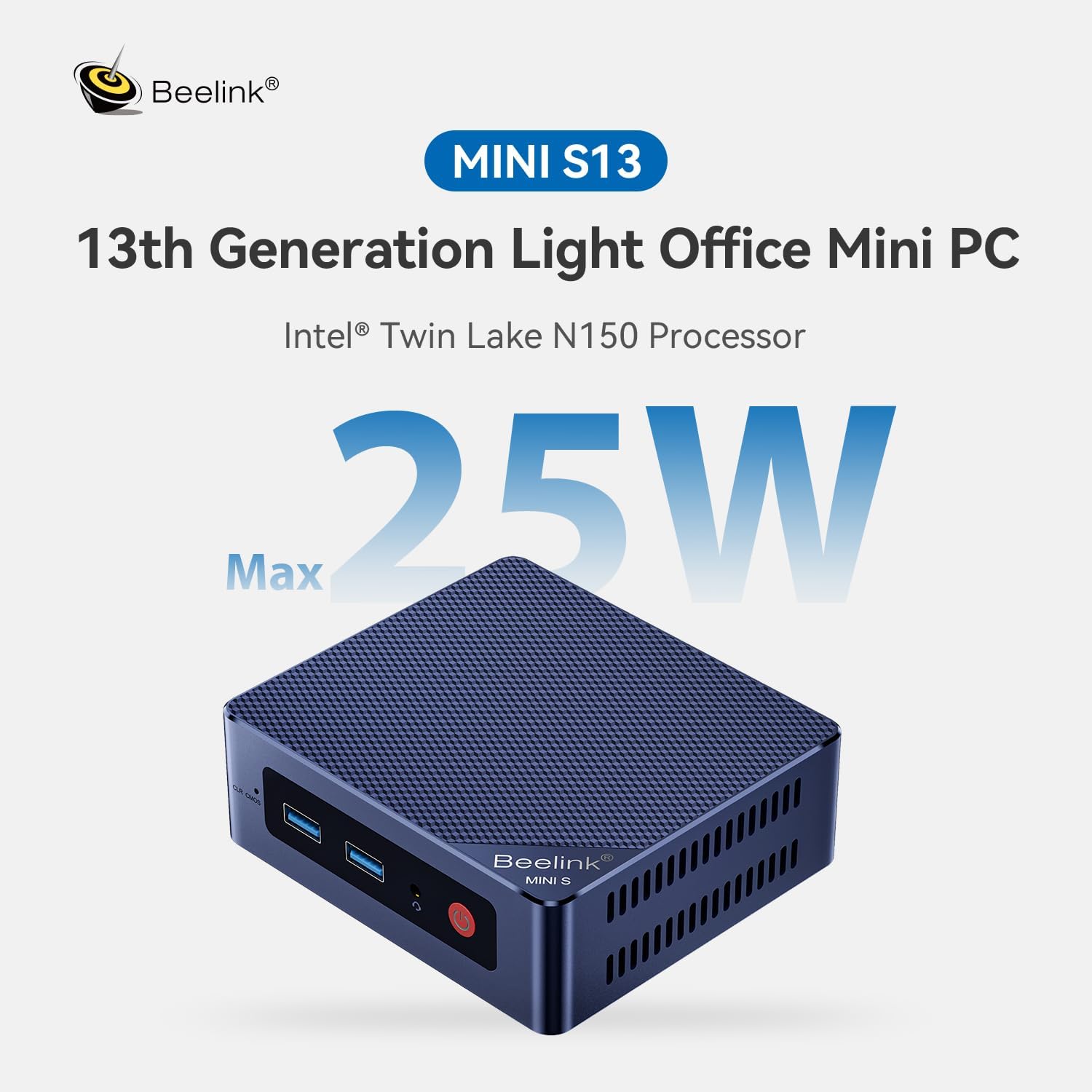
Intel N95(4C/4T, 4M Cache, up to 3.4GHz) enable better multi-tasking
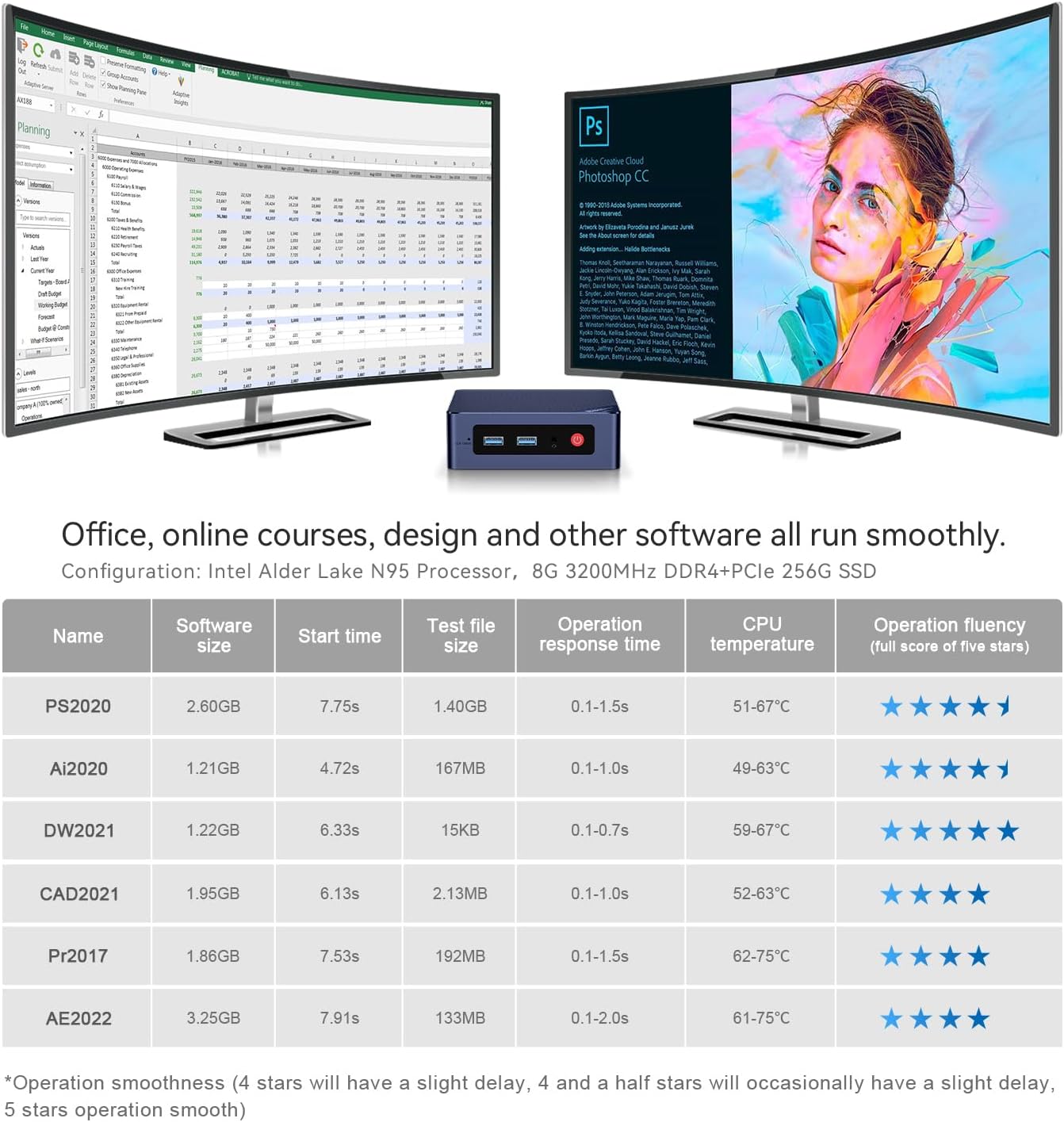
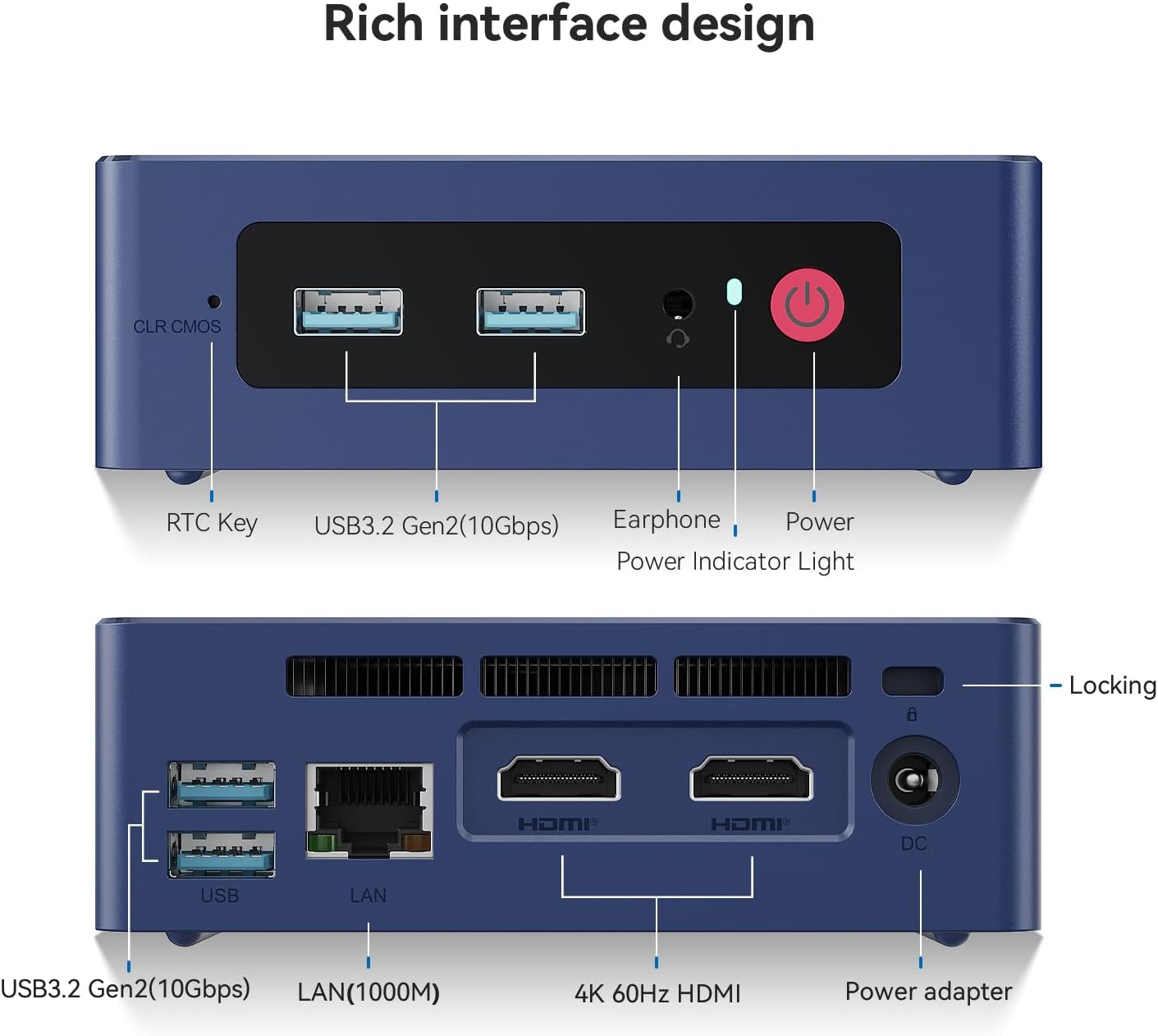
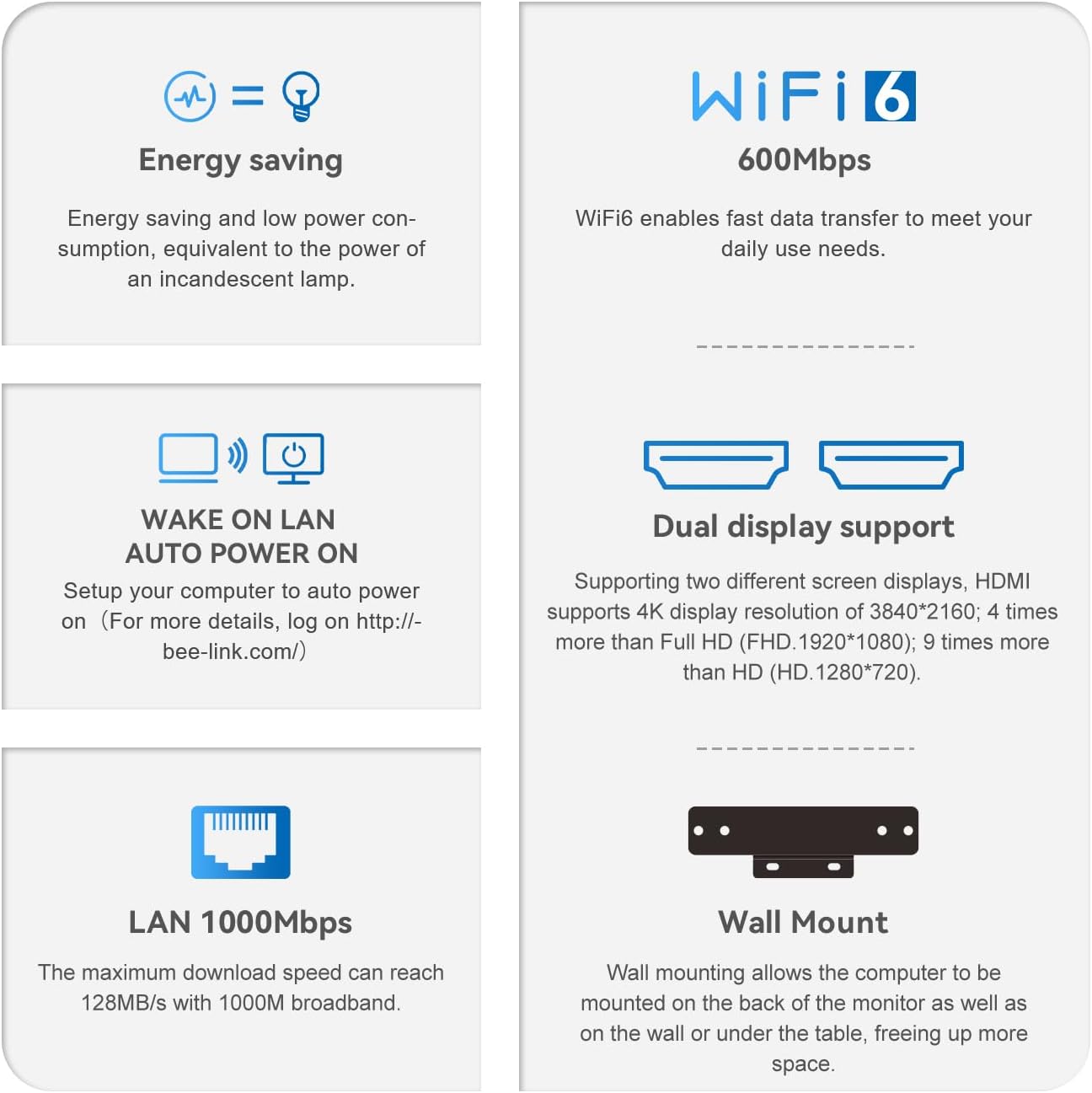
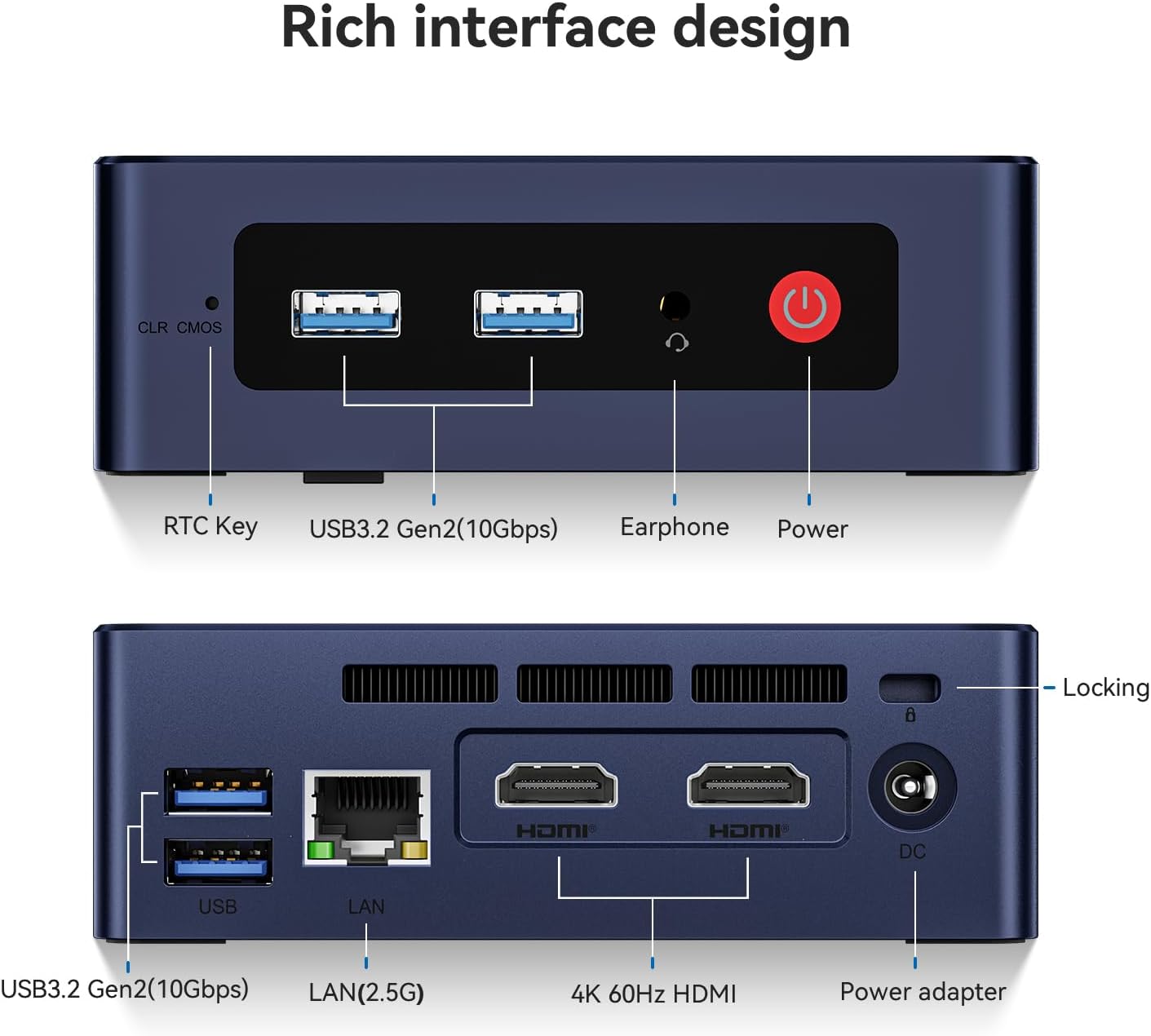
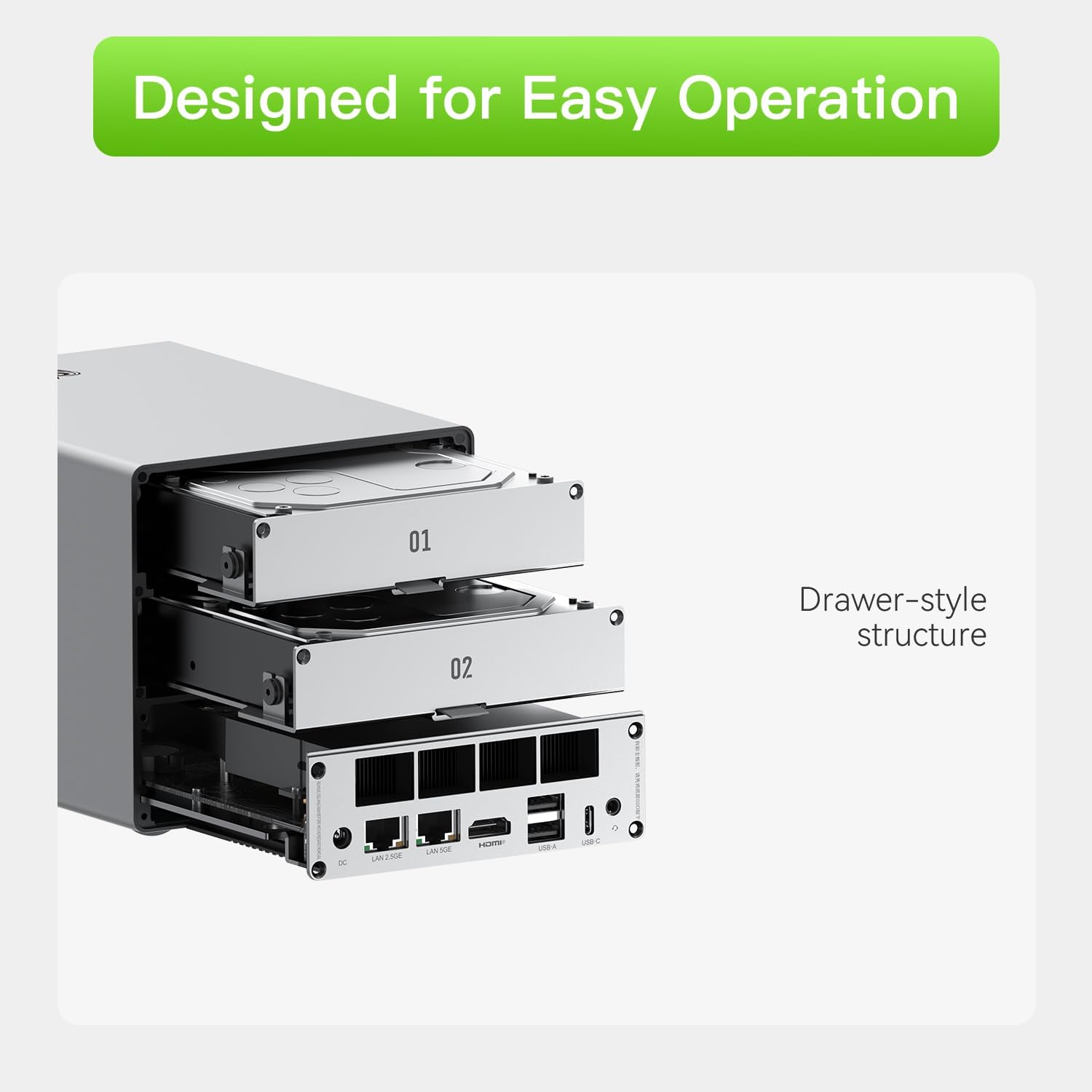
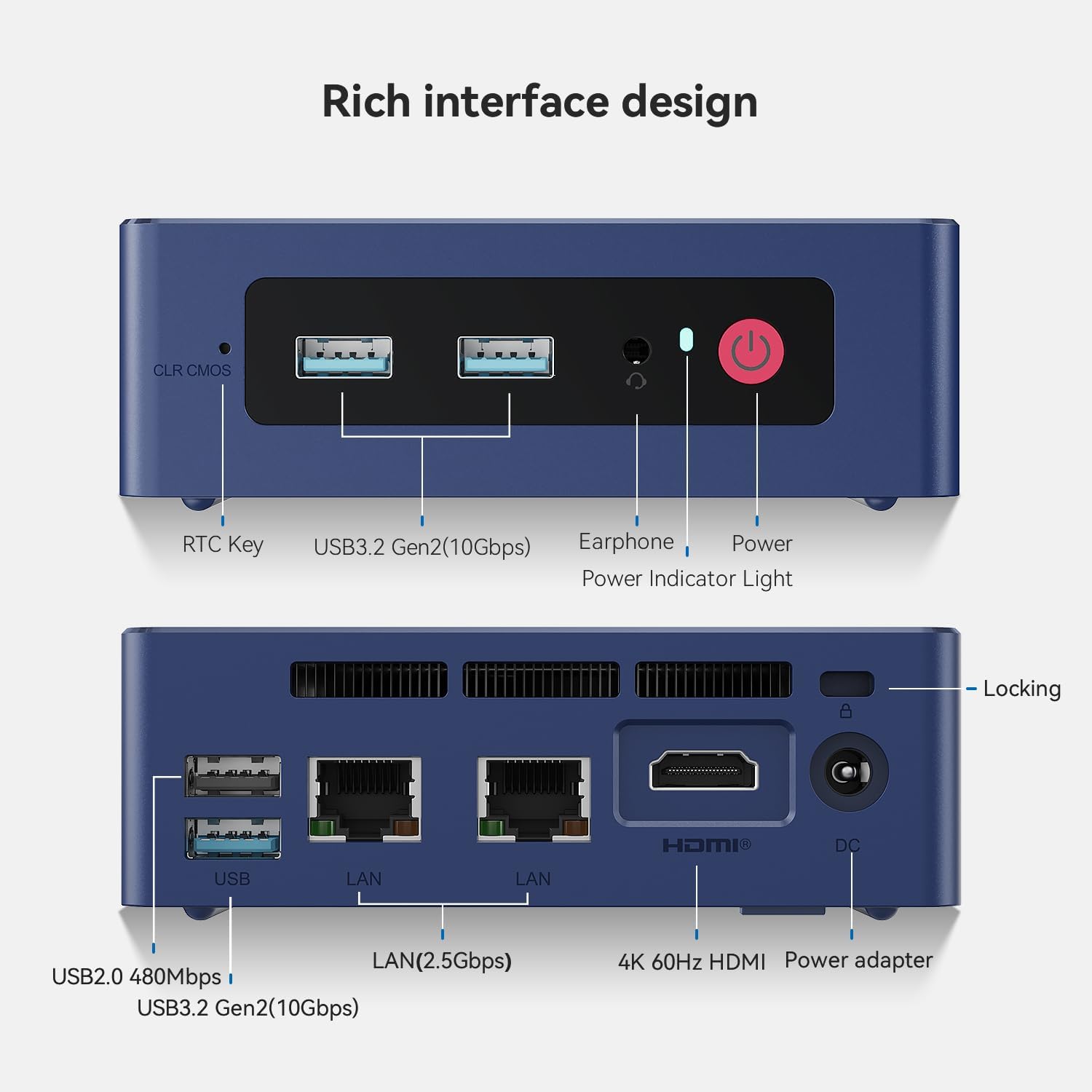
Dual HDMI ports, support dual display, Which can simplify and double your work efficiency
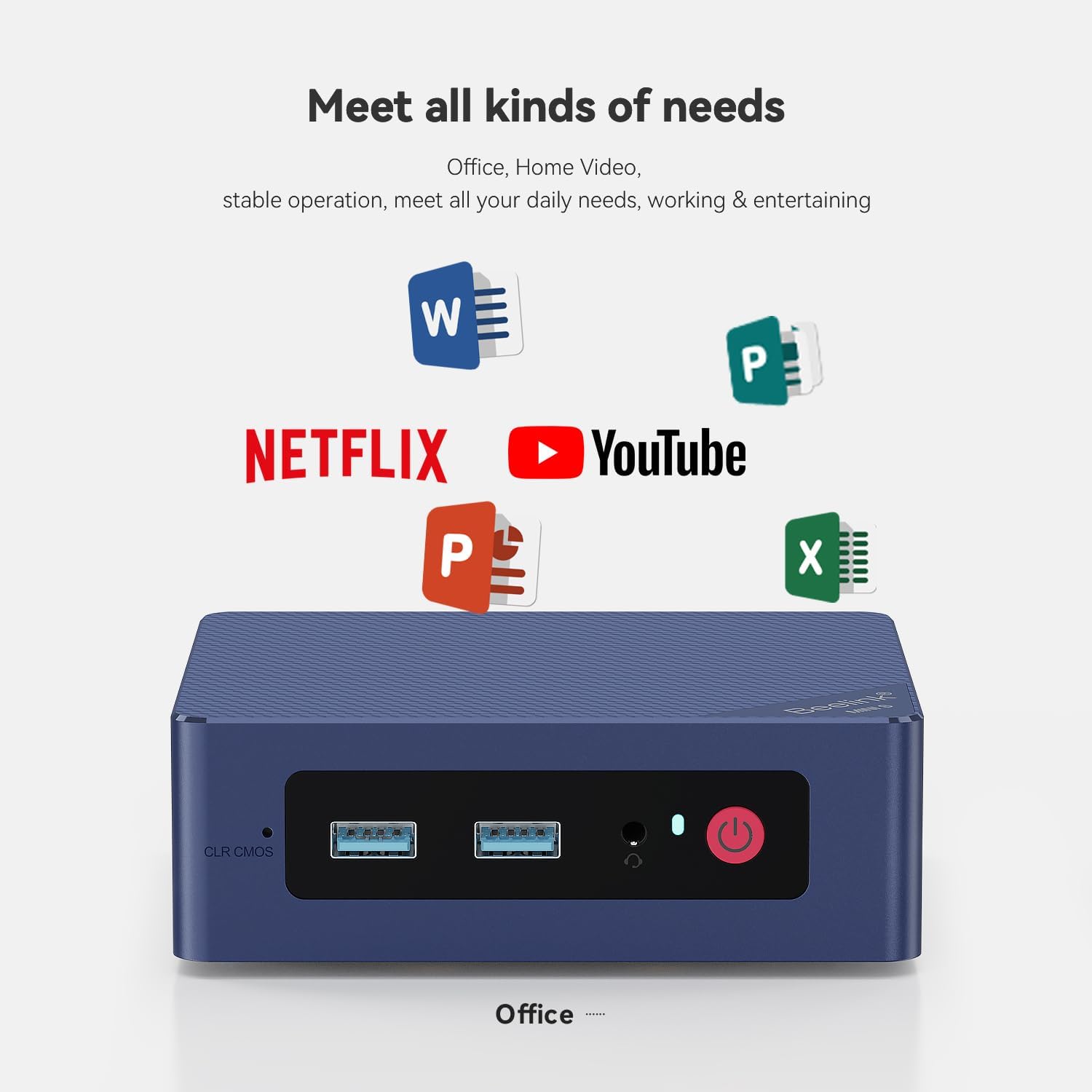
Fully capable of browsing the internet, word processing (runs Microsoft Office and LibreOffice smoothly), watching movies, photo processing.
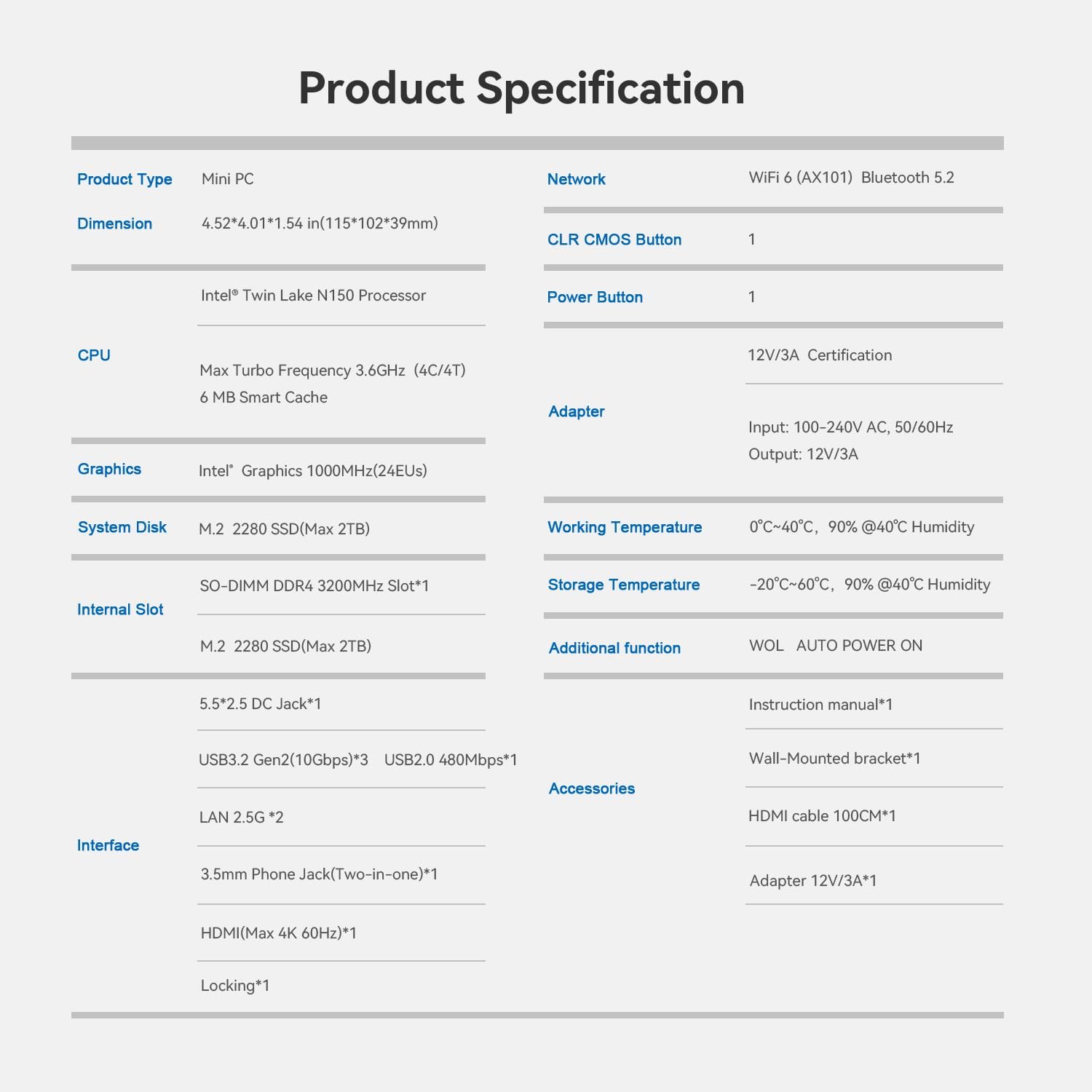
CPU: Intel Celeron Processor N95(4C/4T, 4M Cache, Up to 2.9GHz)
GPU: Intel UHD Graphics
Language: Multi-language
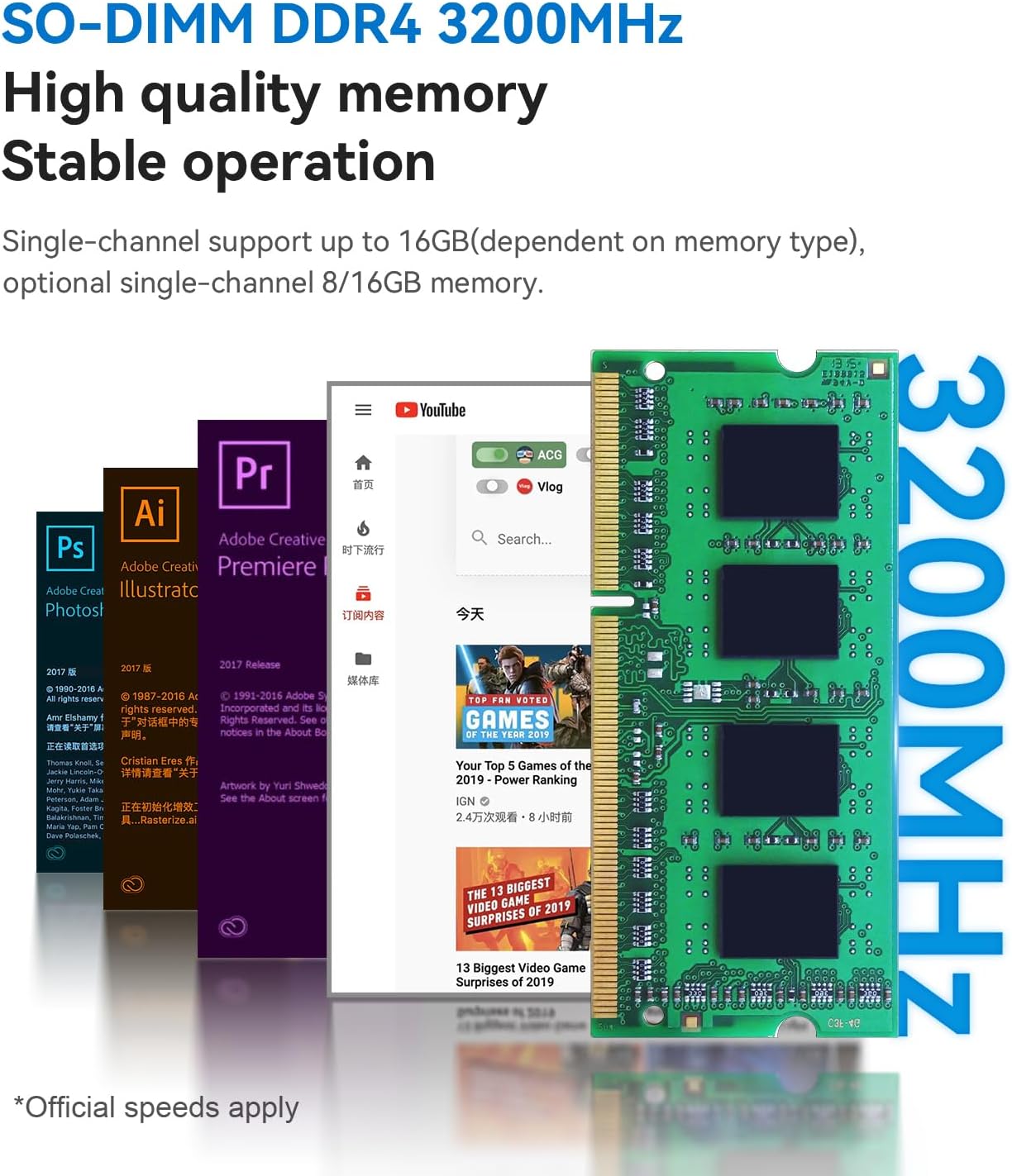
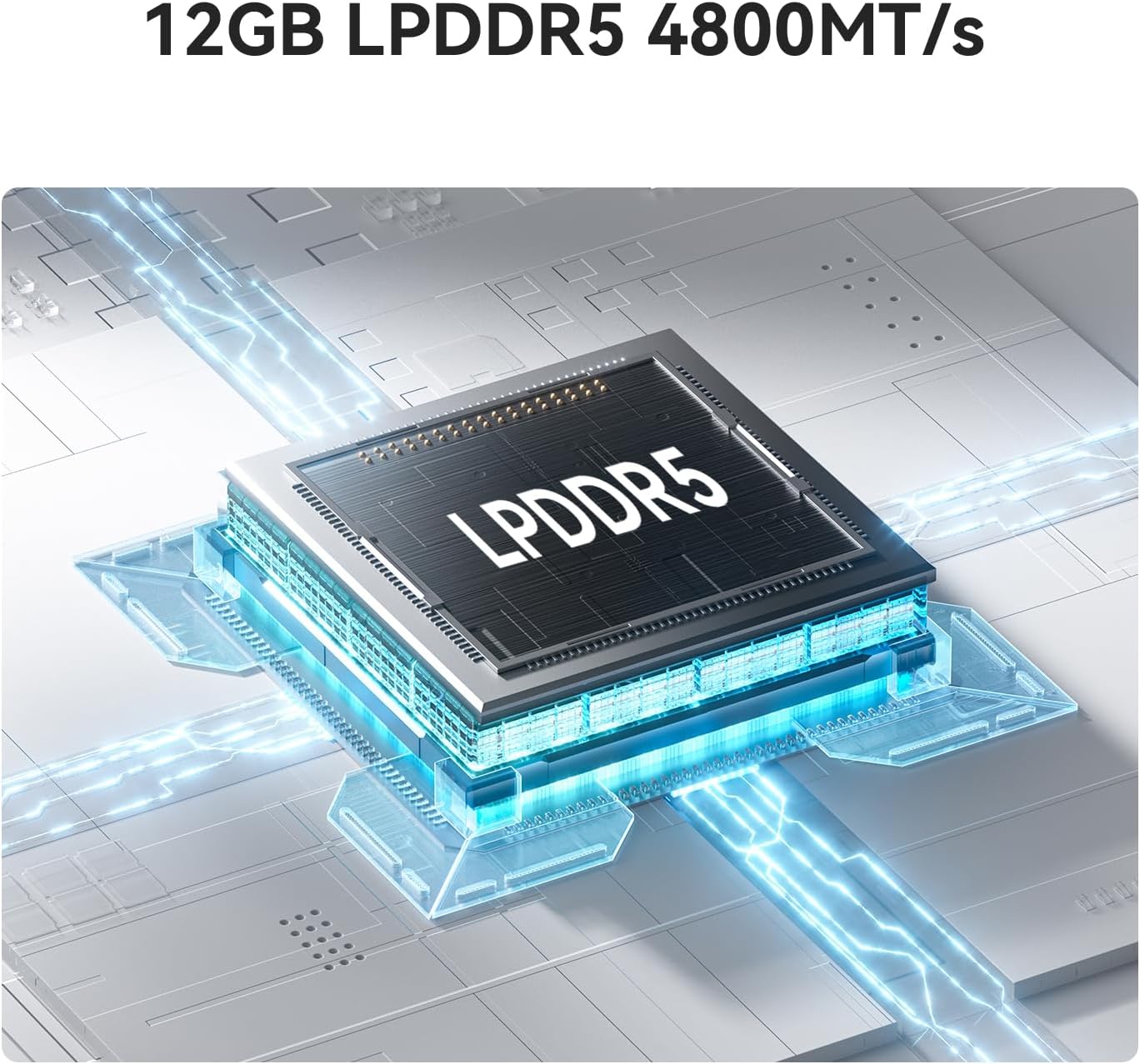
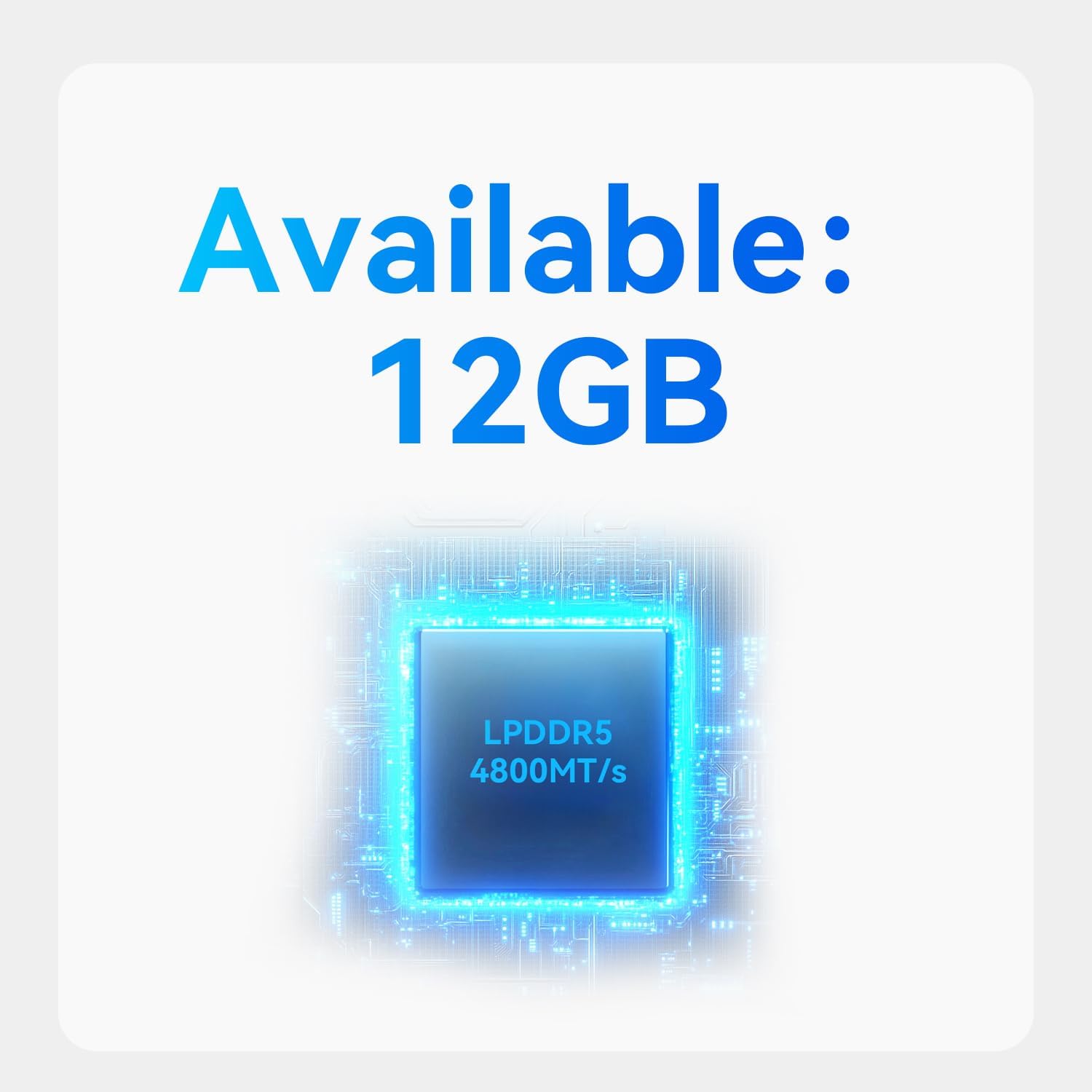
RAM: 8GB/12GB/16GB
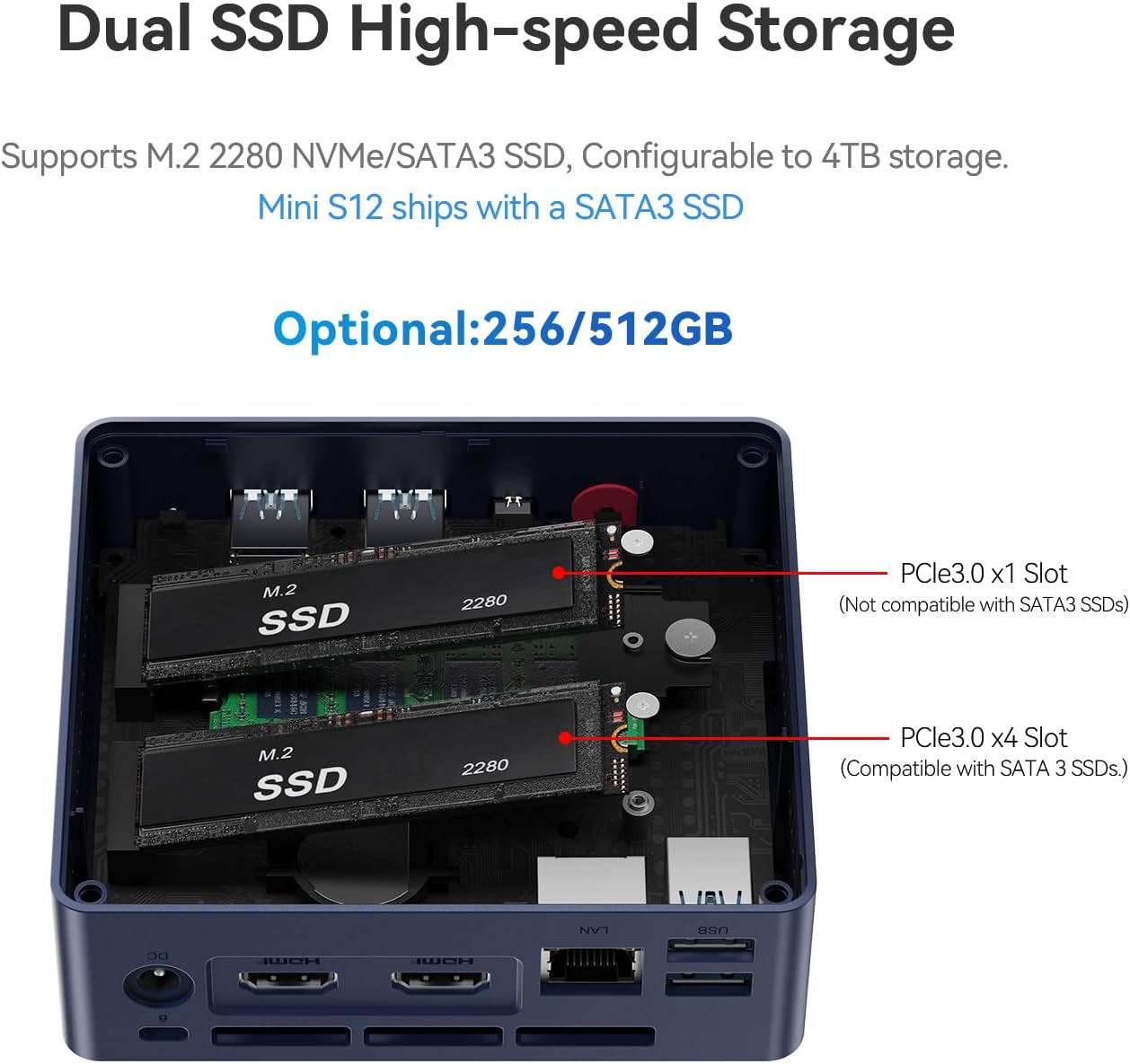
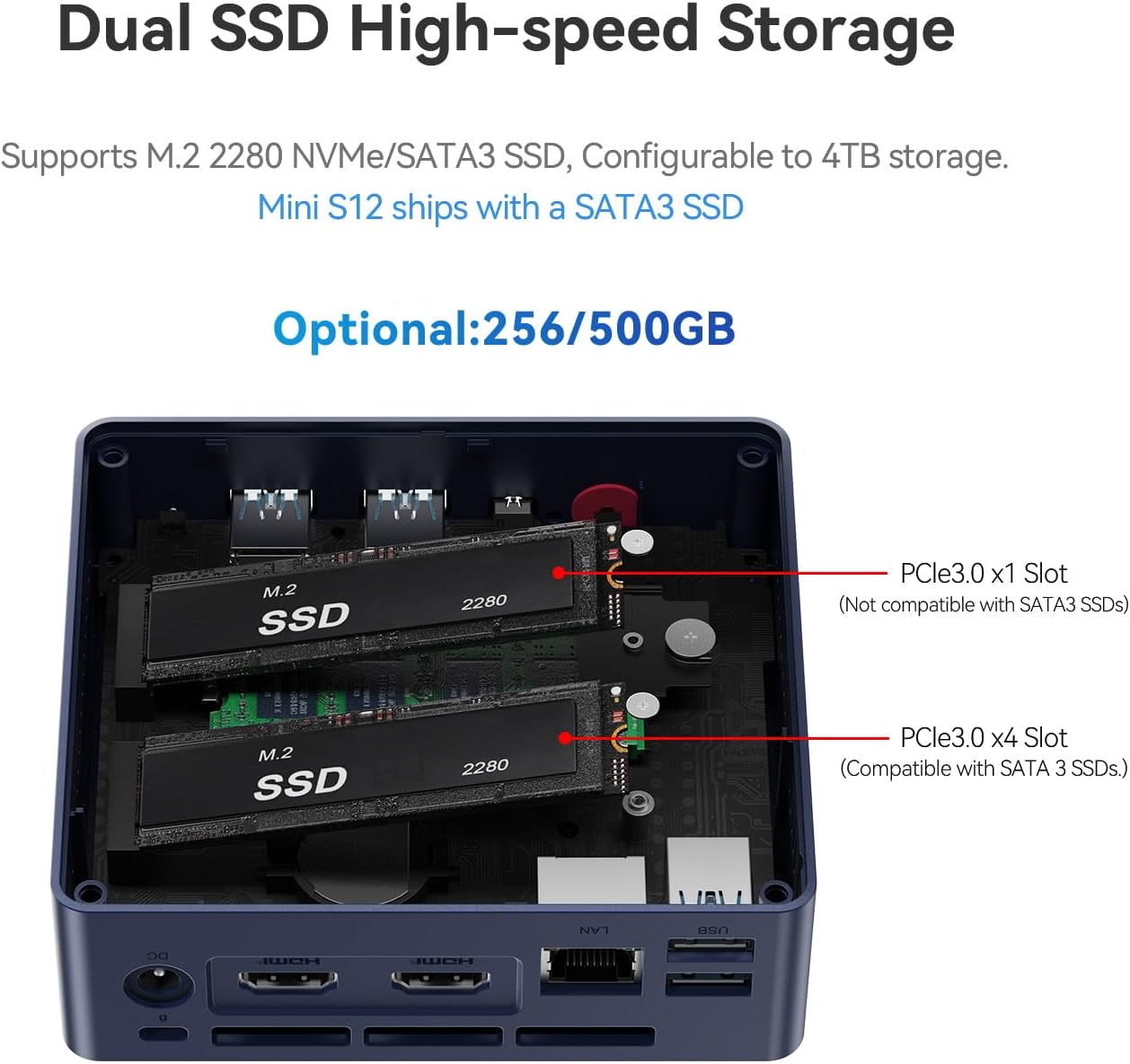
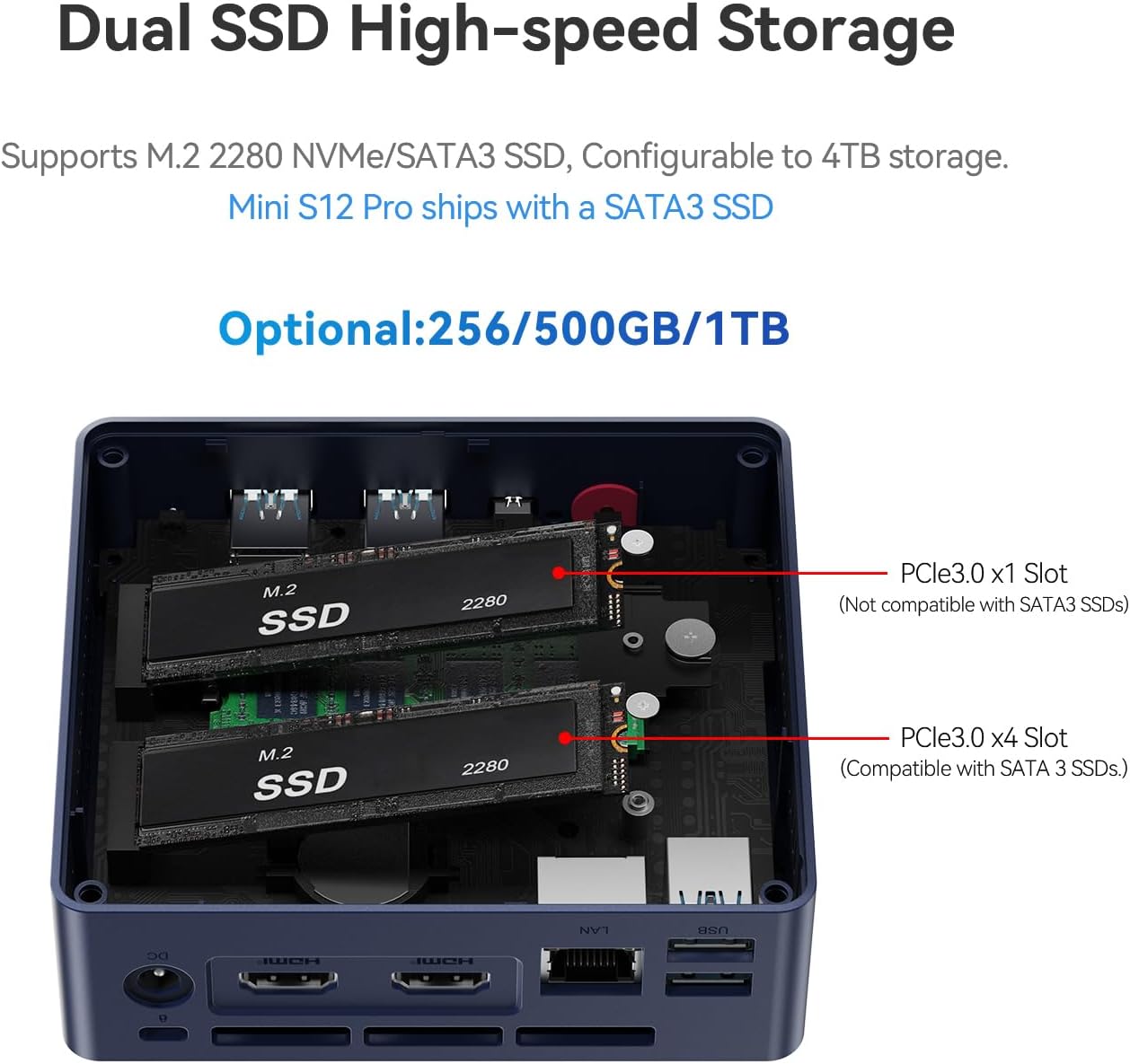
Hard Disk: 256GB/480GB/500GB
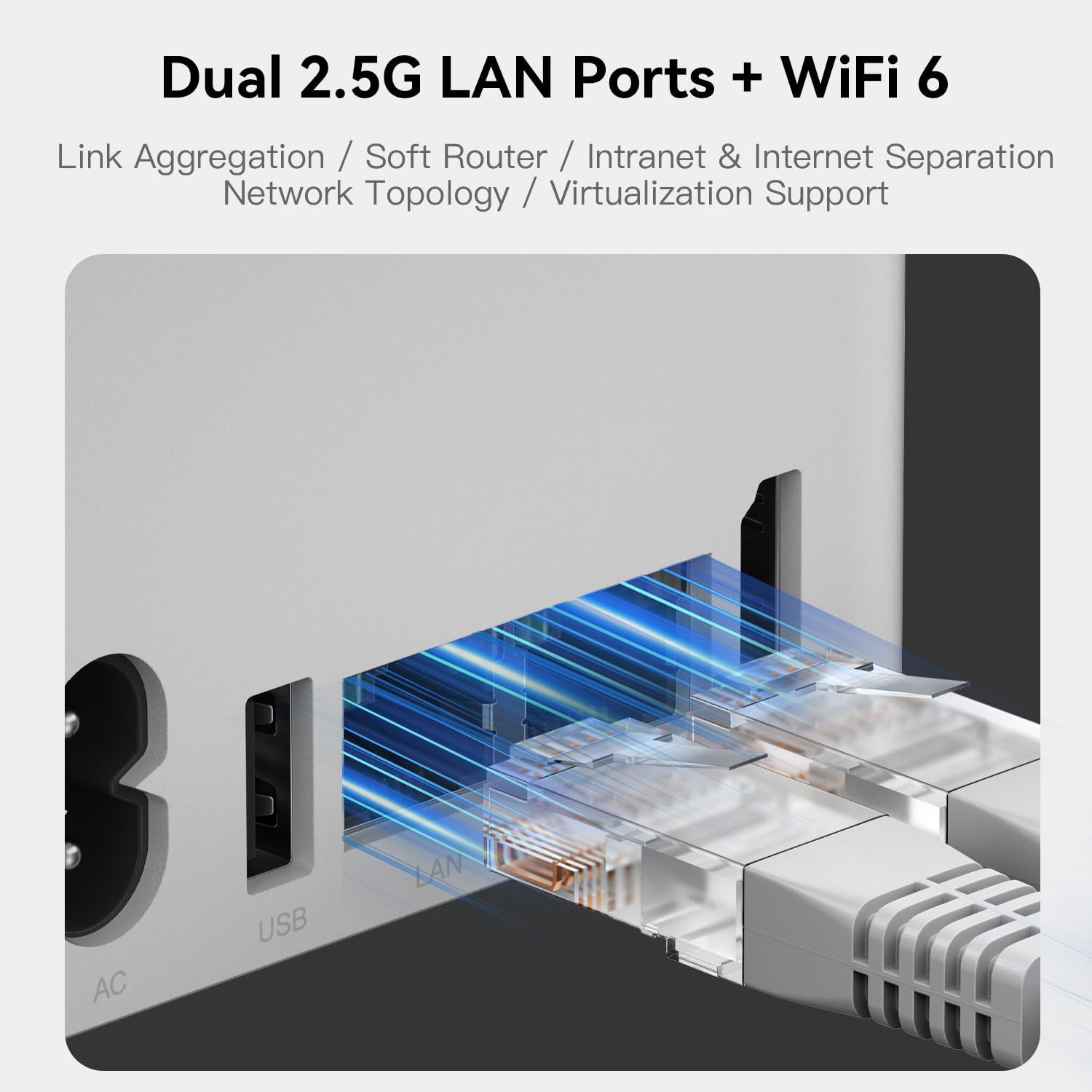
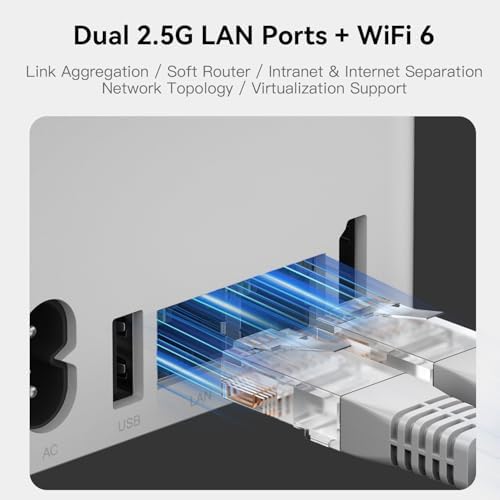
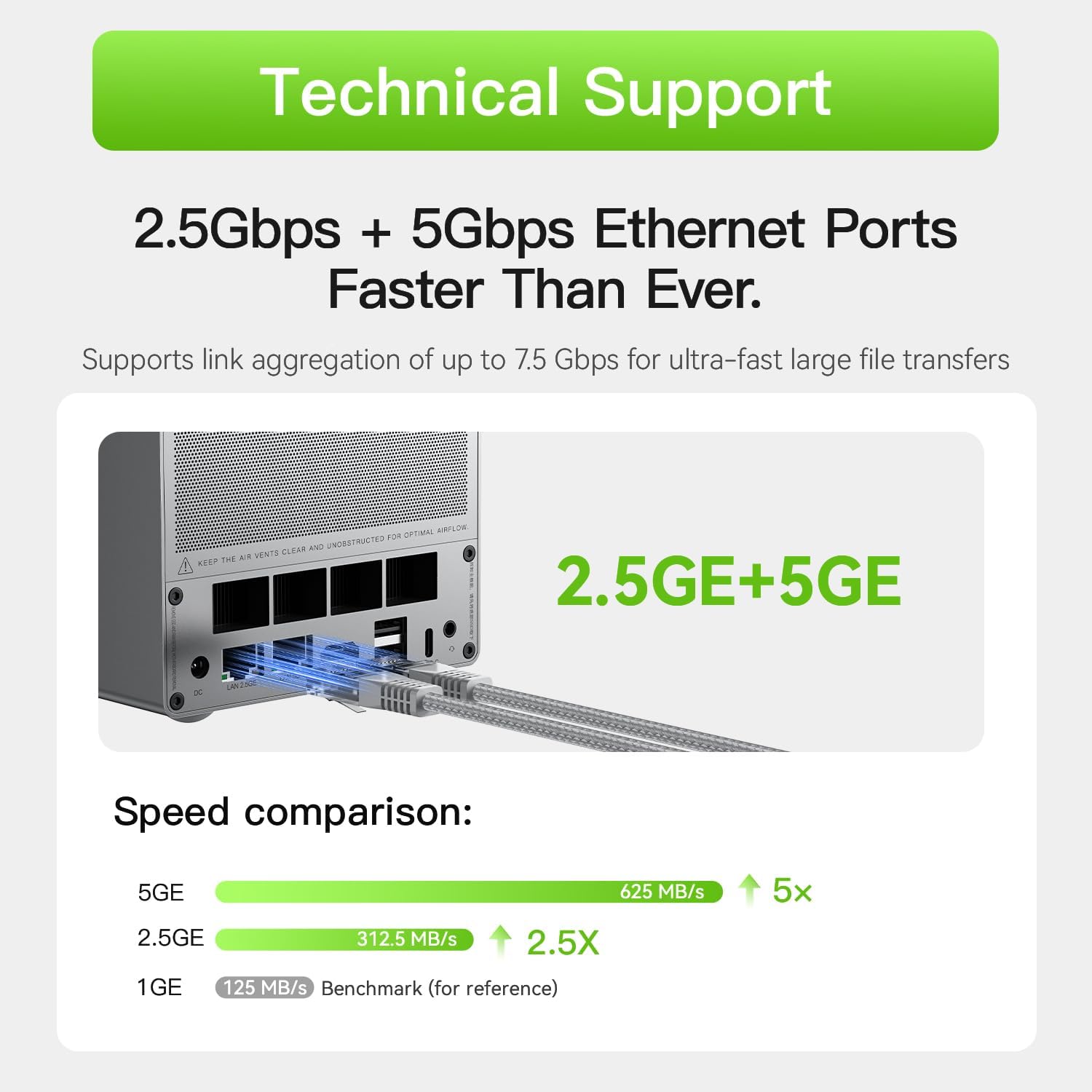
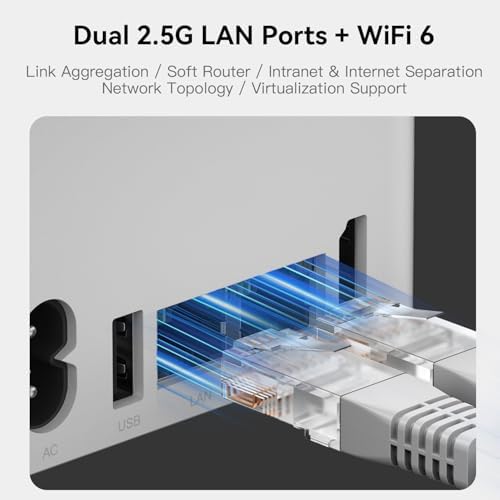
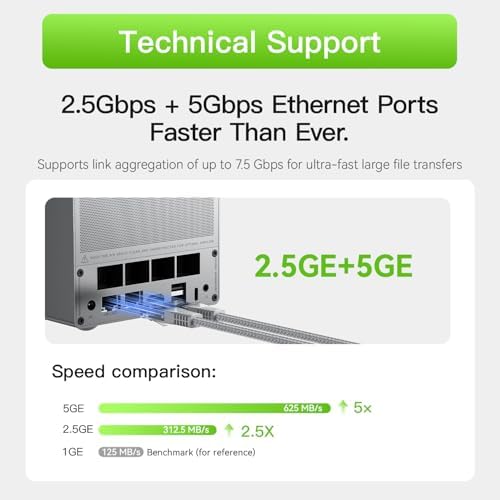
Network: WiFi IEEE 802.11/b/g/n/ac, 2.4+5.8G WiFi, Ethernet 2.5Gbps LAN, Bluetooth 4.2
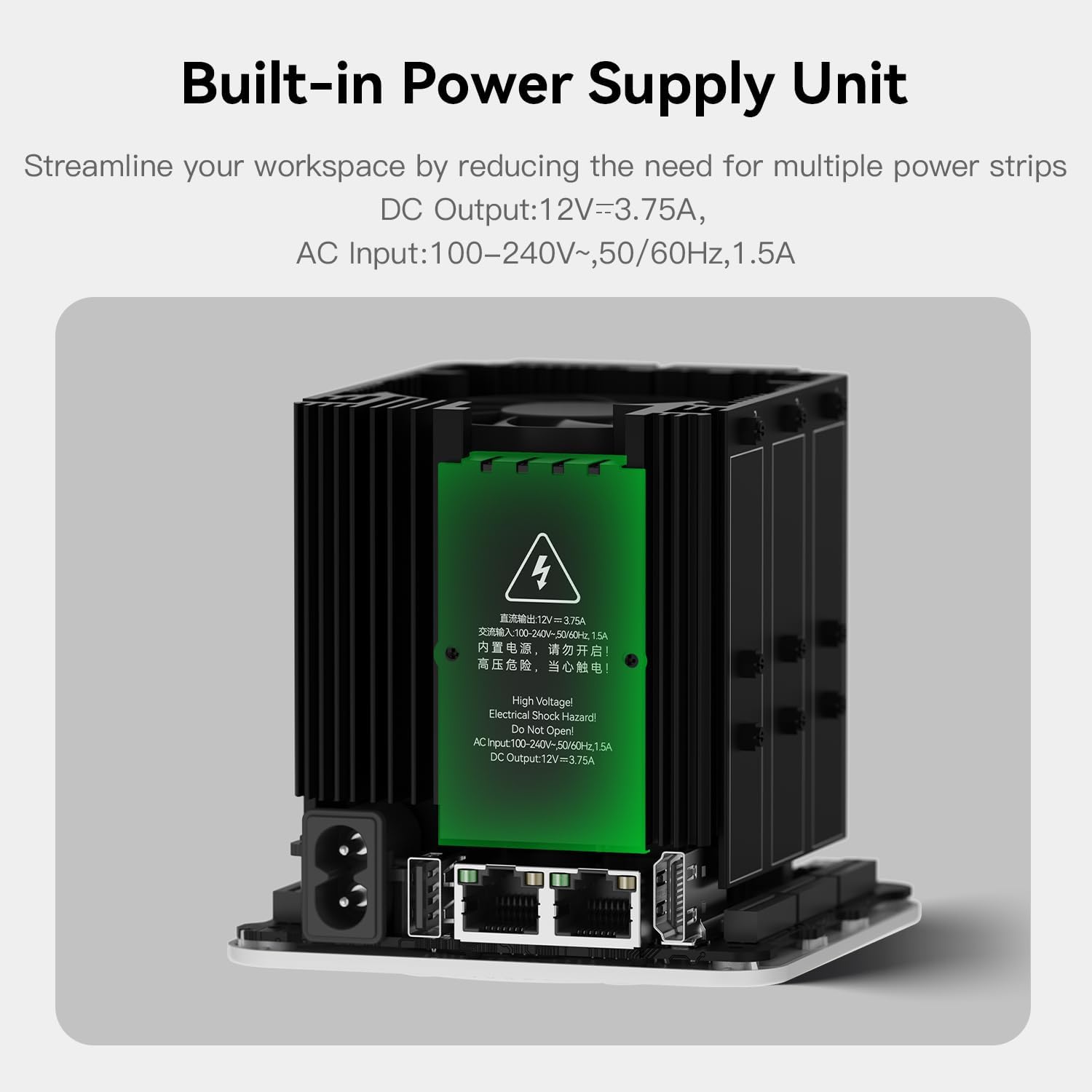
Adapter: Input: 100-240V AC, 50/60Hz , Output: 12V 3A
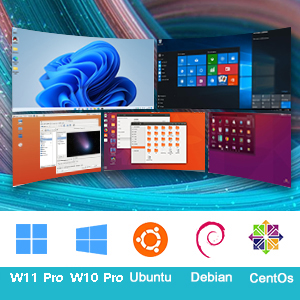
Beelink MINI S12 mini-pc with no visible bloatware. You can also install Linux OS.

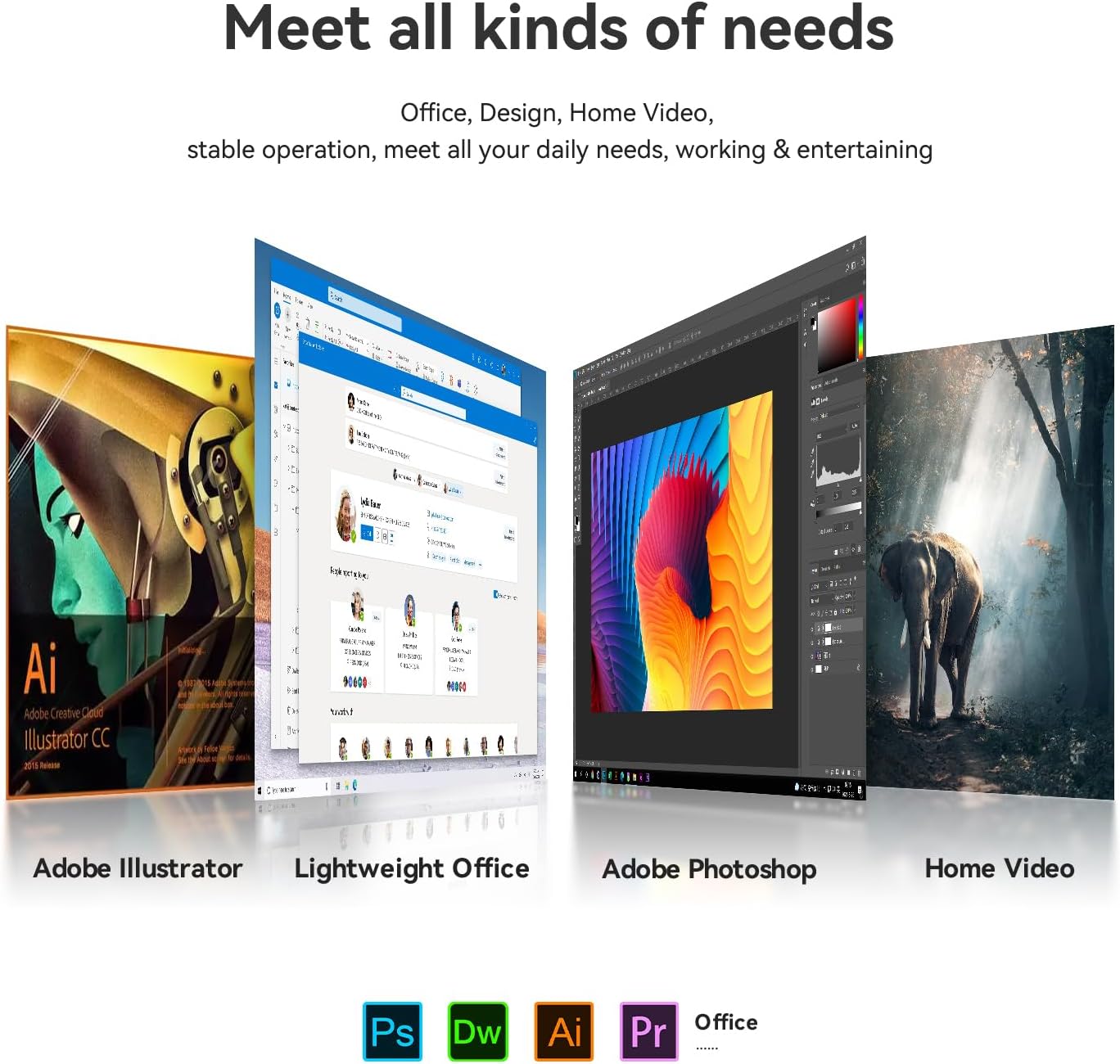
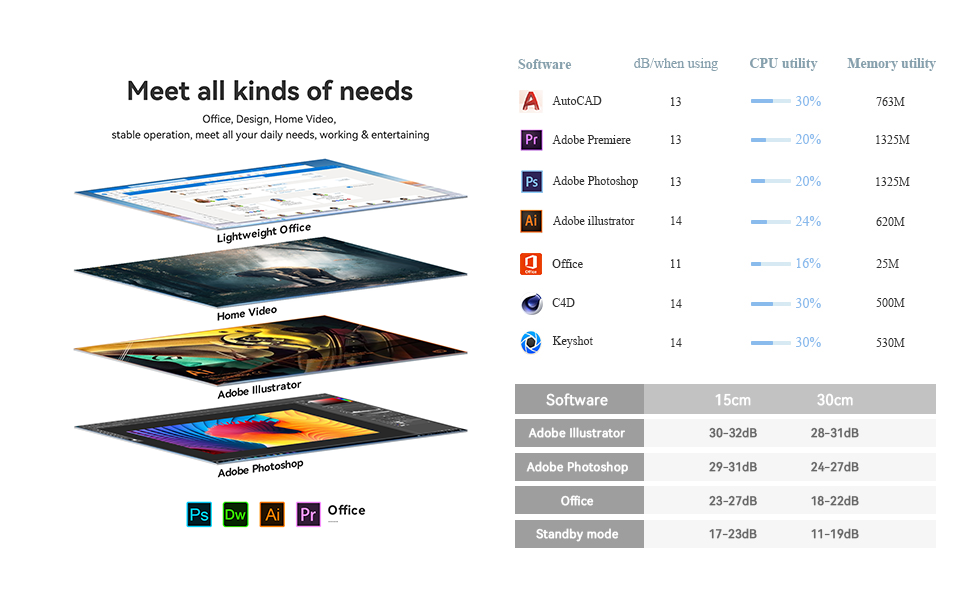
Beelink Mini PC supports various design software such as PS PR, as well as office software such as Office/Excel/PPT
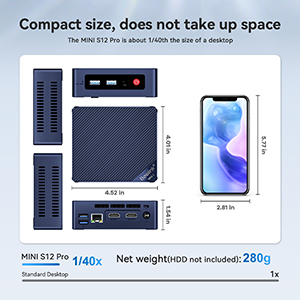
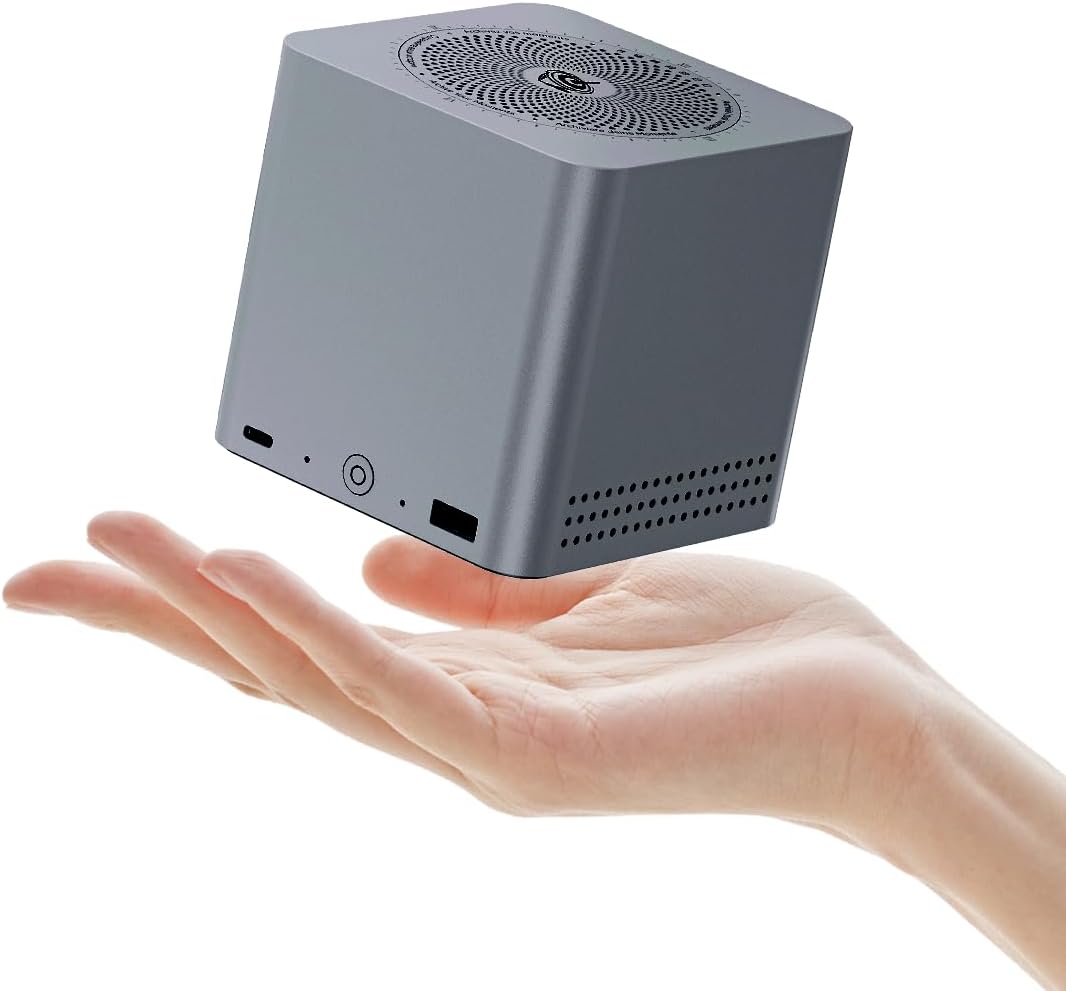
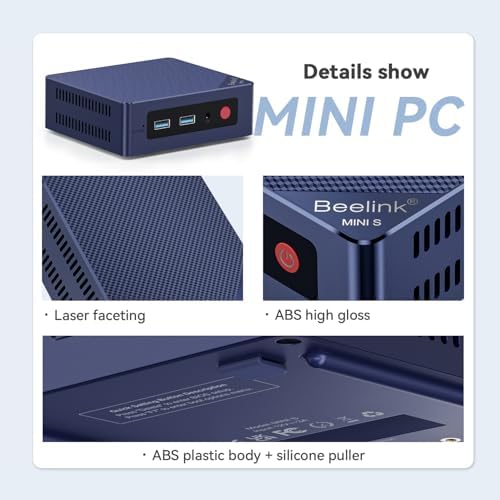
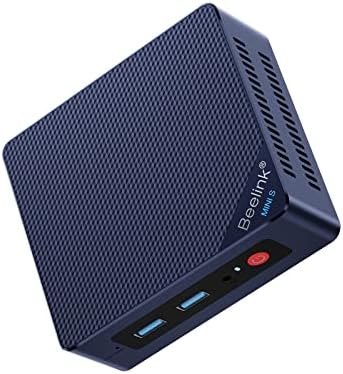
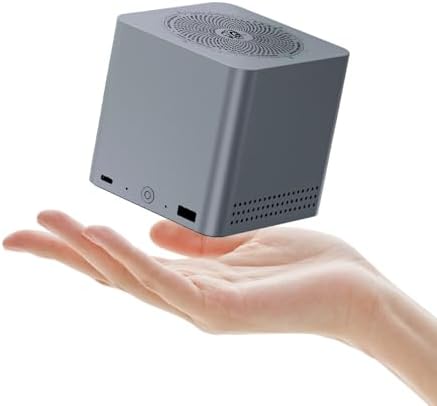
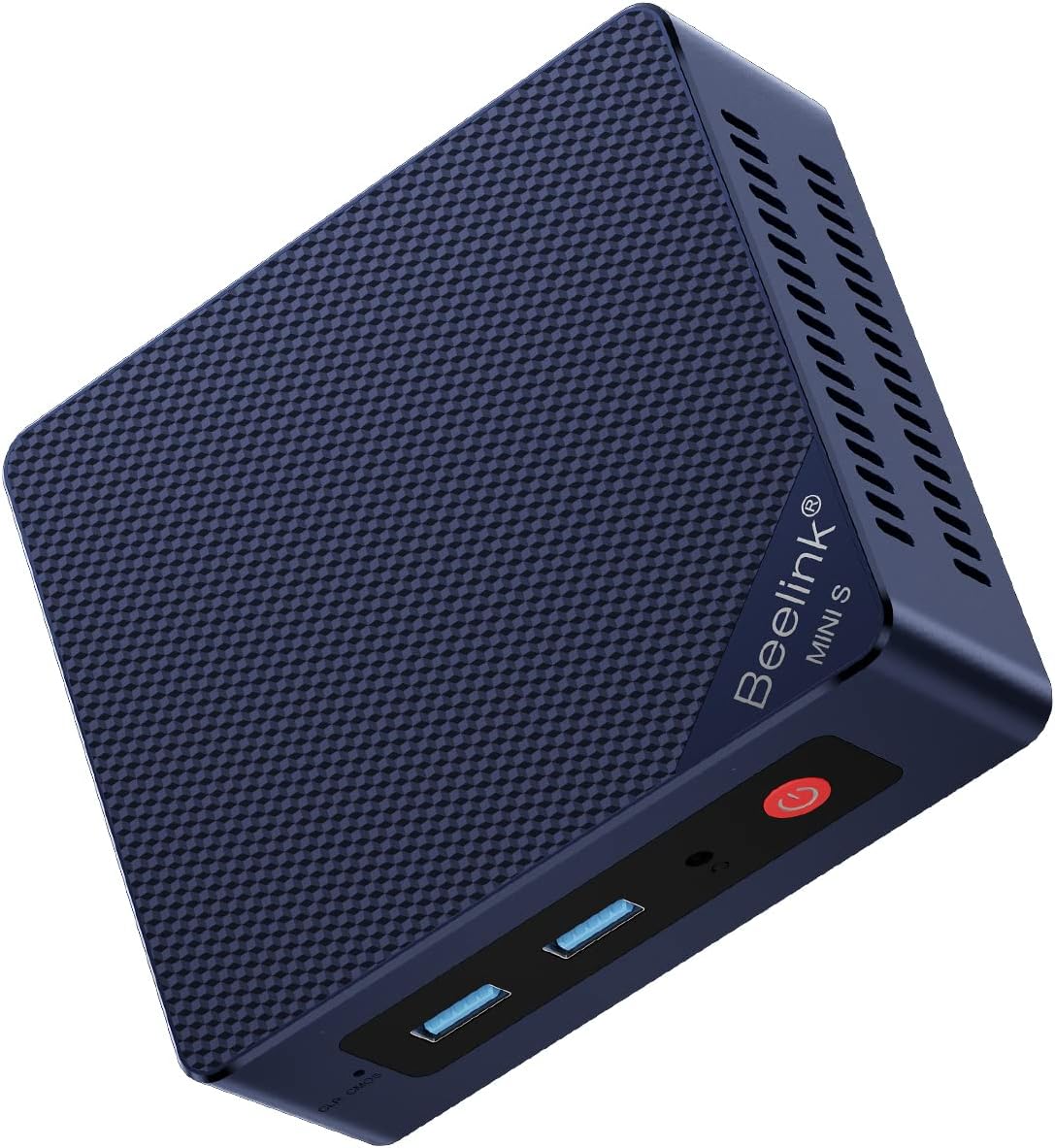
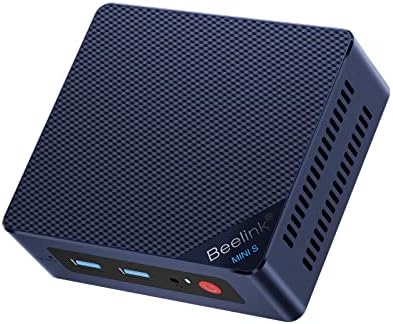
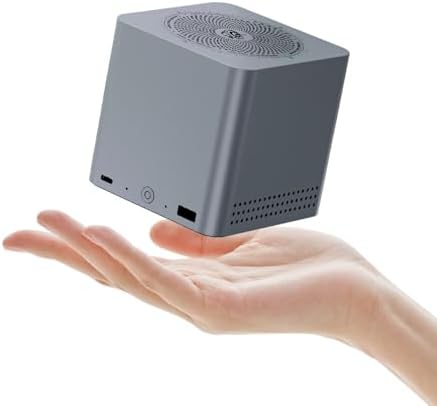
Beelink MINI S12 is compact in size and light in weight, which allows easily carry it with you and also attach to the back of the monitor.
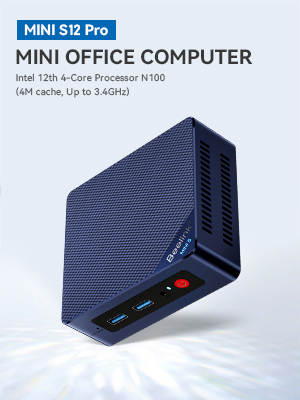

Our products are portable and elegant which make you focus on our products. We provide you the next mini PC, the most advanced and the best, which is designed by our creative and innovative Chinese engineers and European appearance designers. Our hardware design research and development team devote all our passion and energy into the iteration of our product. We combine the most cutting edge technology and essential design concepts to invent such a beautiful product. Wish you enjoy!
Beelink is a passionate believer and a pursuer of technology innovation and revolution, aiming for changing your life, making you think different and bringing your work more convenience and efficiency. We are in faith that our products need to open every customer’s mind, and see how the world change. We hope all our craftsman spirit and devotion can create the product better, and the product different.
Note:
To avoid initial setup issues, the first time you use this mini pc , don't connect network or wifi until the OS of your mini pc is running.
Q1: Computer Green screen?
There is a problem with the graphics card driver configuration;
Solution: Uninstall the graphics card driver and reinstall the driver suitable for the graphics card version.
The computer monitor shows that the connection line is disconnected, resulting in incomplete color difference signal, so the red, green and blue three primary colors are not fully transmitted, and a green screen appears;
Solution: Try changing the monitor cable.
Q2: How to enter BIOS?
Press "delete" to enter the BIOS settings; press "F7" to enter the boot options menu (click continuously immediately after booting).
loading
