





Free worldwide shipping
Free returns
Carbon neutral
Secure payments
| Operation Mode | ON-OFF |
|---|---|
| Connector Type | Speaker Wire |
| Switch Type | Selector Box |
| Circuit Type | 2-way |
| Mounting Type | Wall Mount |
| Number of Positions | 2 |
| Controller Type | Voice Control |
| Control Method | App, Touch, Voice |
| Connectivity Protocol | Wi-Fi |
| Wattage | 300 watts |
| Control Type | full |
| Compatible Devices | Stereo Amplifier |
| Color | Black |
| Item Dimensions | 8.46 x 3.9 x 1.38 inches |
| Unit Count | 1 Count |
| Number of Items | 1 |
| Model | 3S-2Z |
| Manufacturer | Audioflow |
| Warranty Description | 2 Year Manufacturer |
| Part Number | 3S-2Z |
| Number Of Positions | 2 |

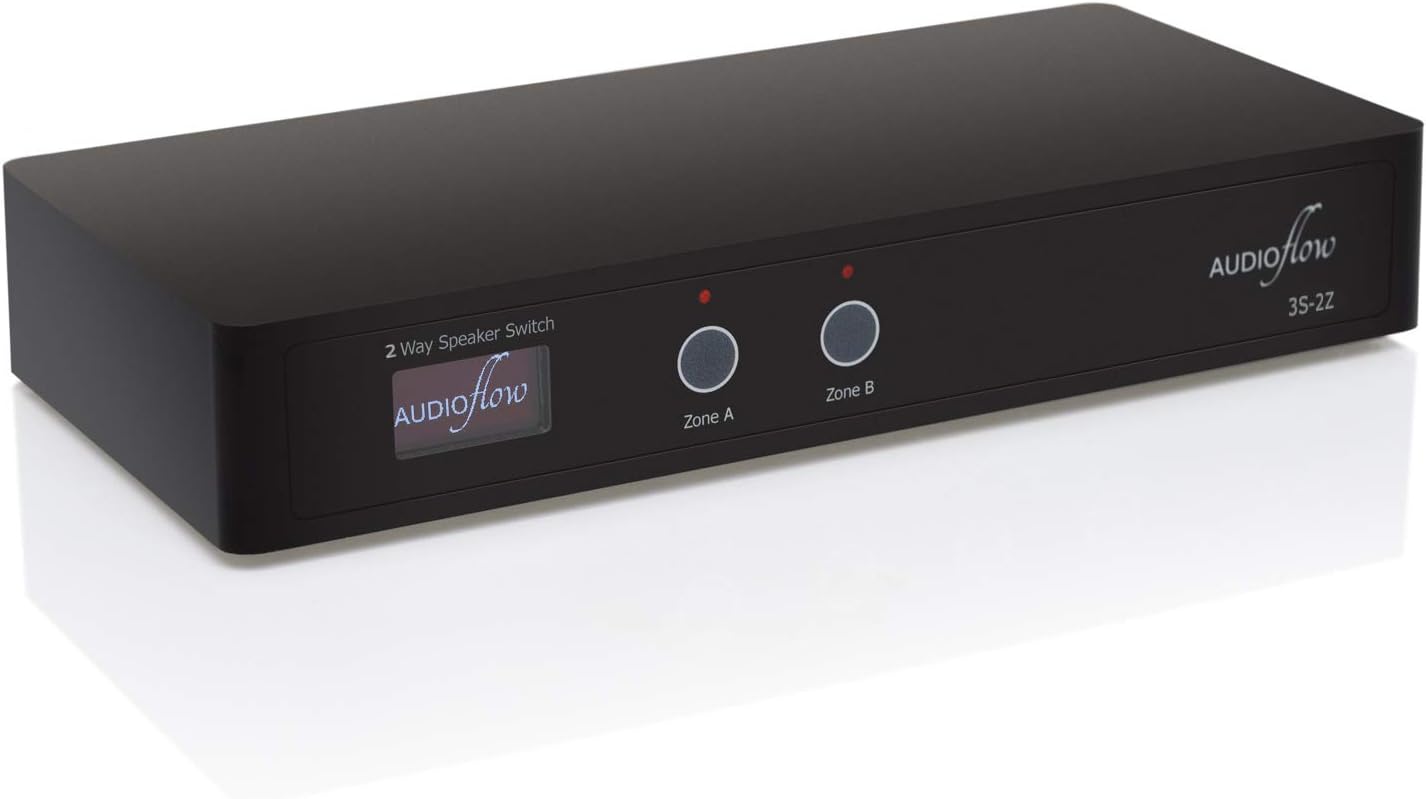
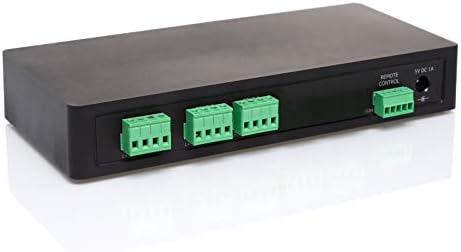
The Audioflow switch is carefully designed to be a convenient and safe way of switching between multiple speakers in a typical domestic multi-room audio system. It is perfect for connecting ceiling speakers, on-wall and in-wall speakers, bookshelf speakers and outdoor speakers to a single amplifier output.
You would be able to connect speakers in different areas. For example, a Bedroom / Dressing / Ensuite, or an Open Plan Kitchen / Dining / Living Room / Garden without the expense of multiple amplifiers.
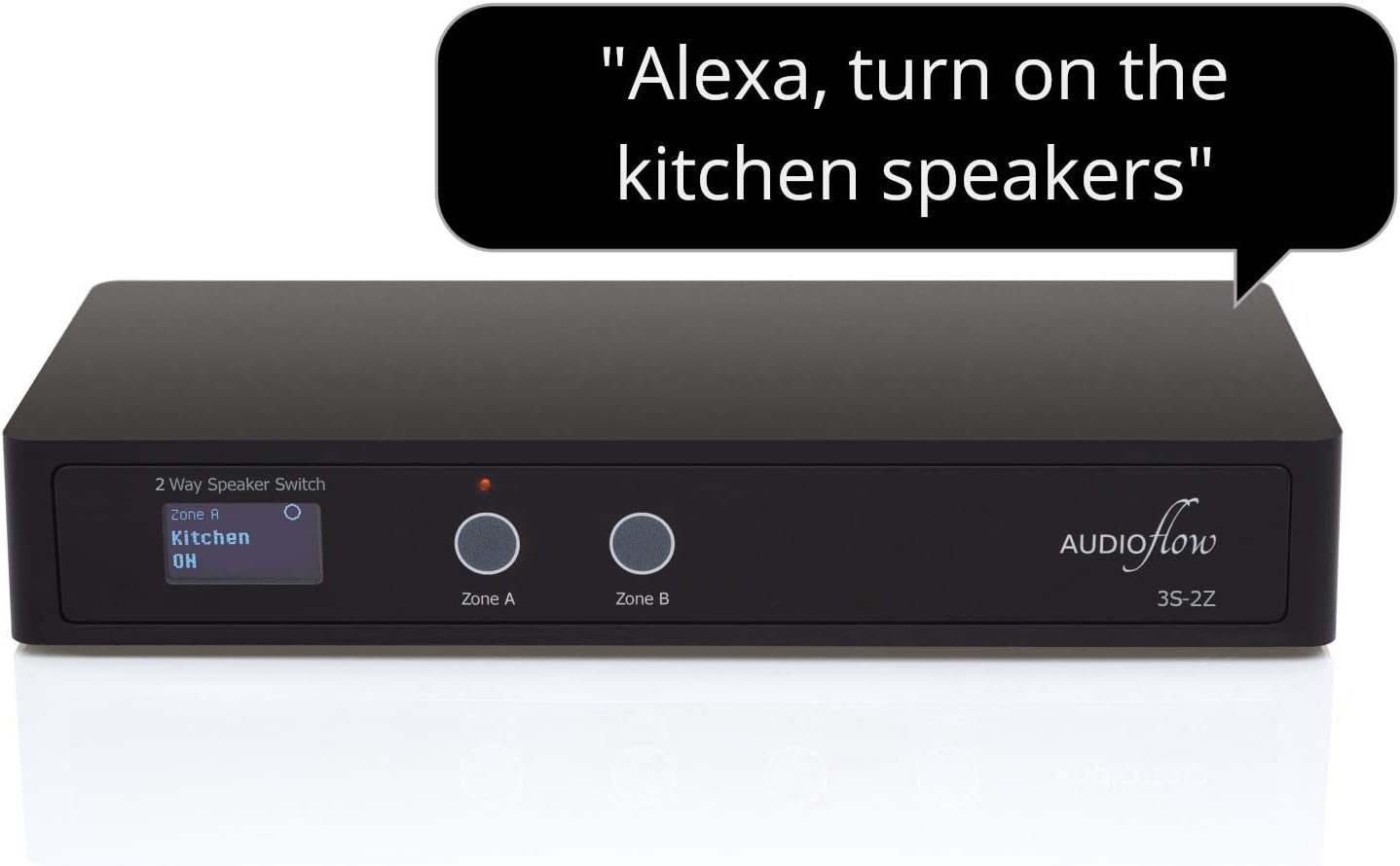
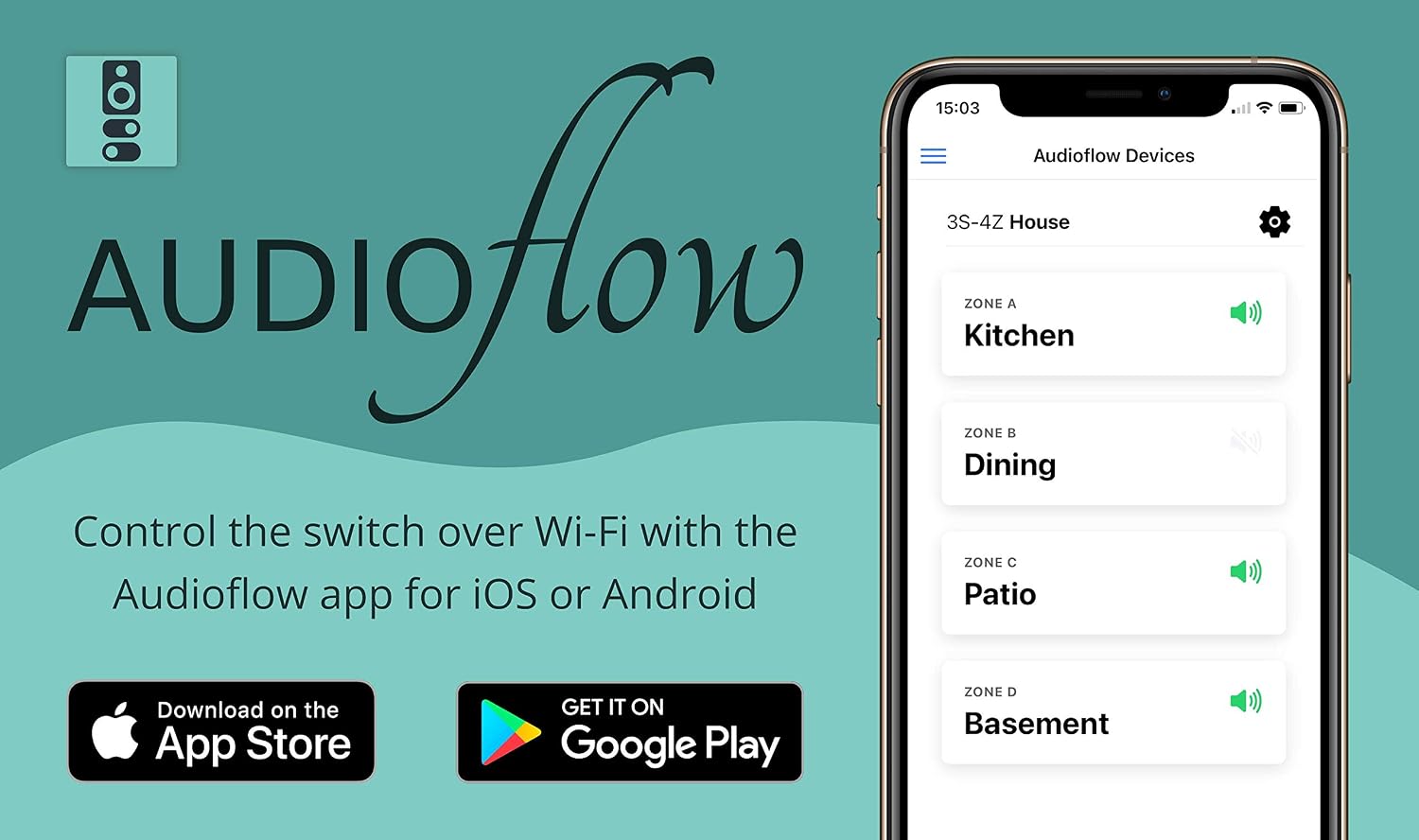
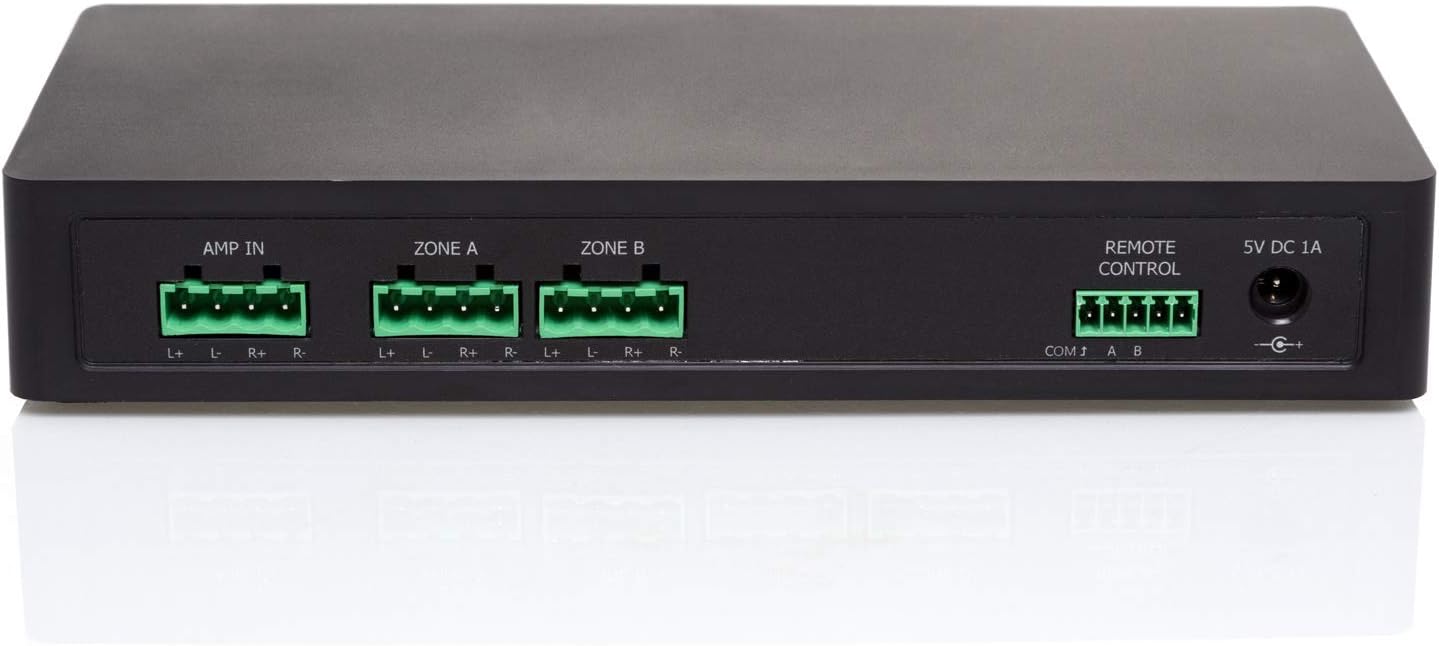
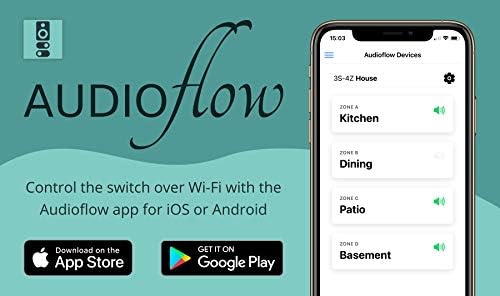
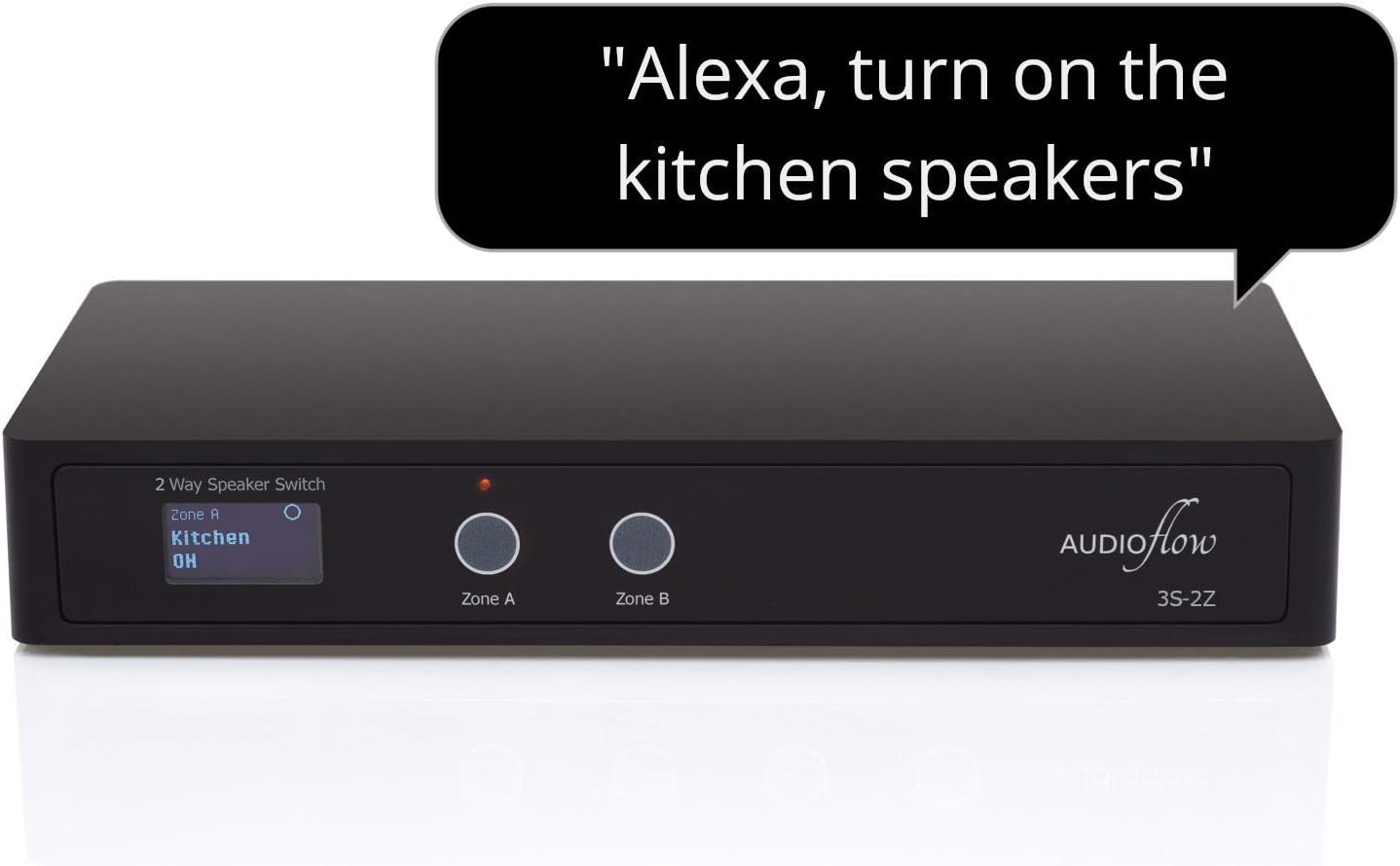
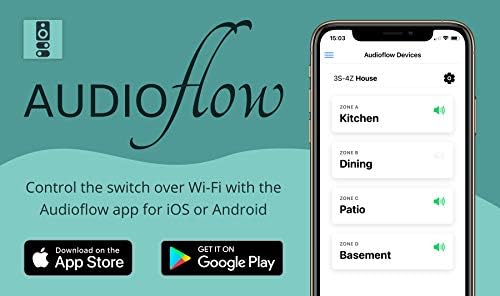
The speaker switch provides lots of flexibility by allowing you to enable and disable any combination of the speakers attached to it with the buttons on the front of the unit, over Wi-Fi with an app for iOS / Android, the Amazon Alexa Voice Assistant or Contact Closure connections.

Set up and control your speaker switch with the Audioflow App for iOS or Android
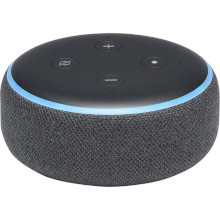
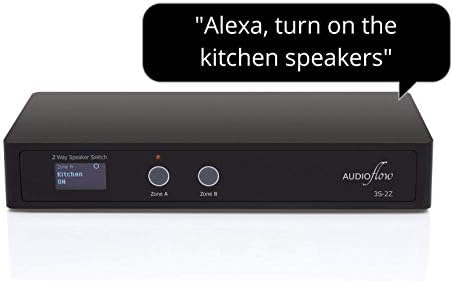
Control your speaker switch with the Audioflow Skill for the Amazon Alexa Voice Assistant
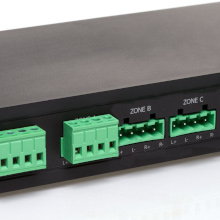
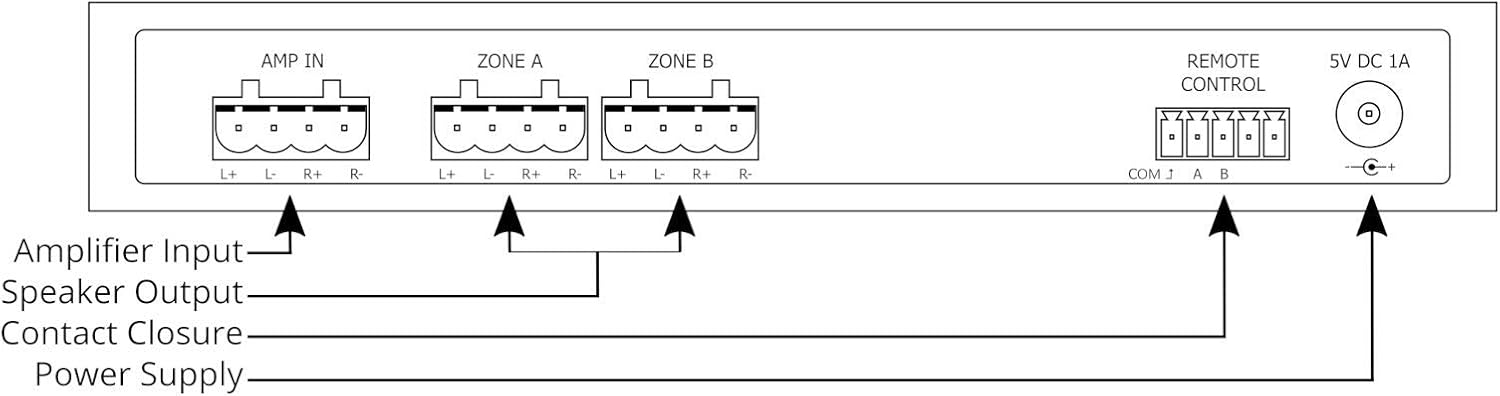
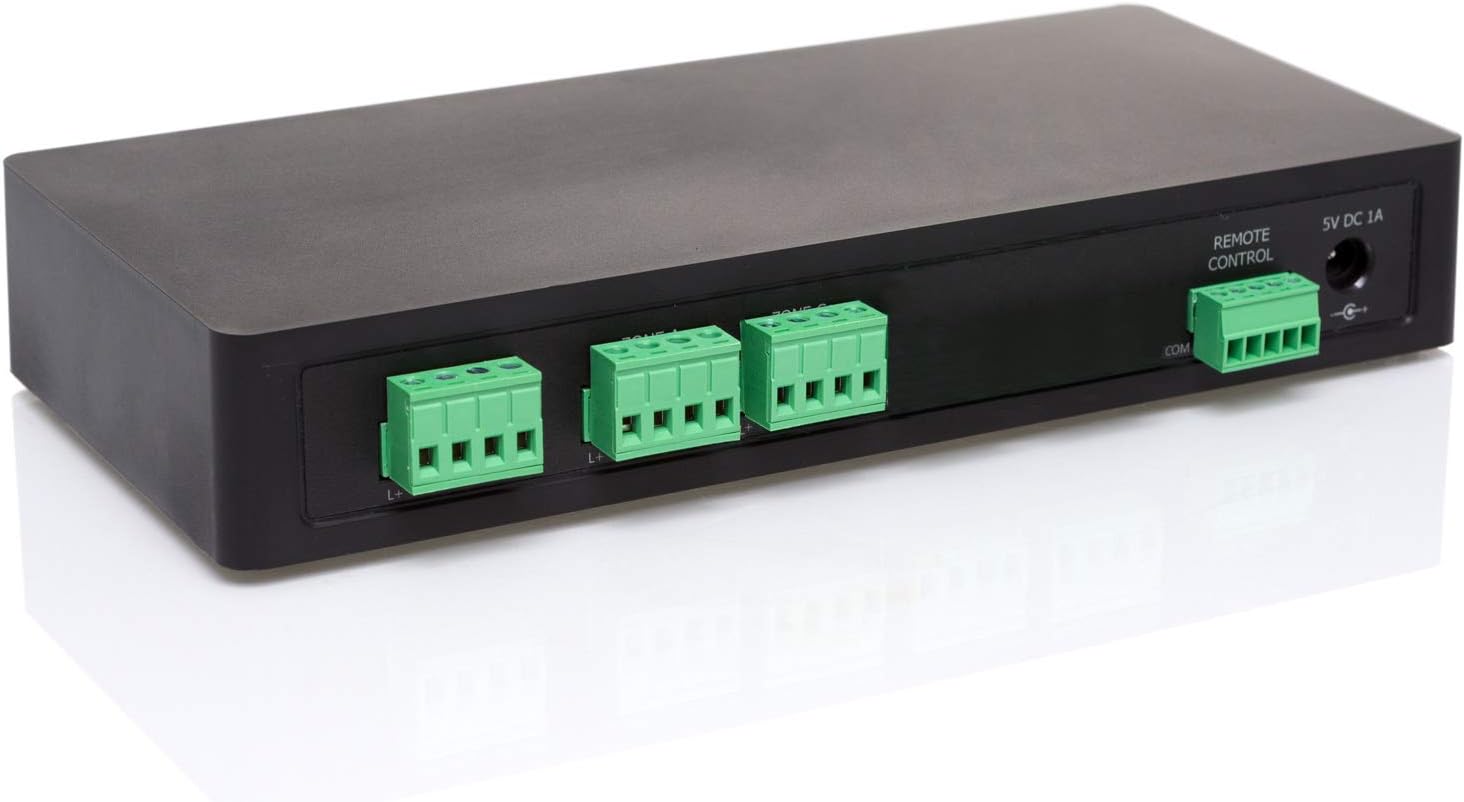
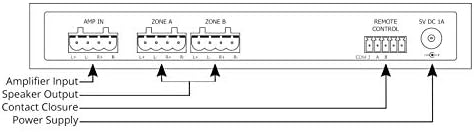
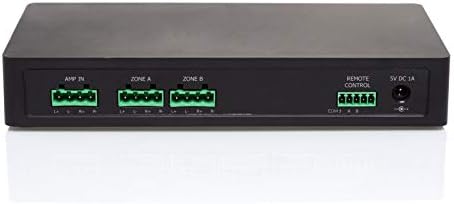
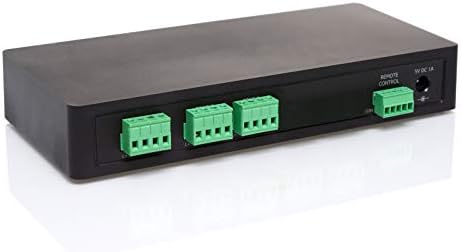
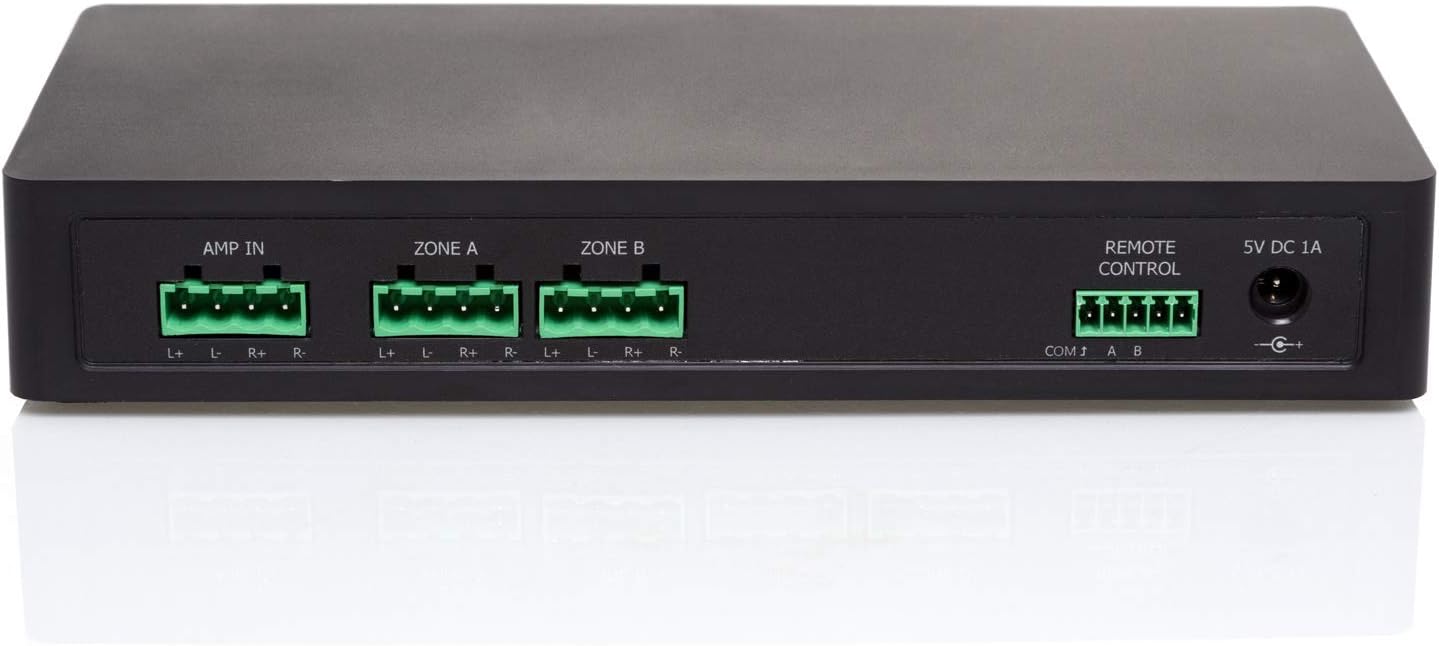
Easy to use modular connectors for connecting your Amplifier and Speaker Cables
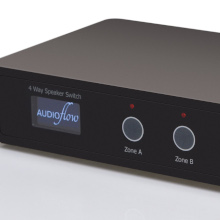
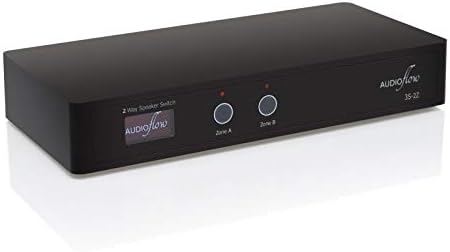
Simple to operate with a clear OLED display and touch activated manual buttons
| Description | 2 Way Smart Speaker Switch |
| Product Dimensions, Weight | H38 x W216 x D100 mm, 286g |
| Boxed Dimensions, Weight | H90 x W355 x D127, 687g |
| Includes | Power Supply, Connection Plugs, Cable Ties, Quick Start Guide |
| Power Input | 5V DC 1A, 2.1 x 5.5mm Barrel Plug, Centre Positive |
| Power Supply | 100-240V 50/60Hz, 1.8m Lead, UK/EU/USA/AUS Plugs |
| Switching Relays | Max 8A @ 250V AC |
| Cable Connection | Max 4.0mm² or 12AWG |
| Speaker System Design | Series Switching |
| All Zones Off | Amplifier Protection 200Ω Dummy Load |
| Wi-Fi Support | 2.4GHz 802.11b/g/n, WPA/WPA2 PSK |
| Supported OS | Android 6.0+ (Google Play Store) / Apple iOS 13.0+ (App Store) |

Full documentation for this product is available on the Audioflow website.
Audioflow is Made in the UK and each product is fully tested on the production line.
Please take special care to ensure your wiring is correct, your system will not behave as expected if your wiring is incorrect.
If you have any questions as to whether Audioflow will work in your system or whether this is the right product for you, please do not hesitate to get in touch with us. We are also here to support if you are having any kind of trouble with your product.
Our contact details are on our website for email, phone or WhatsApp.

loading
