


































Free worldwide shipping
Free returns
Carbon neutral
Secure payments
| UPC | 650530030369 |
|---|---|
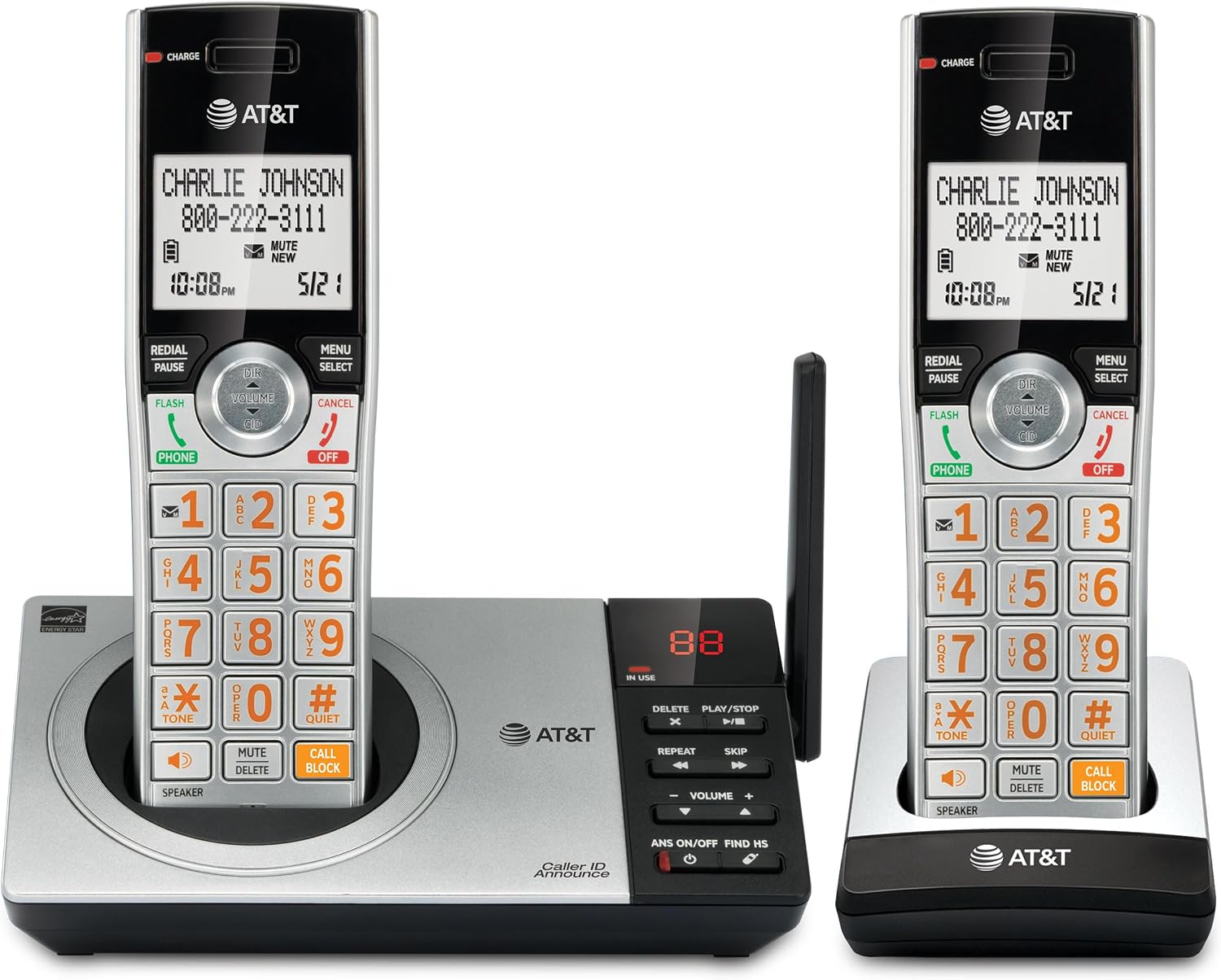
| Color | Silver/Black Corded /Cordless |
| Material | Metal, Plastic |
| Unit Count | 1 Count |
| Dialer Type | Single Keypad |
| Item Weight | 1.5 pounds |
| Manufacturer | Vtech |
| Model Number | CL84107 |
| Power Source | Corded Electric |
| Num Batteries | 1 AAA batteries required. (included) |
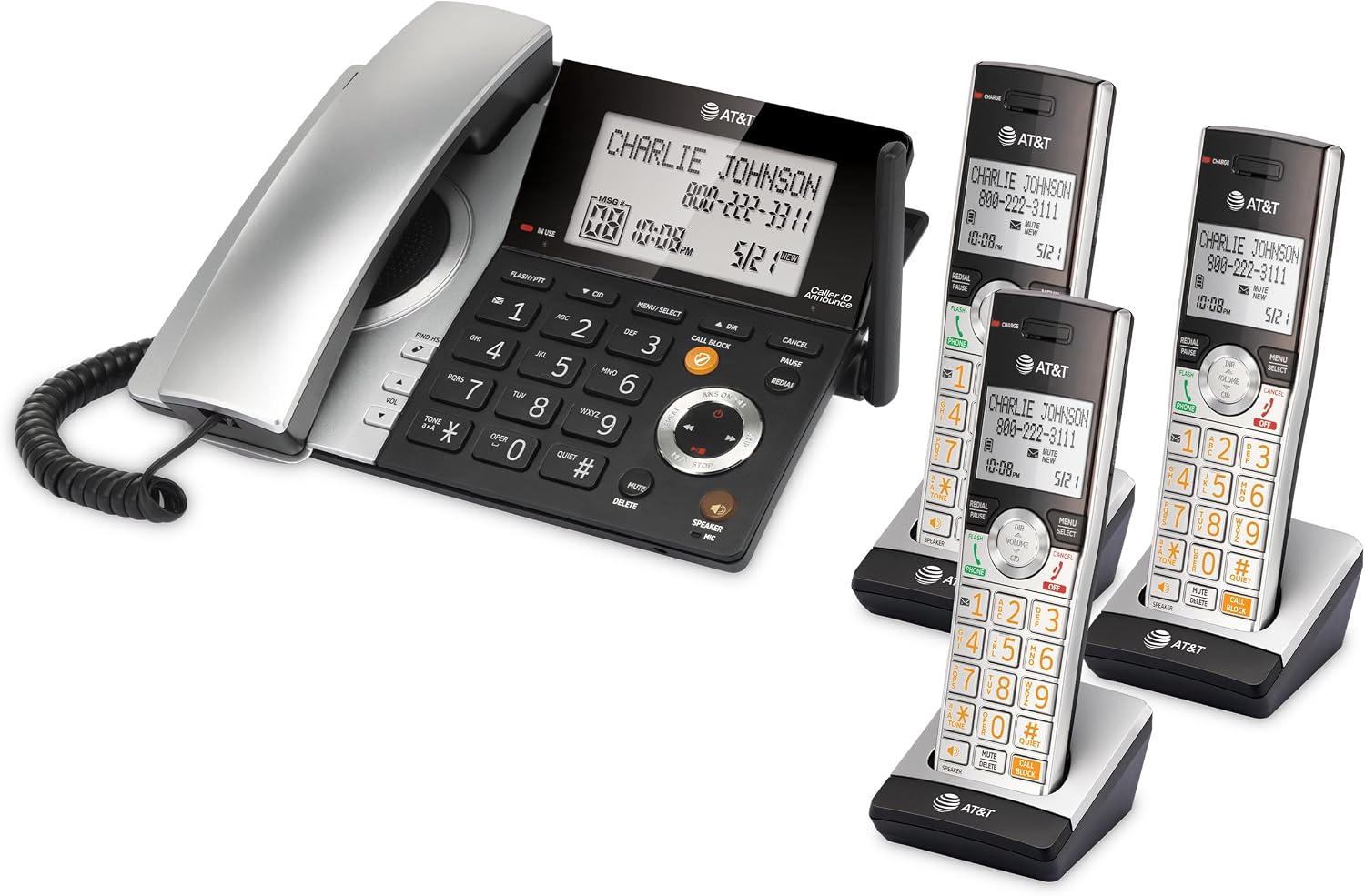
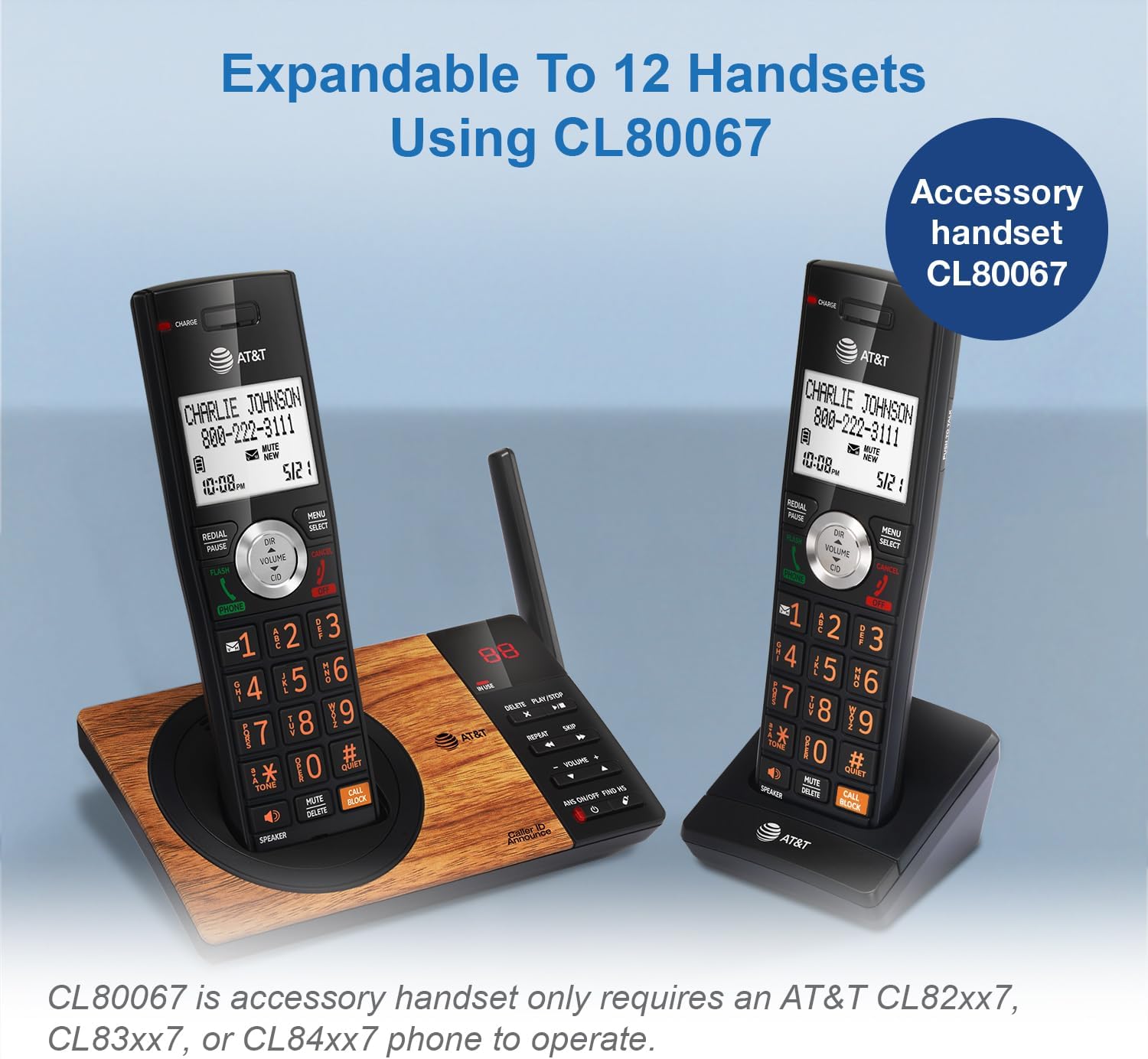
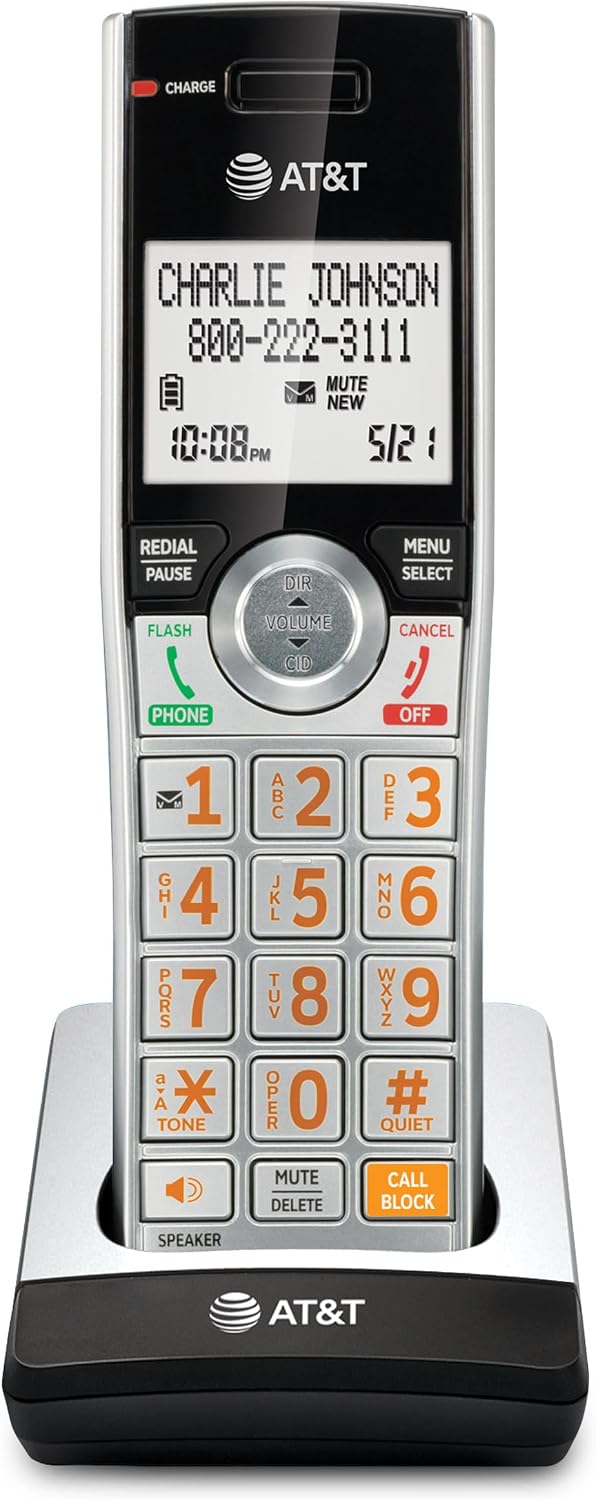
| Built-In Media | 2 handsets, base, charging cradle |
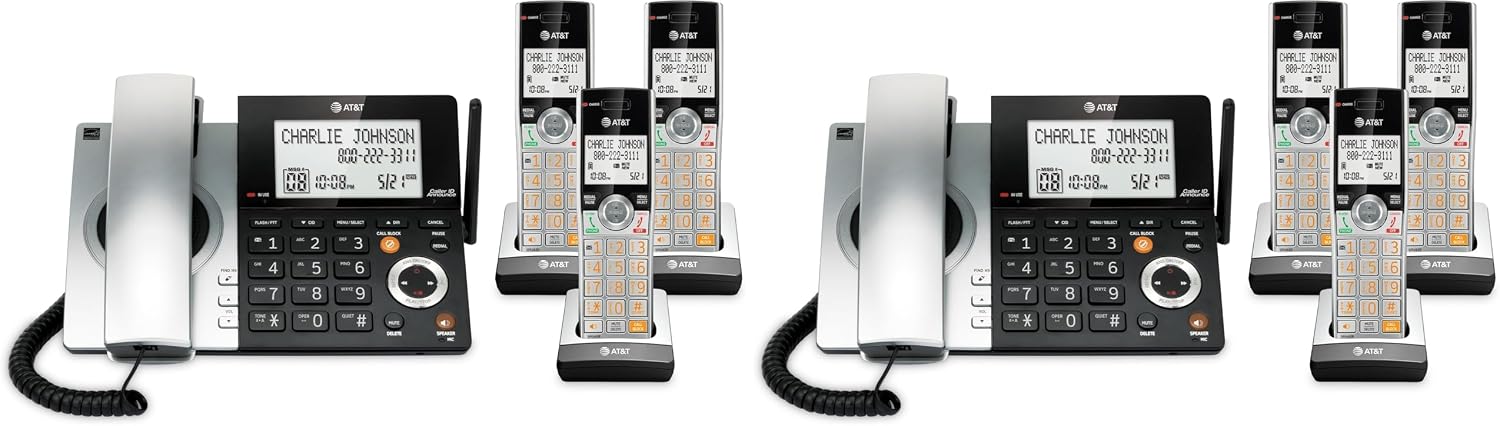
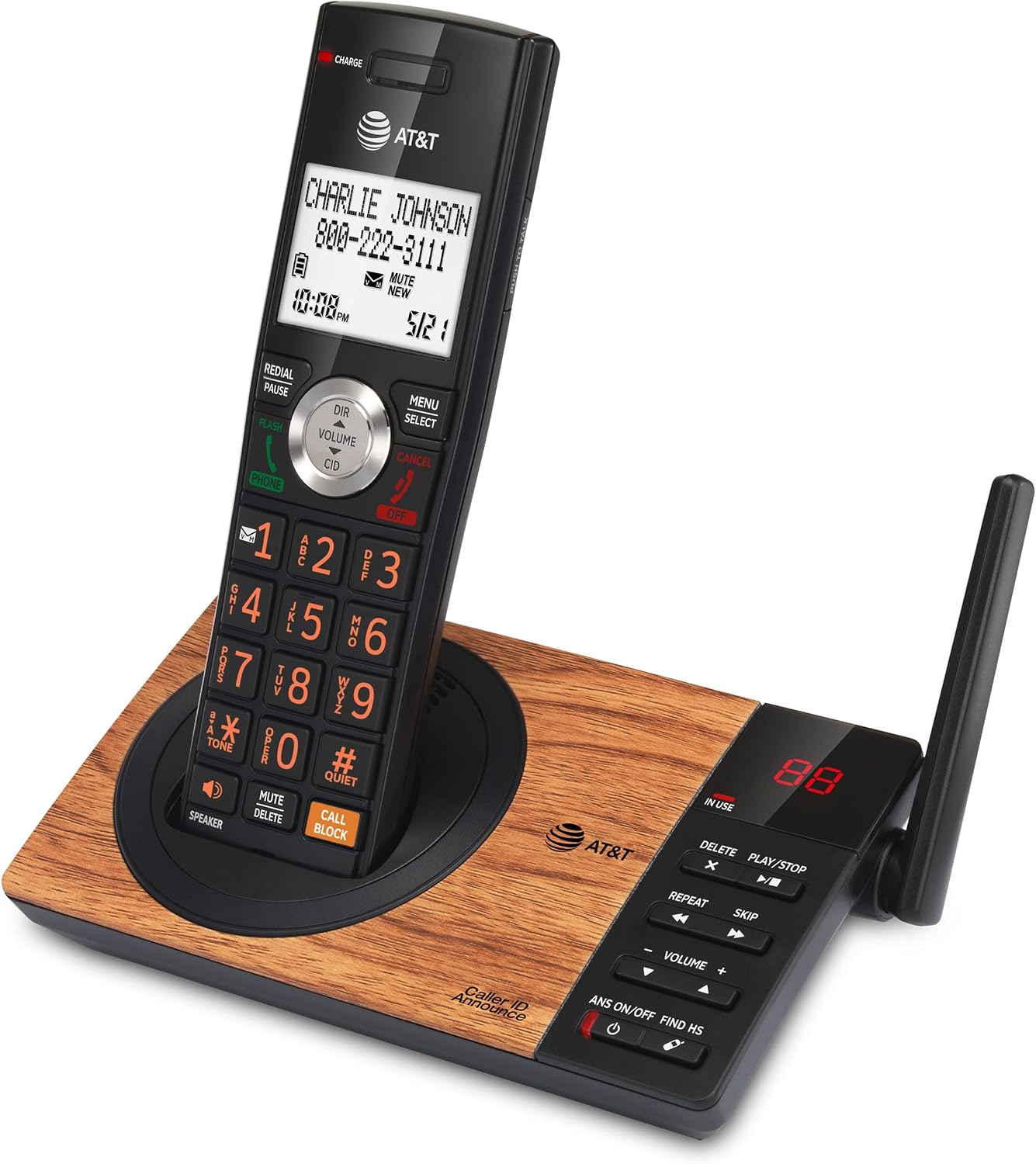
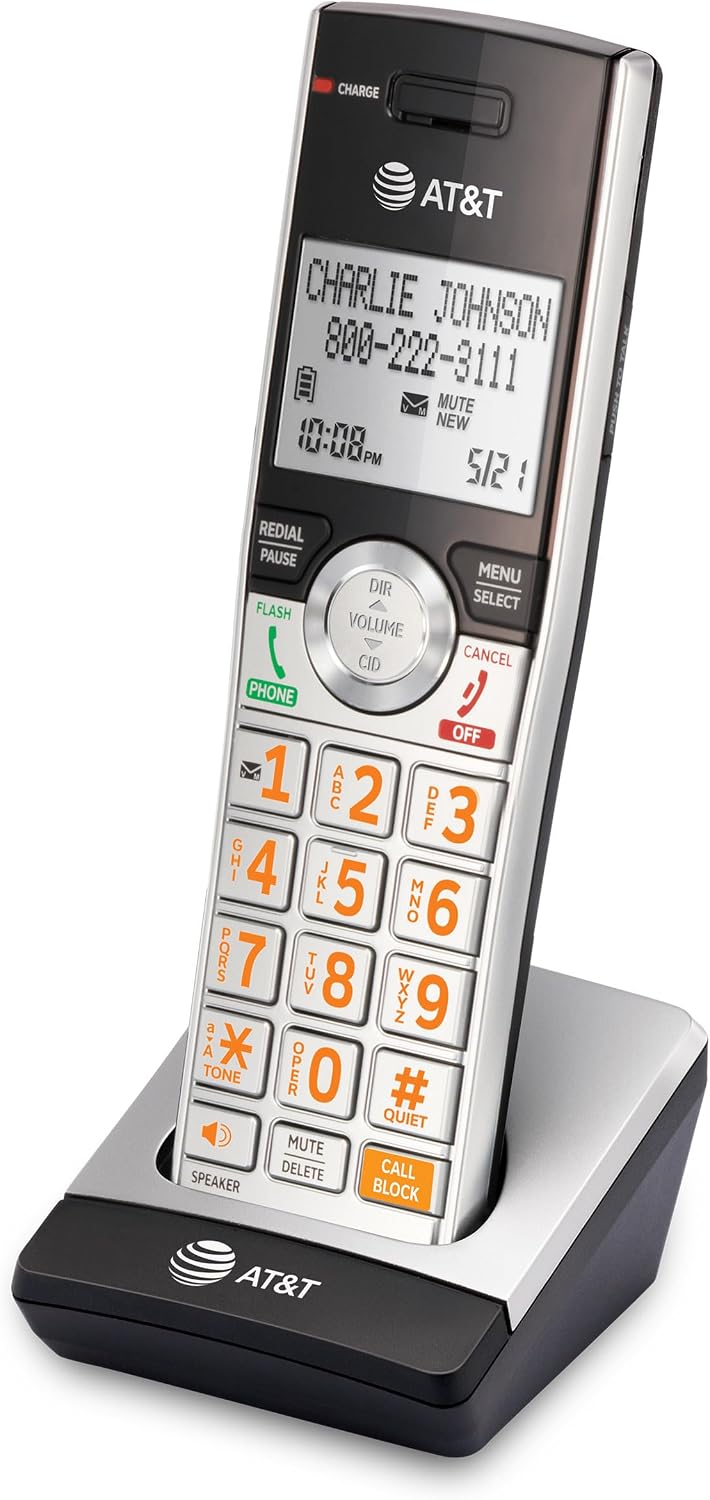
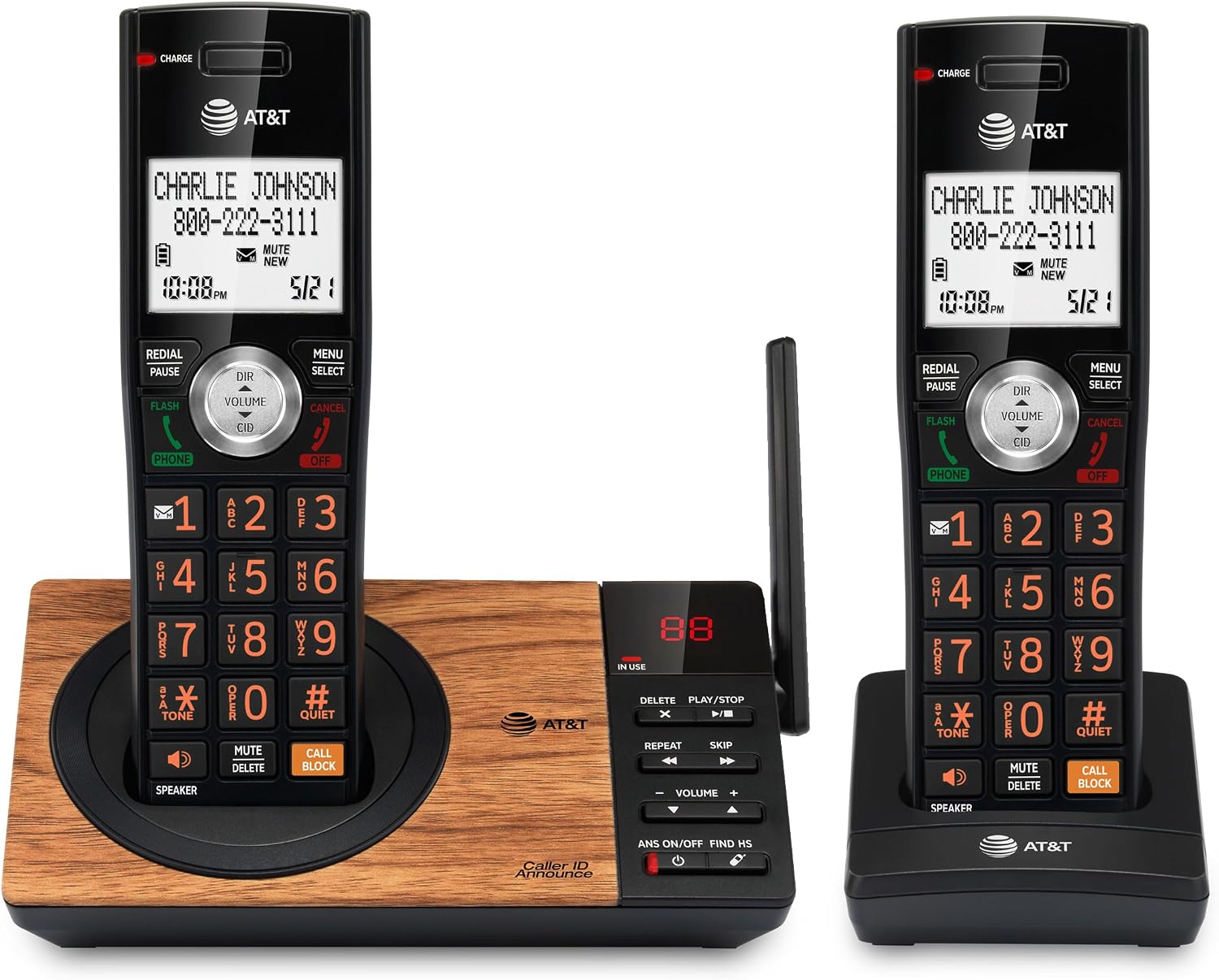
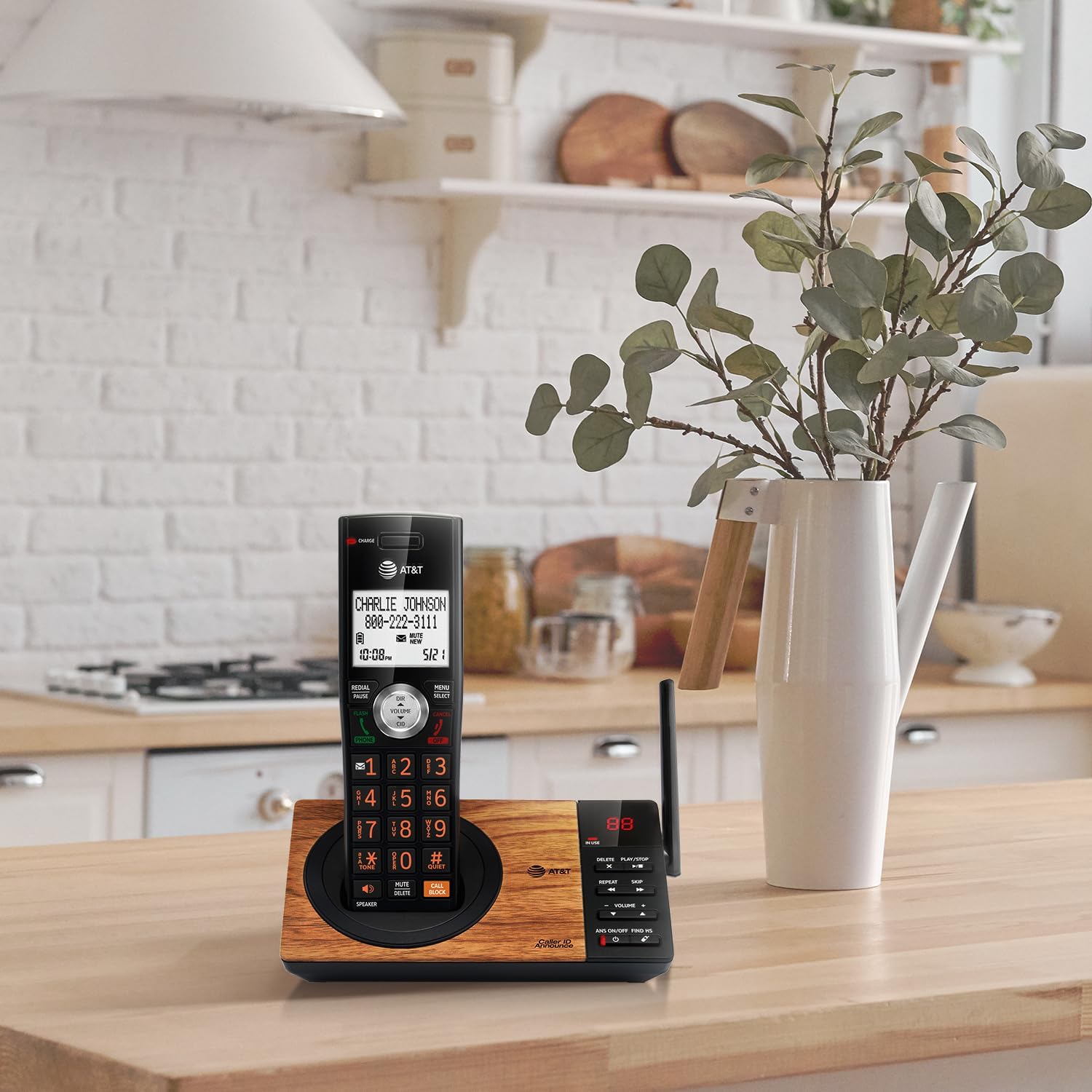
| Item Type Name | AT&T CL84107 DECT 6.0 Expandable Corded/Cordless Phone with Smart Call Blocker, Black/Silver with 2 Handsets |
| Telephone Type | Cordless |
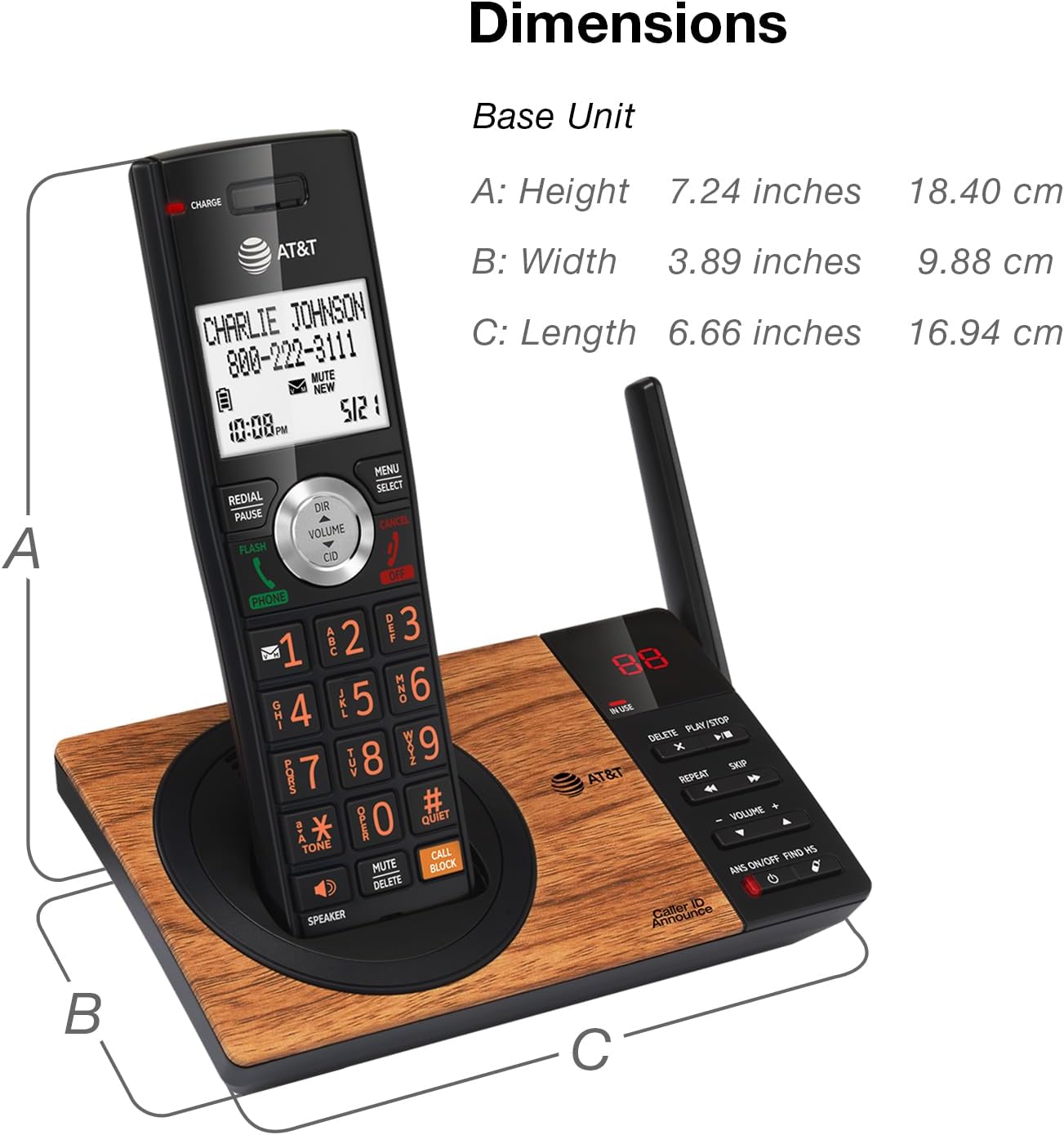
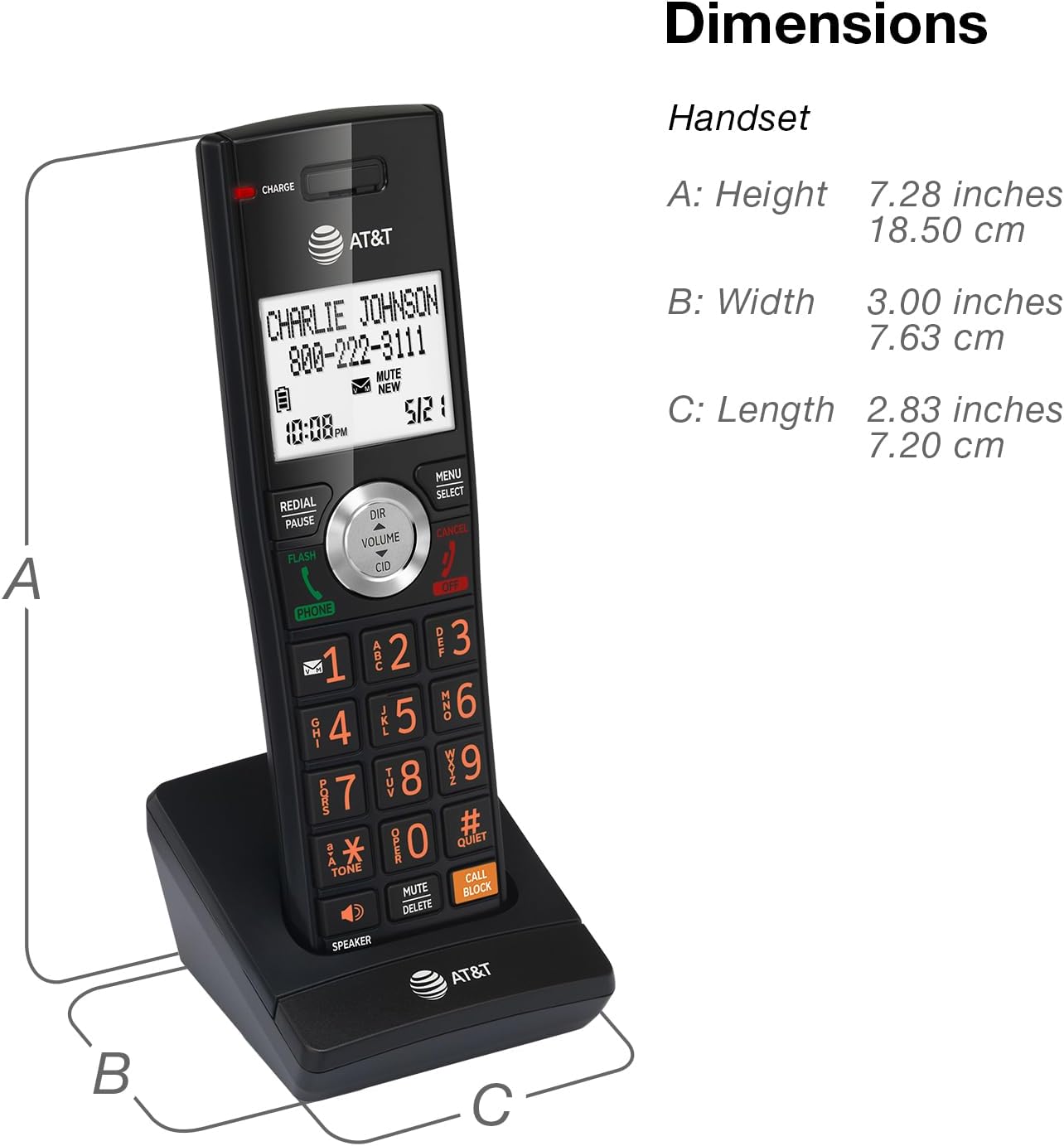
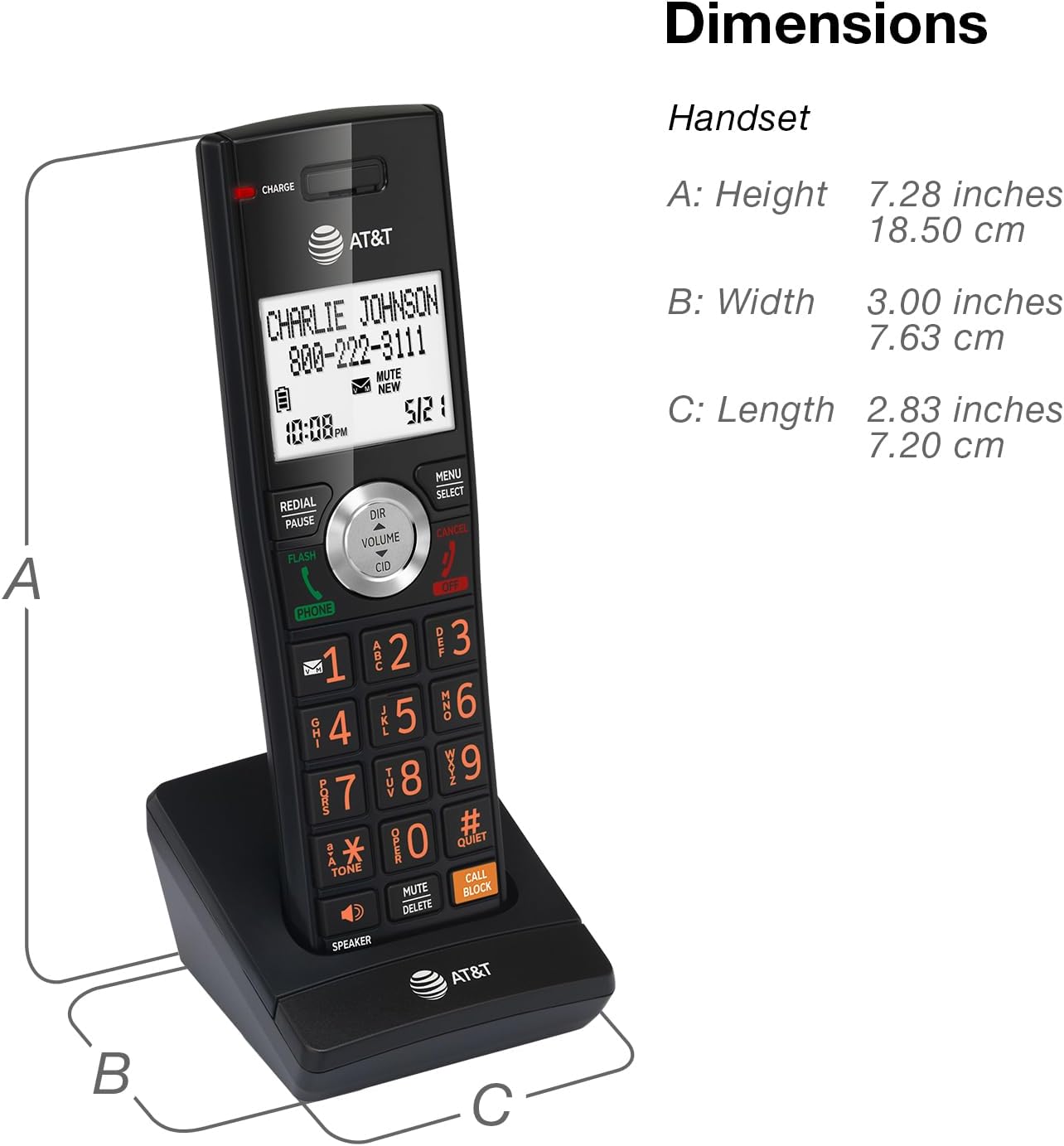
| Item Dimensions | 11.87 x 7.43 x 4.67 inches |
| Mfr Part Number | CL84107 |
| Power Source Type | Corded Electric |
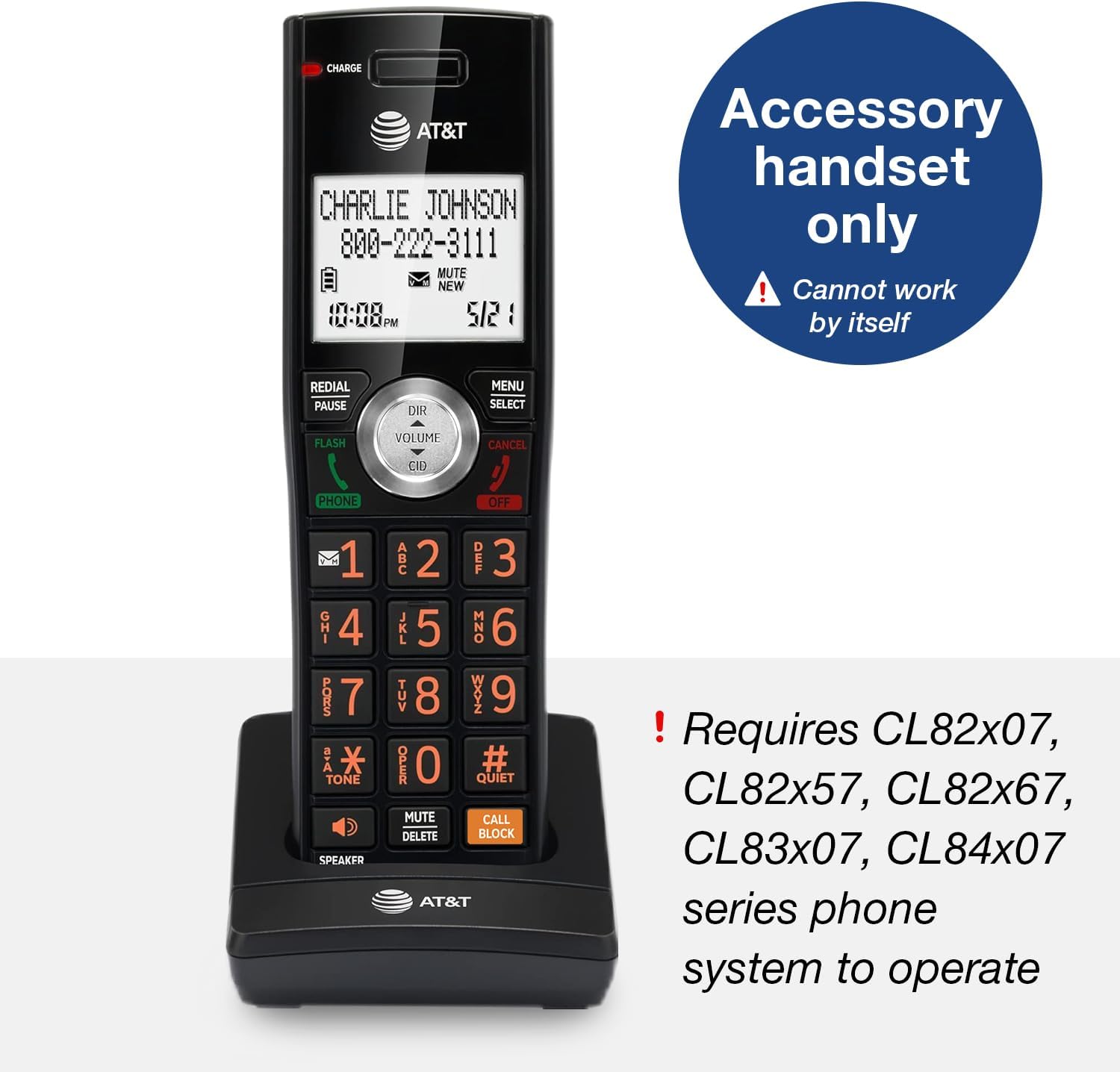
| Compatible Devices | AT&T cordless headsets and speakerphones |
| Enclosure Material | Metal, Plastic |
| Phone Standby Time | 1 hours |
| Recording Capacity | 22 minutes |
| Multiline Operation | Multi-Line Operation |
| Number of Batteries | 1 AAA batteries required. (included) |
| Warranty Description | 1 Year Limited Warranty |
| Answering System Type | Digital |
| Conference Call Capability | basic |
| Global Trade Identification Number | 00650530030369 |
| EU Spare Part Availability Duration | 7 years |
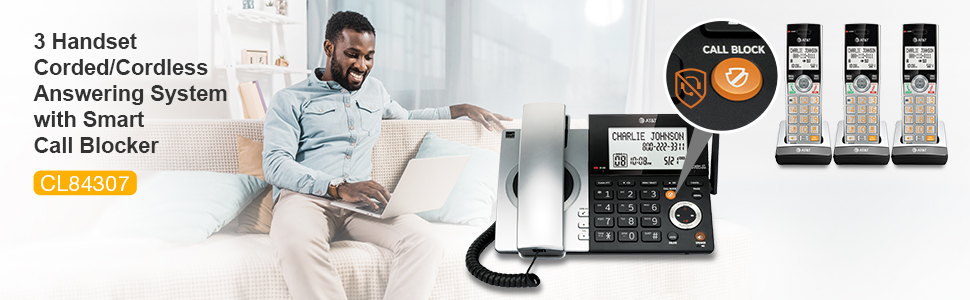
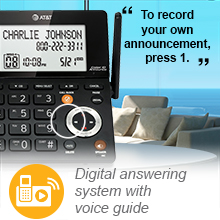
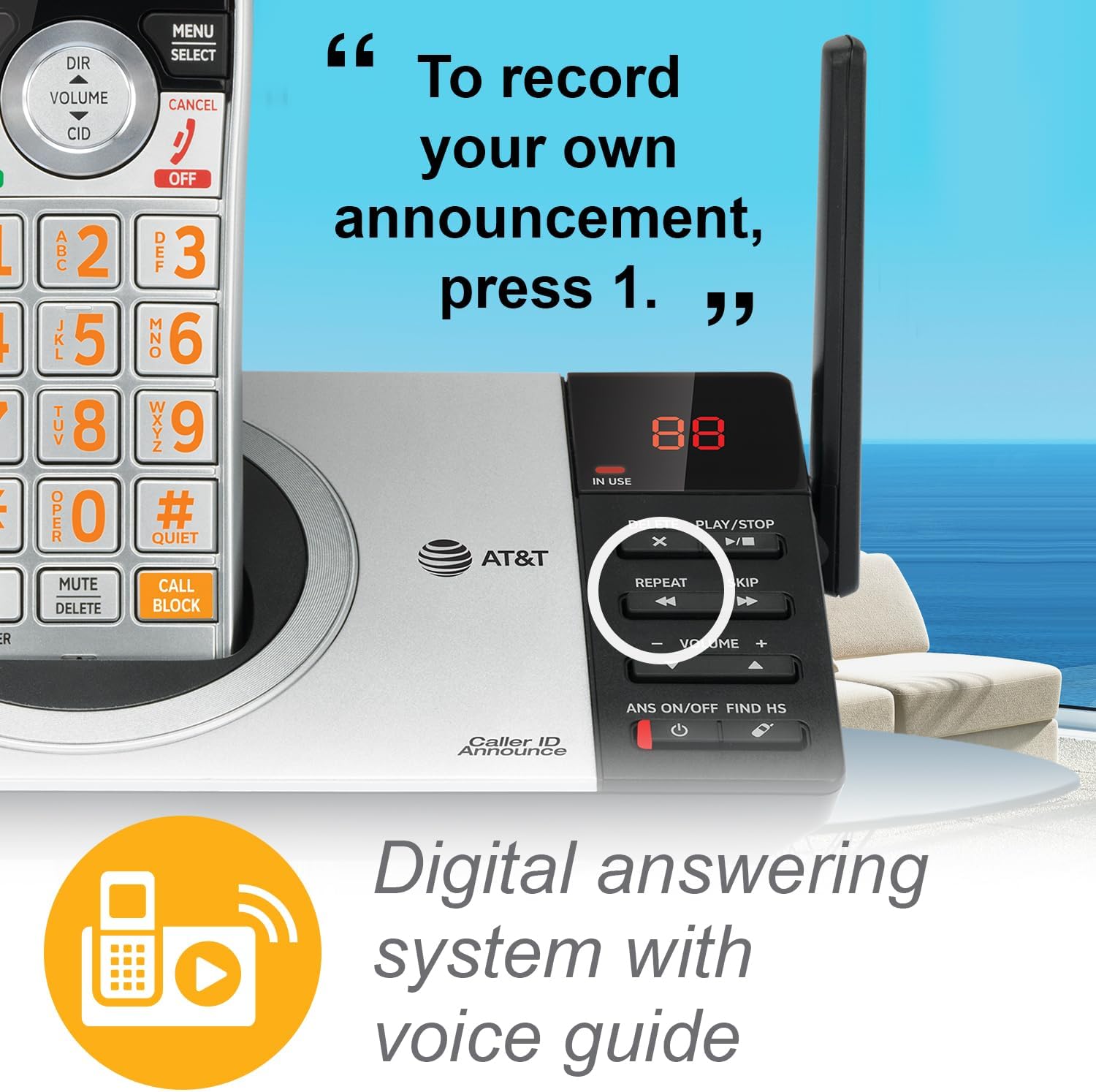
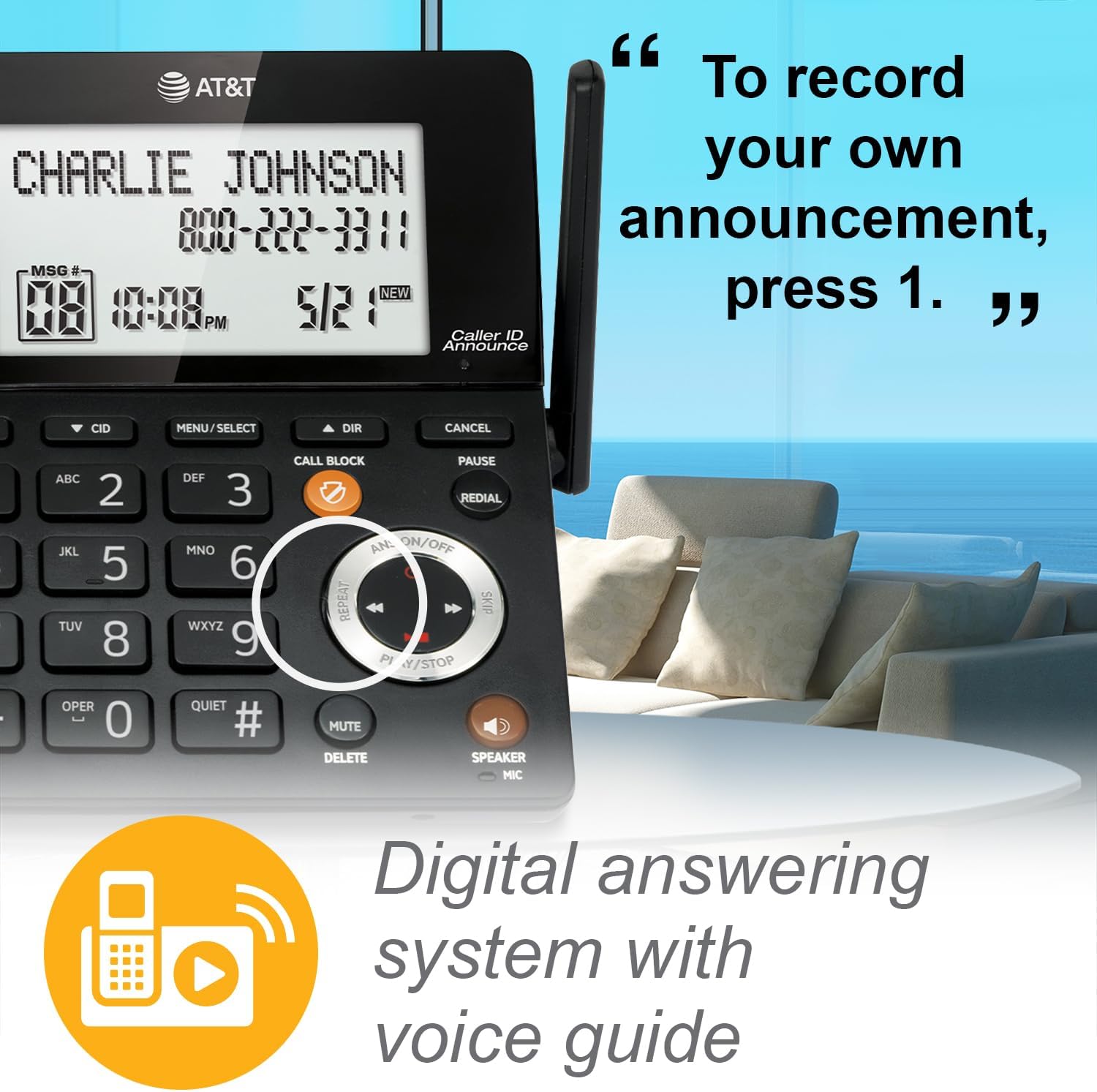
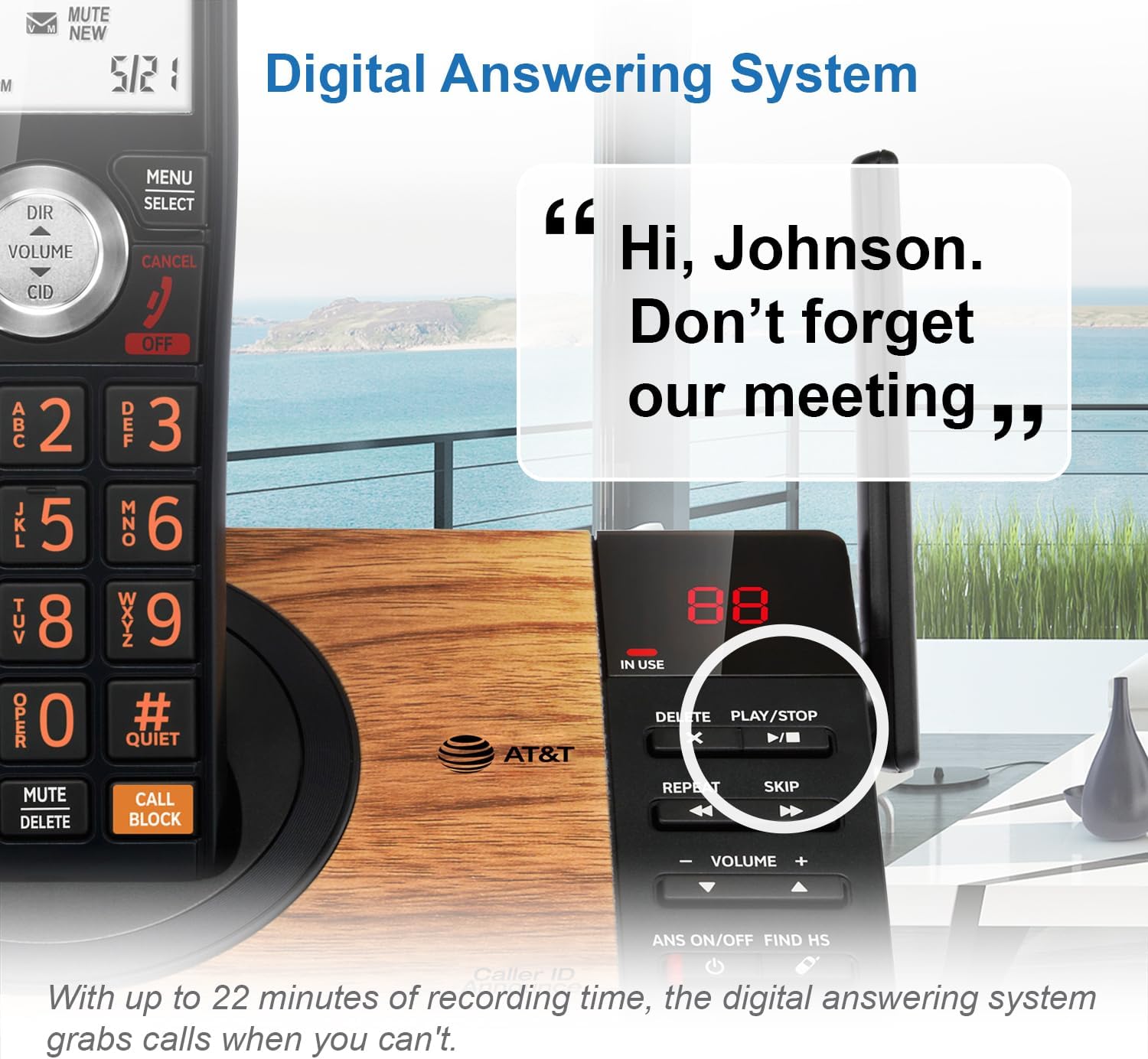
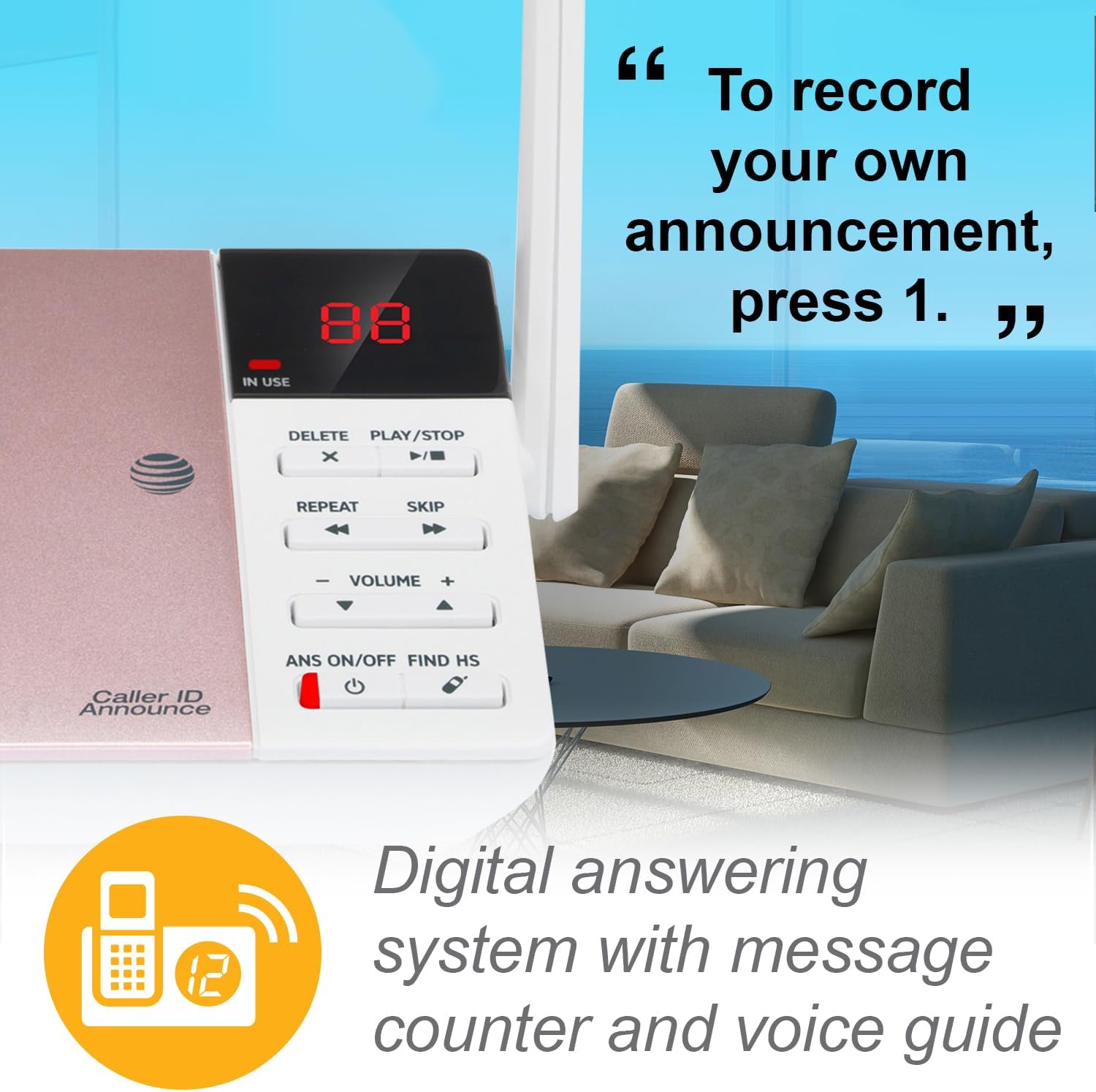
Digitally record up to 22 minutes of messages. The system also allows for instant playback, selective save or delete, and skipping or repeating messages from the handset and base, and remote access to listen to messages and change outgoing announcement. What's more, the Voice Prompts can walk you through the setting up of your new phone's answering system so you can be confident that it's ready to record.
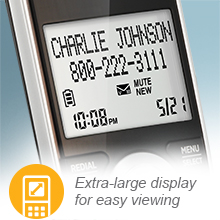
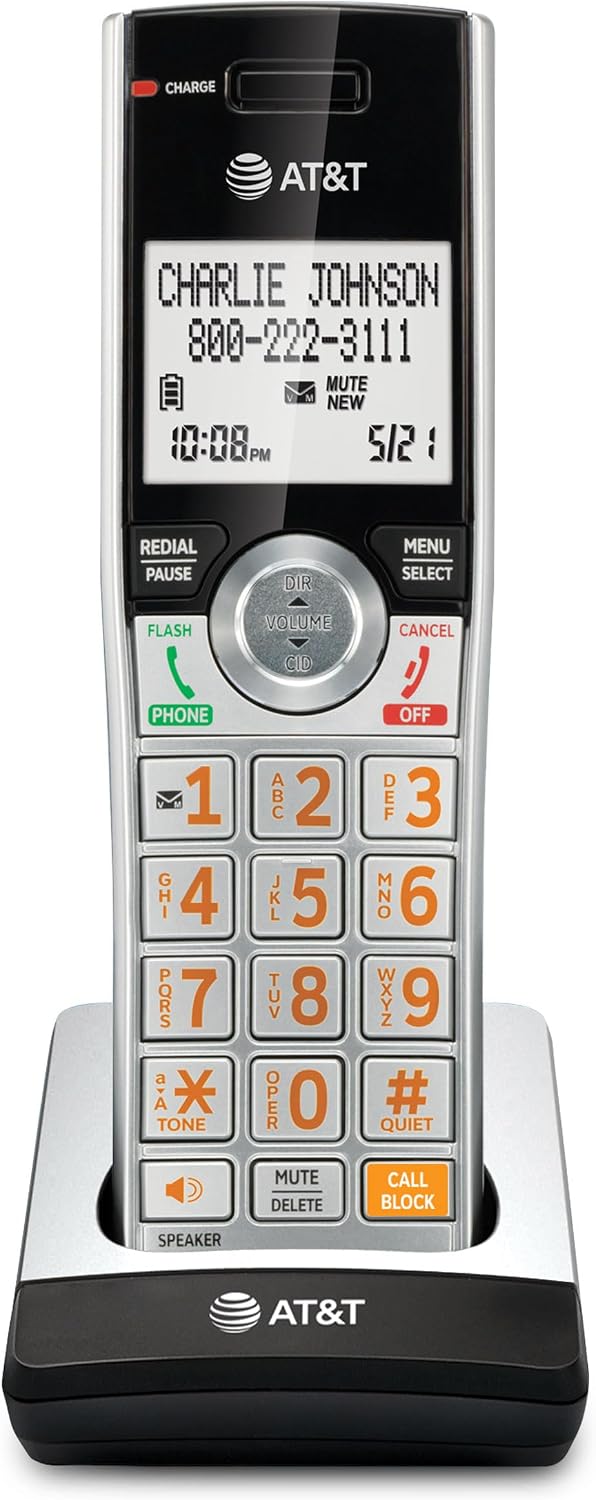
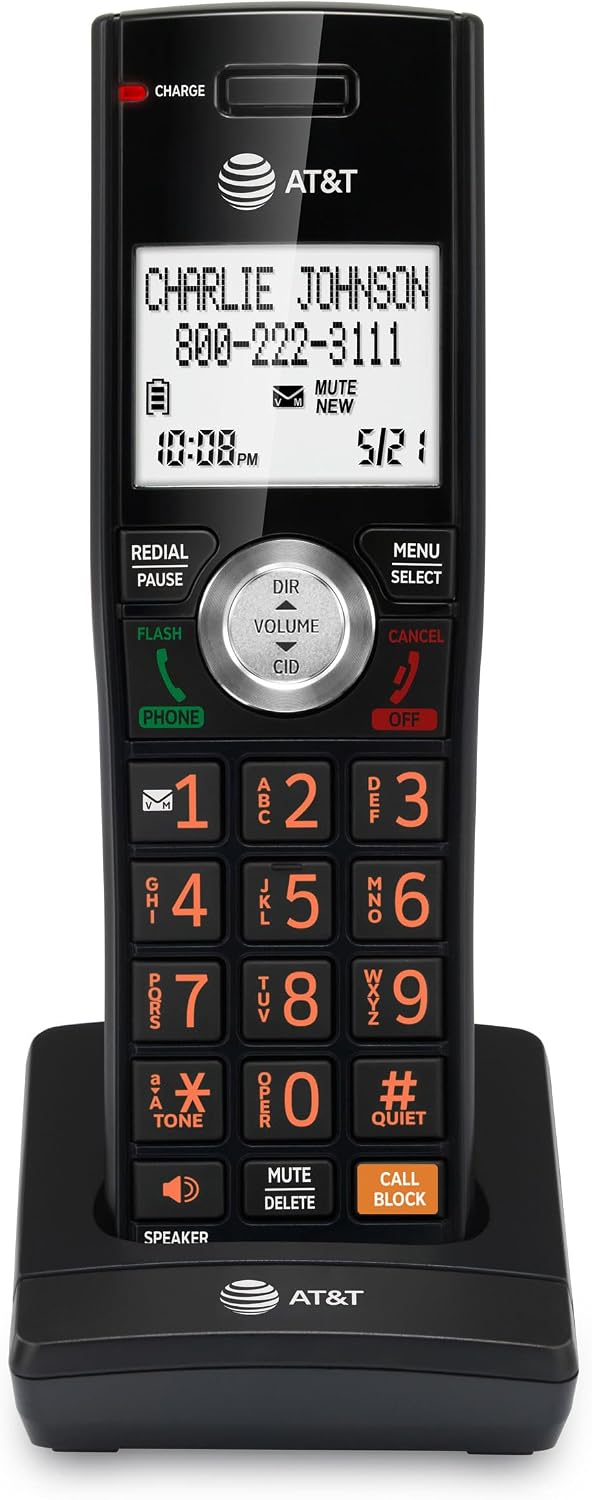
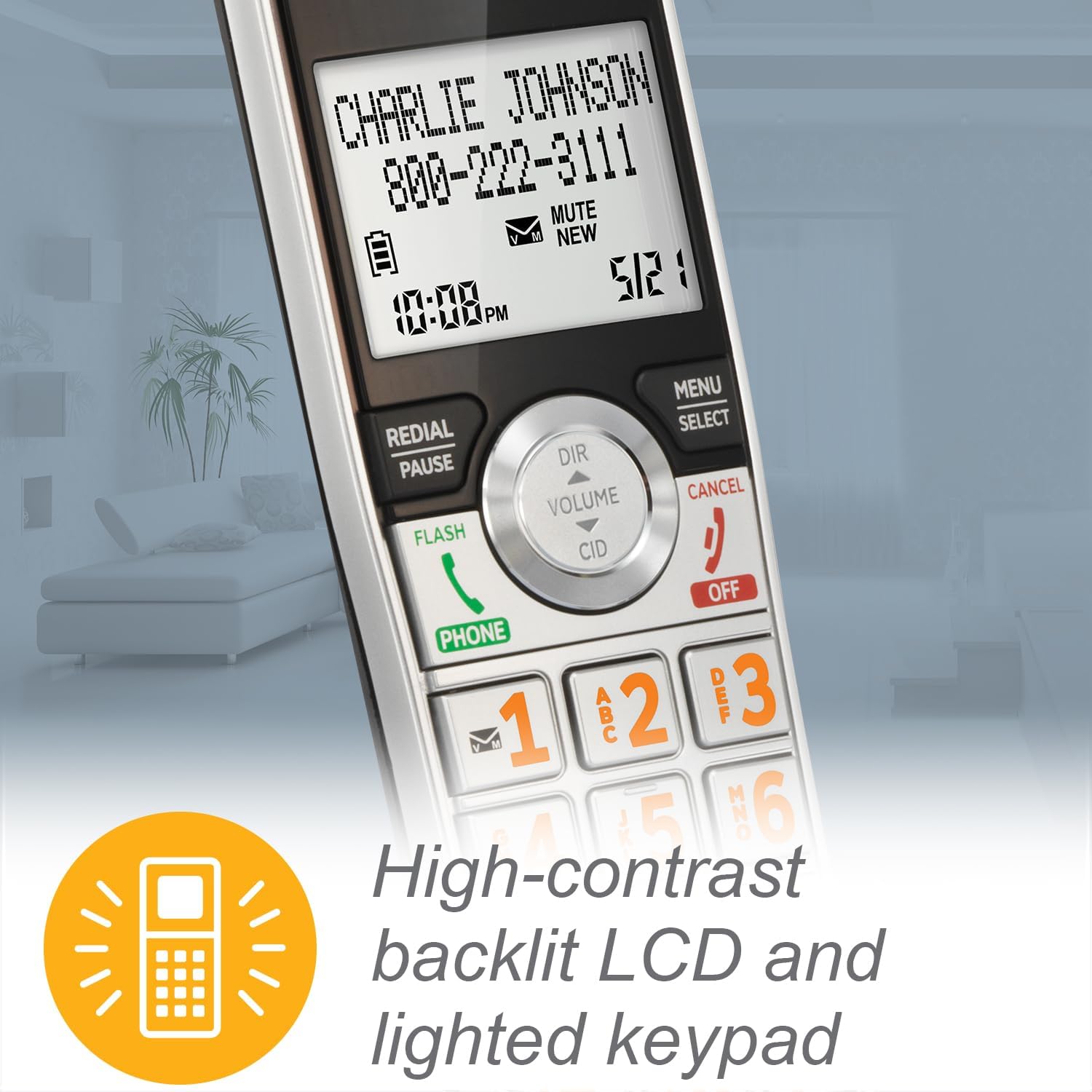
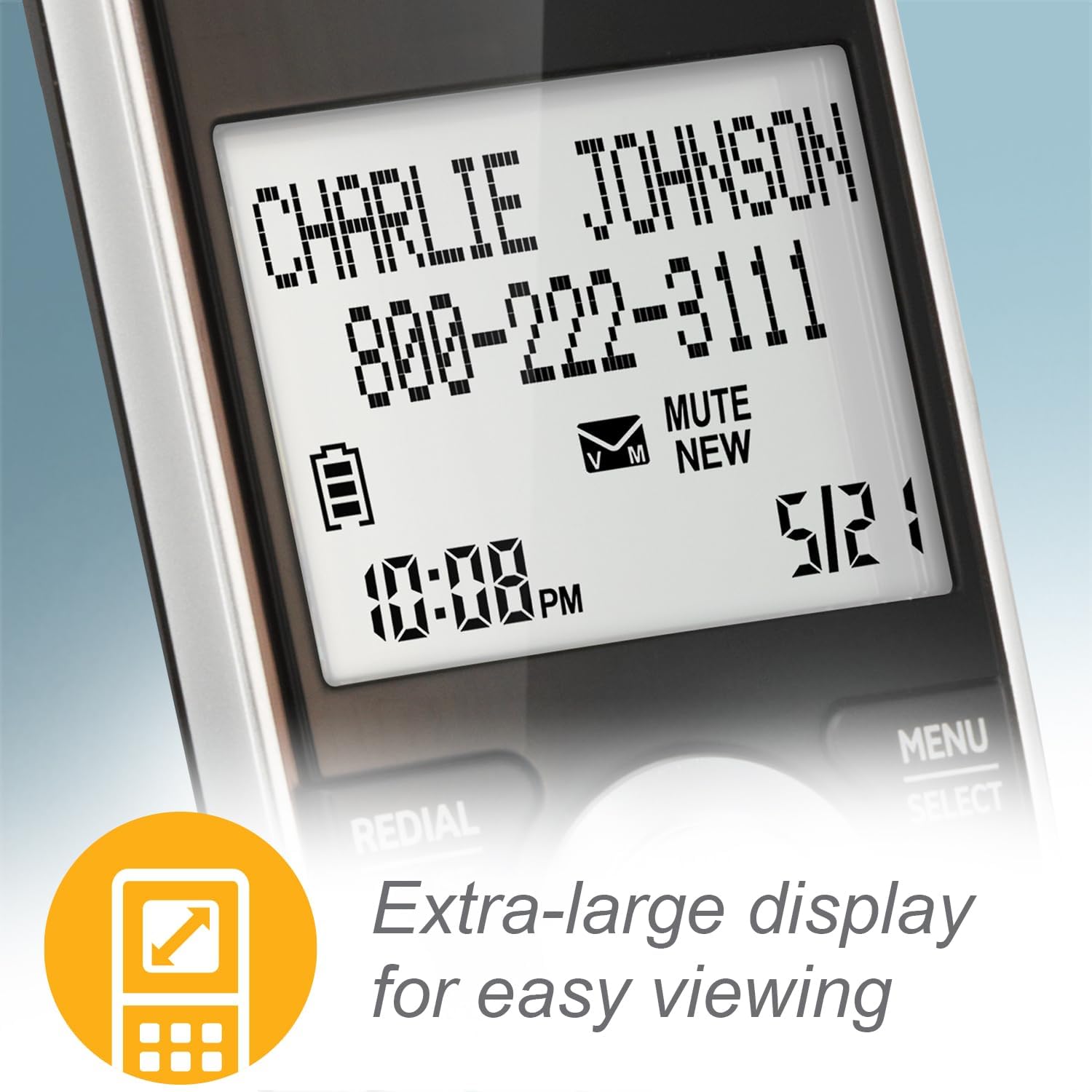
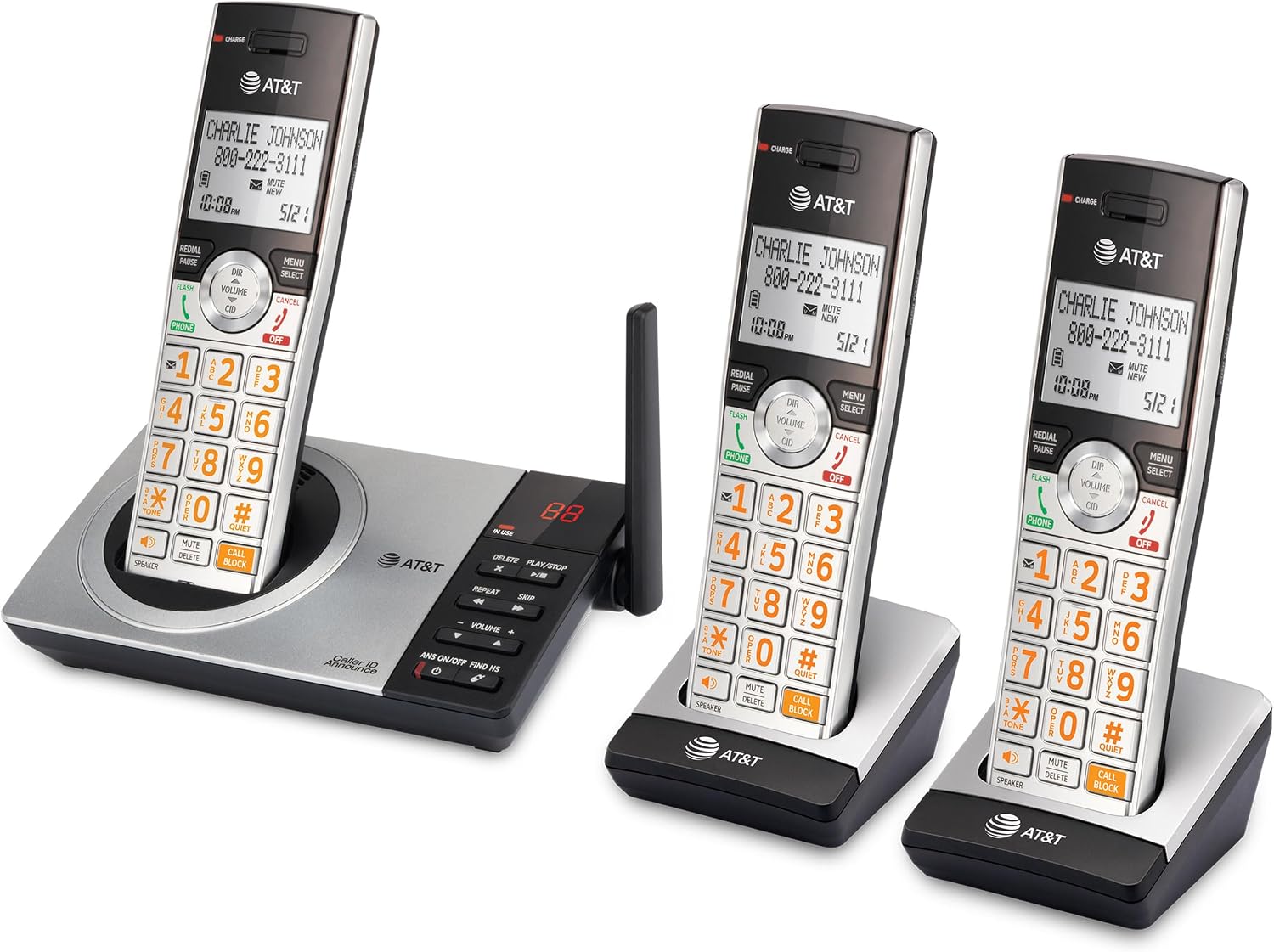
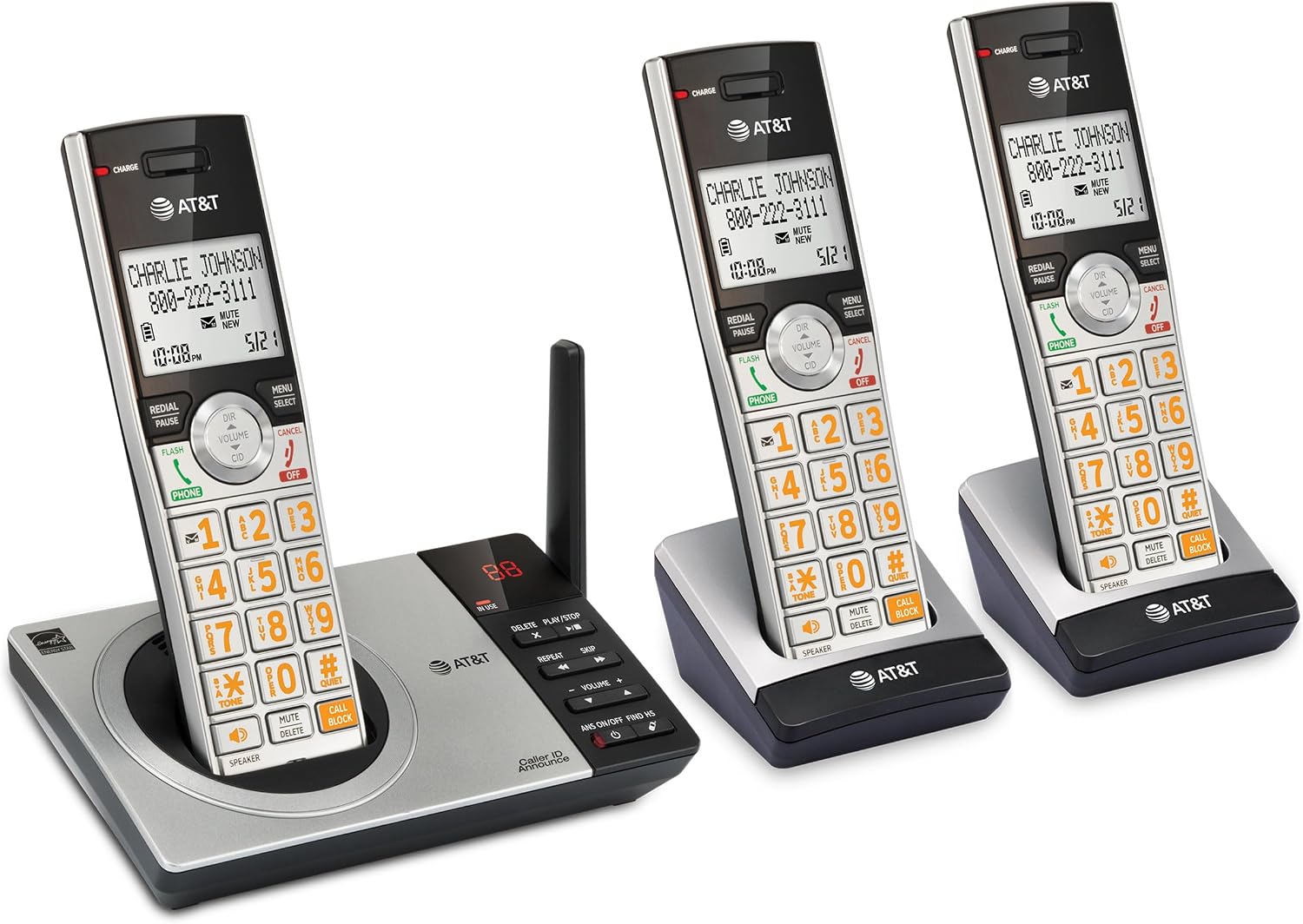
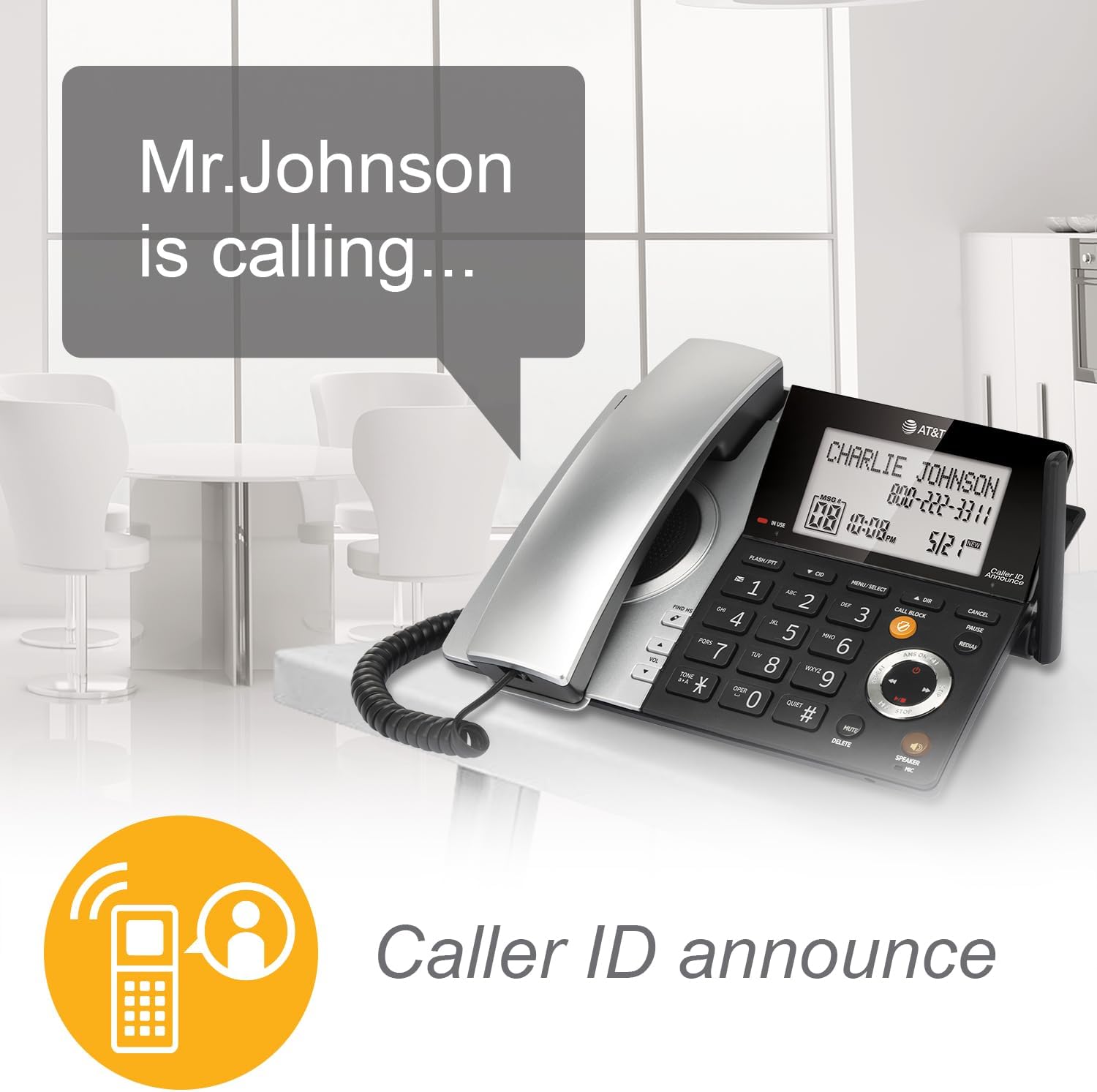
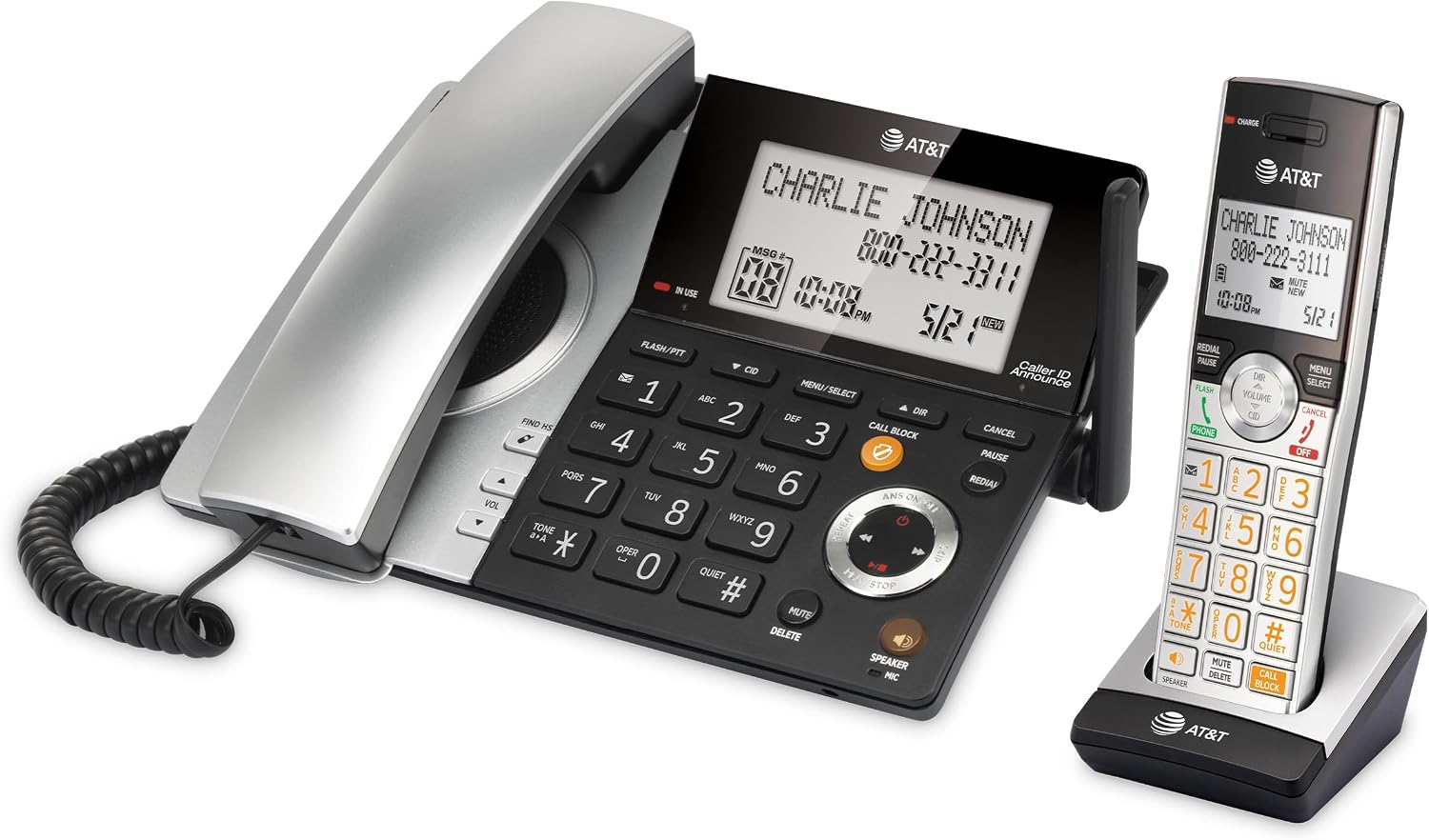
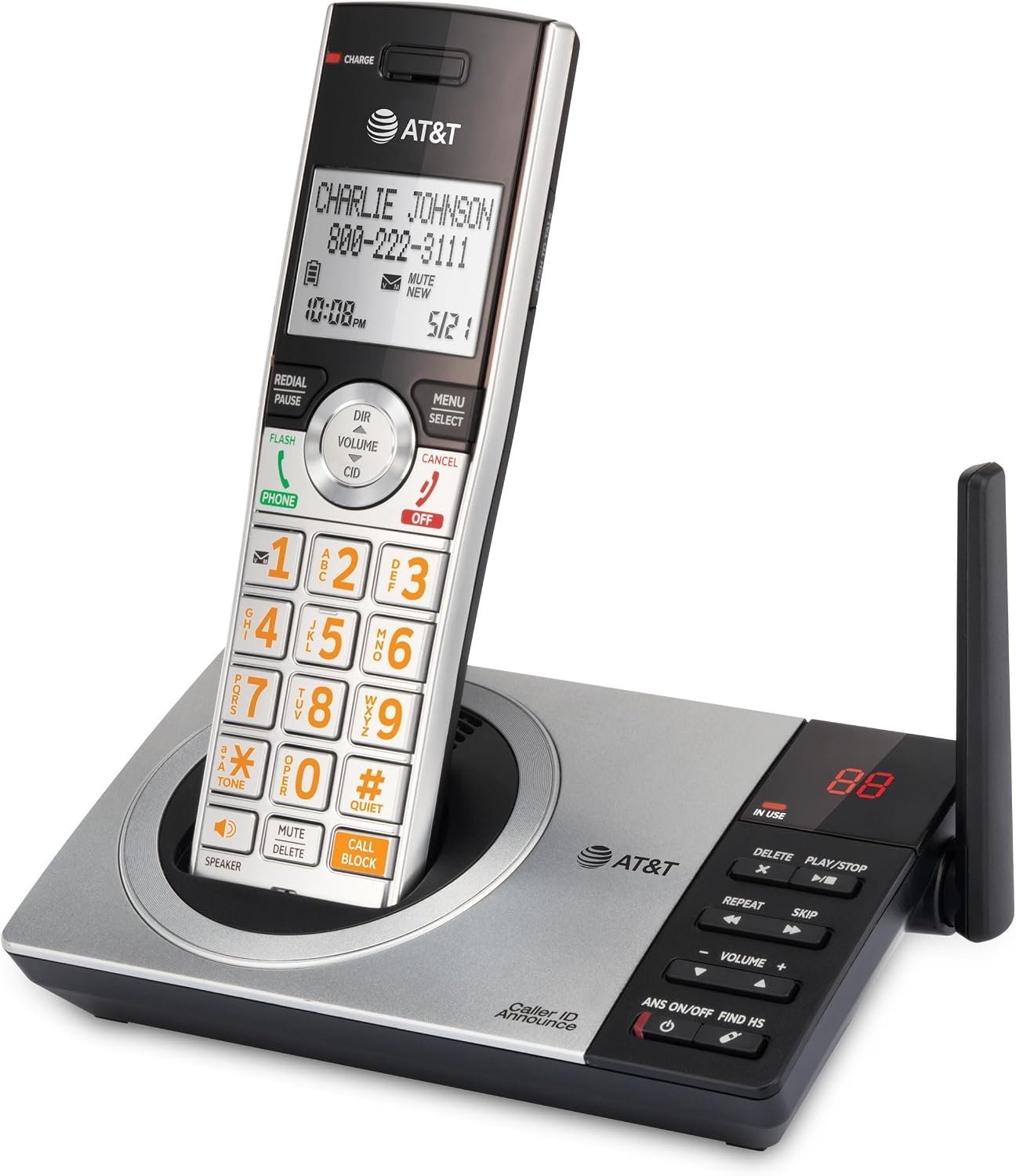
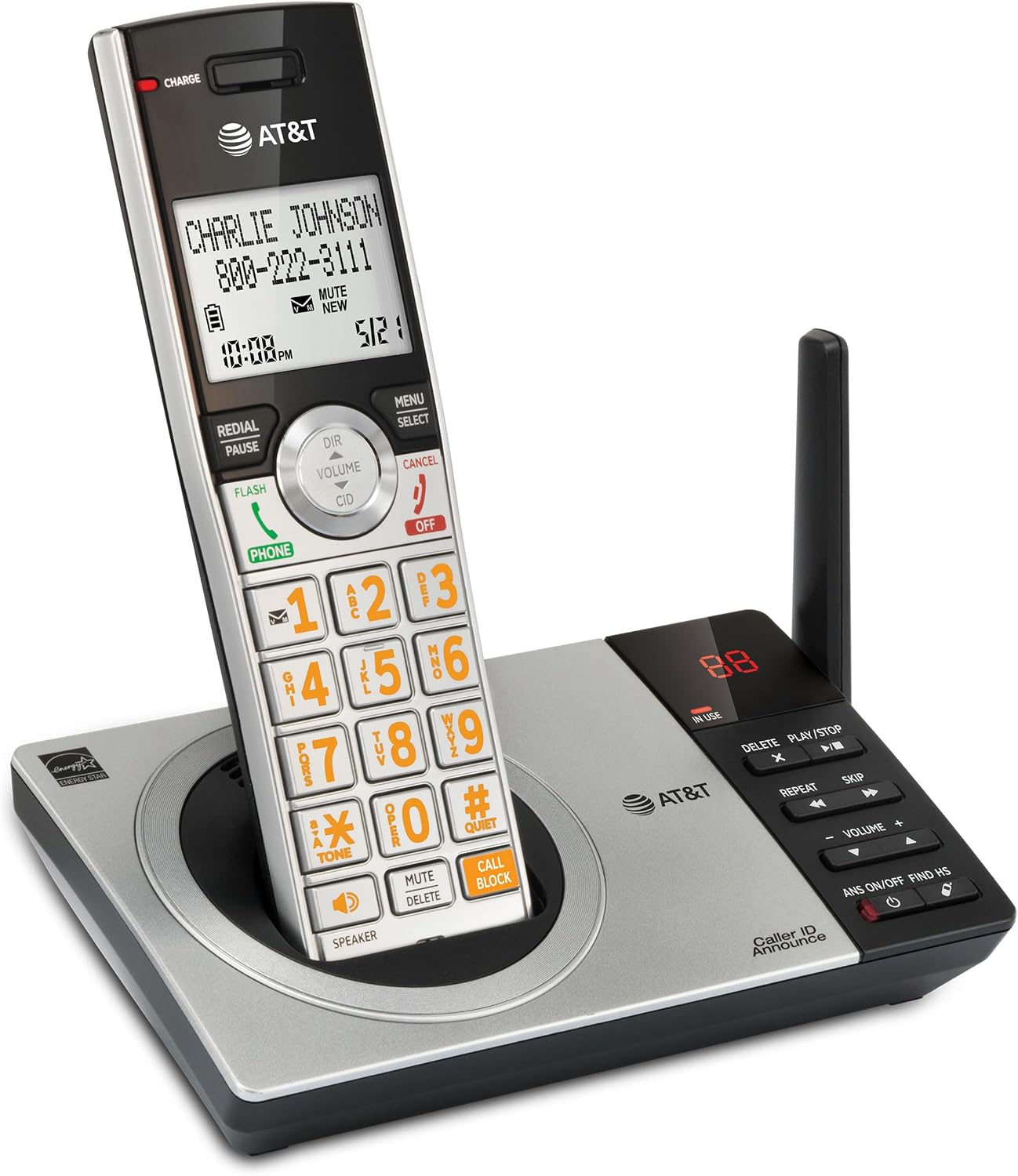
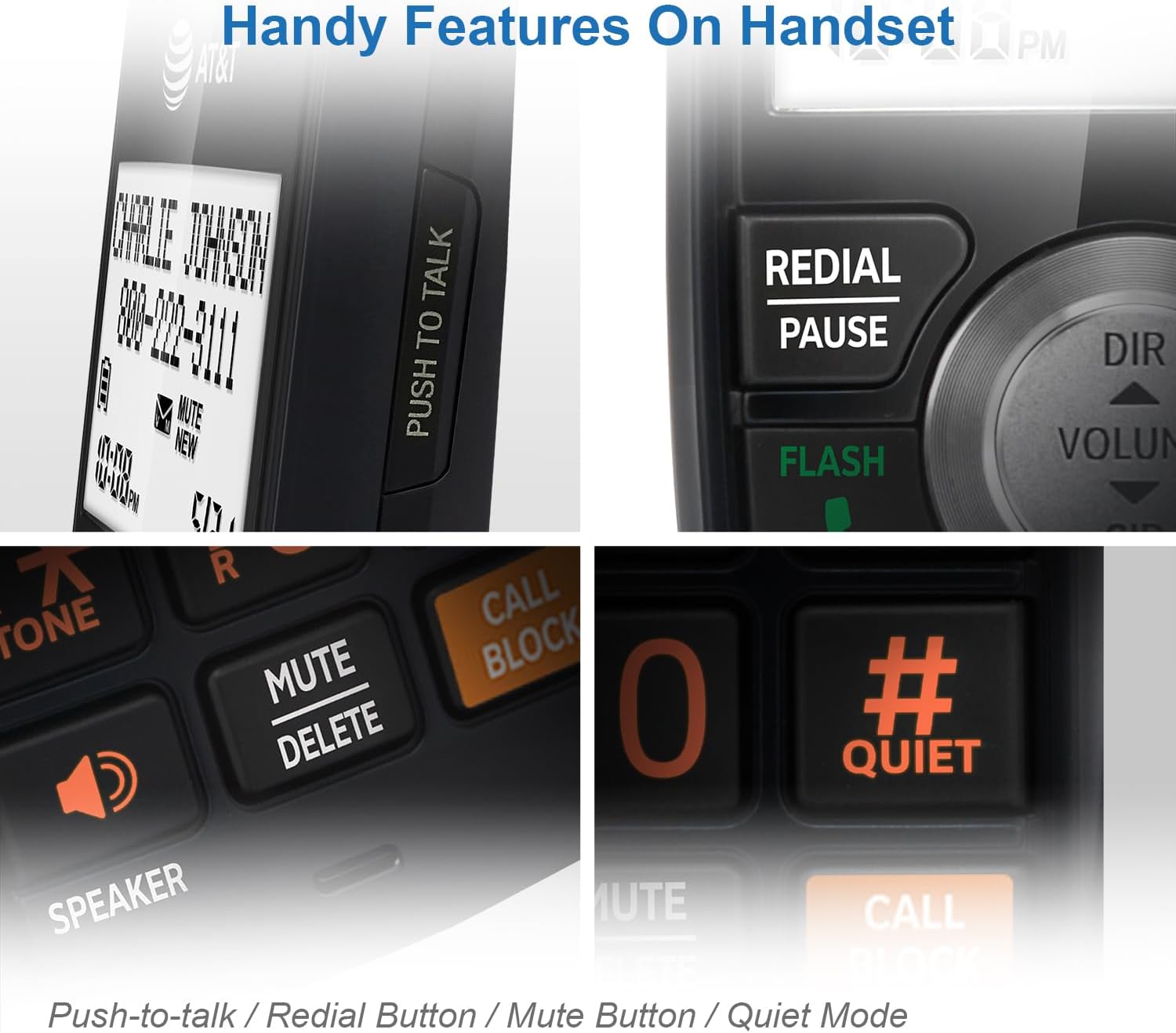
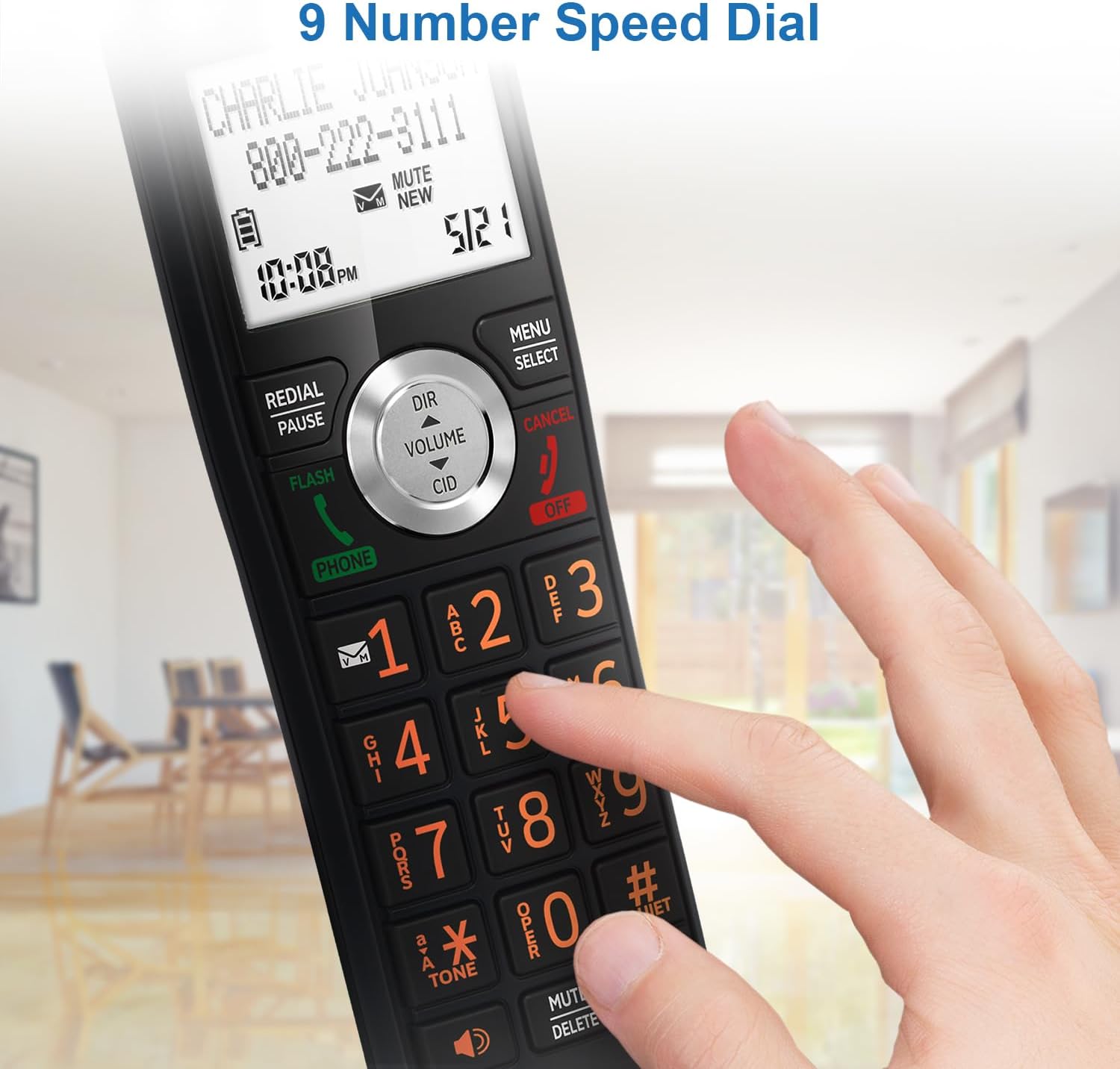
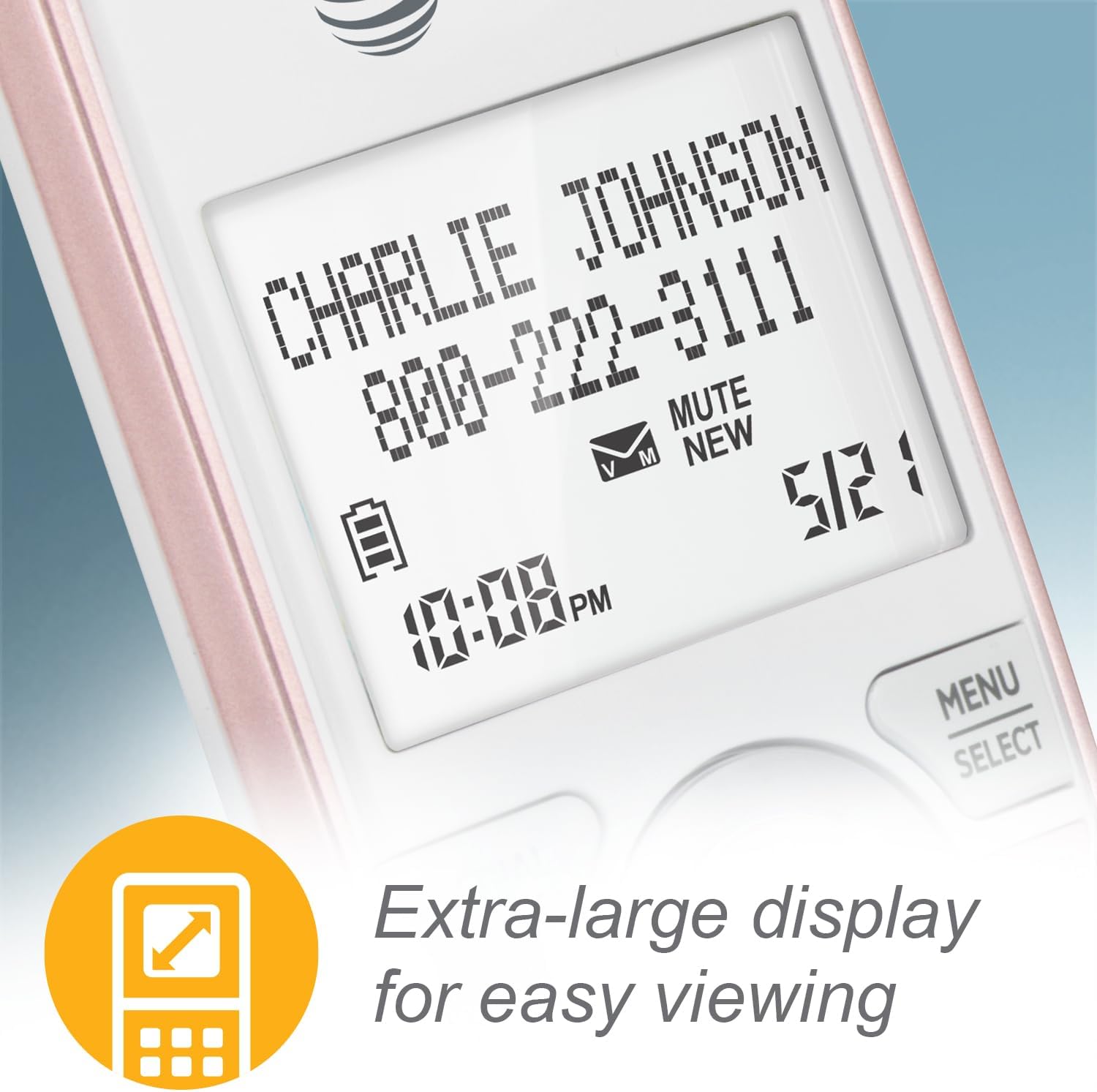
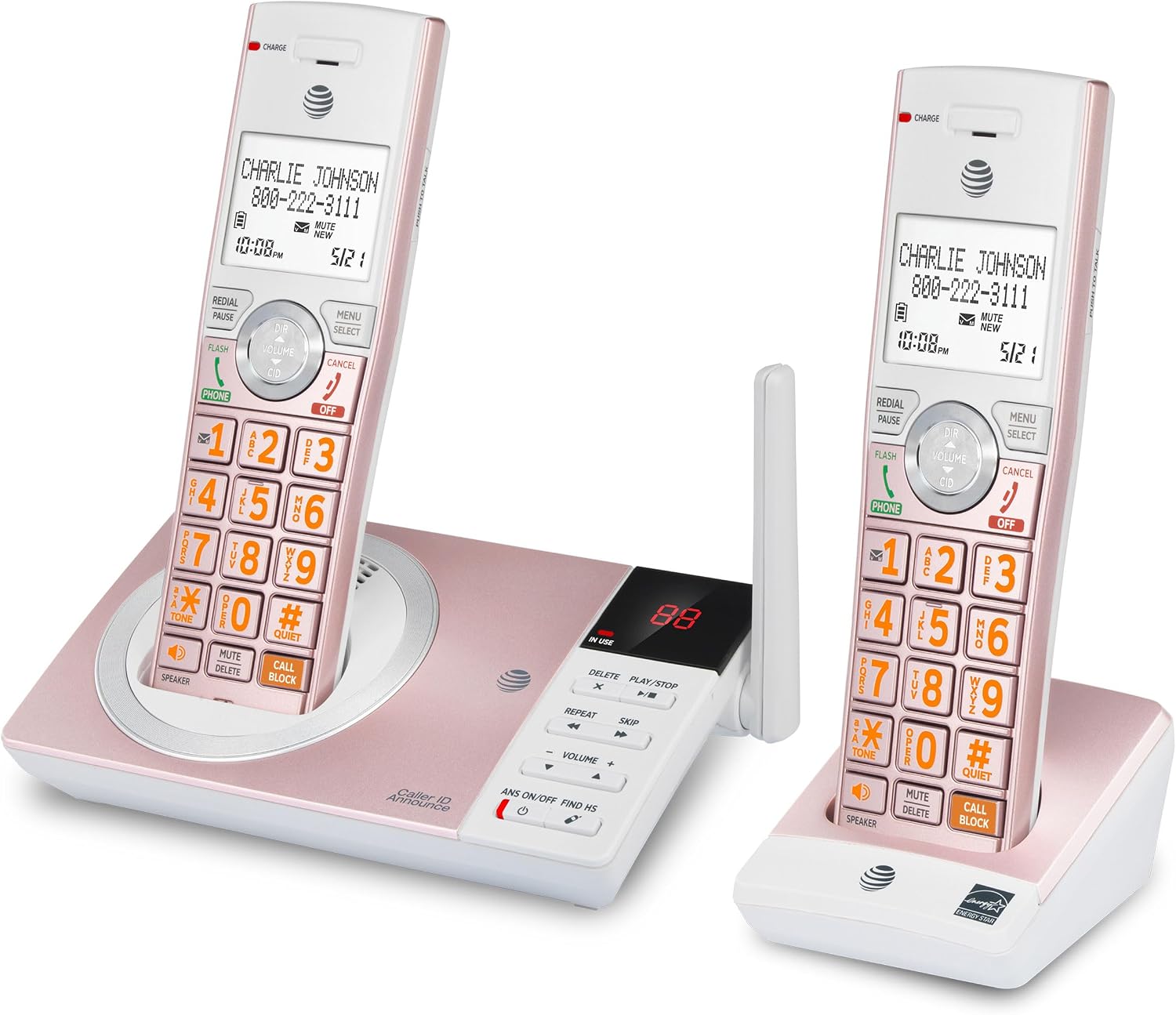
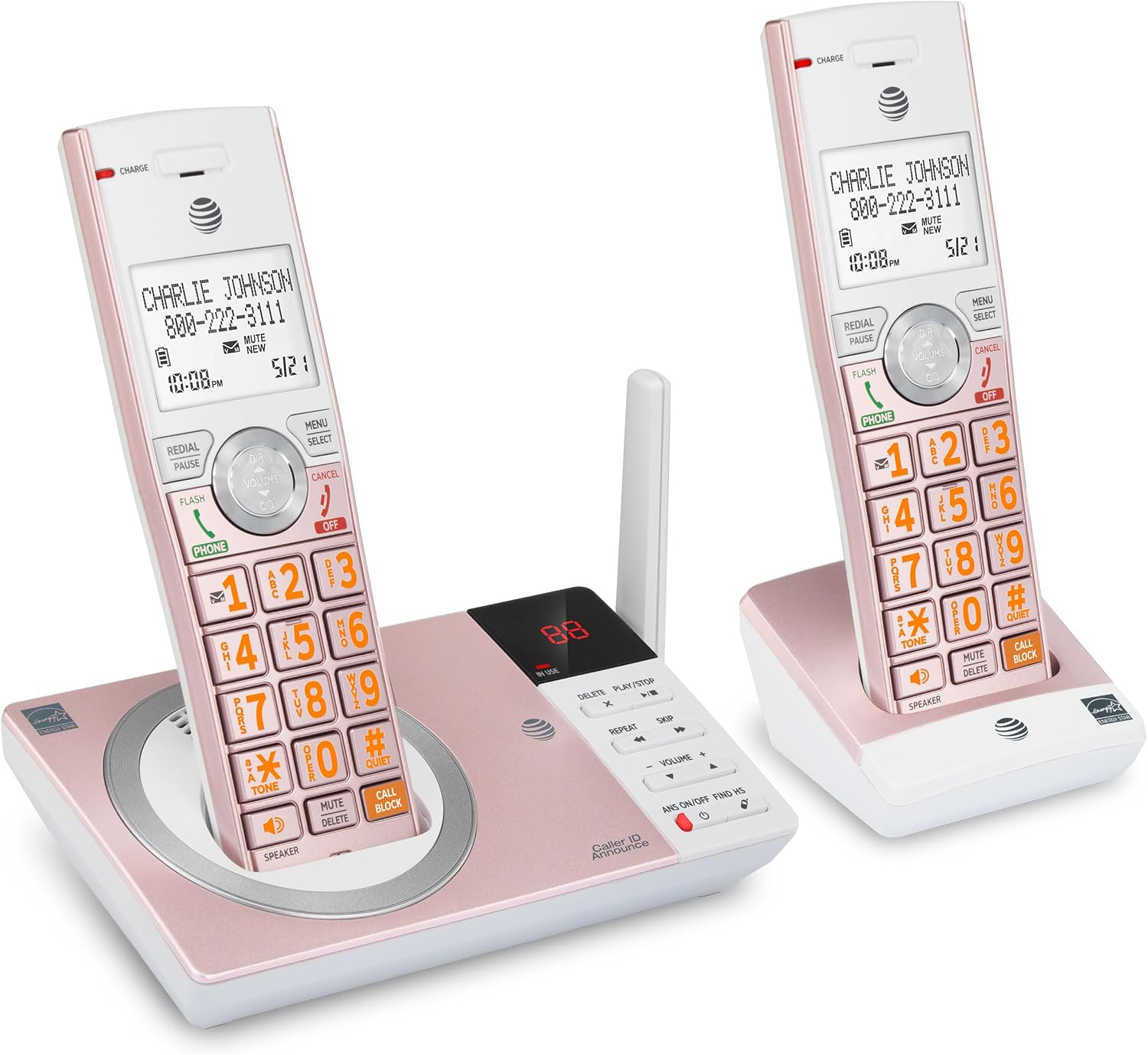
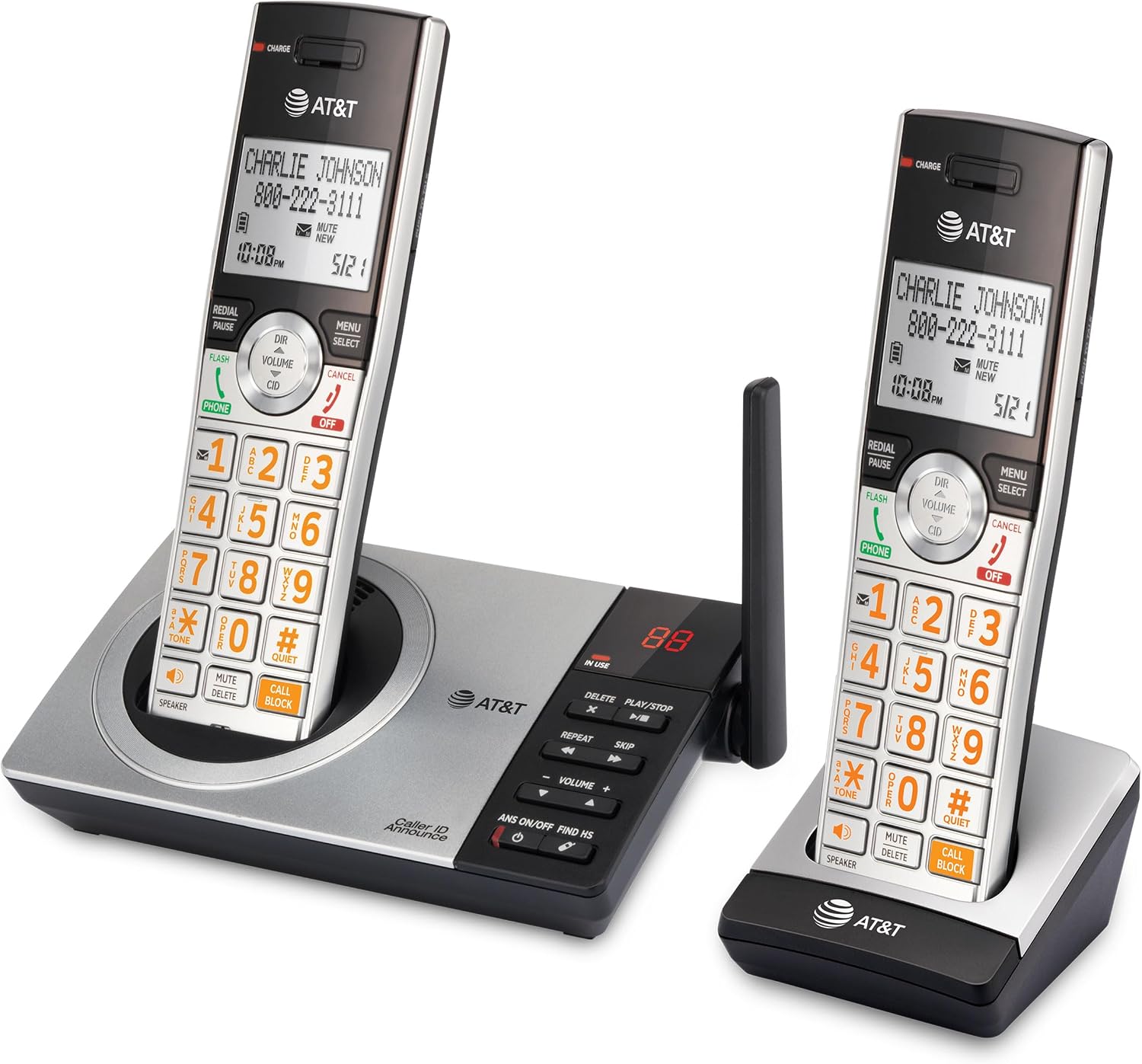
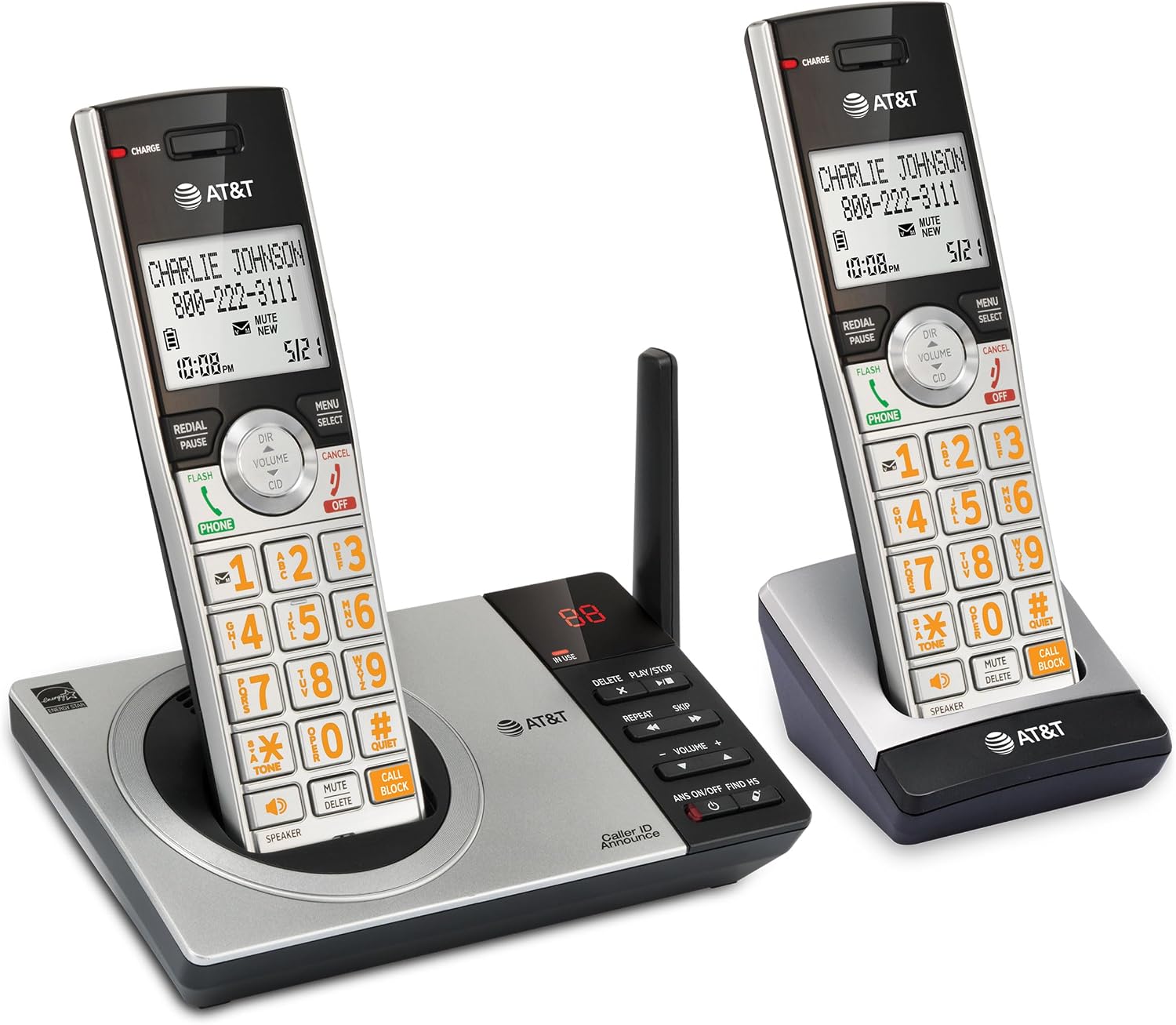
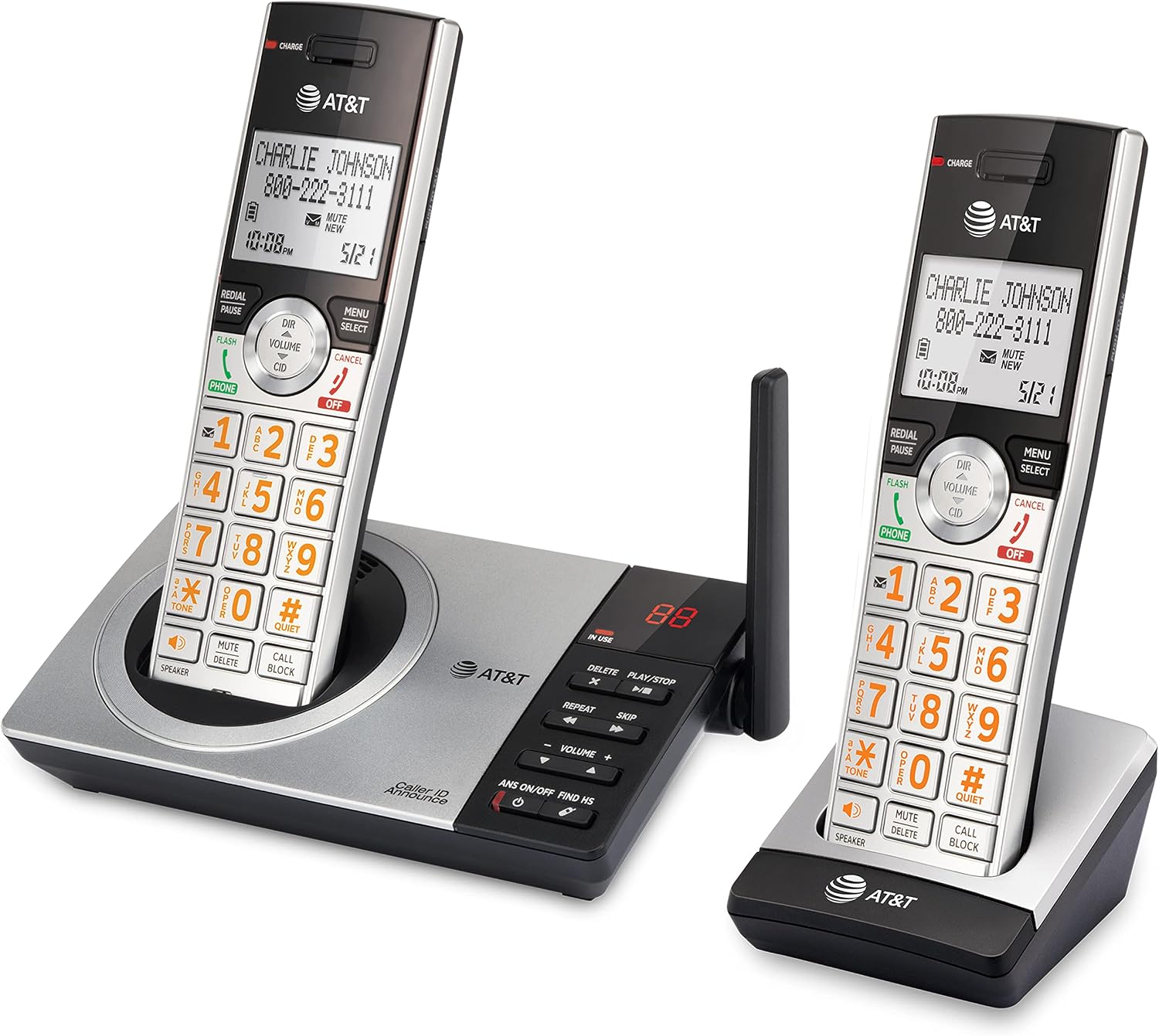
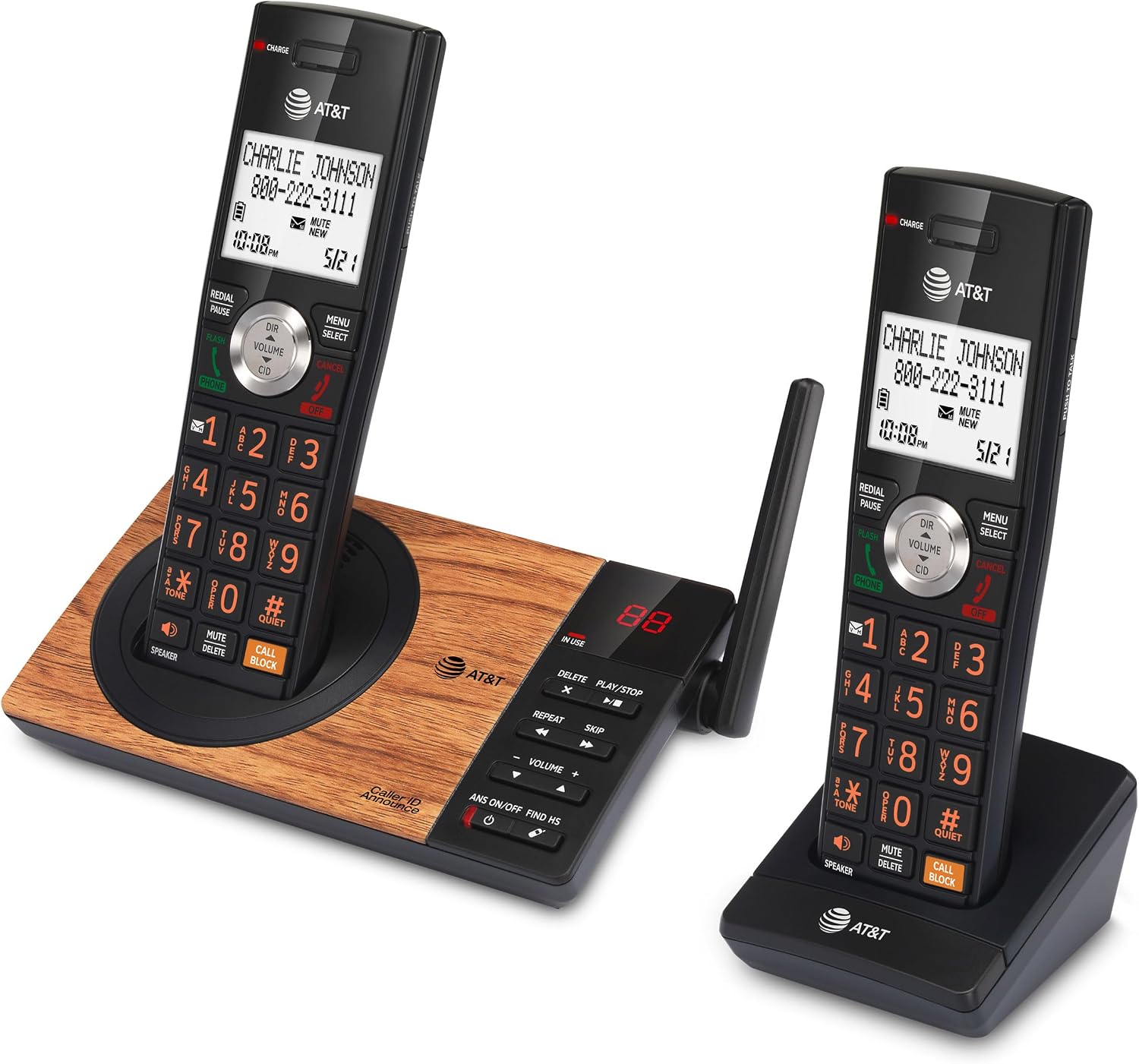
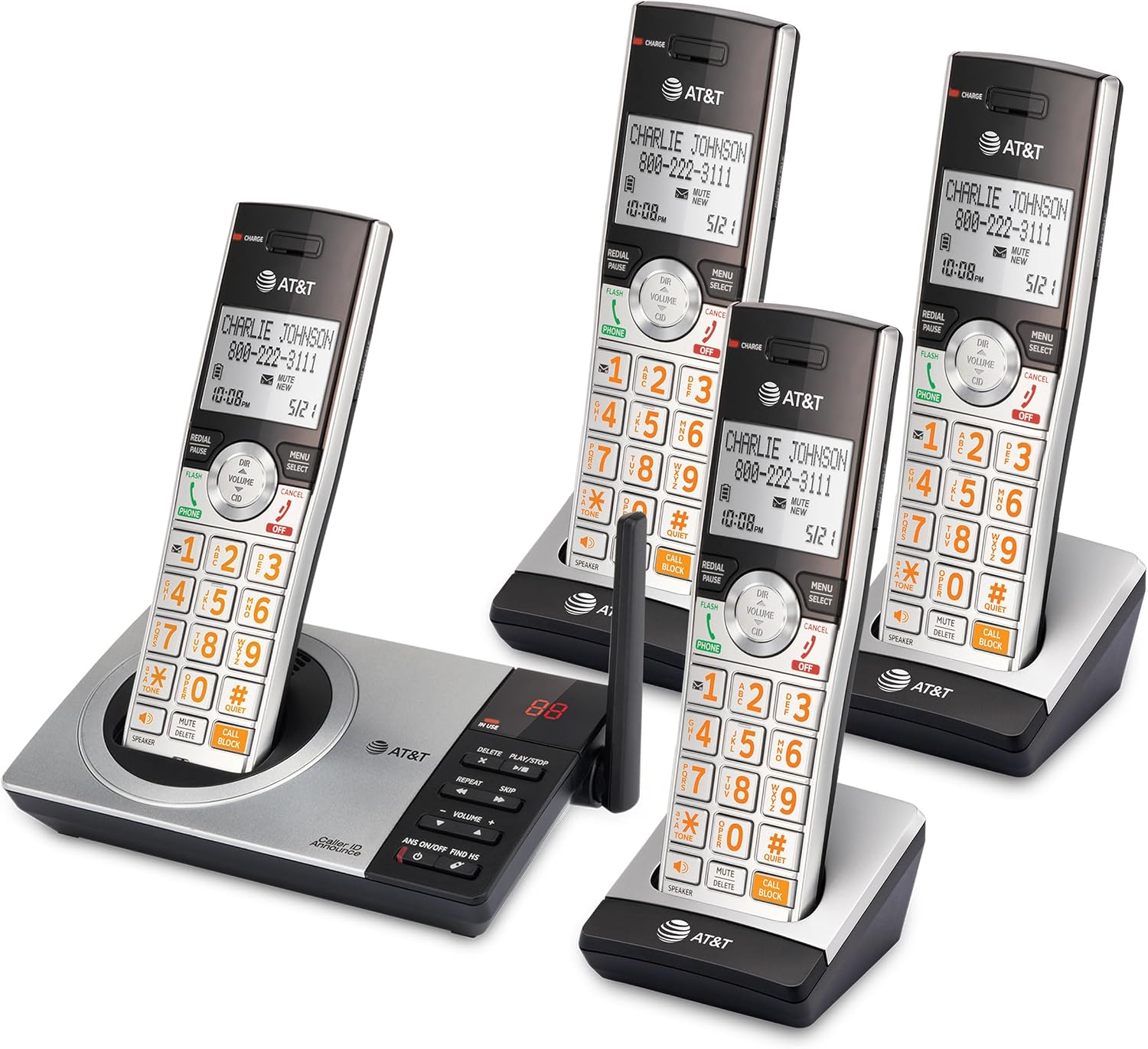
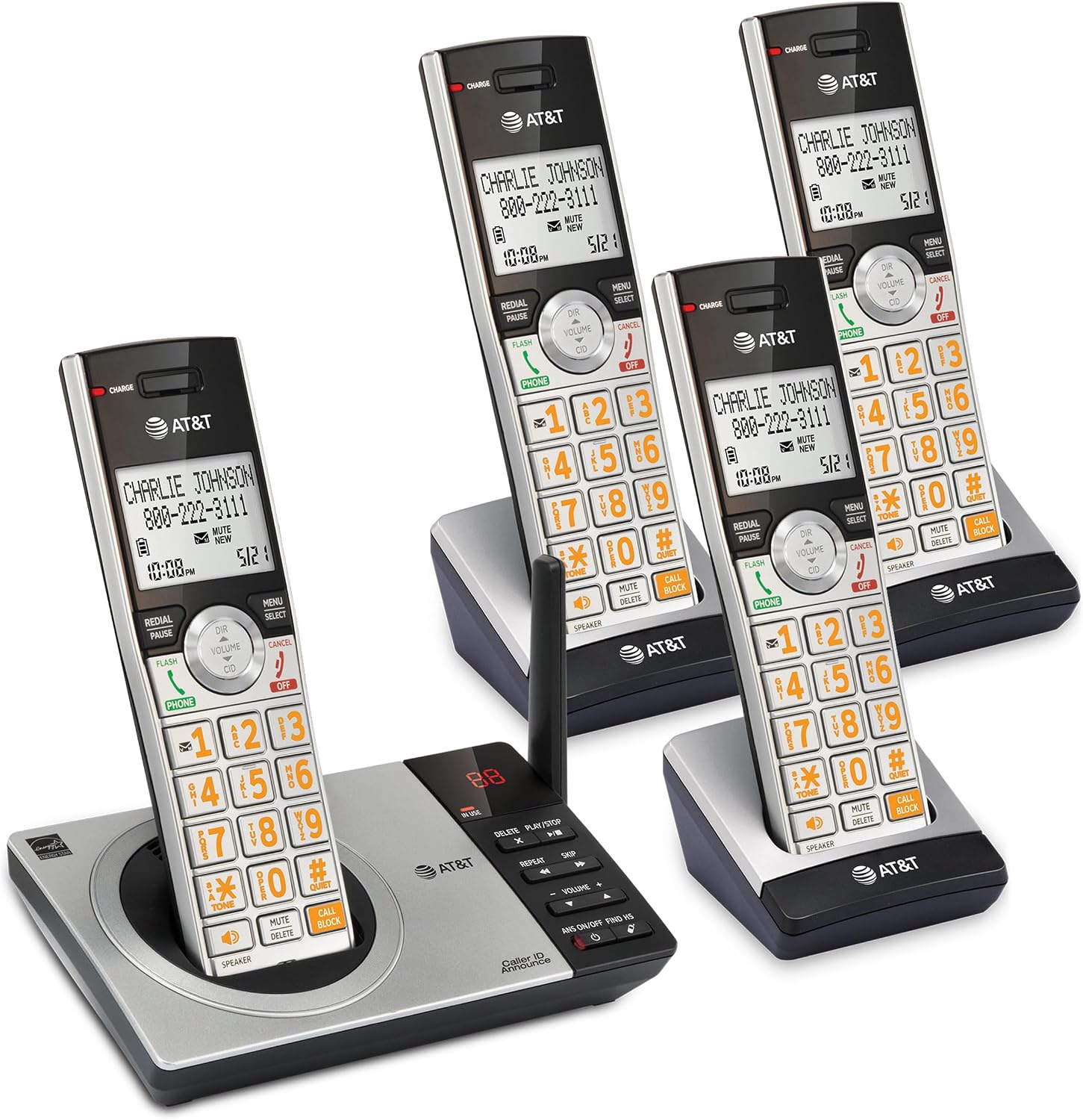
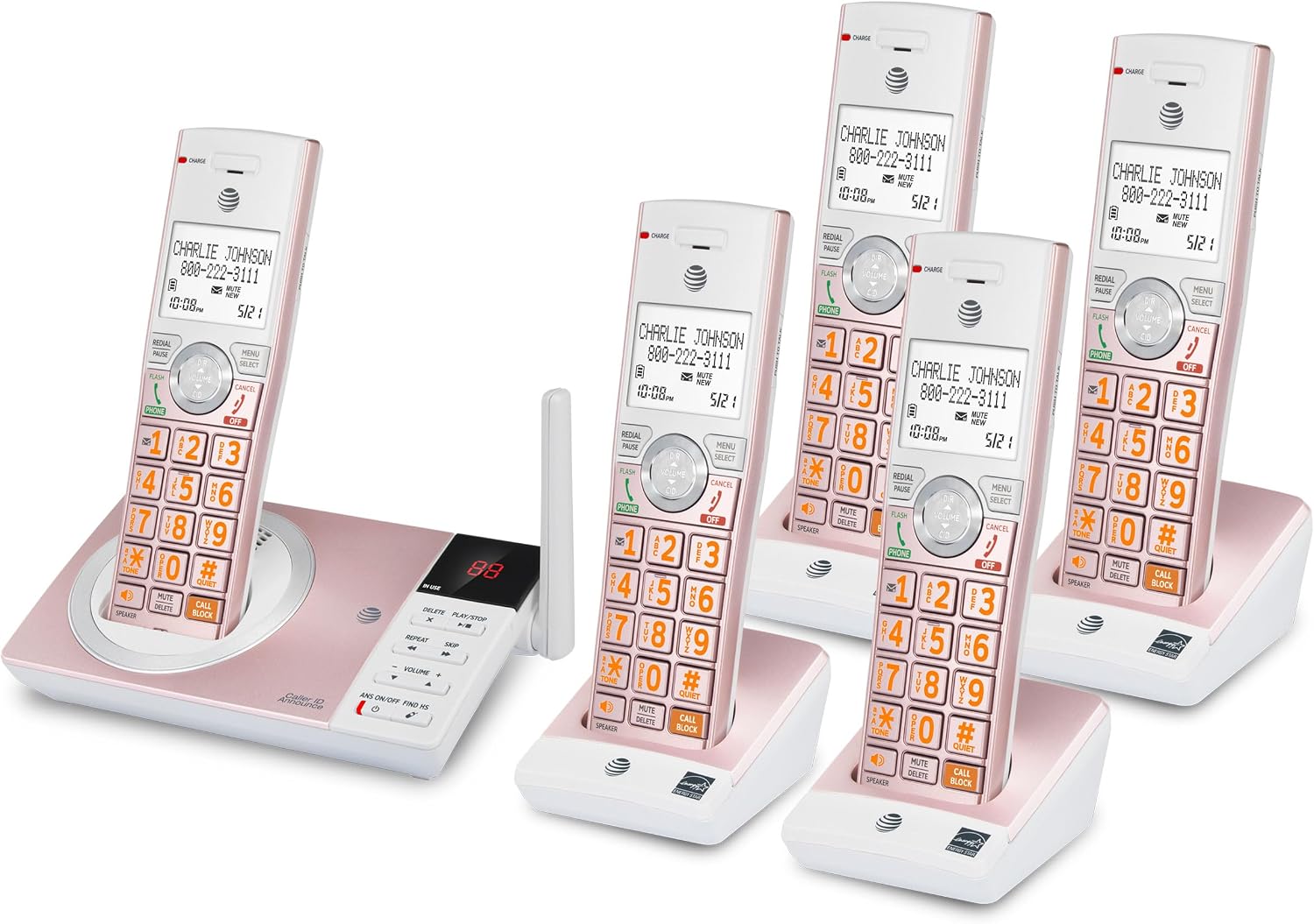
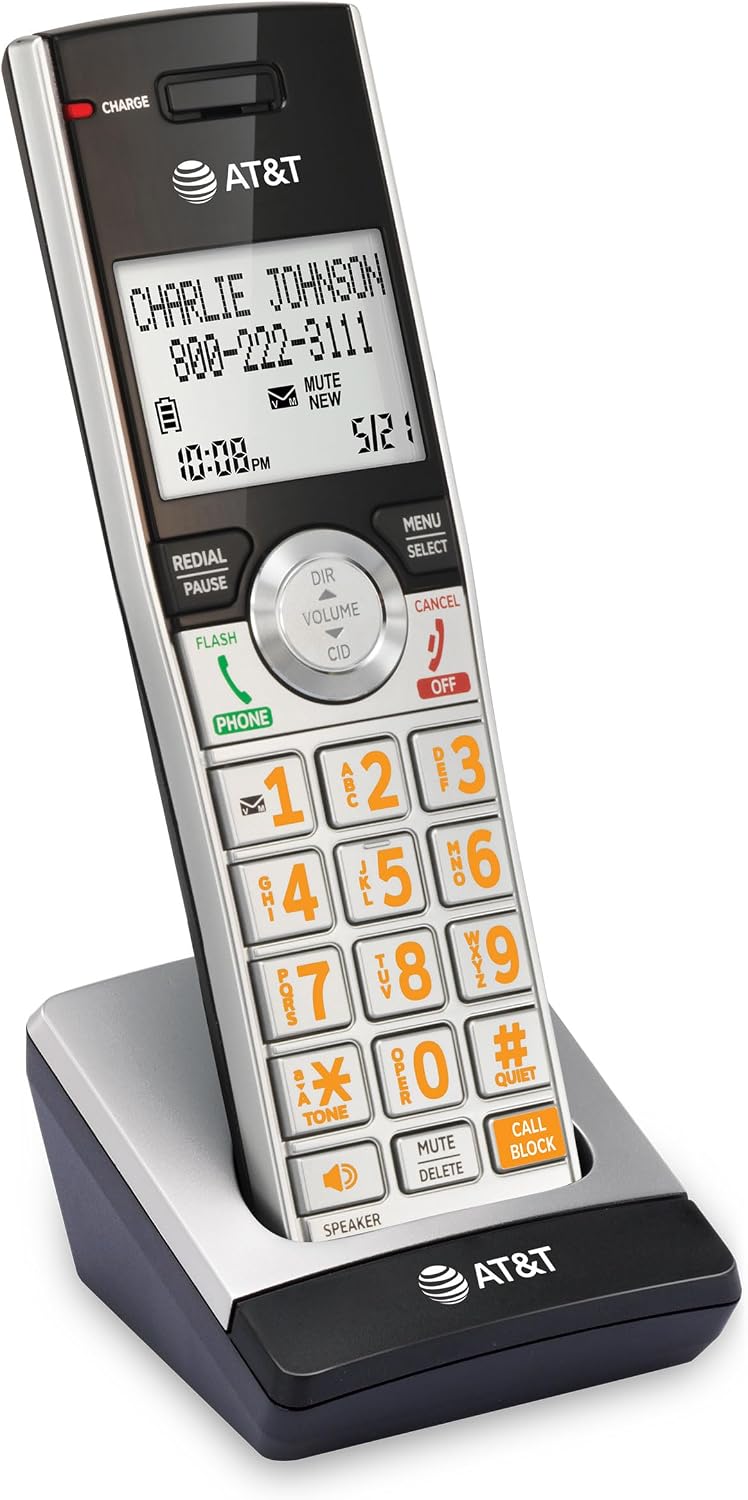
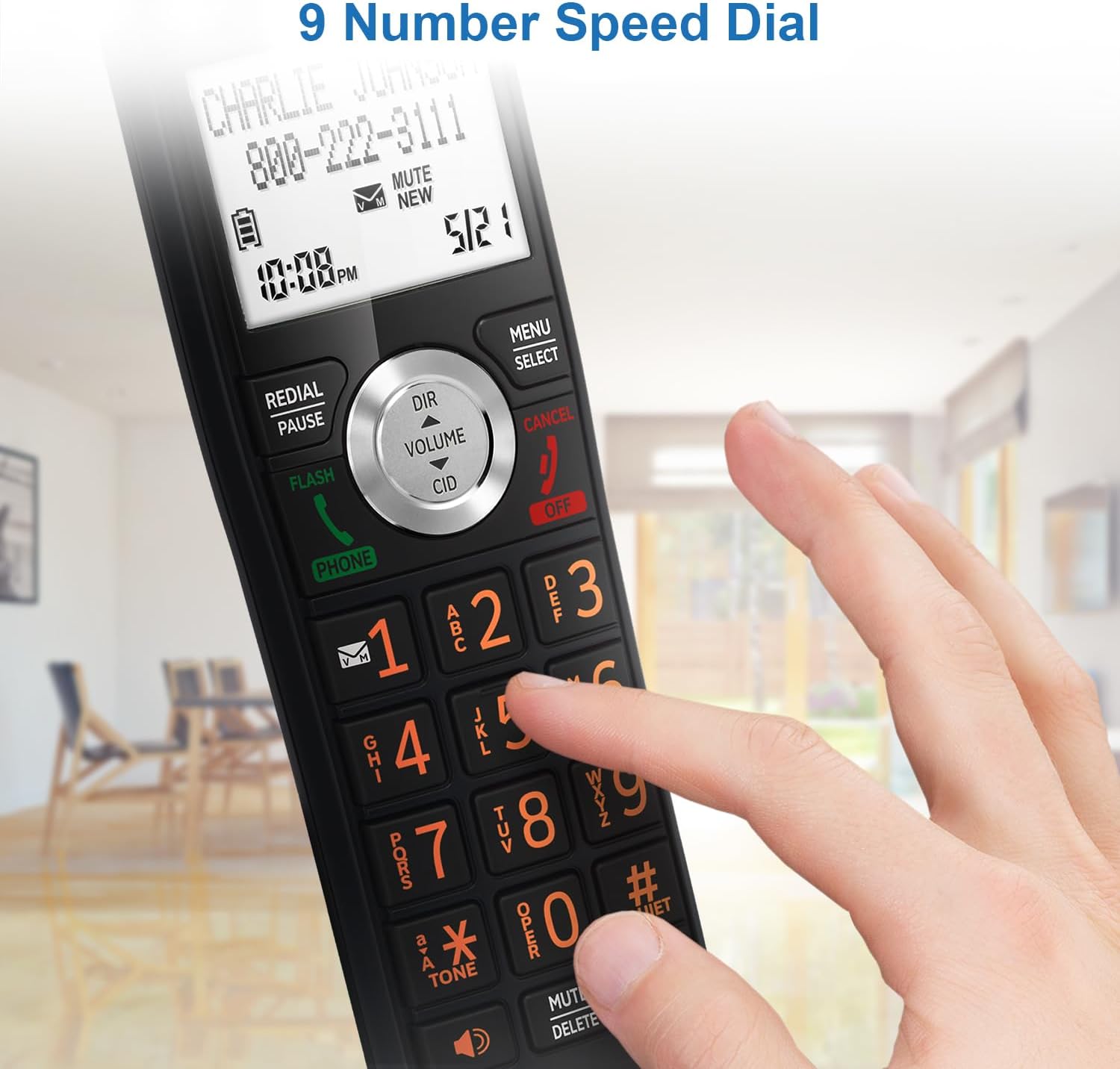
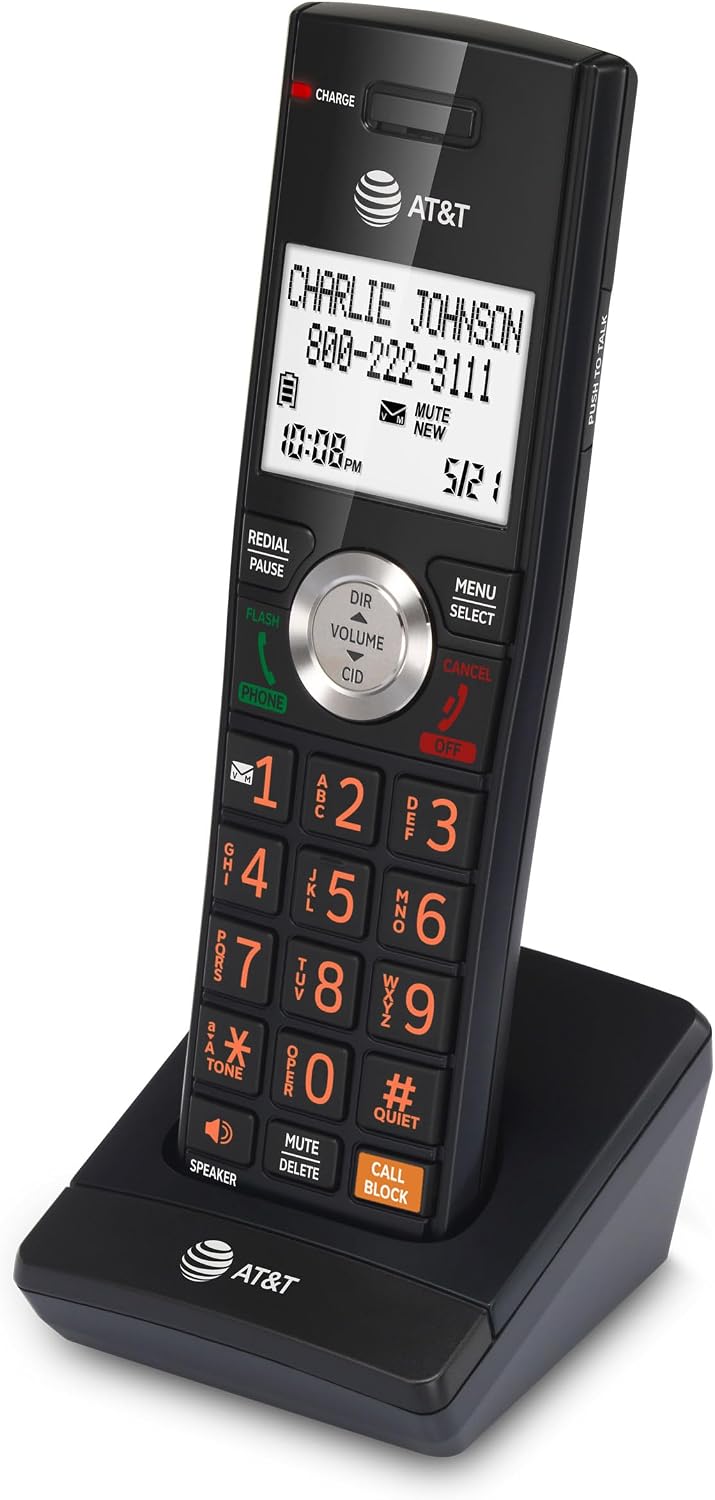
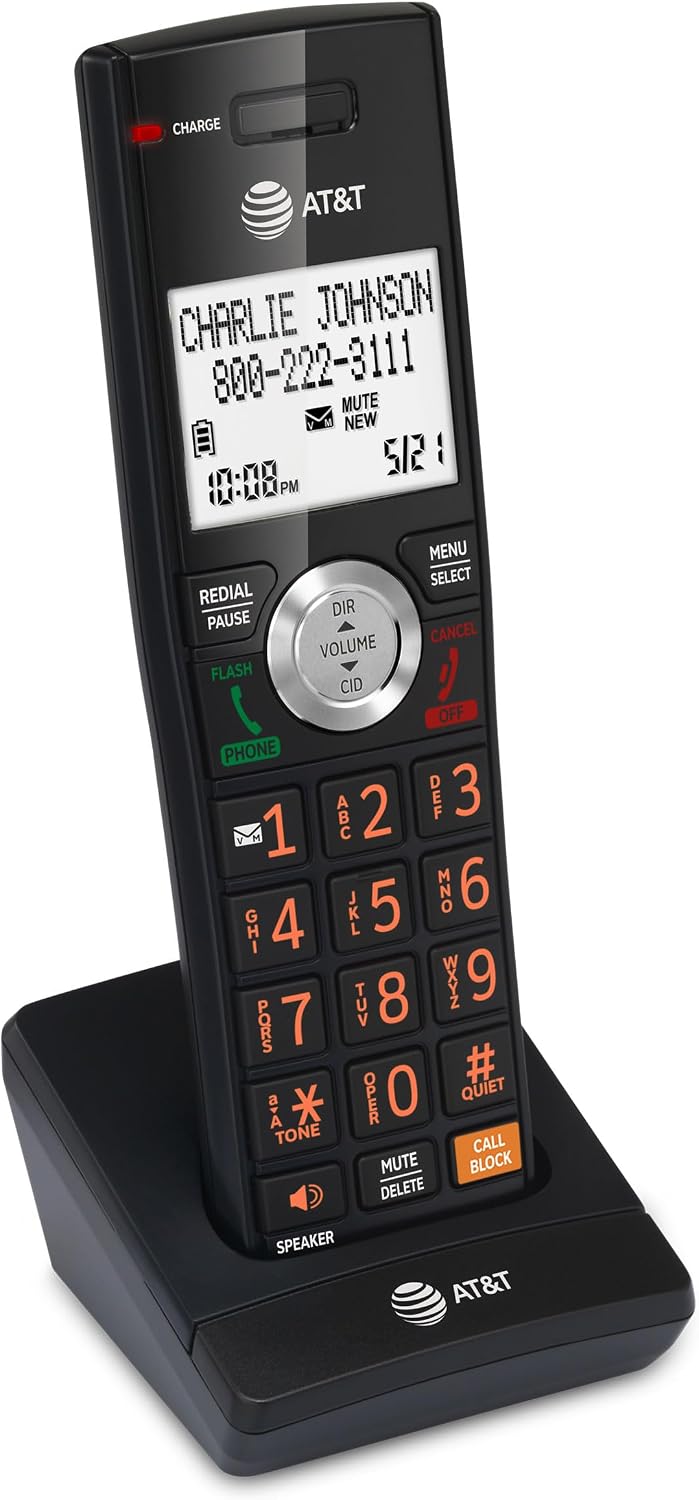
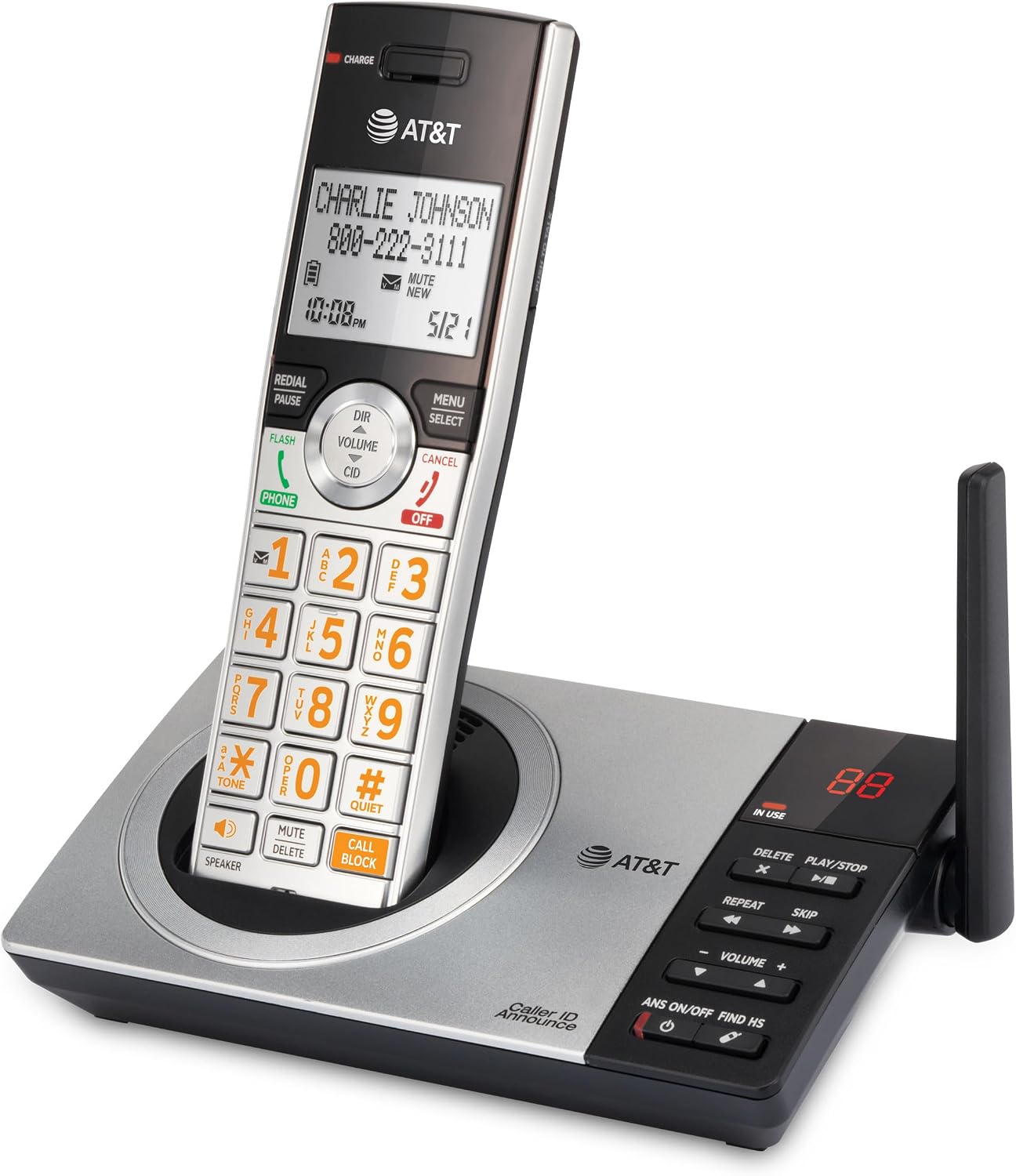
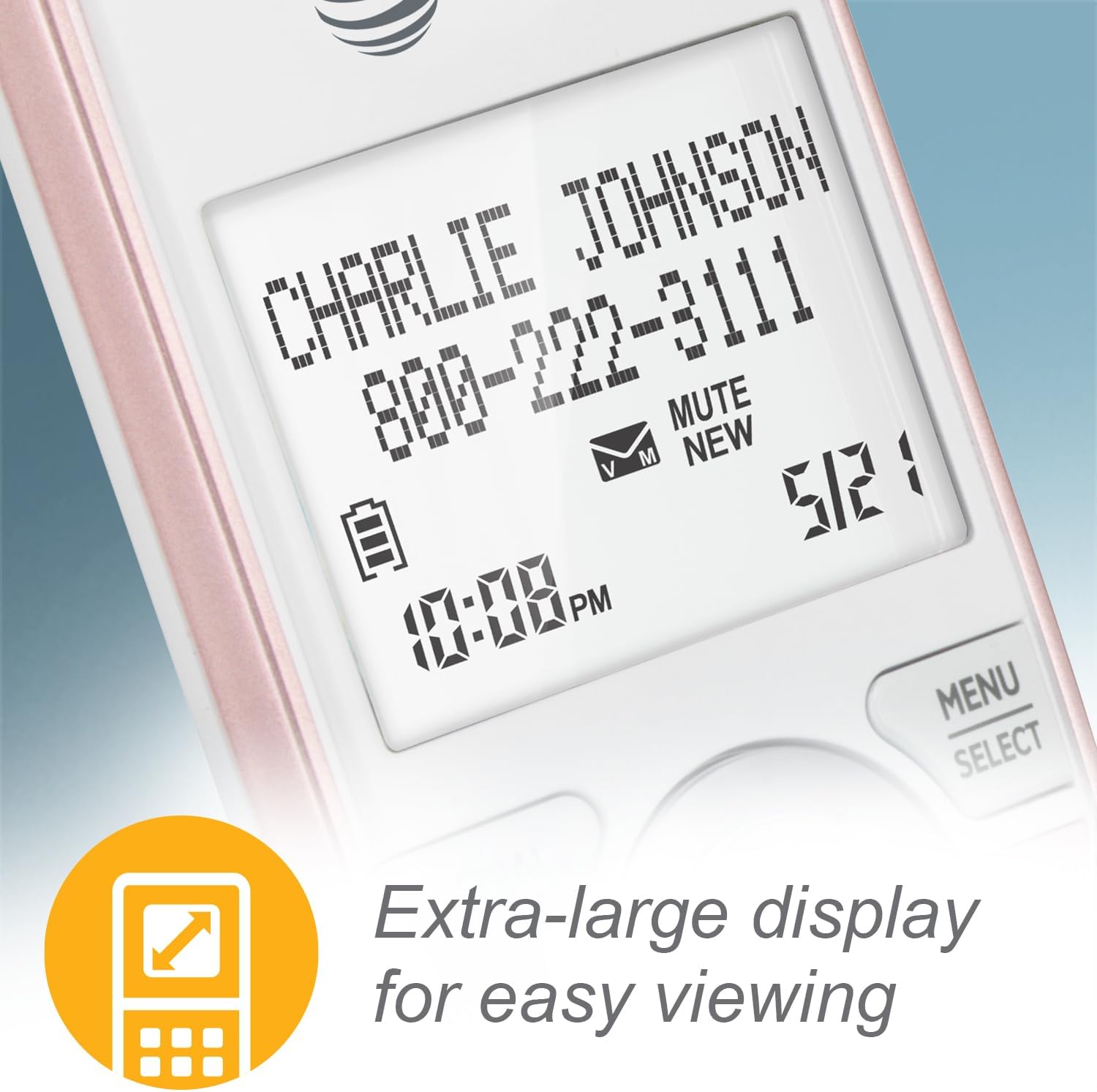
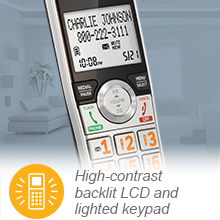
High-contrast black text on the extra-large screen makes it easy to read incoming caller ID or call history records. Plus, the lighted handset keypad allows for easy dialing in low-light conditions.
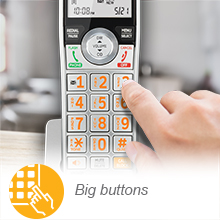
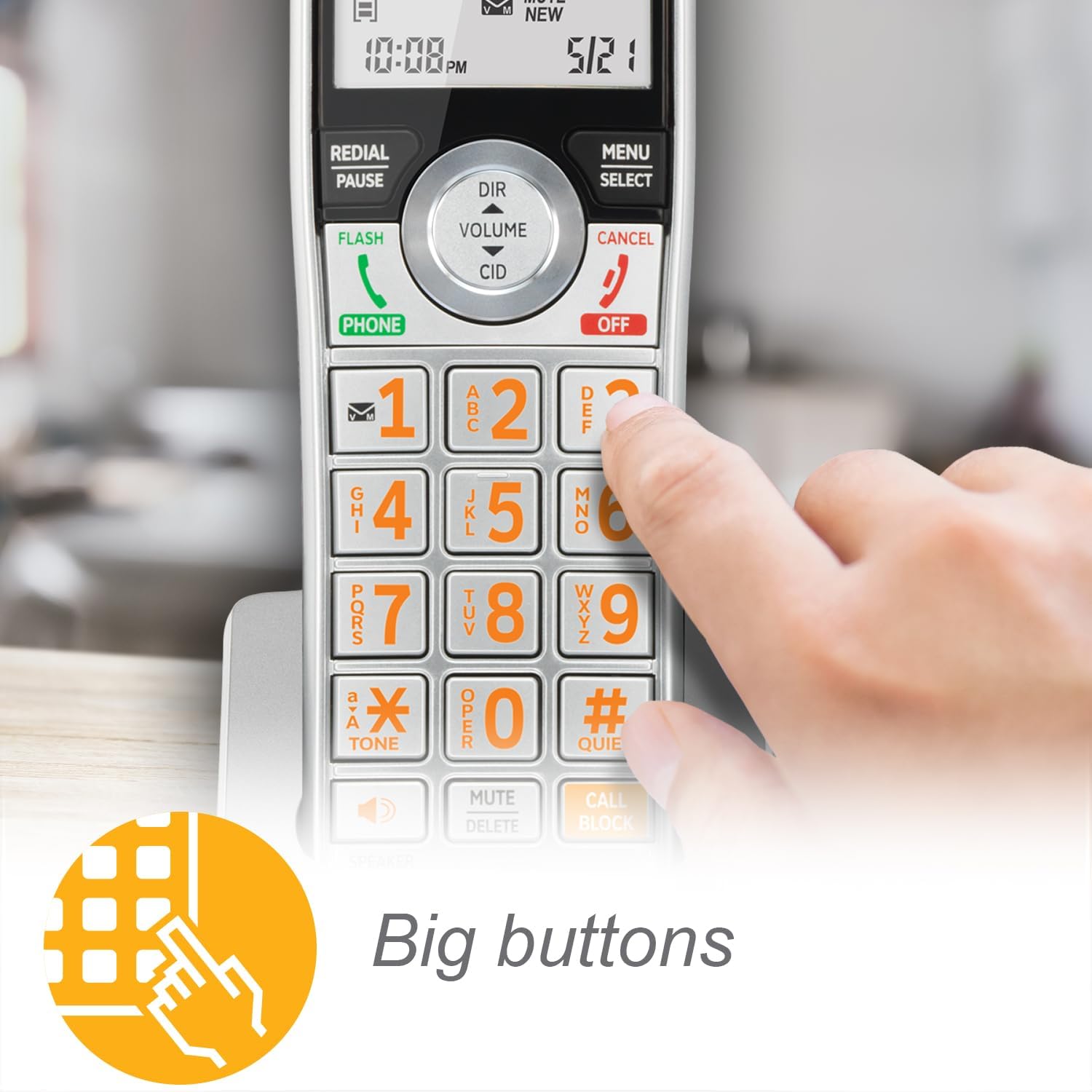
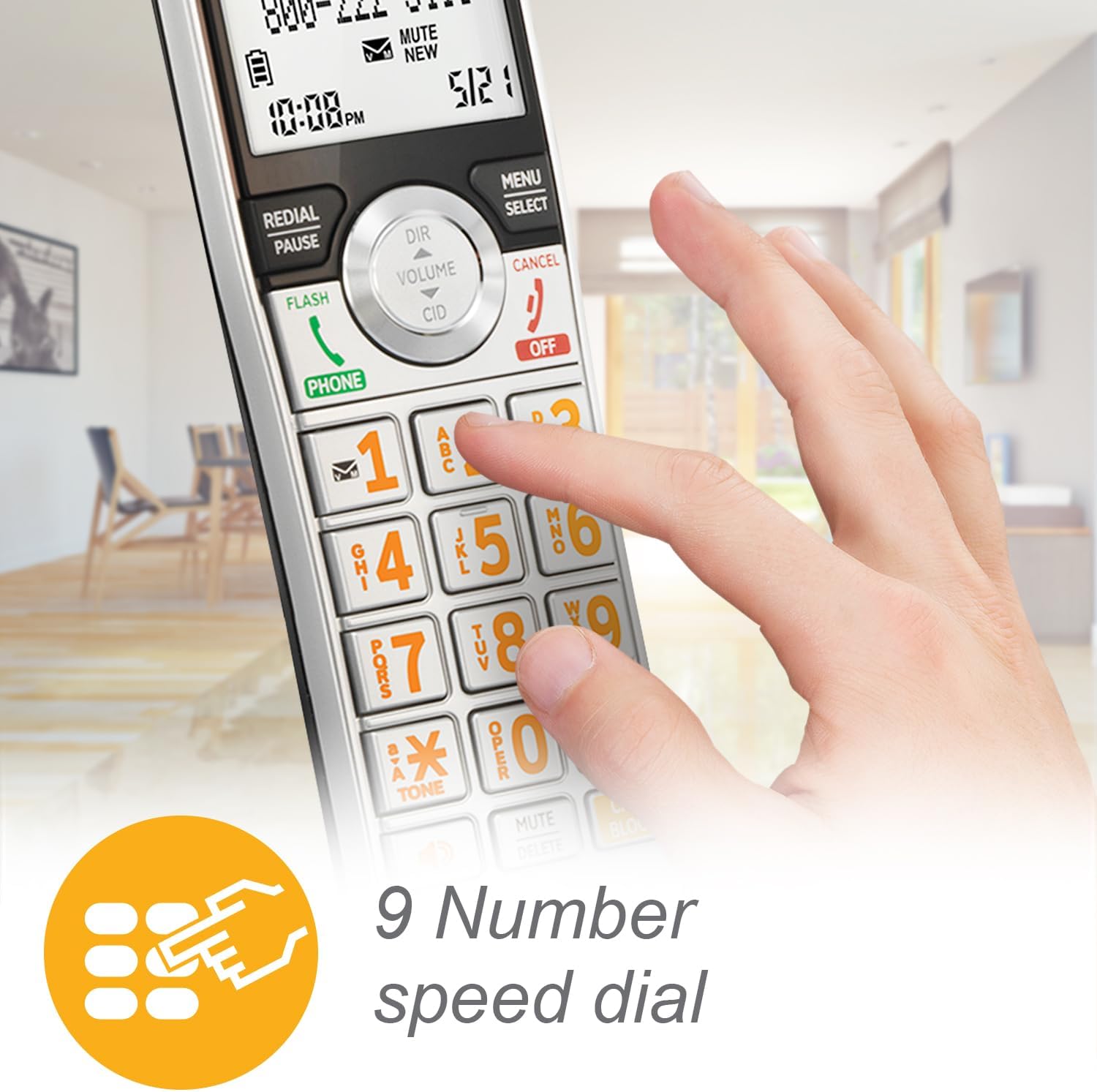
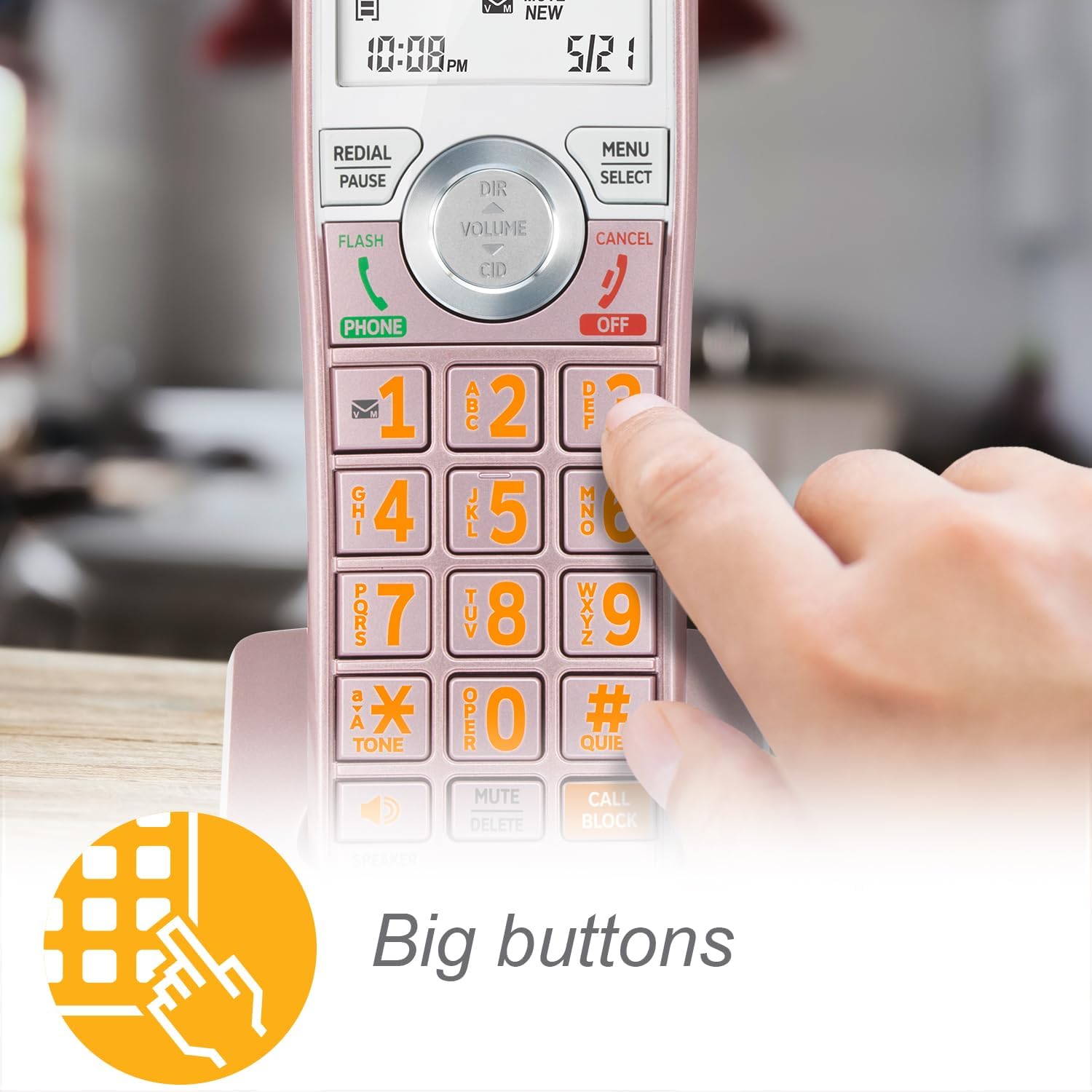
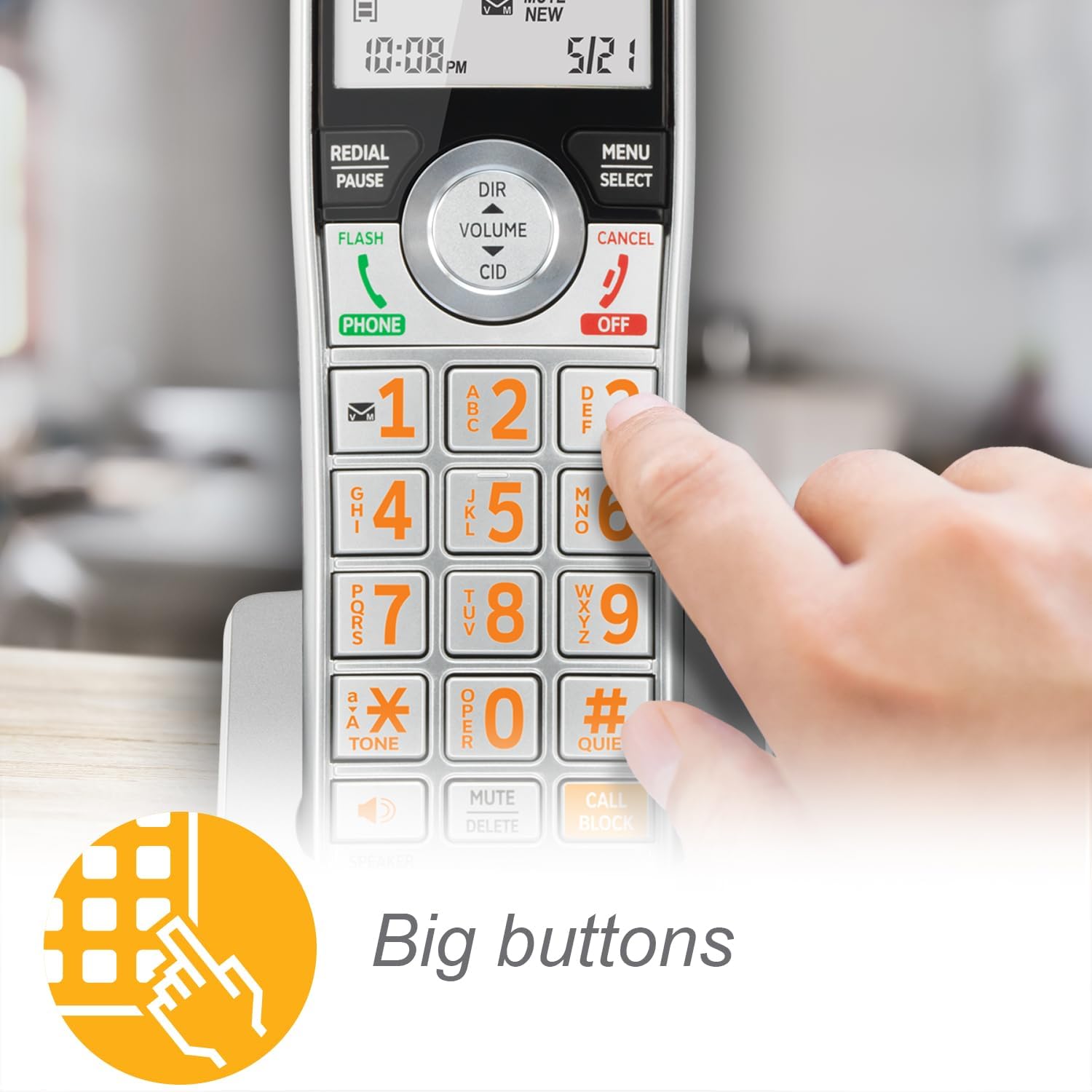
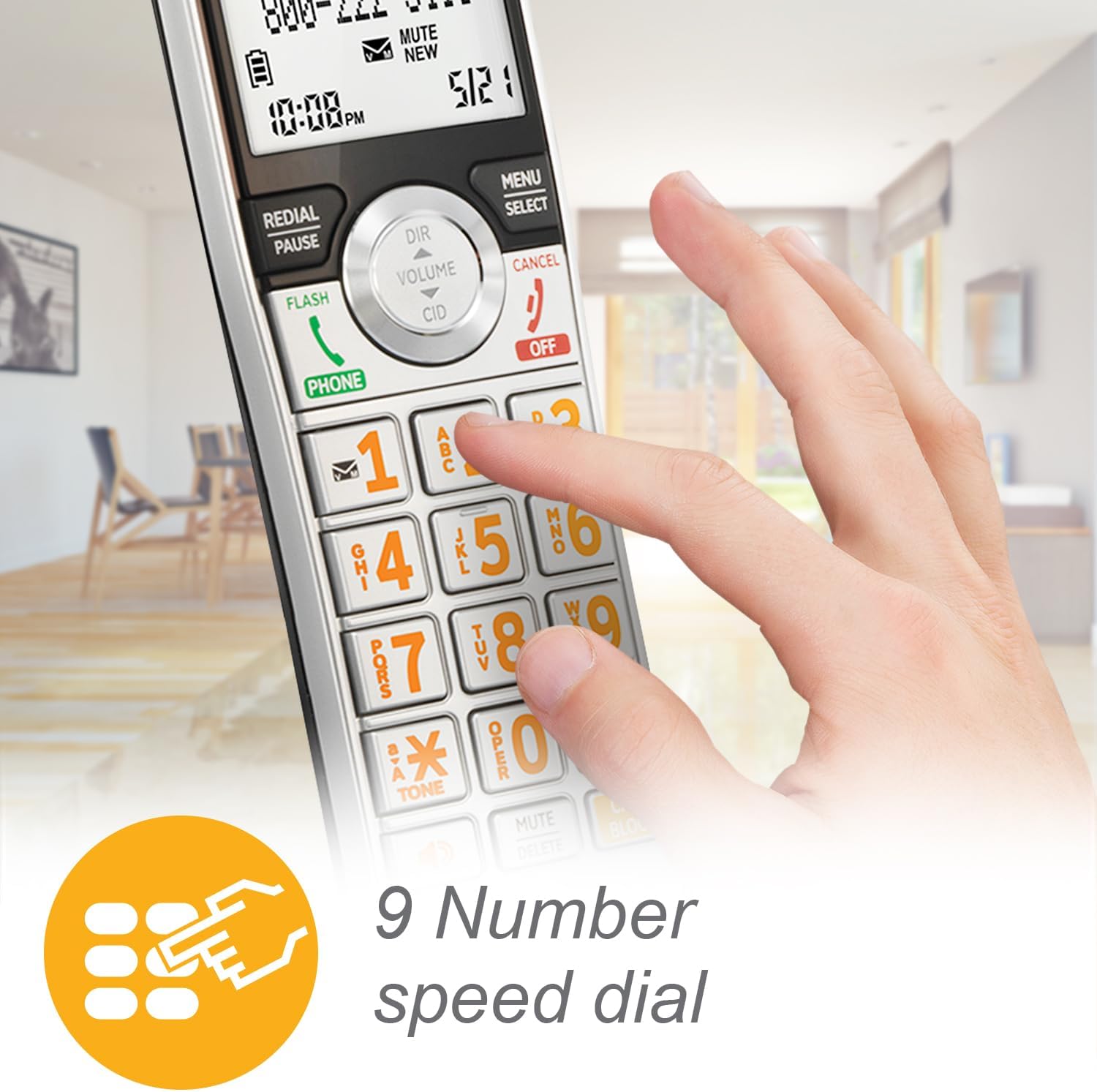
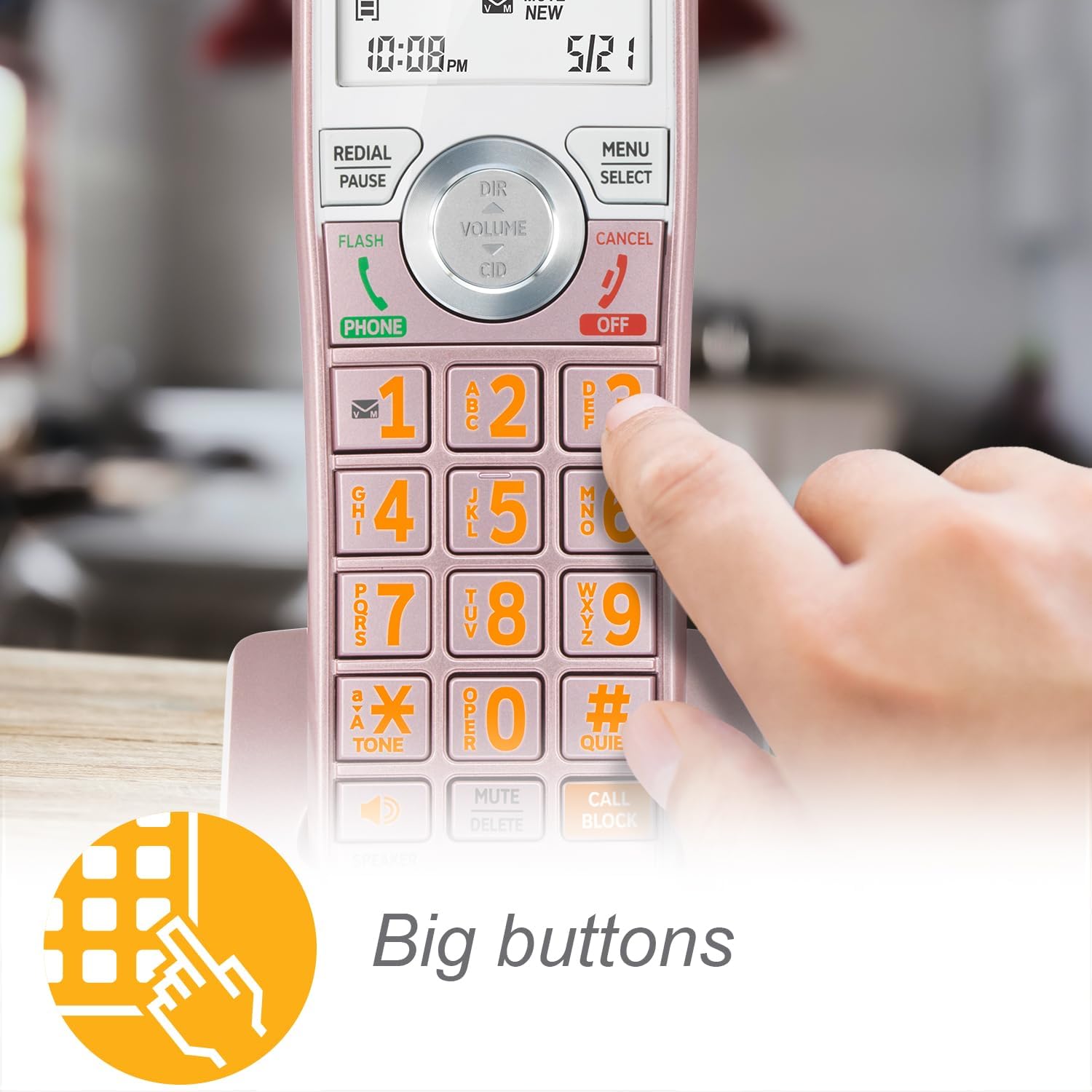
Enlarged font and extra-large, backlit keys make the keypad easy to use. This feature is especially helpful for those who are visually impaired.
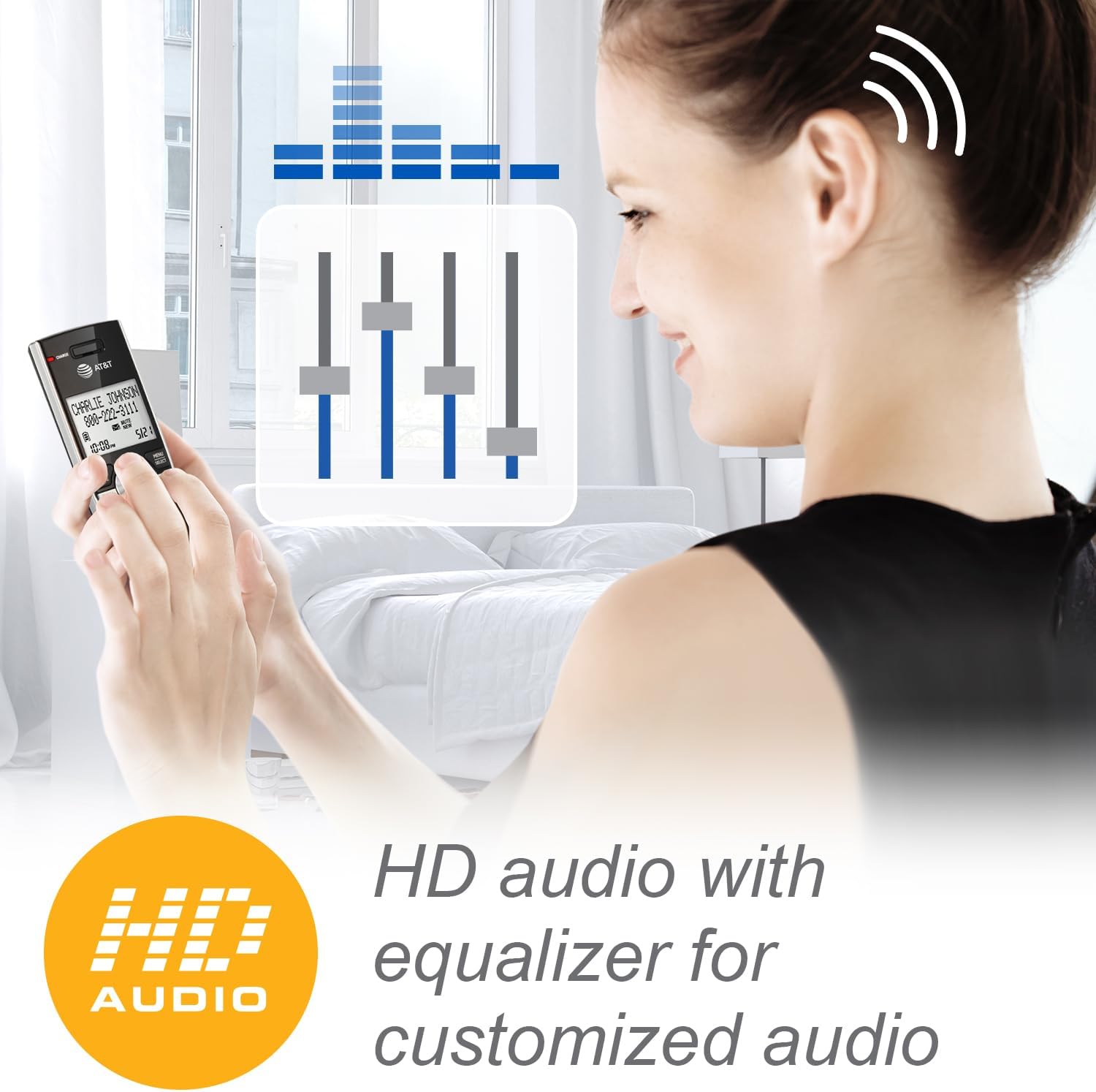
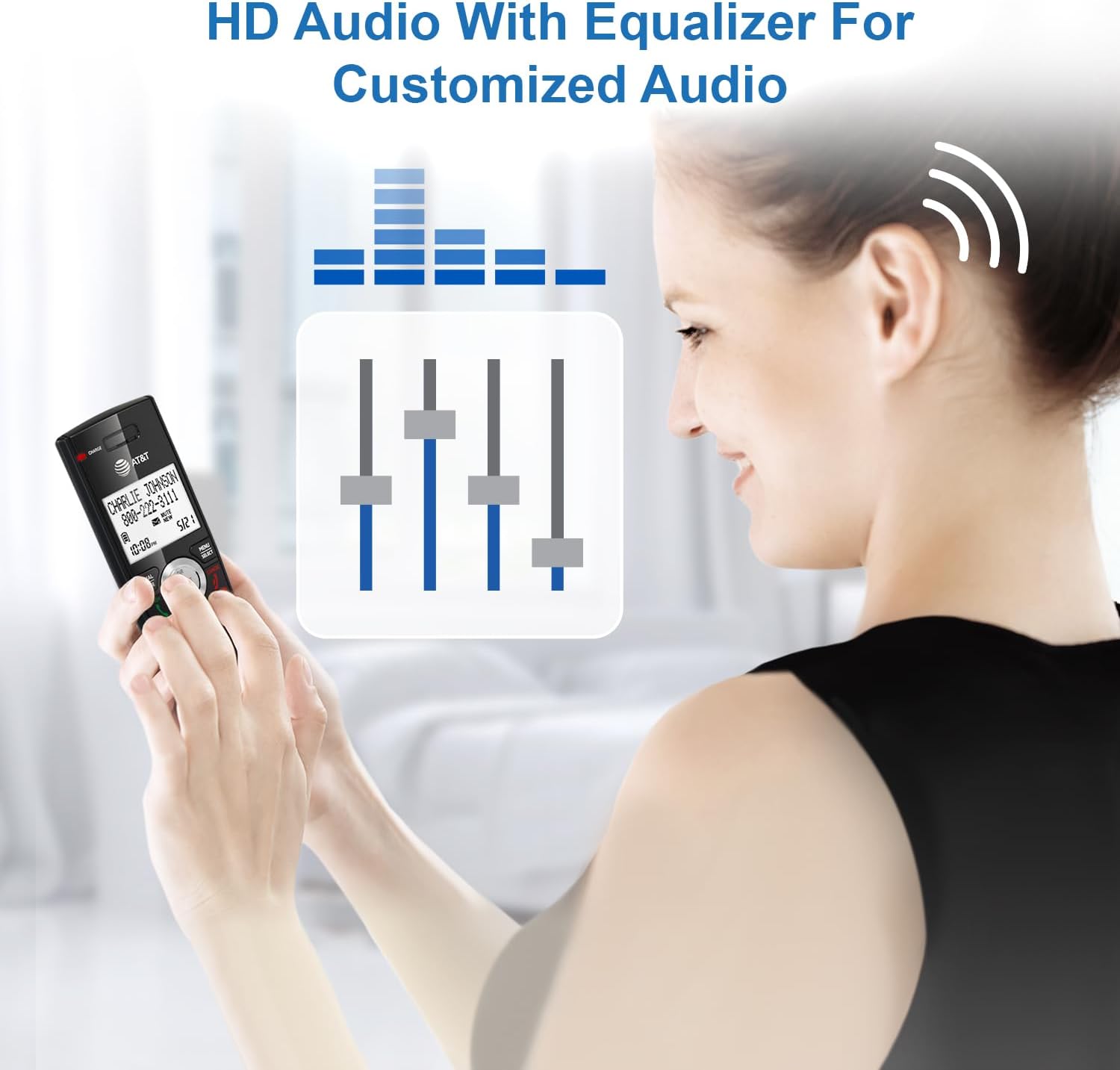
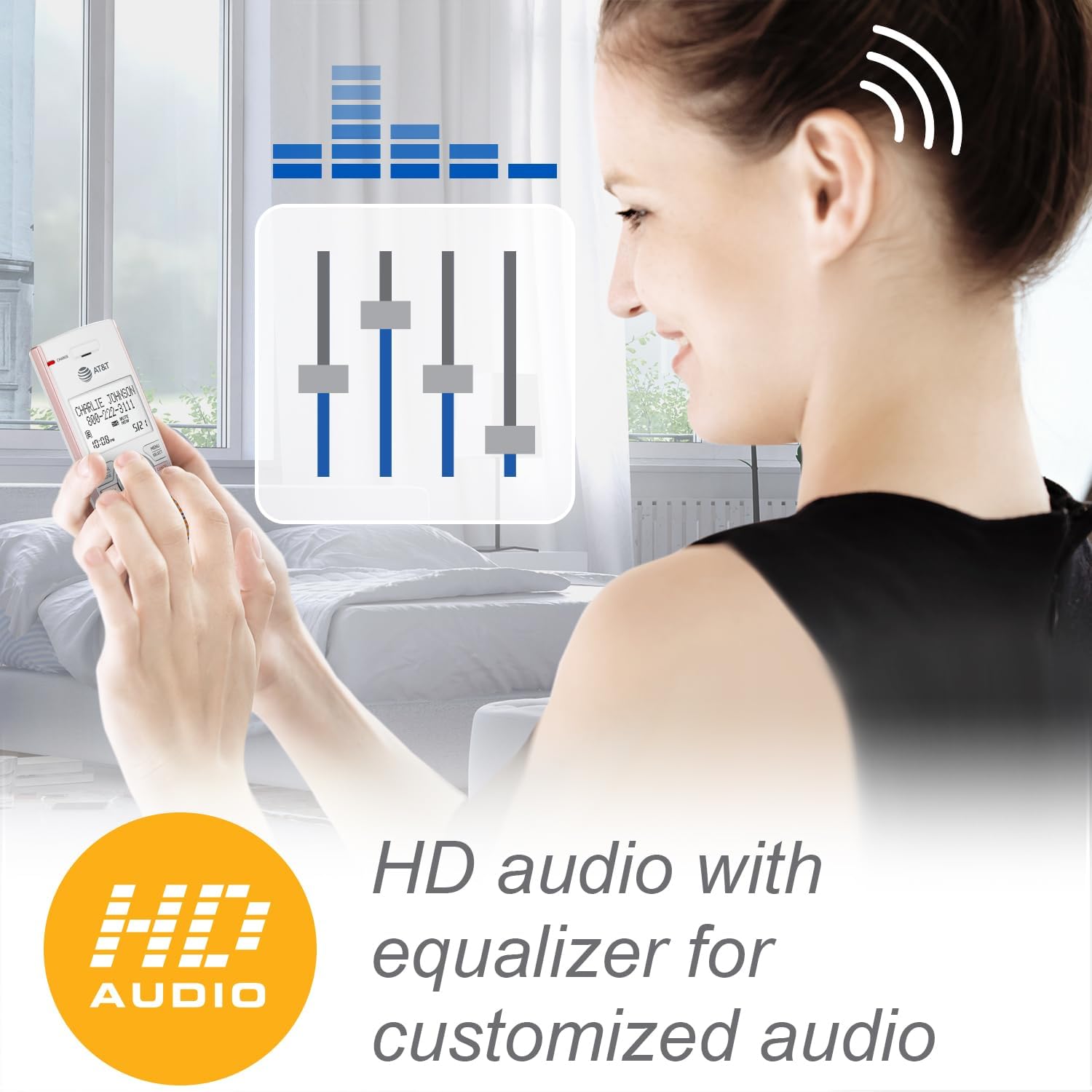
Choose from four preset audio profiles, or use the equalizer to personalize bass, treble, and natural tones for your individual hearing needs.
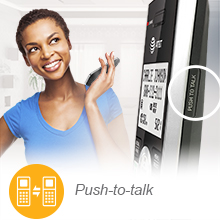
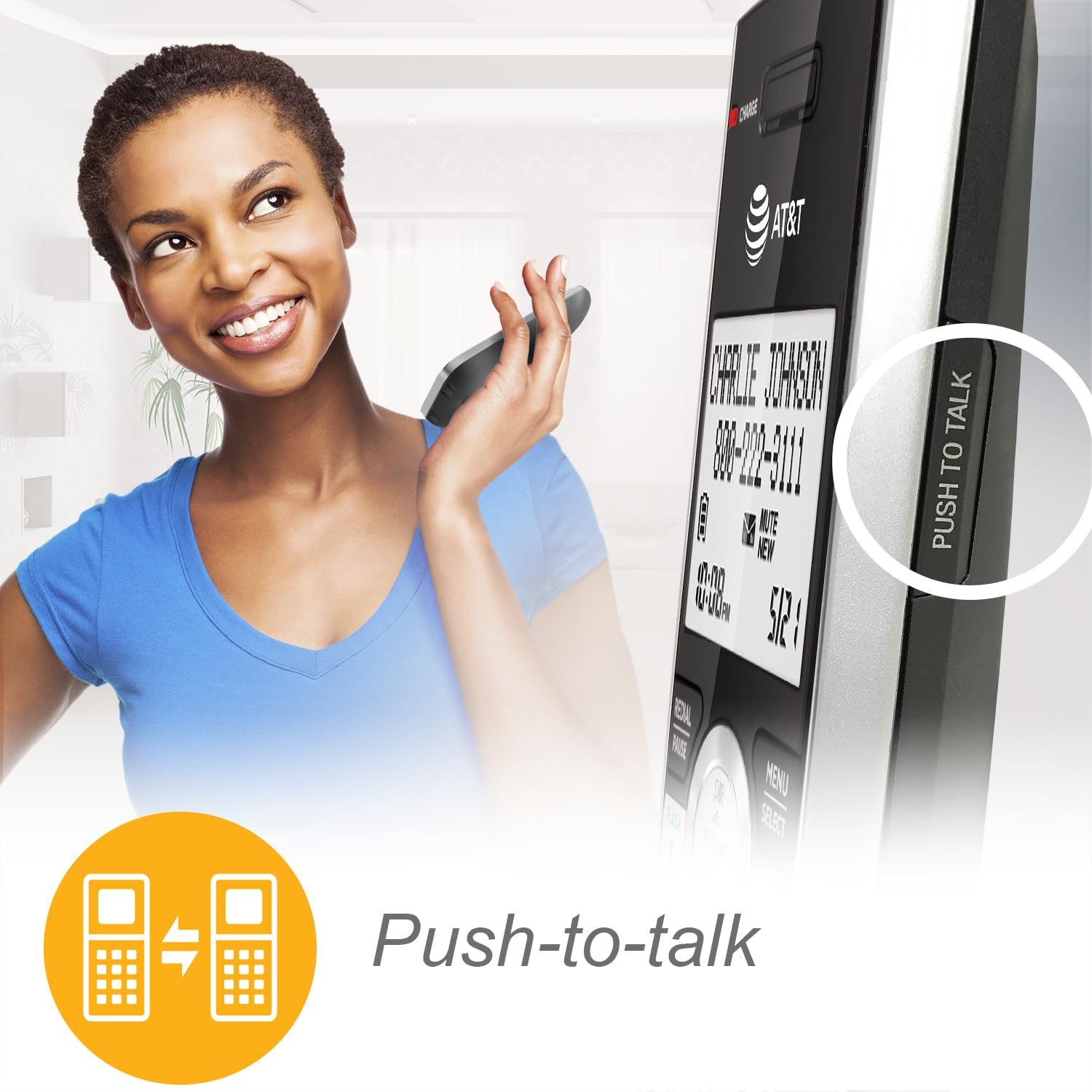
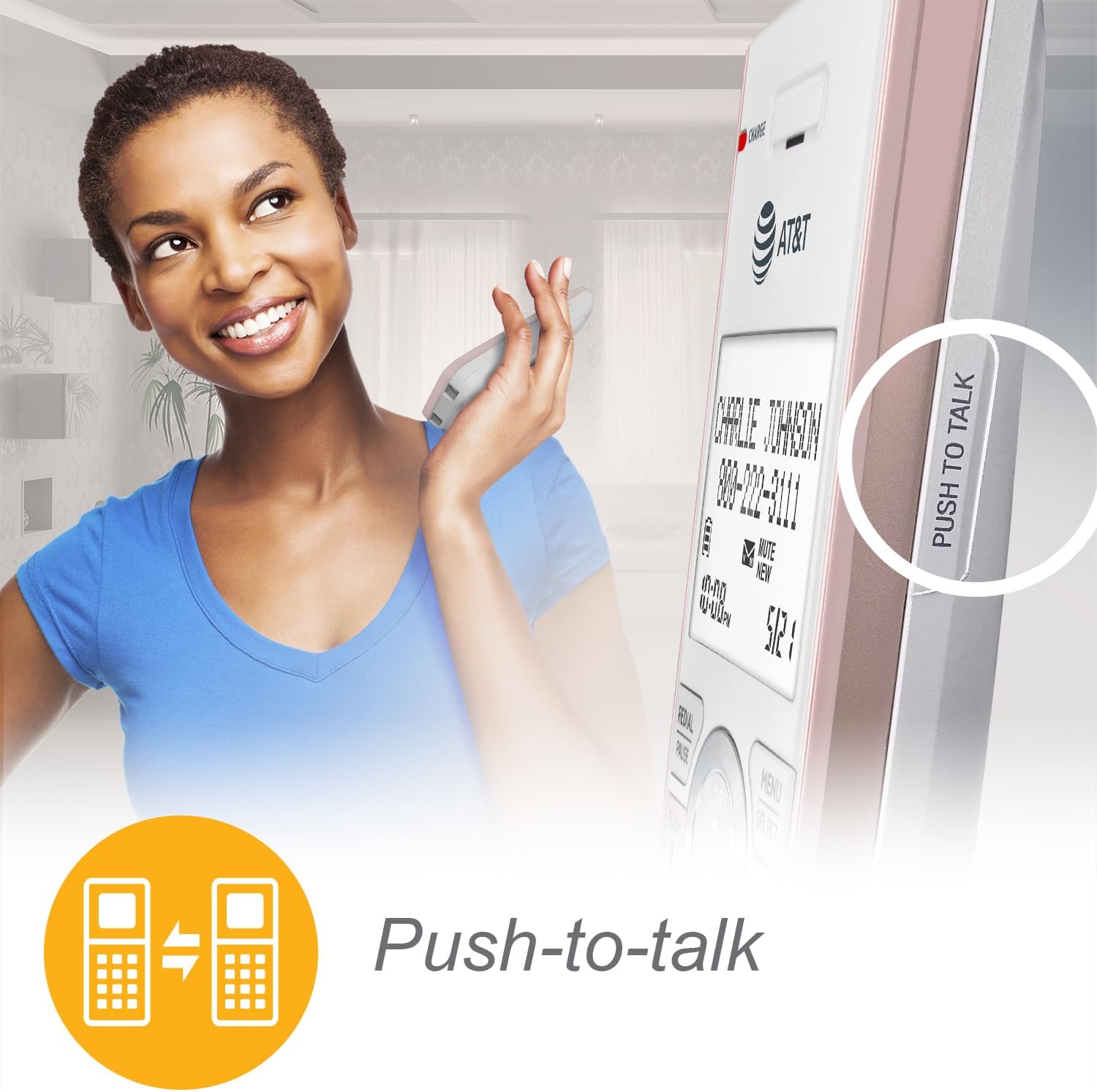
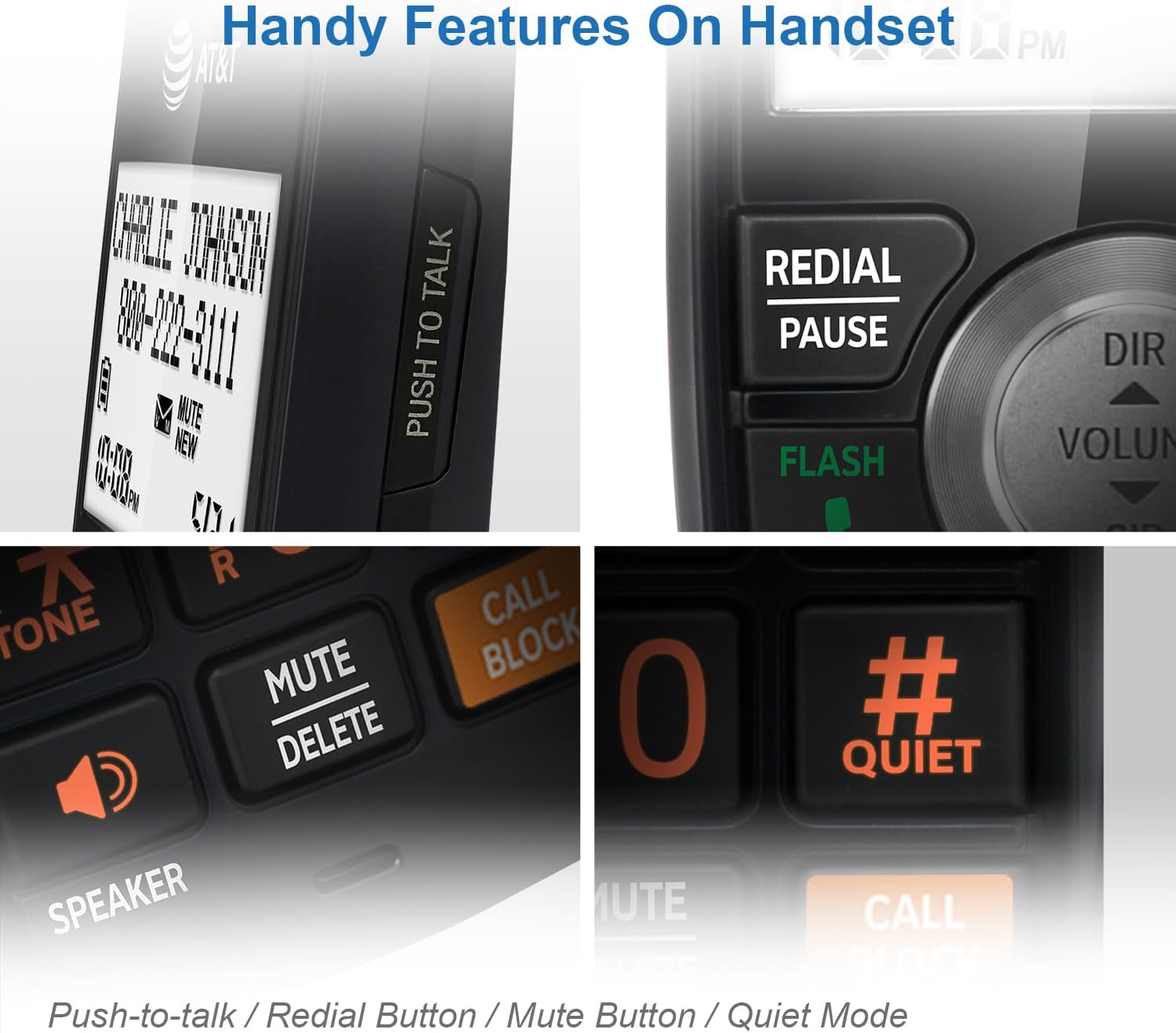
No more shouting through the house. This system doubles as a multiple-handset walkie-talkie to instantly communicate with up to four units at once.
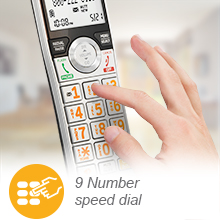
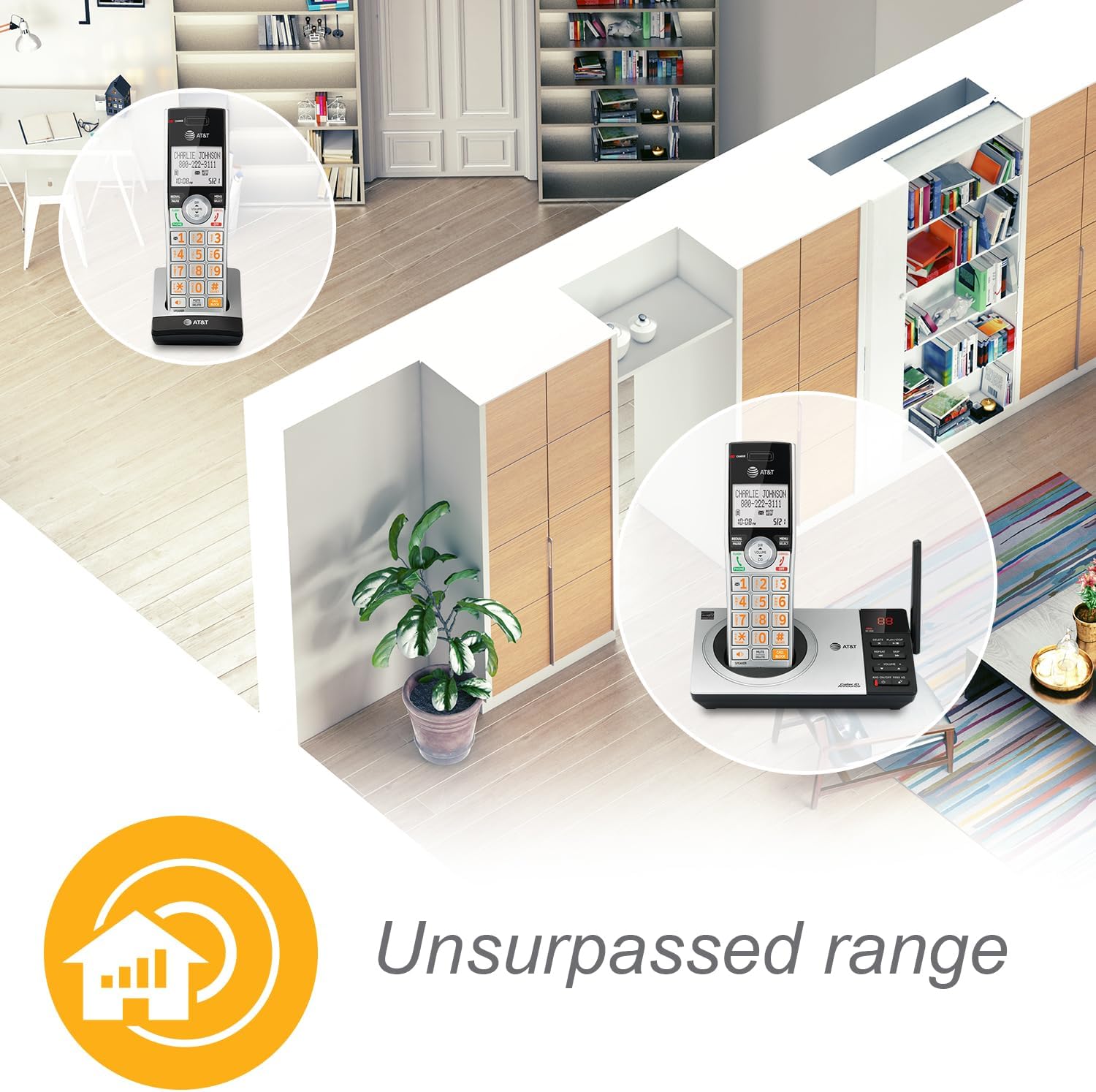
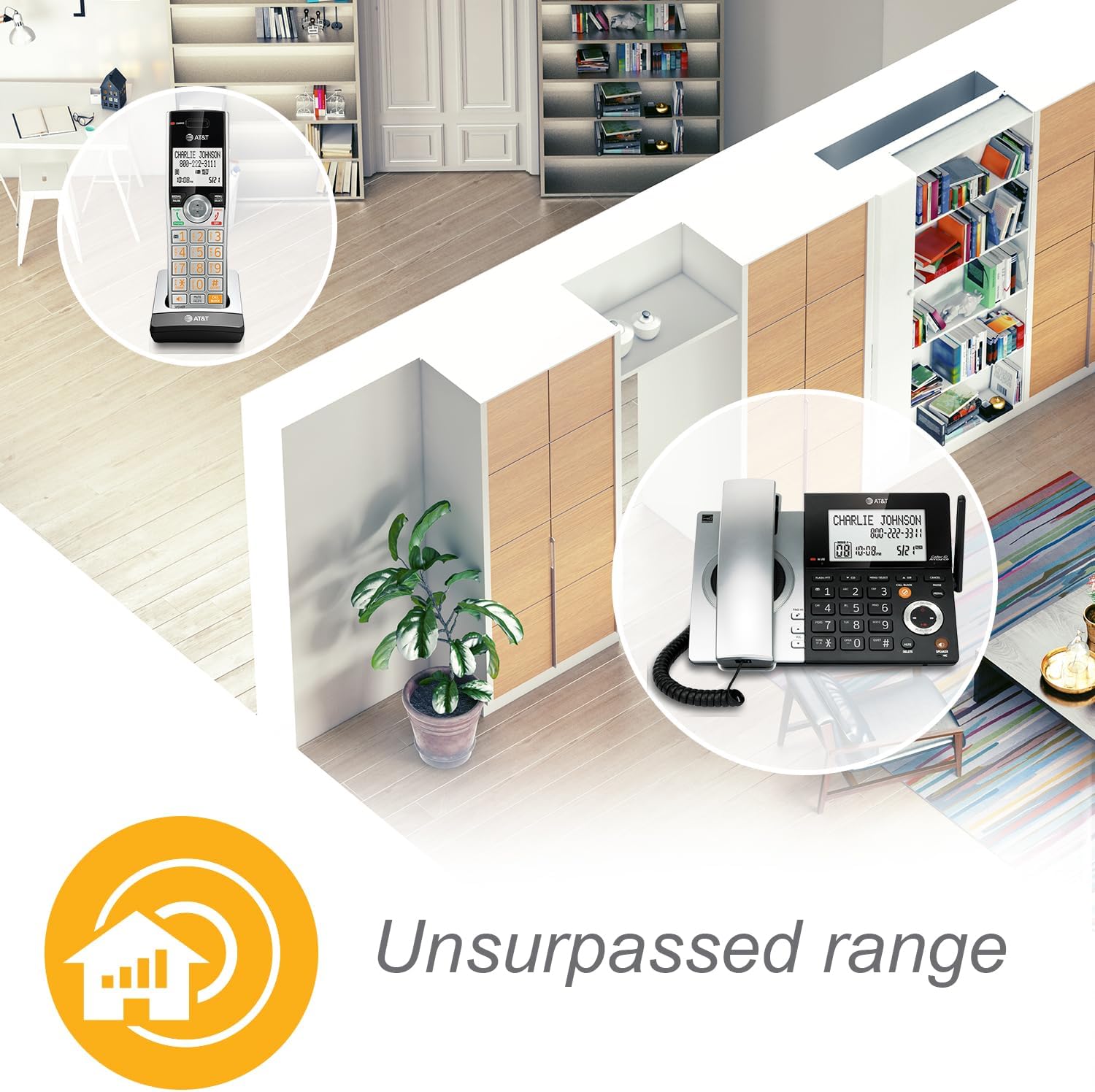
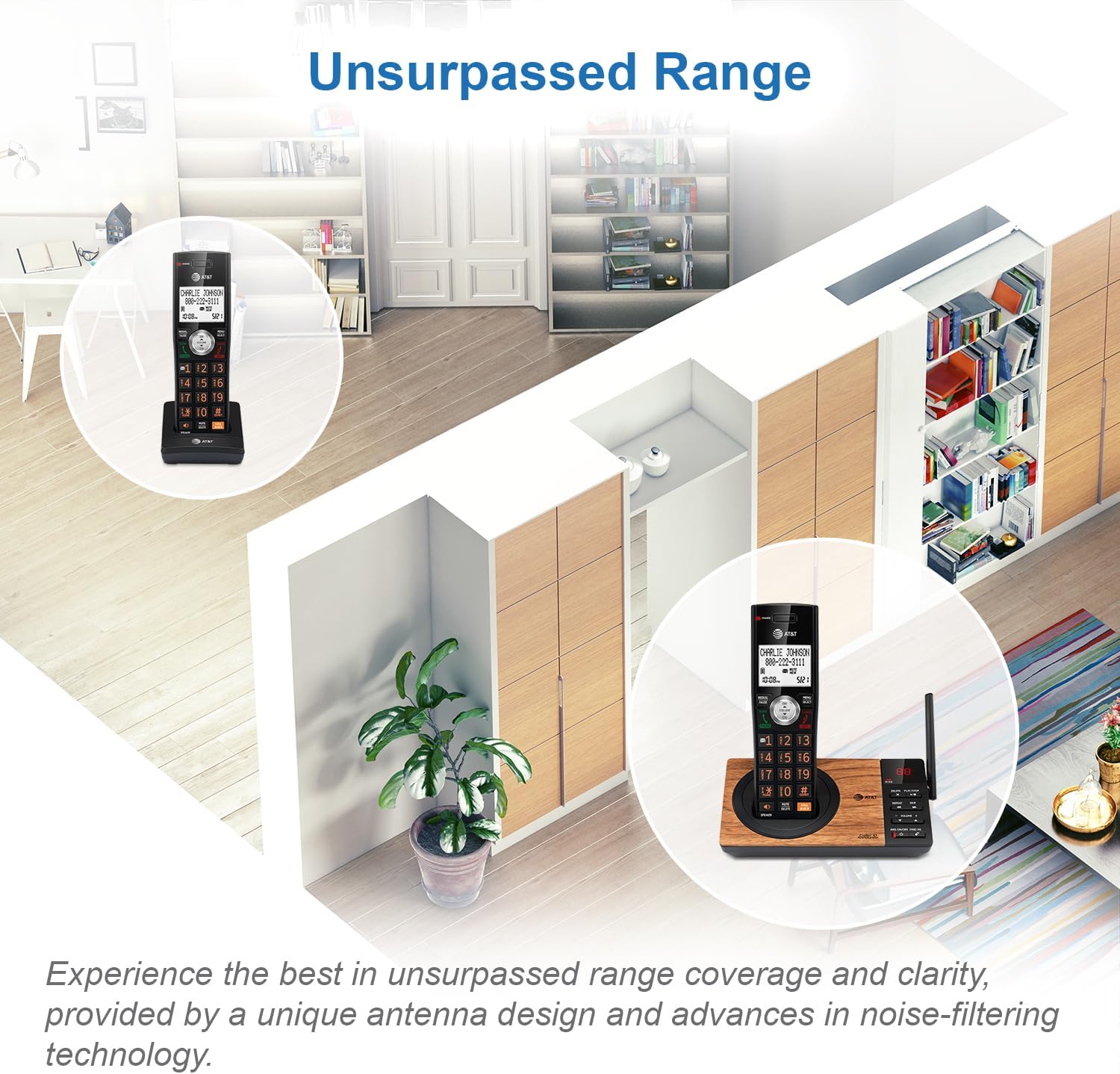
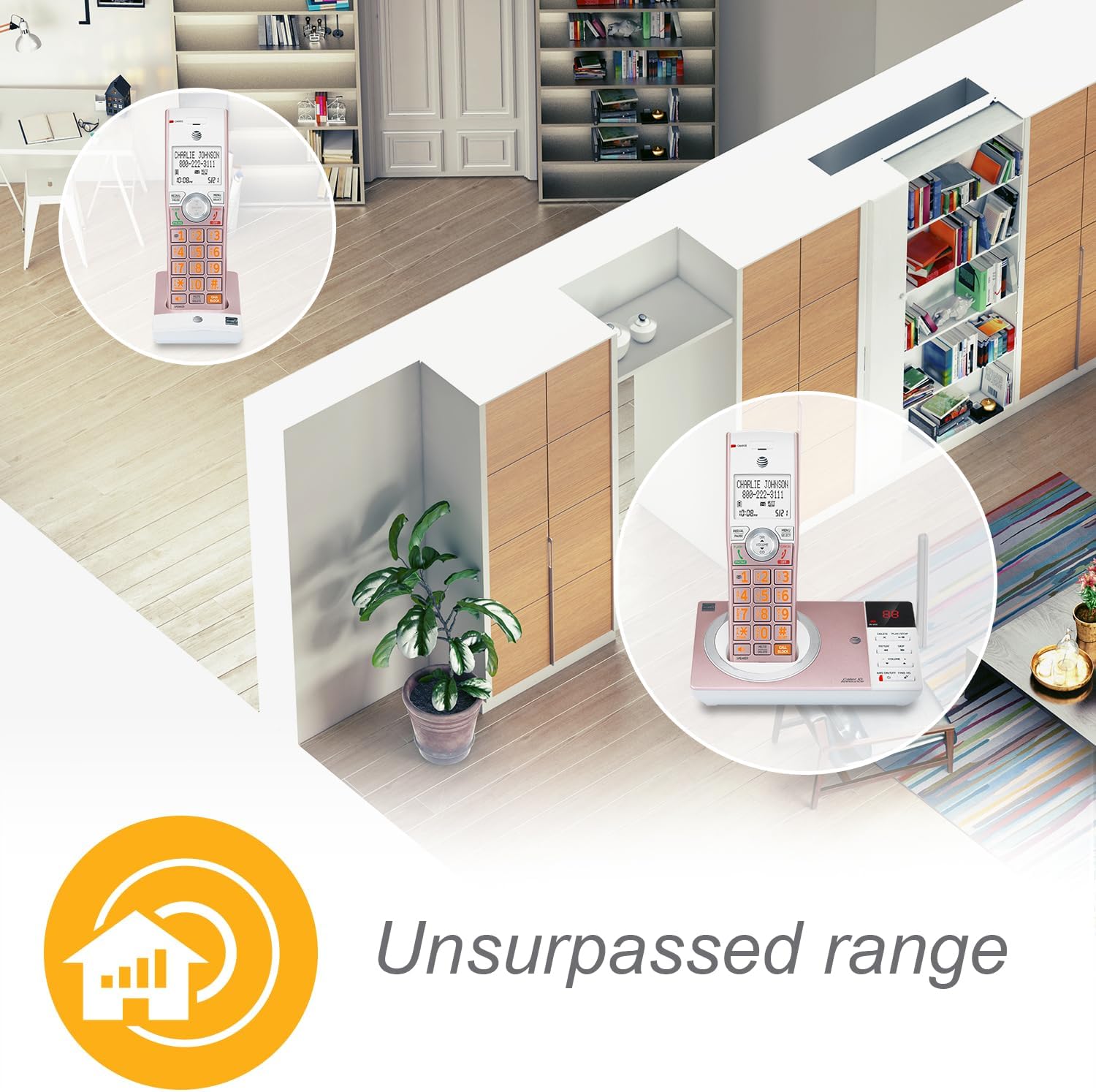
Redefining long-range coverage and clarity with a unique antenna design and advances in noise-filtering technology.
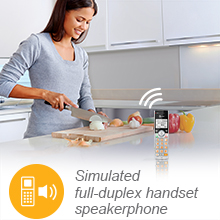
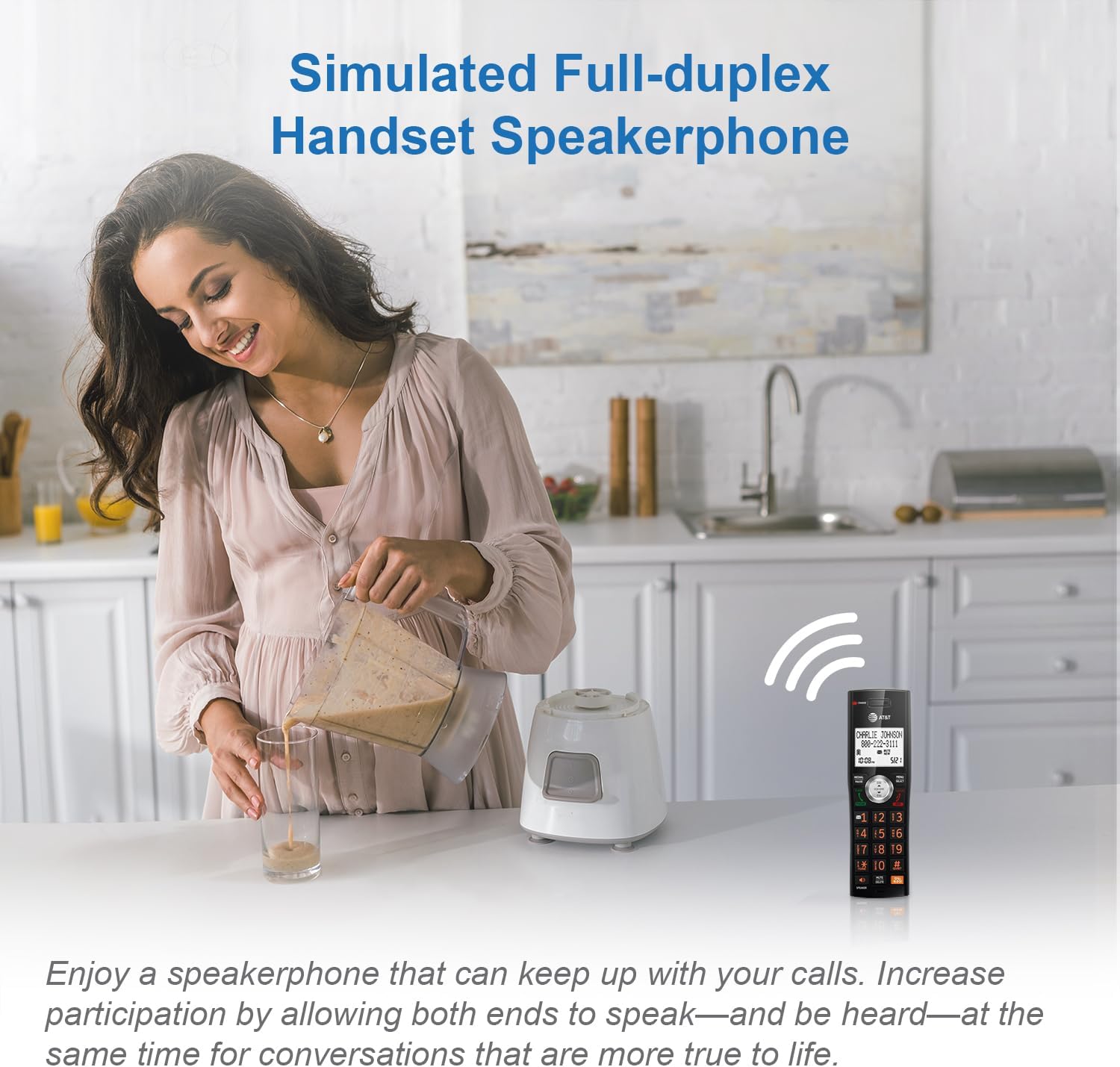
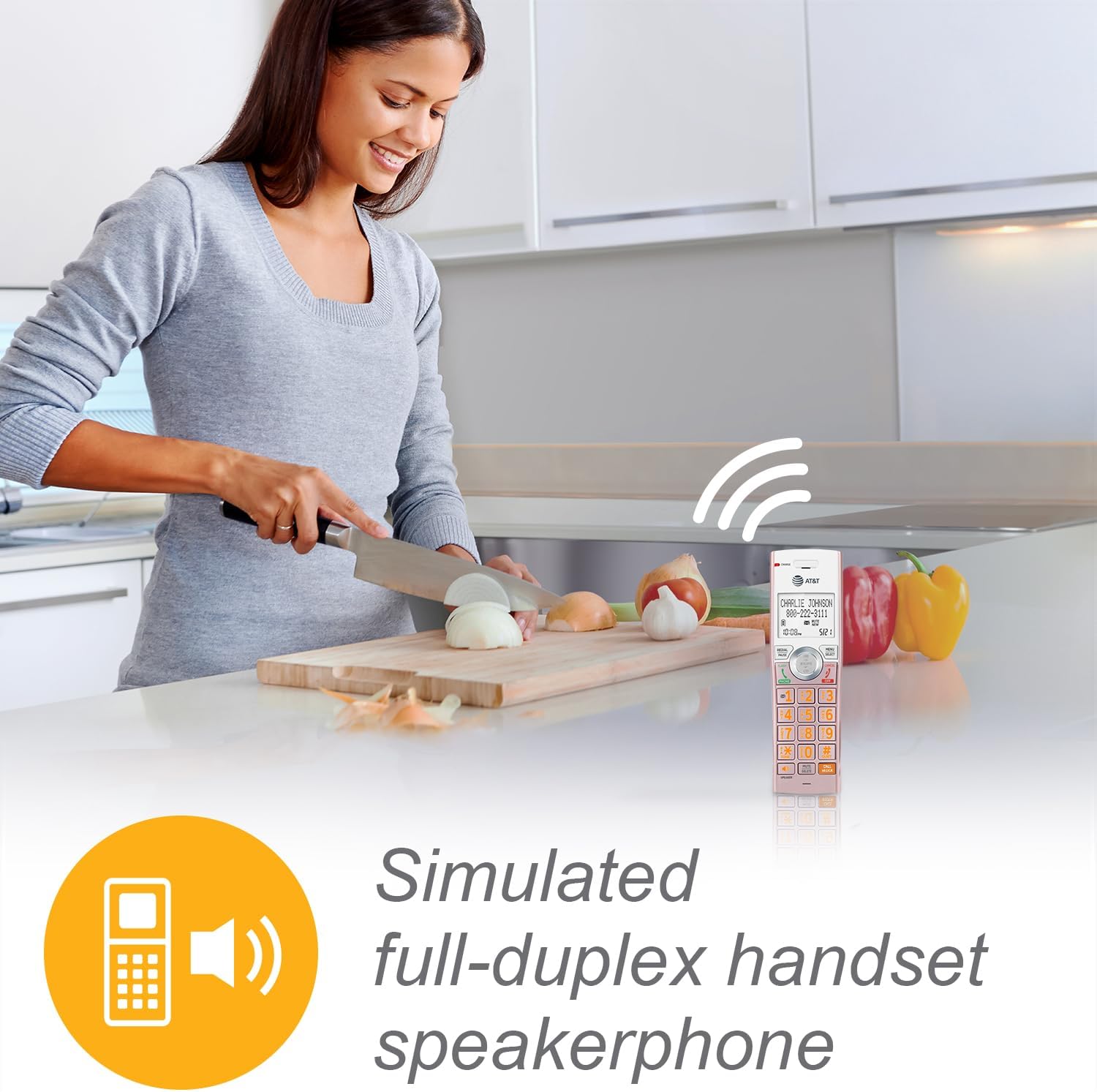
Enjoy a speakerphone that can keep up with your calls. Increase participation by allowing both ends to speak and be heard at the same time, for conversations that are more true to life.
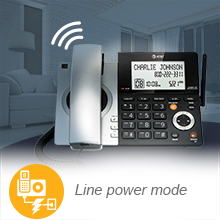
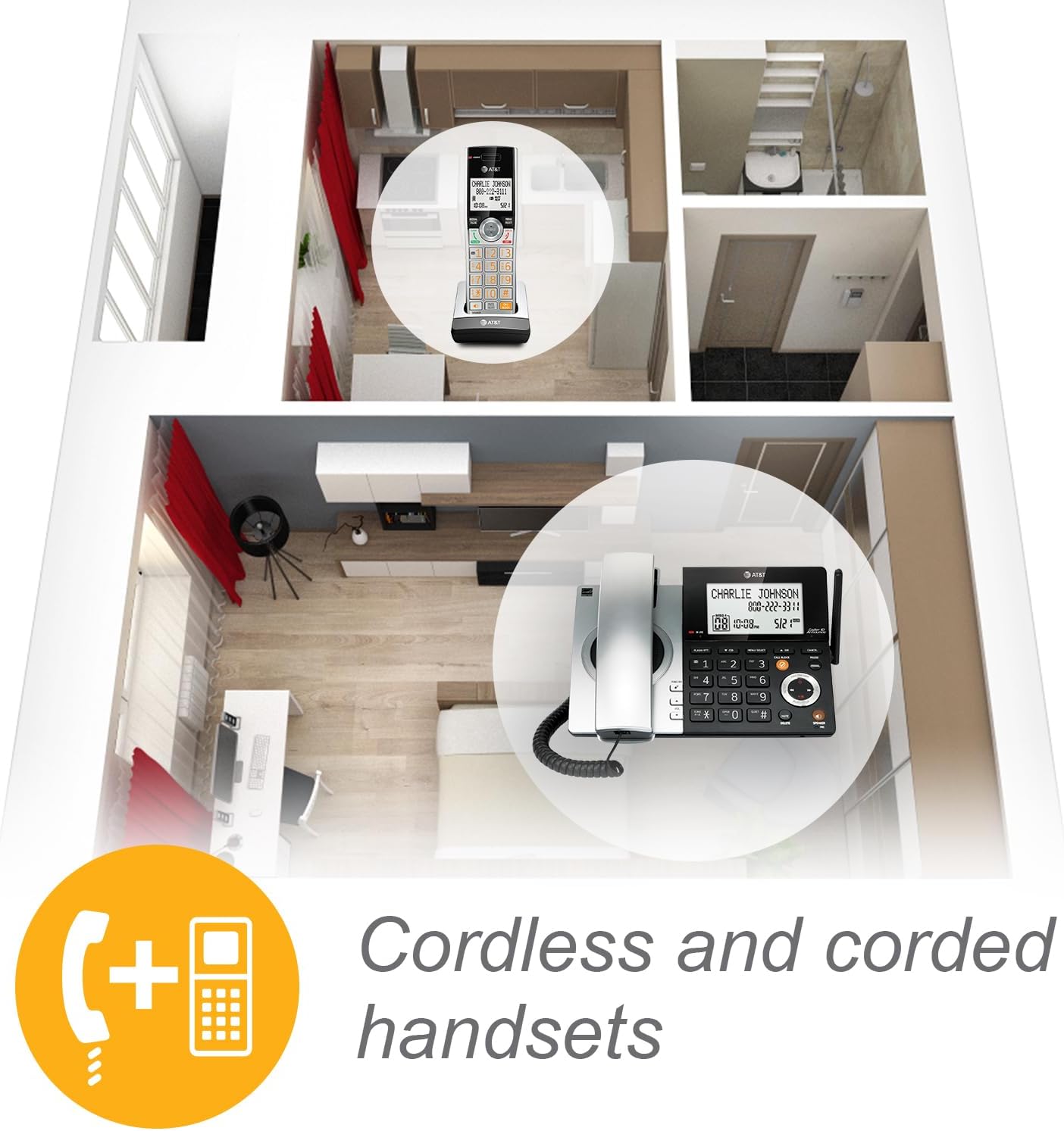
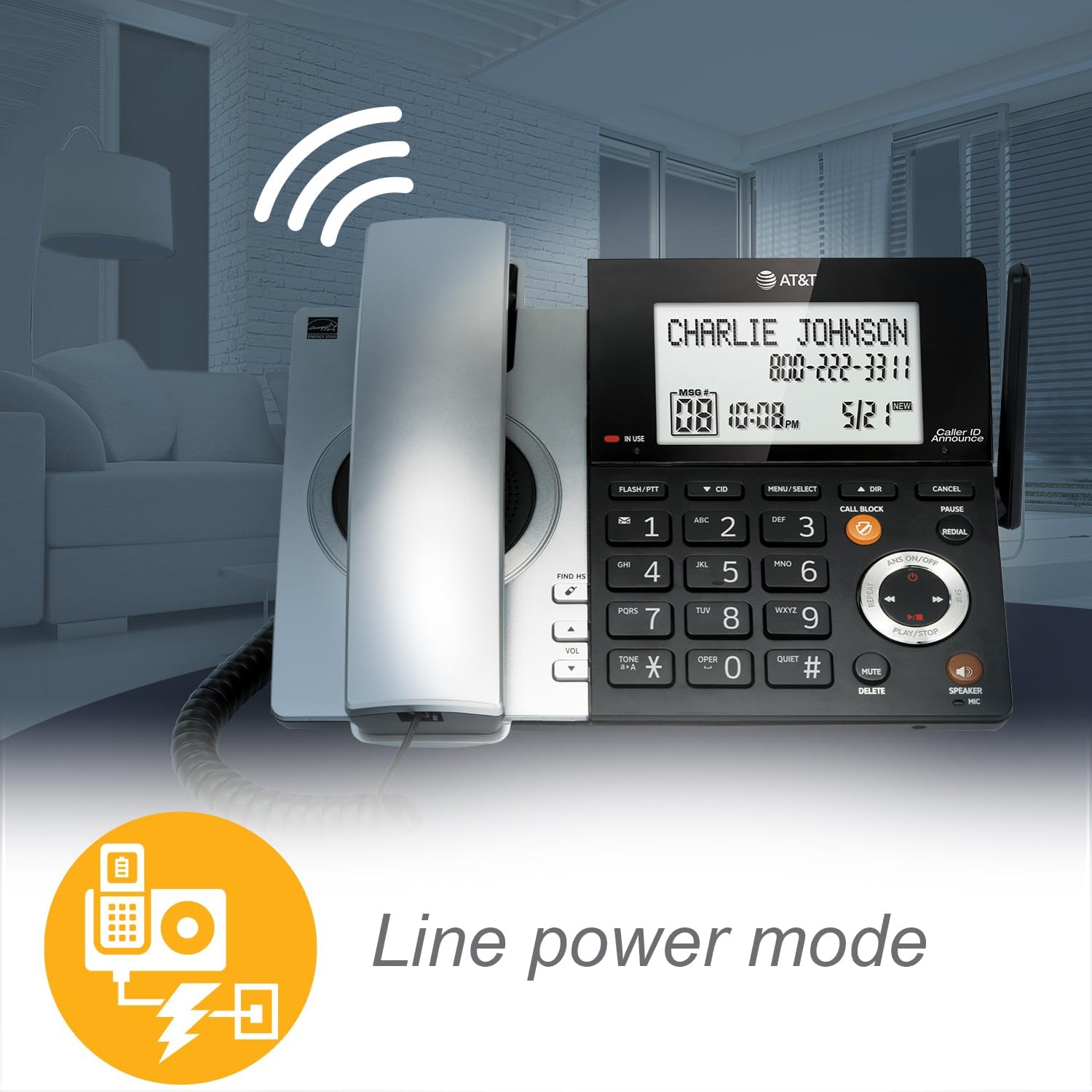
In the event of an outage, the system uses power generated from the telephone line to place and receive calls on the corded handset—no batteries necessary.
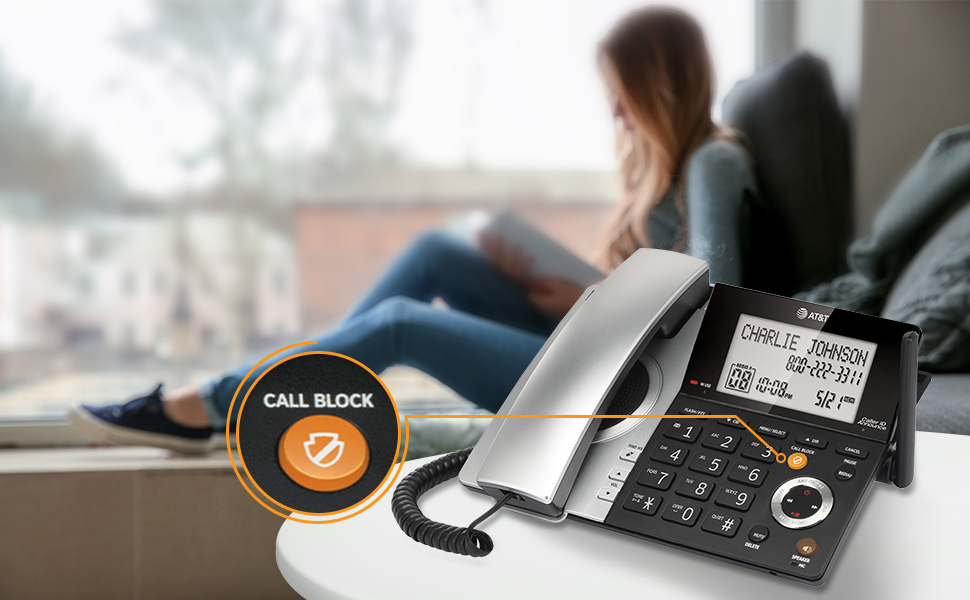
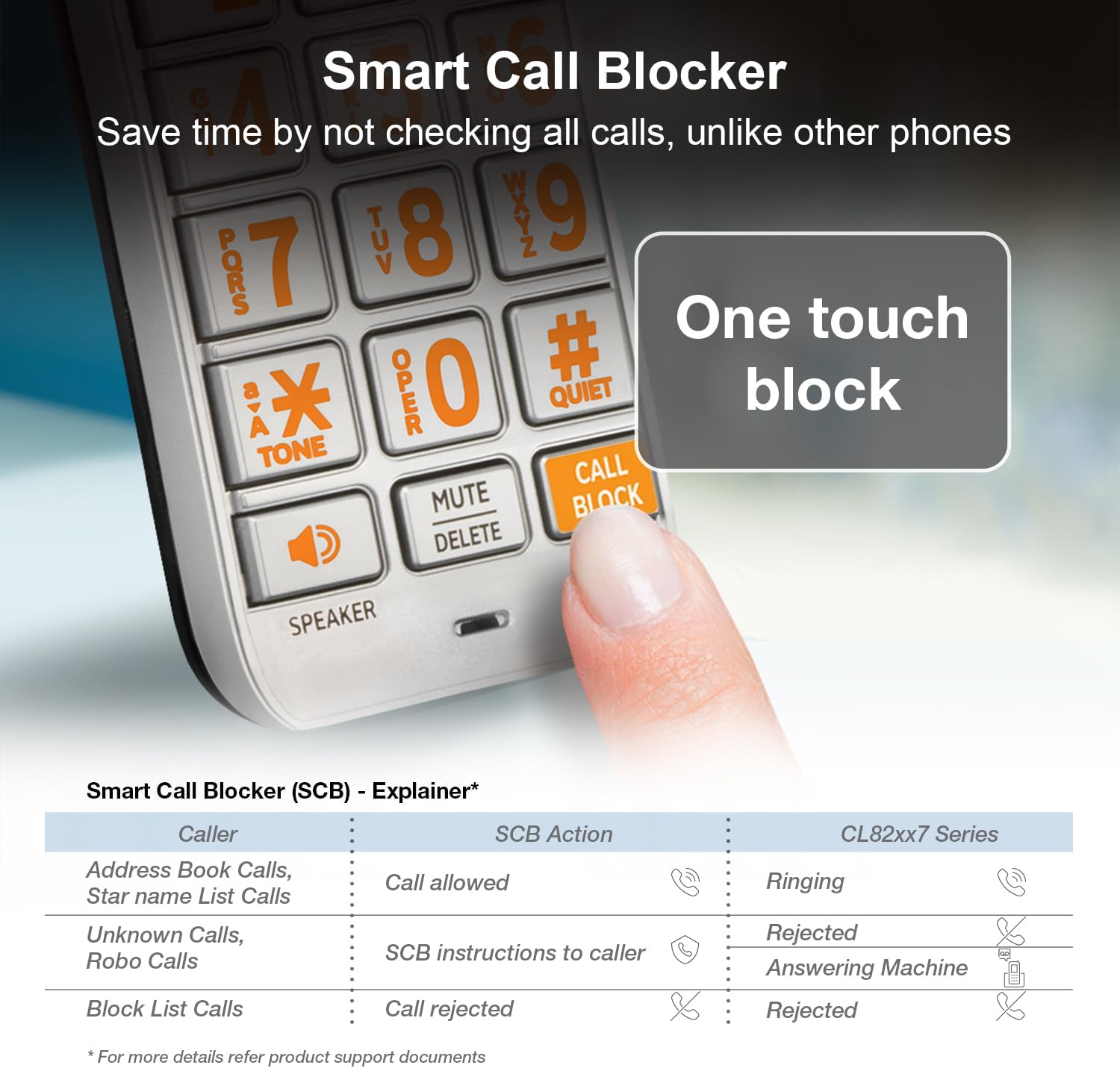
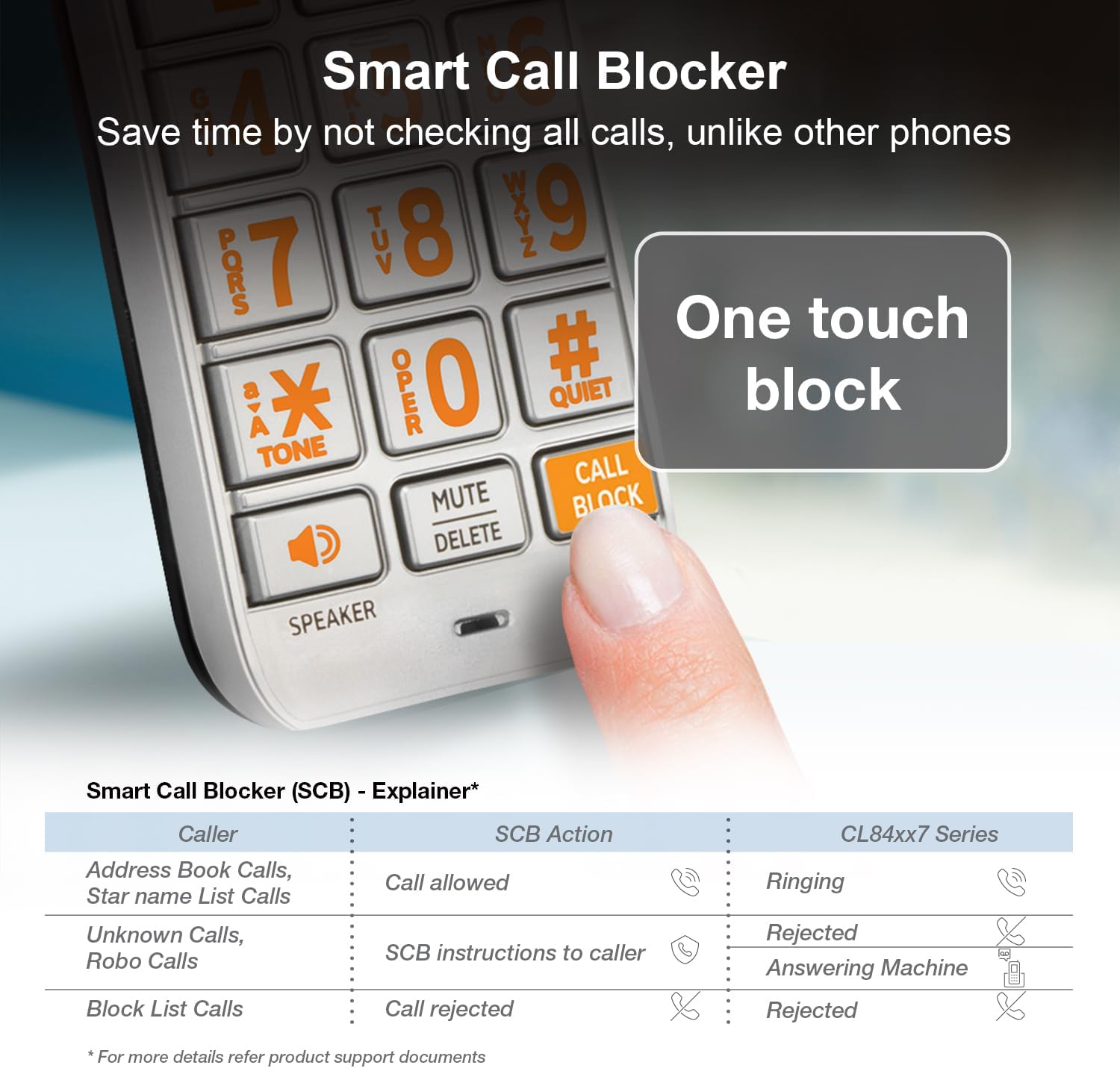
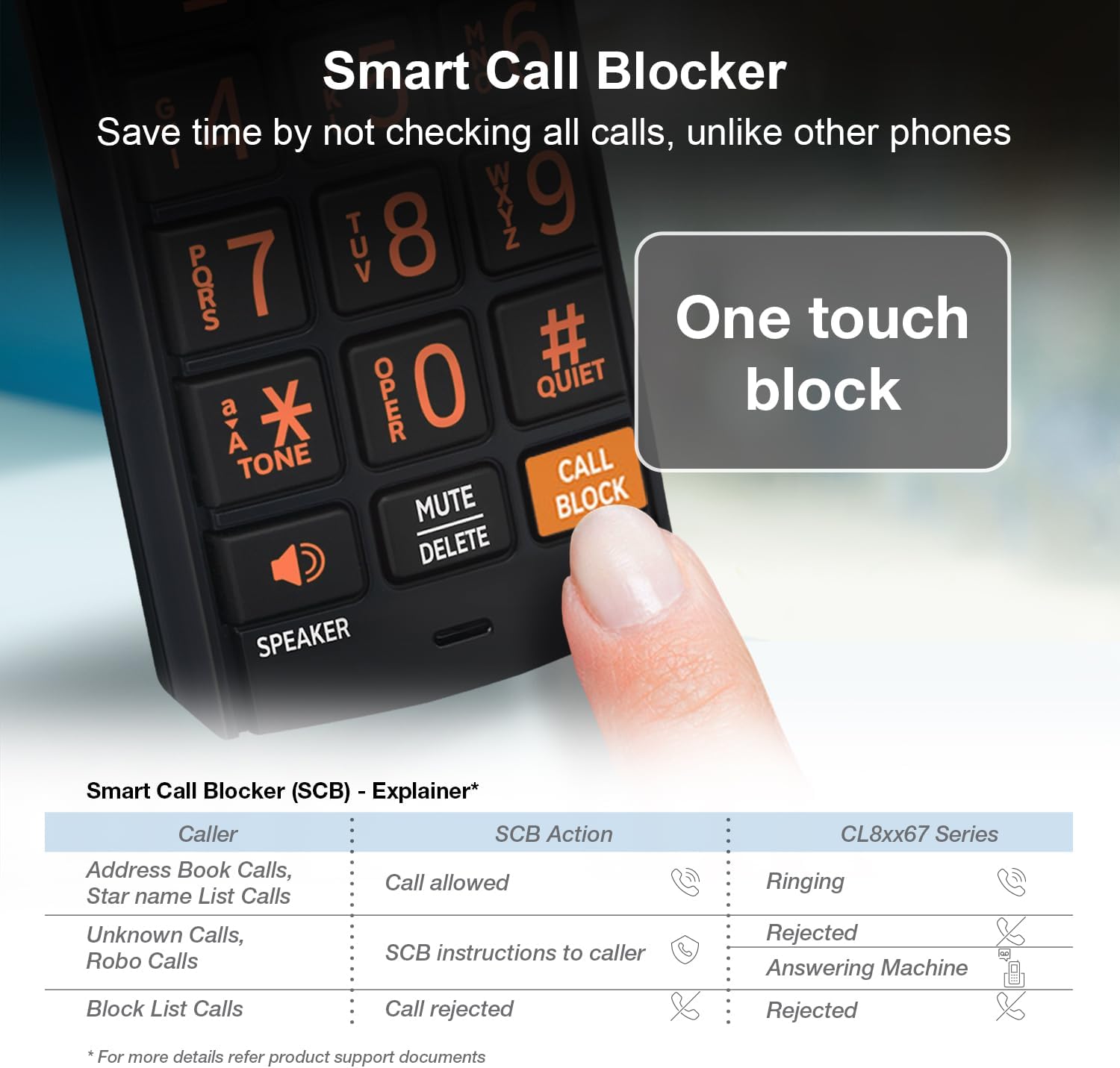
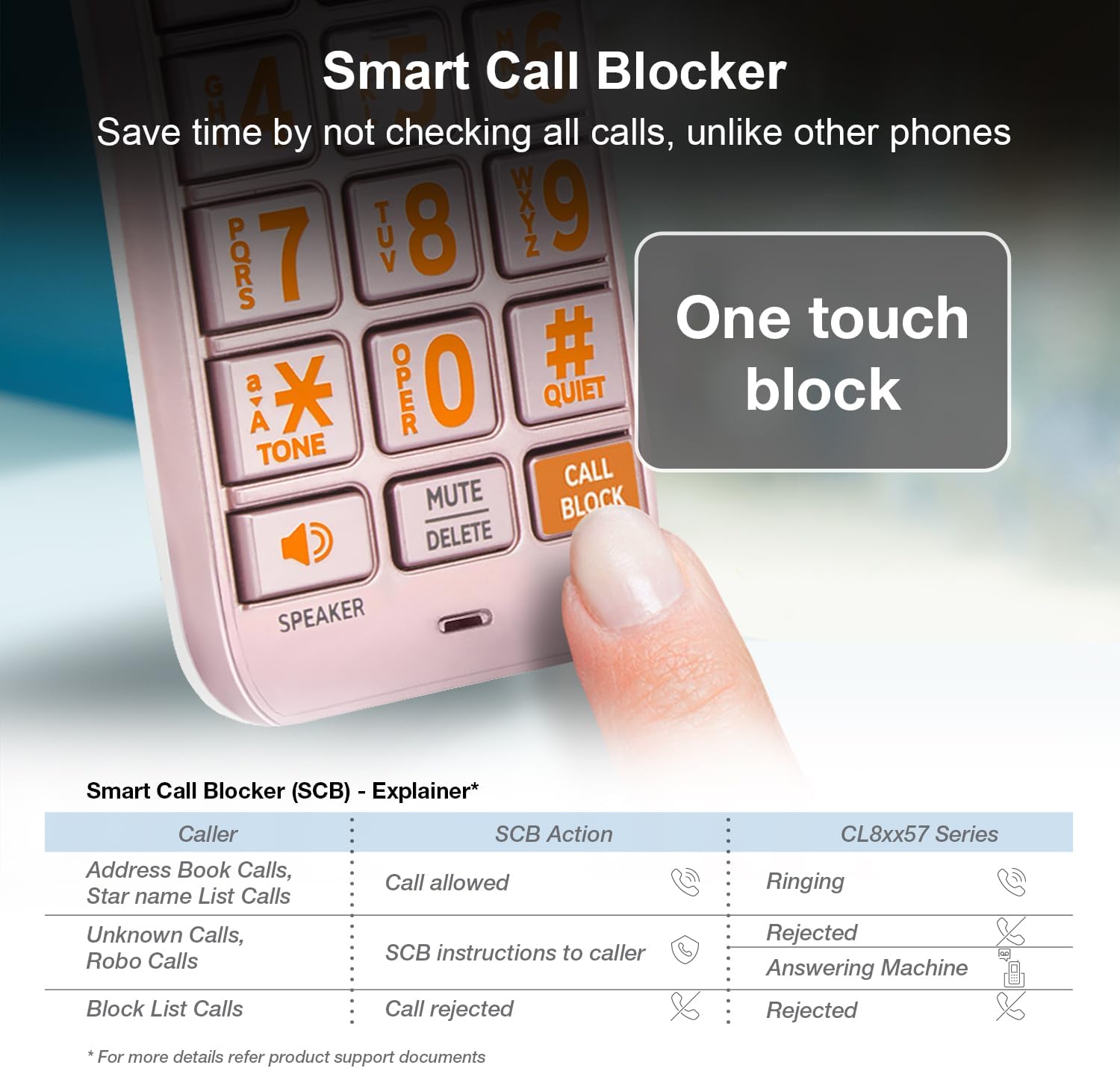
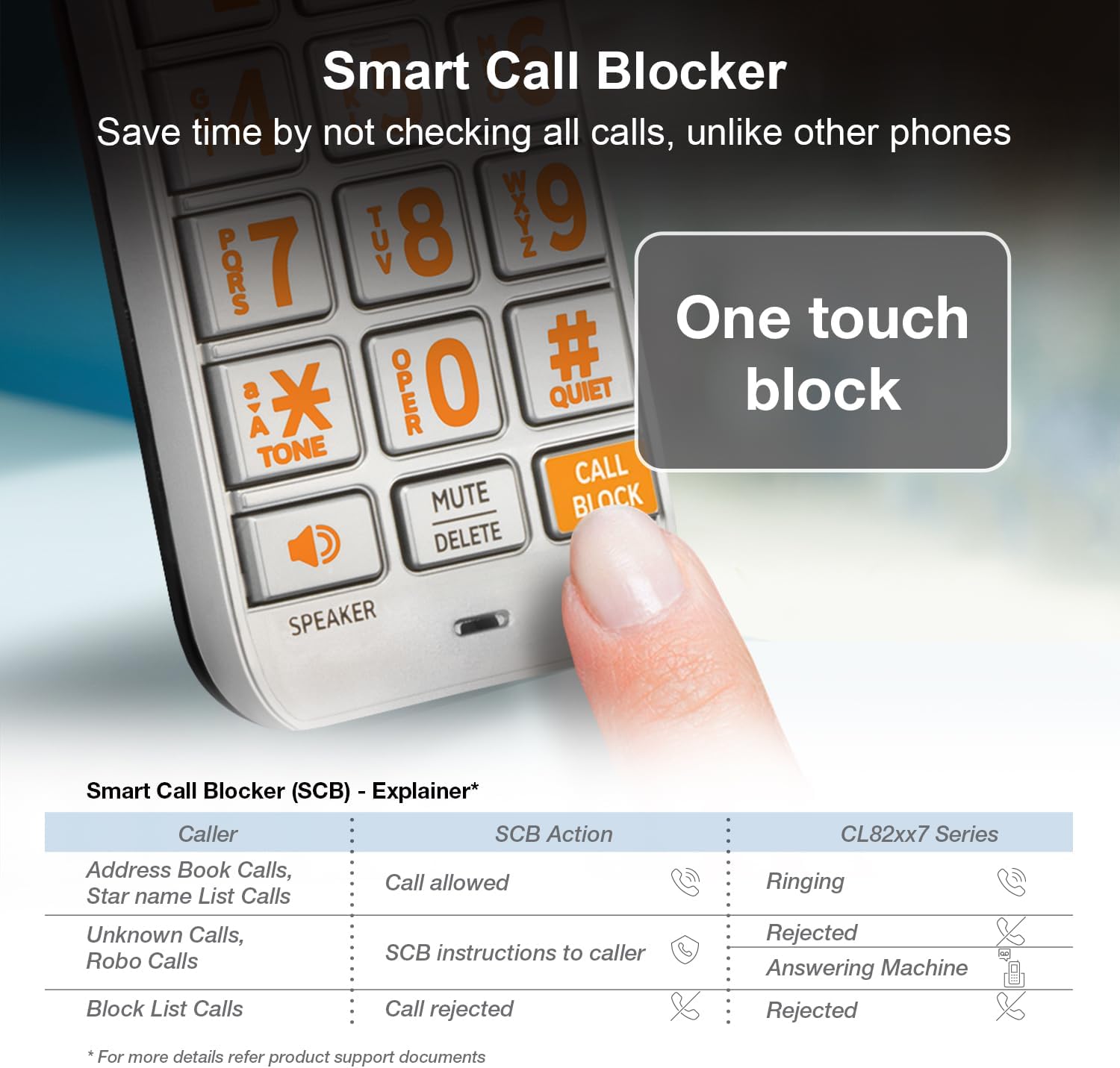
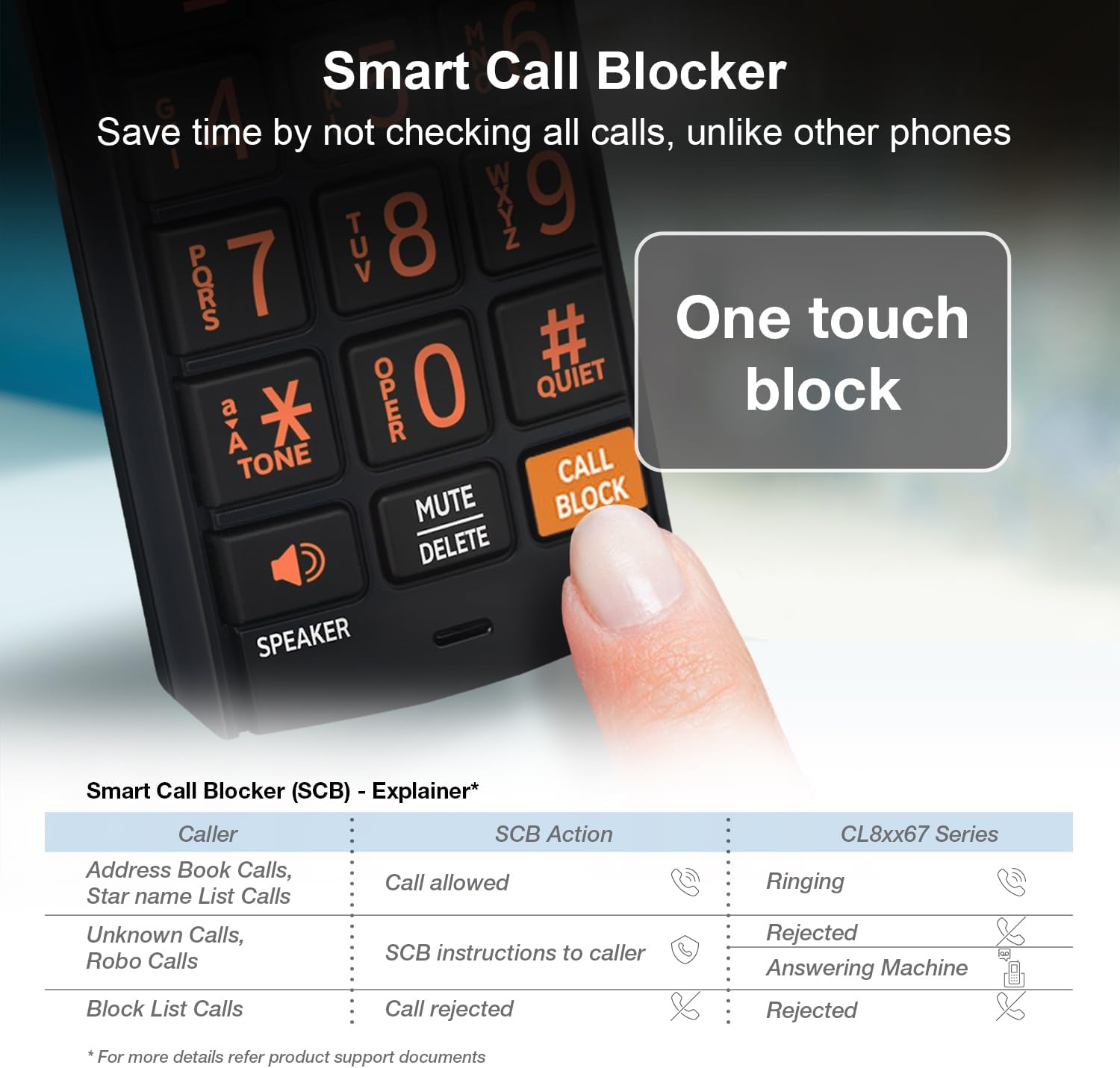
A simple one-time setup to filter unwanted calls while letting trusted ones through
Quick Setup to let the system working for you
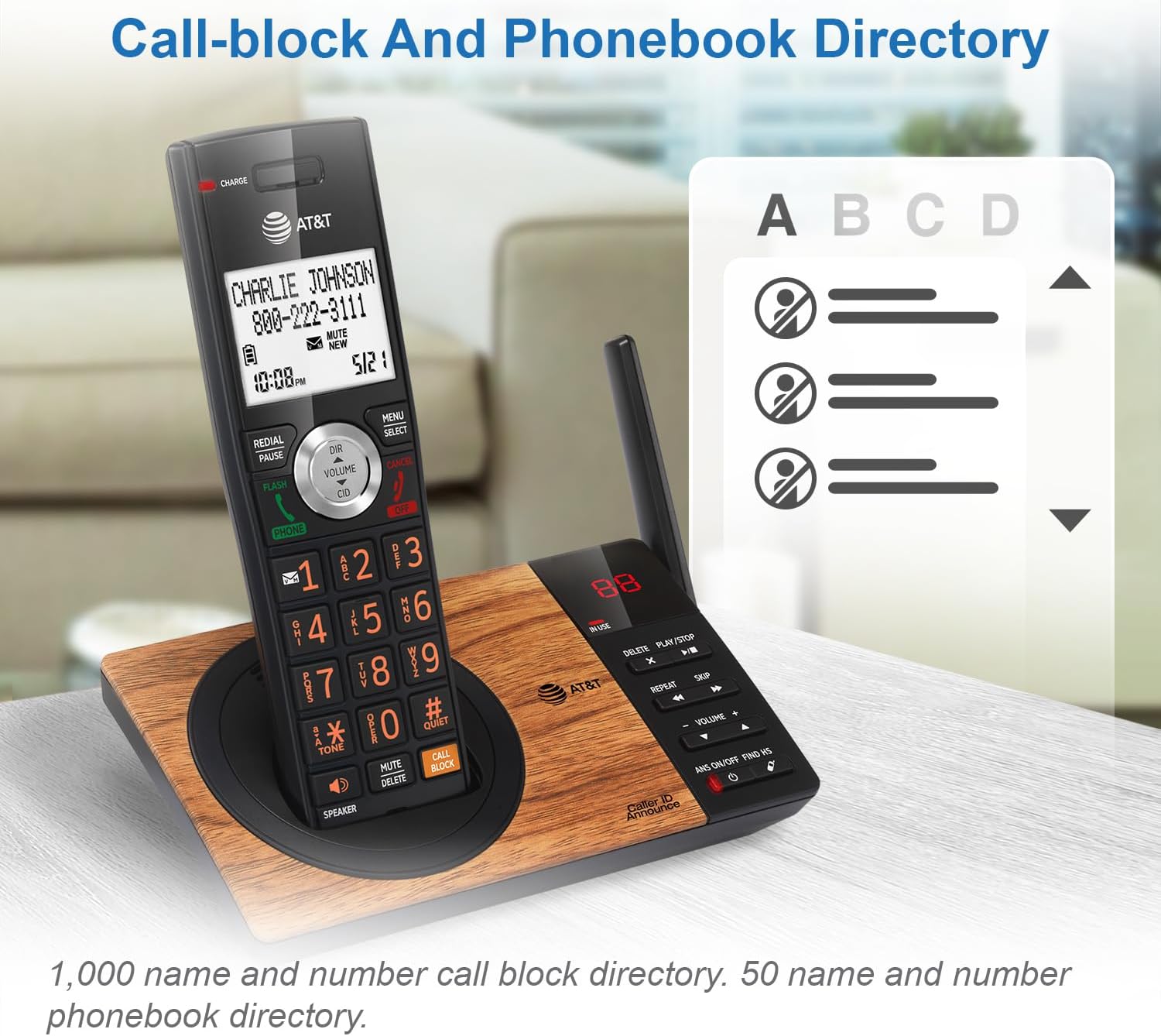
Set Directory - for your family so their calls will go through without the screening. 1. Press MENU on handset. 2. Press Up/Down arrow key to Directory, then Select. 3. Press Select again to choose Add new entry, then Select. 4. Enter the telephone number, then Select.
Set Allow list - so their calls do not get through the screening. 1. Press CALL BLOCK. 2. Press Up/Down arrow key to Allow list, then Select. 3. Press Up/Down arrow key to Add new entry, then Select. 4. Enter telephone number, then Select. 5. Enter name, then Select.
Set Block List - to prevent their calls from ringing through. 1. Press CALL BLOCK. 2. Press Up/Down arrow key to Block list, Select. 3. Press Up/Down to Add new entry, Select. 4. Enter the telephone number, then press Select.
Set Star name list for your trusted organizations - 1. Press CALL BLOCK. 2. Press Up/Down arrow key to Star name list, Select. 3. Press Up/Down to Add new entry, Select. 4. Enter the name (up to 15 characters), then press Select.
Pick one of our Smart Call Block options which suits your preferences:
Screen and block robocalls - 1. Press CALL BLOCK. 2. Press Up/Down arrow key to Set profile, then Select. 3 Press Up/Down arrow key to Screen robot, then Select.
The callers will be asked to press the pound key.
Screen all unknown calls - 1. Press CALL BLOCK. 2. Press Up/Down arrow key to Set profile, then Select. 3. Press Up/Down key to Screen Unknown, then Select.
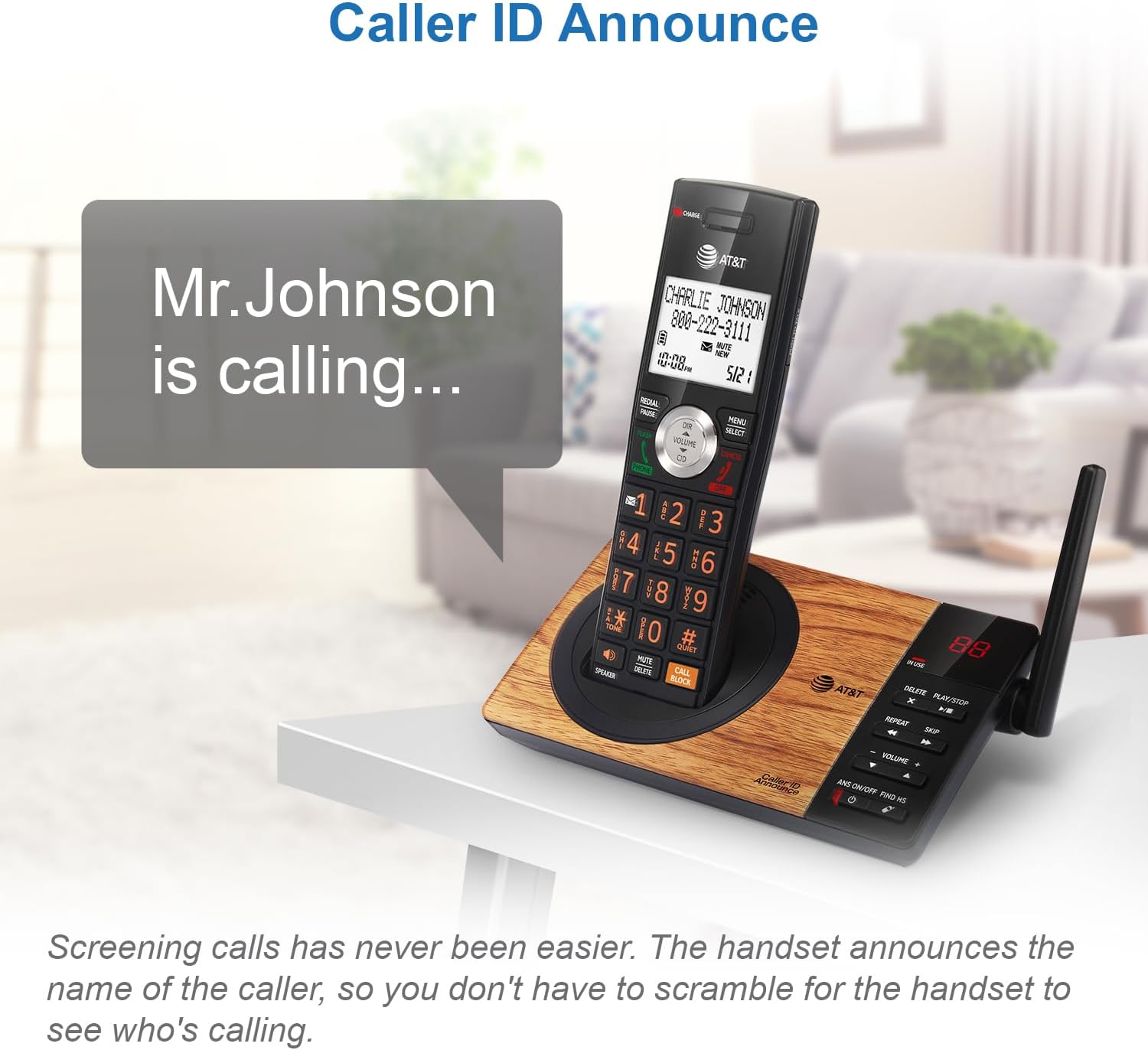
The callers will be asked to record their names and press the pound key. After your caller completes the request, the phone rings and announces the caller's name. You then can choose to block or answer the call, or forward the call to the answering system.
Block calls on the block list only - (This is also the Default settings of the system.) 1. Press CALL BLOCK. 2. Press Up/Down arrow key to Set profile, then Select. 3. Press Up/Down arrow key to Allow unknown, then Select.
For complete operation instructions, the user's manual can be found from the Product Support section of our company website.
loading
