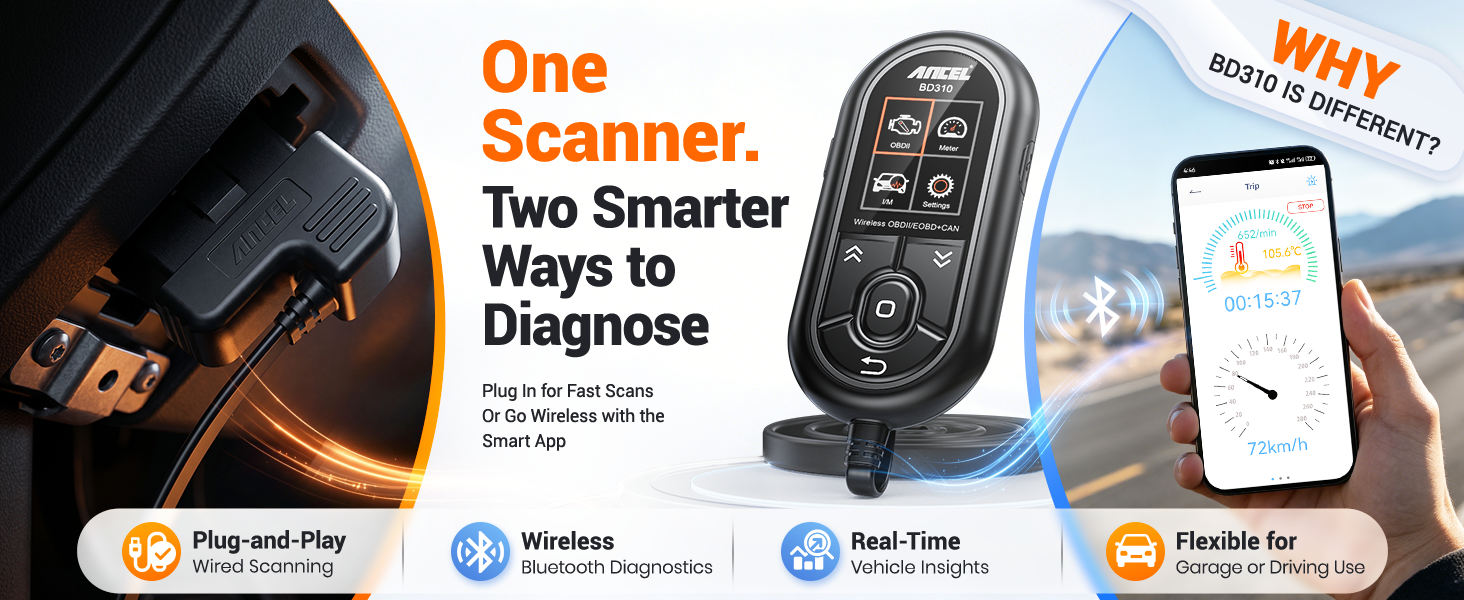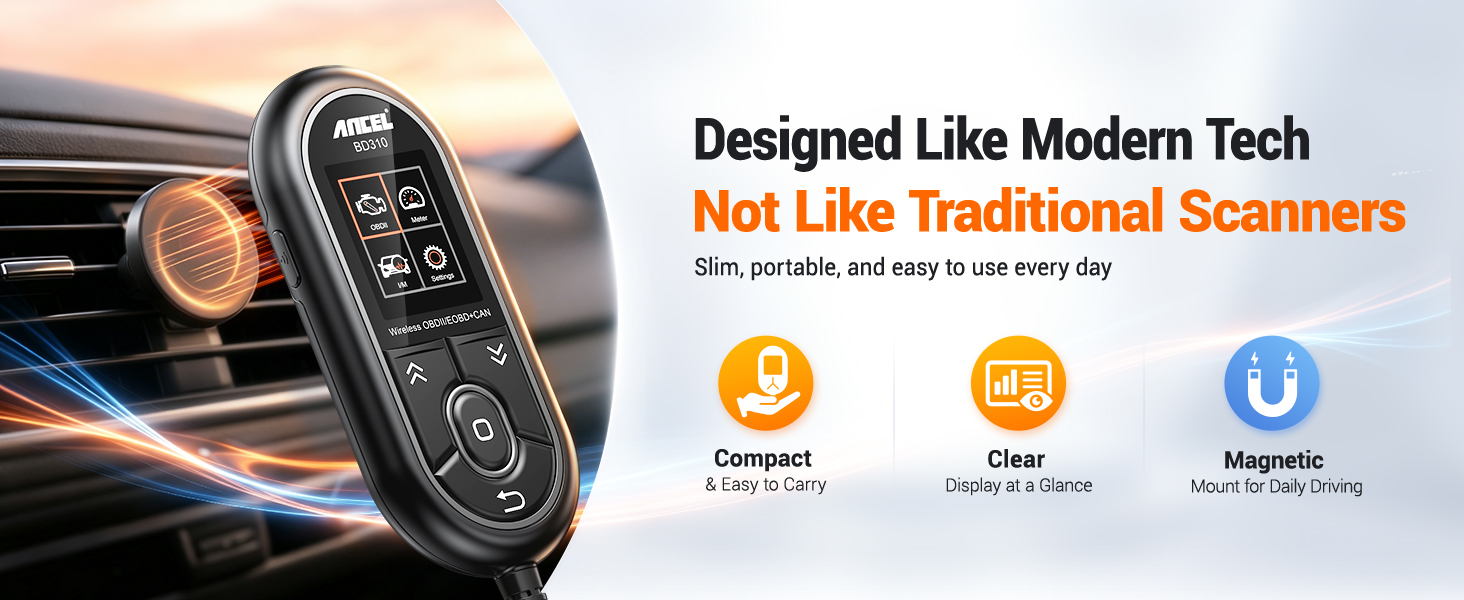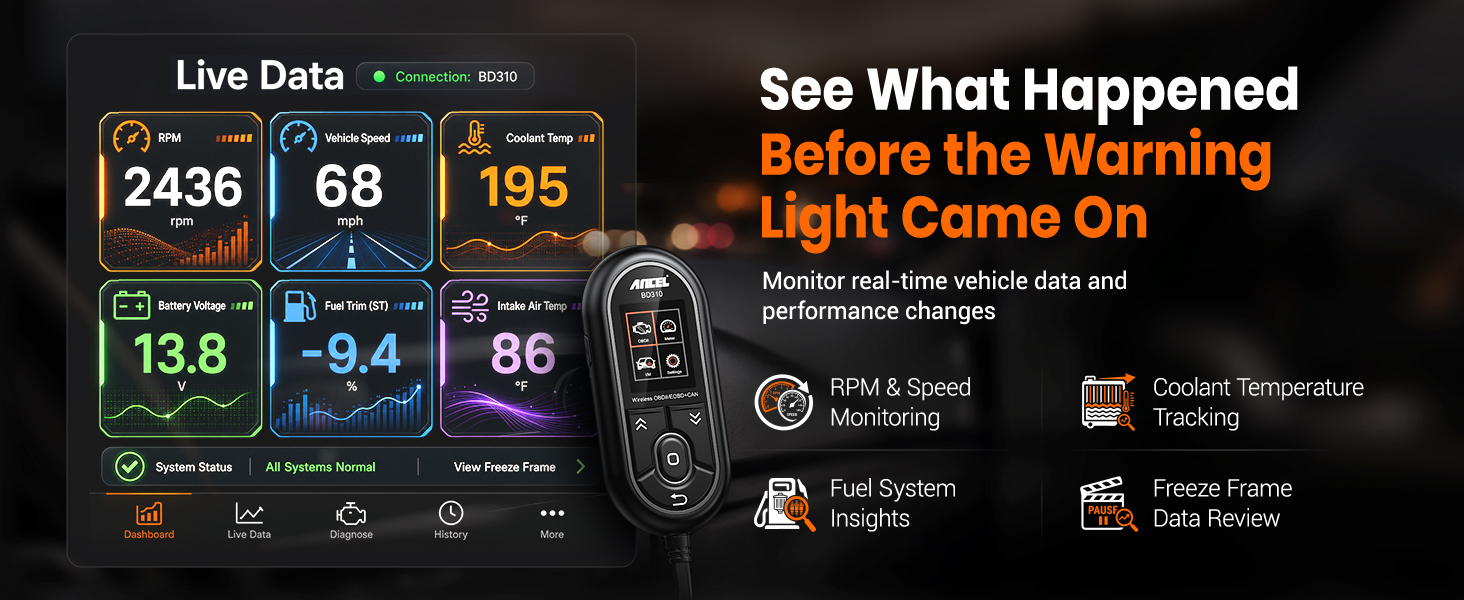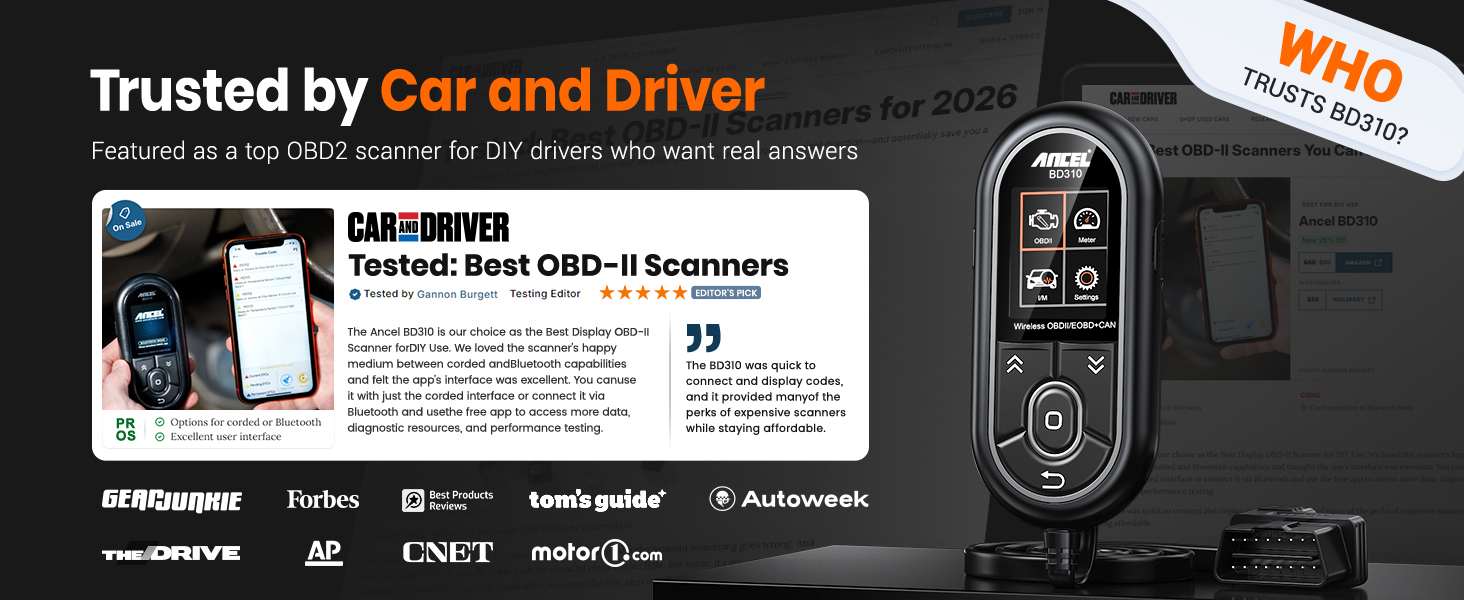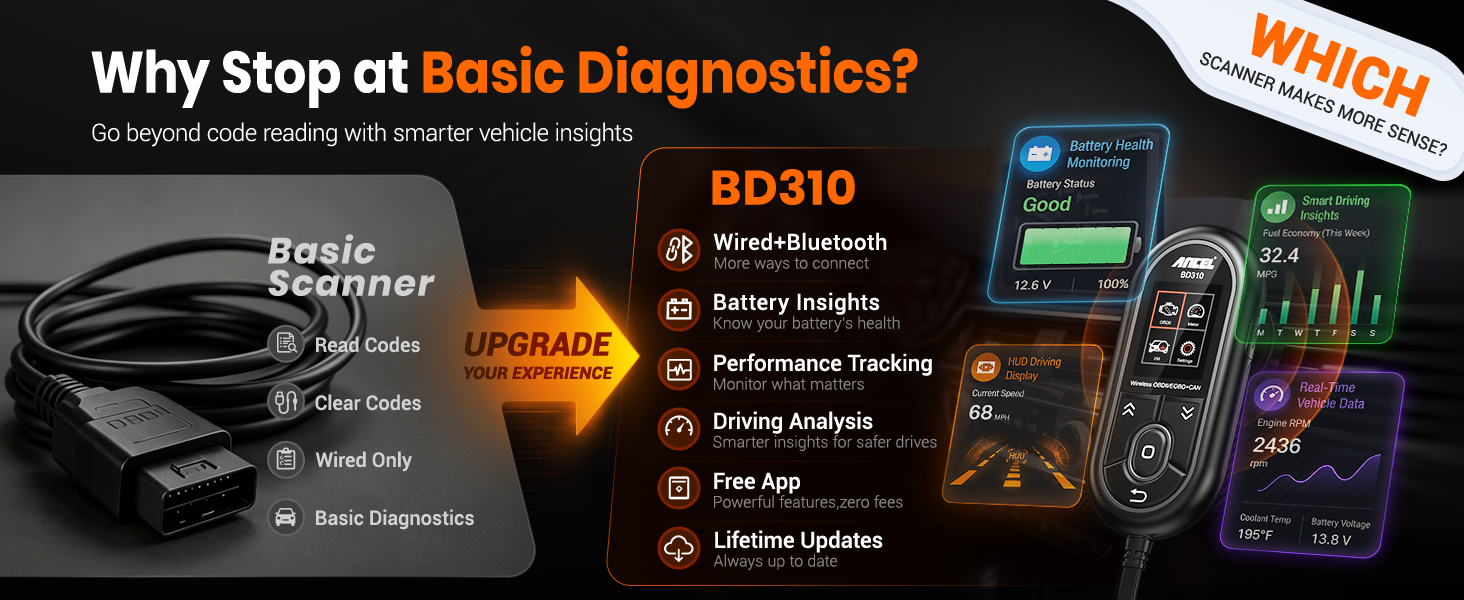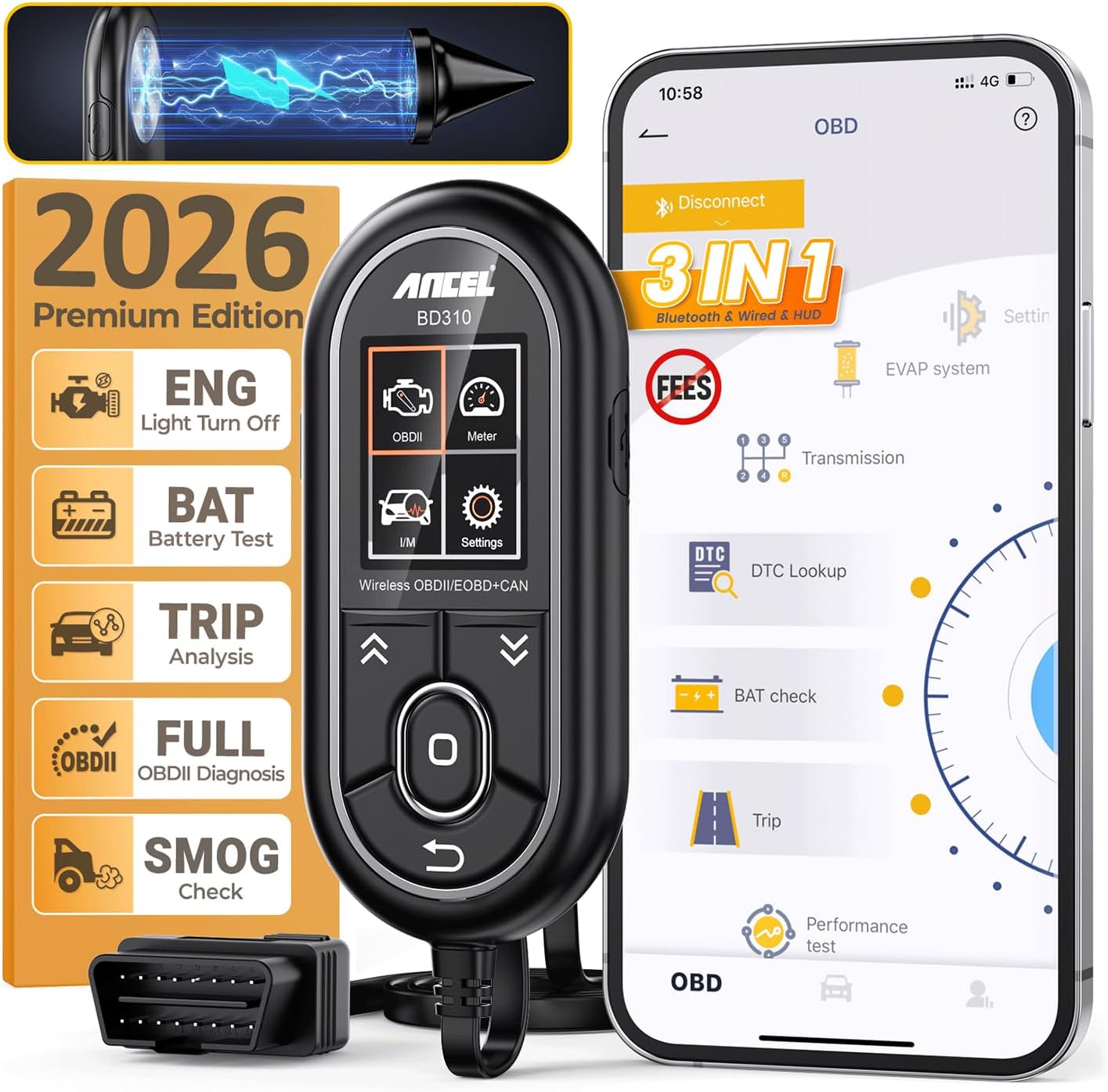
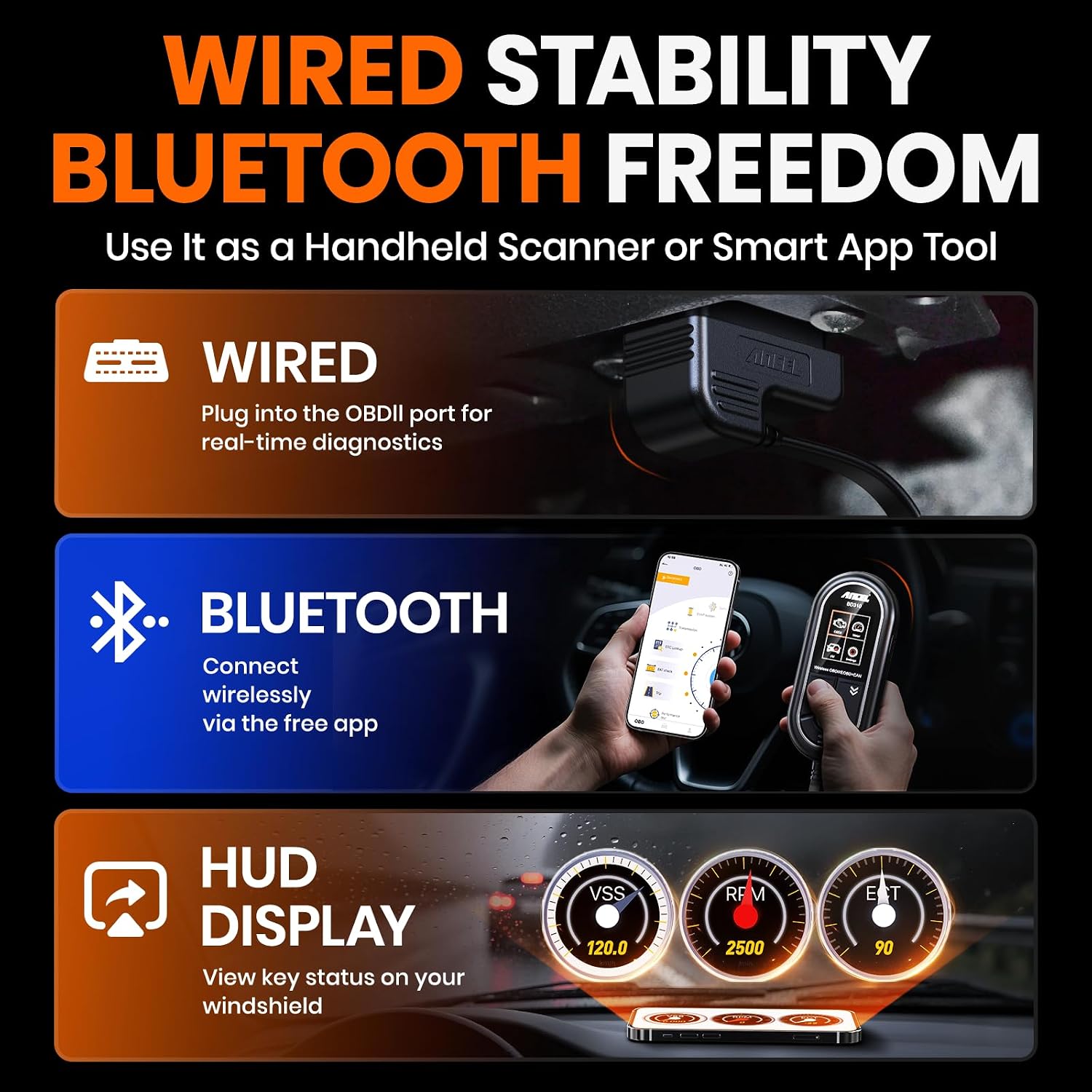
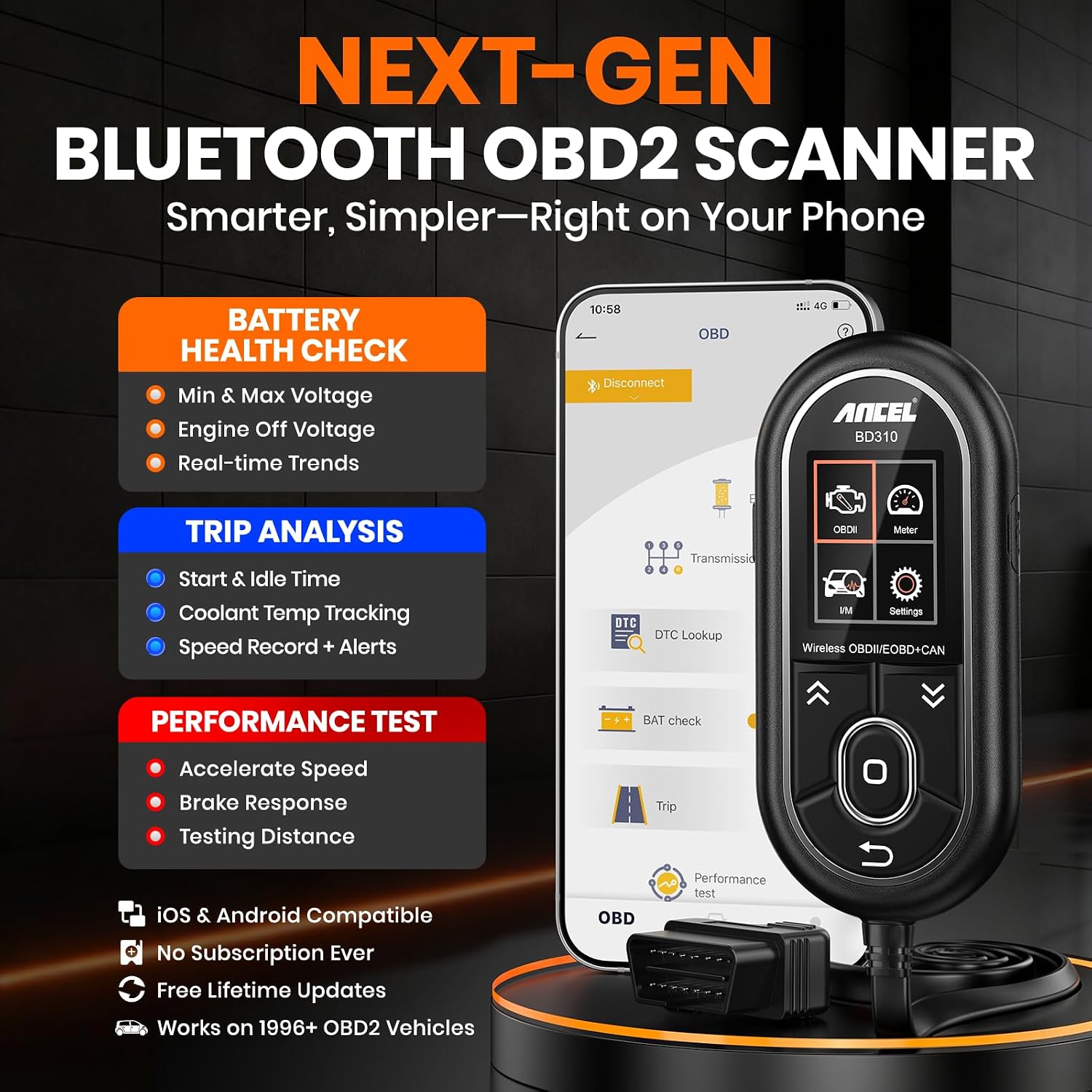
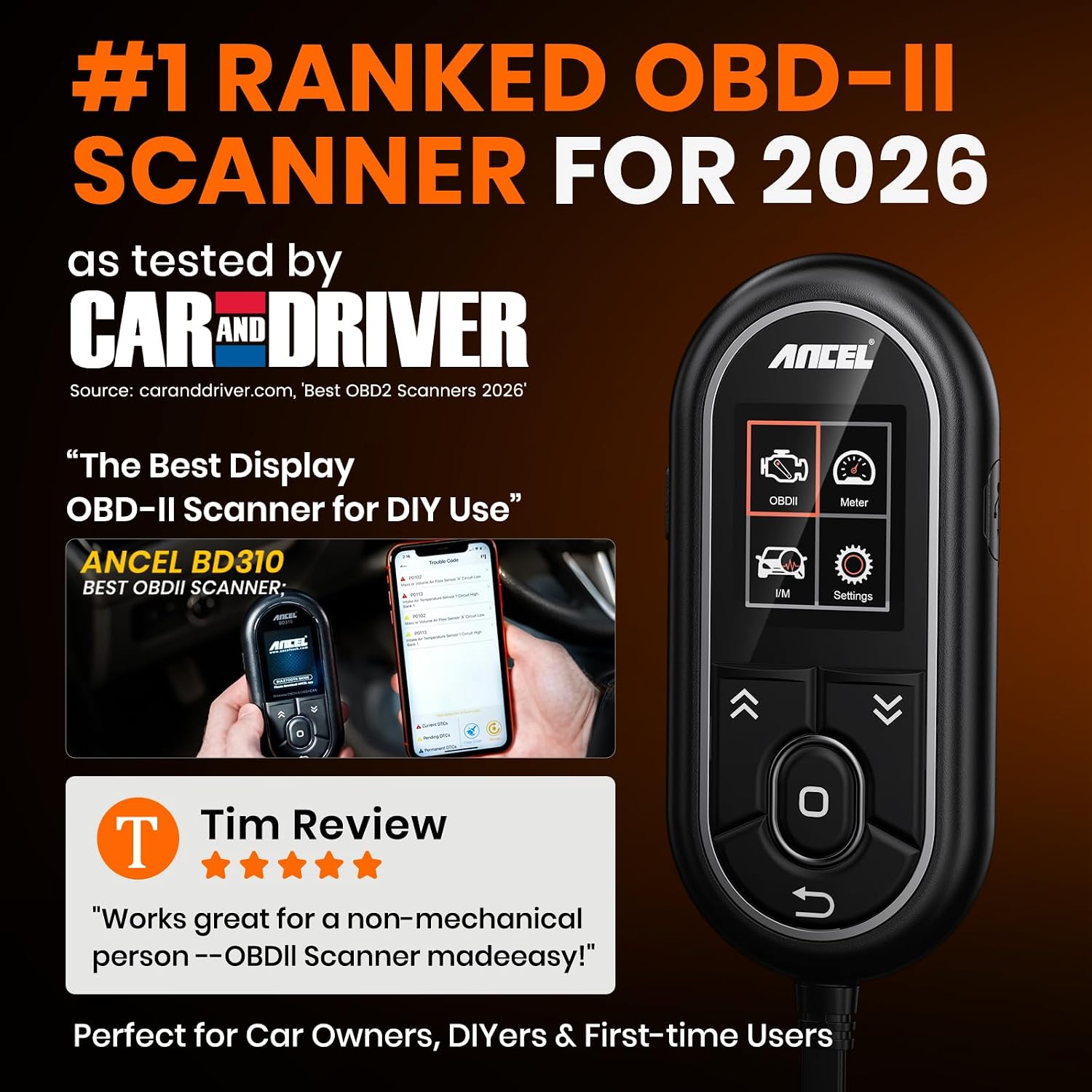
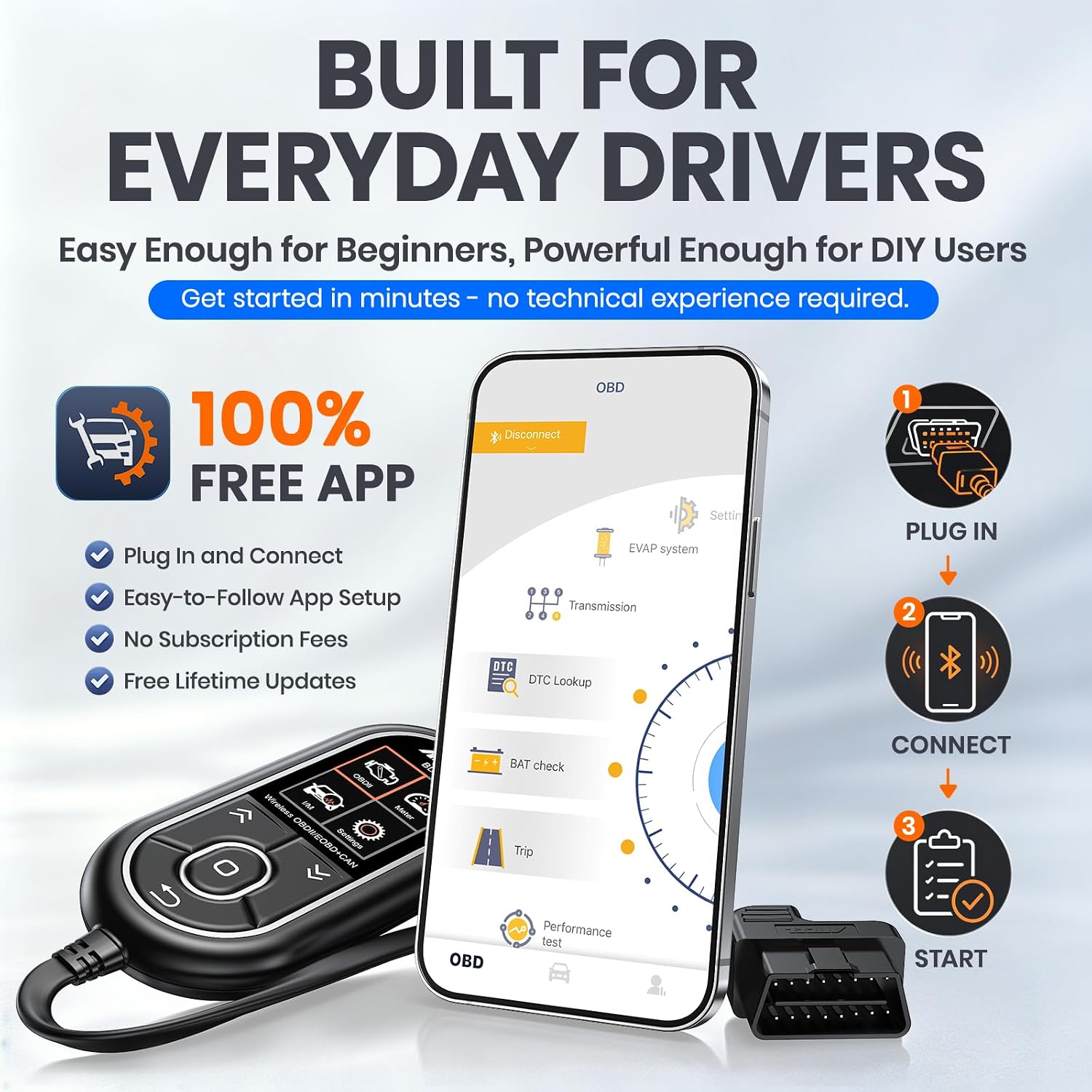
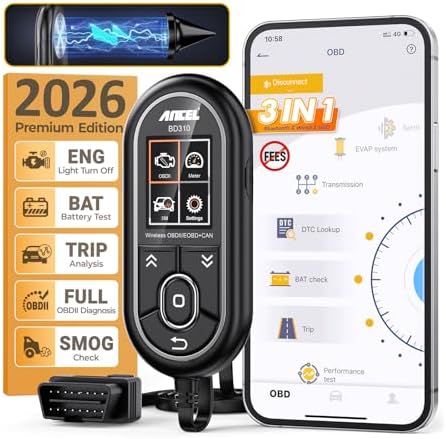
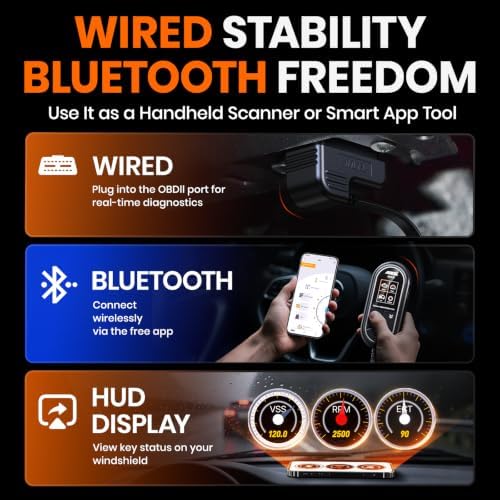
【2-IN-1 WIRED & BLUETOOTH OBD2 SCANNER】Get the reliability of a wired code reader and the convenience of Bluetooth app diagnostics in one compact tool. The ANCEL BD310 lets you read and clear check engine codes directly on the device or access advanced app features from your phone, including battery monitoring, smart driving insights, and live vehicle data. Designed for DIY drivers who want more than a basic scanner without stepping up to a professional tablet
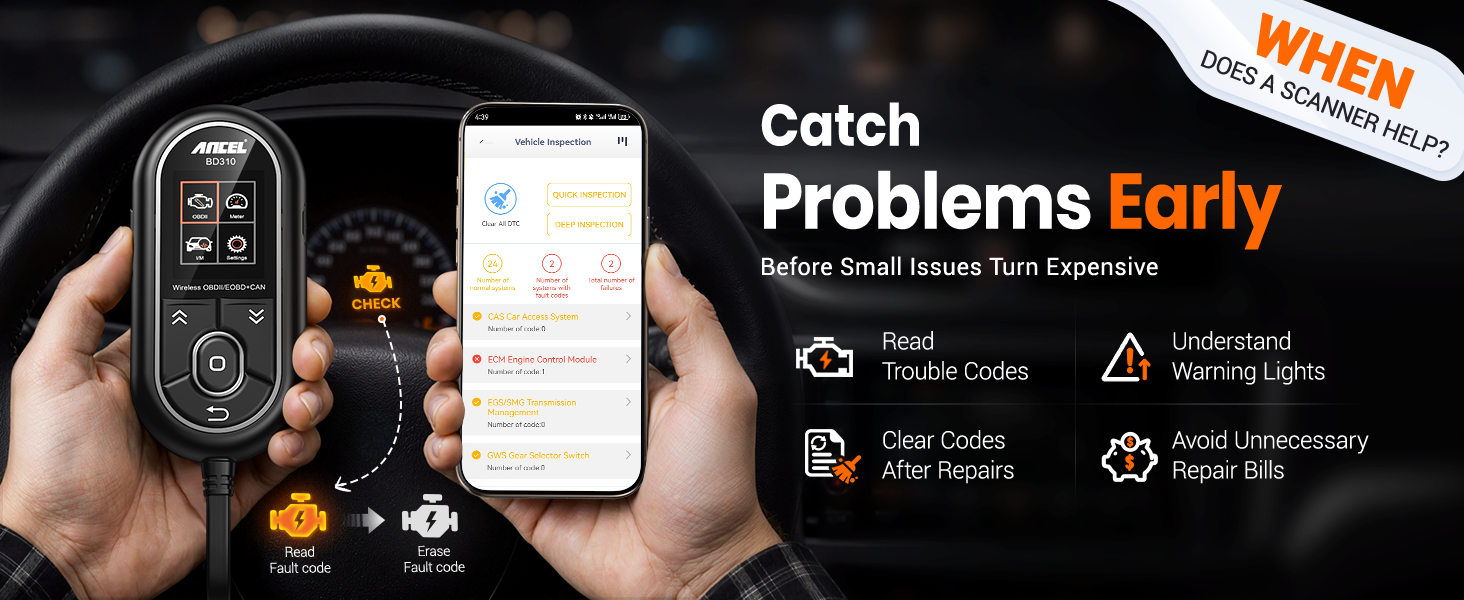
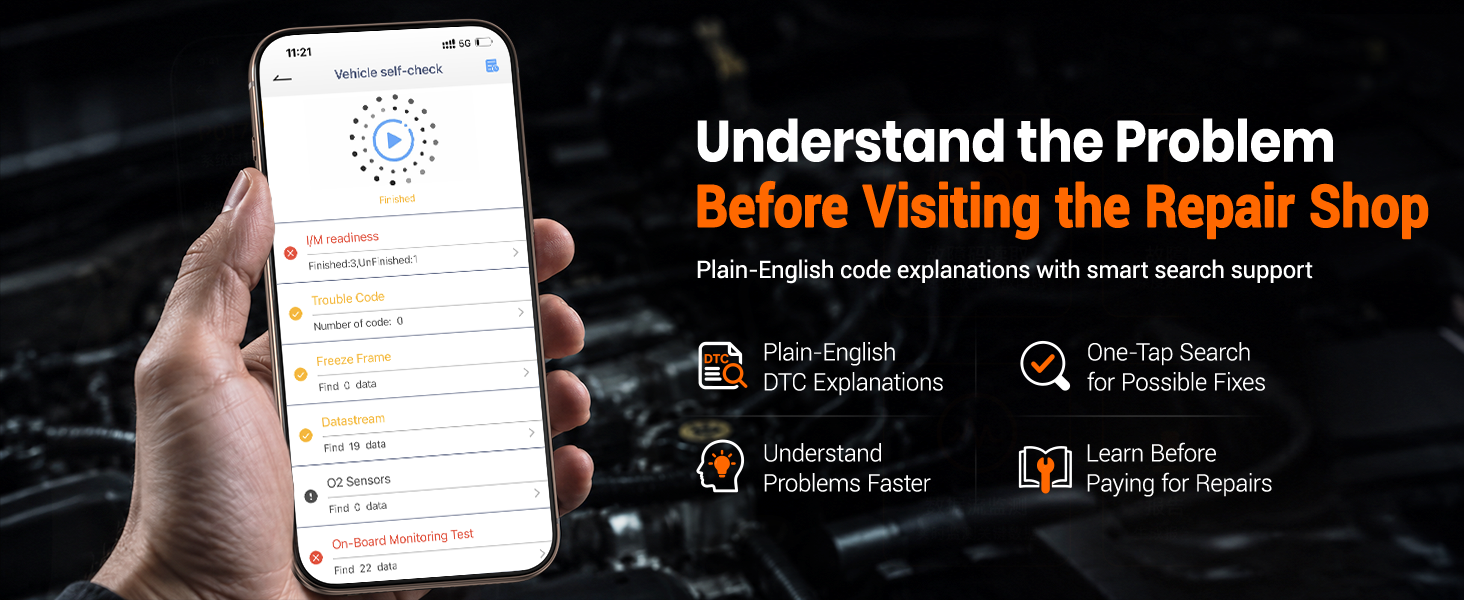
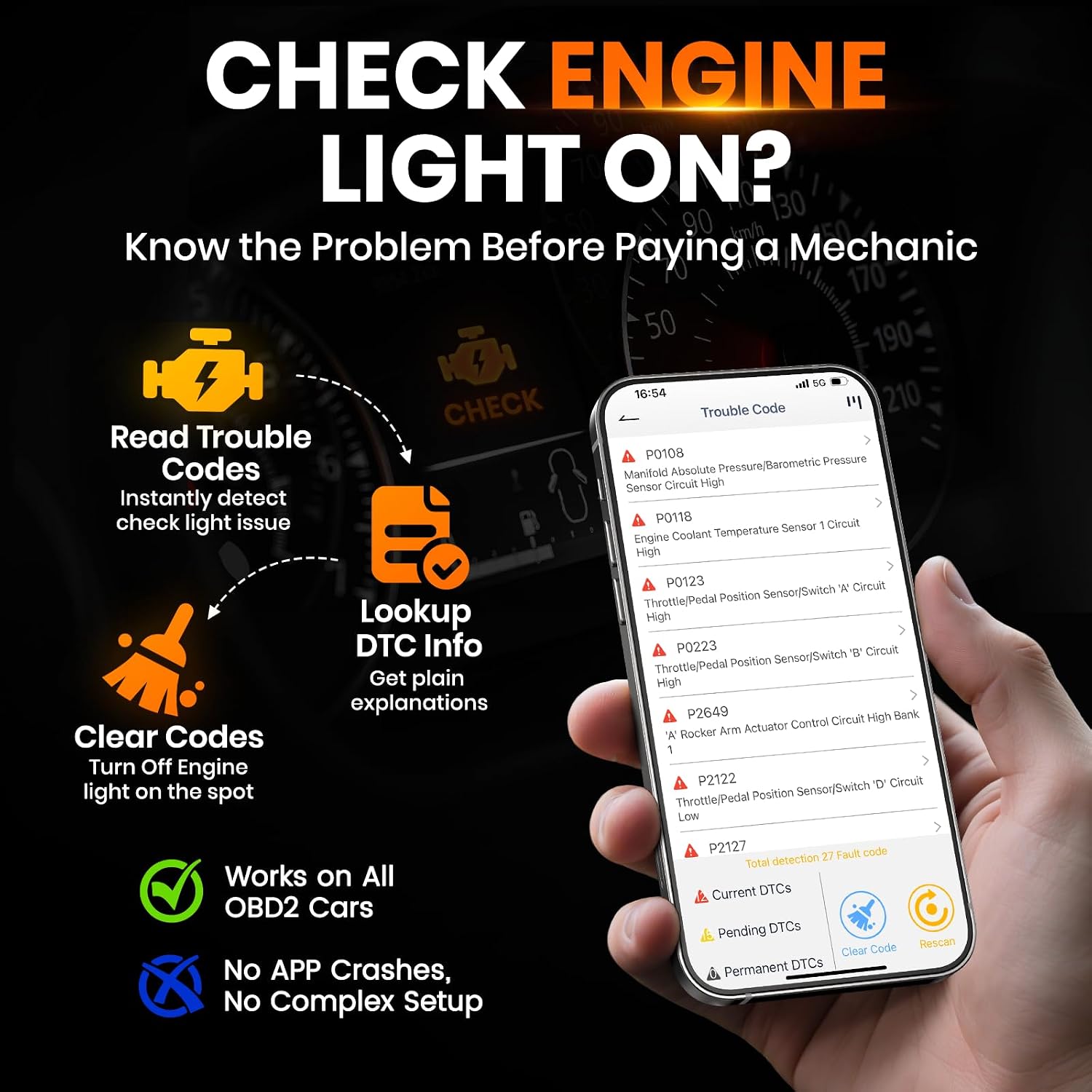
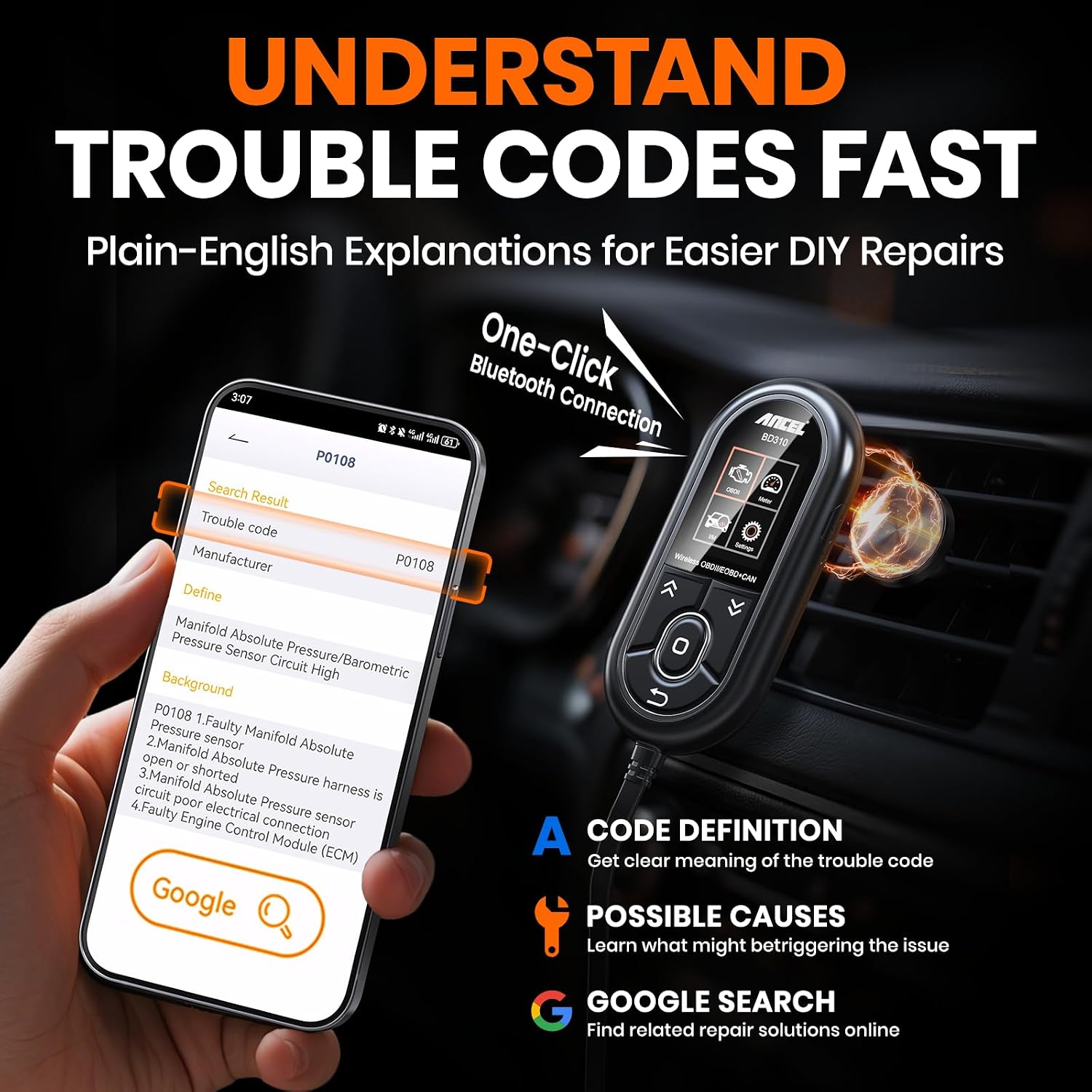
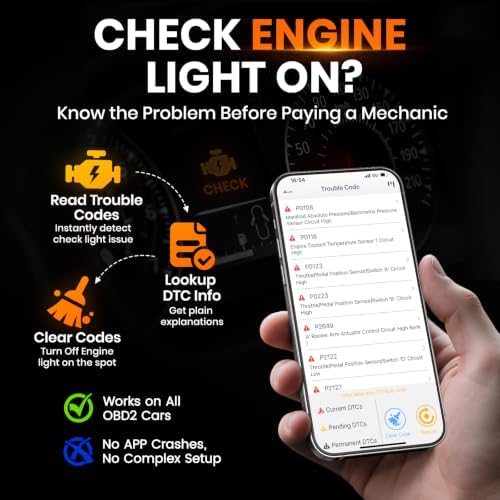
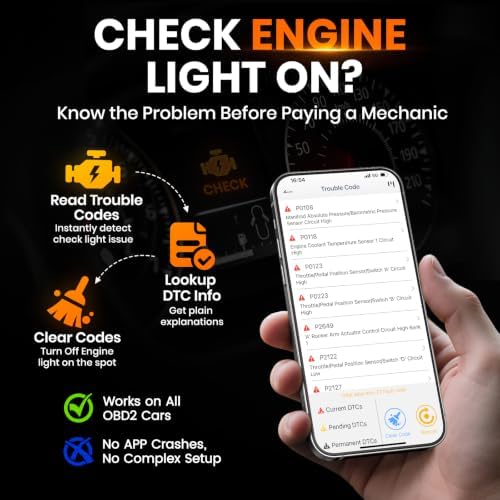
【UNDERSTAND CHECK ENGINE LIGHTS BEFORE PAYING FOR REPAIRS】Stop guessing why your warning light is on. Read engine trouble codes, view plain-English DTC explanations, and use built-in Google Search support to learn possible causes and fixes before visiting a repair shop. Clear codes after repairs, verify the issue is resolved, and avoid unnecessary diagnostic fees and surprise repair costs
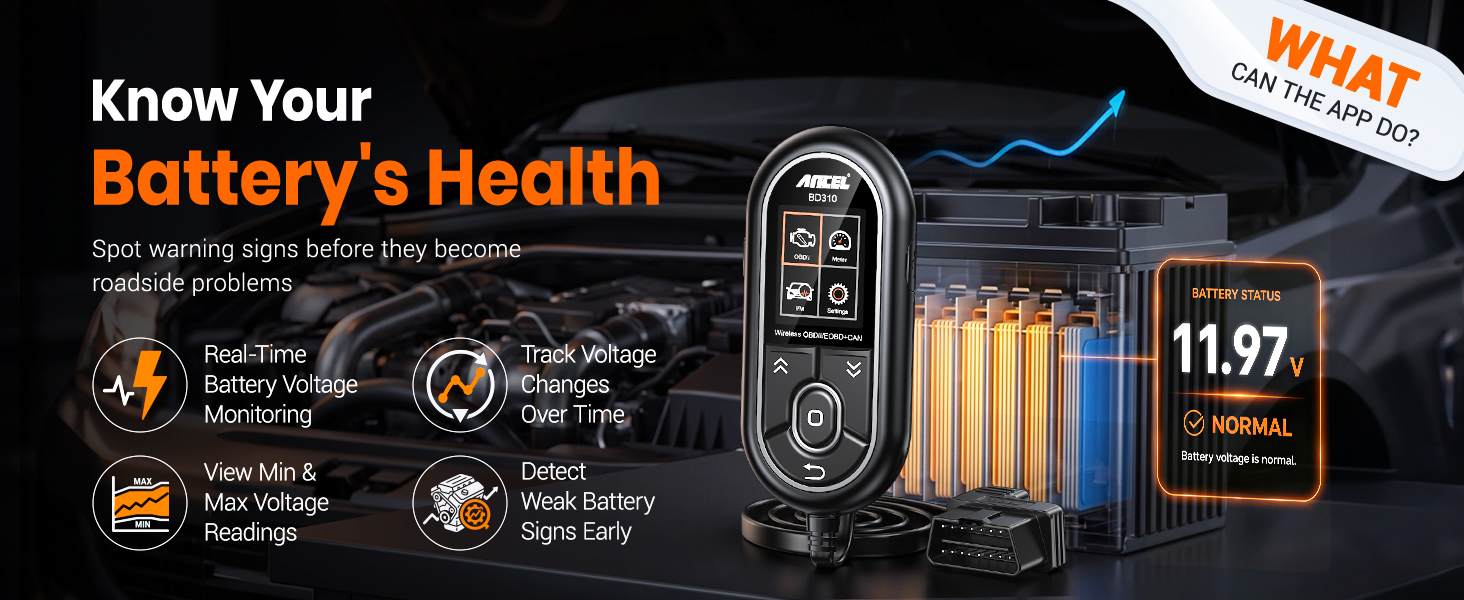
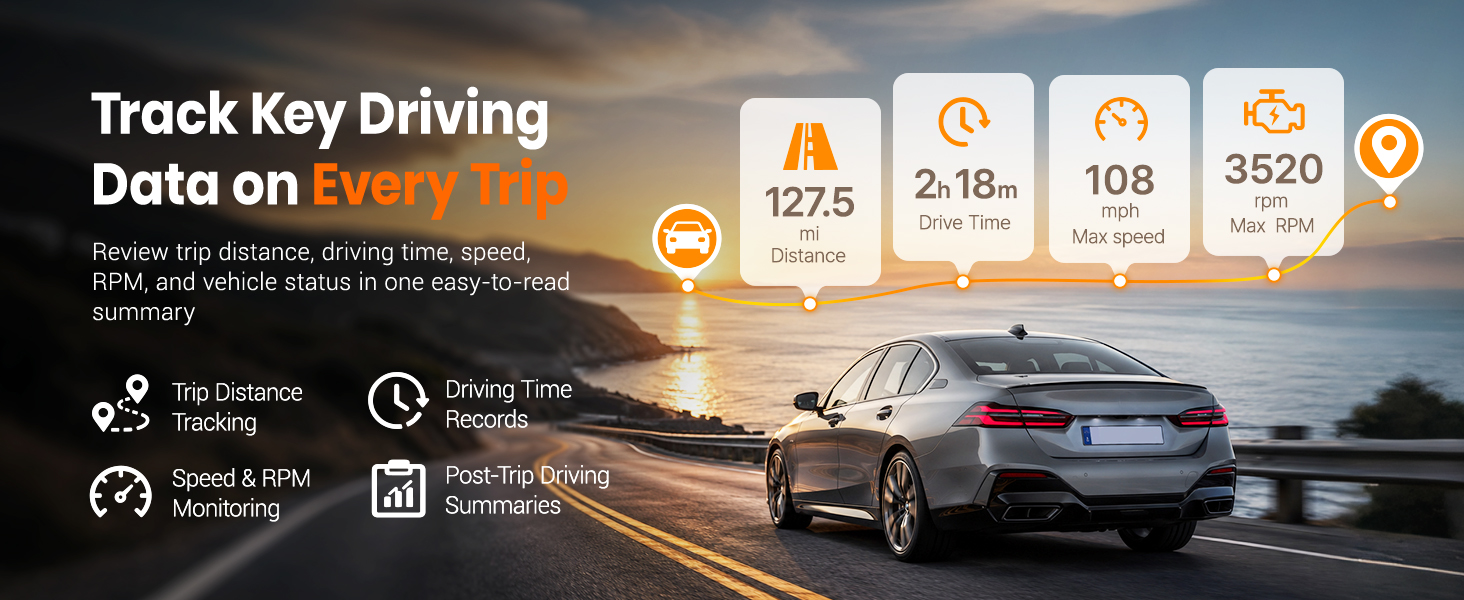
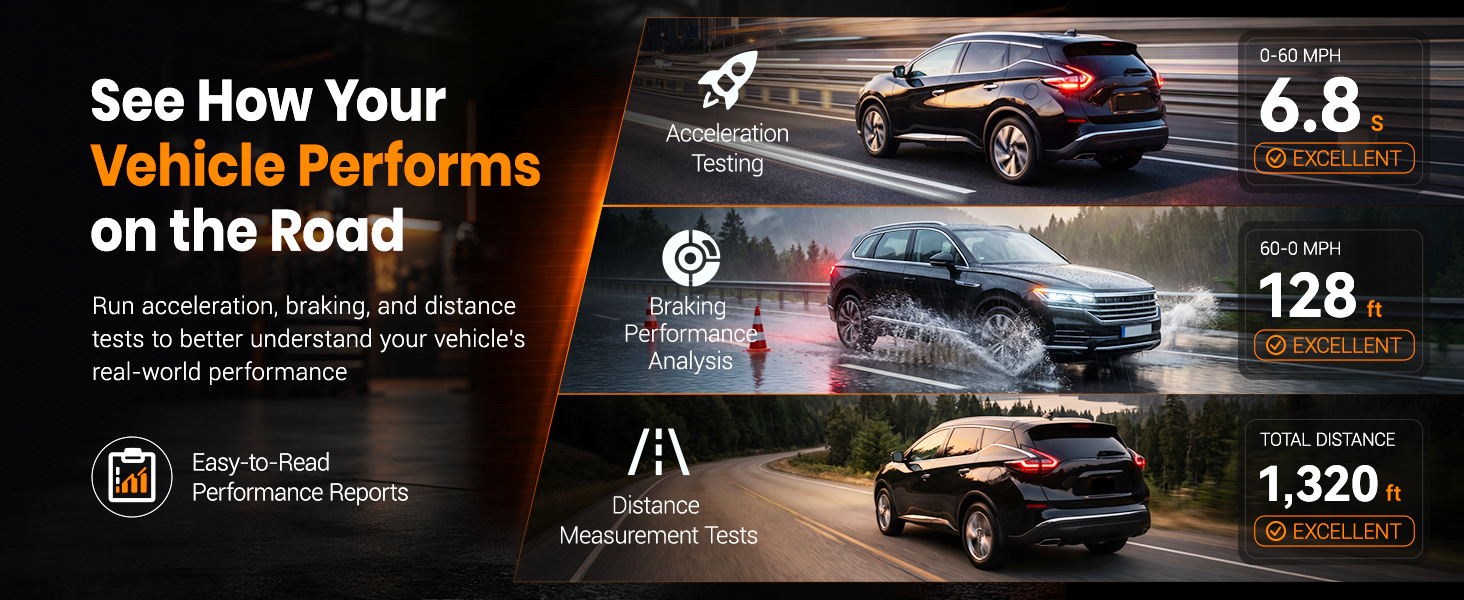
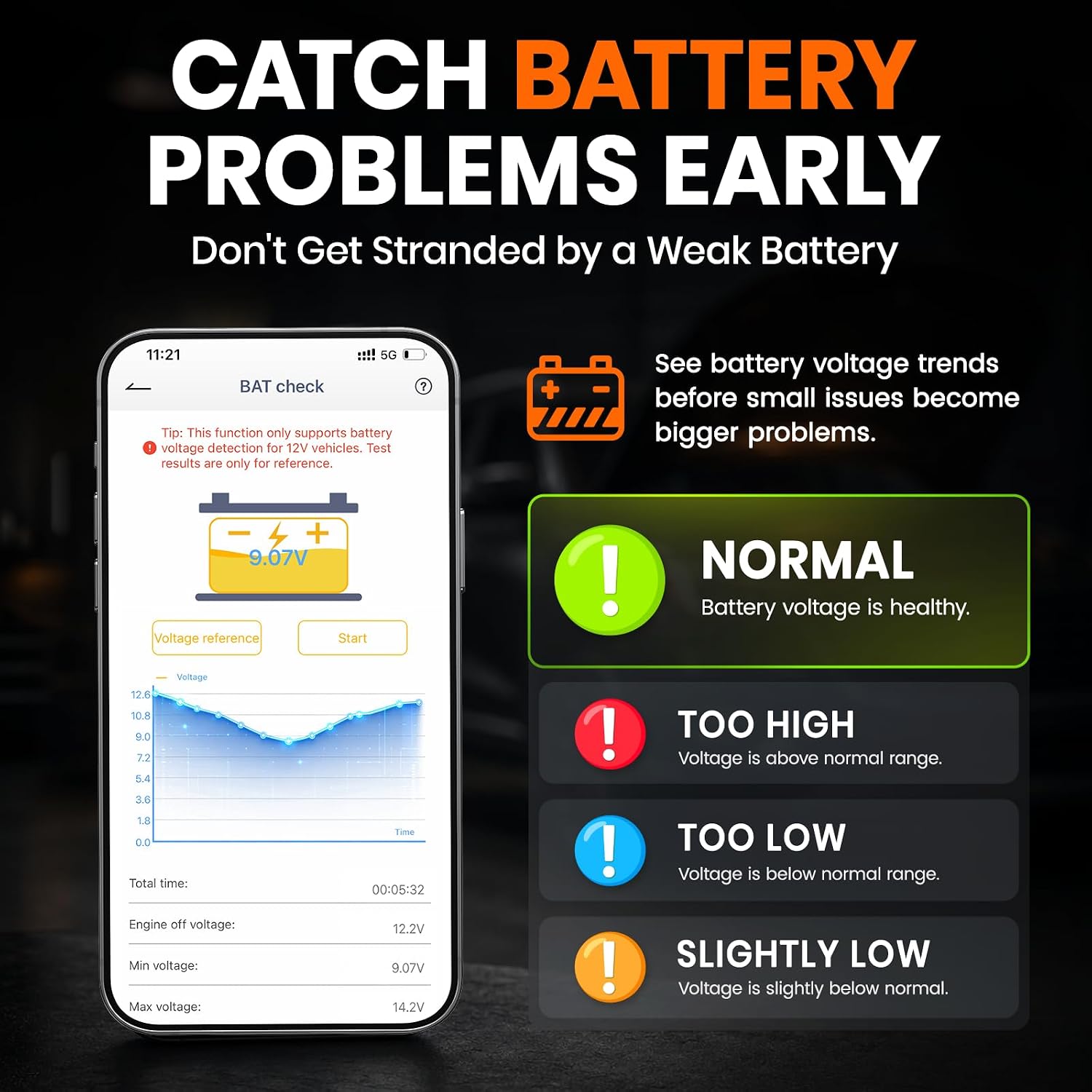
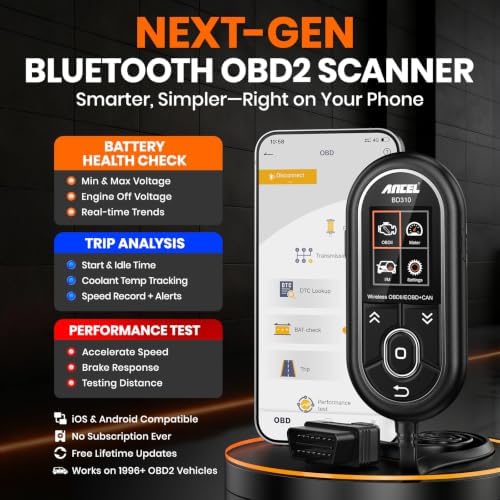
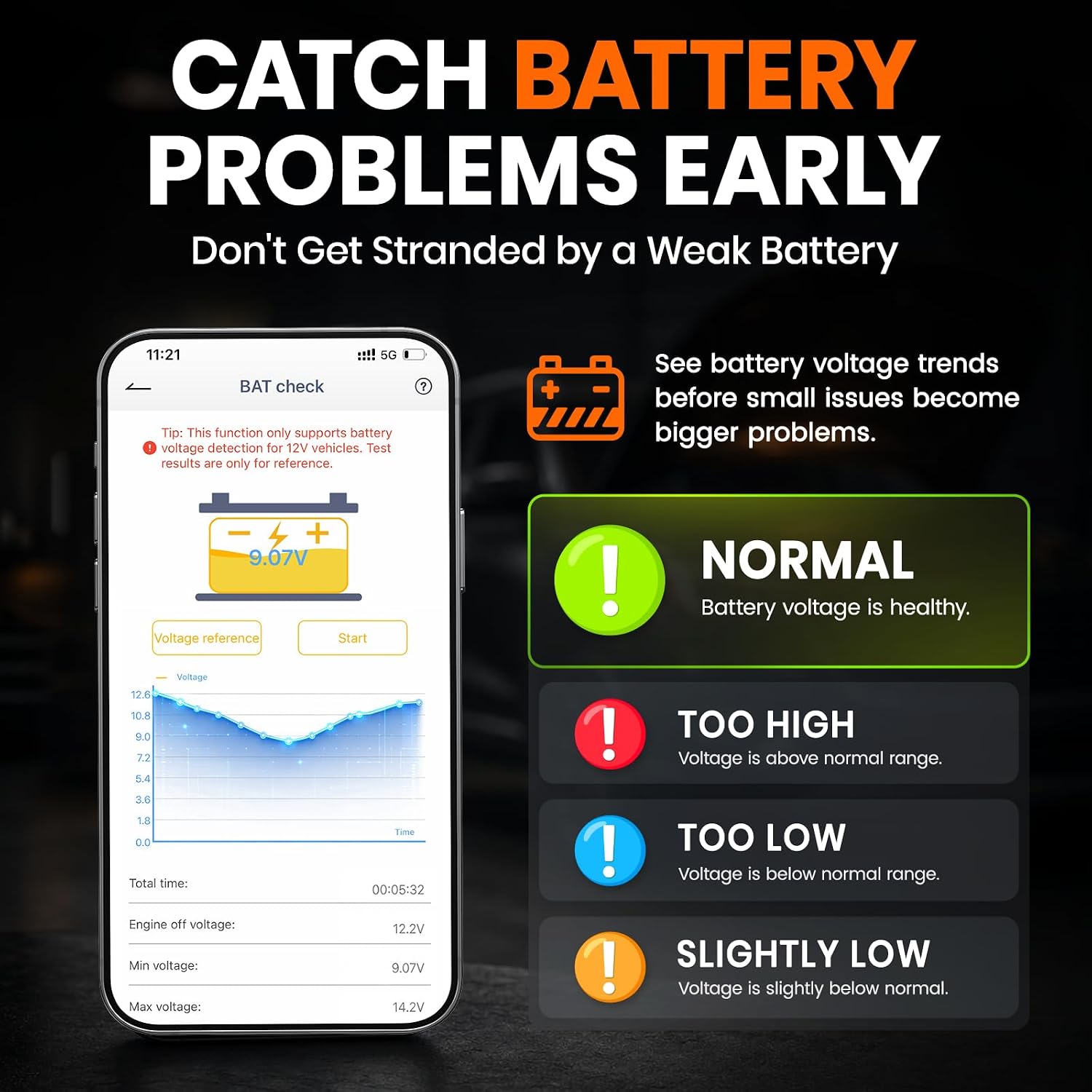
【MONITOR BATTERY HEALTH & VEHICLE PERFORMANCE】Track battery voltage in real time and spot charging system problems before they leave you stranded. The free app also includes battery testing, performance testing, and trip analysis tools that help you monitor driving behavior, coolant temperature, acceleration, braking, and overall vehicle health over time
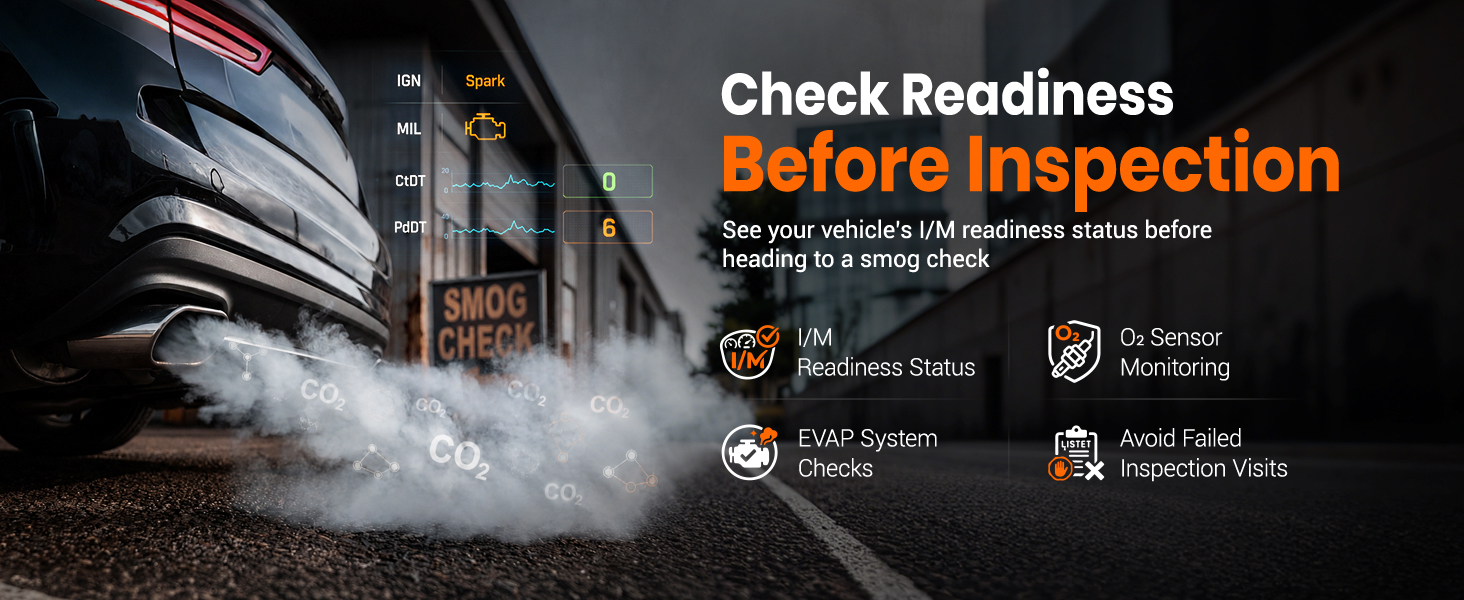
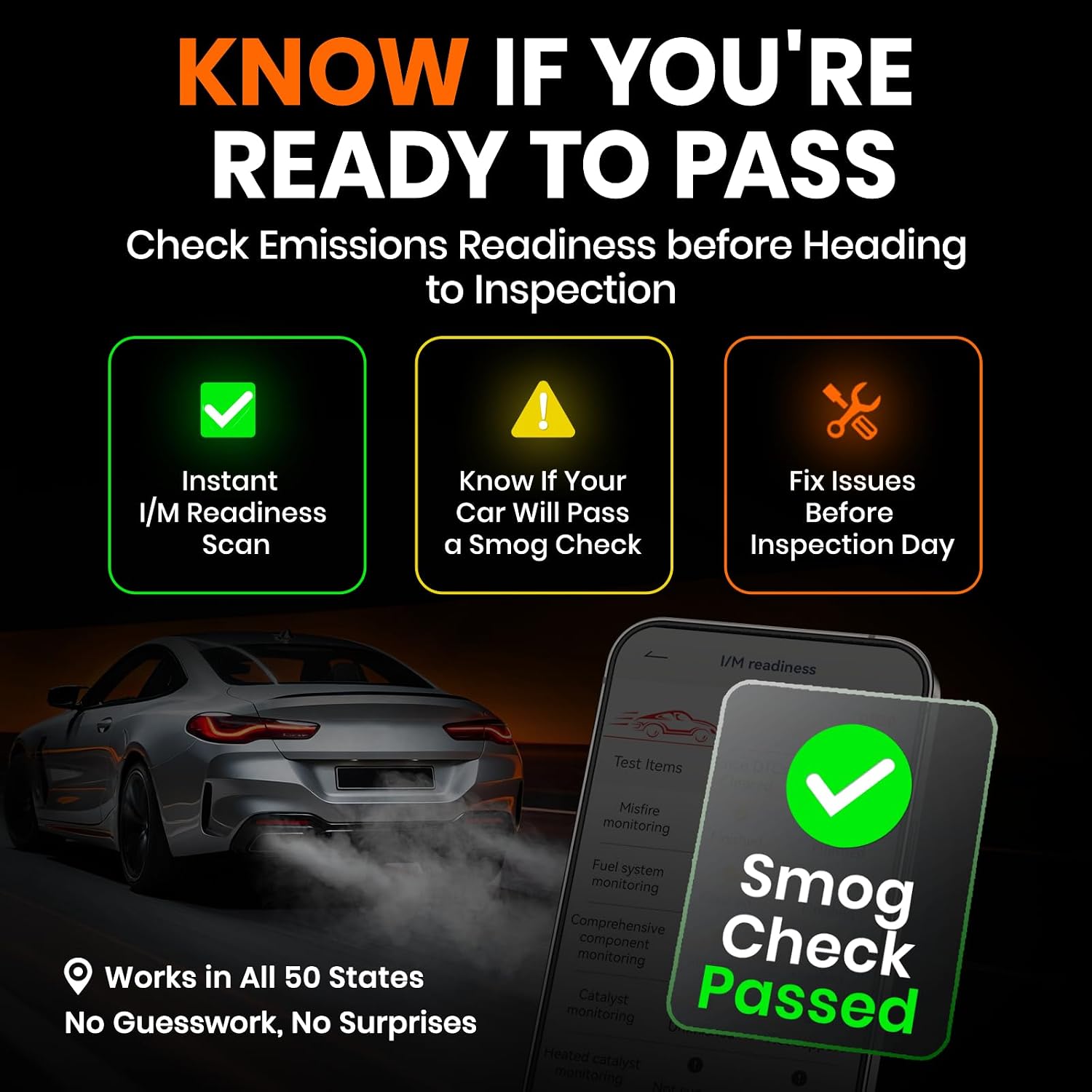
【PASS SMOG CHECKS & EMISSIONS TESTS WITH CONFIDENCE】Run I/M Readiness checks at home before inspection day and avoid wasted trips to the testing station. Verify emissions monitor status, confirm O₂ sensor readiness, detect EVAP-related issues, and check whether your vehicle is ready for state emissions testing. A practical OBD2 scanner for routine maintenance, road trips, and everyday vehicle health checks
【SMART HUD DISPLAY & LIVE DRIVING DATA】Use HUD mode to display real-time speed, RPM, voltage, and other key vehicle data directly on your windshield or phone screen while driving. Customize dashboard layouts, monitor live performance data, and keep important vehicle information within view for a smarter and more connected driving experience
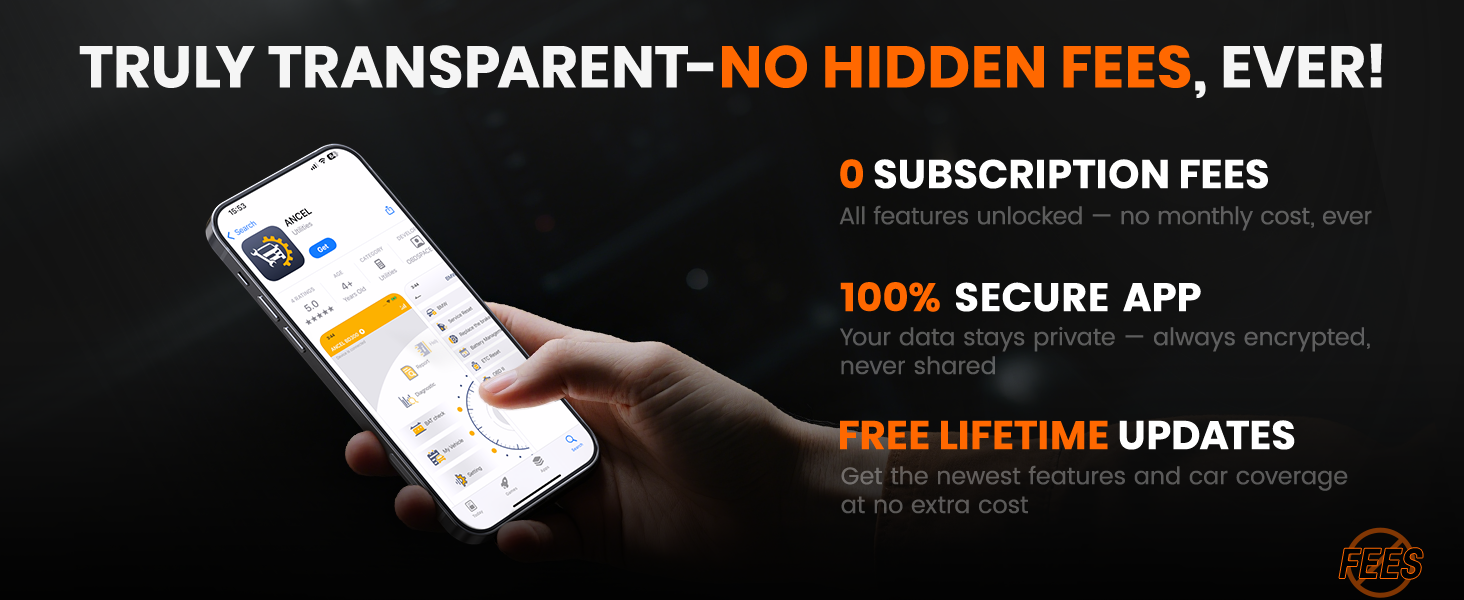
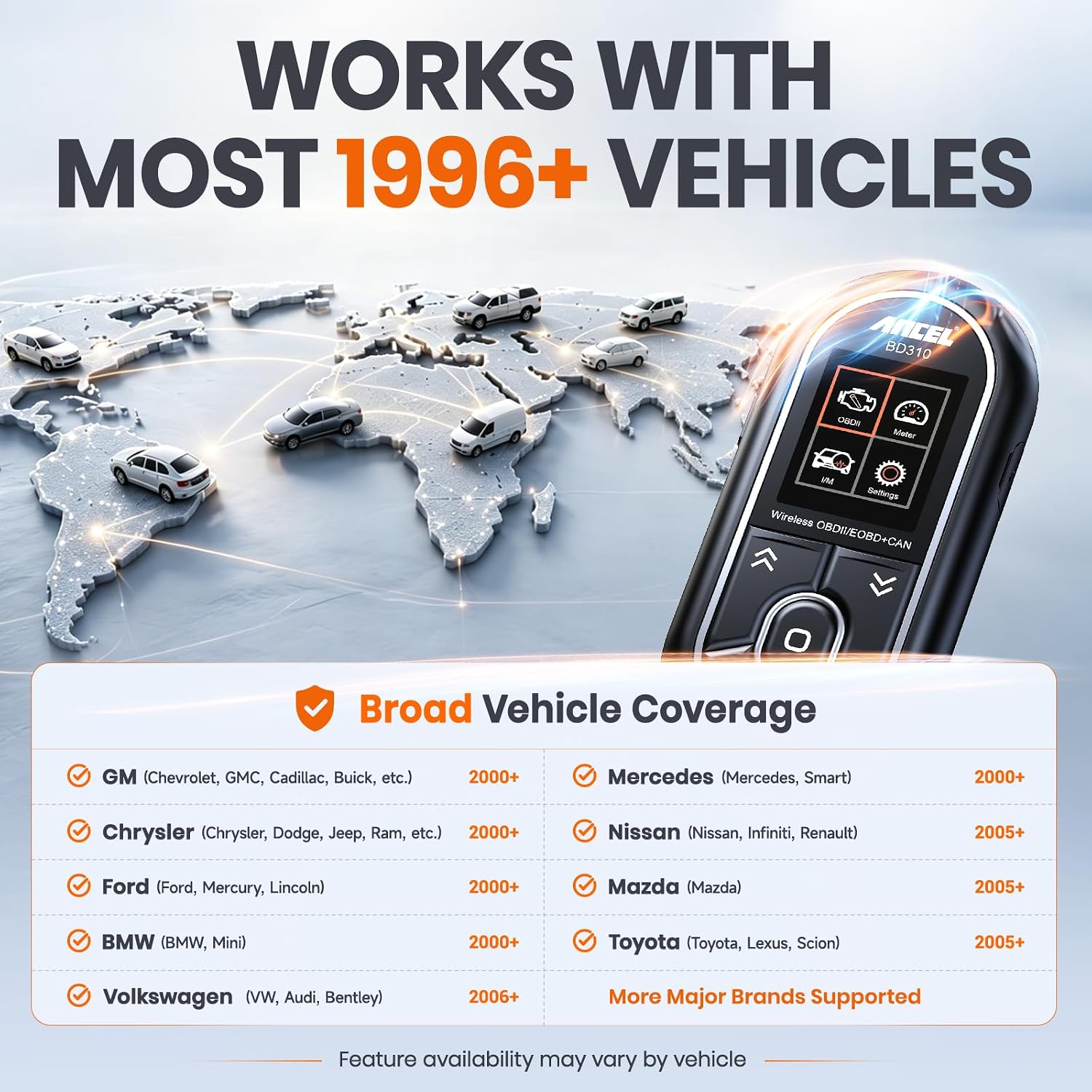
【FULL OBD2 DIAGNOSTICS WITH FREE LIFETIME APP UPDATES】Supports all 10 OBDII modes, including live data, freeze-frame, EVAP tests, O₂ sensor tests, I/M readiness, and vehicle information. Compatible with most 1996+ OBDII cars, SUVs, and light trucks. Includes free lifetime app updates with no subscriptions, unlock fees, or recurring charges. Note: ABS, SRS, and transmission code clearing are not supported
Power Source
Corded Electric
Operating System
windows 7/8/10 , If you cannot download the APP from the Google Play Store, please go to our official website (https://www.anceltech.com/) to find the ANCEL BD310 download APP
Screen Size
2 inches
Automotive Fit Type
Vehicle Specific Fit
Native Resolution
2.0 inch (240×320pixel )
Item Dimensions L x W x H
2"L x 1"W x 5"H
Manufacturer
ANCEL
Item Weight
80 g
Model Number
BD310
Manufacturer Part Number
BD310
Manufacturer Warranty Description
1 YEAR
Power Source Type
Corded Electric
Item Length Width Height
2"L x 1"W x 5"H
Display
2 inches
Discover How BD310 Makes Vehicle Diagnostics Simple and Smarter
The video showcases the product in use.The video guides you through product setup.The video shows the product being unpacked.
ANCEL BD310 Smart OBD2 Scanner Overview
Previous page
Next page
Previous page
Next page
Previous page
Next page
Previous page
Next page
Previous page
Next page
ANCLE BD310: Diagnose, Troubleshoot, Solve, and Hit the Road!
MORE THAN A POCKET-SIZE CODE READER
Handheld Diagnostics, Smart App Insights, and HUD Driving Data in One Scanner
The ANCEL BD310 gives everyday drivers three practical ways to understand their vehicles. Use it as a standalone OBD2 scanner for quick check engine diagnostics, connect the Bluetooth app for battery monitoring, trip analysis, and performance tests, or use HUD mode to view key driving data on your phone or windshield. Compact enough for the glove box and useful at home, on the road, or before a repair visit, BD310 helps you move beyond fault codes and make better-informed vehicle decisions
The video showcases the product in use.The video guides you through product setup.The video shows the product being unpacked.
ANCEL BD310 Portable Vehicle Scanner
Merchant Video
OFFICIAL APP, NOTHING EXTRA TO BUY
Fast Bluetooth Connection with Free Features and Lifetime App Updates
Skip third-party apps and connect directly to the official ANCEL app in minutes. Enjoy a simple setup experience, free feature access, one-tap updates, and ongoing improvements without subscriptions or in-app purchases. Your diagnostic experience stays secure, up to date, and ready whenever you need it
The video showcases the product in use.The video guides you through product setup.The video shows the product being unpacked.
Easy to Use
Merchant Video
SEE MORE THAN A TROUBLE CODE
Battery Checks, Performance Tests, and Trip Insights in the ANCEL App
Connect the BD310 to the ANCEL app to gain a clearer view of your vehicle beyond basic fault codes. Check battery voltage and charging trends, measure supported acceleration and braking performance, and review trip data such as distance, driving time, speed, and fuel-related information. These app-based tools make it easier to understand vehicle condition and everyday driving performance from your phone.
The video showcases the product in use.The video guides you through product setup.The video shows the product being unpacked.
More Powerful Features
Merchant Video
TURN EVERY TRIP INTO USEFUL INSIGHT
Review Distance, Average Speed, Driving Time, and Fuel-Related Data
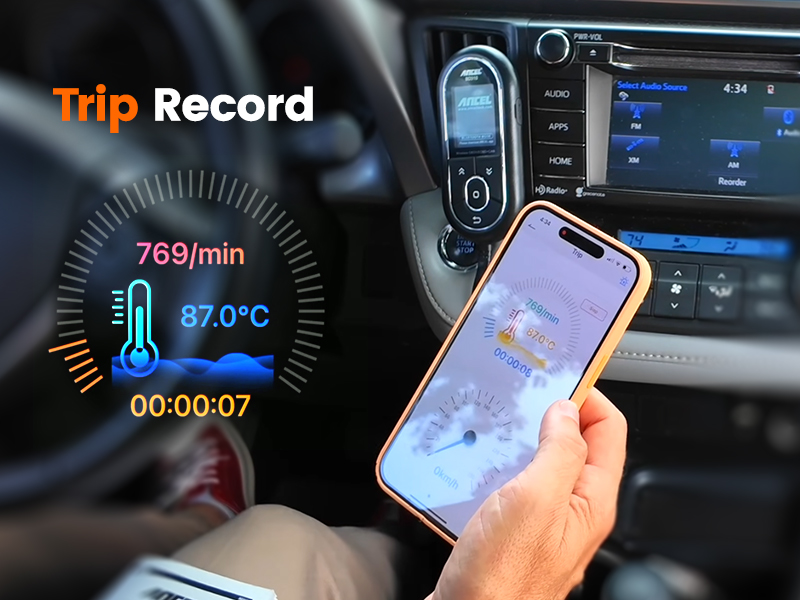
Use Trip Analysis in the ANCEL app to review key driving data after each journey, including distance traveled, driving time, average speed, and supported fuel-consumption information. Compare trips, better understand how your vehicle is being used, and identify driving habits that may affect fuel efficiency over time
TURN DIAGNOSTIC DATA INTO A CLEAR REPORT
Review, Save, and Share Vehicle Findings from Your Phone
Generate a diagnostic report that organizes supported trouble codes, code definitions, vehicle information, readiness status, live data, freeze-frame records, and test results in one convenient view. Save the report for future reference or share it with a mechanic before a repair visit, making vehicle problems easier to explain and helping you start the conversation with useful diagnostic information
The video showcases the product in use.The video guides you through product setup.The video shows the product being unpacked.