




Free worldwide shipping
Free returns
Carbon neutral
Secure payments
| Additional Features | Fast Reading System, High Accuracy, Large Display, Low Battery Indicator, Ultra Clear Screen |
|---|---|
| Display Type | Digital |
| Power Source | Battery Powered |
| Number of Batteries | 5 AAA batteries required. |
| Upper Temperature Range | 70 °C |
| Response Time | 1 seconds |
| Reusability | Reusable |
| Indoor Outdoor Usage | Indoor, Outdoor |
| Outer Material | Acrylonitrile Butadiene Styrene |
| Product Care Instructions | Wipe Clean |
| Color | White+3 Sensor |
| Style Name | Contemporary |
| Age Range Description | Adult |
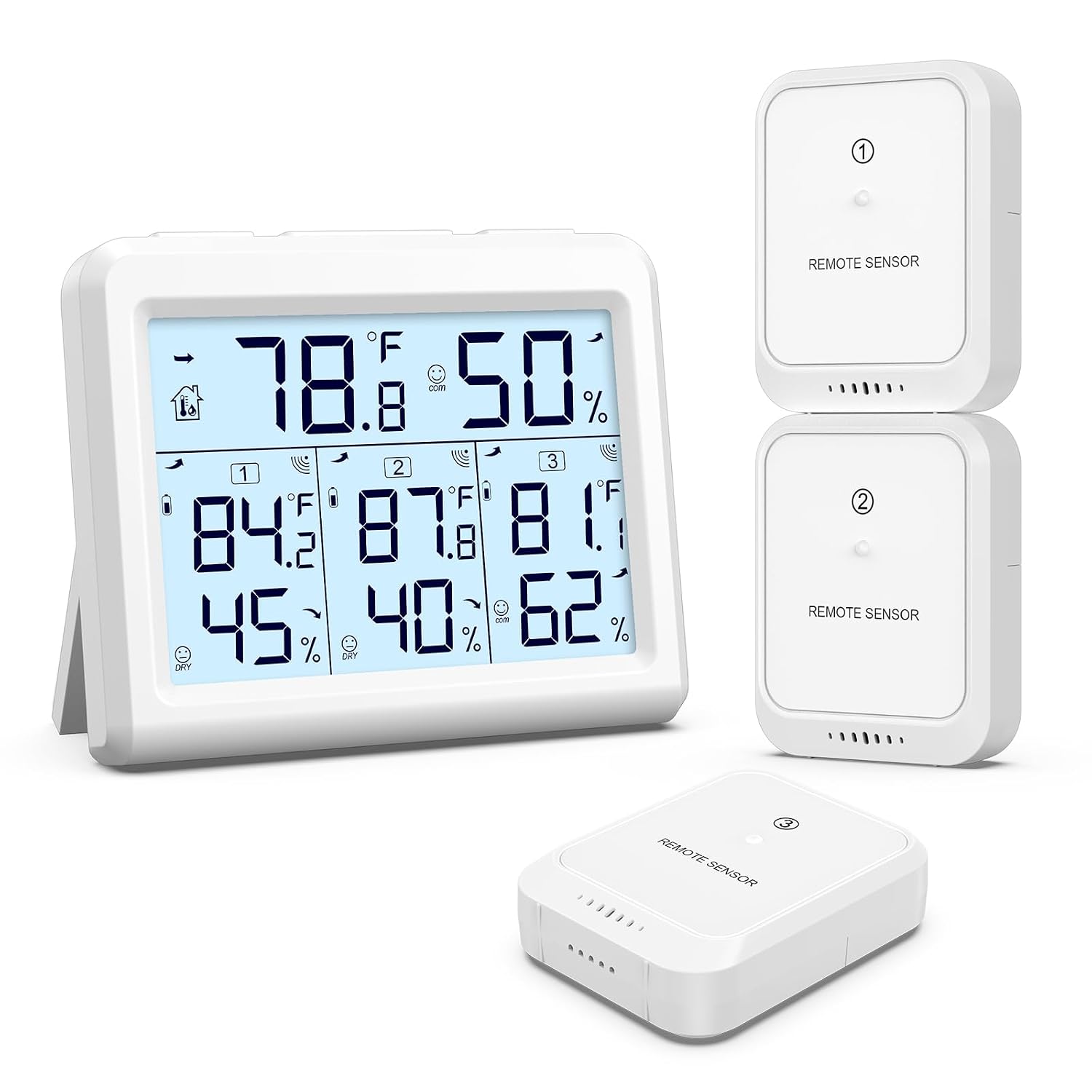
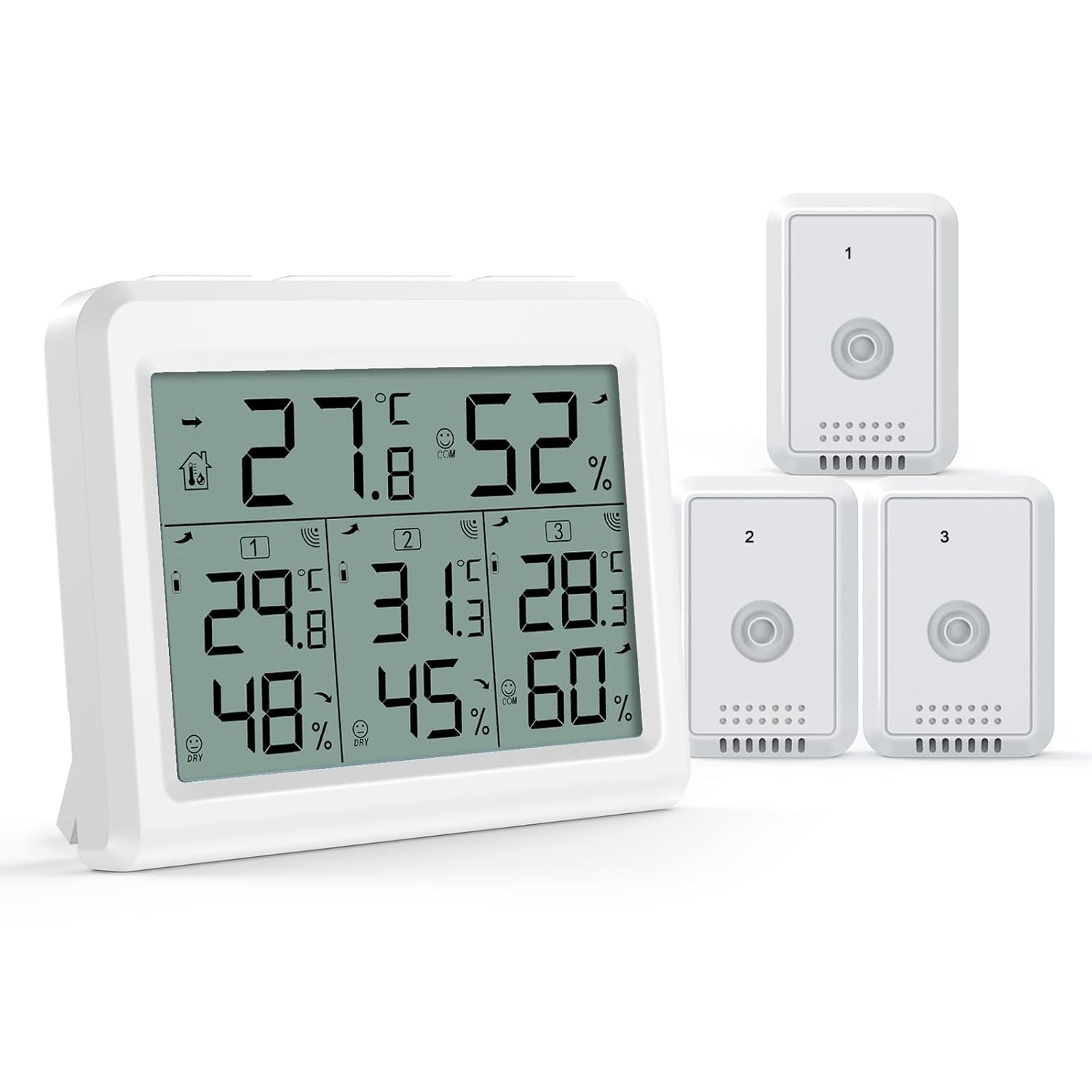
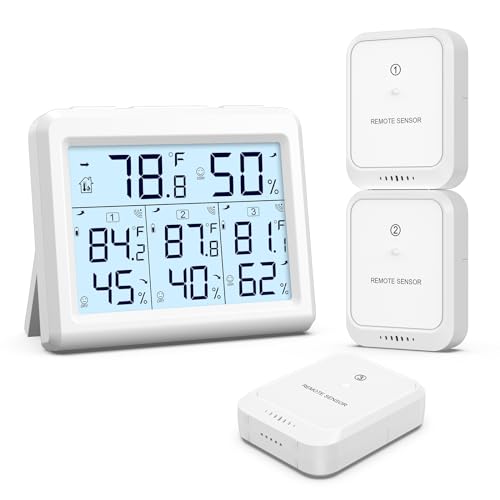
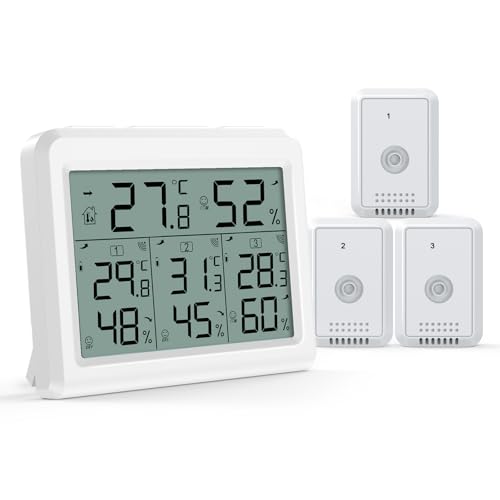
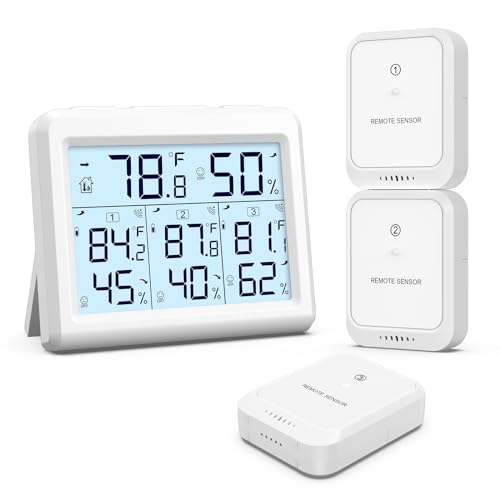
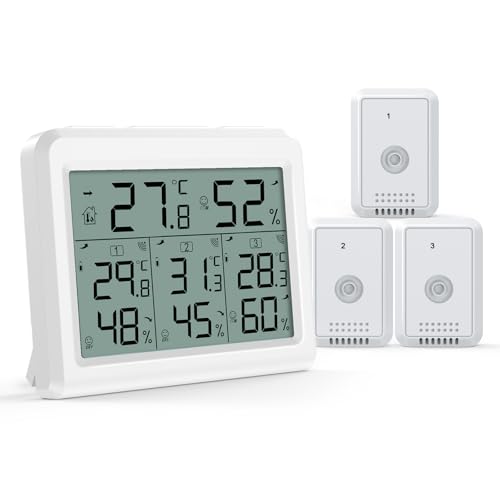
| Included Components | Thermometer x1; Wireless sensor x3; Operation manual x1 |
| Model Name | Indoor Outdoor Thermometer |
| Model | US-WA54 |
| UPC | 767421046047 |
| Manufacturer | AMIR |
| Part Number | US-WA54 |
| Unit Count | 1 Count |
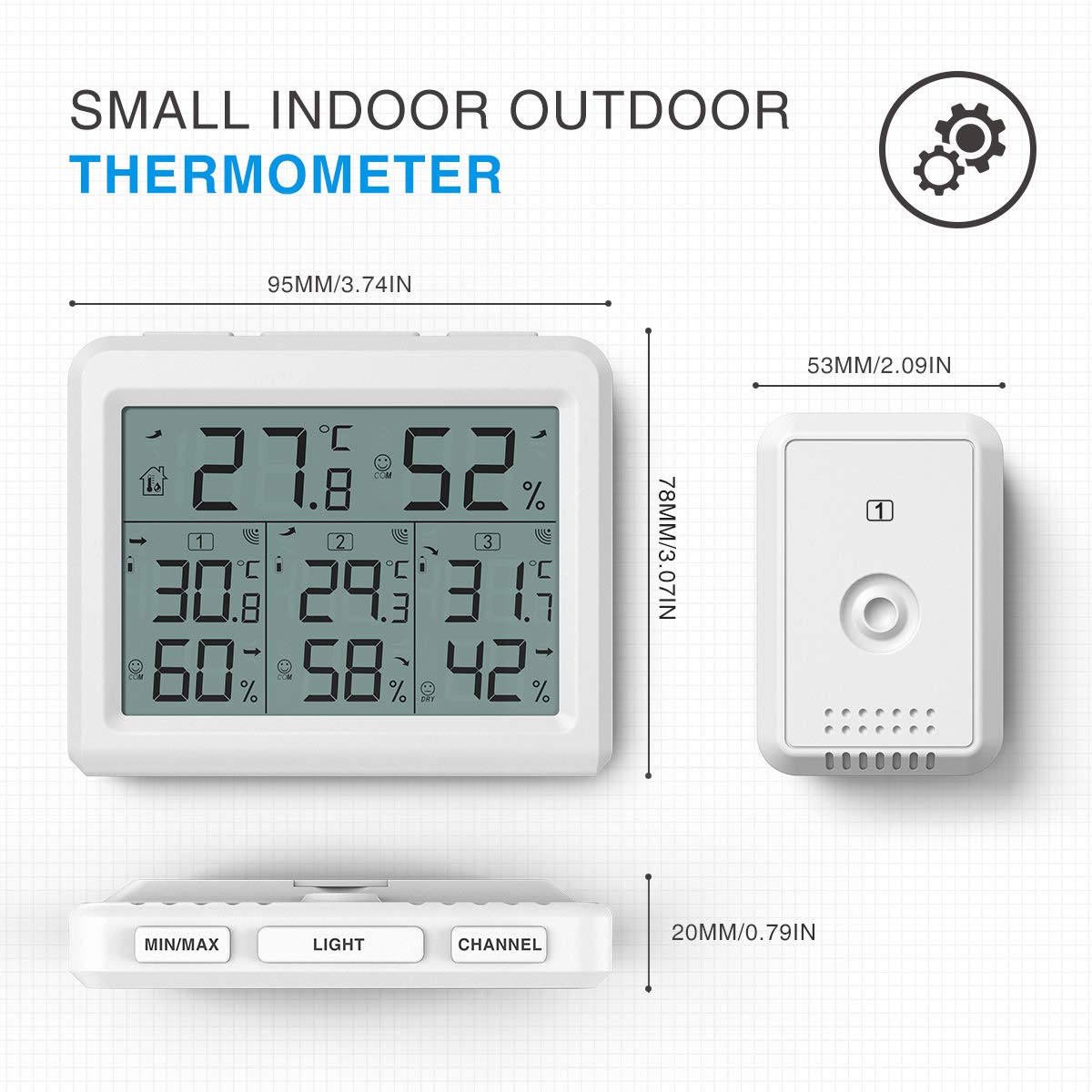
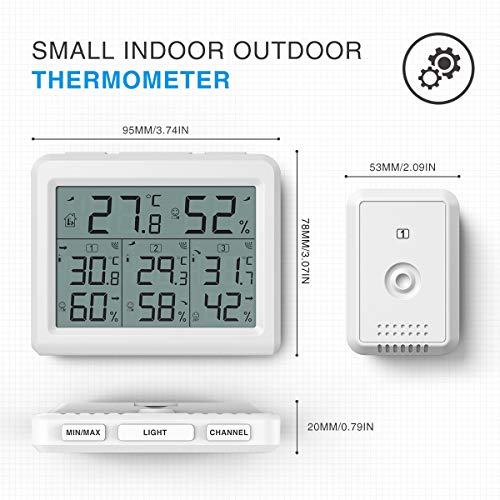
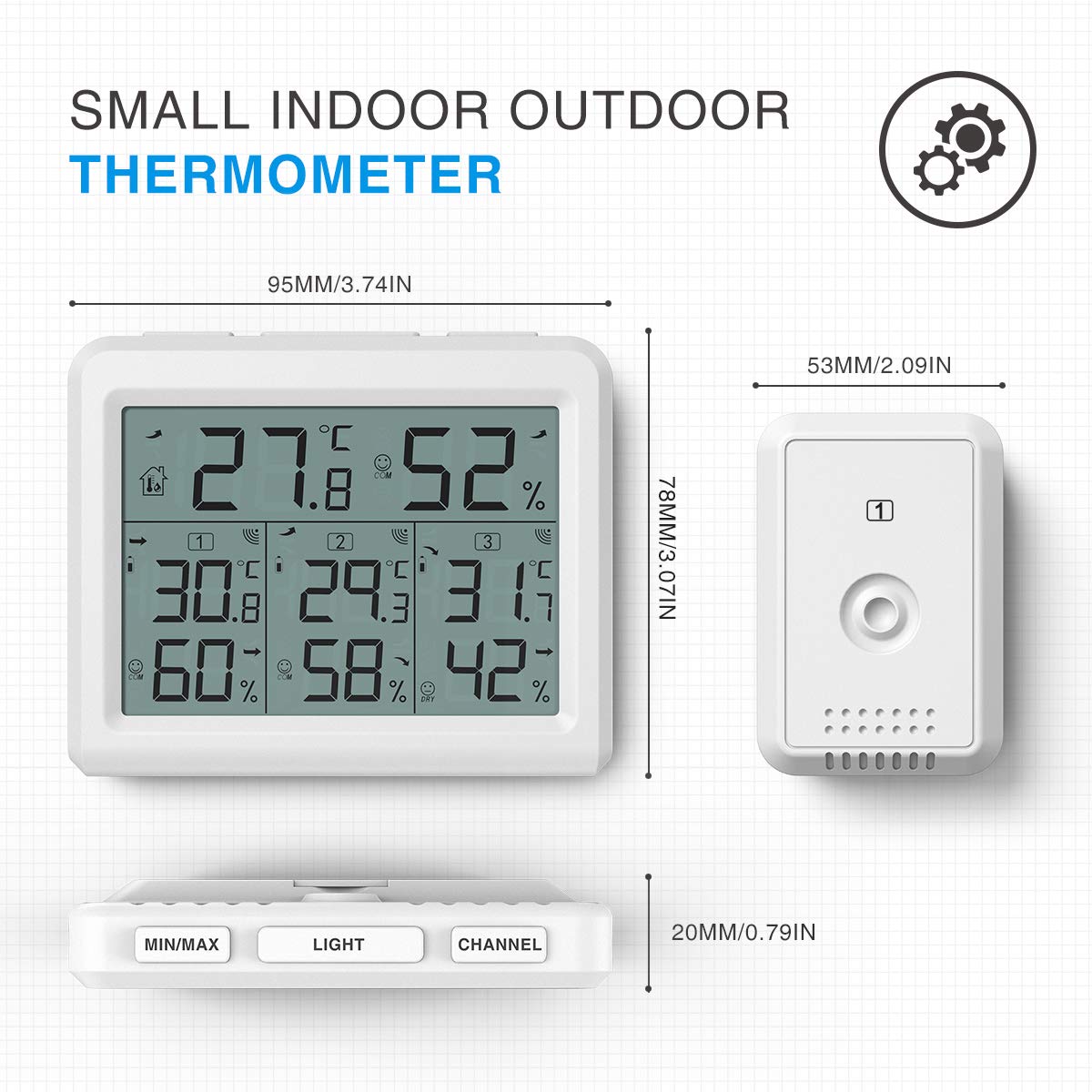
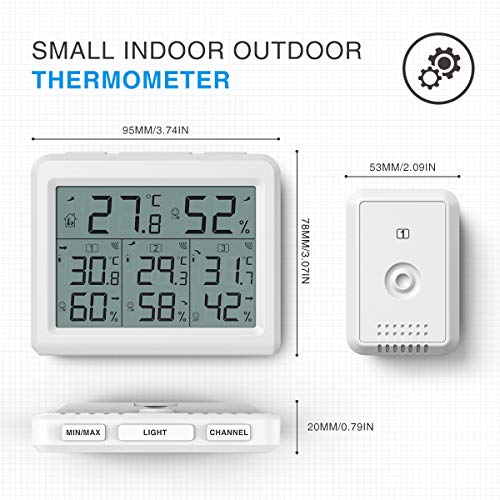
| Item Length | 3.74 inches |
| Special Feature | Fast Reading System, High Accuracy, Large Display, Low Battery Indicator, Ultra Clear Screen |
| Outer | Acrylonitrile Butadiene Styrene |
| Display | Digital |
| Care Instructions | Wipe Clean |
| Power Source Type | Battery Powered |
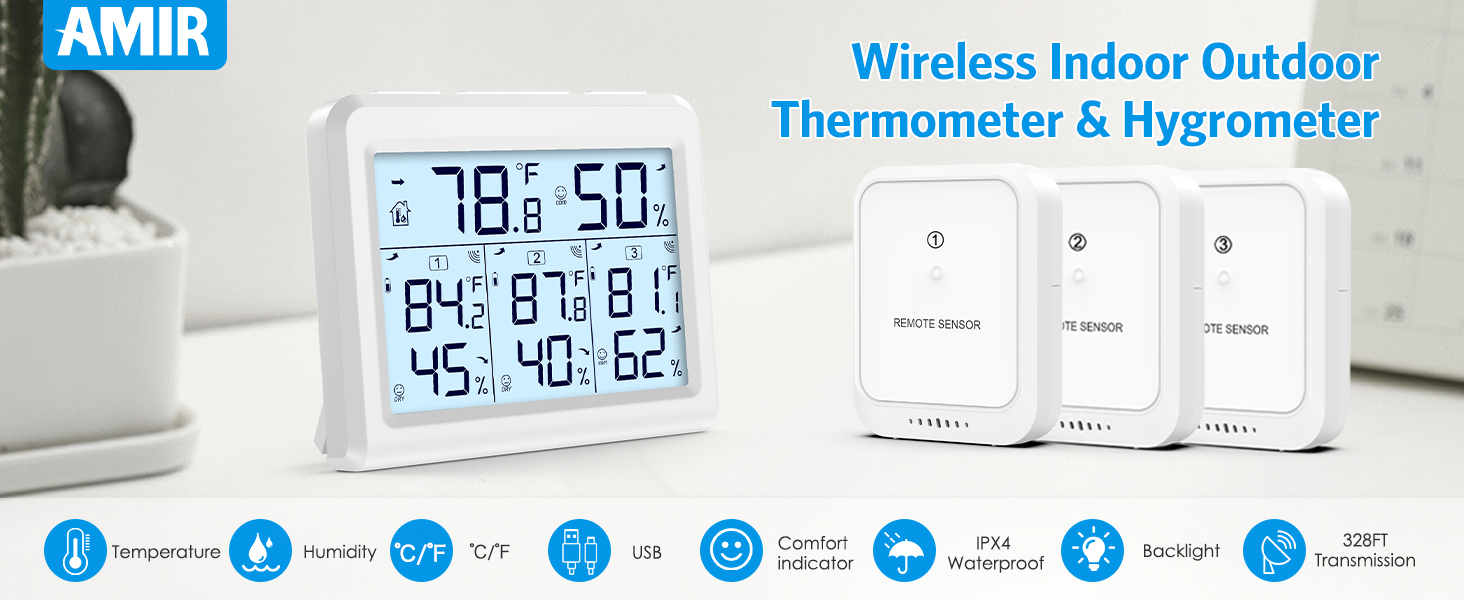
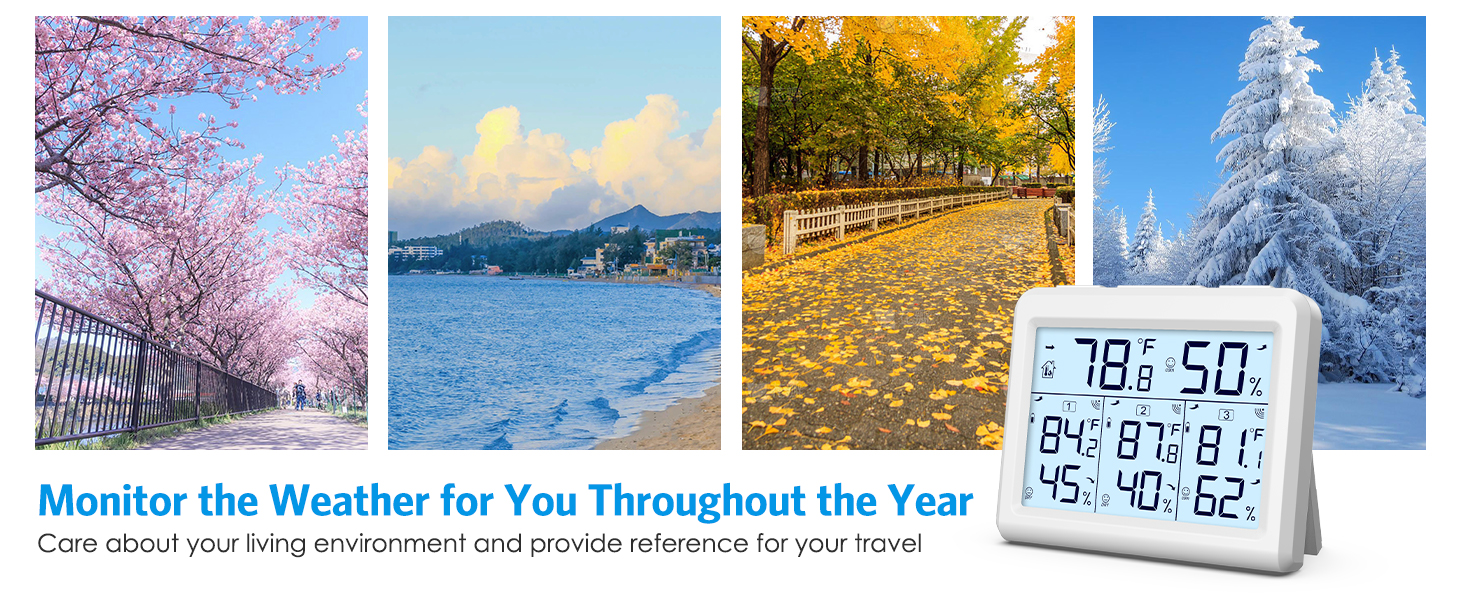
Remperature & Humidity rang:Indoor Temperature: 32℉ ~ 140℉ (0 - 60℃); Outdoor Temperature:-104℉ ~ 140℉ (-40 - 60℃)
Temperature Measurement Accuracy: ±1.8℉ (±1℃)
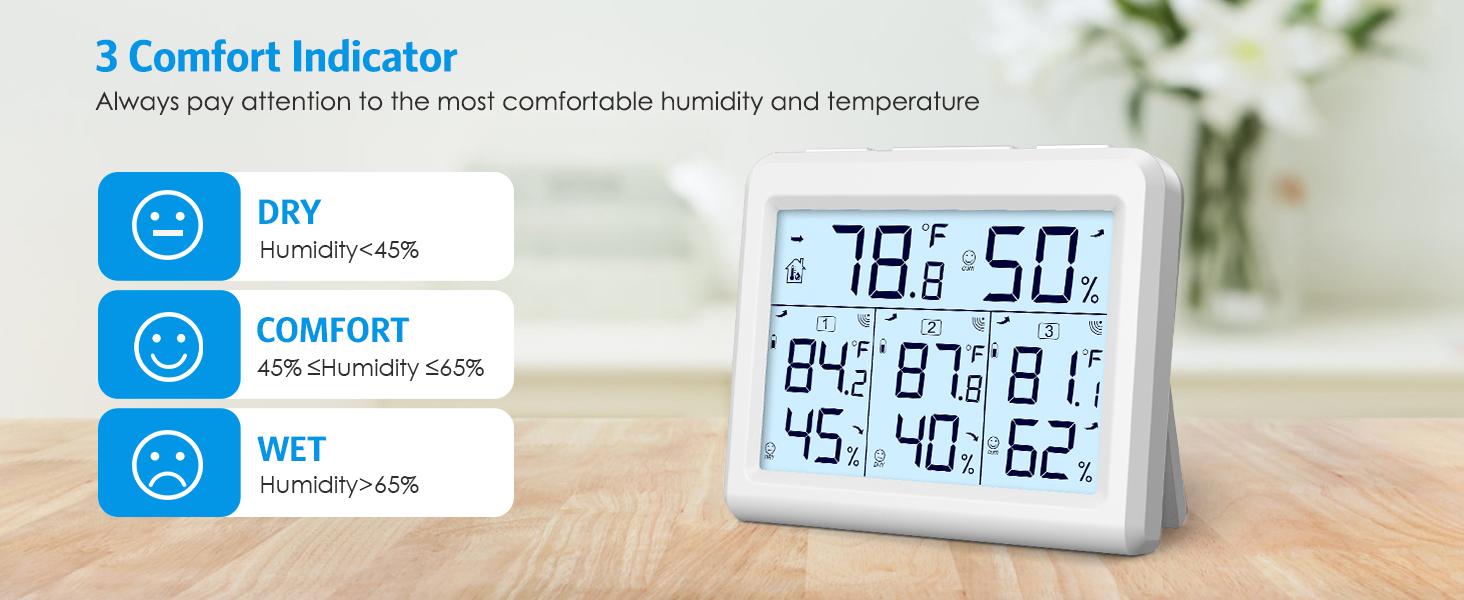
Humidity Measurement Range: 10% to 99% ; Humidity Measurement Accuracy: ±5% (20% to 90%)
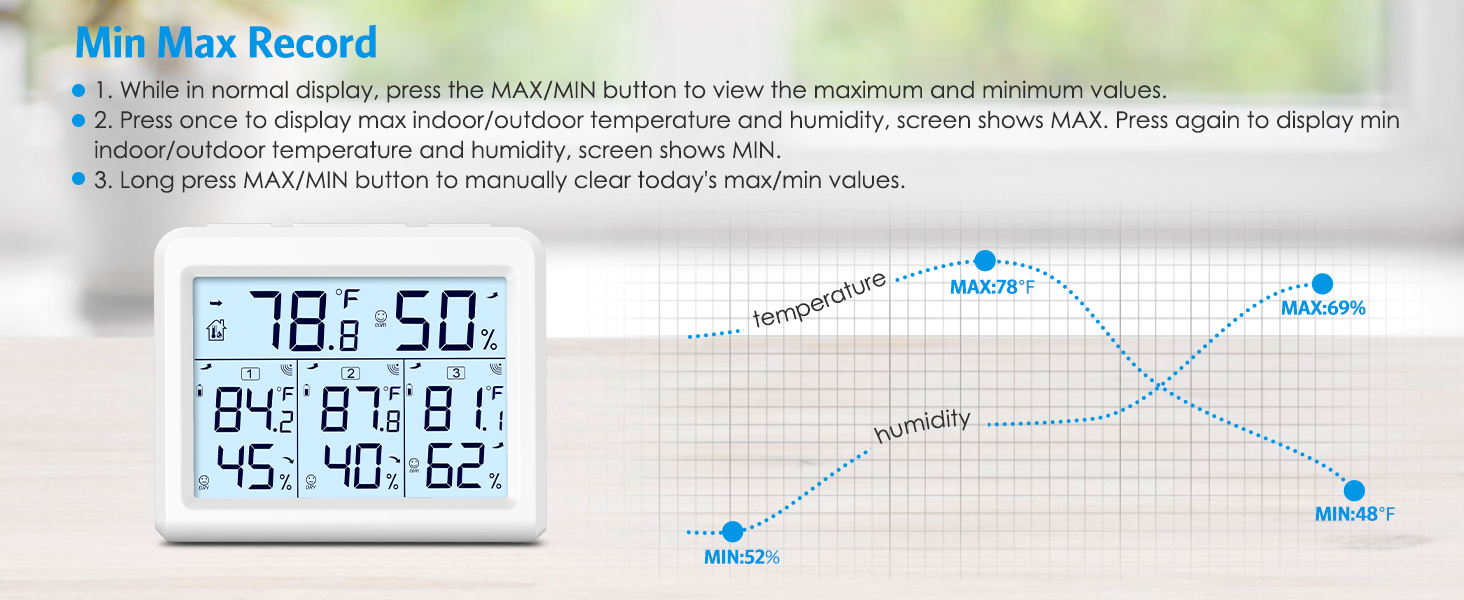
Press MAX/MIN once for max temp and humidity, twice for min. Hold to clear daily max/min records.
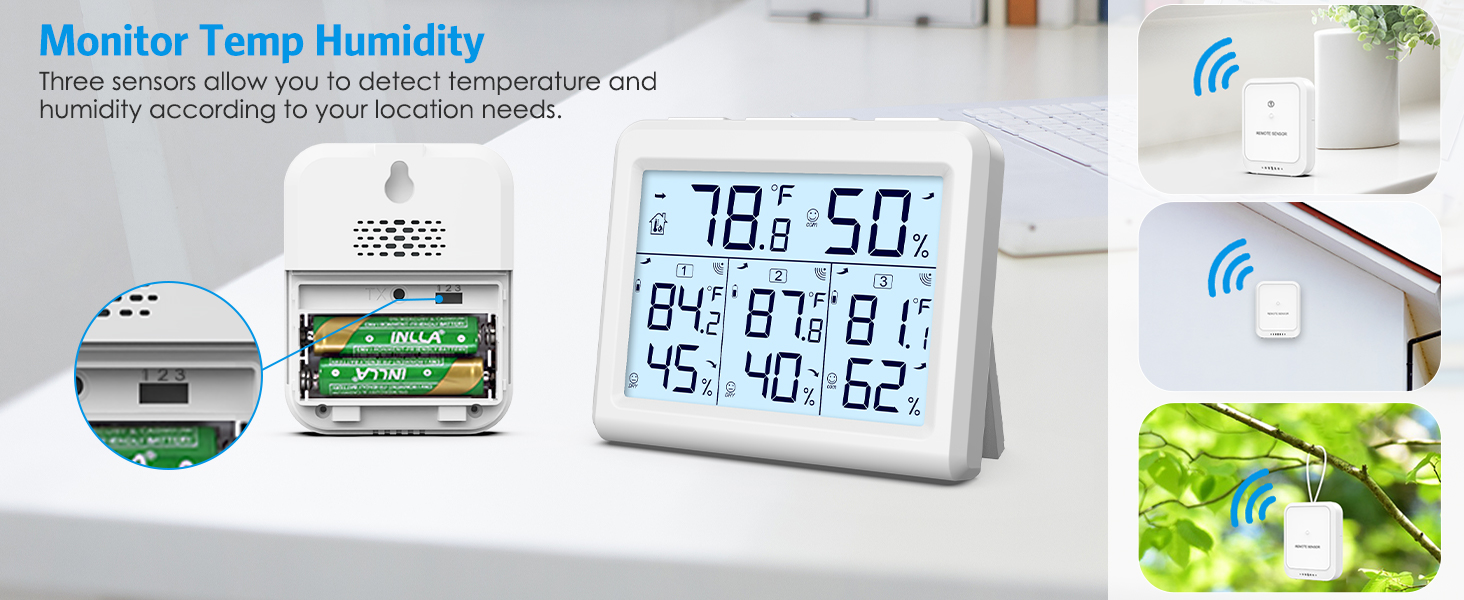
Ensure main unit and transmitter share a channel.
Press and hold CH button on main unit to initiate signal search; blinking sensor icon indicates reception.
Stable icon signifies connection.
The data update every 60 seconds.
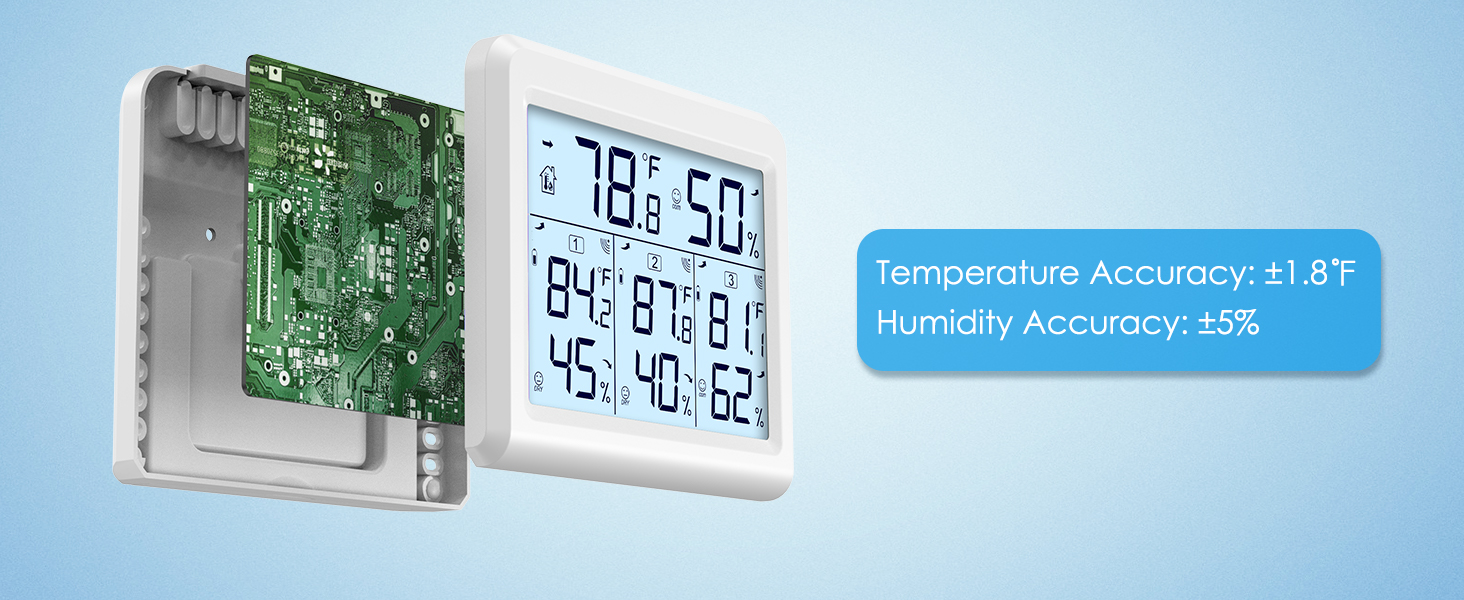
Temperature Accuracy:±1.8°F
Humidity Accuracy:±5%
Suggestions for Use of the Main Unit:
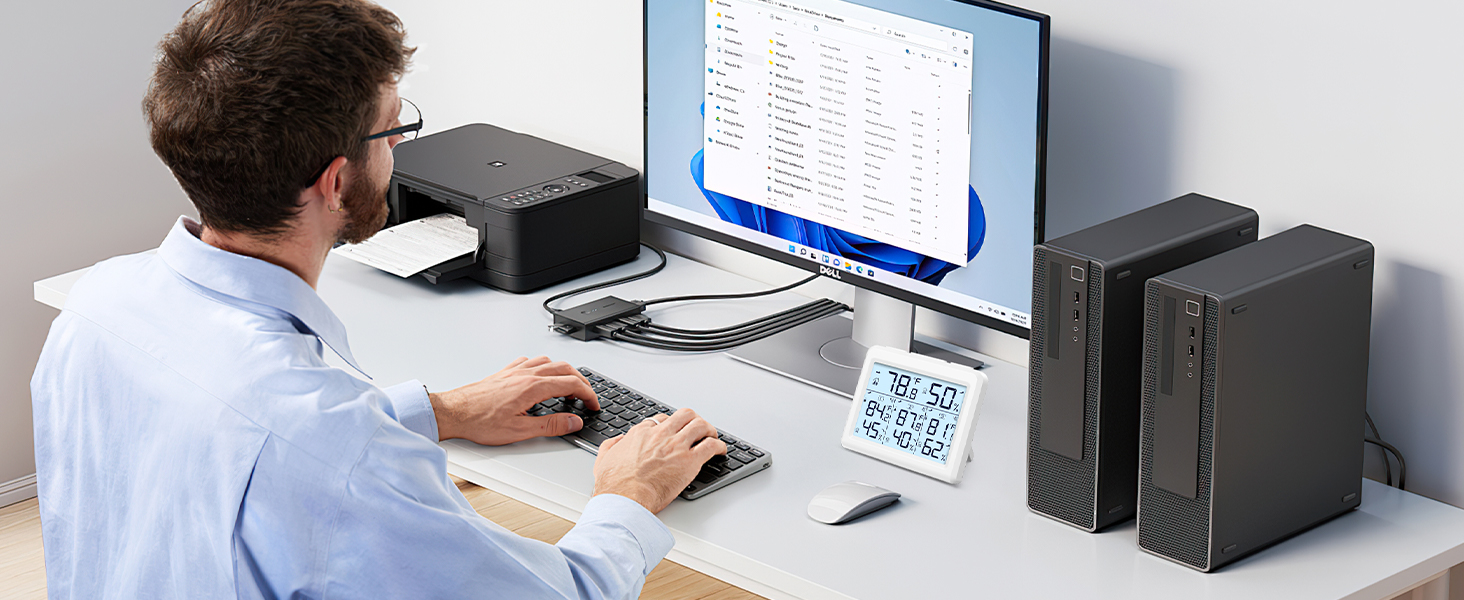
-Positioned at least 6 feet away from electronic devices.
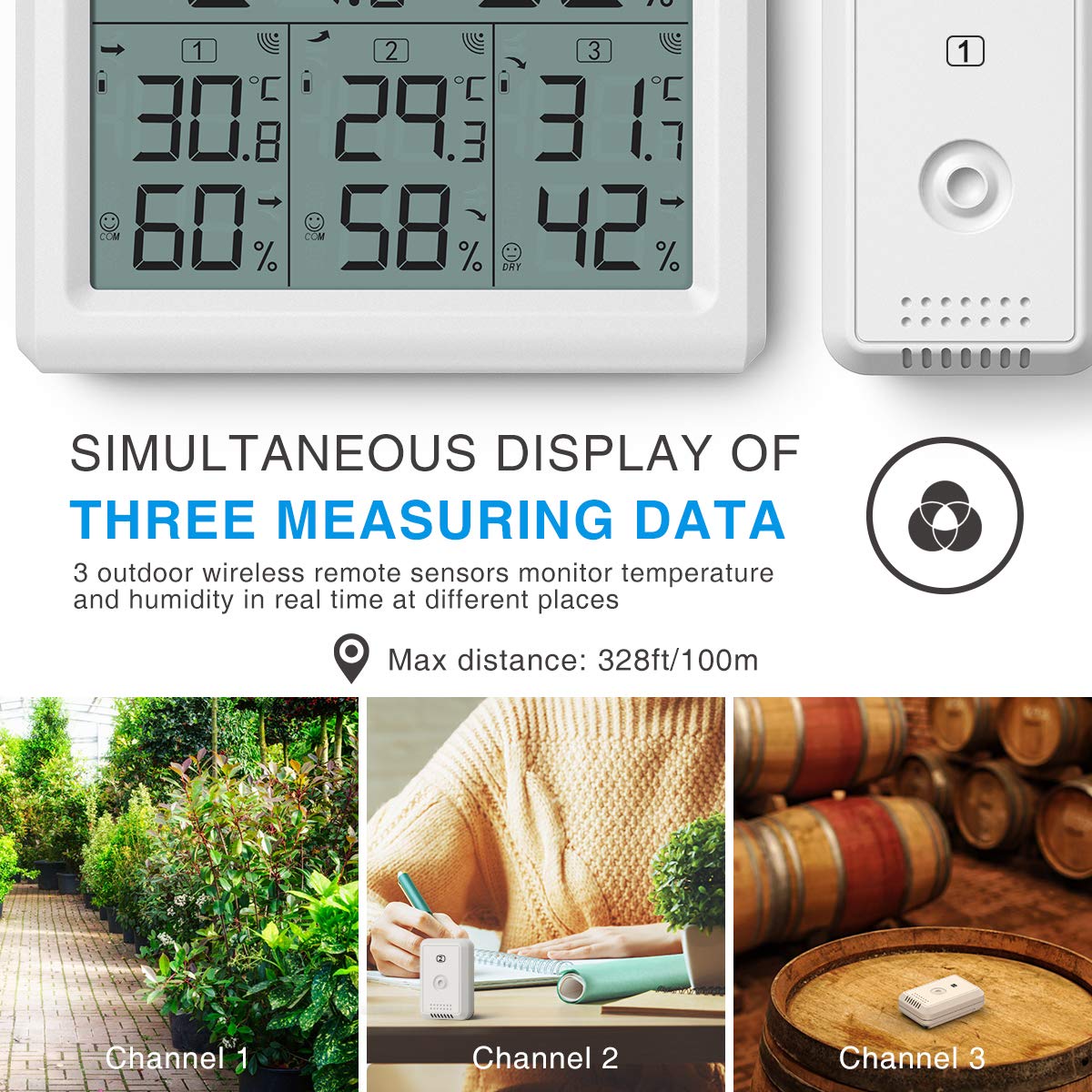
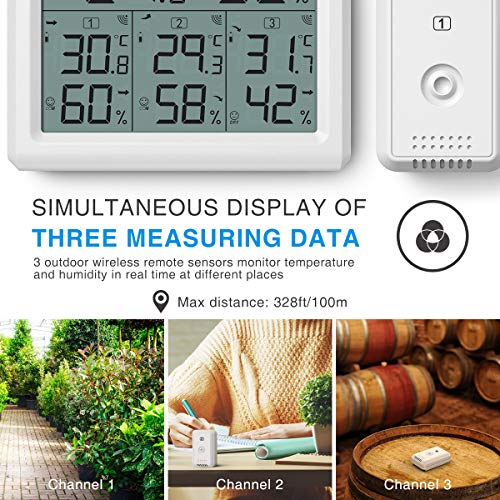
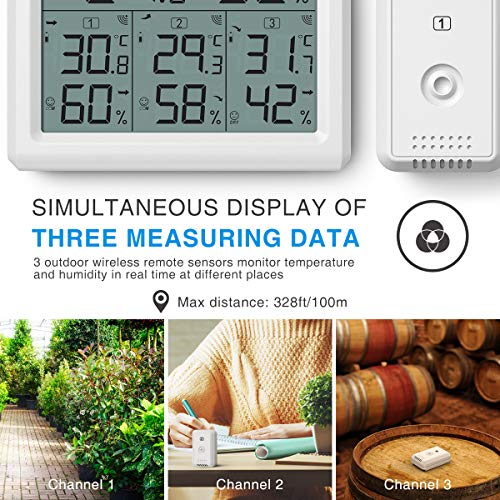
-Make sure to be within 328 feet of an outdoor sensor.
-Avoid obstacles such as walls, windows, large metal objects to minimize signal attenuation.
How to Use:
1. Insert 2 AAA batteries into the wireless sensor. Note the correct polarity. The red LED indicator flashes when the sensor is transmitting.
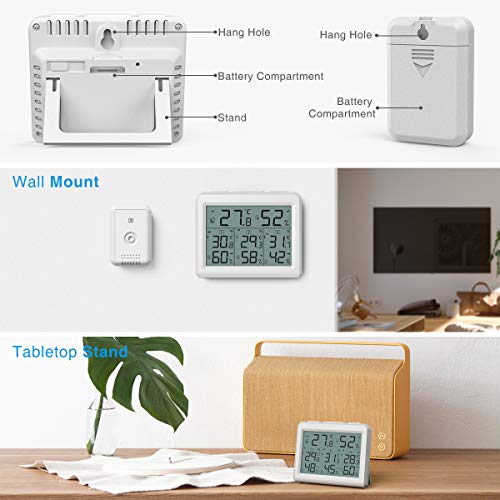
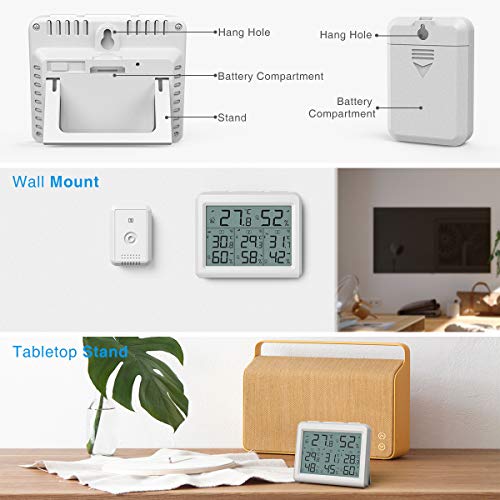
2. Open the battery compartment of the weather station, insert 3 x AAA batteries in the correct polarity and close the battery compartment.
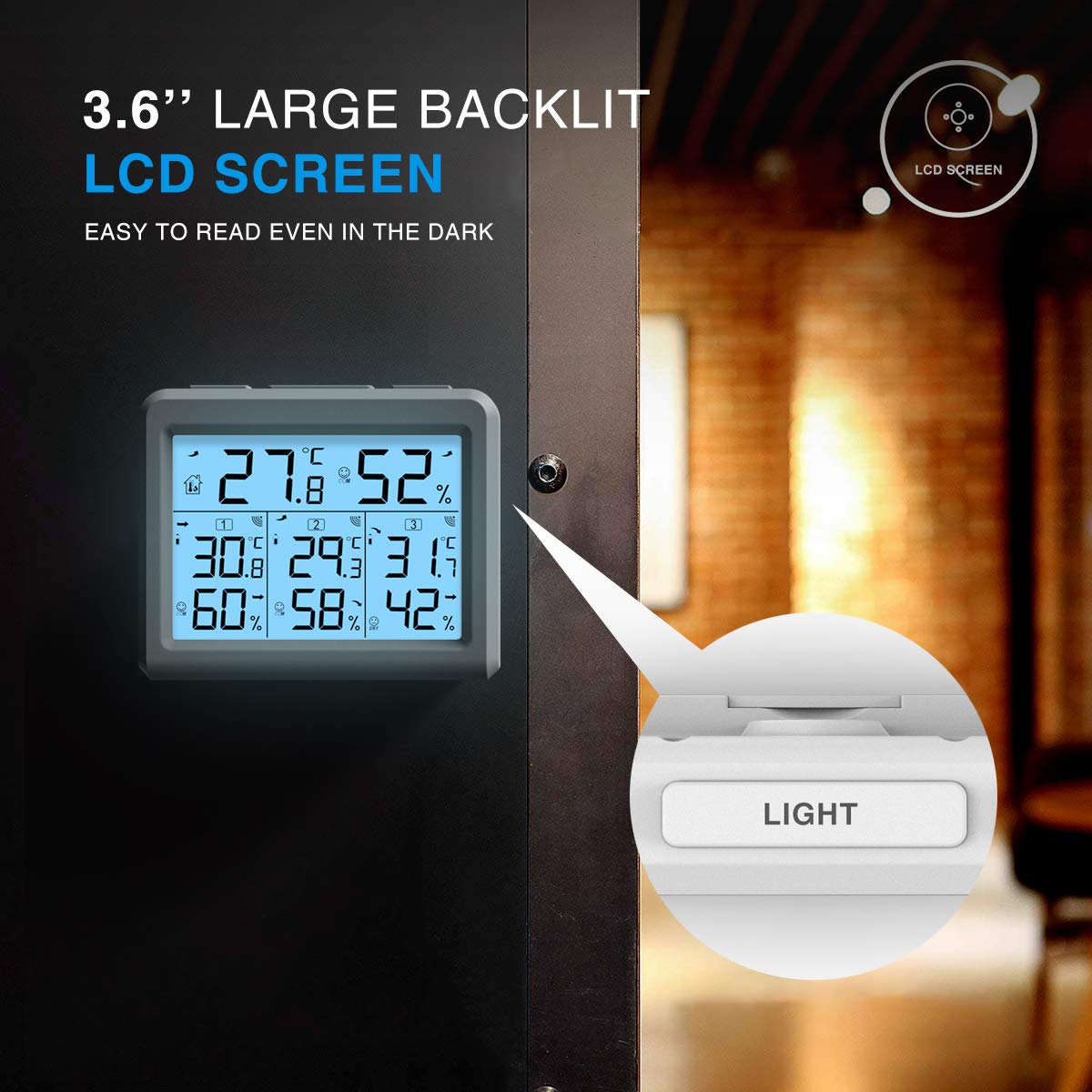
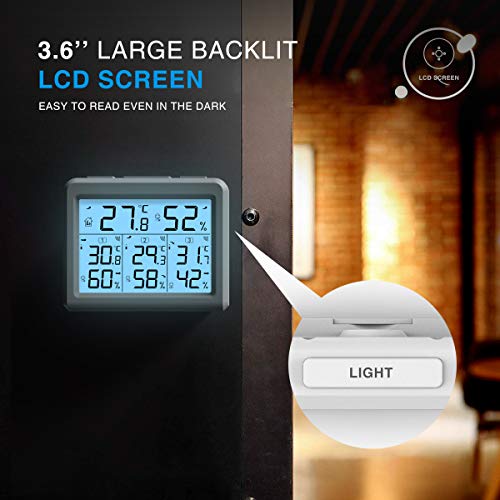
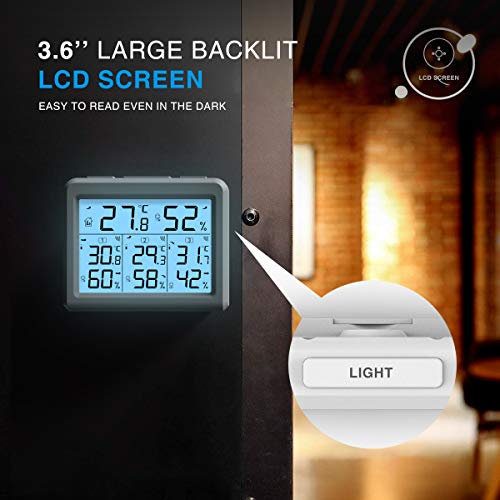
(Note: The screen will turn off after 10 seconds, you need to press the button to activate it.)
Reboot the Mainframe:
If the base station seems to be displaying incorrect values, you should reset the weather station to factory settings.
a.Remove the batteries from the outdoor sensor and weather station.
b.Place the batteries back in the outdoor sensor and weather station.
c.Place them within a few feet of each other and hold them for about 20 minutes to maintain a solid connection.


Battery Replacement Guide:
1. Remove the outdoor sensor and batteries.
2. Reinsert the batteries into the sensor and weather station.
3.Place both a few feet apart and let them sit for about 20 minutes to establish a solid connection.
The Main Unit to the Transmitter Connection Guide (reconnect):
1. After installing the weather station battery, it instantly tries to receive the pairing signal from the outdoor sensor for 3 minutes.
2. For manual pairing, you can press the CH button on the base unit to match the correct outdoor sensor.
3. During pairing, the sensor icon flashes; for successful connection, the icon displays steadily.
4. The host will actively receive for 3 minutes every hour until the signal is successfully acquired.
5. After the transmitter has changed to a new battery, it is also necessary to manually restart data reception by pressing and holding the CH button.
Quick Tip: Usually, the outdoor sensor is automatically synchronized with the host; if not, follow the above steps.
loading
