





Free worldwide shipping
Free returns
Carbon neutral
Secure payments
| Operating System | Mocor(RTOS) |
|---|---|
| RAM Memory Installed | 48 MB |
| Memory Storage Capacity | 0.12 GB |
| Color | BLACK |
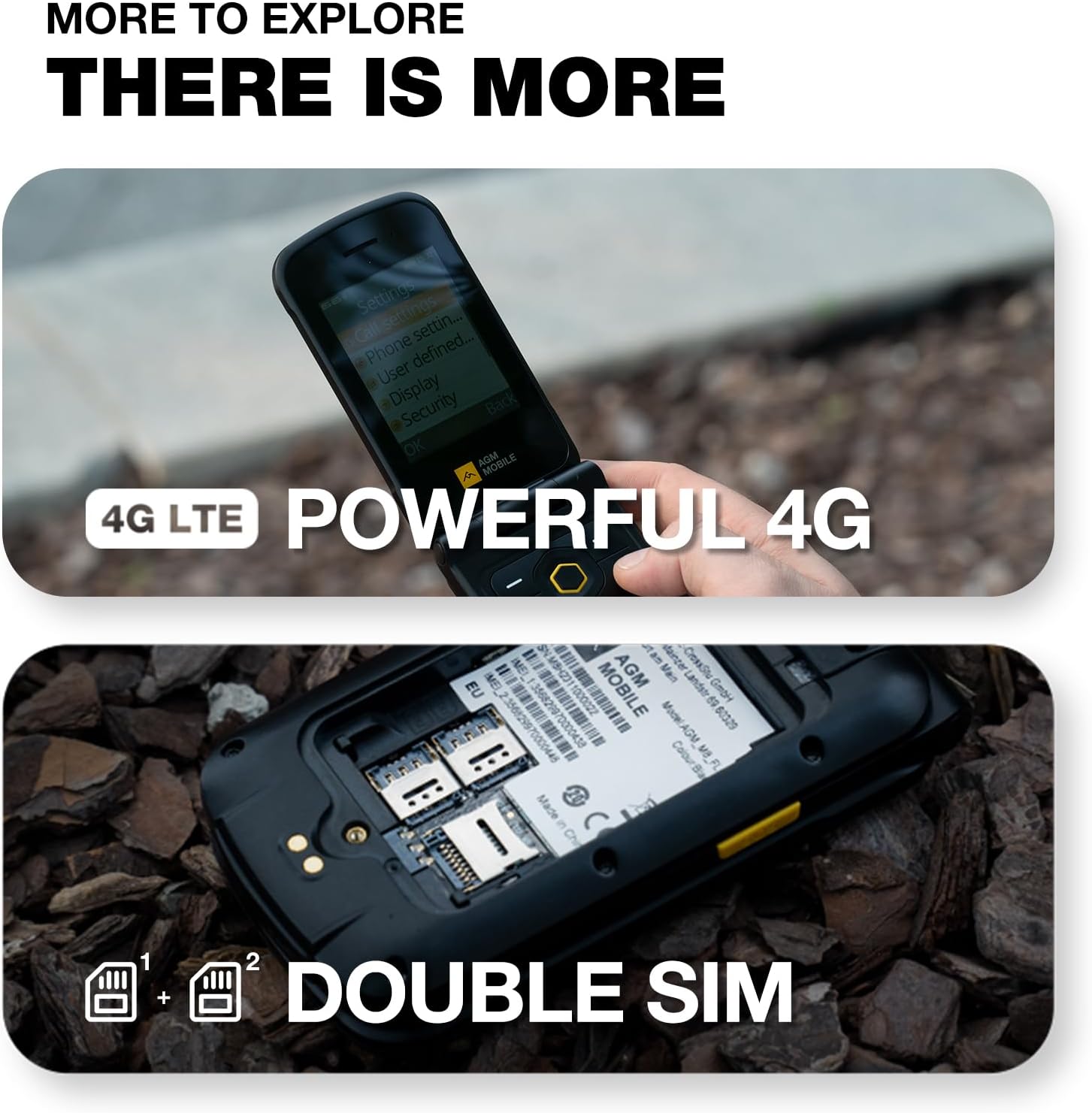
| SIM Card Slot Count | Dual SIM |
| Connector Type | 3.5mm Jack, USB Type C |
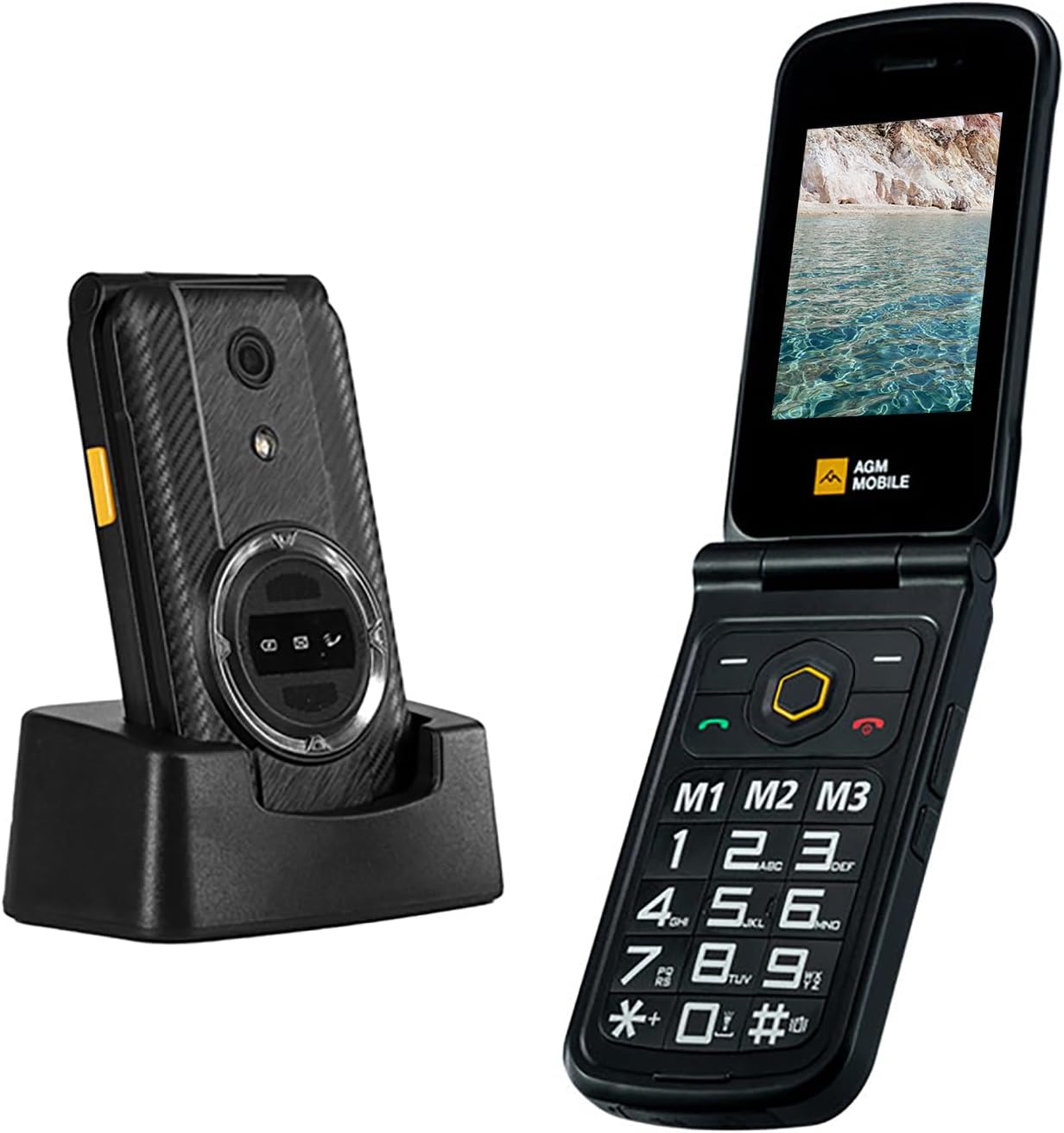
| Form Factor | Foldable Case |
| Human-Interface Input | Keypad |
| Sim Card Size | Nano |
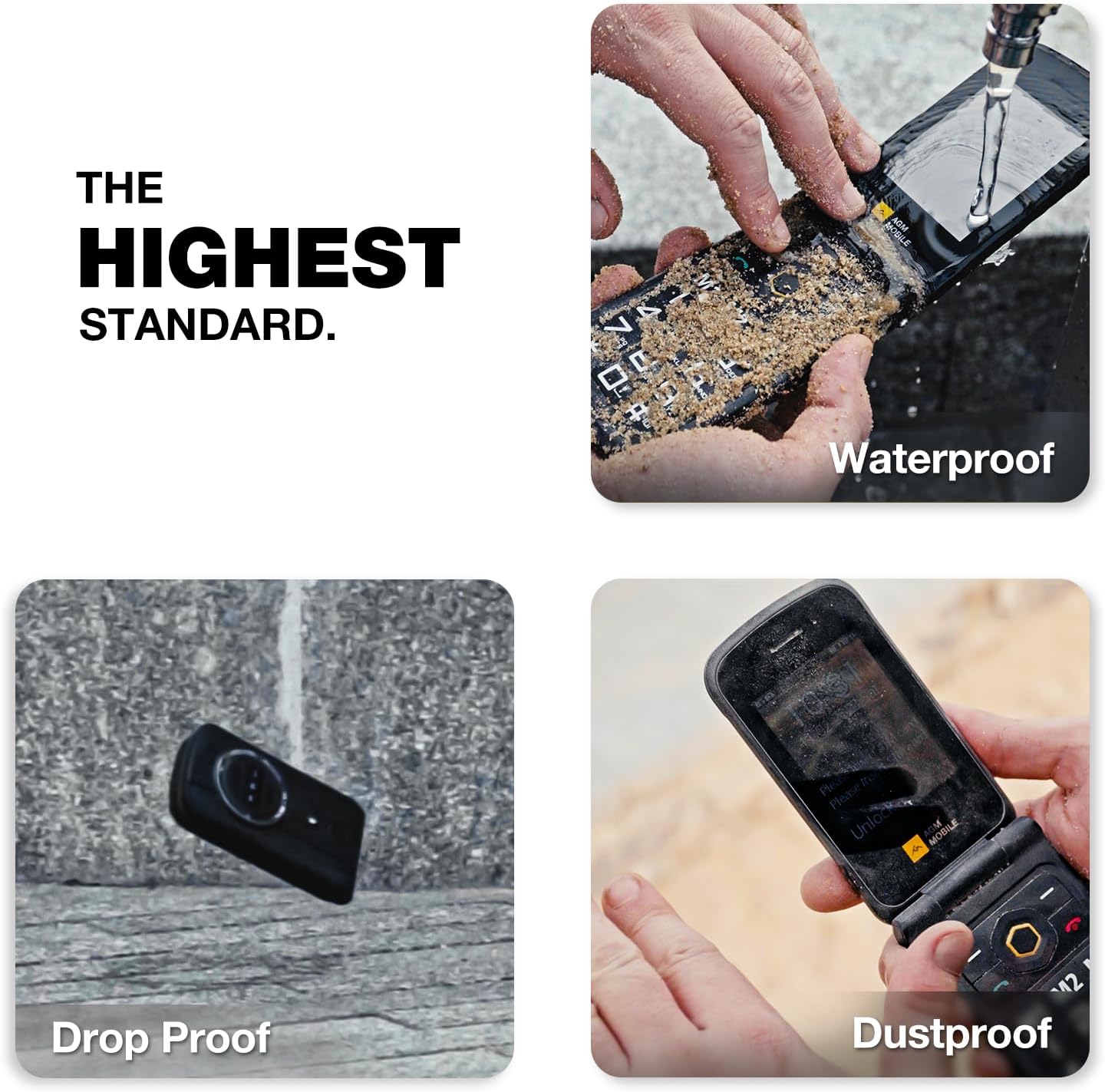
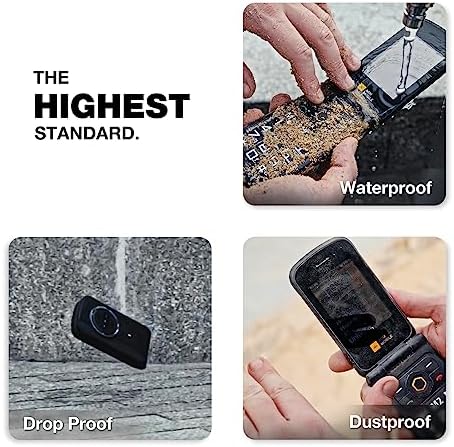
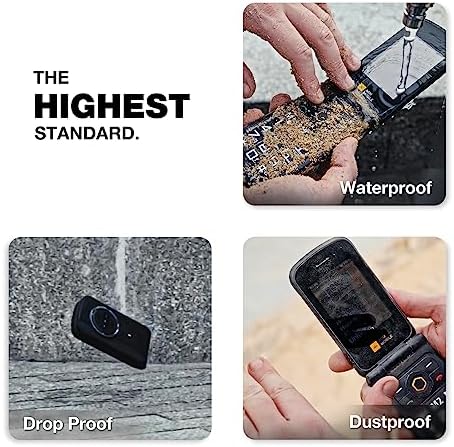
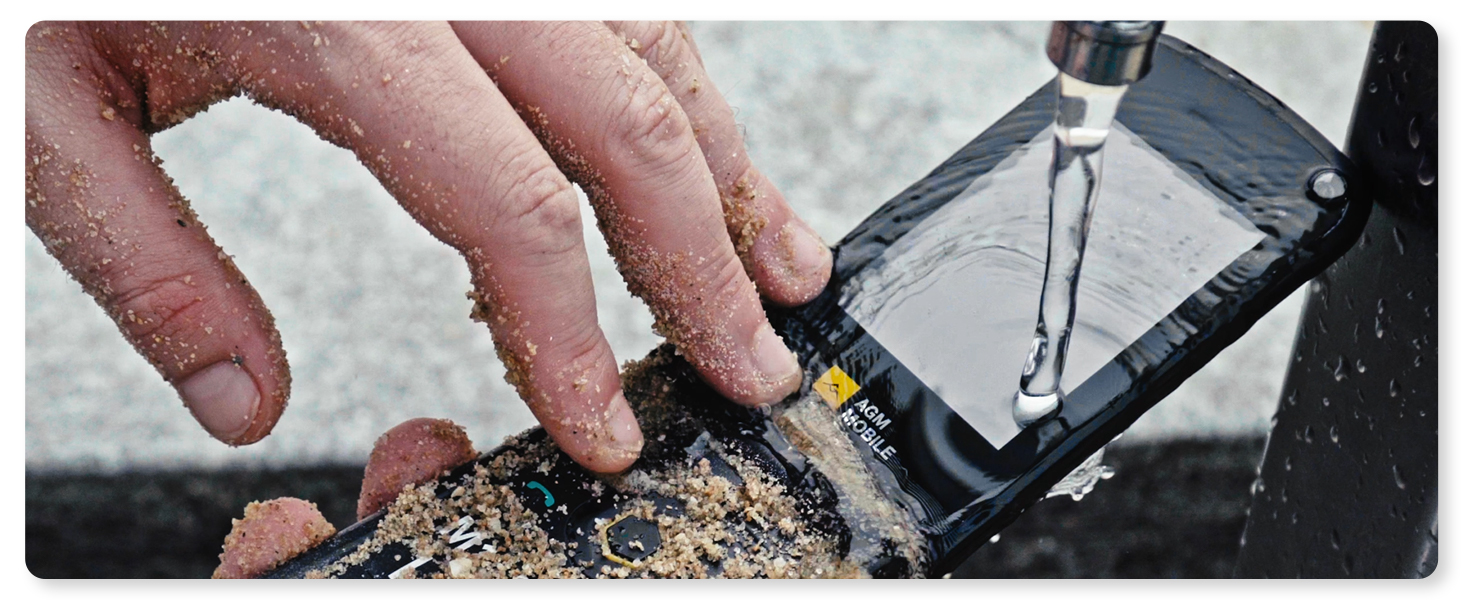
| Water Resistance Level | Waterproof |
| Headphones Jack | 3.5 mm |
| Additional Features | Basic Phone, Dual SIM, Expandable Memory, Rugged Body, Water Resistant |
| Flash Memory Supported Size Maximum | 128 GB |
| Camera Description | Rear |
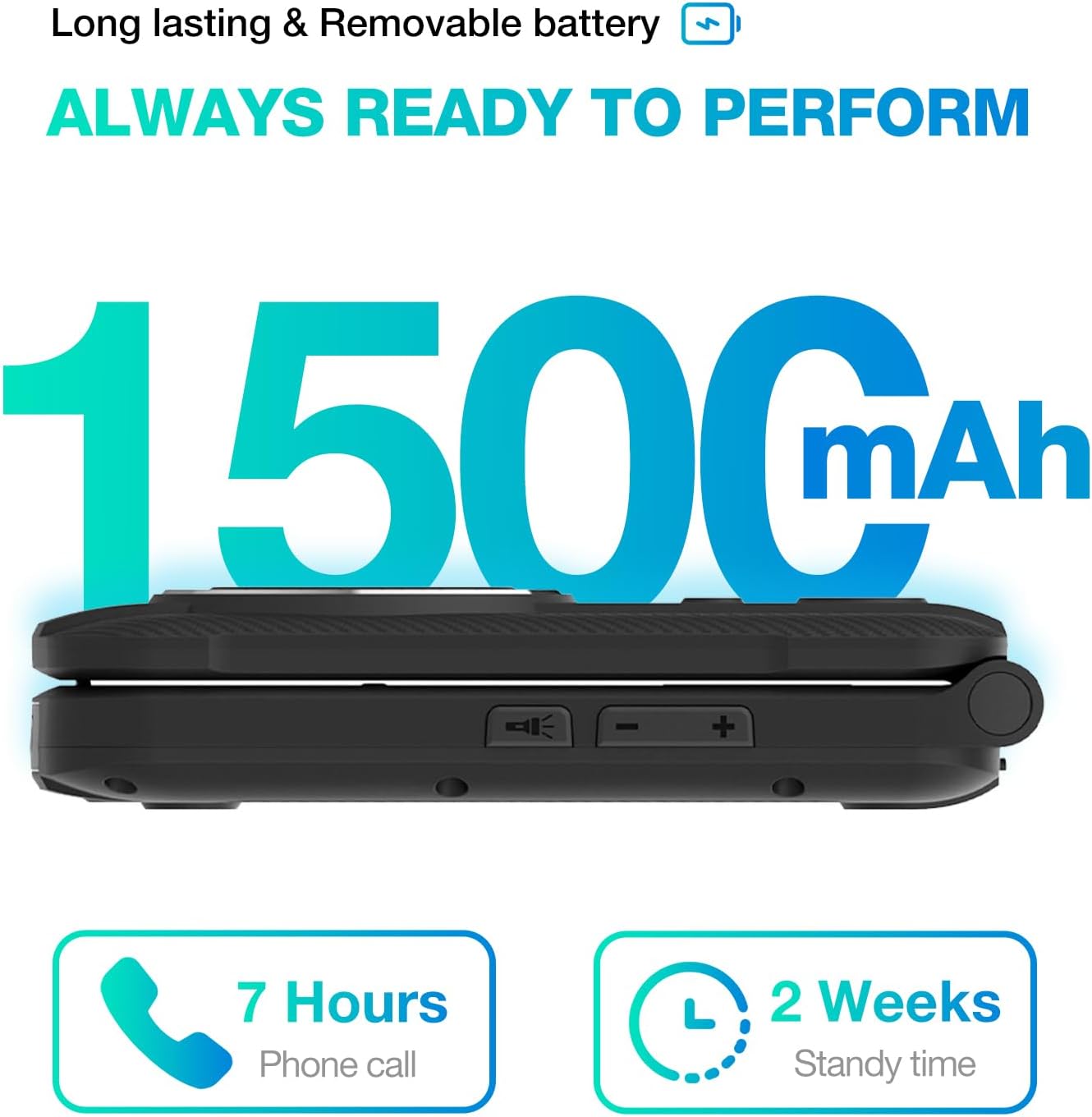
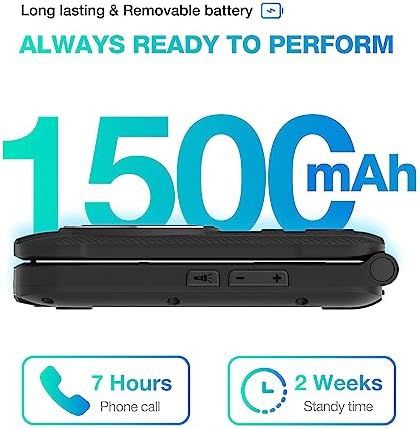
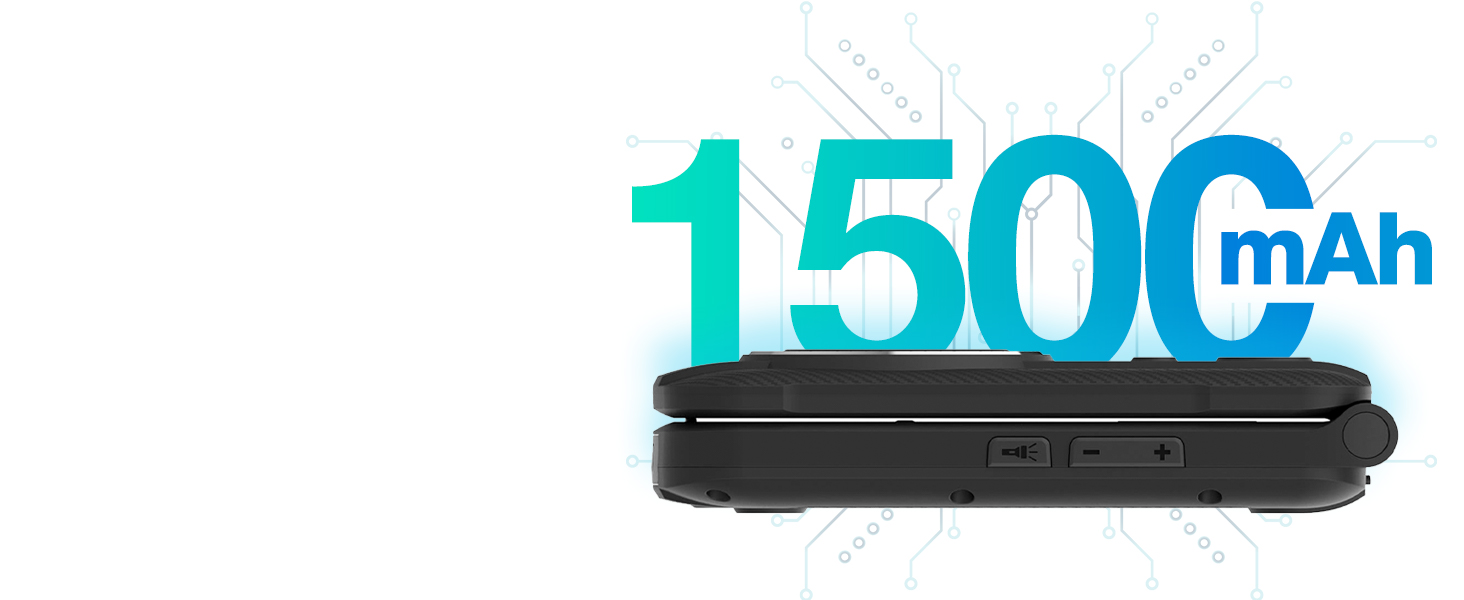
| Battery Capacity | 1500 milliamp_hours |
| Battery Description | Lithium-Ion |
| Battery Power | 1500 milliamp_hours |
| Item Weight | 300 g |
| Item Dimensions | 4.54 x 2.45 x 0.9 inches |
| GPS Geotagging Functionality | False |
| Screen Size | 2.8 inches |
| Resolution | 320 x 240 |
| Display Type | LCD |
| Display Resolution Maximum | 320x240 |
| Wireless Provider | T-Mobile |
| Cellular Technology | 4G |
| Connectivity Technology | Bluetooth, USB |
| Wireless Network Technology | LTE |
| Model Year | 2024 |
| Built-In Media | Power Adapter, USB Cable |
| Warranty Description | 1 Year Manufacturer |
| Manufacturer | AGM MOBILE |
| Specific Uses For Product | Emergency Preparedness, Senior/Accessibility, Basic Use |
| Battery Average Life | 6 hours |
| Phone Talk Time | 6 hours |
| Average Battery Life Talk Time | 6 hours |
| Ram Memory | 48 MB |
| Display | 2.8 inches |
| Model Name | AGM_M8 FLIP_4G |
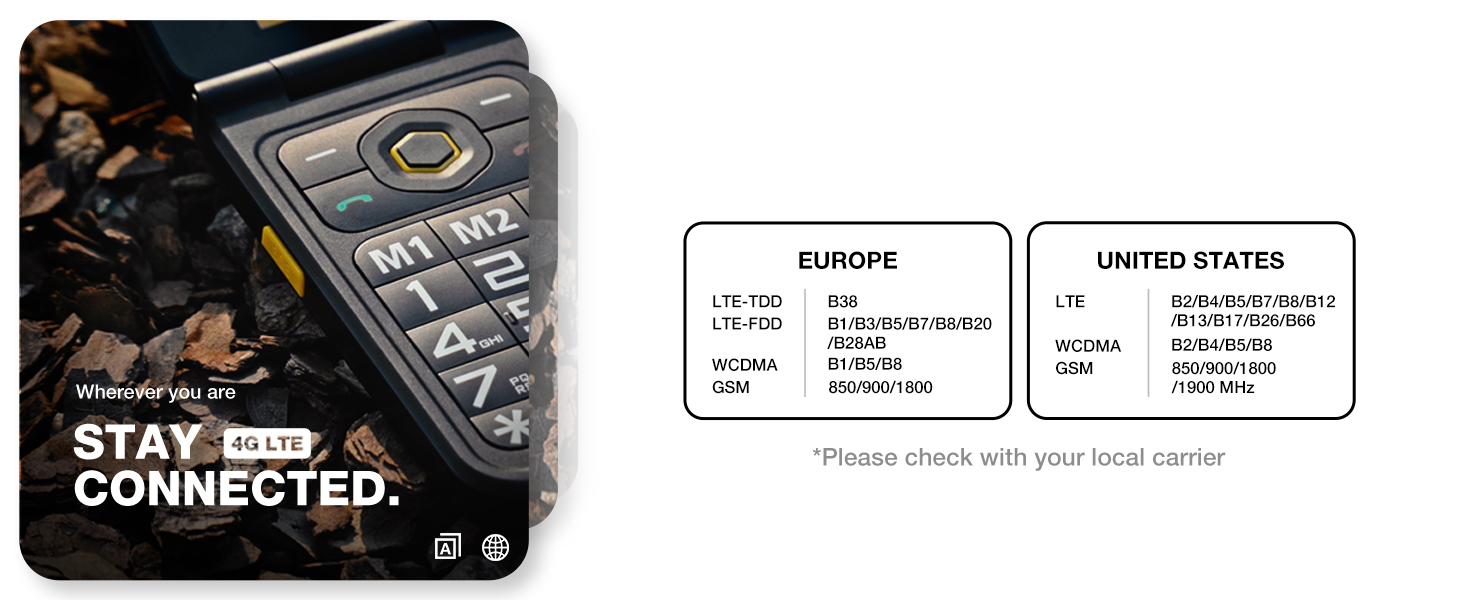
1.Please Note: AGM M8 FLIP only supports T-Mobile and is not compatible with other carriers.
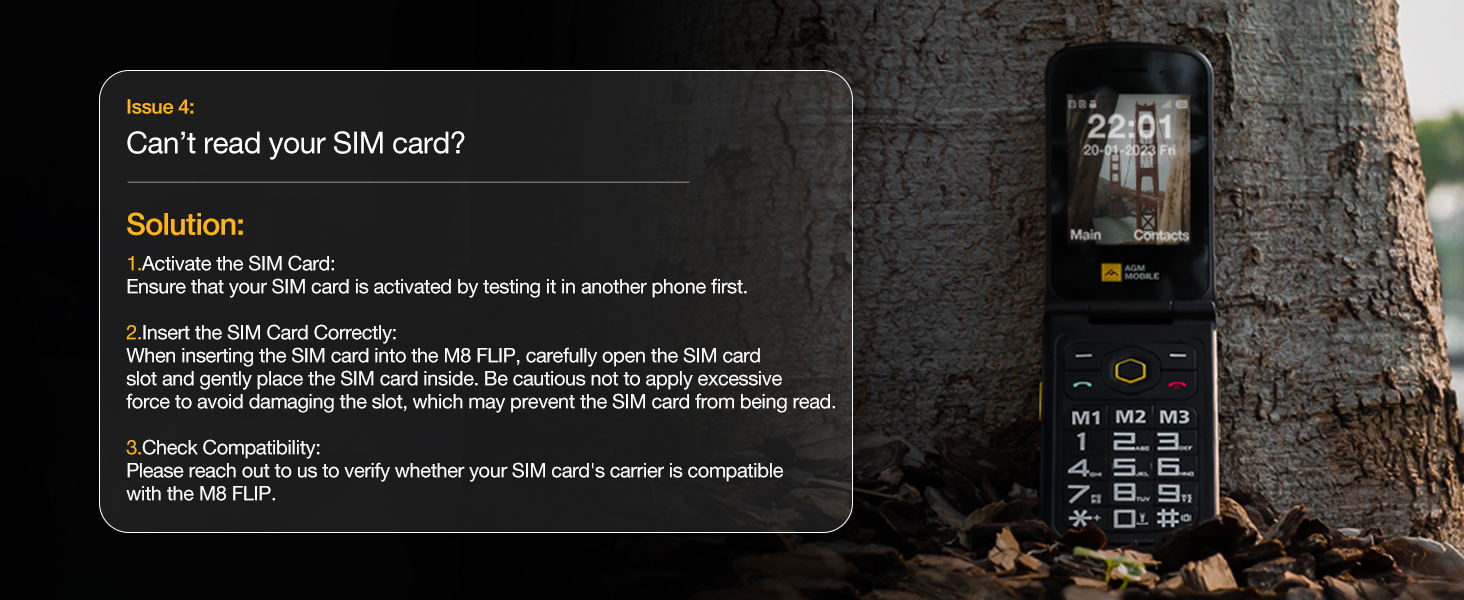
2.If you’ve purchased a new SIM card, please make sure to activate it in another phone before inserting it into the M8!!
3.Handle the SIM card slot gently to avoid damage that may prevent card detection.
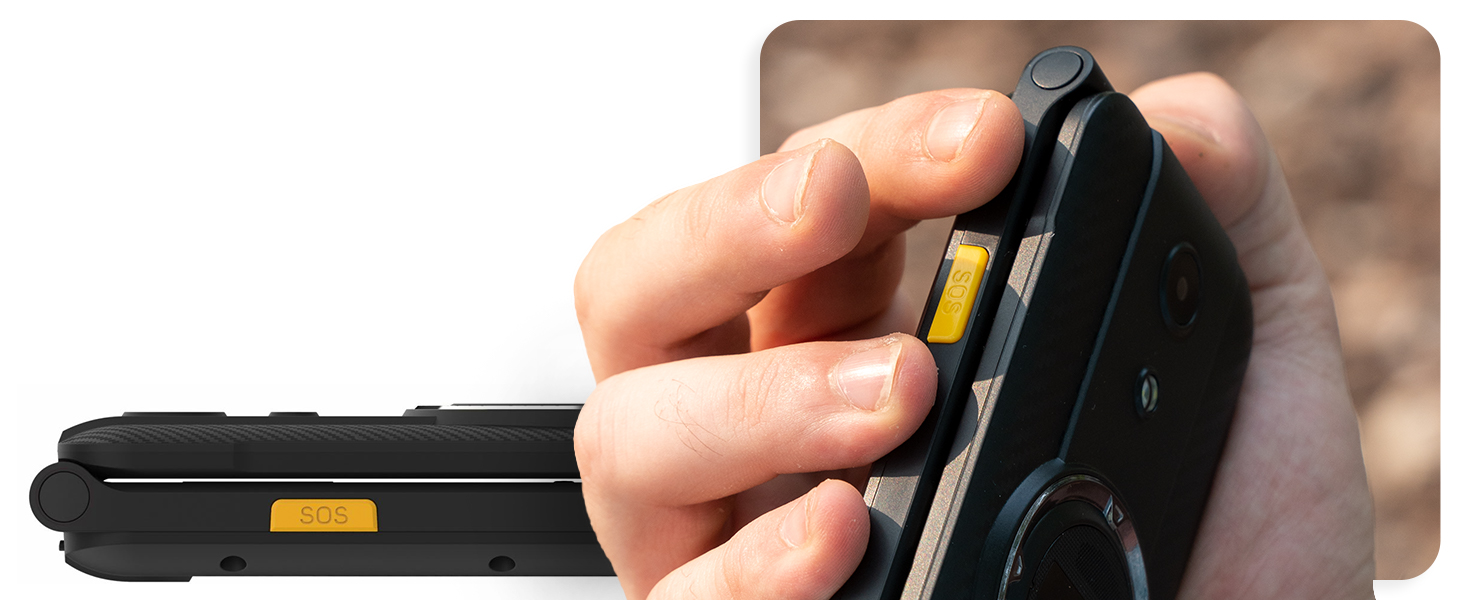
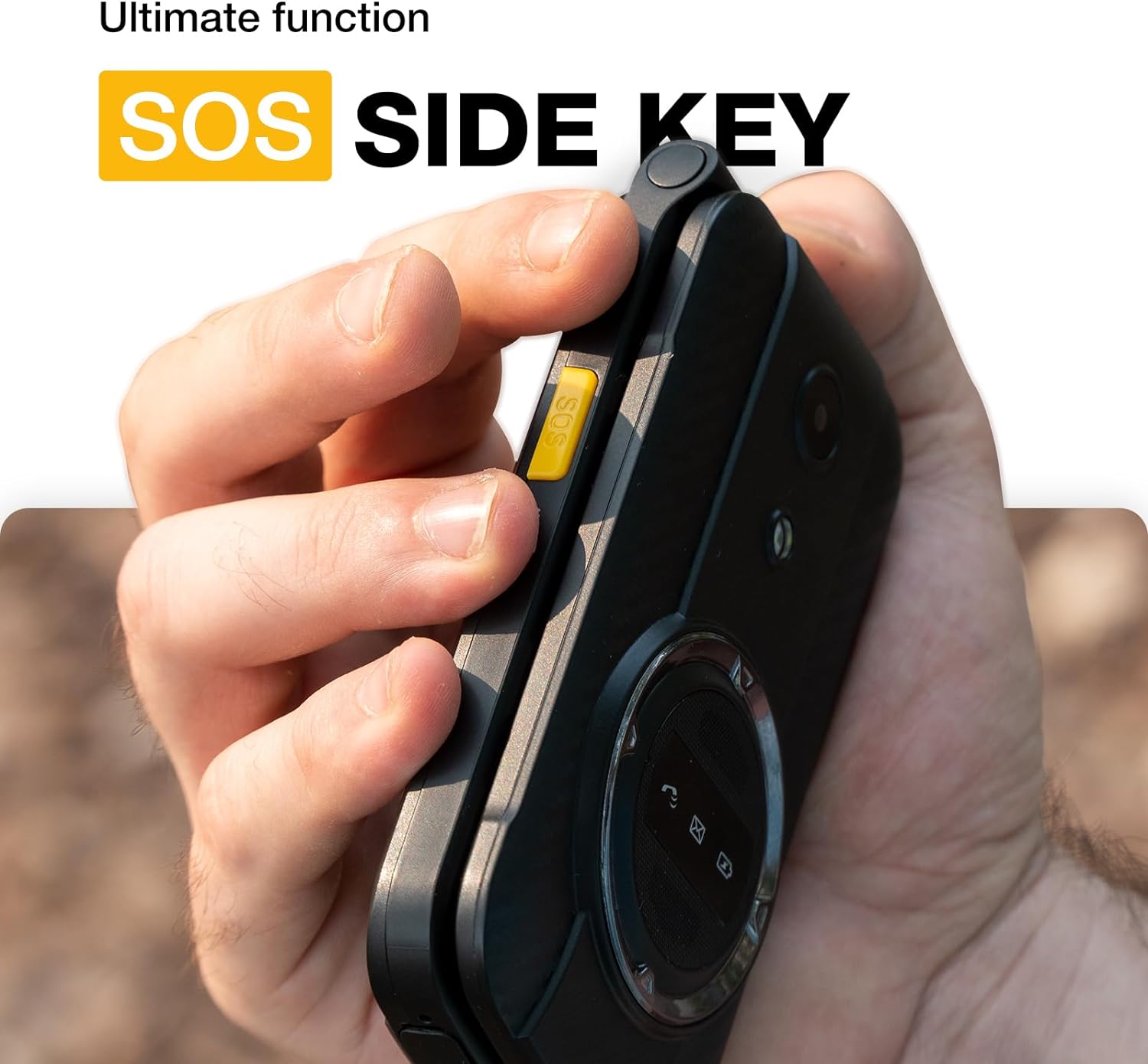
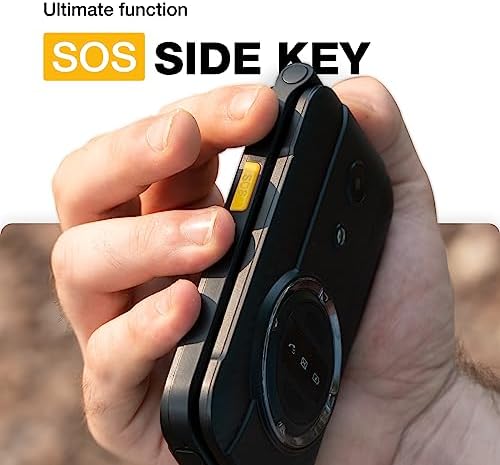
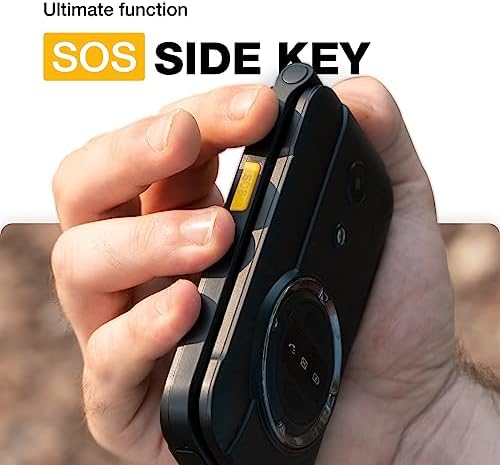
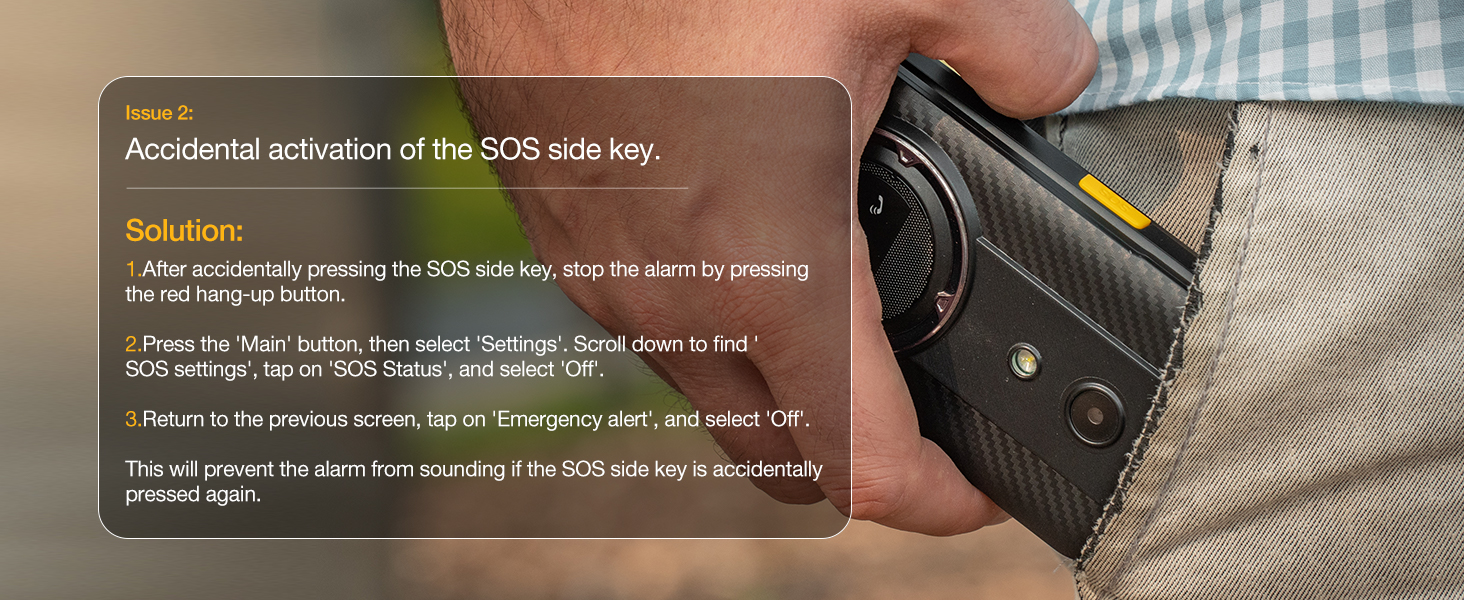
SOS Side Key can be programmed to call emergency services, a family member, or any other number.
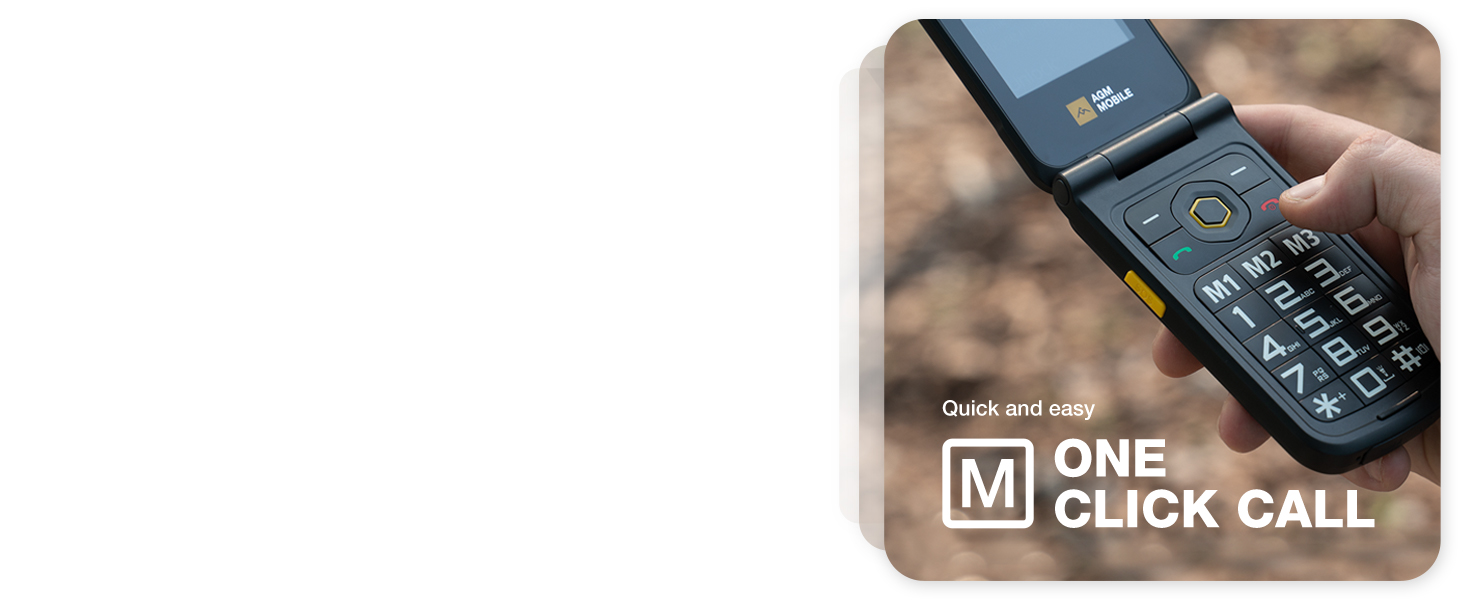
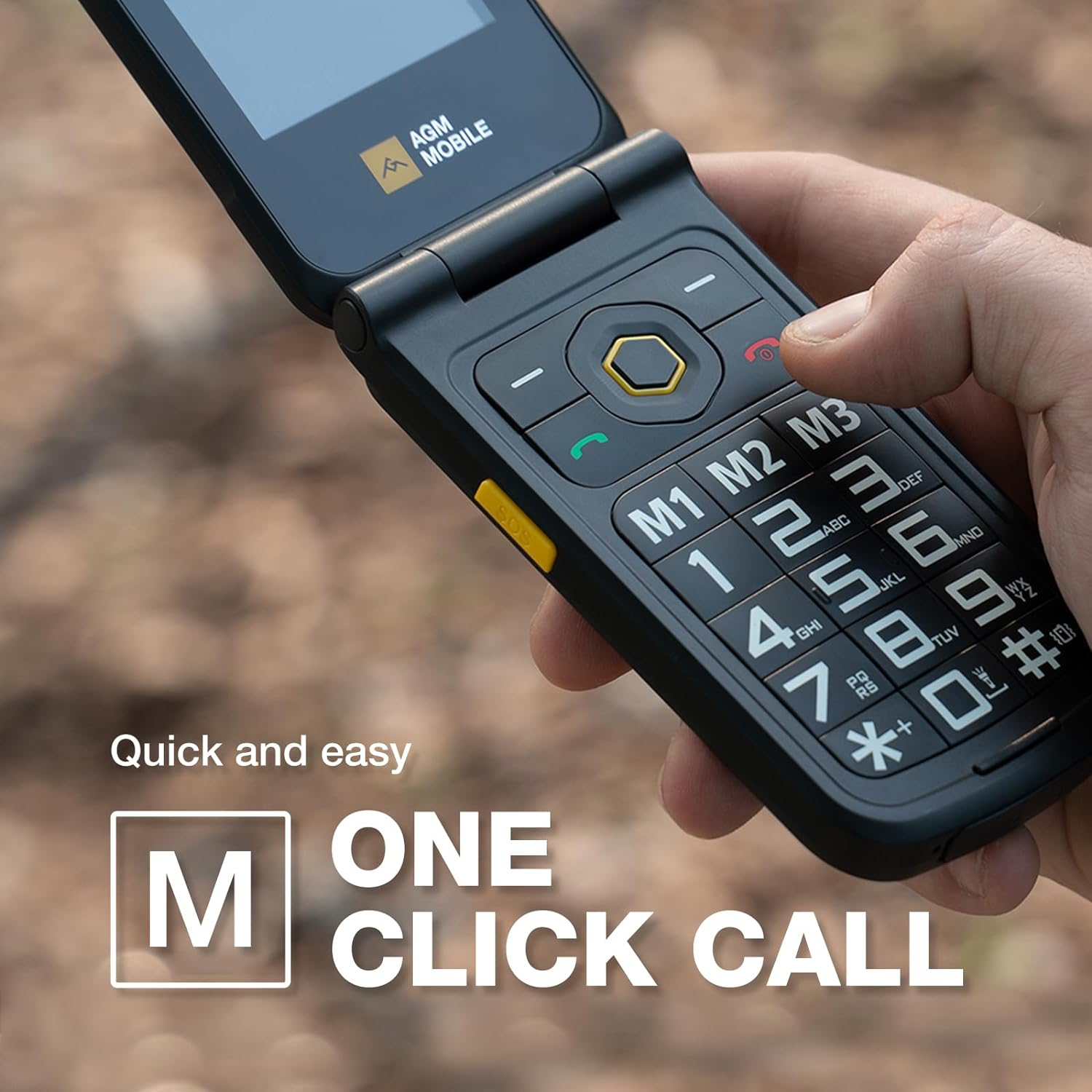
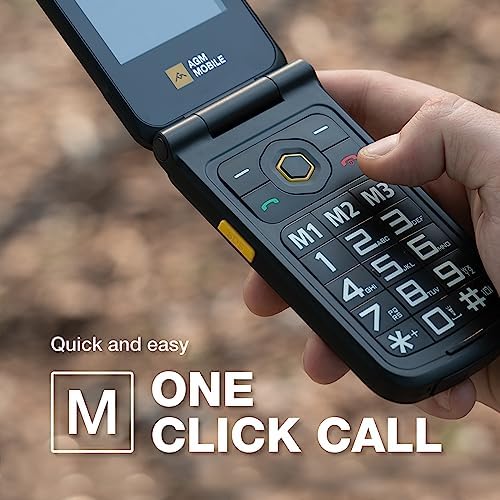
Speed Dialing - Allows you to set up speed dial for your most frequently dialed numbers.
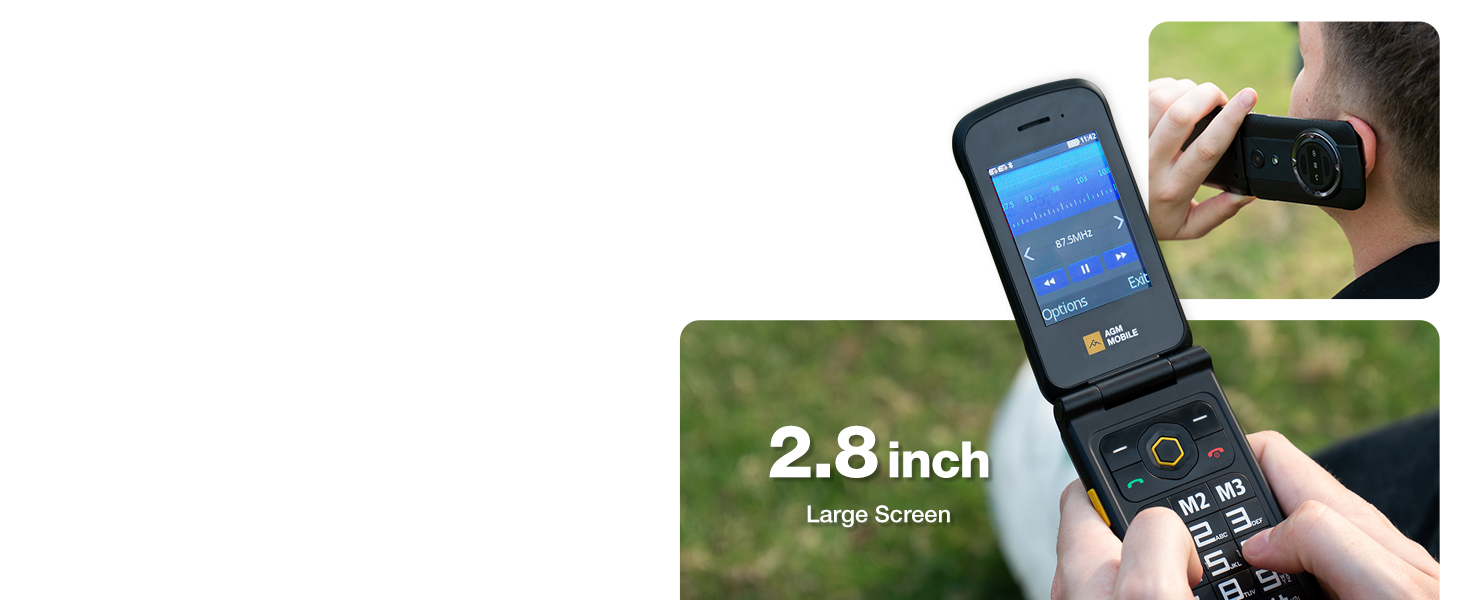
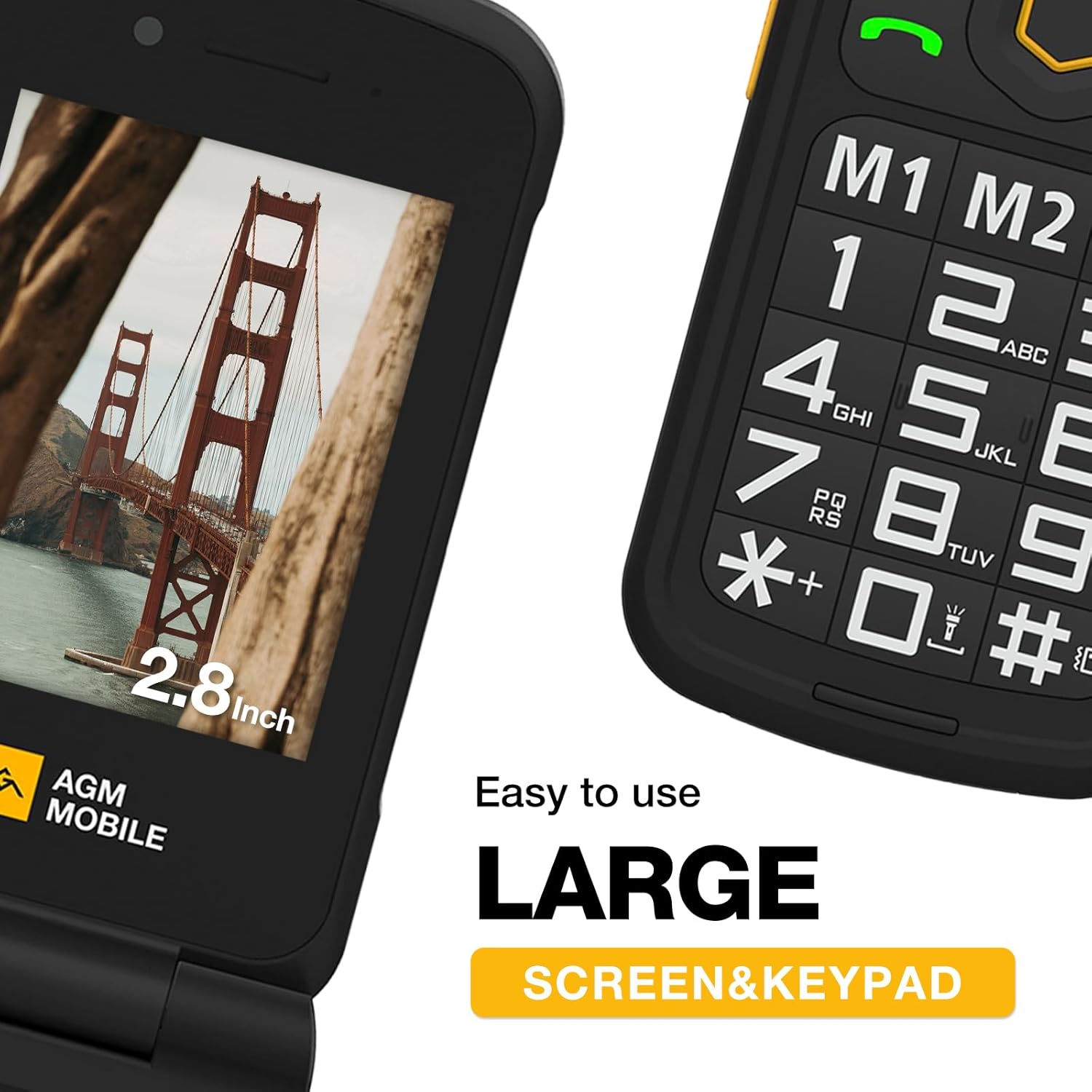
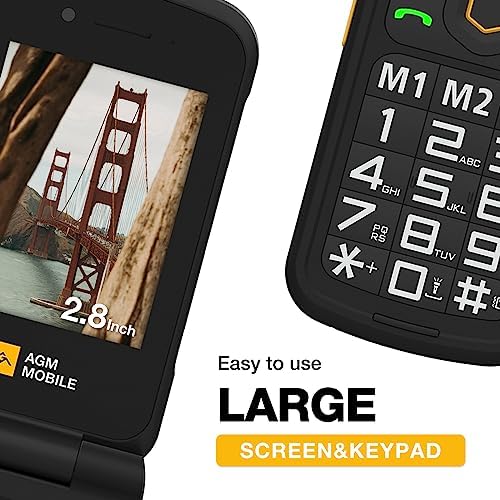
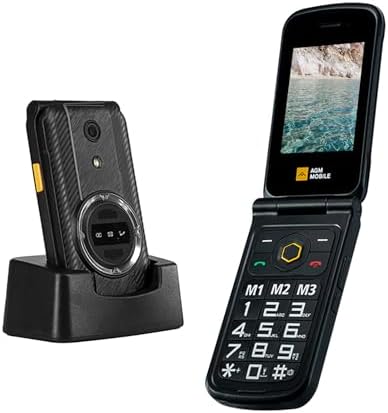
2.8 inch Large Screen. You don't have to endure the small screen anymore.
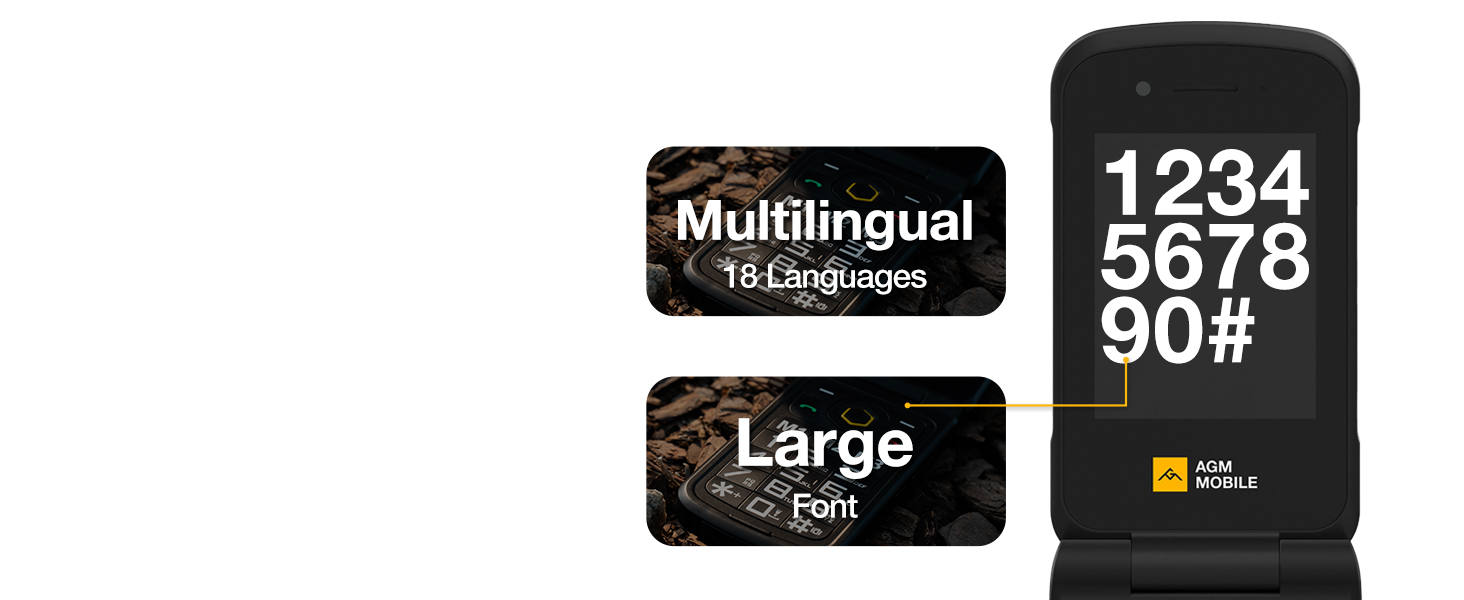
A larger font size makes it easier for seniors to read.
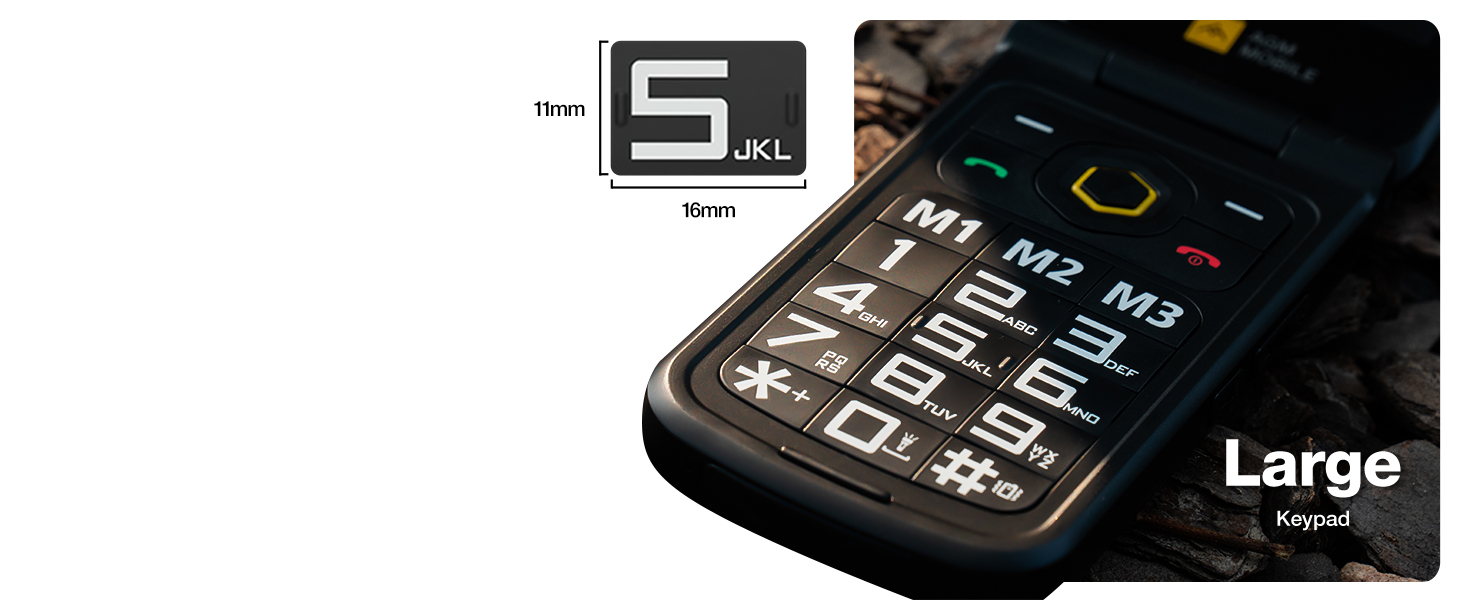
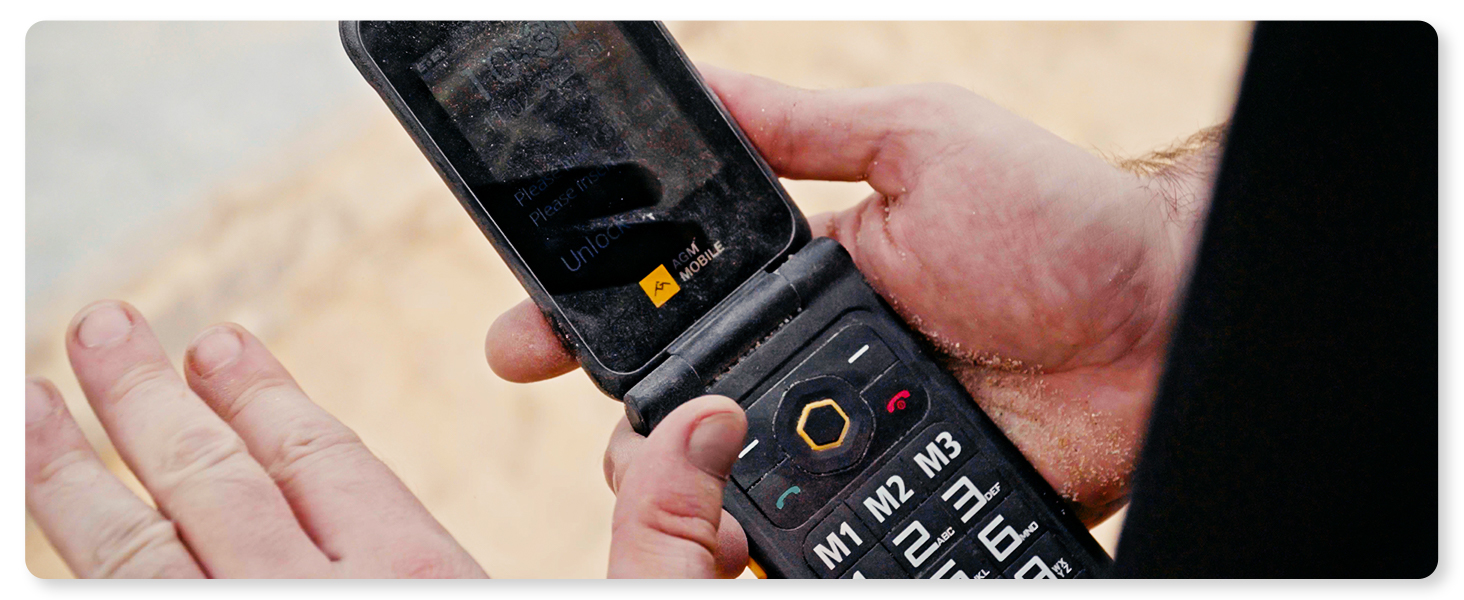
large buttons make it easy to dial numbers and type out messages.
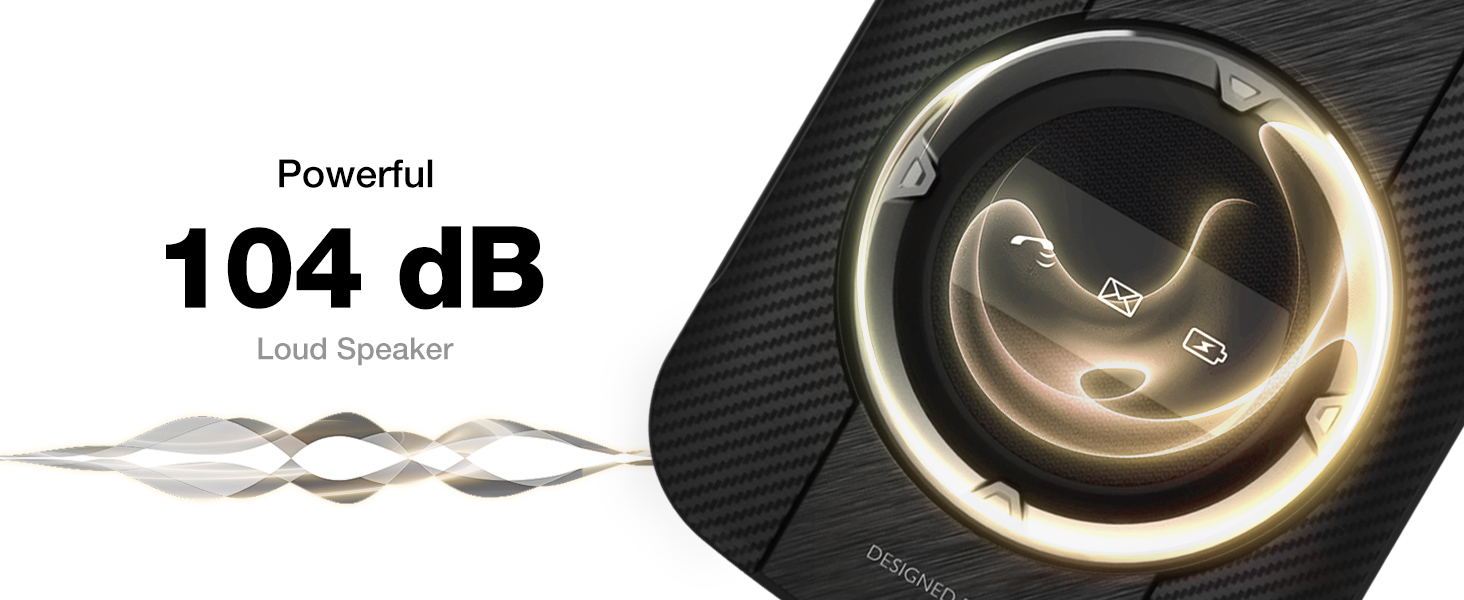
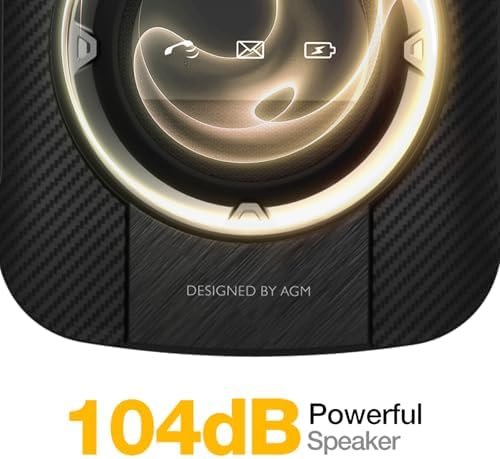
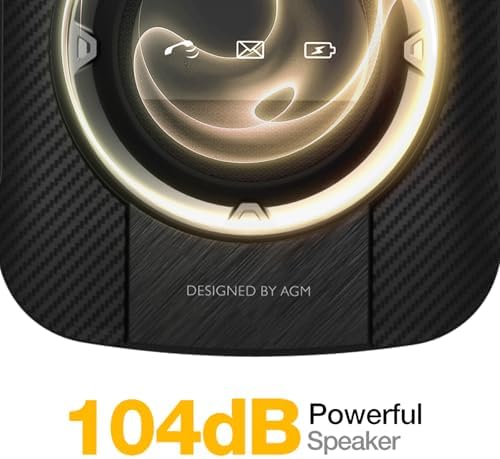
Ensure that you do not miss any phone calls or messages even in noisy environments.
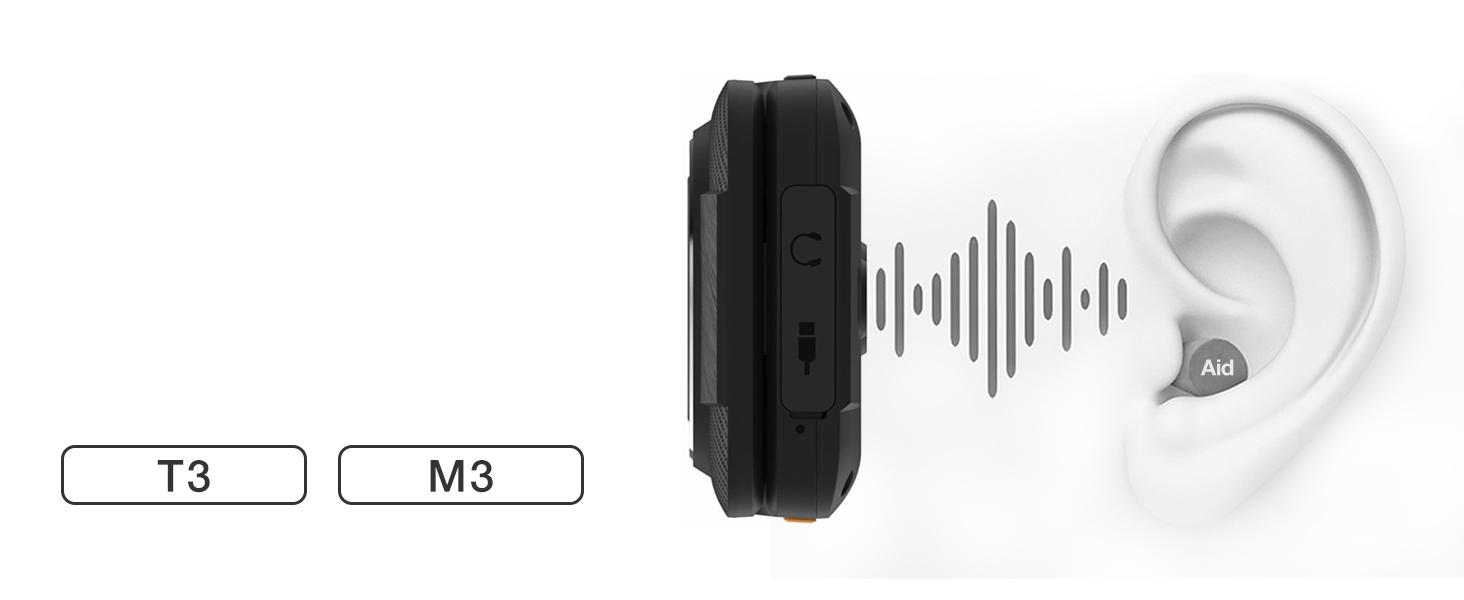
Compatible with hearing aids, ensuring that people with hearing impairments can use it smoothly.
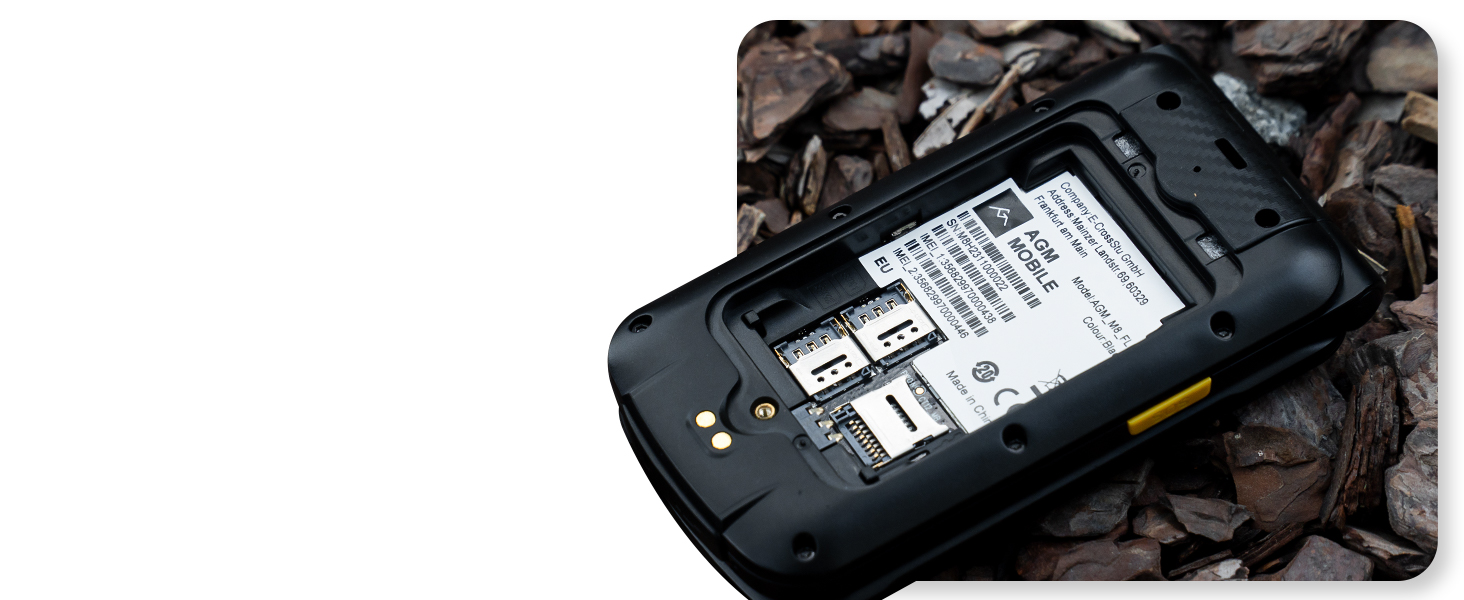
With support for dual SIM cards, you can have two different phone numbers on the same device.



We think you may be experiencing issues with removing the battery back cover of your M8 FLIP that you can't get off. That's why in this video we will show you how to properly remove the battery cover of your M8 FLIP.
loading
