90GB MP3 Player Bluetooth 5.3, HiFi Sound Music Player with Touch Buttons | MP3 Players with Built-in Color Screen, E-Books, Earphones Included

$11.24 USD
Shipping fees will be calculated at checkout.
  • Free worldwide shipping

  • Free returns

  • Carbon neutral

  • Secure payments

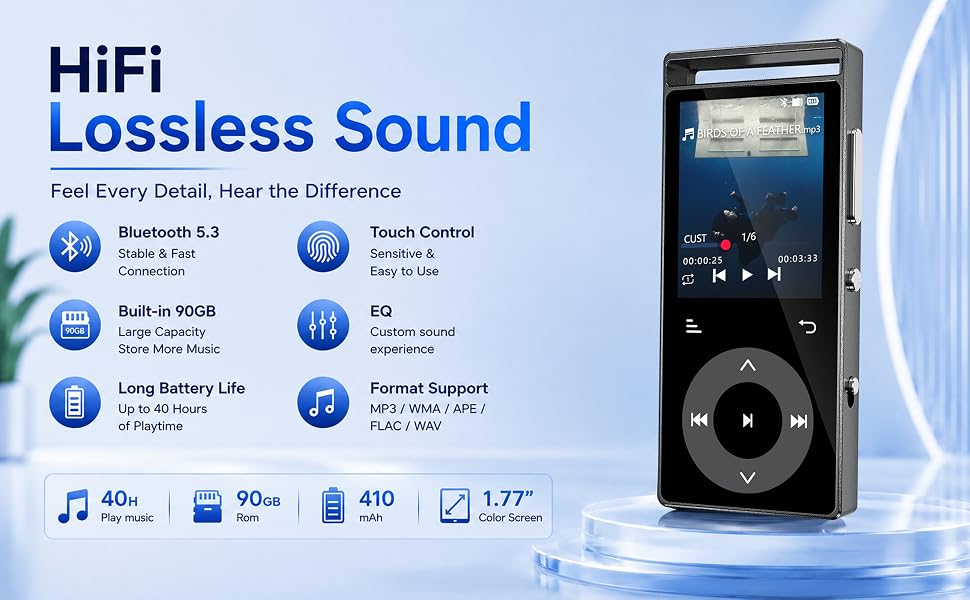
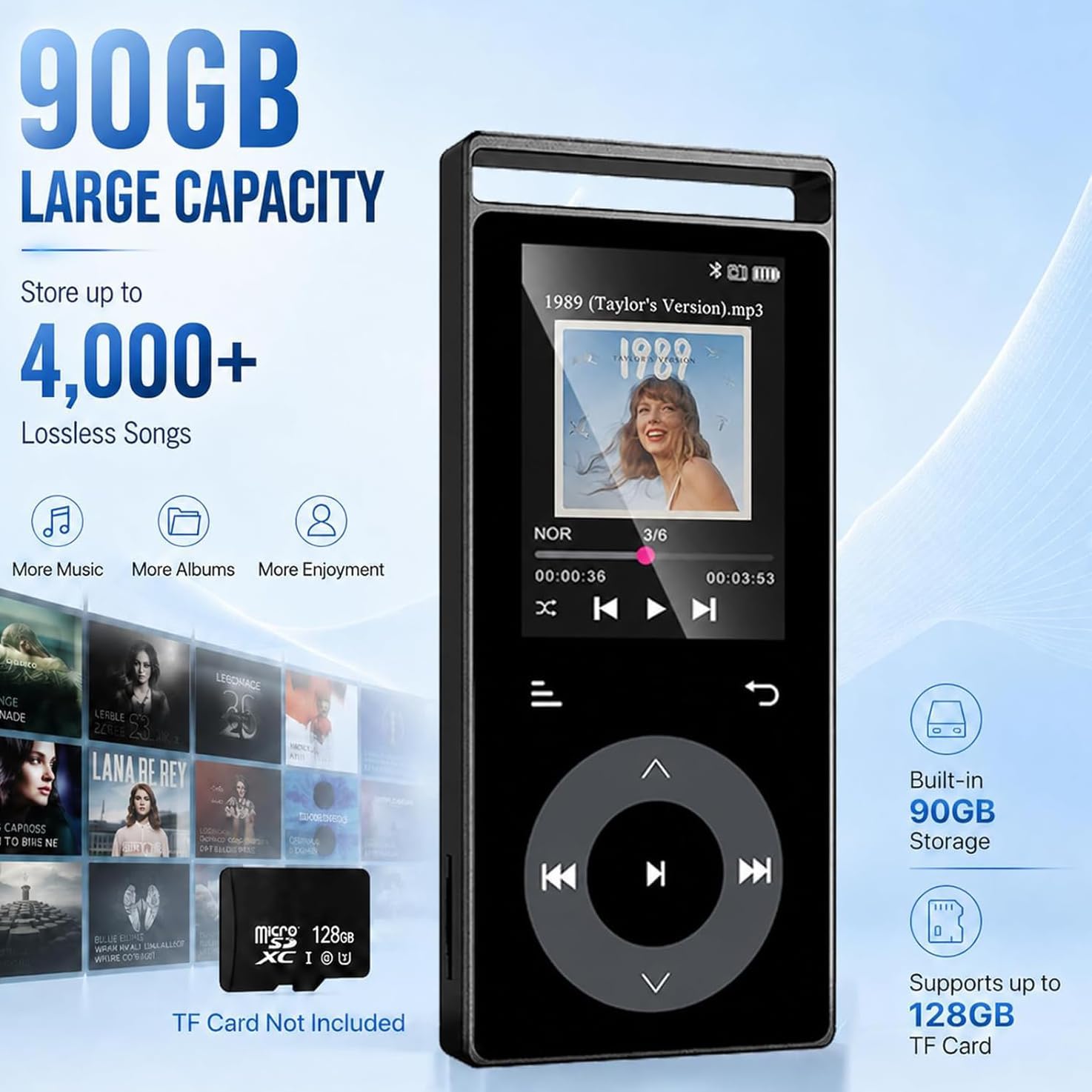
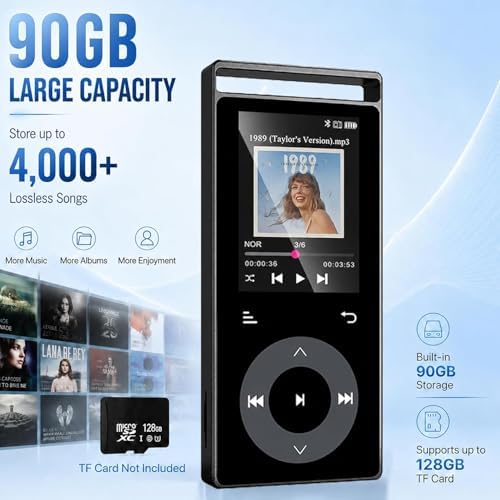
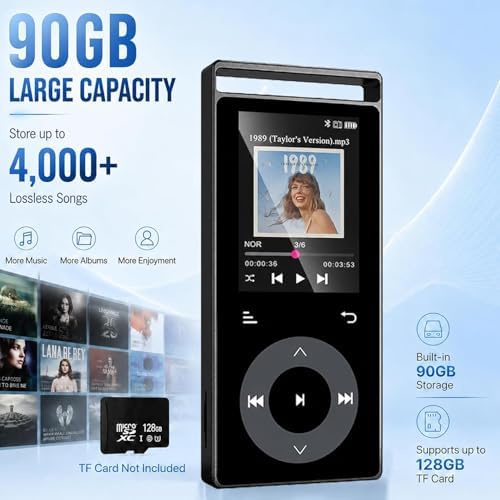
  • Large 90GB Storage:This MP3 player is specially designed for music lovers. It boasts a generous 90 GB capacity, capable of storing around 4,000 high-quality tracks. Additionally, it supports MicroSD memory cards of up to 128 GB, allowing you to effortlessly build your own lossless music library.(This MP3 player has no built-in speakers, so headphones are required for use.)
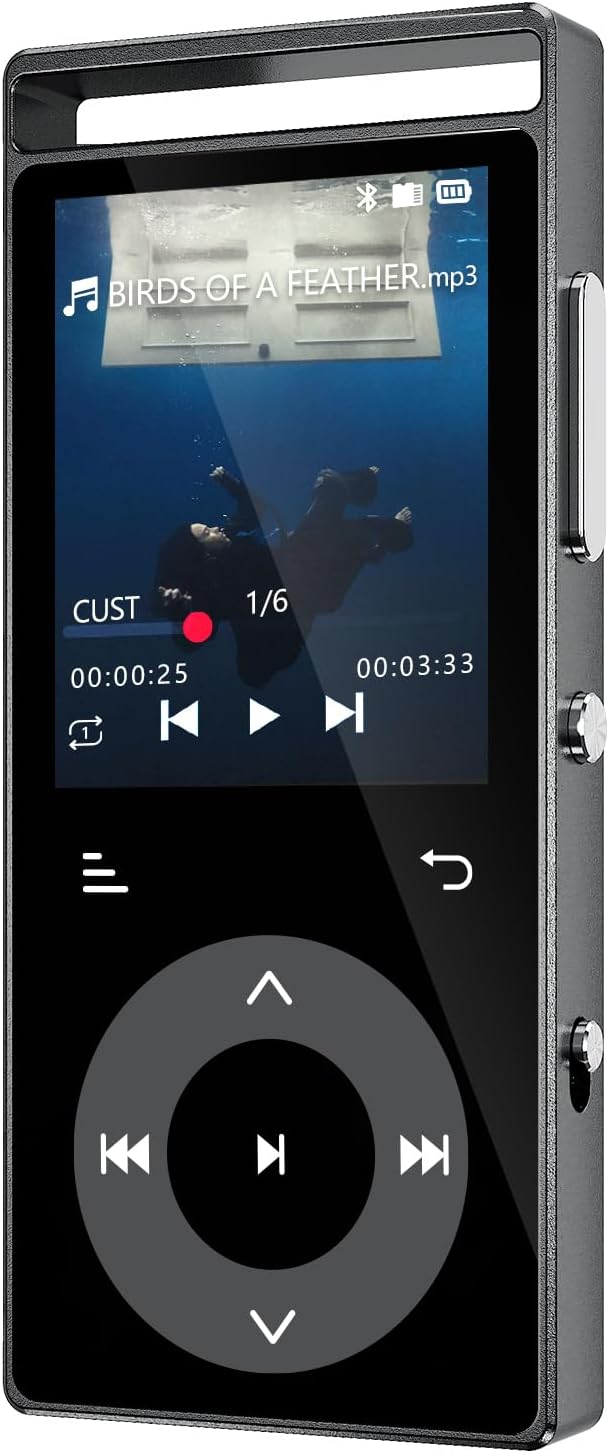
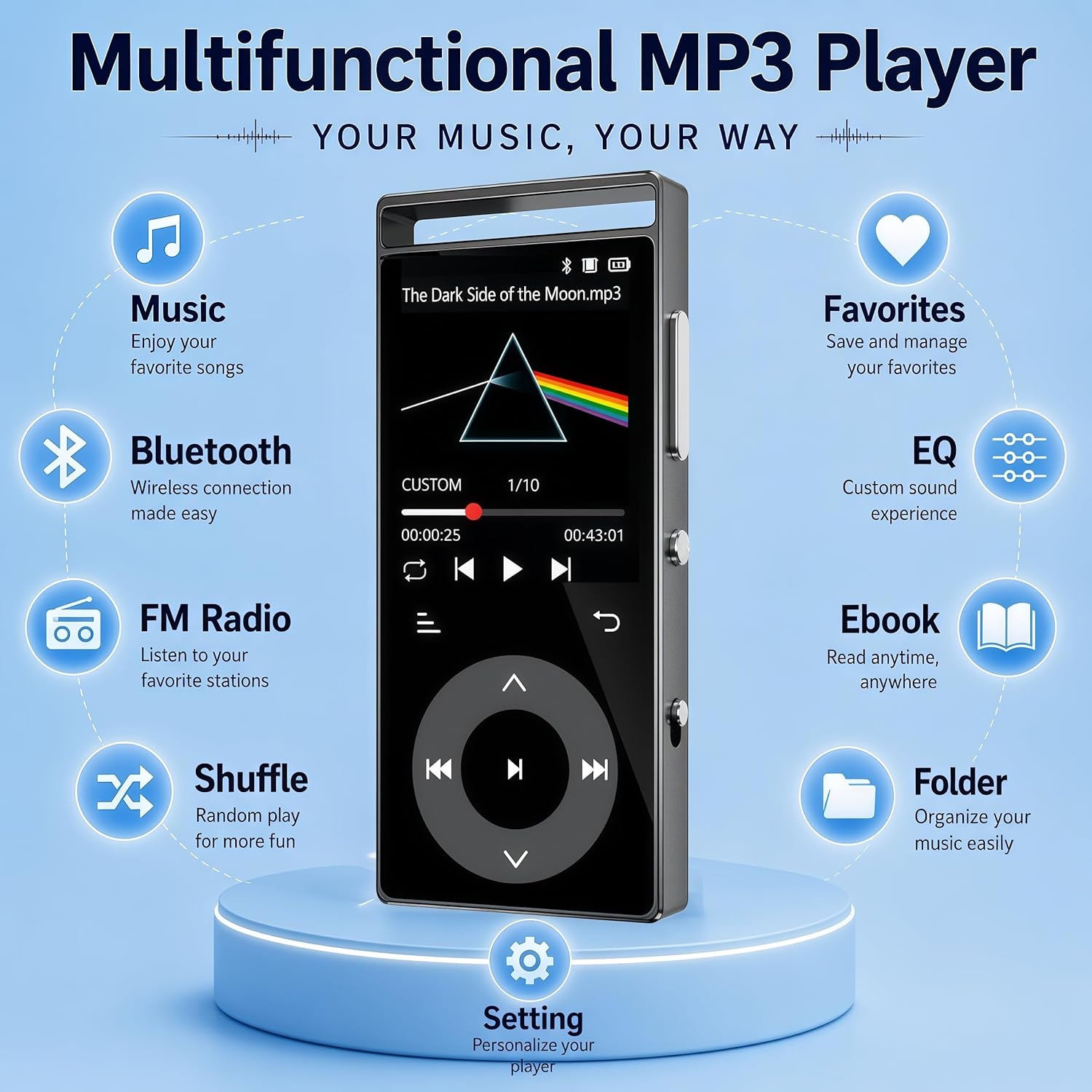
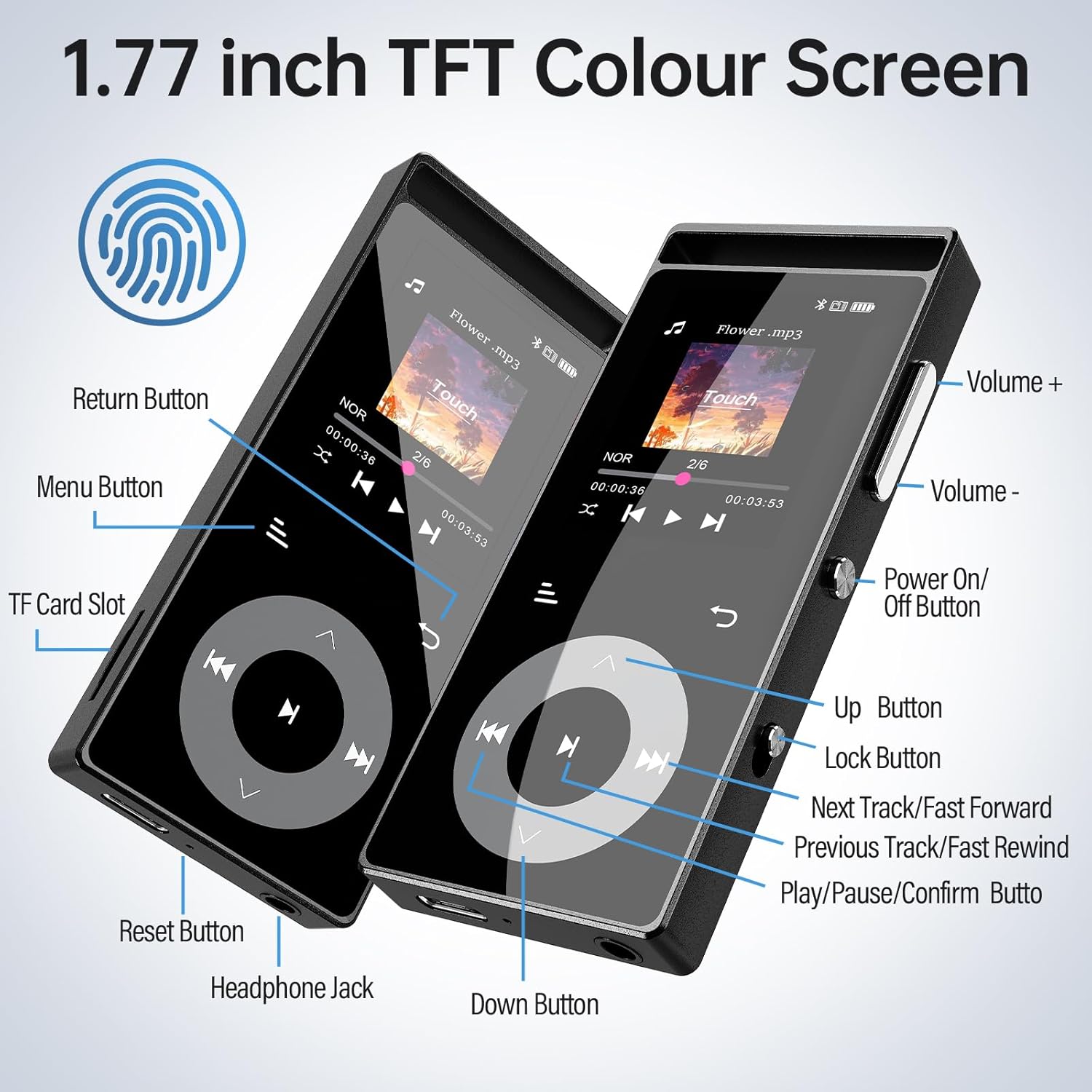
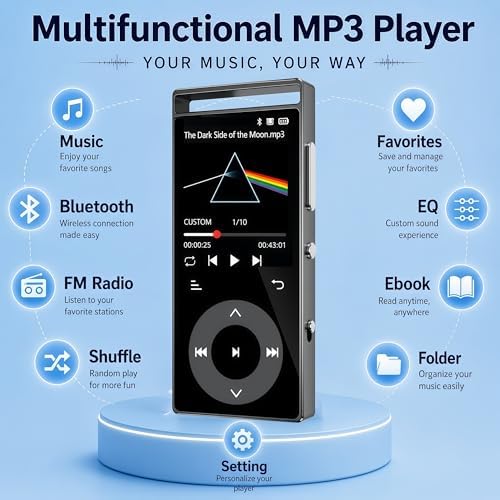
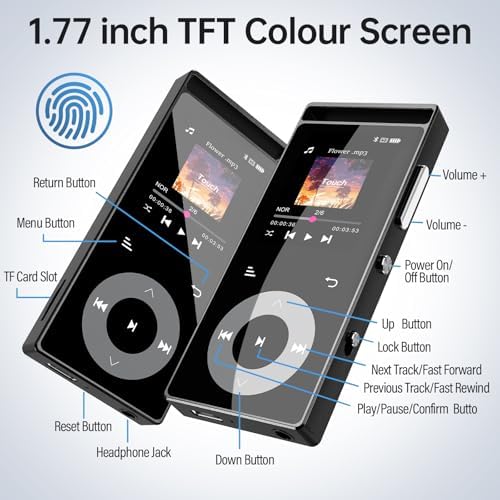
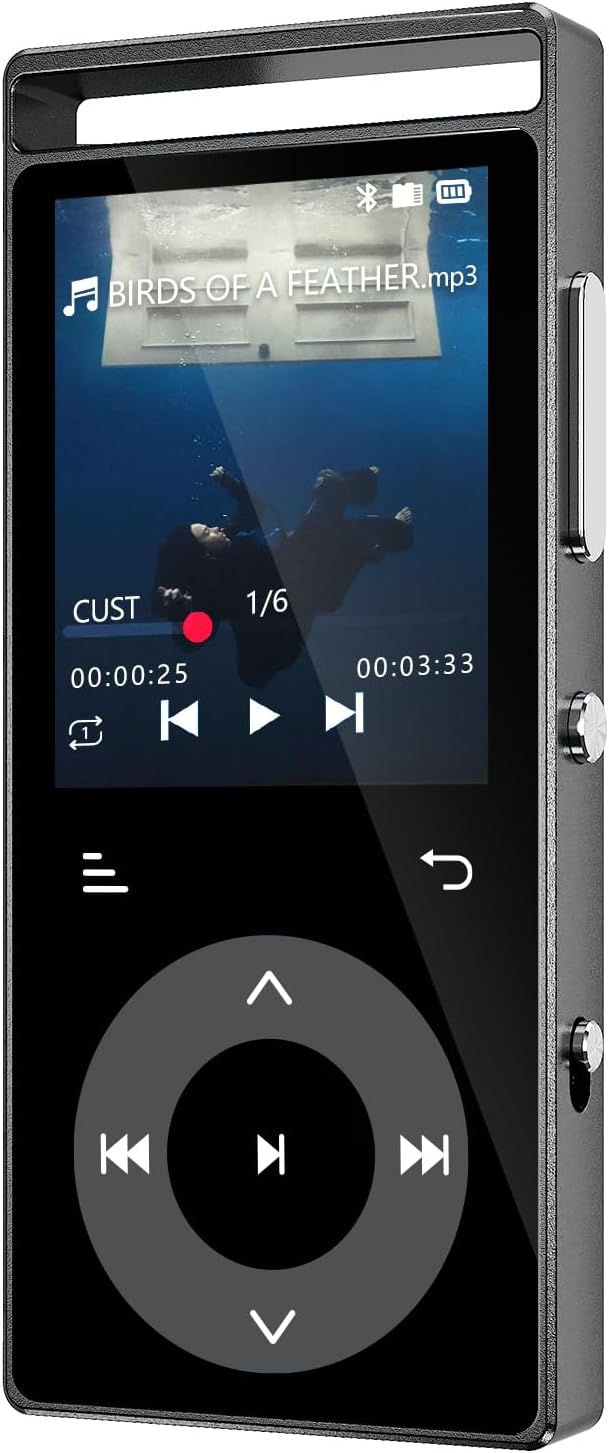
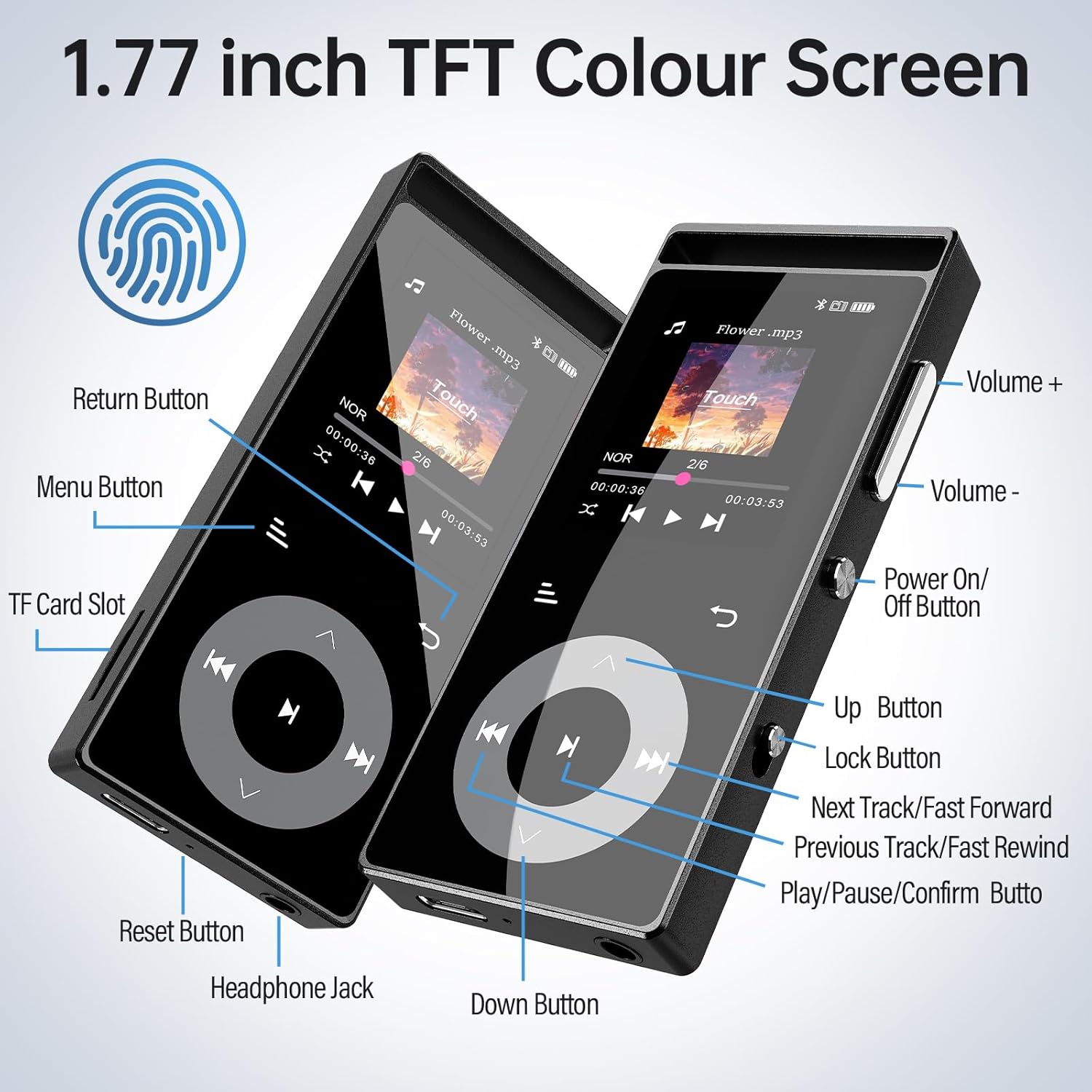
  • Touch Control:The MP3 is equipped with touch-sensitive buttons and an intuitive 1.77-inch colour screen, delivering ultra-responsive and smooth operation. Whether switching between tracks or opening menus for sound adjustments, a simple tap ensures precise control. The buttons emit soft backlight illumination as feedback when touched. This lighting can be easily disabled in the settings if desired.
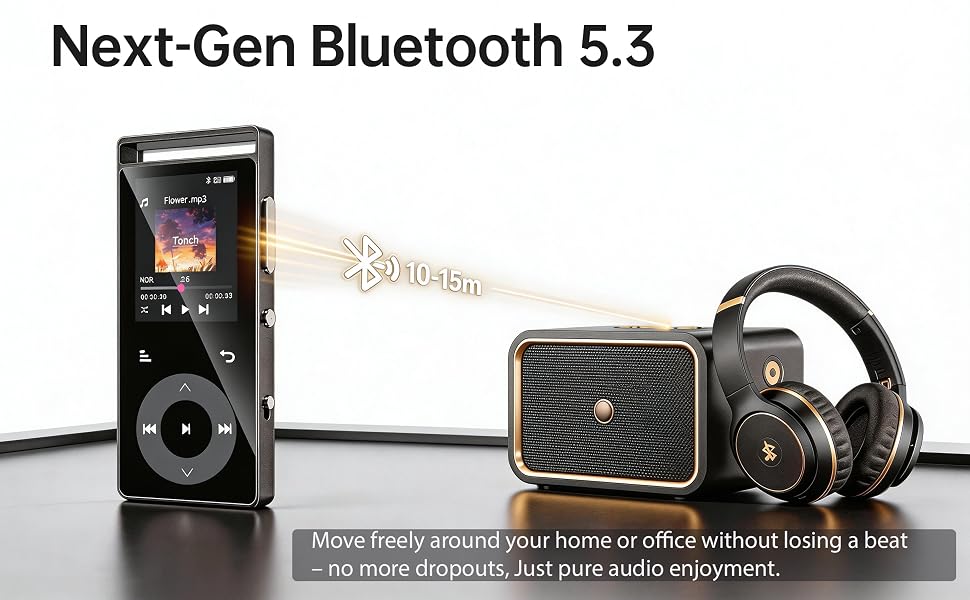
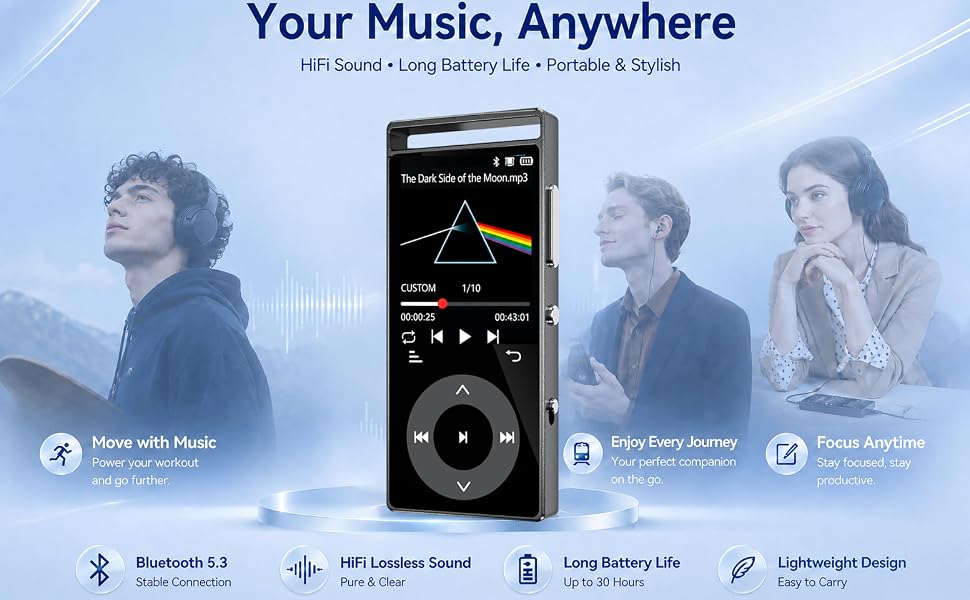
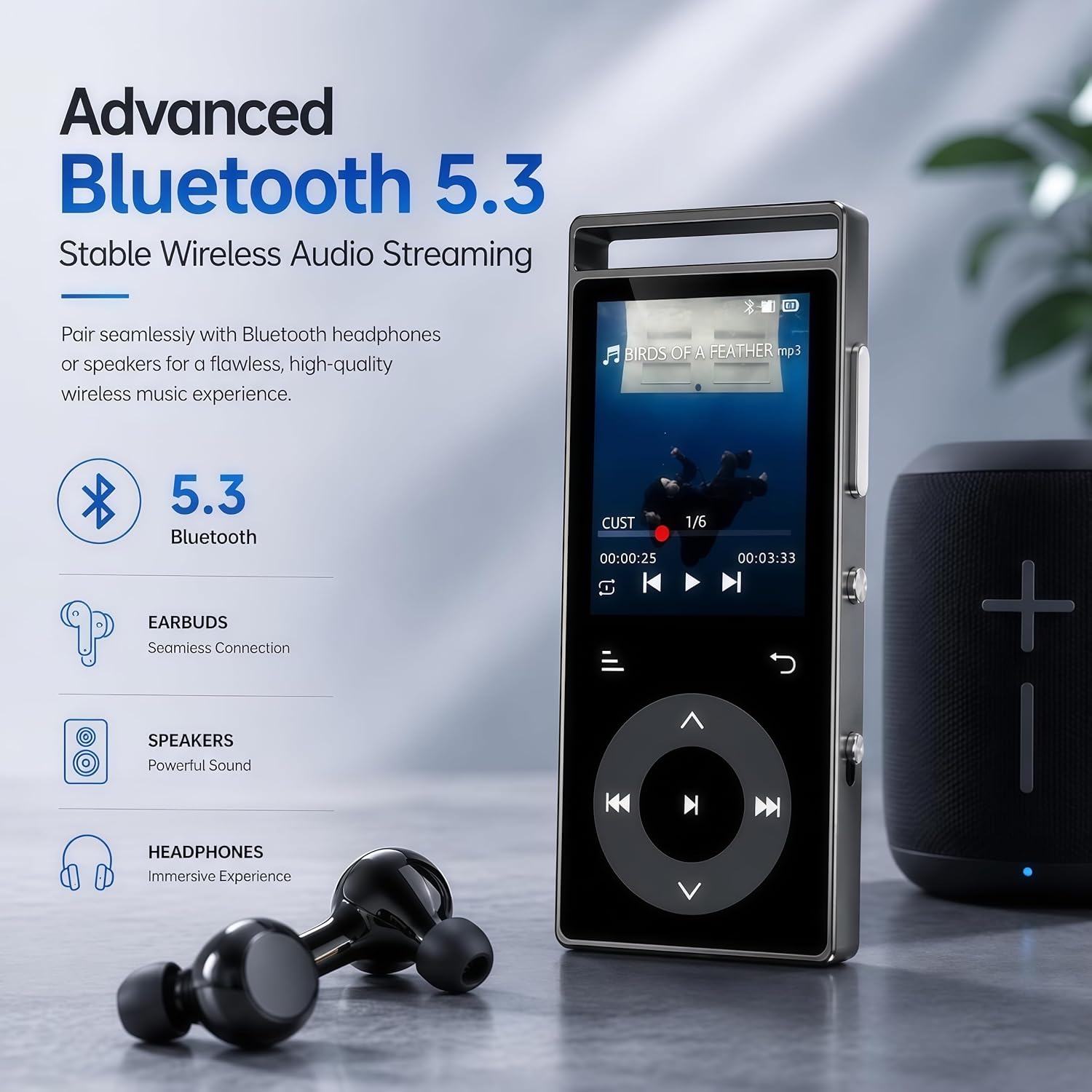
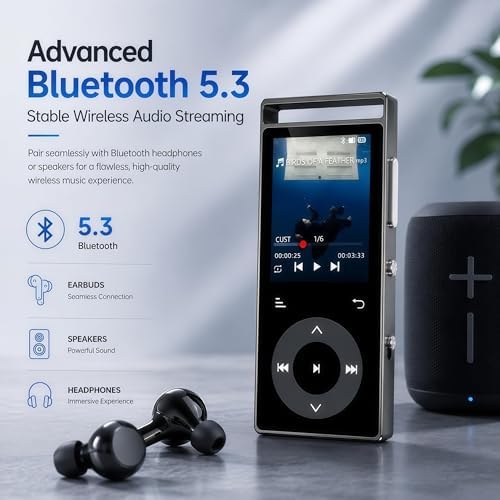
  • Bluetooth 5.3:This mp3 player with bluetooth features an advanced Bluetooth 5.3 chip. It delivers faster transmission speeds, lower latency and superior anti-interference performance, with a connection range of approximately 10 metres. Enjoy a stable link to Bluetooth headphones or speakers and cut loose from messy wires — listen to music without restrictions while working out or relaxing at home.(Connection to mobile phones or computers is not supported.)
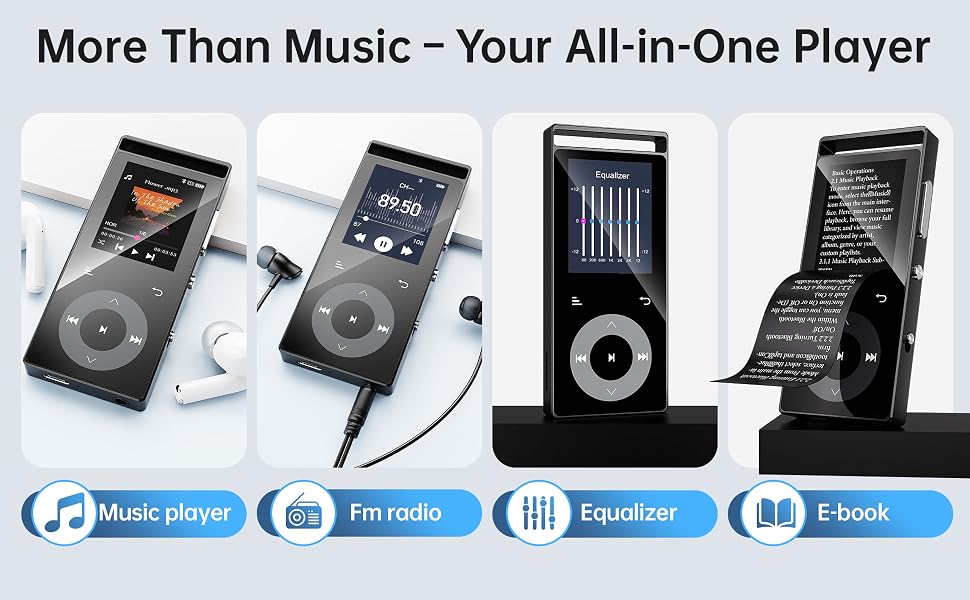
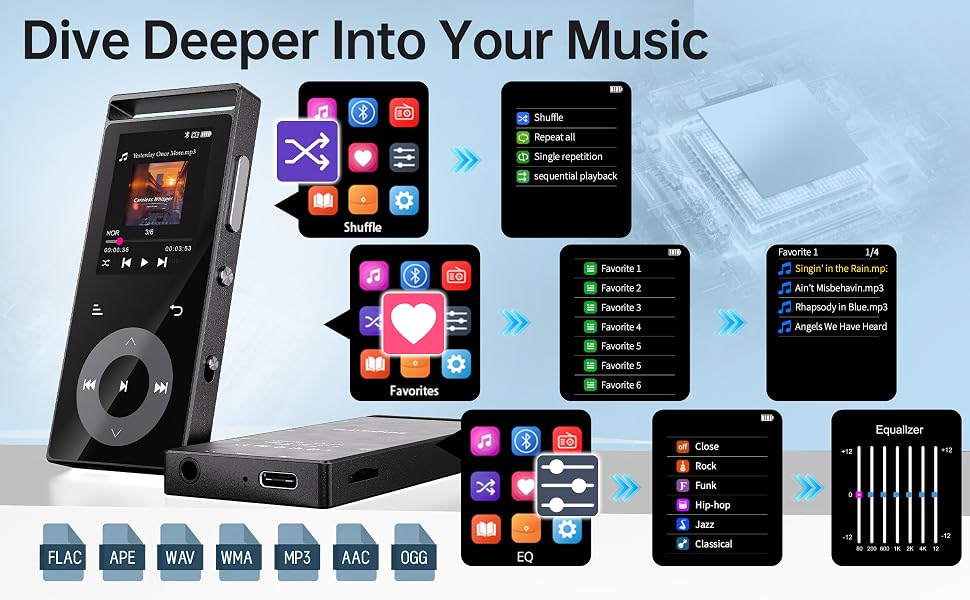
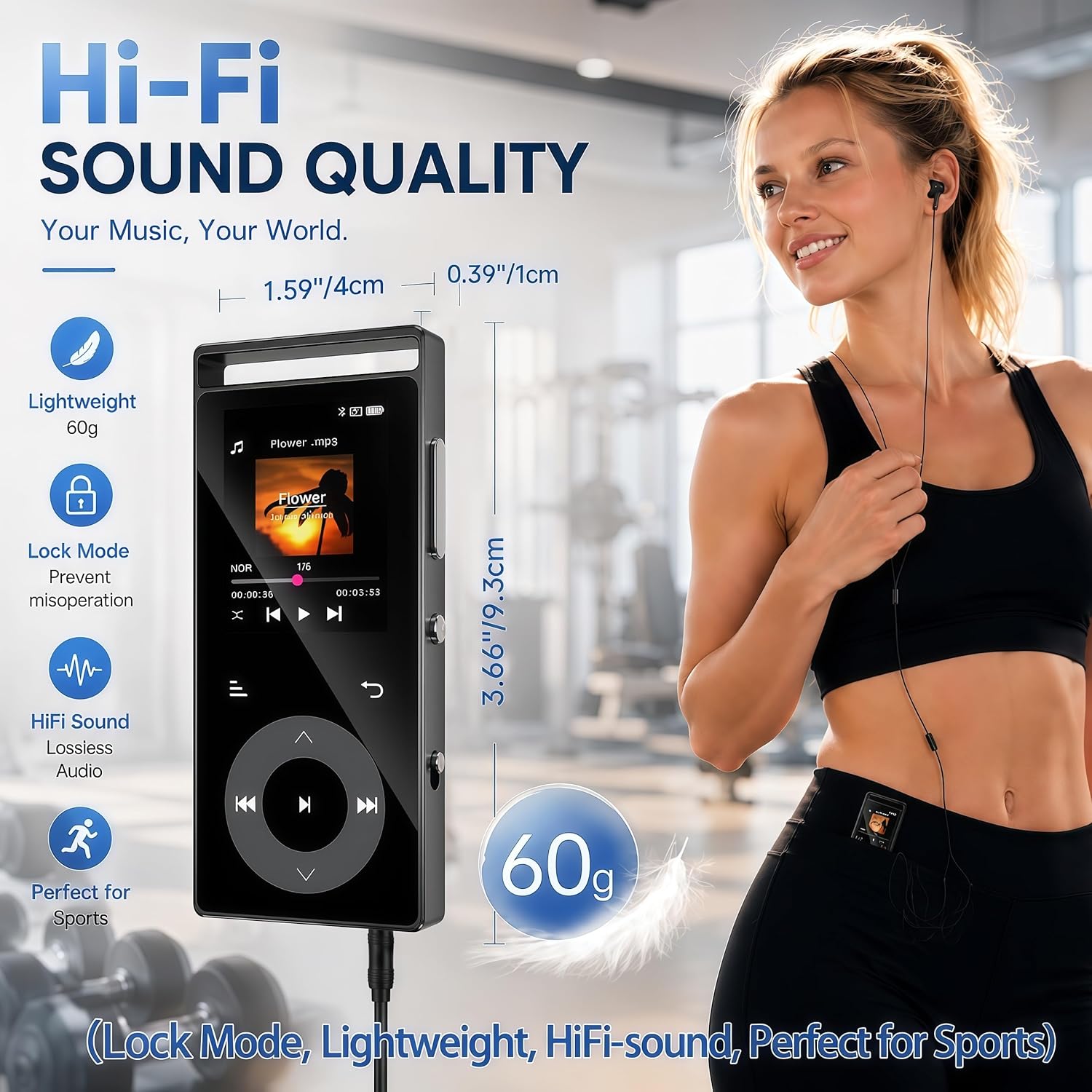
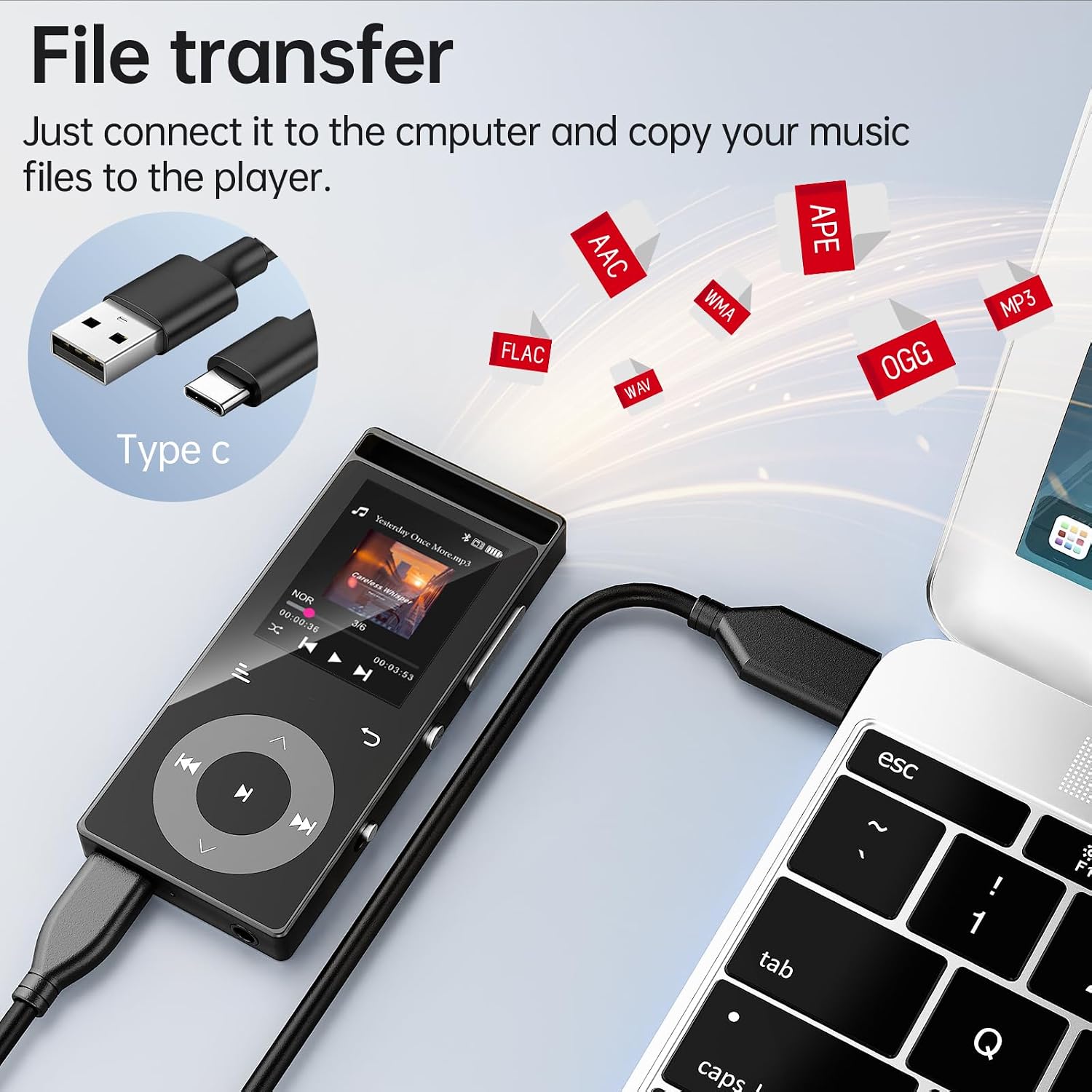
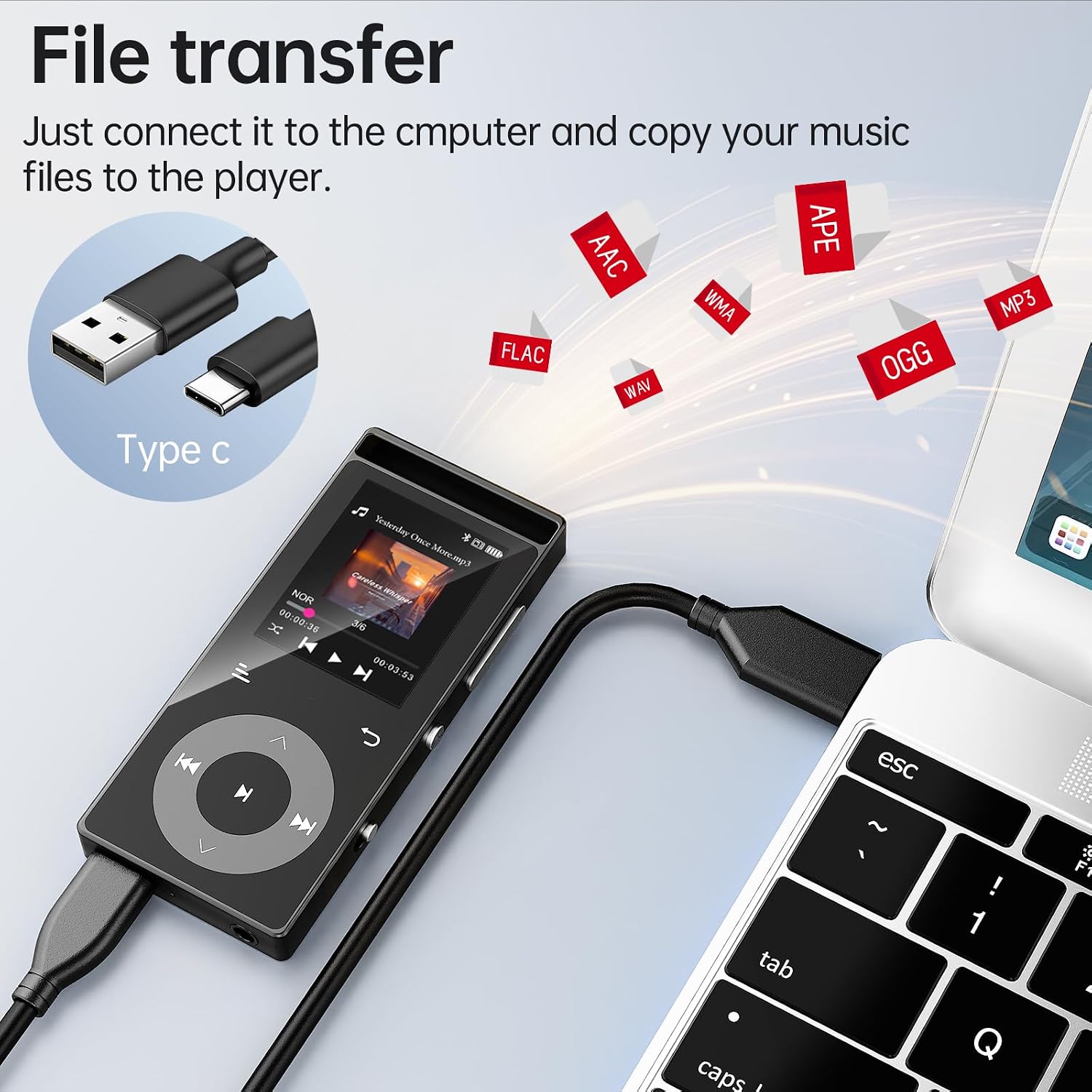
  • Lossless Hi-Fi Sound Quality:This portable music player is fitted with professional audio decoder chips and intelligent noise reduction chips. It reproduces original audio losslessly for an immersive listening experience. It supports mainstream audio formats including MP3, APE, FLAC, WMA, WAV and AAC. Note: Audible, Apple Music and iTunes formats are not natively supported.
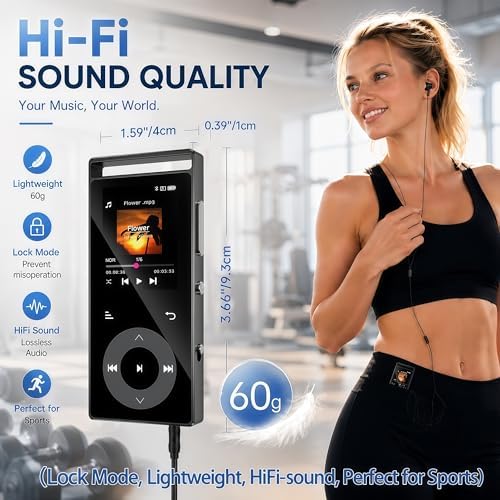
  • Portable & Lightweight:This MP3 player measures 9.3 × 4.05 × 1 cm (3.66 × 1.59 × 0.39 inches) and weighs just 60 grams. Its compact, slim profile makes it easy to carry anywhere. A cutout at the top lets you attach it to keychains or lanyards. It is perfect for running, hiking, travelling and workouts, and fits neatly into pockets or small bags. Enjoy your favourite music anytime, anywhere with this handy lightweight companion.
Additional FeaturesEqualizer
Connectivity TechnologyBluetooth
Memory Storage Capacity90 GB
Screen Size1.77 inches
Compatible DevicesHeadphone
Supported Media TypeMicro SD
Display TechnologyLCD
Supported StandardsMP3, FLAC, APE, WAV
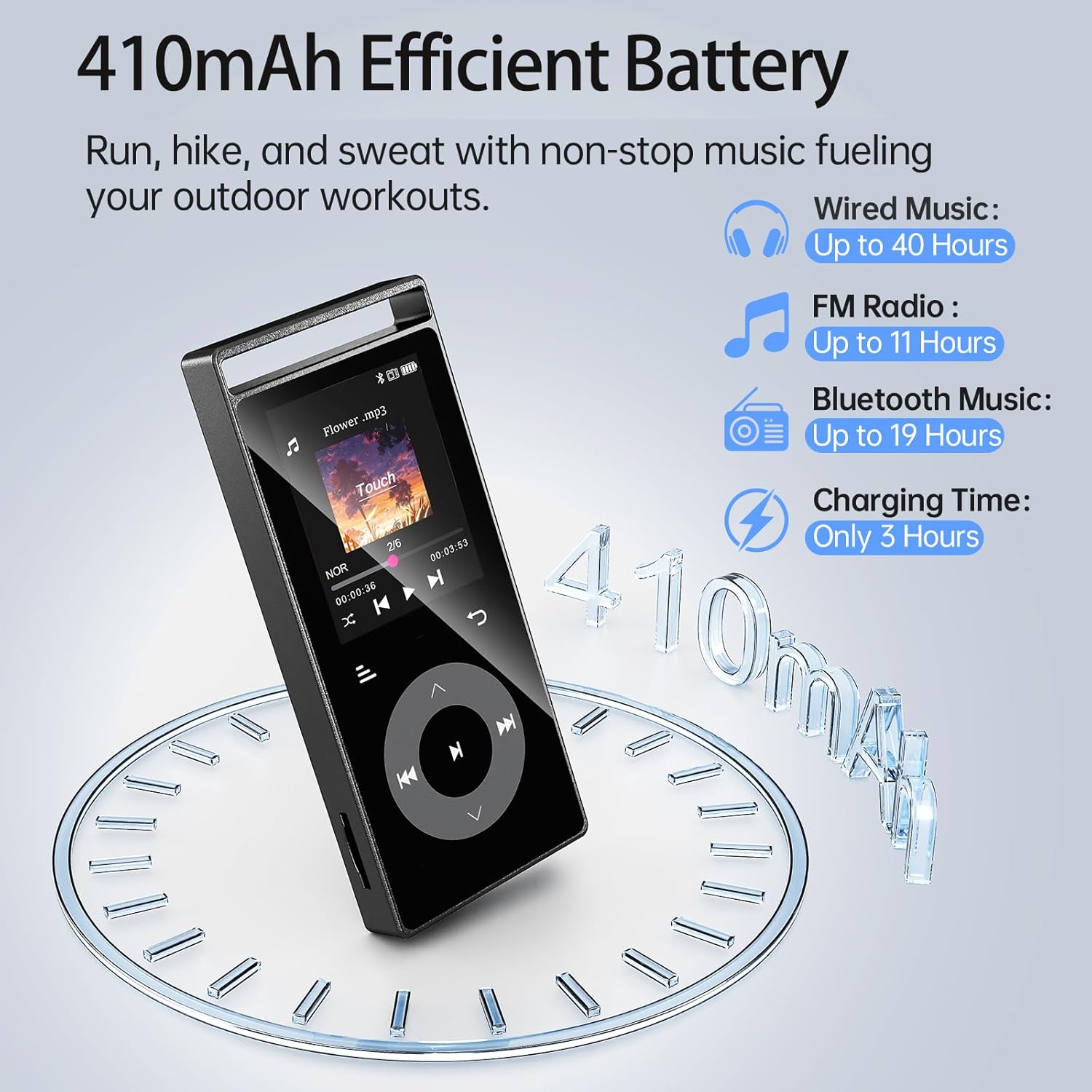
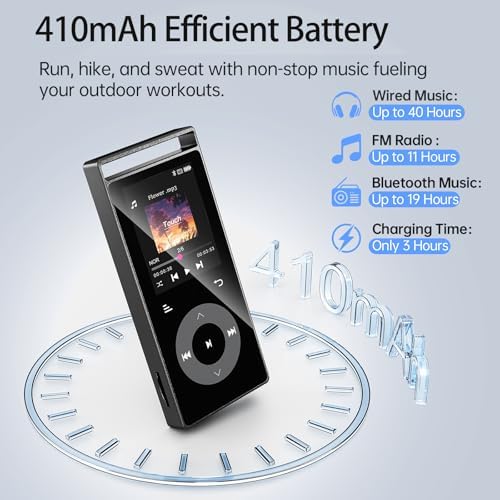
Battery Average Life56 hours
Item Weight100 g
Item Dimensions D x W x H1"D x 1.6"W x 3.7"H
ColorBlack
Model NameA3
Built-In MediaData cable
Unit Count1 Count
ManufacturerShenzhen Lepai Digital Technology Co.,LTD
UPC707630835650
Mfr Part NumberA3
Warranty Description2 Years
Special FeatureEqualizer
Display1.77 inches
Media TypeMicro SD
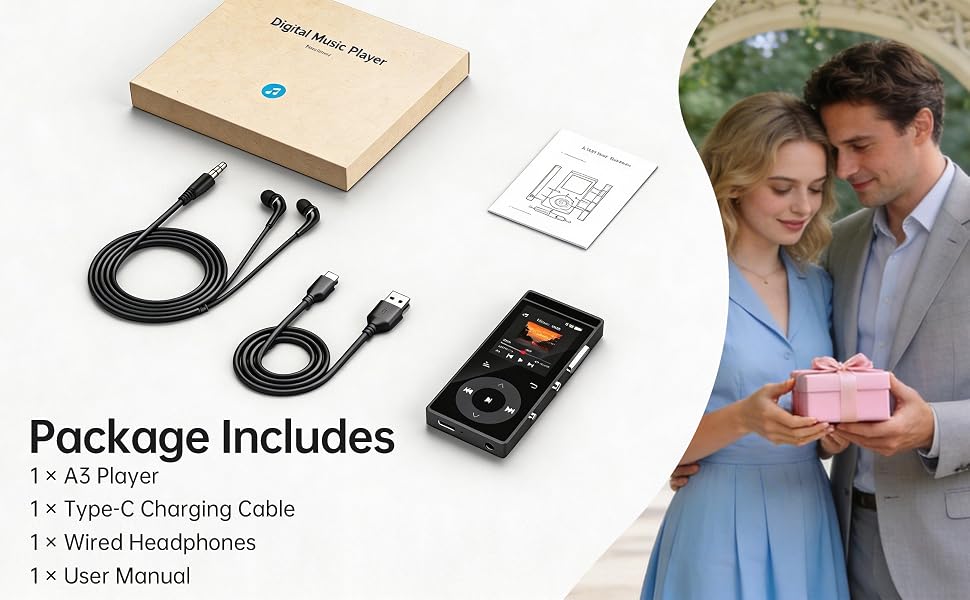
Included ComponentsData cable
mp3 player mp3 player bluetooth mp3 player for kids mp3 player with bluetooth mp3 players
mp3 player mp3 player bluetooth mp3 players
mp3 player mp3 player bluetooth mp3 player for kids mp3 player with bluetooth mp3 players

------------------FAQ-------------------

Q: The MP3 player cannot connect to Bluetooth headphones/speakers. What should I do?

A: Please follow the steps below:

  1. Turn off Bluetooth on your phone – to avoid signal interference from other devices.
  2. Reset your Bluetooth headphones/speakers – follow the instructions in your headphone/speaker manual.
  3. Bring them close and search again – place the reset headphones/speakers next to the MP3 player (within 1 meter), then search for Bluetooth devices on the MP3 player and connect.

Note: The MP3 player, phone, and computer are all Bluetooth signal transmitting devices. They cannot connect directly to each other. The MP3 player can only connect to Bluetooth receiving devices, such as Bluetooth headphones or Bluetooth speakers.

Q: The data cable cannot connect the player to my computer, and I cannot transfer music files. What should I do?

A: Please follow the troubleshooting steps below:

  1. Use the original data cable included with the product – other cables may not be compatible.
  2. Replug the cable – disconnect the cable from both the player and the computer, then reconnect firmly. Try several times.
  3. Change the USB port on your computer – try a different USB port.
  4. Test with another computer – connect the player to a different computer to rule out issues with your current computer.
  5. Replace the data cable – if none of the above works, try a different reliable data cable (must support data transfer, not just charging).

Hint: After a successful connection, you may need to manually confirm "Transfer Mode" or "USB Mode" on the MP3 player screen before the computer will recognize the device.

Q: Why is there no sound when playing music?

A: Please check the following in order:

  1. Is the volume turned up? – Make sure the MP3 player is not muted or set to the lowest volume.
  2. Is the playback device properly connected? – Check that Bluetooth headphones/speakers are successfully paired, or that wired earphones are firmly plugged in.
  3. Try playing another song – to rule out a corrupted audio file.
  4. Restore factory settings – If the above steps don't work, try restoring factory settings from the settings menu.

Q: Does the device have a built‑in speaker?

A: No. You must connect Bluetooth headphones/speakers or wired earphones to listen to music.

Example title

Recently viewed

Cart

loading