





Free worldwide shipping
Free returns
Carbon neutral
Secure payments
| Compatible Mountings | Micro Four Thirds |
|---|---|
| Sensor Type | CMOS |
| File Format | MP4 |
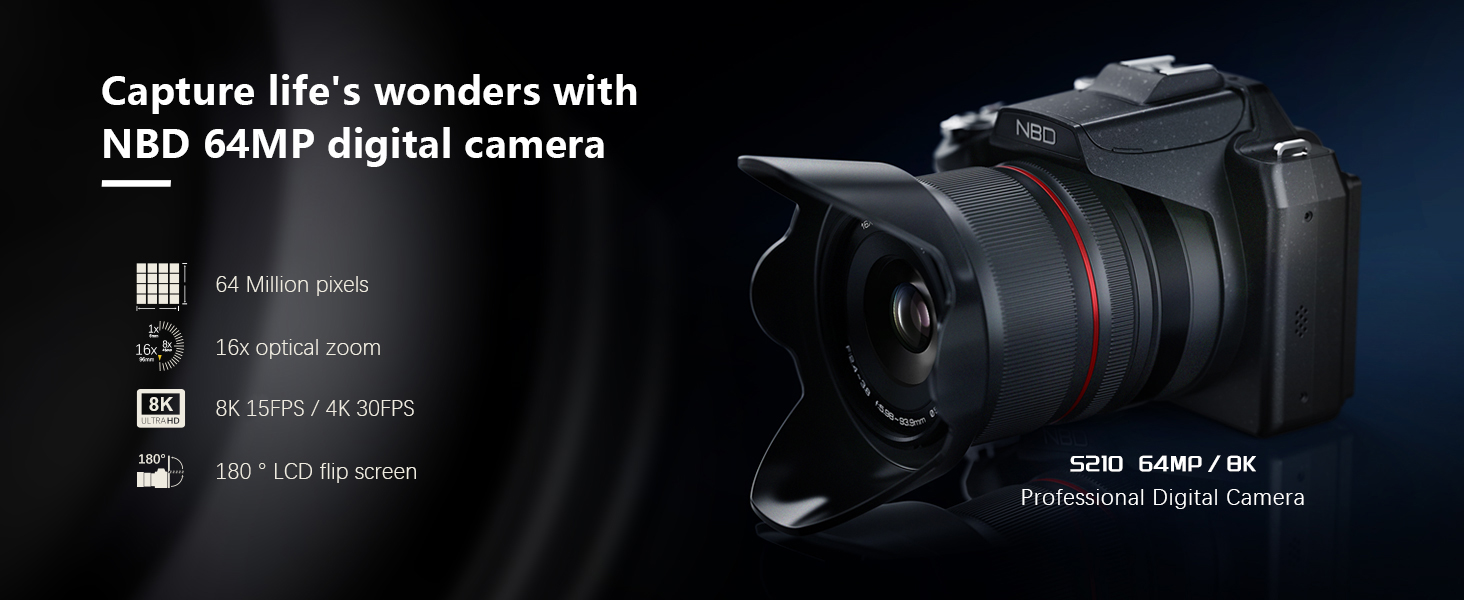
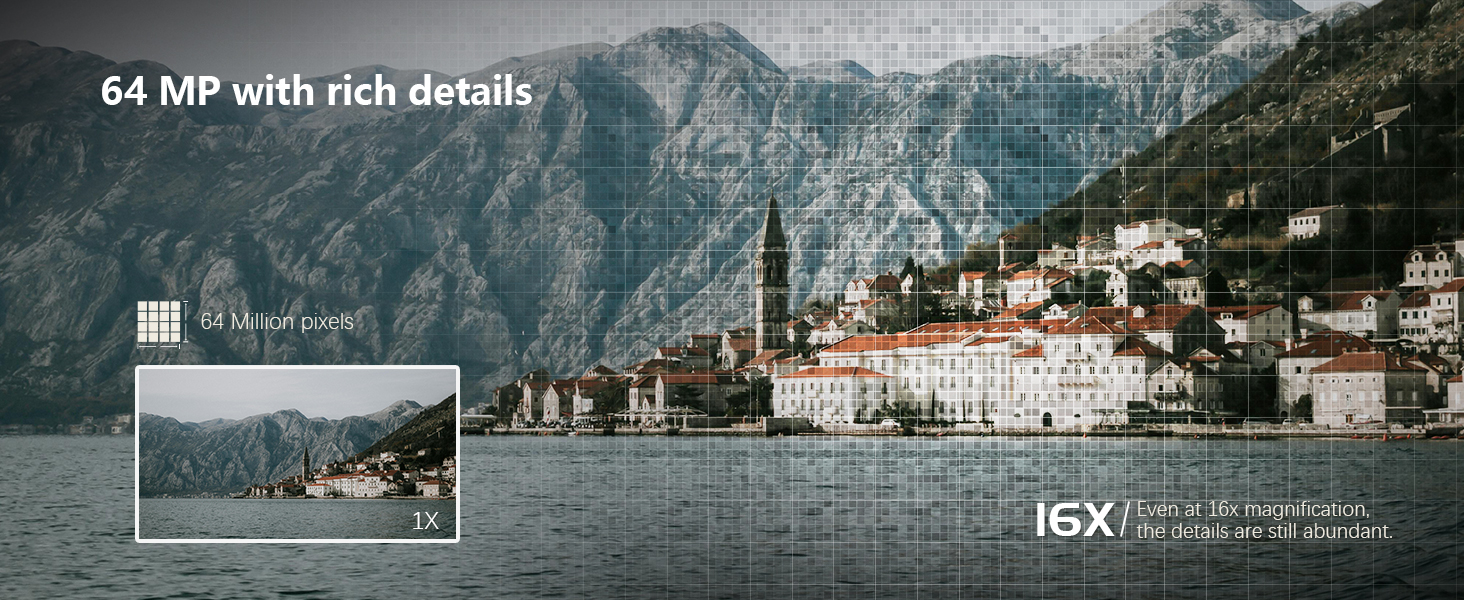
| Photo Sensor Resolution | 64 mp |
| Photo Sensor Size | 1/2.8-inch |
| Form Factor | Compact |
| Effective Still Resolution | 64 mp |
| Special Feature | compact |
| Color | Black |
| Screen Size | 2.79 inches |
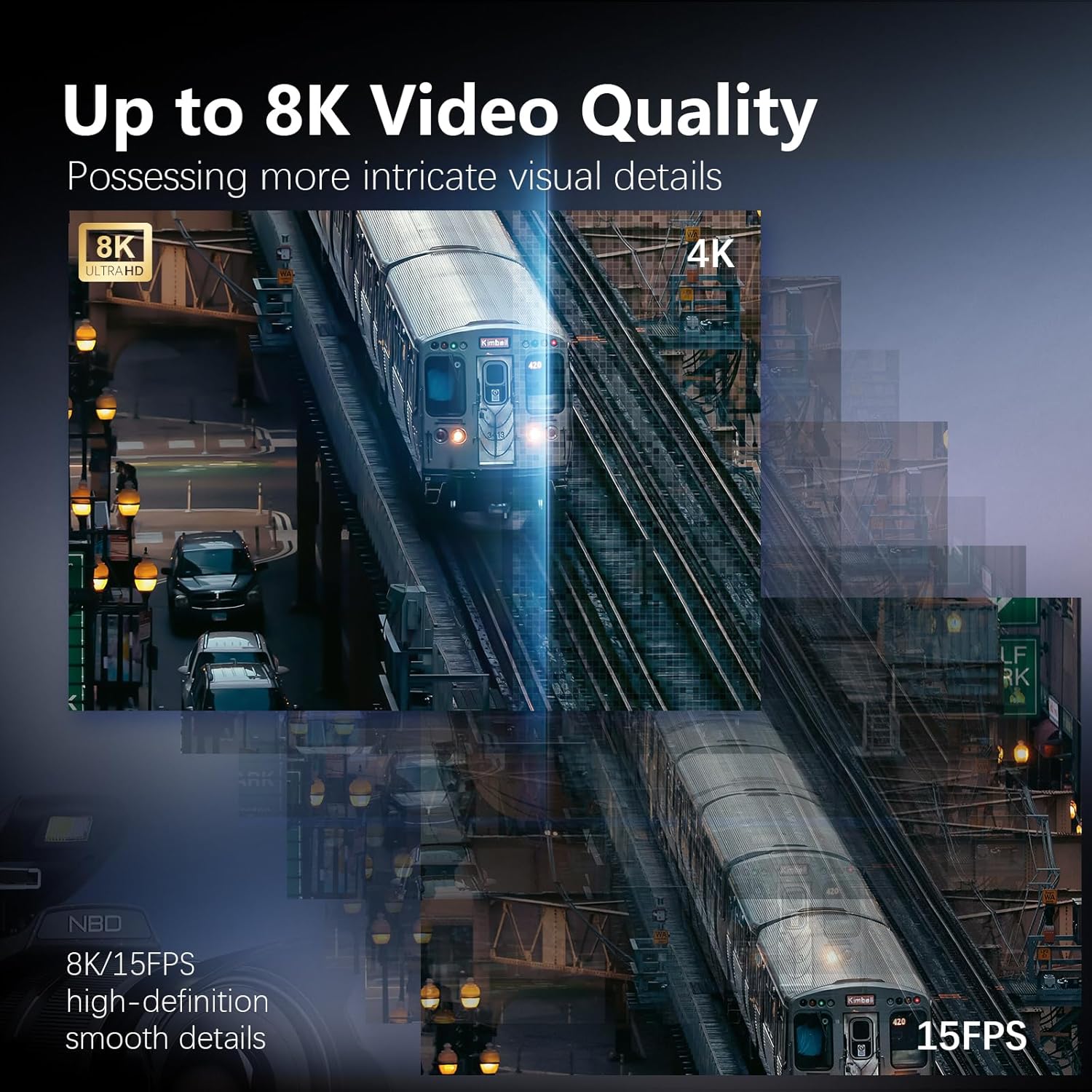
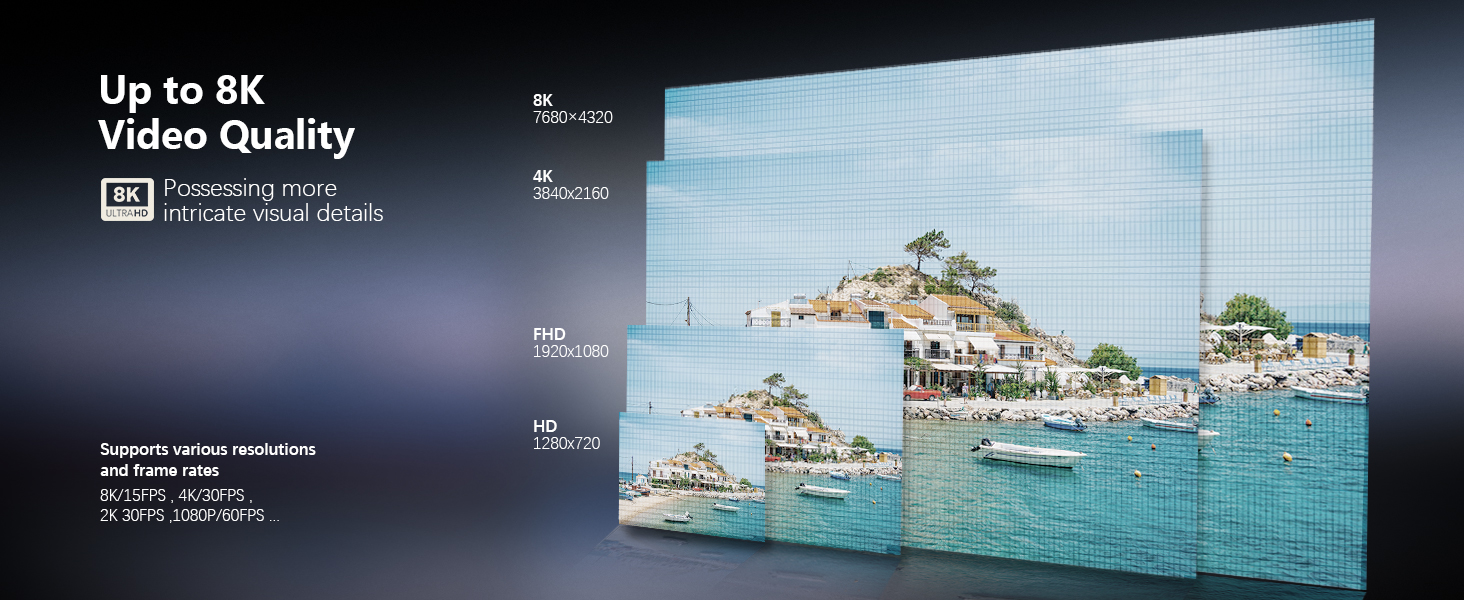
| Video Resolution | 8K |
| Viewfinder | NO |
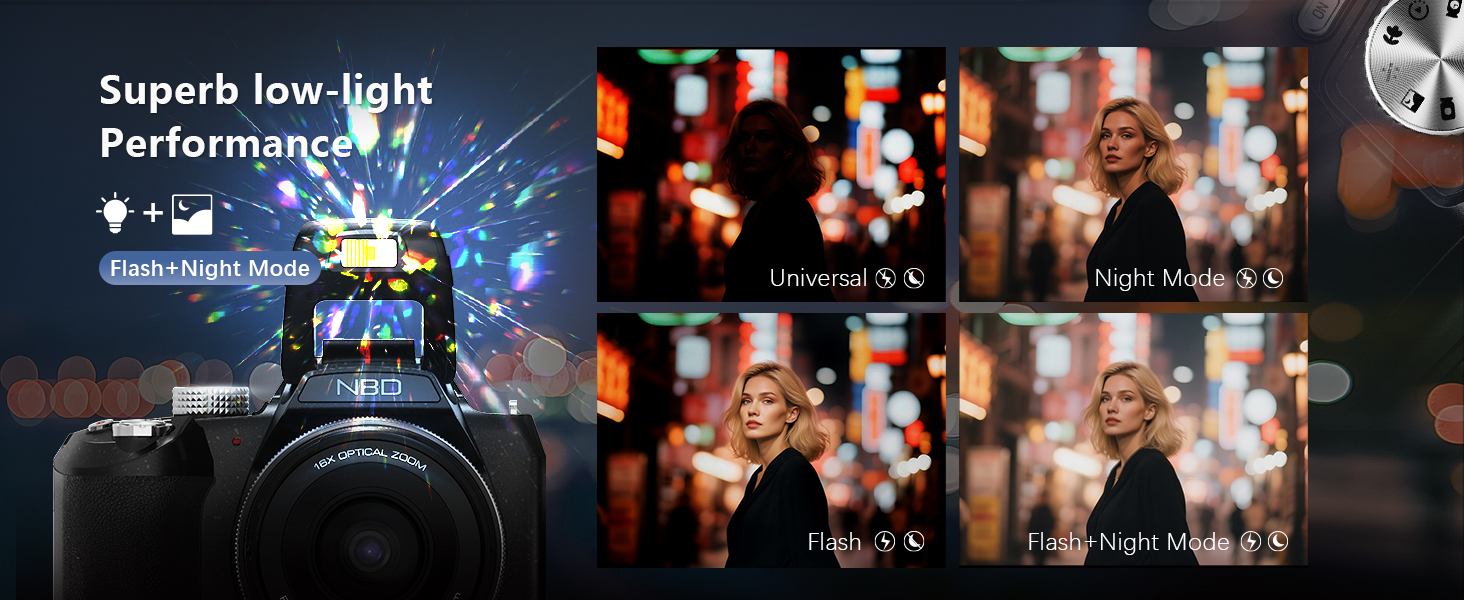
| Flash Modes | Fill Flash |
| Camera Flash | Built-In |
| Specific Uses For Product | Videography |
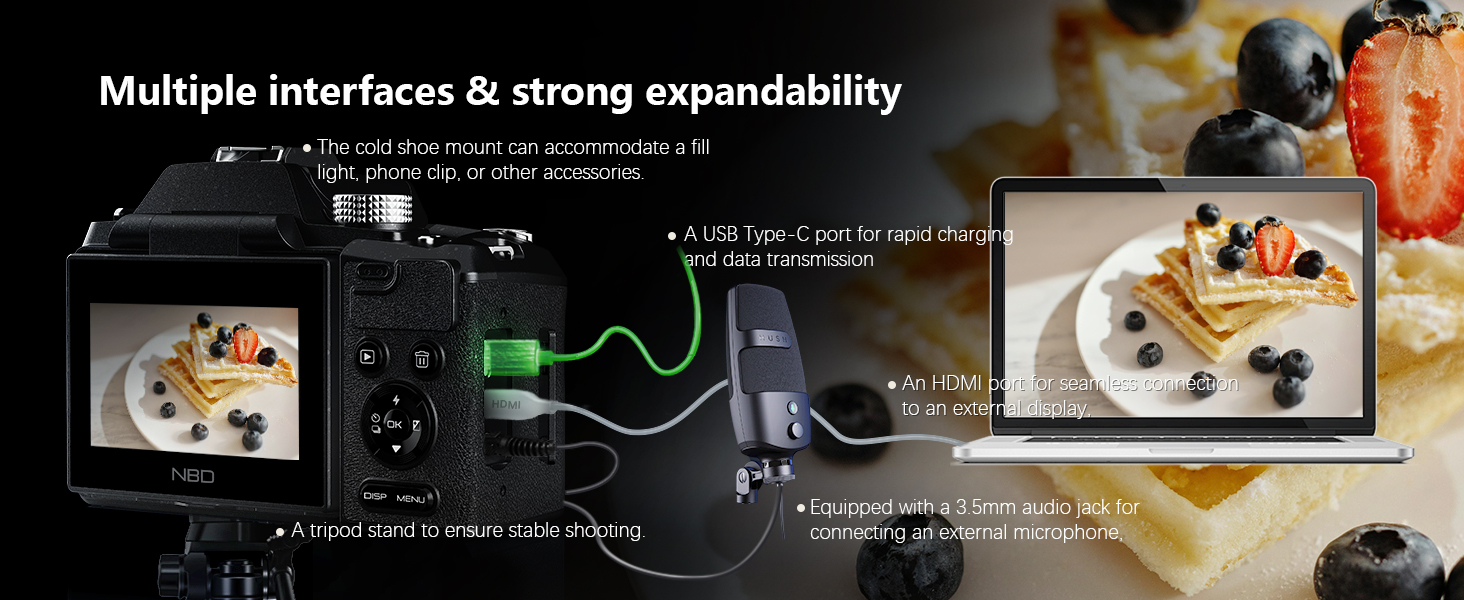
| Compatible Devices | Smartphones, Tablets, Computers, TVs |
| Battery Weight | 27 g |
| Battery Cell Type | Lithium Ion |
| Battery Type | Lithium-Ion Polymer |
| Mount Type | Tripod |
| Warranty Type | Limited |
| Number of Batteries | 1 A batteries required. (included) |
| Enclosure Material | Plastic |
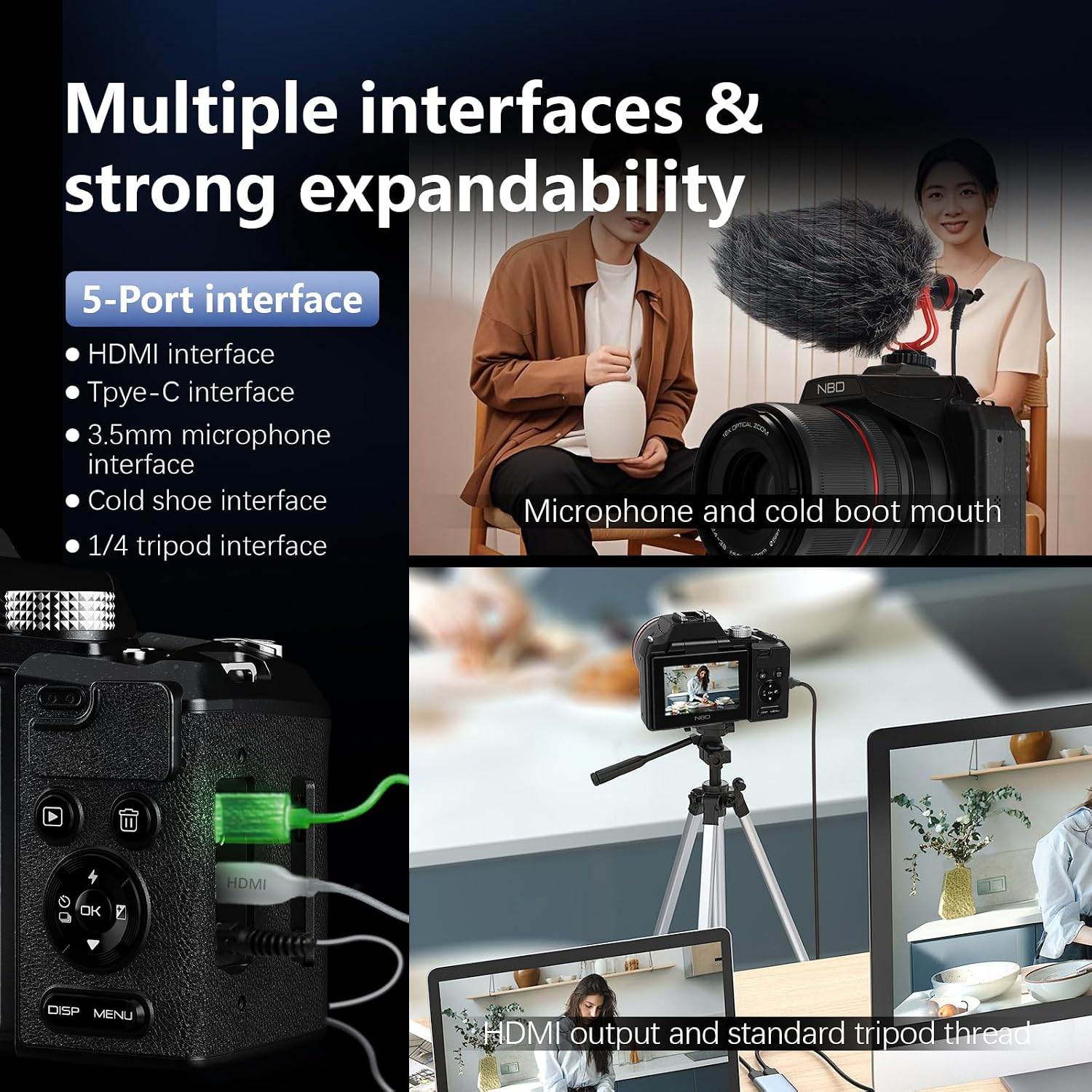
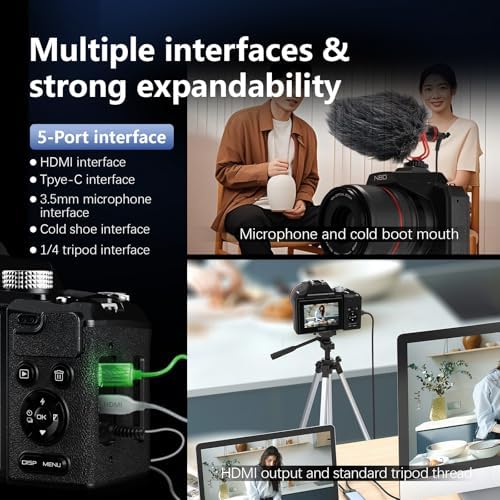
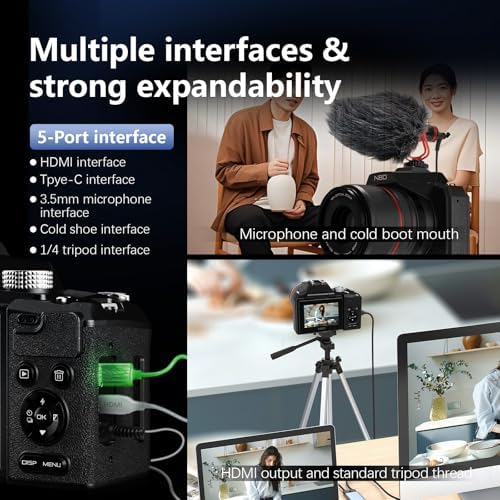
| Connectivity Technology | Micro HDMI |
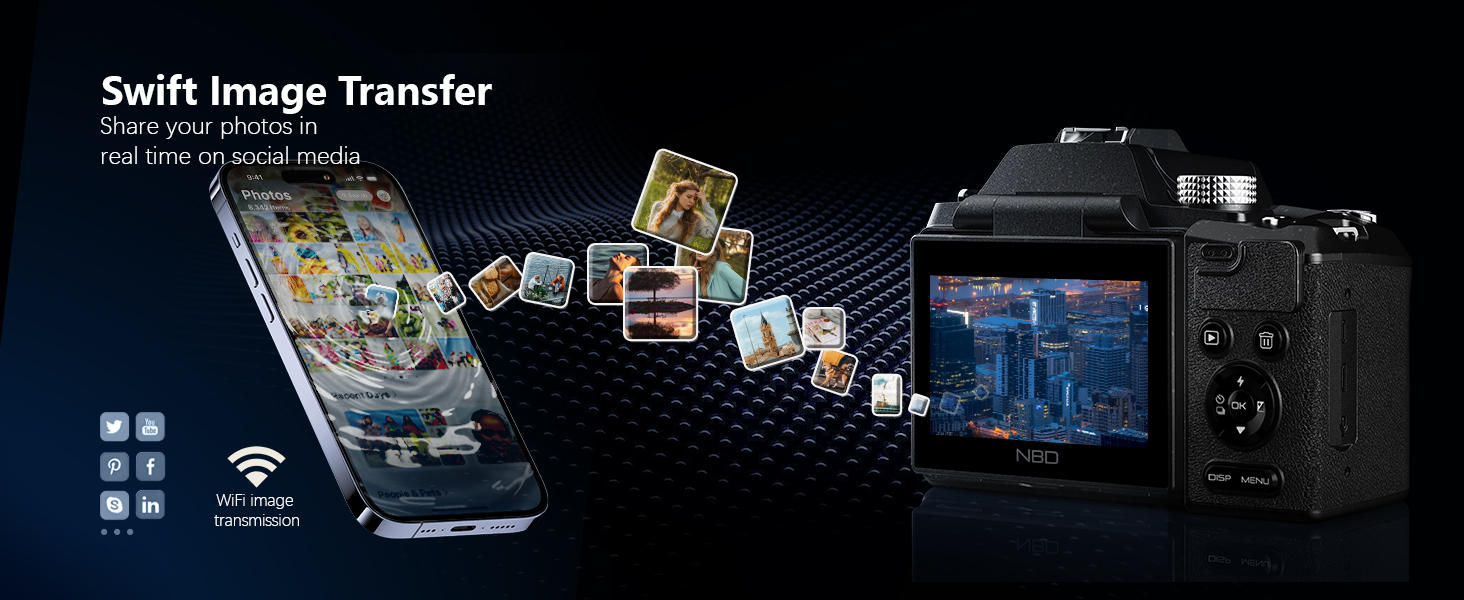
| Wireless Technology | Wi-Fi |
| Total Video Out Ports | 1 |
| Image Capture Type | Stills & Video |
| Memory Storage Capacity | 32 GB |
| Auto Focus Technology | Hybrid |
| Focus Features | Active |
| Focus Type | Auto Focus |
| Total Still Resolution | 64 mp |
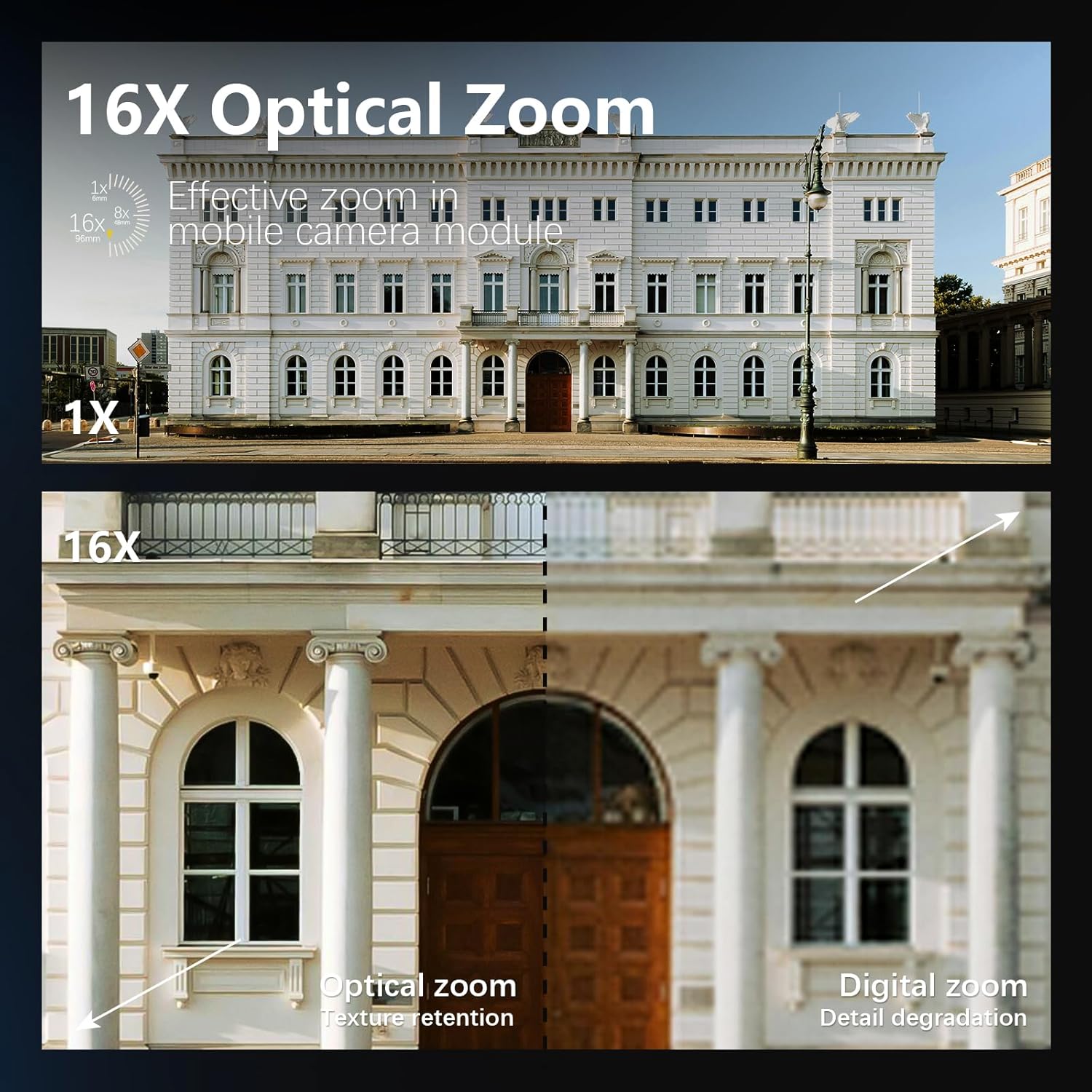
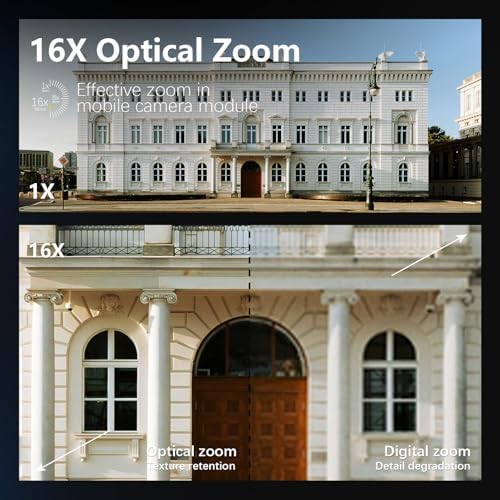
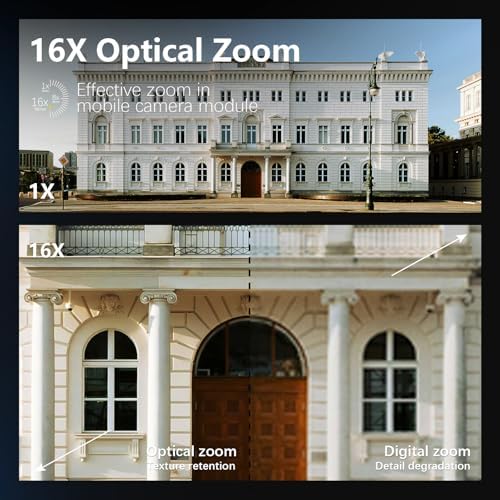
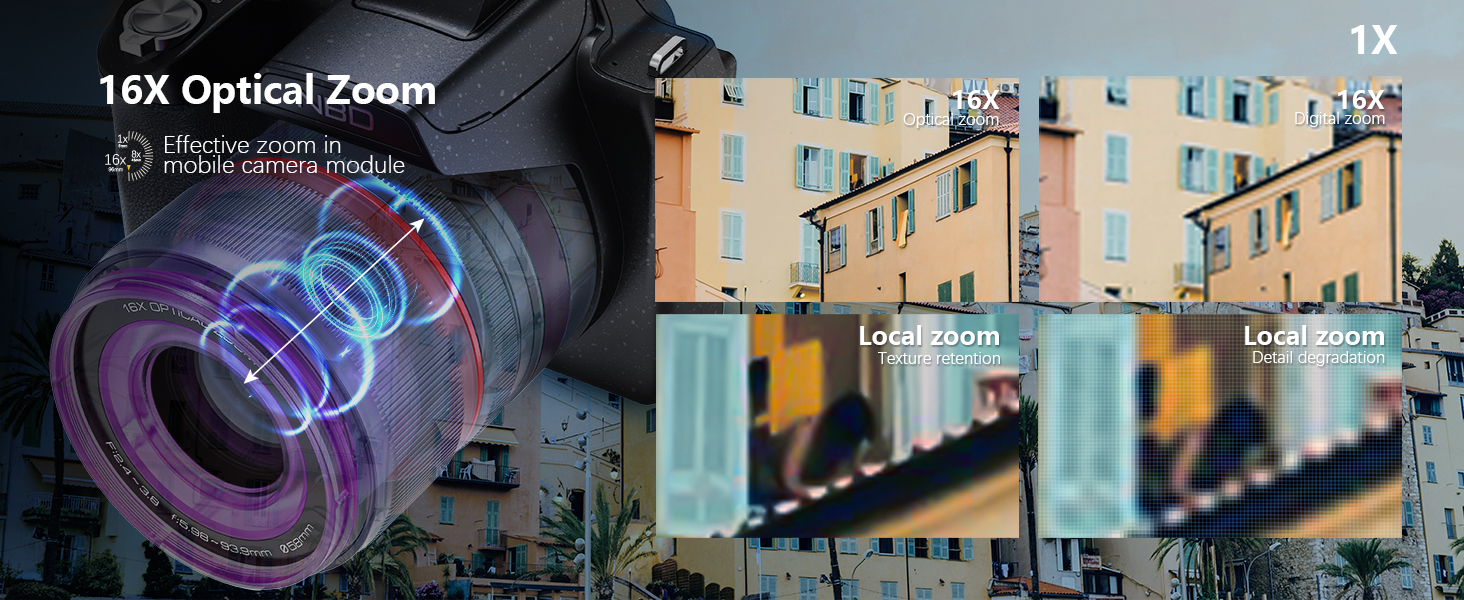
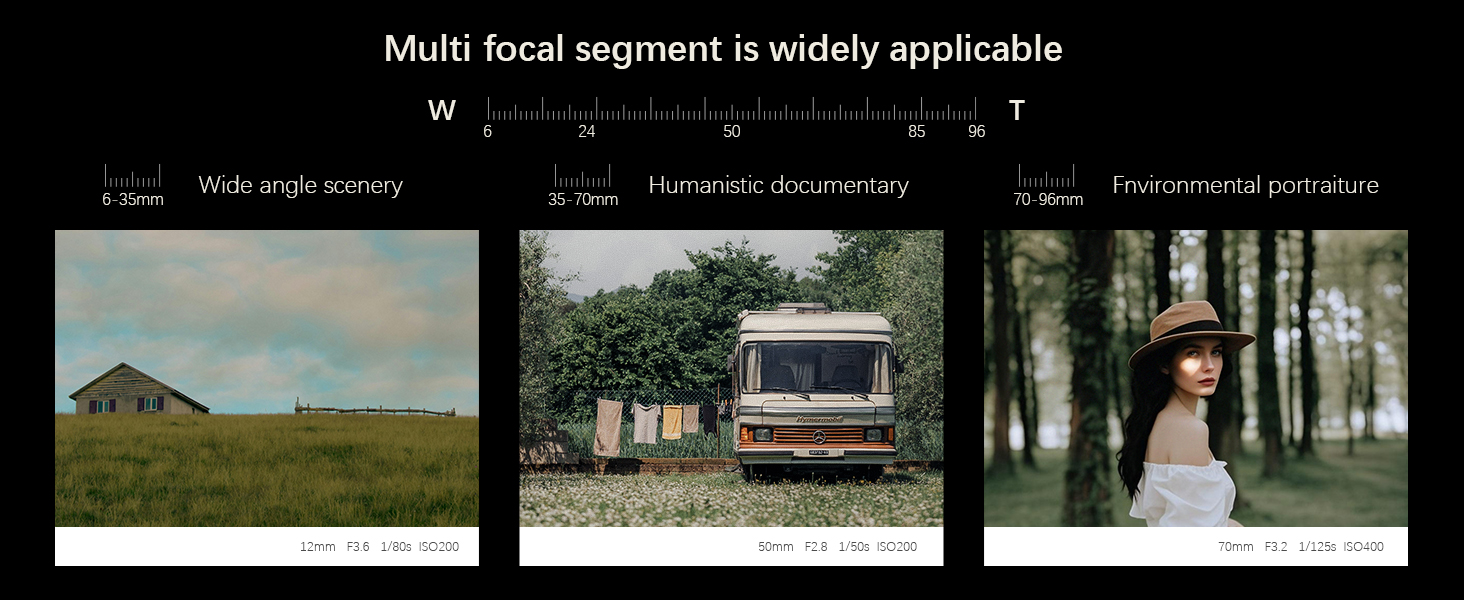
| Optical Zoom | 16 x |
| Lens Type | Macro |
| Zoom | Optical Zoom |
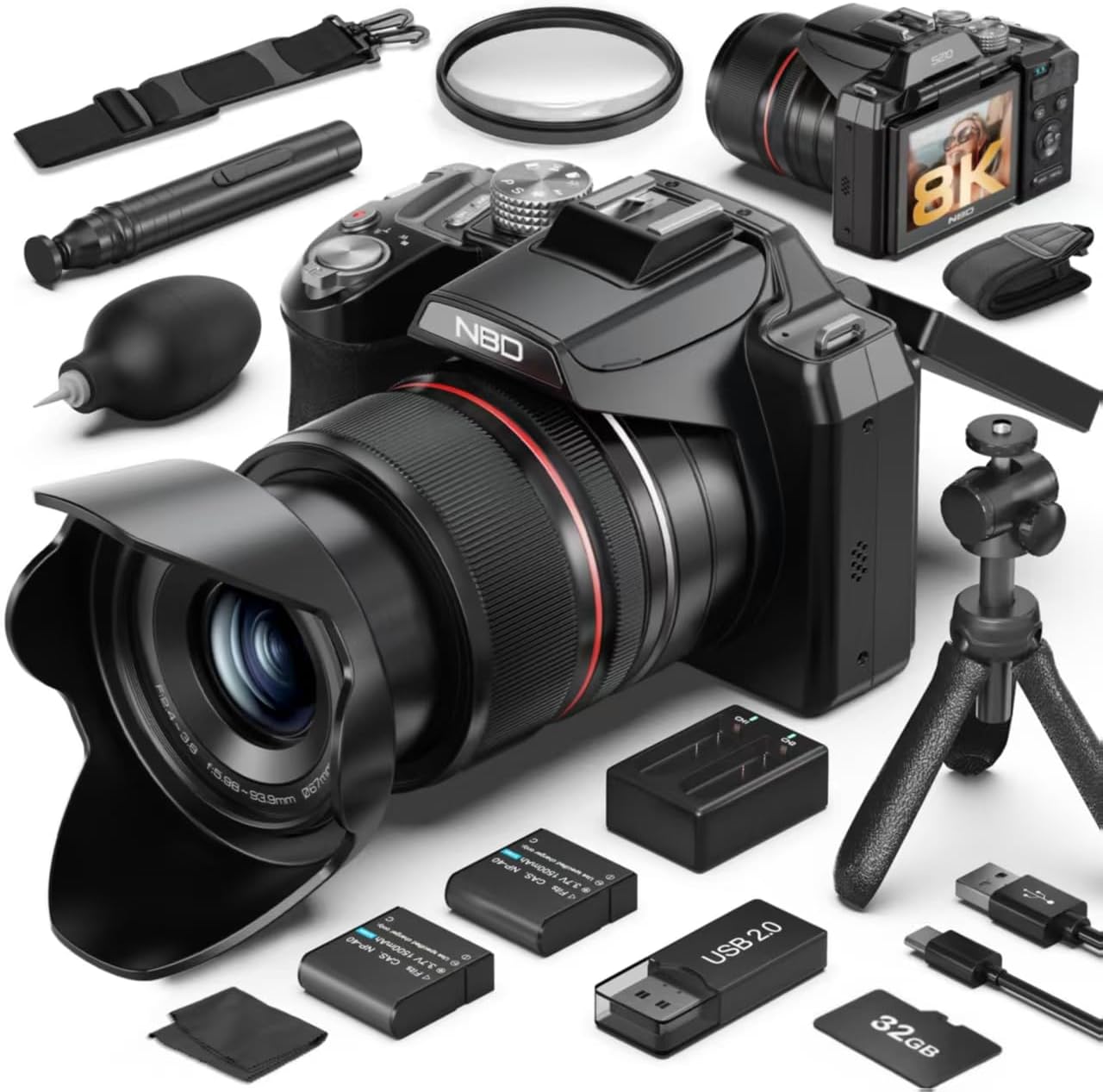
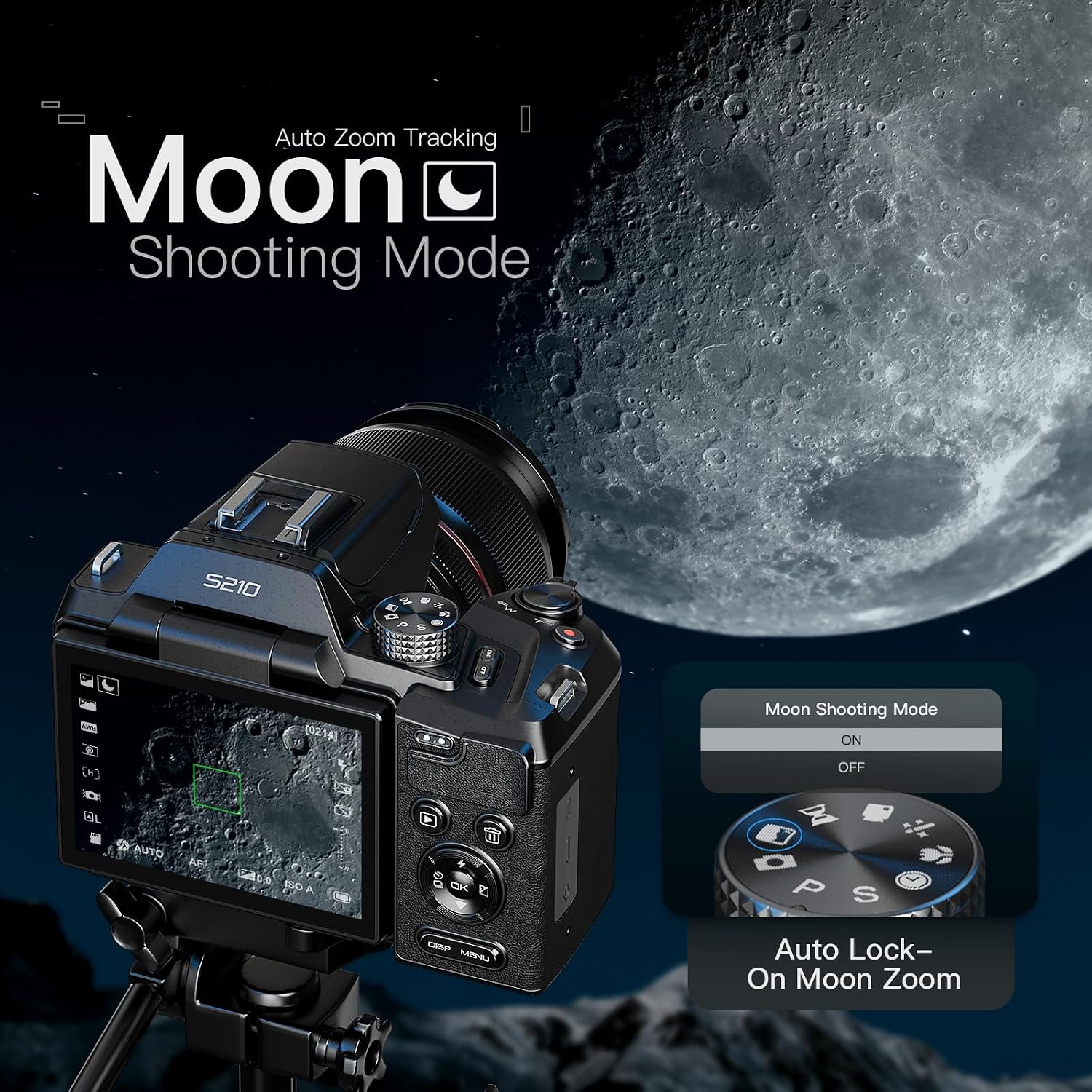
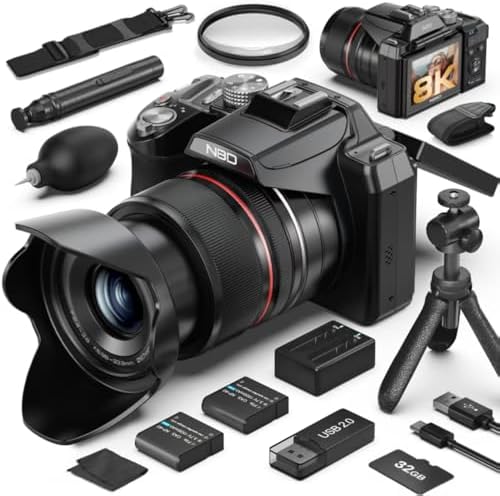
| Camera Lens | 16x optical zoom lens with 3x digital zoom, featuring macro capabilities and a dedicated Moon Mode for capturing distant subjects like lunar craters. |
| Digital Zoom | 3 x |
| White Balance Settings | Auto |
| Model Name | QCY-US-S210F-BB-N8-A-2608T |
| Built-In Media | Camera Body & Accessories |
| External-Memory Size | 32 GB |
| Model Number | QCY-US-S210F-BB-N8-A-2608T |
| Unit Count | 1 Count |
| Manufacturer | Monitech |
| Manufacturer Part Number | QCY-US-S210F-BB-N8-A-2608T |
| Warranty Description | 1 years |
| Display Type | LCD |
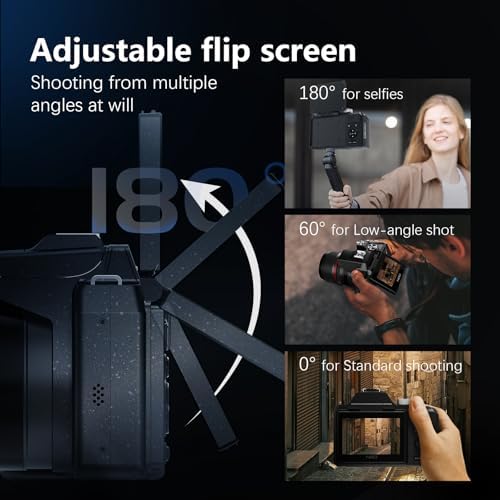
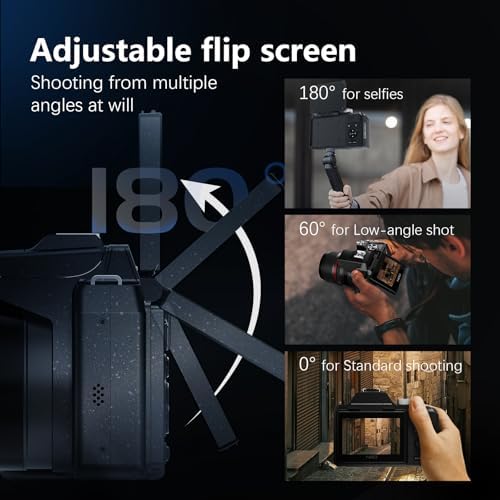
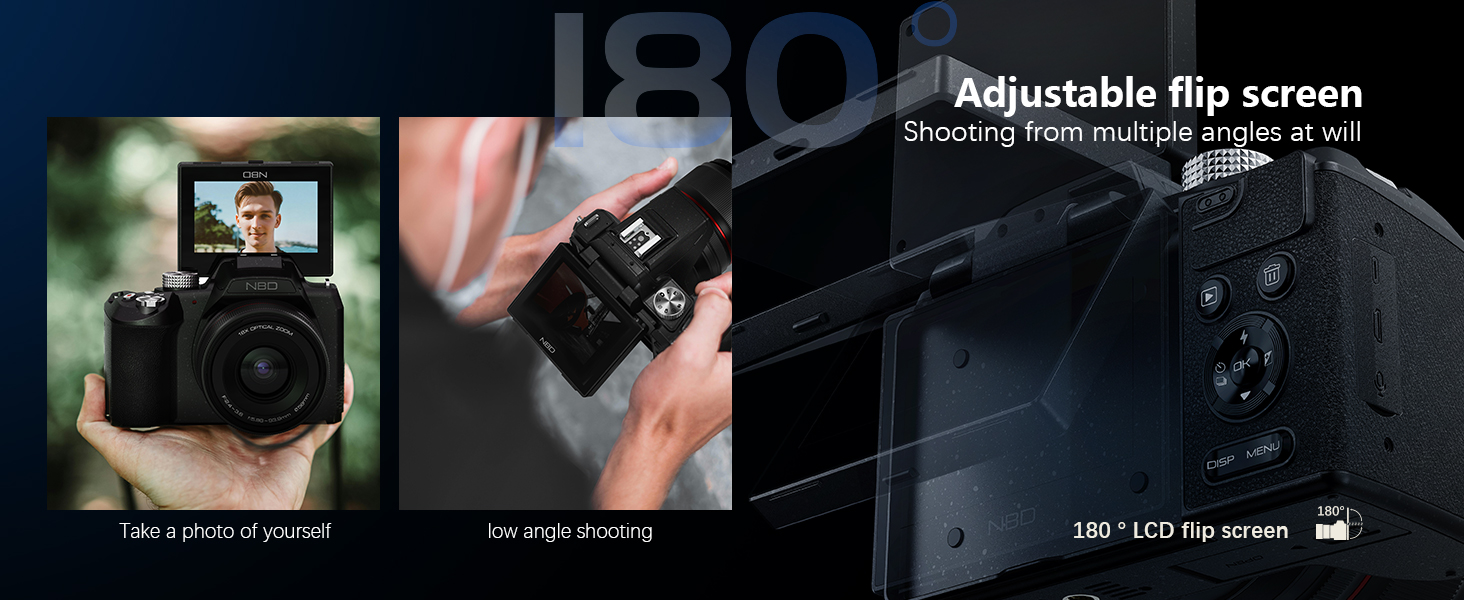
| Display Fixture Type | Articulating |
| Display Maximum Resolution | 480*640 |
| Display Resolution Maximum | 64 mp |
| Photo Sensor | CMOS |
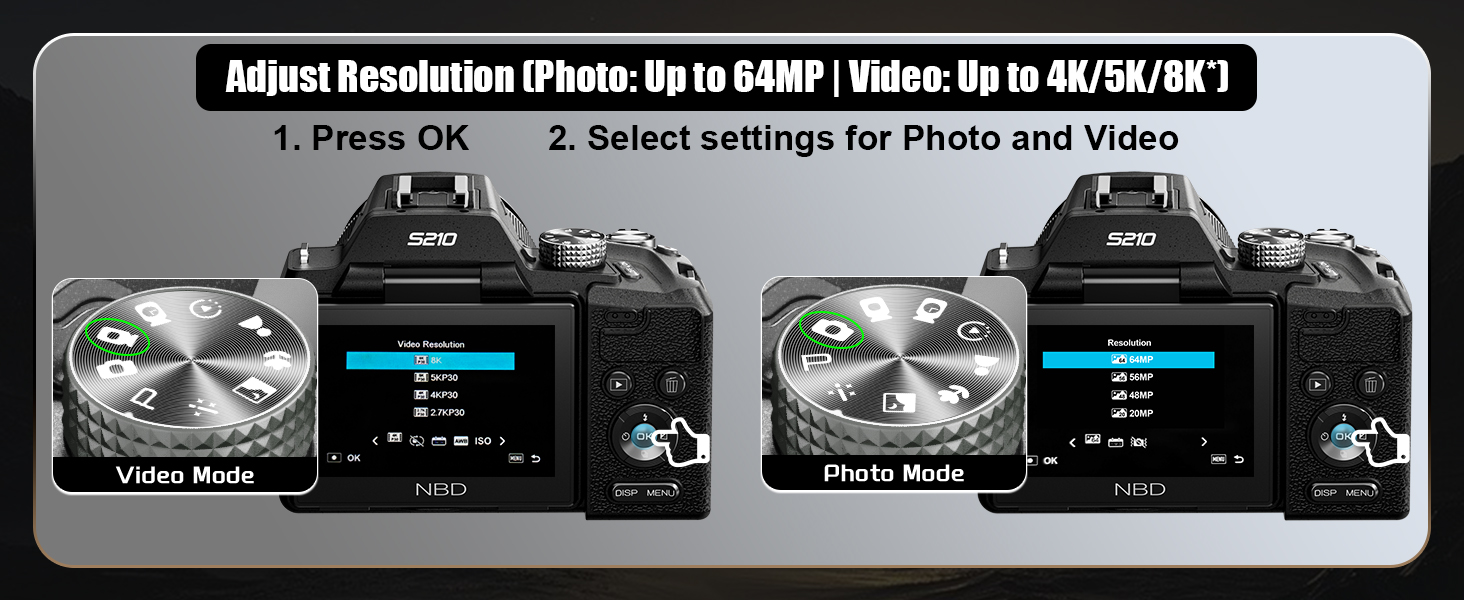
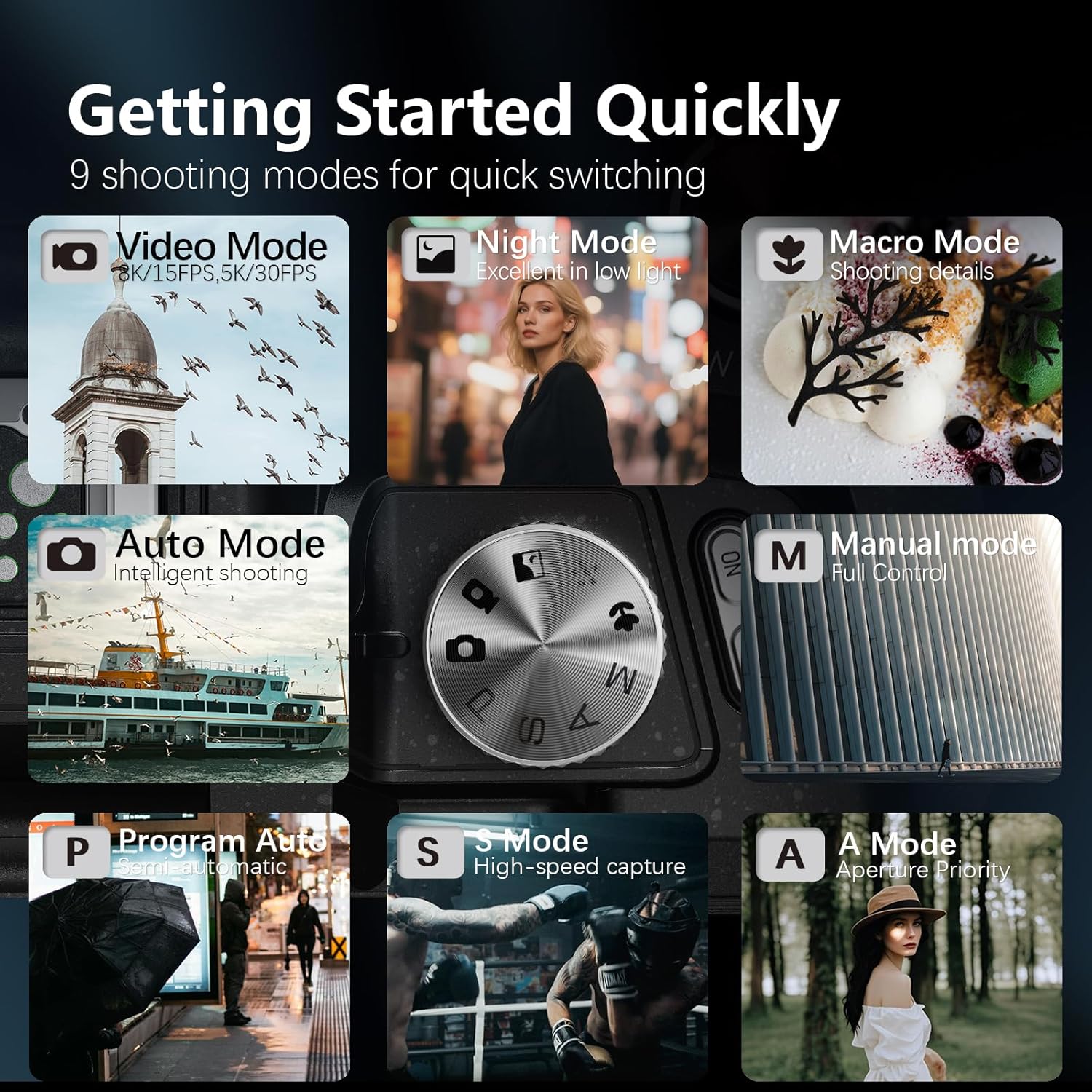
How do I manually enable the 8K video mode for the first time using the camera?
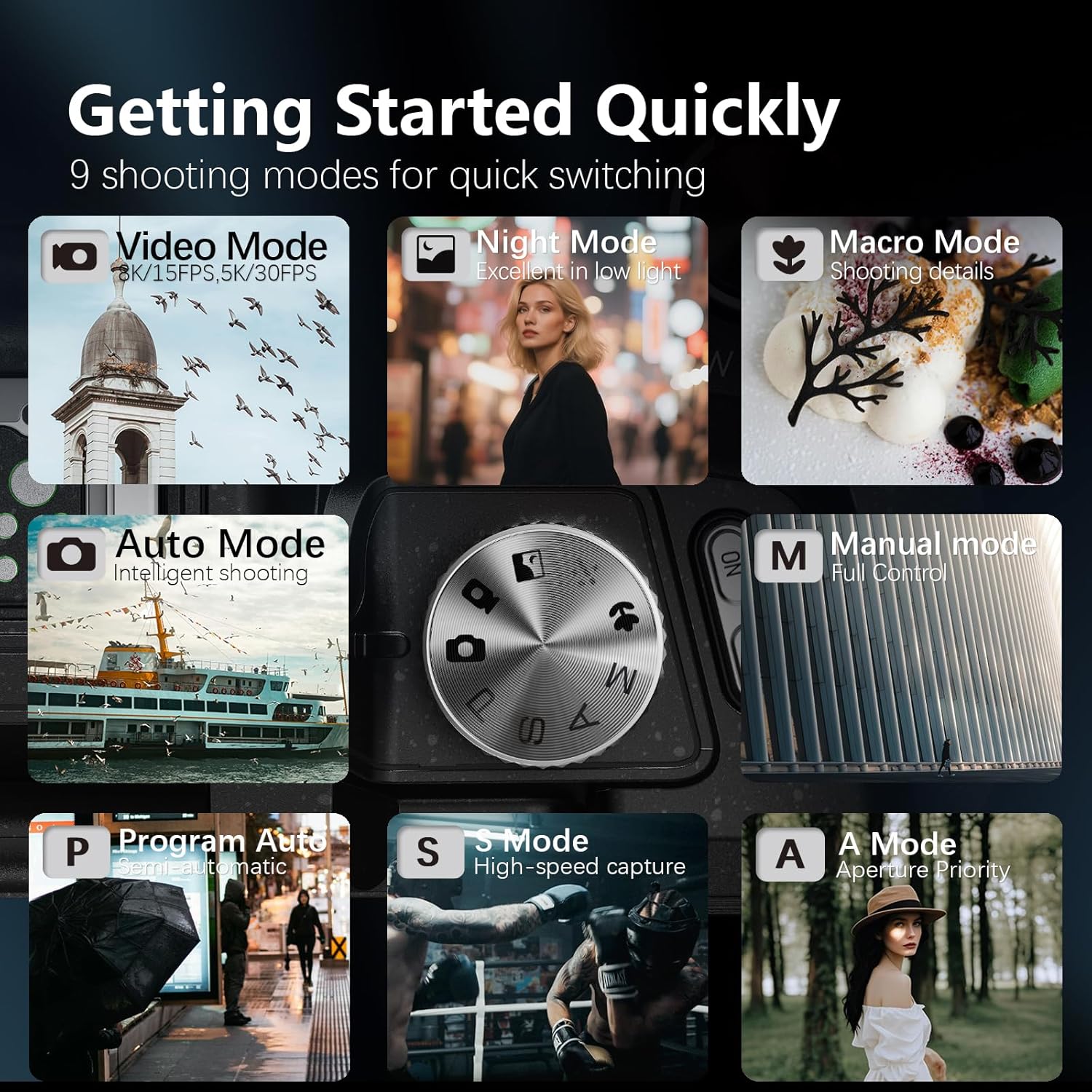
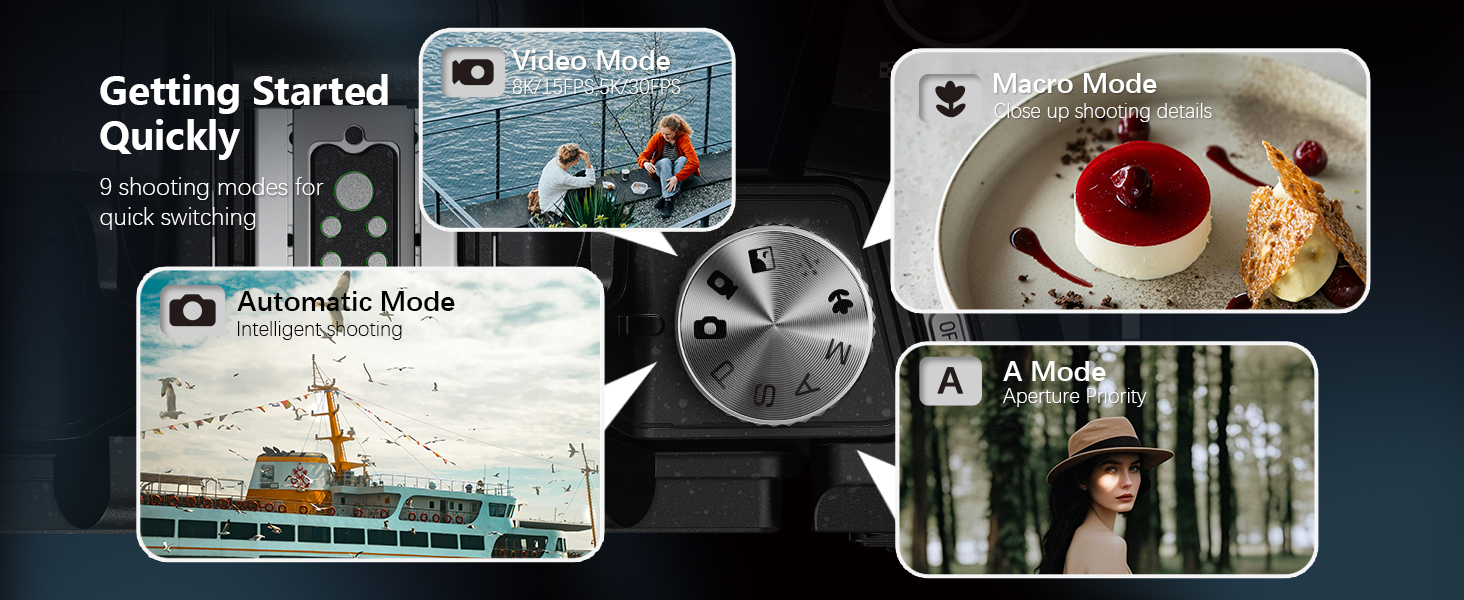
Switch to 8K in 2 steps: 1. Rotate the top mode dial to "Video Mode" ; 2. Press the side "OK" button, select "video resolution" in the pop-up menu, and switch directly to 8K/15FPS to start recording.
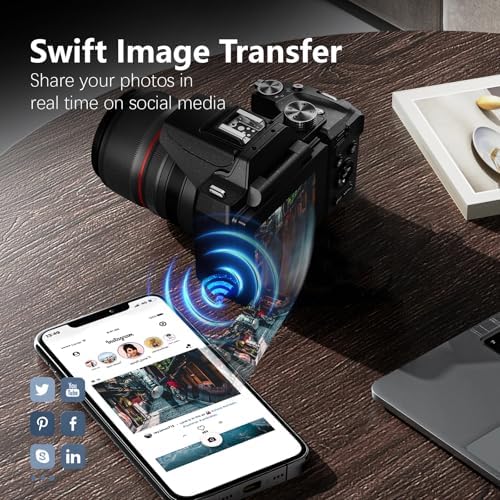
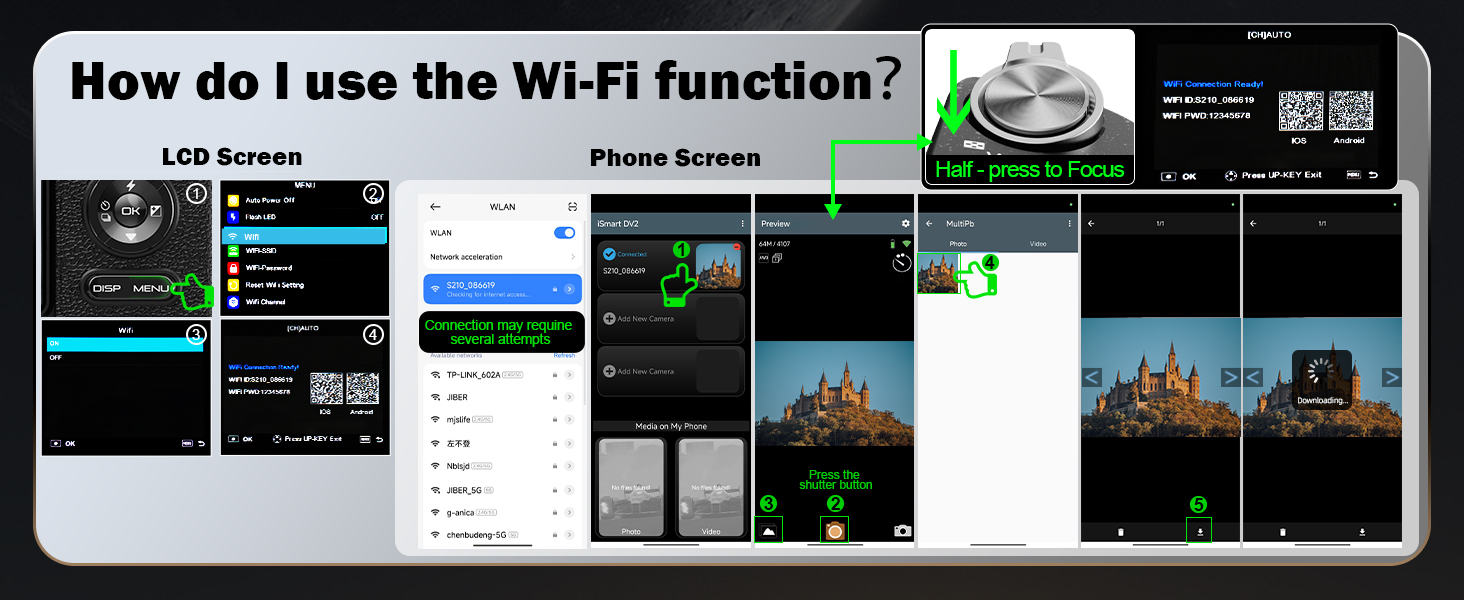
How do I use the Wi-Fi function?
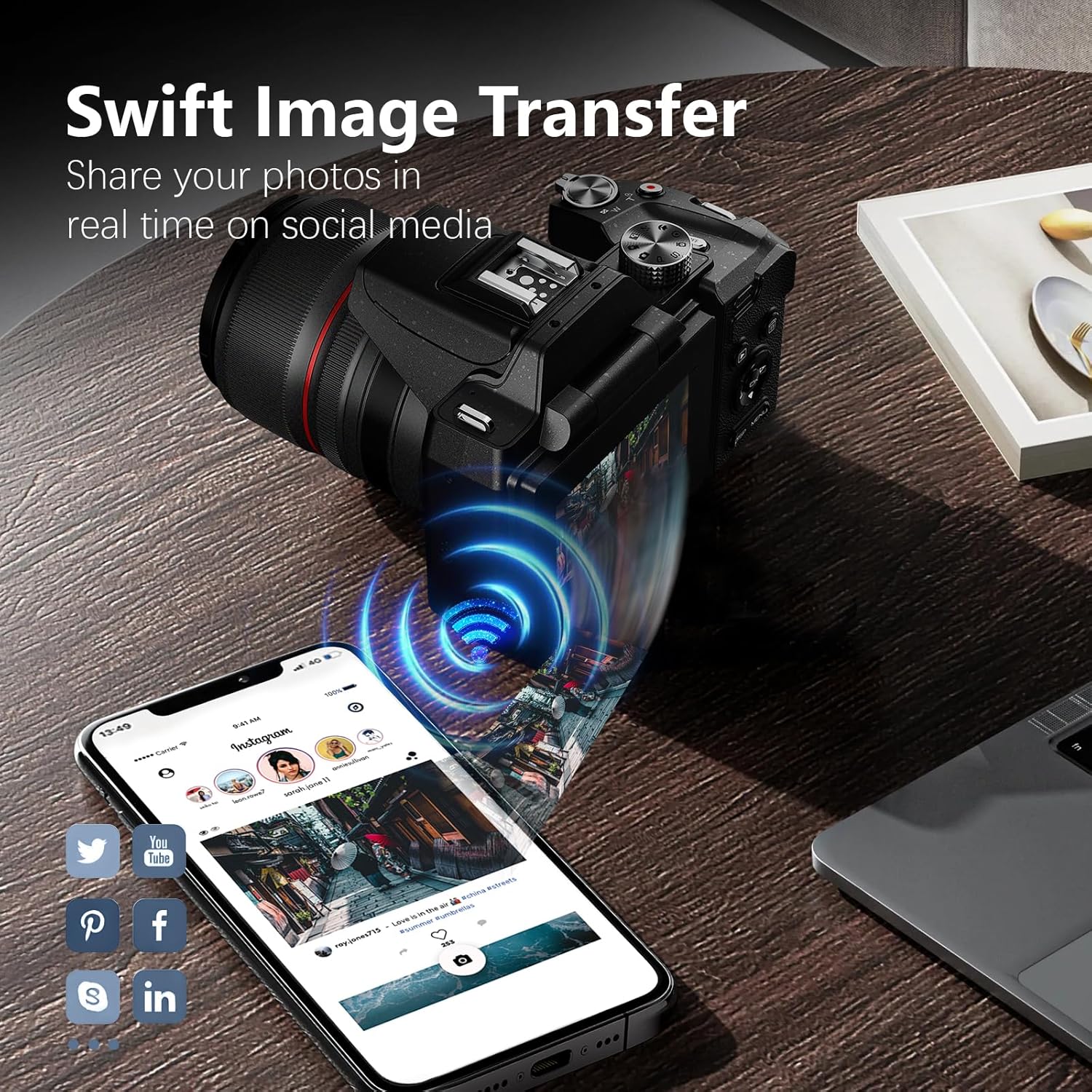
1. Press the "MENU" button, open Settings, find "WIFI" and enable it; 2. Scan the code on the pop-up page to download the dedicated APP; 3. Open the APP and connect to the corresponding "WIFI name" as prompted to use the WIFI function.
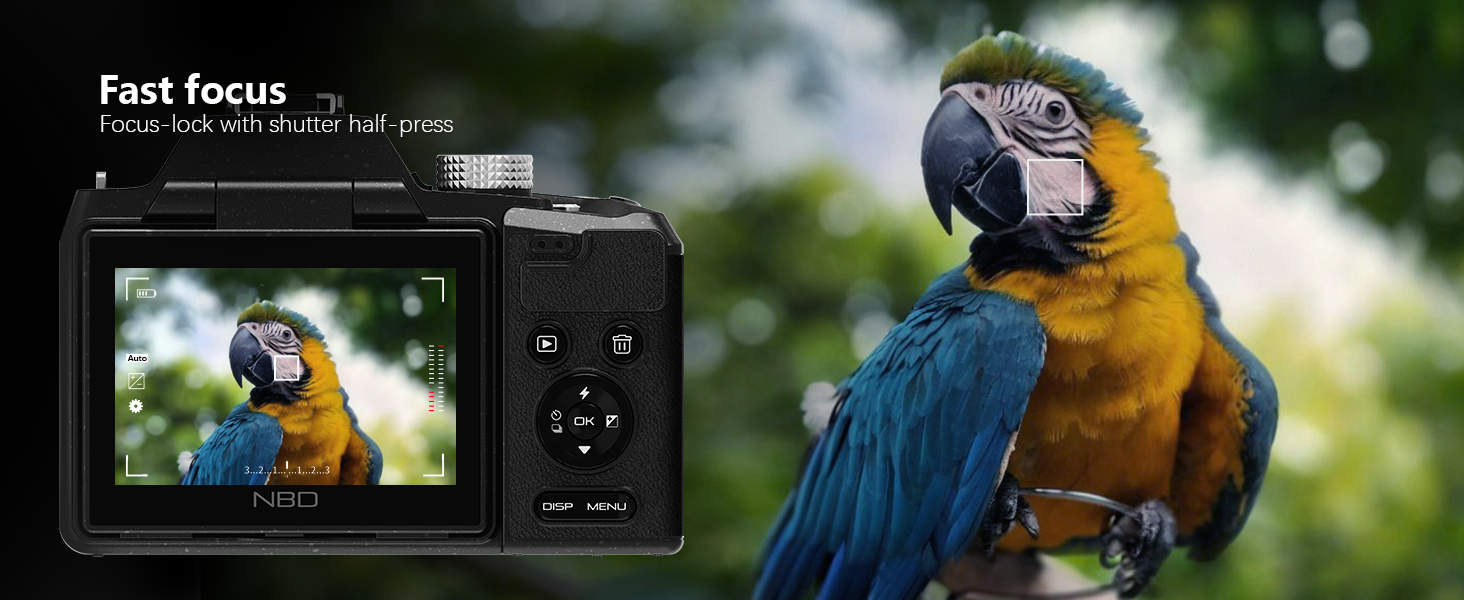
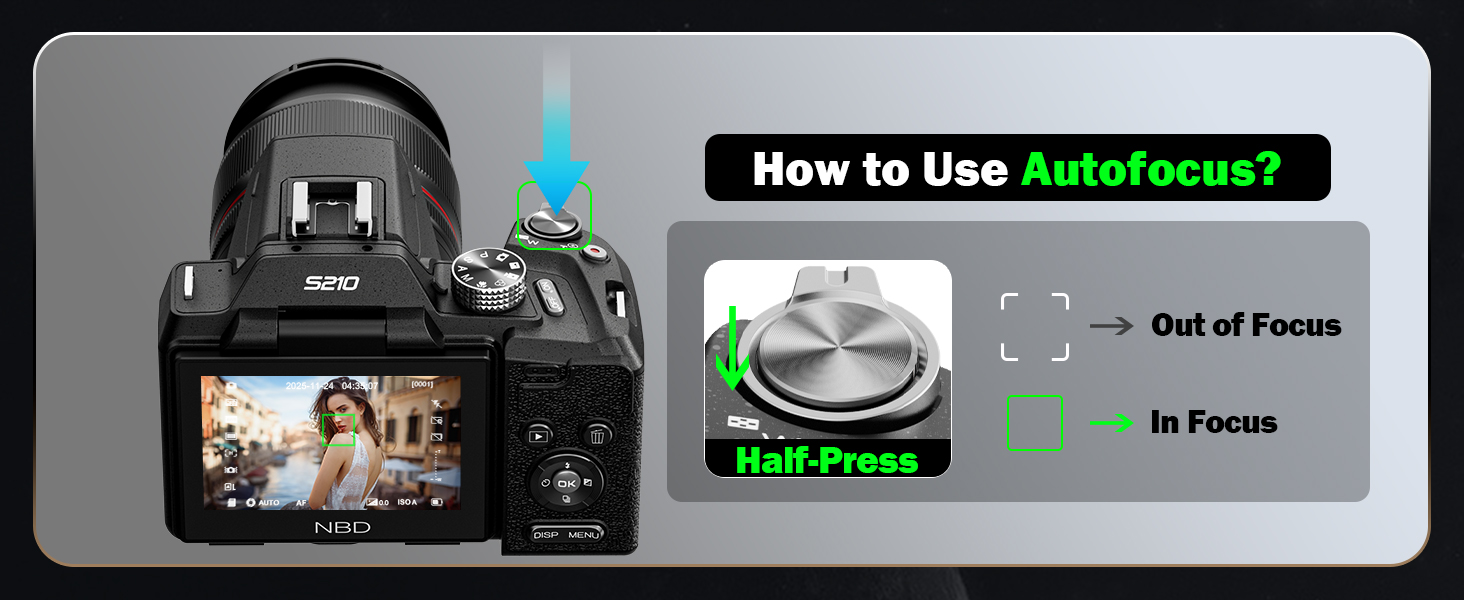
How to use autofocus while shooting?
Half-press the shutter button on the top of the camera, and the camera will quickly autofocus.
How to quickly switch camera shooting modes?
Rotate the mode dial on the top of the camera to quickly switch between photo/video and other modes.
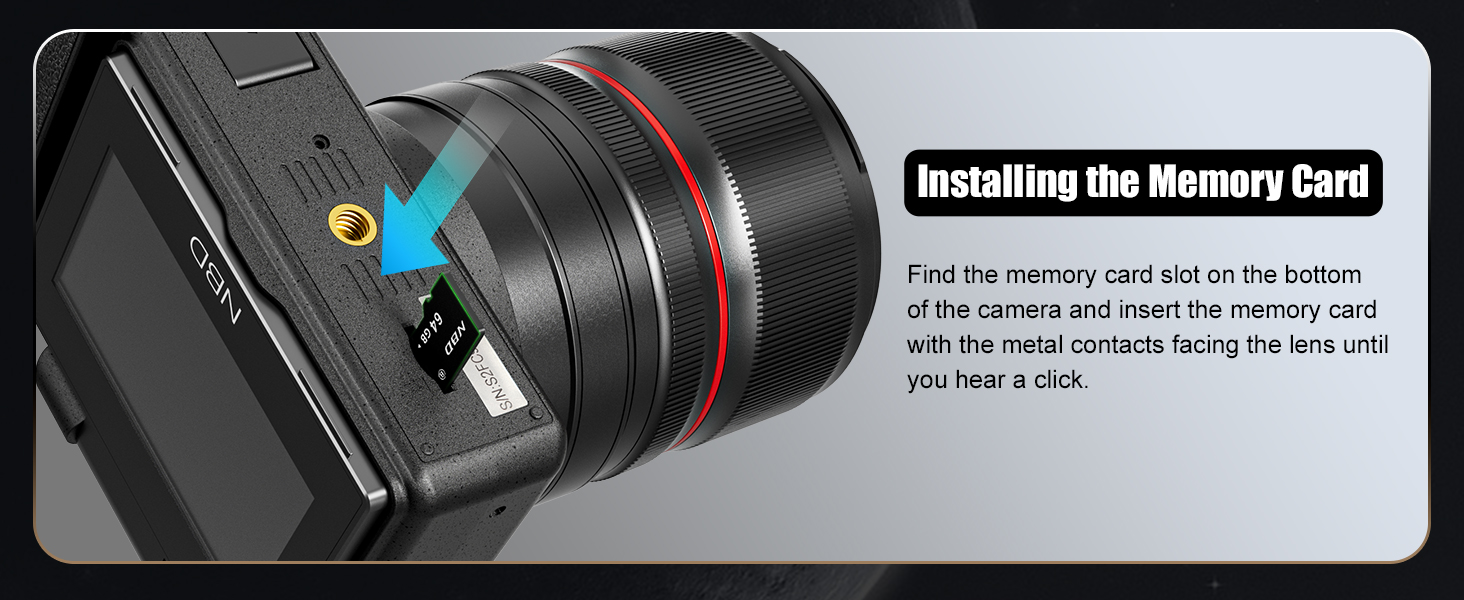
How do l install the Memory Card?
Locate the memory card slot at the bottom of the camera, insert the included TF card (or your own), and a click sound indicates successful installation.
loading
