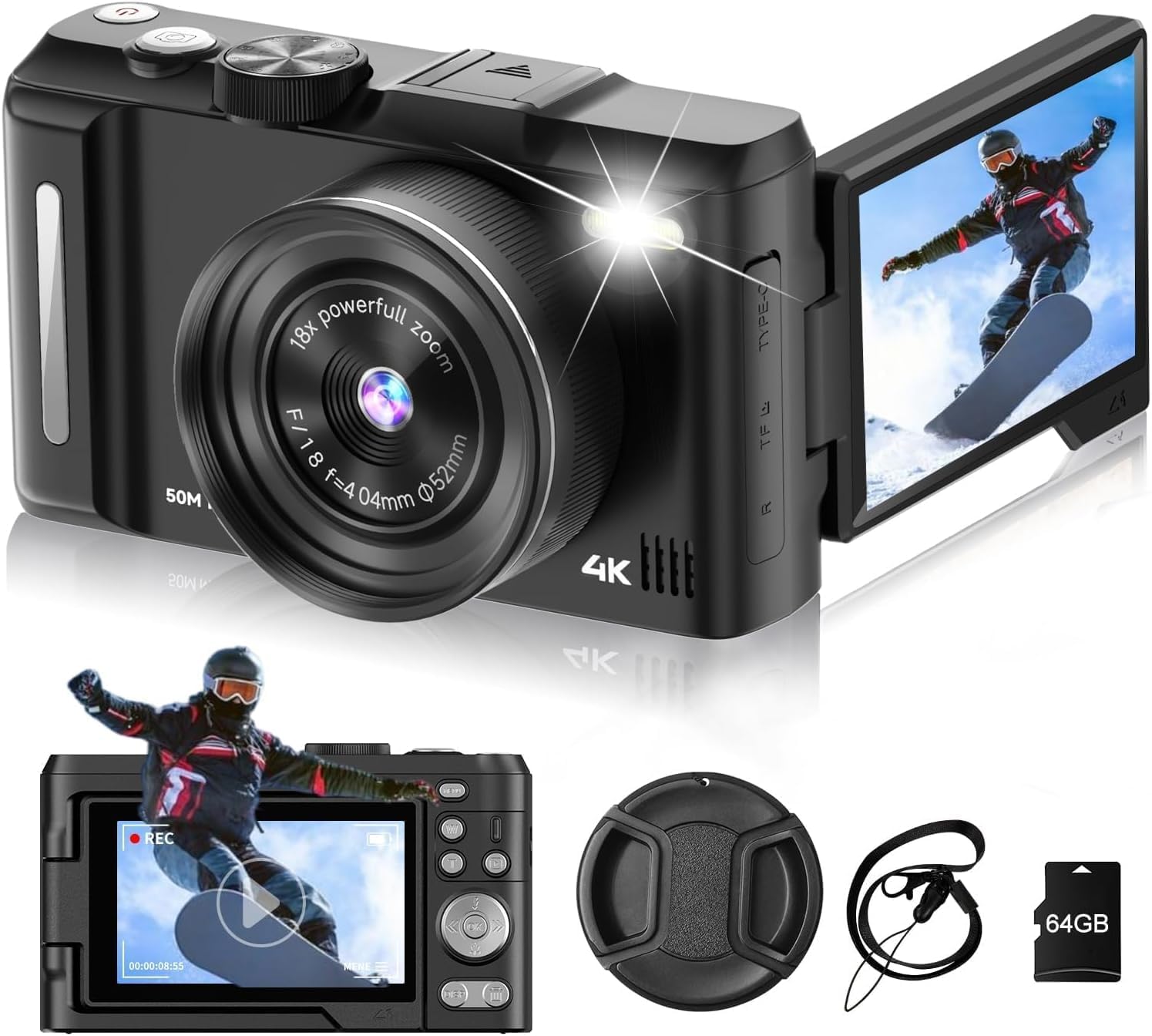
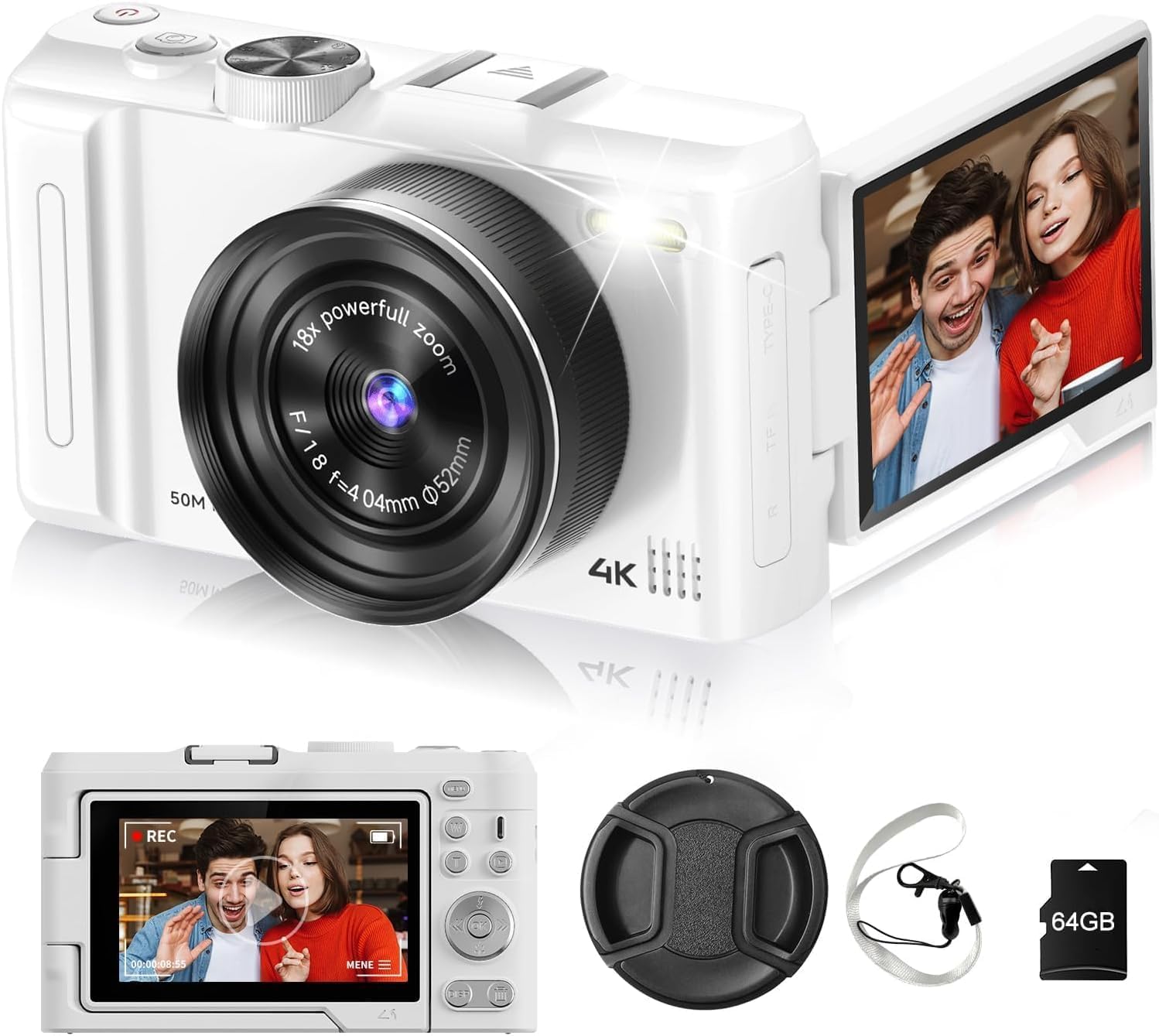

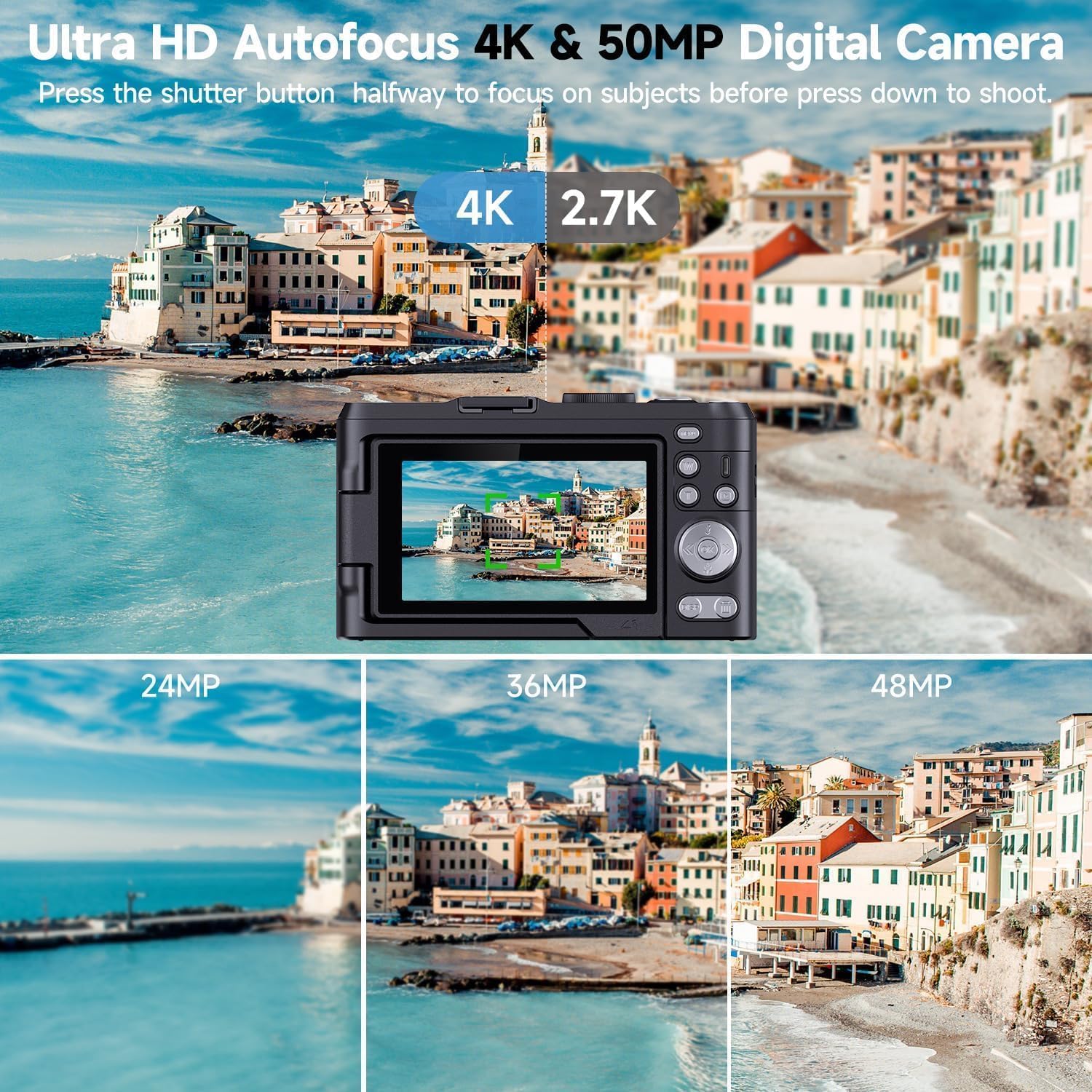


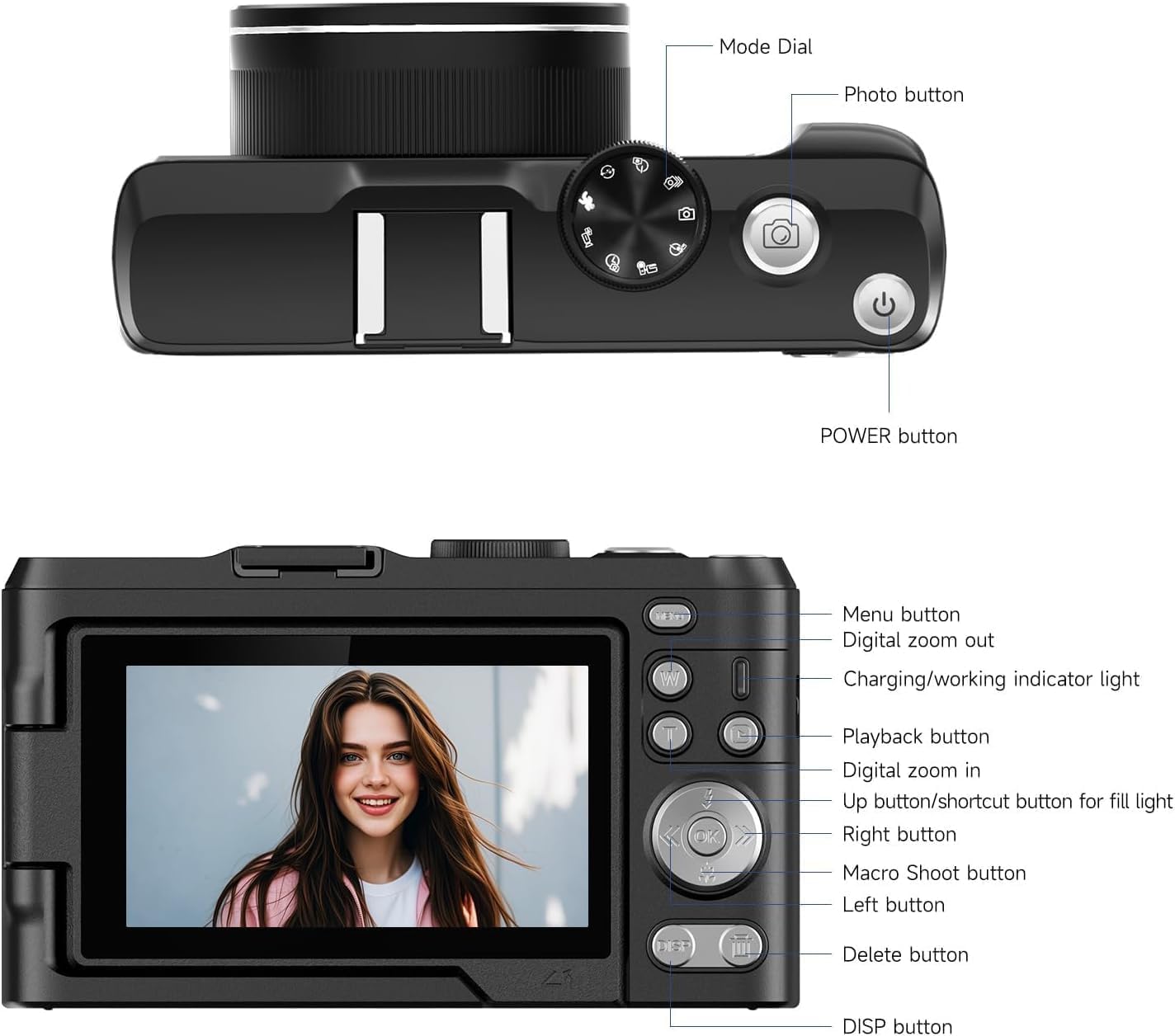






Free worldwide shipping
Free returns
Carbon neutral
Secure payments
| Zoom | Digital |
|---|---|
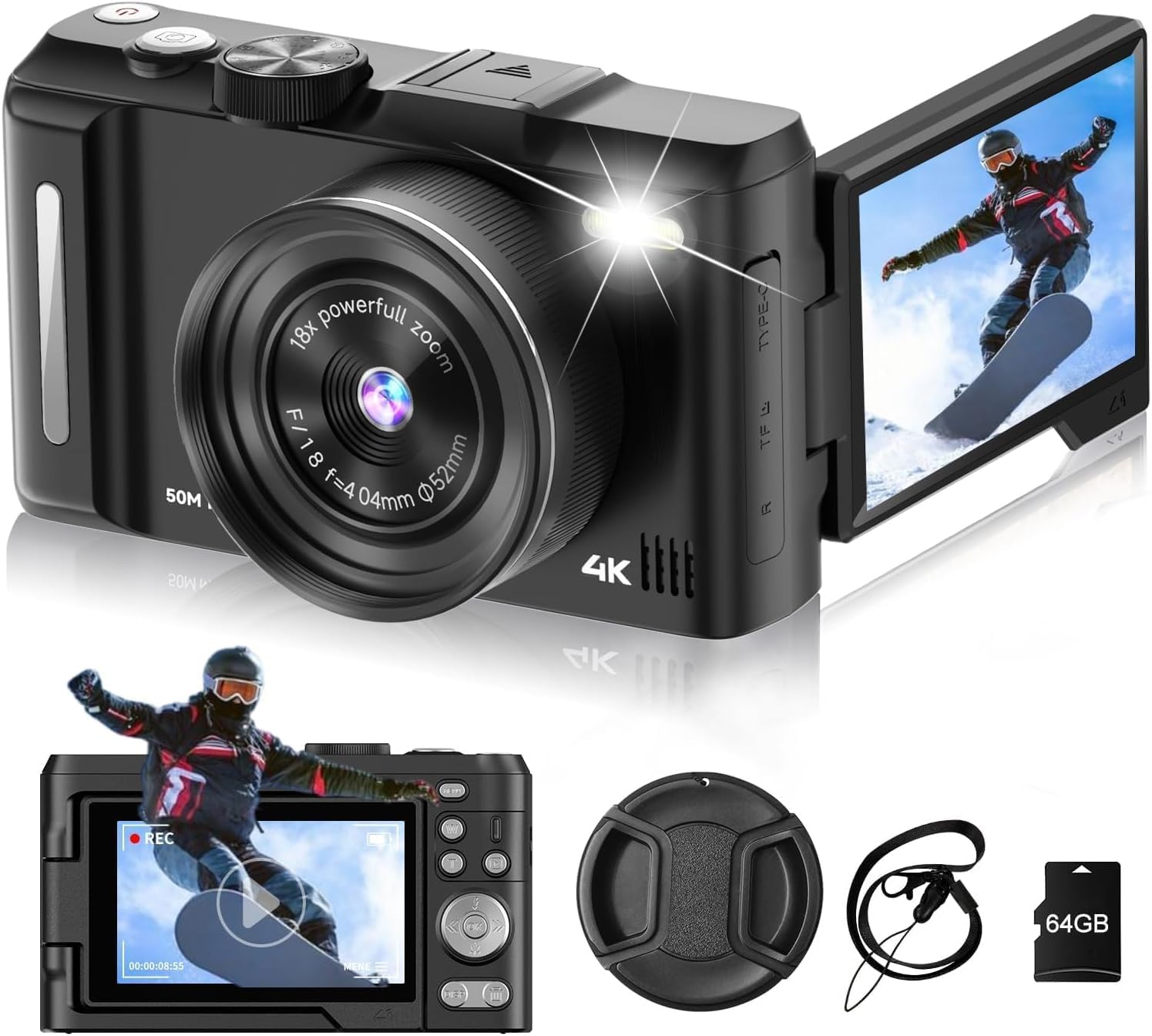
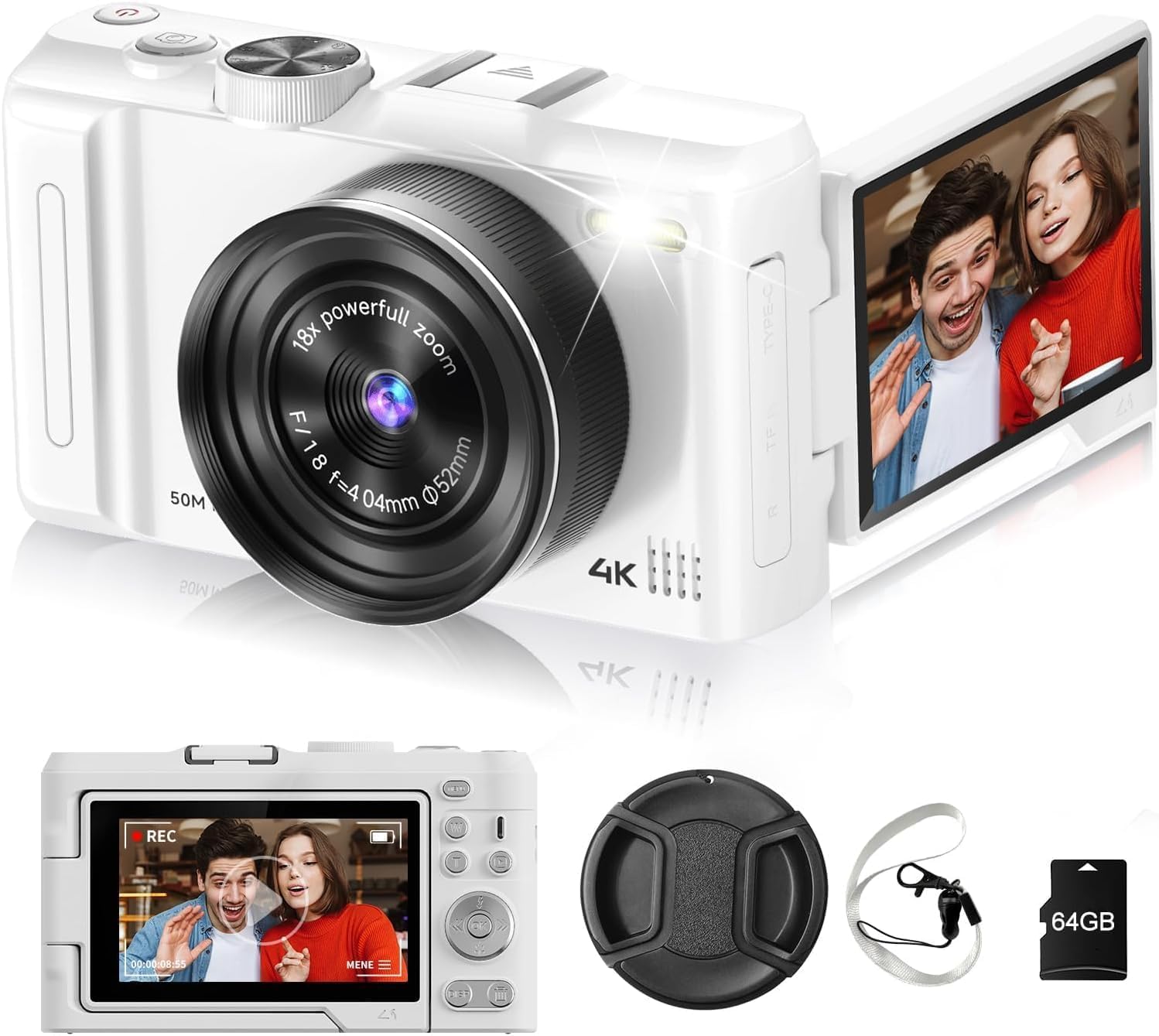
| Color | Black |
| Lens Type | Zoom |
| Focus Mode | Automatic AF (AF-A) |
| Focus Type | Auto Focus |
| Model Name | Camera |
| Unit Count | 1 Count |
| File Format | MP4 |
| Form Factor | Handheld |
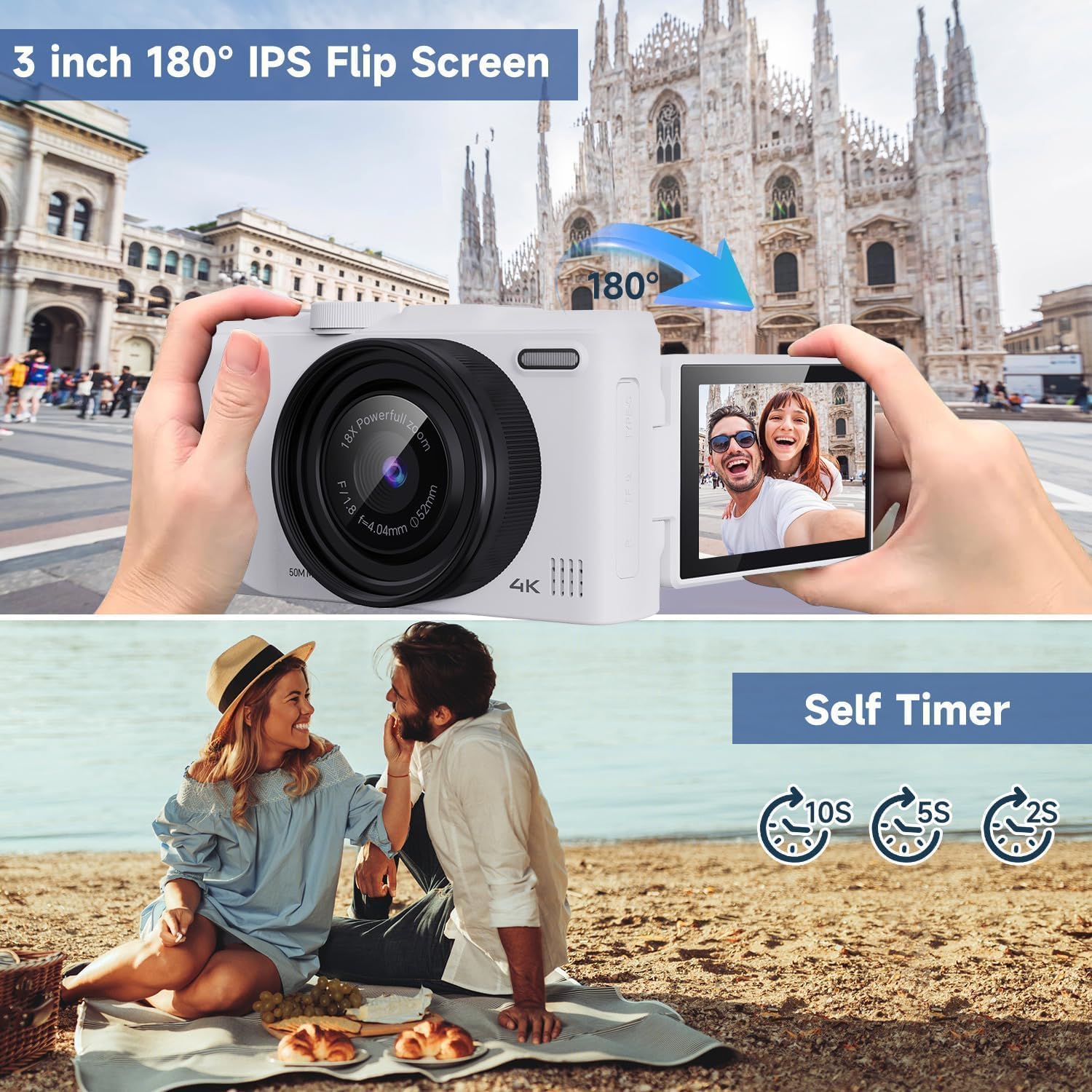
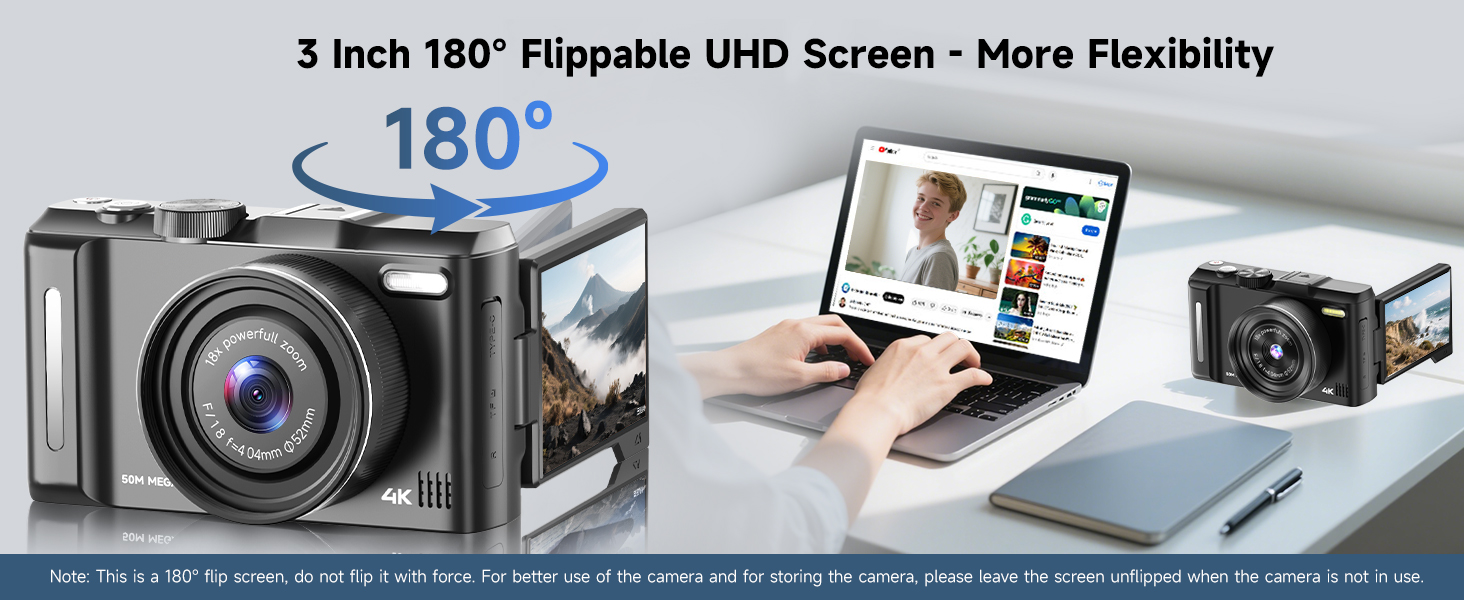
| Screen Size | 3 inches |
| Sensor Type | CMOS |
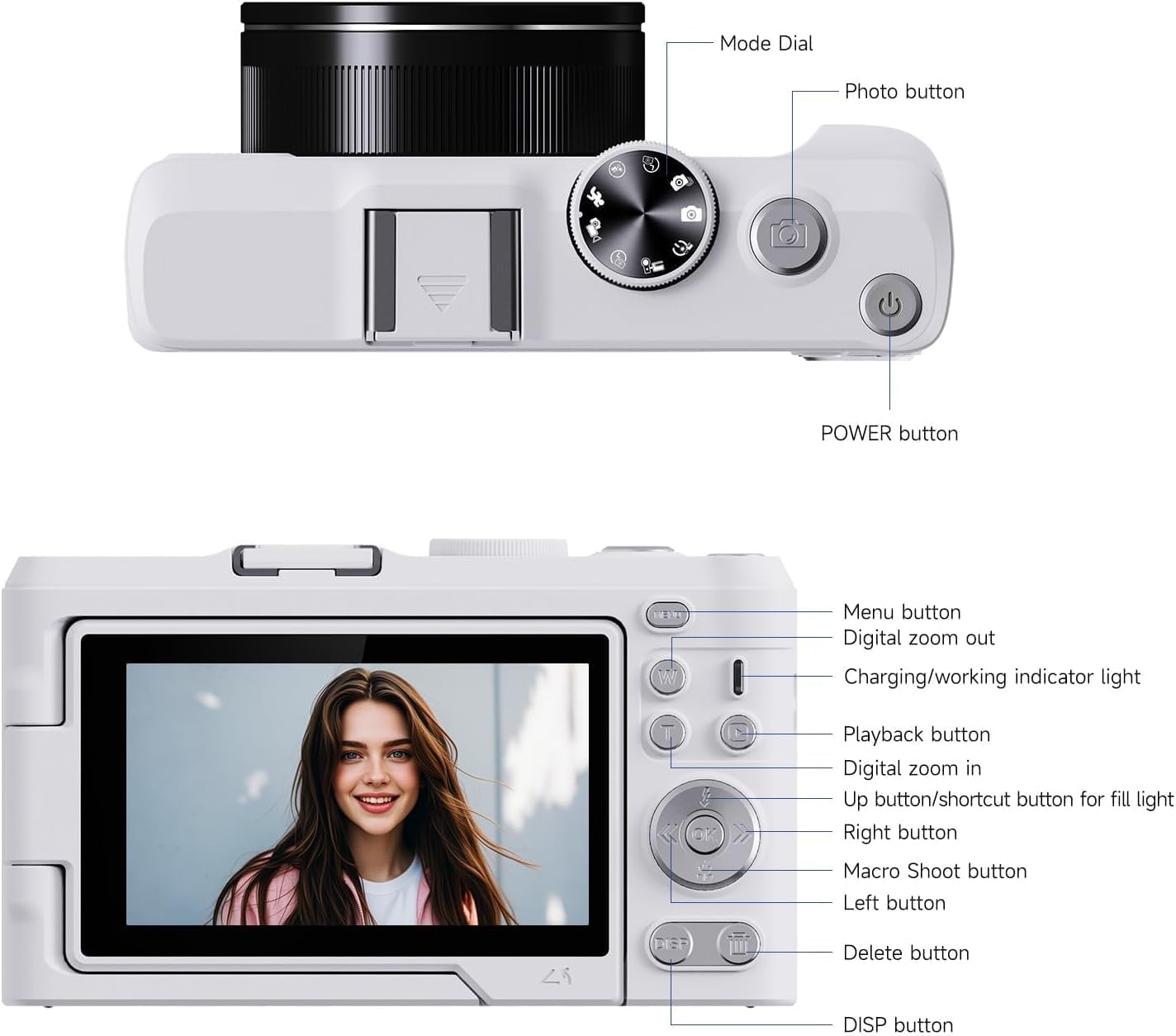
| Camera Flash | Built-In |
| Display Type | LED |
| Manufacturer | MINIBEAR |
| Model Number | DX9 Pro |
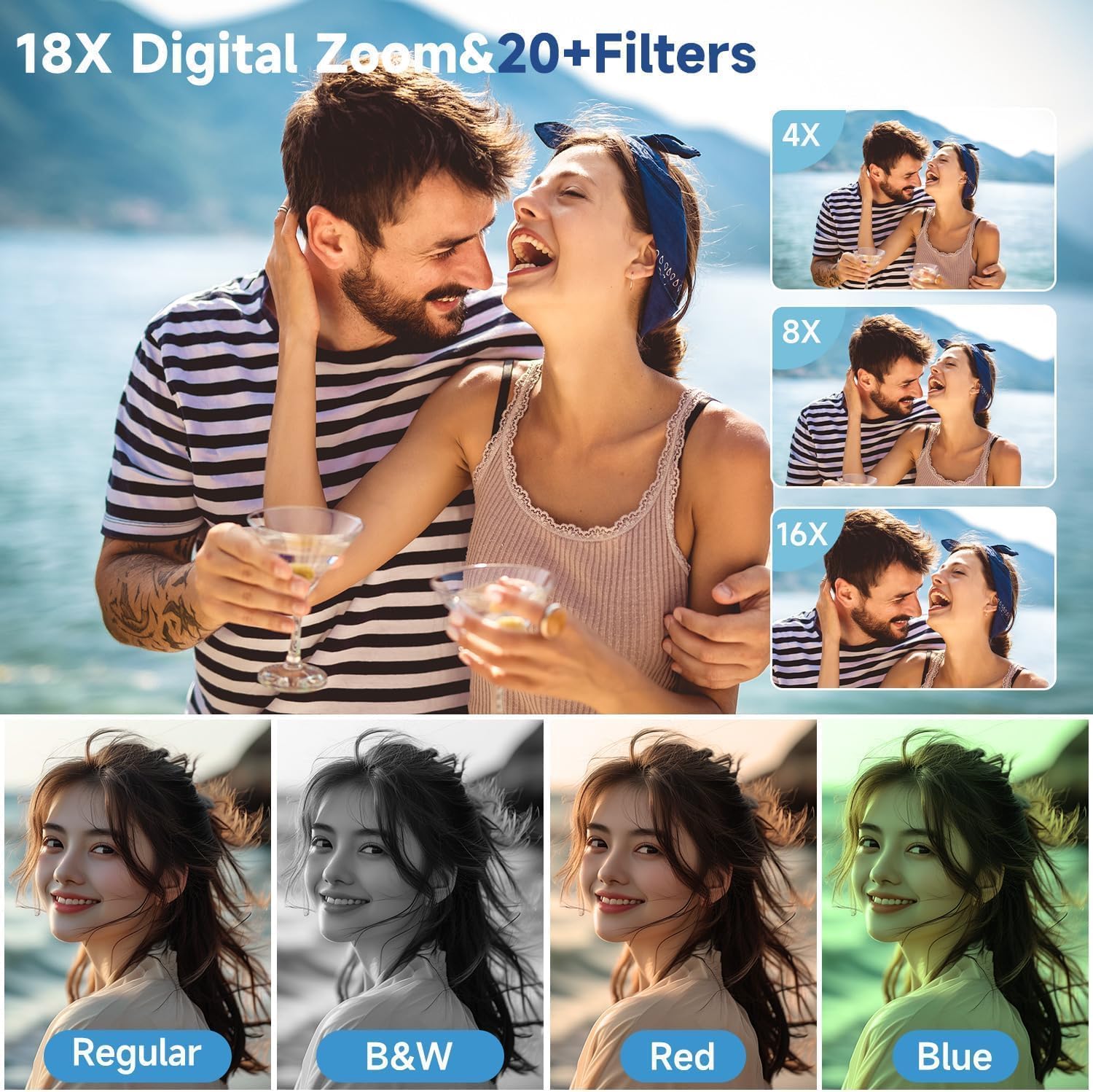
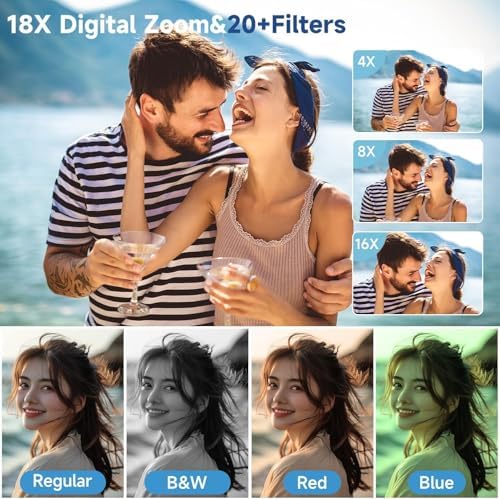
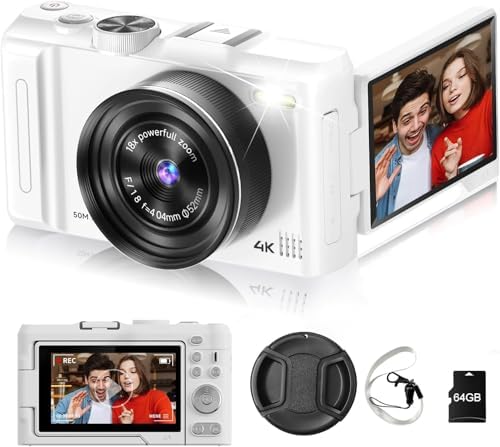
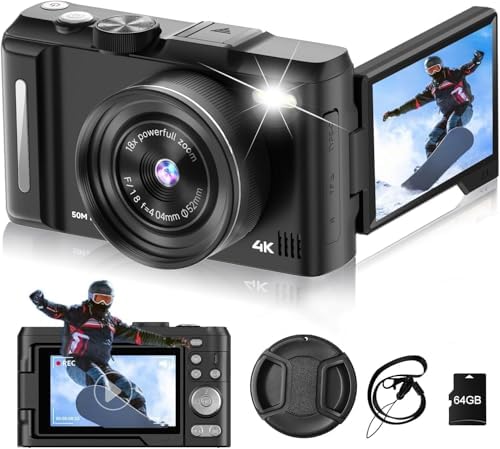
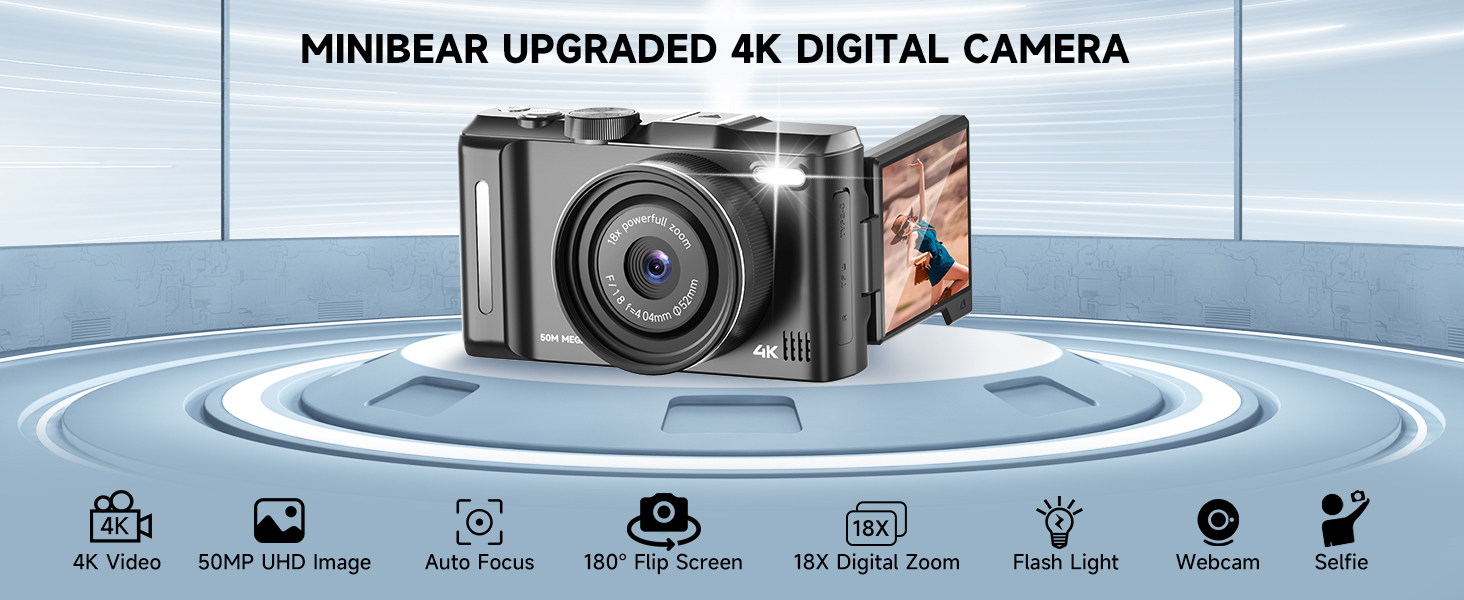
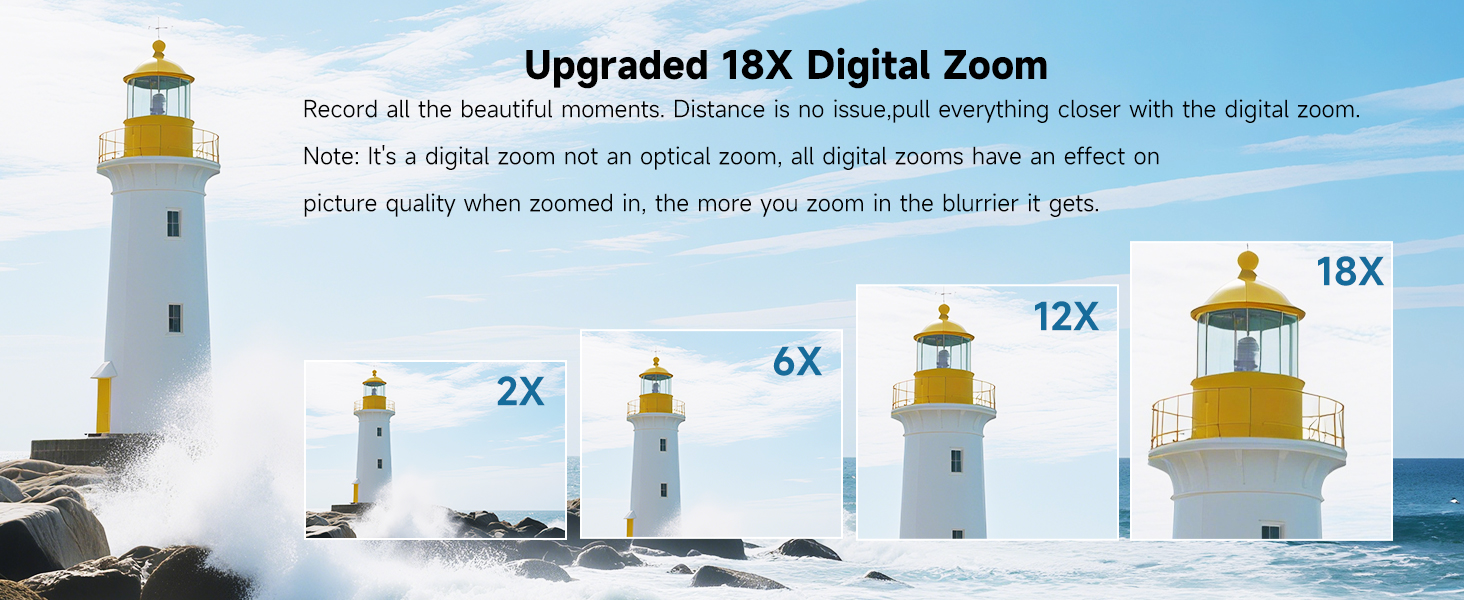
| Optical Zoom | 18 x |
| Photo Sensor | CMOS |
| Battery Weight | 2 g |
| Built-In Media | Camera Body & Accessories |
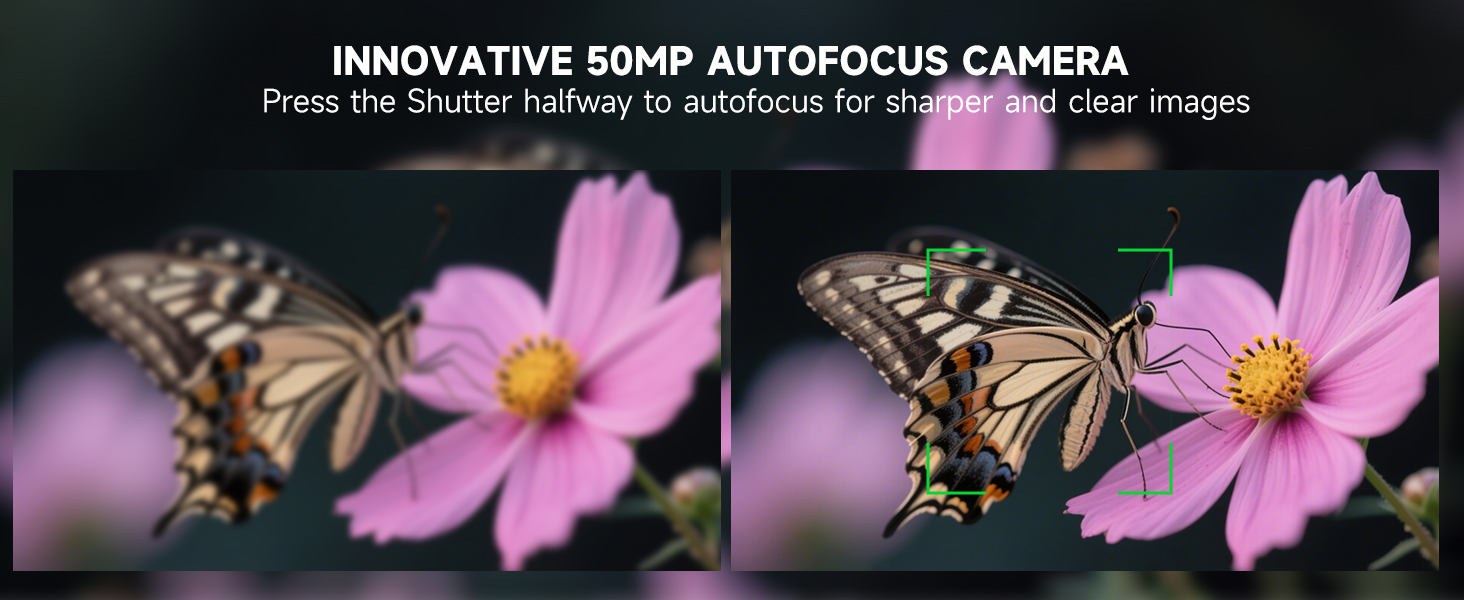
| Focus Features | Autofocus |
| Shooting Modes | Automatic, Manual, Landscape |
| Special Feature | digital-camera |
| Battery Capacity | 2000 milliamp_hours |
| Exposure Control | Automatic |
| Max Focal Length | 30 millimeters |
| Video Resolution | 2160p |
| Battery Cell Type | Lithium Ion |
| Flash Memory Type | Compact Flash |
| Photo Sensor Size | 1/4-inch |
| Compatible Devices | Laptop, Personal Computer |
| Image Capture Type | Stills & Video |
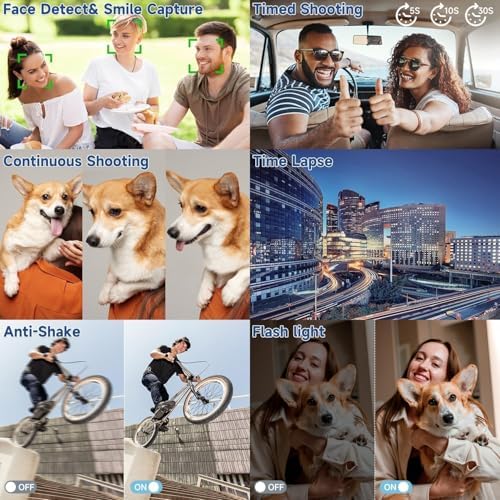
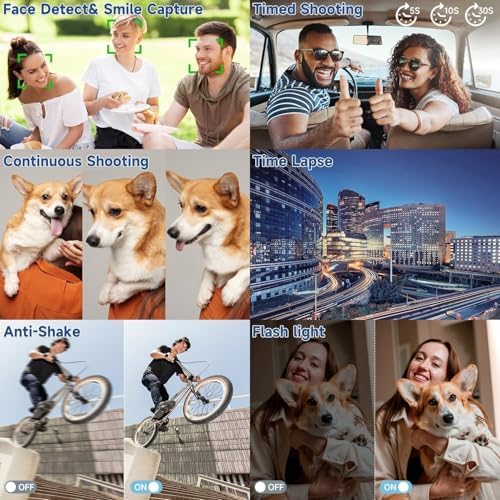
| Image Stabilization | Digital |
| Image stabilization | Digital |
| Number of Batteries | 1 AAA batteries required. (included) |
| Maximum Focal Length | 30 millimeters |
| Minimum Focal Length | 28 millimeters |
| Supported Media Type | TF Card |
| Video Capture Format | MP4 |
| Warranty Description | 12 months warranty |
| Exposure Control Type | Automatic |
| Supported Image Format | JPEG |
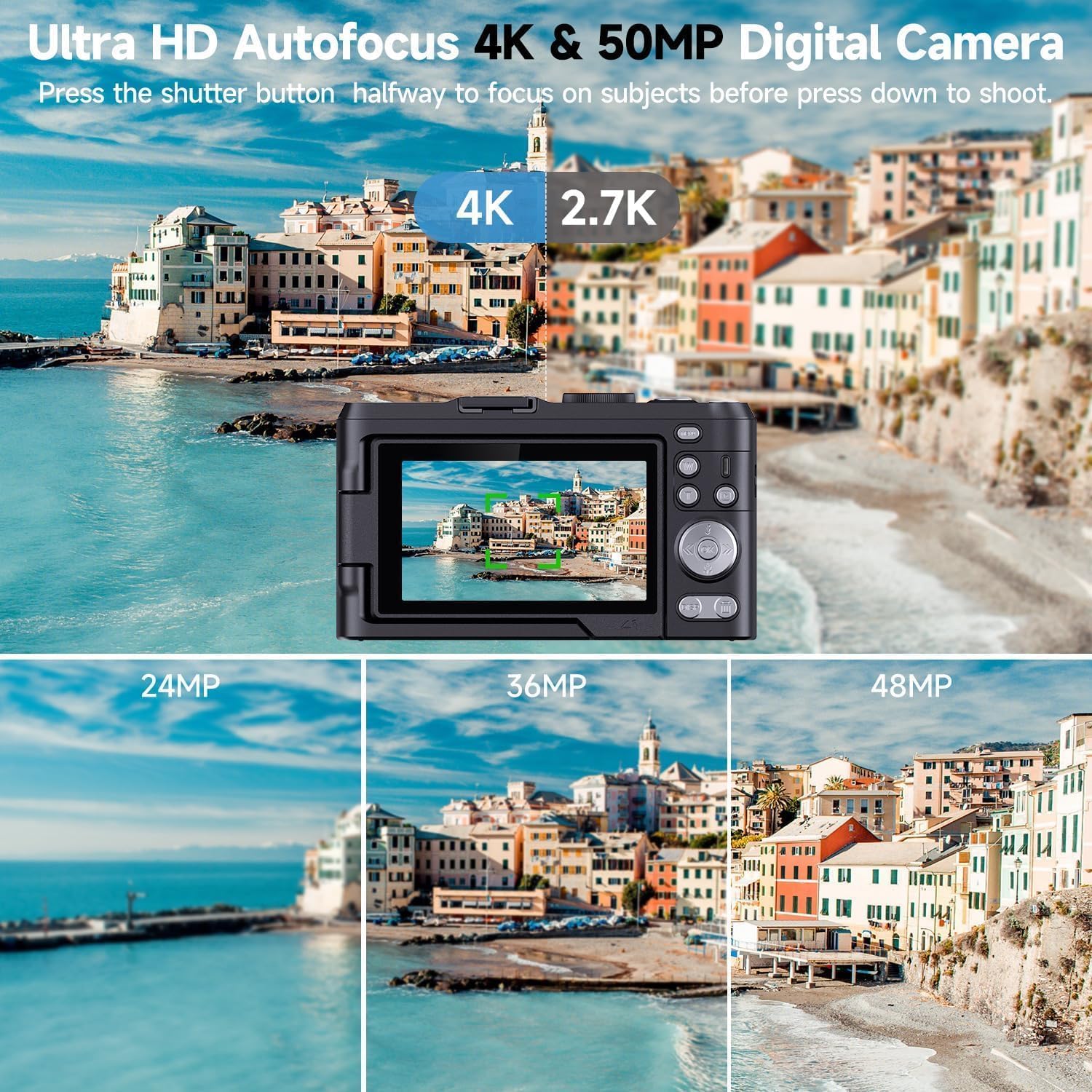
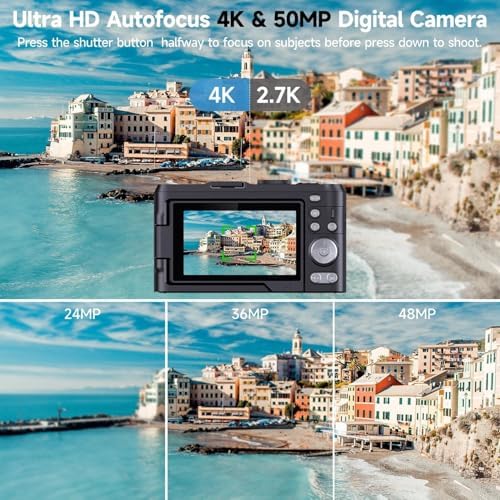
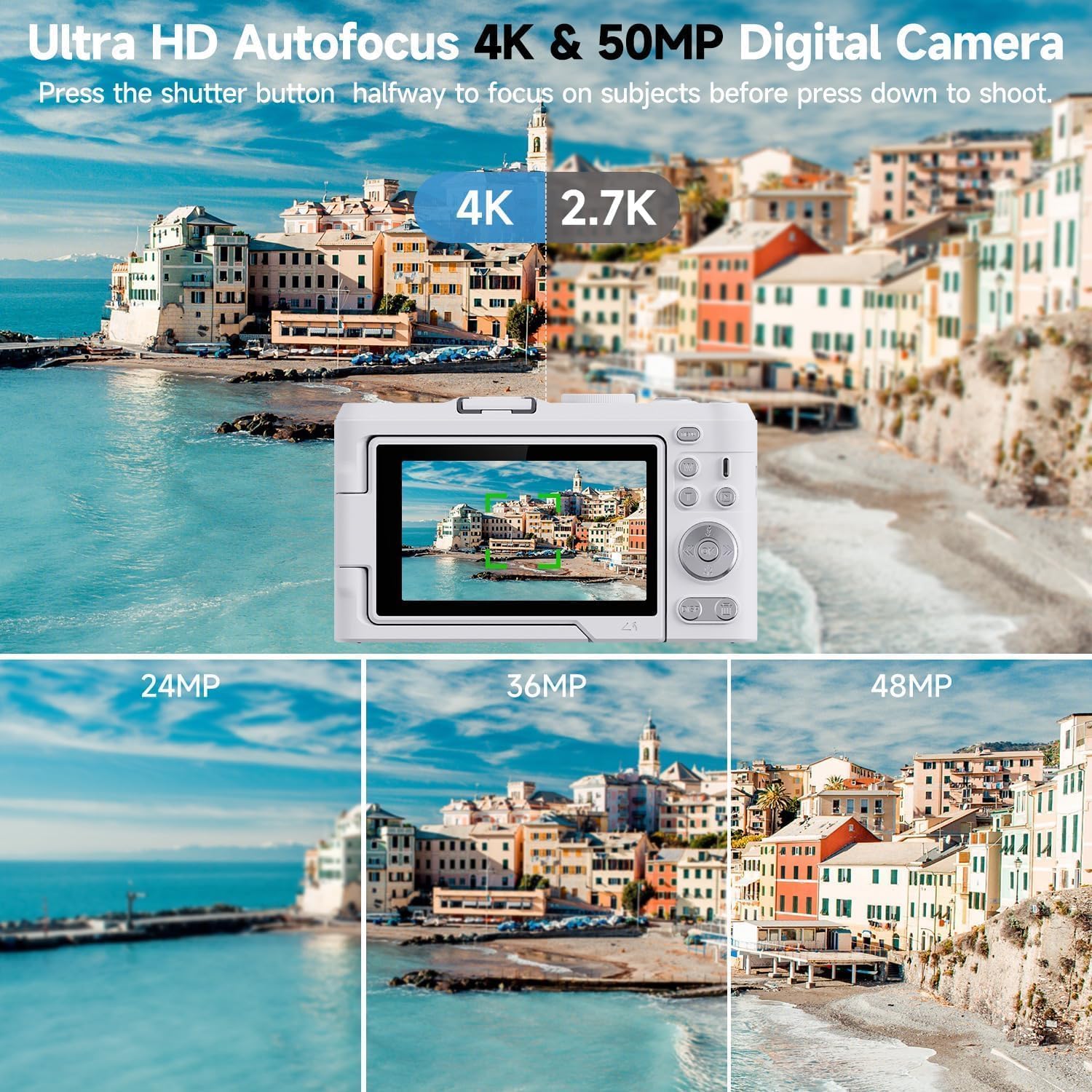
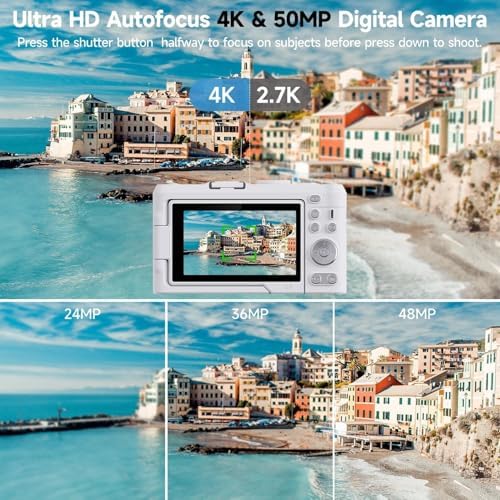
| Total Still Resolution | 50 mp |
| Water Resistance Level | Not Water Resistant |
| Connectivity Technology | USB |
| Memory Storage Capacity | 64 GB |
| Photo Sensor Resolution | 50 mp |
| Manufacturer Part Number | DX9 Pro |
| Specific Uses For Product | Vlogging |
| Display Resolution Maximum | 4k pixels |
| Effective Still Resolution | 1500 mp |
| Compatible Flash Memory Type | microSDXC |
| Flash Memory Video Speed Class | V90 |
Is this point and shoot digital camera designed for for Professional users?
No, this camera is designed for beginners and amateurs, not for Professional users.
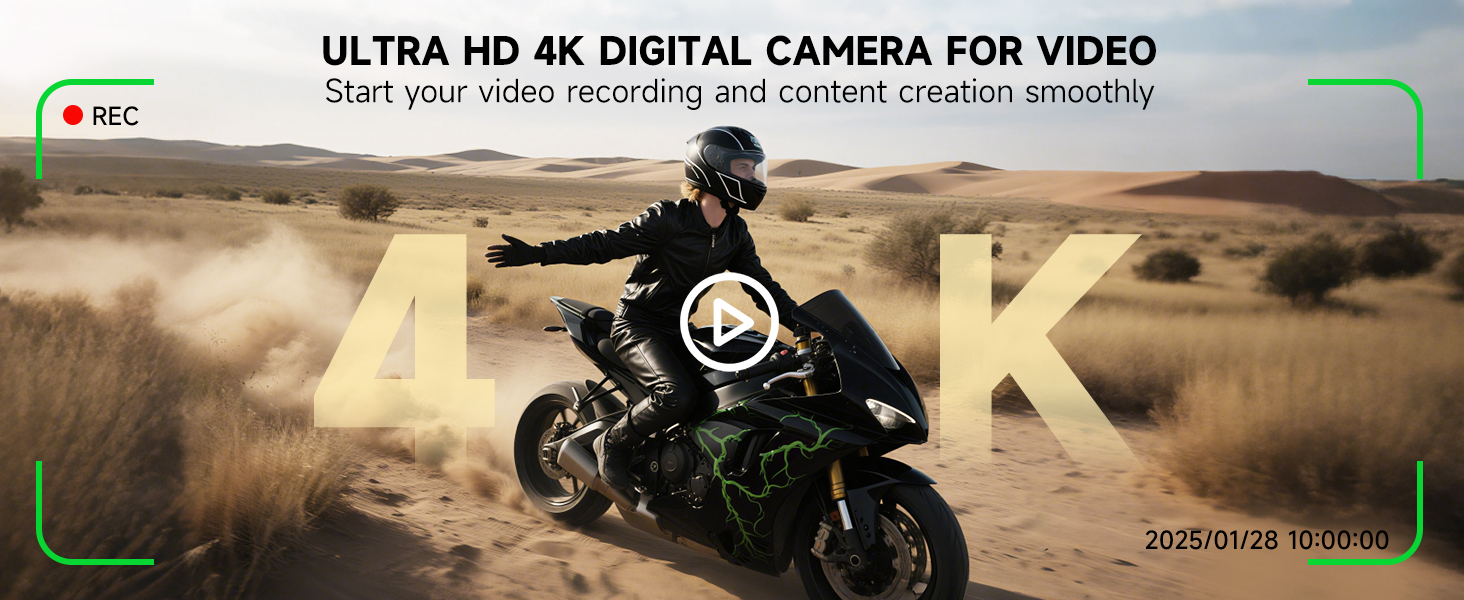
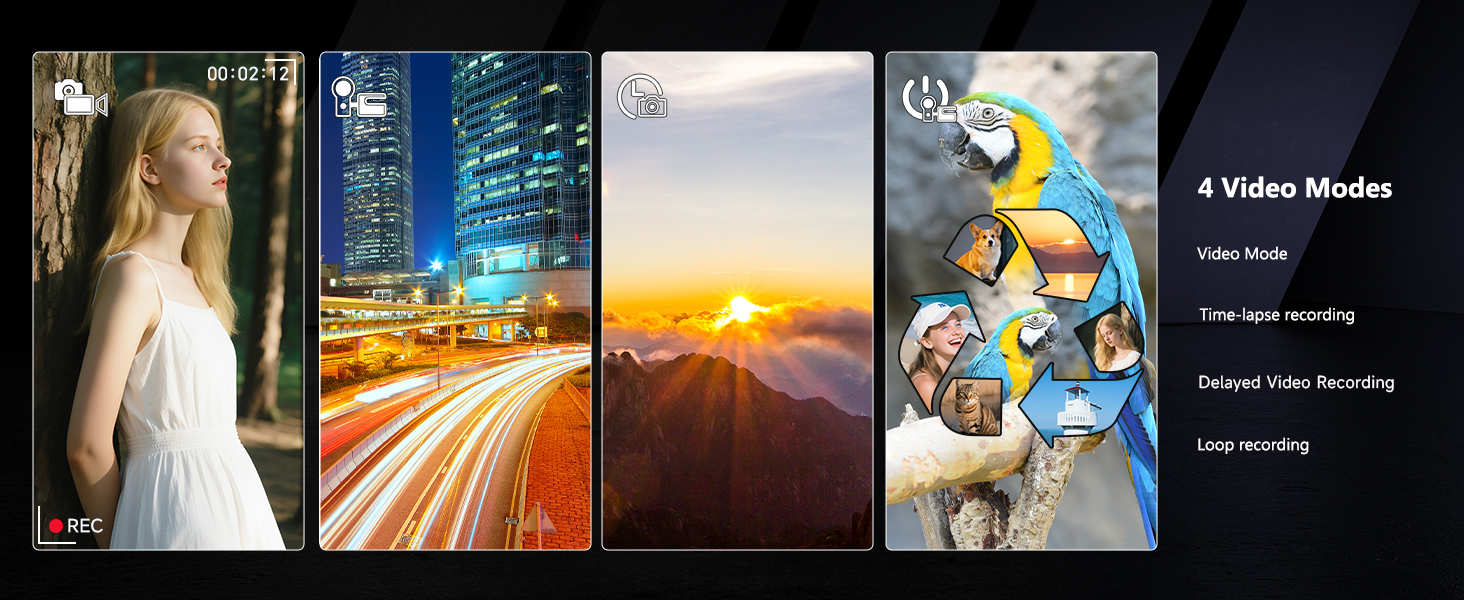
Can I use it as a video camera?
Yes, this point and shoot digital camera can be used as video camera, but it doesn't contain microphone, you need prepare an extra microphone.
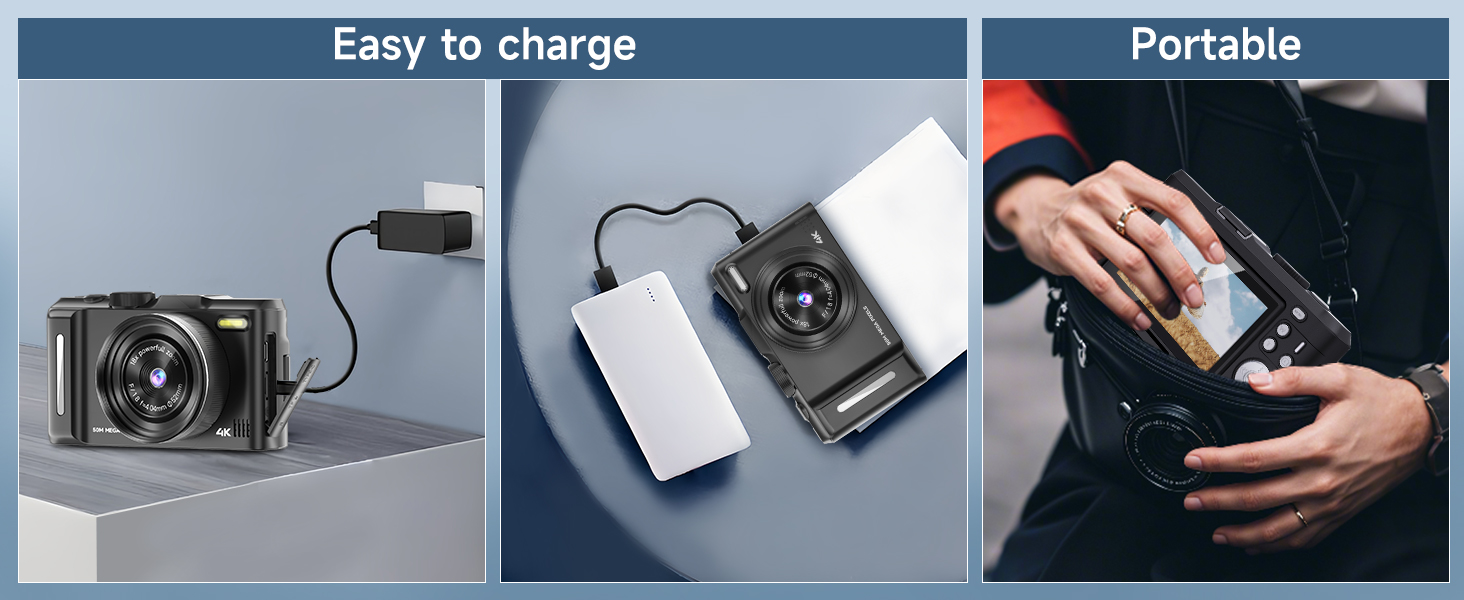
How do I charge the camera?
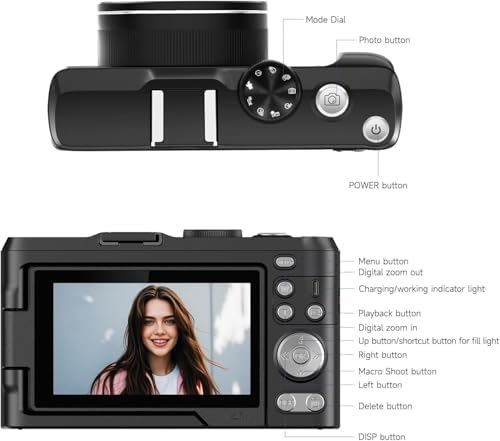
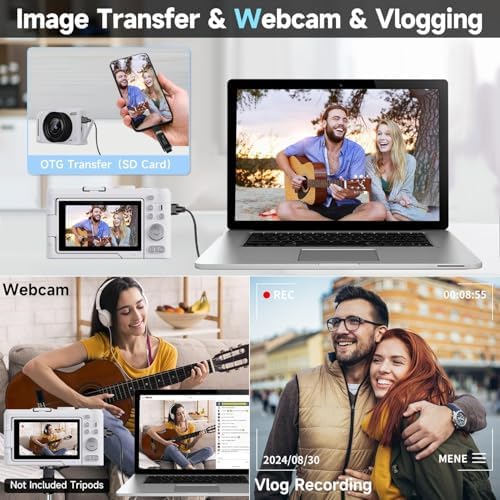
It’s easy – just connect the camera to the USB cable and adapter, then plug it into a power socket or power bank.
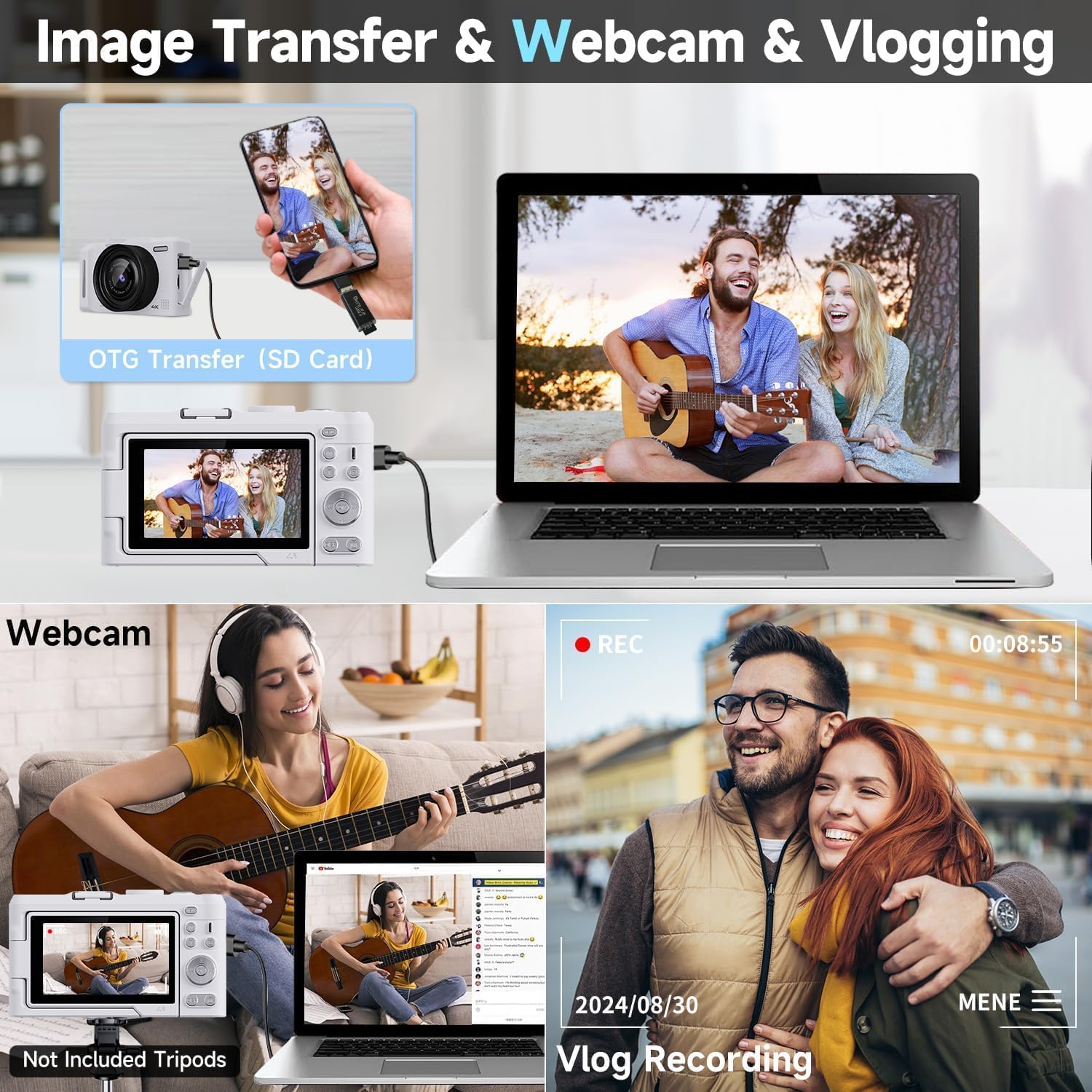
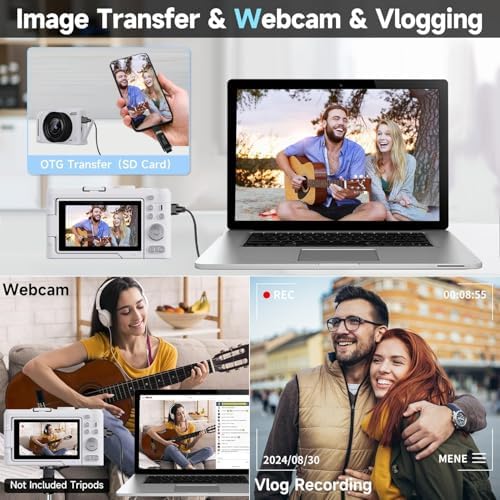
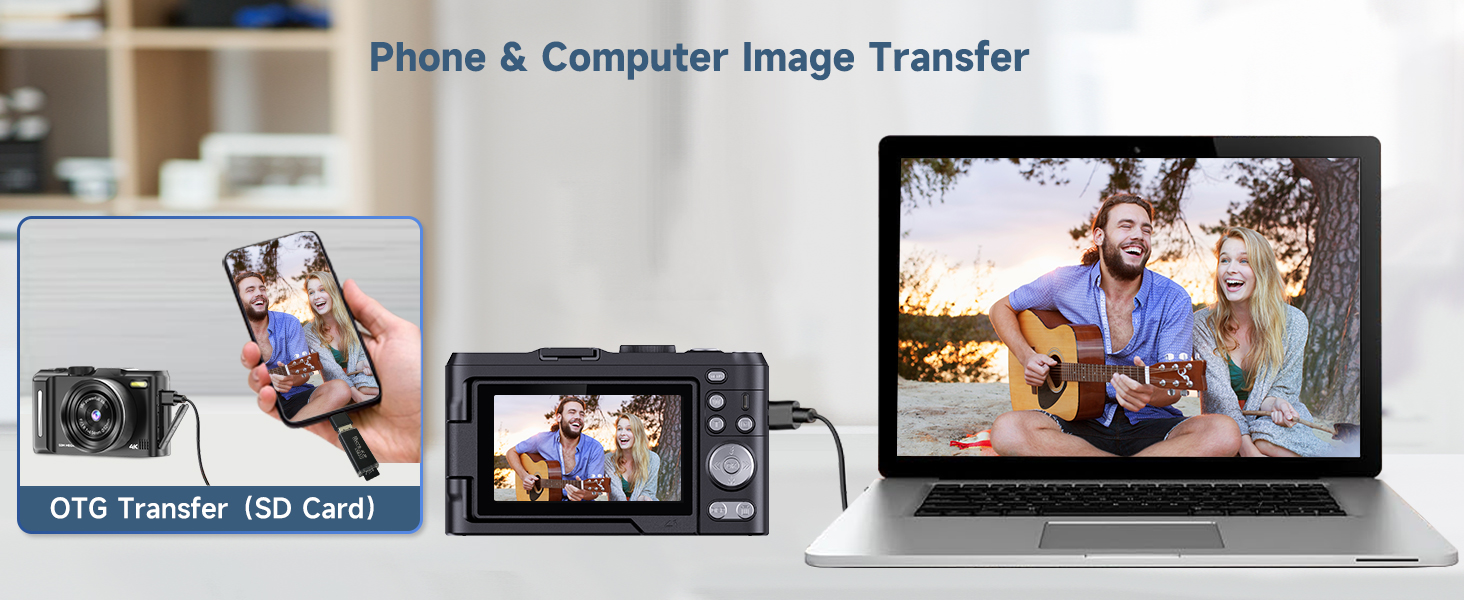
How do I transfer the photos from the camera?
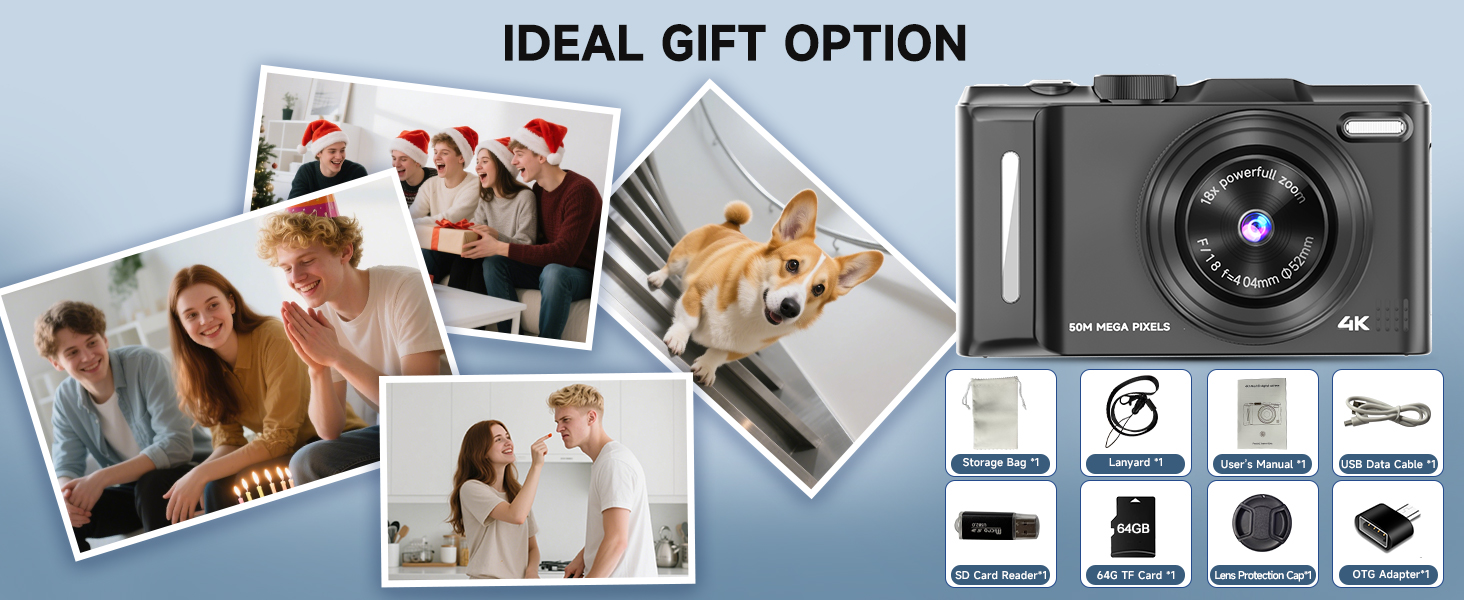
First, take the SD card out of the camera and plug it into the card reader. Then you can do either of these:
1.Plug the card reader into your phone using OTG to transfer the photos.
2.Transfer the images to your computer via the card reader.
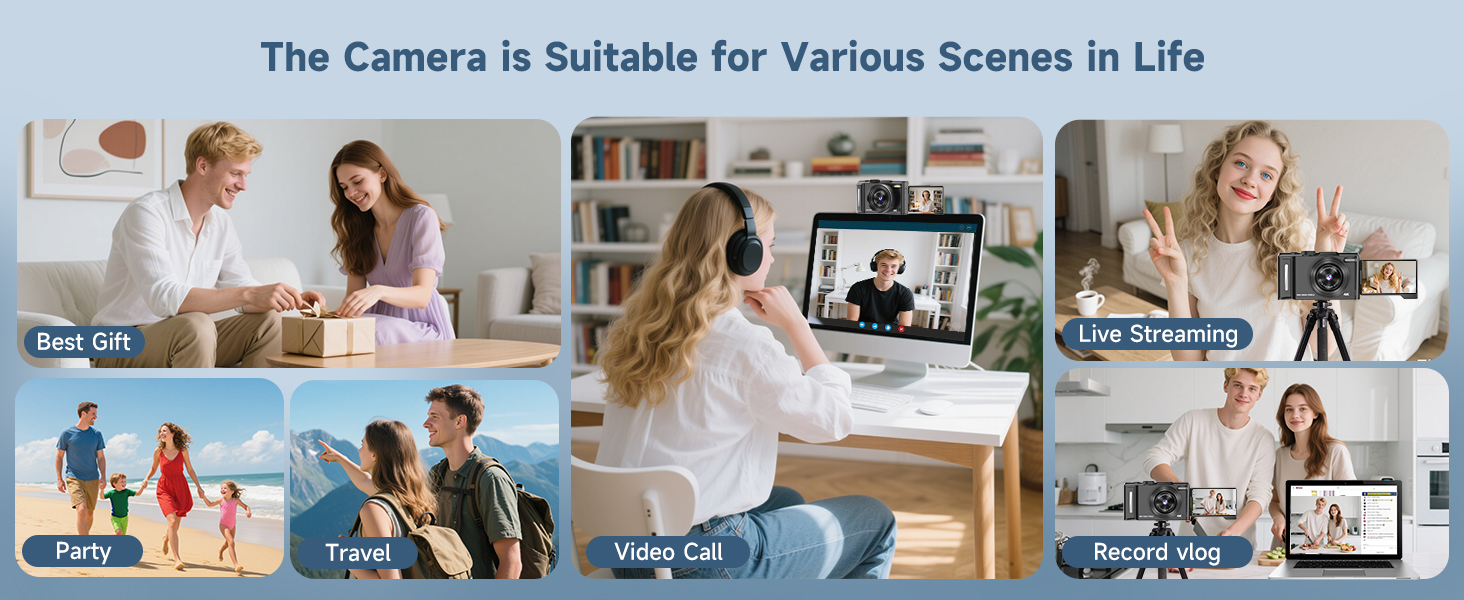
How do I use the camera as a webcam?
Connect the camera to your computer via the usb cable, choose "PC Camera" when a dialog pops up on the screen. Then the camera can work as a webcam for live streaming or video chat.
loading
